Upgrade to Pro — share decks privately, control downloads, hide ads and more …

Gmail Corporate Account

Gmail Corporate Account

Businesses can use Gmail Corporate Account as a professional email address with the same Gmail trusted platform. It offers custom email addresses additional security features ample storage space and allows seamless integrations with other Google Workspace applications. Maintain a professional image and ensure efficient secure communication with a professional-grade Gmail Corporate Account.

Avatar for Google Enterprise Email

Google Enterprise Email

December 17, 2024
Tweet

Other Decks in Technology

Transcript

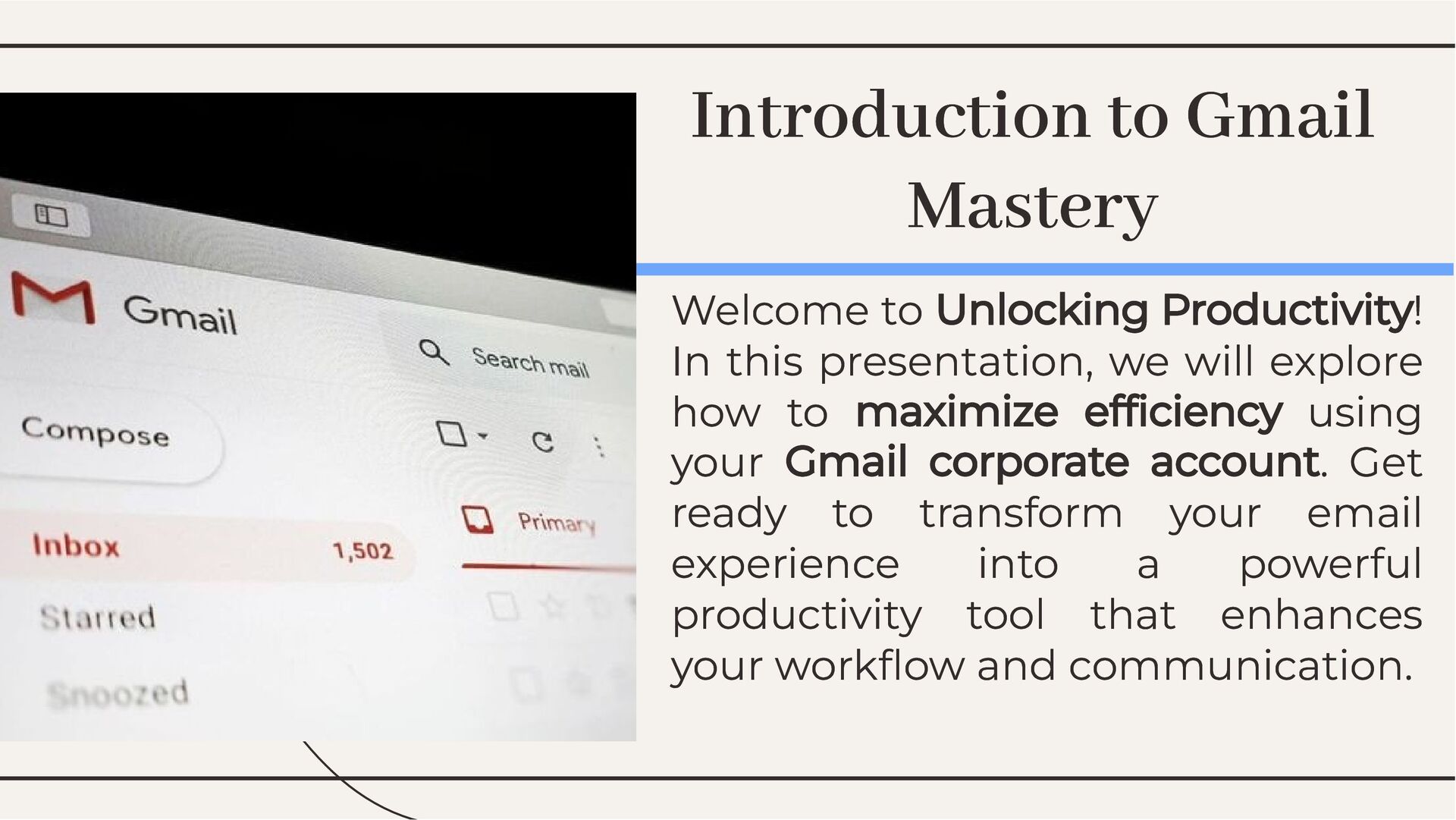
  1. Introduction to Gmail Mastery Introduction to Gmail Mastery Welcome to

    Unlocking Productivity! In this presentation, we will explore how to maximize efficiency using your Gmail corporate account. Get ready to transform your email experience into a powerful productivity tool that enhances your workflow and communication. Welcome to Unlocking Productivity! In this presentation, we will explore how to maximize efficiency using your Gmail corporate account. Get ready to transform your email experience into a powerful productivity tool that enhances your workflow and communication.
  2. Organize Your Inbox Organize Your Inbox A cluttered inbox can

    hinder productivity. Use labels, filters, and categories to keep your emails organized. This allows you to focus on what matters most and respond to important messages promptly, enhancing your overall workflow efficiency. A cluttered inbox can hinder productivity. Use labels, filters, and categories to keep your emails organized. This allows you to focus on what matters most and respond to important messages promptly, enhancing your overall workflow efficiency.
  3. Did you know that using keyboard shortcuts can significantly speed

    up your email management? Mastering shortcuts for common actions like replying, forwarding, and searching can save you valuable time and make you feel like a Gmail pro. Did you know that using keyboard shortcuts can significantly speed up your email management? Mastering shortcuts for common actions like replying, forwarding, and searching can save you valuable time and make you feel like a Gmail pro. Utilize Keyboard Shortcuts Utilize Keyboard Shortcuts
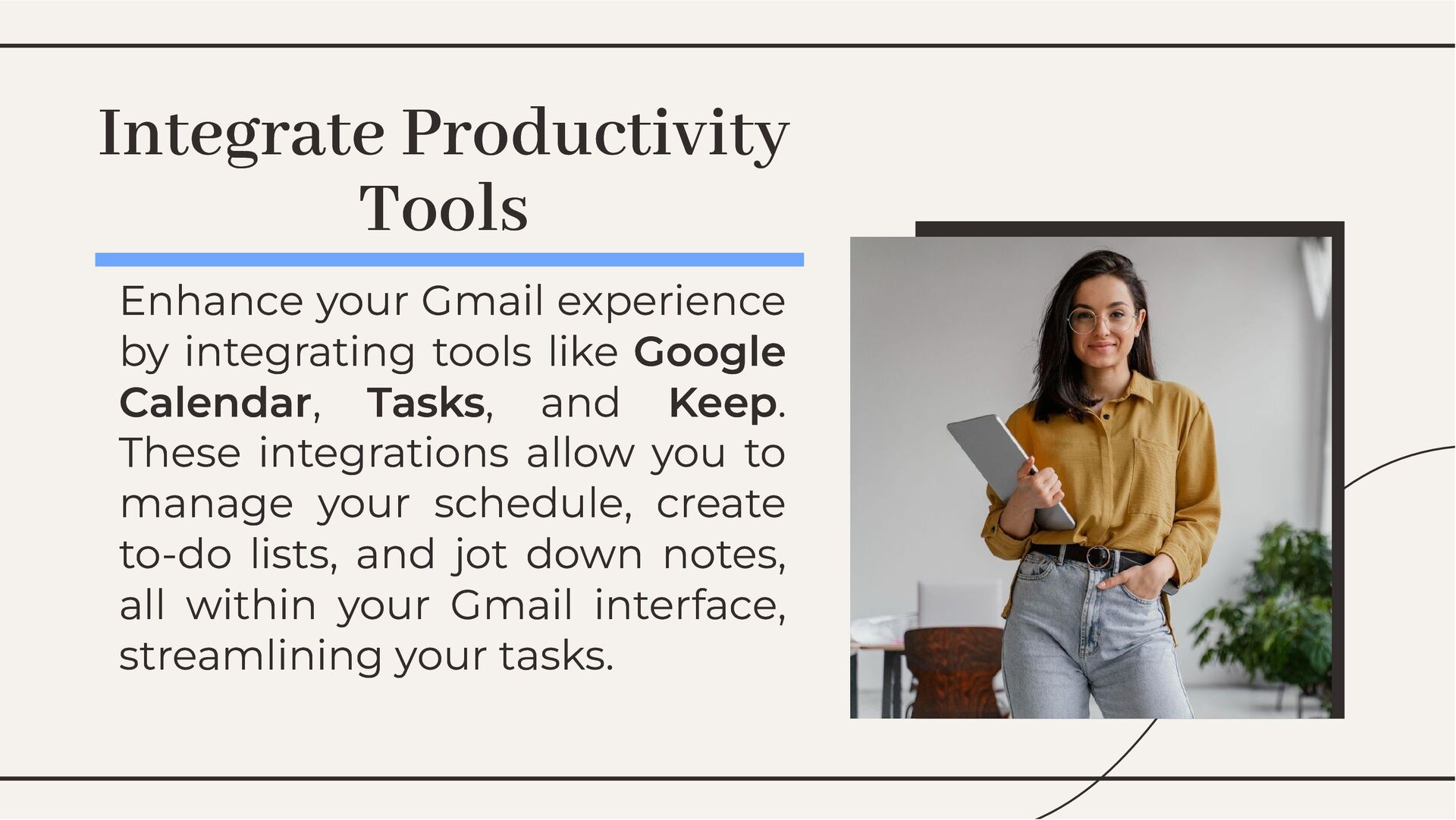
  4. Enhance your Gmail experience by integrating tools like Google Calendar,

    Tasks, and Keep. These integrations allow you to manage your schedule, create to-do lists, and jot down notes, all within your Gmail interface, streamlining your tasks. Enhance your Gmail experience by integrating tools like Google Calendar, Tasks, and Keep. These integrations allow you to manage your schedule, create to-do lists, and jot down notes, all within your Gmail interface, streamlining your tasks. Integrate Productivity Tools Integrate Productivity Tools
  5. By applying these strategies, you can unlock the full potential

    of your Gmail corporate account. Remember, a well-organized inbox, effective use of shortcuts, and tool integration are key to achieving greater productivity and efficiency in your daily tasks. By applying these strategies, you can unlock the full potential of your Gmail corporate account. Remember, a well-organized inbox, effective use of shortcuts, and tool integration are key to achieving greater productivity and efficiency in your daily tasks. Conclusion: Your Path to Productivity Conclusion: Your Path to Productivity
  6. Thanks! Thanks! Do you have any questions? Do you have

    any questions? https://searce.com/google-workspace