Upgrade to Pro
— share decks privately, control downloads, hide ads and more …
Speaker Deck
Sign up for free
Menu
Search
Features
All features
Private URLs
Password Protection
Custom URLS
Scheduled publishing
Remove Branding
Restrict embedding
Deck Collections
Notes
Features
All features
Private URLs
Password Protection
Custom URLS
Scheduled publishing
Remove Branding
Restrict embedding
Deck Collections
Notes
Explore
Featured decks
Featured speakers
Programming
Technology
Storyboards
Explore
Featured decks
Featured speakers
Programming
Technology
Storyboards
Pricing
Search
Sign in
Sign up for free
Overpassの使い方
Search
Seina
July 14, 2016
53
0
Share
Embed
Copy iframe code
Copy JS code
Copy link
Start on current slide
Overpassの使い方
Seina
July 14, 2016
More Decks by Seina
See All by Seina
Seina Mizutani
seinamz
0
34
Featured
See All Featured
How Software Deployment tools have changed in the past 20 years
geshan
2
35k
The Illustrated Children's Guide to Kubernetes
chrisshort
51
53k
Noah Learner - AI + Me: how we built a GSC Bulk Export data pipeline
techseoconnect
PRO
0
460
How to Get Subject Matter Experts Bought In and Actively Contributing to SEO & PR Initiatives.
livdayseo
0
220
Helping Users Find Their Own Way: Creating Modern Search Experiences
danielanewman
31
3.4k
Kristin Tynski - Automating Marketing Tasks With AI
techseoconnect
PRO
0
550
The Art of Delivering Value - GDevCon NA Keynote
reverentgeek
16
2.2k
Designing for Timeless Needs
cassininazir
1
530
The Power of CSS Pseudo Elements
geoffreycrofte
82
6.6k
Information Architects: The Missing Link in Design Systems
soysaucechin
1
1.2k
Visualization
eitanlees
153
17k
Build your cross-platform service in a week with App Engine
jlugia
234
19k
Transcript
Overpassの使い方 1A116211 水谷聖菜
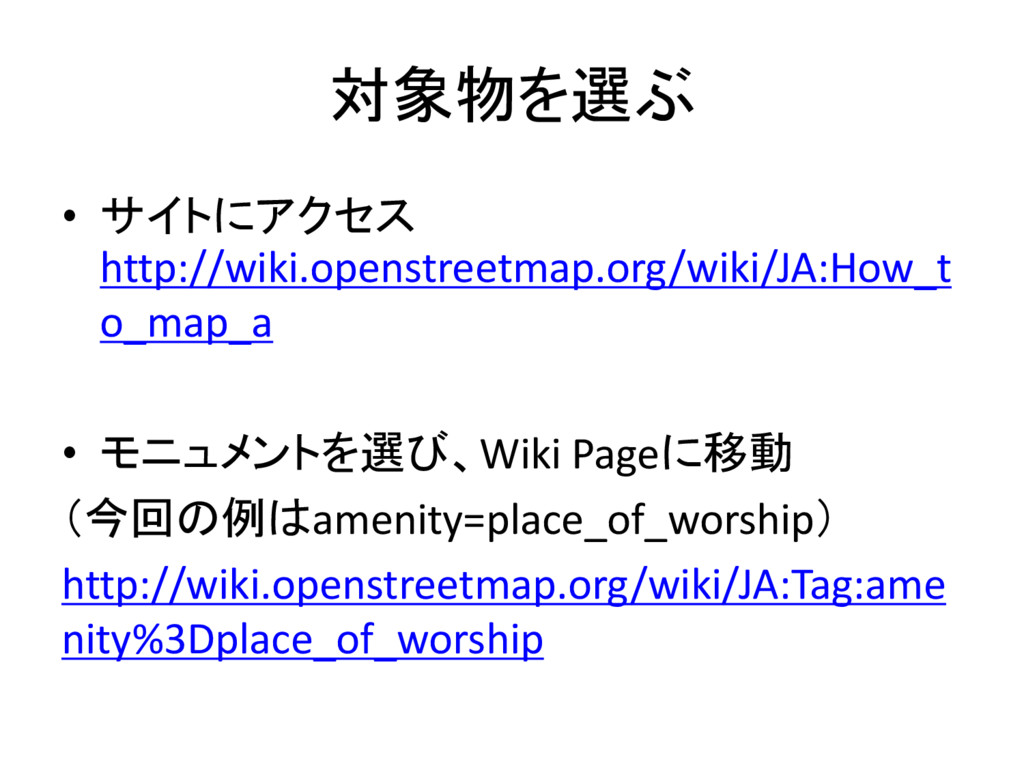
対象物を選ぶ • サイトにアクセス http://wiki.openstreetmap.org/wiki/JA:How_t o_map_a • モニュメントを選び、Wiki Pageに移動 (今回の例はamenity=place_of_worship) http://wiki.openstreetmap.org/wiki/JA:Tag:ame
nity%3Dplace_of_worship
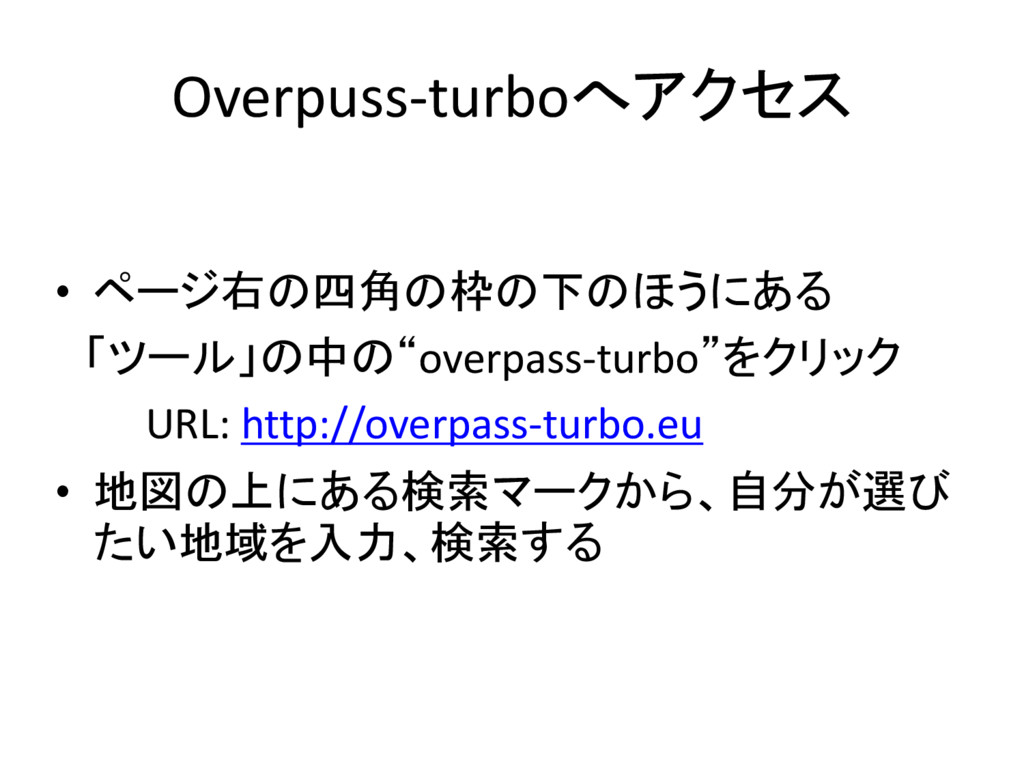
Overpuss-turboへアクセス • ページ右の四角の枠の下のほうにある 「ツール」の中の“overpass-turbo”をクリック URL: http://overpass-turbo.eu • 地図の上にある検索マークから、自分が選び たい地域を入力、検索する
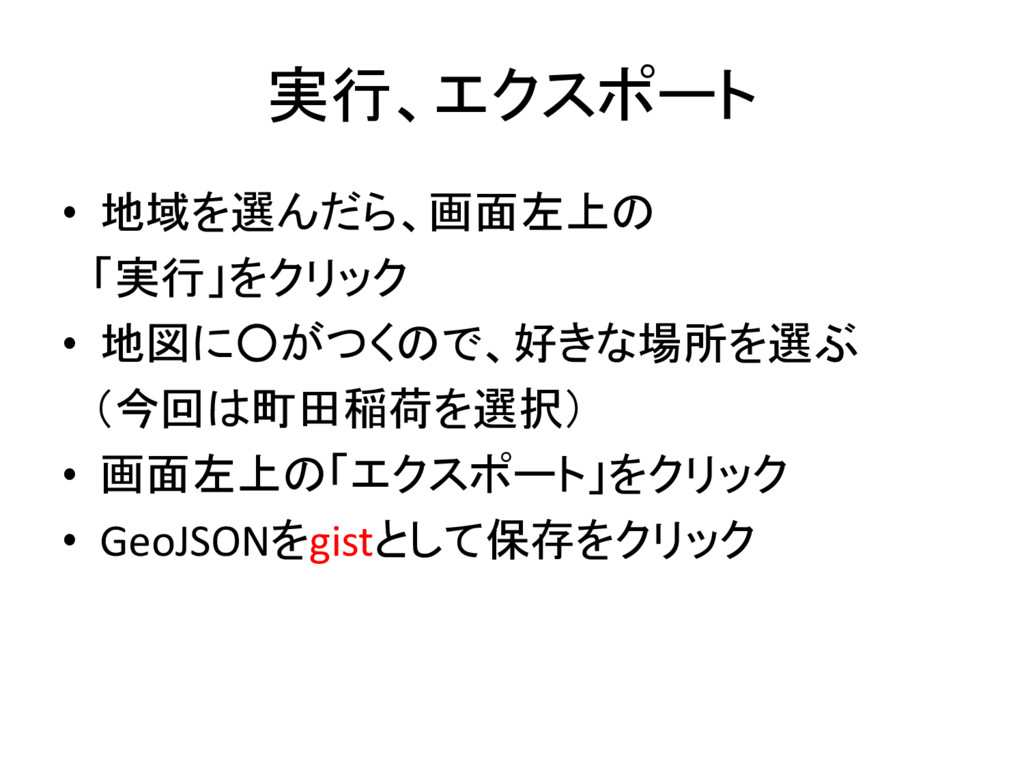
実行、エクスポート • 地域を選んだら、画面左上の 「実行」をクリック • 地図に◦がつくので、好きな場所を選ぶ (今回は町田稲荷を選択) • 画面左上の「エクスポート」をクリック •
GeoJSONをgistとして保存をクリック
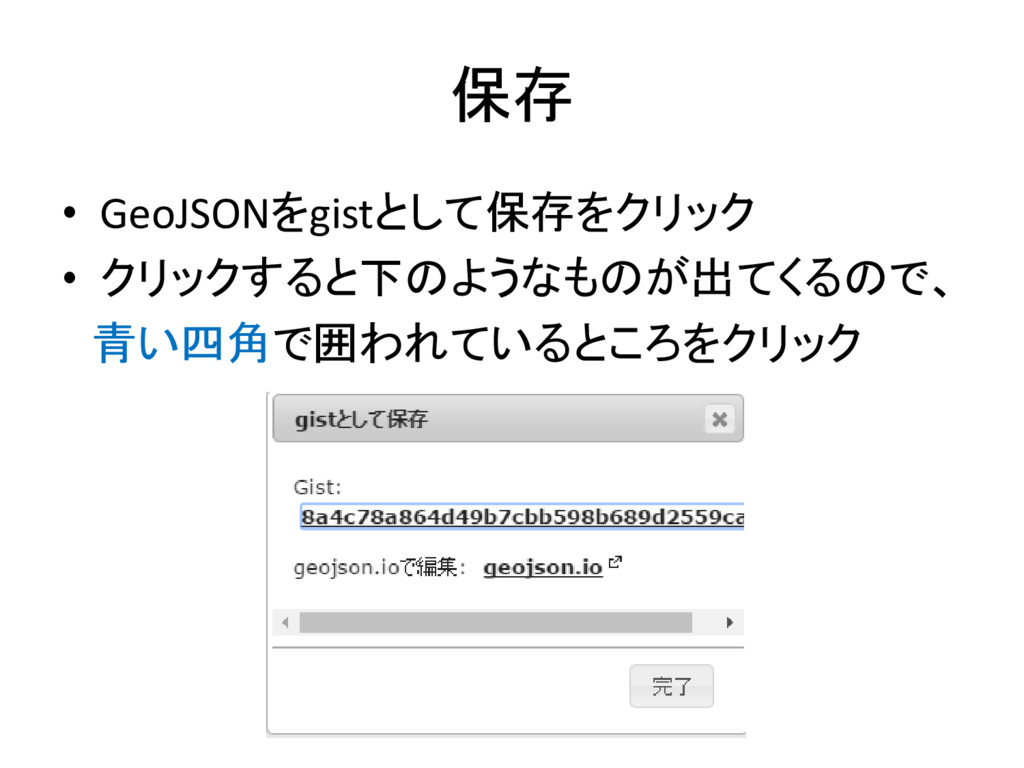
保存 • GeoJSONをgistとして保存をクリック • クリックすると下のようなものが出てくるので、 青い四角で囲われているところをクリック


 seinamz
 geshan
 chrisshort
 techseoconnect
 livdayseo
 danielanewman
 reverentgeek
 cassininazir
 geoffreycrofte
 soysaucechin
 eitanlees
 jlugia