Upgrade to Pro — share decks privately, control downloads, hide ads and more …

Swift.berlin meetup - UI Testing with Earl Grey

Sponsored · Ship Features Fearlessly Turn features on and off without deploys. Used by thousands of Ruby developers. →

Swift.berlin meetup - UI Testing with Earl Grey

An introduction to Earl Grey - Google's powerful UI Automation Framework for native iOS Apps and a demo of its usage in the ImmobilienScout App.

Avatar for Shyam Bhat

Shyam Bhat

May 30, 2016

Other Decks in Technology

Transcript

  1. PROGRAMS MUST BE WRITTEN FOR PEOPLE TO READ, AND ONLY

    INCIDENTALLY FOR MACHINES TO EXECUTE. Harold Abelson
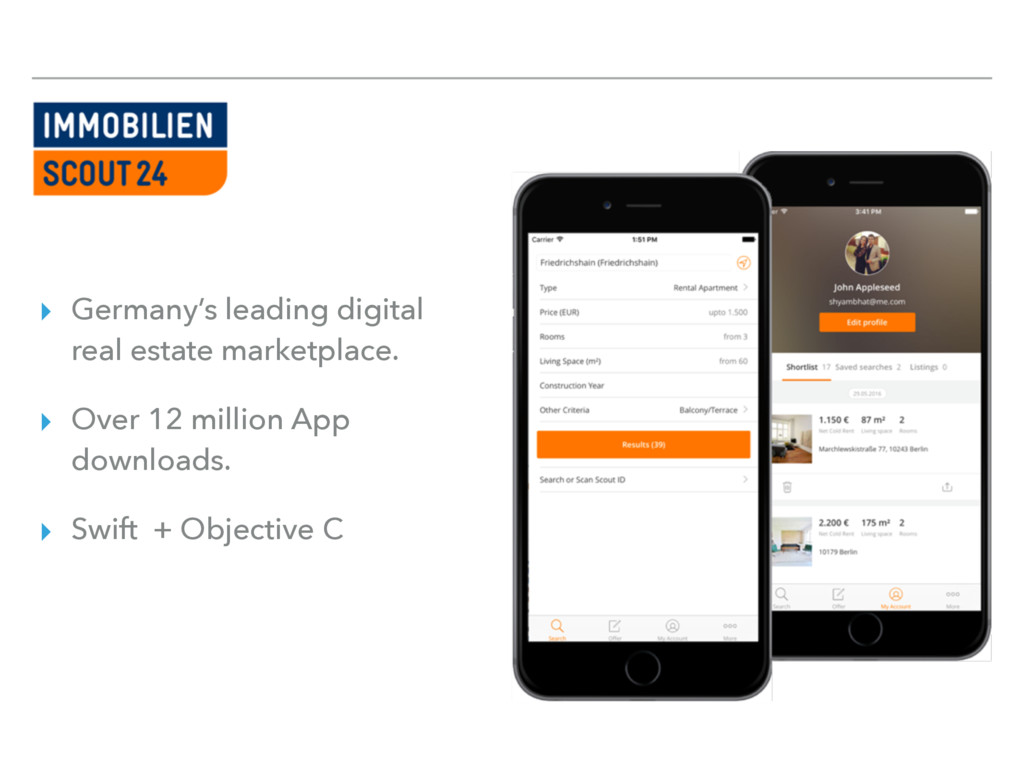
  2. ▸ Germany’s leading digital real estate marketplace. ▸ Over 12

    million App downloads. ▸ Swift + Objective C
  3. OUR TEST SUITE ▸ XCTest + FBSnapshots for Unit testing

    ▸ Xcode UI Testing + KIF ▸ 3000+ Unit tests and Integration tests.
  4. EARL GREY ▸ Google’s internal UI Testing framework. ▸ Used

    in YouTube, Google Calendar, Google Photos, Google Translate, Google Play Music. ▸ Recently open sourced.
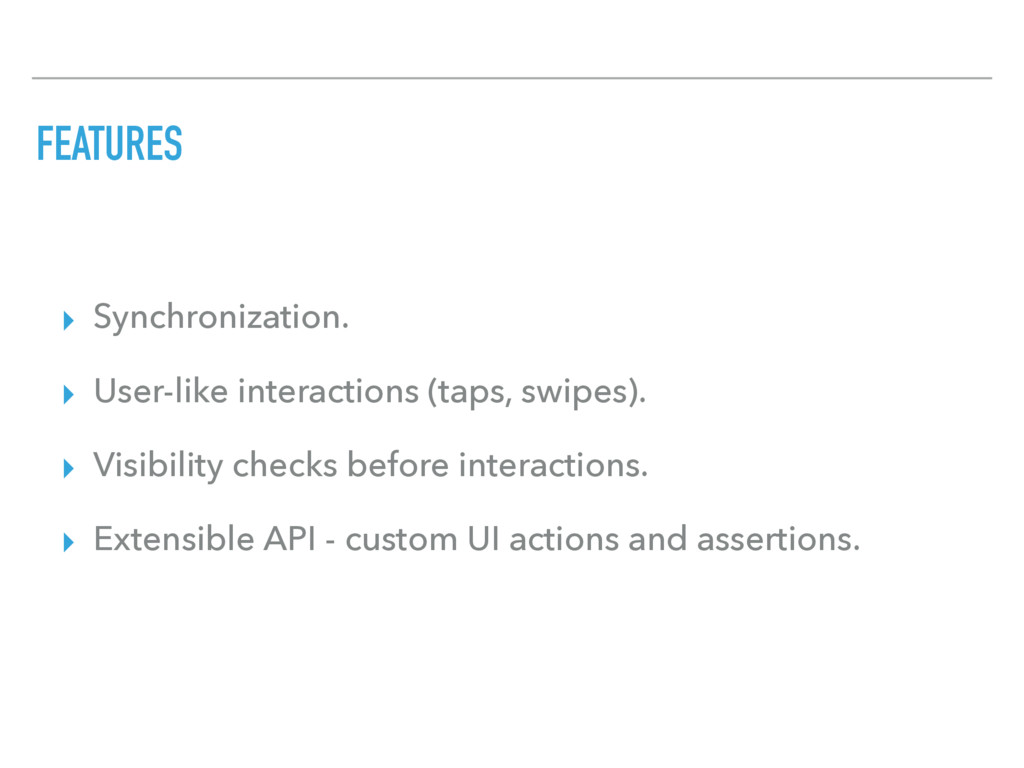
  5. FEATURES ▸ Synchronization. ▸ User-like interactions (taps, swipes). ▸ Visibility

    checks before interactions. ▸ Extensible API - custom UI actions and assertions.
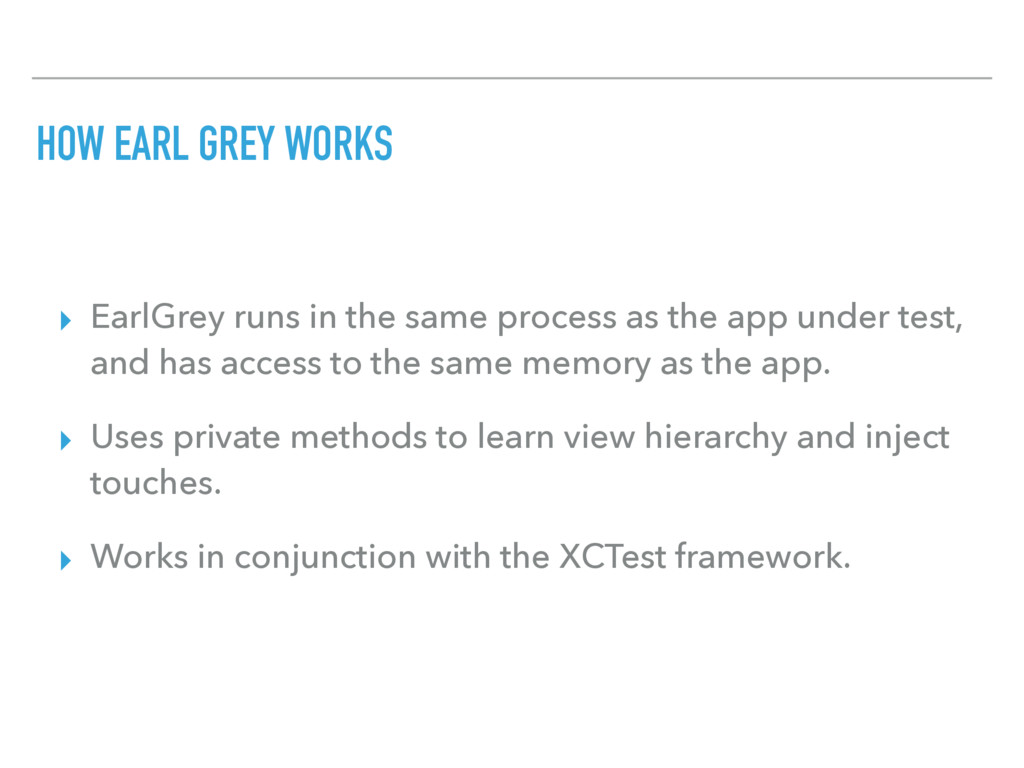
  6. HOW EARL GREY WORKS ▸ EarlGrey runs in the same

    process as the app under test, and has access to the same memory as the app. ▸ Uses private methods to learn view hierarchy and inject touches. ▸ Works in conjunction with the XCTest framework.
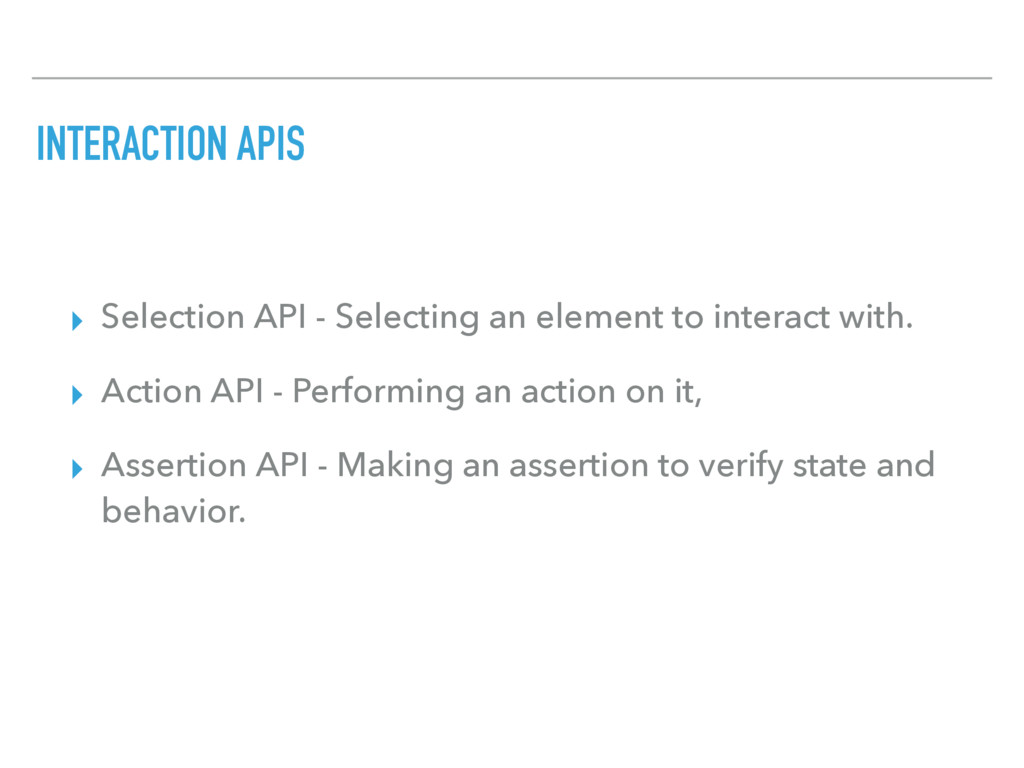
  7. INTERACTION APIS ▸ Selection API - Selecting an element to

    interact with. ▸ Action API - Performing an action on it, ▸ Assertion API - Making an assertion to verify state and behavior.
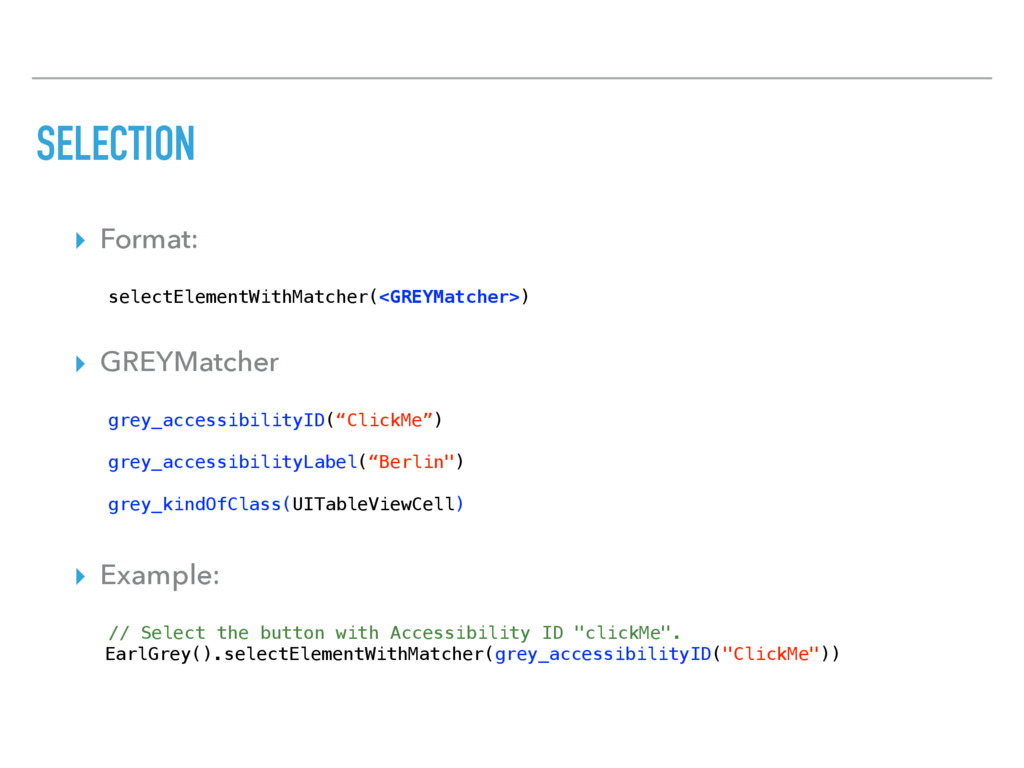
  8. SELECTION ▸ Format: selectElementWithMatcher(<GREYMatcher>) ▸ GREYMatcher grey_accessibilityID(“ClickMe”) grey_accessibilityLabel(“Berlin") grey_kindOfClass(UITableViewCell) ▸

    Example: // Select the button with Accessibility ID "clickMe". EarlGrey().selectElementWithMatcher(grey_accessibilityID("ClickMe"))
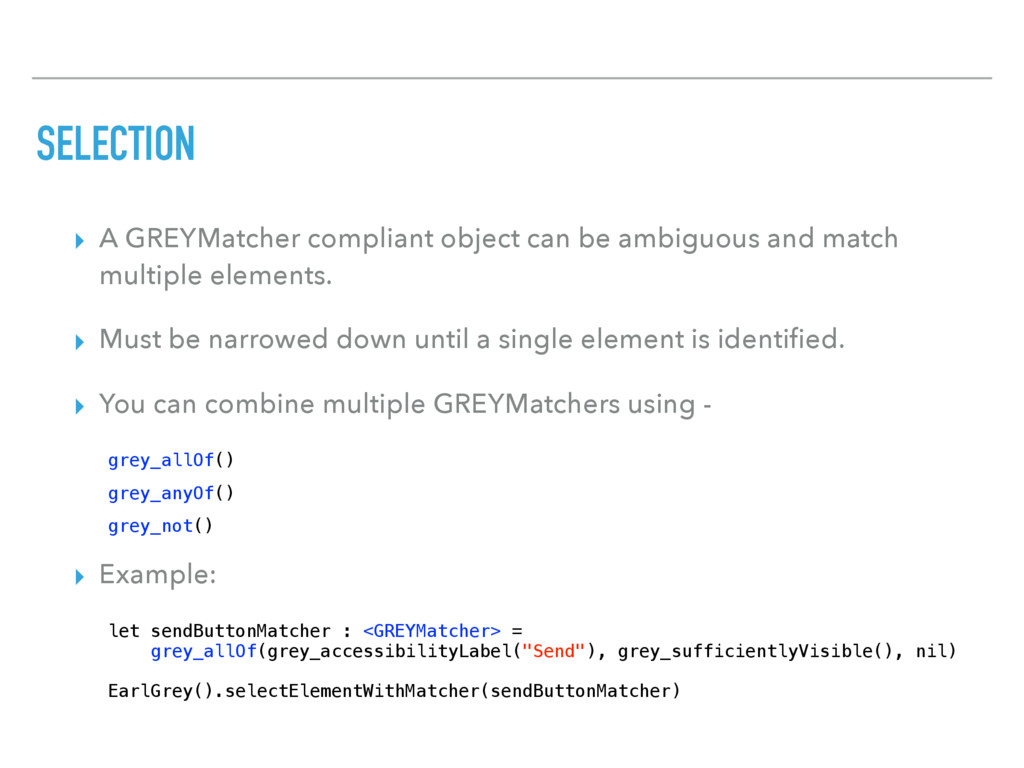
  9. SELECTION ▸ A GREYMatcher compliant object can be ambiguous and

    match multiple elements. ▸ Must be narrowed down until a single element is identified. ▸ You can combine multiple GREYMatchers using - grey_allOf() grey_anyOf() grey_not() ▸ Example: let sendButtonMatcher : <GREYMatcher> = grey_allOf(grey_accessibilityLabel("Send"), grey_sufficientlyVisible(), nil) EarlGrey().selectElementWithMatcher(sendButtonMatcher)
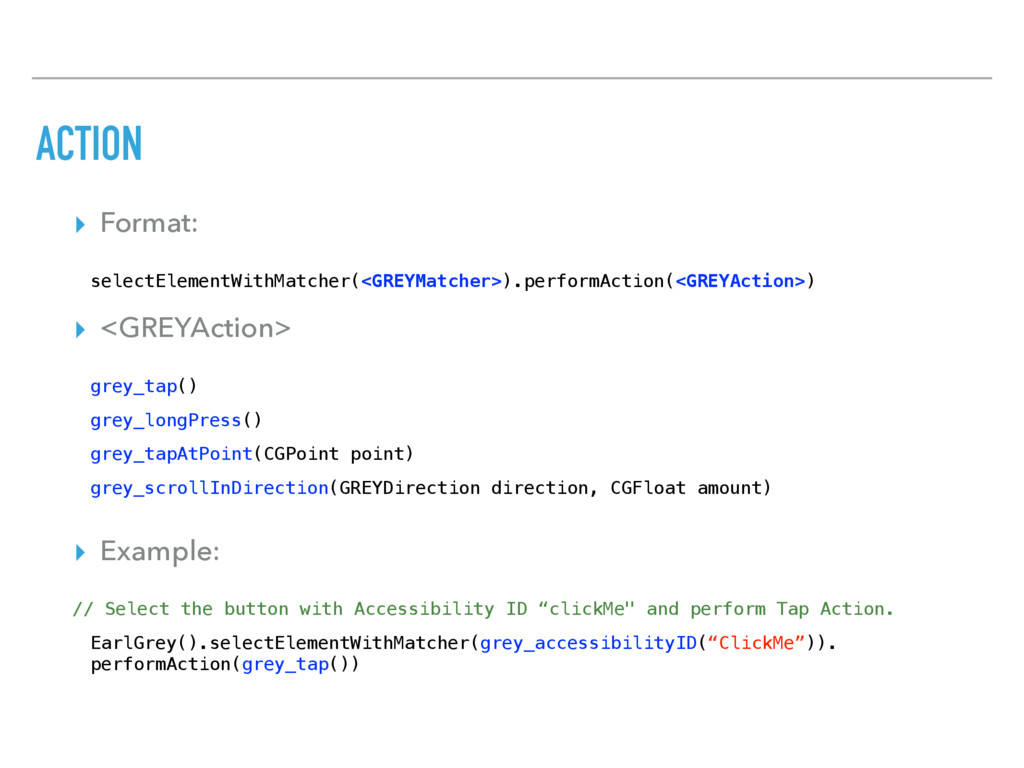
  10. ACTION ▸ Format: selectElementWithMatcher(<GREYMatcher>).performAction(<GREYAction>) ▸ <GREYAction> grey_tap() grey_longPress() grey_tapAtPoint(CGPoint point)

    grey_scrollInDirection(GREYDirection direction, CGFloat amount) ▸ Example: // Select the button with Accessibility ID “clickMe" and perform Tap Action. EarlGrey().selectElementWithMatcher(grey_accessibilityID(“ClickMe”)). performAction(grey_tap())
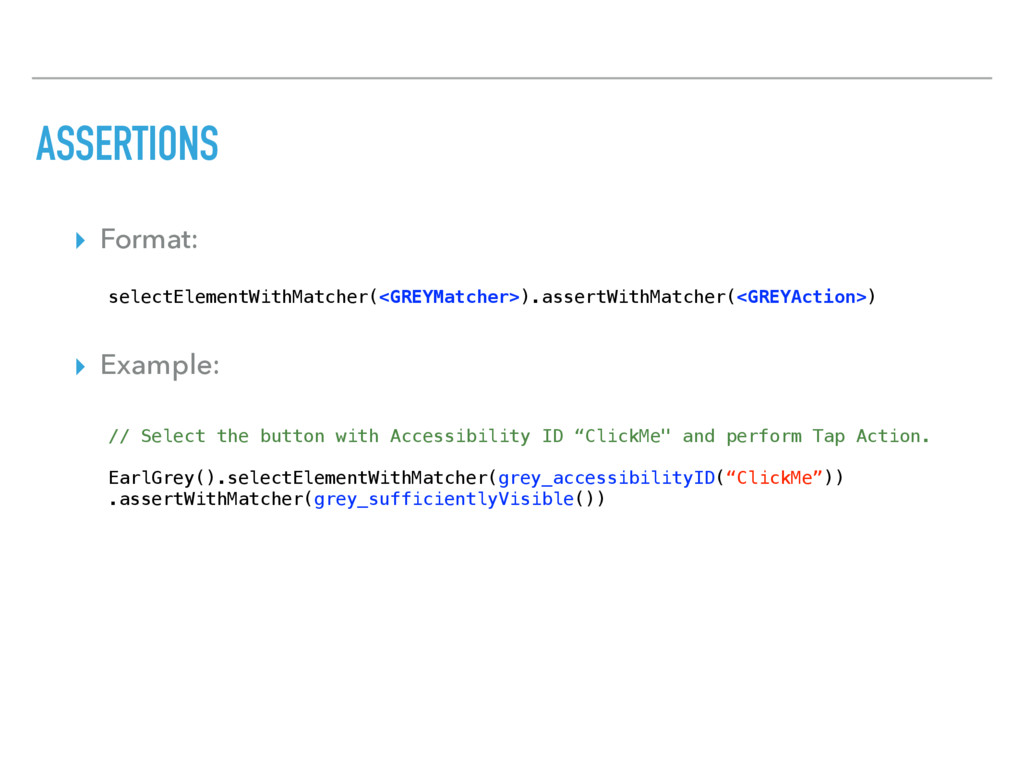
  11. ASSERTIONS ▸ Format: selectElementWithMatcher(<GREYMatcher>).assertWithMatcher(<GREYAction>) ▸ Example: // Select the button

    with Accessibility ID “ClickMe" and perform Tap Action. EarlGrey().selectElementWithMatcher(grey_accessibilityID(“ClickMe”)) .assertWithMatcher(grey_sufficientlyVisible())
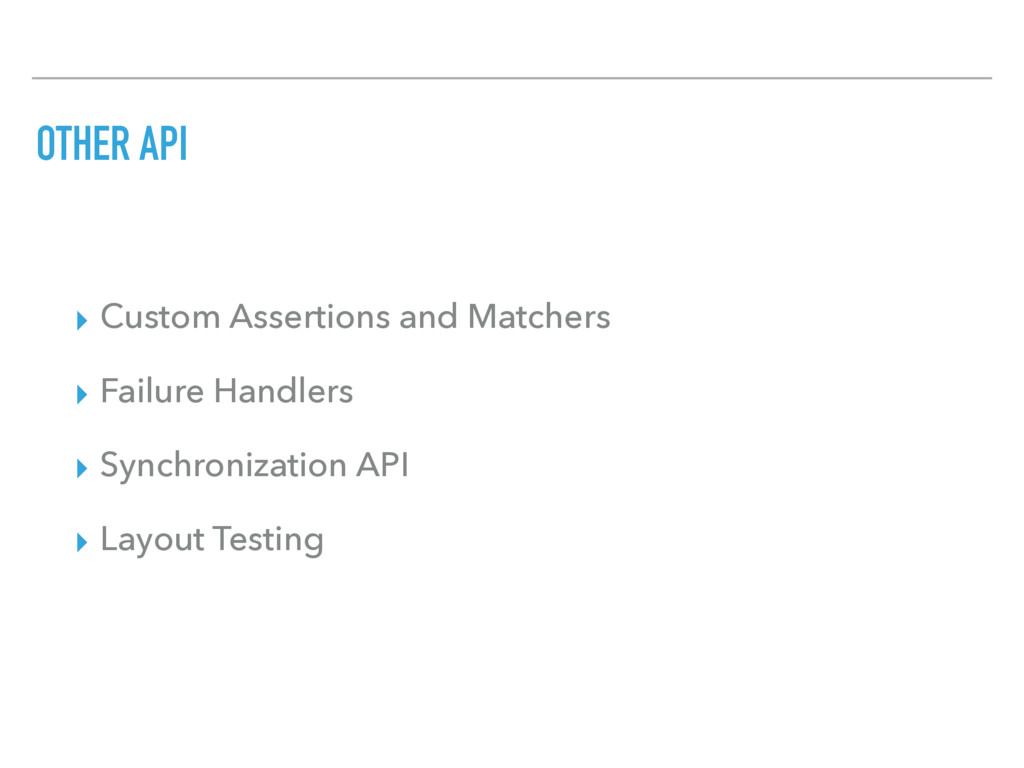
  12. OTHER API ▸ Custom Assertions and Matchers ▸ Failure Handlers

    ▸ Synchronization API ▸ Layout Testing
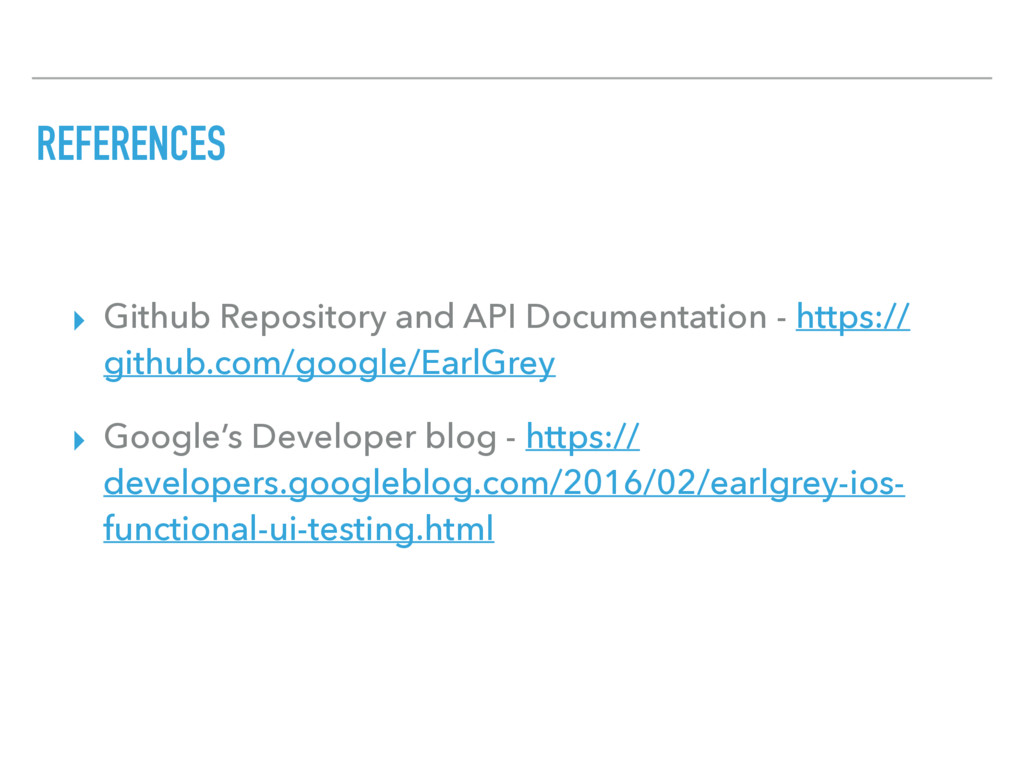
  13. REFERENCES ▸ Github Repository and API Documentation - https:// github.com/google/EarlGrey

    ▸ Google’s Developer blog - https:// developers.googleblog.com/2016/02/earlgrey-ios- functional-ui-testing.html