Belgium 2017 Slides will be structured in Q&A format. f.e.: Why Q&A format? Because I find it easier to explain concepts by attaching the context of a question to it. Note: Feel free to raise your hand or interrupt me at any time to ask a question of your own
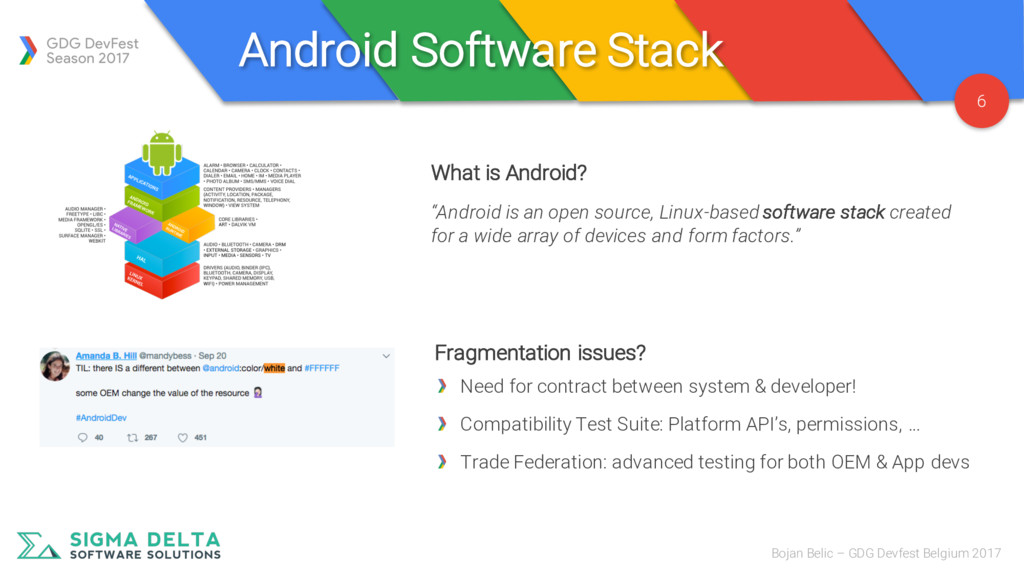
Belgium 2017 “Android is an open source, Linux-based software stack created for a wide array of devices and form factors.” What is Android? Fragmentation issues? Need for contract between system & developer! Compatibility Test Suite: Platform API’s, permissions, … Trade Federation: advanced testing for both OEM & App devs
Belgium 2017 Can Android be considered a Linux distribution? Why the Linux kernel? Maturity and familiarity facilitates driver development Opportunity to make use of key security features. f.e.: SElinux No: not POSIX-compliant Uses Bionic as replacement for GNU C library Why use Bionic? Avoid (L)GPL license Smaller & better fit for slower CPU’s
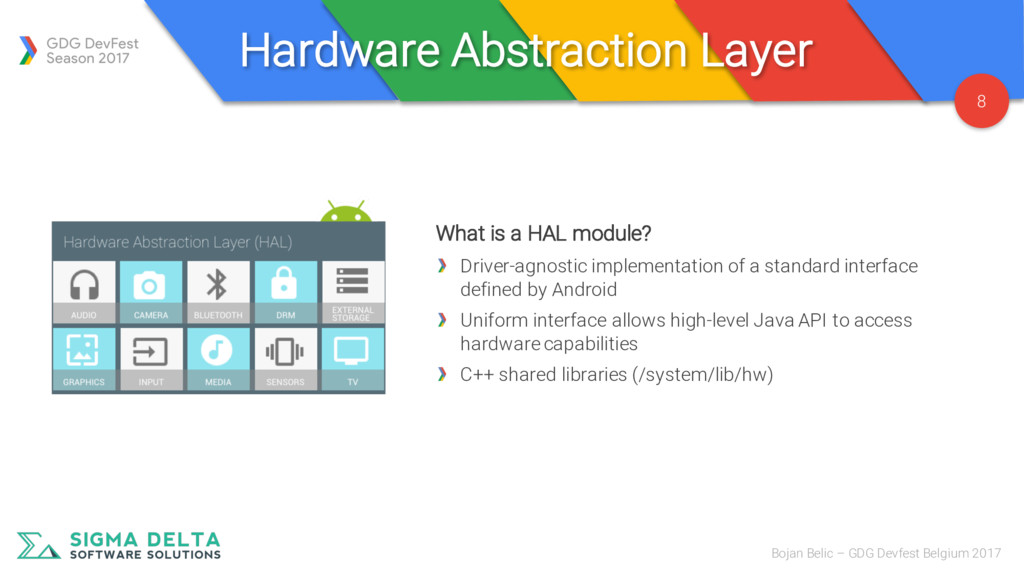
Belgium 2017 What is a HAL module? Driver-agnostic implementation of a standard interface defined by Android Uniform interface allows high-level Java API to access hardware capabilities C++ shared libraries (/system/lib/hw)
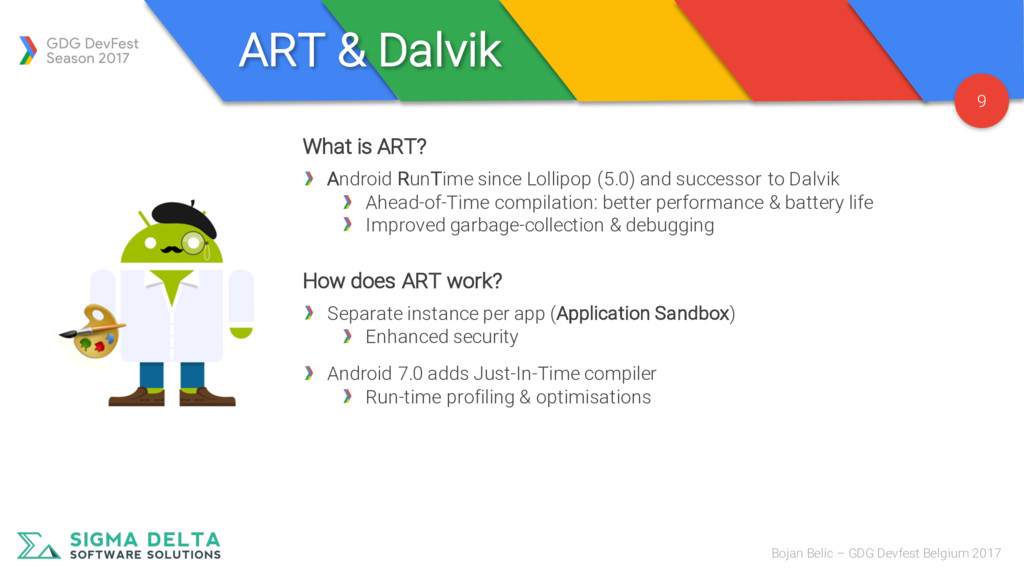
Belgium 2017 What is ART? Android RunTime since Lollipop (5.0) and successor to Dalvik Ahead-of-Time compilation: better performance & battery life Improved garbage-collection & debugging How does ART work? Separate instance per app (Application Sandbox) Enhanced security Android 7.0 adds Just-In-Time compiler Run-time profiling & optimisations
Belgium 2017 What are the native libraries? Collection of libraries for native development Sometimes accessible through Java wrapper Typical use-cases? Applications with real-time requirements (f.e.: low-latency audio) Wrappers for existing C/C++ solutions
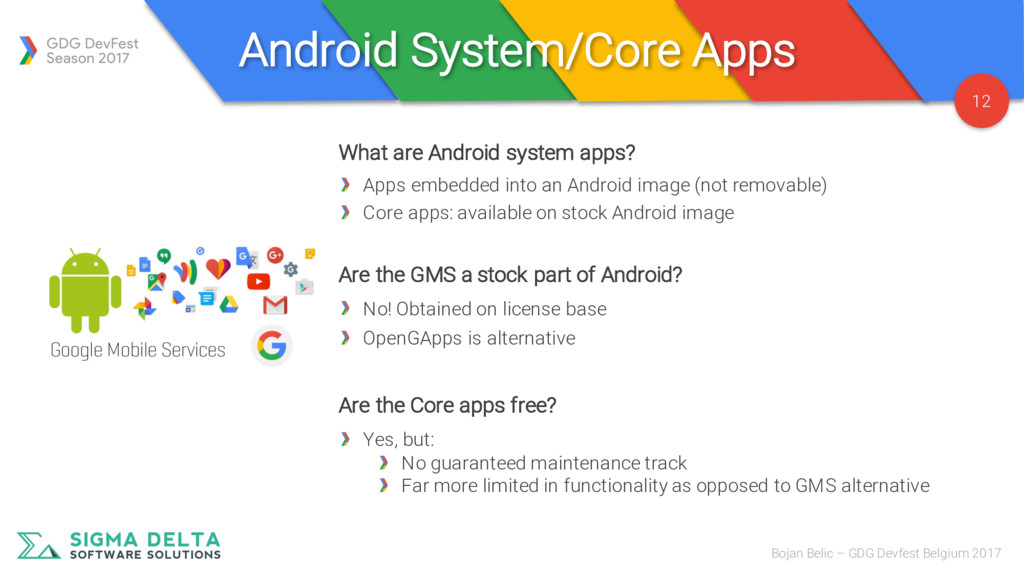
Belgium 2017 What are Android system apps? Apps embedded into an Android image (not removable) Core apps: available on stock Android image Are the GMS a stock part of Android? No! Obtained on license base OpenGApps is alternative Are the Core apps free? Yes, but: No guaranteed maintenance track Far more limited in functionality as opposed to GMS alternative
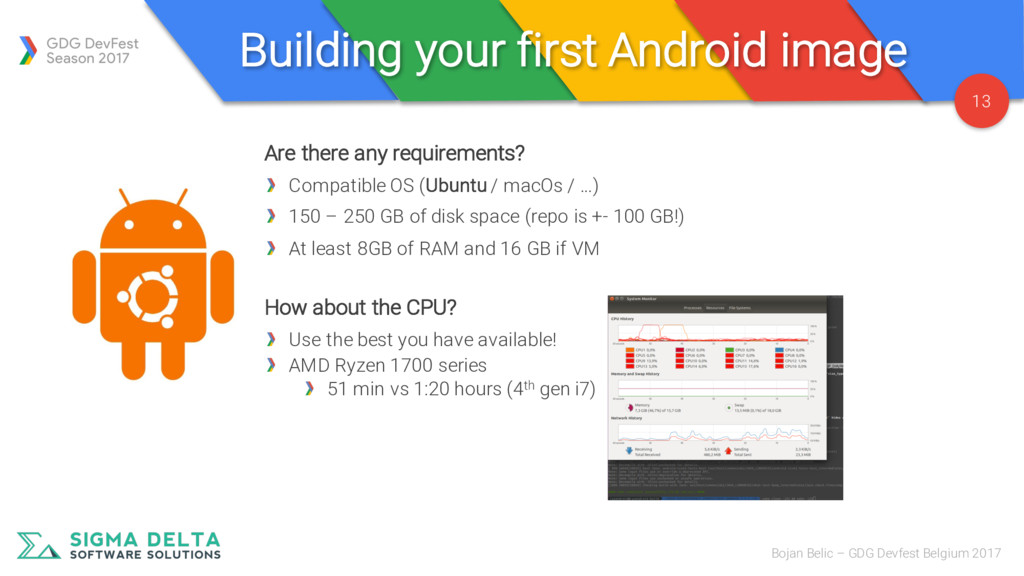
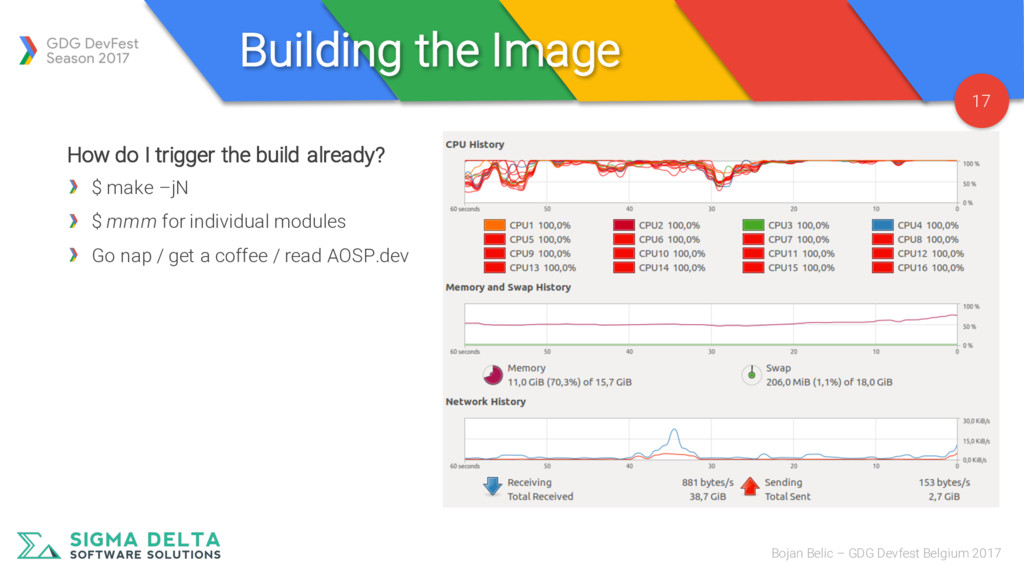
GDG Devfest Belgium 2017 Are there any requirements? Compatible OS (Ubuntu / macOs / …) 150 – 250 GB of disk space (repo is +- 100 GB!) At least 8GB of RAM and 16 GB if VM How about the CPU? Use the best you have available! AMD Ryzen 1700 series 51 min vs 1:20 hours (4th gen i7)
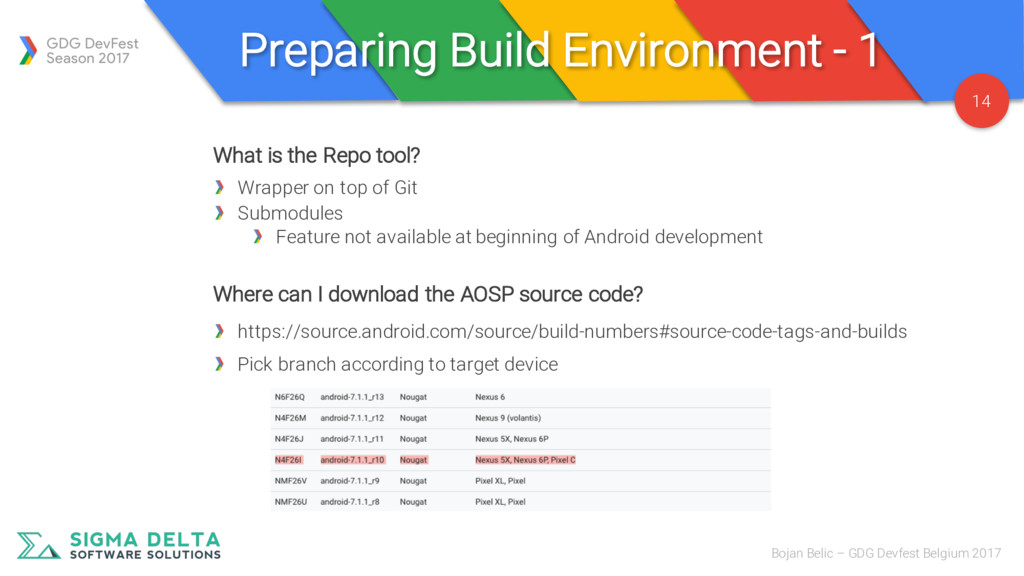
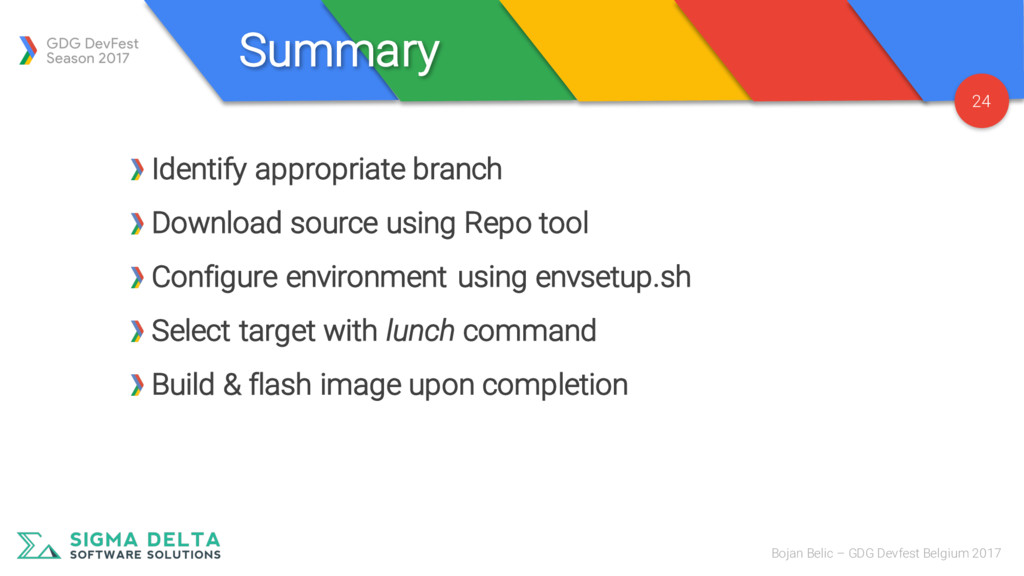
GDG Devfest Belgium 2017 What is the Repo tool? Wrapper on top of Git Submodules Feature not available at beginning of Android development Where can I download the AOSP source code? https://source.android.com/source/build-numbers#source-code-tags-and-builds Pick branch according to target device
Belgium 2017 How do I configure my build target? $ . build/envsetup.sh $ lunch #{product}-#{variant} Product: target device/package Variant: define level of debug tooling and system access
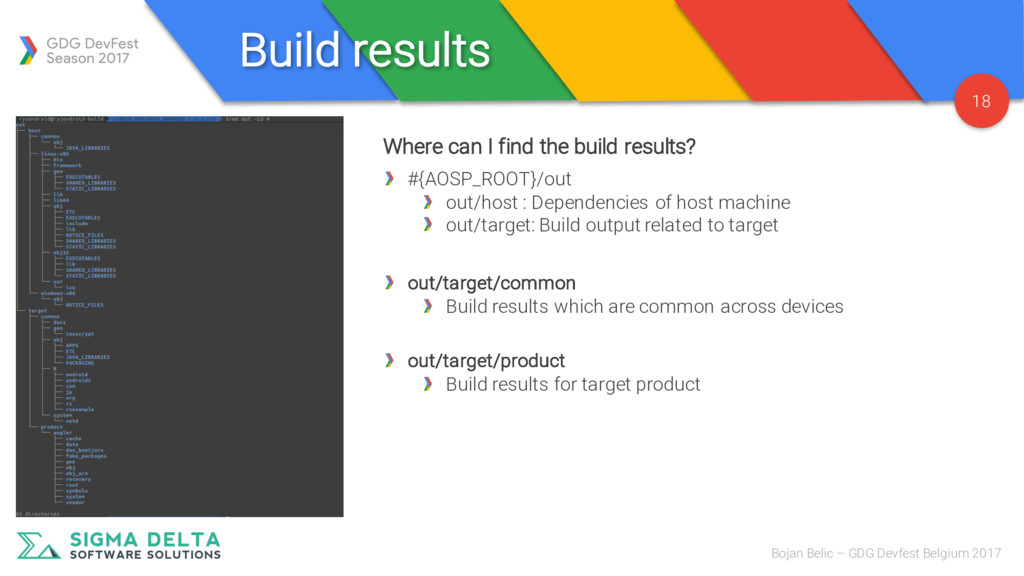
2017 Where can I find the build results? #{AOSP_ROOT}/out out/host : Dependencies of host machine out/target: Build output related to target out/target/common Build results which are common across devices out/target/product Build results for target product
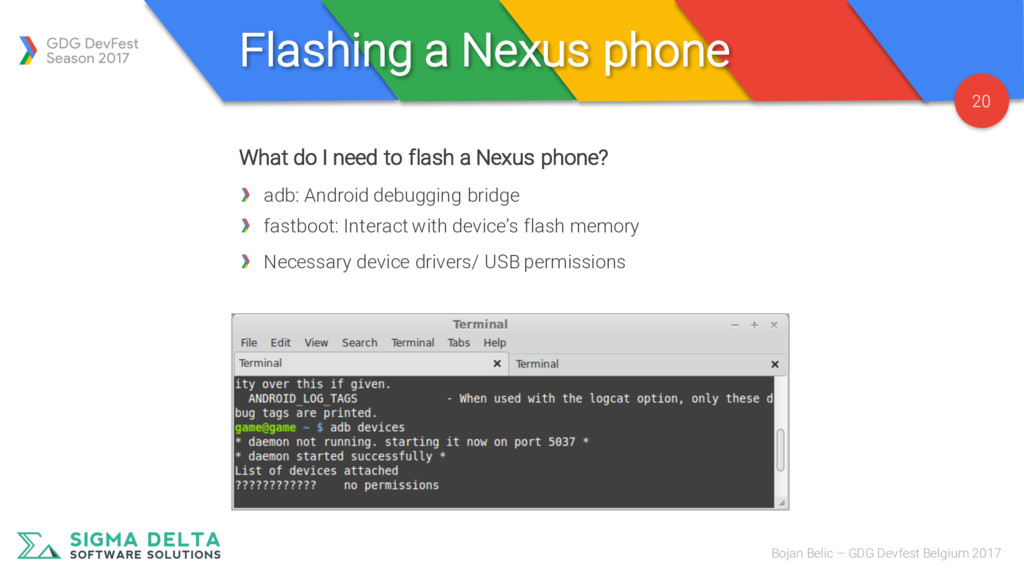
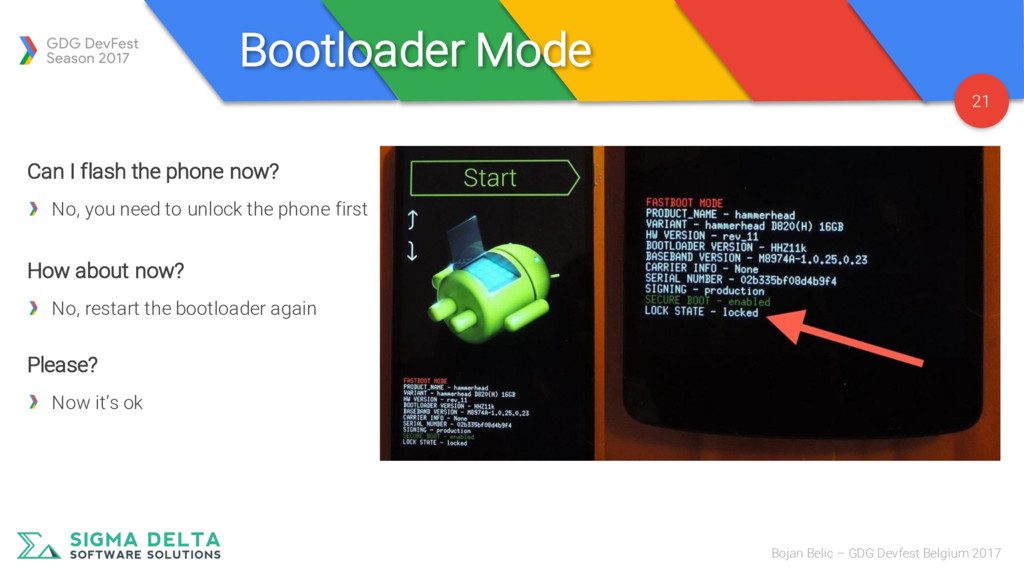
Devfest Belgium 2017 What do I need to flash a Nexus phone? adb: Android debugging bridge fastboot: Interact with device’s flash memory Necessary device drivers/ USB permissions
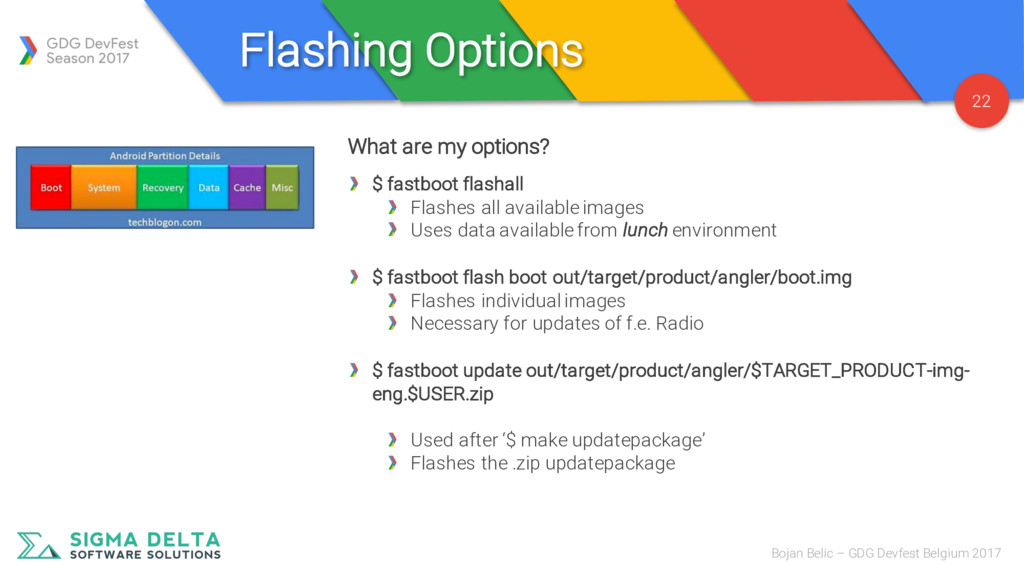
2017 What are my options? $ fastboot flashall Flashes all available images Uses data available from lunch environment $ fastboot flash boot out/target/product/angler/boot.img Flashes individual images Necessary for updates of f.e. Radio $ fastboot update out/target/product/angler/$TARGET_PRODUCT-img- eng.$USER.zip Used after ‘$ make updatepackage’ Flashes the .zip updatepackage

 SiteGround - Reliable hosting with speed, security, and support you can count on.


 shihochan
 rollbear
 ___akari11
 seike460
 oku053
 iwiwi
iwiwi
 dske104
 nokomoro3
 guaca
guaca
 taiseiue
 y0hgi
y0hgi
 timakin
 jmmastey
 techseoconnect
 rmw
rmw
 portentint
 soudai
 lfama
lfama
 mojombo
 garrettdimon
 davetheseo
 skipperchong
 sferik