Signer Department Vrije beatsigner.com Universiteit of Computer Brussel Science Department of Computer Science Vrije Universiteit Brussel beatsigner.com 2 December 2005
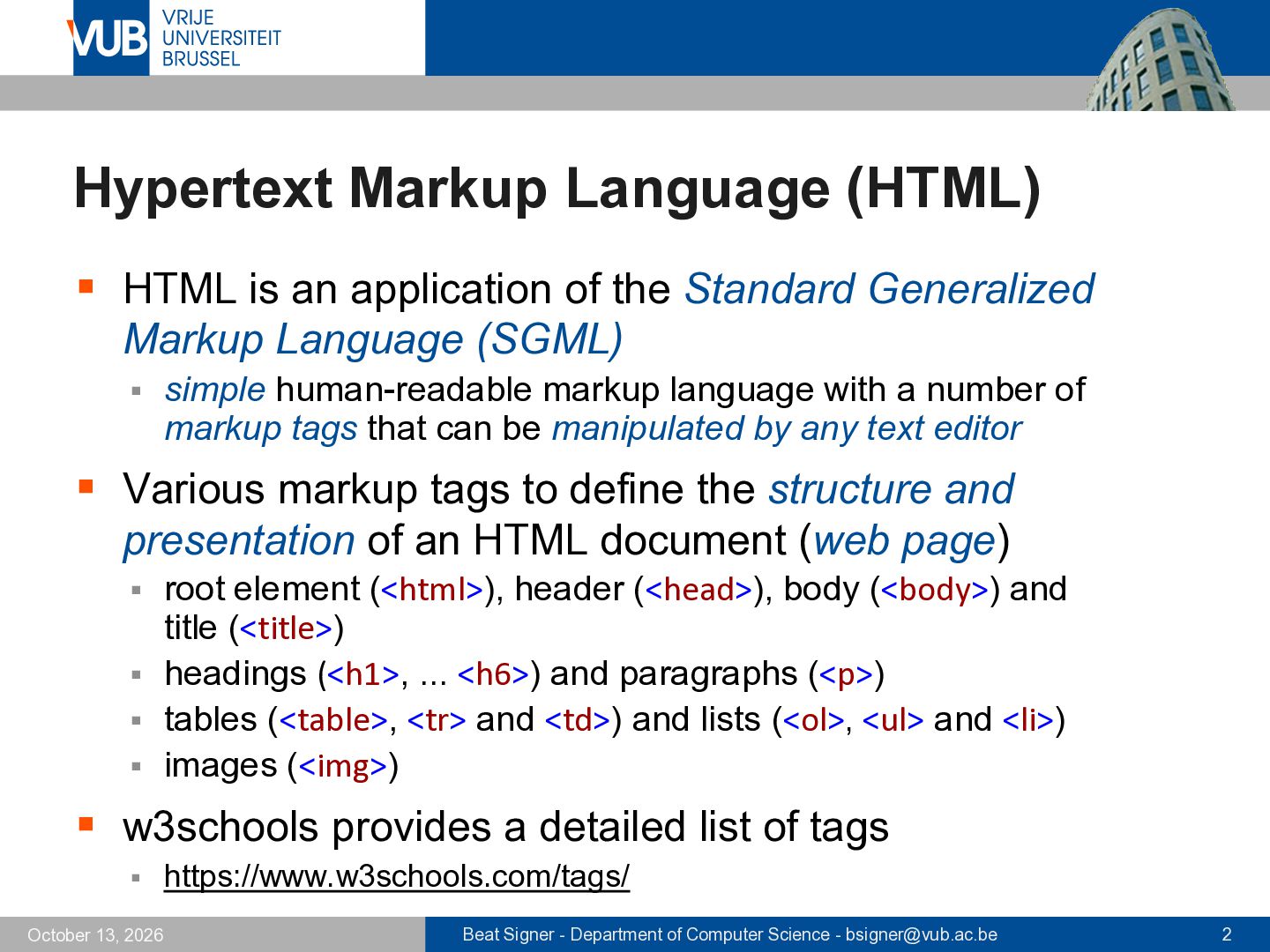
the Standard Generalized Markup Language (SGML) ▪ simple human-readable markup language with a number of markup tags that can be manipulated by any text editor ▪ Various markup tags to define the structure and presentation of an HTML document (web page) root element (<html>), header (<head>), body (<body>) and title (<title>) ▪ headings (<h1>, ... <h6>) and paragraphs (<p>) ▪ tables (<table>, <tr> and <td>) and lists (<ol>, <ul> and <li>) ▪ images (<img>) ▪ ▪ w3schools provides a detailed list of tags ▪ October 13, 2026 https://www.w3schools.com/tags/ Beat Signer - Department of Computer Science - [email protected] 2
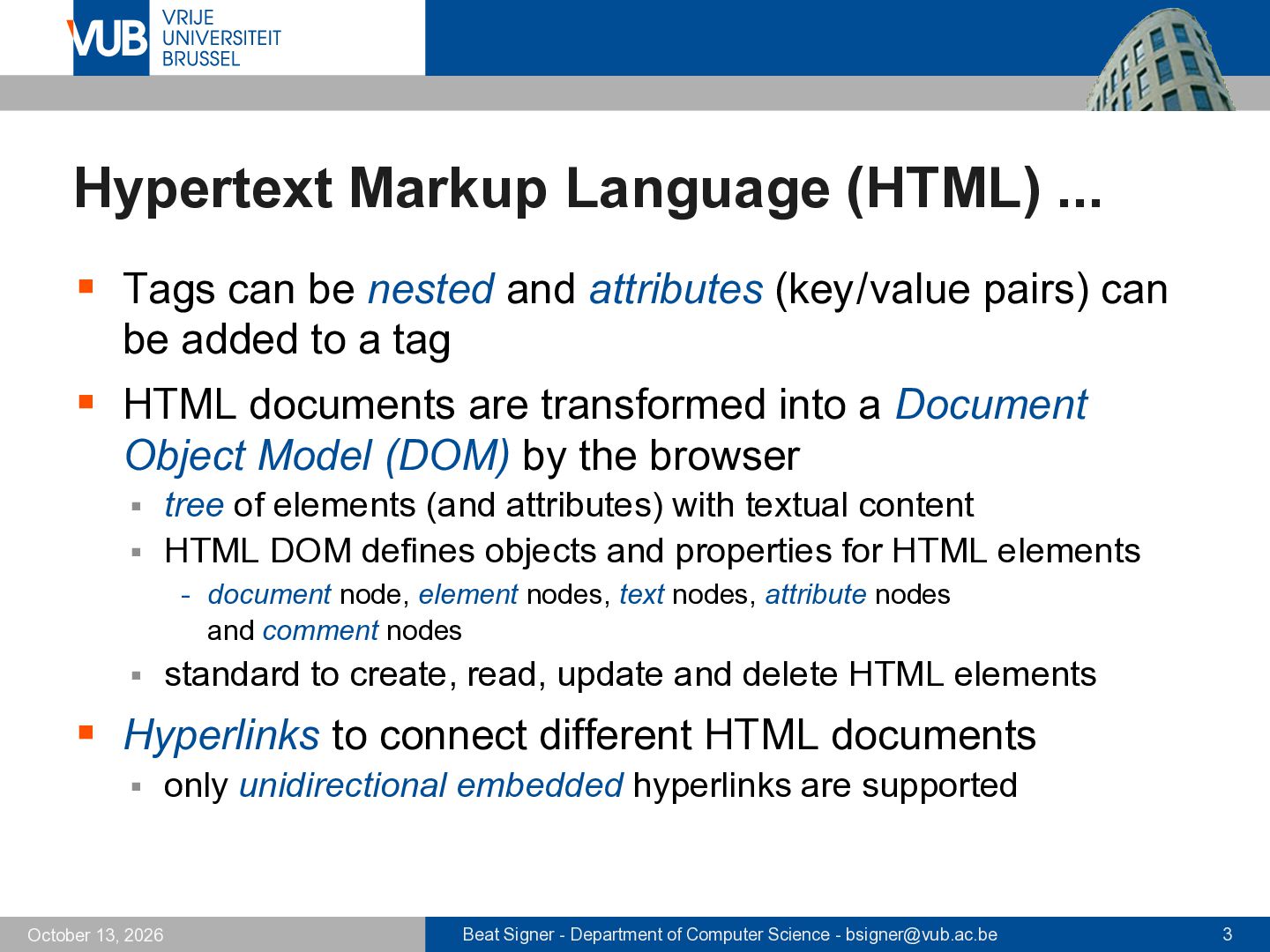
and attributes (key/value pairs) can be added to a tag ▪ HTML documents are transformed into a Document Object Model (DOM) by the browser tree of elements (and attributes) with textual content ▪ HTML DOM defines objects and properties for HTML elements ▪ - document node, element nodes, text nodes, attribute nodes and comment nodes ▪ standard to create, read, update and delete HTML elements ▪ Hyperlinks to connect different HTML documents ▪ October 13, 2026 only unidirectional embedded hyperlinks are supported Beat Signer - Department of Computer Science - [email protected] 3
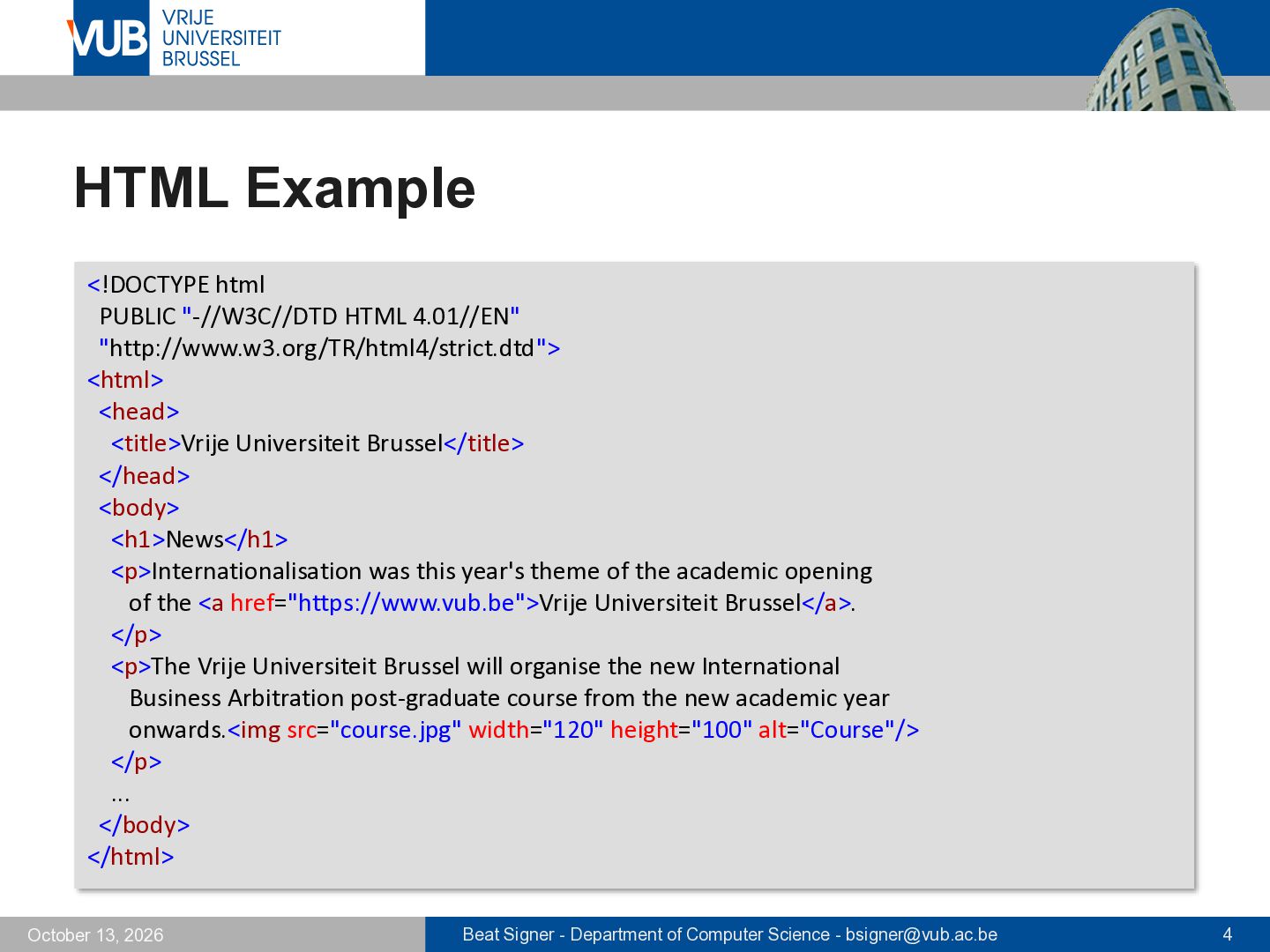
<head> <title>Vrije Universiteit Brussel</title> </head> <body> <h1>News</h1> <p>Internationalisation was this year's theme of the academic opening of the <a href="https://www.vub.be">Vrije Universiteit Brussel</a>. </p> <p>The Vrije Universiteit Brussel will organise the new International Business Arbitration post-graduate course from the new academic year onwards.<img src="course.jpg" width="120" height="100" alt="Course"/> </p> ... </body> </html> October 13, 2026 Beat Signer - Department of Computer Science - [email protected] 4
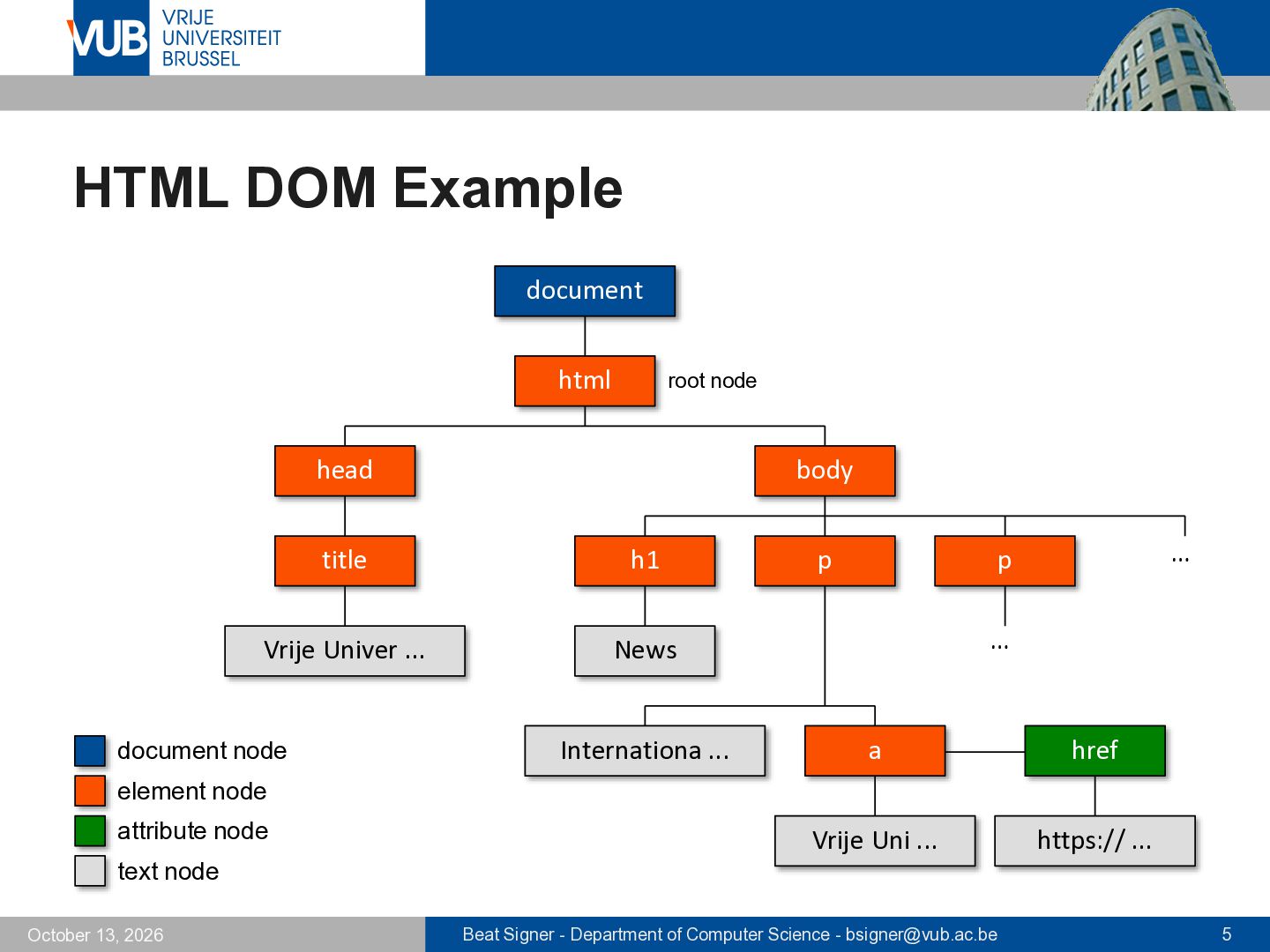
h1 Vrije Univer ... News document node Internationa ... p … p … a href Vrije Uni ... https:// ... element node attribute node text node October 13, 2026 Beat Signer - Department of Computer Science - [email protected] 5
already online in 1991 at CERN ▪ HTML 2.0 (1995) ▪ at that time the Netscape Navigator offered much more functionality than the HTML standard - "browser war" between Netscape and Internet Explorer ▪ HTML 3.2 (1997) first version that was developed exclusively by the Word Wide Web Consortium (W3C) ▪ introduced tables ▪ introduced a lot of new elements for the visual appearance of a document (that was not the original idea of HTML!) ▪ - e.g. <font> element or color attribute - most elements now deprecated and cascading style sheets should be used October 13, 2026 Beat Signer - Department of Computer Science - [email protected] 6
4.01 (1999) internationalisation (Unicode) ▪ introduction of Cascading Style Sheets (CSS) ▪ ▪ In 1998 the W3C decided to not further evolve HTML! ▪ XHTML 1 (2000) and XHTML 1.1 (2001) ▪ XML version of HTML (draconian error handling) ▪ XHTML 2.0 (never finished, discontinued in 2009) ▪ revolutionary changes → breaking backwards compatibility ▪ Web Hypertext Application Technology Working Group (WHATWG) founded in 2004 (led by Ian Hickson) ▪ October 13, 2026 Web Forms 2.0 and Web Applications 1.0 → HTML5 Beat Signer - Department of Computer Science - [email protected] 7
to work on HTML again ▪ based on WHATWG's Web Applications specification ▪ HTML5 specification was developed simultaneously by the WHATWG and the W3C until 2019 HTML - Living Standard, WHATWG ▪ HTML5 - A Vocabulary and Associated APIs for HTML and XHTML ▪ ▪ Since 2019 HTML - Living Standard is the only standard ▪ October 13, 2026 developed by WHATWG and W3C Beat Signer - Department of Computer Science - [email protected] 8
no separation of concerns ▪ structure of content defines the presentation in the browser ▪ ▪ "Forgiving" browsers weaken the standard an HTML document with errors (e.g. missing tags etc.) will still be rendered without any error messages ▪ HTML documents can be checked against the standard ▪ - https://validator.w3.org ▪ most existing websites (>99%) contain errors - exercise: can you find a web page without any errors? October 13, 2026 Beat Signer - Department of Computer Science - [email protected] 9
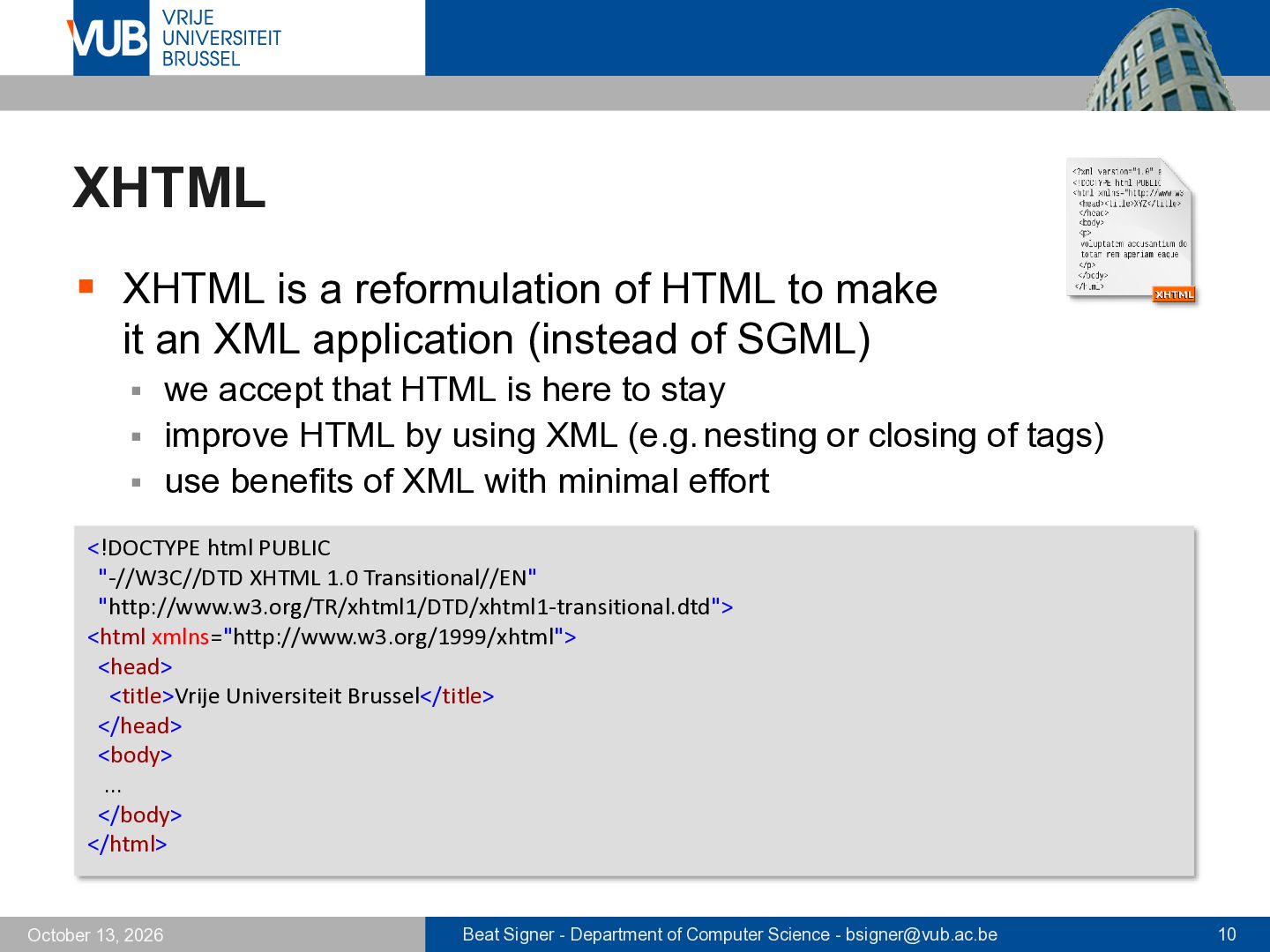
it an XML application (instead of SGML) we accept that HTML is here to stay ▪ improve HTML by using XML (e.g. nesting or closing of tags) ▪ use benefits of XML with minimal effort ▪ <!DOCTYPE html PUBLIC "-//W3C//DTD XHTML 1.0 Transitional//EN" "http://www.w3.org/TR/xhtml1/DTD/xhtml1-transitional.dtd"> <html xmlns="http://www.w3.org/1999/xhtml"> <head> <title>Vrije Universiteit Brussel</title> </head> <body> ... </body> </html> October 13, 2026 Beat Signer - Department of Computer Science - [email protected] 10
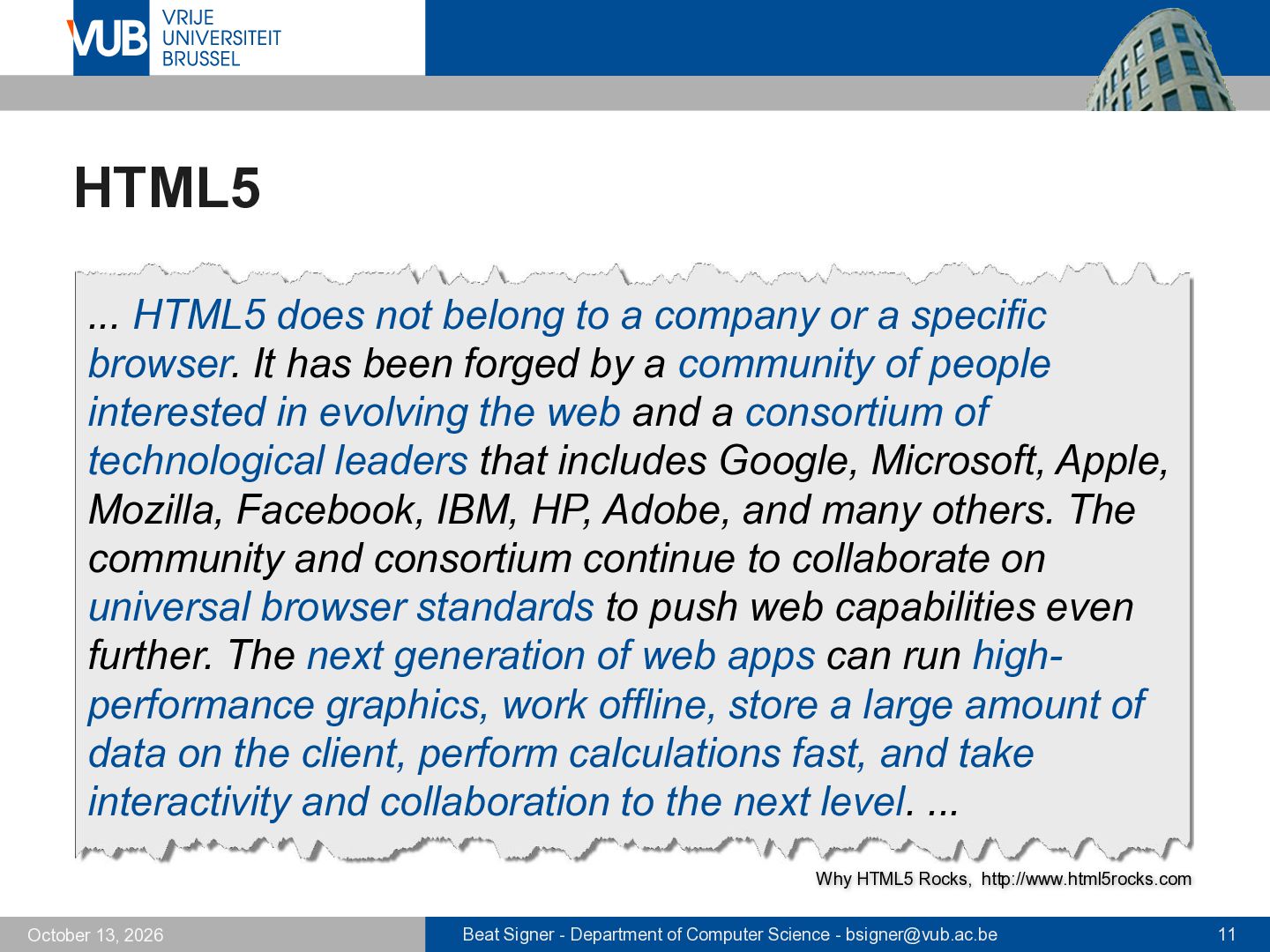
a specific browser. It has been forged by a community of people interested in evolving the web and a consortium of technological leaders that includes Google, Microsoft, Apple, Mozilla, Facebook, IBM, HP, Adobe, and many others. The community and consortium continue to collaborate on universal browser standards to push web capabilities even further. The next generation of web apps can run highperformance graphics, work offline, store a large amount of data on the client, perform calculations fast, and take interactivity and collaboration to the next level. ... Why HTML5 Rocks, http://www.html5rocks.com October 13, 2026 Beat Signer - Department of Computer Science - [email protected] 11
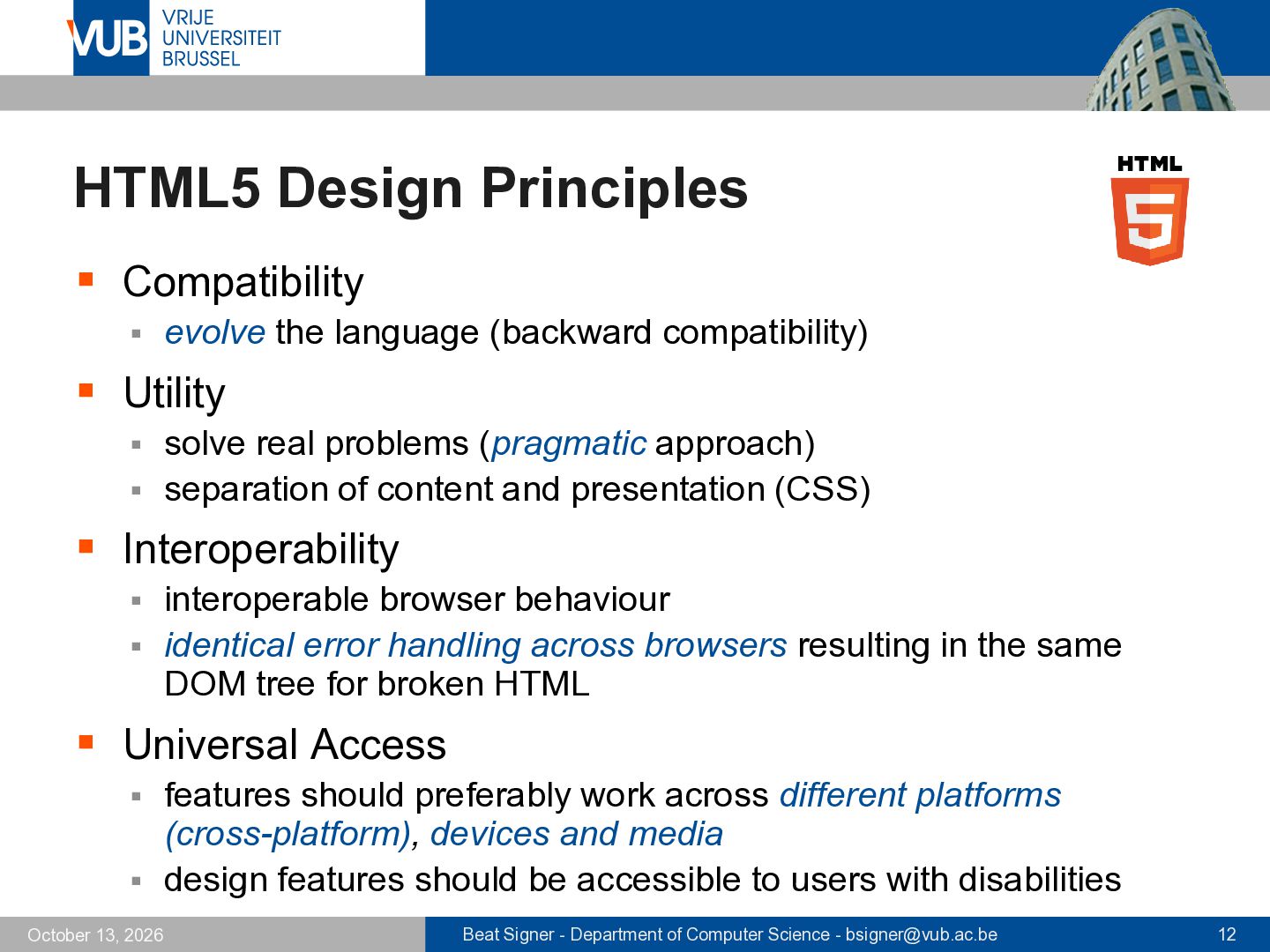
compatibility) ▪ Utility solve real problems (pragmatic approach) ▪ separation of content and presentation (CSS) ▪ ▪ Interoperability interoperable browser behaviour ▪ identical error handling across browsers resulting in the same DOM tree for broken HTML ▪ ▪ Universal Access features should preferably work across different platforms (cross-platform), devices and media ▪ design features should be accessible to users with disabilities ▪ October 13, 2026 Beat Signer - Department of Computer Science - [email protected] 12
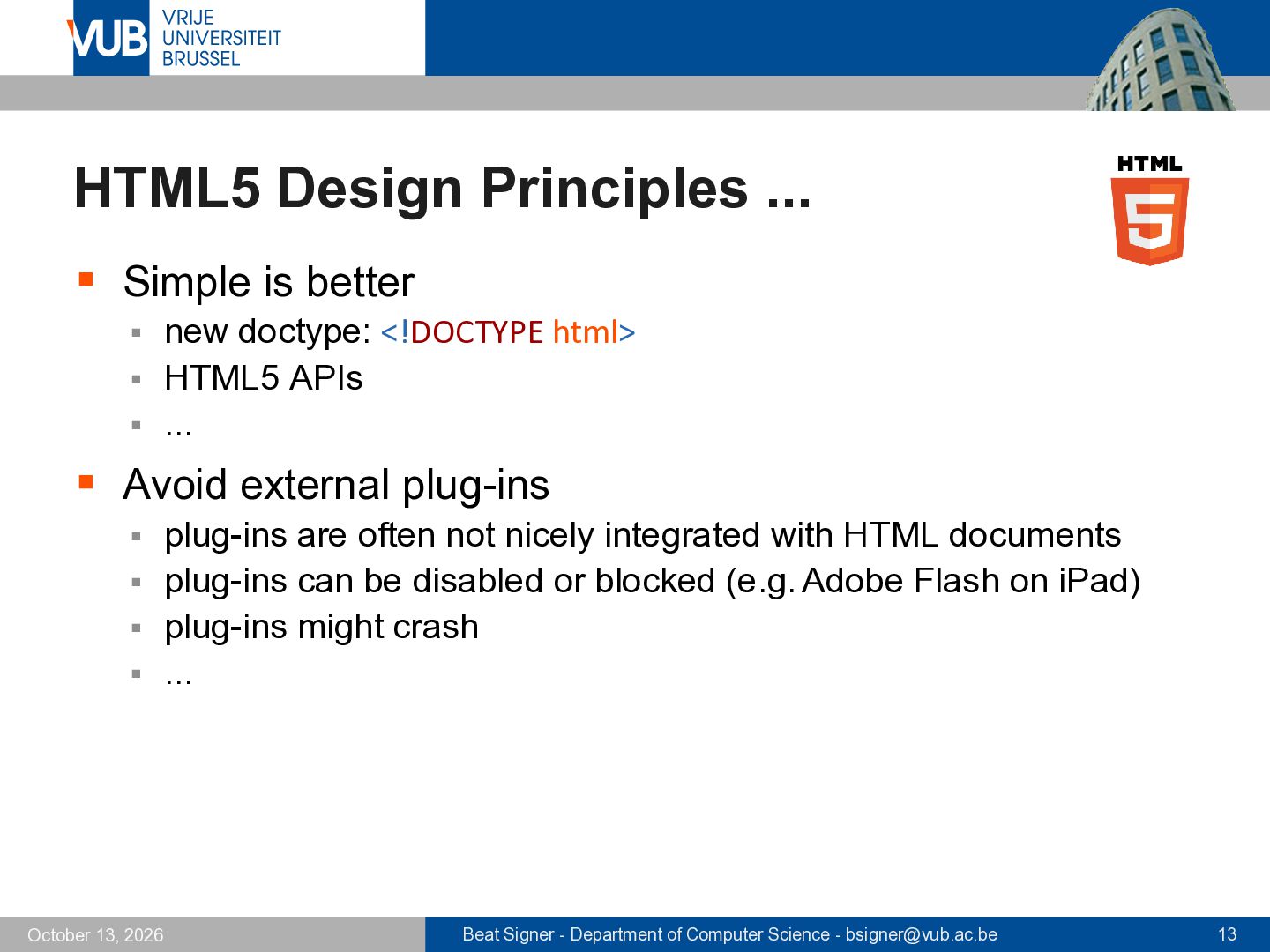
<!DOCTYPE html> ▪ HTML5 APIs ▪ ... ▪ ▪ Avoid external plug-ins plug-ins are often not nicely integrated with HTML documents ▪ plug-ins can be disabled or blocked (e.g. Adobe Flash on iPad) ▪ plug-ins might crash ▪ ... ▪ October 13, 2026 Beat Signer - Department of Computer Science - [email protected] 13
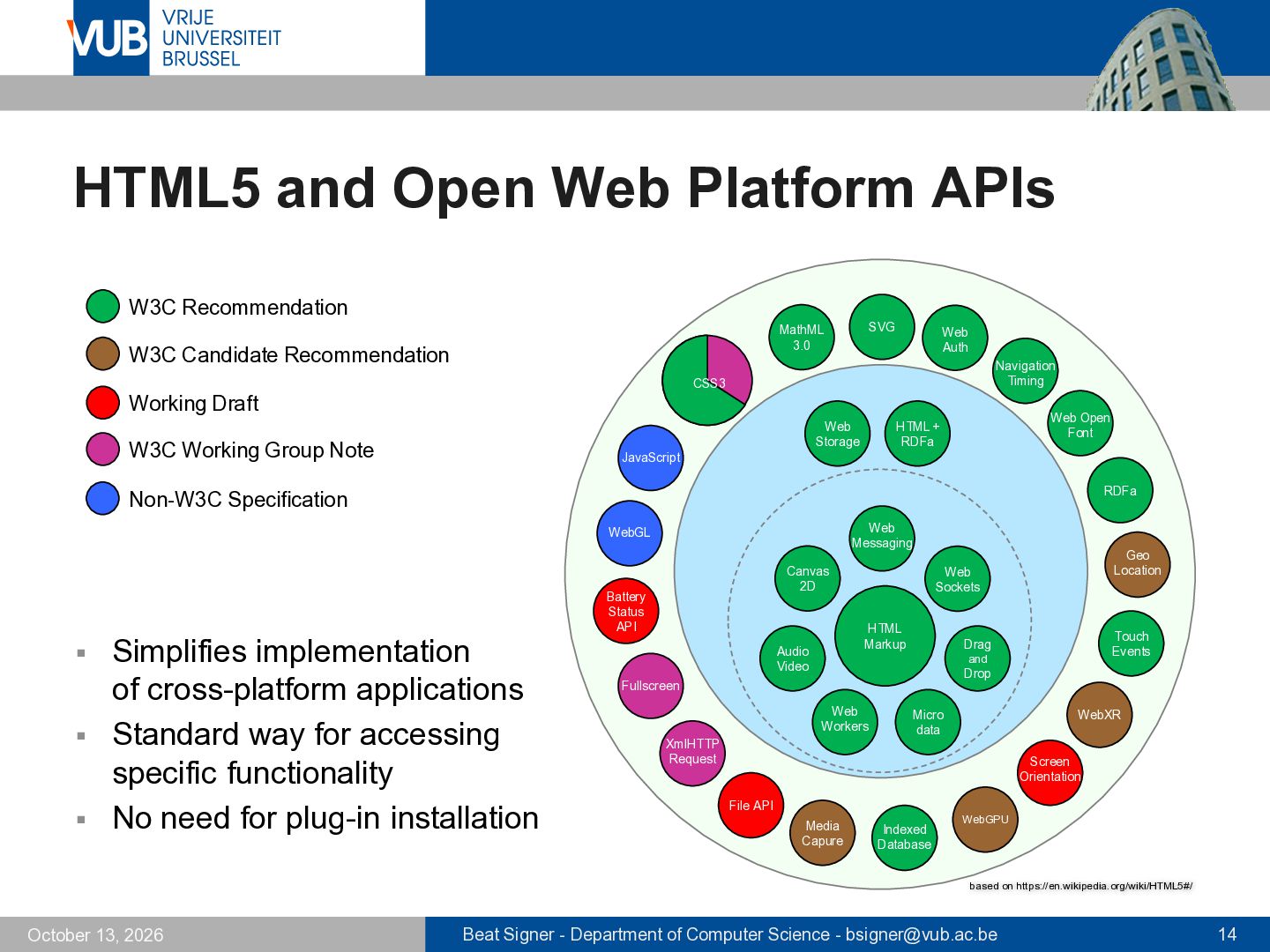
3.0 W3C Candidate Recommendation Web Auth Navigation Timing CSS3 Working Draft Web Storage W3C Working Group Note Web Open Font HTML + RDFa JavaScript RDFa Non-W3C Specification Web Messaging WebGL ▪ ▪ ▪ Simplifies implementation of cross-platform applications Standard way for accessing specific functionality No need for plug-in installation Canvas 2D Battery Status API HTML Markup Audio Video Geo Location Web Sockets Touch Events Drag and Drop Fullscreen Web Workers XmlHTTP Request Micro data WebXR Screen Orientation File API Media Capure Indexed Database WebGPU based on https://en.wikipedia.org/wiki/HTML5#/ October 13, 2026 Beat Signer - Department of Computer Science - [email protected] 14
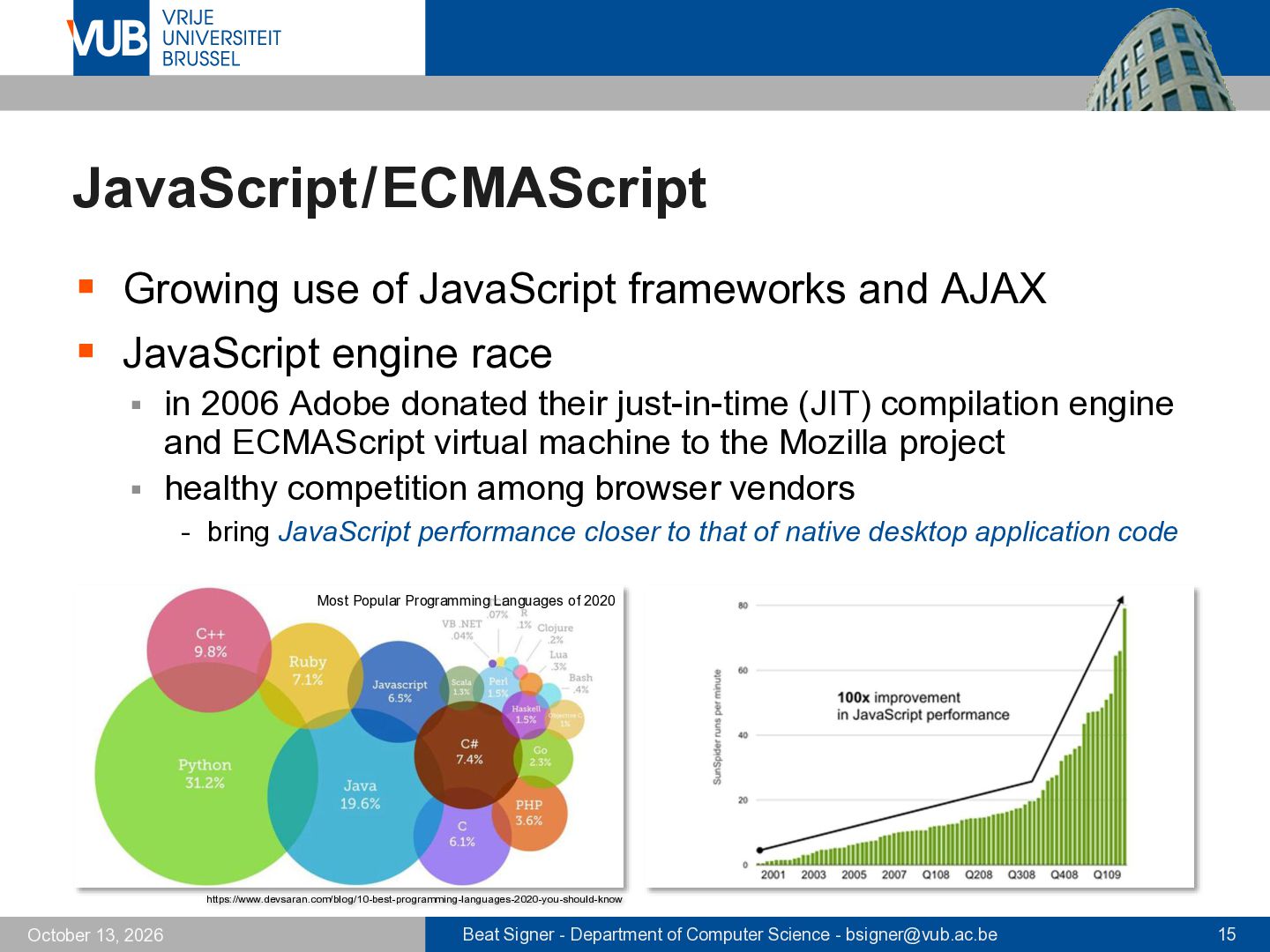
JavaScript engine race in 2006 Adobe donated their just-in-time (JIT) compilation engine and ECMAScript virtual machine to the Mozilla project ▪ healthy competition among browser vendors ▪ - bring JavaScript performance closer to that of native desktop application code Most Popular Programming Languages of 2020 https://www.devsaran.com/blog/10-best-programming-languages-2020-you-should-know October 13, 2026 Beat Signer - Department of Computer Science - [email protected] 15
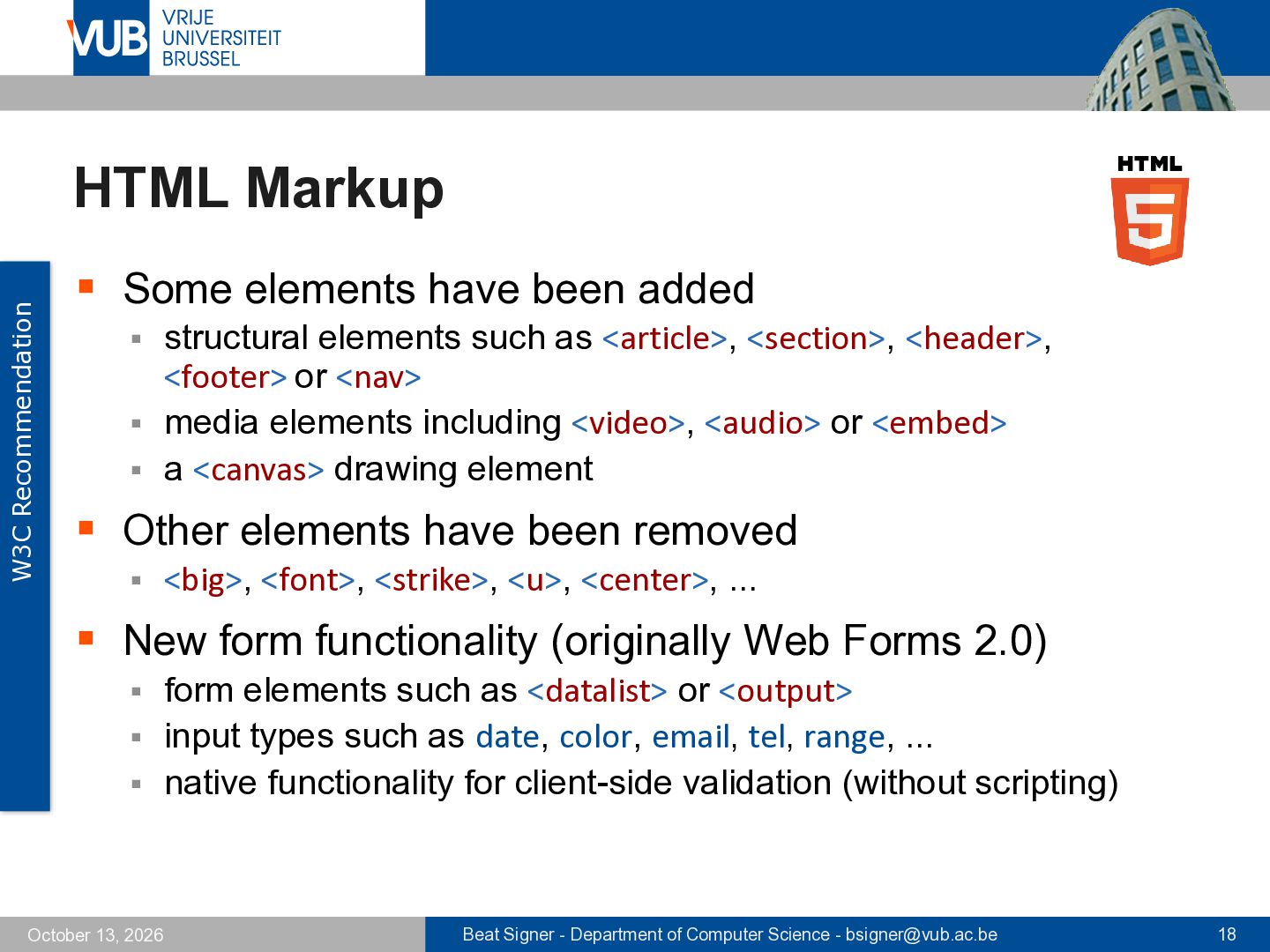
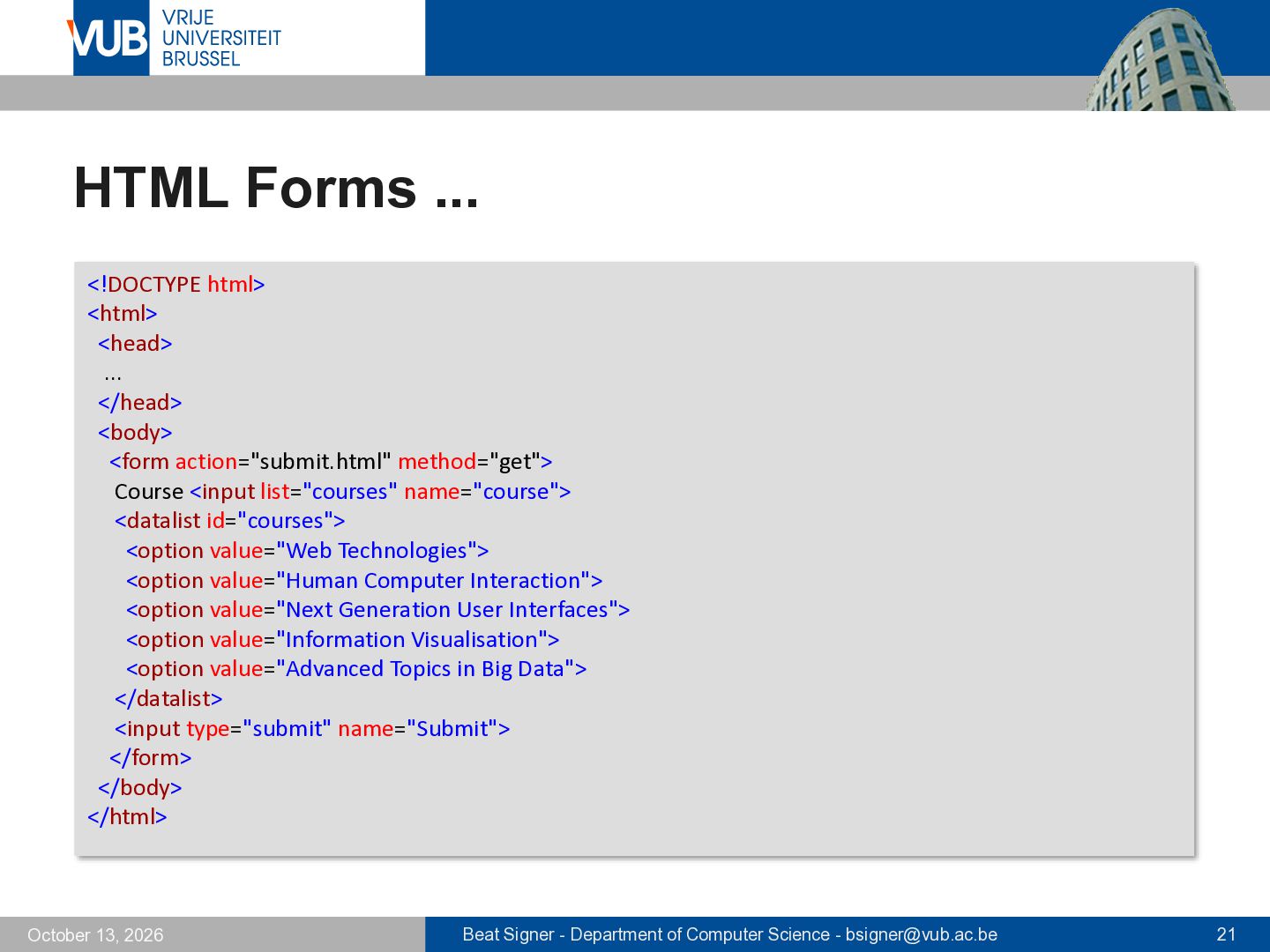
structural elements such as <article>, <section>, <header>, <footer> or <nav> ▪ media elements including <video>, <audio> or <embed> ▪ a <canvas> drawing element ▪ ▪ Other elements have been removed ▪ <big>, <font>, <strike>, <u>, <center>, ... ▪ New form functionality (originally Web Forms 2.0) form elements such as <datalist> or <output> ▪ input types such as date, color, email, tel, range, ... ▪ native functionality for client-side validation (without scripting) ▪ October 13, 2026 Beat Signer - Department of Computer Science - [email protected] 18
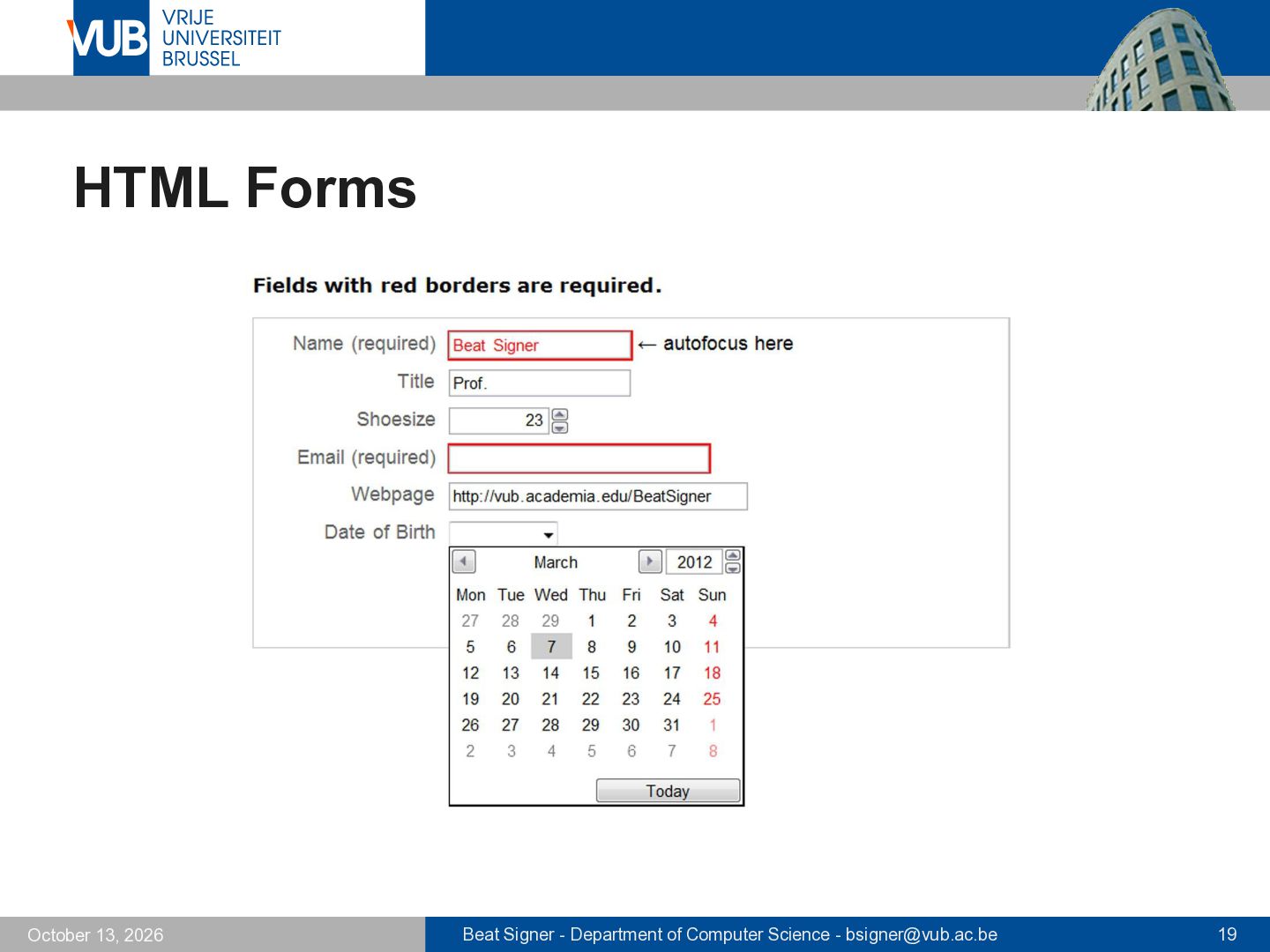
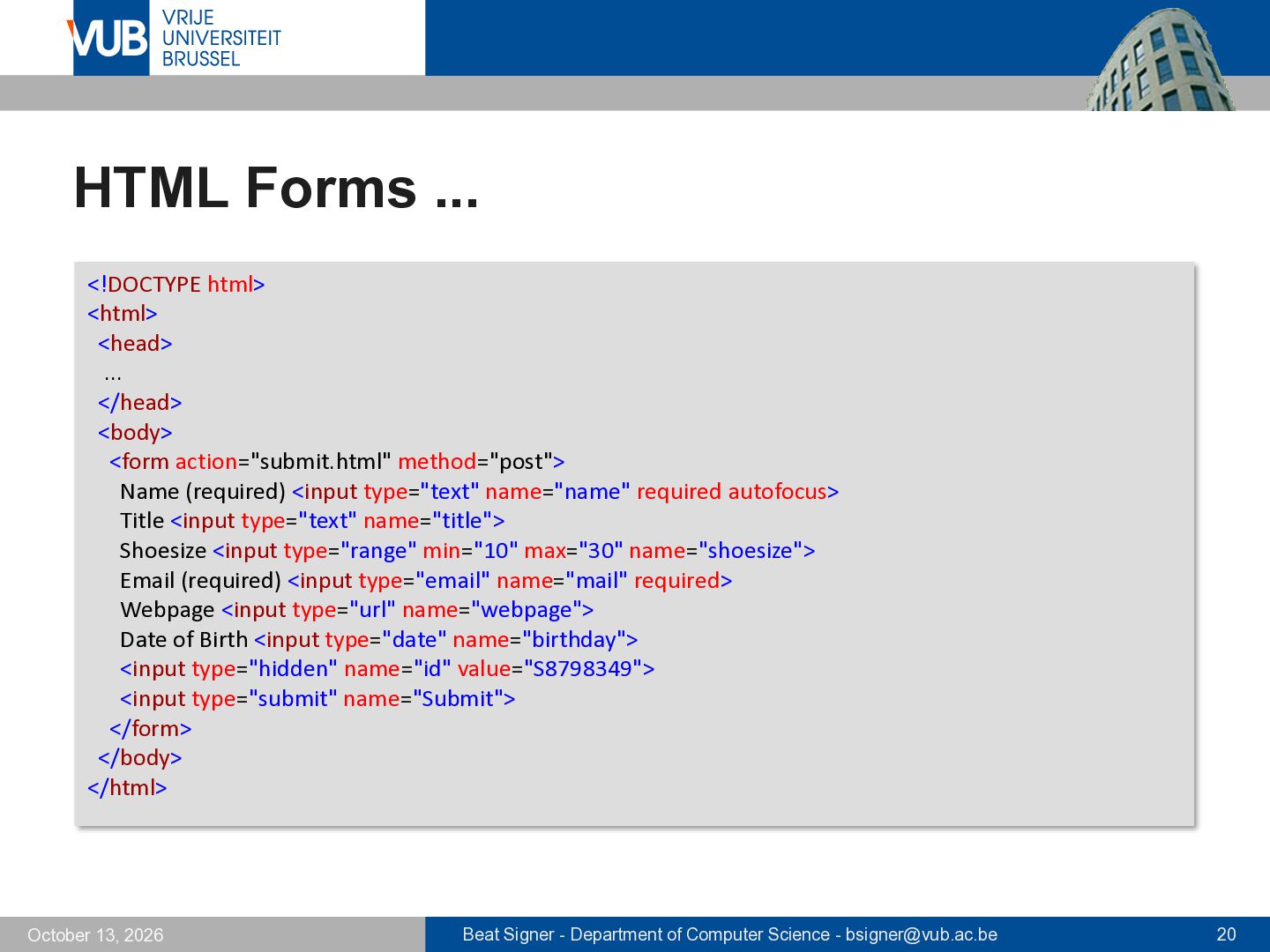
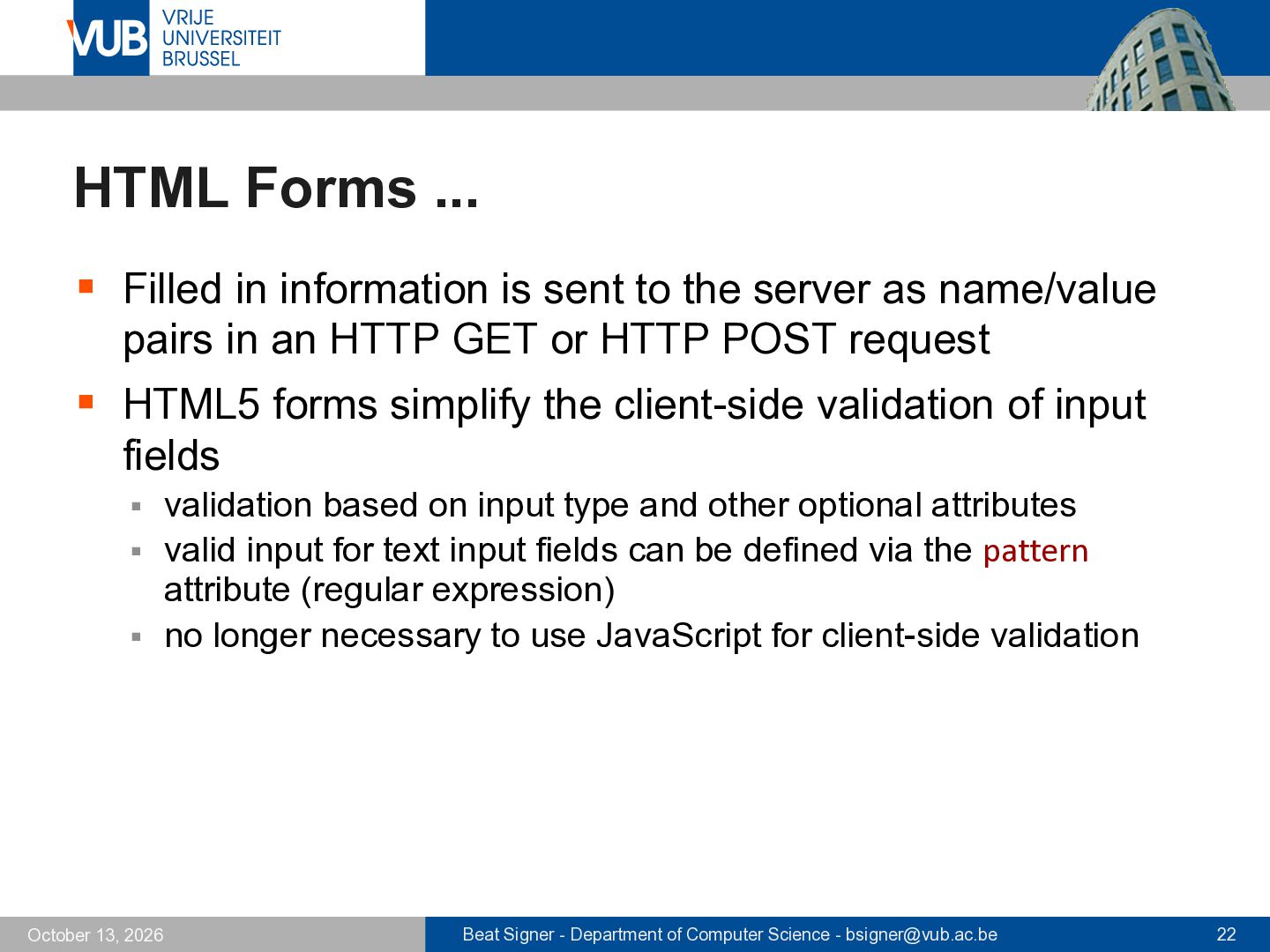
the server as name/value pairs in an HTTP GET or HTTP POST request ▪ HTML5 forms simplify the client-side validation of input fields validation based on input type and other optional attributes ▪ valid input for text input fields can be defined via the pattern attribute (regular expression) ▪ no longer necessary to use JavaScript for client-side validation ▪ October 13, 2026 Beat Signer - Department of Computer Science - [email protected] 22
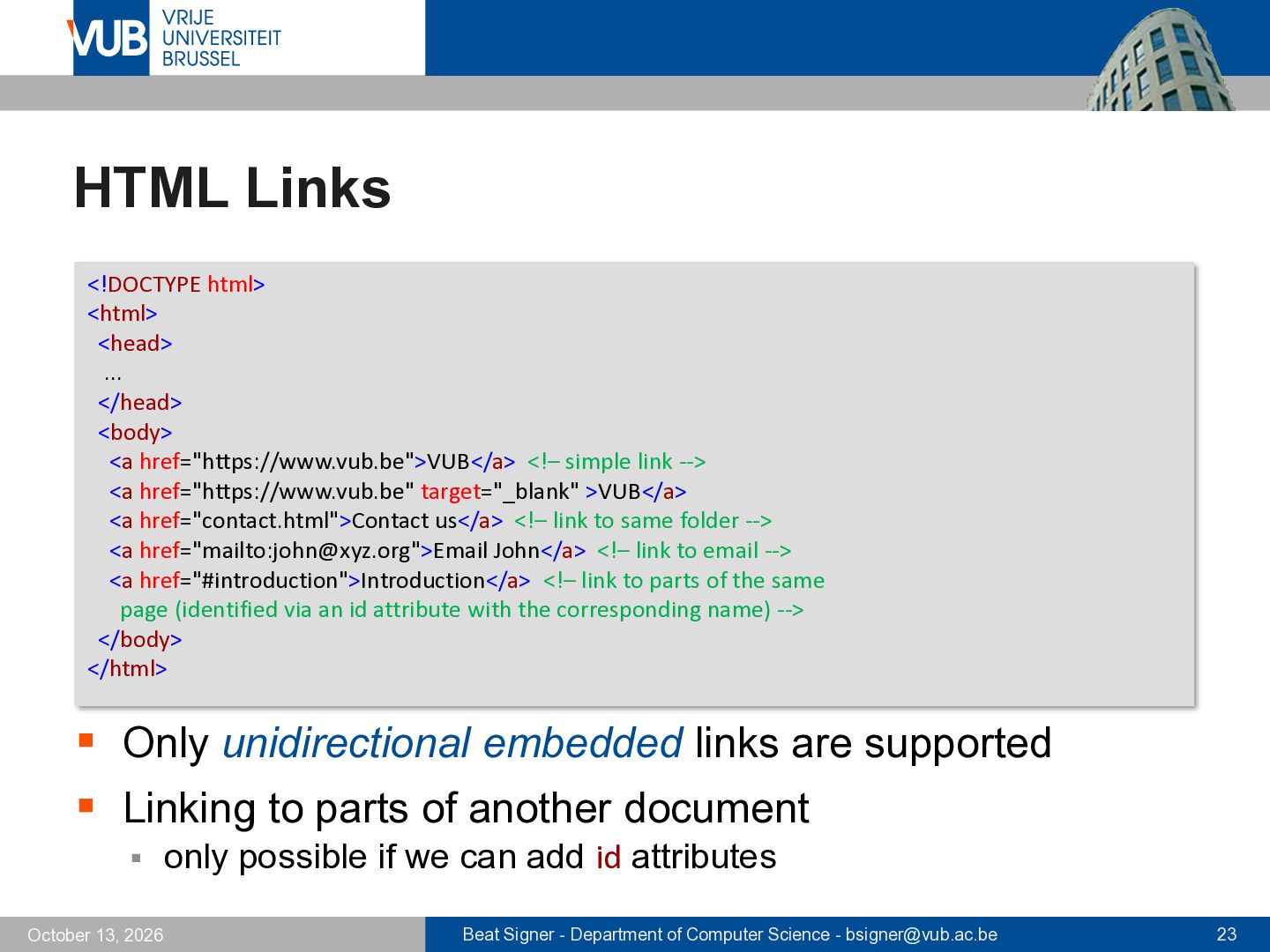
href="https://www.vub.be">VUB</a> <!– simple link --> <a href="https://www.vub.be" target="_blank" >VUB</a> <a href="contact.html">Contact us</a> <!– link to same folder --> <a href="mailto:[email protected]">Email John</a> <!– link to email --> <a href="#introduction">Introduction</a> <!– link to parts of the same page (identified via an id attribute with the corresponding name) --> </body> </html> ▪ Only unidirectional embedded links are supported ▪ Linking to parts of another document ▪ October 13, 2026 only possible if we can add id attributes Beat Signer - Department of Computer Science - [email protected] 23
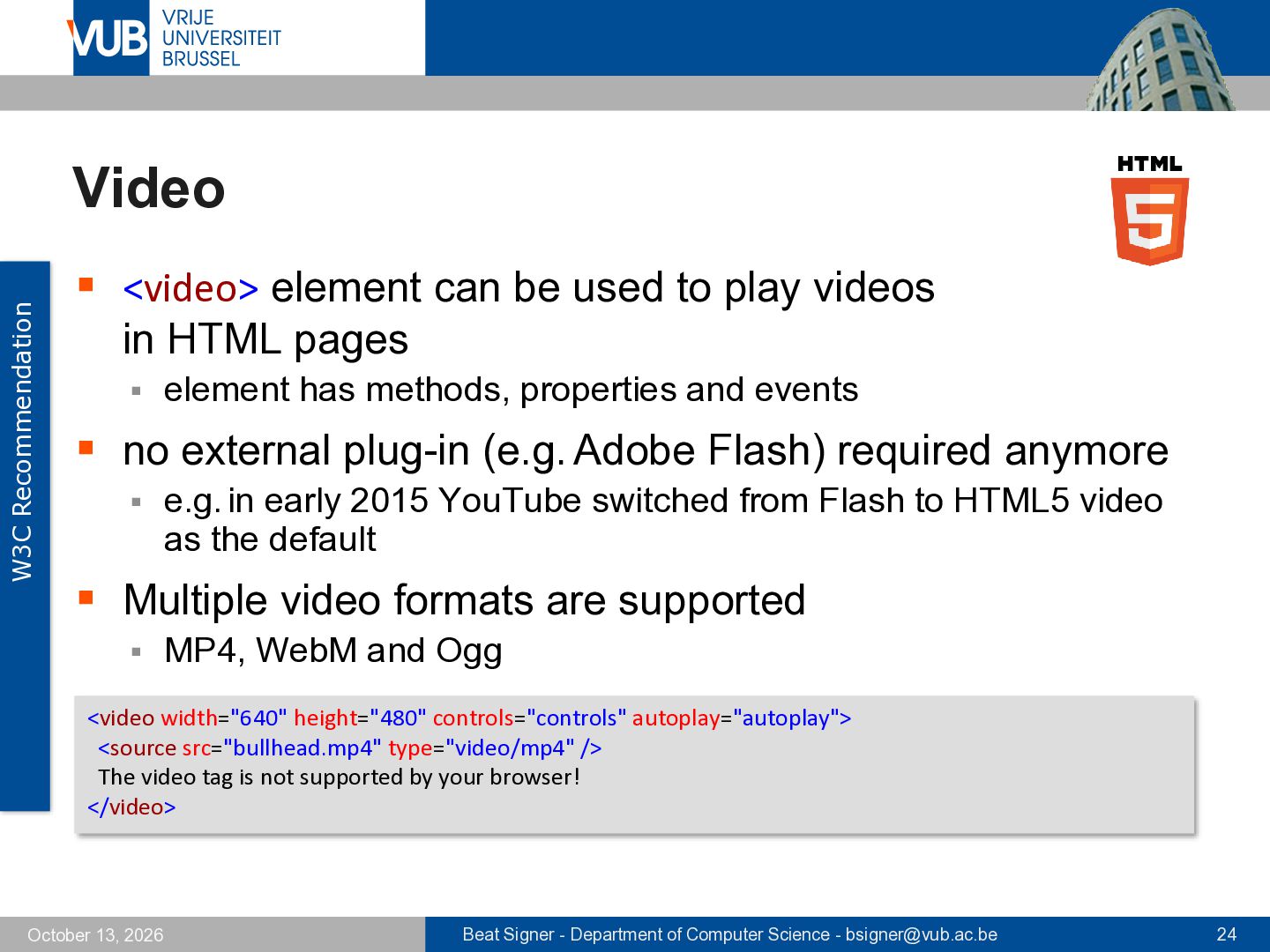
play videos in HTML pages ▪ element has methods, properties and events ▪ no external plug-in (e.g. Adobe Flash) required anymore ▪ e.g. in early 2015 YouTube switched from Flash to HTML5 video as the default ▪ Multiple video formats are supported ▪ MP4, WebM and Ogg <video width="640" height="480" controls="controls" autoplay="autoplay"> <source src="bullhead.mp4" type="video/mp4" /> The video tag is not supported by your browser! </video> October 13, 2026 Beat Signer - Department of Computer Science - [email protected] 24
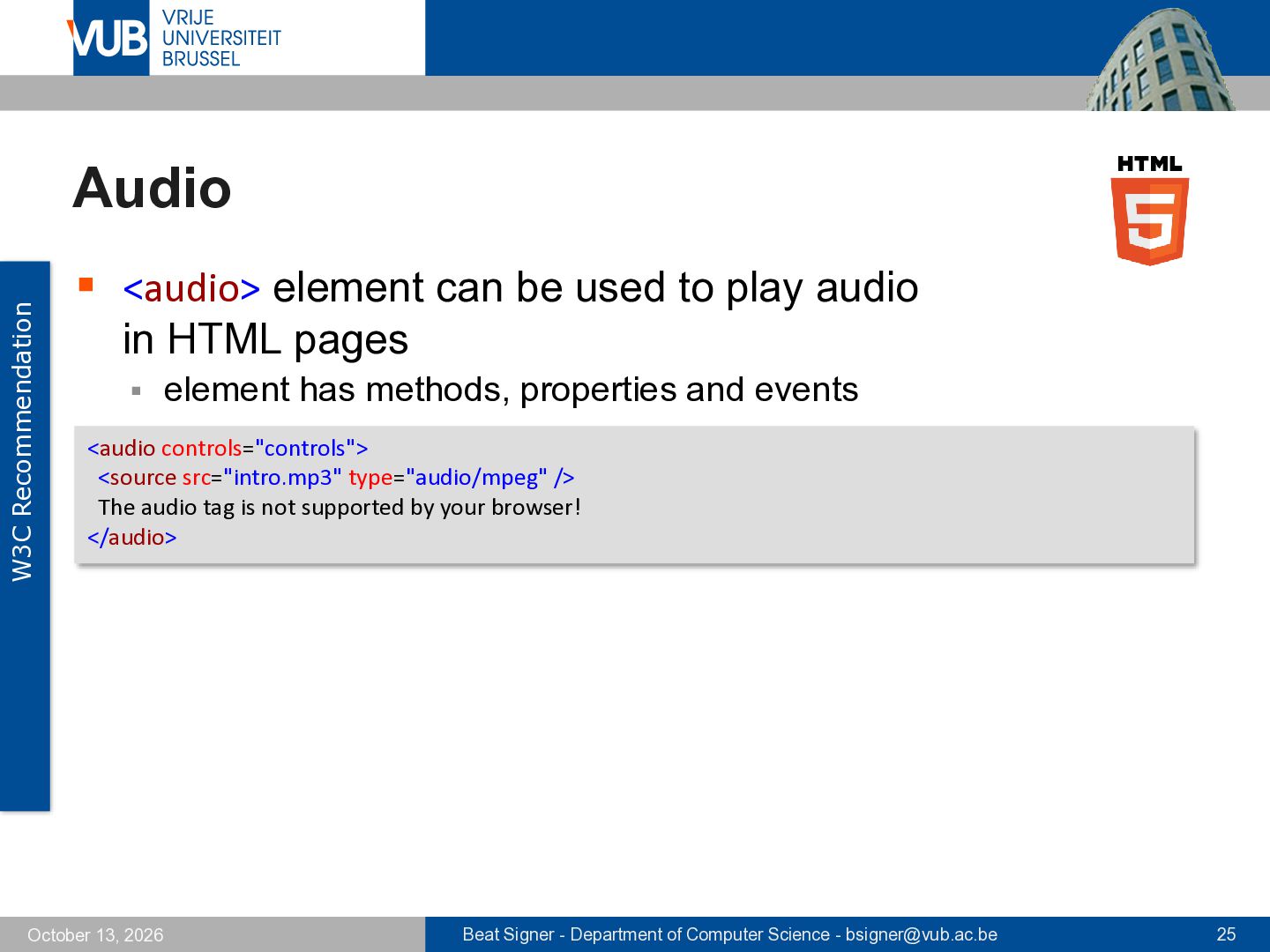
play audio in HTML pages ▪ element has methods, properties and events <audio controls="controls"> <source src="intro.mp3" type="audio/mpeg" /> The audio tag is not supported by your browser! </audio> October 13, 2026 Beat Signer - Department of Computer Science - [email protected] 25
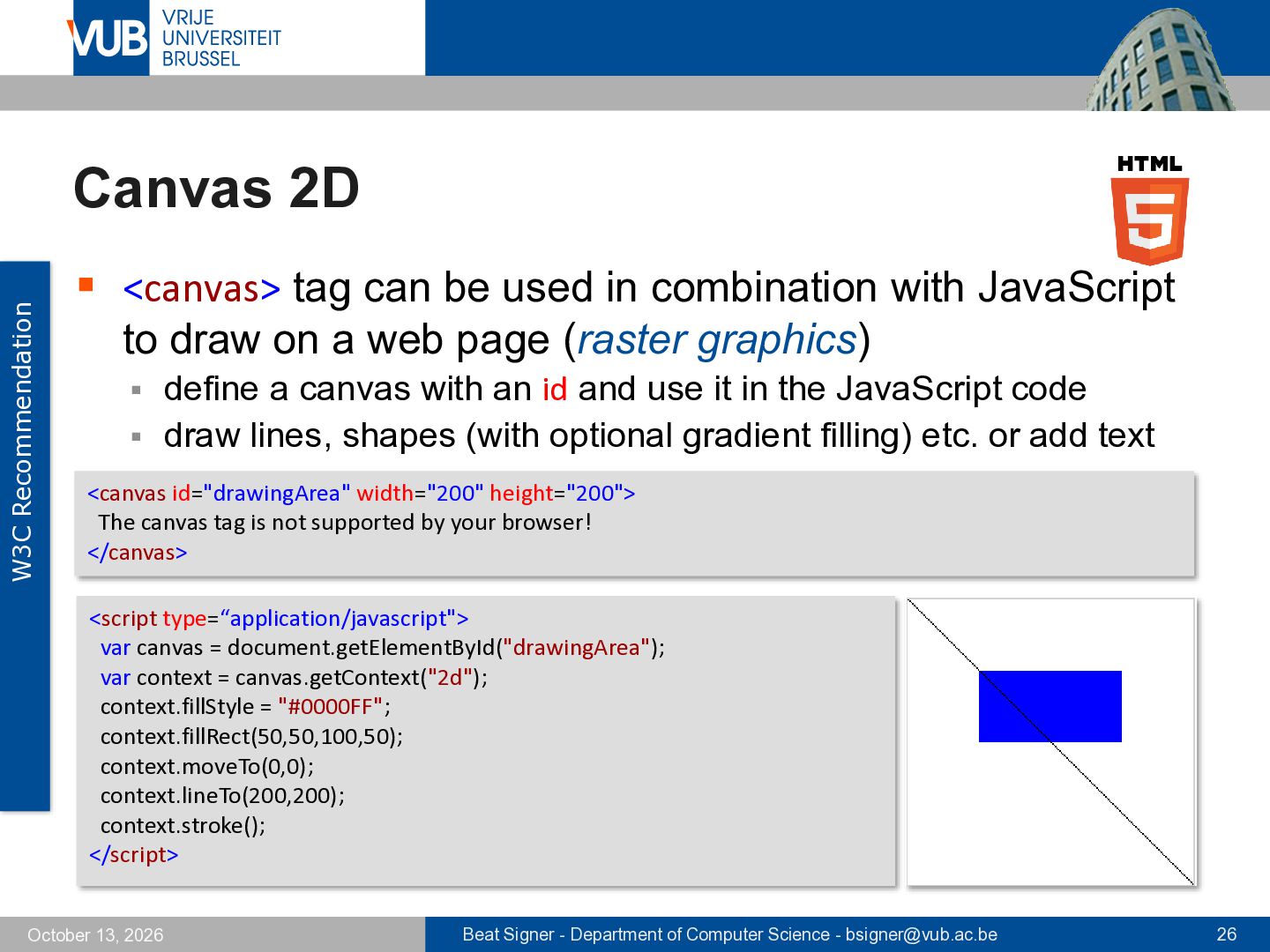
in combination with JavaScript to draw on a web page (raster graphics) define a canvas with an id and use it in the JavaScript code ▪ draw lines, shapes (with optional gradient filling) etc. or add text ▪ <canvas id="drawingArea" width="200" height="200"> The canvas tag is not supported by your browser! </canvas> <script type=“application/javascript"> var canvas = document.getElementById("drawingArea"); var context = canvas.getContext("2d"); context.fillStyle = "#0000FF"; context.fillRect(50,50,100,50); context.moveTo(0,0); context.lineTo(200,200); context.stroke(); </script> October 13, 2026 Beat Signer - Department of Computer Science - [email protected] 26
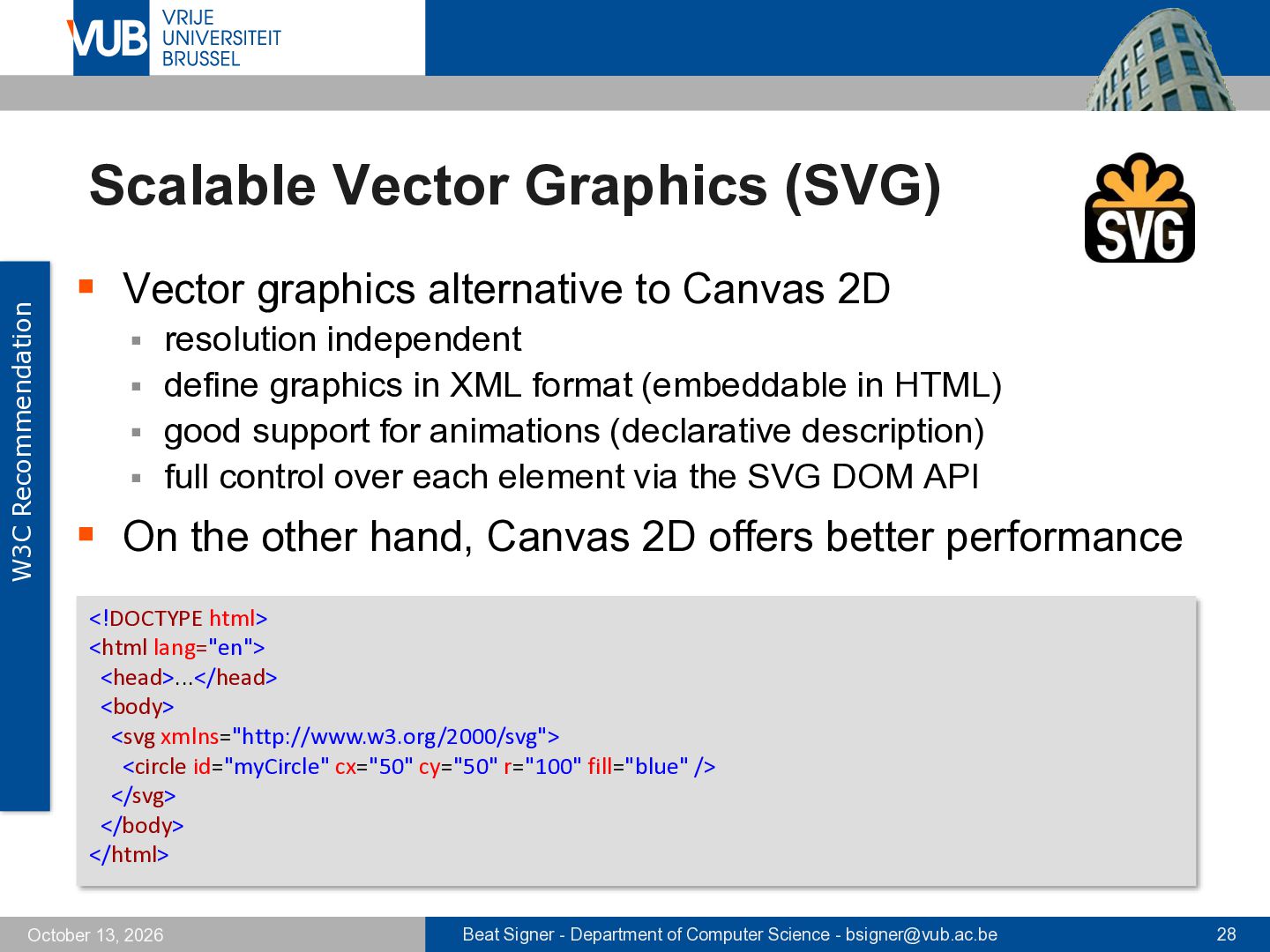
to Canvas 2D resolution independent ▪ define graphics in XML format (embeddable in HTML) ▪ good support for animations (declarative description) ▪ full control over each element via the SVG DOM API ▪ ▪ On the other hand, Canvas 2D offers better performance <!DOCTYPE html> <html lang="en"> <head>...</head> <body> <svg xmlns="http://www.w3.org/2000/svg"> <circle id="myCircle" cx="50" cy="50" r="100" fill="blue" /> </svg> </body> </html> October 13, 2026 Beat Signer - Department of Computer Science - [email protected] 28
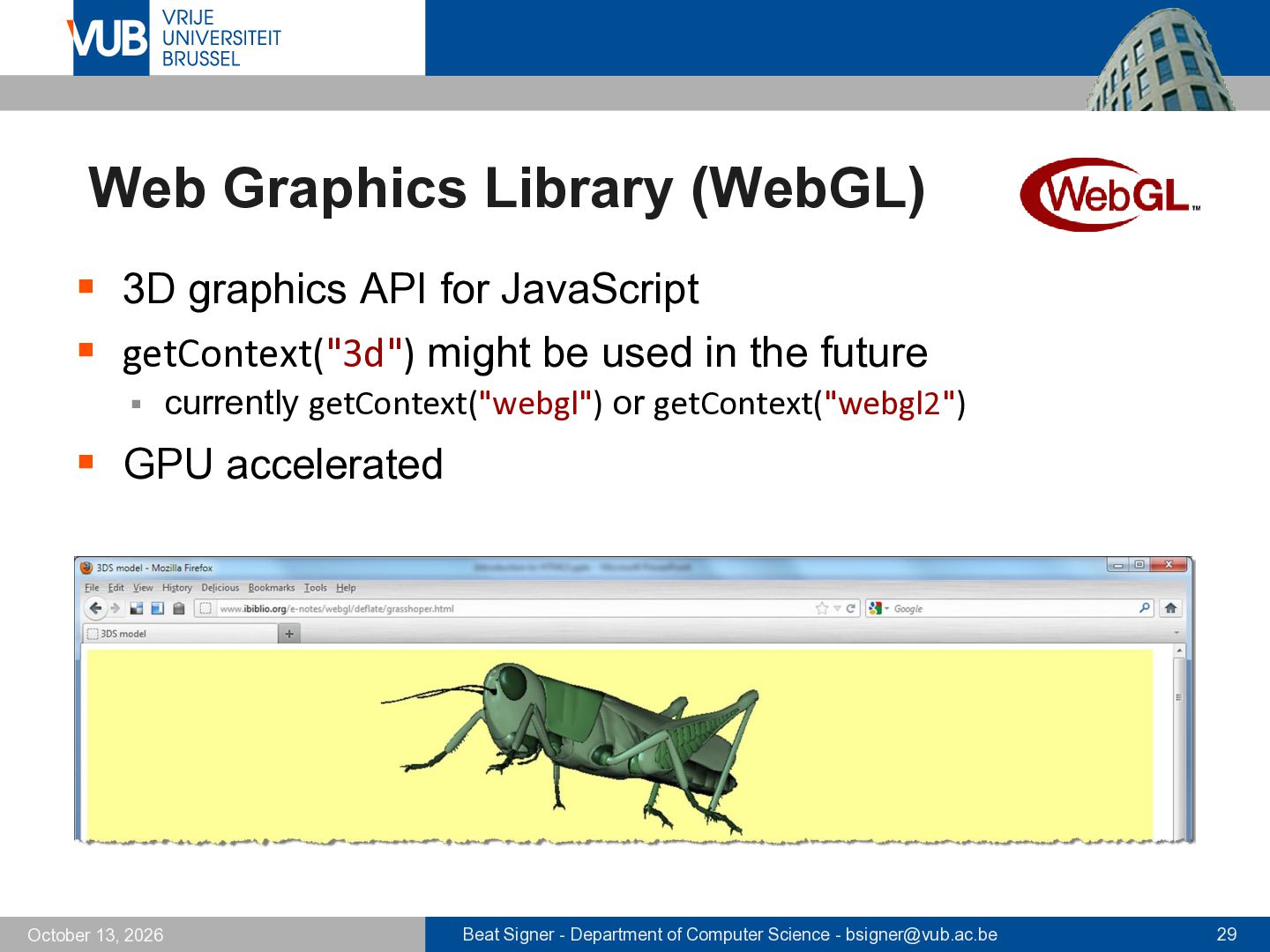
▪ getContext("3d") might be used in the future ▪ currently getContext("webgl") or getContext("webgl2") ▪ GPU accelerated October 13, 2026 Beat Signer - Department of Computer Science - [email protected] 29
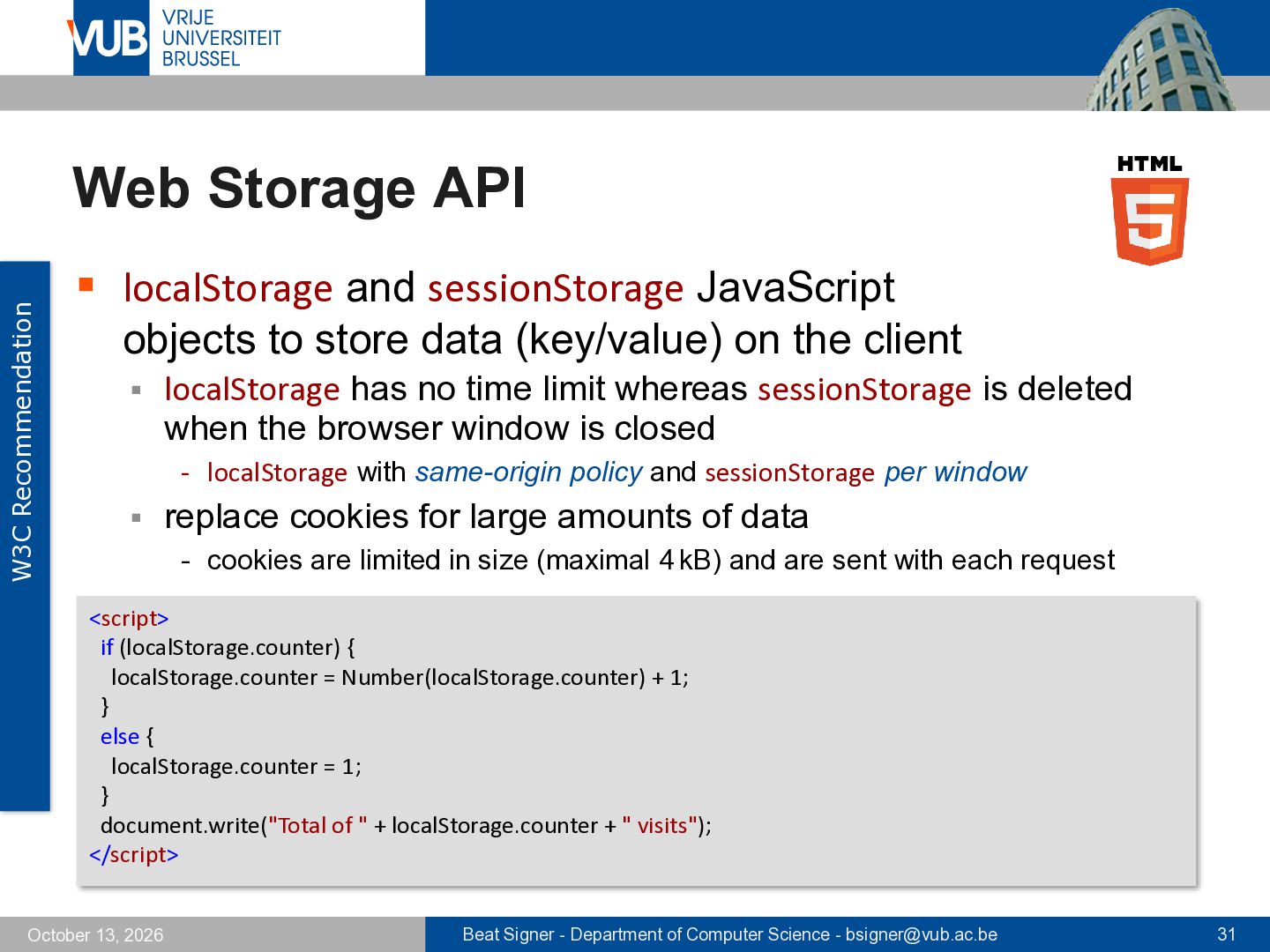
objects to store data (key/value) on the client ▪ localStorage has no time limit whereas sessionStorage is deleted when the browser window is closed - localStorage with same-origin policy and sessionStorage per window ▪ replace cookies for large amounts of data - cookies are limited in size (maximal 4 kB) and are sent with each request <script> if (localStorage.counter) { localStorage.counter = Number(localStorage.counter) + 1; } else { localStorage.counter = 1; } document.write("Total of " + localStorage.counter + " visits"); </script> October 13, 2026 Beat Signer - Department of Computer Science - [email protected] 31
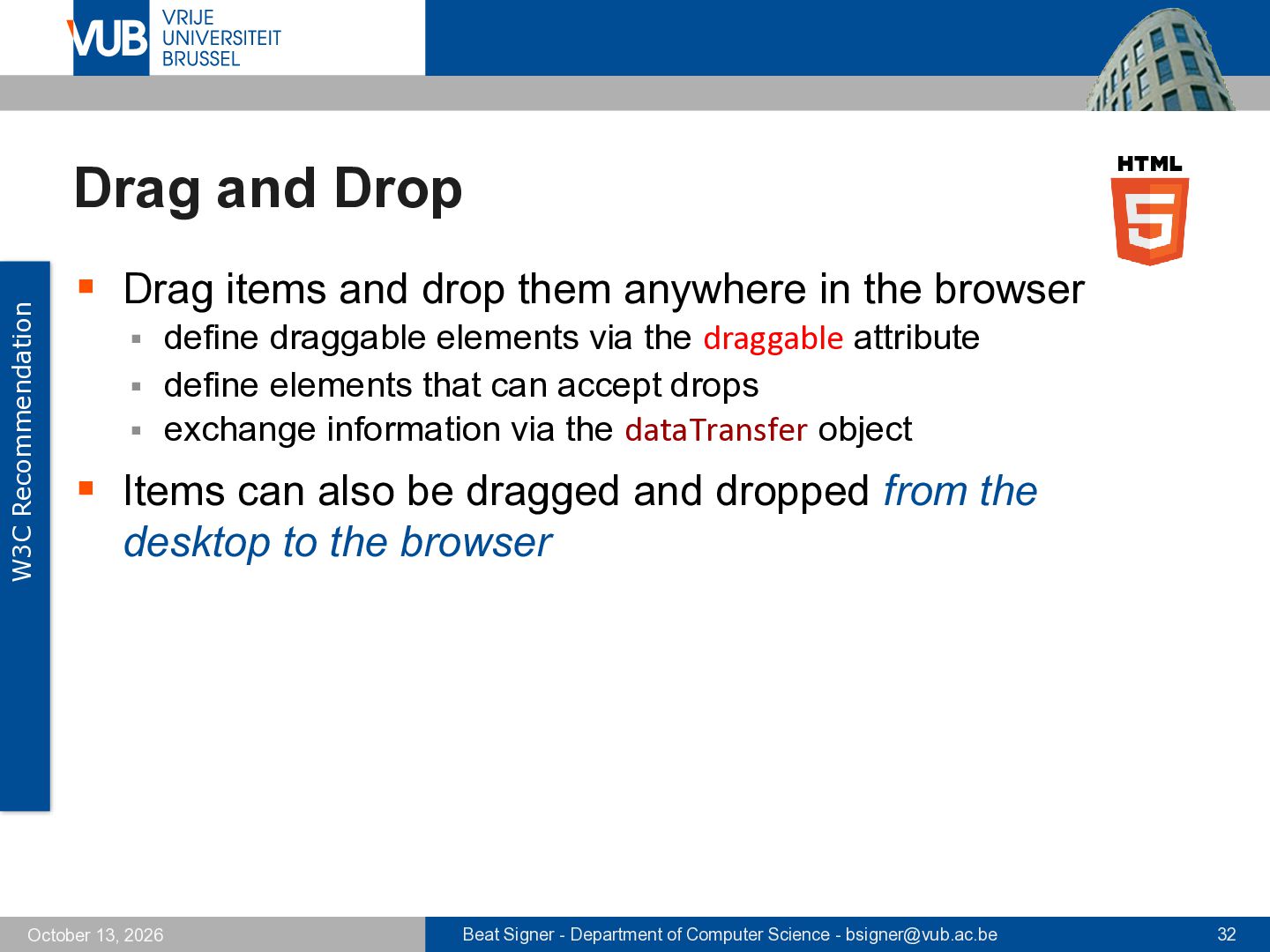
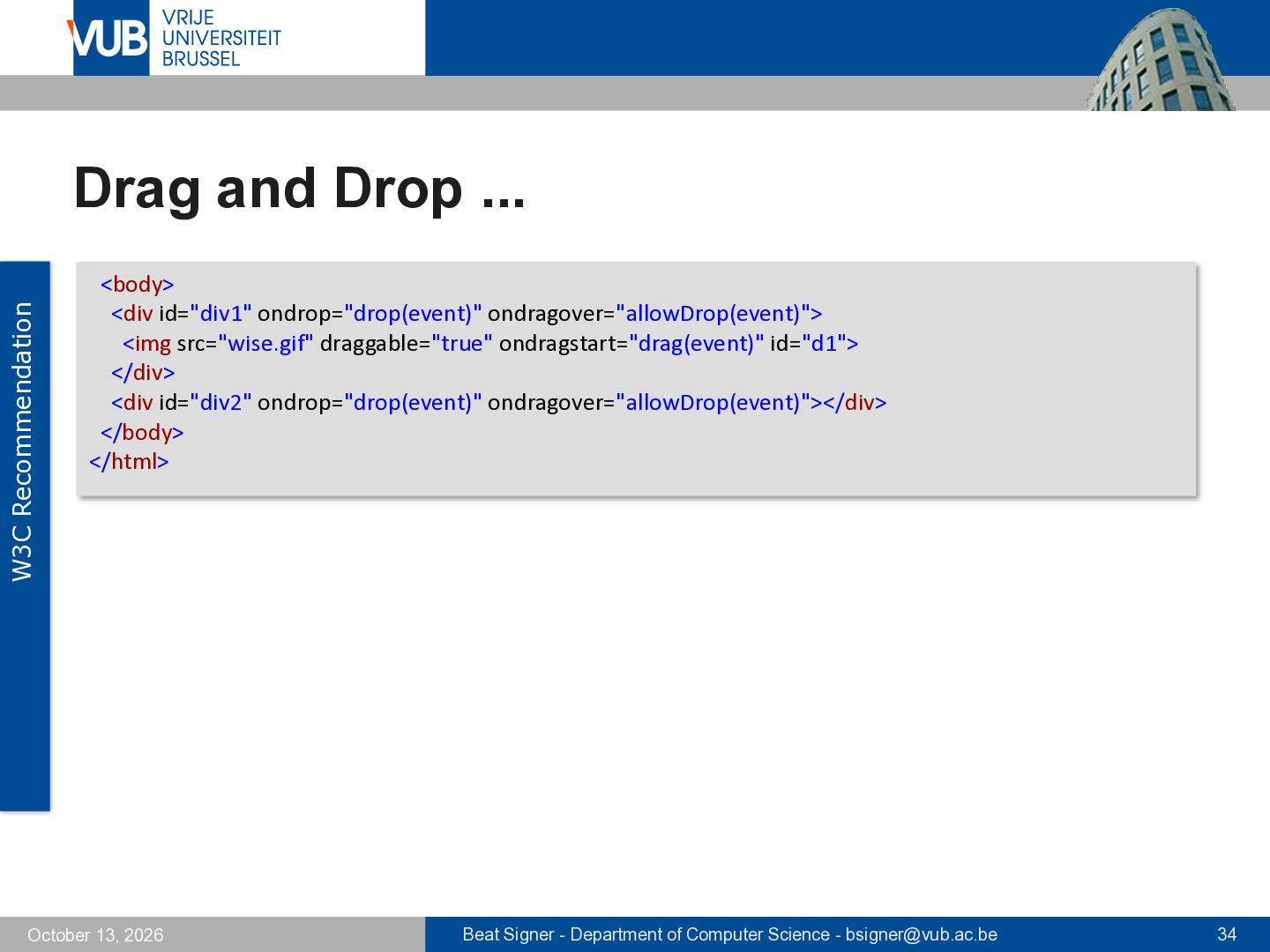
them anywhere in the browser define draggable elements via the draggable attribute ▪ define elements that can accept drops ▪ exchange information via the dataTransfer object ▪ ▪ Items can also be dragged and dropped from the desktop to the browser October 13, 2026 Beat Signer - Department of Computer Science - [email protected] 32
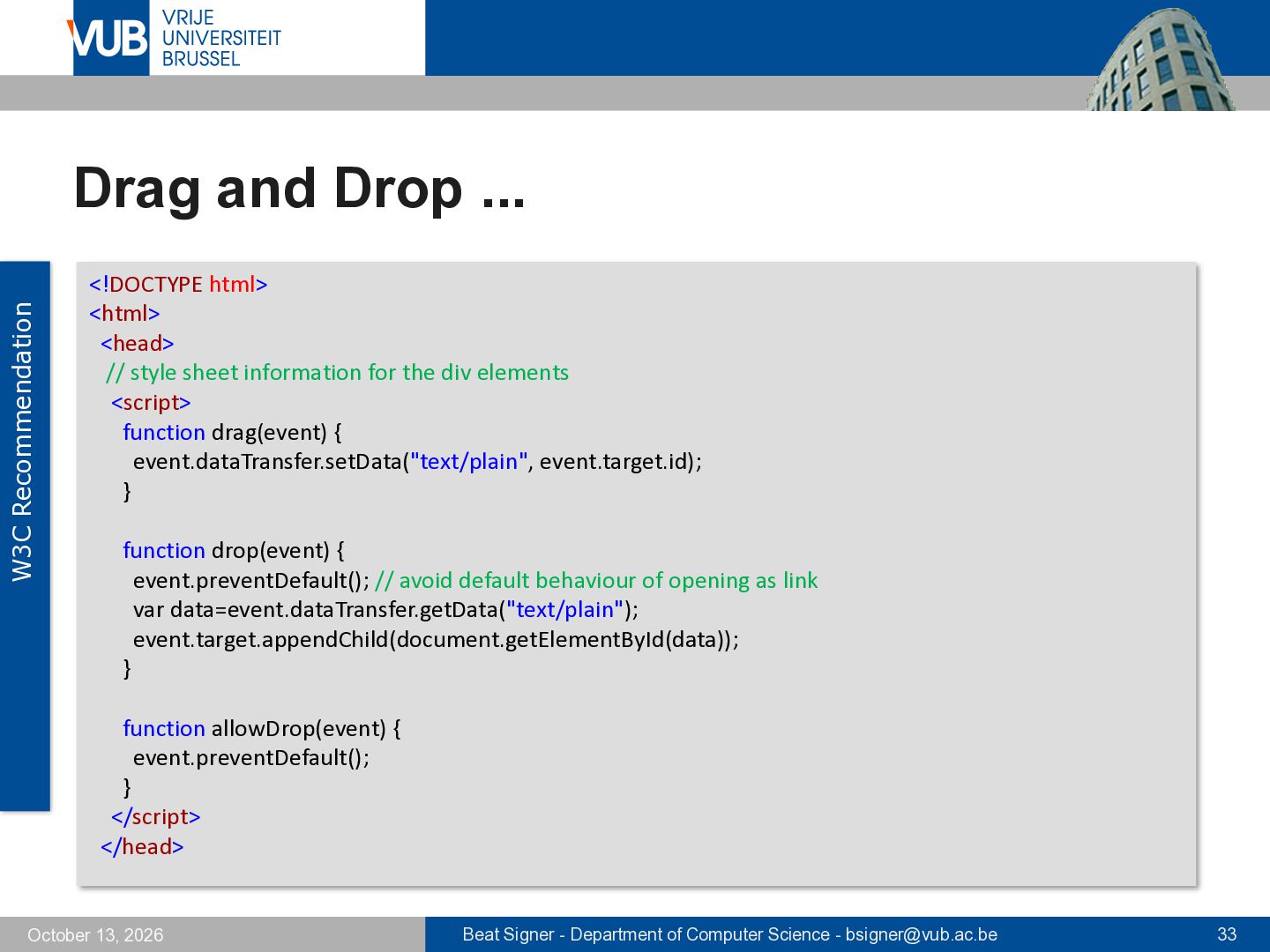
// style sheet information for the div elements <script> function drag(event) { event.dataTransfer.setData("text/plain", event.target.id); } function drop(event) { event.preventDefault(); // avoid default behaviour of opening as link var data=event.dataTransfer.getData("text/plain"); event.target.appendChild(document.getElementById(data)); } function allowDrop(event) { event.preventDefault(); } </script> </head> October 13, 2026 Beat Signer - Department of Computer Science - [email protected] 33
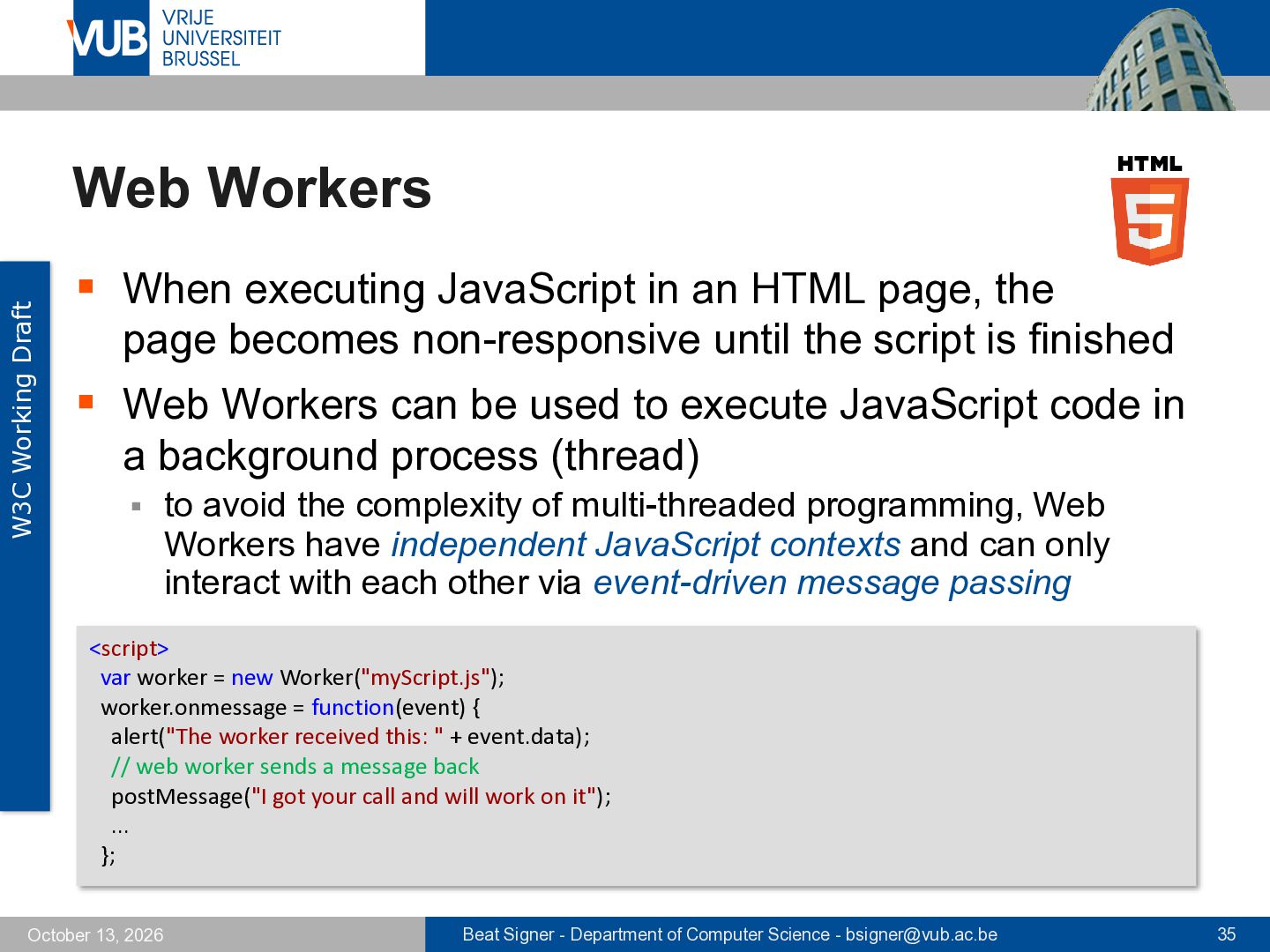
an HTML page, the page becomes non-responsive until the script is finished ▪ Web Workers can be used to execute JavaScript code in a background process (thread) ▪ to avoid the complexity of multi-threaded programming, Web Workers have independent JavaScript contexts and can only interact with each other via event-driven message passing <script> var worker = new Worker("myScript.js"); worker.onmessage = function(event) { alert("The worker received this: " + event.data); // web worker sends a message back postMessage("I got your call and will work on it"); ... }; October 13, 2026 Beat Signer - Department of Computer Science - [email protected] 35
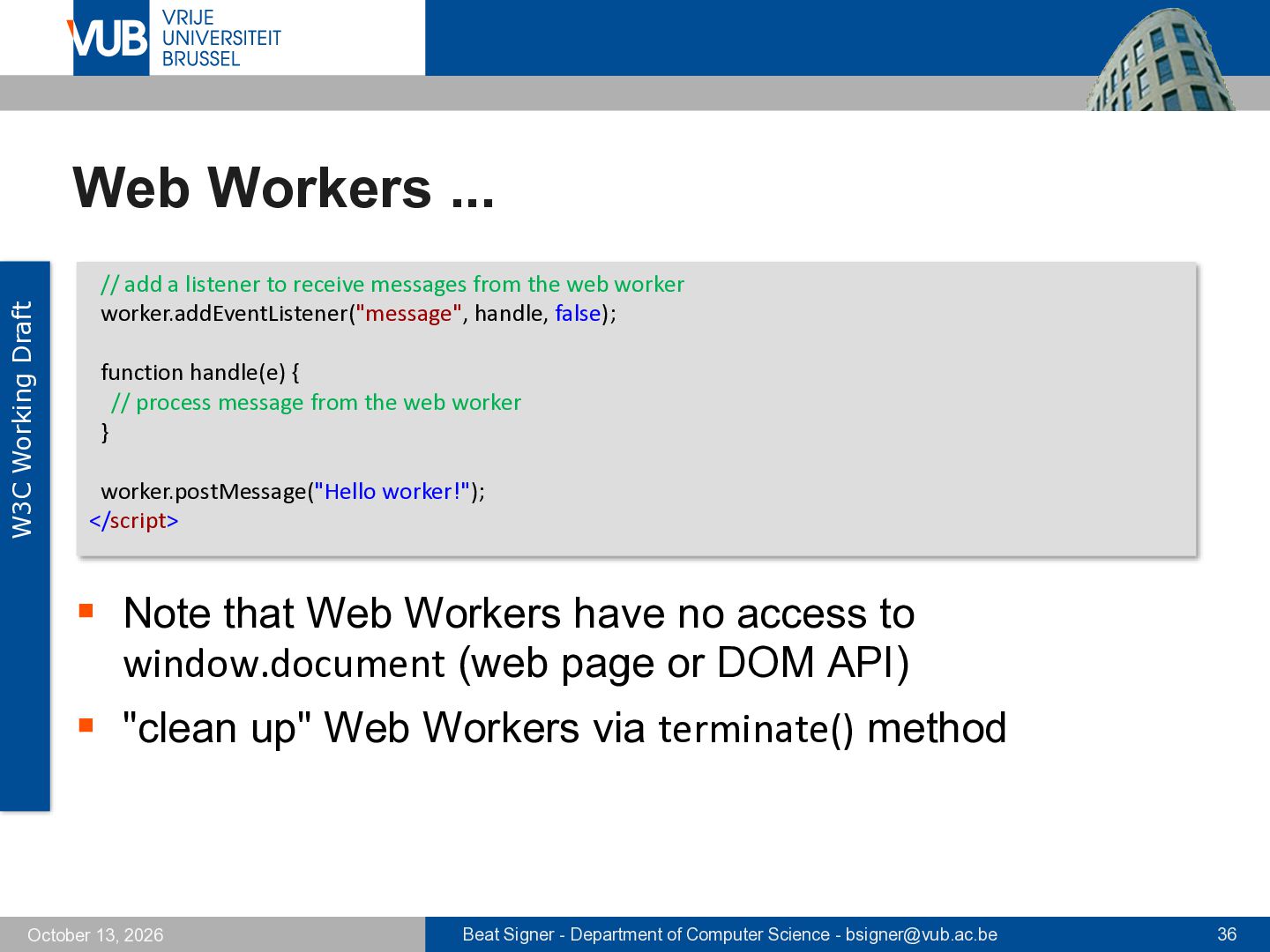
to receive messages from the web worker worker.addEventListener("message", handle, false); function handle(e) { // process message from the web worker } worker.postMessage("Hello worker!"); </script> ▪ Note that Web Workers have no access to window.document (web page or DOM API) ▪ "clean up" Web Workers via terminate() method October 13, 2026 Beat Signer - Department of Computer Science - [email protected] 36
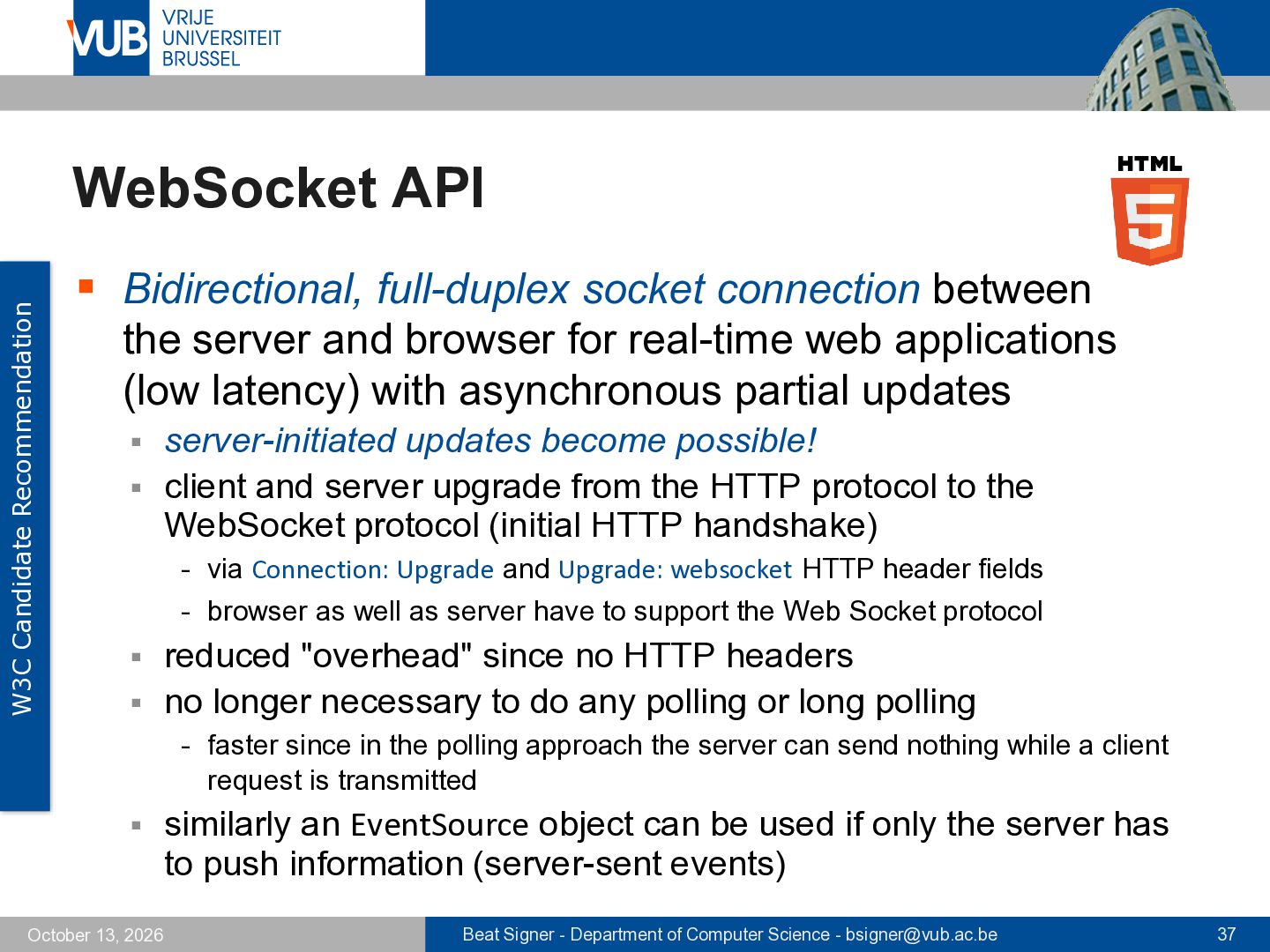
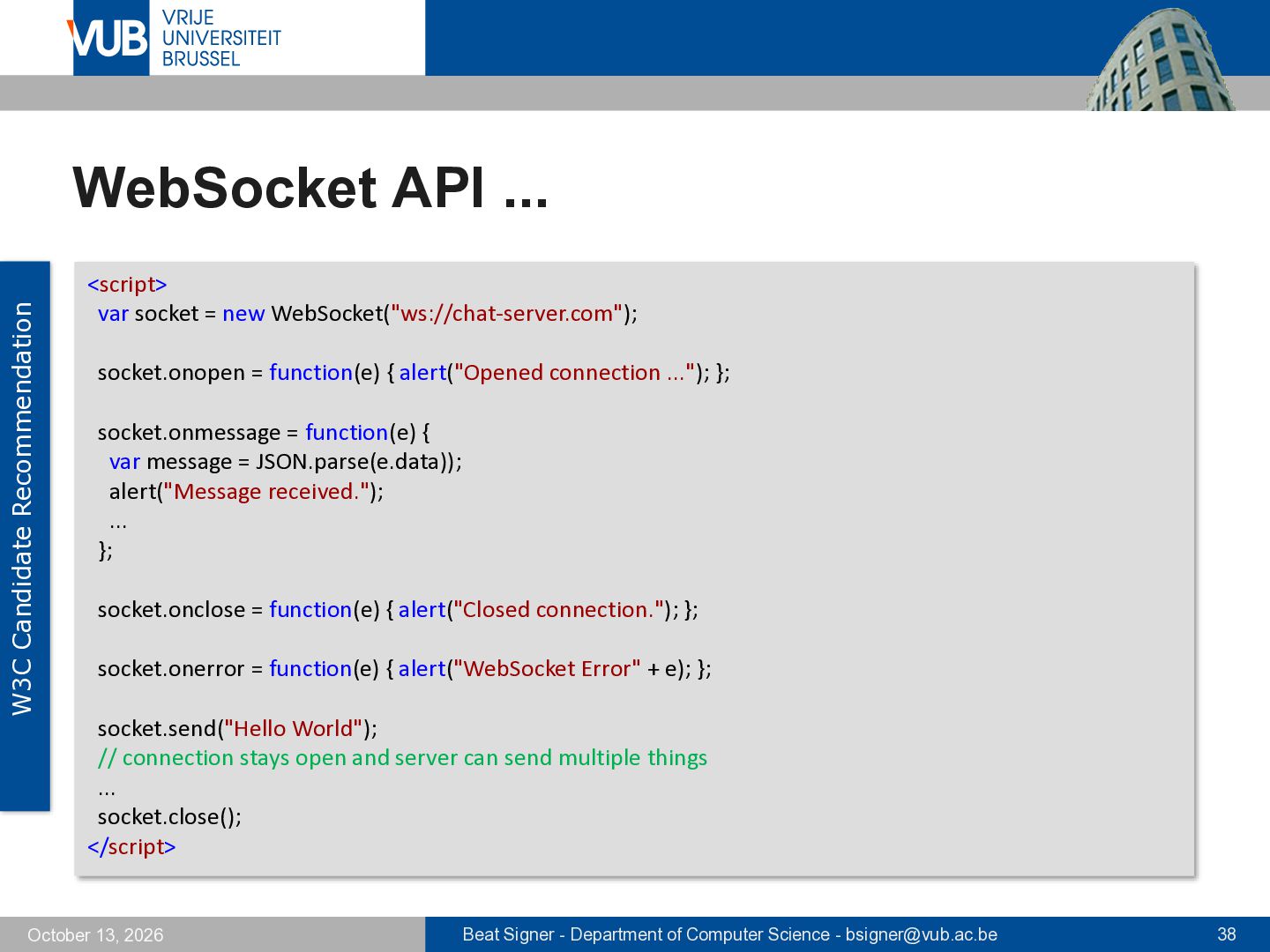
between the server and browser for real-time web applications (low latency) with asynchronous partial updates server-initiated updates become possible! ▪ client and server upgrade from the HTTP protocol to the WebSocket protocol (initial HTTP handshake) ▪ - via Connection: Upgrade and Upgrade: websocket HTTP header fields - browser as well as server have to support the Web Socket protocol reduced "overhead" since no HTTP headers ▪ no longer necessary to do any polling or long polling ▪ - faster since in the polling approach the server can send nothing while a client request is transmitted ▪ October 13, 2026 similarly an EventSource object can be used if only the server has to push information (server-sent events) Beat Signer - Department of Computer Science - [email protected] 37
location information on the client device ▪ transparent access to different location information sources - GPS, GSM cells, IP address, RFID, Wi-Fi connection etc. ▪ Firefox uses the Google Location Service as default lookup service ▪ October 13, 2026 send IP address and information about nearby wireless access points to the Google Location Service and an approximate location will be computed Beat Signer - Department of Computer Science - [email protected] 39
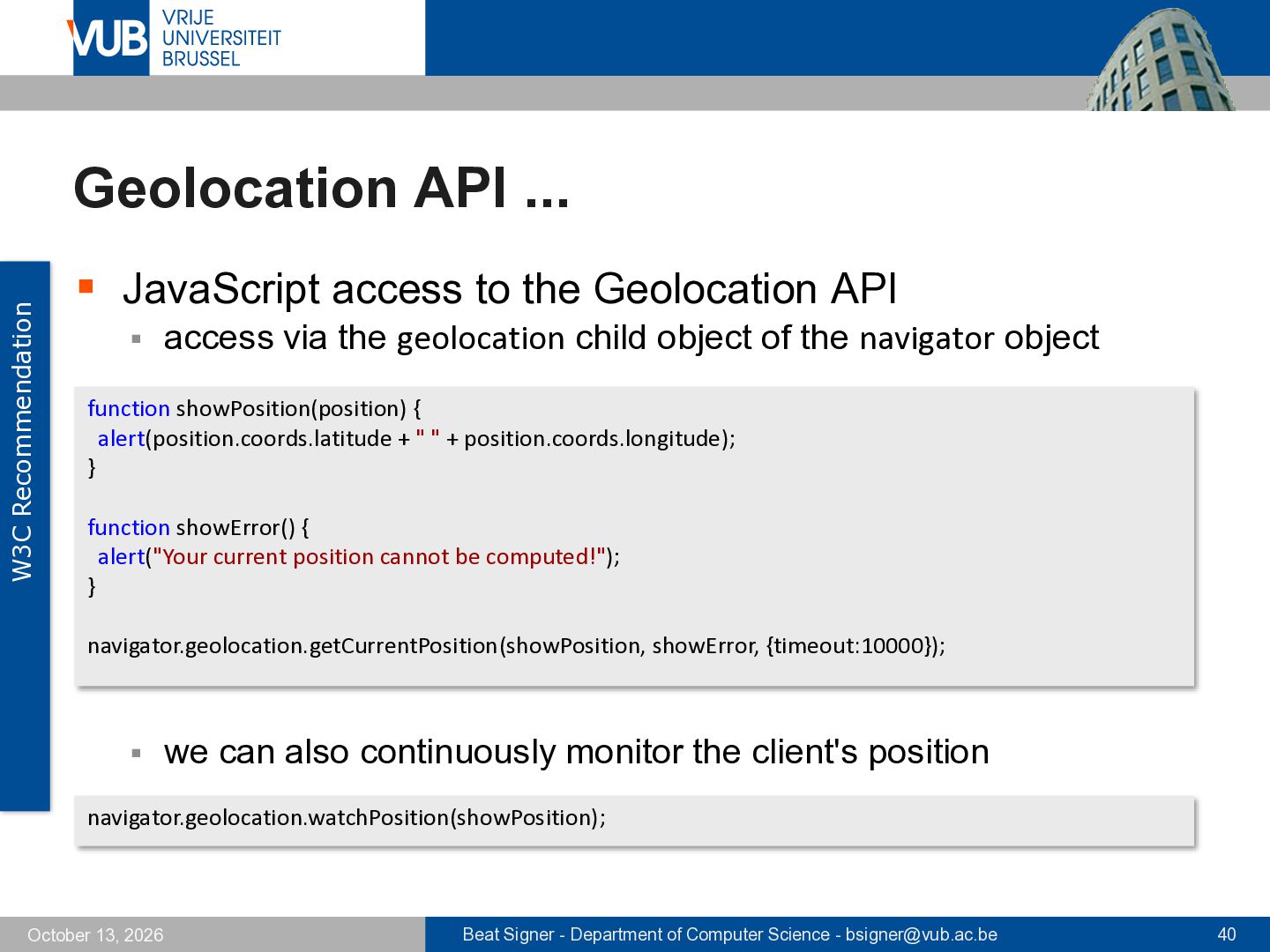
Geolocation API ▪ access via the geolocation child object of the navigator object function showPosition(position) { alert(position.coords.latitude + " " + position.coords.longitude); } function showError() { alert("Your current position cannot be computed!"); } navigator.geolocation.getCurrentPosition(showPosition, showError, {timeout:10000}); ▪ we can also continuously monitor the client's position navigator.geolocation.watchPosition(showPosition); October 13, 2026 Beat Signer - Department of Computer Science - [email protected] 40
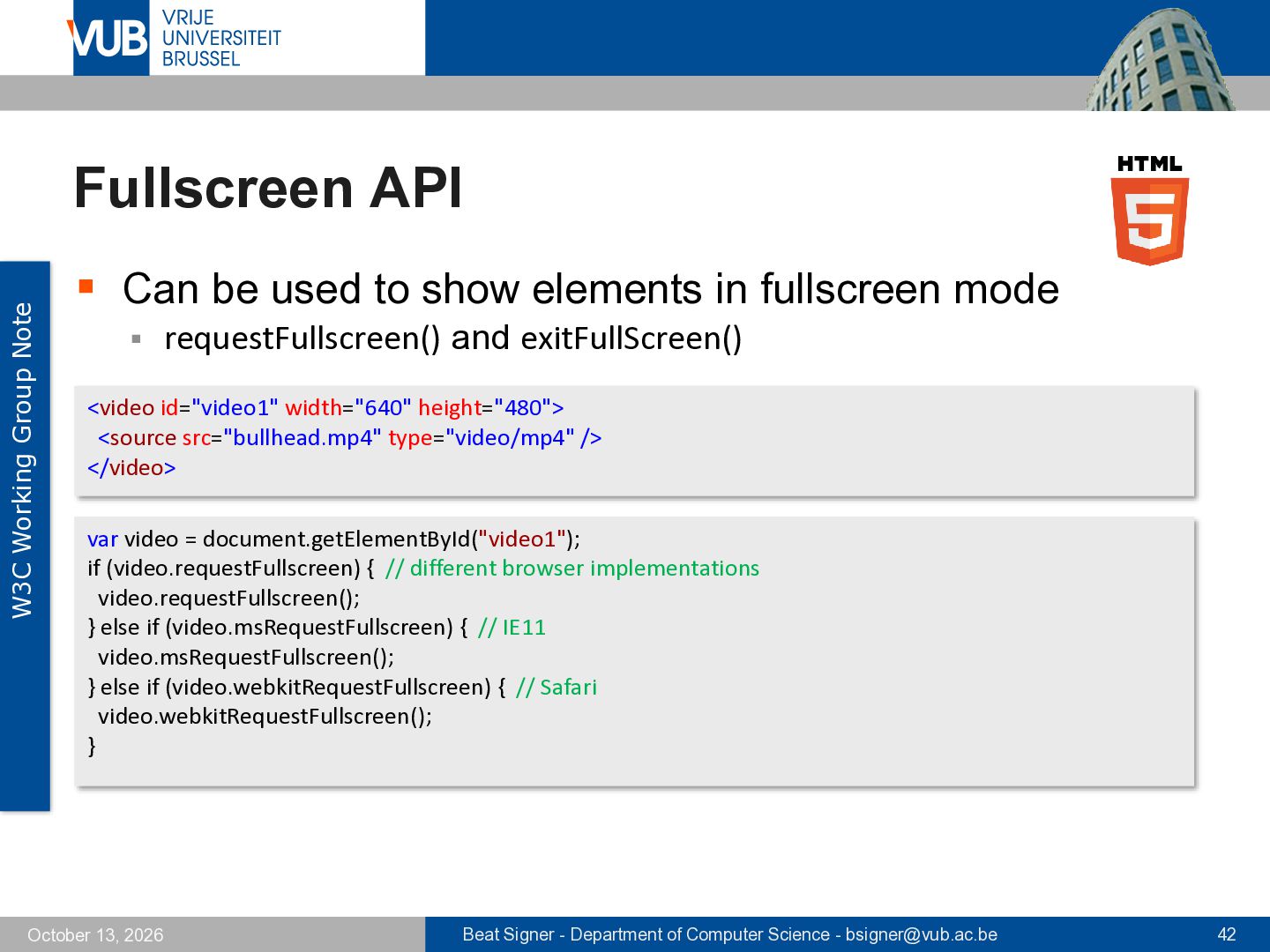
to show elements in fullscreen mode ▪ requestFullscreen() and exitFullScreen() <video id="video1" width="640" height="480"> <source src="bullhead.mp4" type="video/mp4" /> </video> var video = document.getElementById("video1"); if (video.requestFullscreen) { // different browser implementations video.requestFullscreen(); } else if (video.msRequestFullscreen) { // IE11 video.msRequestFullscreen(); } else if (video.webkitRequestFullscreen) { // Safari video.webkitRequestFullscreen(); } October 13, 2026 Beat Signer - Department of Computer Science - [email protected] 42
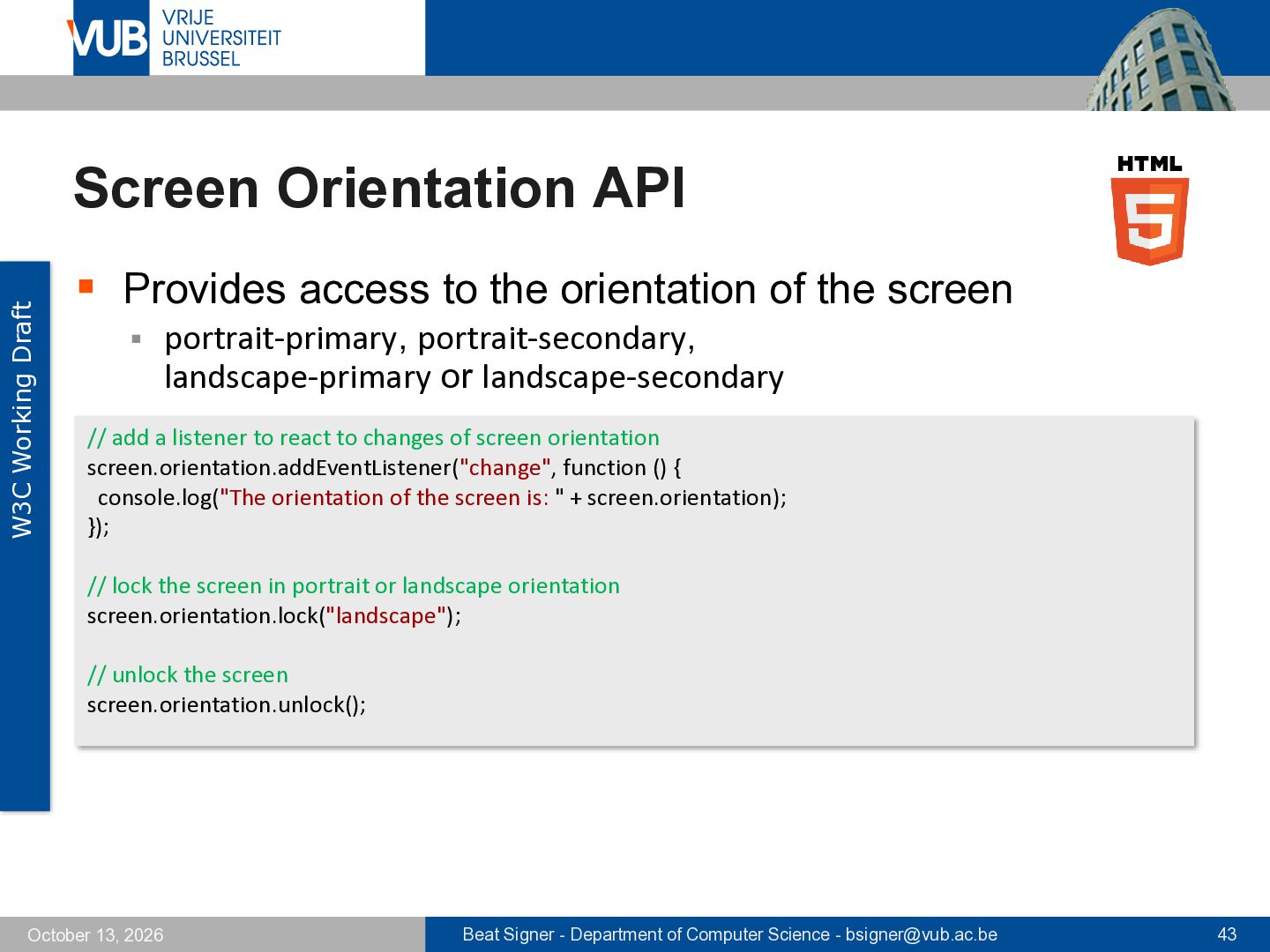
the orientation of the screen ▪ portrait-primary, portrait-secondary, landscape-primary or landscape-secondary // add a listener to react to changes of screen orientation screen.orientation.addEventListener("change", function () { console.log("The orientation of the screen is: " + screen.orientation); }); // lock the screen in portrait or landscape orientation screen.orientation.lock("landscape"); // unlock the screen screen.orientation.unlock(); October 13, 2026 Beat Signer - Department of Computer Science - [email protected] 43
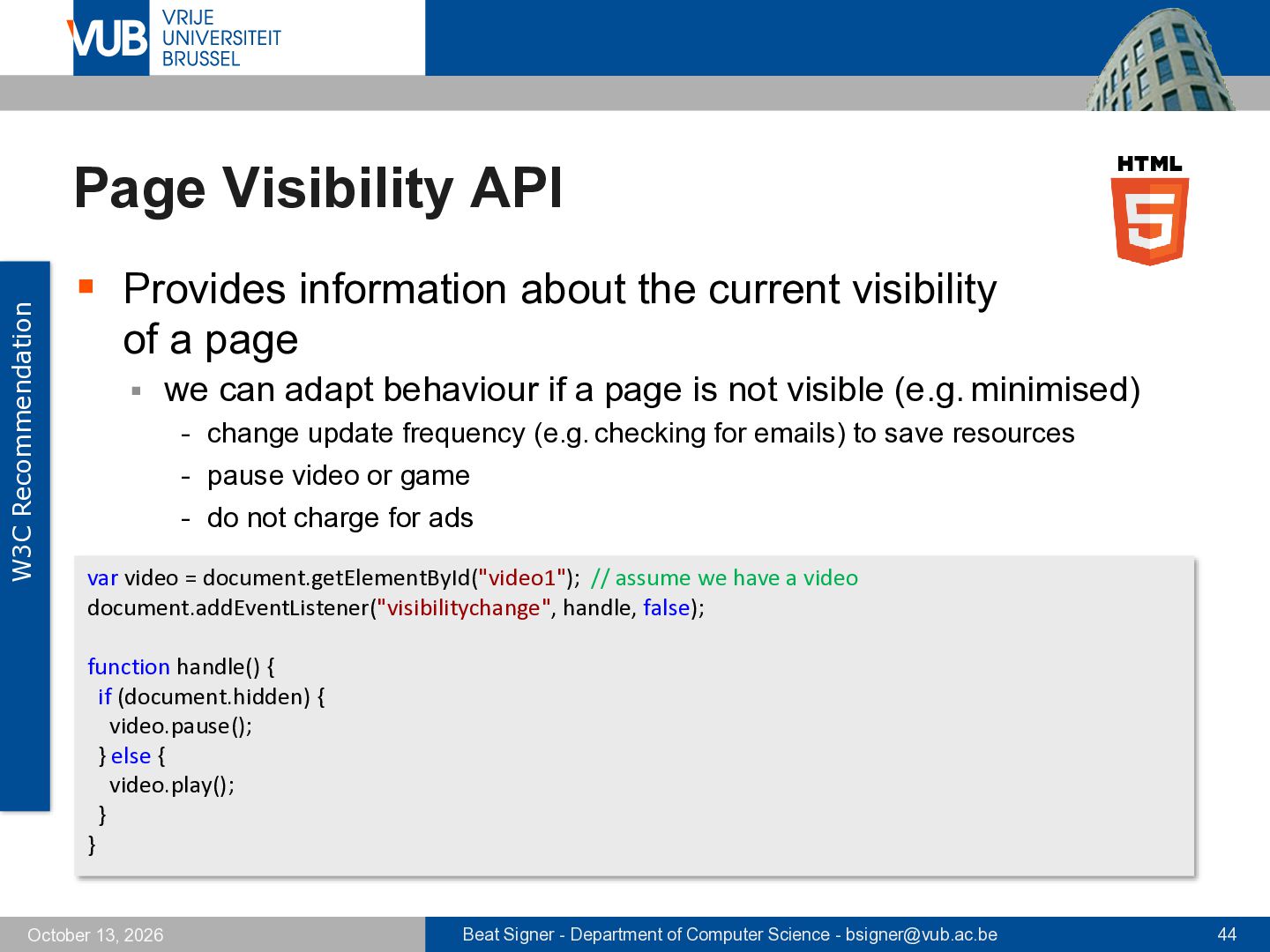
current visibility of a page ▪ we can adapt behaviour if a page is not visible (e.g. minimised) - change update frequency (e.g. checking for emails) to save resources - pause video or game - do not charge for ads var video = document.getElementById("video1"); // assume we have a video document.addEventListener("visibilitychange", handle, false); function handle() { if (document.hidden) { video.pause(); } else { video.play(); } } October 13, 2026 Beat Signer - Department of Computer Science - [email protected] 44
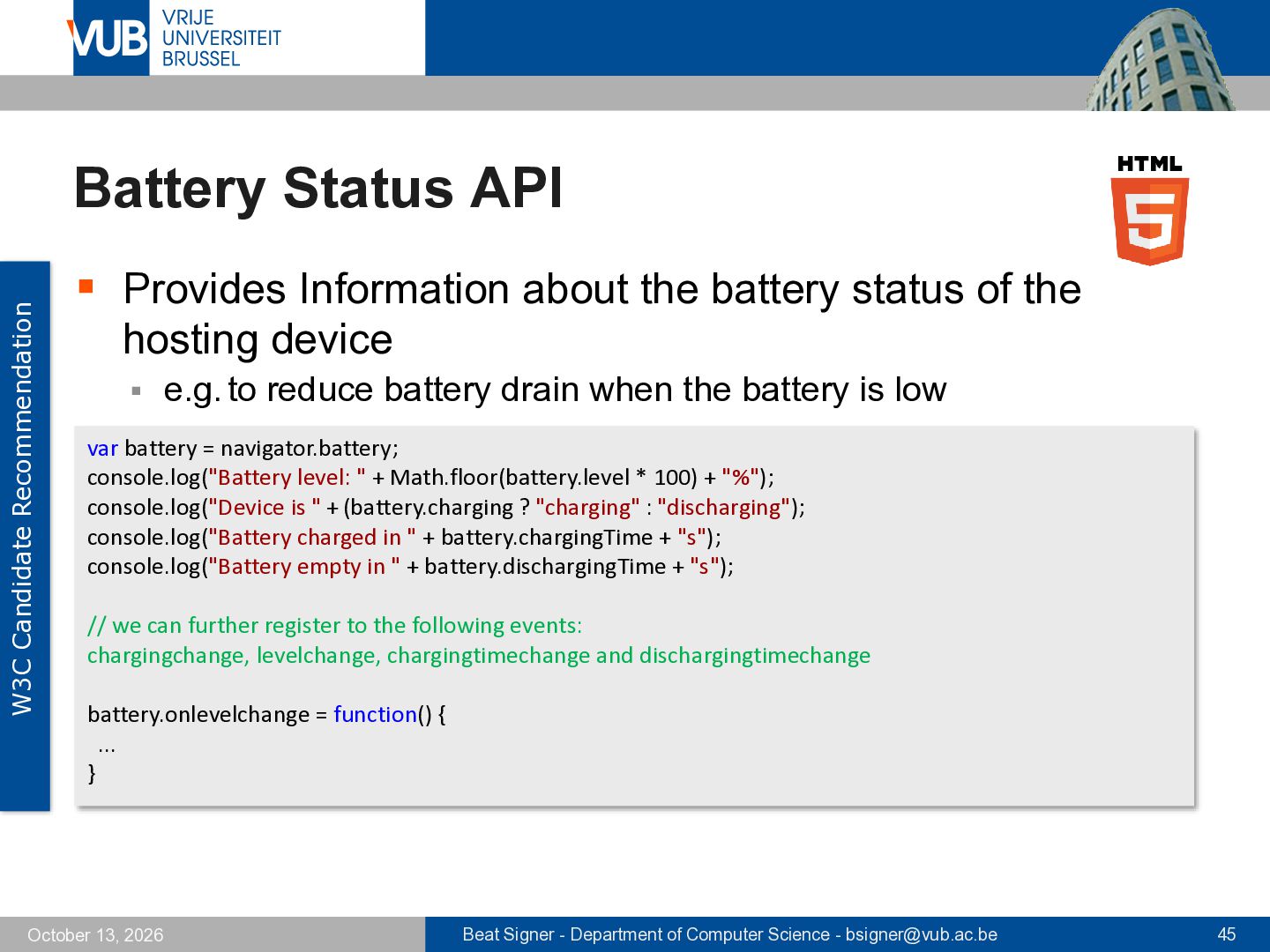
the battery status of the hosting device ▪ e.g. to reduce battery drain when the battery is low var battery = navigator.battery; console.log("Battery level: " + Math.floor(battery.level * 100) + "%"); console.log("Device is " + (battery.charging ? "charging" : "discharging"); console.log("Battery charged in " + battery.chargingTime + "s"); console.log("Battery empty in " + battery.dischargingTime + "s"); // we can further register to the following events: chargingchange, levelchange, chargingtimechange and dischargingtimechange battery.onlevelchange = function() { ... } October 13, 2026 Beat Signer - Department of Computer Science - [email protected] 45
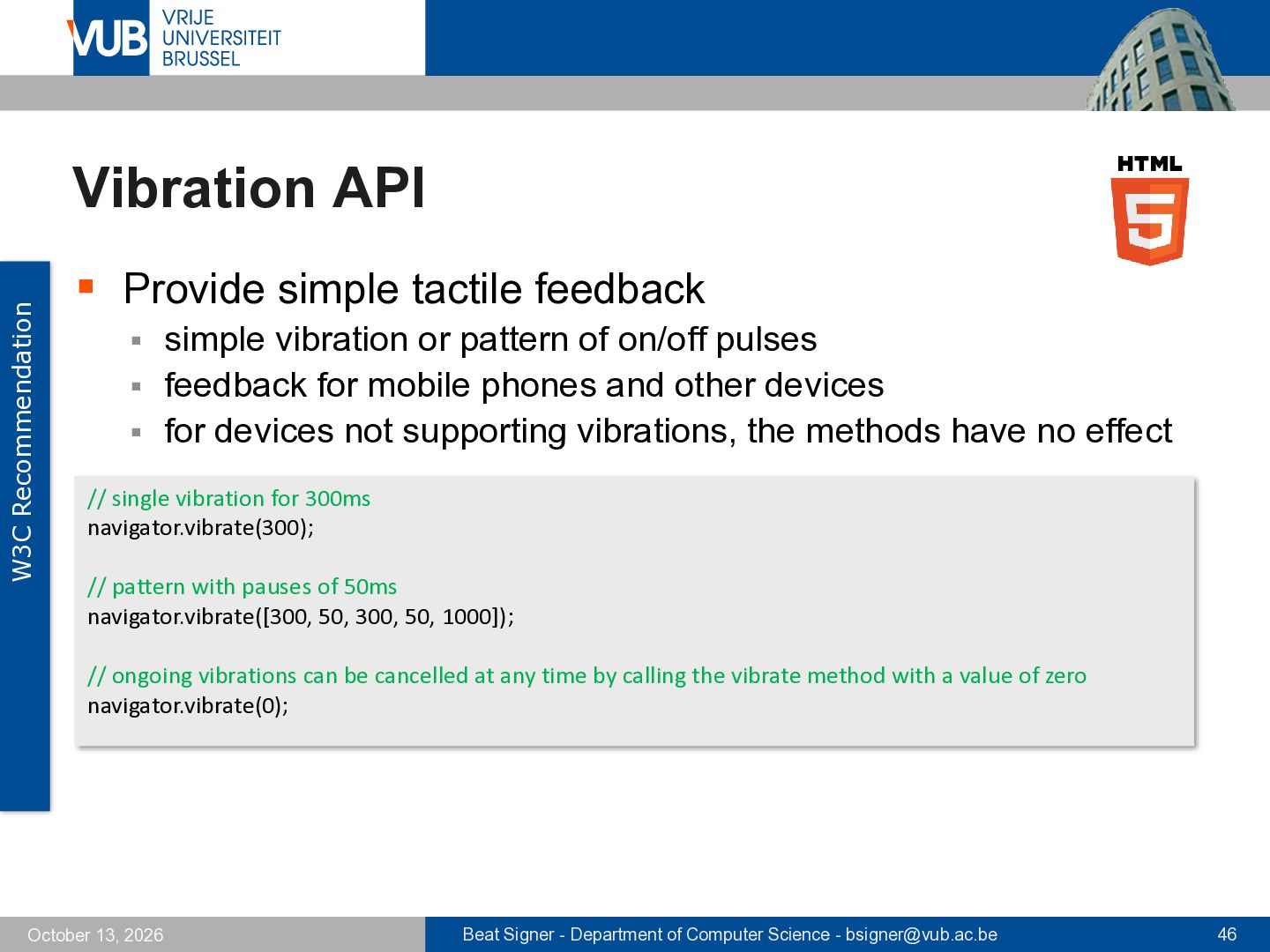
vibration or pattern of on/off pulses ▪ feedback for mobile phones and other devices ▪ for devices not supporting vibrations, the methods have no effect ▪ // single vibration for 300ms navigator.vibrate(300); // pattern with pauses of 50ms navigator.vibrate([300, 50, 300, 50, 1000]); // ongoing vibrations can be cancelled at any time by calling the vibrate method with a value of zero navigator.vibrate(0); October 13, 2026 Beat Signer - Department of Computer Science - [email protected] 46
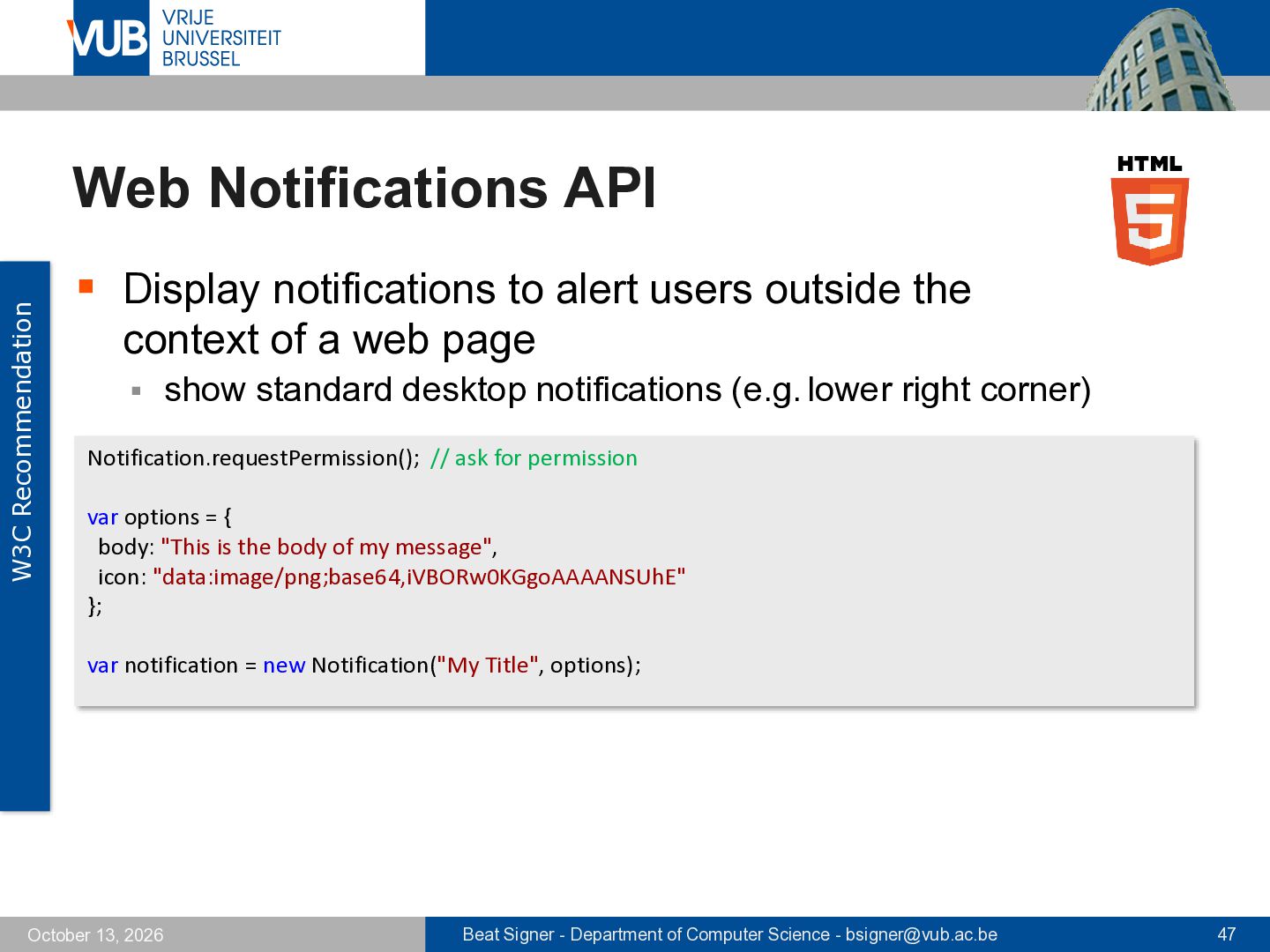
users outside the context of a web page ▪ show standard desktop notifications (e.g. lower right corner) Notification.requestPermission(); // ask for permission var options = { body: "This is the body of my message", icon: "data:image/png;base64,iVBORw0KGgoAAAANSUhE" }; var notification = new Notification("My Title", options); October 13, 2026 Beat Signer - Department of Computer Science - [email protected] 47
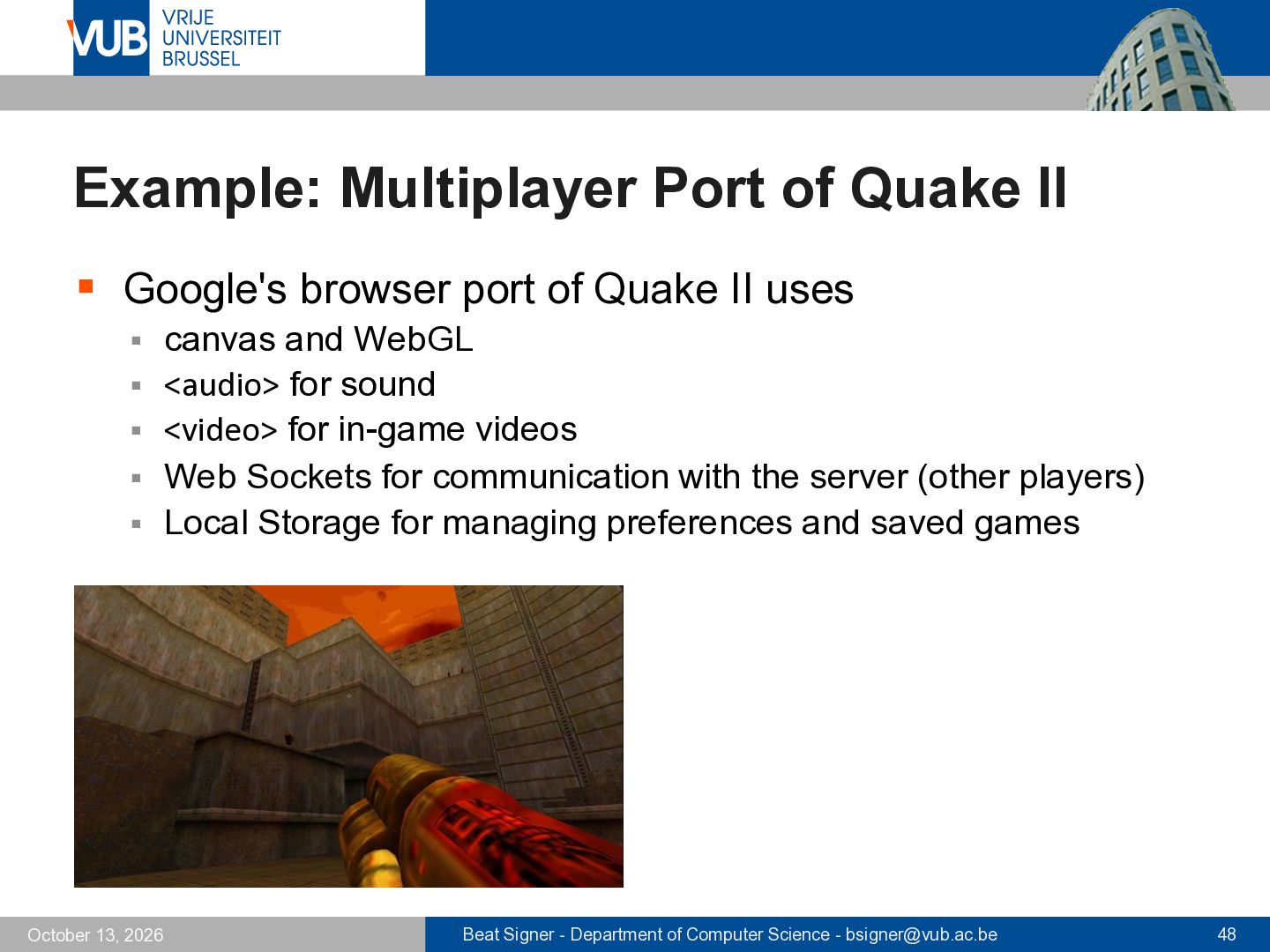
of Quake II uses canvas and WebGL ▪ <audio> for sound ▪ <video> for in-game videos ▪ Web Sockets for communication with the server (other players) ▪ Local Storage for managing preferences and saved games ▪ October 13, 2026 Beat Signer - Department of Computer Science - [email protected] 48
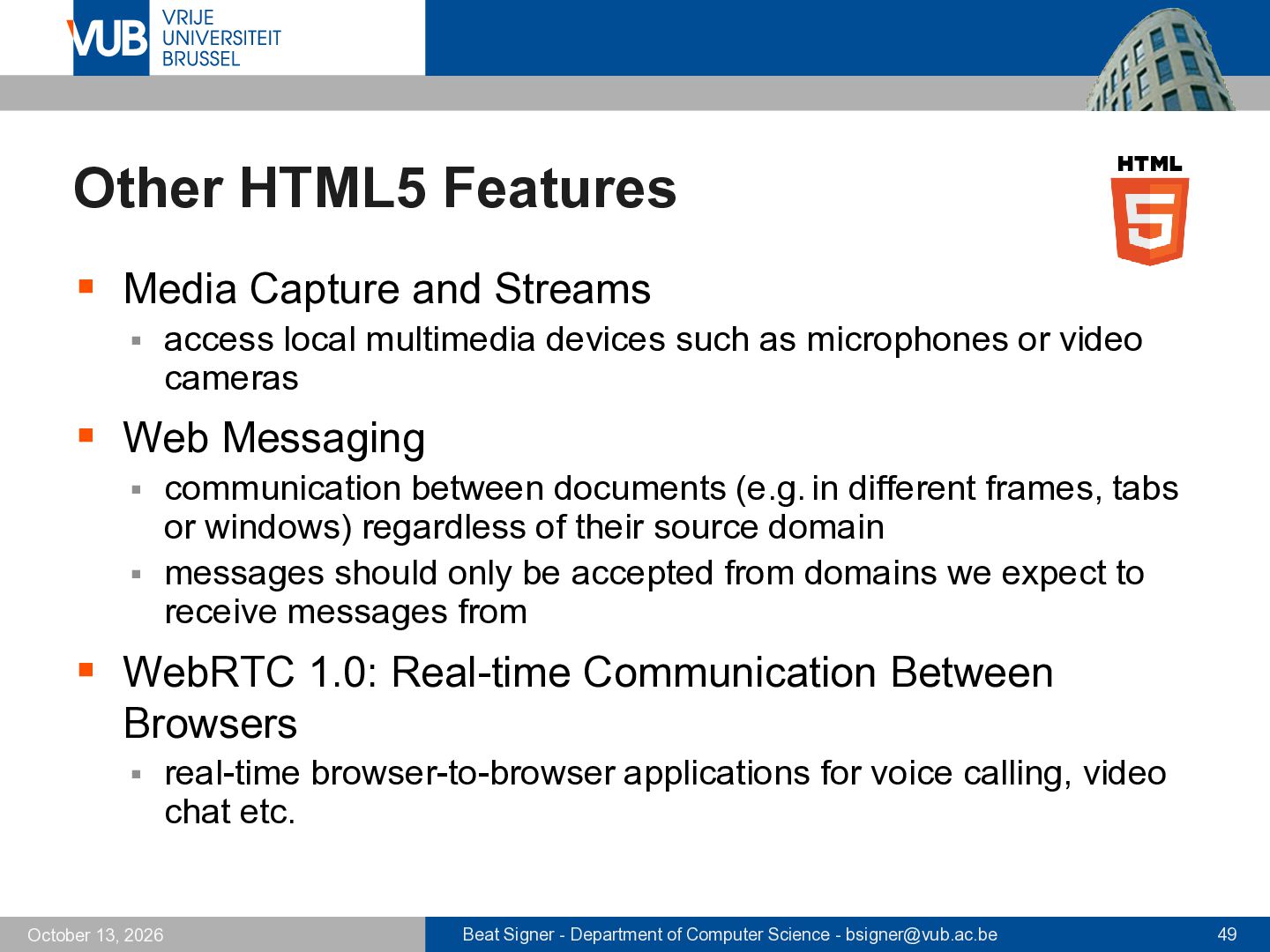
local multimedia devices such as microphones or video cameras ▪ Web Messaging communication between documents (e.g. in different frames, tabs or windows) regardless of their source domain ▪ messages should only be accepted from domains we expect to receive messages from ▪ ▪ WebRTC 1.0: Real-time Communication Between Browsers ▪ October 13, 2026 real-time browser-to-browser applications for voice calling, video chat etc. Beat Signer - Department of Computer Science - [email protected] 49
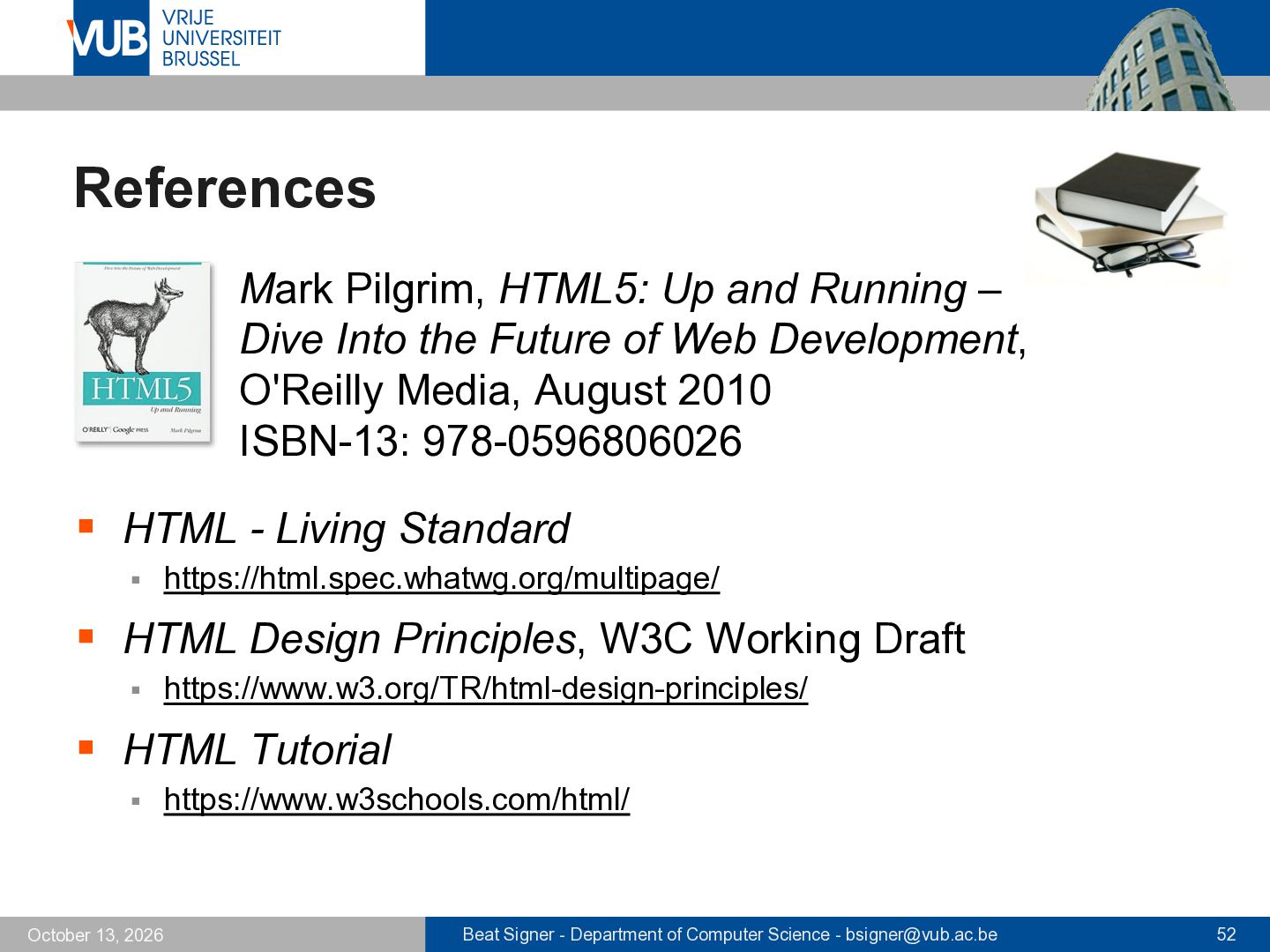
Into the Future of Web Development, O'Reilly Media, August 2010 ISBN-13: 978-0596806026 ▪ HTML - Living Standard ▪ https://html.spec.whatwg.org/multipage/ ▪ HTML Design Principles, W3C Working Draft ▪ https://www.w3.org/TR/html-design-principles/ ▪ HTML Tutorial ▪ October 13, 2026 https://www.w3schools.com/html/ Beat Signer - Department of Computer Science - [email protected] 52
Web Workers: Multithreaded JavaScript for High-Performance Web Apps (refcardz #177) ▪ https://dzone.com/refcardz/html5-web-workers ▪ Web Sockets API ▪ https://websockets.spec.whatwg.org/ ▪ Geolocation API, W3C Recommendation ▪ October 13, 2026 https://www.w3.org/TR/geolocation/ Beat Signer - Department of Computer Science - [email protected] 55


 signer
 sabderemane
 62gerente
 portentint
 honzajavorek
 afnizarnur
 aki_iinuma
 garrettdimon
 tanoku
 aemeredith
 addyosmani
 uxyall
 michaelherold