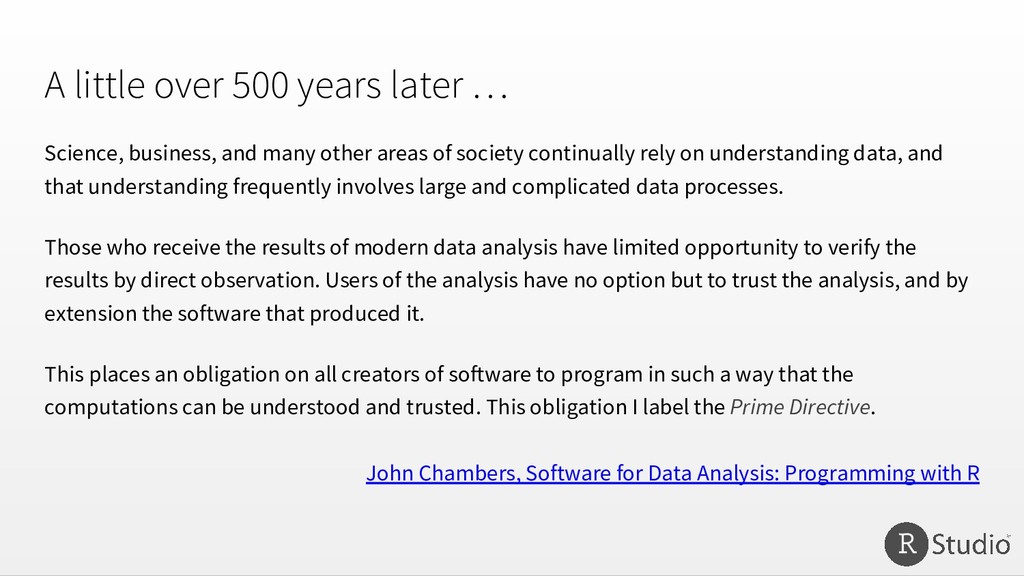
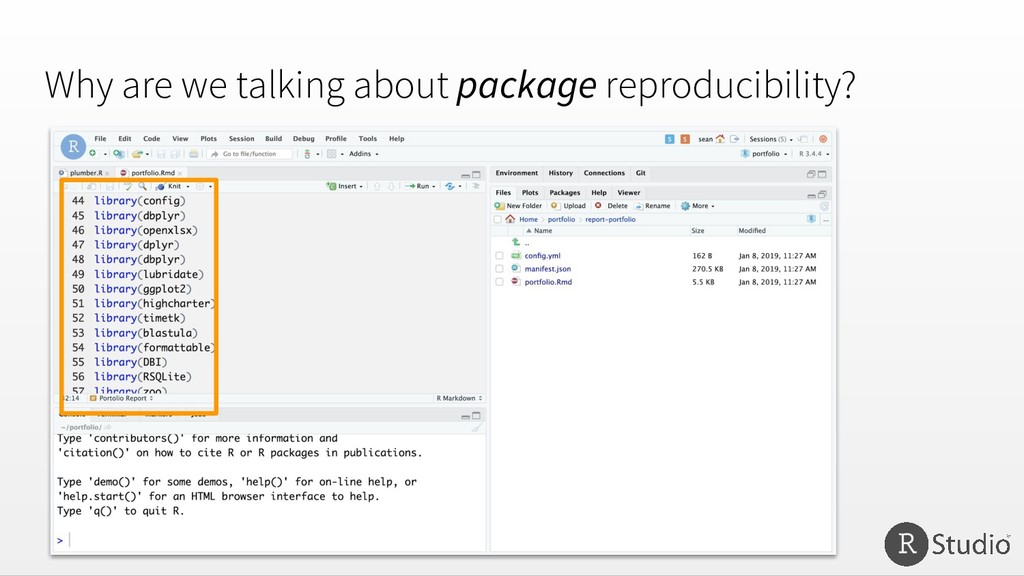
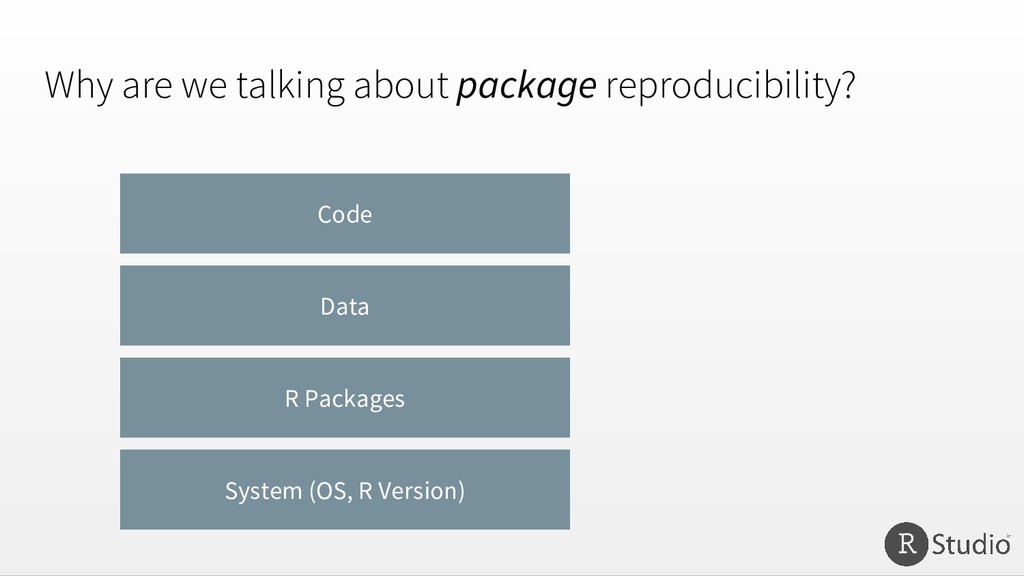
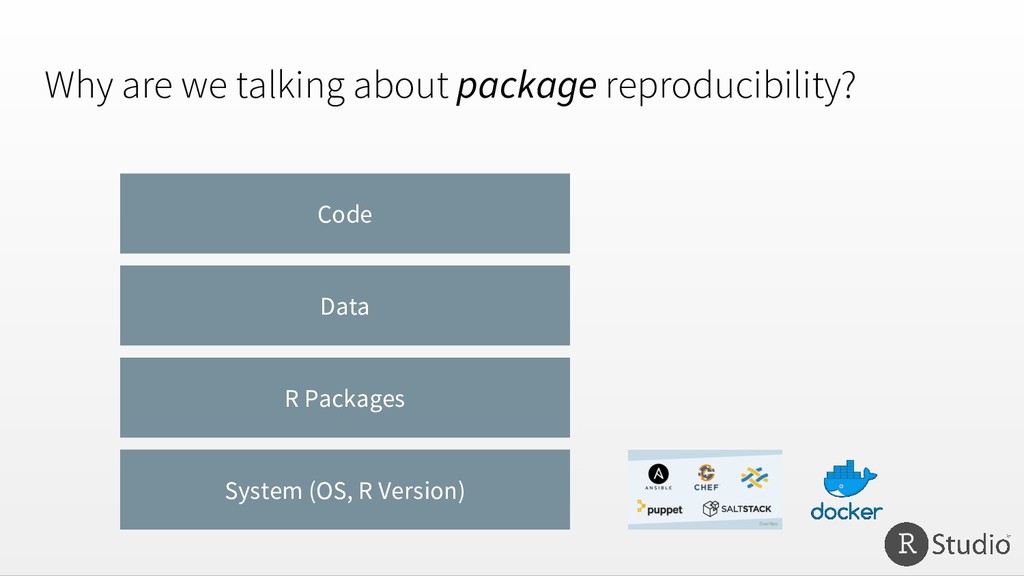
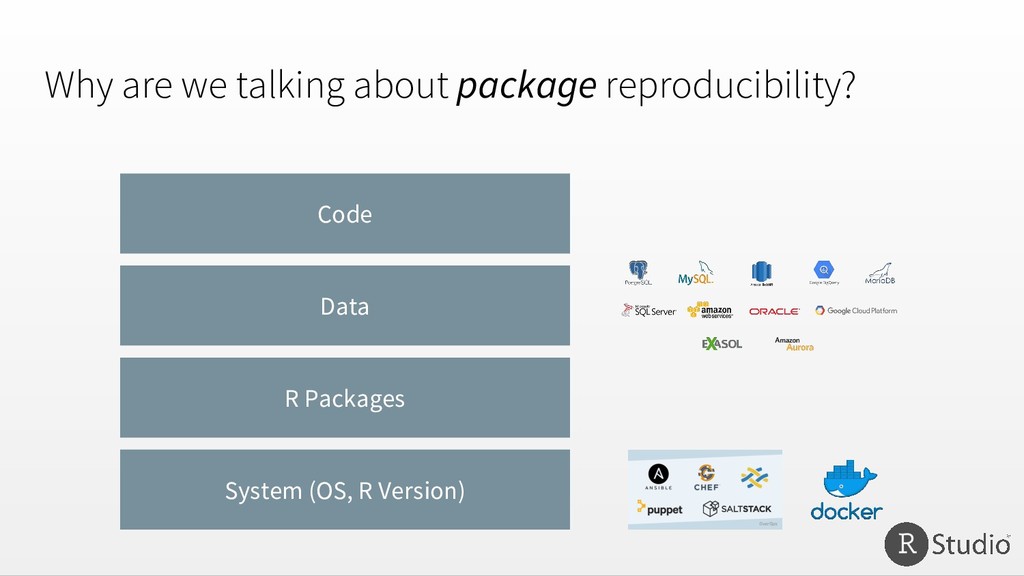
many other areas of society continually rely on understanding data, and that understanding frequently involves large and complicated data processes. Those who receive the results of modern data analysis have limited opportunity to verify the results by direct observation. Users of the analysis have no option but to trust the analysis, and by extension the software that produced it. This places an obligation on all creators of software to program in such a way that the computations can be understood and trusted. This obligation I label the Prime Directive. John Chambers, Software for Data Analysis: Programming with R
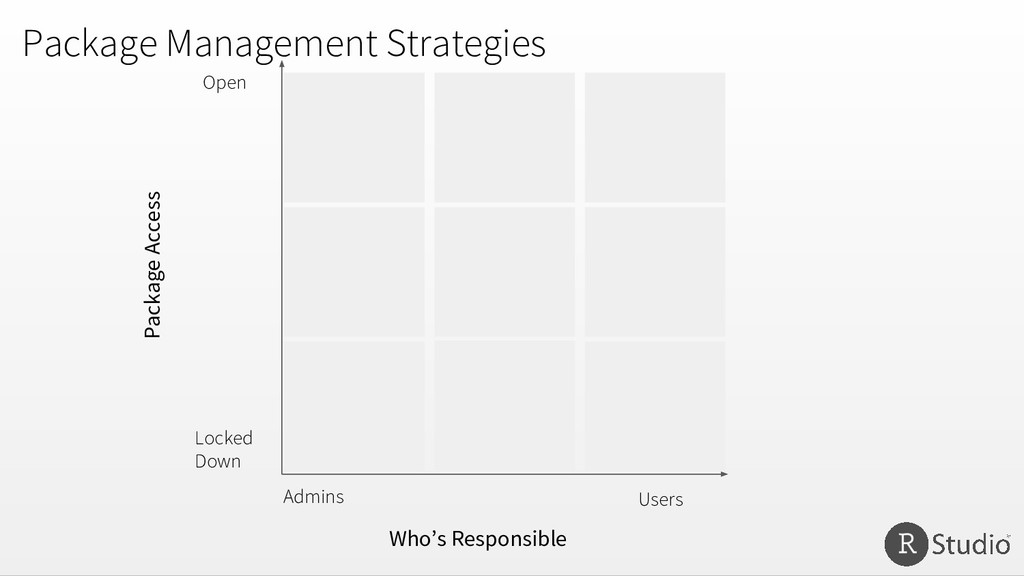
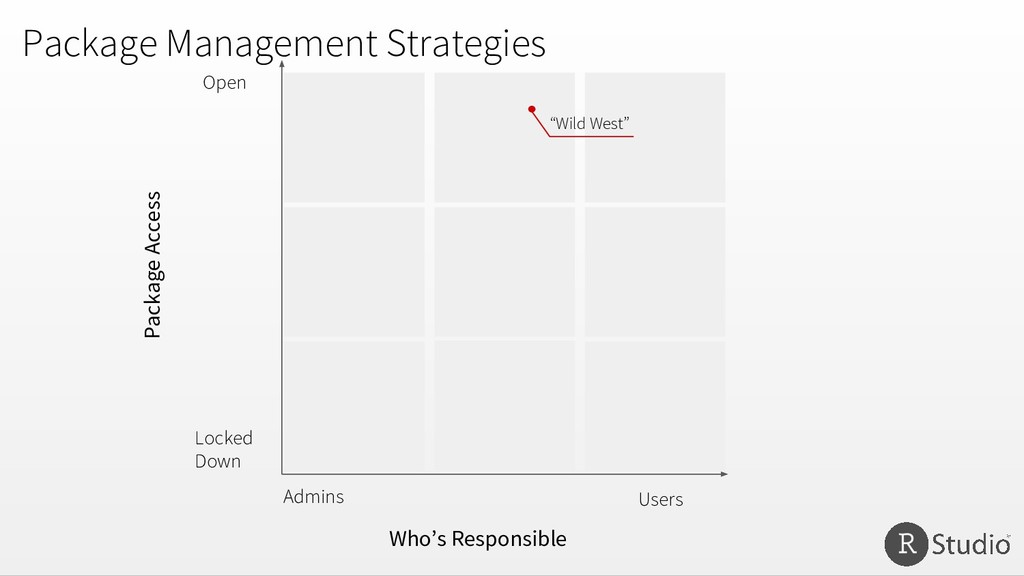
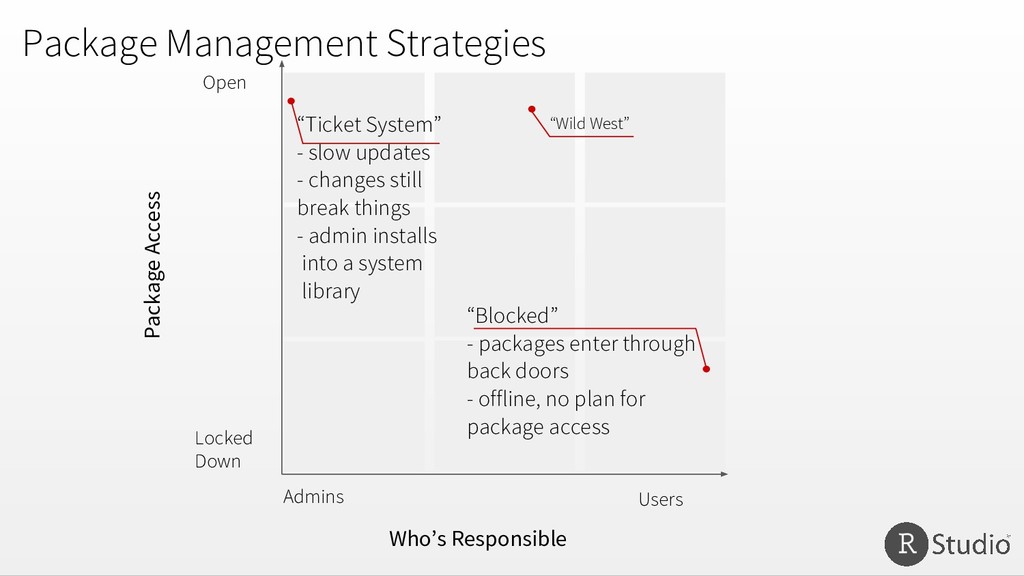
Admins Users “Wild West” “Ticket System” - slow updates - changes still break things - admin installs into a system library “Blocked” - packages enter through back doors - offline, no plan for package access
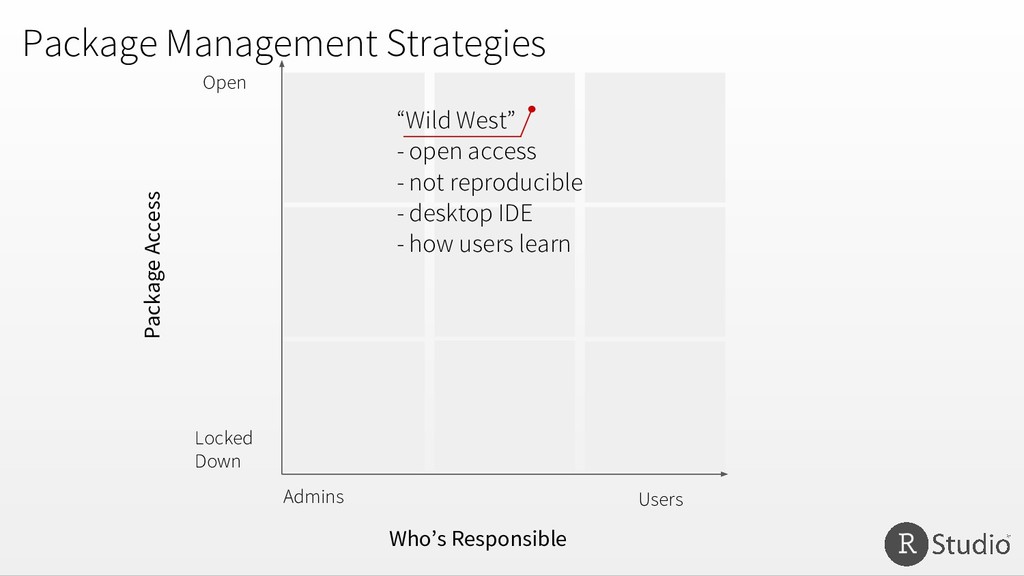
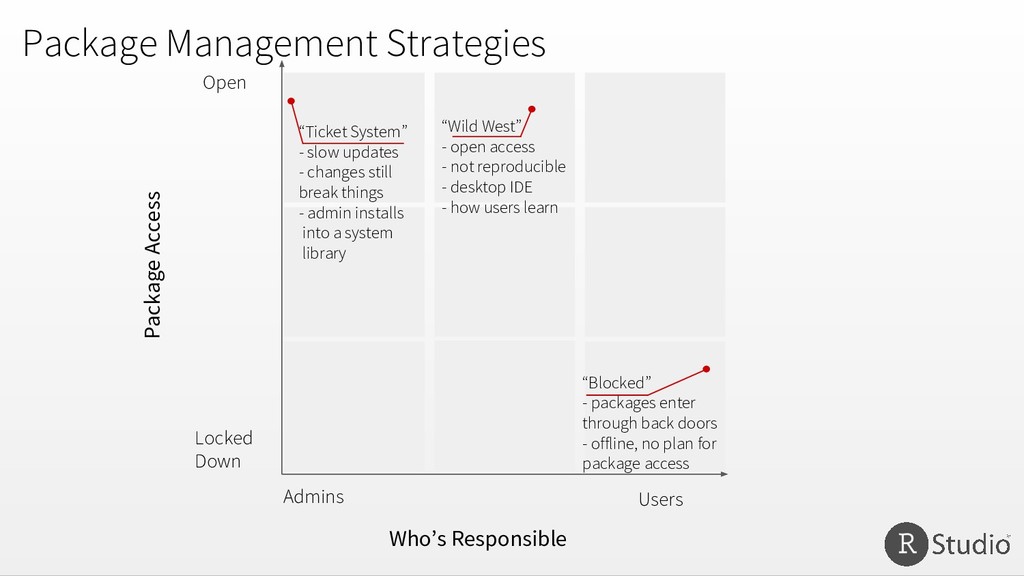
Admins Users “Wild West” - open access - not reproducible - desktop IDE - how users learn “Ticket System” - slow updates - changes still break things - admin installs into a system library “Blocked” - packages enter through back doors - offline, no plan for package access
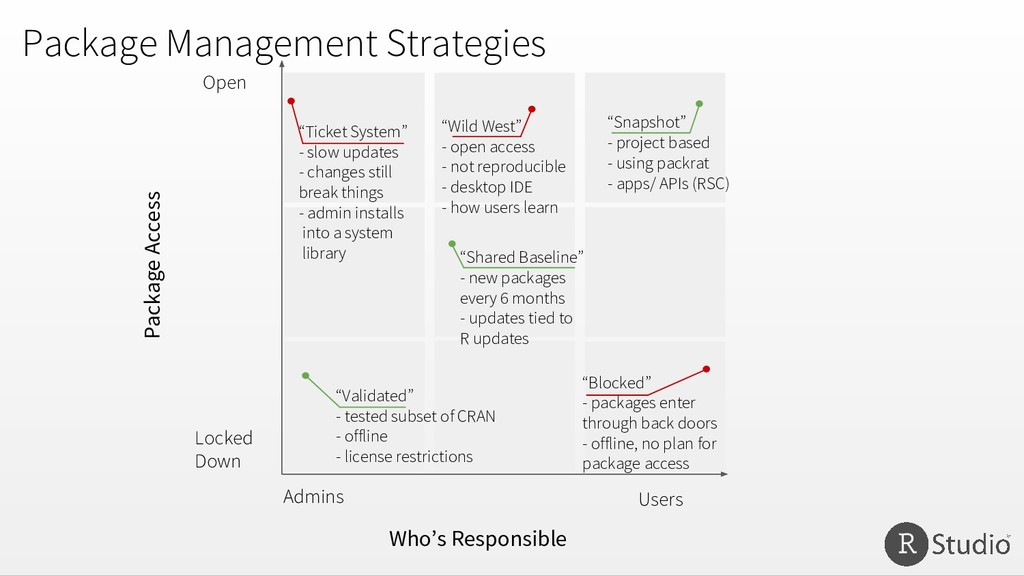
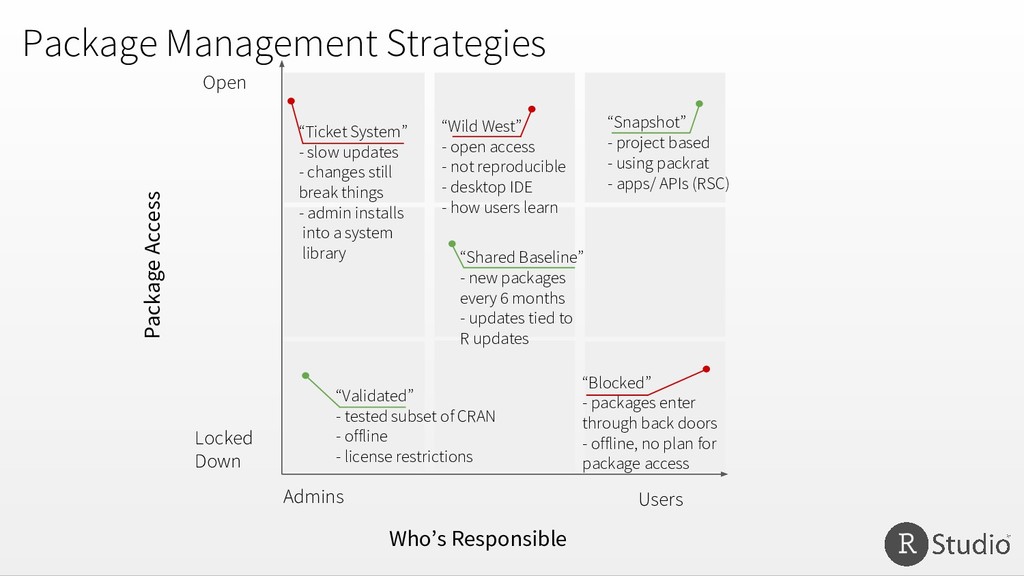
Admins Users “Wild West” - open access - not reproducible - desktop IDE - how users learn “Validated” - tested subset of CRAN - offline - license restrictions “Ticket System” - slow updates - changes still break things - admin installs into a system library “Snapshot” - project based - using packrat - apps/ APIs (RSC) “Shared Baseline” - new packages every 6 months - updates tied to R updates “Blocked” - packages enter through back doors - offline, no plan for package access
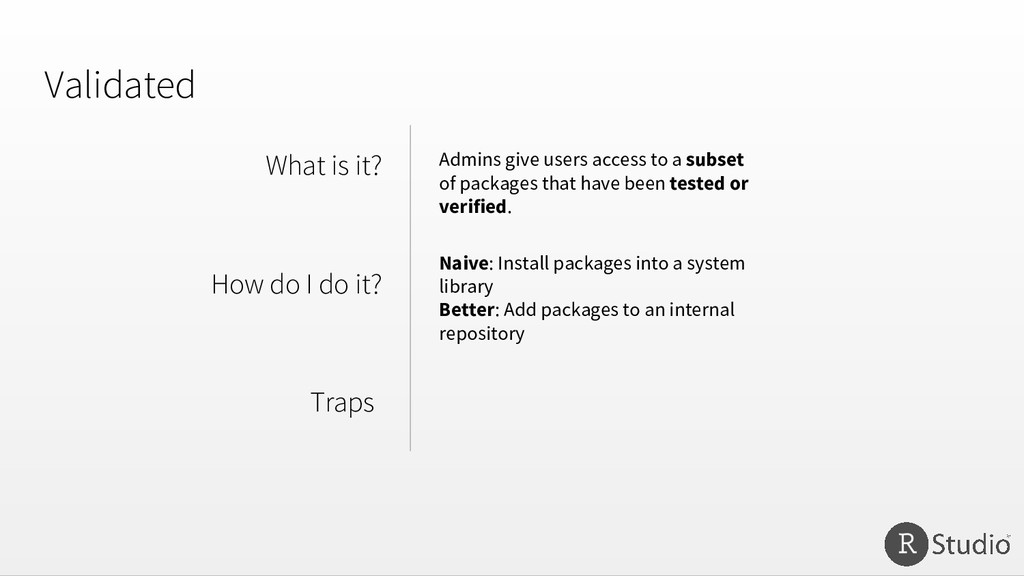
Admins give users access to a subset of packages that have been tested or verified. Naive: Install packages into a system library Better: Add packages to an internal repository
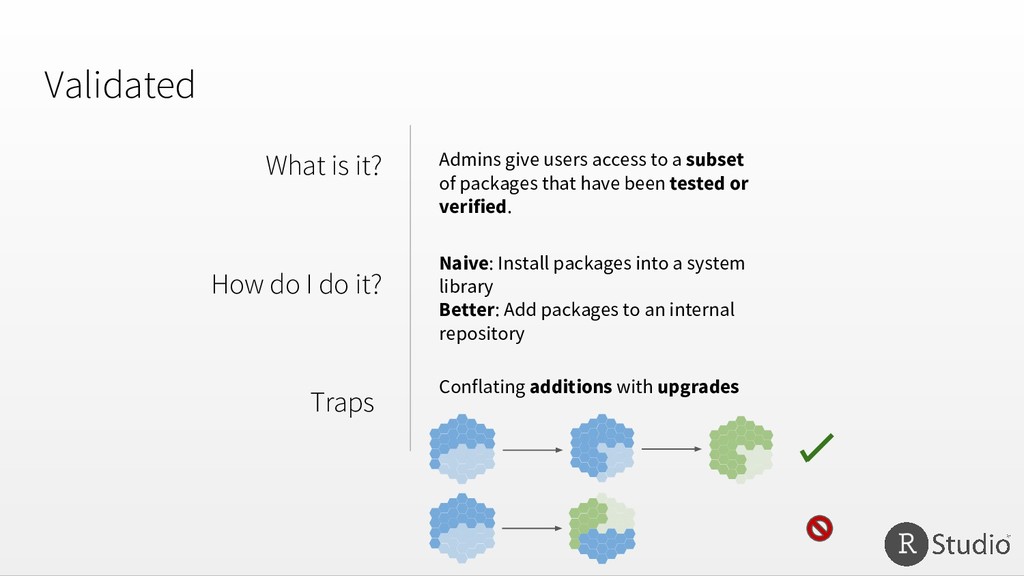
Admins give users access to a subset of packages that have been tested or verified. Naive: Install packages into a system library Better: Add packages to an internal repository Conflating additions with upgrades
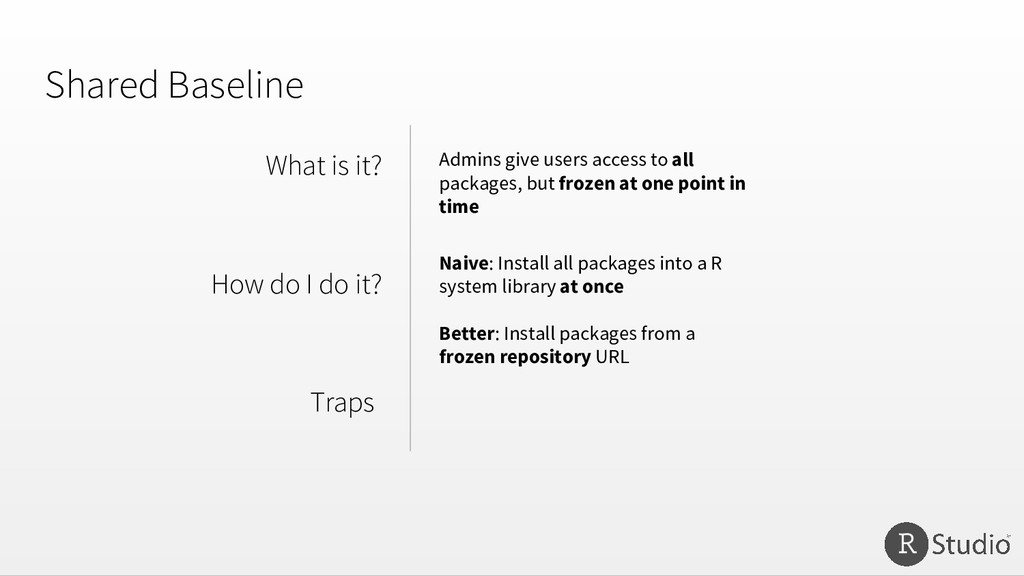
Traps Naive: Install all packages into a R system library at once Better: Install packages from a frozen repository URL Admins give users access to all packages, but frozen at one point in time
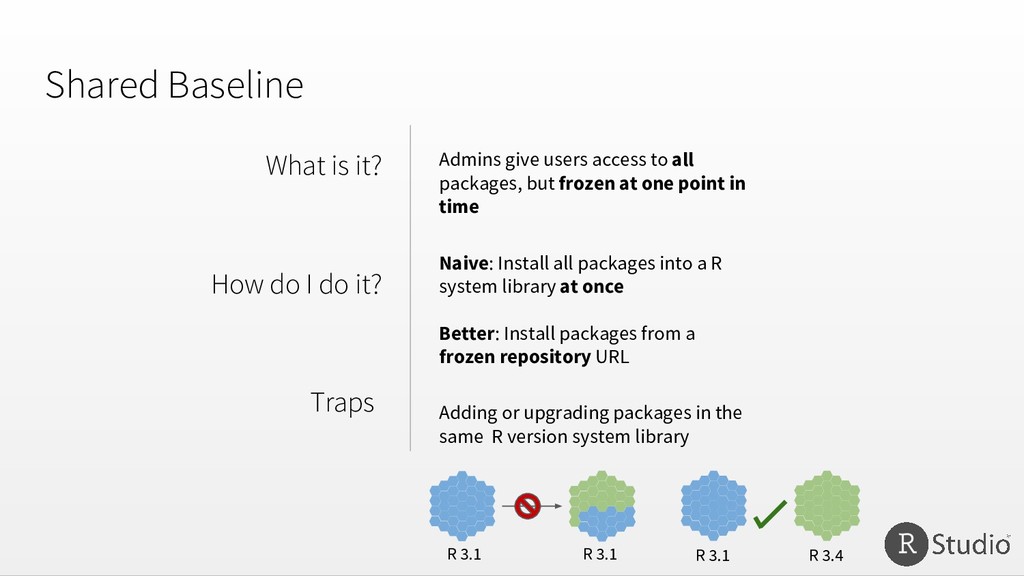
Traps Naive: Install all packages into a R system library at once Better: Install packages from a frozen repository URL Admins give users access to all packages, but frozen at one point in time Adding or upgrading packages in the same R version system library R 3.1 R 3.4 R 3.1 R 3.1
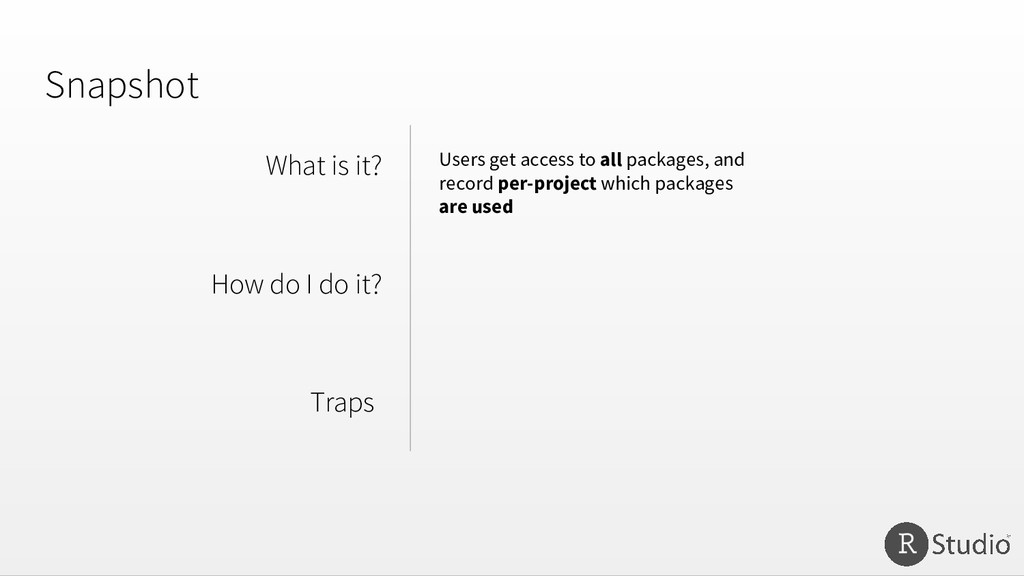
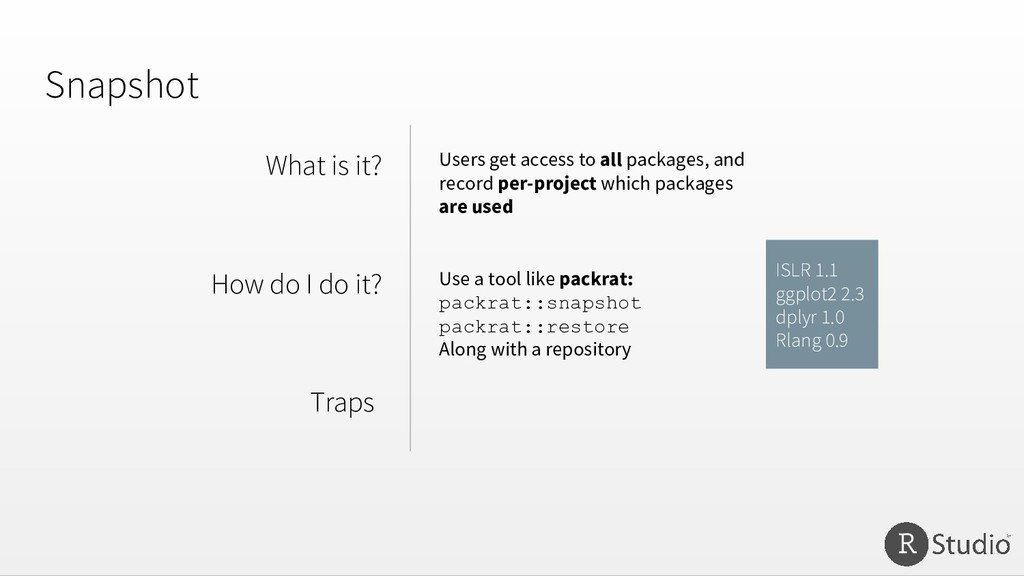
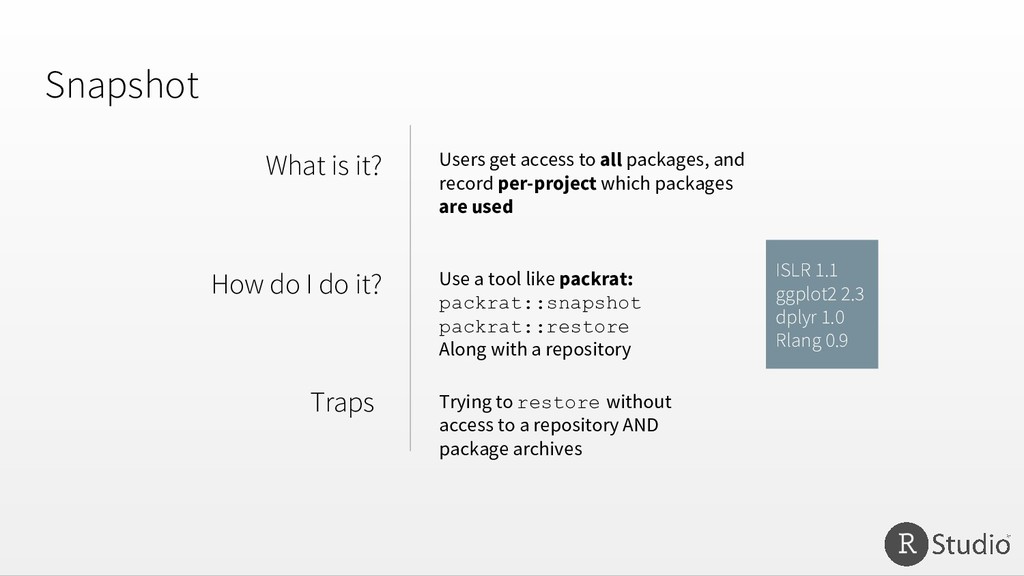
Users get access to all packages, and record per-project which packages are used Use a tool like packrat: packrat::snapshot packrat::restore Along with a repository ISLR 1.1 ggplot2 2.3 dplyr 1.0 Rlang 0.9
Users get access to all packages, and record per-project which packages are used Use a tool like packrat: packrat::snapshot packrat::restore Along with a repository ISLR 1.1 ggplot2 2.3 dplyr 1.0 Rlang 0.9 Trying to restore without access to a repository AND package archives
Admins Users “Wild West” - open access - not reproducible - desktop IDE - how users learn “Validated” - tested subset of CRAN - offline - license restrictions “Ticket System” - slow updates - changes still break things - admin installs into a system library “Snapshot” - project based - using packrat - apps/ APIs (RSC) “Shared Baseline” - new packages every 6 months - updates tied to R updates “Blocked” - packages enter through back doors - offline, no plan for package access


 jonrohan
 sachag
 katarinadahlin
 mkilby
 jlugia
 joshbly
 geshan
 axbom
axbom
 inesmontani
 mongodb
 soysaucechin
 skipperchong