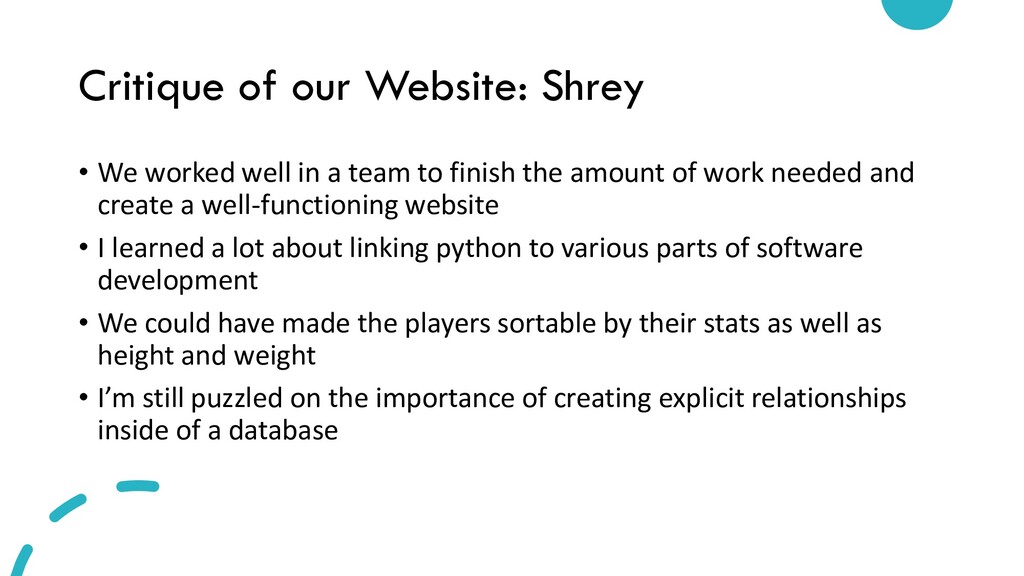
a team to finish the amount of work needed and create a well-functioning website • I learned a lot about linking python to various parts of software development • We could have made the players sortable by their stats as well as height and weight • I’m still puzzled on the importance of creating explicit relationships inside of a database
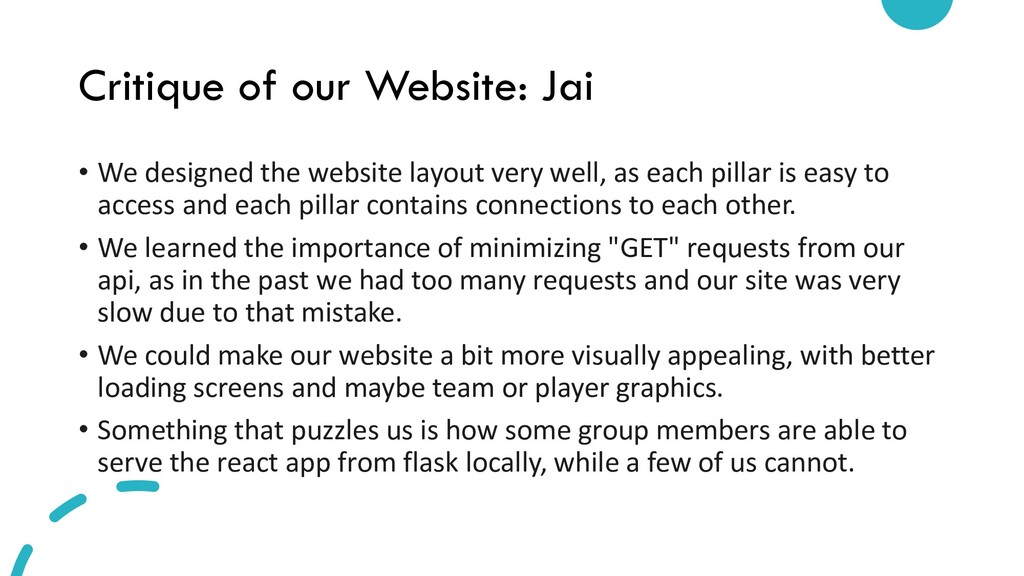
layout very well, as each pillar is easy to access and each pillar contains connections to each other. • We learned the importance of minimizing "GET" requests from our api, as in the past we had too many requests and our site was very slow due to that mistake. • We could make our website a bit more visually appealing, with better loading screens and maybe team or player graphics. • Something that puzzles us is how some group members are able to serve the react app from flask locally, while a few of us cannot.
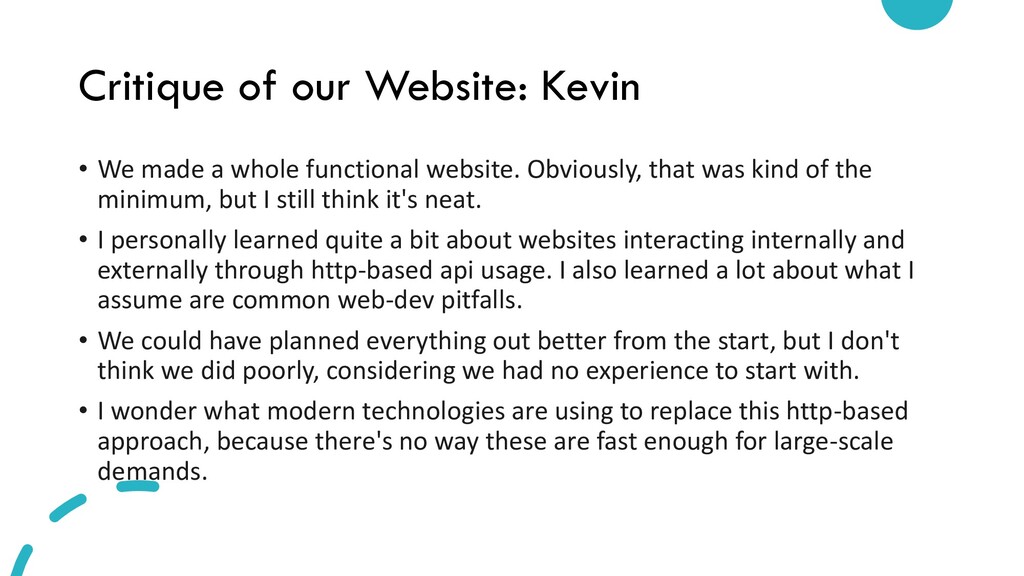
functional website. Obviously, that was kind of the minimum, but I still think it's neat. • I personally learned quite a bit about websites interacting internally and externally through http-based api usage. I also learned a lot about what I assume are common web-dev pitfalls. • We could have planned everything out better from the start, but I don't think we did poorly, considering we had no experience to start with. • I wonder what modern technologies are using to replace this http-based approach, because there's no way these are fast enough for large-scale demands.
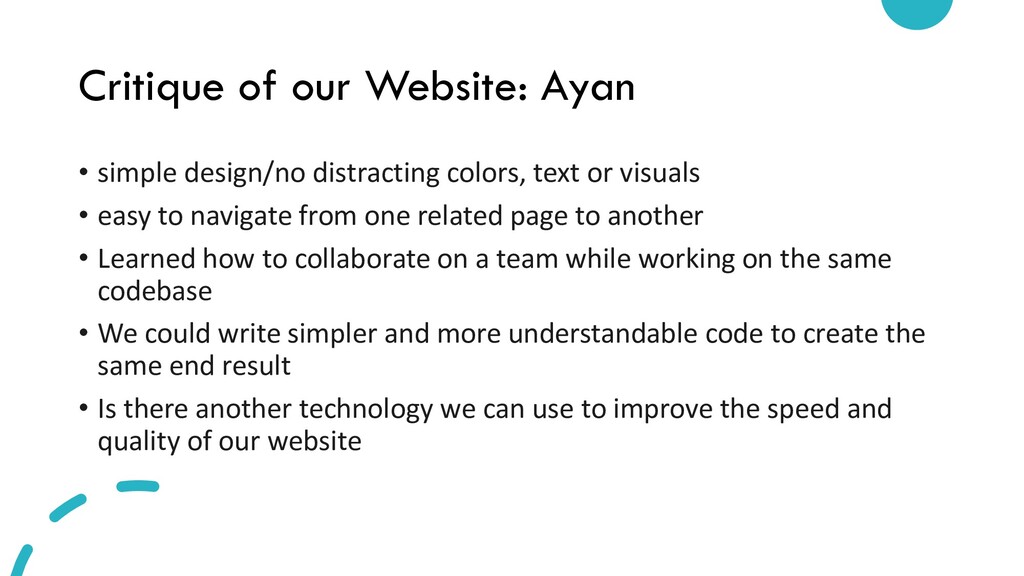
text or visuals • easy to navigate from one related page to another • Learned how to collaborate on a team while working on the same codebase • We could write simpler and more understandable code to create the same end result • Is there another technology we can use to improve the speed and quality of our website
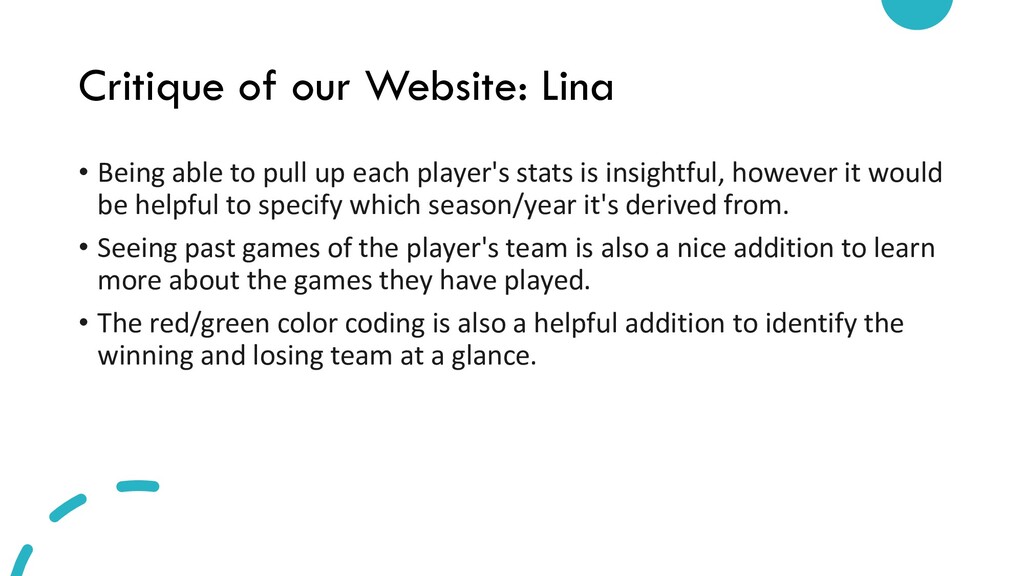
up each player's stats is insightful, however it would be helpful to specify which season/year it's derived from. • Seeing past games of the player's team is also a nice addition to learn more about the games they have played. • The red/green color coding is also a helpful addition to identify the winning and losing team at a glance.
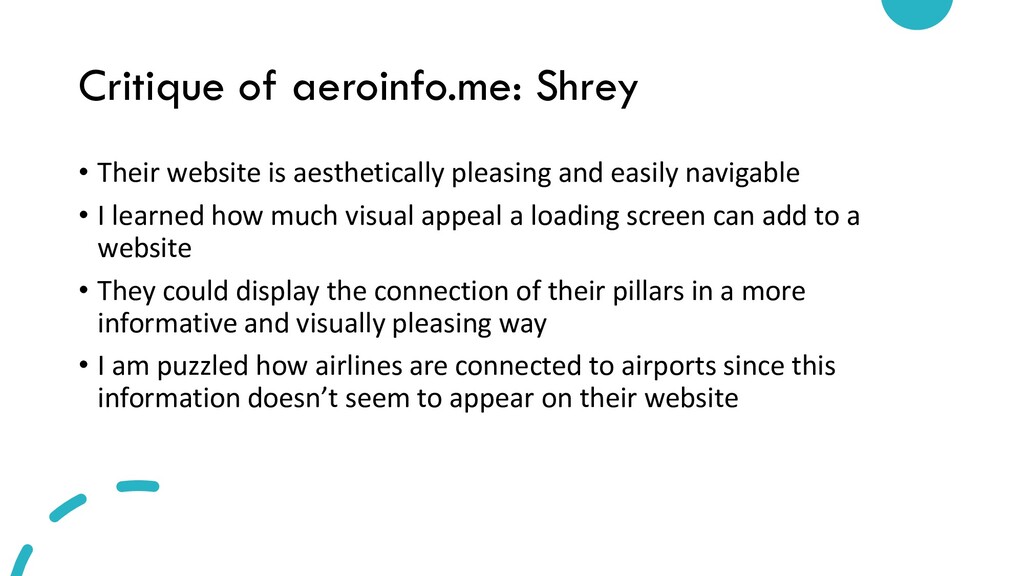
and easily navigable • I learned how much visual appeal a loading screen can add to a website • They could display the connection of their pillars in a more informative and visually pleasing way • I am puzzled how airlines are connected to airports since this information doesn’t seem to appear on their website
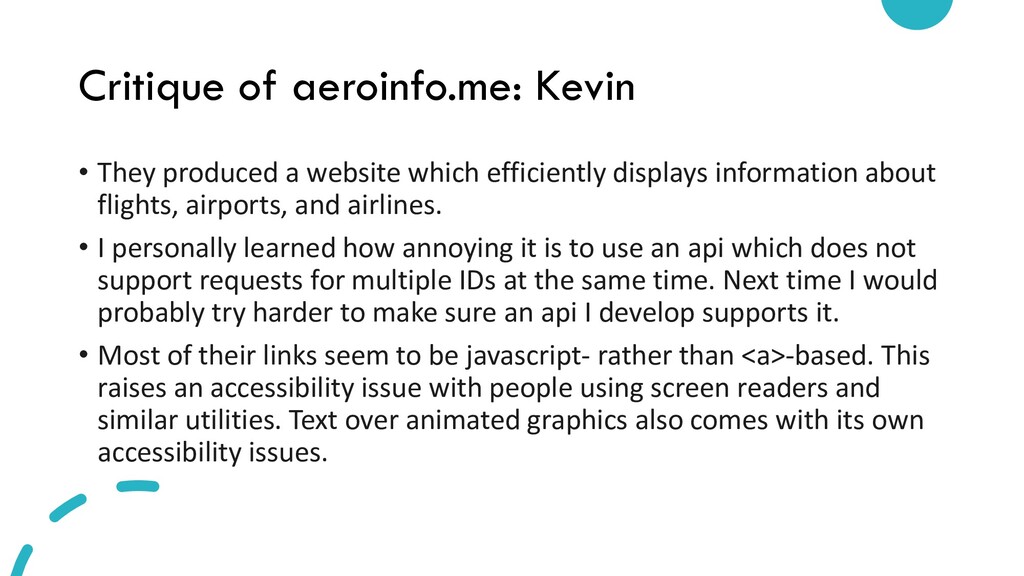
efficiently displays information about flights, airports, and airlines. • I personally learned how annoying it is to use an api which does not support requests for multiple IDs at the same time. Next time I would probably try harder to make sure an api I develop supports it. • Most of their links seem to be javascript- rather than <a>-based. This raises an accessibility issue with people using screen readers and similar utilities. Text over animated graphics also comes with its own accessibility issues.
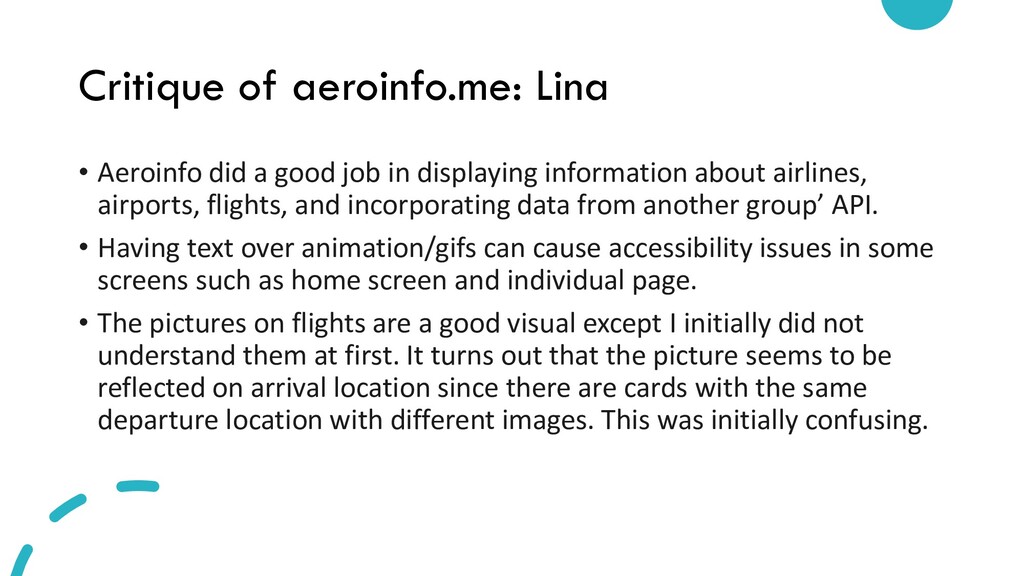
in displaying information about airlines, airports, flights, and incorporating data from another group’ API. • Having text over animation/gifs can cause accessibility issues in some screens such as home screen and individual page. • The pictures on flights are a good visual except I initially did not understand them at first. It turns out that the picture seems to be reflected on arrival location since there are cards with the same departure location with different images. This was initially confusing.
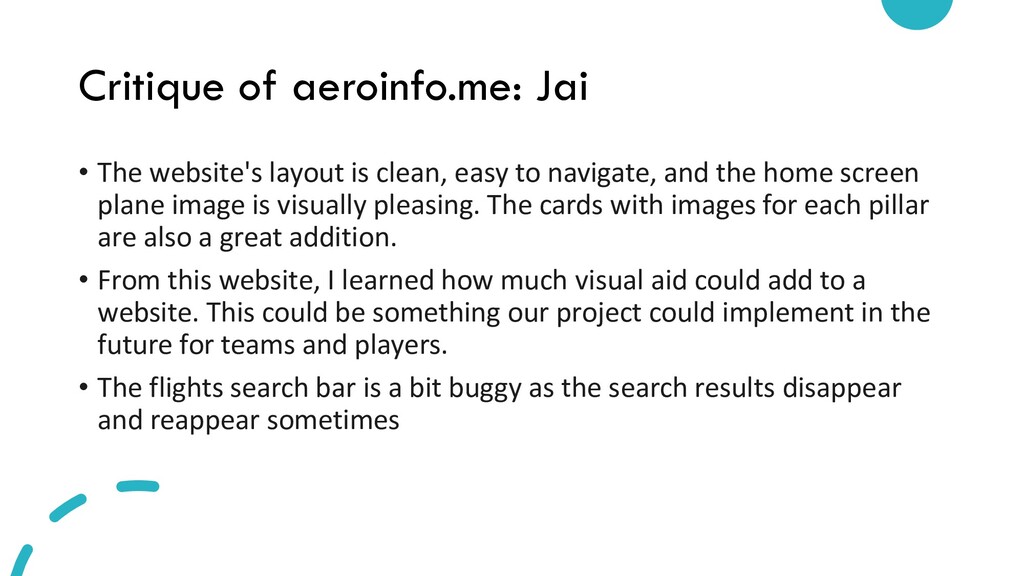
easy to navigate, and the home screen plane image is visually pleasing. The cards with images for each pillar are also a great addition. • From this website, I learned how much visual aid could add to a website. This could be something our project could implement in the future for teams and players. • The flights search bar is a bit buggy as the search results disappear and reappear sometimes


 mofurune
 sorah
sorah
 n_takehata
 morizo_1984
 ivargrimstad
 sylph01
 steliosf
 findyinc
 florets1
 irinanazarova
 marcoroth
 drumath2237
 baasie
 rasagy
 paigeccino
 axbom
axbom
 panda_program
 tmiket
 jct
jct
 uxyall
 mraible
 aemeredith
 kneath
 bkeepers