Upgrade to Pro — share decks privately, control downloads, hide ads and more …

Performant, accessible animations with CSS & a ...

Avatar for Wing Ho Wing Ho
August 02, 2018

Performant, accessible animations with CSS & a dash of JavaScript

Animations have potential to add detail and flair to your user experience, but may introduce some issues for assistive technology and render performance. It’s now common practice to include some animation in web apps to enhance user experience.

We'll go over common accessibility issues with CSS animations, why people may not be aware of the fact that some of their CSS animations are not accessible, and some simple ways this can be resolved with minimal JavaScript. We will also do a quick dive into the performance differences across various animation methods.

Avatar for Wing Ho

Wing Ho

August 02, 2018

Other Decks in Programming

Transcript

  1. www.csiro.au Performant, accessible anima4ons with CSS & a dash of

    JavaScript Wing Ho | So$ware Engineer | @soyarsauce 02 August 2018
  2. ! Performant, accessible anima1ons with CSS & a dash of

    JavaScript | Wing Ho | @soyarsauce 2 |
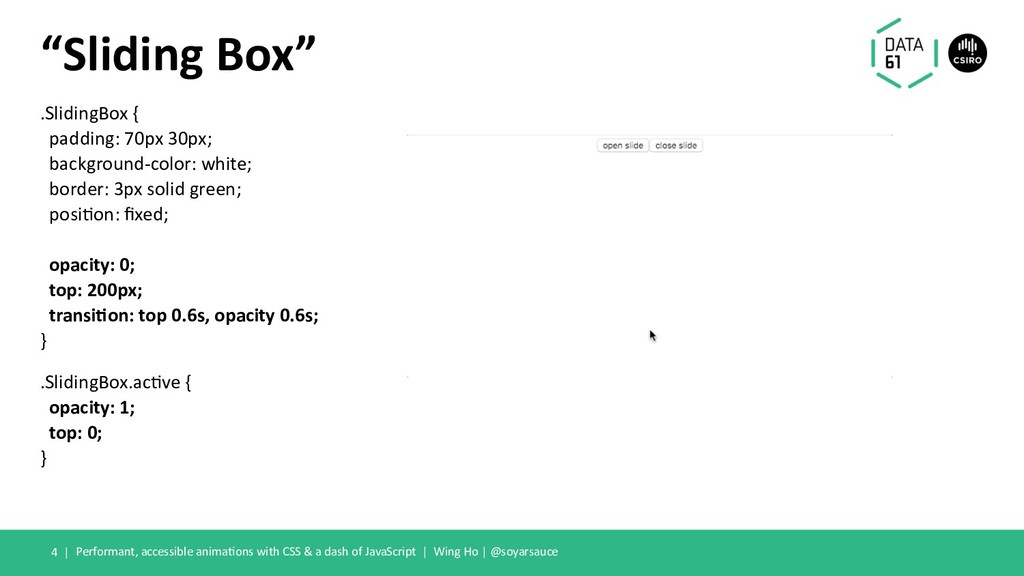
  3. .SlidingBox { padding: 70px 30px; background-color: white; border: 3px solid

    green; posi?on: fixed; opacity: 0; top: 200px; transi1on: top 0.6s, opacity 0.6s; } .SlidingBox.ac?ve { opacity: 1; top: 0; } Performant, accessible anima?ons with CSS & a dash of JavaScript | Wing Ho | @soyarsauce “Sliding Box” 4 |
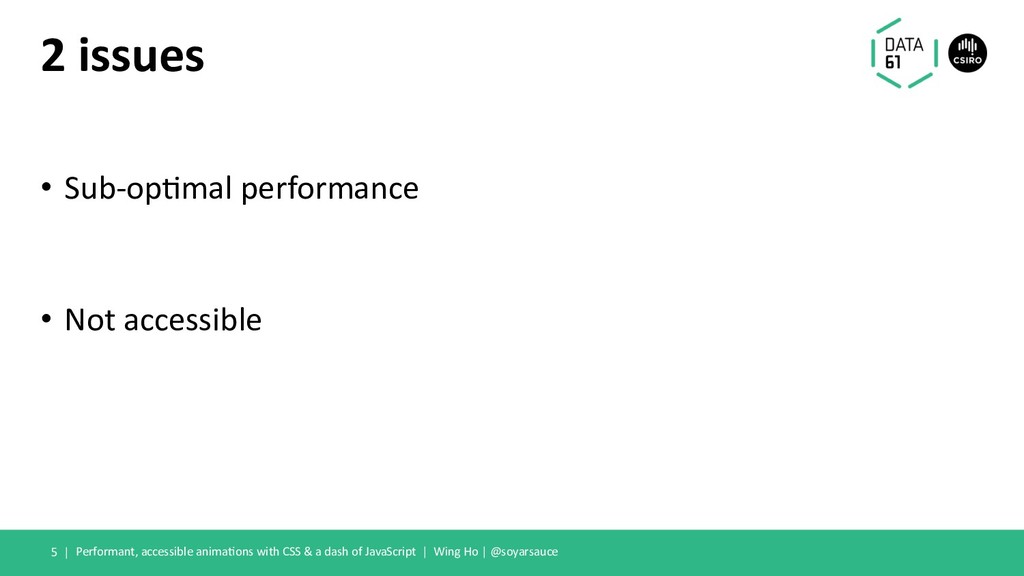
  4. 2 issues Performant, accessible anima1ons with CSS & a dash

    of JavaScript | Wing Ho | @soyarsauce 5 | • Sub-op1mal performance • Not accessible
  5. ⚡ “60 fps” ⚡ Performant, accessible anima6ons with CSS &

    a dash of JavaScript | Wing Ho | @soyarsauce 8 |
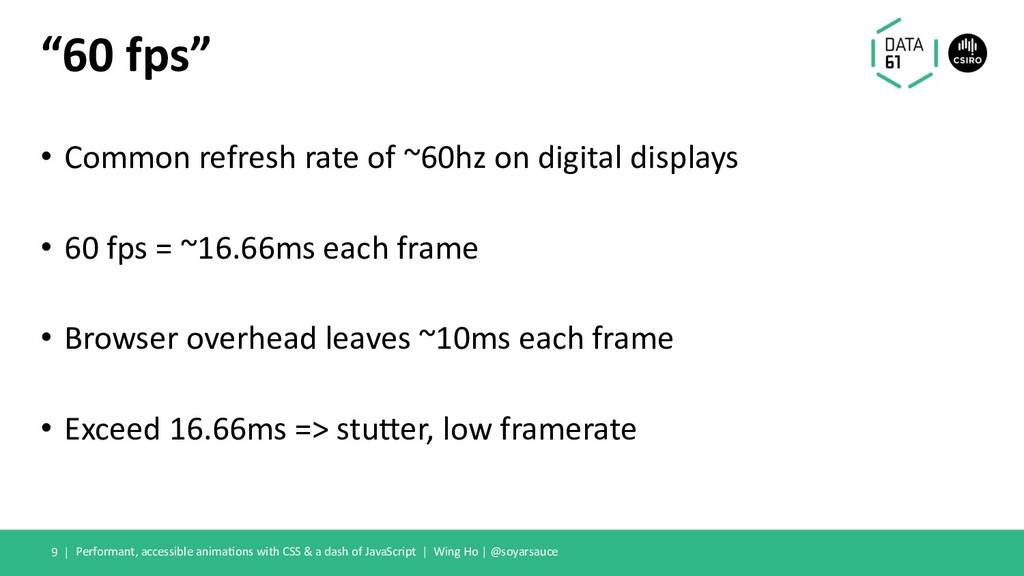
  6. “60 fps” • Common refresh rate of ~60hz on digital

    displays • 60 fps = ~16.66ms each frame • Browser overhead leaves ~10ms each frame • Exceed 16.66ms => stuBer, low framerate Performant, accessible animaFons with CSS & a dash of JavaScript | Wing Ho | @soyarsauce 9 |
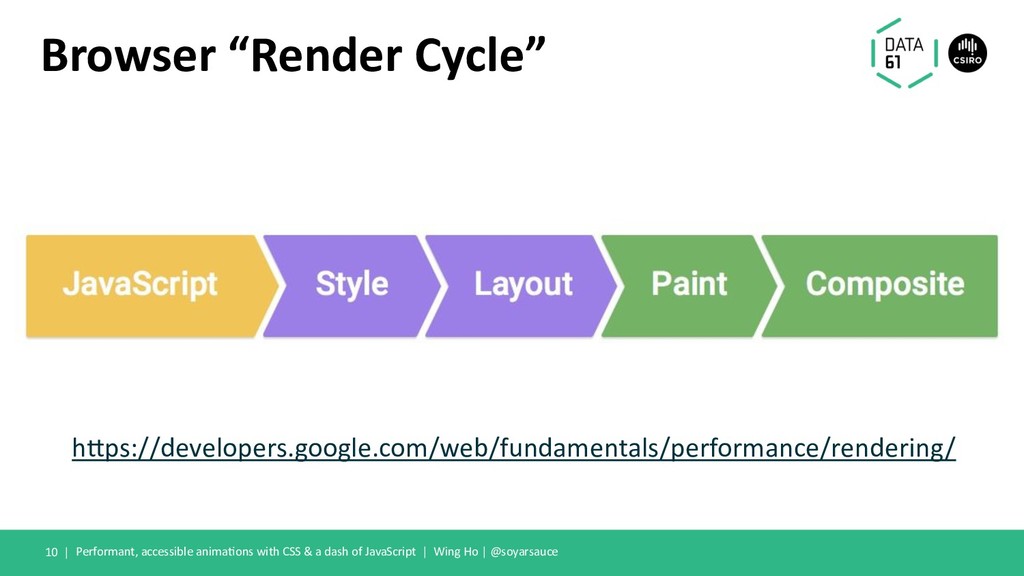
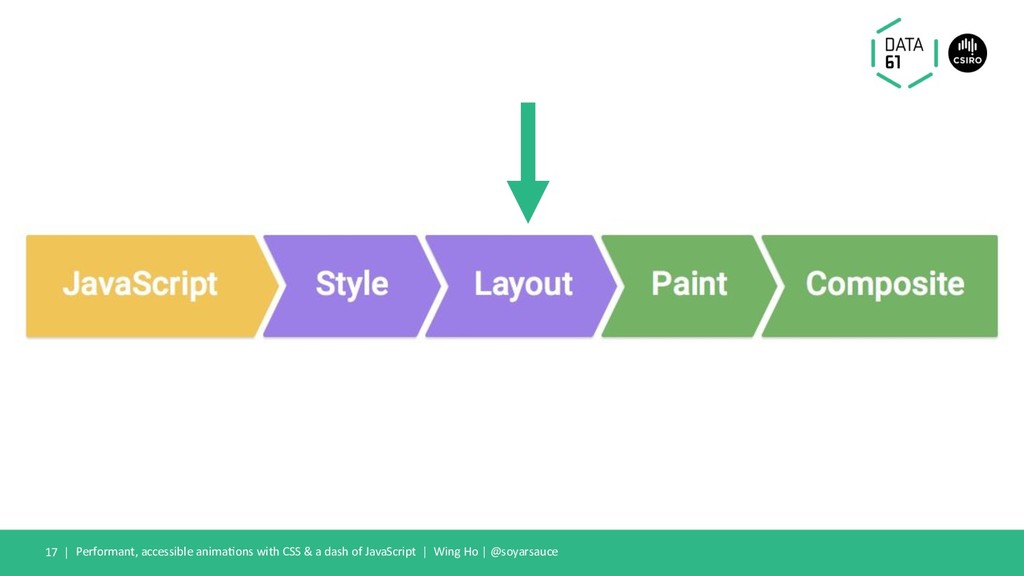
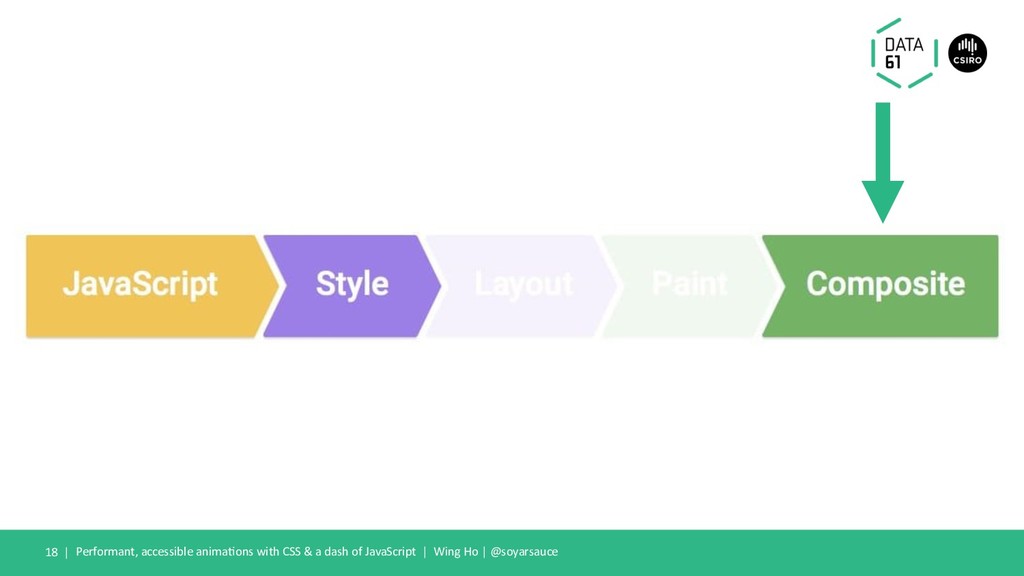
  7. Browser “Render Cycle” Performant, accessible anima1ons with CSS & a

    dash of JavaScript | Wing Ho | @soyarsauce 10 | hDps://developers.google.com/web/fundamentals/performance/rendering/
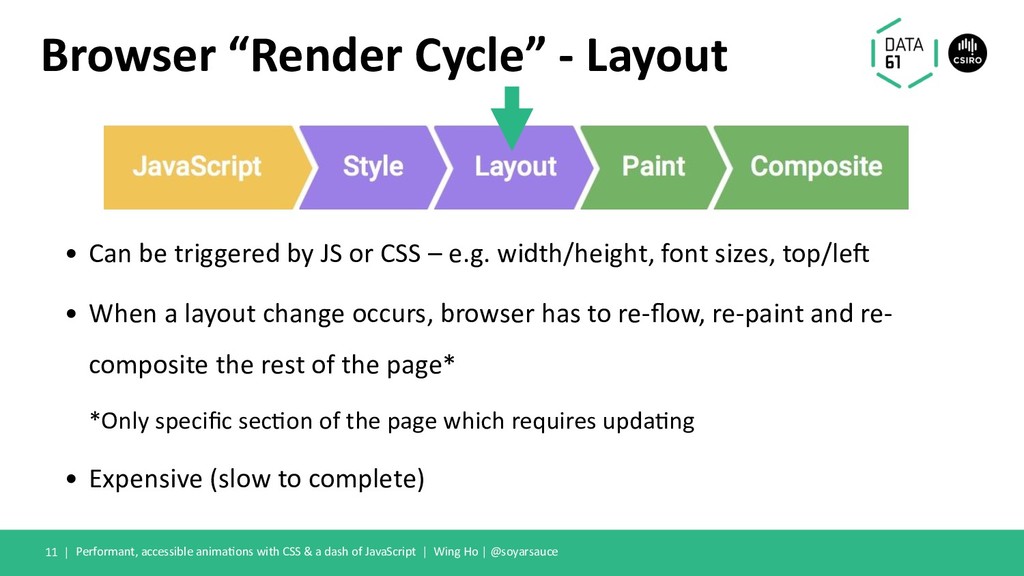
  8. Browser “Render Cycle” - Layout • Can be triggered by

    JS or CSS – e.g. width/height, font sizes, top/le< • When a layout change occurs, browser has to re-flow, re-paint and re- composite the rest of the page* *Only specific secFon of the page which requires updaFng • Expensive (slow to complete) Performant, accessible animaFons with CSS & a dash of JavaScript | Wing Ho | @soyarsauce 11 |
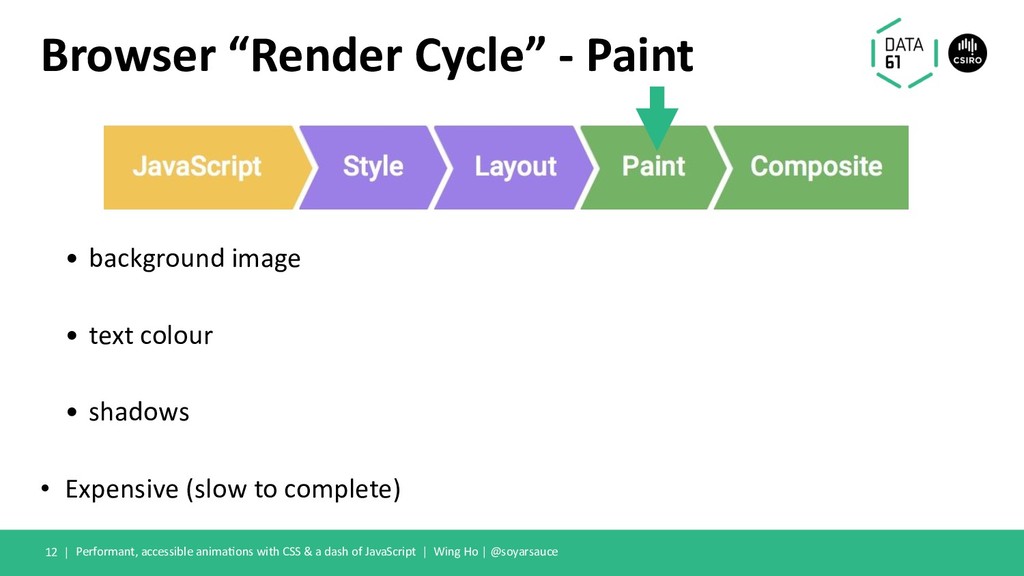
  9. Browser “Render Cycle” - Paint • background image • text

    colour • shadows • Expensive (slow to complete) Performant, accessible anima>ons with CSS & a dash of JavaScript | Wing Ho | @soyarsauce 12 |
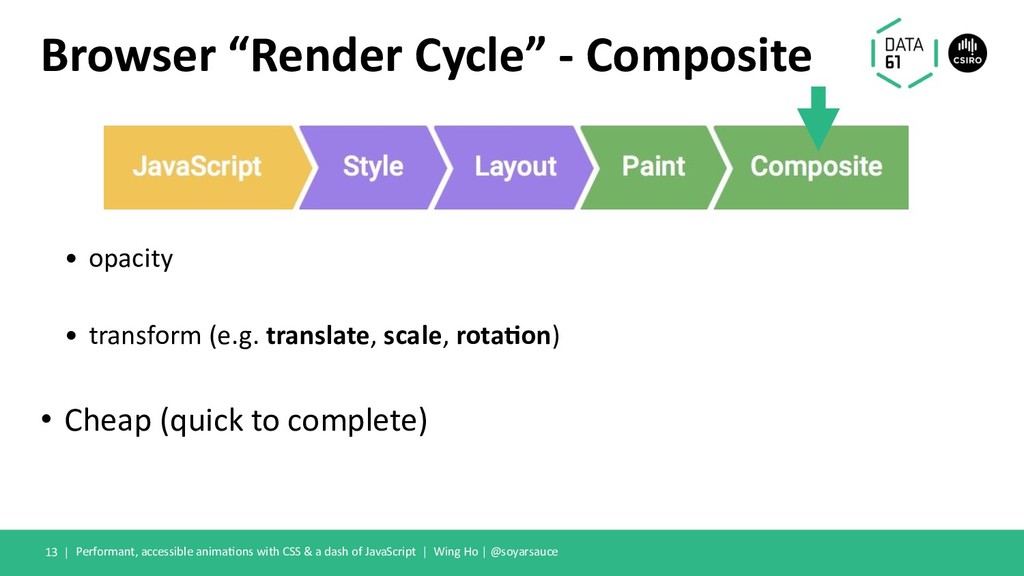
  10. Browser “Render Cycle” - Composite • opacity • transform (e.g.

    translate, scale, rota7on) • Cheap (quick to complete) Performant, accessible anima=ons with CSS & a dash of JavaScript | Wing Ho | @soyarsauce 13 |
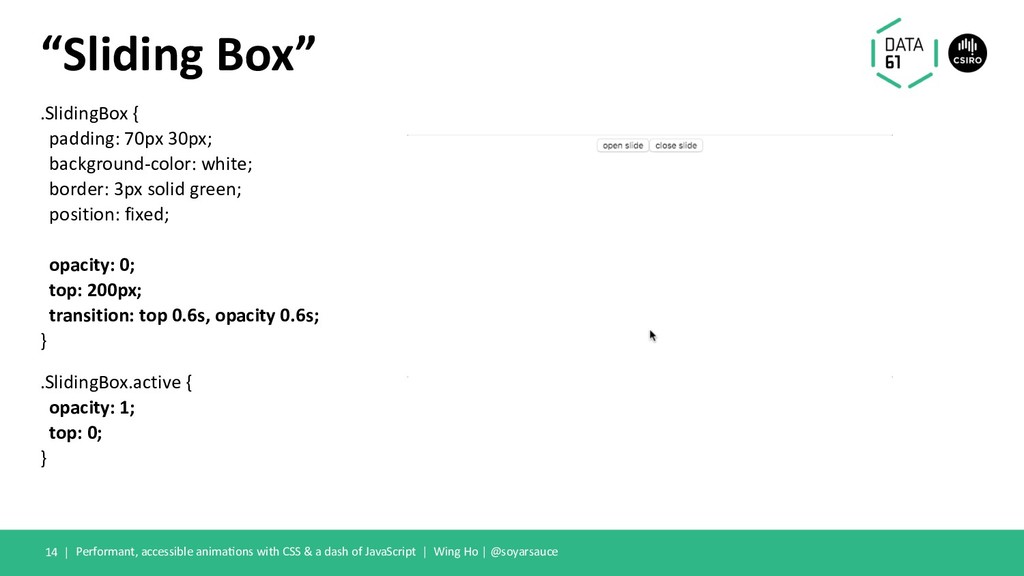
  11. .SlidingBox { padding: 70px 30px; background-color: white; border: 3px solid

    green; position: fixed; opacity: 0; top: 200px; transition: top 0.6s, opacity 0.6s; } .SlidingBox.active { opacity: 1; top: 0; } Performant, accessible animaEons with CSS & a dash of JavaScript | Wing Ho | @soyarsauce “Sliding Box” 14 |
  12. One small trick that browser engines don’t want you to
    know... Performant, accessible anima;ons with CSS & a dash of JavaScript | Wing Ho | @soyarsauce 15 |
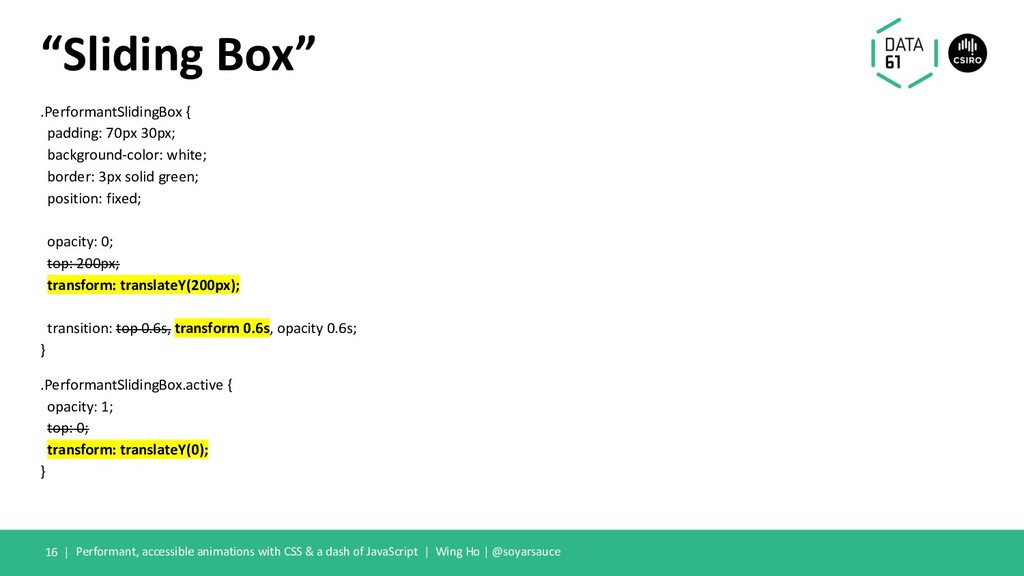
  13. .PerformantSlidingBox { padding: 70px 30px; background-color: white; border: 3px solid

    green; position: fixed; opacity: 0; top: 200px; transform: translateY(200px); transition: top 0.6s, transform 0.6s, opacity 0.6s; } .PerformantSlidingBox.active { opacity: 1; top: 0; transform: translateY(0); } Performant, accessible animations with CSS & a dash of JavaScript | Wing Ho | @soyarsauce “Sliding Box” 16 |
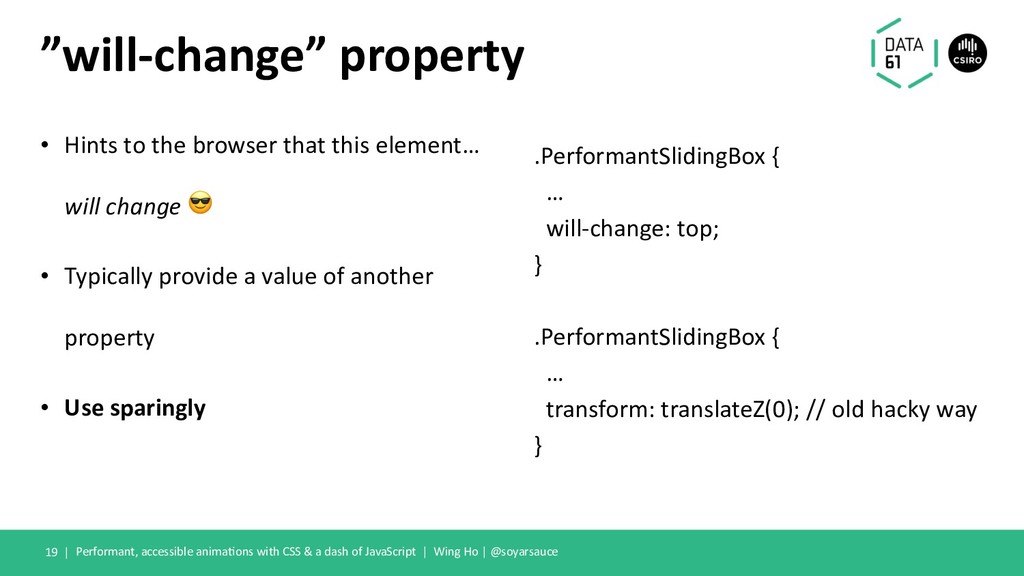
  14. ”will-change” property • Hints to the browser that this element…

    will change ! • Typically provide a value of another property • Use sparingly .PerformantSlidingBox { … will-change: top; } .PerformantSlidingBox { … transform: translateZ(0); // old hacky way } Performant, accessible animaKons with CSS & a dash of JavaScript | Wing Ho | @soyarsauce 19 |
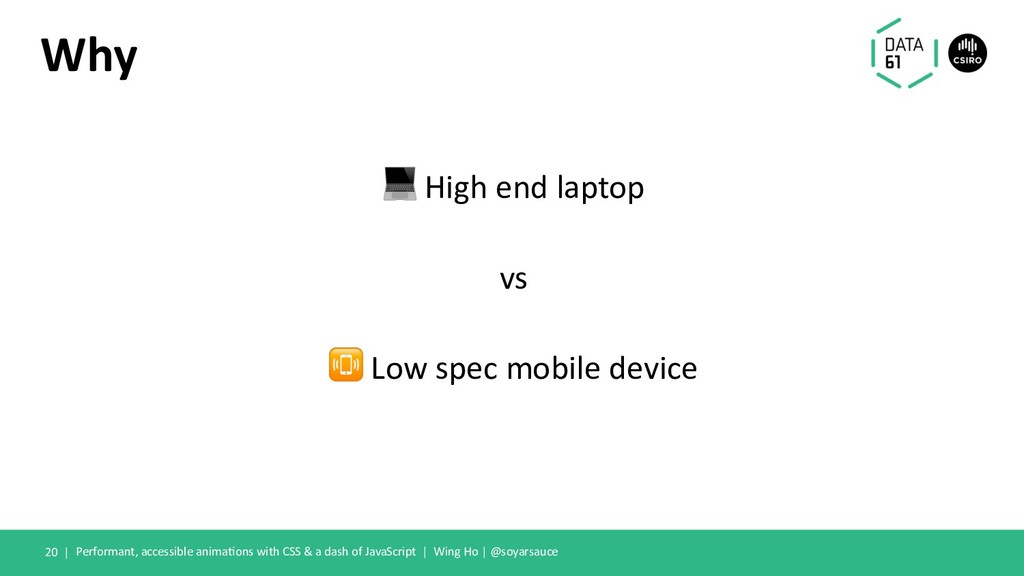
  15. Why ! High end laptop vs " Low spec mobile

    device Performant, accessible anima9ons with CSS & a dash of JavaScript | Wing Ho | @soyarsauce 20 |
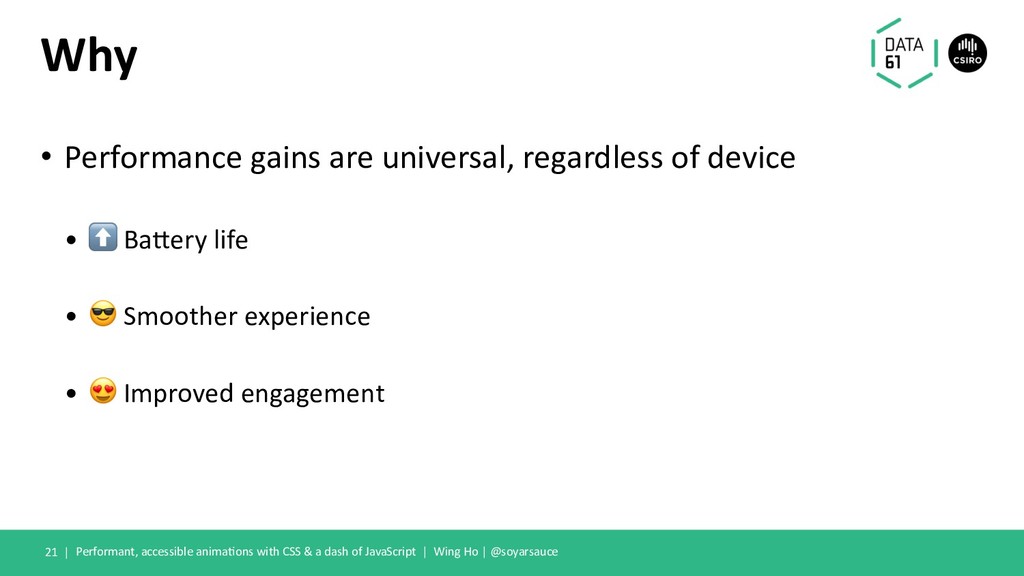
  16. Why • Performance gains are universal, regardless of device •

    ⬆ Ba5ery life • " Smoother experience • # Improved engagement Performant, accessible anima>ons with CSS & a dash of JavaScript | Wing Ho | @soyarsauce 21 |
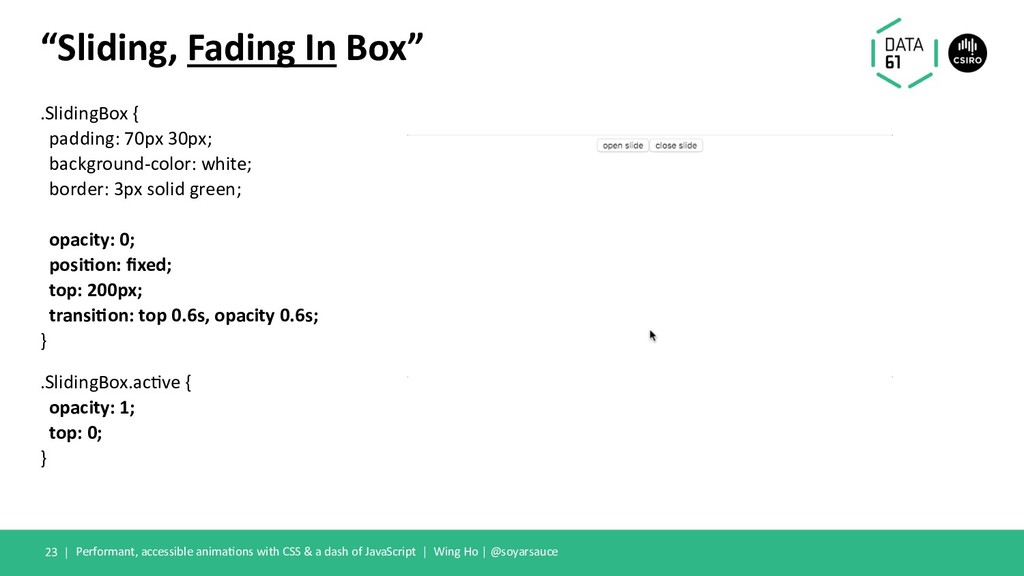
  17. .SlidingBox { padding: 70px 30px; background-color: white; border: 3px solid

    green; opacity: 0; posi-on: fixed; top: 200px; transi-on: top 0.6s, opacity 0.6s; } .SlidingBox.ac@ve { opacity: 1; top: 0; } Performant, accessible anima@ons with CSS & a dash of JavaScript | Wing Ho | @soyarsauce “Sliding, Fading In Box” 23 |
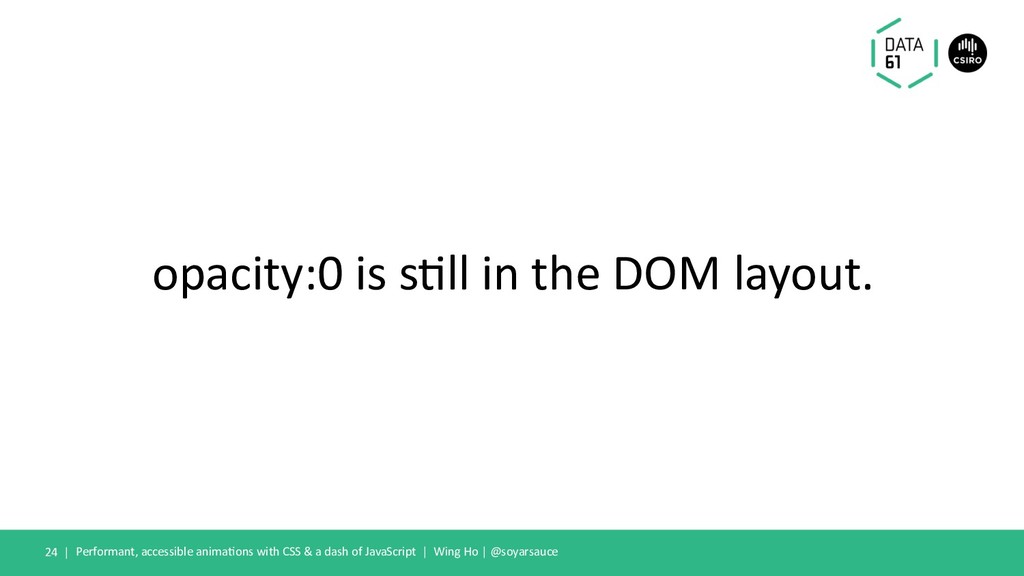
  18. opacity:0 is s,ll in the DOM layout. Performant, accessible anima,ons

    with CSS & a dash of JavaScript | Wing Ho | @soyarsauce 24 |
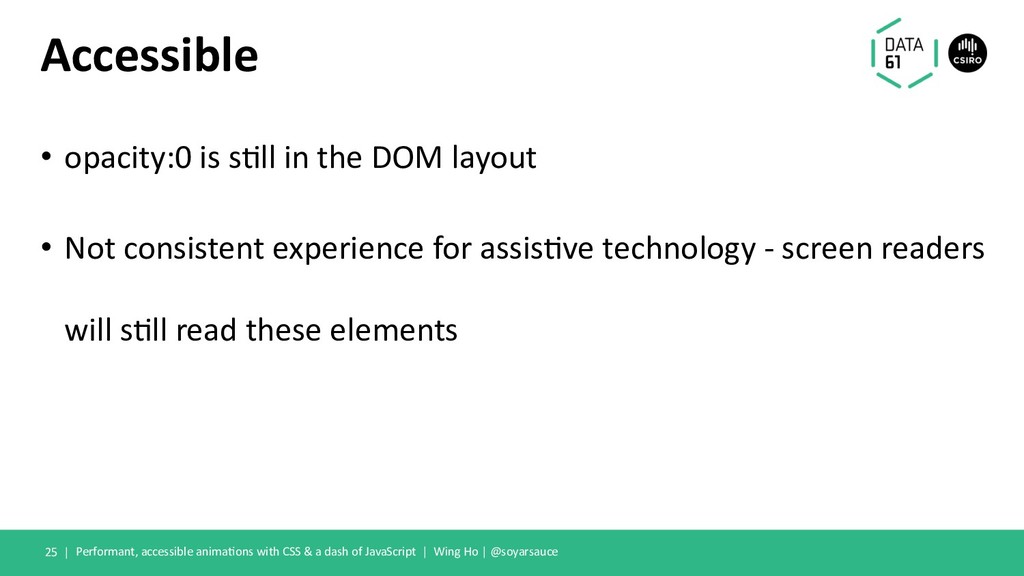
  19. Accessible • opacity:0 is s,ll in the DOM layout •

    Not consistent experience for assis,ve technology - screen readers will s,ll read these elements Performant, accessible anima,ons with CSS & a dash of JavaScript | Wing Ho | @soyarsauce 25 |
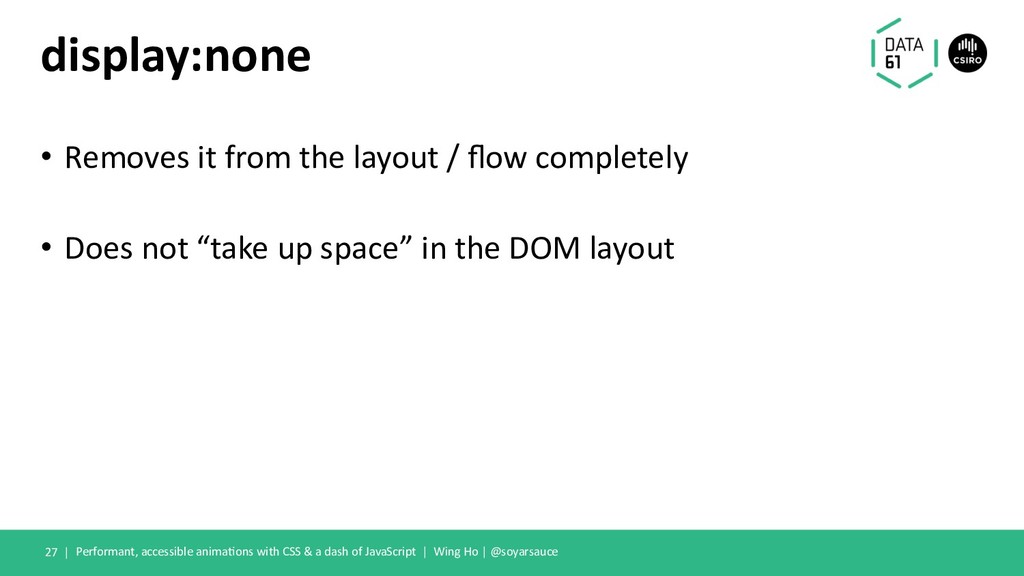
  20. display:none • Removes it from the layout / flow completely
    • Does not “take up space” in the DOM layout Performant, accessible anima@ons with CSS & a dash of JavaScript | Wing Ho | @soyarsauce 27 |
  21. visibility:hidden • Space is s)ll allocated for the element in

    the DOM as if it was visiblity:visible Performant, accessible anima)ons with CSS & a dash of JavaScript | Wing Ho | @soyarsauce 28 |
  22. ARIA a&ribute? • “aria-hidden” • Requires JavaScript Performant, accessible anima=ons

    with CSS & a dash of JavaScript | Wing Ho | @soyarsauce 29 |
  23. Both break our CSS transition animation. Performant, accessible anima8ons with

    CSS & a dash of JavaScript | Wing Ho | @soyarsauce 30 |
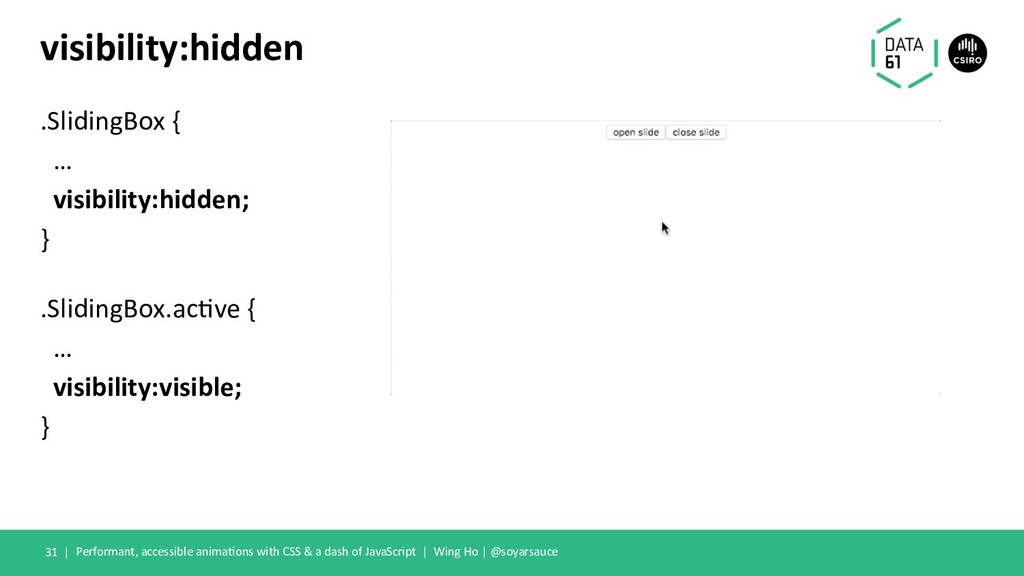
  24. .SlidingBox { … visibility:hidden; } .SlidingBox.ac0ve { … visibility:visible; }

    Performant, accessible anima0ons with CSS & a dash of JavaScript | Wing Ho | @soyarsauce visibility:hidden 31 |
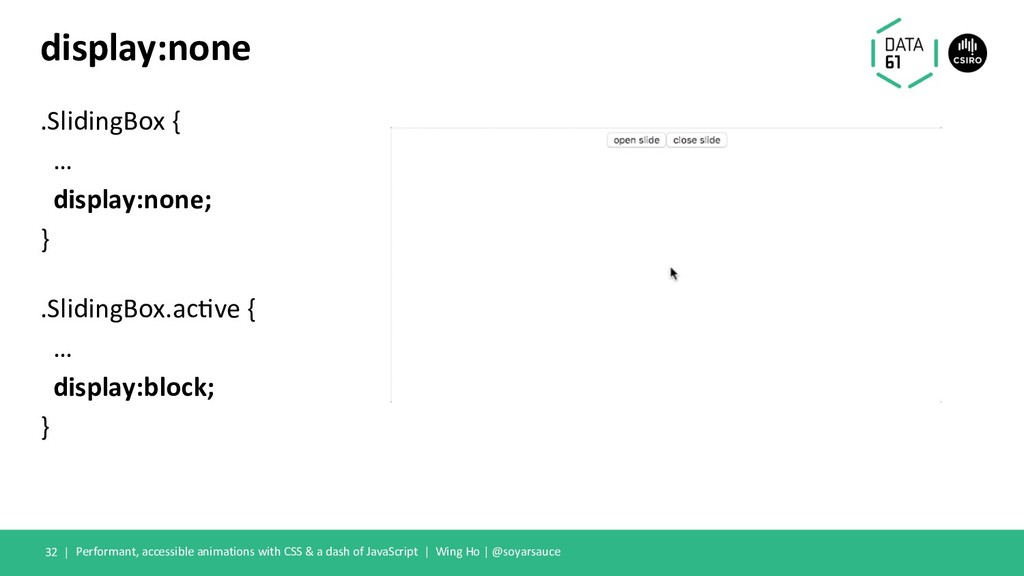
  25. .SlidingBox { … display:none; } .SlidingBox.ac0ve { … display:block; }

    Performant, accessible animations with CSS & a dash of JavaScript | Wing Ho | @soyarsauce display:none 32 |
  26. Fixes? Performant, accessible anima4ons with CSS & a dash of

    JavaScript | Wing Ho | @soyarsauce 33 |
  27. “visibility:hidden” property • “Animate” visibility by adding a delay to

    this property Performant, accessible animations with CSS & a dash of JavaScript | Wing Ho | @soyarsauce 34 |
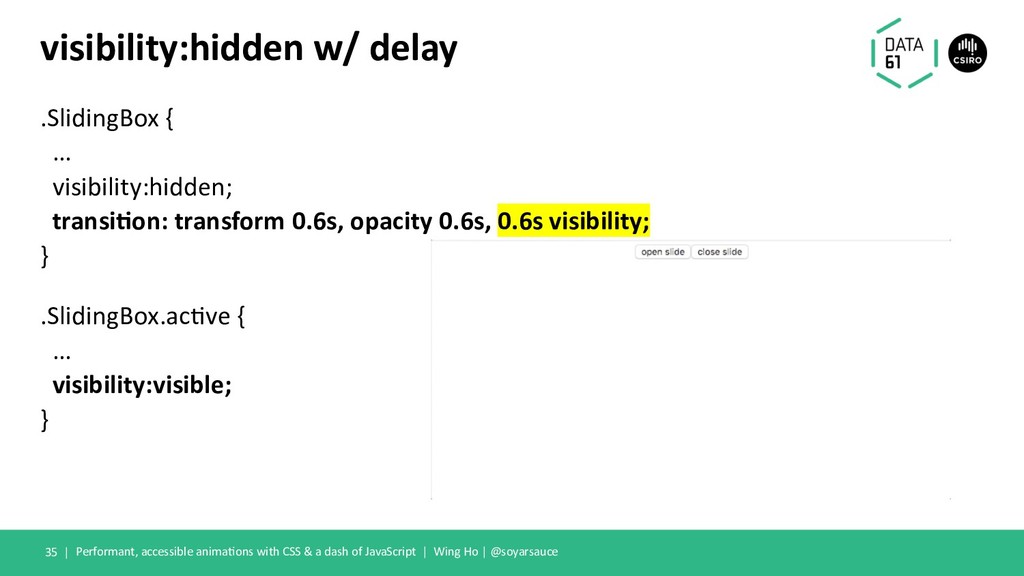
  28. .SlidingBox { … visibility:hidden; transi'on: transform 0.6s, opacity 0.6s, 0.6s

    visibility; } .SlidingBox.ac9ve { … visibility:visible; } Performant, accessible anima9ons with CSS & a dash of JavaScript | Wing Ho | @soyarsauce visibility:hidden w/ delay 35 |
  29. Fixed! … Performant, accessible anima6ons with CSS & a dash

    of JavaScript | Wing Ho | @soyarsauce 36 |
  30. visibility:hidden - limita0ons • Only works for visibility, can’t “transi5on”

    the “display” property. • Not scalable past simple anima5ons, when you are delaying other proper5es Performant, accessible anima5ons with CSS & a dash of JavaScript | Wing Ho | @soyarsauce 37 |
  31. JavaScript ✨ Performant, accessible anima5ons with CSS & a dash

    of JavaScript | Wing Ho | @soyarsauce 38 |
  32. JavaScript • A dash of JavaScript for maximum accessibility •

    Listen for the “transi;onend” or “anima;onend” events Performant, accessible anima;ons with CSS & a dash of JavaScript | Wing Ho | @soyarsauce 39 |
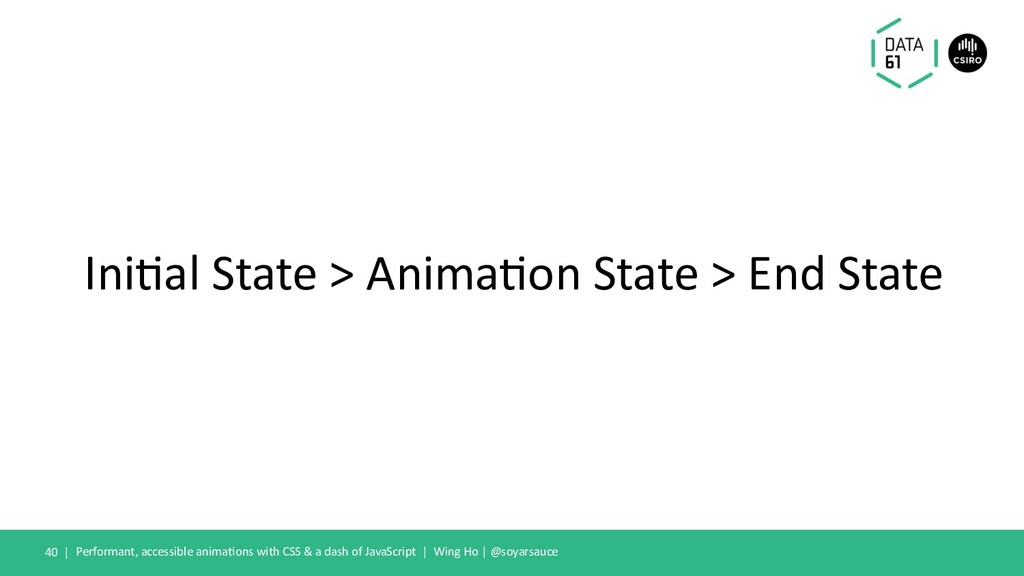
  33. Ini$al State > Anima$on State > End State Performant, accessible

    anima$ons with CSS & a dash of JavaScript | Wing Ho | @soyarsauce 40 |
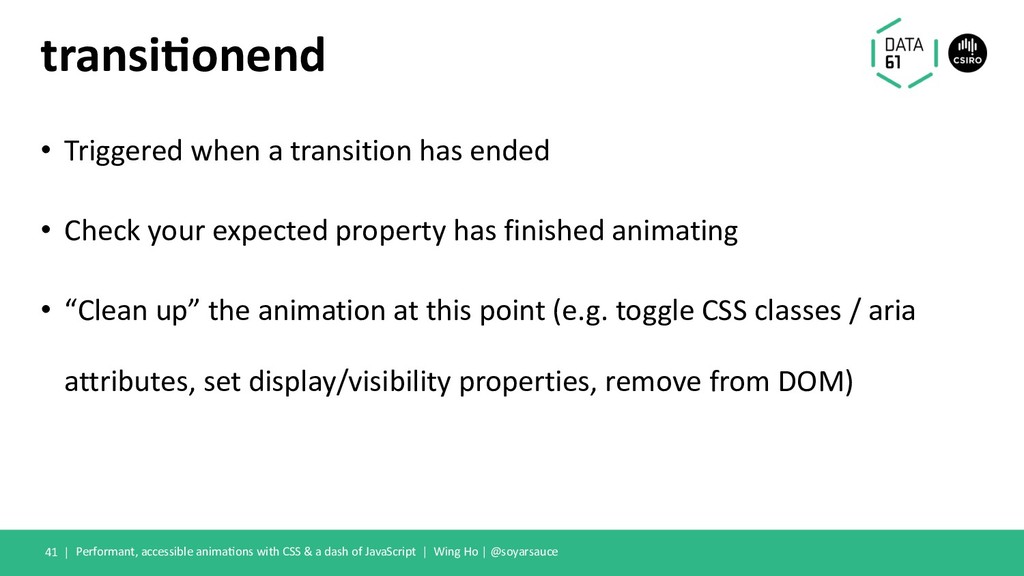
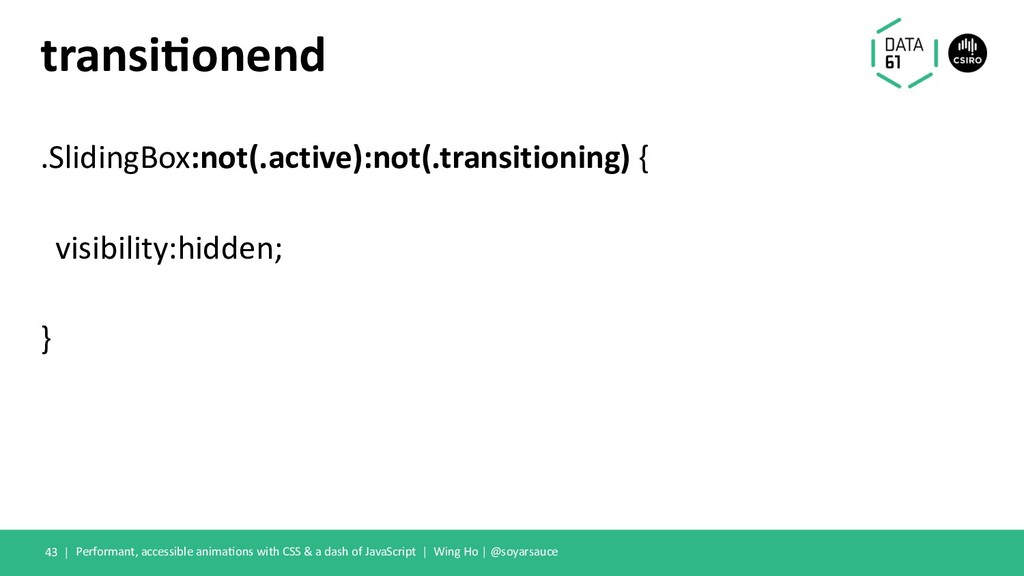
  34. transi'onend • Triggered when a transition has ended • Check

    your expected property has finished animating • “Clean up” the animation at this point (e.g. toggle CSS classes / aria attributes, set display/visibility properties, remove from DOM) Performant, accessible animaGons with CSS & a dash of JavaScript | Wing Ho | @soyarsauce 41 |
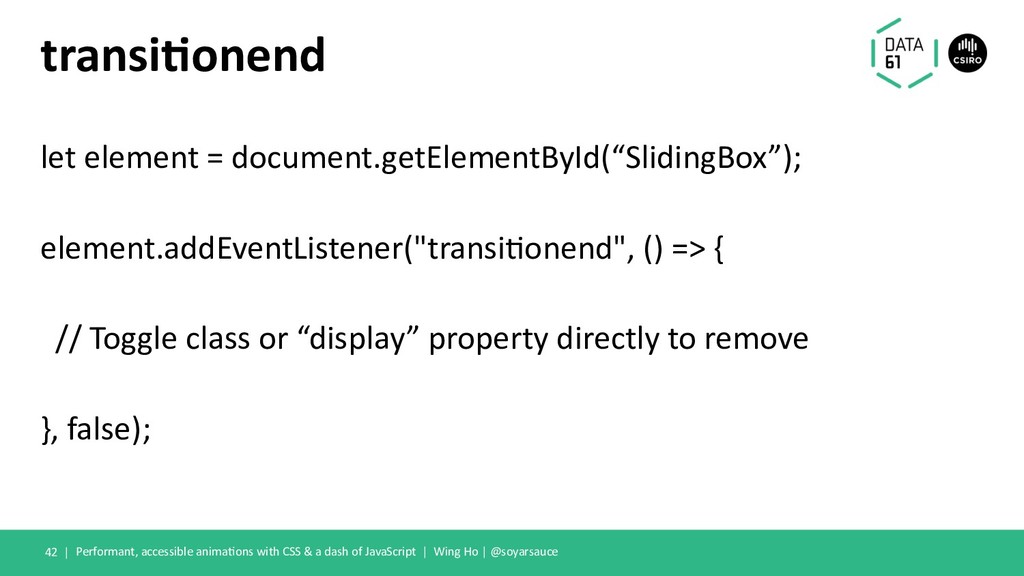
  35. transi'onend let element = document.getElementById(“SlidingBox”); element.addEventListener("transi@onend", () => { //

    Toggle class or “display” property directly to remove }, false); Performant, accessible anima@ons with CSS & a dash of JavaScript | Wing Ho | @soyarsauce 42 |
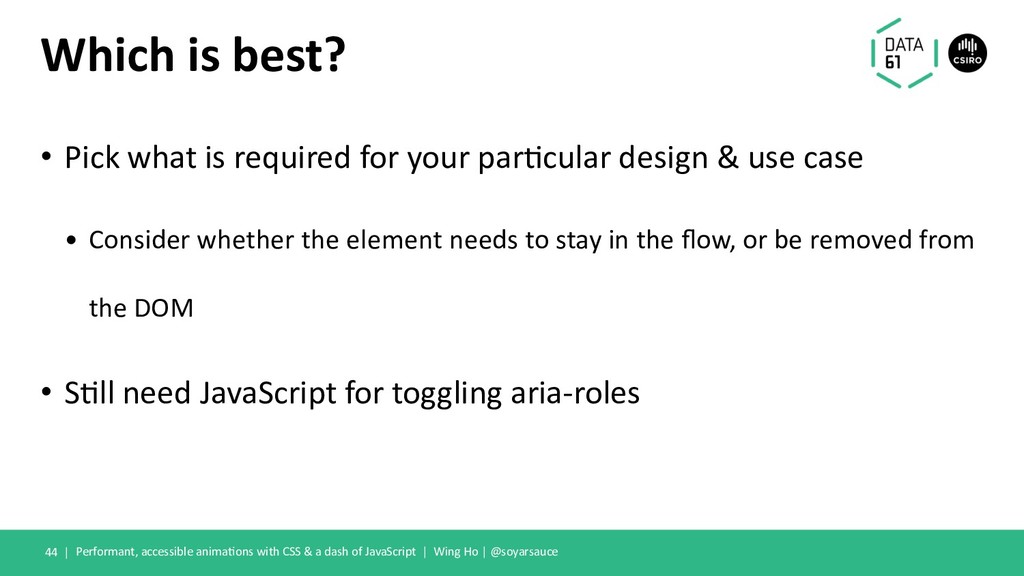
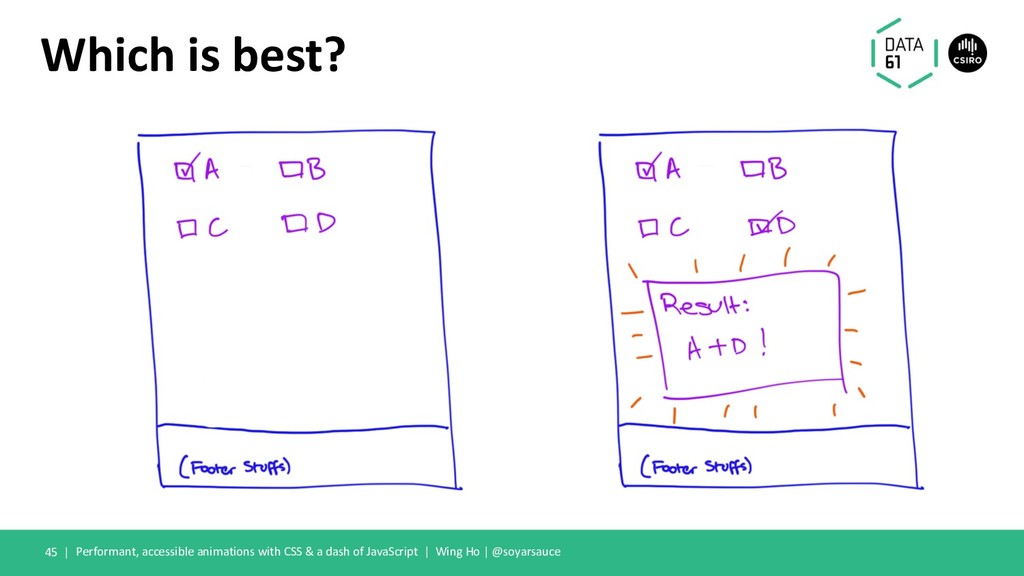
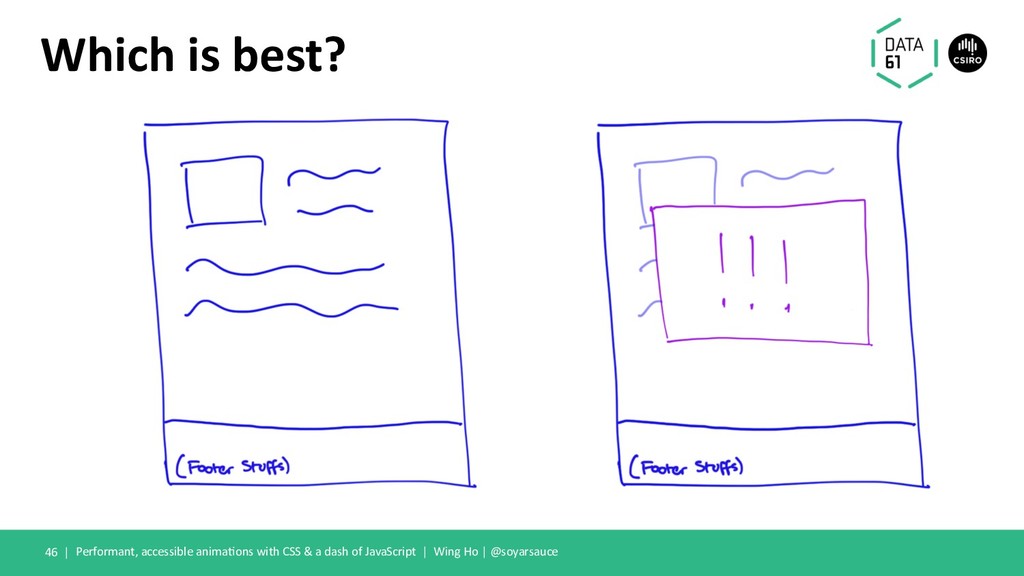
  36. Which is best? • Pick what is required for your

    par4cular design & use case • Consider whether the element needs to stay in the flow, or be removed from the DOM • S4ll need JavaScript for toggling aria-roles Performant, accessible anima4ons with CSS & a dash of JavaScript | Wing Ho | @soyarsauce 44 |
  37. Which is best? Performant, accessible animations with CSS & a

    dash of JavaScript | Wing Ho | @soyarsauce 45 |
  38. Which is best? Performant, accessible anima1ons with CSS & a

    dash of JavaScript | Wing Ho | @soyarsauce 46 |
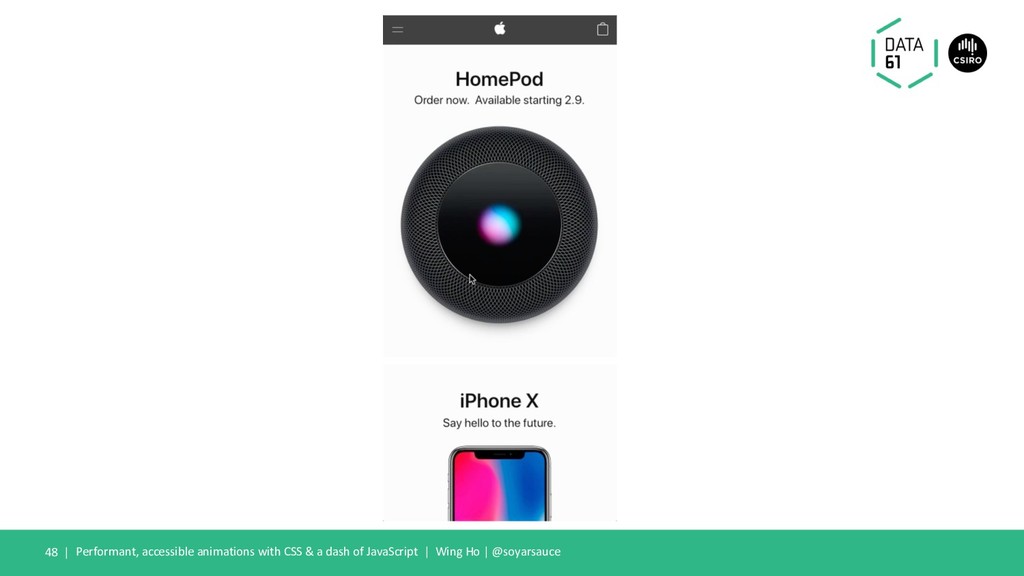
  39. Accessible Sliding Boxes? Performant, accessible anima8ons with CSS & a

    dash of JavaScript | Wing Ho | @soyarsauce 47 |
  40. Performant, accessible anima1ons with CSS & a dash of JavaScript

    | Wing Ho | @soyarsauce Performant, accessible sliding boxes? 49 | • Modals • Menus • Docks • ”Toast no1fica1ons”
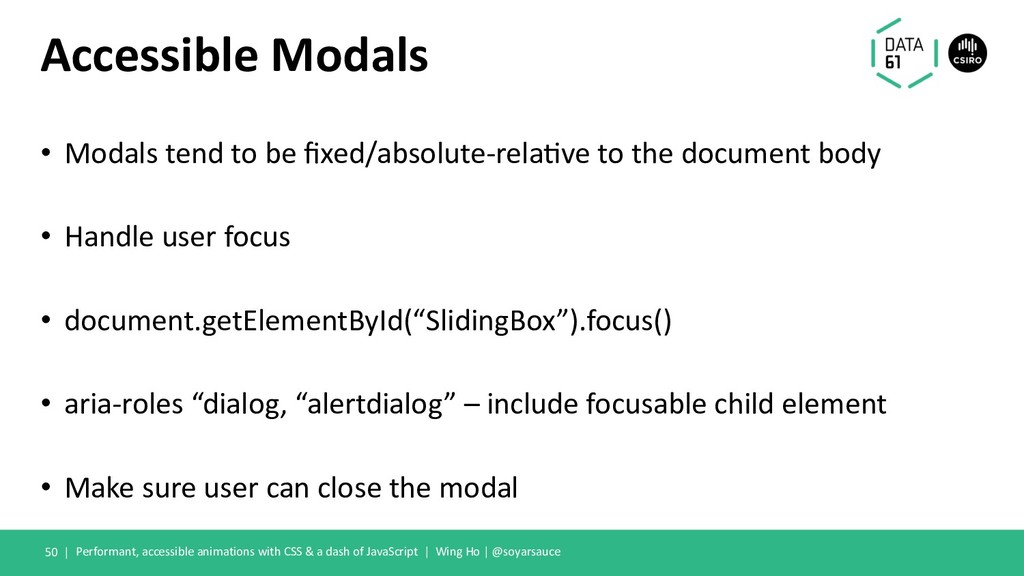
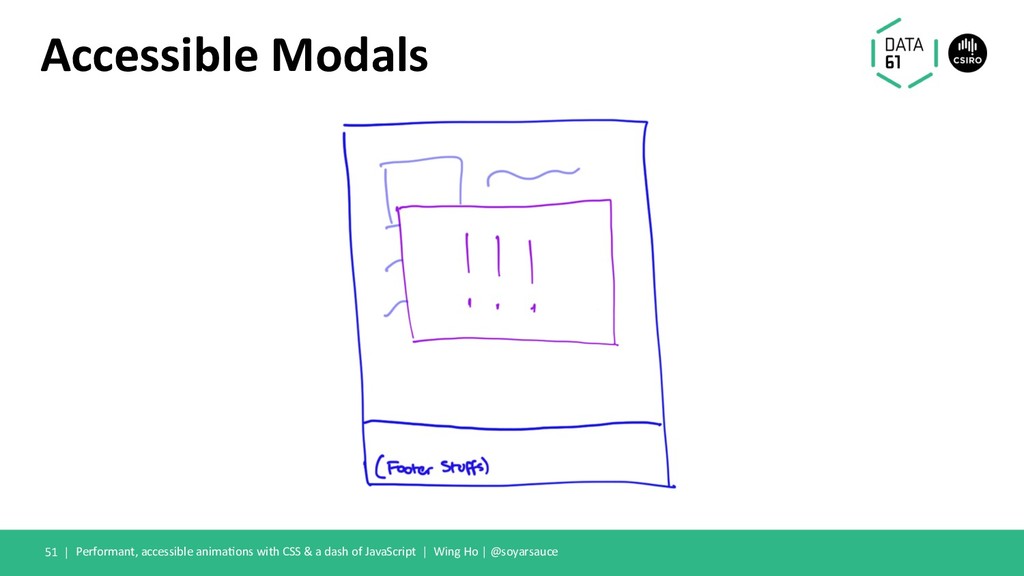
  41. Accessible Modals • Modals tend to be fixed/absolute-rela2ve to the

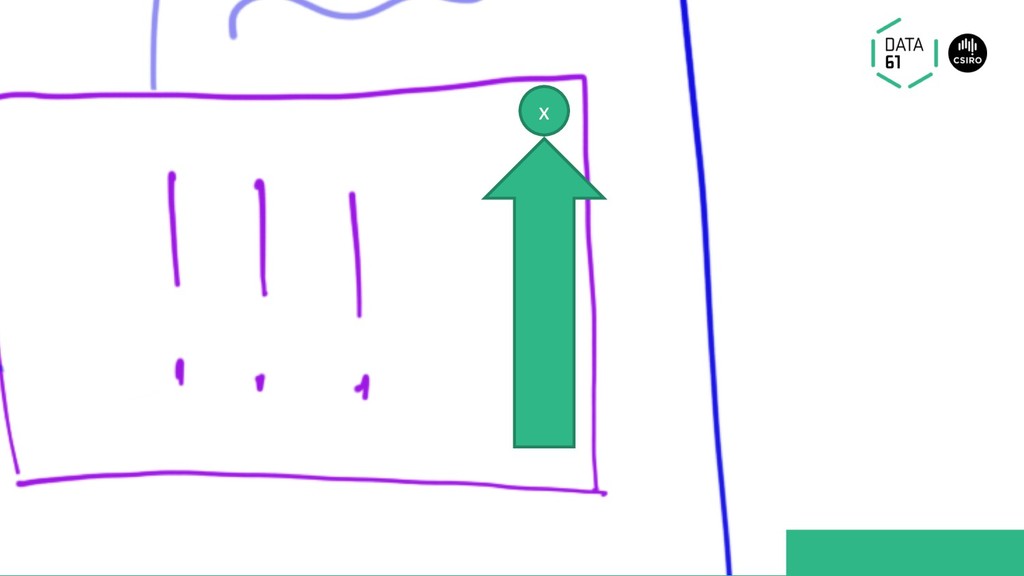
    document body • Handle user focus • document.getElementById(“SlidingBox”).focus() • aria-roles “dialog, “alertdialog” – include focusable child element • Make sure user can close the modal Performant, accessible animations with CSS & a dash of JavaScript | Wing Ho | @soyarsauce 50 |
  42. Accessible Modals Performant, accessible anima1ons with CSS & a dash

    of JavaScript | Wing Ho | @soyarsauce 52 | x
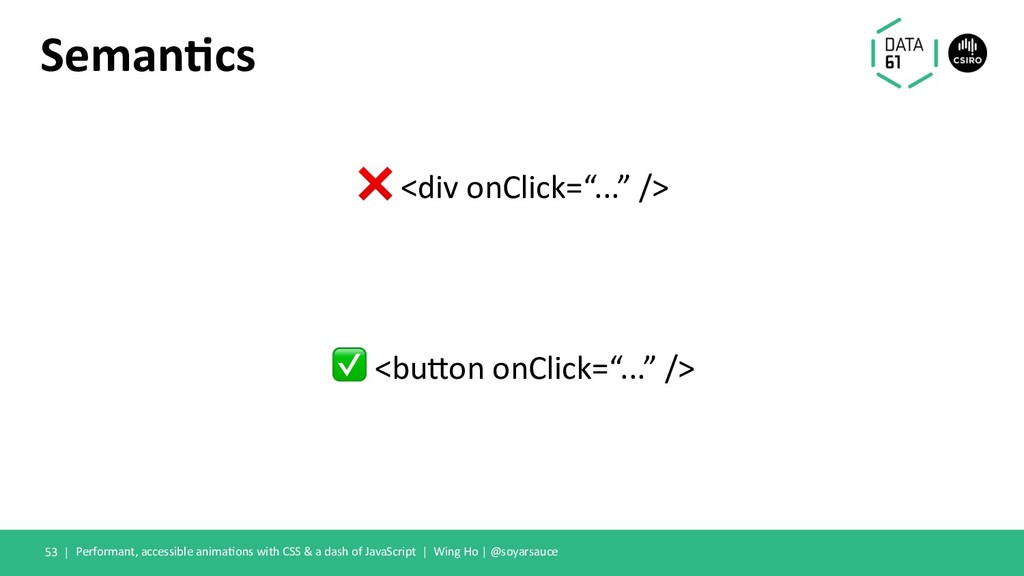
  43. Seman&cs ❌ <div onClick=“...” /> ✅ <bu4on onClick=“...” /> Performant,

    accessible anima>ons with CSS & a dash of JavaScript | Wing Ho | @soyarsauce 53 |
  44. Performant, accessible anima1ons with CSS & a dash of JavaScript

    | Wing Ho | @soyarsauce Give me the React stuff 54 | • https://github.com/reactjs/react-transition-group • Great for managing mounting and unmounting with animation at the forefront
  45. Performant, accessible anima1ons with CSS & a dash of JavaScript

    | Wing Ho | @soyarsauce Performant 56 | • Restrict transi1ons to transforms or opacity when possible • Use “will-change”, sparingly, when making final op1misa1ons
  46. Performant, accessible anima1ons with CSS & a dash of JavaScript

    | Wing Ho | @soyarsauce Accessible 57 | • Ensure elements represented are consistent • Ensure keyboard users do not get trapped in modals • Fix opacity anima1ons with (visibility:hidden / display:none) + aria-hidden=”true”
  47. Performant, accessible anima1ons with CSS & a dash of JavaScript

    | Wing Ho | @soyarsauce Some other resources 58 | • requestAnima1onFrame • hGps://csstriggers.com/ • Your browser devtools • ”FLIP” anima1ons – First Last Invert Play
  48. Live demo? ! Performant, accessible anima5ons with CSS & a

    dash of JavaScript | Wing Ho | @soyarsauce 59 |