Upgrade to Pro — share decks privately, control downloads, hide ads and more …

Simplify building your tech stack with AI

Simplify building your tech stack with AI

Slides from the Stripe Projects hackathon at Stripe Dhaka AI Event 2026 — "Build with Stripe Community: Simplify building your tech stack with AI."

AI agents made coding fast, but they still get stuck at deployment: choosing services, creating accounts, managing credentials, and wiring up environments across multiple tools. Stripe Projects solves this by giving builders and their coding agents one place to browse a service catalog, add providers (hosting, database, auth, AI, payments, and more), pull credentials, and manage billing — all from the CLI.

This deck covers the problem and solution, project ideas buildable in ~30 minutes, getting started with the Stripe CLI and the Projects plugin, a commands cheat sheet from init to deploy, and how to keep building with spend limits, environment separation, and build templates.

Avatar for Muhammad Sumon Molla Selim

Muhammad Sumon Molla Selim

August 29, 2026

More Decks by Muhammad Sumon Molla Selim

Other Decks in Programming

Transcript

  1. Build with Stripe Community: Simplify building your tech stack with

    AI A Stripe Projects hackathon Stripe Dhaka AI Event 2026 August 29, 2026 Confidential
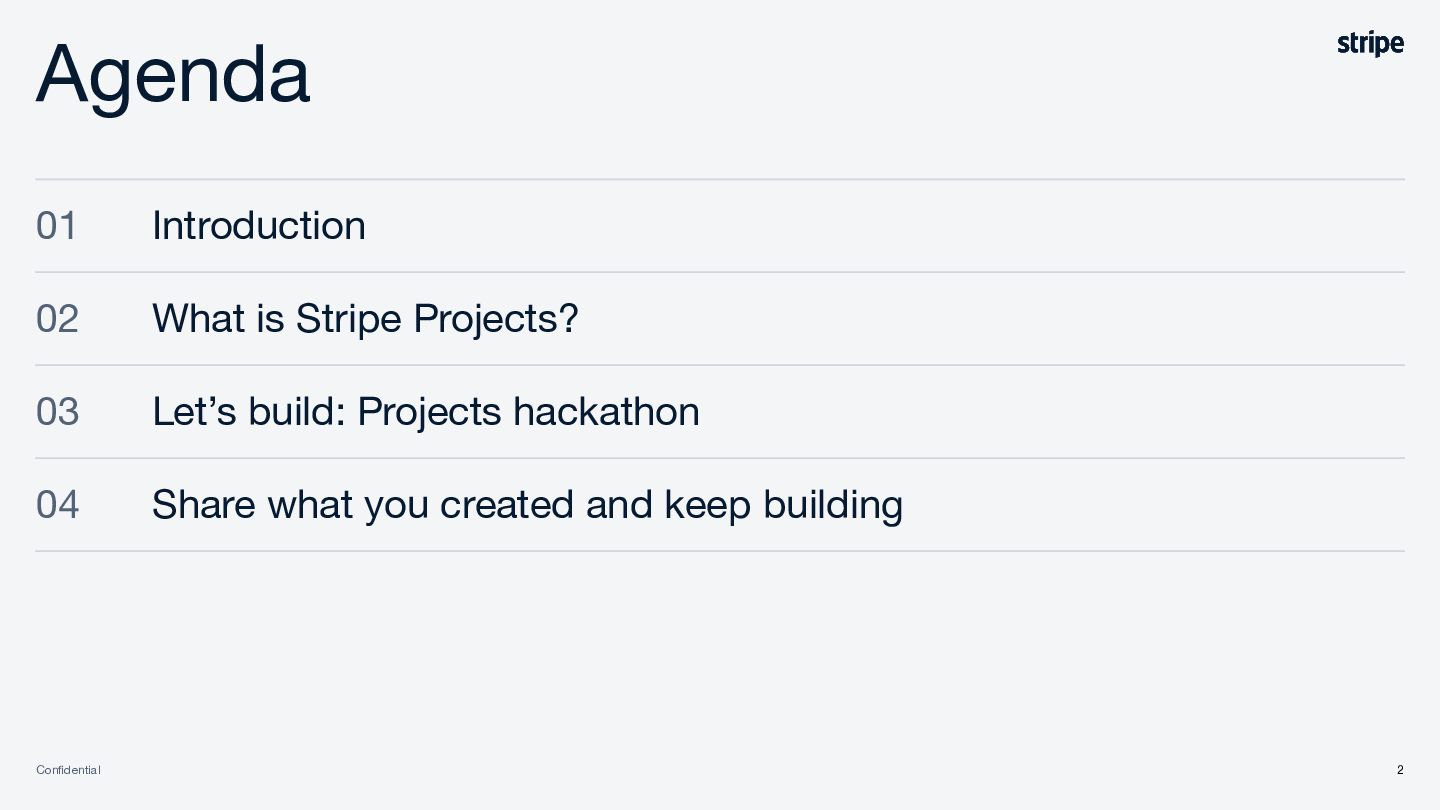
  2. Agenda 01 Introduction 02 What is Stripe Projects? 03 Let’s

    build: Projects hackathon 04 Share what you created and keep building Confidential 2
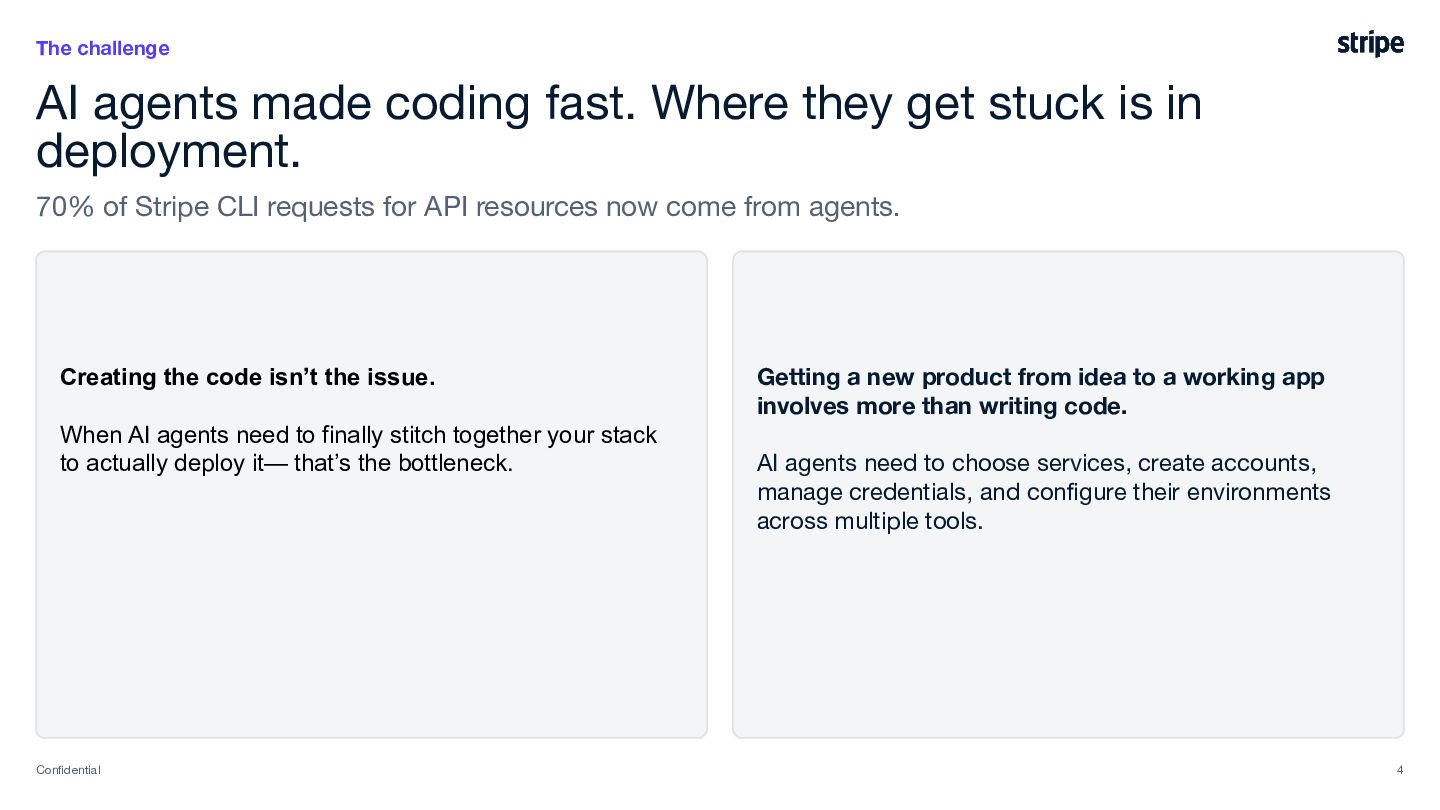
  3. The challenge AI agents made coding fast. Where they get

    stuck is in deployment. 70% of Stripe CLI requests for API resources now come from agents. Creating the code isn’t the issue. When AI agents need to finally stitch together your stack to actually deploy it— that’s the bottleneck. Confidential Getting a new product from idea to a working app involves more than writing code. AI agents need to choose services, create accounts, manage credentials, and configure their environments across multiple tools. 4
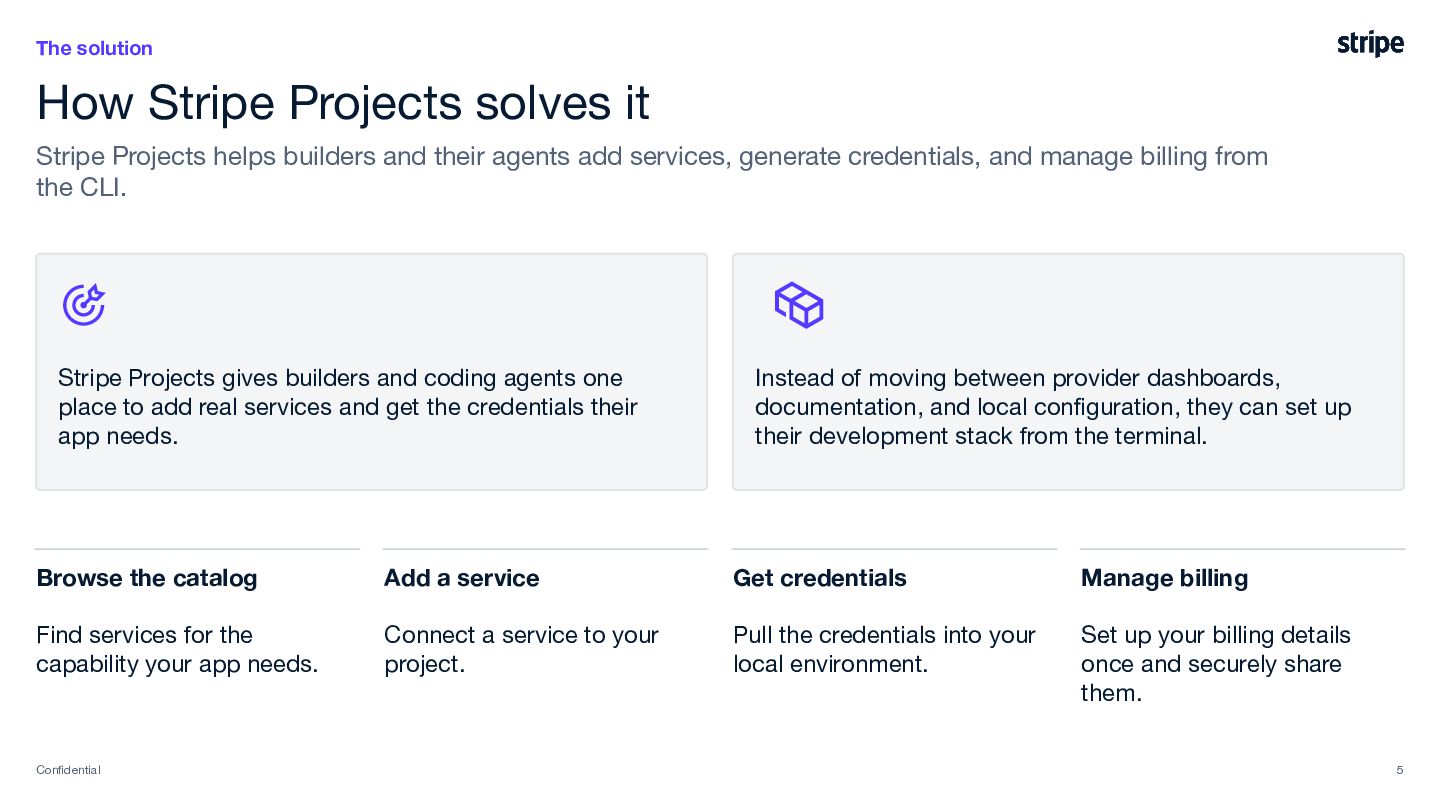
  4. The solution How Stripe Projects solves it Stripe Projects helps

    builders and their agents add services, generate credentials, and manage billing from the CLI. Stripe Projects gives builders and coding agents one place to add real services and get the credentials their app needs. Instead of moving between provider dashboards, documentation, and local configuration, they can set up their development stack from the terminal. Browse the catalog Add a service Get credentials Manage billing Find services for the capability your app needs. Connect a service to your project. Pull the credentials into your local environment. Set up your billing details once and securely share them. Confidential 5
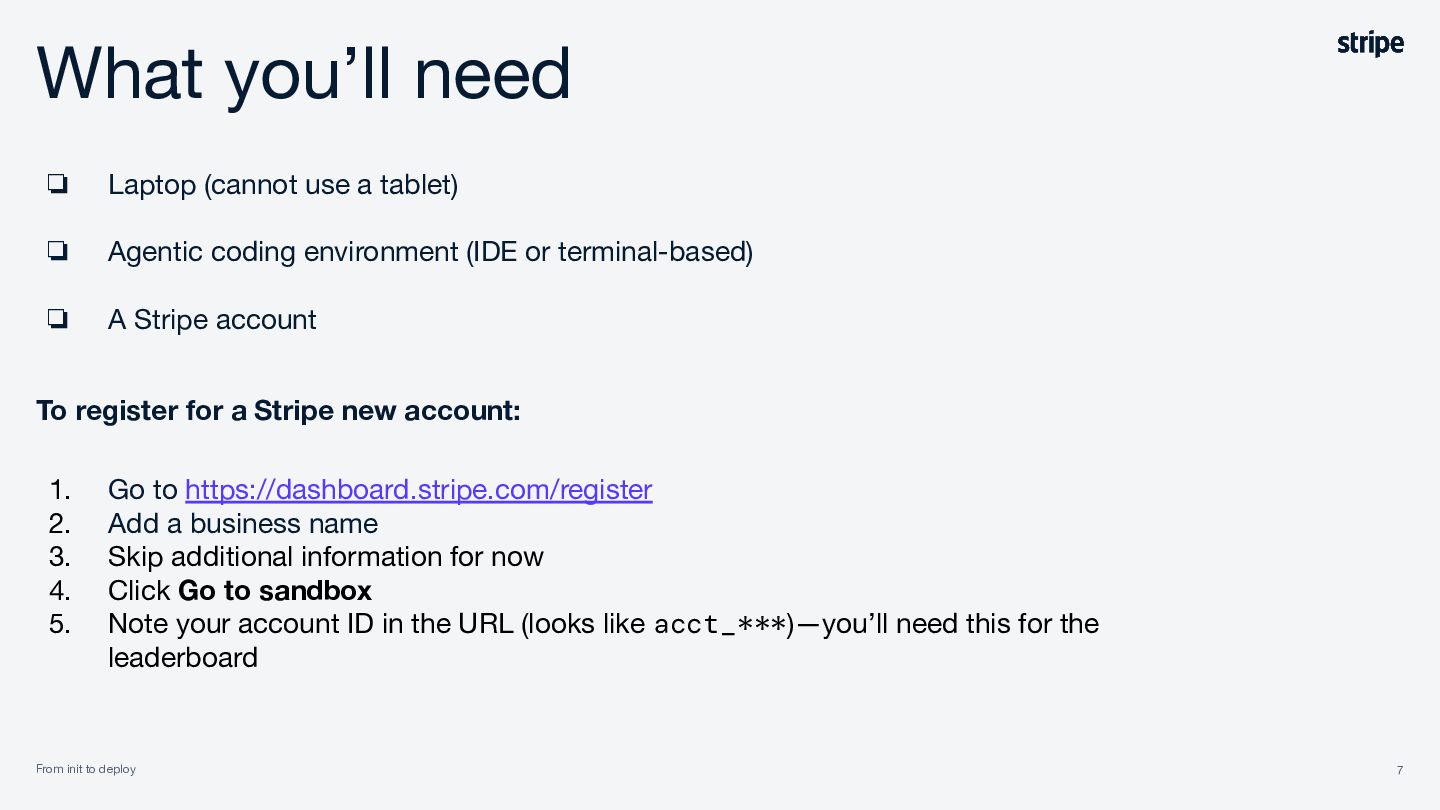
  5. What you’ll need ❏ Laptop (cannot use a tablet) ❏

    Agentic coding environment (IDE or terminal-based) ❏ A Stripe account To register for a Stripe new account: 1. 2. 3. 4. 5. Go to https://dashboard.stripe.com/register Add a business name Skip additional information for now Click Go to sandbox Note your account ID in the URL (looks like acct_***)—you’ll need this for the leaderboard From init to deploy Confidential 7
  6. How we’ll build 01 Project ideas From init to deploy

    Confidential 02 Get started with Stripe Projects 03 Go build 8
  7. 1 Project ideas Real projects that can be built in

    ~30 minutes From init to deploy 9
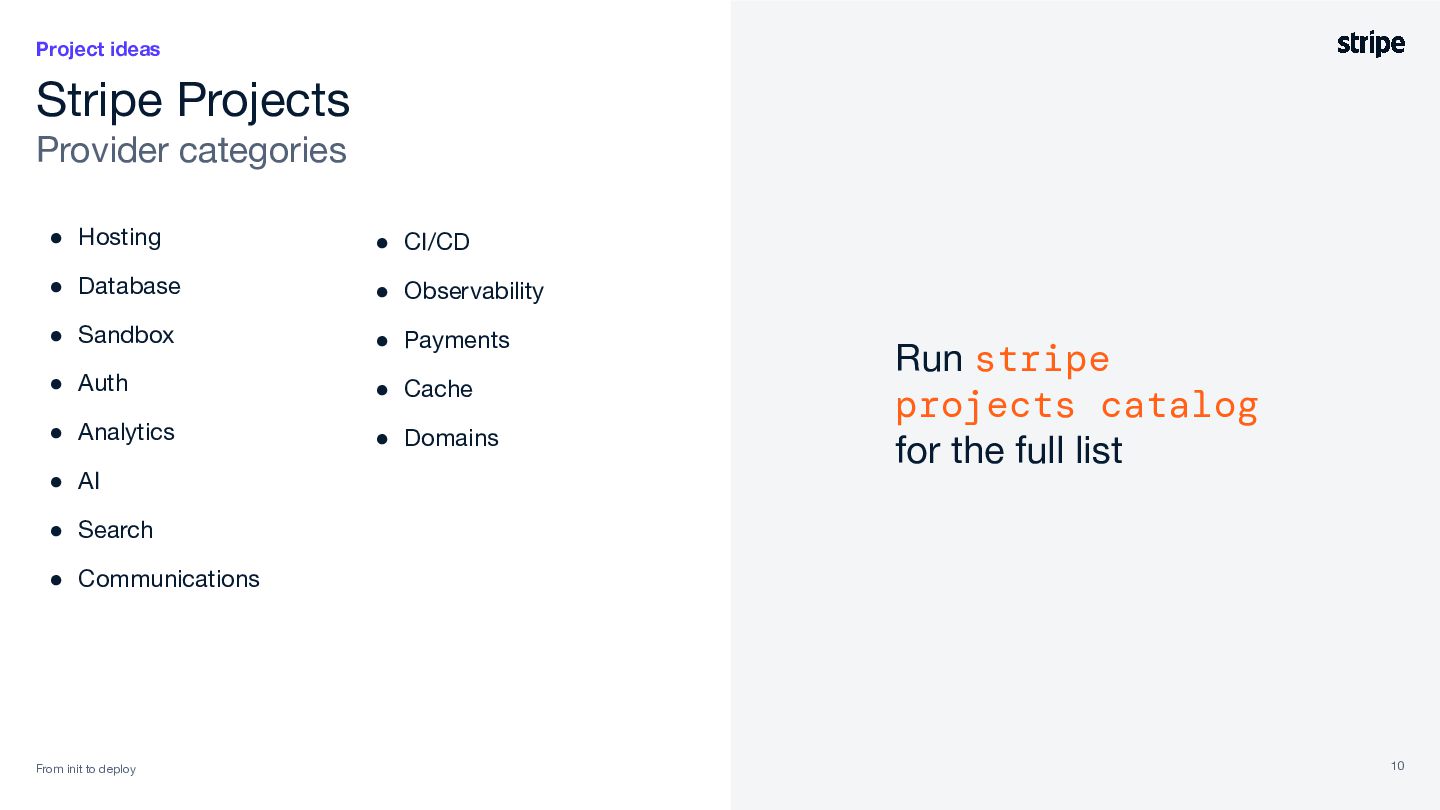
  8. Project ideas Stripe Projects Provider categories • Hosting • CI/CD

    • Database • Observability • Sandbox • Payments • Auth • Cache • Analytics • Domains • AI Run stripe projects catalog for the full list • Search • Communications From init to deploy 10
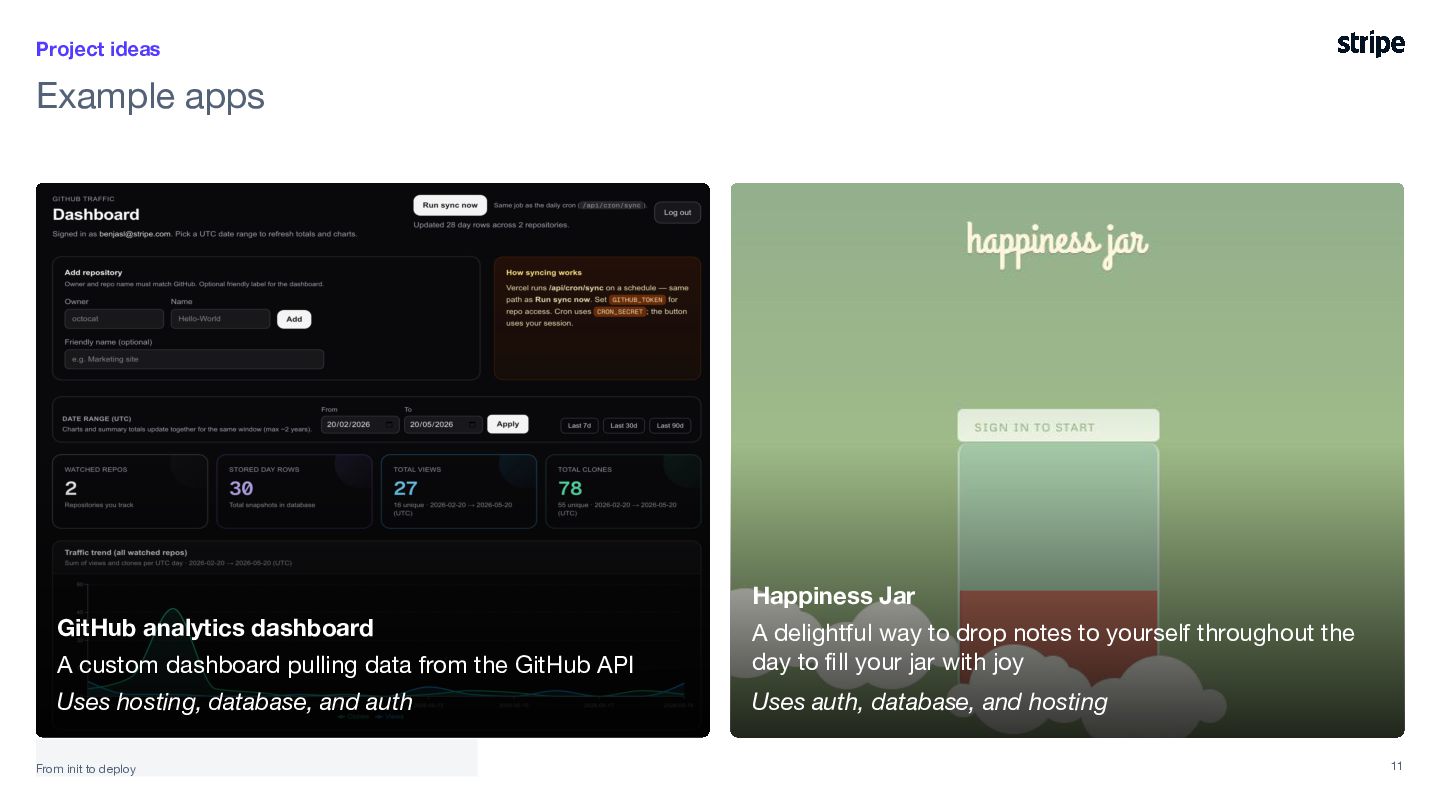
  9. Project ideas Example apps Happiness Jar GitHub analytics dashboard A

    custom dashboard pulling data from the GitHub API A delightful way to drop notes to yourself throughout the day to fill your jar with joy Uses hosting, database, and auth Uses auth, database, and hosting From init to deploy 11
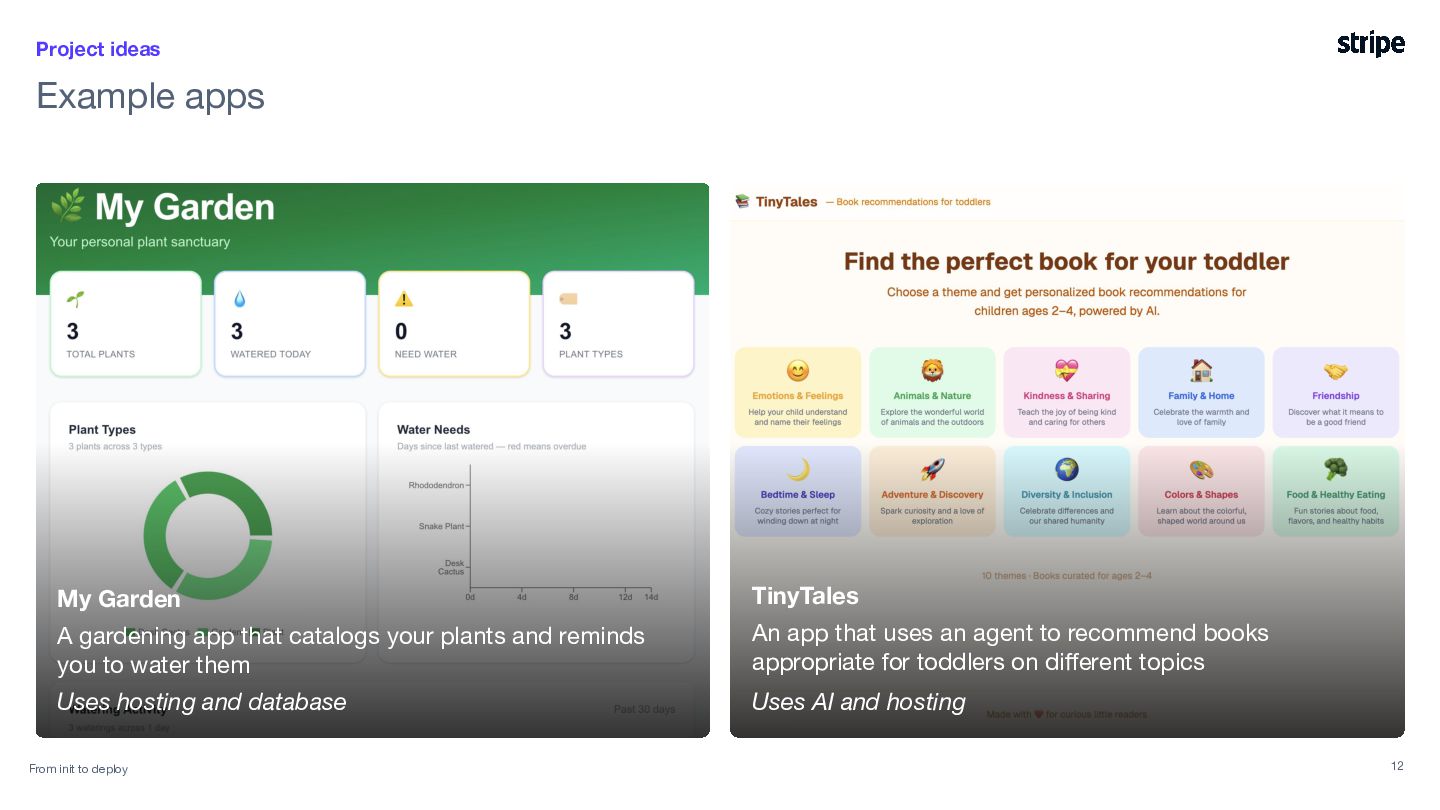
  10. Project ideas Example apps My Garden TinyTales A gardening app

    that catalogs your plants and reminds you to water them An app that uses an agent to recommend books appropriate for toddlers on different topics Uses hosting and database Uses AI and hosting From init to deploy 12
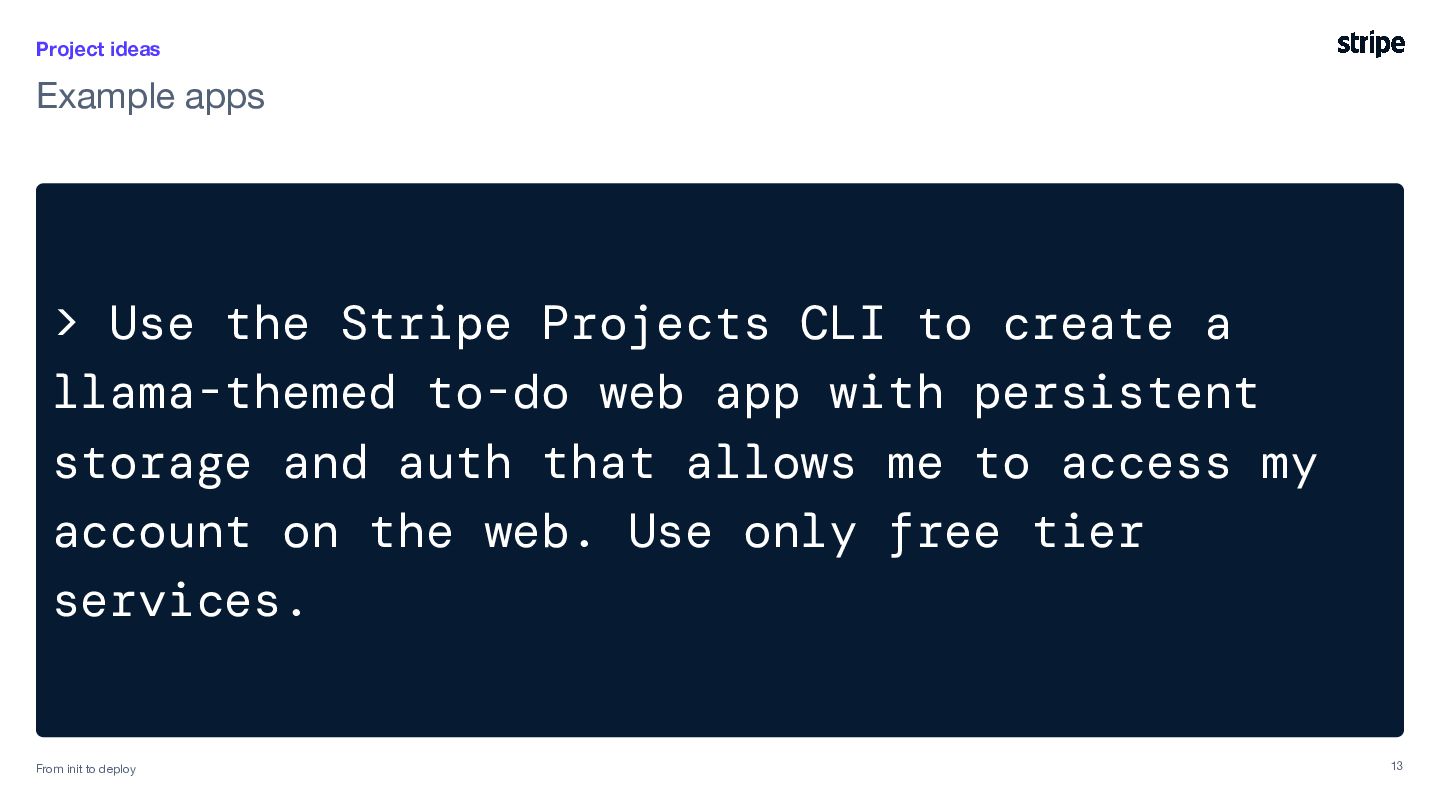
  11. Project ideas Example apps > Use the Stripe Projects CLI

    to create a llama-themed to-do web app with persistent storage and auth that allows me to access my account on the web. Use only free tier services. From init init to to deploy deploy in minutes From 13
  12. 2 Get started with Stripe Projects You will need: >

    Agentic environment From init init to to deploy deploy in minutes From > Stripe account > Stripe CLI 16
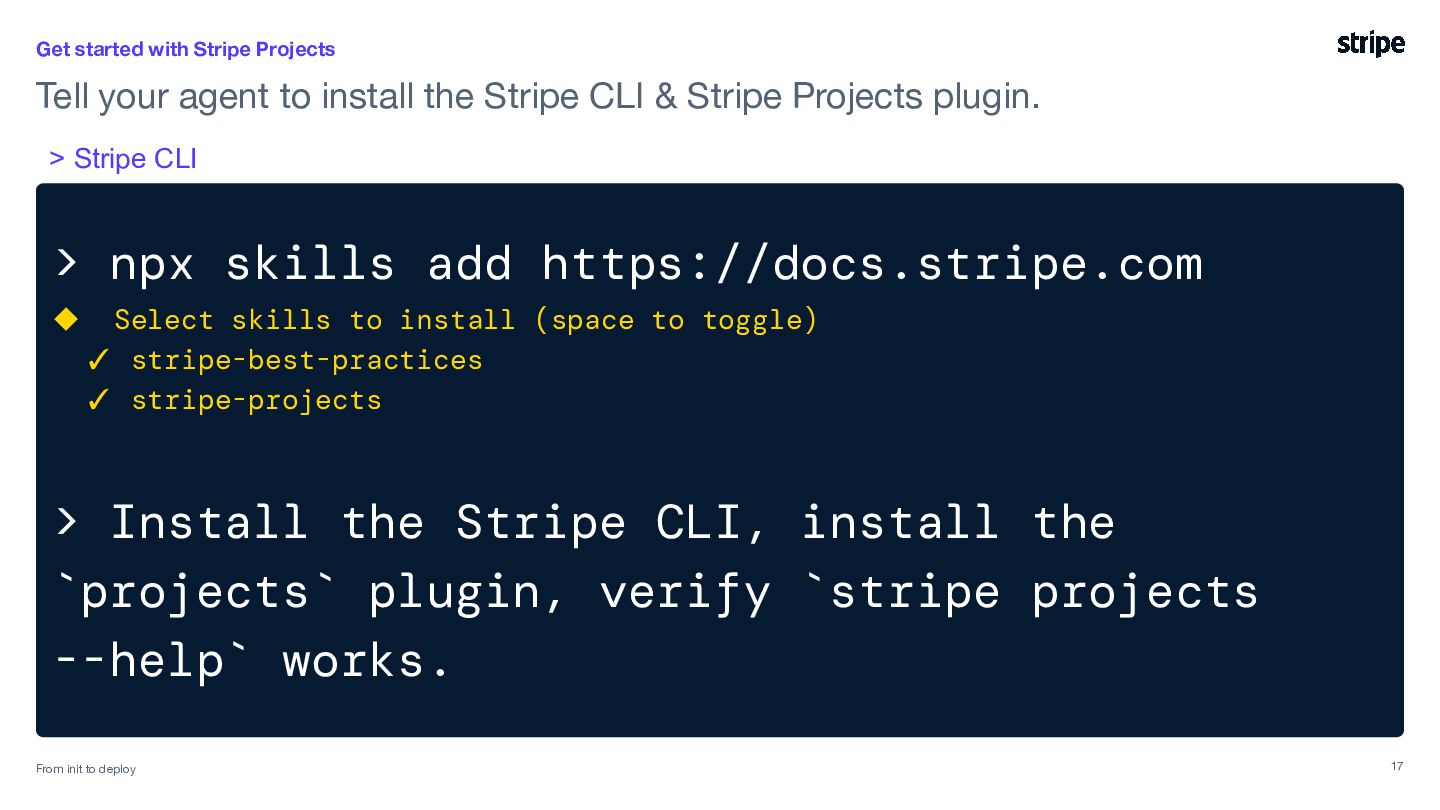
  13. Get started with Stripe Projects Tell your agent to install

    the Stripe CLI & Stripe Projects plugin. > Stripe CLI > npx skills add https://docs.stripe.com ◆ Select skills to install (space to toggle) ✓ stripe-best-practices ✓ stripe-projects > Install the Stripe CLI, install the `projects` plugin, verify `stripe projects --help` works. From init init to to deploy deploy in minutes From 17
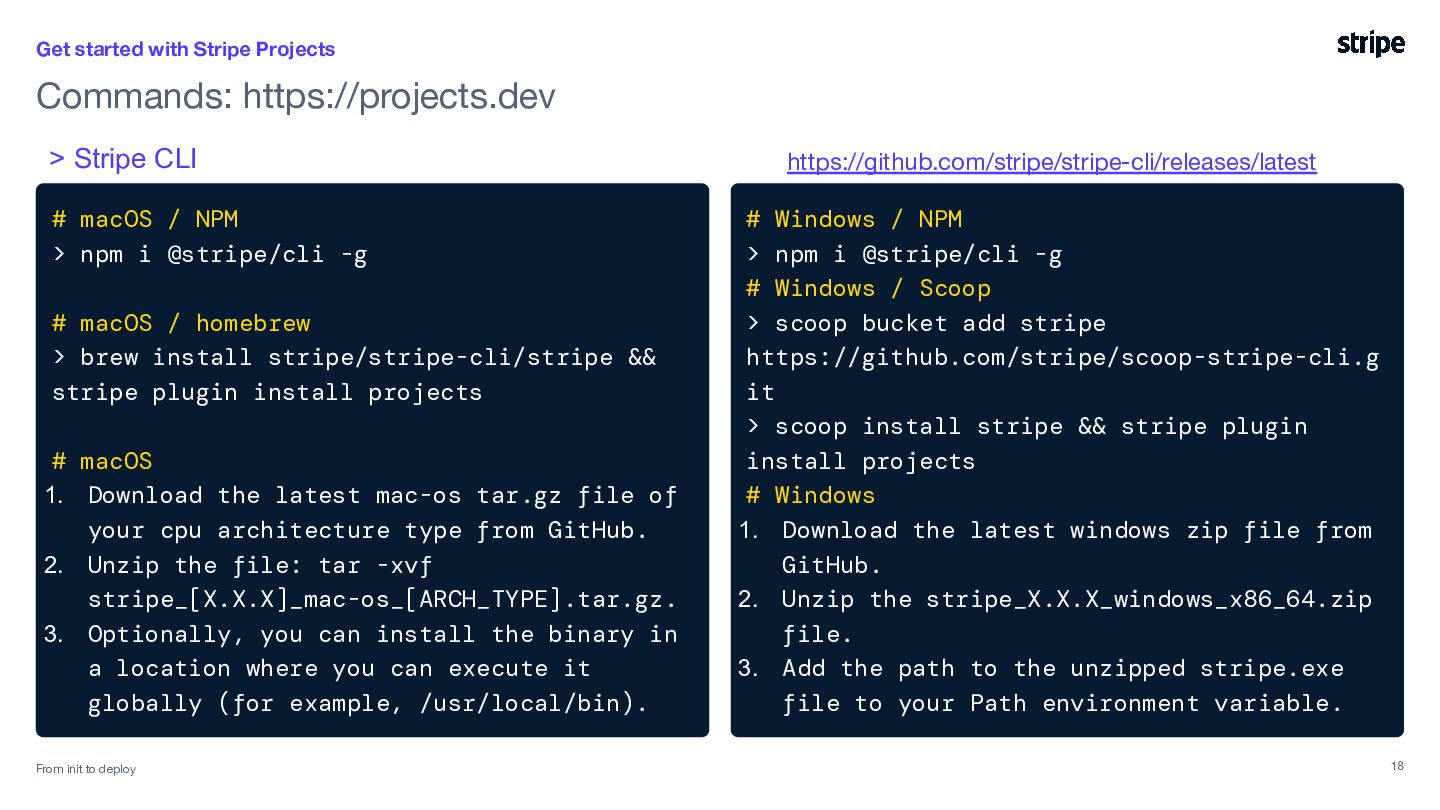
  14. Get started with Stripe Projects Commands: https://projects.dev > Stripe CLI

    # macOS / NPM > npm i @stripe/cli -g # macOS / homebrew > brew install stripe/stripe-cli/stripe && stripe plugin install projects # macOS 1. Download the latest mac-os tar.gz file of your cpu architecture type from GitHub. 2. Unzip the file: tar -xvf stripe_[X.X.X]_mac-os_[ARCH_TYPE].tar.gz. 3. Optionally, you can install the binary in a location where you can execute it globally (for example, /usr/local/bin). From init init to to deploy deploy in minutes From https://github.com/stripe/stripe-cli/releases/latest # Windows / NPM > npm i @stripe/cli -g # Windows / Scoop > scoop bucket add stripe https://github.com/stripe/scoop-stripe-cli.g it > scoop install stripe && stripe plugin install projects # Windows 1. Download the latest windows zip file from GitHub. 2. Unzip the stripe_X.X.X_windows_x86_64.zip file. 3. Add the path to the unzipped stripe.exe file to your Path environment variable. 18
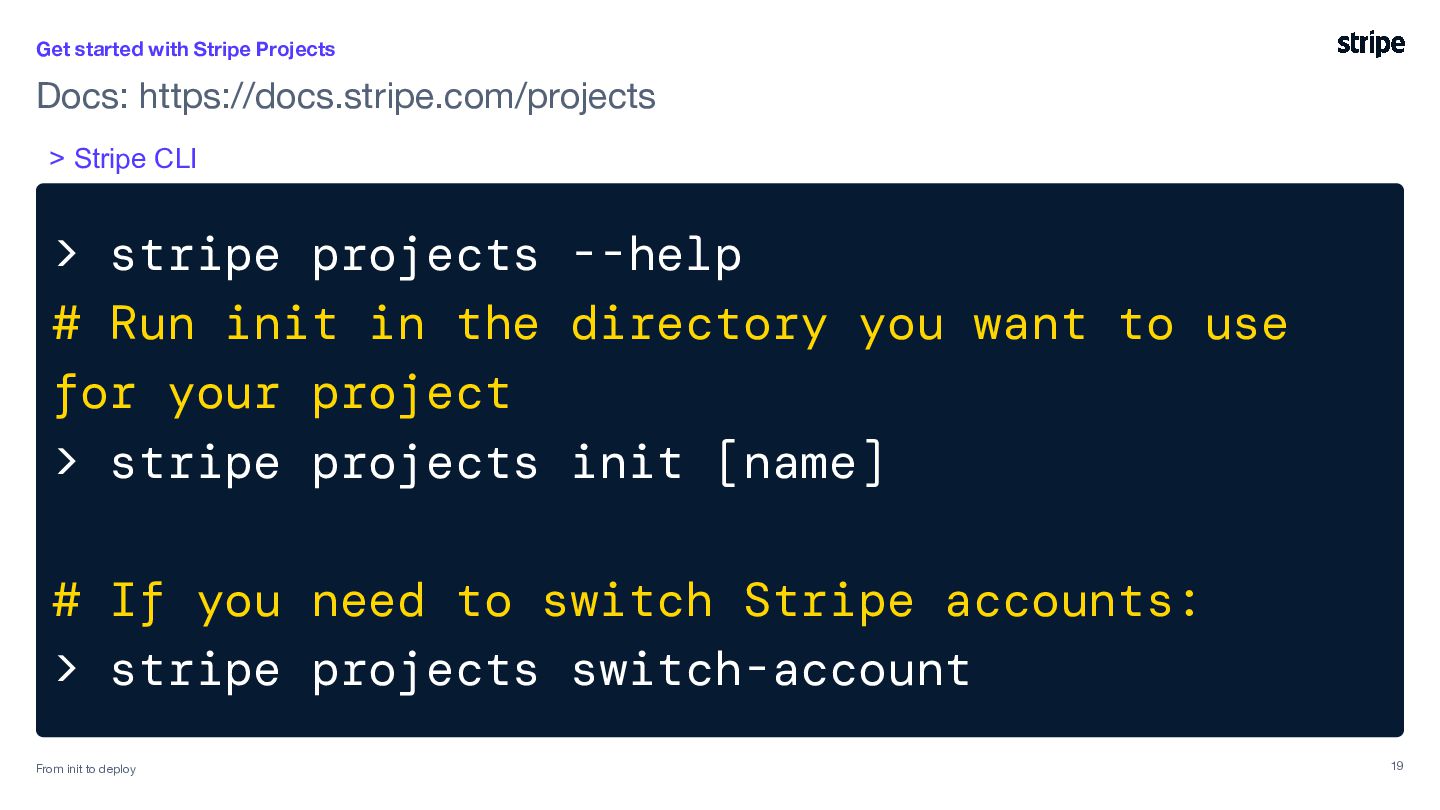
  15. Get started with Stripe Projects Docs: https://docs.stripe.com/projects > Stripe CLI

    > stripe projects --help # Run init in the directory you want to use for your project > stripe projects init [name] # If you need to switch Stripe accounts: > stripe projects switch-account From init init to to deploy deploy in minutes From 19
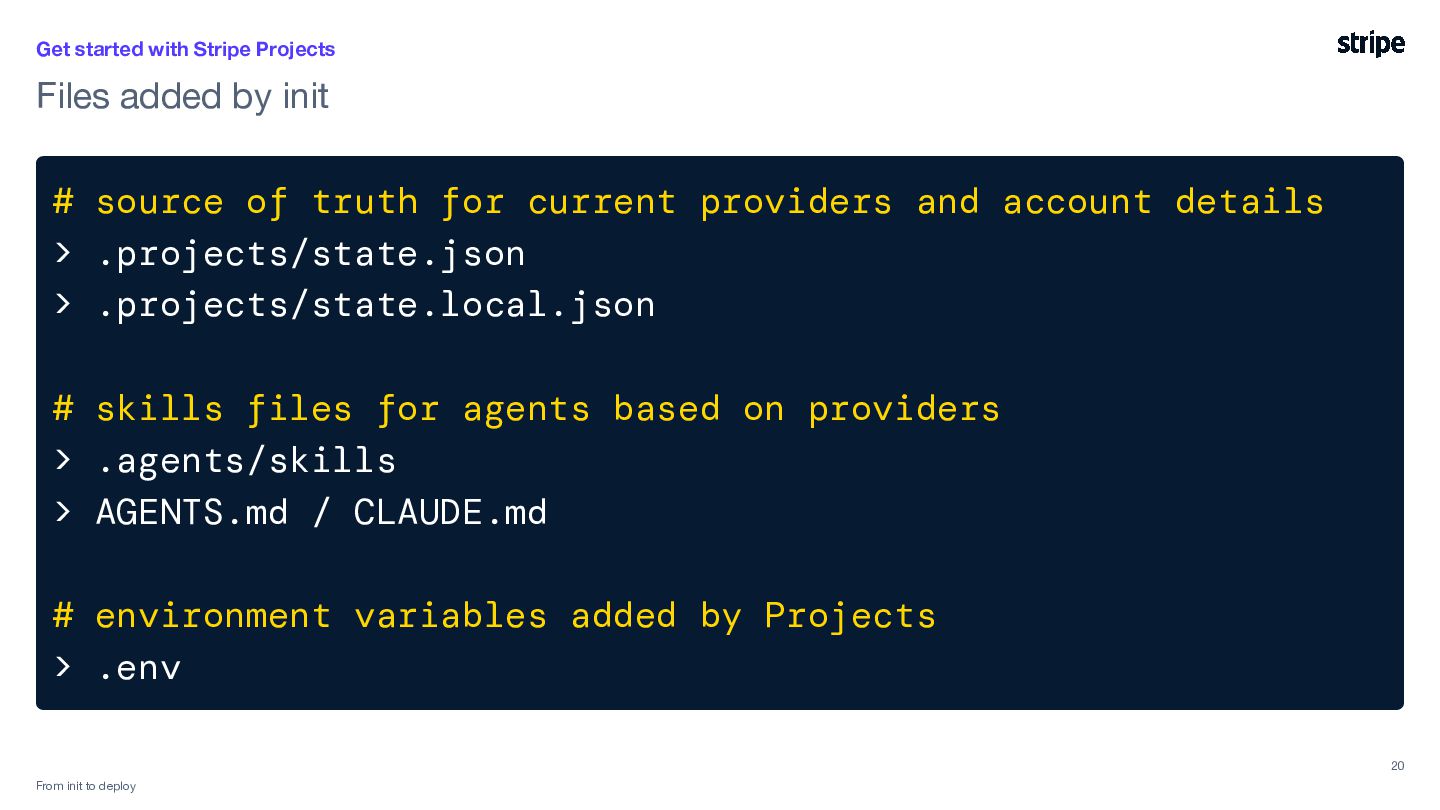
  16. Get started with Stripe Projects Files added by init #

    source of truth for current providers and account details > .projects/state.json > .projects/state.local.json # skills files for agents based on providers > .agents/skills > AGENTS.md / CLAUDE.md # environment variables added by Projects > .env 20 From init to deploy
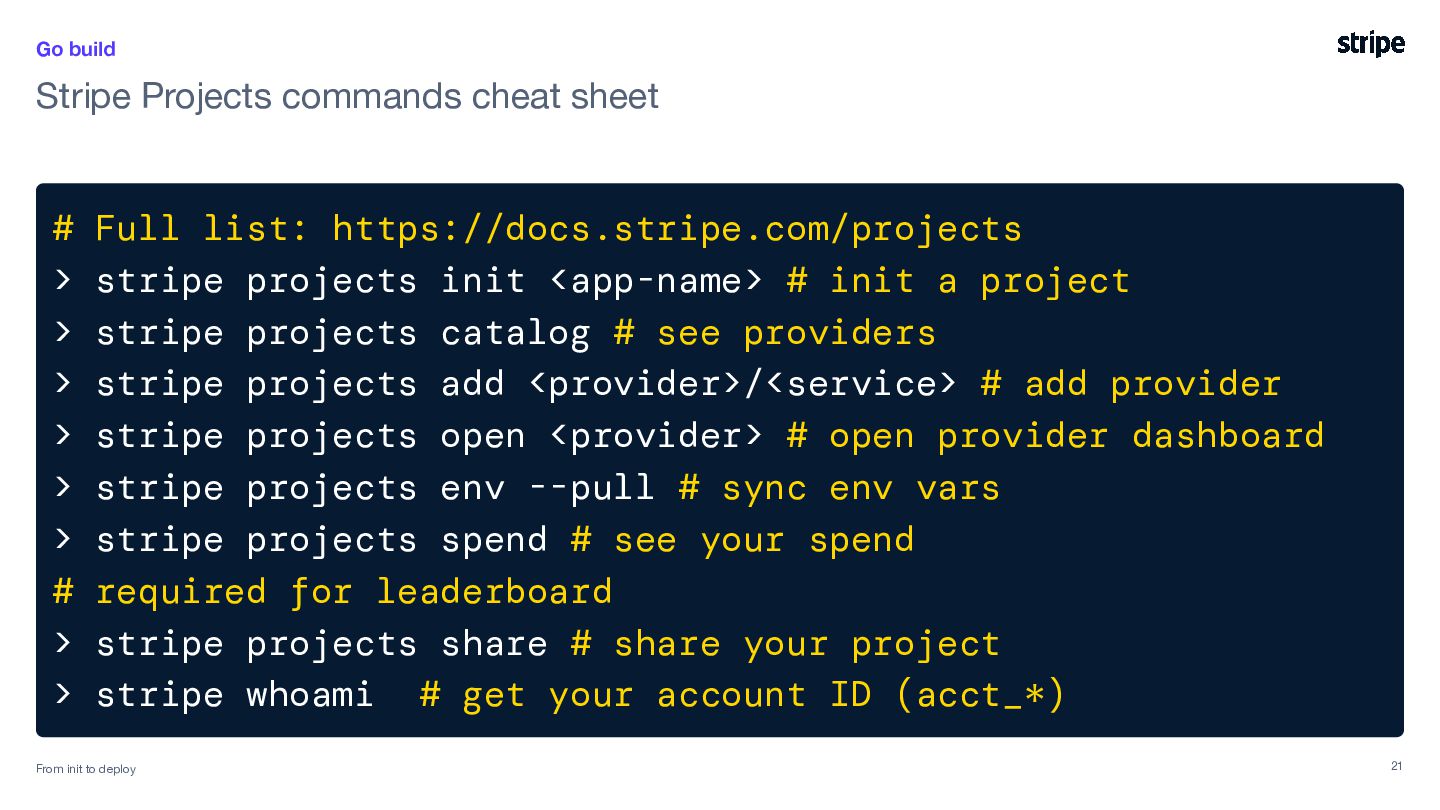
  17. Go build Stripe Projects commands cheat sheet # Full list:

    https://docs.stripe.com/projects > stripe projects init <app-name> # init a project > stripe projects catalog # see providers > stripe projects add <provider>/<service> # add provider > stripe projects open <provider> # open provider dashboard > stripe projects env --pull # sync env vars > stripe projects spend # see your spend # required for leaderboard > stripe projects share # share your project > stripe whoami # get your account ID (acct_*) From init init to to deploy deploy in minutes From 21
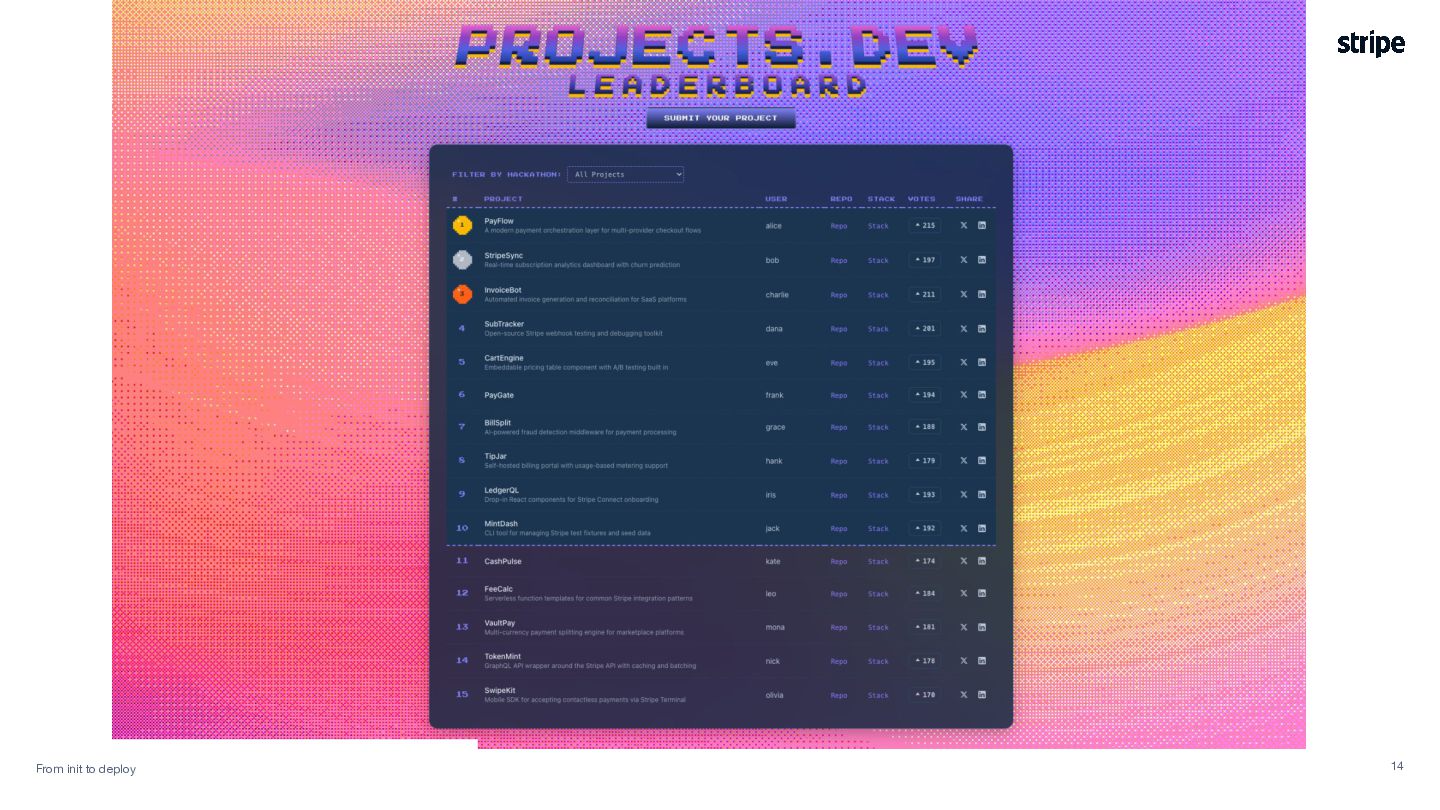
  18. Submit your results here to get on the leaderboard Use

    the code stripe-dhaka-aievent2026 in the hackathon code field
  19. Share & discuss Share a link, screenshot, or quick demo

    with each other. • What did you build? • What service did you add? • What will you do next? Confidential 23
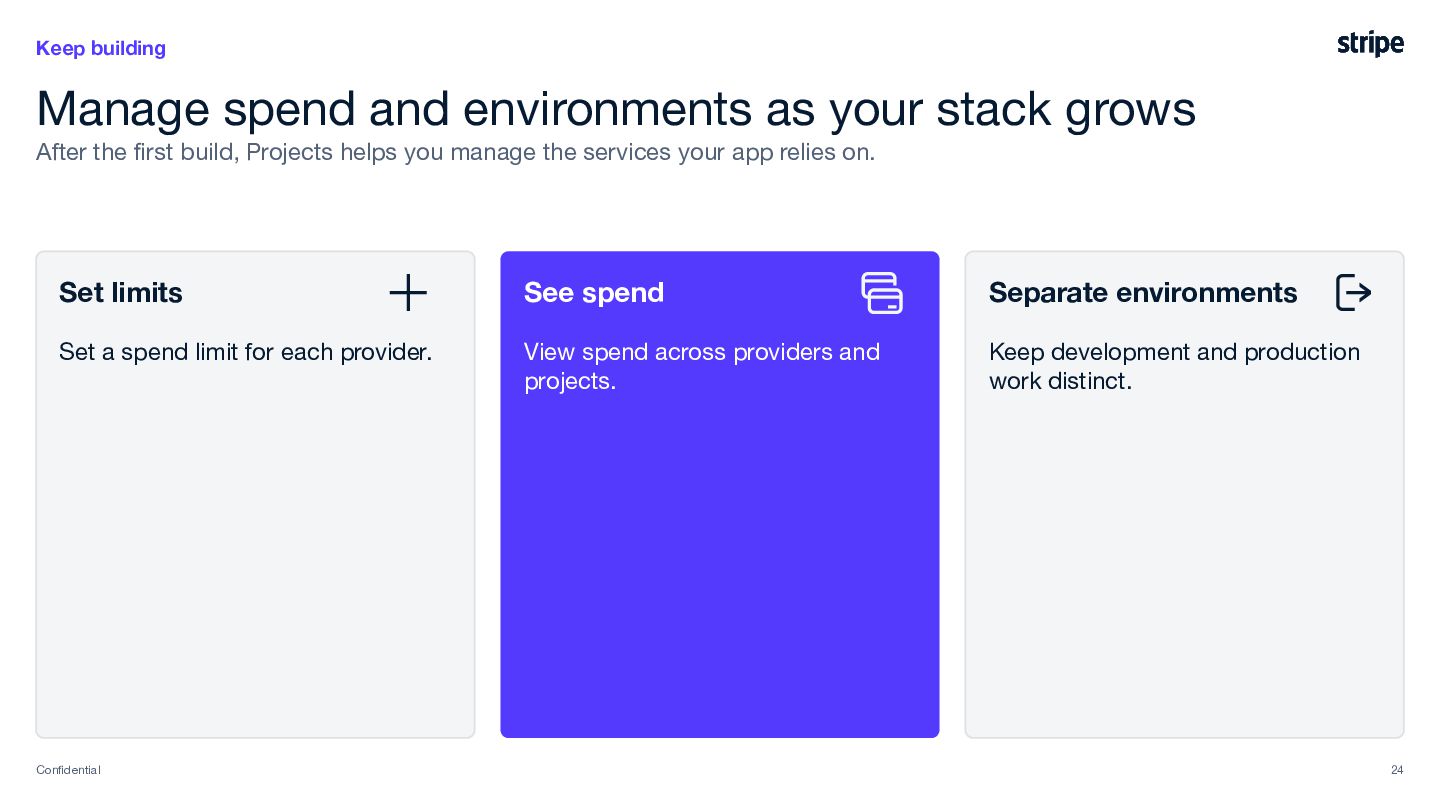
  20. Keep building Manage spend and environments as your stack grows

    After the first build, Projects helps you manage the services your app relies on. Set limits See spend Separate environments Set a spend limit for each provider. View spend across providers and projects. Keep development and production work distinct. Confidential 24
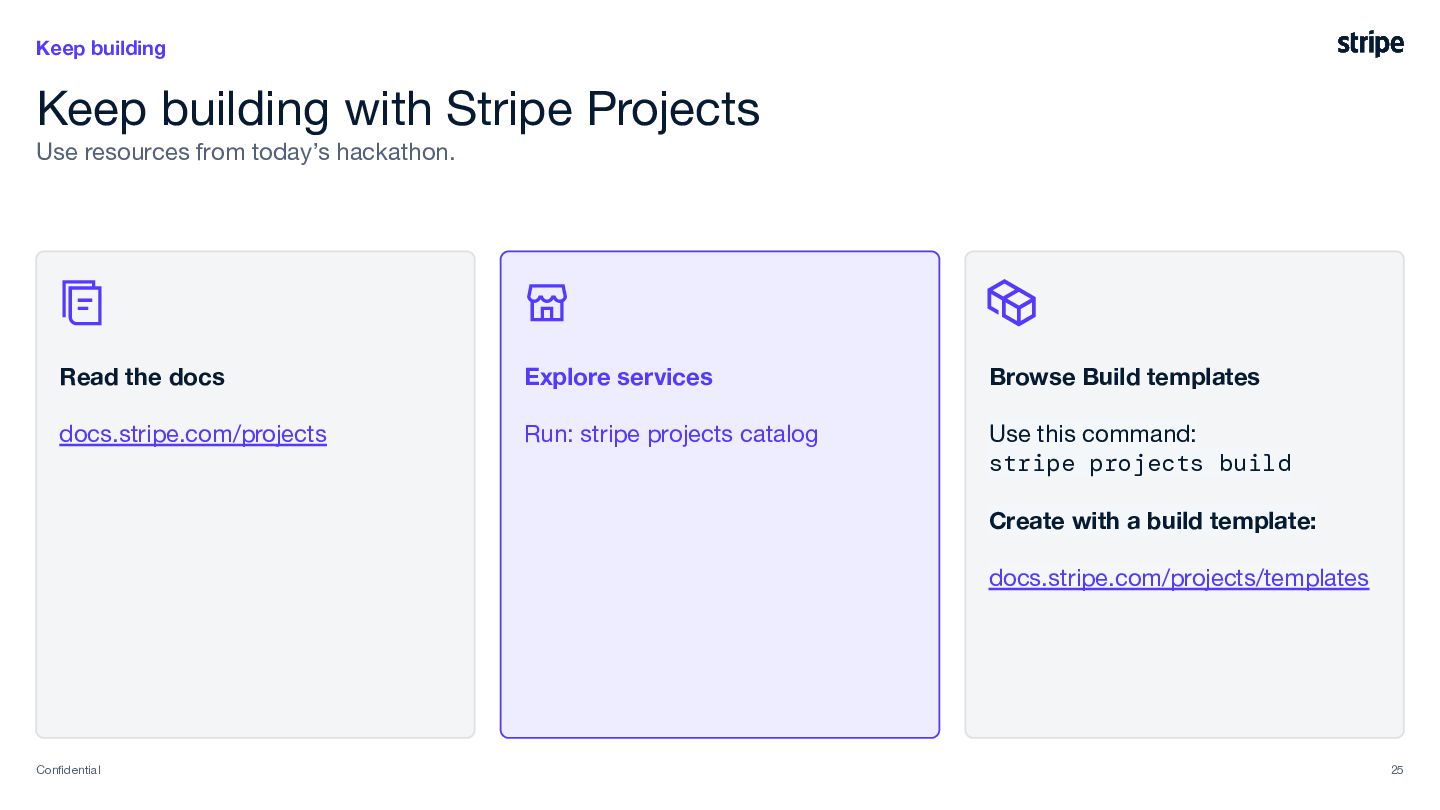
  21. Keep building Keep building with Stripe Projects Use resources from

    today’s hackathon. Read the docs Explore services Browse Build templates docs.stripe.com/projects Run: stripe projects catalog Use this command: stripe projects build Create with a build template: docs.stripe.com/projects/templates Confidential 25