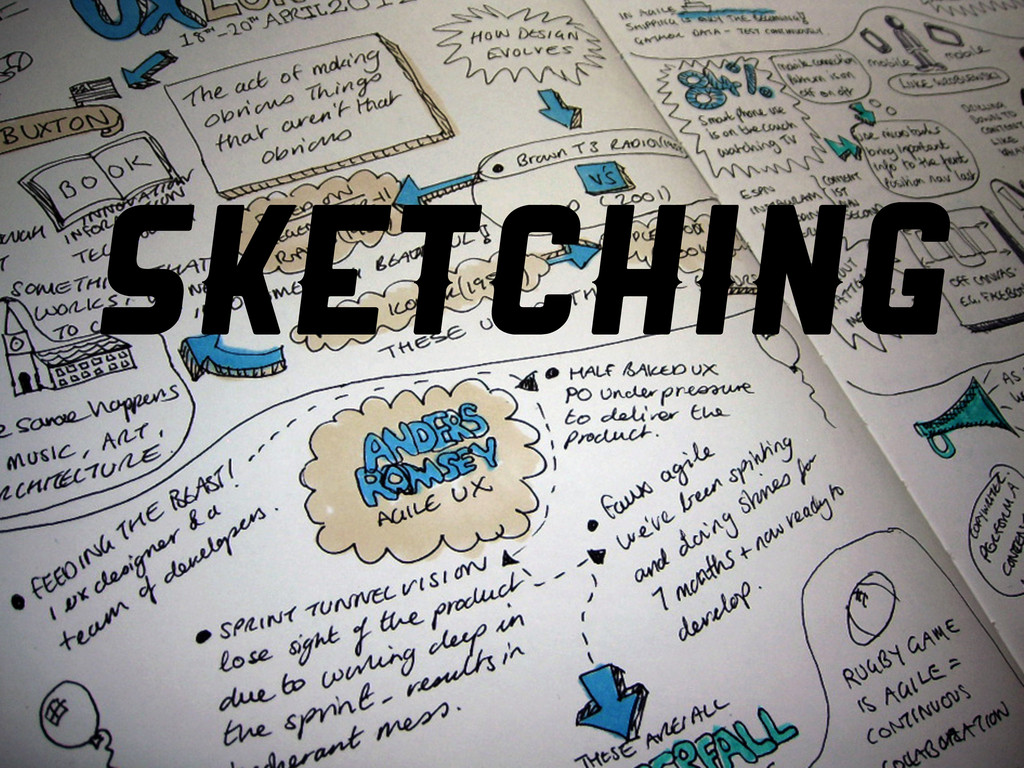
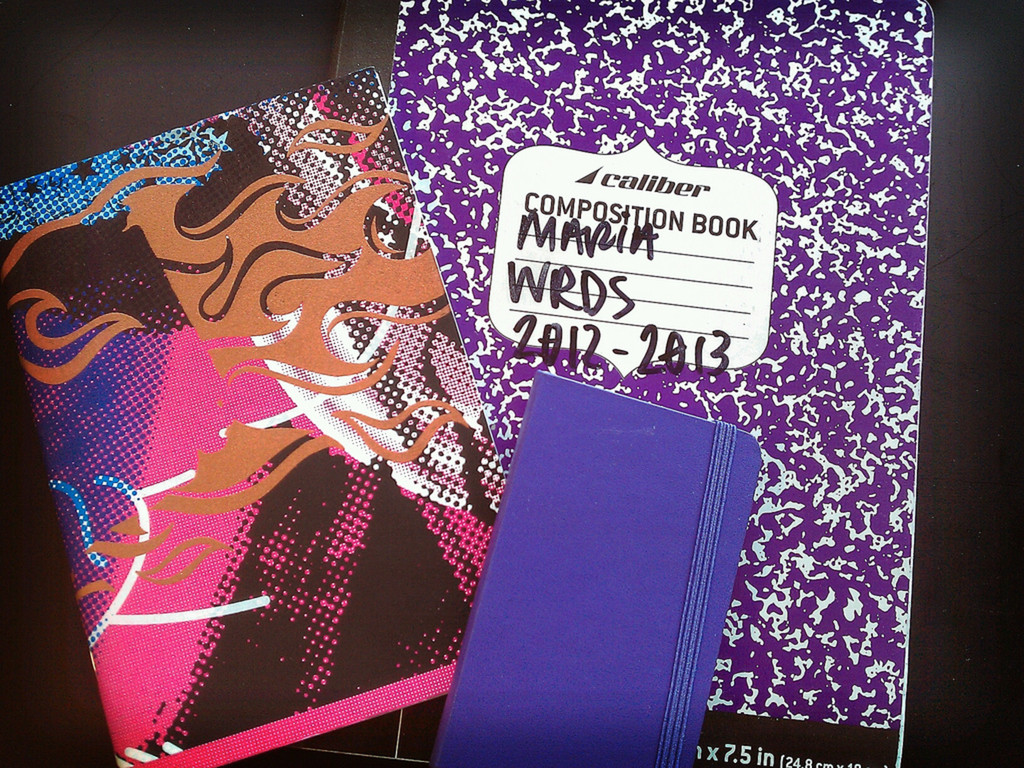
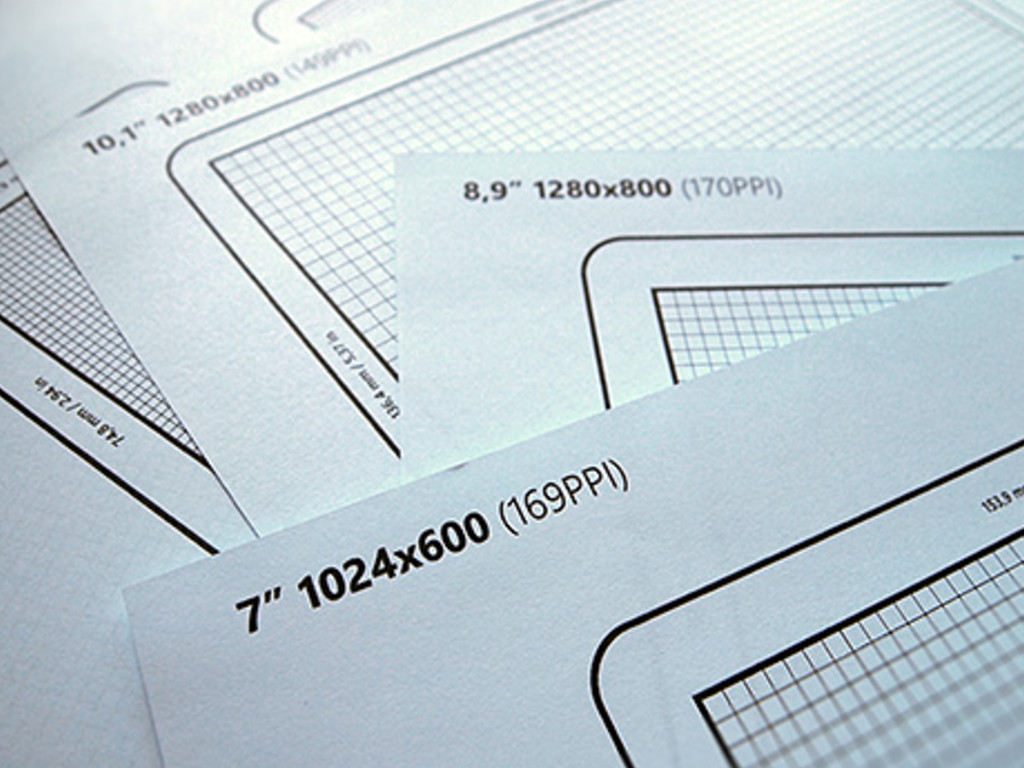
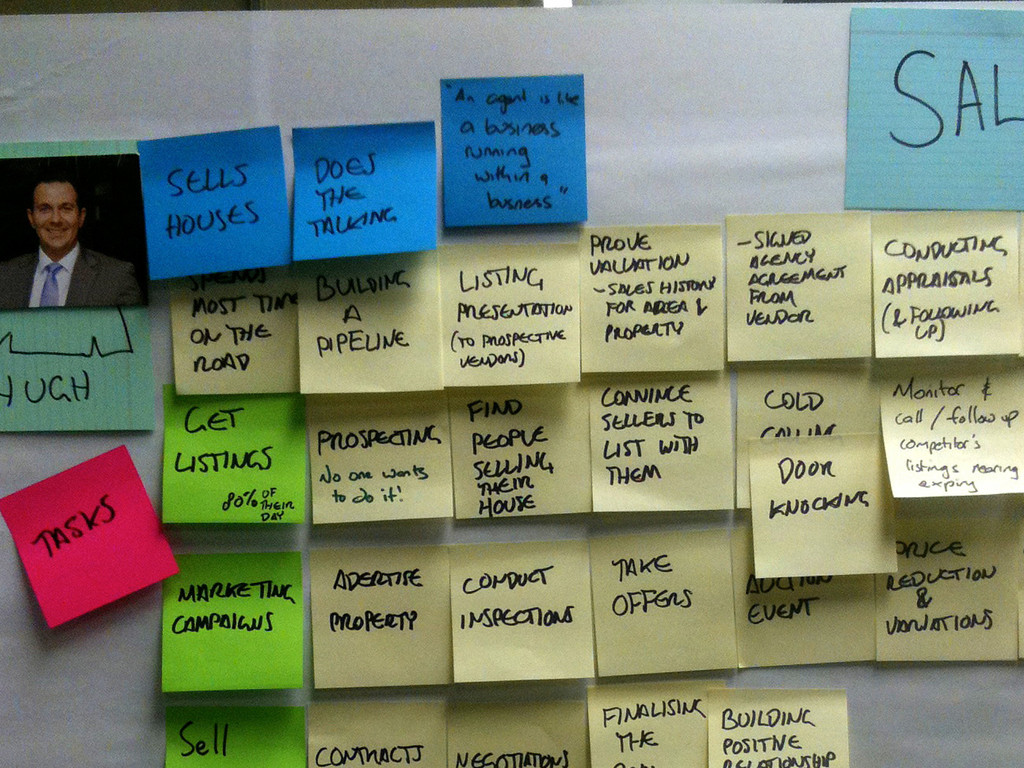
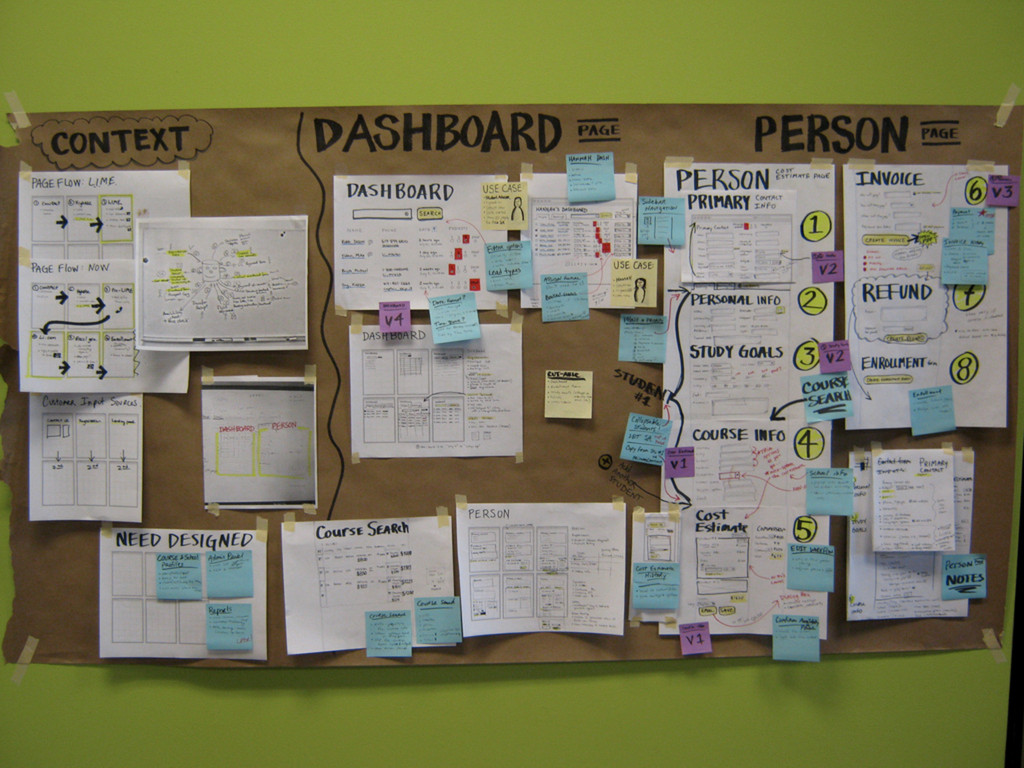
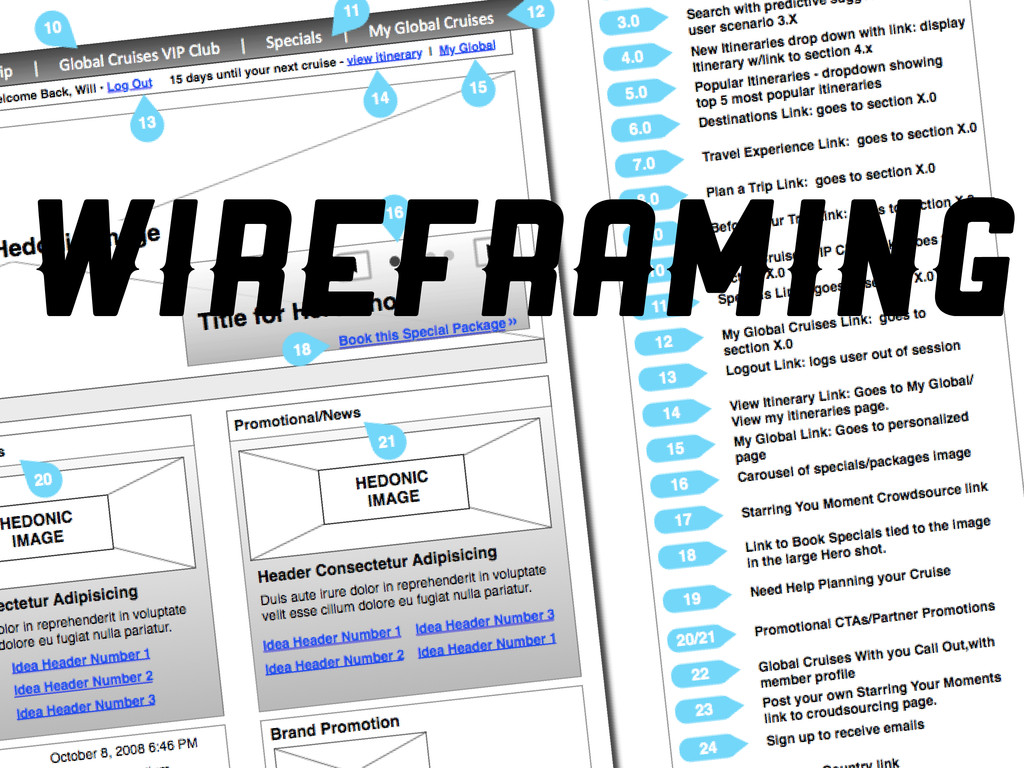
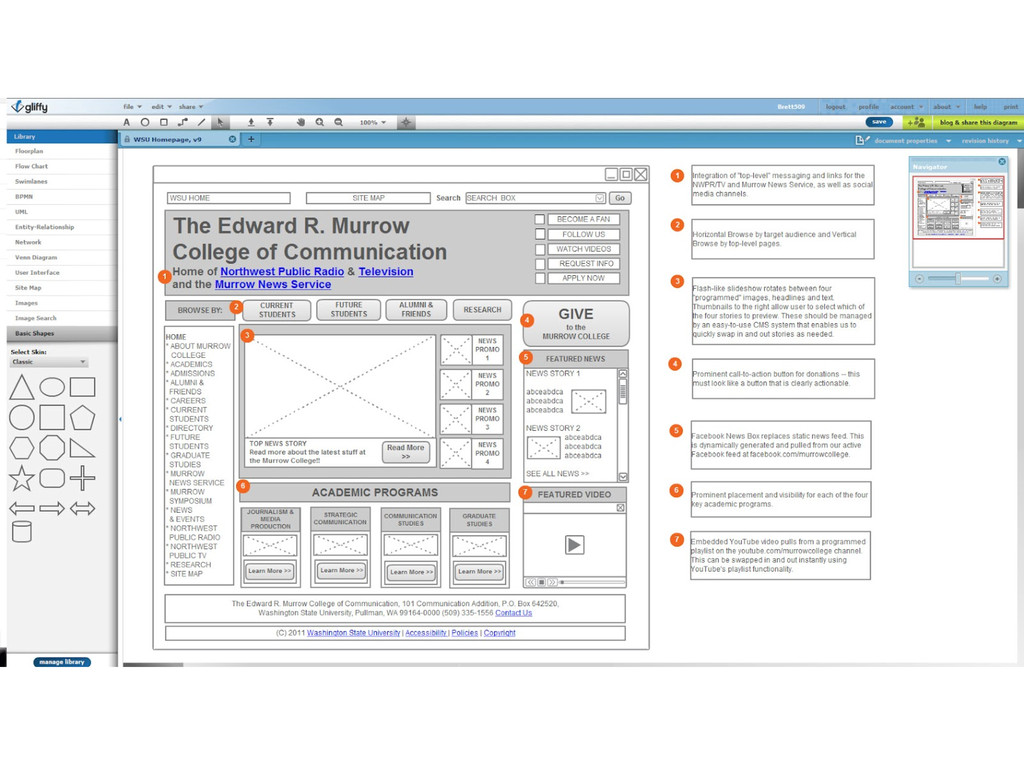
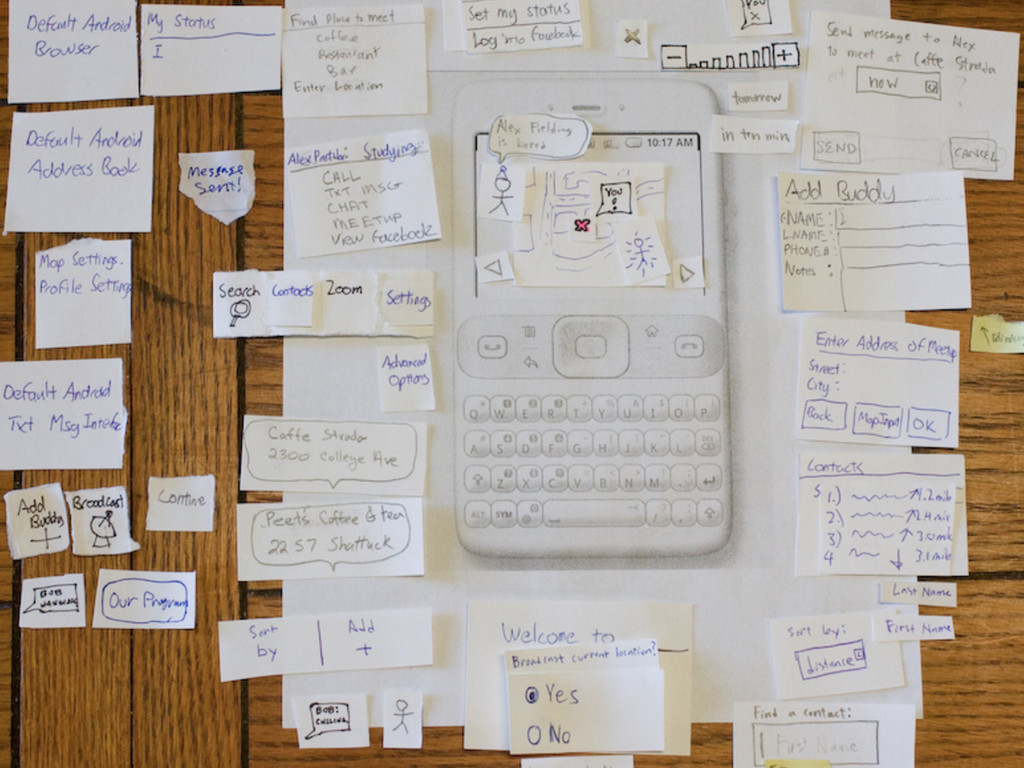
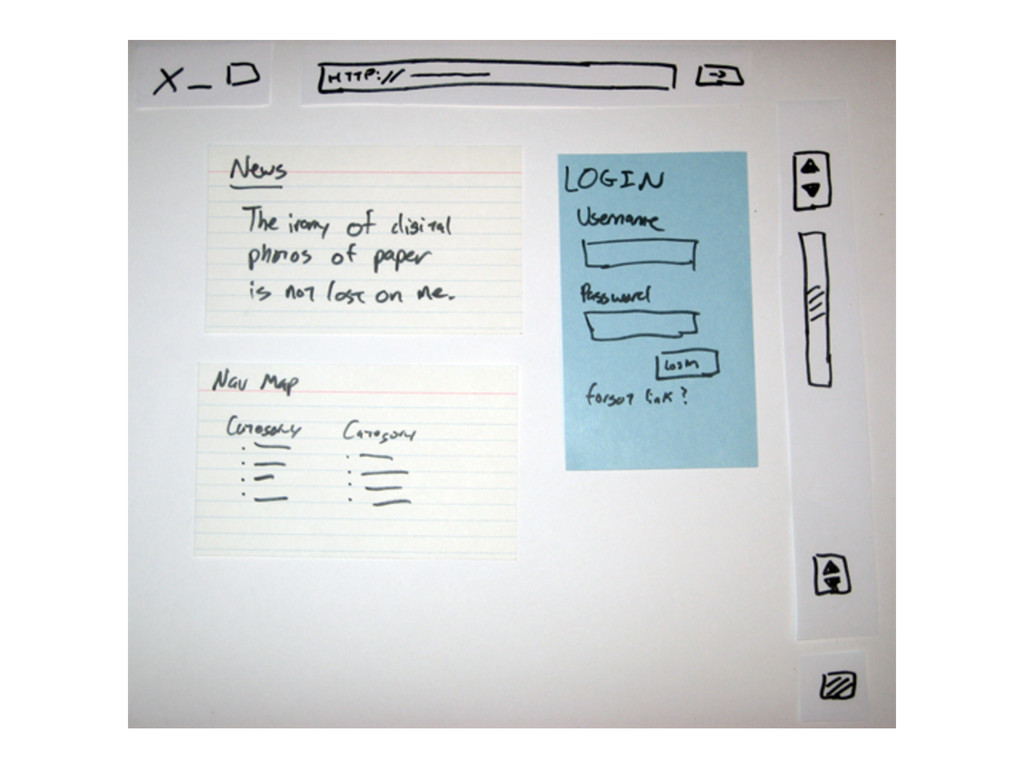
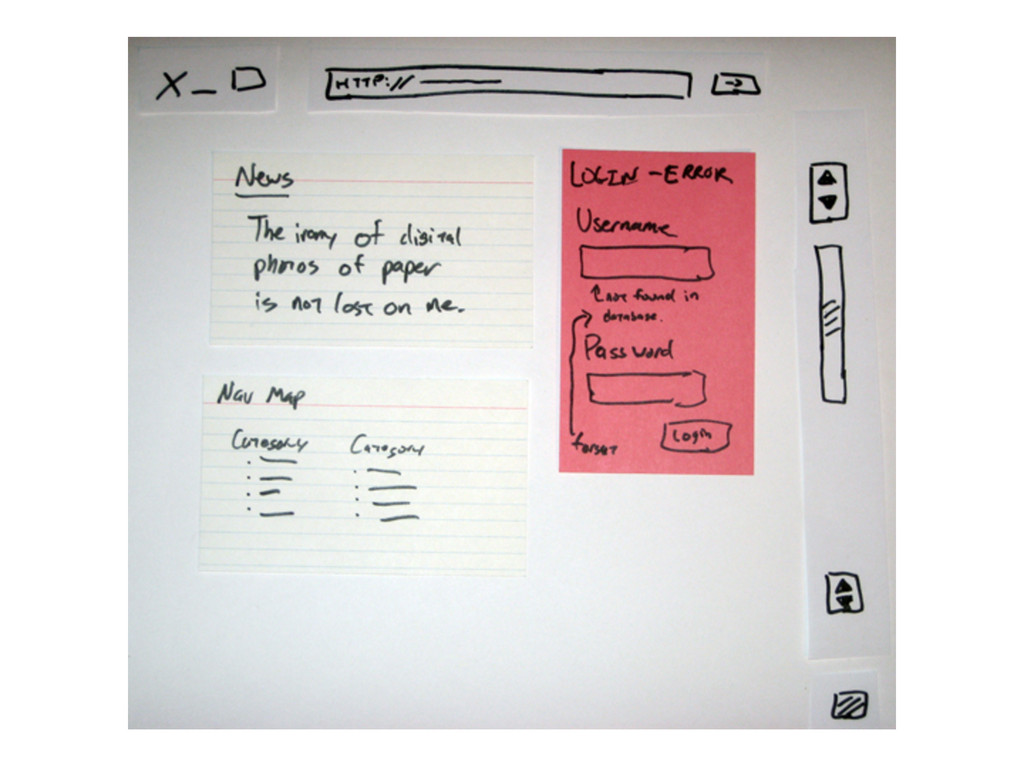
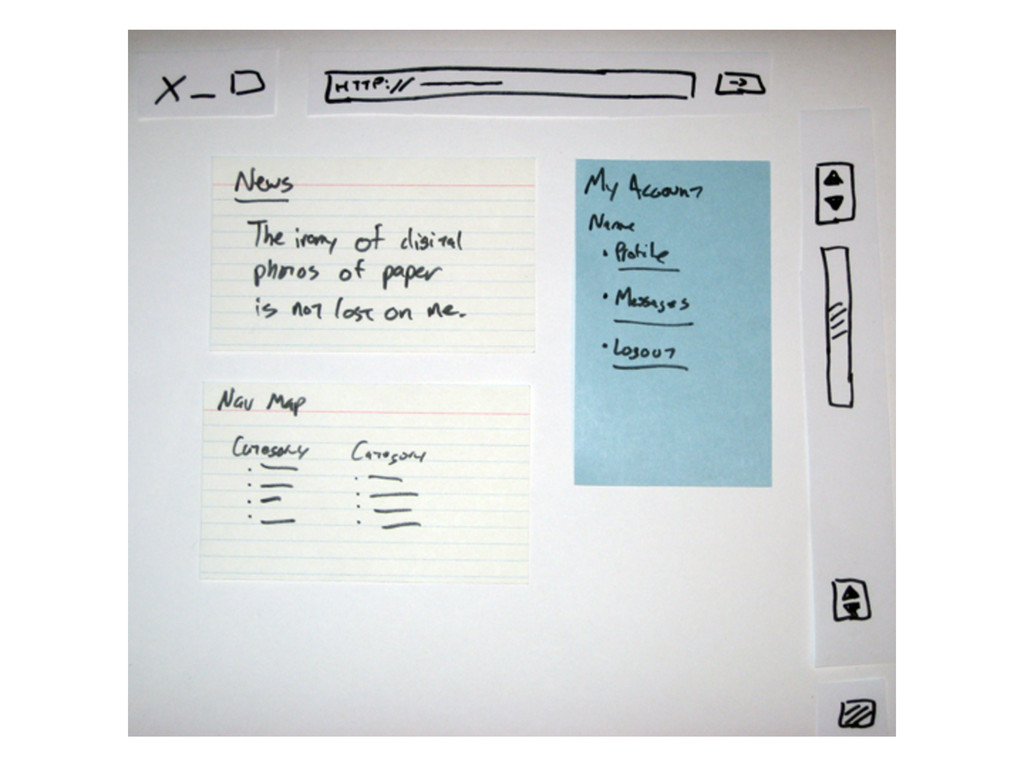
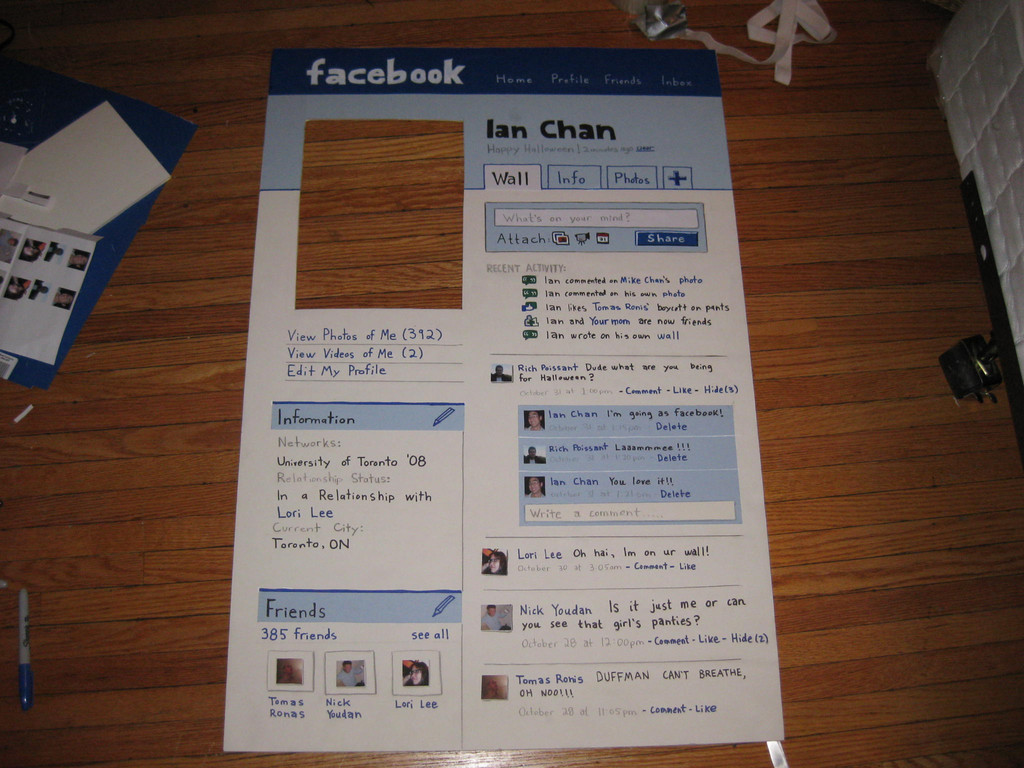
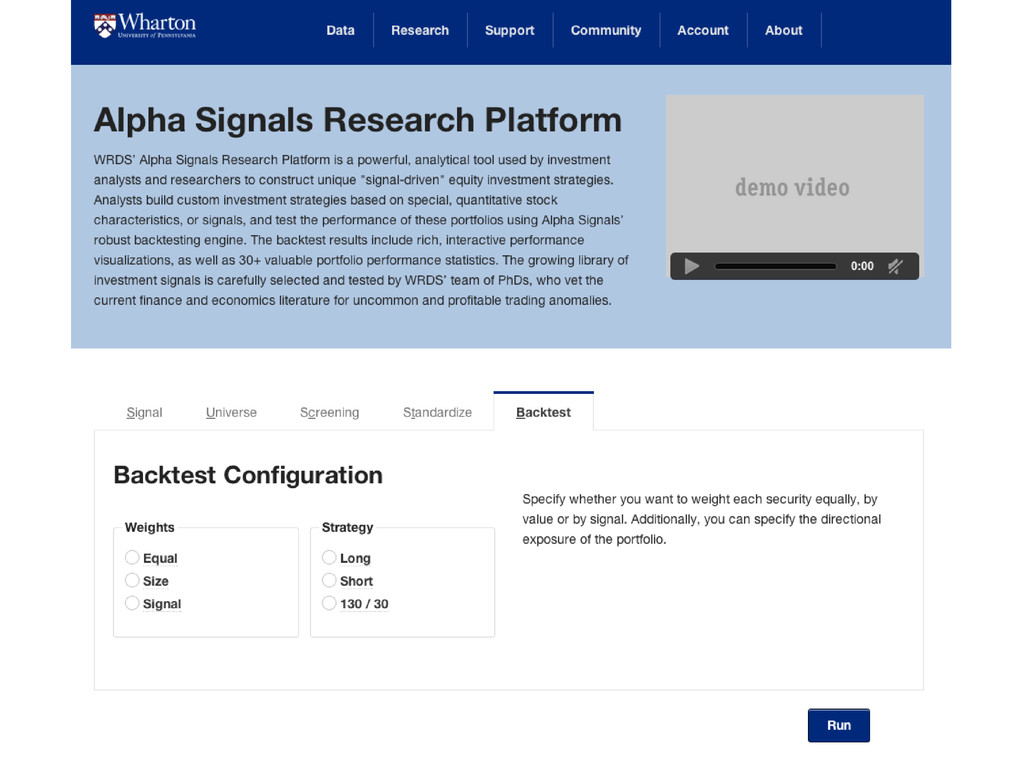
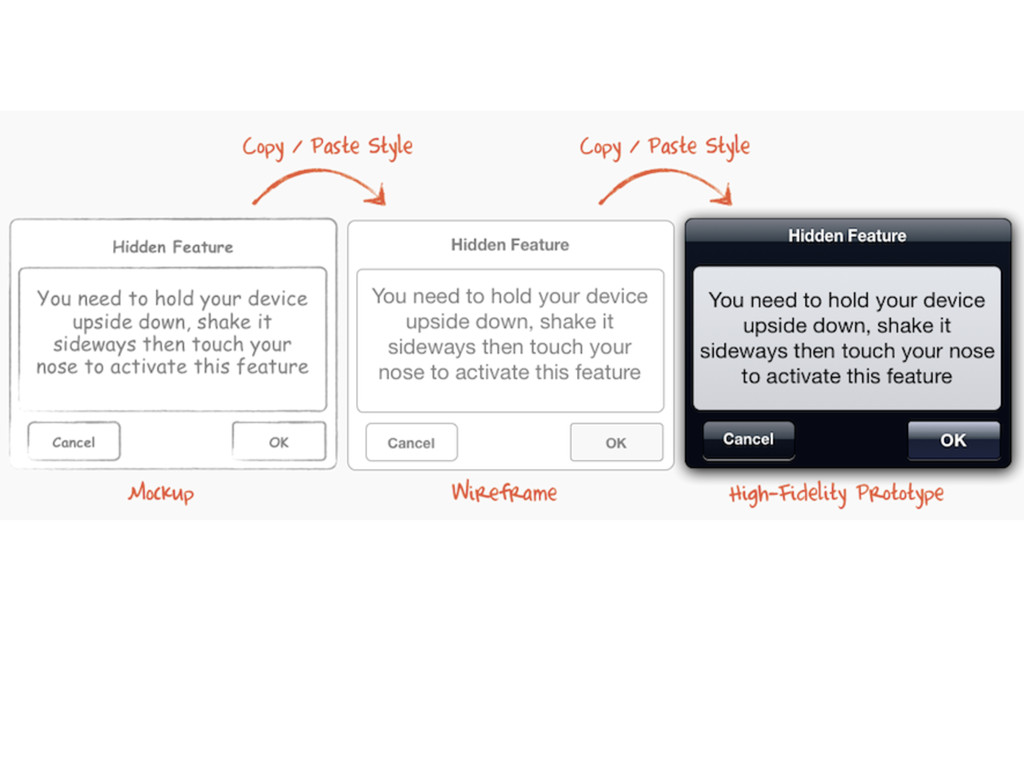
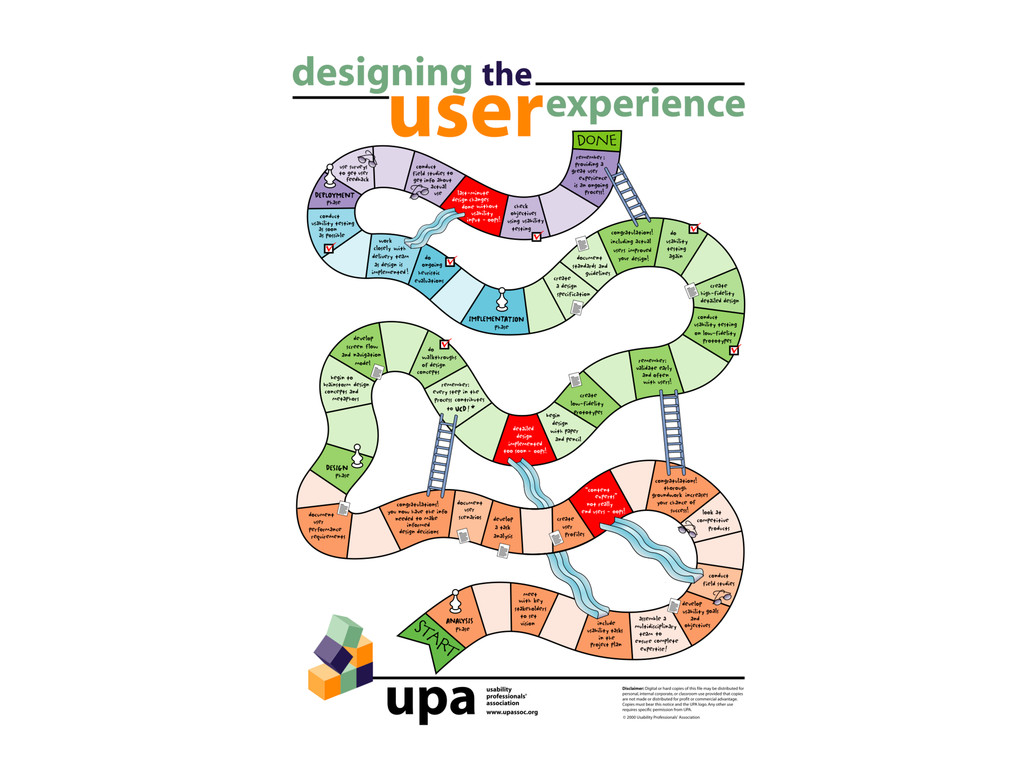
Sketching, wireframing, and prototyping are 3 methods User Experience (UX)
designers use to better understand the nature, opportunities, and
constraints of a particular problem or challenge. These processes -- which
are a small portion of a user-centered design methodology -- allow teams
to incorporate a variety of perspectives and insights from within a group,
solidify ideas, and foster an environment of shared product vision and
ownership.
In this session, we'll:
* Take closer look at each technique to understand their value.
* Learn how to incorporate them into your product development cycle.
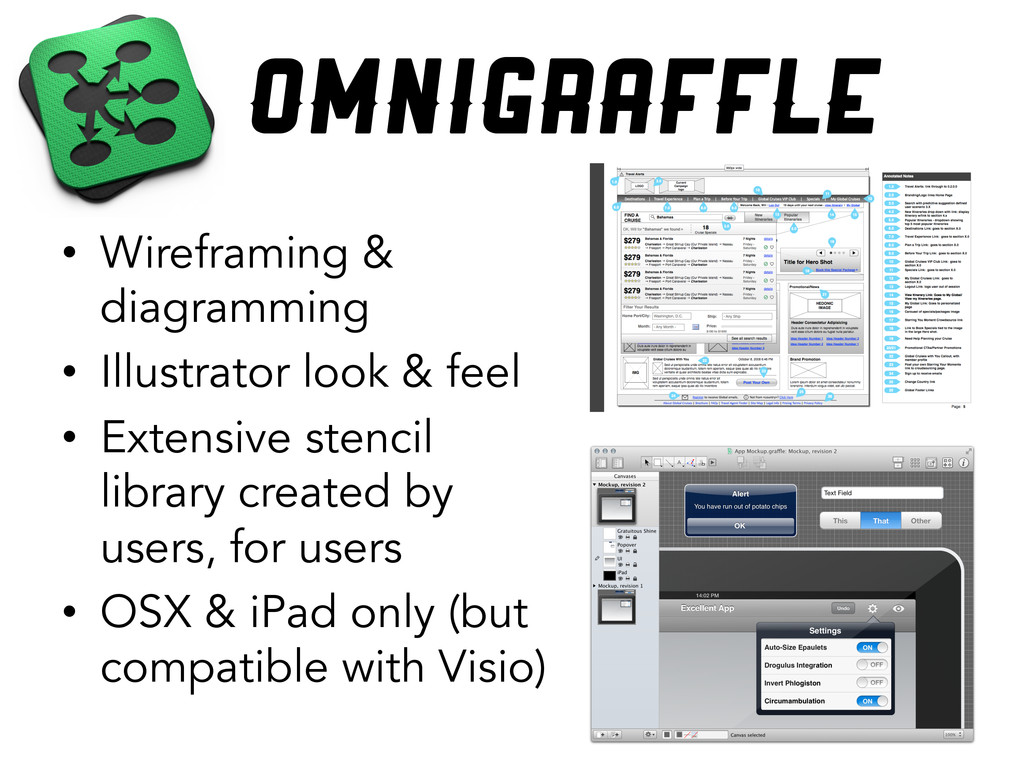
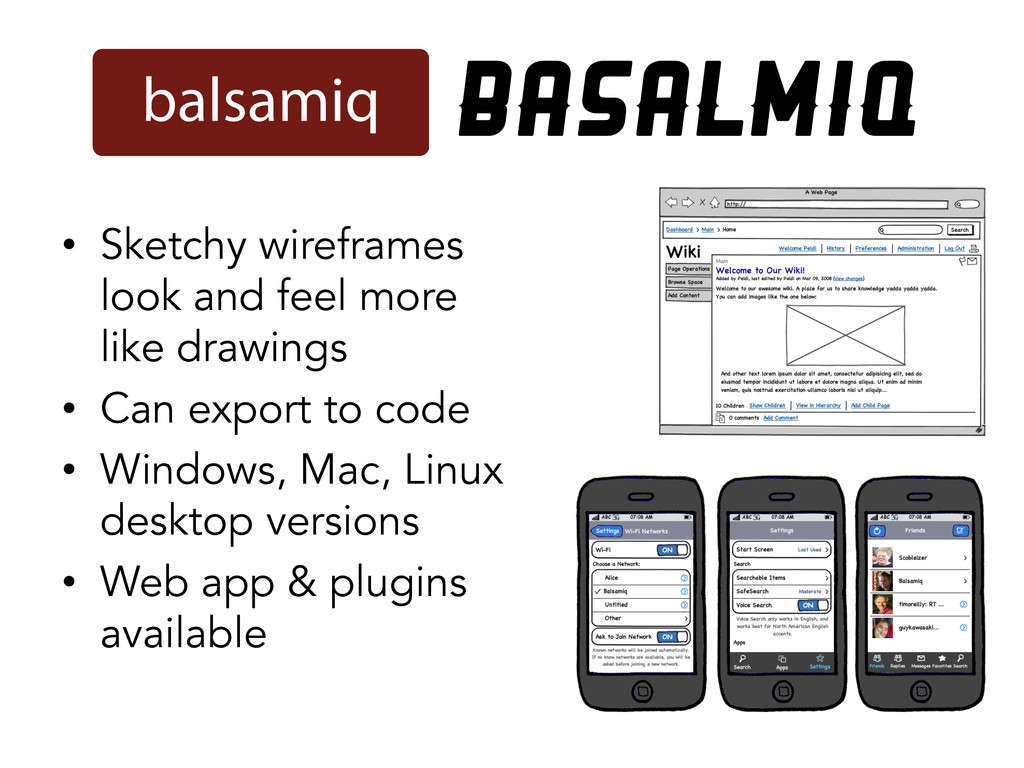
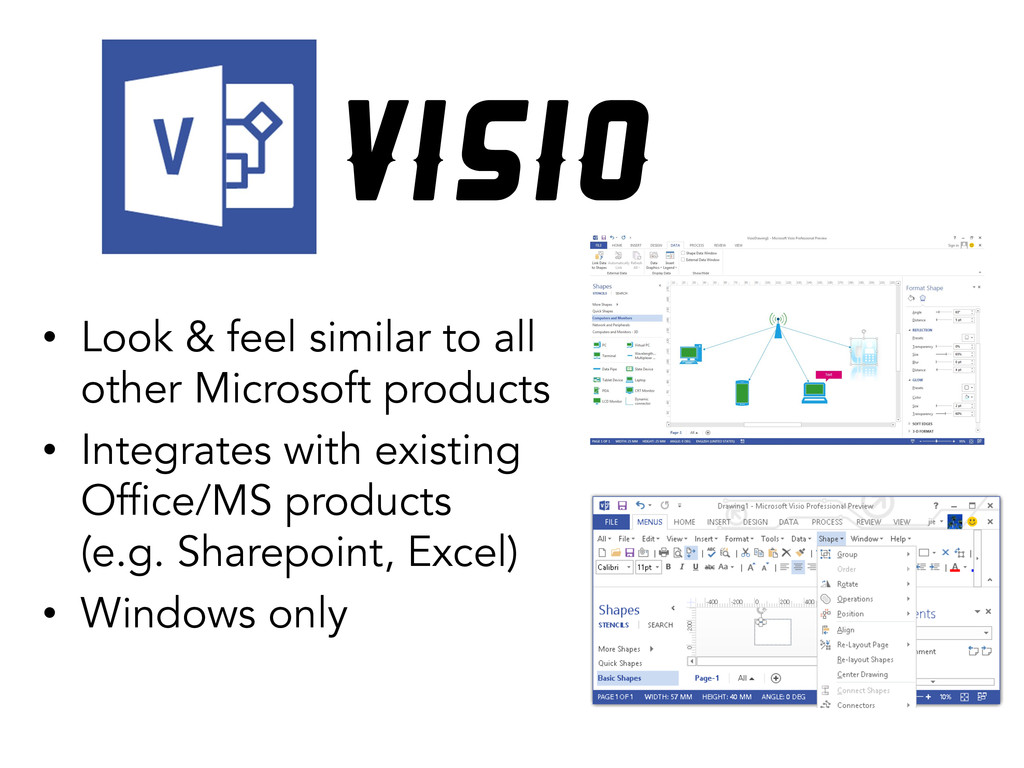
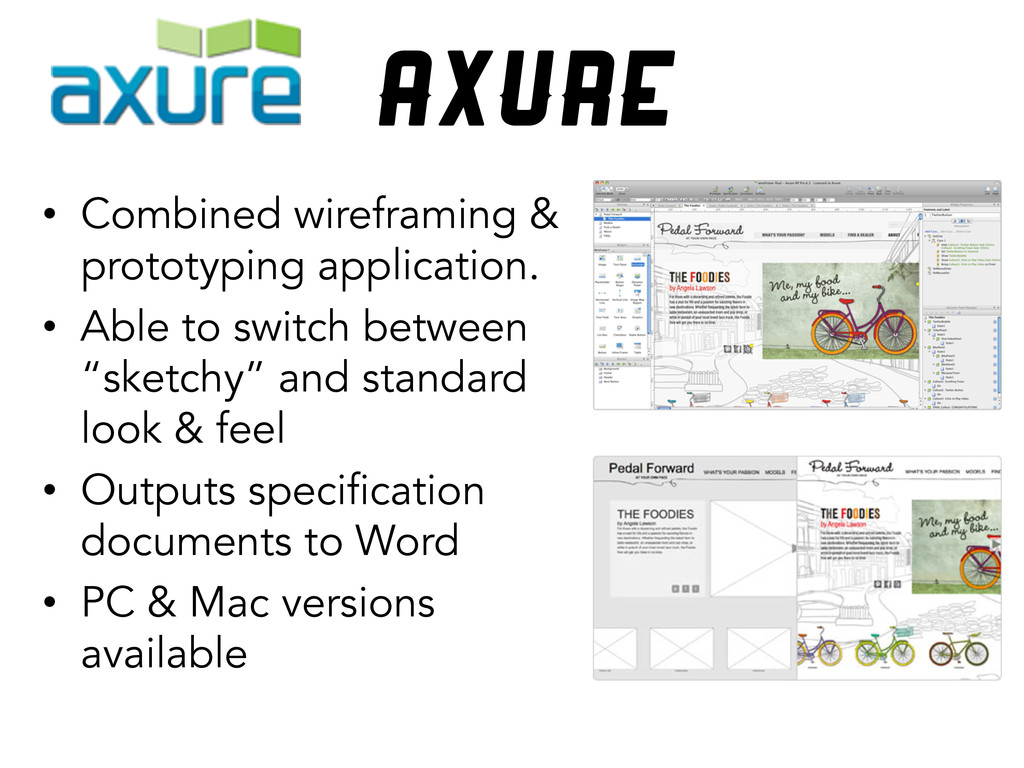
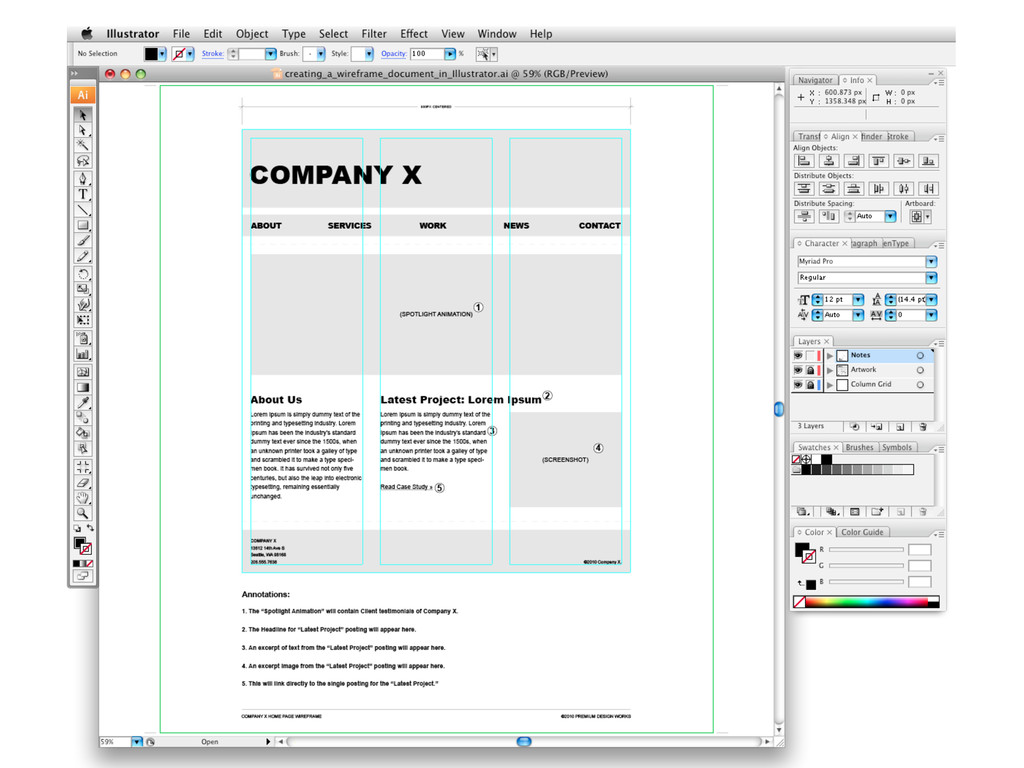
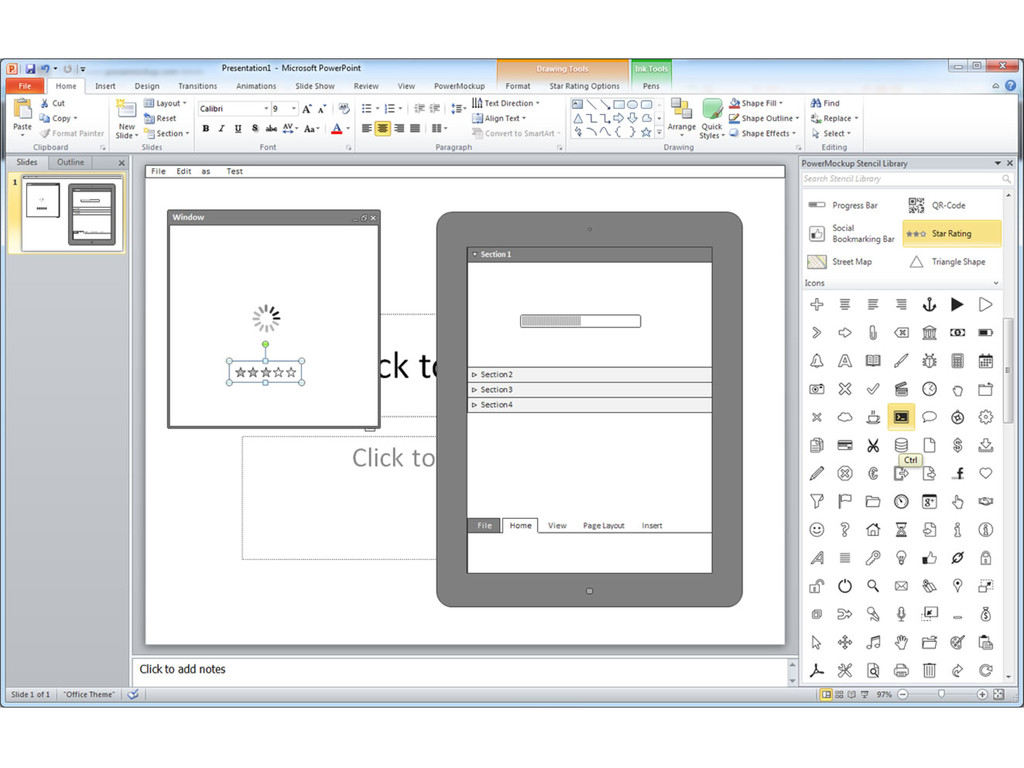
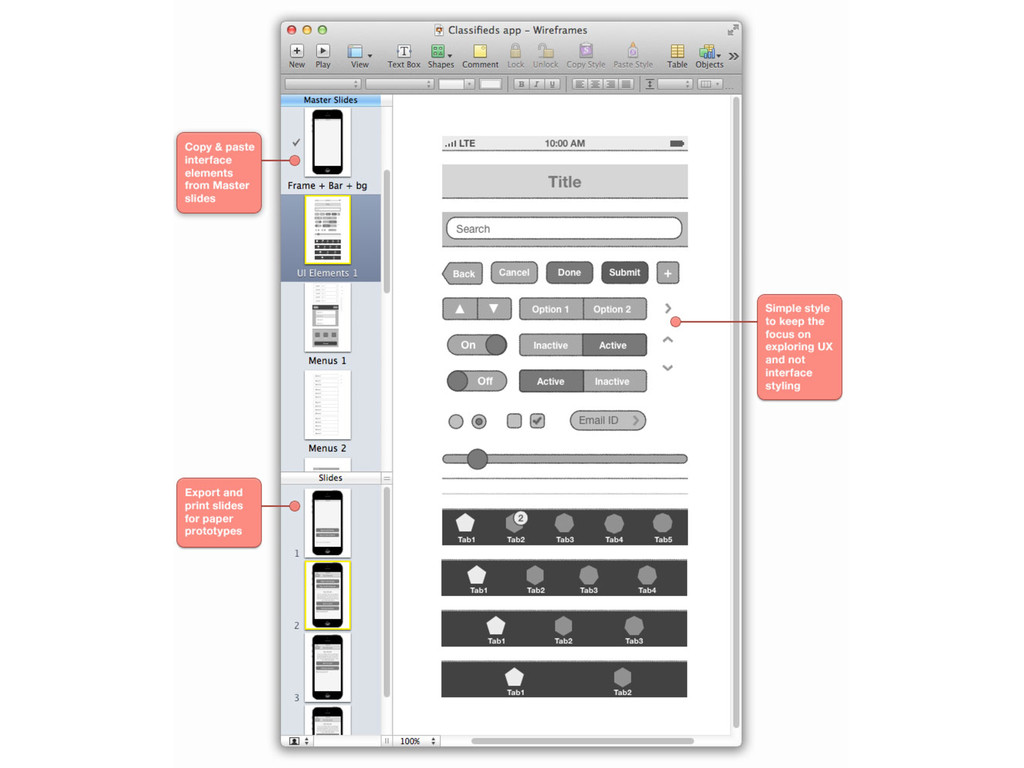
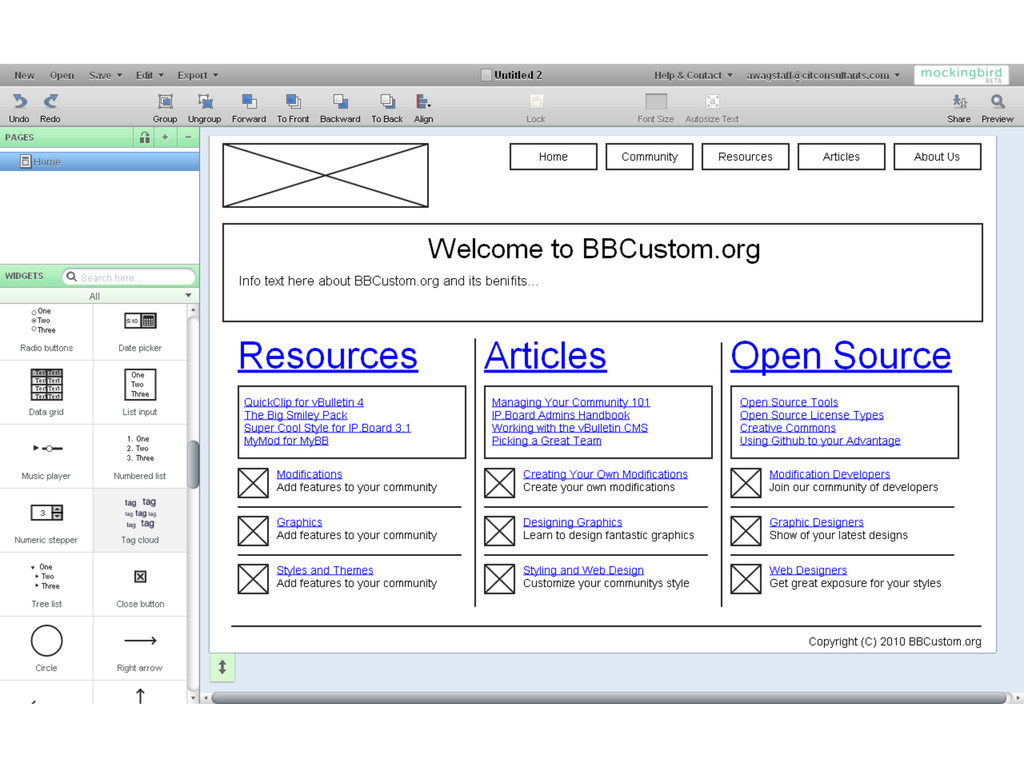
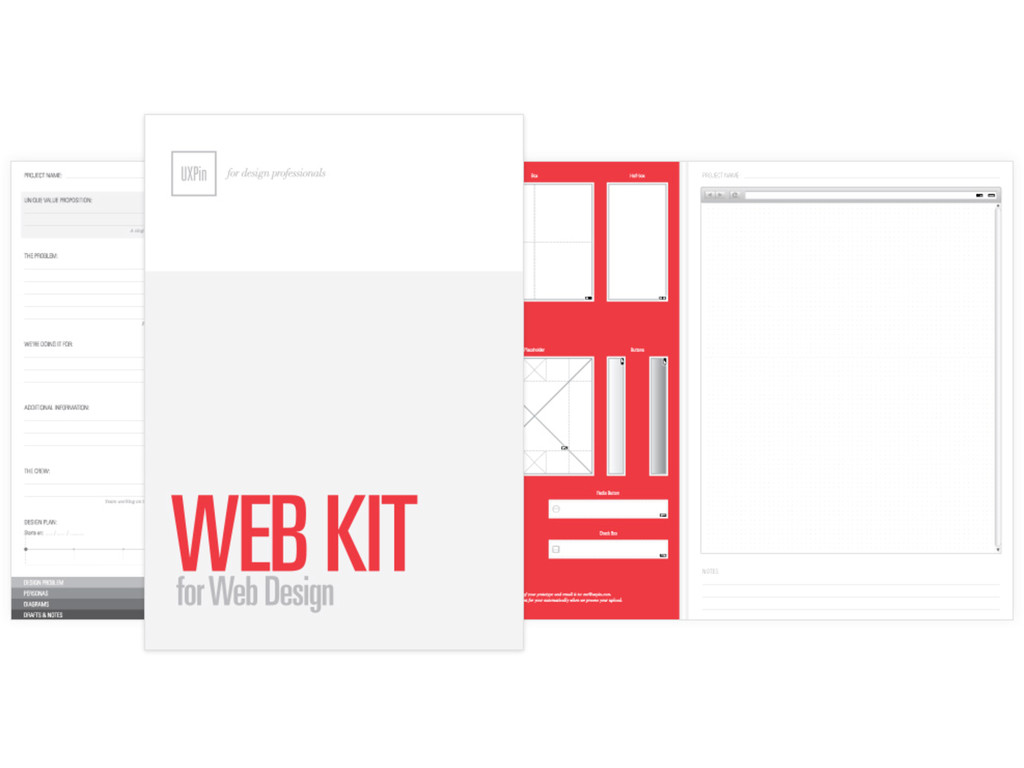
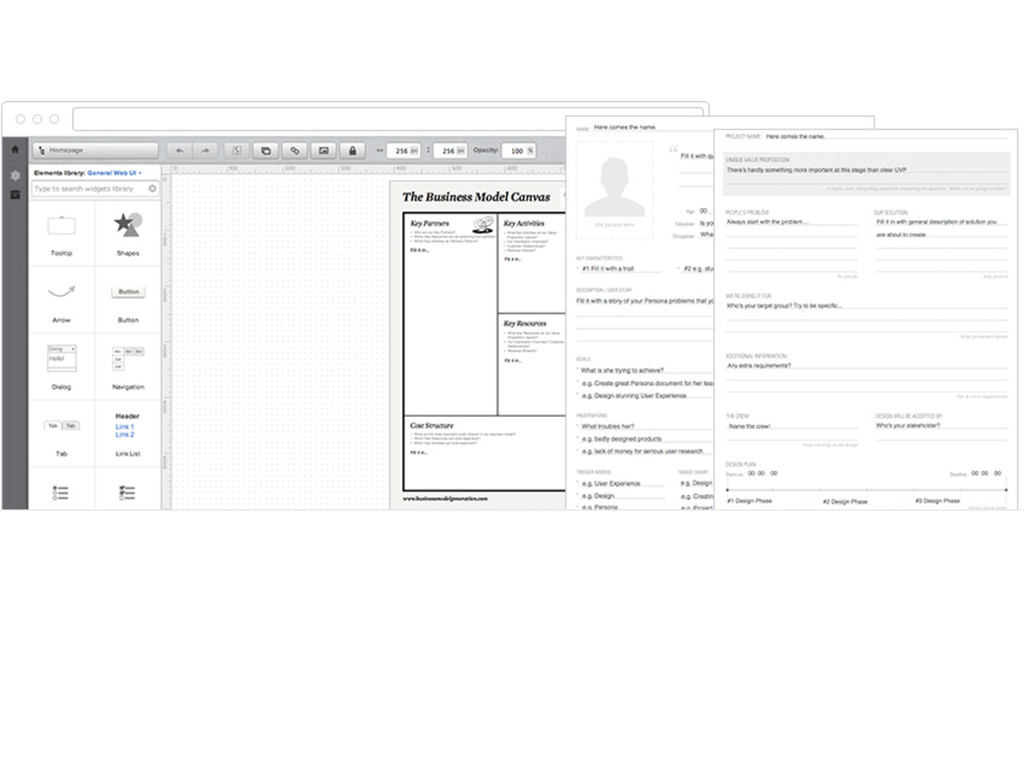
* Review a variety of applications available to you.


 pfn
pfn
 takonda
 keeg
keeg
 iktakahiro
 syuchimu
 ezaki
ezaki
 nttcom
 nealle
 occhi
occhi
 jyouryuusui
 ymotongpoo
 mohab1
 jonoalderson
 szymonslowik
 marktimemedia
 tammyeverts
 takai
takai
 uxyall
 signer
 thekraken
 sarafernandez
 holman
 keithpitt