Git Is A State Of Mind - The path to becoming a Master of the mystic art of Git
"The path to becoming a Master of the mystic art of Git".
A rolling-release presentation on some of the less known internal aspects and commands of Git, some advice for a better use and common workflows.
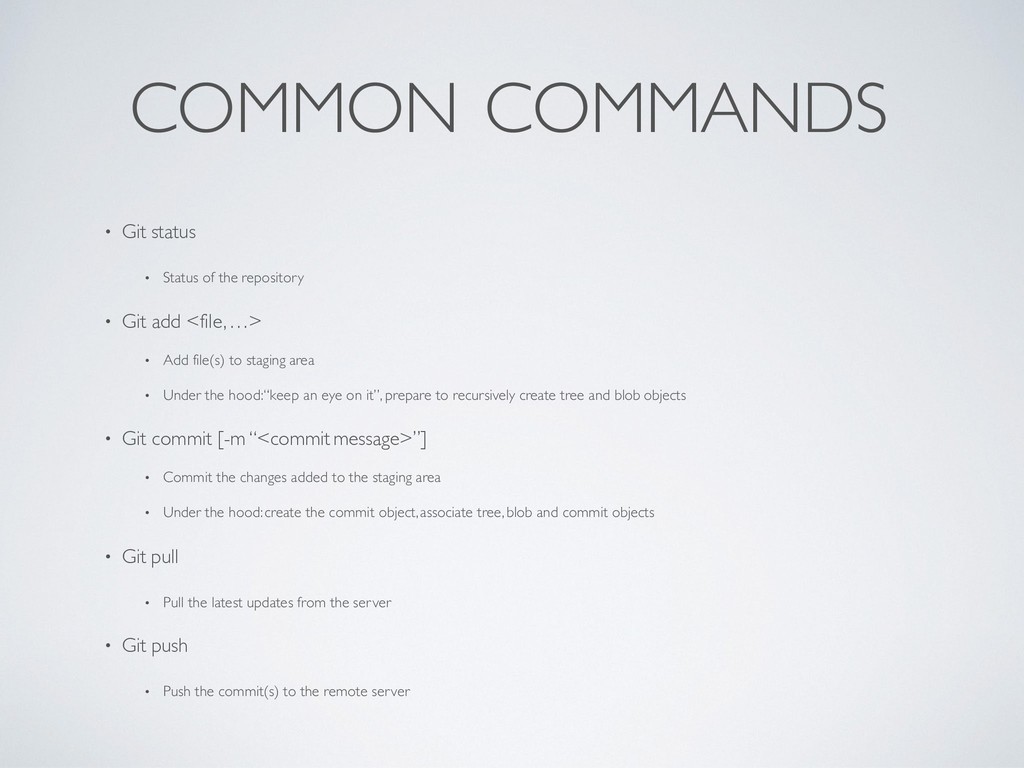
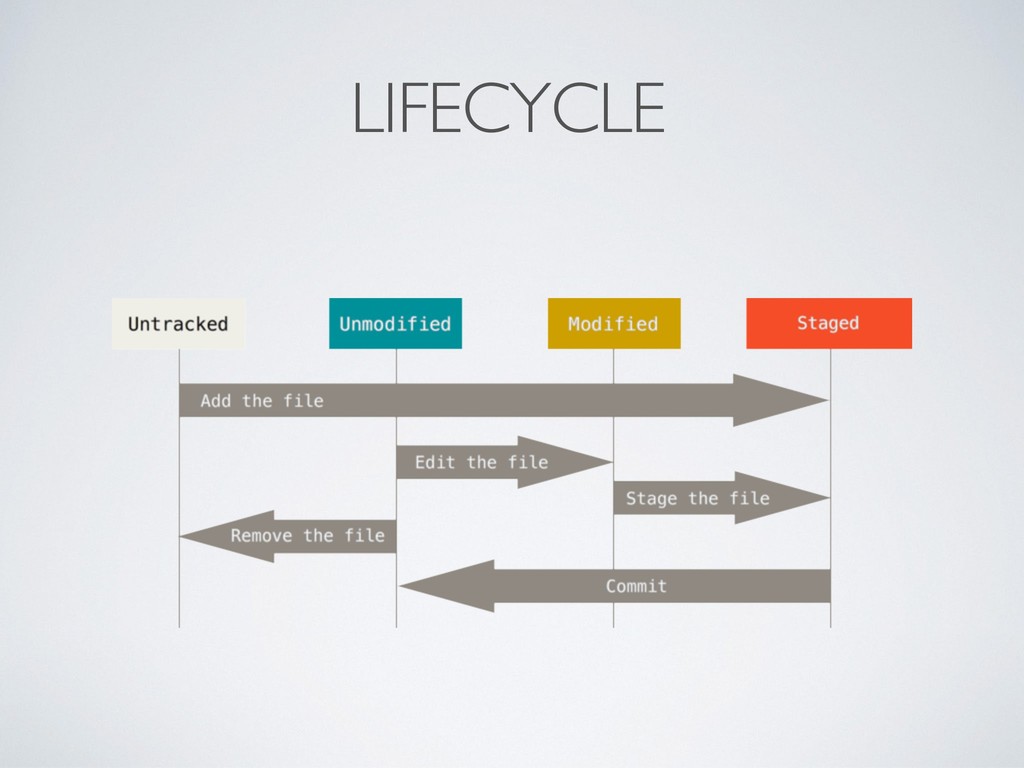
• Git add <file, …> • Add file(s) to staging area • Under the hood:“keep an eye on it”, prepare to recursively create tree and blob objects • Git commit [-m “<commit message>”] • Commit the changes added to the staging area • Under the hood: create the commit object, associate tree, blob and commit objects • Git pull • Pull the latest updates from the server • Git push • Push the commit(s) to the remote server
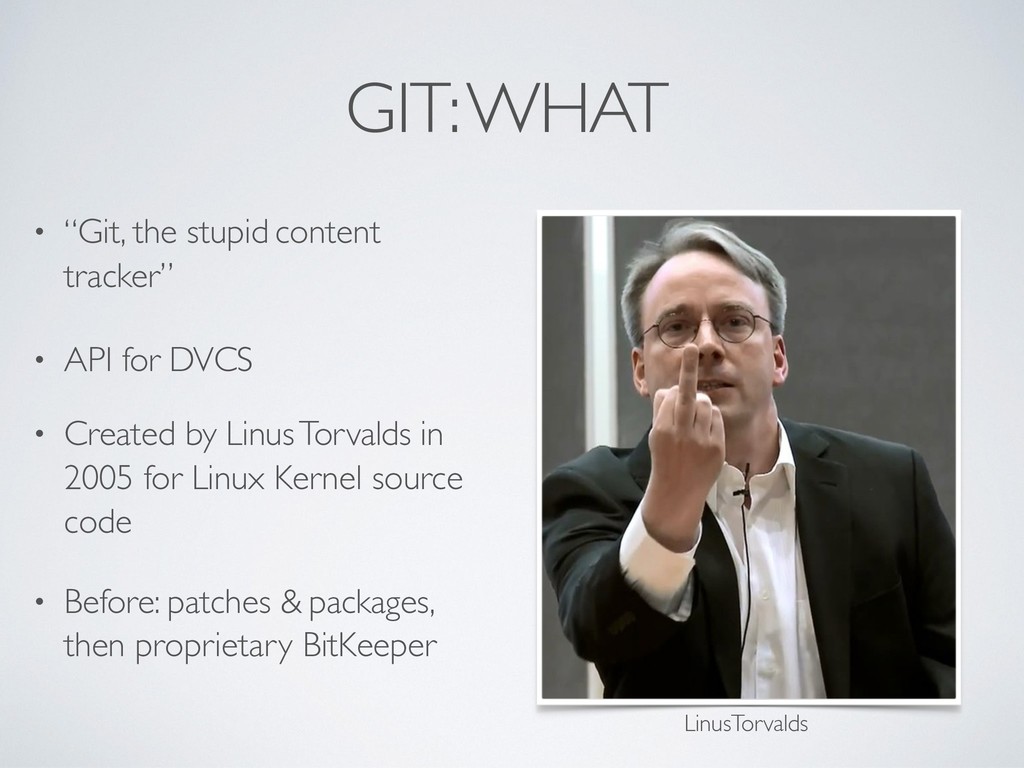
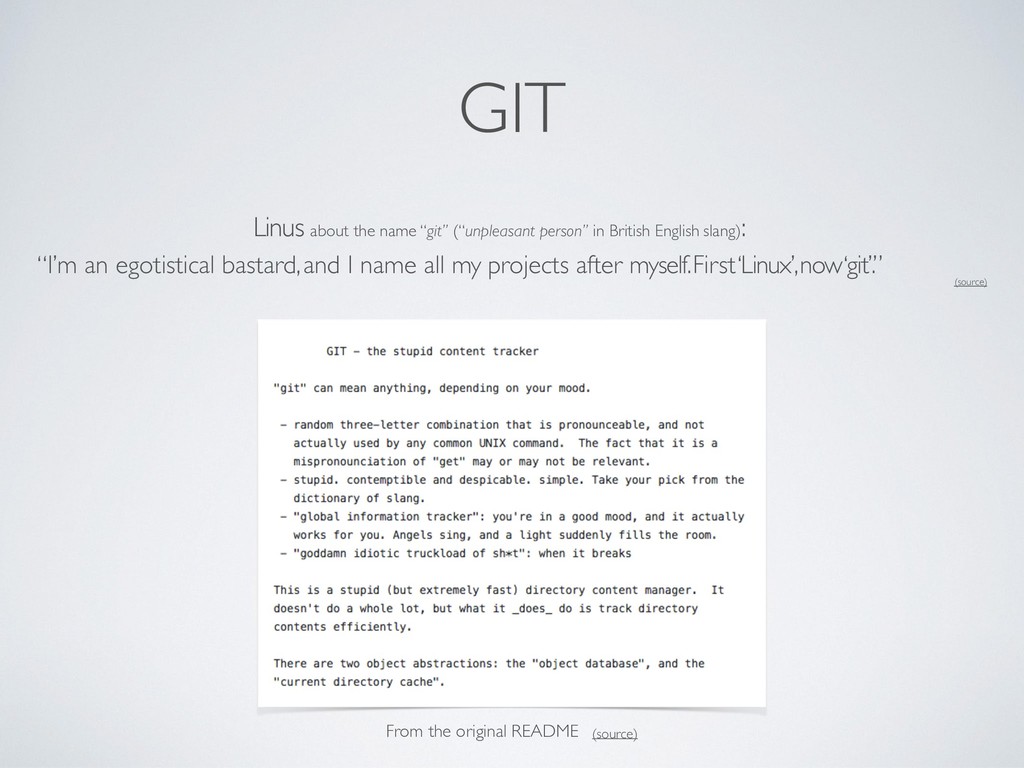
English slang): “I’m an egotistical bastard, and I name all my projects after myself. First ‘Linux’, now ‘git’.” (source) From the original README (source)
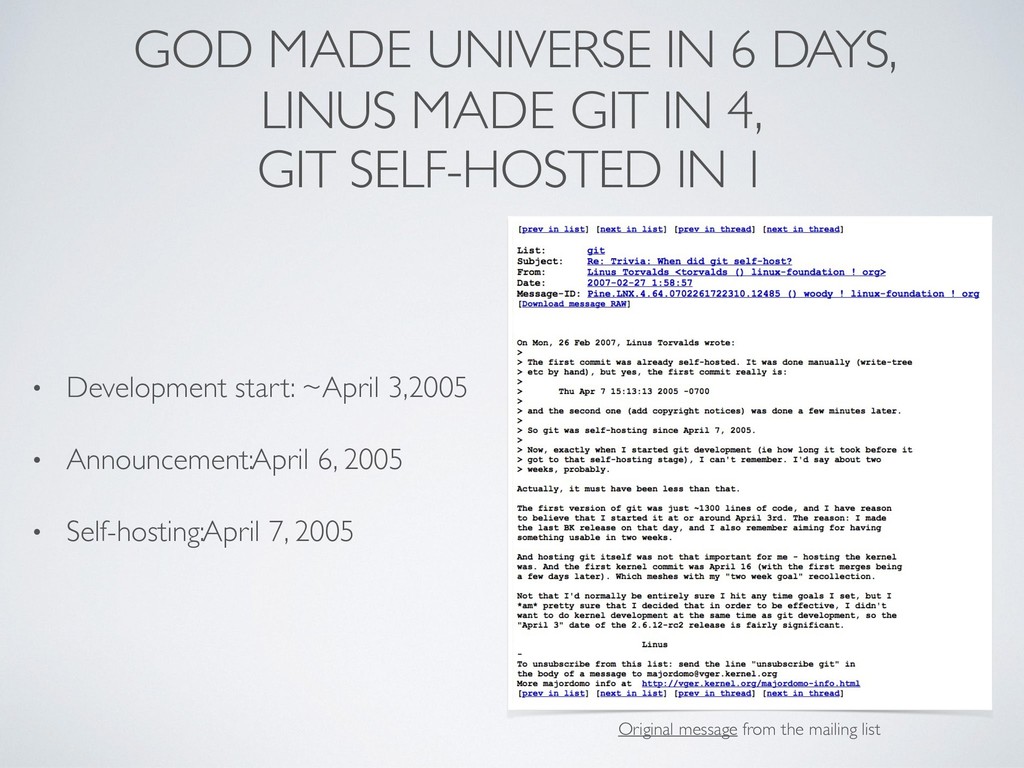
4, GIT SELF-HOSTED IN 1 • Development start: ~April 3, 2005 • Announcement: April 6, 2005 • Self-hosting: April 7, 2005 Original message from the mailing list
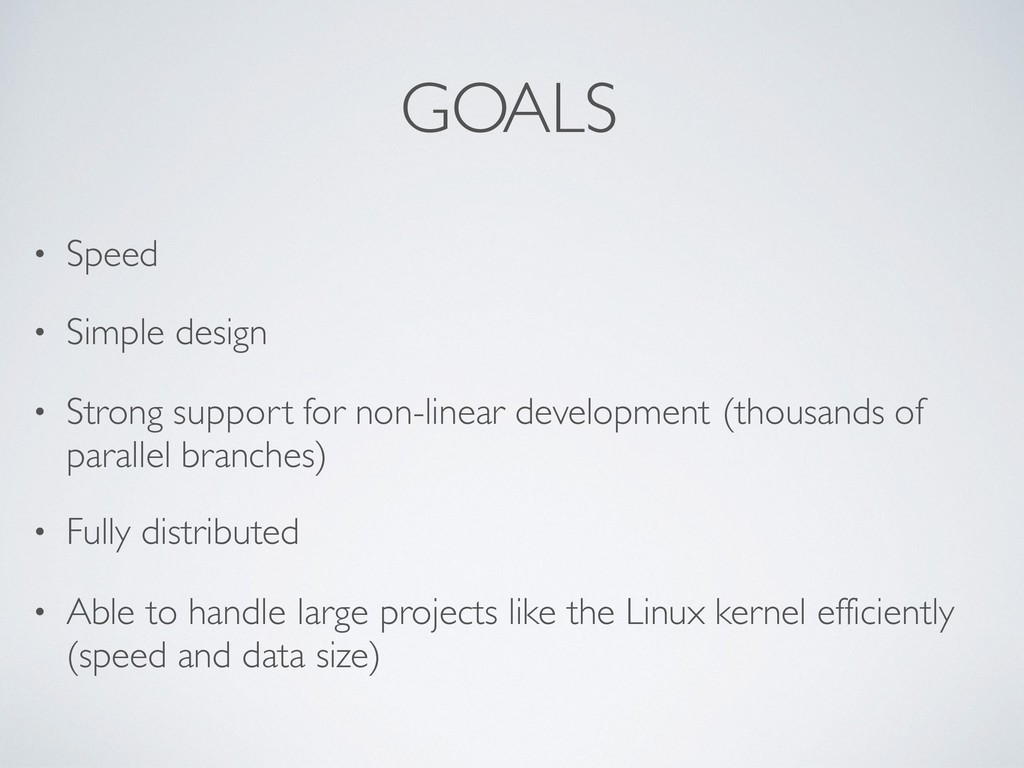
non-linear development (thousands of parallel branches) • Fully distributed • Able to handle large projects like the Linux kernel efficiently (speed and data size)
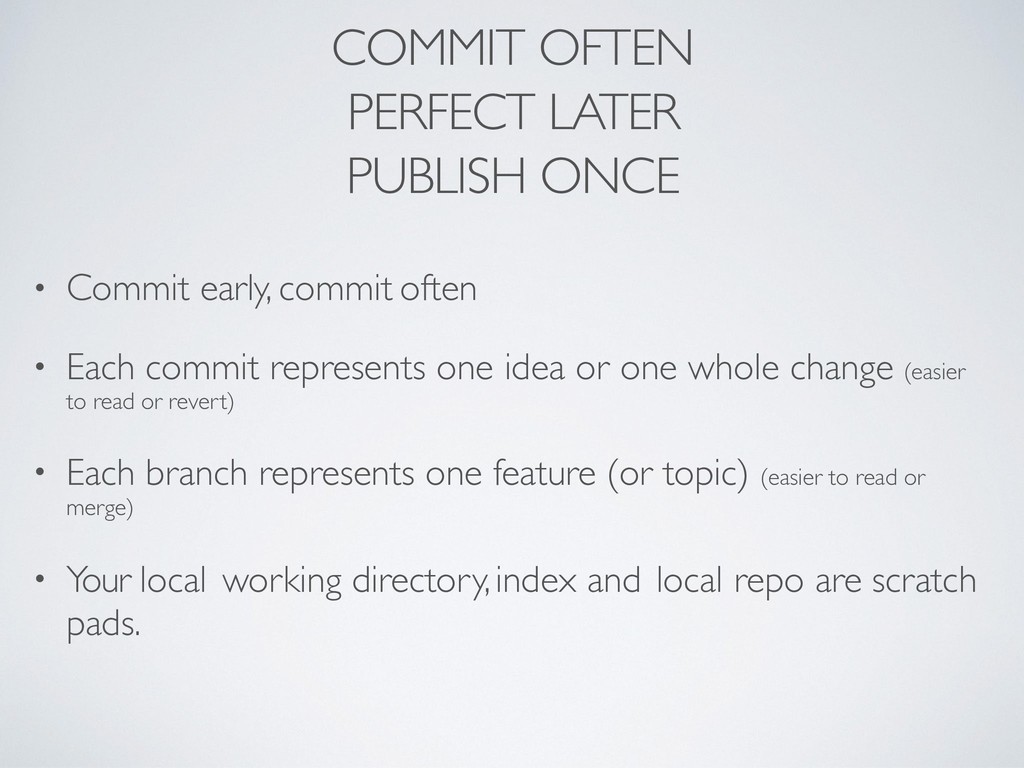
often • Each commit represents one idea or one whole change (easier to read or revert) • Each branch represents one feature (or topic) (easier to read or merge) • Your local working directory, index and local repo are scratch pads.
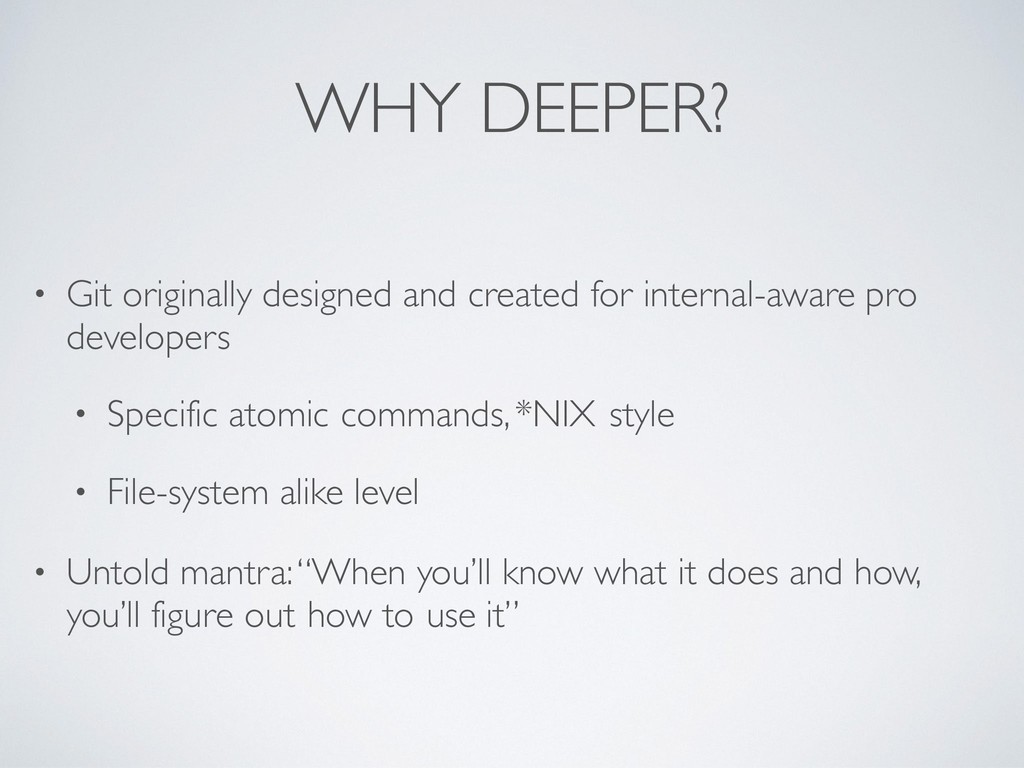
pro developers • Specific atomic commands, *NIX style • File-system alike level • Untold mantra:“When you’ll know what it does and how, you’ll figure out how to use it”
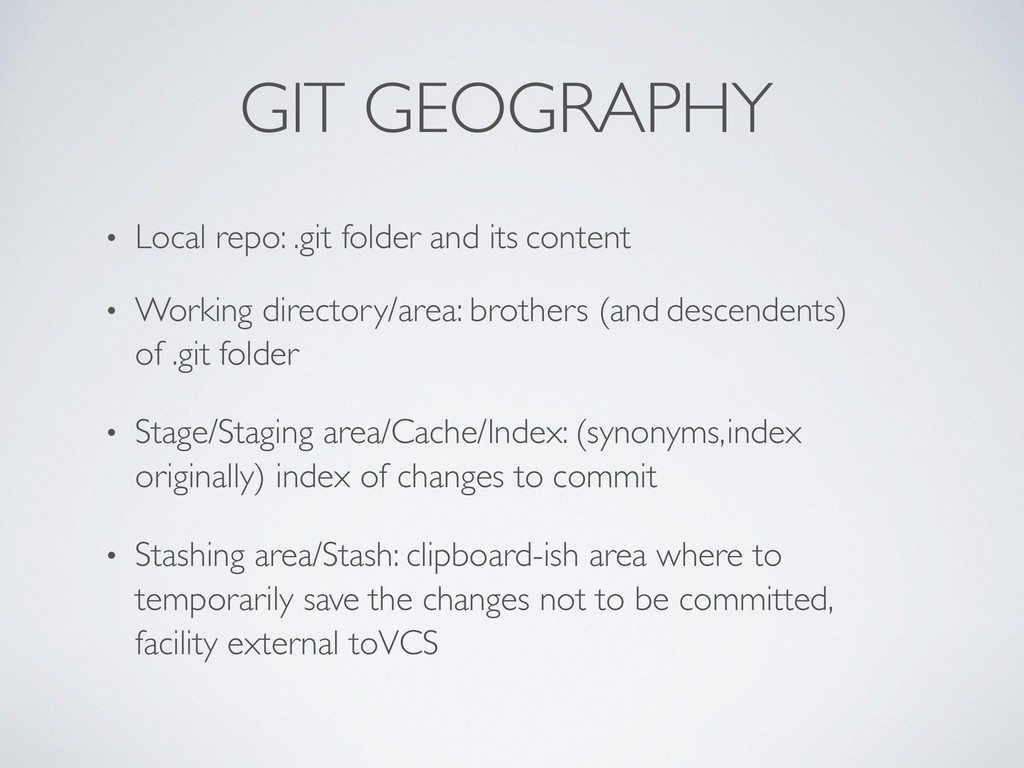
• Working directory/area: brothers (and descendents) of .git folder • Stage/Staging area/Cache/Index: (synonyms, index originally) index of changes to commit • Stashing area/Stash: clipboard-ish area where to temporarily save the changes not to be committed, facility external to VCS
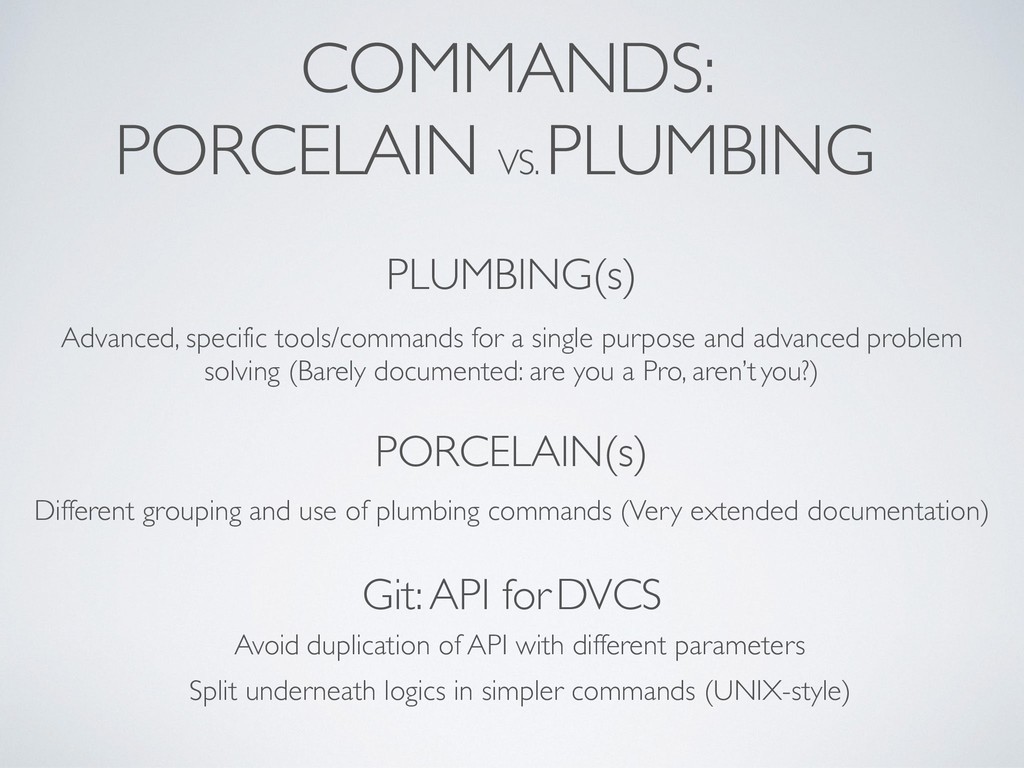
single purpose and advanced problem solving (Barely documented: are you a Pro, aren’t you?) PORCELAIN(s) Different grouping and use of plumbing commands (Very extended documentation) Git: API for DVCS Avoid duplication of API with different parameters Split underneath logics in simpler commands (UNIX-style)
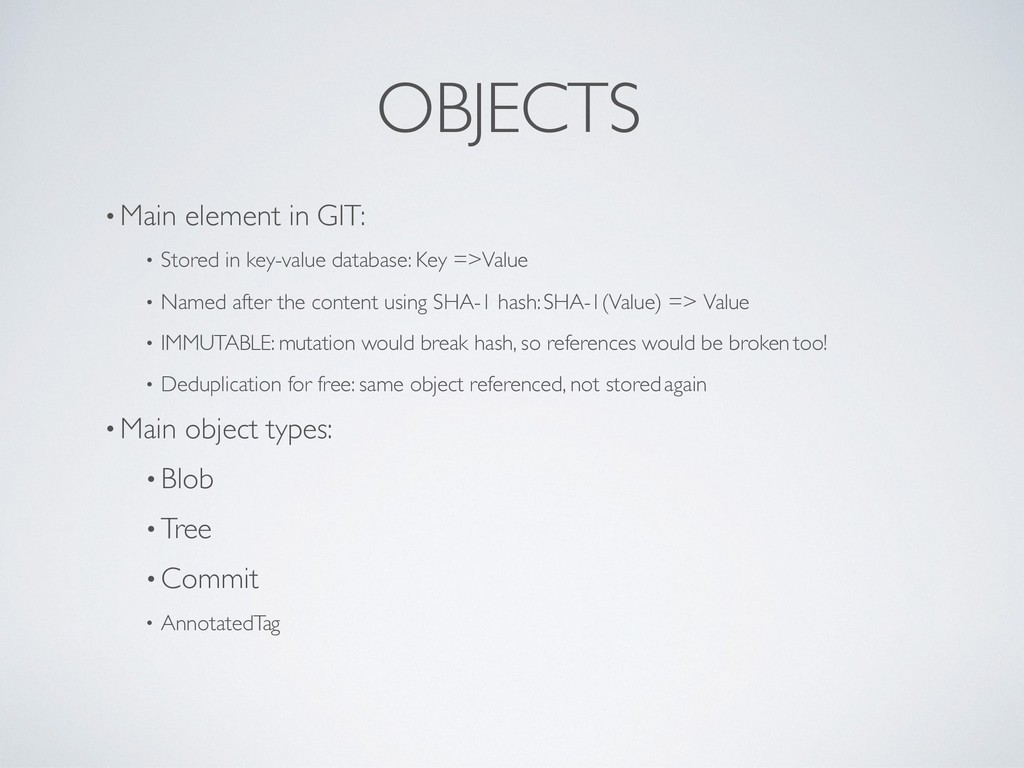
database: Key => Value • Named after the content using SHA-1 hash: SHA-1(Value) => Value • IMMUTABLE: mutation would break hash, so references would be broken too! • Deduplication for free: same object referenced, not stored again • Main object types: • Blob • Tree • Commit • Annotated Tag
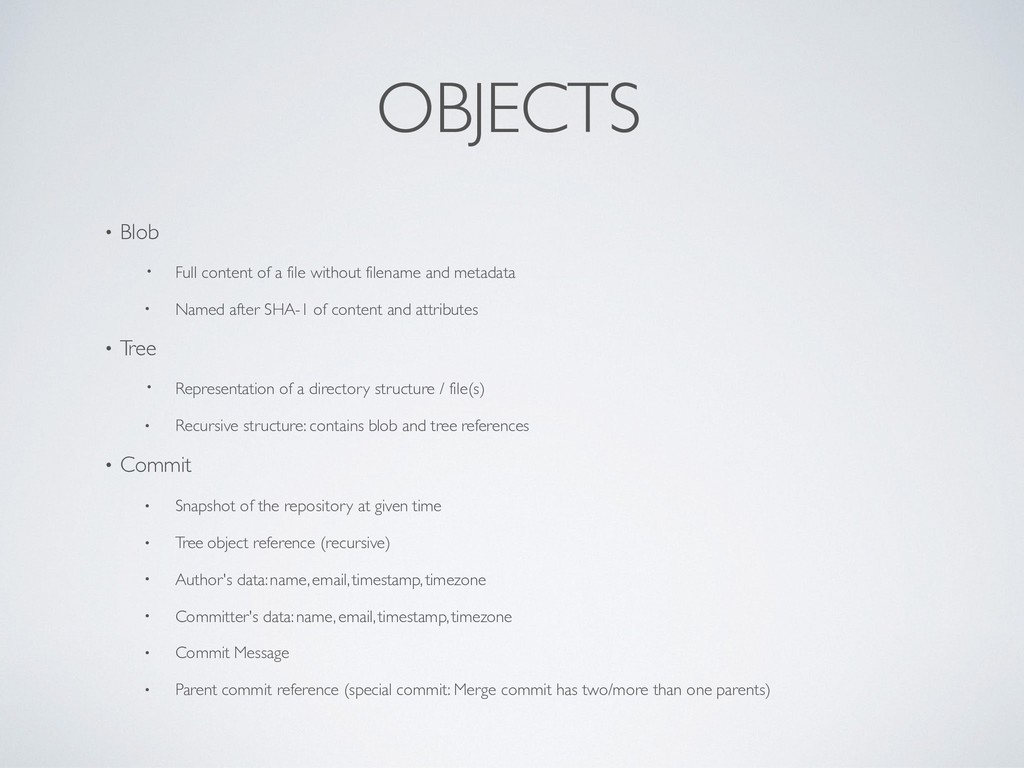
filename and metadata • Named after SHA-1 of content and attributes • T ree • Representation of a directory structure / file(s) • Recursive structure: contains blob and tree references • Commit • Snapshot of the repository at given time • Tree object reference (recursive) • Author's data: name, email, timestamp, timezone • Committer's data: name, email, timestamp, timezone • Commit Message • Parent commit reference (special commit: Merge commit has two/more than one parents)
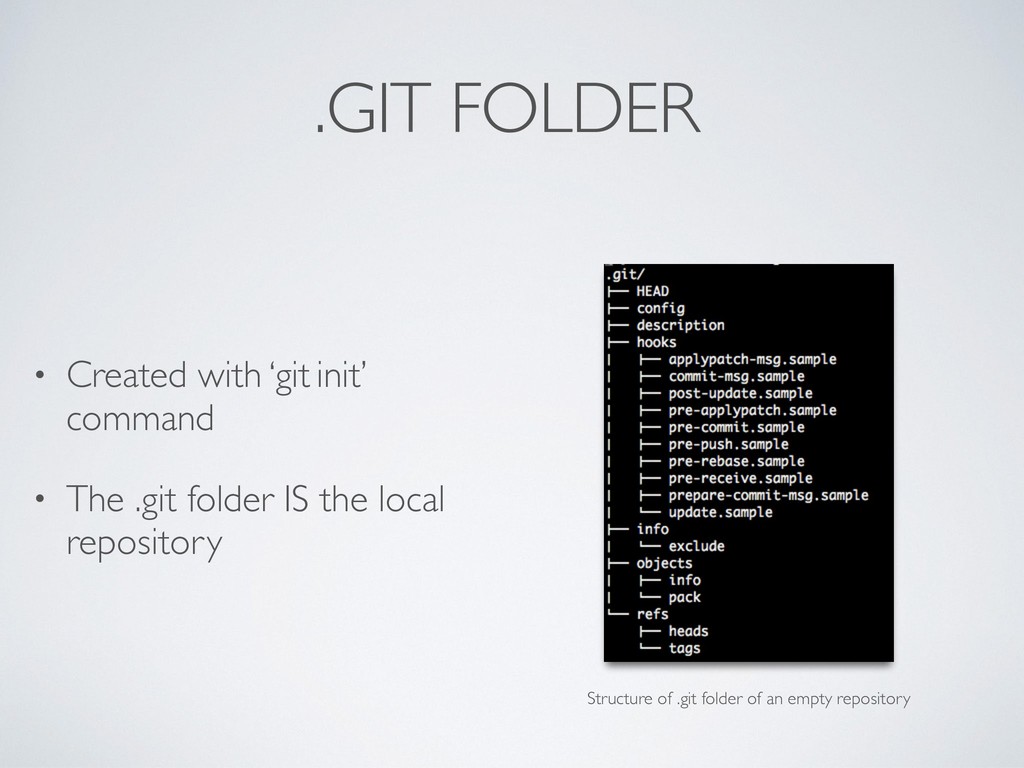
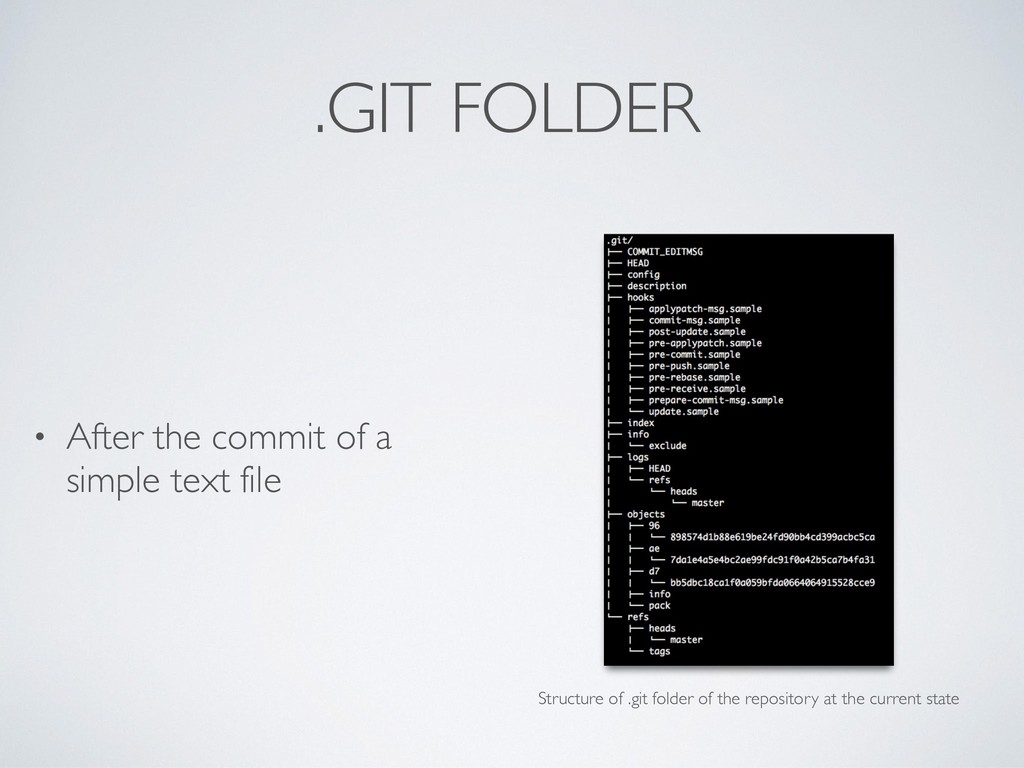
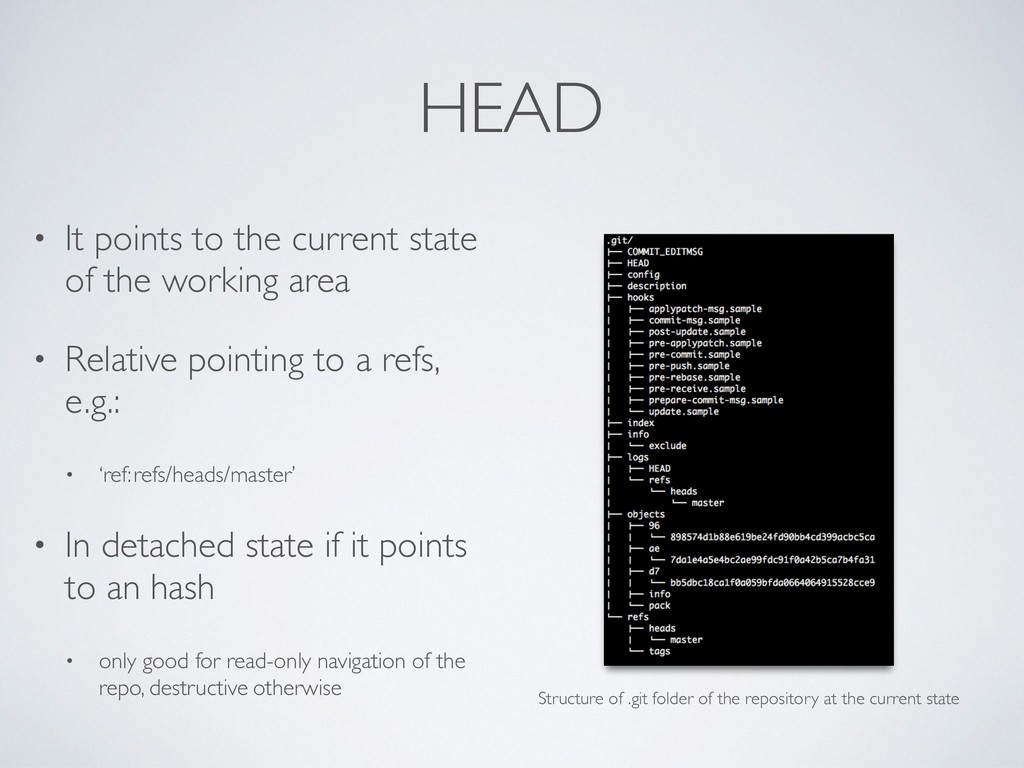
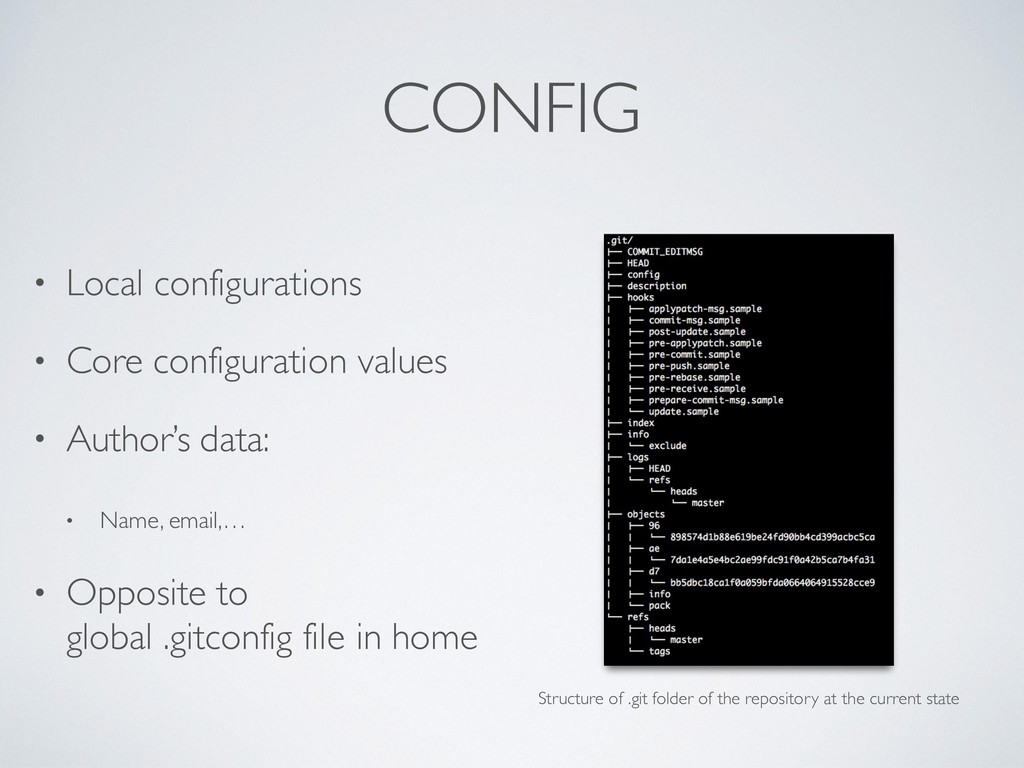
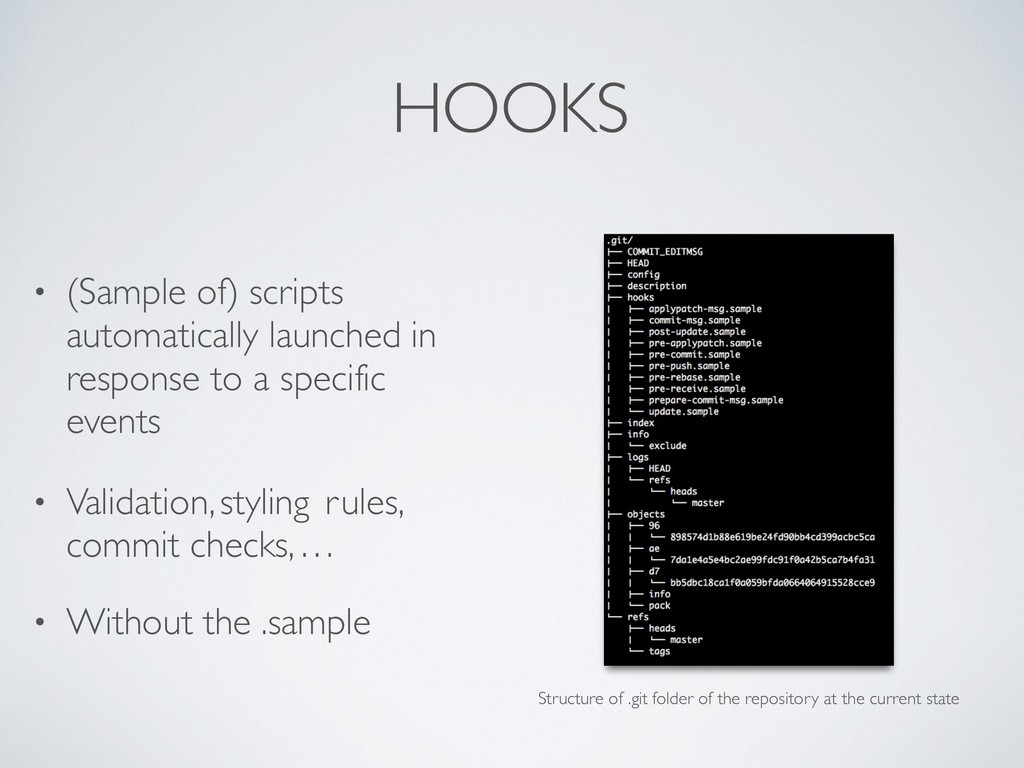
working area • Relative pointing to a refs, e.g.: • ‘ref: refs/heads/master’ • In detached state if it points to an hash • only good for read-only navigation of the repo, destructive otherwise Structure of .git folder of the repository at the current state
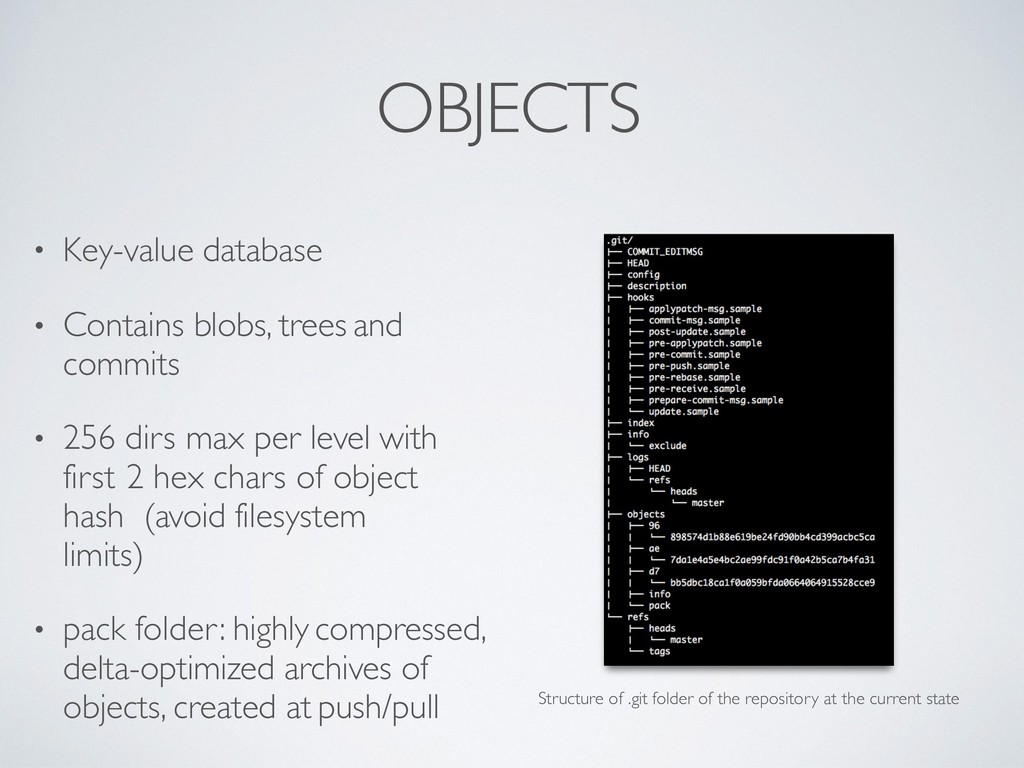
• 256 dirs max per level with first 2 hex chars of object hash (avoid filesystem limits) • pack folder: highly compressed, delta-optimized archives of objects, created at push/pull Structure of .git folder of the repository at the current state
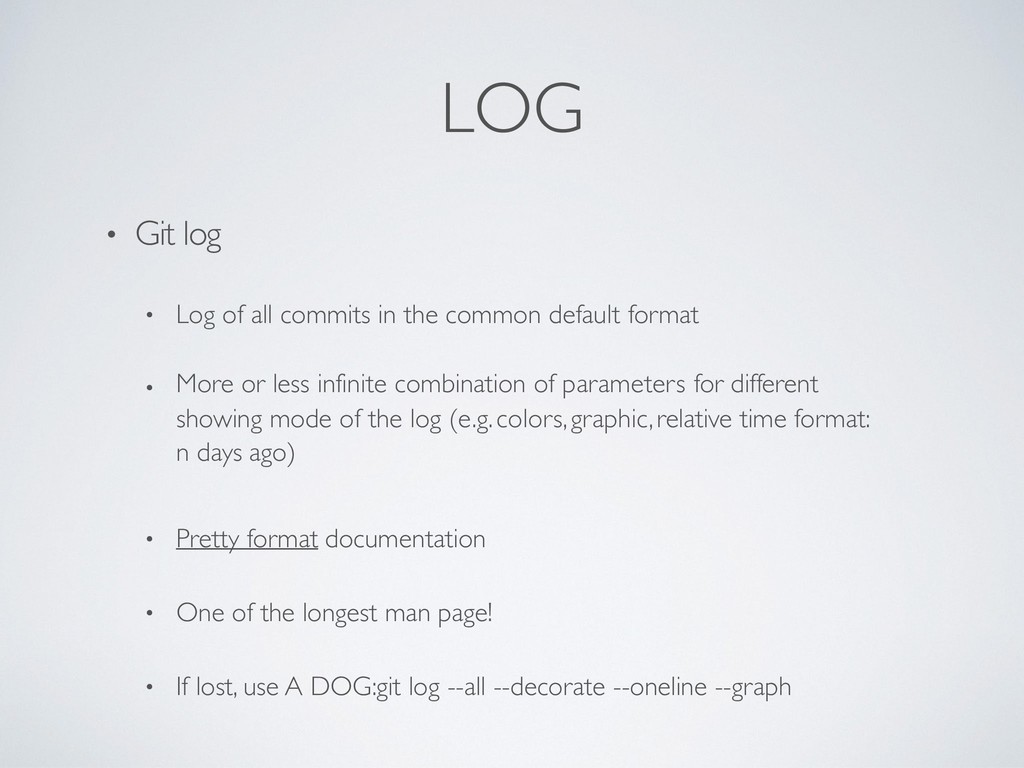
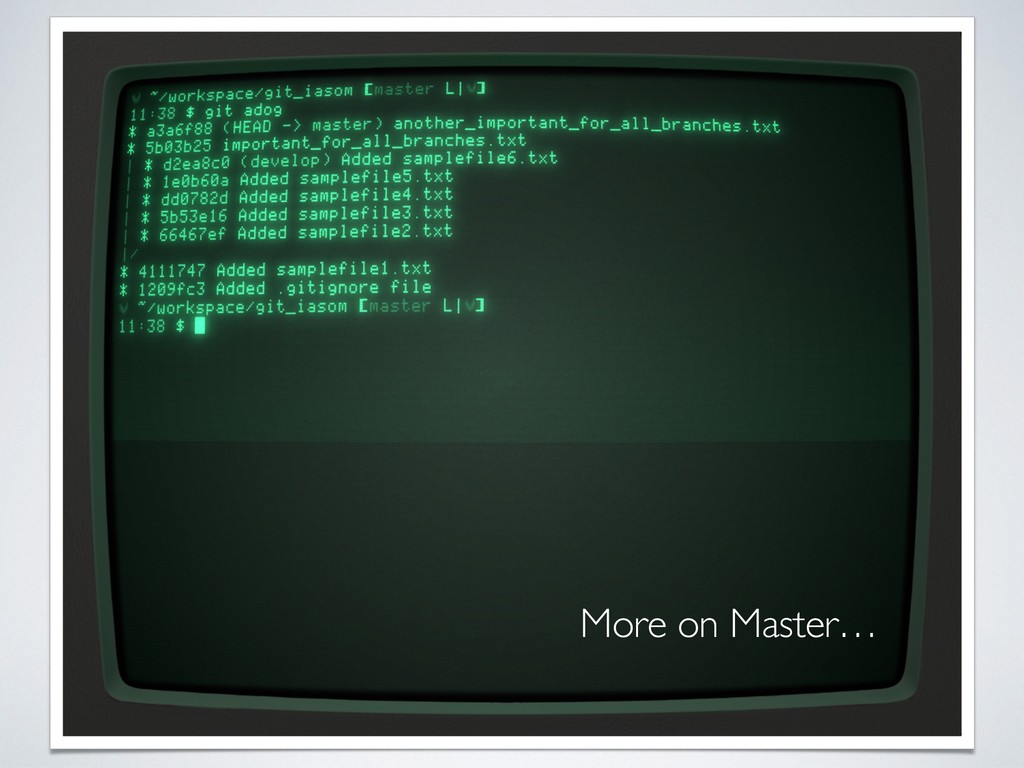
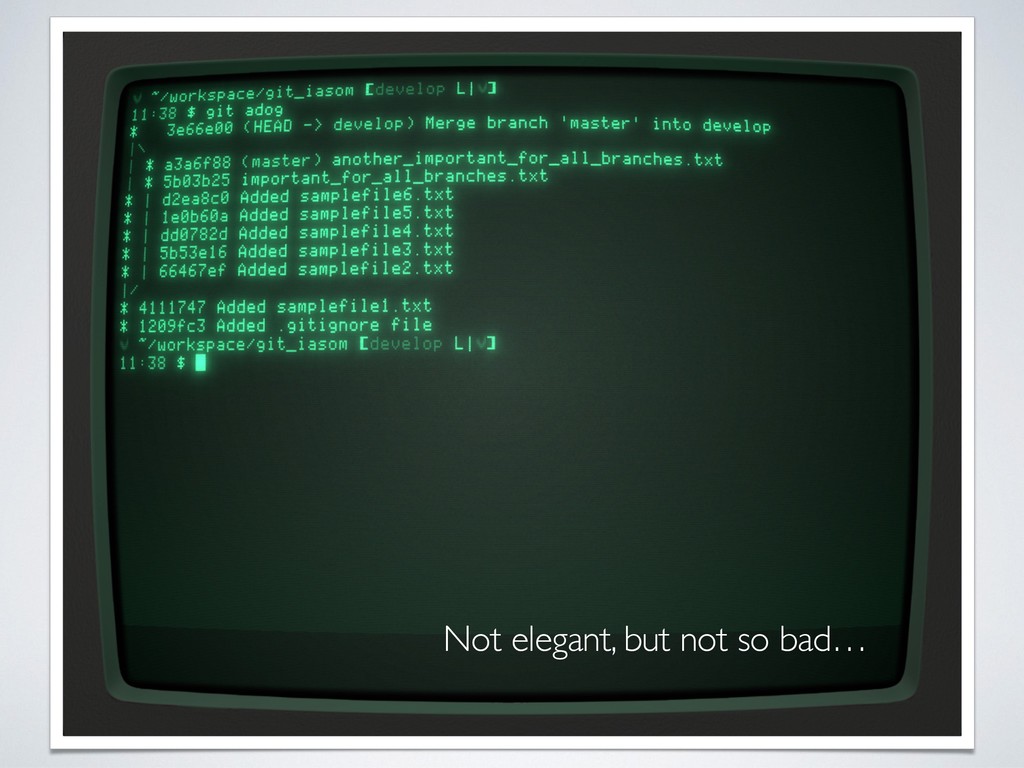
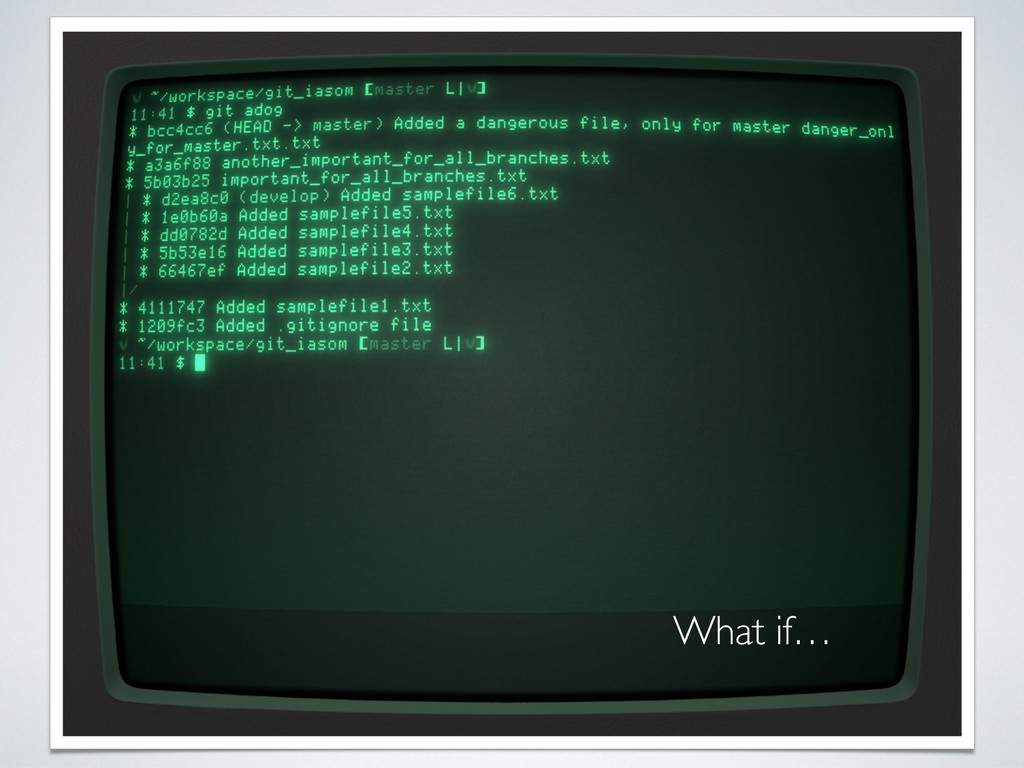
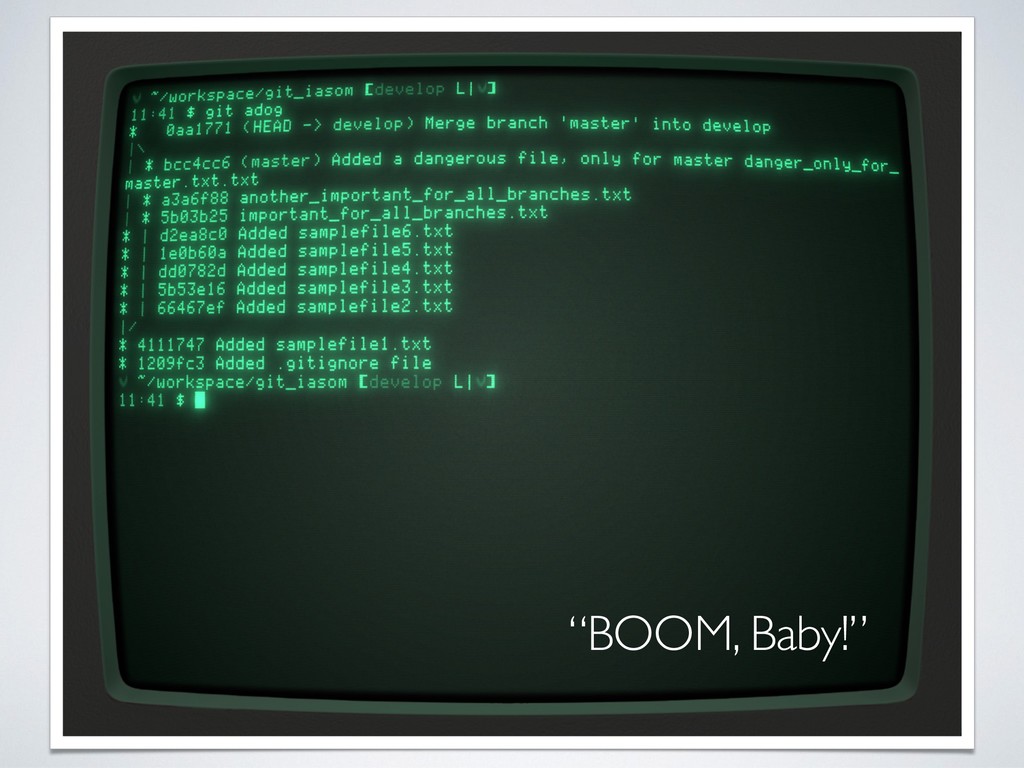
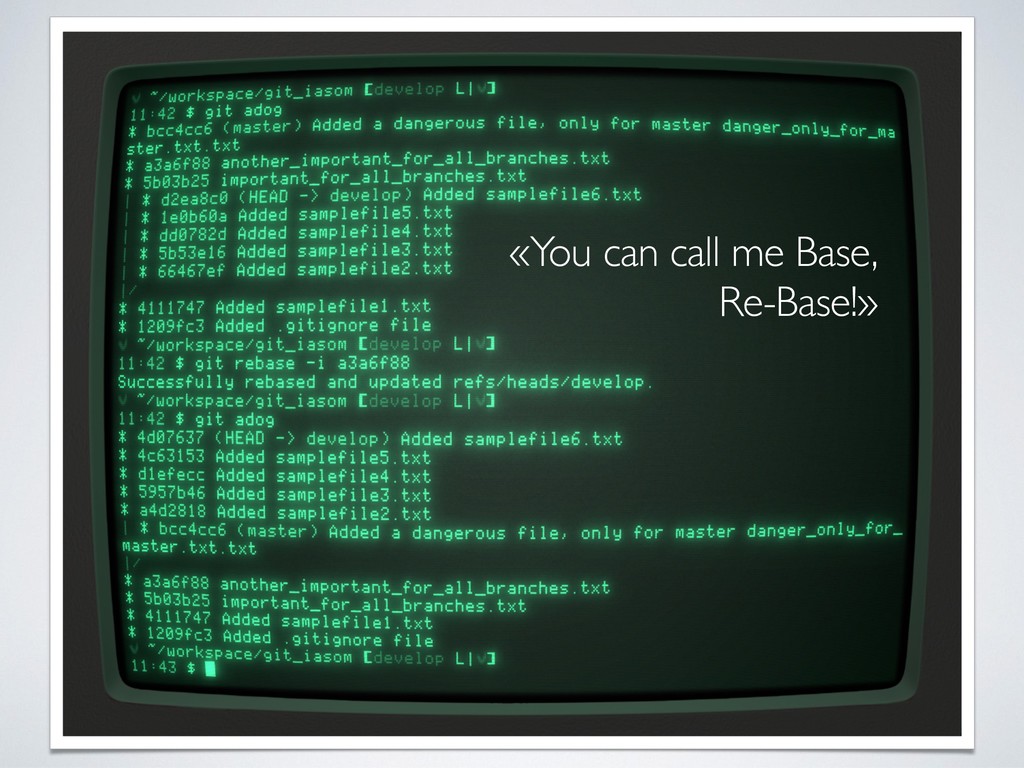
the common default format • More or less infinite combination of parameters for different showing mode of the log (e.g. colors, graphic, relative time format: n days ago) • Pretty format documentation • One of the longest man page! • If lost, use A DOG: git log --all --decorate --oneline --graph
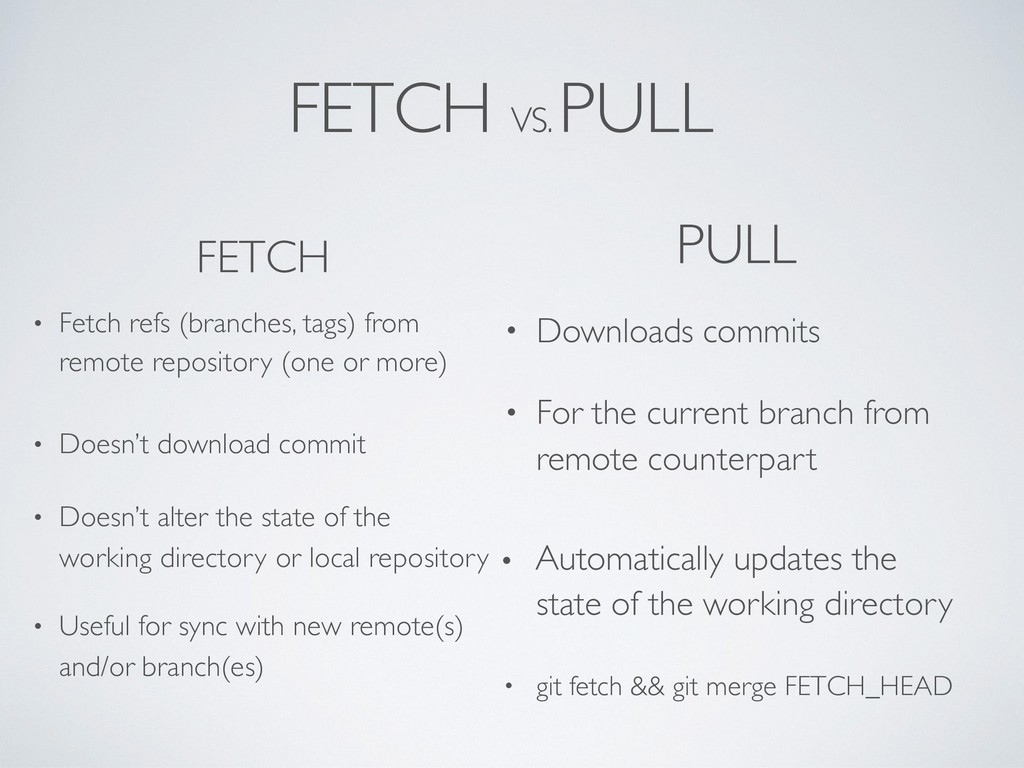
remote repository (one or more) • Doesn’t download commit • Useful for sync with new remote(s) and/or branch(es) PULL • Downloads commits • For the current branch from remote counterpart • Doesn’t alter the state of the working directory or local repository • Automatically updates the state of the working directory • git fetch && git merge FETCH_HEAD
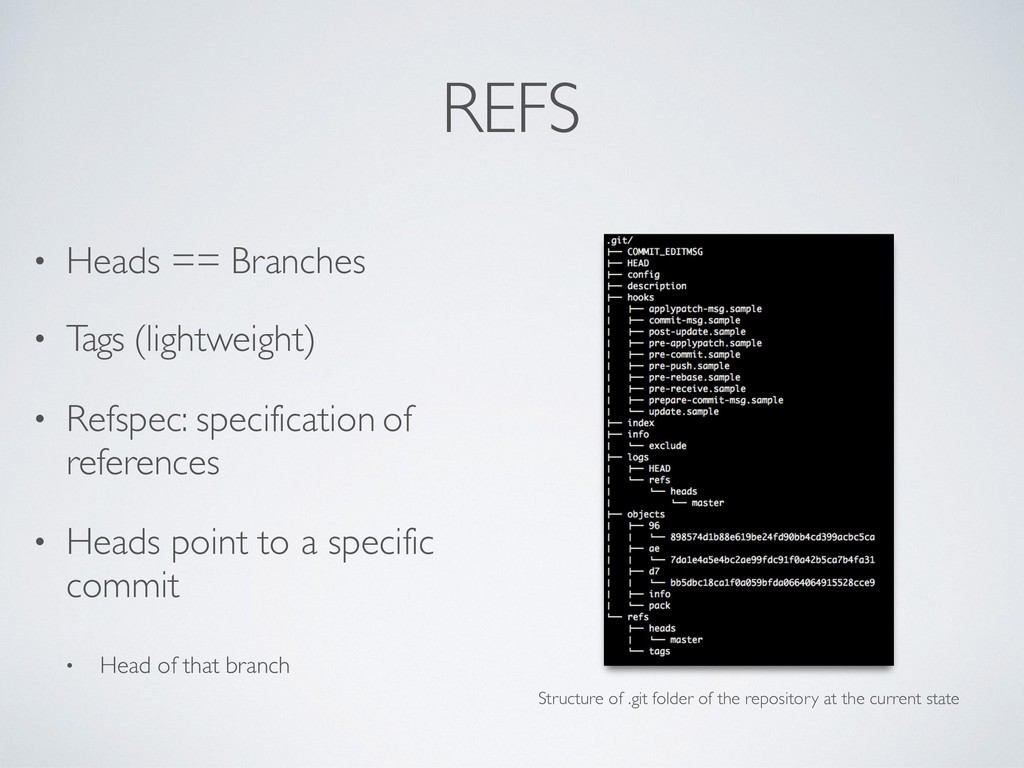
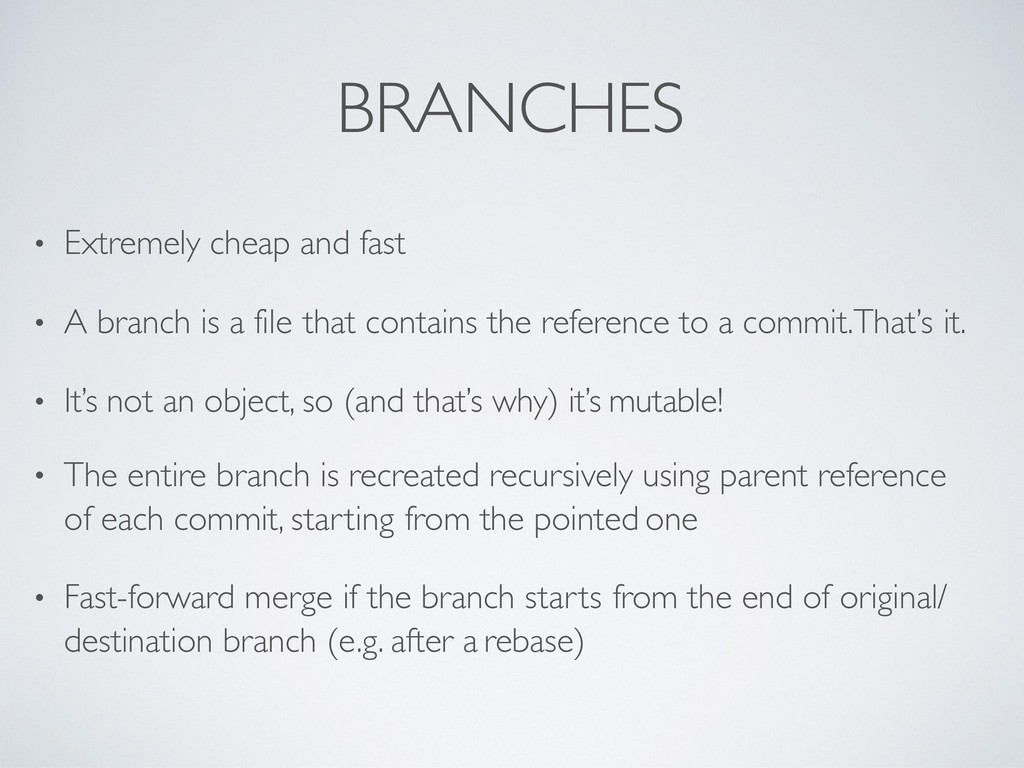
a file that contains the reference to a commit.That’s it. • It’s not an object, so (and that’s why) it’s mutable! • The entire branch is recreated recursively using parent reference of each commit, starting from the pointed one • Fast-forward merge if the branch starts from the end of original/ destination branch (e.g. after a rebase)
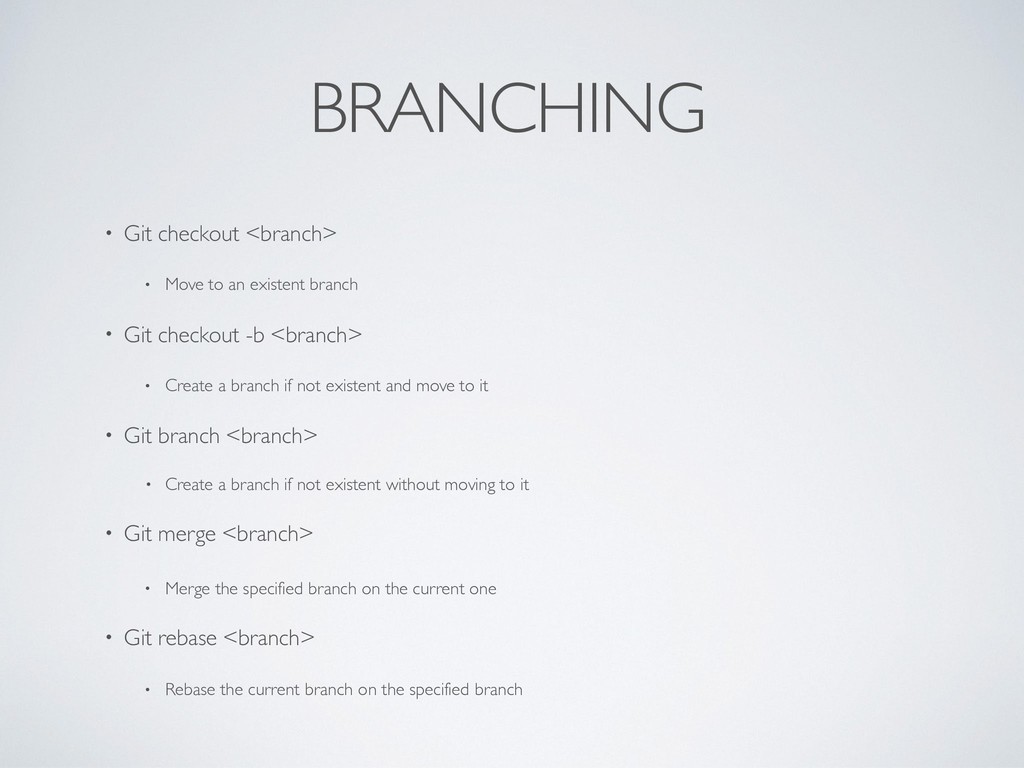
branch • Git checkout -b <branch> • Create a branch if not existent and move to it • Git branch <branch> • Create a branch if not existent without moving to it • Git merge <branch> • Merge the specified branch on the current one • Git rebase <branch> • Rebase the current branch on the specified branch
in the working area into the stashing area • Git stash list • List all the stashes • Git stash show • Show the details of a stash • Git stash apply • Apply the specified stash on the current working directory • [other options and combination…]
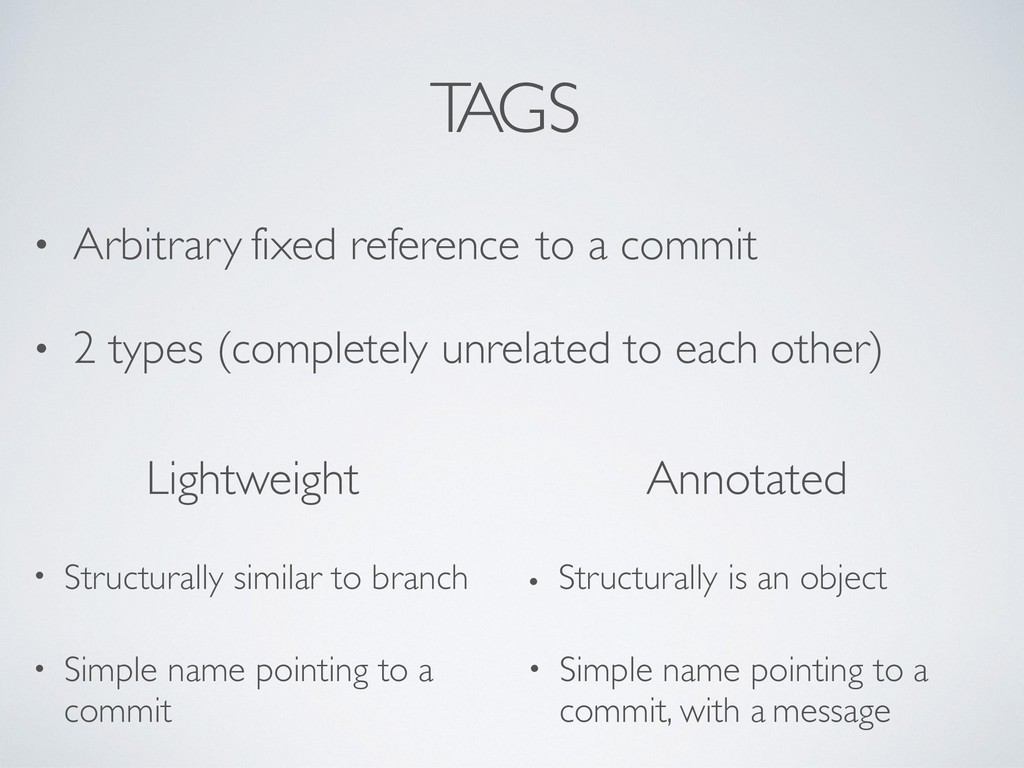
Arbitrary fixed reference to a commit • 2 types (completely unrelated to each other) Lightweight Annotated • Structurally similar to branch • Structurally is an object • Simple name pointing to a commit, with a message
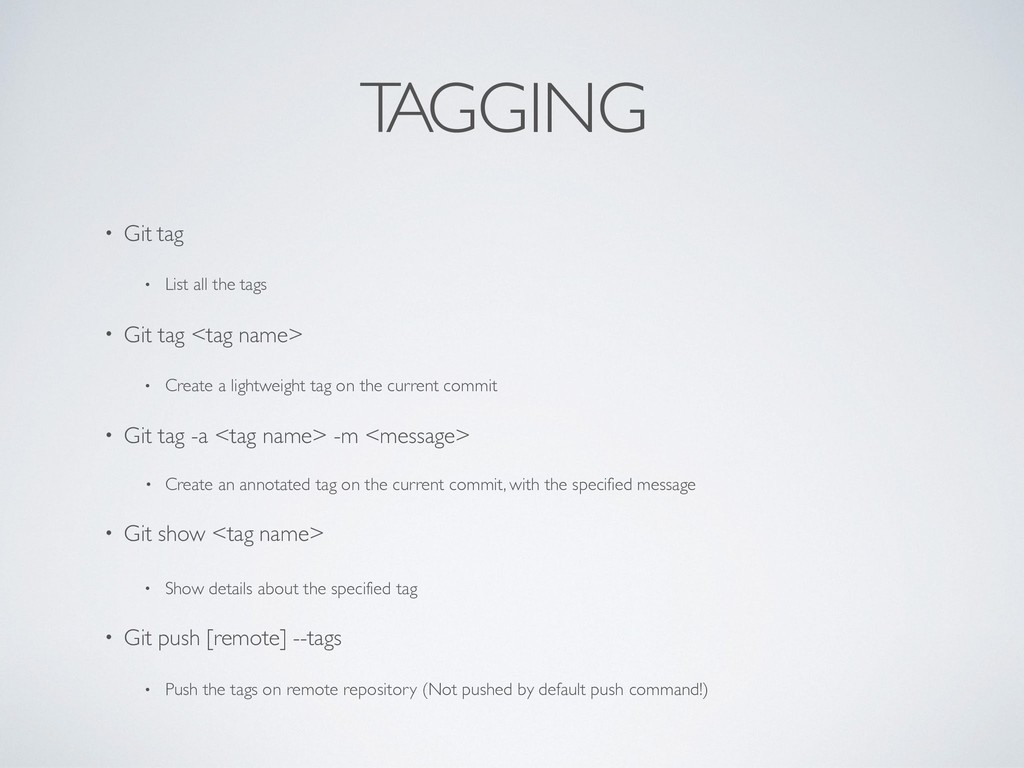
• Git tag <tag name> • Create a lightweight tag on the current commit • Git tag -a <tag name> -m <message> • Create an annotated tag on the current commit, with the specified message • Git show <tag name> • Show details about the specified tag • Git push [remote] --tags • Push the tags on remote repository (Not pushed by default push command!)
“Record when the tips of branches and other references were updated in the local repository.” (source) • “It saves your… life!” (anyone who’ve used it) • Commits are not deleted until the garbage collector comes in action! • Go back in time, locate the commit and restore
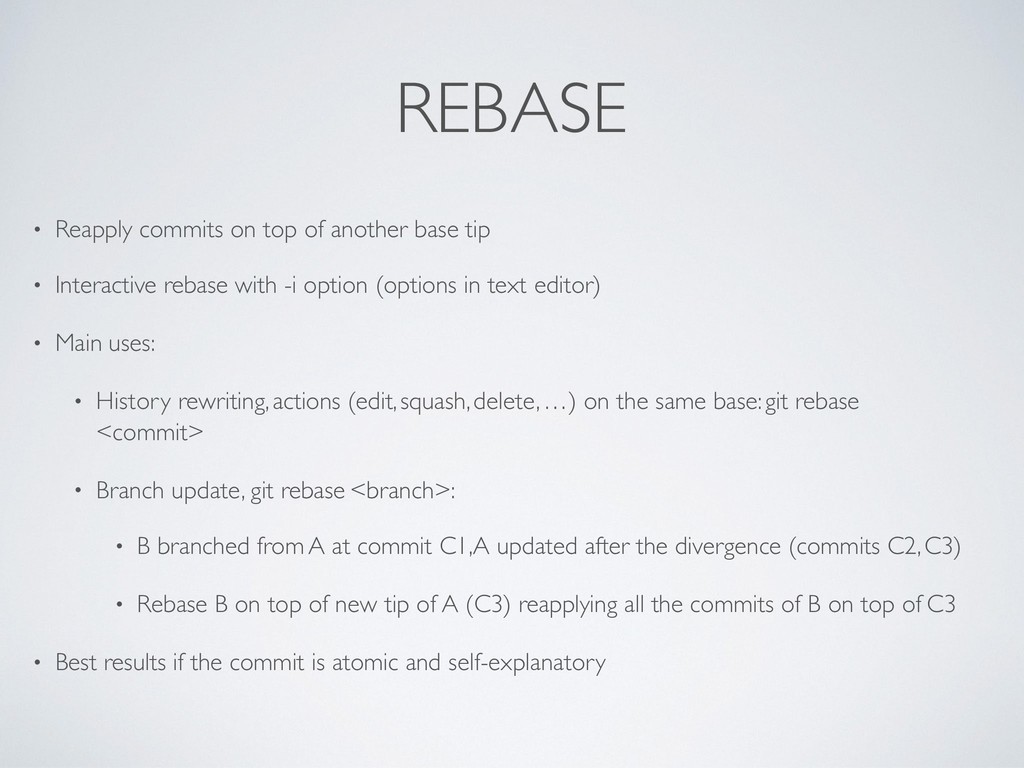
• Interactive rebase with -i option (options in text editor) • Main uses: • History rewriting, actions (edit, squash, delete, …) on the same base: git rebase <commit> • Branch update, git rebase <branch>: • B branched from A at commit C1, A updated after the divergence (commits C2, C3) • Rebase B on top of new tip of A (C3) reapplying all the commits of B on top of C3 • Best results if the commit is atomic and self-explanatory
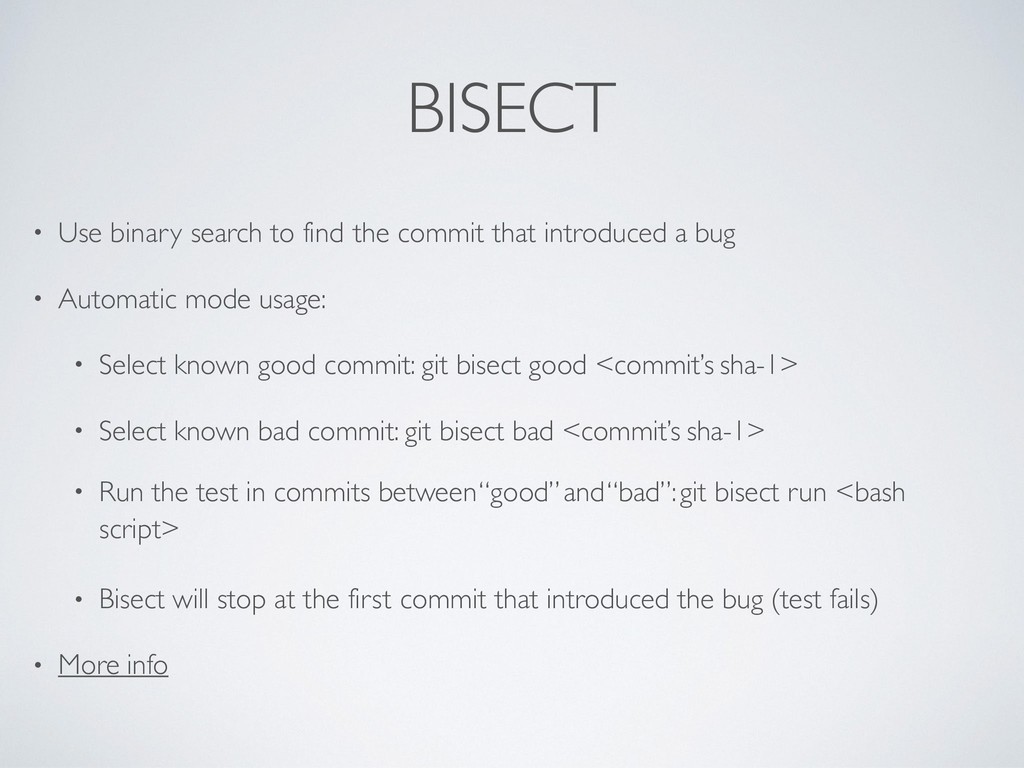
introduced a bug • Automatic mode usage: • Select known good commit: git bisect good <commit’s sha-1> • Select known bad commit: git bisect bad <commit’s sha-1> • Run the test in commits between “good” and “bad”: git bisect run <bash script> • Bisect will stop at the first commit that introduced the bug (test fails) • More info
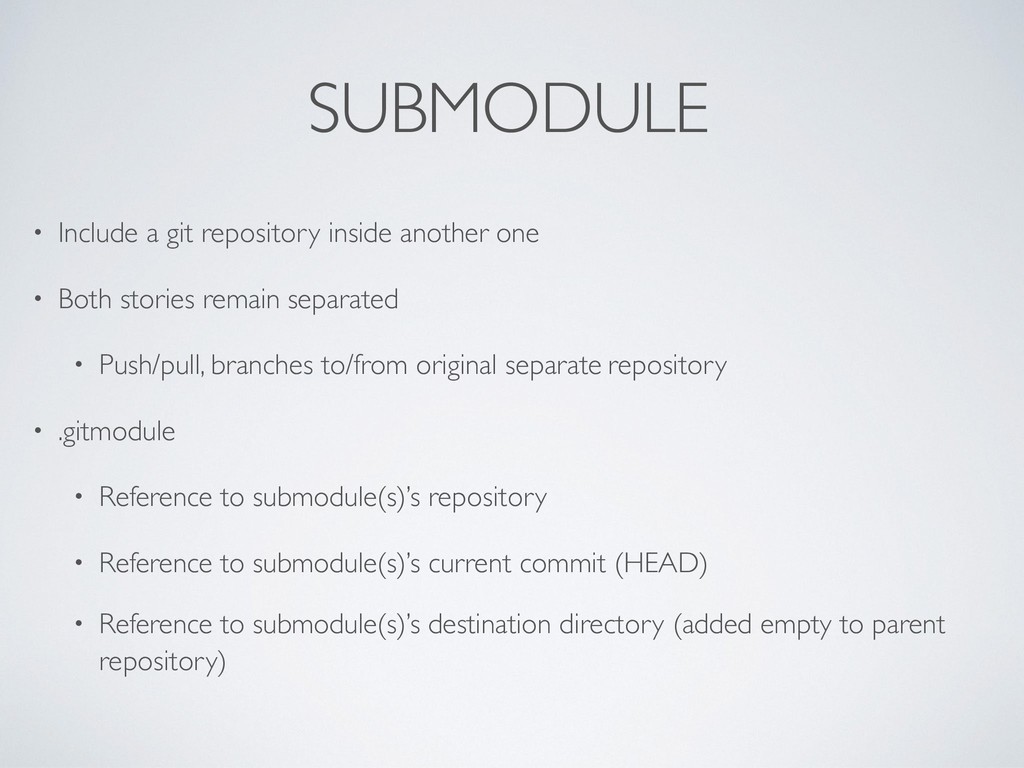
Both stories remain separated • Push/pull, branches to/from original separate repository • .gitmodule • Reference to submodule(s)’s repository • Reference to submodule(s)’s current commit (HEAD) • Reference to submodule(s)’s destination directory (added empty to parent repository)
an existing repository as submodule in path or subrepo name if any • Git submodule foreach ‘<bash>’ • Execute the command specified for each submodule added in the parent repository • Git submodule update [path] • Update the submodule to the state specified into .gitmodule file (potentially discard new changes) • (Canonical add, commit to update the .gitmodule file with newest submodule commits)
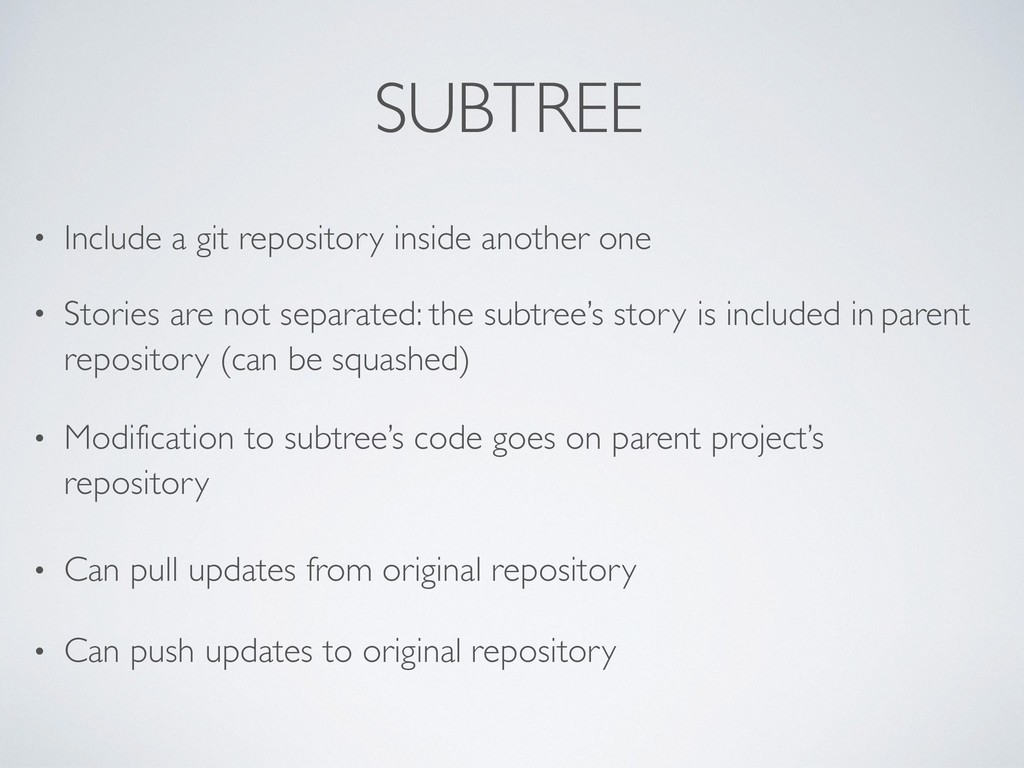
Stories are not separated: the subtree’s story is included in parent repository (can be squashed) • Modification to subtree’s code goes on parent project’s repository • Can pull updates from original repository • Can push updates to original repository
• Add an existing repository as subtree in path squashing all the commits in one • Git subtree pull --prefix [path] <repository> <branch> --squash • Update the subtree with new commits on remote repository • Contribute back to remote repository: • Add the project as another remote: git remote add <name> <repo> • git subtree push —prefix=<prefix> <remote> <branch> • More info about subtree: Source, Source
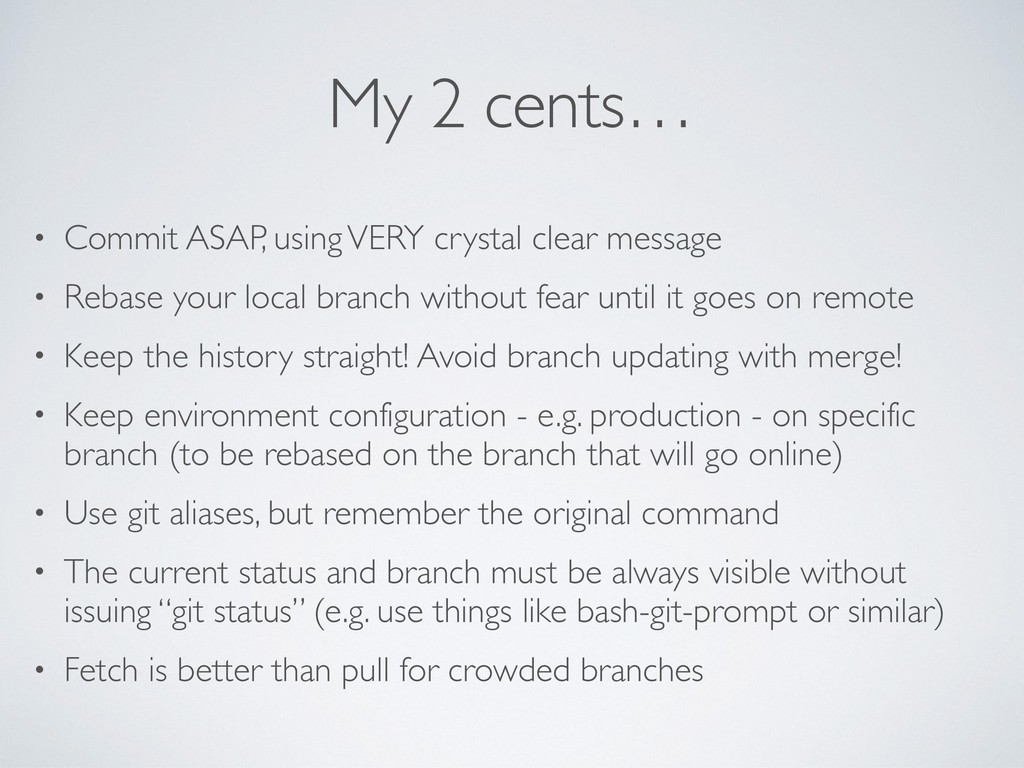
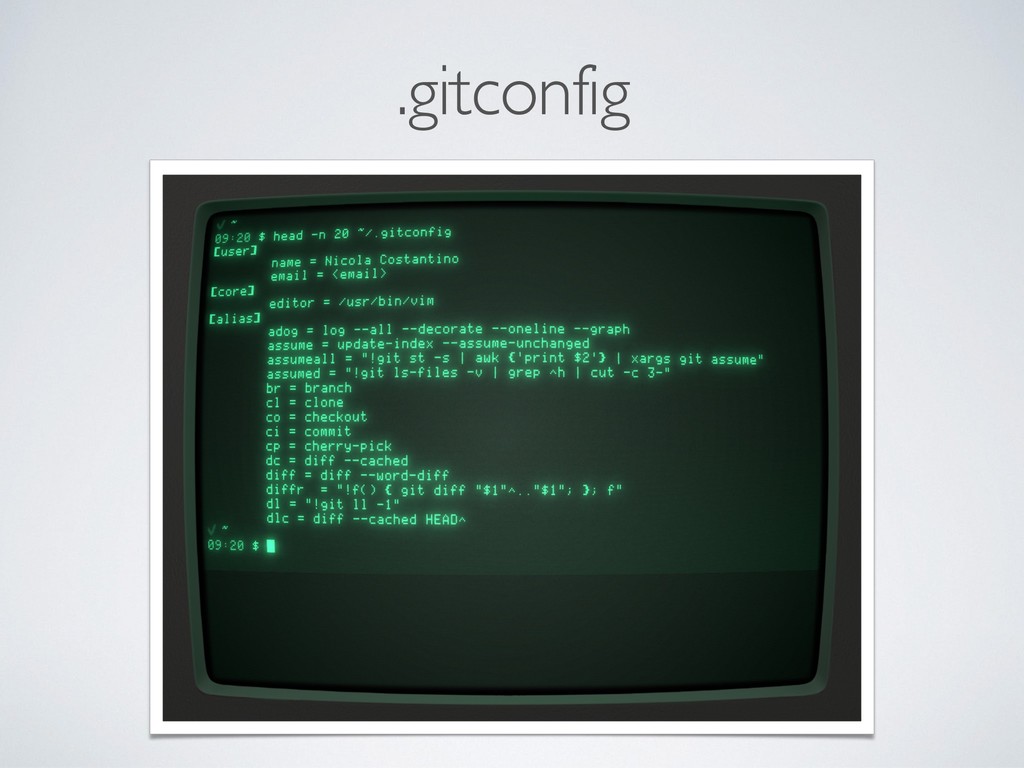
message • Rebase your local branch without fear until it goes on remote • Keep the history straight! Avoid branch updating with merge! • Keep environment configuration - e.g. production - on specific branch (to be rebased on the branch that will go online) • Use git aliases, but remember the original command • The current status and branch must be always visible without issuing “git status” (e.g. use things like bash-git-prompt or similar) • Fetch is better than pull for crowded branches
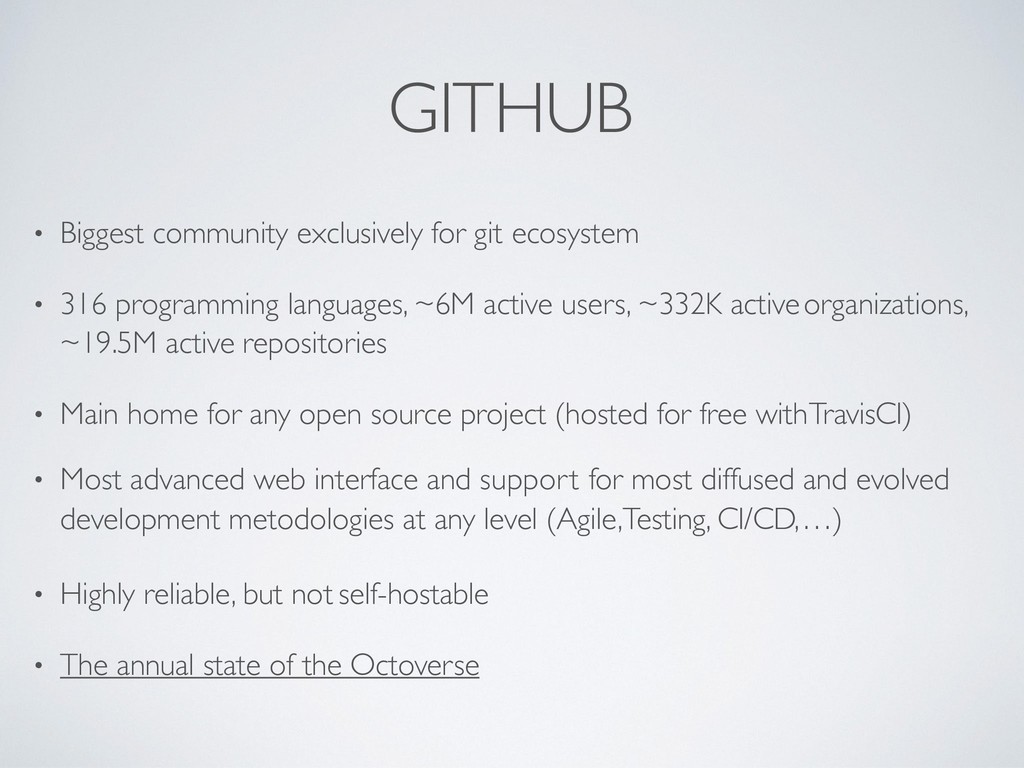
programming languages, ~6M active users, ~332K active organizations, ~19.5M active repositories • Main home for any open source project (hosted for free with TravisCI) • Most advanced web interface and support for most diffused and evolved development metodologies at any level (Agile,Testing, CI/CD, …) • Highly reliable, but not self-hostable • The annual state of the Octoverse
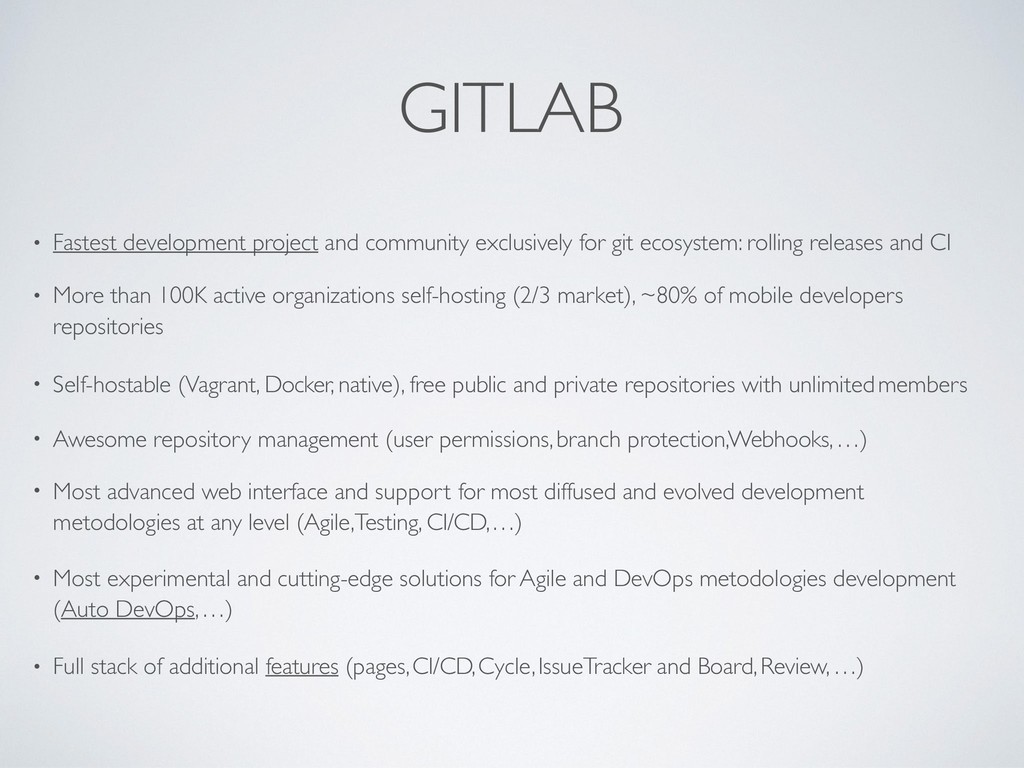
ecosystem: rolling releases and CI • More than 100K active organizations self-hosting (2/3 market), ~80% of mobile developers repositories • Self-hostable (Vagrant, Docker, native), free public and private repositories with unlimited members • Awesome repository management (user permissions, branch protection, Webhooks, …) • Most advanced web interface and support for most diffused and evolved development metodologies at any level (Agile,Testing, CI/CD, …) • Most experimental and cutting-edge solutions for Agile and DevOps metodologies development (Auto DevOps, …) • Full stack of additional features (pages, CI/CD, Cycle, Issue Tracker and Board, Review, …)
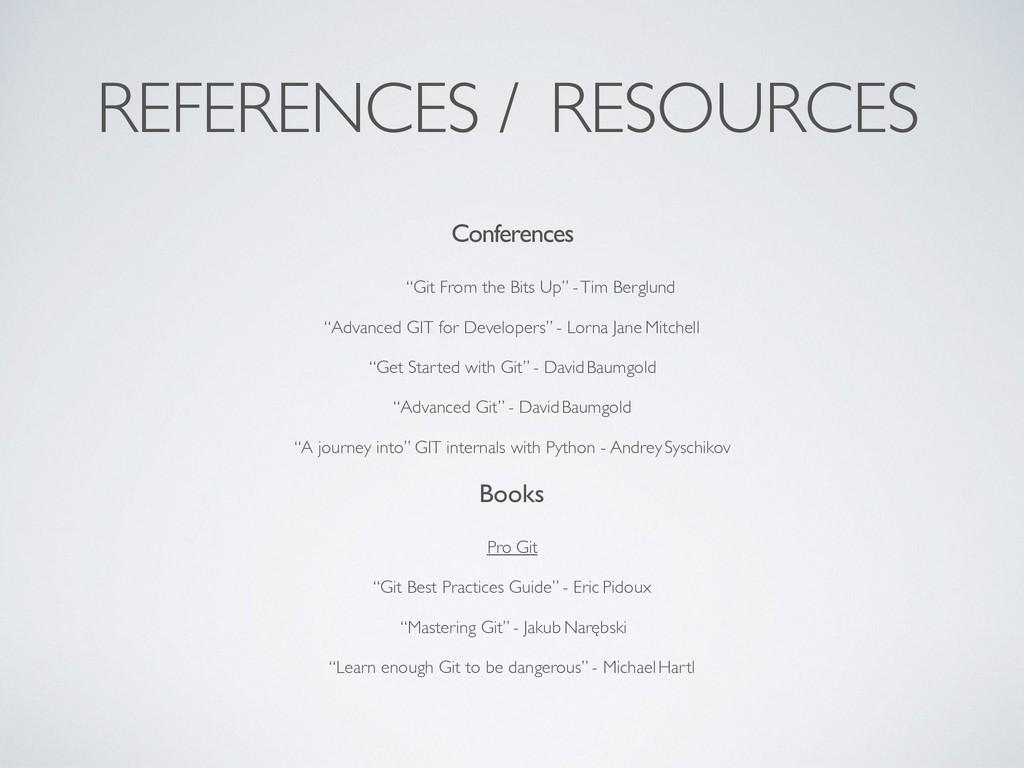
Tim Berglund “Advanced GIT for Developers” - Lorna Jane Mitchell “Get Started with Git” - David Baumgold “Advanced Git” - David Baumgold “A journey into” GIT internals with Python - Andrey Syschikov Books Pro Git “Git Best Practices Guide” - Eric Pidoux “Mastering Git” - Jakub Narębski “Learn enough Git to be dangerous” - Michael Hartl
where alternatively and explicitly specified) is property of the author, Nicola Costantino, and it’s released under the term of the “Creative Commons Attribution - NonCommercial - NoDerivatives 4.0 International License” • All third party media contents are property of their respective owners and are hereby only used for teaching purposes


 theroadtodarkness
 minodriven
 n_takehata
 lef237
 drumath2237
 nokomoro3
 utakaha
 optim
optim
 mofurune
 morizo_1984
 akihisaikeda
 gonta
gonta
 irinanazarova
 portentint
 addyosmani
 lynnandtonic
 427marketing
 ipullrank
 sachag
 greggifford
 ammeep
 sugarenia
 tmiket
 aleyda
 andyhume



![ST ASHING • Git stash [save] • Save the changes](https://files.speakerdeck.com/presentations/4b5eb57f24c04fe0933908e44f1ad0a3/slide_35.jpg)
![REFLOG • Reference logs :) • git reflog [options] •](https://files.speakerdeck.com/presentations/4b5eb57f24c04fe0933908e44f1ad0a3/slide_40.jpg)
![SUBMODULE COMMANDS • Git submodule add <repository> [path] • Add](https://files.speakerdeck.com/presentations/4b5eb57f24c04fe0933908e44f1ad0a3/slide_53.jpg)
![SUBTREE COMMANDS • Git subtree add --prefix=[path] <repository> <branch> --squash](https://files.speakerdeck.com/presentations/4b5eb57f24c04fe0933908e44f1ad0a3/slide_55.jpg)