Upgrade to Pro — share decks privately, control downloads, hide ads and more …

Dreamforce 2013 - Exposing Salesforce Rest Serv...

Dreamforce 2013 - Exposing Salesforce Rest Services Using Swagger

Dreamforce 2013 - Exposing Salesforce Rest Services Using Swagger.

Avatar for Thys Michels

Thys Michels

April 13, 2014

Other Decks in Programming

Transcript

  1. Exposing Salesforce REST Services using Swagger Visualizing your REST Services

    Thys Michels, Lending Club, Software Engineer @thysmichels
  2. Agenda §  Objective §  Introduction and defining REST endpoints § 

    Force.com REST APIs §  Demo REST API §  Spring MVC with Swagger Annotations §  Demo Spring MVC with Swagger §  Resources §  Q&A
  3. Objective •  Review the basics of REST •  Showcase a

    Force.com REST API implementation •  Compare different Force.com REST APIs •  Develop a Force.com RESTful Service using Swagger
  4. What is REST •  REpresentational State Transfer •  An architecture

    style for designing distributed systems •  Not a standard, rather a set of patterns: •  Client/Server, Stateless, Uniform interface, etc. •  Not tied to HTTP, but associated most commonly with it.
  5. HTTP’s Uniform Interface •  URI’s identify resources •  HTTP verbs

    describe a limited set of operations that can be used to manipulate a resource •  GET •  DELETE •  PUT •  POST •  Headers help describe the messages
  6. Defining a REST Endpoint What does this endpoint mean to

    a developer, tester or any consumer: /account What does the endpoint tell us?
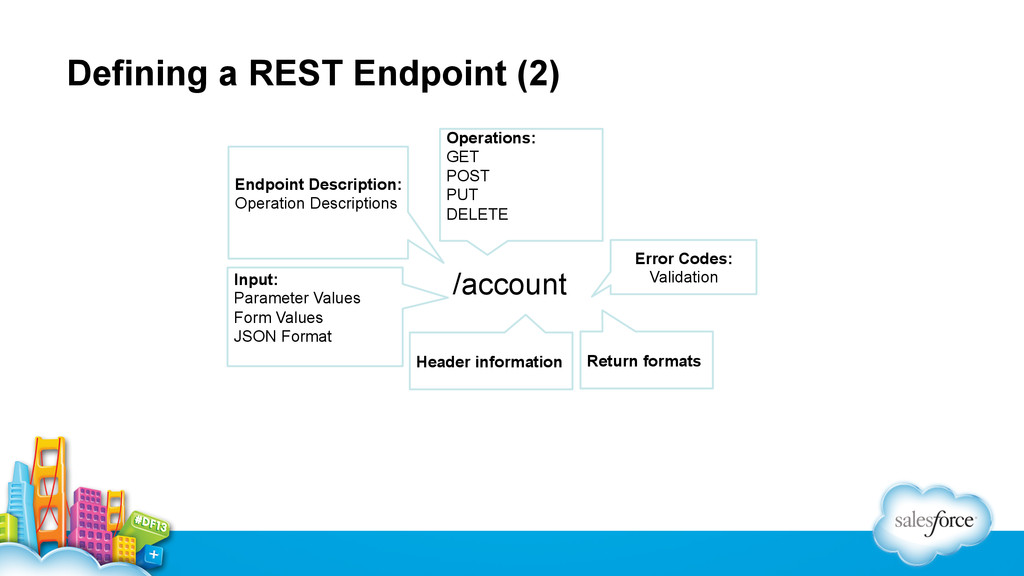
  7. Defining a REST Endpoint (2) /account Operations: GET POST PUT

    DELETE Input: Parameter Values Form Values JSON Format Header information Endpoint Description: Operation Descriptions Return formats Error Codes: Validation
  8. Salesforce REST APIs •  https://github.com/jesperfj/force-rest-api •  Developer: Jesper Joergensen (Product

    Management @ Heroku) •  Lightweight library for building Force.com apps with OAuth authentication and data access through the Force.com REST API. •  https://github.com/ryanbrainard/force-rest-api •  Developer: Ryan Brainard •  Forked version of Jasper Joergensen project •  Caching enhancements •  Available in Maven Central
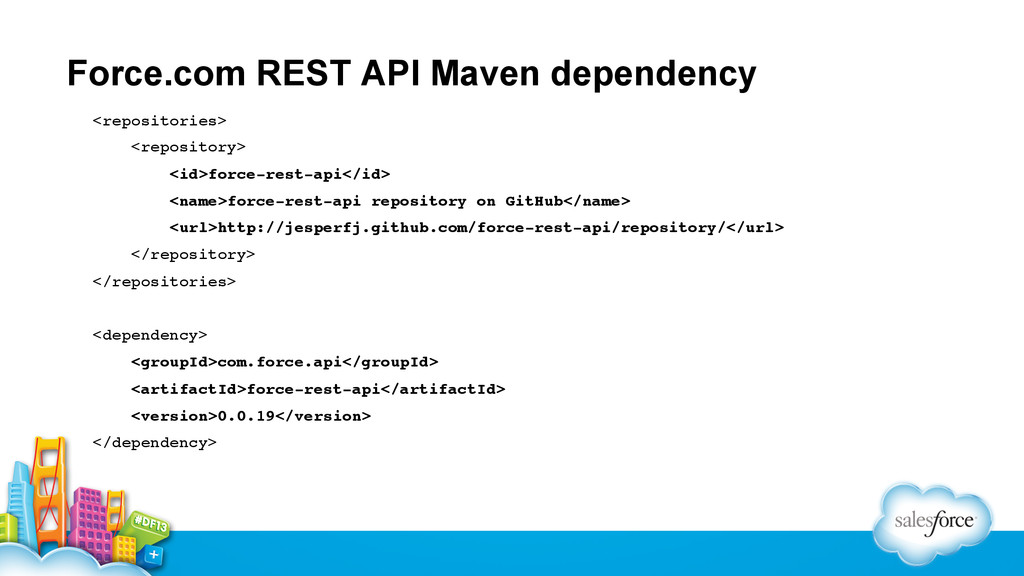
  9. Force.com REST API Maven dependency <repositories>! <repository>! <id>force-rest-api</id>! <name>force-rest-api repository

    on GitHub</name>! <url>http://jesperfj.github.com/force-rest-api/repository/</url> ! </repository>! </repositories>! ! <dependency>! <groupId>com.force.api</groupId>! <artifactId>force-rest-api</artifactId>! <version>0.0.19</version>! </dependency>!
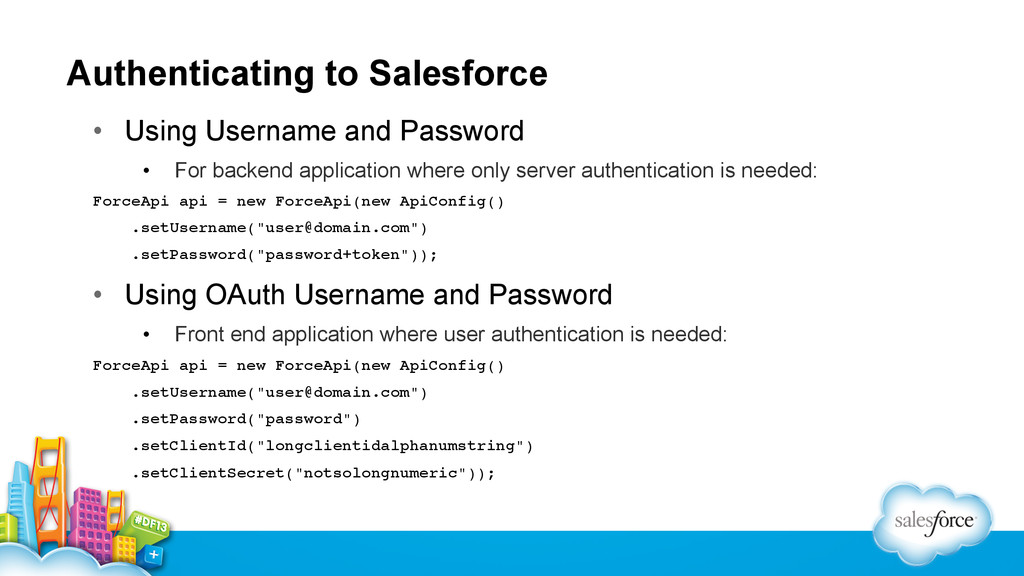
  10. Authenticating to Salesforce •  Using Username and Password •  For

    backend application where only server authentication is needed: ForceApi api = new ForceApi(new ApiConfig()! .setUsername("[email protected]")! .setPassword("password+token"));! •  Using OAuth Username and Password •  Front end application where user authentication is needed: ForceApi api = new ForceApi(new ApiConfig()! .setUsername("[email protected]")! .setPassword("password")! .setClientId("longclientidalphanumstring")! .setClientSecret("notsolongnumeric"));!
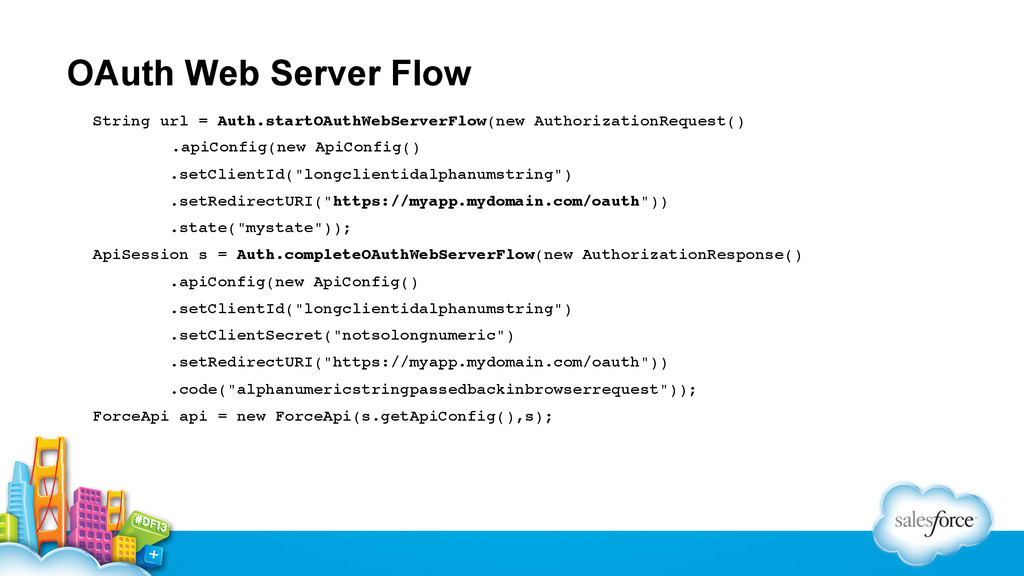
  11. OAuth Web Server Flow String url = Auth.startOAuthWebServerFlow(new AuthorizationRequest()! !

    .apiConfig(new ApiConfig()! .setClientId("longclientidalphanumstring")! .setRedirectURI("https://myapp.mydomain.com/oauth"))! .state("mystate"));! ApiSession s = Auth.completeOAuthWebServerFlow(new AuthorizationResponse()! .apiConfig(new ApiConfig()! .setClientId("longclientidalphanumstring")! .setClientSecret("notsolongnumeric")! .setRedirectURI("https://myapp.mydomain.com/oauth"))! .code("alphanumericstringpassedbackinbrowserrequest"));! ForceApi api = new ForceApi(s.getApiConfig(),s);!
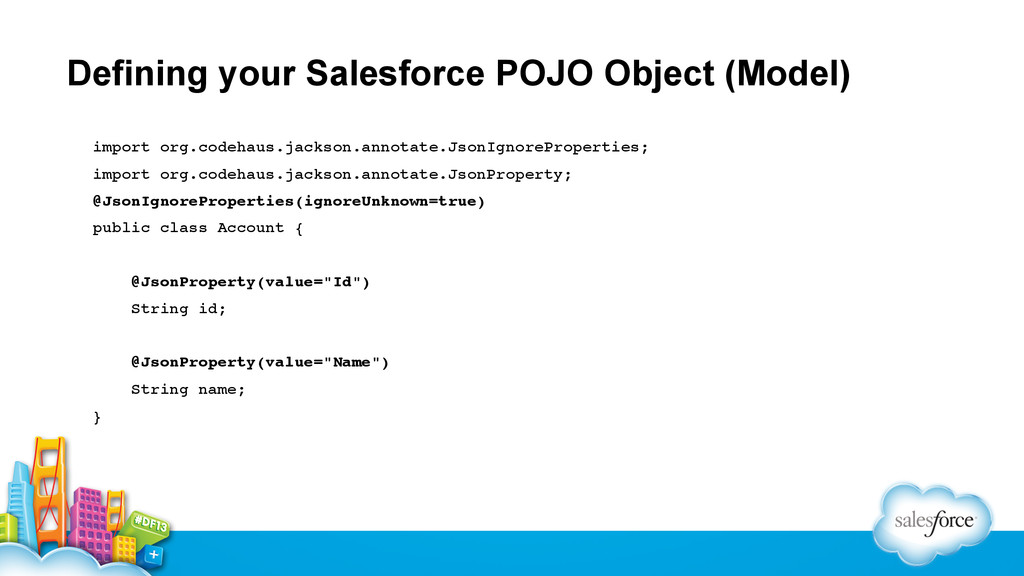
  12. Defining your Salesforce POJO Object (Model) import org.codehaus.jackson.annotate.JsonIgnoreProperties;! import org.codehaus.jackson.annotate.JsonProperty;!

    @JsonIgnoreProperties(ignoreUnknown=true)! public class Account {! ! @JsonProperty(value="Id")! String id;! ! @JsonProperty(value="Name")! String name;! }!
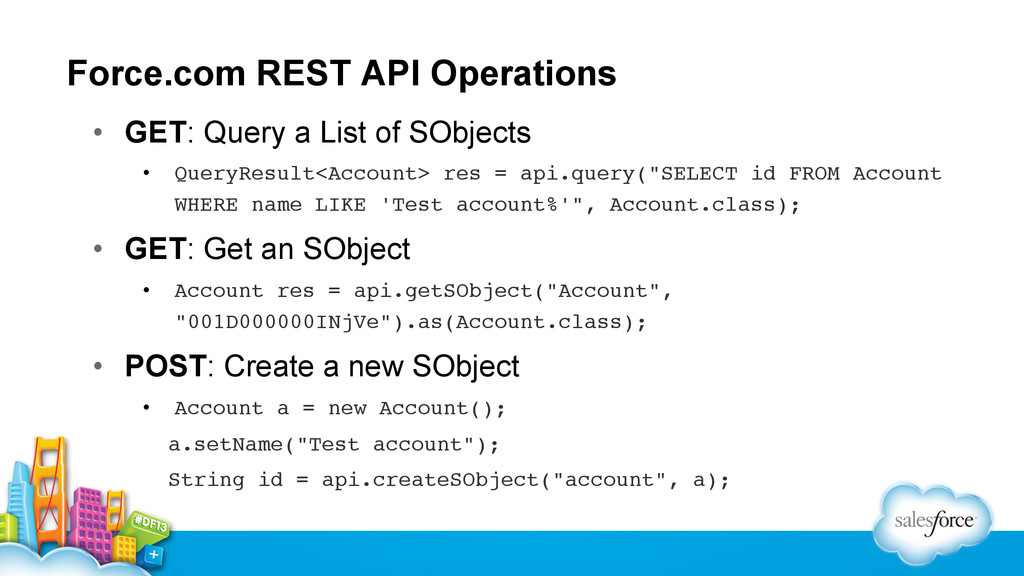
  13. Force.com REST API Operations •  GET: Query a List of

    SObjects •  QueryResult<Account> res = api.query("SELECT id FROM Account WHERE name LIKE 'Test account%'", Account.class);! •  GET: Get an SObject •  Account res = api.getSObject("Account", "001D000000INjVe").as(Account.class);! •  POST: Create a new SObject •  Account a = new Account();! a.setName("Test account");! String id = api.createSObject("account", a);!
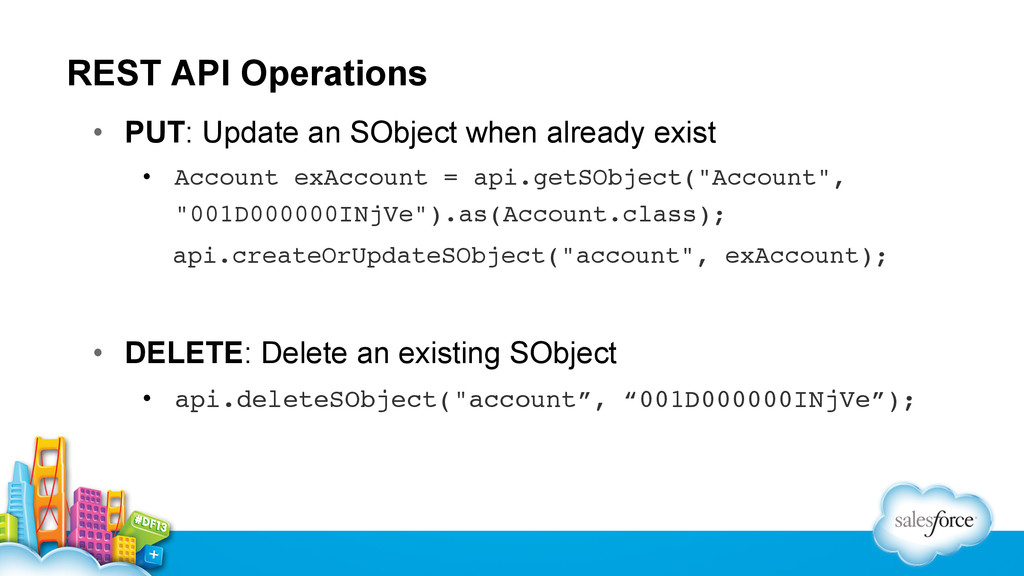
  14. REST API Operations •  PUT: Update an SObject when already

    exist •  Account exAccount = api.getSObject("Account", "001D000000INjVe").as(Account.class);! api.createOrUpdateSObject("account", exAccount); •  DELETE: Delete an existing SObject •  api.deleteSObject("account”, “001D000000INjVe”);!
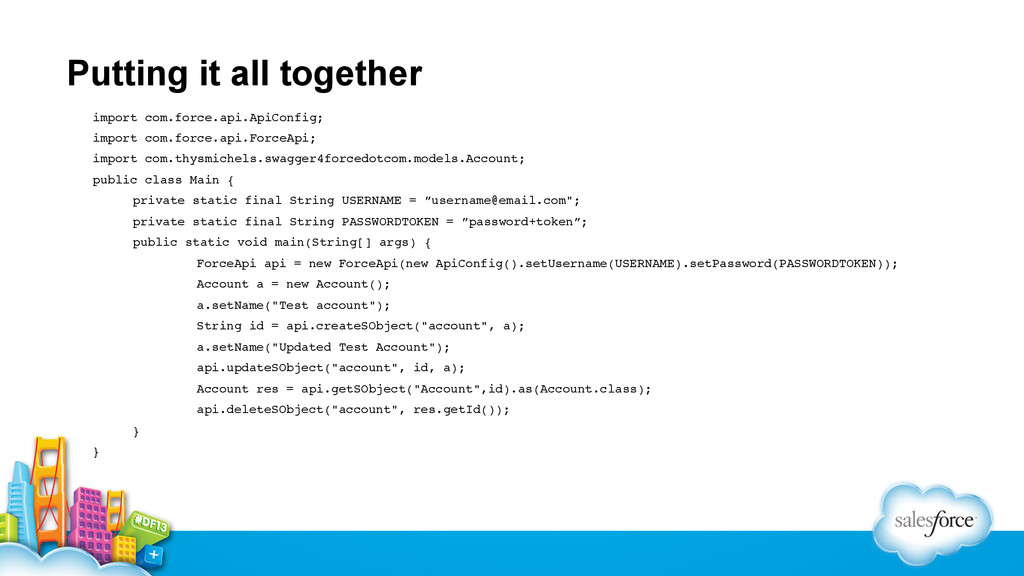
  15. Putting it all together import com.force.api.ApiConfig;! import com.force.api.ForceApi;! import com.thysmichels.swagger4forcedotcom.models.Account;!

    public class Main {! !private static final String USERNAME = ”[email protected]";! !private static final String PASSWORDTOKEN = ”password+token”;! !public static void main(String[] args) {! ! !ForceApi api = new ForceApi(new ApiConfig().setUsername(USERNAME).setPassword(PASSWORDTOKEN));! ! !Account a = new Account();! ! !a.setName("Test account");! ! !String id = api.createSObject("account", a);! ! !a.setName("Updated Test Account");! ! !api.updateSObject("account", id, a);! ! !Account res = api.getSObject("Account",id).as(Account.class);! ! !api.deleteSObject("account", res.getId());! !}! }!
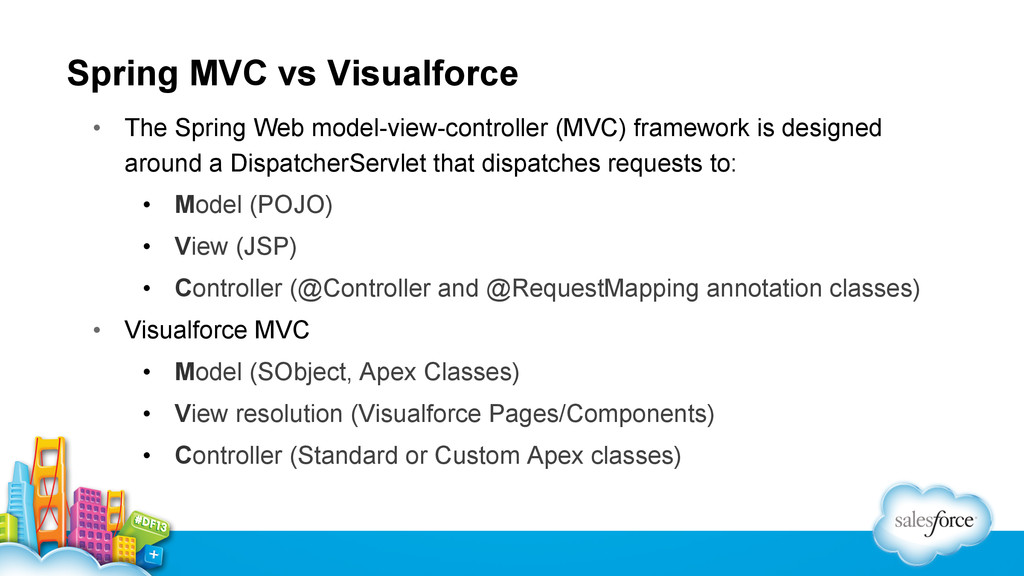
  16. Spring MVC vs Visualforce •  The Spring Web model-view-controller (MVC)

    framework is designed around a DispatcherServlet that dispatches requests to: •  Model (POJO) •  View (JSP) •  Controller (@Controller and @RequestMapping annotation classes) •  Visualforce MVC •  Model (SObject, Apex Classes) •  View resolution (Visualforce Pages/Components) •  Controller (Standard or Custom Apex classes)
  17. Spring MVC OAuth Login Service •  XML AnnotationConfiguration for setting

    up Salesforce OAuth: <fss:oauth> <fss:oauthInfo endpoint="http://login.salesforce.com" oauth-key="#{systemEnvironment['OAUTH_CLIENT_KEY']}" oauth-secret="#{systemEnvironment['OAUTH_CLIENT_SECRET']}"/> </fss:oauth> •  Windows: •  Set OAUTH_CLIENT_KEY=3MVM3_GuVCQ3gmEE5al72RmBfiAWhBX5O2wYc9zTZ8 •  Set OAUTH_CLIENT_SECRET=1319558946720906100 •  Unix/Linux •  Export OAUTH_CLIENT_KEY=3MVM3_GuVCQ3gmEE5al72RmBfiAWhBX5O2wYc9zTZ8 •  Export OAUTH_CLIENT_SECRET=1319558946720906100
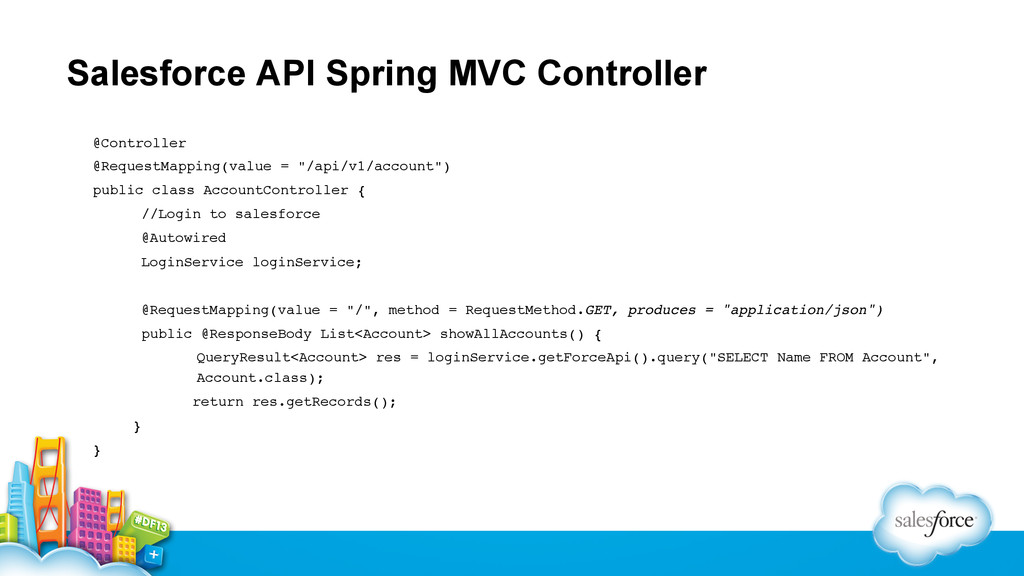
  18. Salesforce API Spring MVC Controller @Controller! @RequestMapping(value = "/api/v1/account")! public

    class AccountController {! ! //Login to salesforce! ! @Autowired! ! LoginService loginService;! !! ! @RequestMapping(value = "/", method = RequestMethod.GET, produces = "application/json")! ! public @ResponseBody List<Account> showAllAccounts() {! ! !QueryResult<Account> res = loginService.getForceApi().query("SELECT Name FROM Account", ! !Account.class);! ! return res.getRecords();! !}! }!
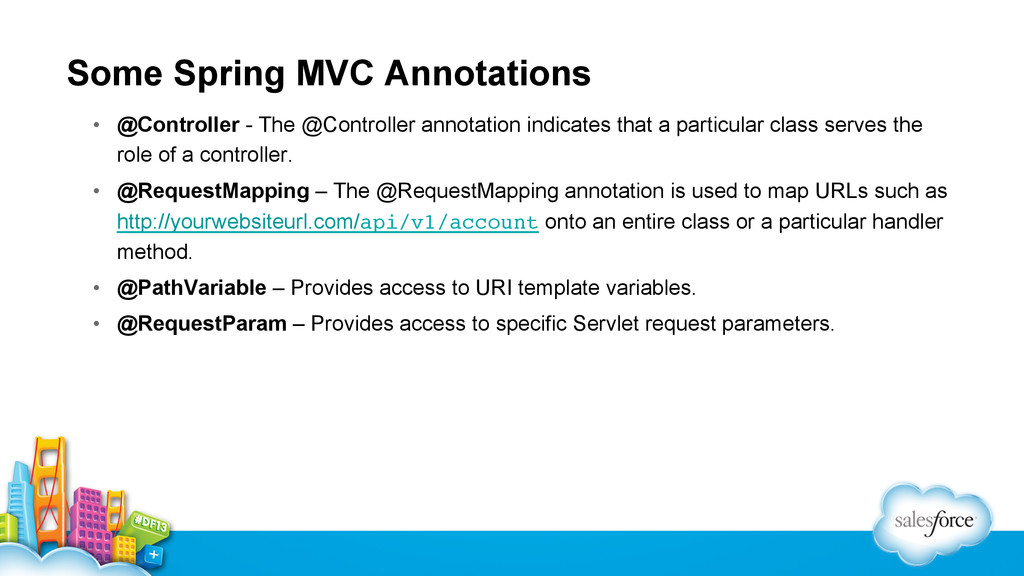
  19. Some Spring MVC Annotations •  @Controller - The @Controller annotation

    indicates that a particular class serves the role of a controller. •  @RequestMapping – The @RequestMapping annotation is used to map URLs such as http://yourwebsiteurl.com/api/v1/account onto an entire class or a particular handler method. •  @PathVariable – Provides access to URI template variables. •  @RequestParam – Provides access to specific Servlet request parameters.
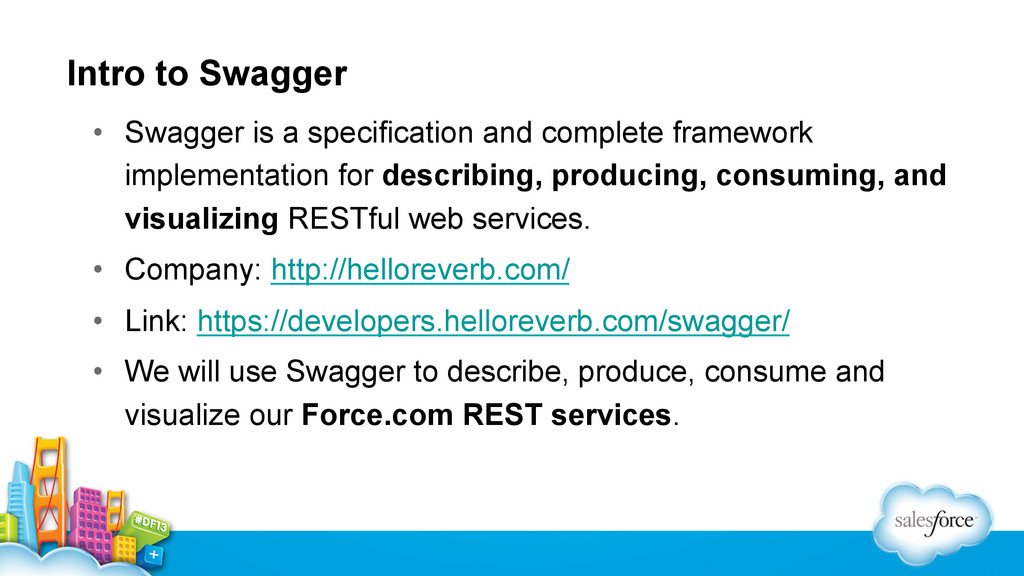
  20. Intro to Swagger •  Swagger is a specification and complete

    framework implementation for describing, producing, consuming, and visualizing RESTful web services. •  Company: http://helloreverb.com/ •  Link: https://developers.helloreverb.com/swagger/ •  We will use Swagger to describe, produce, consume and visualize our Force.com REST services.
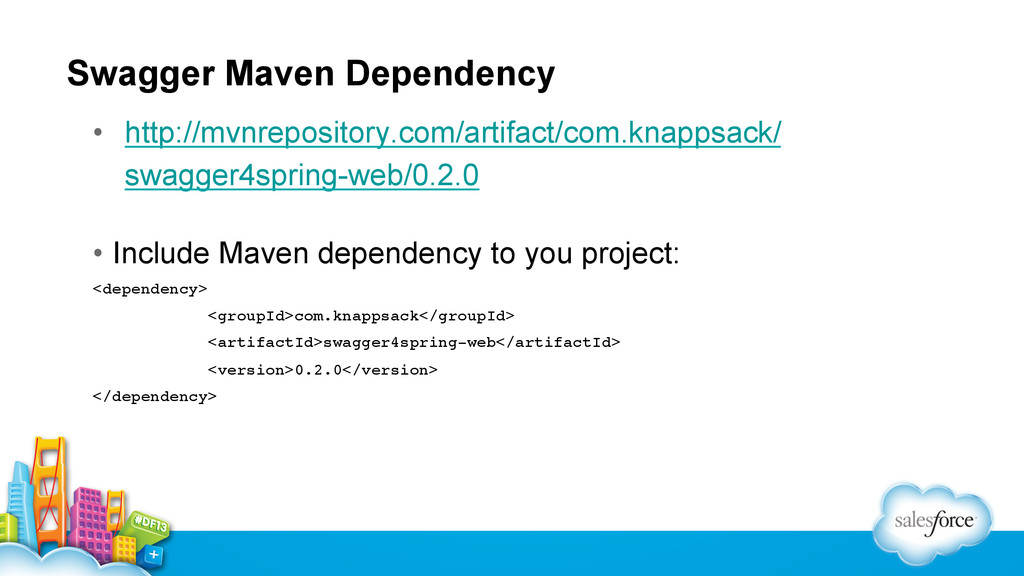
  21. Swagger Maven Dependency •  http://mvnrepository.com/artifact/com.knappsack/ swagger4spring-web/0.2.0 •  Include Maven dependency

    to you project: <dependency>! <groupId>com.knappsack</groupId>! <artifactId>swagger4spring-web</artifactId>! <version>0.2.0</version>! </dependency>!
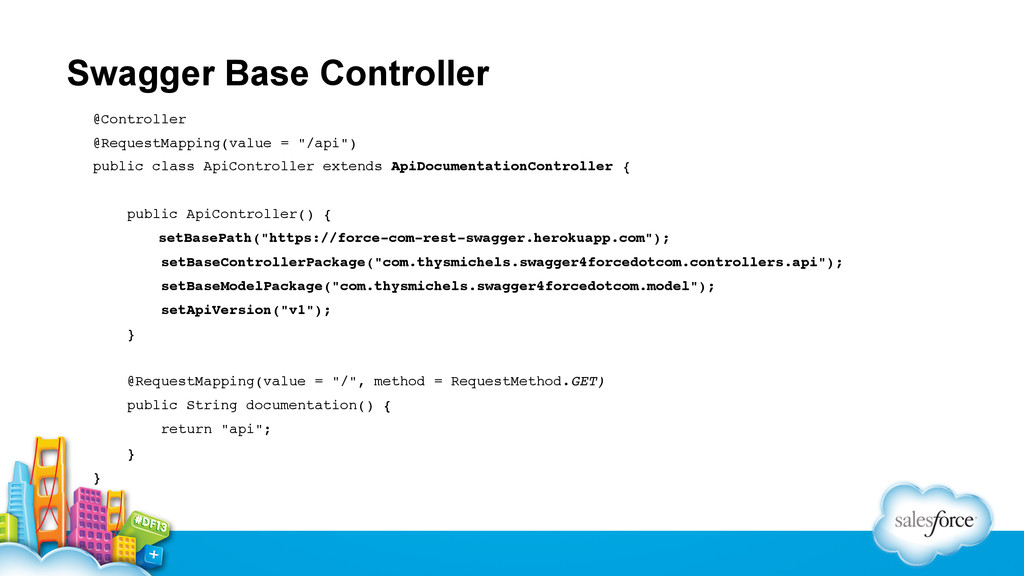
  22. Swagger Base Controller @Controller! @RequestMapping(value = "/api")! public class ApiController

    extends ApiDocumentationController {! ! public ApiController() {! ! setBasePath("https://force-com-rest-swagger.herokuapp.com");! setBaseControllerPackage("com.thysmichels.swagger4forcedotcom.controllers.api");! setBaseModelPackage("com.thysmichels.swagger4forcedotcom.model");! setApiVersion("v1");! }! ! @RequestMapping(value = "/", method = RequestMethod.GET)! public String documentation() {! return "api";! }! }!
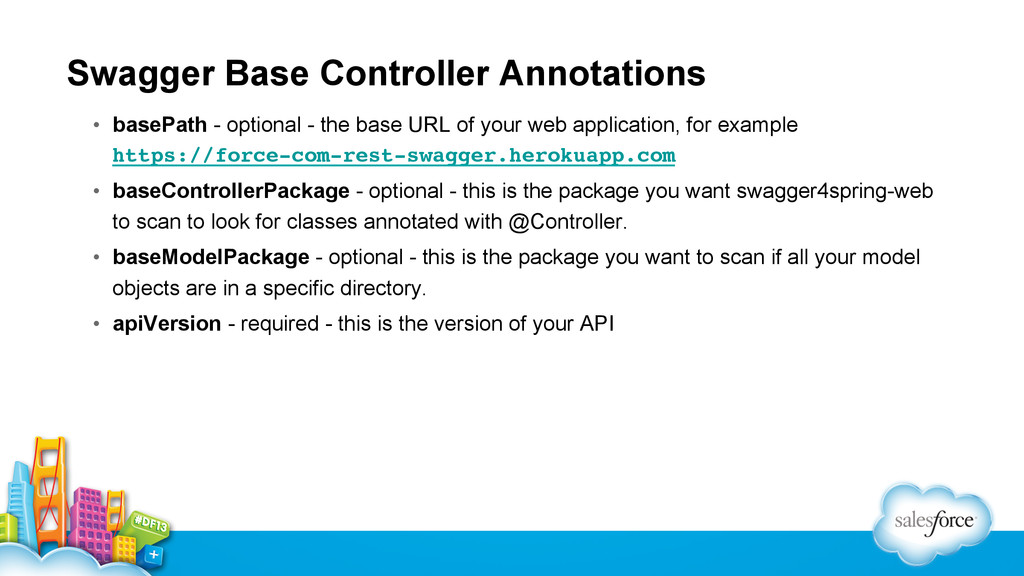
  23. Swagger Base Controller Annotations •  basePath - optional - the

    base URL of your web application, for example https://force-com-rest-swagger.herokuapp.com! •  baseControllerPackage - optional - this is the package you want swagger4spring-web to scan to look for classes annotated with @Controller. •  baseModelPackage - optional - this is the package you want to scan if all your model objects are in a specific directory. •  apiVersion - required - this is the version of your API
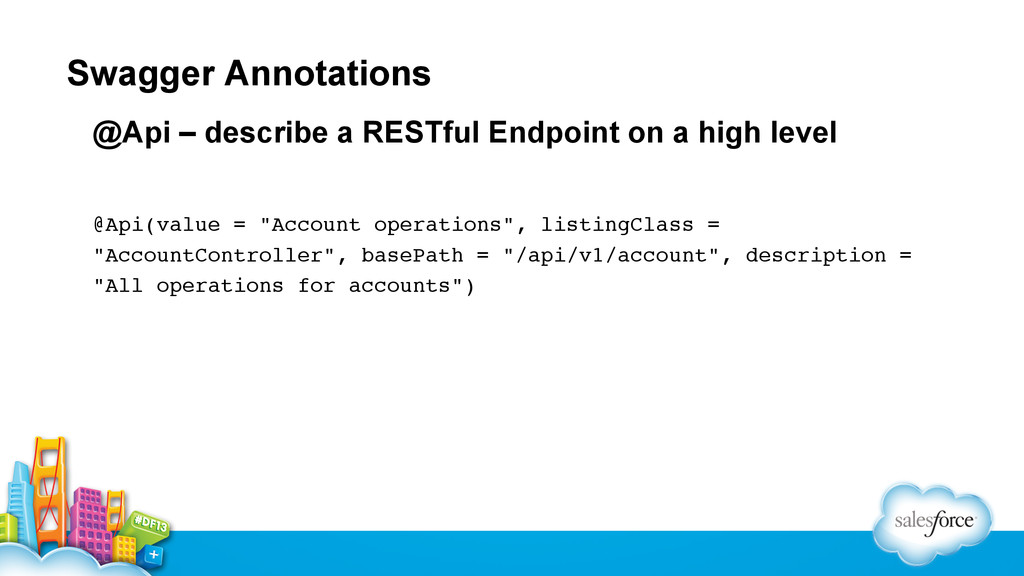
  24. Swagger Annotations @Api – describe a RESTful Endpoint on a

    high level @Api(value = "Account operations", listingClass = "AccountController", basePath = "/api/v1/account", description = "All operations for accounts")!
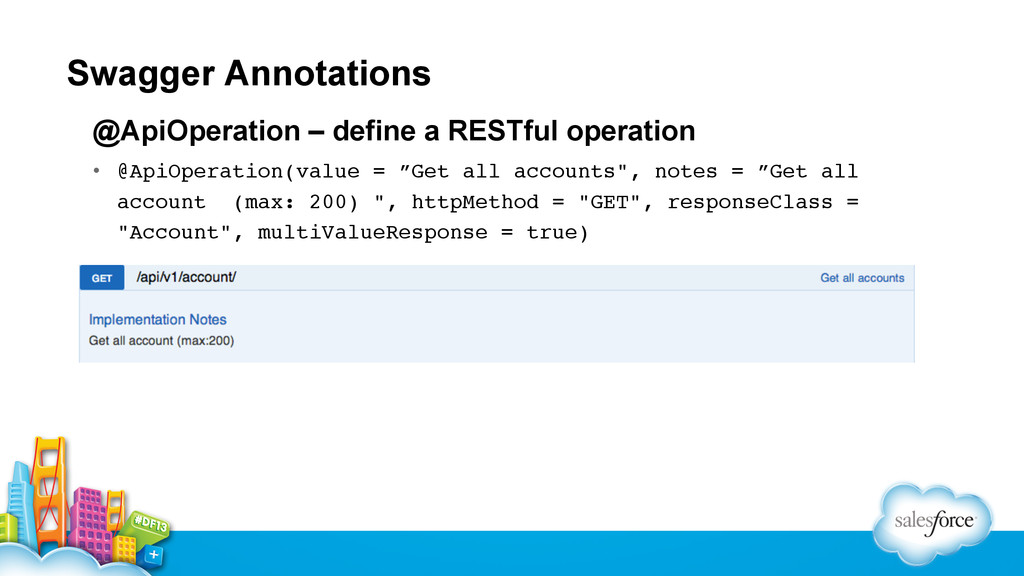
  25. Swagger Annotations @ApiOperation – define a RESTful operation •  @ApiOperation(value

    = ”Get all accounts", notes = ”Get all account (max: 200) ", httpMethod = "GET", responseClass = "Account", multiValueResponse = true)!
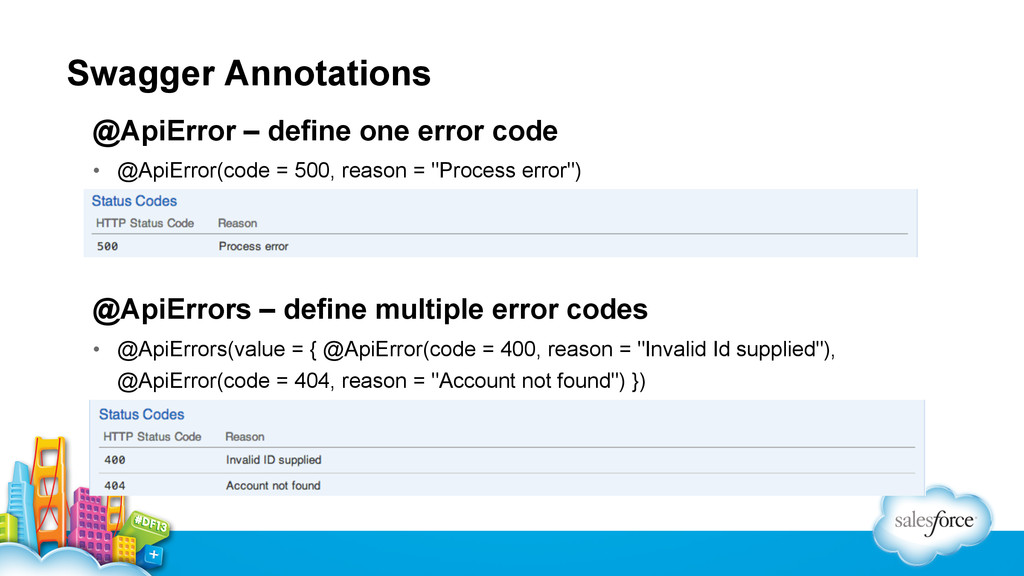
  26. Swagger Annotations @ApiError – define one error code •  @ApiError(code

    = 500, reason = "Process error") @ApiErrors – define multiple error codes •  @ApiErrors(value = { @ApiError(code = 400, reason = "Invalid Id supplied"), @ApiError(code = 404, reason = "Account not found") })
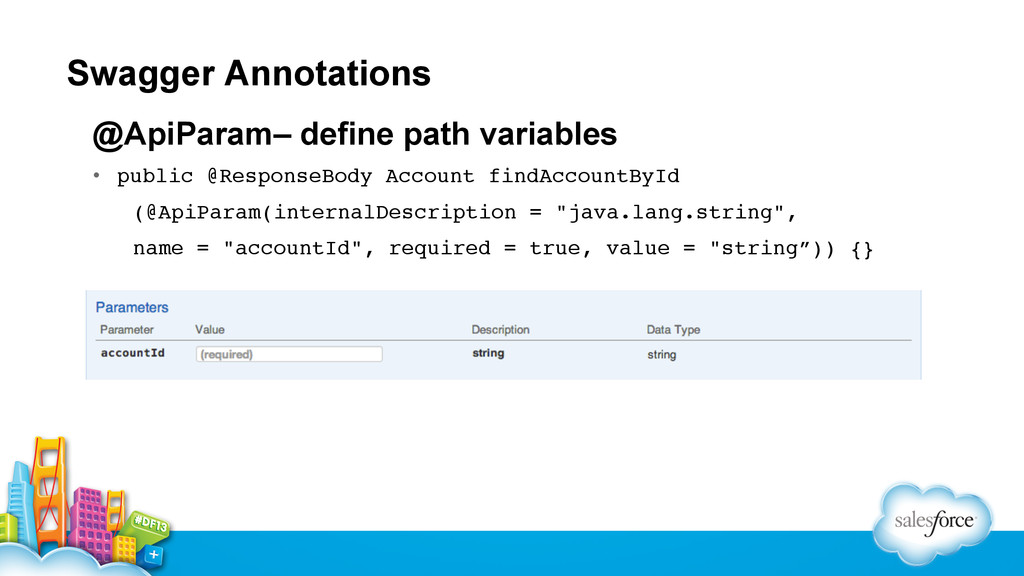
  27. Swagger Annotations @ApiParam– define path variables •  public @ResponseBody Account

    findAccountById! !(@ApiParam(internalDescription = "java.lang.string", ! !name = "accountId", required = true, value = "string”)) {}!
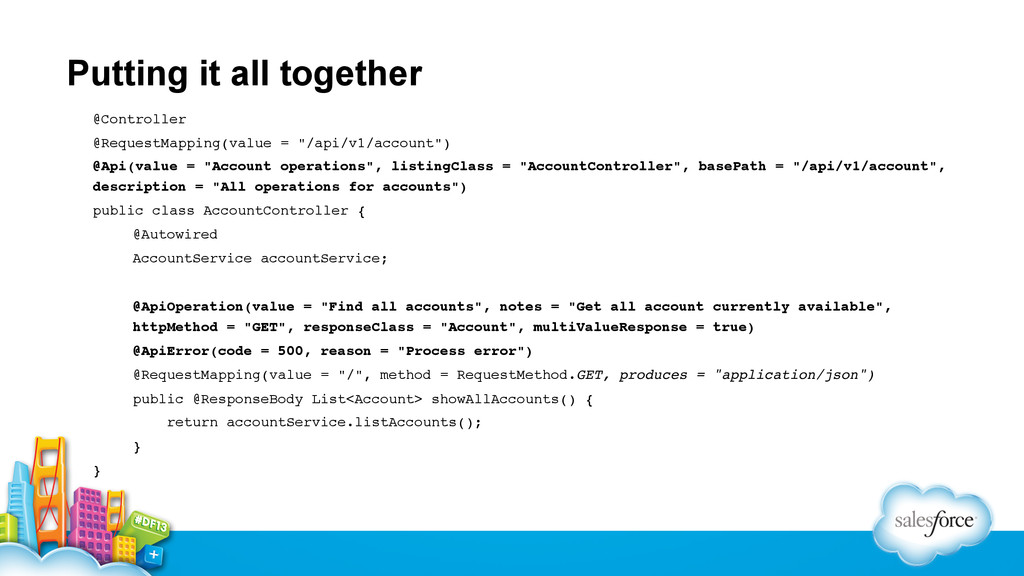
  28. Putting it all together @Controller! @RequestMapping(value = "/api/v1/account")! @Api(value =

    "Account operations", listingClass = "AccountController", basePath = "/api/v1/account", description = "All operations for accounts")! public class AccountController {! !@Autowired! !AccountService accountService;! !! !@ApiOperation(value = "Find all accounts", notes = "Get all account currently available", !httpMethod = "GET", responseClass = "Account", multiValueResponse = true)! !@ApiError(code = 500, reason = "Process error")! !@RequestMapping(value = "/", method = RequestMethod.GET, produces = "application/json")! !public @ResponseBody List<Account> showAllAccounts() {! ! return accountService.listAccounts();! !}! }!
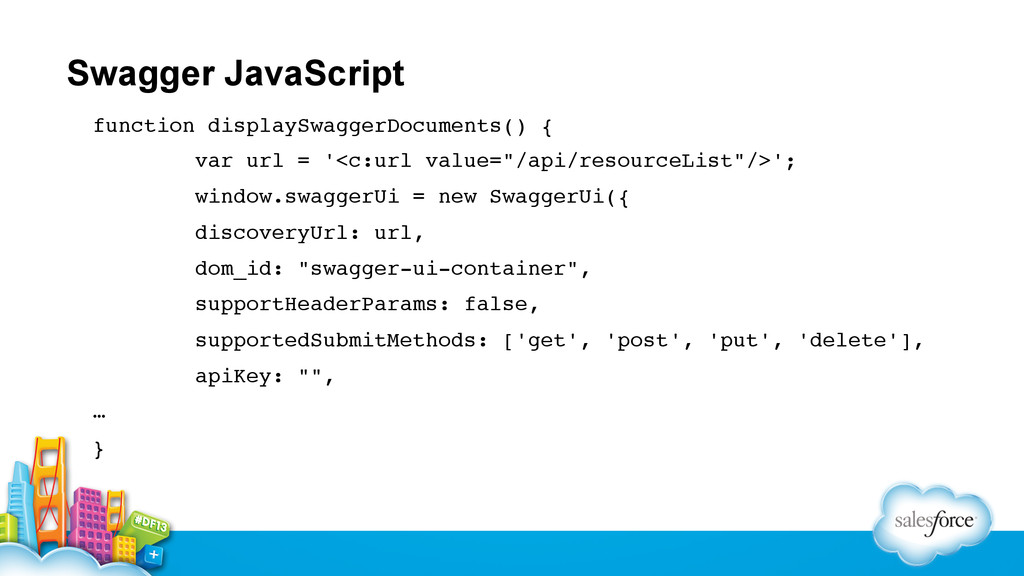
  29. Swagger JavaScript function displaySwaggerDocuments() {! var url = '<c:url value="/api/resourceList"/>';!

    window.swaggerUi = new SwaggerUi({! discoveryUrl: url,! dom_id: "swagger-ui-container",! supportHeaderParams: false,! supportedSubmitMethods: ['get', 'post', 'put', 'delete'],! apiKey: "",! …! }! !
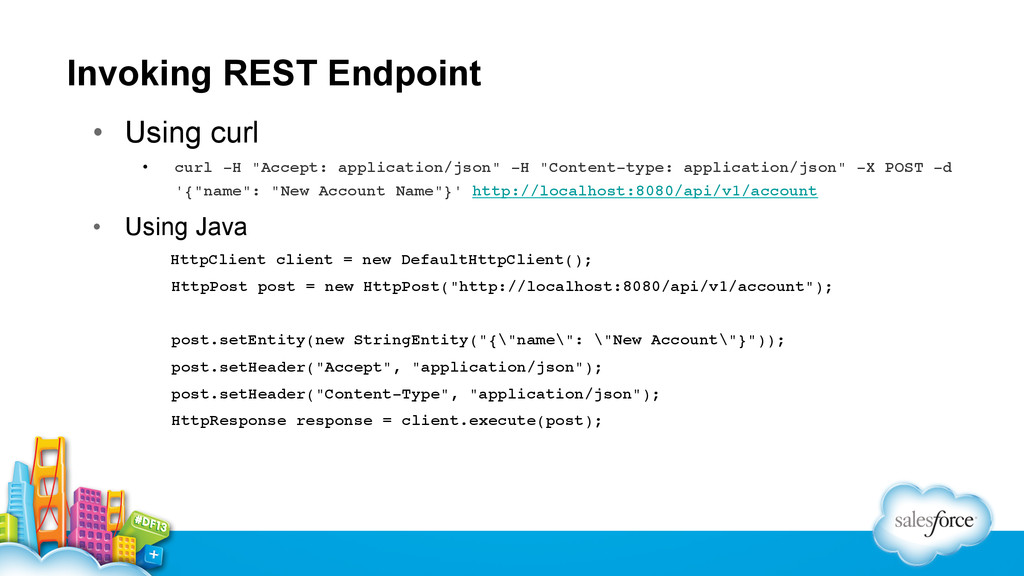
  30. Invoking REST Endpoint •  Using curl •  curl -H "Accept:

    application/json" -H "Content-type: application/json" -X POST -d '{"name": "New Account Name"}' http://localhost:8080/api/v1/account! •  Using Java HttpClient client = new DefaultHttpClient();! ! HttpPost post = new HttpPost("http://localhost:8080/api/v1/account");! !! ! post.setEntity(new StringEntity("{\"name\": \"New Account\"}"));! ! post.setHeader("Accept", "application/json");! ! post.setHeader("Content-Type", "application/json");! ! HttpResponse response = client.execute(post);!
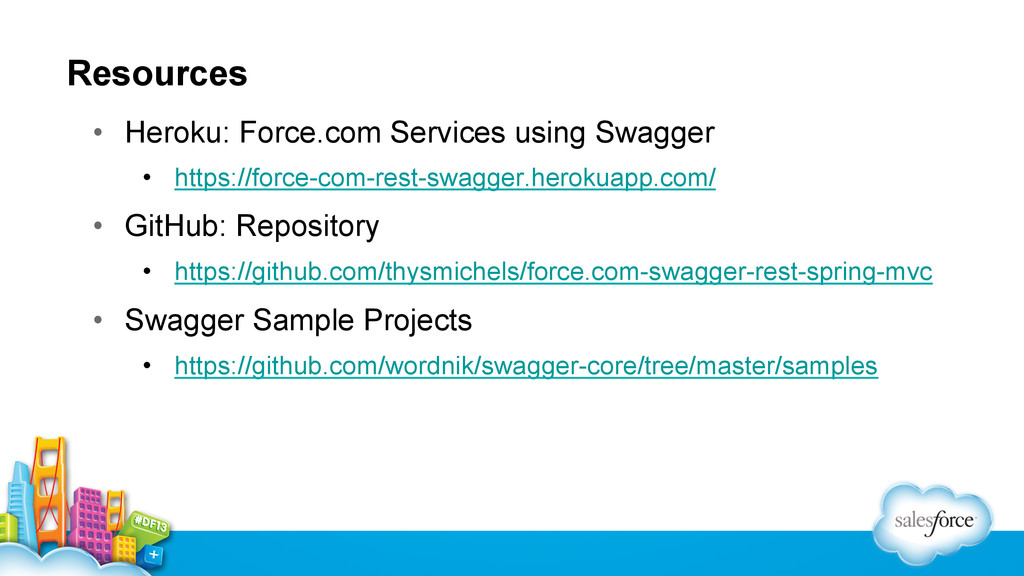
  31. Resources •  Heroku: Force.com Services using Swagger •  https://force-com-rest-swagger.herokuapp.com/ • 

    GitHub: Repository •  https://github.com/thysmichels/force.com-swagger-rest-spring-mvc •  Swagger Sample Projects •  https://github.com/wordnik/swagger-core/tree/master/samples