Upgrade to Pro — share decks privately, control downloads, hide ads and more …

Implementing OAuth2

Implementing OAuth2

Avatar for tmoitie

tmoitie

May 16, 2019

More Decks by tmoitie

Other Decks in Technology

Transcript

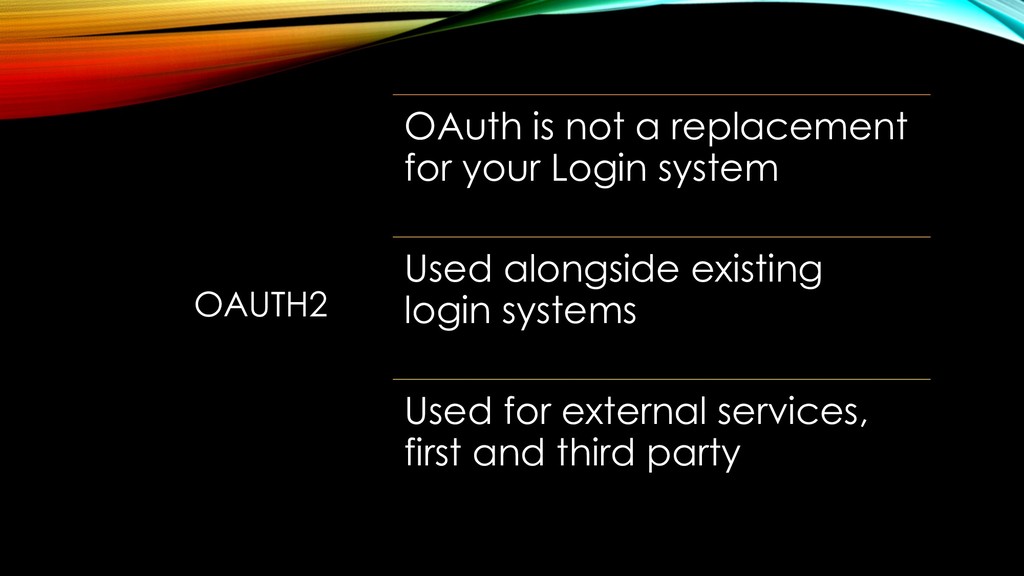
  1. OAUTH2 OAuth is not a replacement for your Login system

    Used alongside existing login systems Used for external services, first and third party
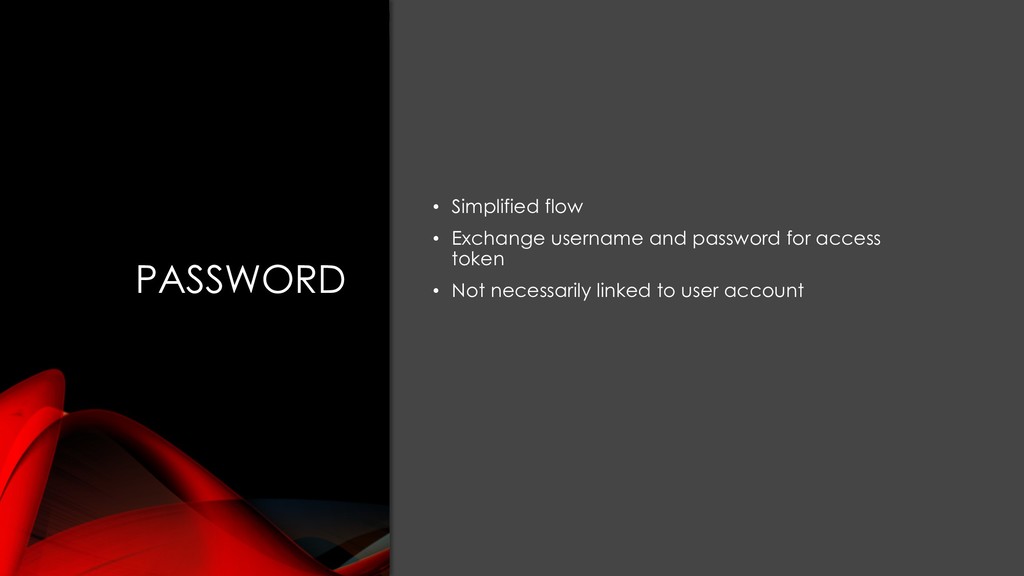
  2. PASSWORD • Simplified flow • Exchange username and password for

    access token • Not necessarily linked to user account
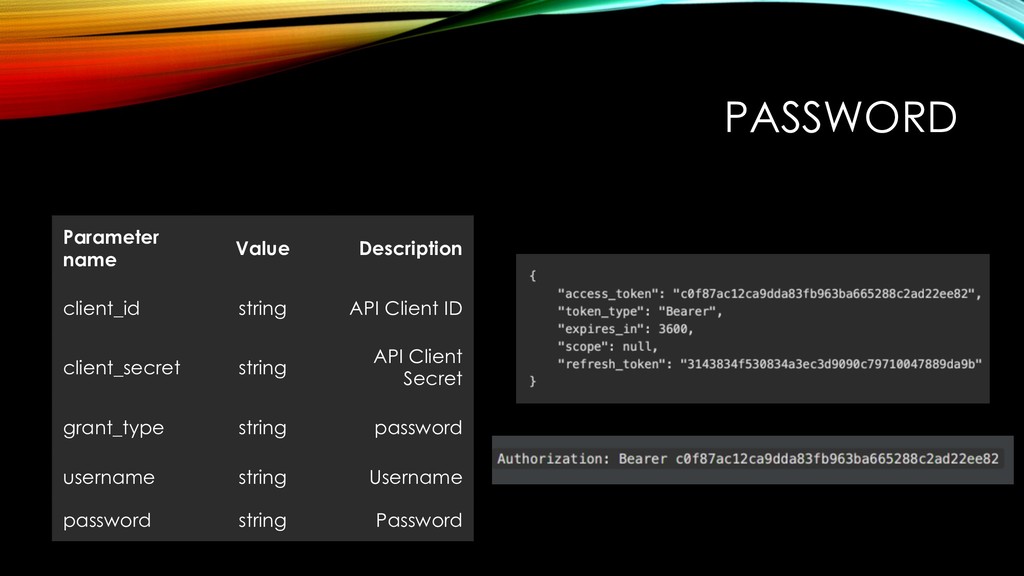
  3. PASSWORD Parameter name Value Description client_id string API Client ID

    client_secret string API Client Secret grant_type string password username string Username password string Password
  4. CLIENT CREDENTIALS • Third party – Server to server •

    Exchange a client_id and client_secret for an access token • Typically not linked to user account
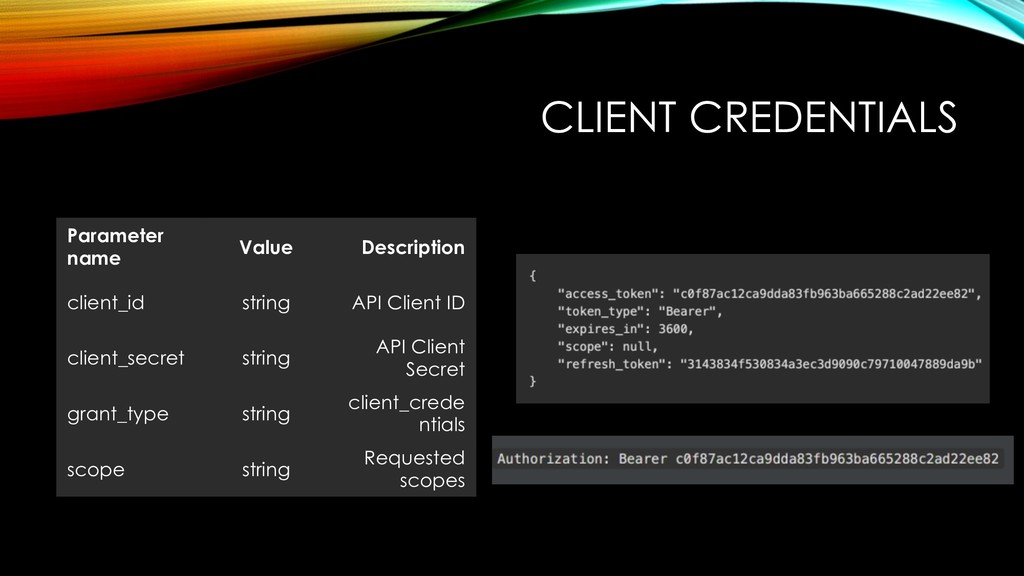
  5. CLIENT CREDENTIALS Parameter name Value Description client_id string API Client

    ID client_secret string API Client Secret grant_type string client_crede ntials scope string Requested scopes
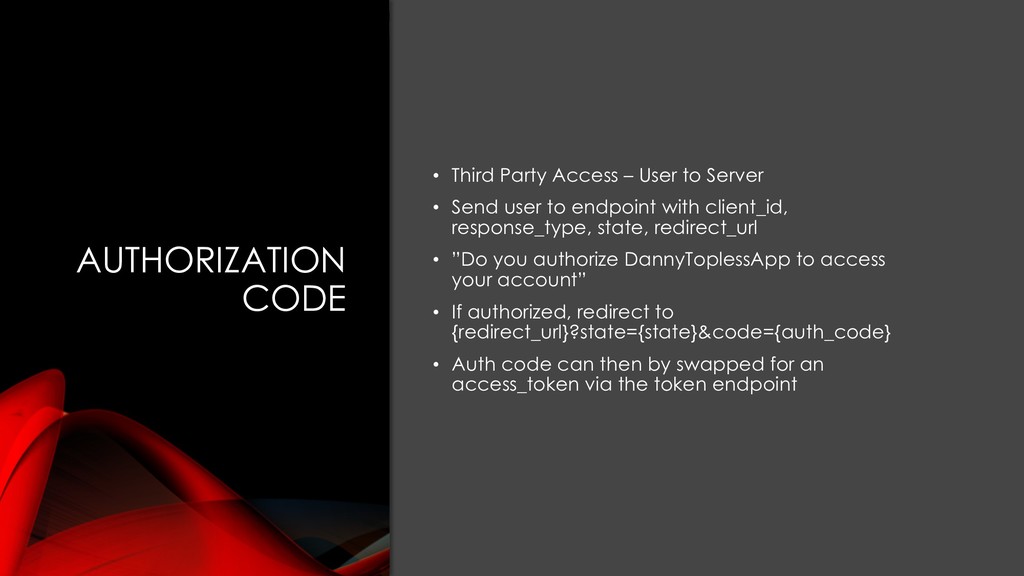
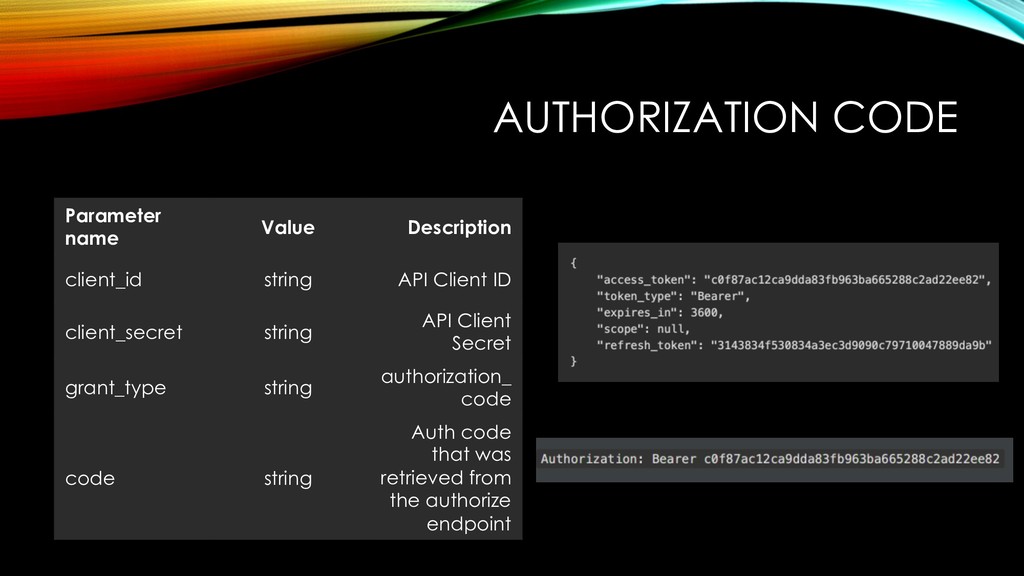
  6. AUTHORIZATION CODE • Third Party Access – User to Server

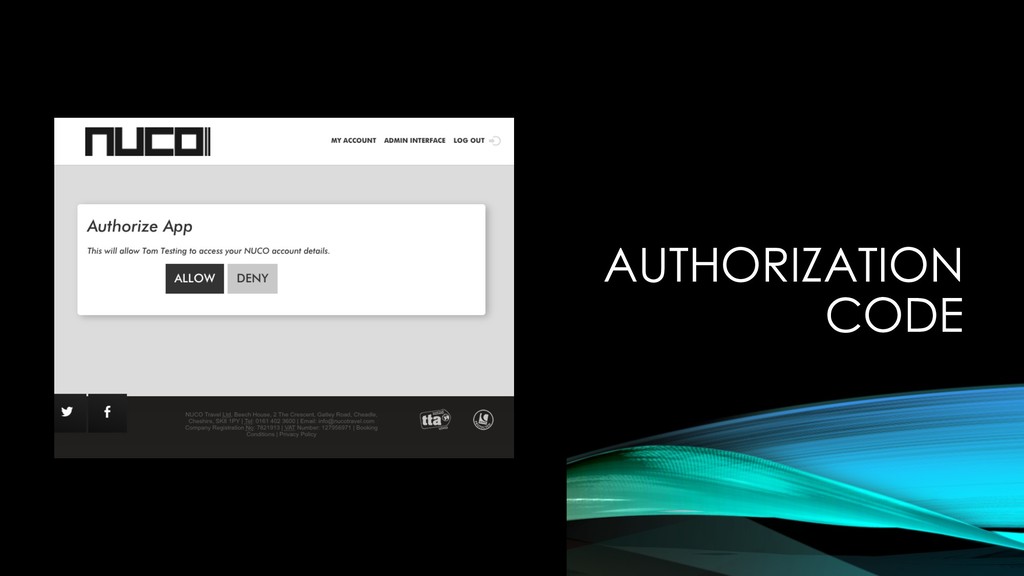
    • Send user to endpoint with client_id, response_type, state, redirect_url • ”Do you authorize DannyToplessApp to access your account” • If authorized, redirect to {redirect_url}?state={state}&code={auth_code} • Auth code can then by swapped for an access_token via the token endpoint
  7. Parameter name Value Description client_id string API Client ID client_secret

    string API Client Secret grant_type string authorization_ code code string Auth code that was retrieved from the authorize endpoint AUTHORIZATION CODE
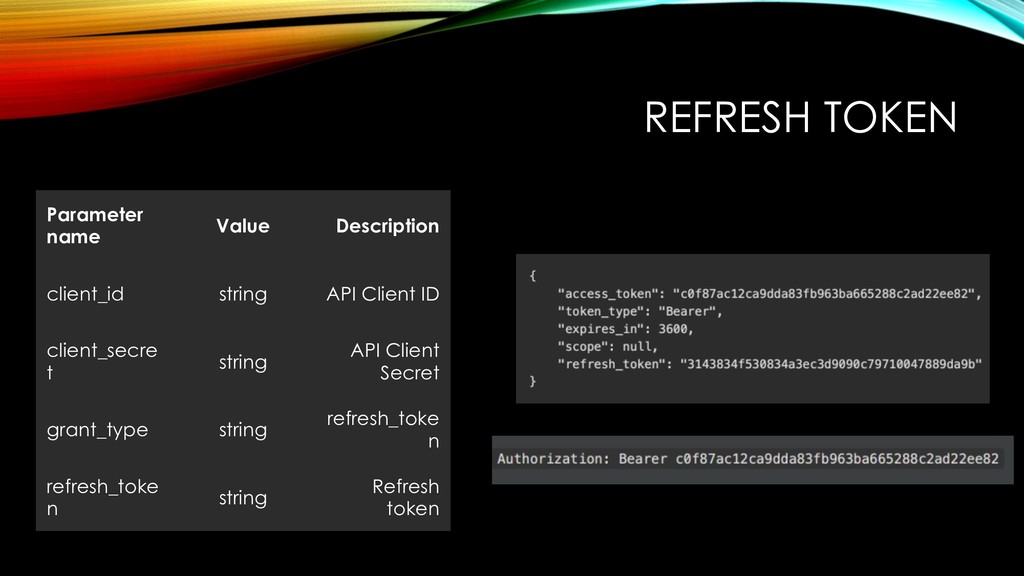
  8. REFRESH TOKEN Parameter name Value Description client_id string API Client

    ID client_secre t string API Client Secret grant_type string refresh_toke n refresh_toke n string Refresh token