Upgrade to Pro — share decks privately, control downloads, hide ads and more …

Memory Nitpicks and Tidbits

Sponsored · Ship Features Fearlessly Turn features on and off without deploys. Used by thousands of Ruby developers. →

Memory Nitpicks and Tidbits

Presentation from the Android meetup held on 19.4.2016 @Five.

Avatar for Tomislav Novoselec

Tomislav Novoselec

April 19, 2016

Other Decks in Programming

Transcript

  1. Content • Memory constraints • Garbage collector • Primitives vs

    object types • Avoiding allocations • Beware the language • Q&A
  2. Content • Memory constraints • Garbage collector • Primitives vs

    object types • Avoiding allocations • Beware the language • Q&A
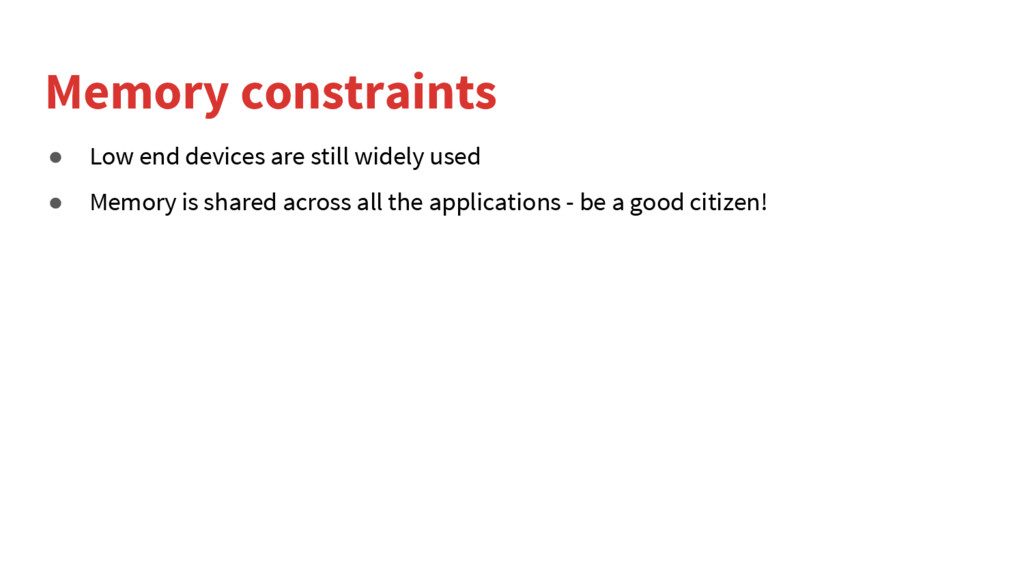
  3. Memory constraints • Low end devices are still widely used

    • Memory is shared across all the applications - be a good citizen!
  4. Content • Memory constraints • Garbage collector • Primitives vs

    object types • Avoiding allocations • Beware the language • Q&A
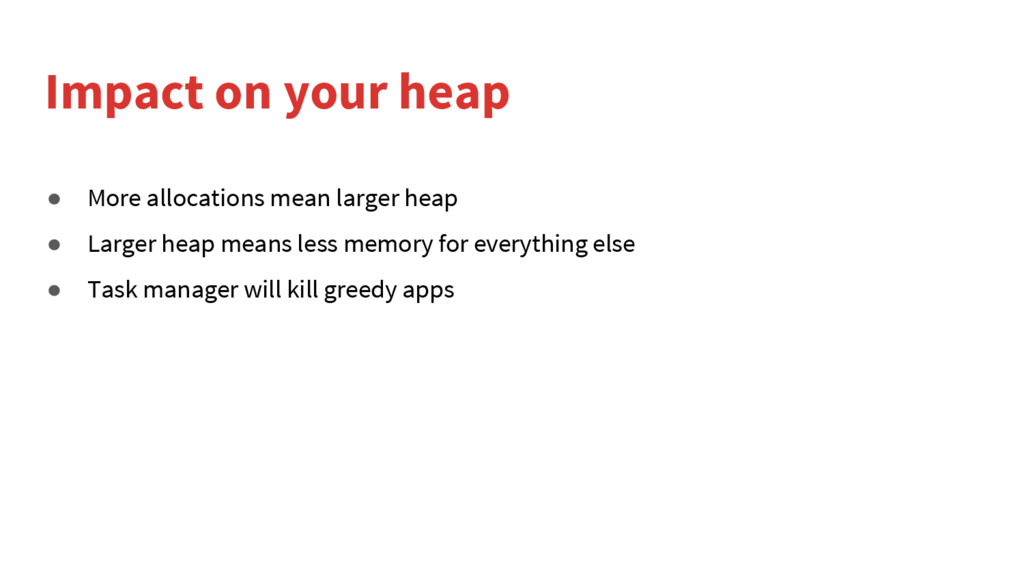
  5. Impact on your heap • More allocations mean larger heap

    • Larger heap means less memory for everything else • Task manager will kill greedy apps
  6. Content • Memory constraints • Garbage collector • Primitives vs

    object types • Avoiding allocations • Beware the language • Q&A
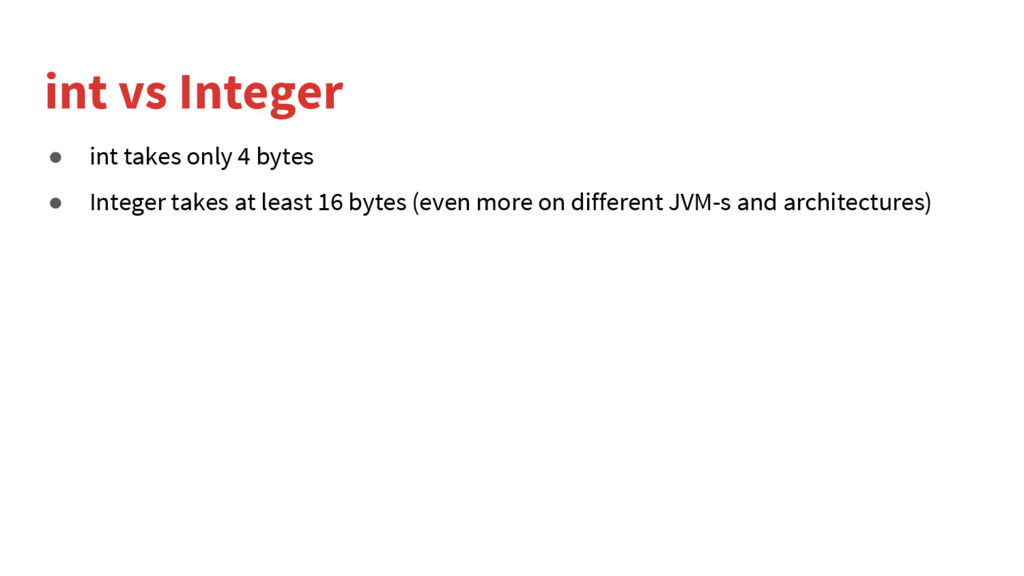
  7. int vs Integer • int takes only 4 bytes •

    Integer takes at least 16 bytes (even more on different JVM-s and architectures)
  8. - “But I need null value to tell me that

    something was not found” Anonymous developer
  9. - ”But I need to use them in some kind

    of collection” Another anonymous developer
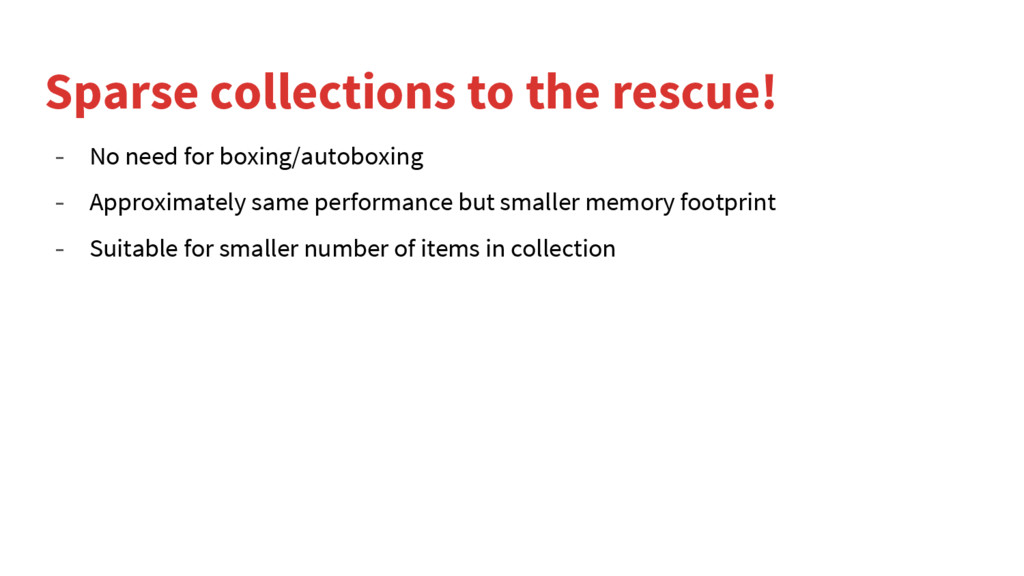
  10. Sparse collections to the rescue! - No need for boxing/autoboxing

    - Approximately same performance but smaller memory footprint - Suitable for smaller number of items in collection
  11. Content • Memory constraints • Garbage collector • Primitives vs

    object types • Avoiding allocations • Beware the language • Q&A
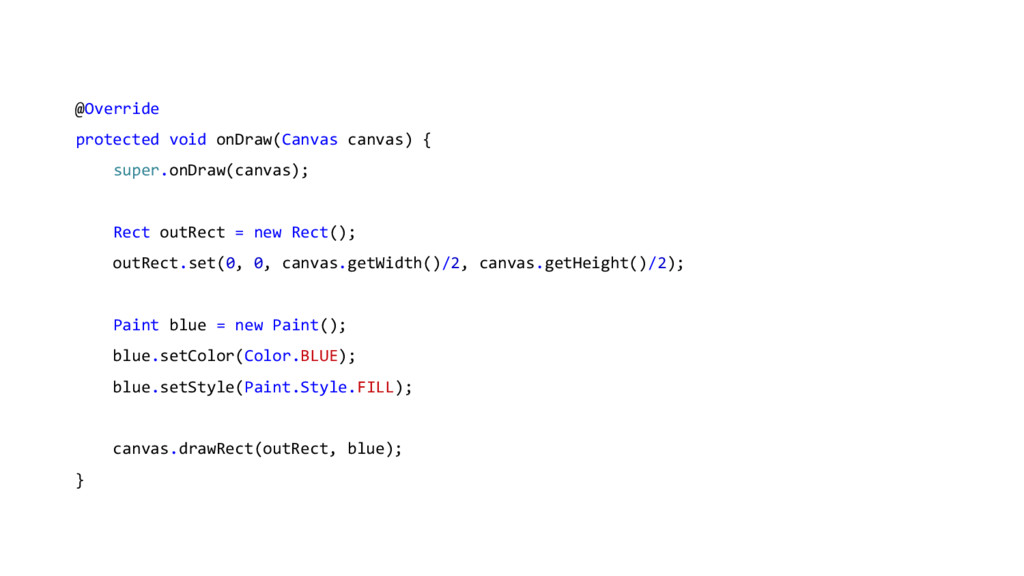
  12. @Override protected void onDraw(Canvas canvas) { super.onDraw(canvas); Rect outRect =

    new Rect(); outRect.set(0, 0, canvas.getWidth()/2, canvas.getHeight()/2); Paint blue = new Paint(); blue.setColor(Color.BLUE); blue.setStyle(Paint.Style.FILL); canvas.drawRect(outRect, blue); }
  13. View.java /** * <p>Computes the coordinates of this view on

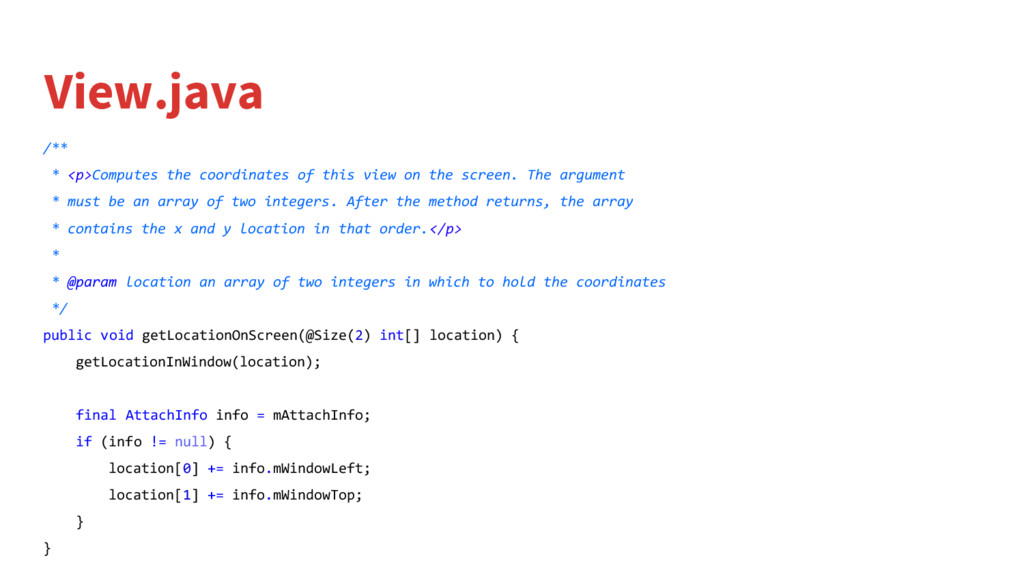
    the screen. The argument * must be an array of two integers. After the method returns, the array * contains the x and y location in that order.</p> * * @param location an array of two integers in which to hold the coordinates */ public void getLocationOnScreen(@Size(2) int[] location) { getLocationInWindow(location); final AttachInfo info = mAttachInfo; if (info != null) { location[0] += info.mWindowLeft; location[1] += info.mWindowTop; } }
  14. int[] startingLocation = new int[2]; listItem.getLocationOnScreen(startingLocation); this.containerTop = startingLocation[1]; this.containerHeight

    = listItem.getHeight(); orderId.getLocationOnScreen(startingLocation); this.idTop = startingLocation[1]; this.idLeft = startingLocation[0]; clientName.getLocationOnScreen(startingLocation); this.clientNameTop = startingLocation[1]; this.clientNameLeft = startingLocation[0]; time.getLocationOnScreen(startingLocation); this.timeTop = startingLocation[1]; this.timeLeft = startingLocation[0];
  15. Content • Memory constraints • Garbage collector • Primitives vs

    object types • Avoiding allocations • Beware the language • Q&A
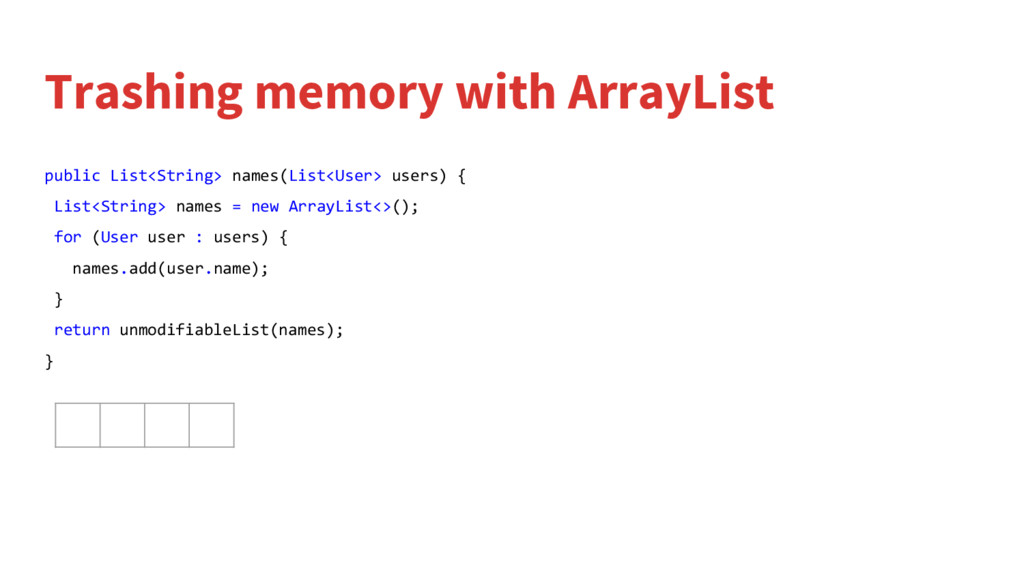
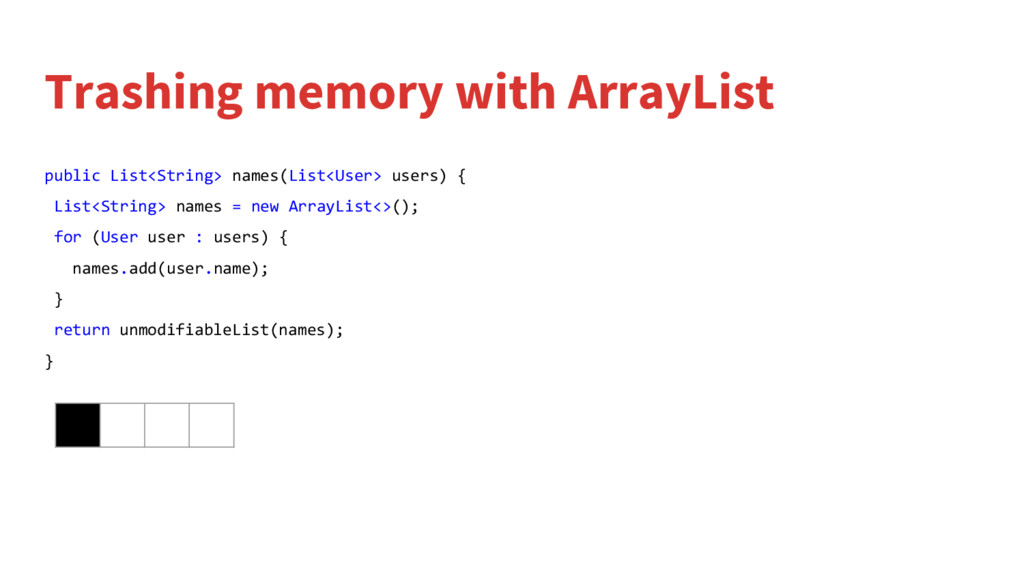
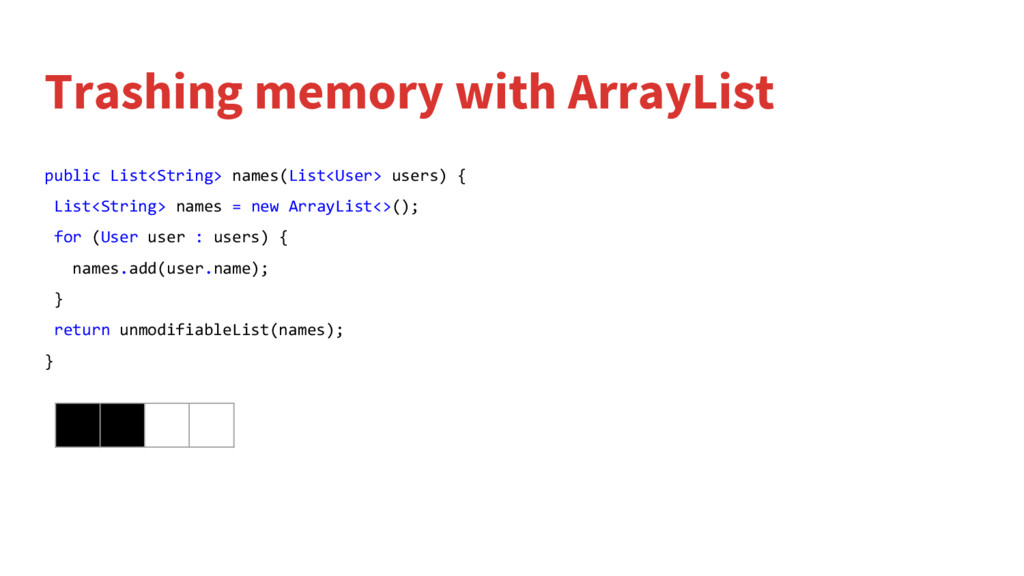
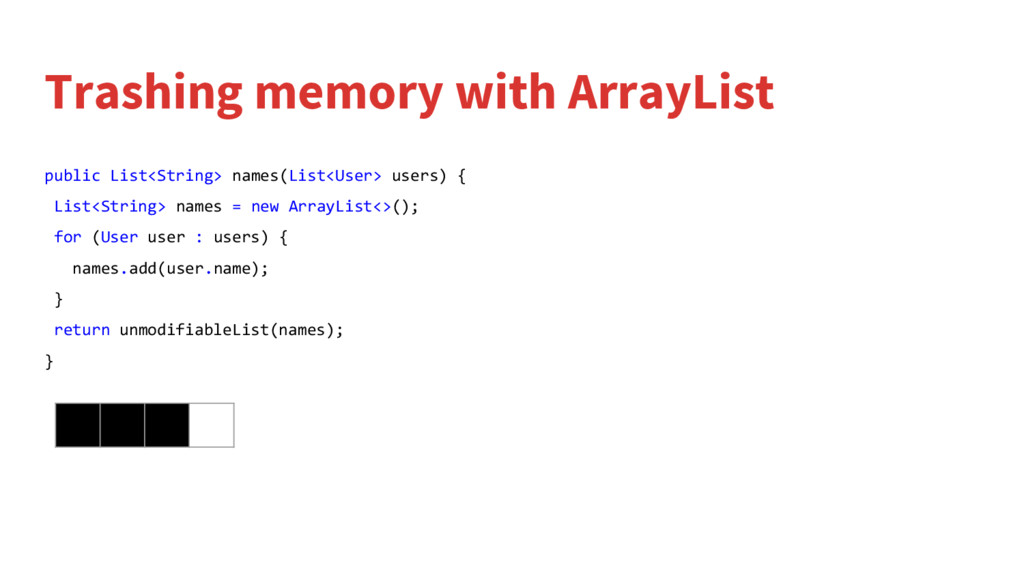
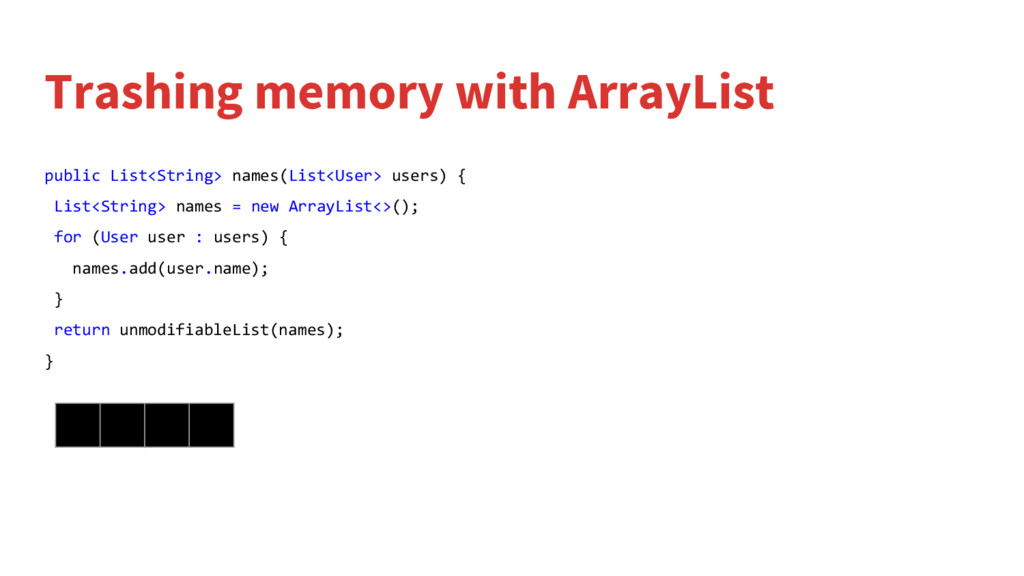
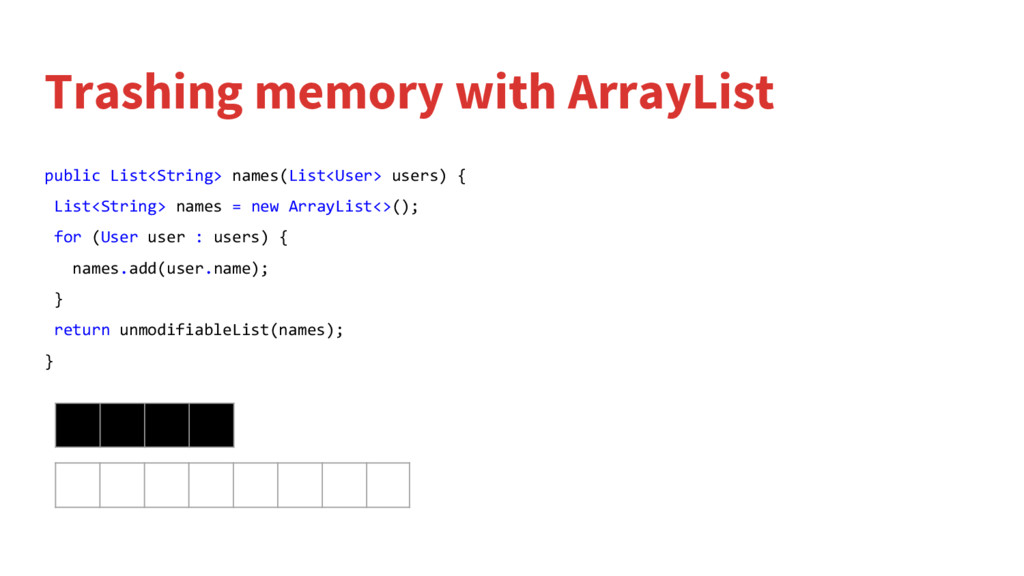
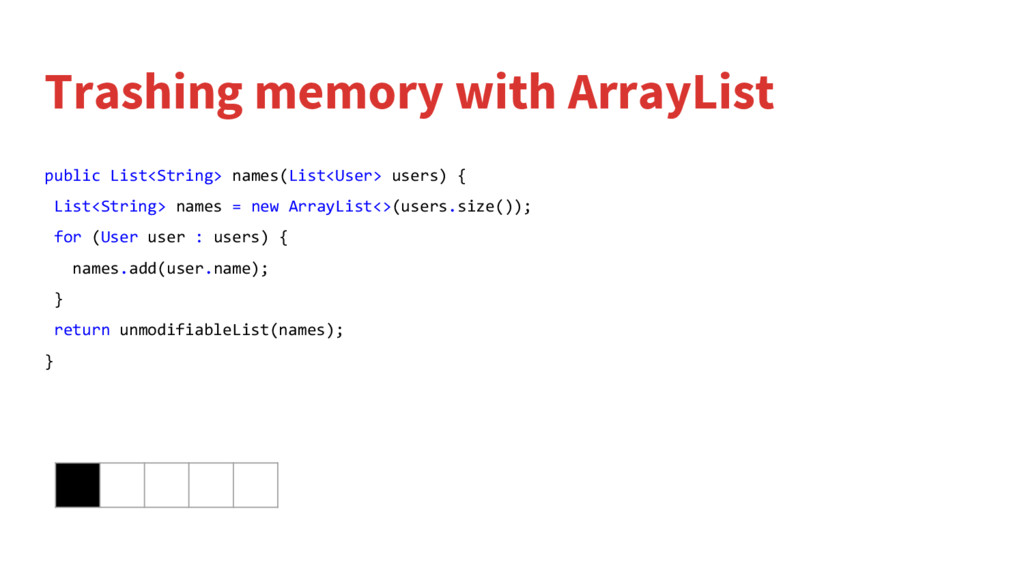
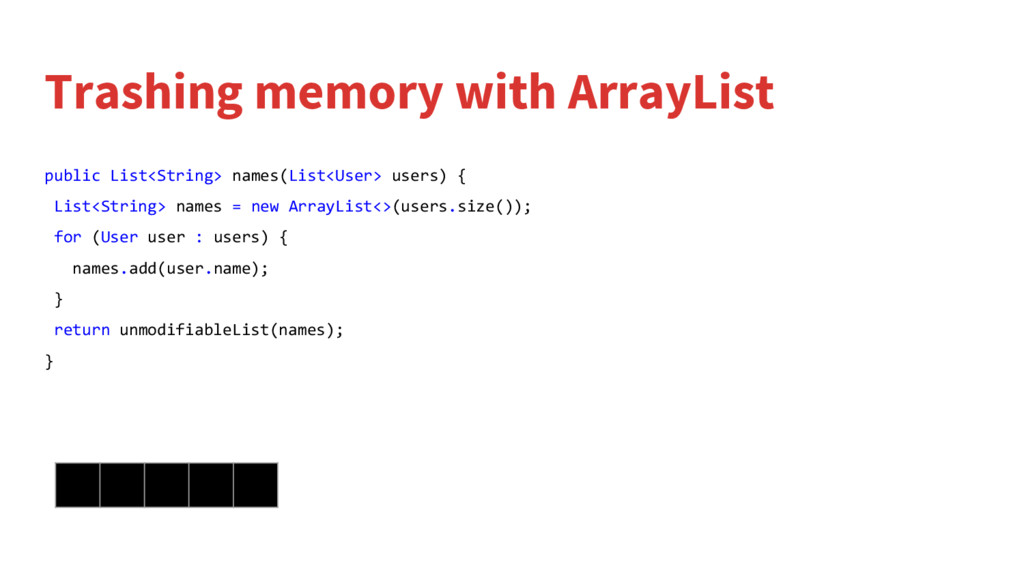
  16. Trashing memory with ArrayList public List<String> names(List<User> users) { List<String>

    names = new ArrayList<>(); for (User user : users) { names.add(user.name); } return unmodifiableList(names); }
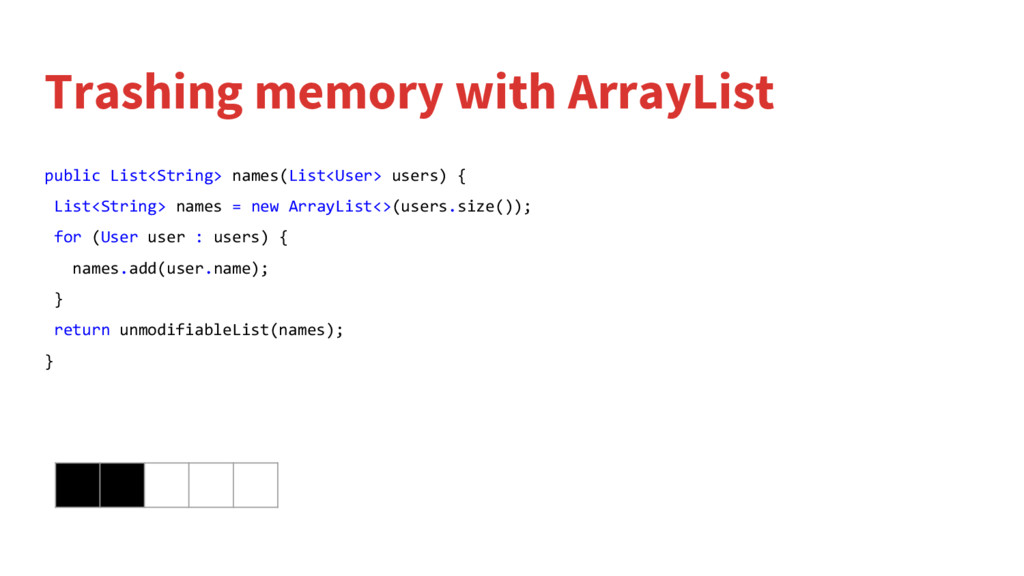
  17. Trashing memory with ArrayList public List<String> names(List<User> users) { List<String>

    names = new ArrayList<>(); for (User user : users) { names.add(user.name); } return unmodifiableList(names); }
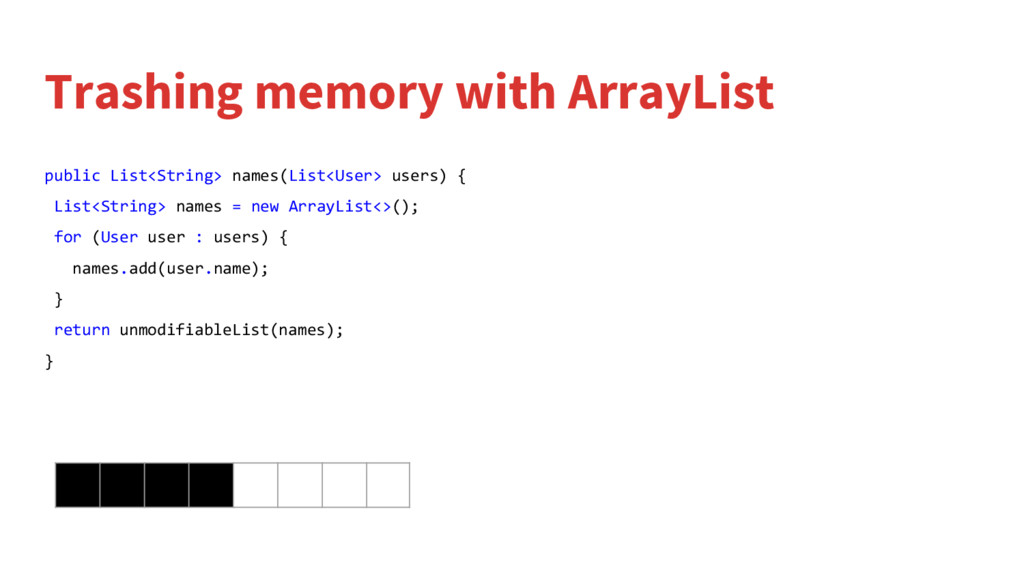
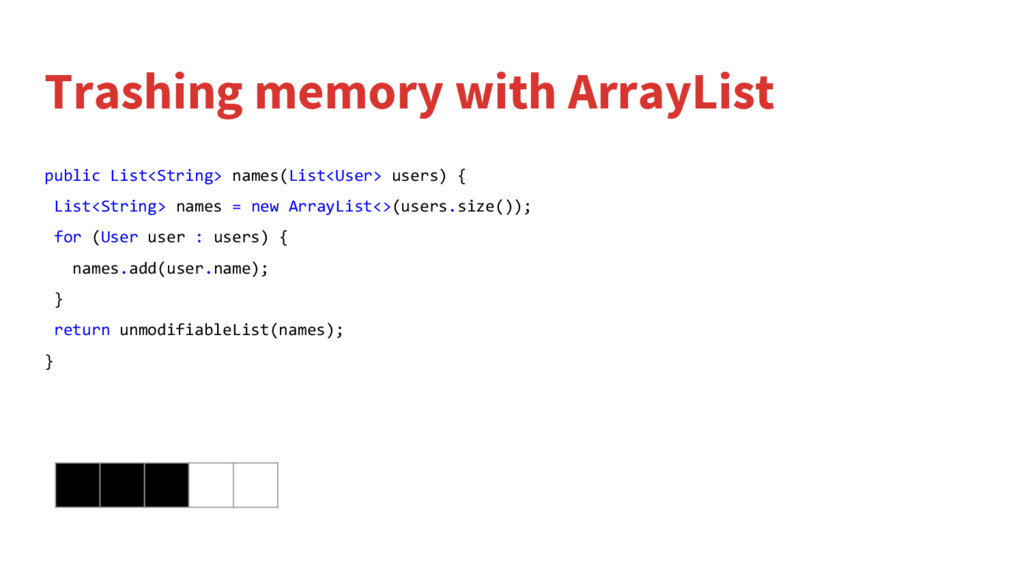
  18. Trashing memory with ArrayList public List<String> names(List<User> users) { List<String>

    names = new ArrayList<>(); for (User user : users) { names.add(user.name); } return unmodifiableList(names); }
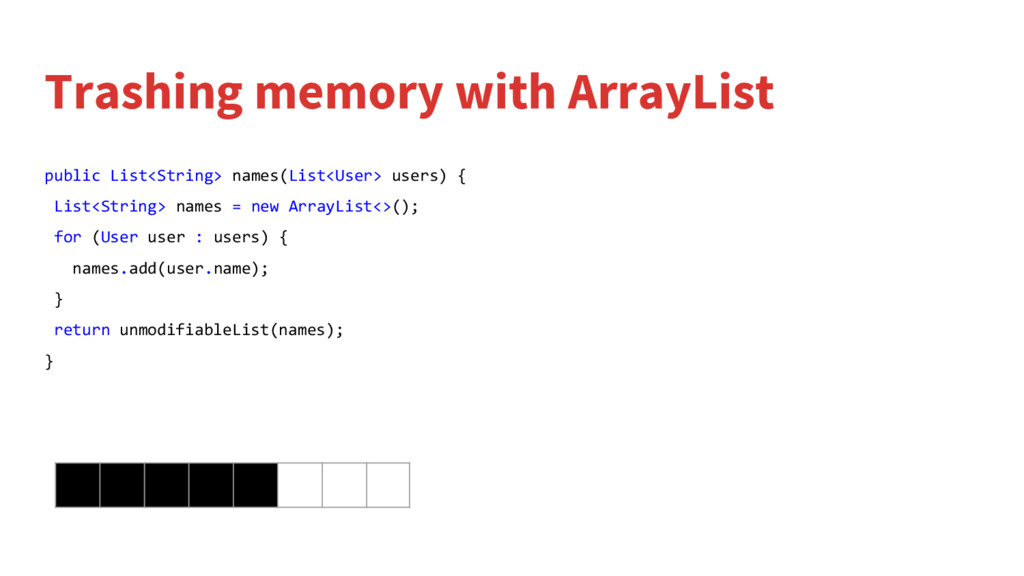
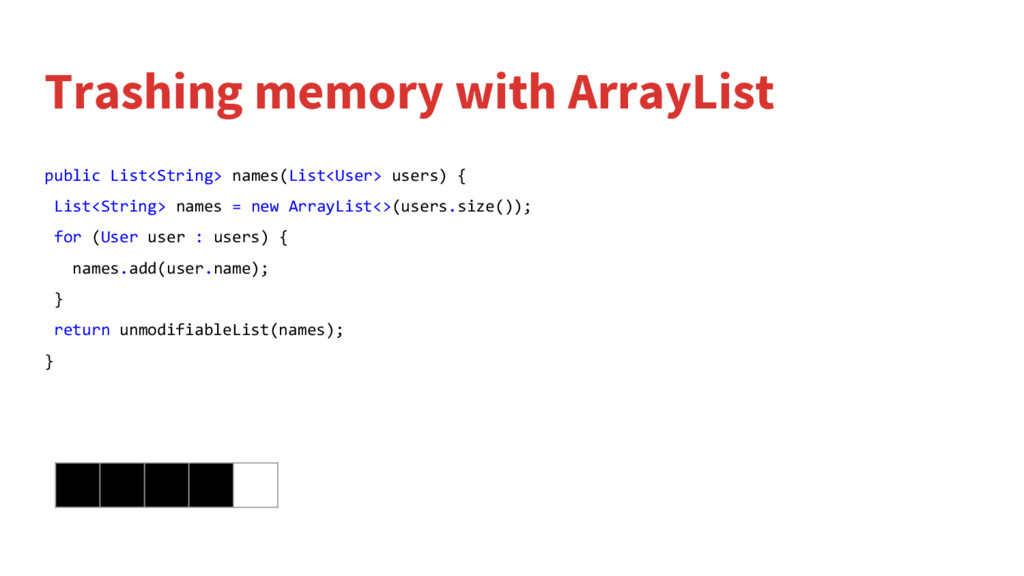
  19. Trashing memory with ArrayList public List<String> names(List<User> users) { List<String>

    names = new ArrayList<>(); for (User user : users) { names.add(user.name); } return unmodifiableList(names); }
  20. Trashing memory with ArrayList public List<String> names(List<User> users) { List<String>

    names = new ArrayList<>(); for (User user : users) { names.add(user.name); } return unmodifiableList(names); }
  21. Trashing memory with ArrayList public List<String> names(List<User> users) { List<String>

    names = new ArrayList<>(); for (User user : users) { names.add(user.name); } return unmodifiableList(names); }
  22. Trashing memory with ArrayList public List<String> names(List<User> users) { List<String>

    names = new ArrayList<>(); for (User user : users) { names.add(user.name); } return unmodifiableList(names); }
  23. Trashing memory with ArrayList public List<String> names(List<User> users) { List<String>

    names = new ArrayList<>(); for (User user : users) { names.add(user.name); } return unmodifiableList(names); }
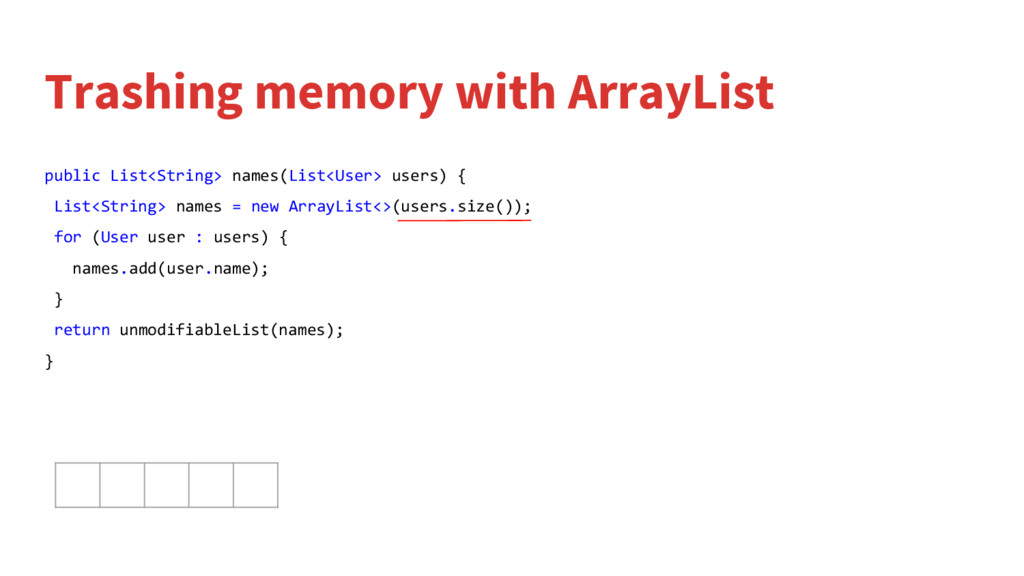
  24. Trashing memory with ArrayList public List<String> names(List<User> users) { List<String>

    names = new ArrayList<>(users.size()); for (User user : users) { names.add(user.name); } return unmodifiableList(names); }
  25. Trashing memory with ArrayList public List<String> names(List<User> users) { List<String>

    names = new ArrayList<>(users.size()); for (User user : users) { names.add(user.name); } return unmodifiableList(names); }
  26. Trashing memory with ArrayList public List<String> names(List<User> users) { List<String>

    names = new ArrayList<>(users.size()); for (User user : users) { names.add(user.name); } return unmodifiableList(names); }
  27. Trashing memory with ArrayList public List<String> names(List<User> users) { List<String>

    names = new ArrayList<>(users.size()); for (User user : users) { names.add(user.name); } return unmodifiableList(names); }
  28. Trashing memory with ArrayList public List<String> names(List<User> users) { List<String>

    names = new ArrayList<>(users.size()); for (User user : users) { names.add(user.name); } return unmodifiableList(names); }
  29. Trashing memory with ArrayList public List<String> names(List<User> users) { List<String>

    names = new ArrayList<>(users.size()); for (User user : users) { names.add(user.name); } return unmodifiableList(names); }
  30. Enhanced foreach loop int[] arrayOfNumbers = getArrayOfNumbers(); for (int number

    : arrayOfNumbers){ // Body } List<Integer> listOfNumbers = getListOfNumbers(); for (Integer number : listOfNumbers){ // Body }
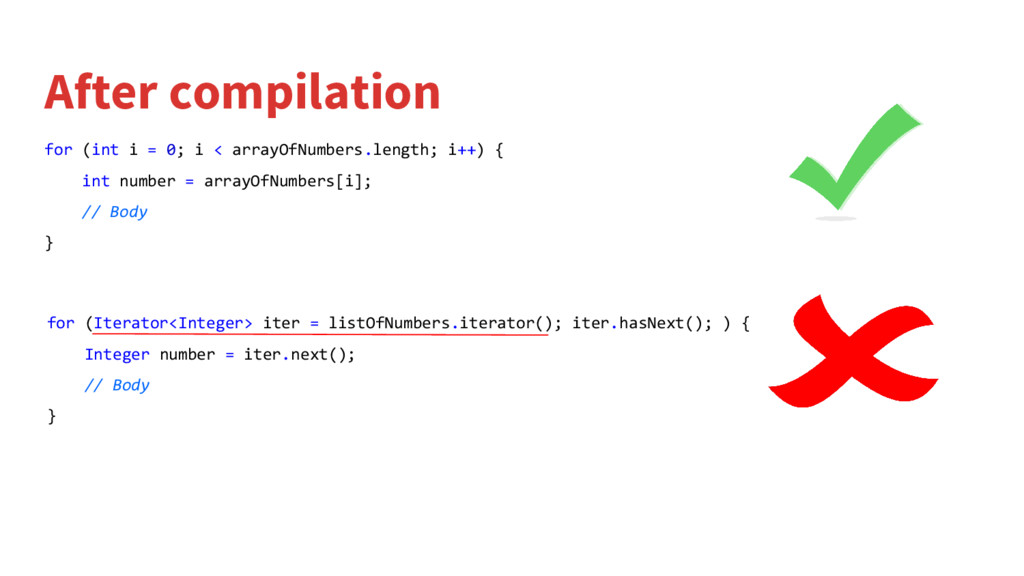
  31. After compilation for (int i = 0; i < arrayOfNumbers.length;

    i++) { int number = arrayOfNumbers[i]; // Body } for (Iterator<Integer> iter = listOfNumbers.iterator(); iter.hasNext(); ) { Integer number = iter.next(); // Body }
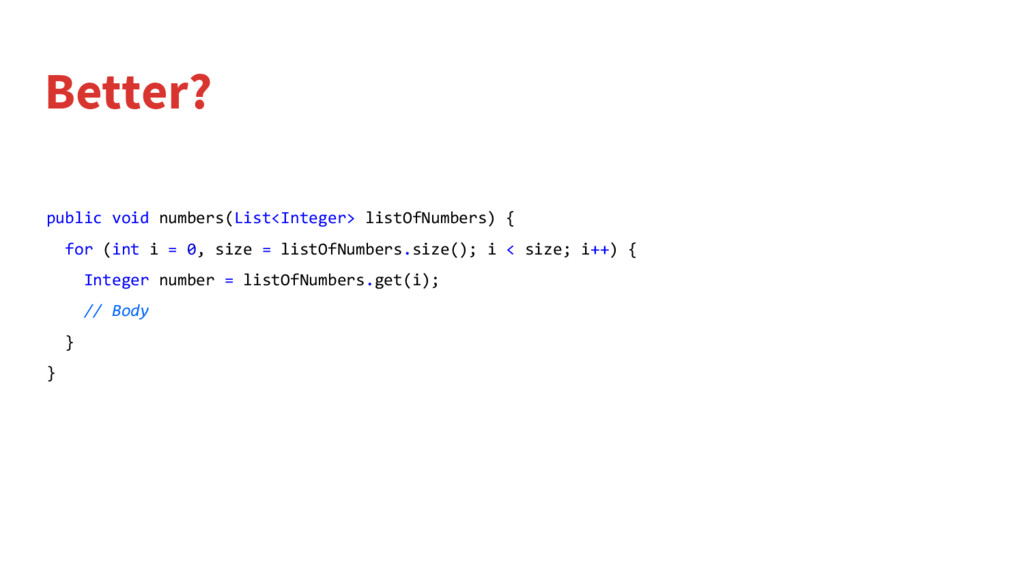
  32. Better? public void numbers(List<Integer> listOfNumbers) { for (int i =

    0, size = listOfNumbers.size(); i < size; i++) { Integer number = listOfNumbers.get(i); // Body } }
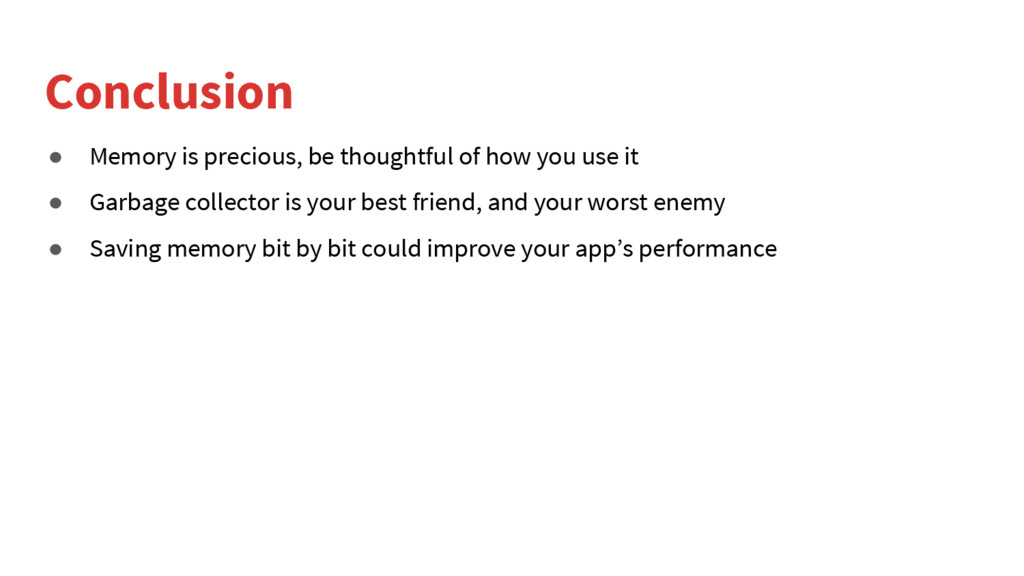
  33. Conclusion • Memory is precious, be thoughtful of how you

    use it • Garbage collector is your best friend, and your worst enemy • Saving memory bit by bit could improve your app’s performance
  34. Q&A