Upgrade to Pro — share decks privately, control downloads, hide ads and more …

How to Take Over the World with Lithium

Sponsored · Your Podcast. Everywhere. Effortlessly. Share. Educate. Inspire. Entertain. You do you. We'll handle the rest. →

How to Take Over the World with Lithium

This talk was originally about how to take over the world. Then Instagram was acquired by Facebook for a BILLION DOLLARS.

I figure, a billion dollars? That's gotta be enough for a moon base with a laser. Let's just make a billion dollars, and the taking-over-the-world part will handle itself.

Avatar for Nate Abele

Nate Abele

April 13, 2012

More Decks by Nate Abele

Other Decks in Programming

Transcript

  1. ?

  2. $1B

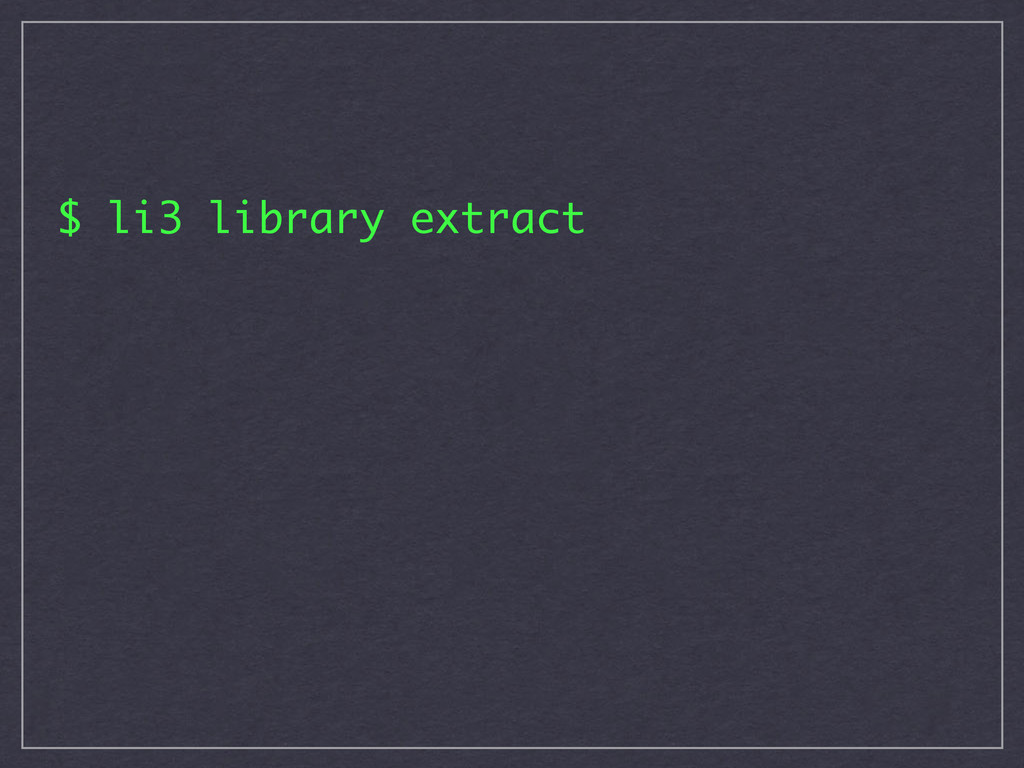
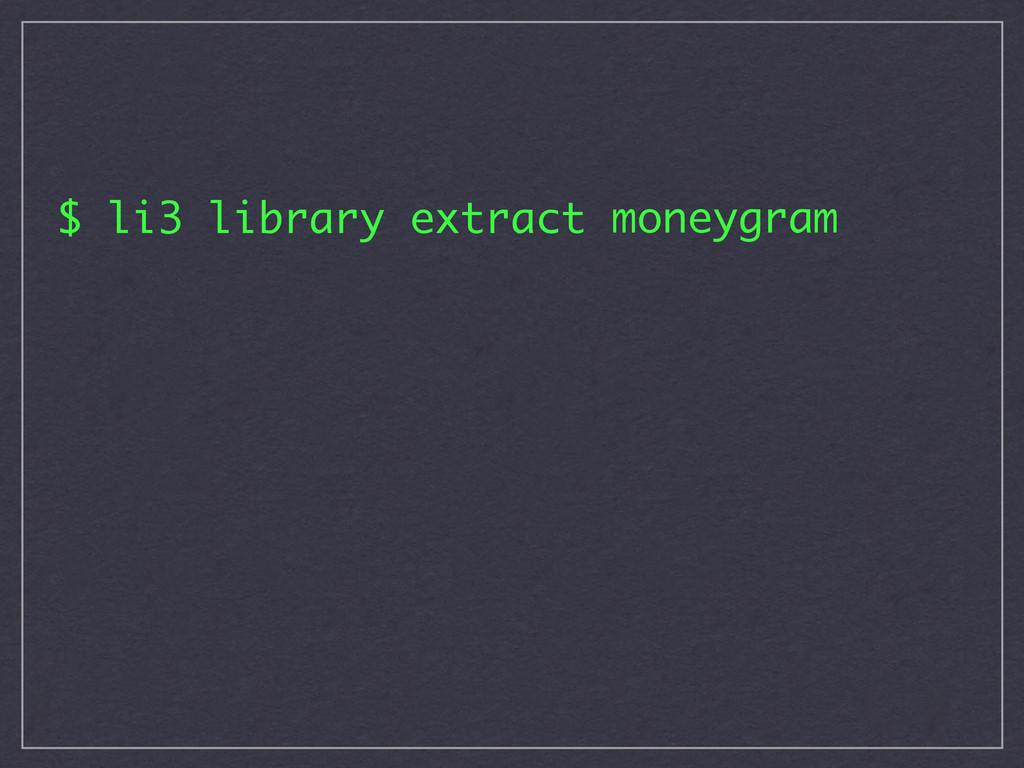
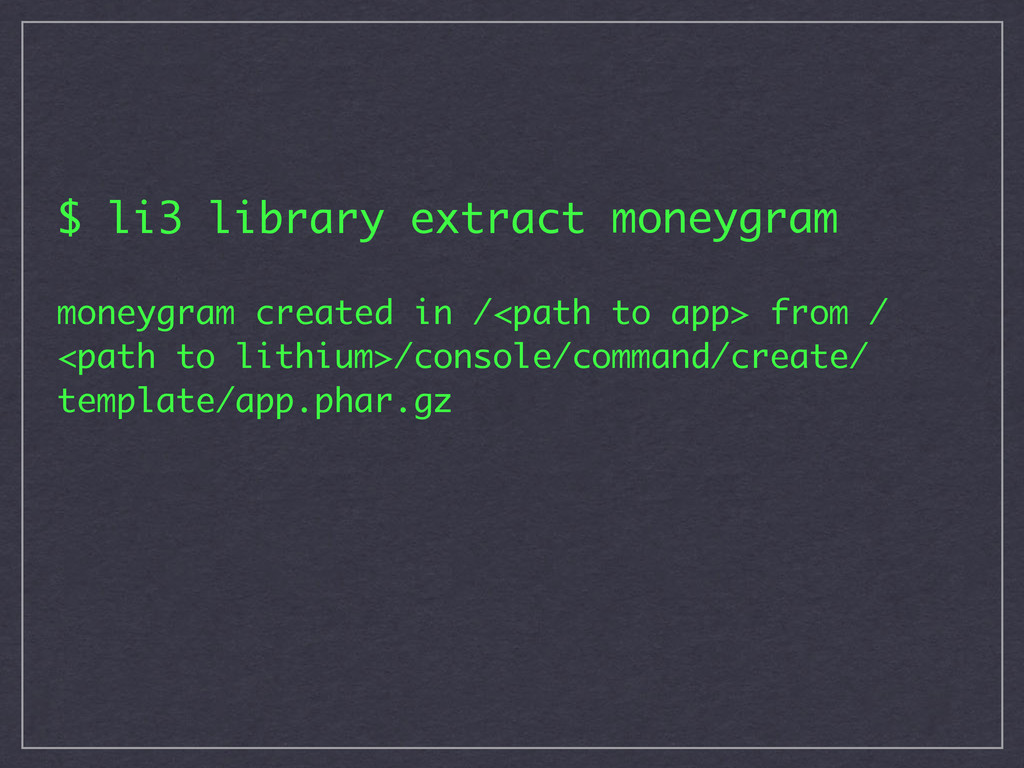
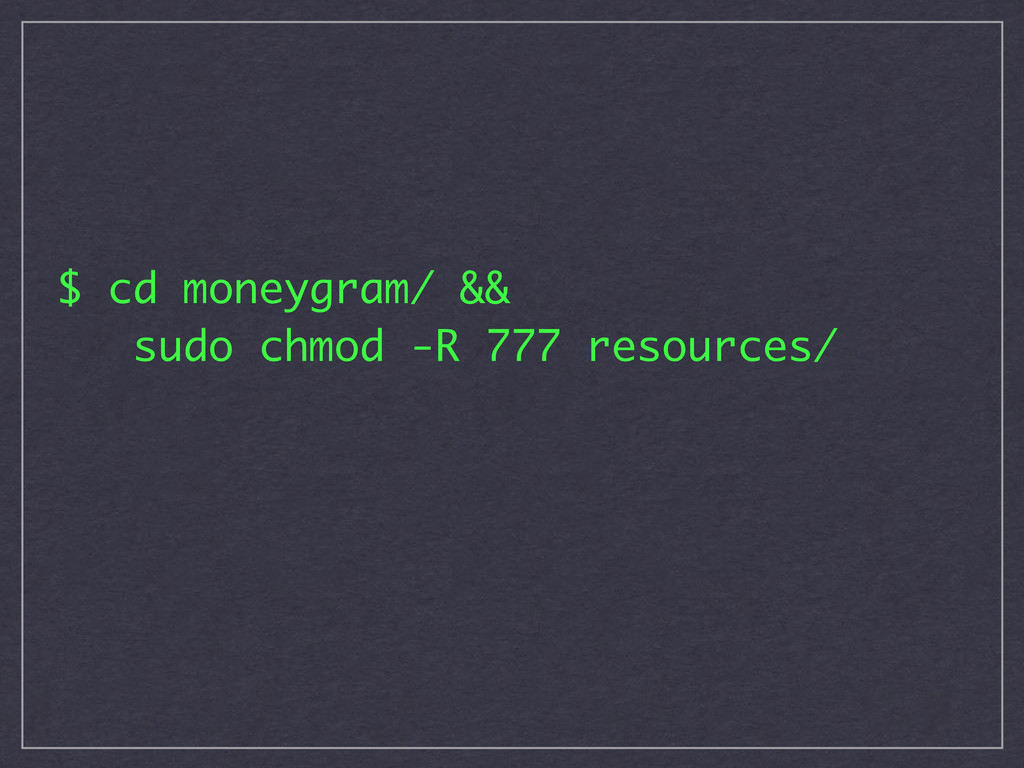
  3. $ li3 library extract moneygram moneygram created in /<path to

    app> from / <path to lithium>/console/command/create/ template/app.phar.gz
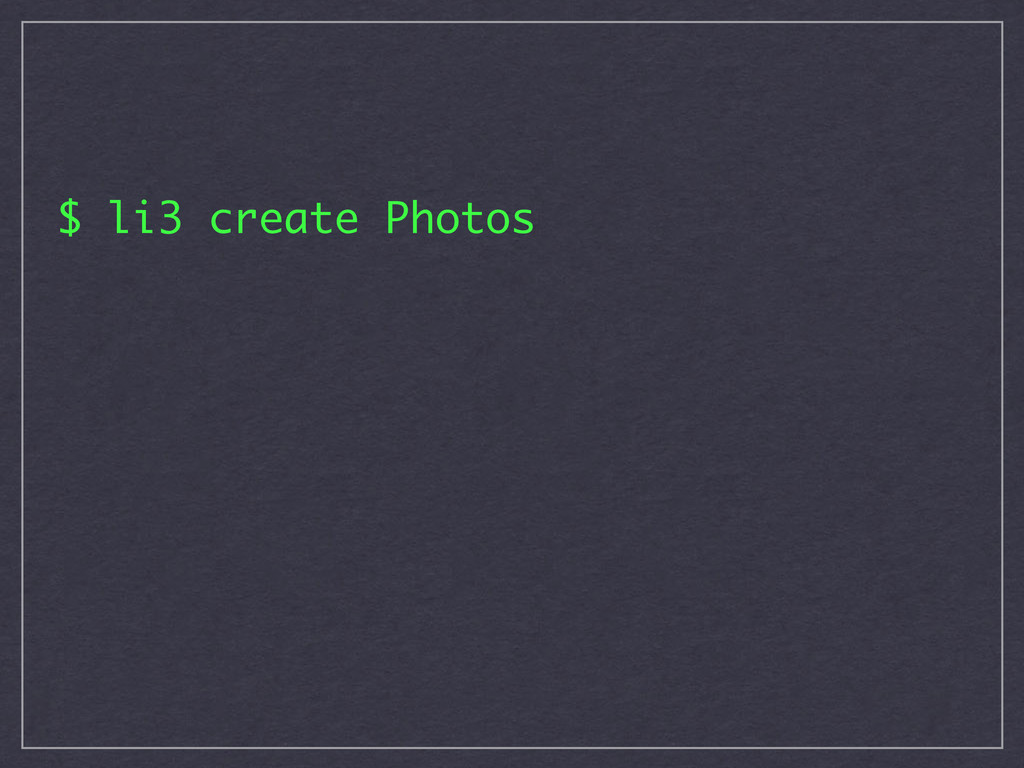
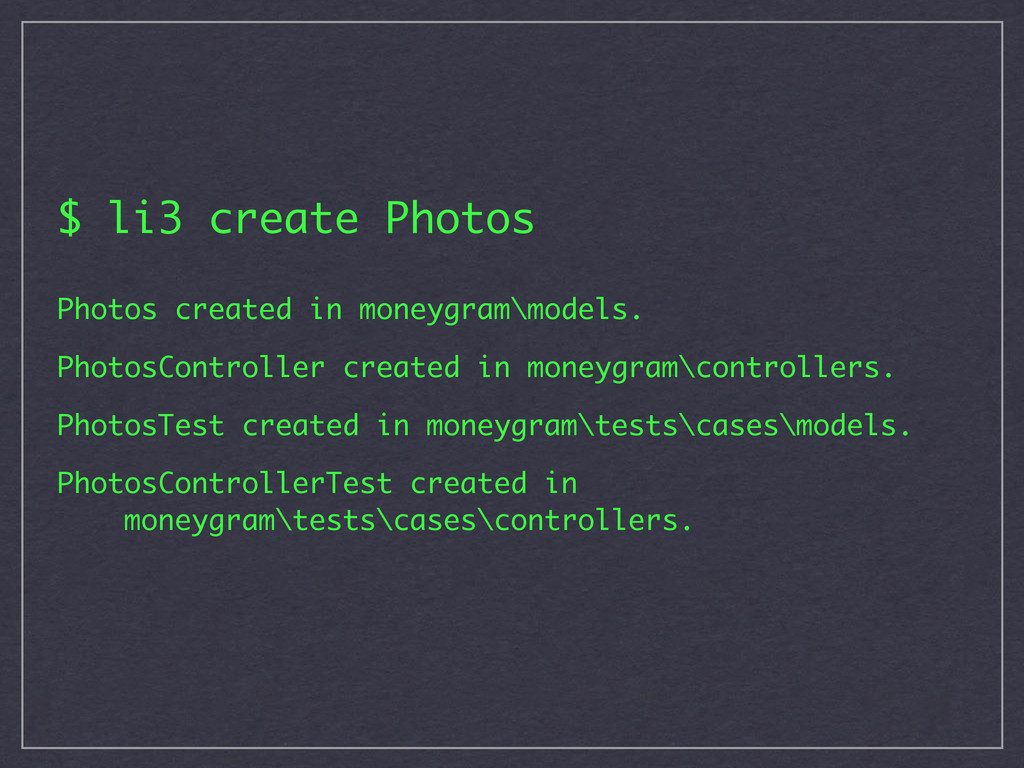
  4. $ li3 create Photos Photos created in moneygram\models. PhotosController created

    in moneygram\controllers. PhotosTest created in moneygram\tests\cases\models. PhotosControllerTest created in moneygram\tests\cases\controllers.
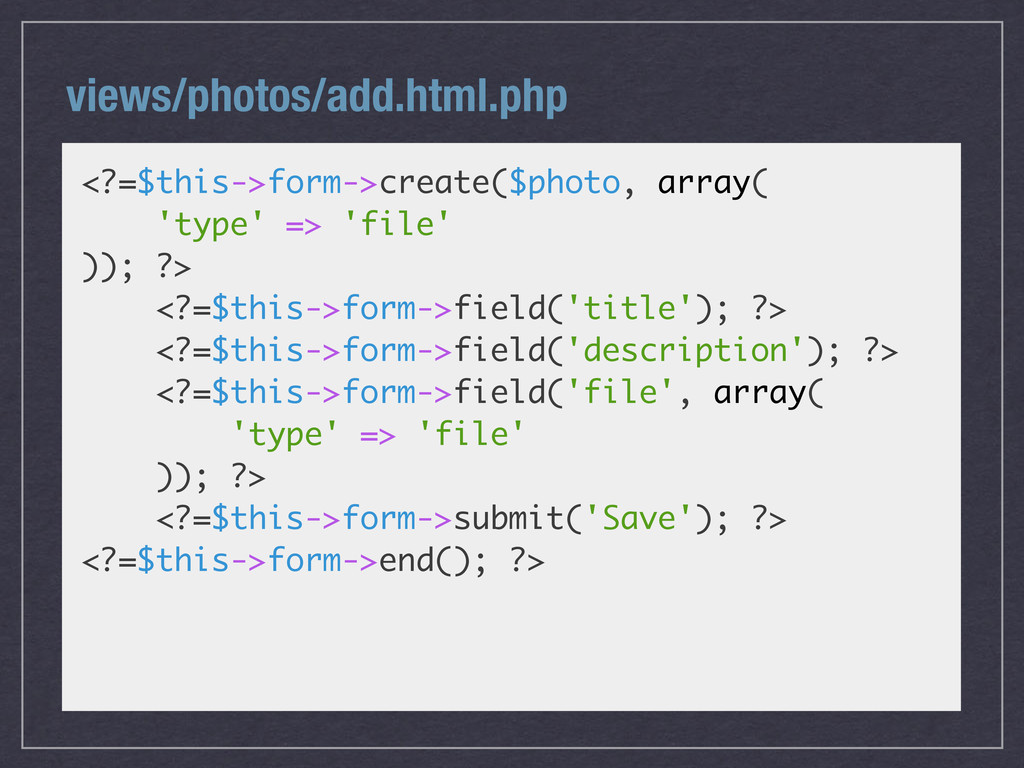
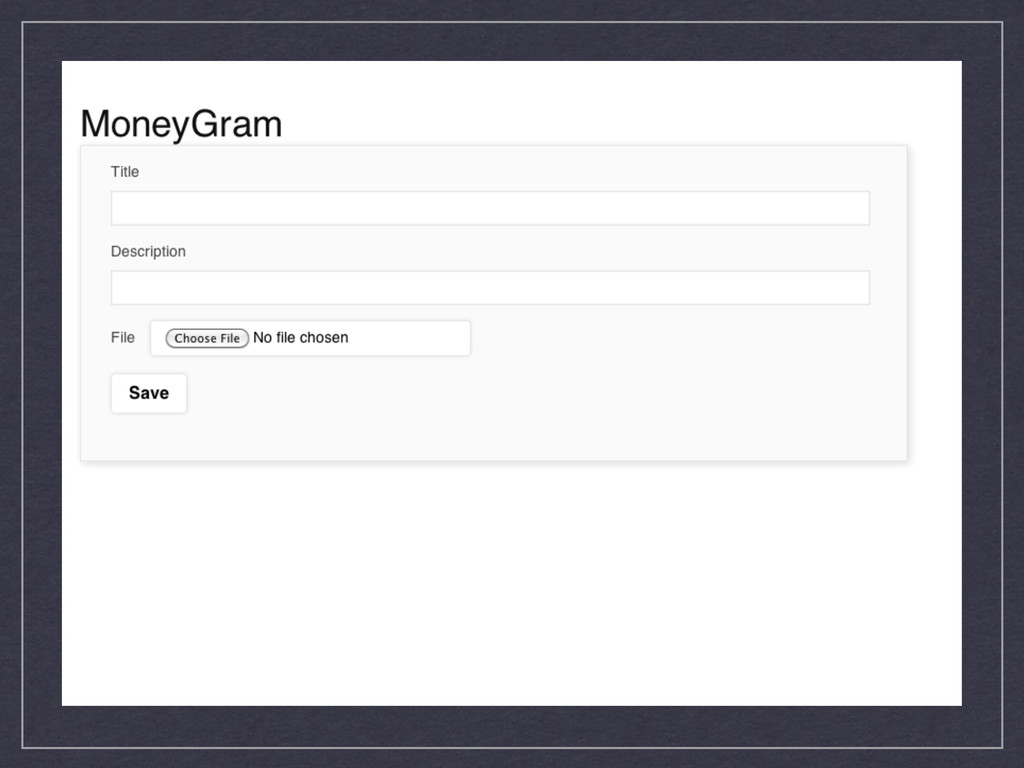
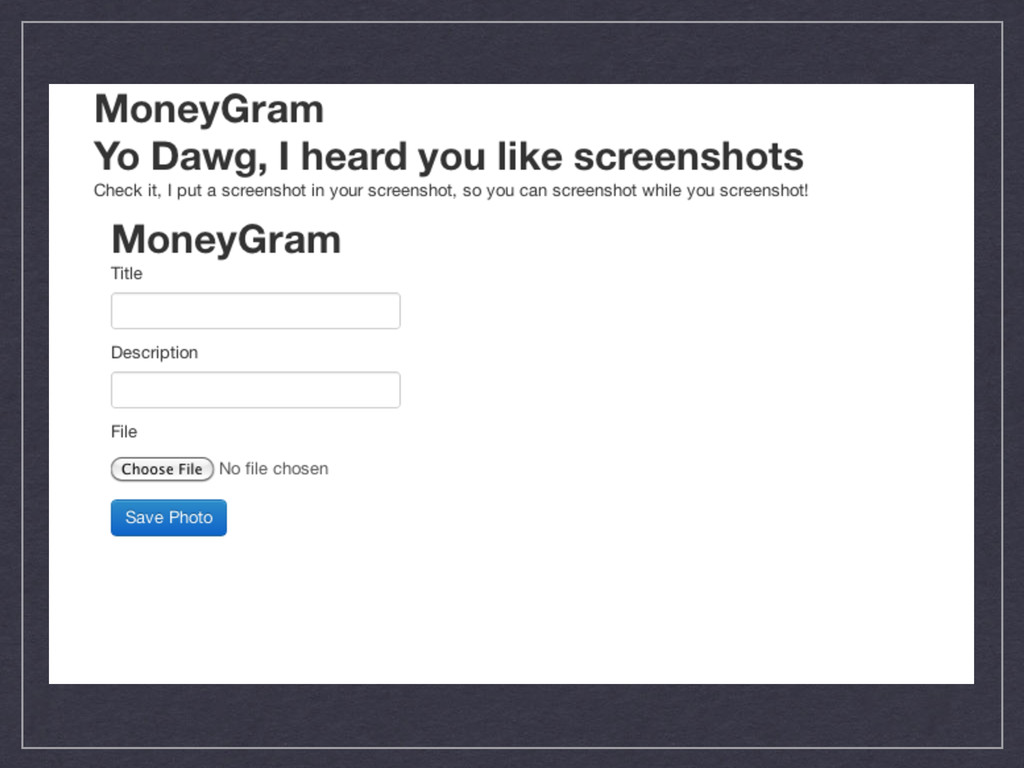
  5. views/photos/add.html.php <?=$this->form->create($photo, array( 'type' => 'file' )); ?> <?=$this->form->field('title'); ?>

    <?=$this->form->field('description'); ?> <?=$this->form->field('file', array( 'type' => 'file' )); ?> <?=$this->form->submit('Save'); ?> <?=$this->form->end(); ?>
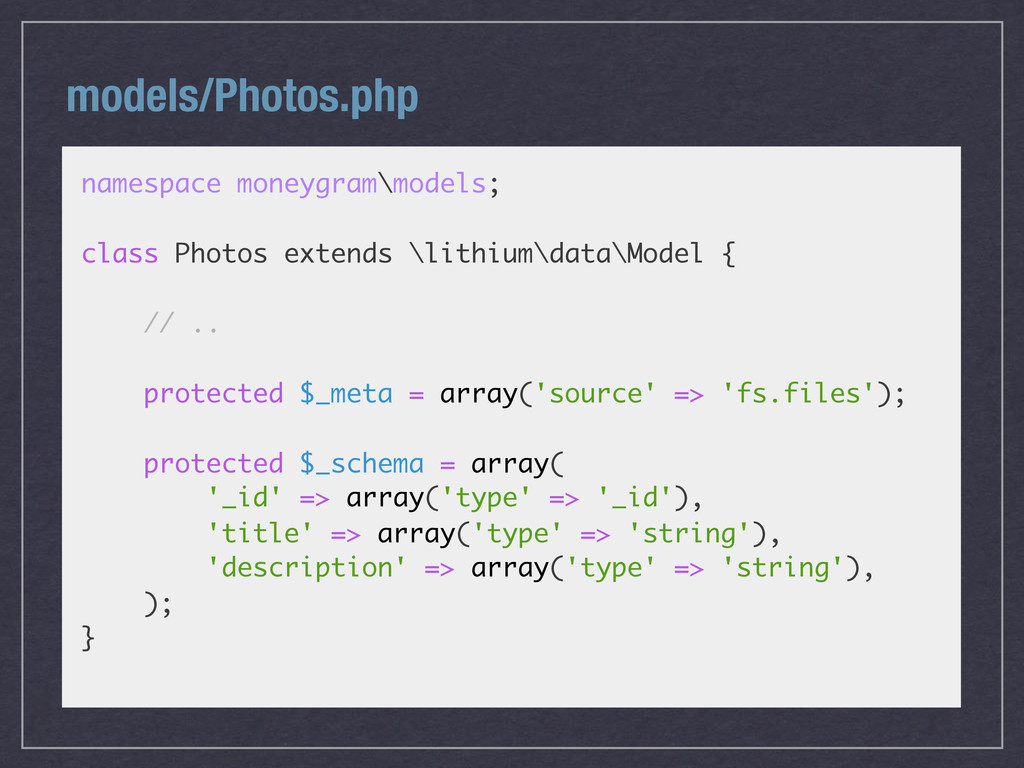
  6. models/Photos.php namespace moneygram\models; class Photos extends \lithium\data\Model { // ..

    protected $_meta = array('source' => 'fs.files'); protected $_schema = array( '_id' => array('type' => '_id'), 'title' => array('type' => 'string'), 'description' => array('type' => 'string'), ); }
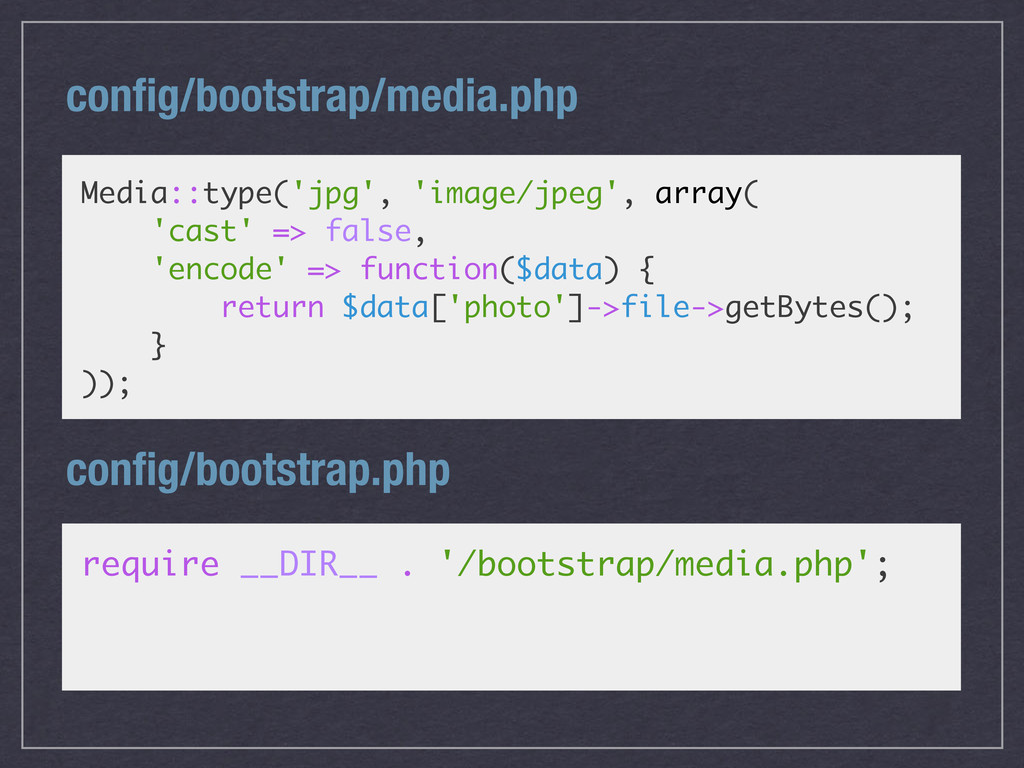
  7. config/bootstrap/media.php Media::type('jpg', 'image/jpeg', array( 'cast' => false, 'encode' => function($data)

    { return $data['photo']->file->getBytes(); } )); config/bootstrap.php require __DIR__ . '/bootstrap/media.php';
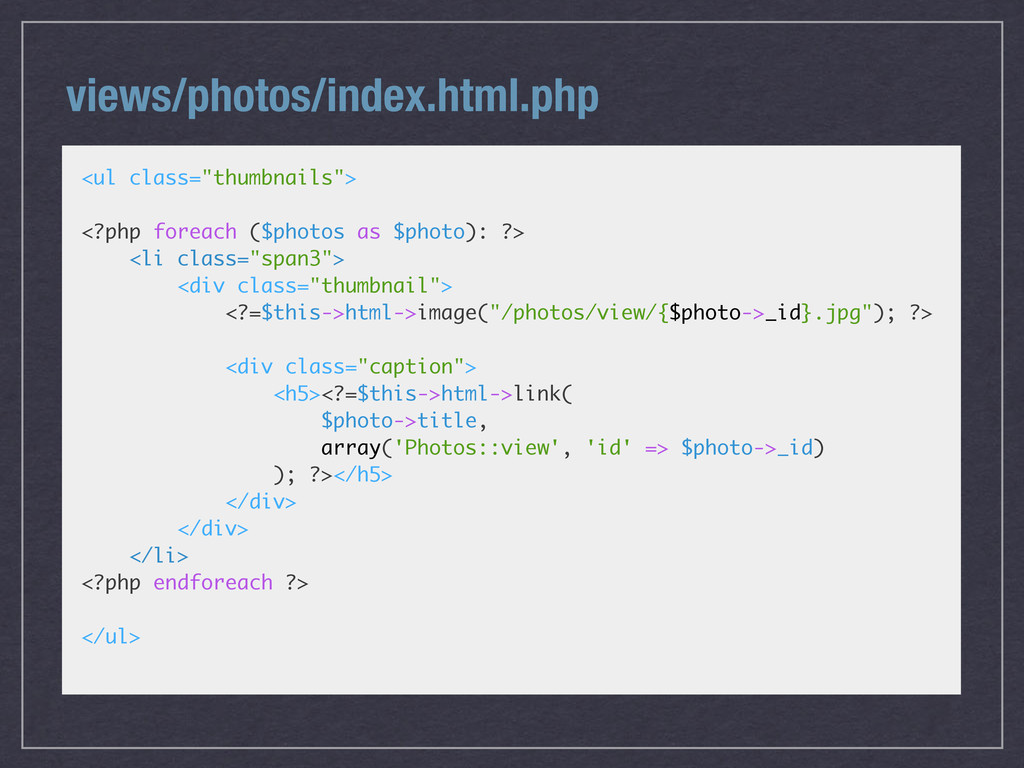
  8. views/photos/index.html.php <ul class="thumbnails"> <?php foreach ($photos as $photo): ?> <li

    class="span3"> <div class="thumbnail"> <?=$this->html->image("/photos/view/{$photo->_id}.jpg"); ?> <div class="caption"> <h5><?=$this->html->link( $photo->title, array('Photos::view', 'id' => $photo->_id) ); ?></h5> </div> </div> </li> <?php endforeach ?> </ul>
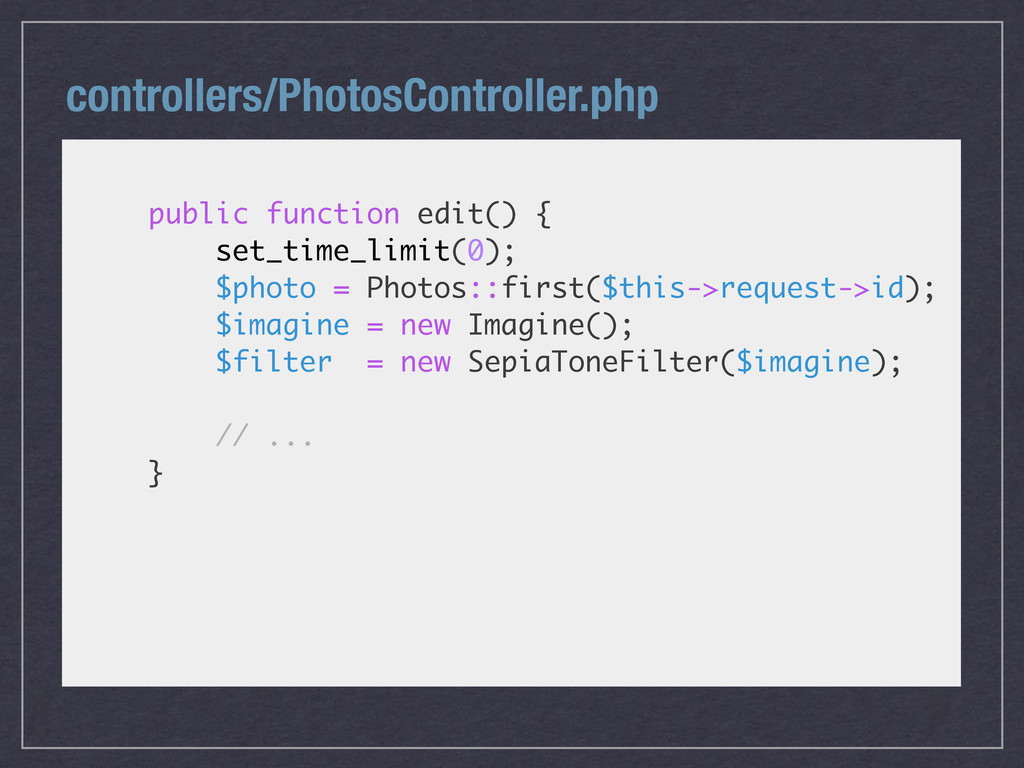
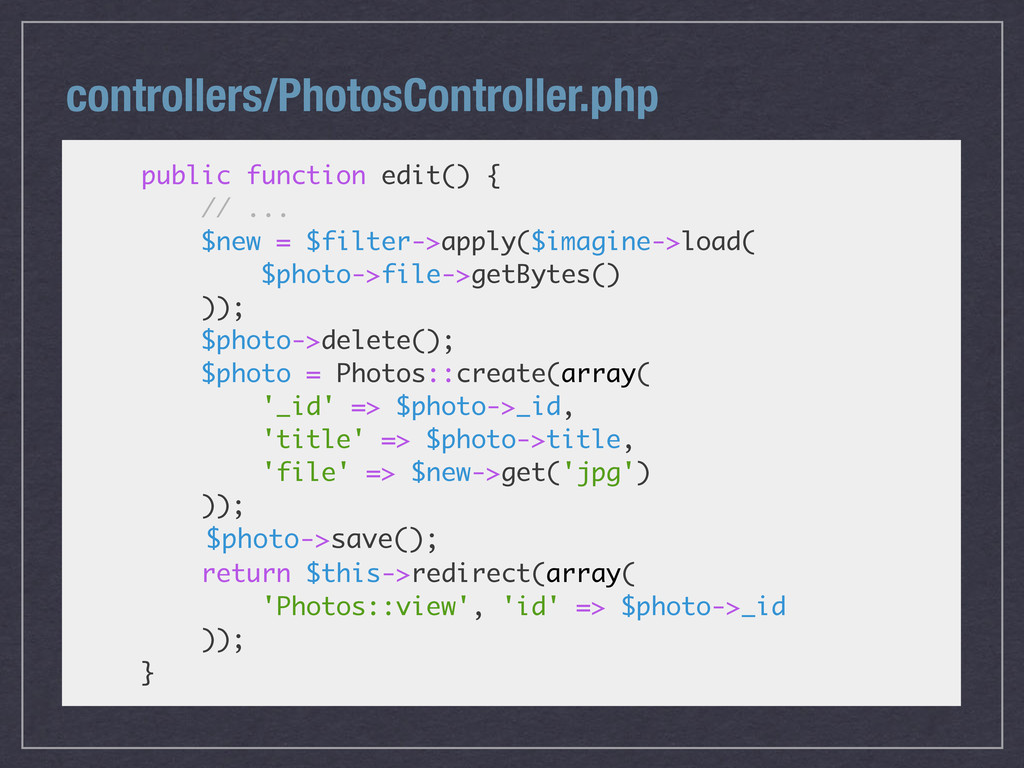
  9. controllers/PhotosController.php public function edit() { // ... $new = $filter->apply($imagine->load(

    $photo->file->getBytes() )); $photo->delete(); $photo = Photos::create(array( '_id' => $photo->_id, 'title' => $photo->title, 'file' => $new->get('jpg') )); $photo->save(); return $this->redirect(array( 'Photos::view', 'id' => $photo->_id )); }
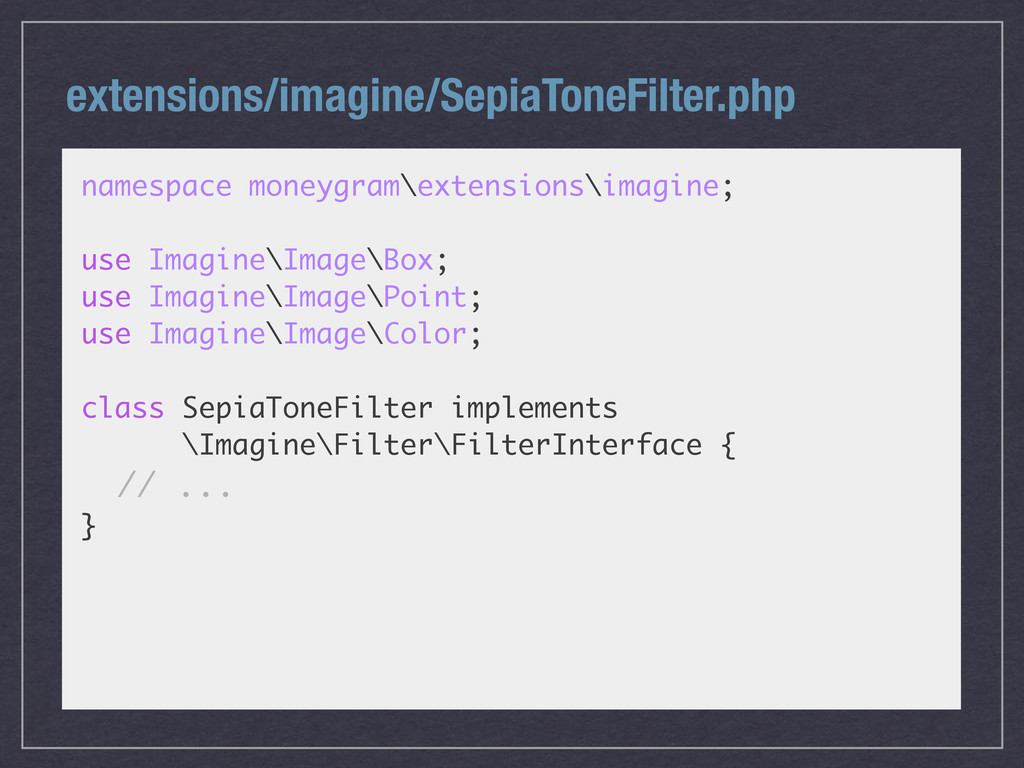
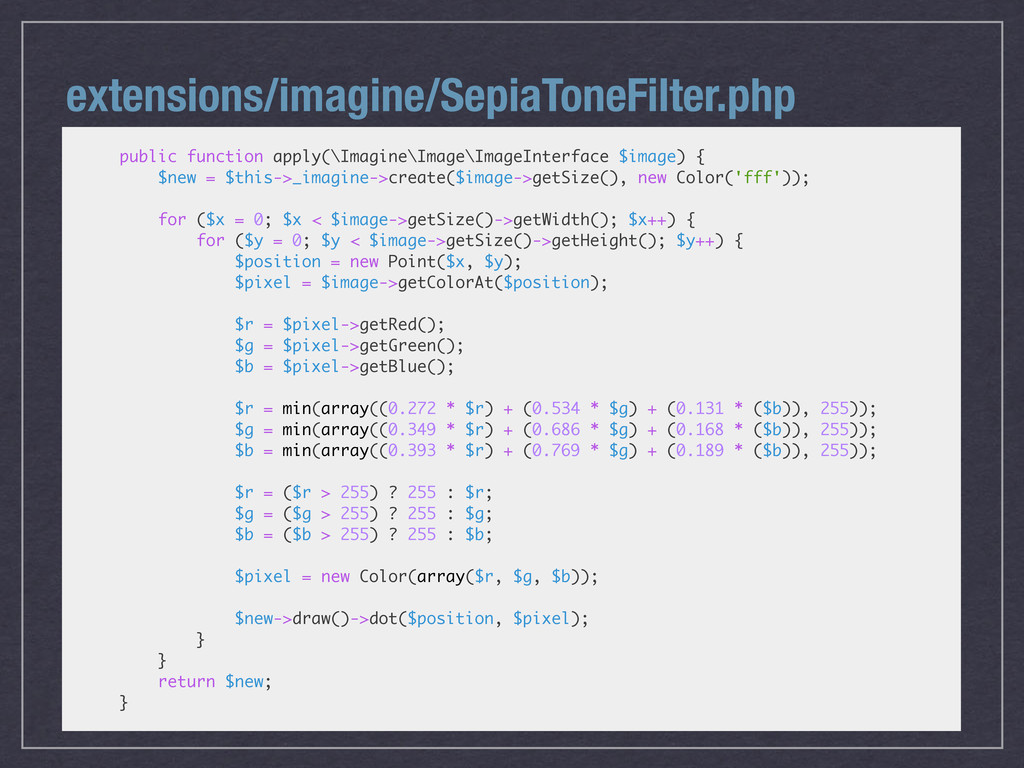
  10. extensions/imagine/SepiaToneFilter.php public function apply(\Imagine\Image\ImageInterface $image) { $new = $this->_imagine->create($image->getSize(), new

    Color('fff')); for ($x = 0; $x < $image->getSize()->getWidth(); $x++) { for ($y = 0; $y < $image->getSize()->getHeight(); $y++) { $position = new Point($x, $y); $pixel = $image->getColorAt($position); $r = $pixel->getRed(); $g = $pixel->getGreen(); $b = $pixel->getBlue(); $r = min(array((0.272 * $r) + (0.534 * $g) + (0.131 * ($b)), 255)); $g = min(array((0.349 * $r) + (0.686 * $g) + (0.168 * ($b)), 255)); $b = min(array((0.393 * $r) + (0.769 * $g) + (0.189 * ($b)), 255)); $r = ($r > 255) ? 255 : $r; $g = ($g > 255) ? 255 : $g; $b = ($b > 255) ? 255 : $b; $pixel = new Color(array($r, $g, $b)); $new->draw()->dot($position, $pixel); } } return $new; }