Upgrade to Pro — share decks privately, control downloads, hide ads and more …

Introduction to React Native for Beginner

Avatar for Umar Fadil Umar Fadil
November 27, 2017

Introduction to React Native for Beginner

Introduction to React Native for Beginner merupakan slide presentasi untuk mempelajari aReact Native untuk pemula.

Slide ini adalah materi yang saya sampaikan kemarin ketika ada acara Facebook Developer Circles Surabaya Goes to Campus di Universitas Madura.

Avatar for Umar Fadil

Umar Fadil

November 27, 2017
Tweet

More Decks by Umar Fadil

Other Decks in Programming

Transcript

  1. Umar Fadil, S.Kom Android Developer at PT. Piramida Teknologi Informasi

    Github @umarfadil Contact [email protected] [email protected] @_umarfadil DevC Surabaya SQUAD, AndroidDev Surabaya KSL Pamekasan
  2. From Facebook Sharing Knowledge Collaborate Build New Ideas Learn about

    the latest technologies from Facebook and other industry leaders.
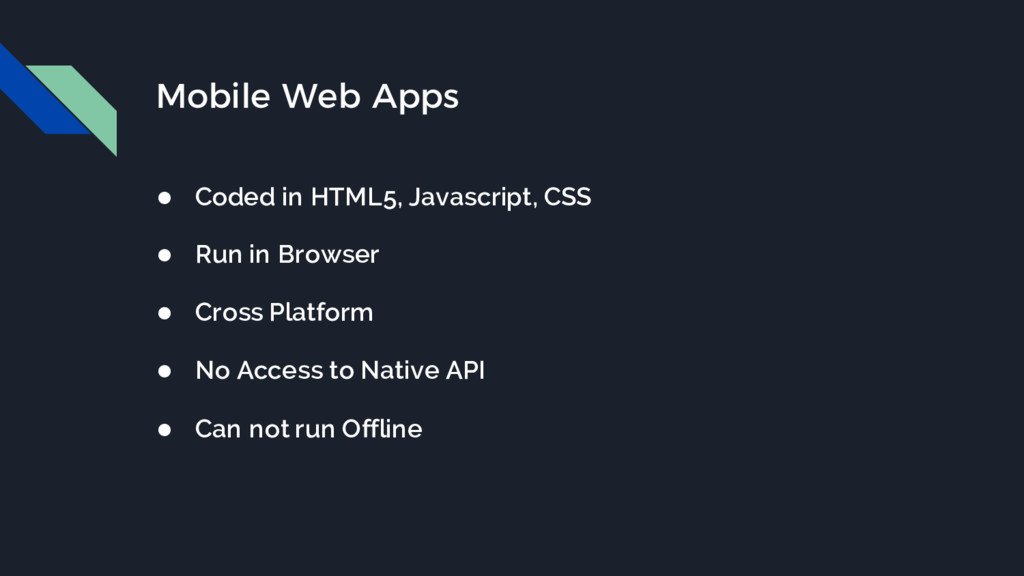
  3. • Coded in HTML5, Javascript, CSS • Run in Browser

    • Cross Platform • No Access to Native API • Can not run Offline Mobile Web Apps
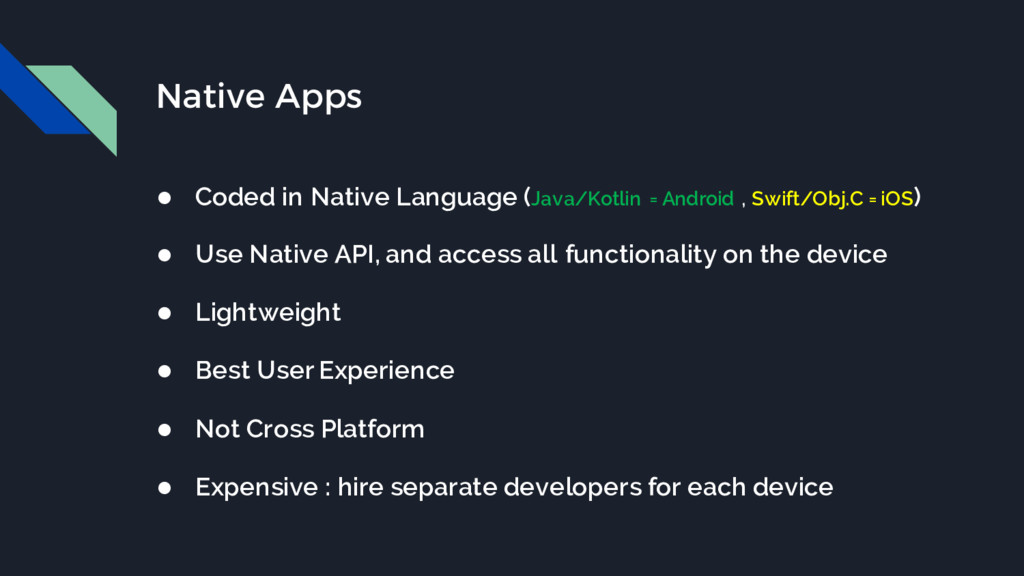
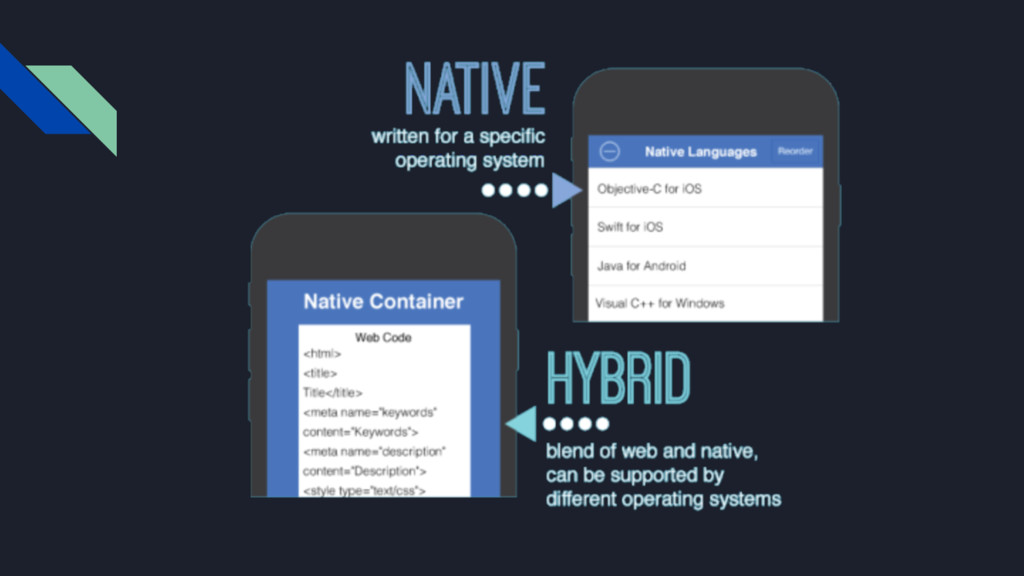
  4. • Coded in Native Language (Java/Kotlin = Android , Swift/Obj.C

    = iOS) • Use Native API, and access all functionality on the device • Lightweight • Best User Experience • Not Cross Platform • Expensive : hire separate developers for each device Native Apps
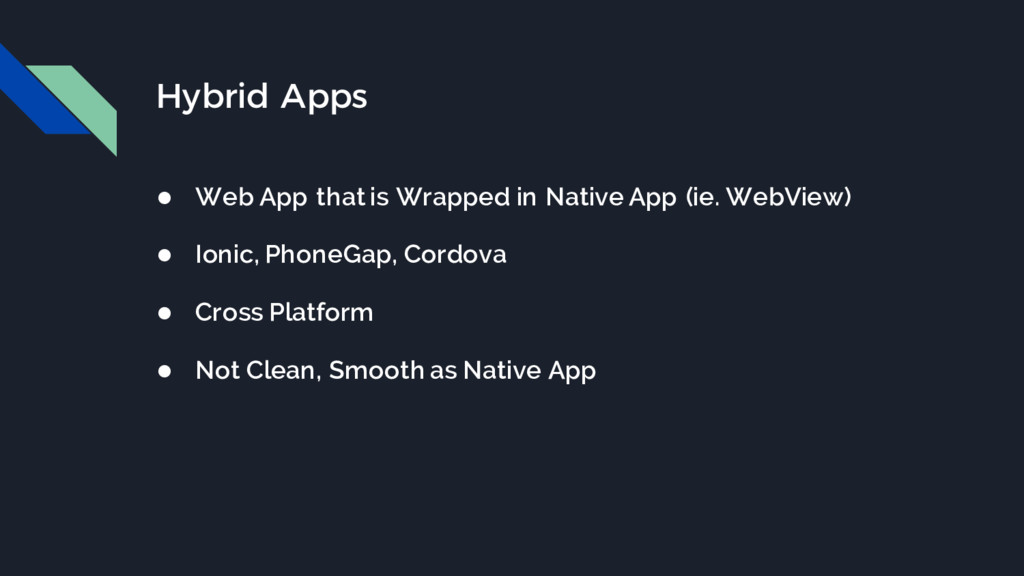
  5. • Web App that is Wrapped in Native App (ie.

    WebView) • Ionic, PhoneGap, Cordova • Cross Platform • Not Clean, Smooth as Native App Hybrid Apps
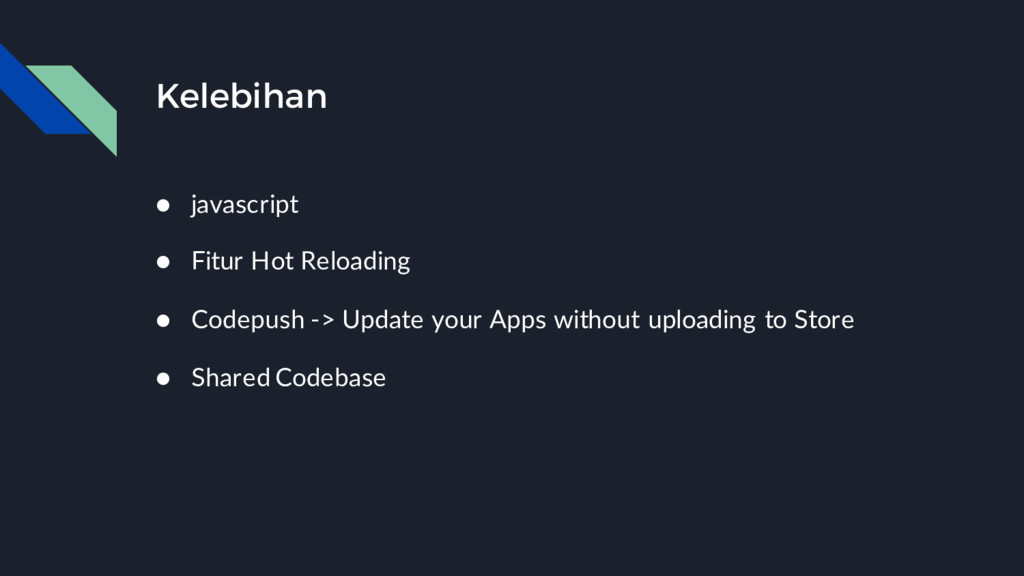
  6. Kelebihan • javascript • Fitur Hot Reloading • Codepush ->

    Update your Apps without uploading to Store • Shared Codebase
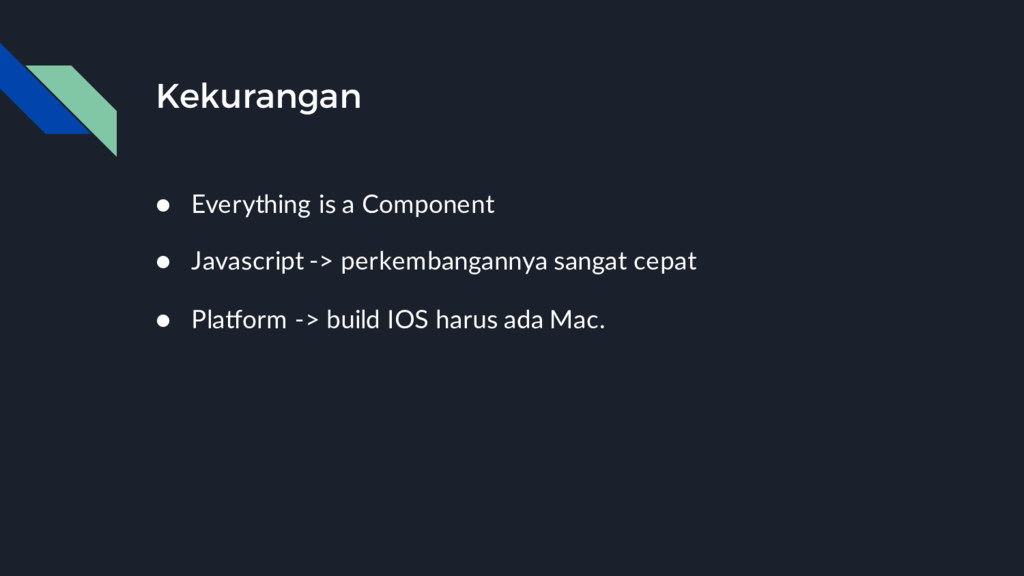
  7. Kekurangan • Everything is a Component • Javascript -> perkembangannya

    sangat cepat • Platform -> build IOS harus ada Mac.
  8. Key To Learn…? •- It's all about component •- JSX

    •- Props and State •- Component LifeCycle •- Component Types & Role
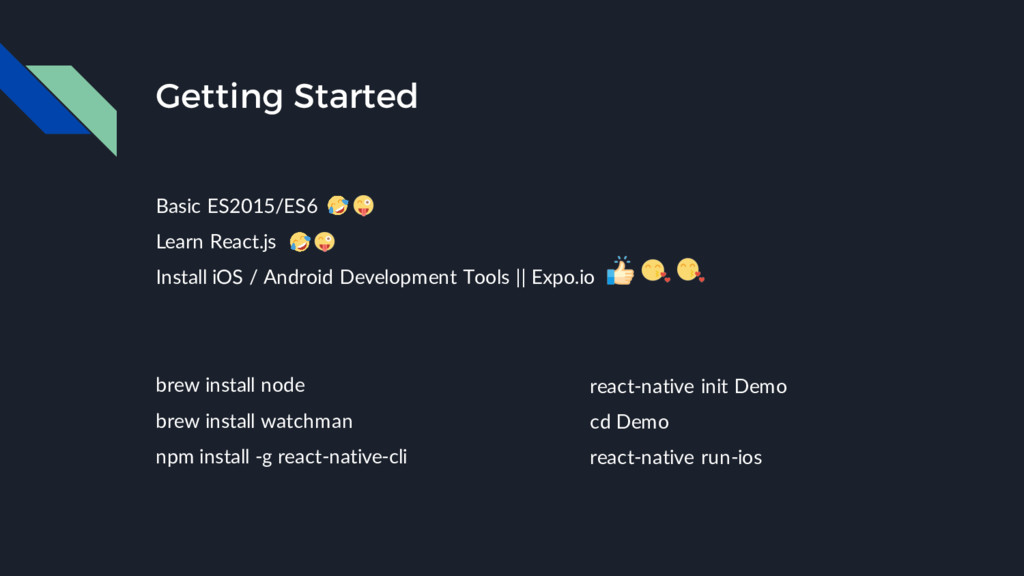
  9. Getting Started Basic ES2015/ES6 Learn React.js Install iOS / Android

    Development Tools || Expo.io brew install node brew install watchman npm install -g react-native-cli react-native init Demo cd Demo react-native run-ios
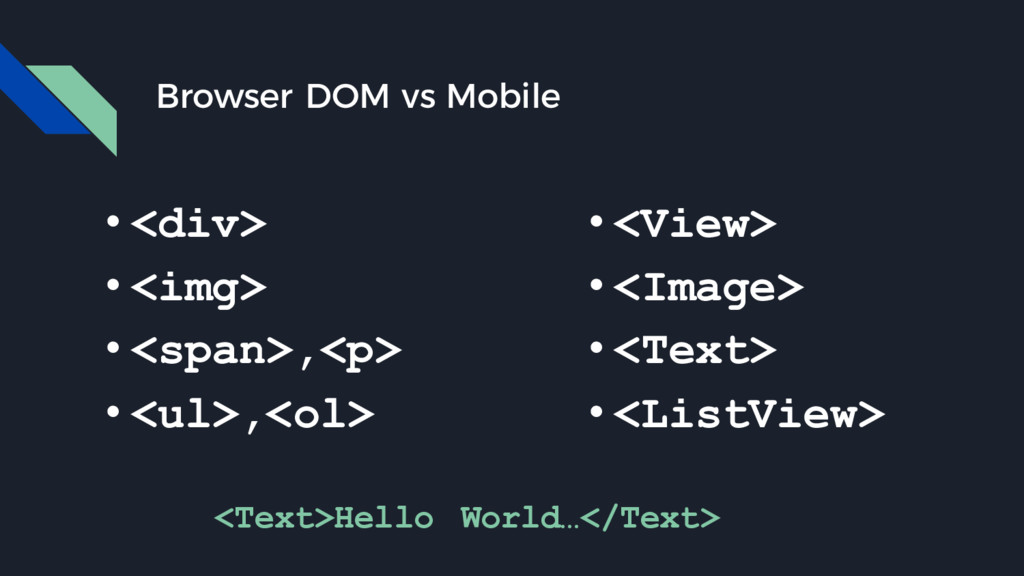
  10. Browser DOM vs Mobile • <div> • <img> • <span>,<p>

    • <ul>,<ol> <Text>Hello World…</Text> • <View> • <Image> • <Text> • <ListView>
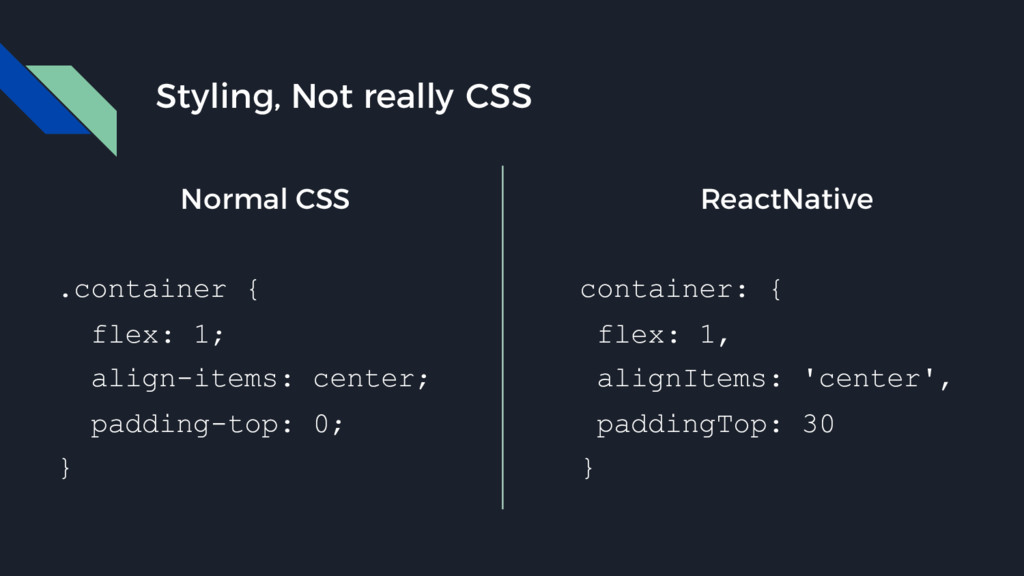
  11. Styling, Not really CSS Normal CSS .container { flex: 1;

    align-items: center; padding-top: 0; } ReactNative container: { flex: 1, alignItems: 'center', paddingTop: 30 }
  12. JSX is a preprocessor step that adds XML syntax to

    JavaScript. You can definitely use React without JSX but JSX makes React a lot more elegant.
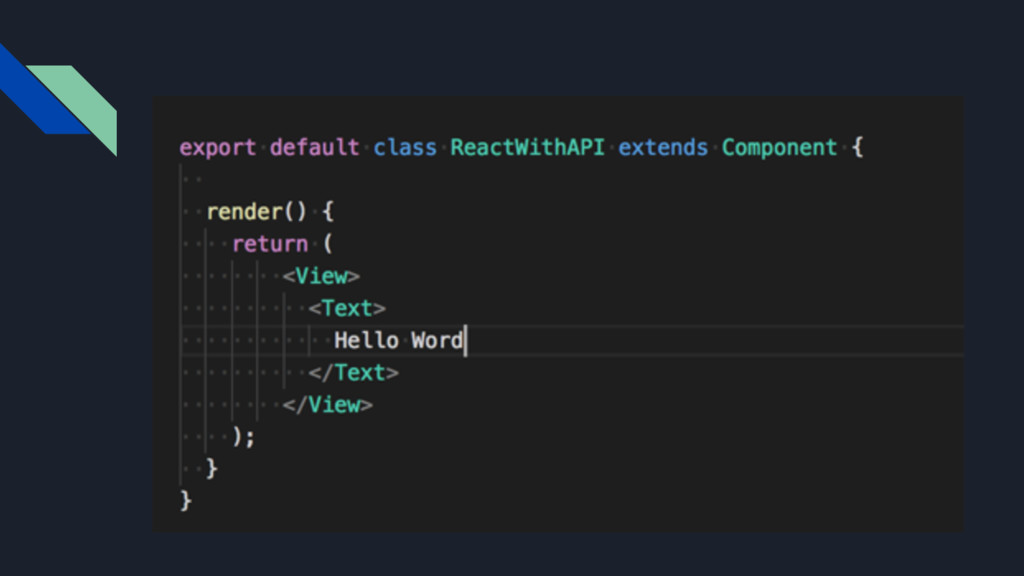
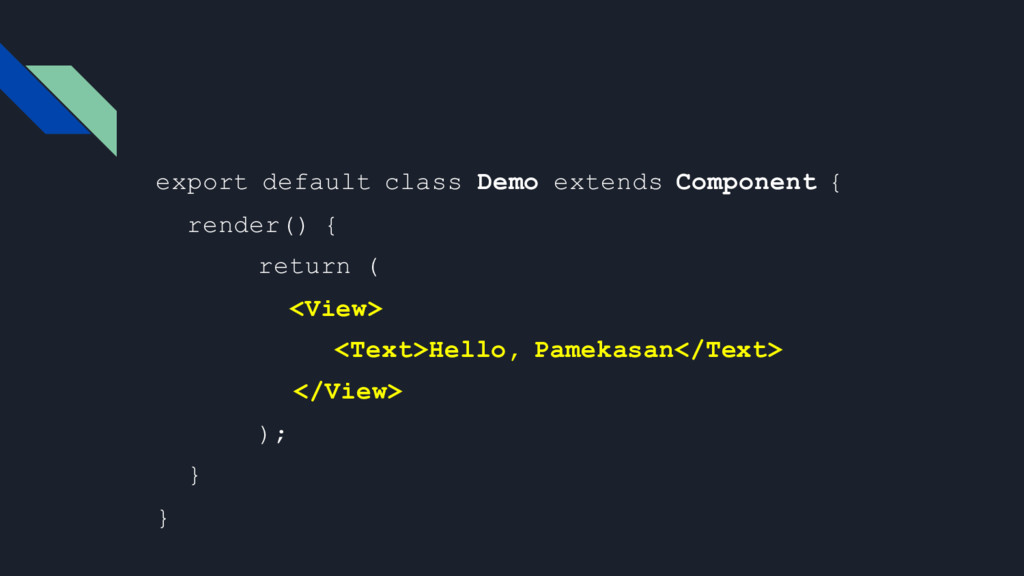
  13. export default class Demo extends Component { render() { return

    ( <View> <Text>Hello, Pamekasan</Text> </View> ); } }
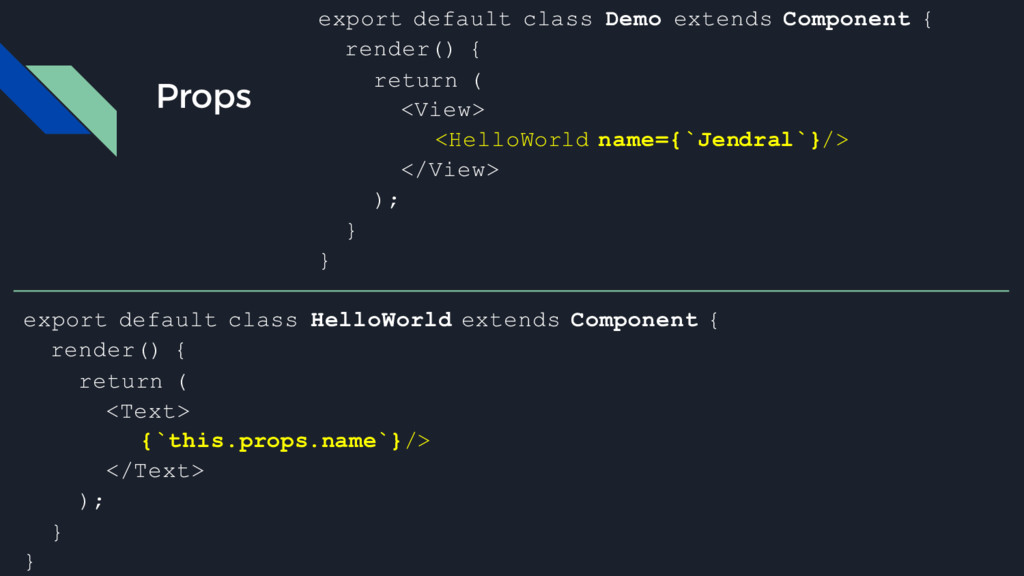
  14. Props export default class Demo extends Component { render() {

    return ( <View> <HelloWorld name={`Jendral`}/> </View> ); } } export default class HelloWorld extends Component { render() { return ( <Text> {`this.props.name`}/> </Text> ); } }
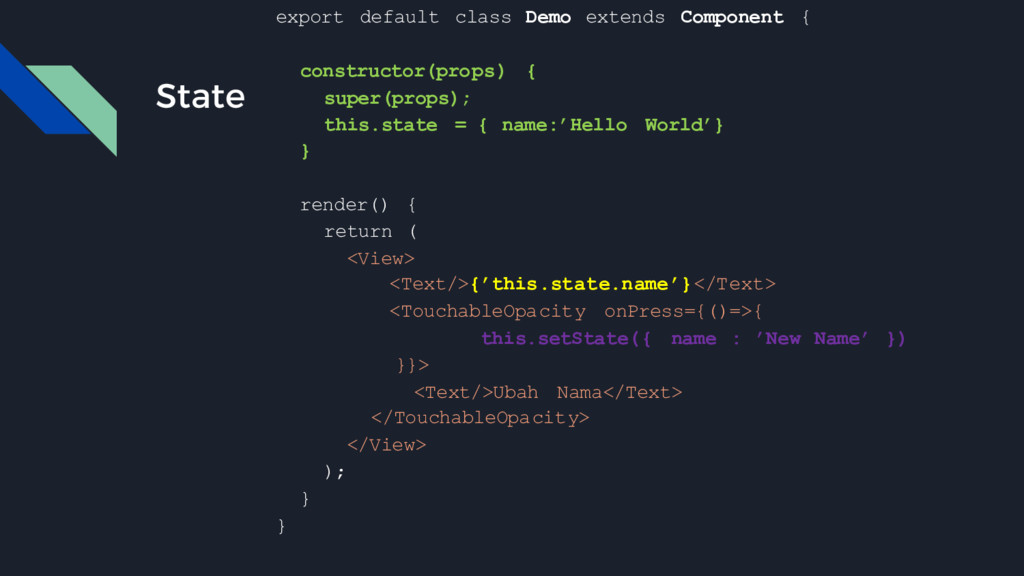
  15. State export default class Demo extends Component { constructor(props) {

    super(props); this.state = { name:’Hello World’} } render() { return ( <View> <Text/>{’this.state.name’}</Text> <TouchableOpacity onPress={()=>{ this.setState({ name : ’New Name’ }) }}> <Text/>Ubah Nama</Text> </TouchableOpacity> </View> ); } }