Upgrade to Pro
— share decks privately, control downloads, hide ads and more …
Speaker Deck
Sign up for free
Menu
Search
Features
All features
Private URLs
Password Protection
Custom URLS
Scheduled publishing
Remove Branding
Restrict embedding
Deck Collections
Notes
Features
All features
Private URLs
Password Protection
Custom URLS
Scheduled publishing
Remove Branding
Restrict embedding
Deck Collections
Notes
Explore
Featured decks
Featured speakers
Programming
Technology
Storyboards
Explore
Featured decks
Featured speakers
Programming
Technology
Storyboards
Pricing
Search
Sign in
Sign up for free
Material & Schematics
Search
Sponsored
·
SiteGround - Reliable hosting with speed, security, and support you can count on.
→
UrielMiranda
October 06, 2018
Programming
29
0
Share
Embed
Copy iframe code
Copy JS code
Copy link
Start on current slide
Material & Schematics
Slides del Meetup Angular México
UrielMiranda
October 06, 2018
Other Decks in Programming
See All in Programming
Starting & Sustaining Code-Based E2E Testing for Non-Coding QA Teams( #jasstniigata )
teyamagu
PRO
1
1k
npm との違いを手がかりにGo の依存管理を理解したい
optim
0
300
最近”作らせてる” ローカルAIアプリの話
akit37
0
470
半永久的に提供し続けられるプライベートクラウドを目指して ― 利用者の認知負荷を抑えるAPI抽象化とハードウェア世代交代の基盤設計
tomokon
0
500
作って学ぶSpring BootのAuto Configuration / JJUG Night Seminar 2026-10-19
rshindo
0
140
なぜCTOを降りてFDEを選んだのか?〜なぜプロダクト企業がFDEで顧客の現場に踏み込むのか〜
gonta
1
210
UnityでSystem.Net.WebSocketsなWebSocketサーバが動かないのでUnity Monoのコードを覗いてみた / about implementing websocket server with unity mono
drumath2237
1
610
個人開発者よ、Honoを使え(おじさんver)
tanahiro2010
2
260
現場と育てるRailsモデリング 〜Spreadsheetから始めたモデル設計〜
siroemk
2
590
[ハンズオン]AIへの指示だけで「五目並べ」を作ってみよう
satoshi256kbyte
1
380
UPDATE をやめる — EF Core でマスタをバージョン管理する
panda728
PRO
0
1.2k
複雑なUIコンポーネントとの ⻑い付き合い⽅:波及するバグからテスト戦略を経て、安全な再設計へ
mixplace
0
410
Featured
See All Featured
The MySQL Ecosystem @ GitHub 2015
samlambert
251
13k
How to Create Impact in a Changing Tech Landscape [PerfNow 2023]
tammyeverts
56
3.5k
A Soul's Torment
seathinner
8
3.8k
New Earth Scene 8
popppiees
4
2.7k
Git: the NoSQL Database
bkeepers
PRO
433
67k
Introduction to Domain-Driven Design and Collaborative software design
baasie
1
1k
Agile Actions for Facilitating Distributed Teams - ADO2019
mkilby
0
310
Marketing to machines
jonoalderson
1
5.9k
Context Engineering - Making Every Token Count
addyosmani
9
1.2k
Embracing the Ebb and Flow
colly
88
5.2k
CSS Pre-Processors: Stylus, Less & Sass
bermonpainter
360
31k
Documentation Writing (for coders)
carmenintech
77
5.6k
Transcript
Material & Schematics
Uriel Miranda @nekrorockwell
What is Angular Material?
Material Design components for Angular
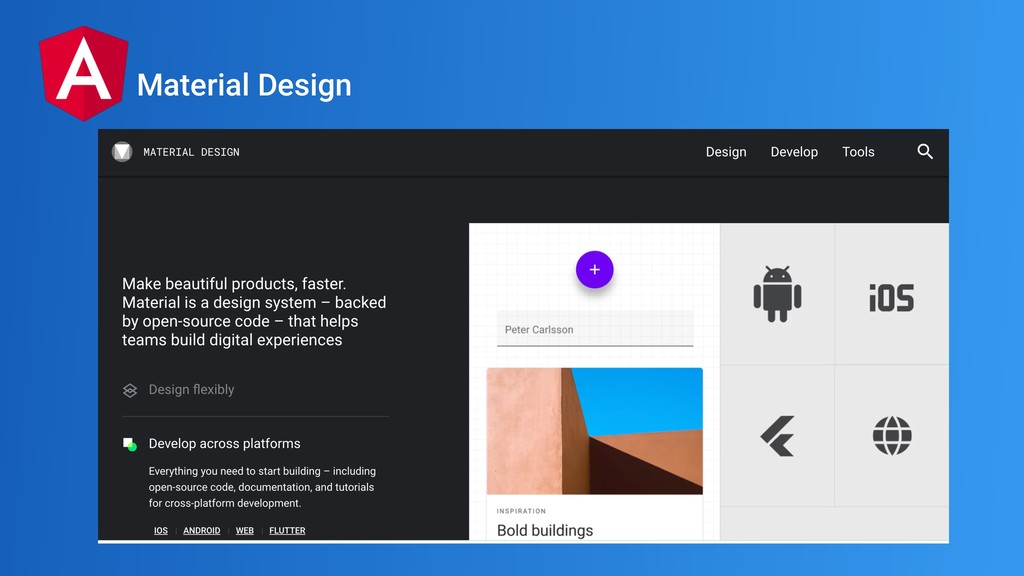
Material Design?? Components?
Is a visual language that synthesizes the classic principles of
good design with the innovation of technology and science Material Design
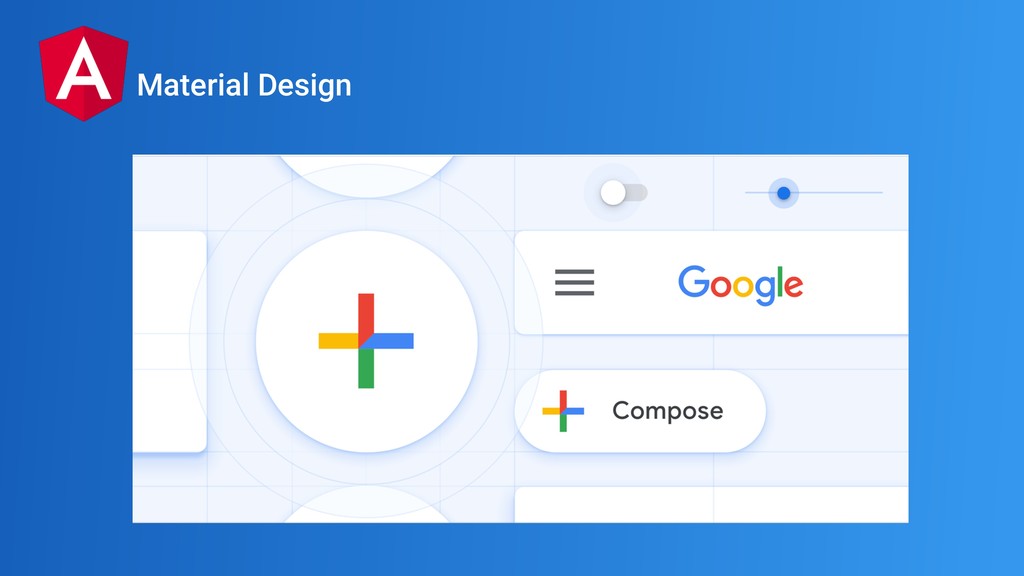
Material Design
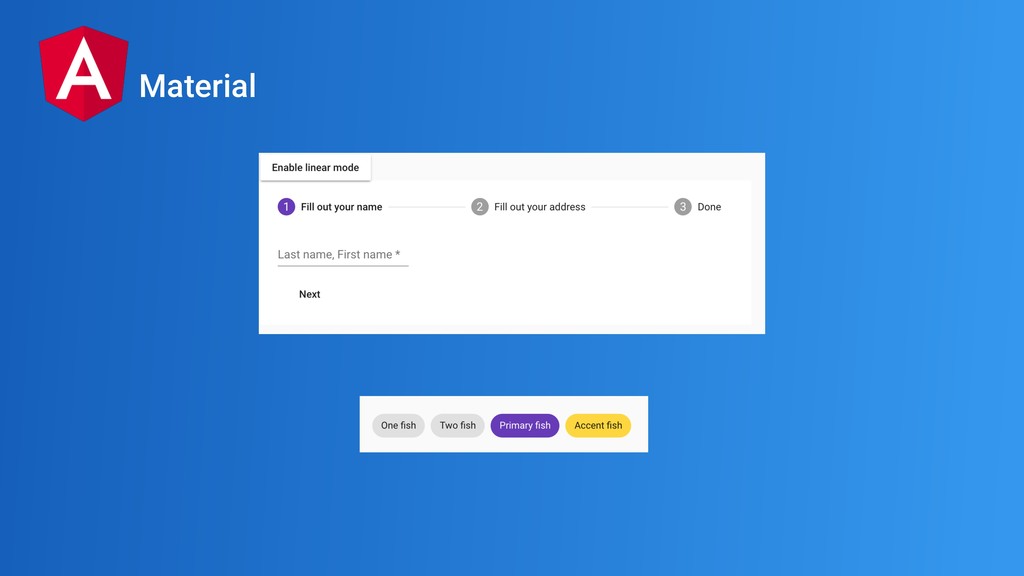
Material Design
Material
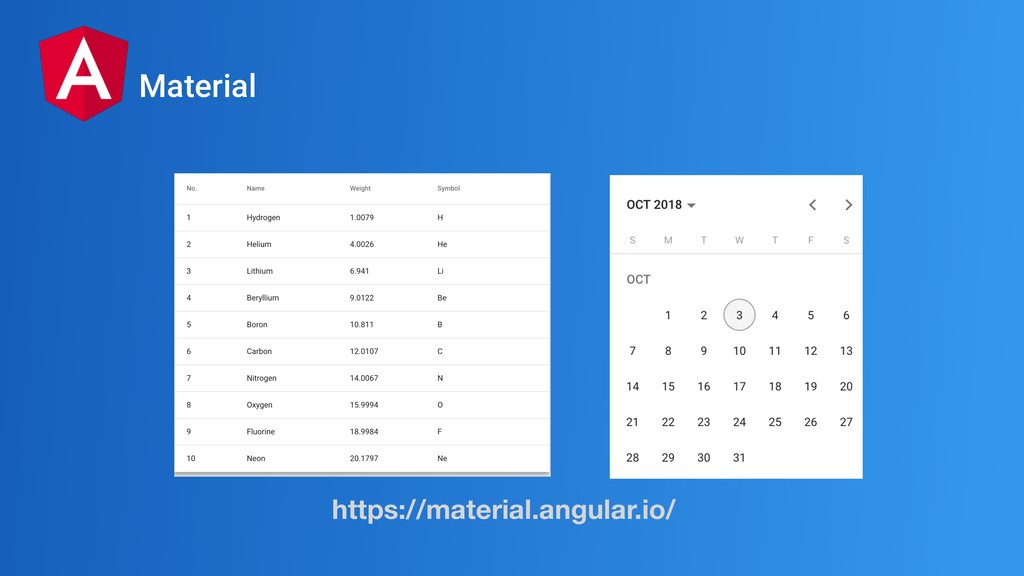
Material https://material.angular.io/
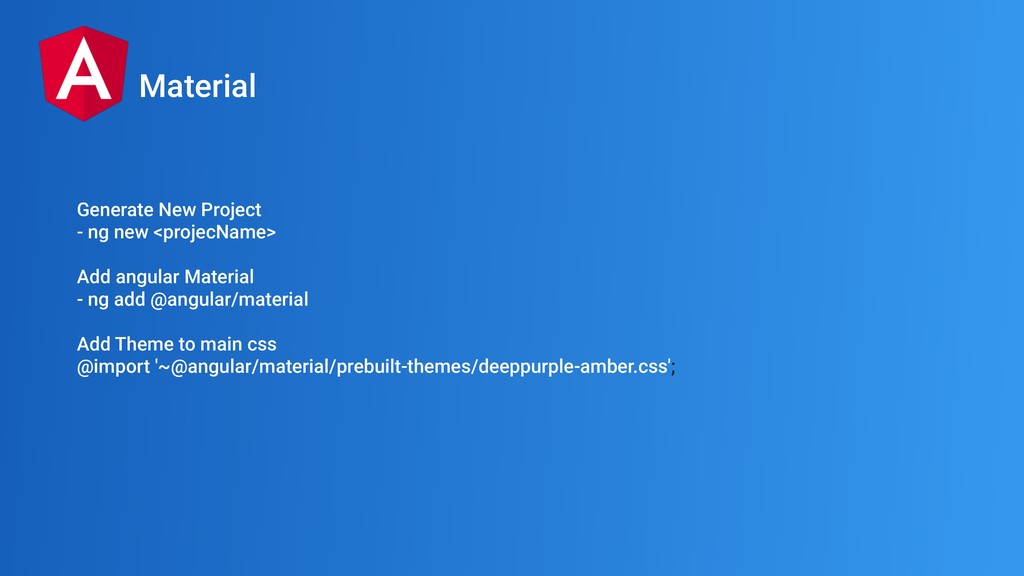
Generate New Project - ng new <projecName> Add angular Material
- ng add @angular/material Add Theme to main css @import '~@angular/material/prebuilt-themes/deeppurple-amber.css'; Material
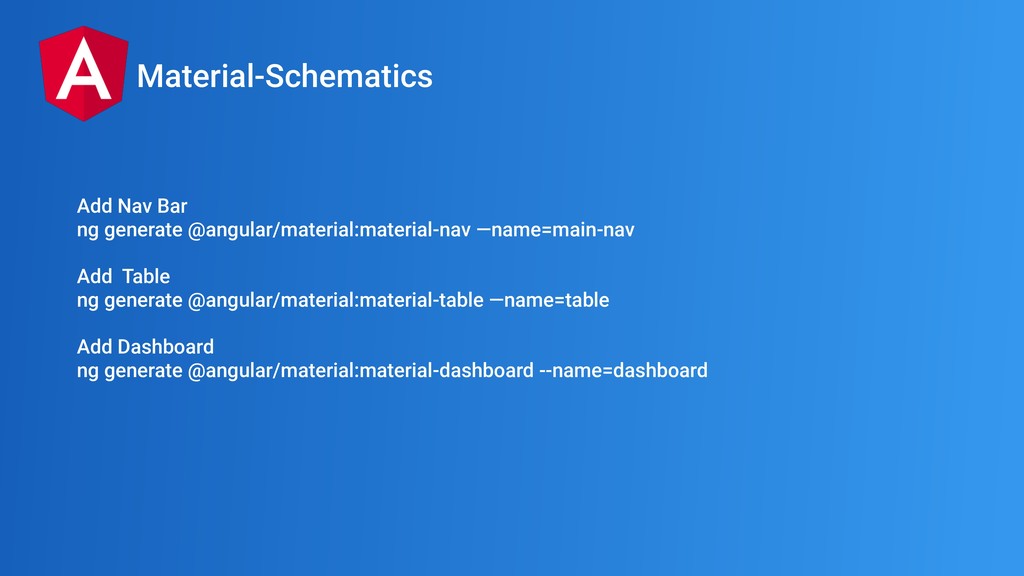
Add Nav Bar ng generate @angular/material:material-nav —name=main-nav Add Table ng
generate @angular/material:material-table —name=table Add Dashboard ng generate @angular/material:material-dashboard --name=dashboard Material-Schematics
DEMO TIME
Schematics
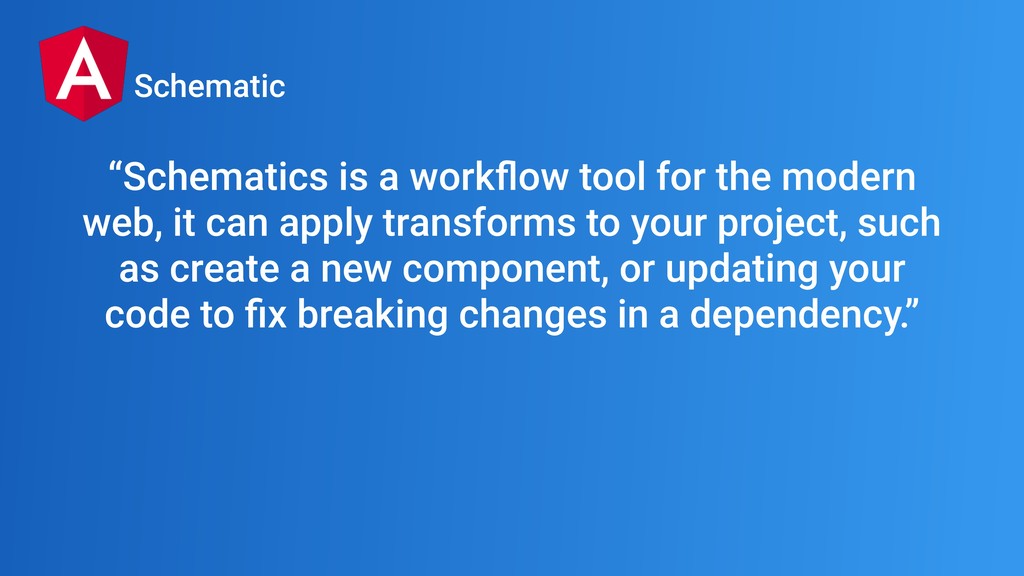
“Schematics is a workflow tool for the modern web, it
can apply transforms to your project, such as create a new component, or updating your code to fix breaking changes in a dependency.” Schematic
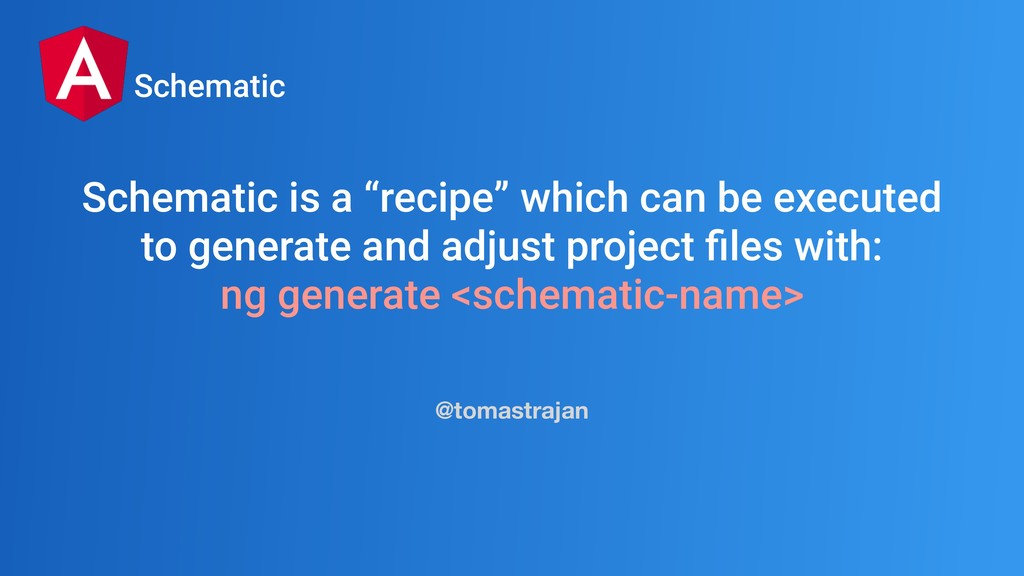
Schematic is a “recipe” which can be executed to generate
and adjust project files with: ng generate <schematic-name> @tomastrajan Schematic
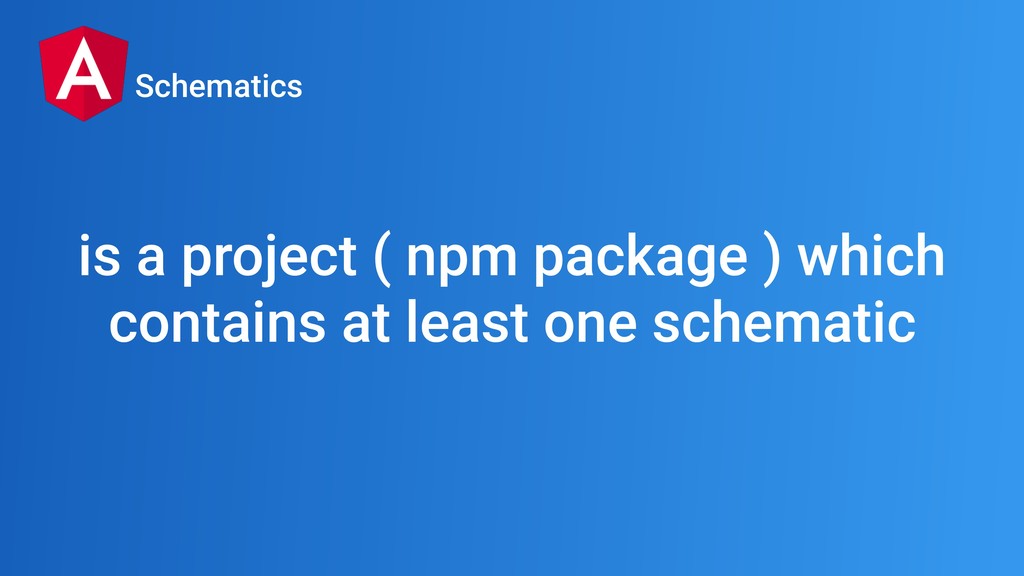
schematics collection
is a project ( npm package ) which contains at
least one schematic Schematics
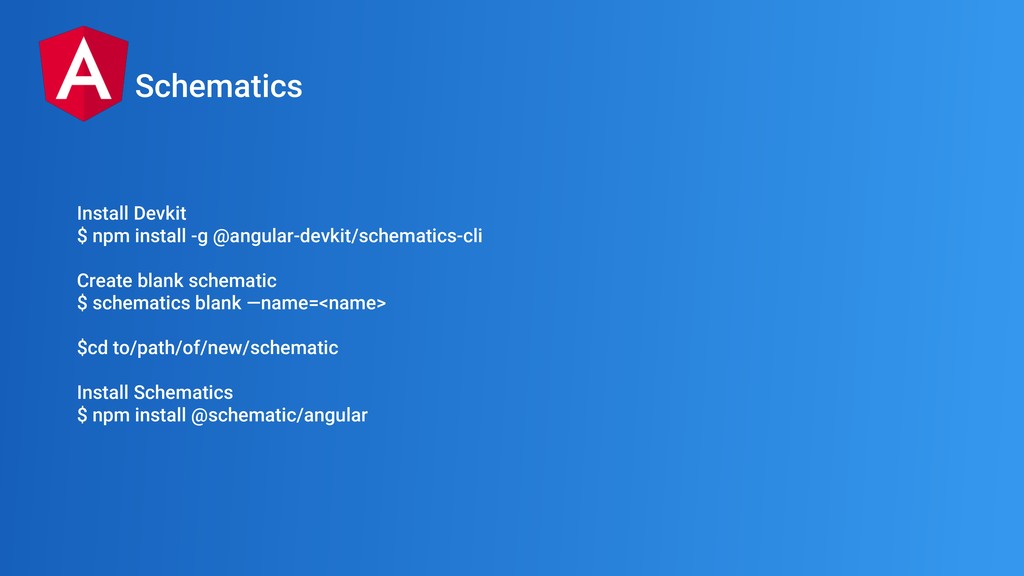
Install Devkit $ npm install -g @angular-devkit/schematics-cli Create blank schematic
$ schematics blank —name=<name> $cd to/path/of/new/schematic Install Schematics $ npm install @schematic/angular Schematics
Get The Shit Done
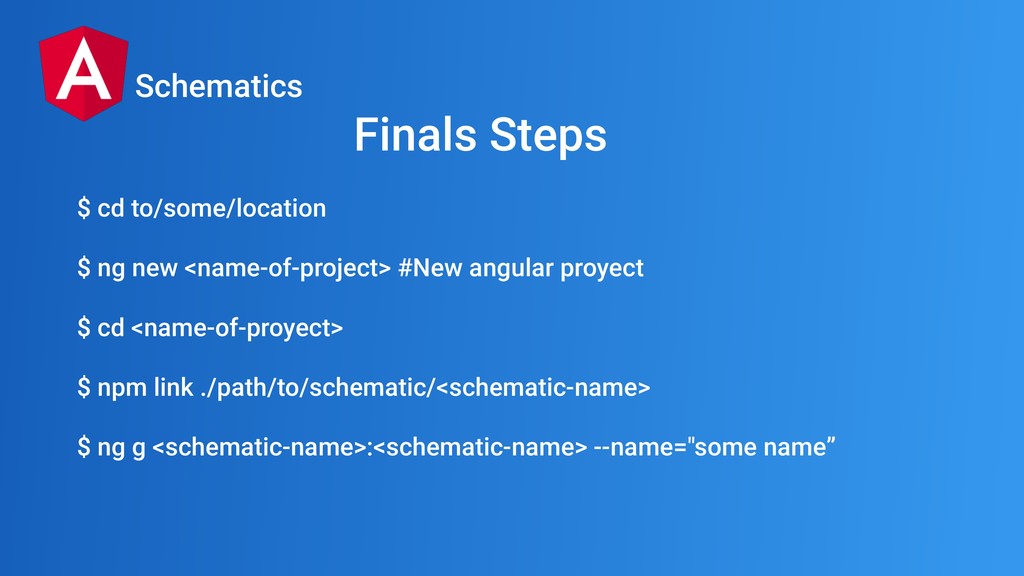
$ cd to/some/location $ ng new <name-of-project> #New angular proyect
$ cd <name-of-proyect> $ npm link ./path/to/schematic/<schematic-name> $ ng g <schematic-name>:<schematic-name> --name="some name” Schematics Finals Steps
We did it
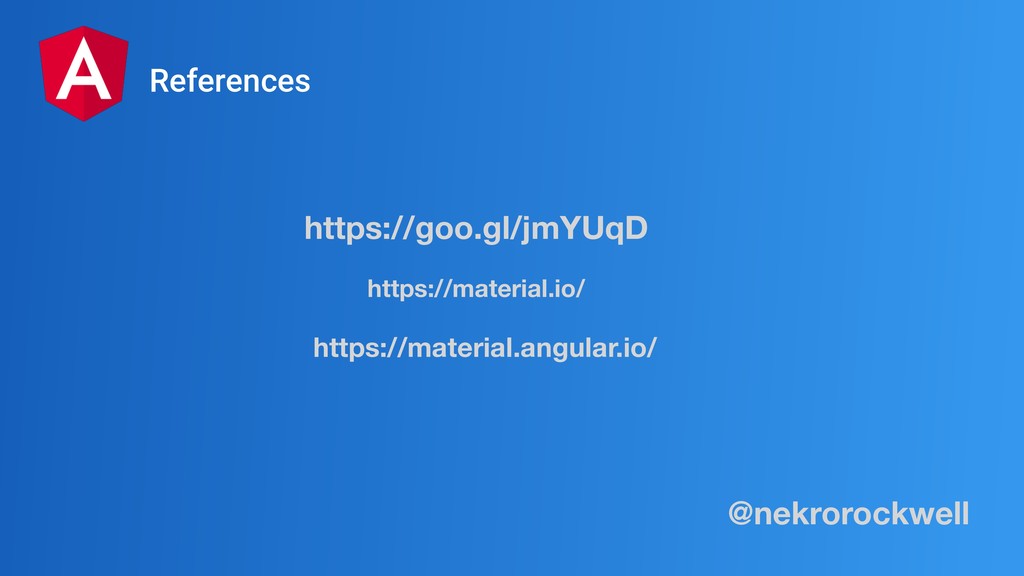
https://goo.gl/jmYUqD References https://material.io/ https://material.angular.io/ @nekrorockwell
Thank You!

 SiteGround - Reliable hosting with speed, security, and support you can count on.


 teyamagu
 optim
optim
 akit37
 tomokon
 rshindo
 gonta
gonta
 drumath2237
 tanahiro2010
 siroemk
 satoshi256kbyte
 panda728
 mixplace
 samlambert
 tammyeverts
 seathinner
 popppiees
 bkeepers
 baasie
 mkilby
 jonoalderson
 addyosmani
 colly
colly
 bermonpainter
 carmenintech