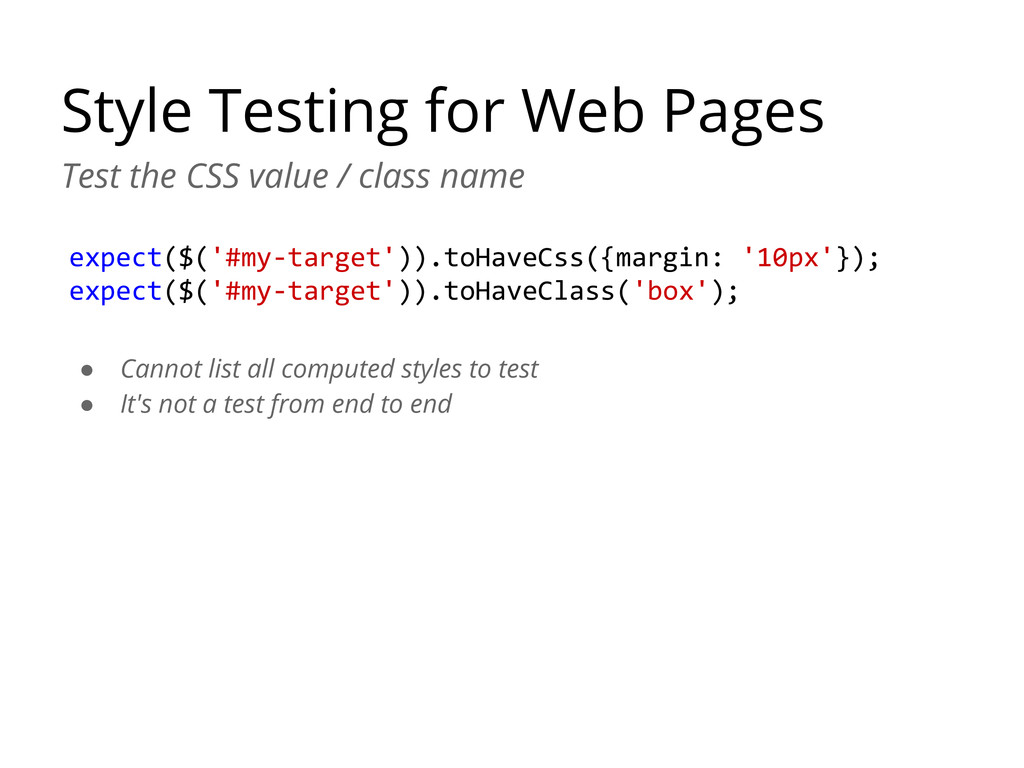
class name expect($('#my-target')).toHaveCss({margin: '10px'}); expect($('#my-target')).toHaveClass('box'); • Cannot list all computed styles to test • It's not a test from end to end
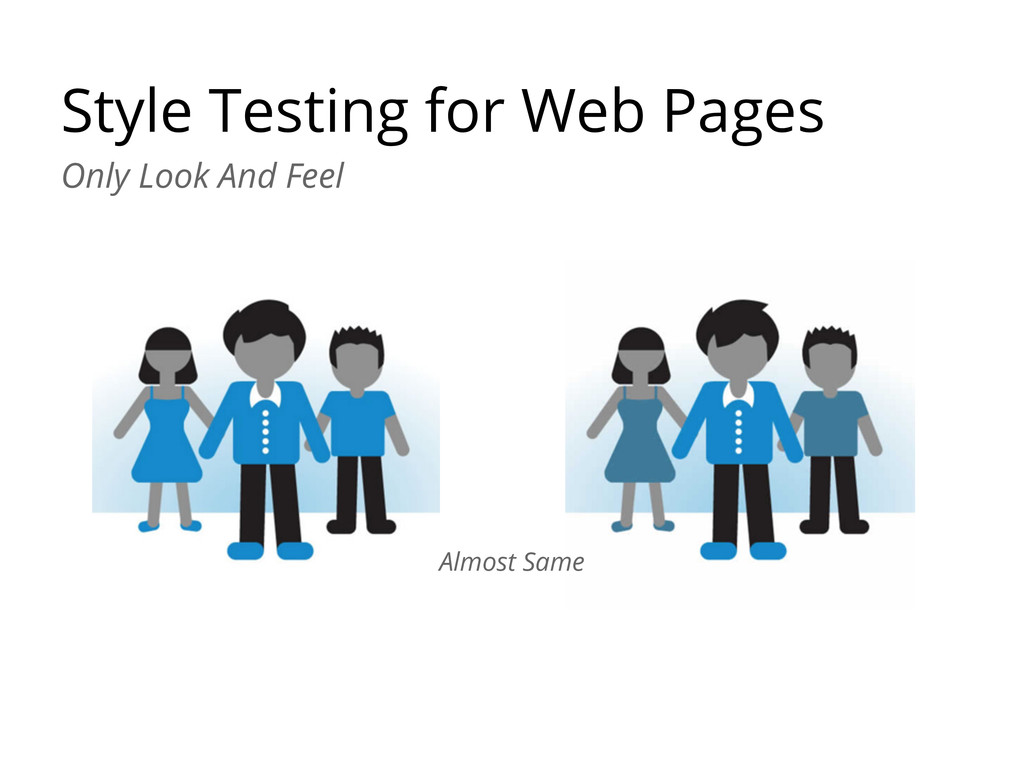
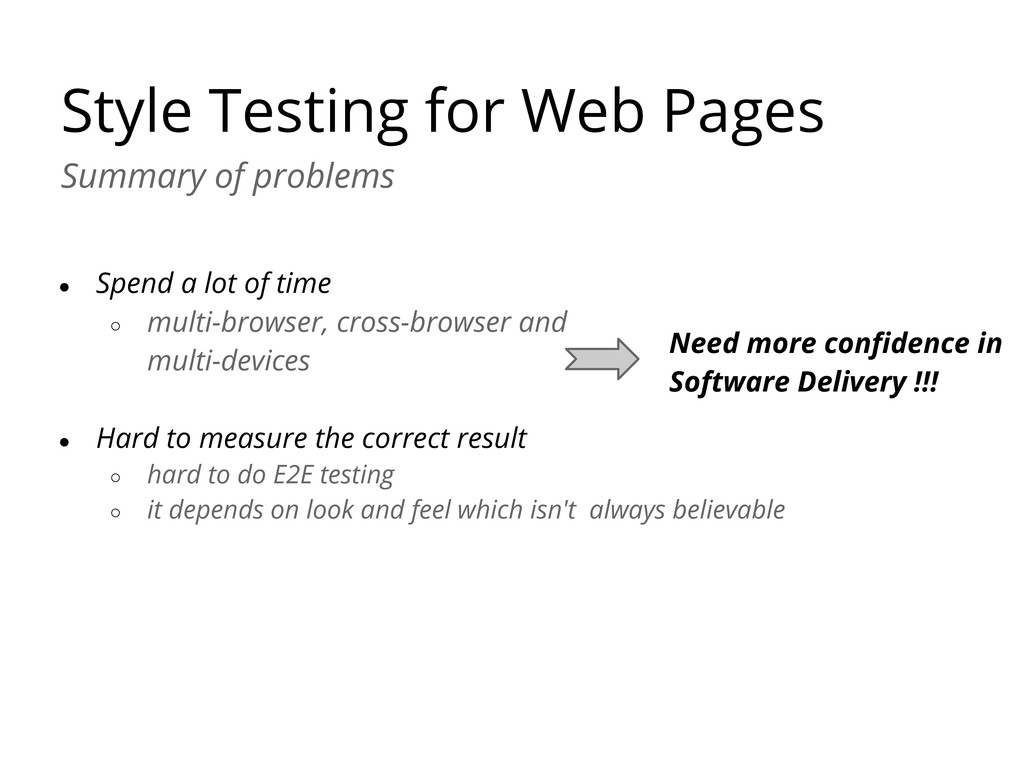
a lot of time ◦ multi-browser, cross-browser and multi-devices • Hard to measure the correct result ◦ hard to do E2E testing ◦ it depends on look and feel which isn't always believable Need more confidence in Software Delivery !!!
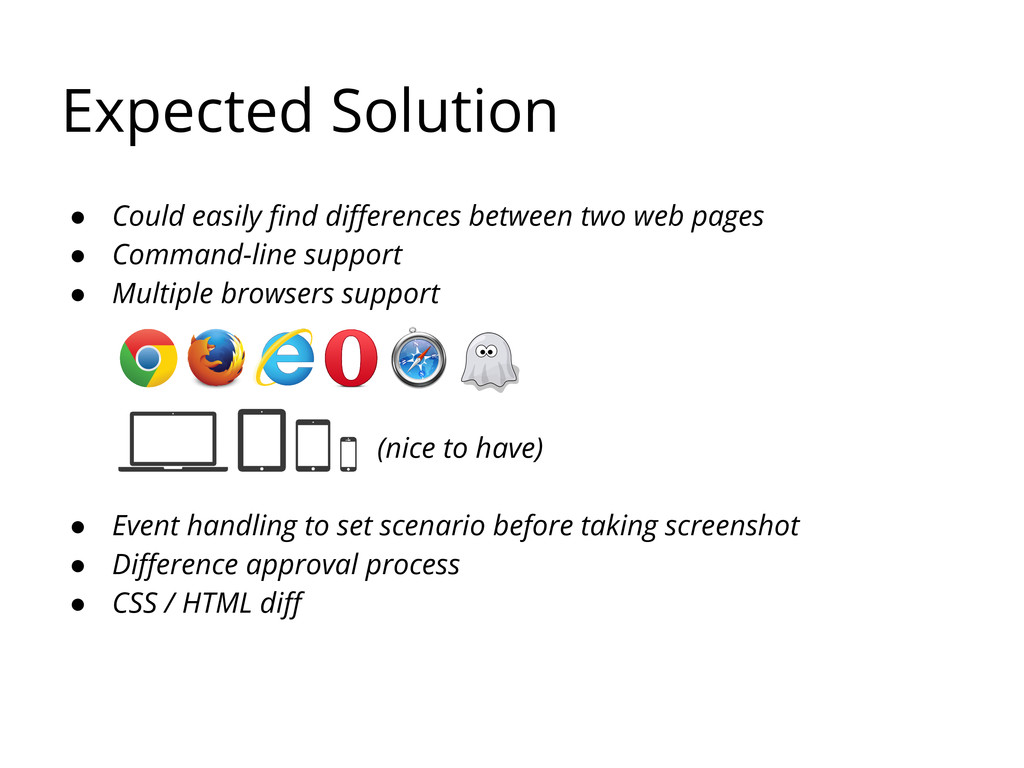
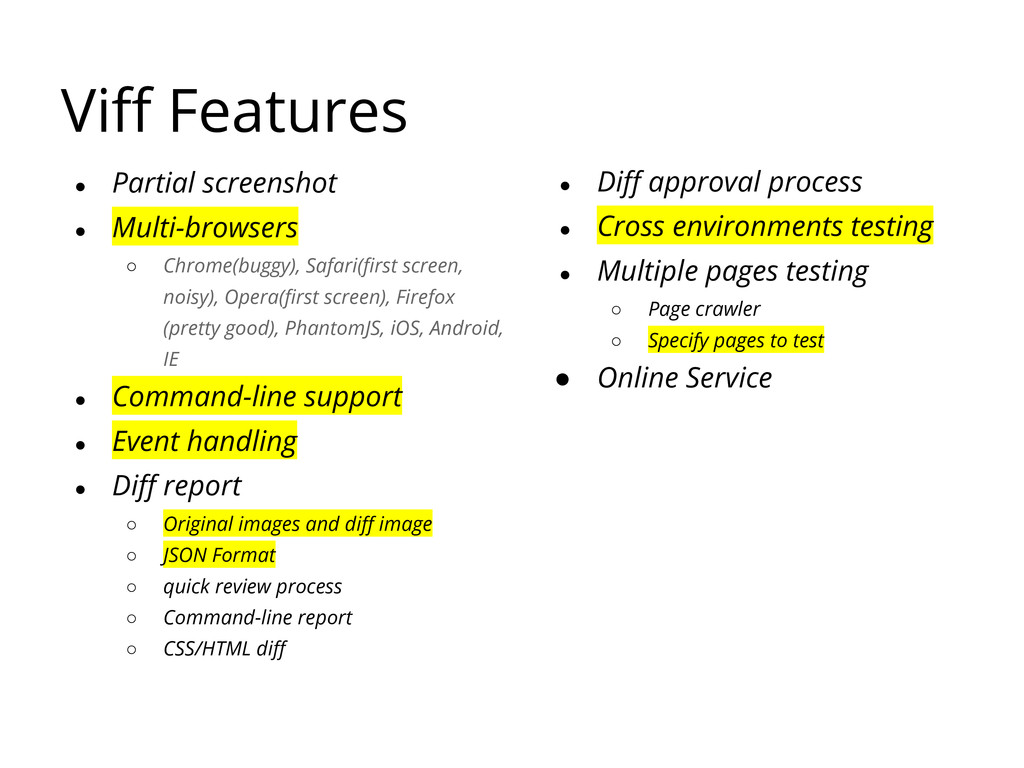
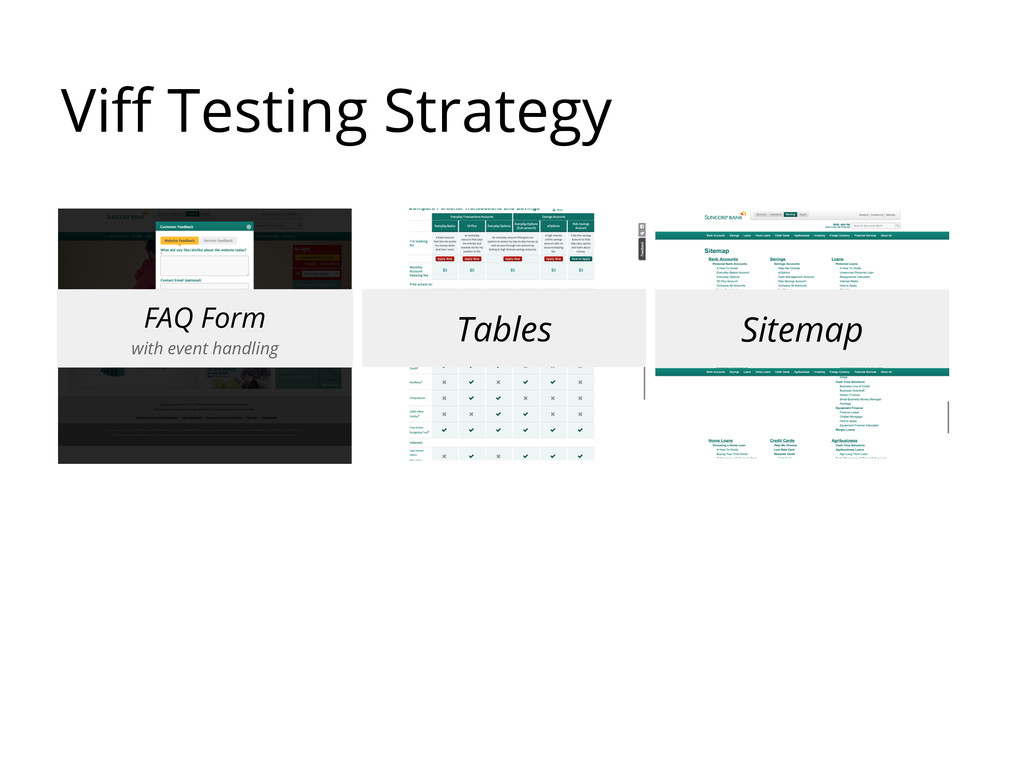
pages • Command-line support • Multiple browsers support (nice to have) • Event handling to set scenario before taking screenshot • Difference approval process • CSS / HTML diff
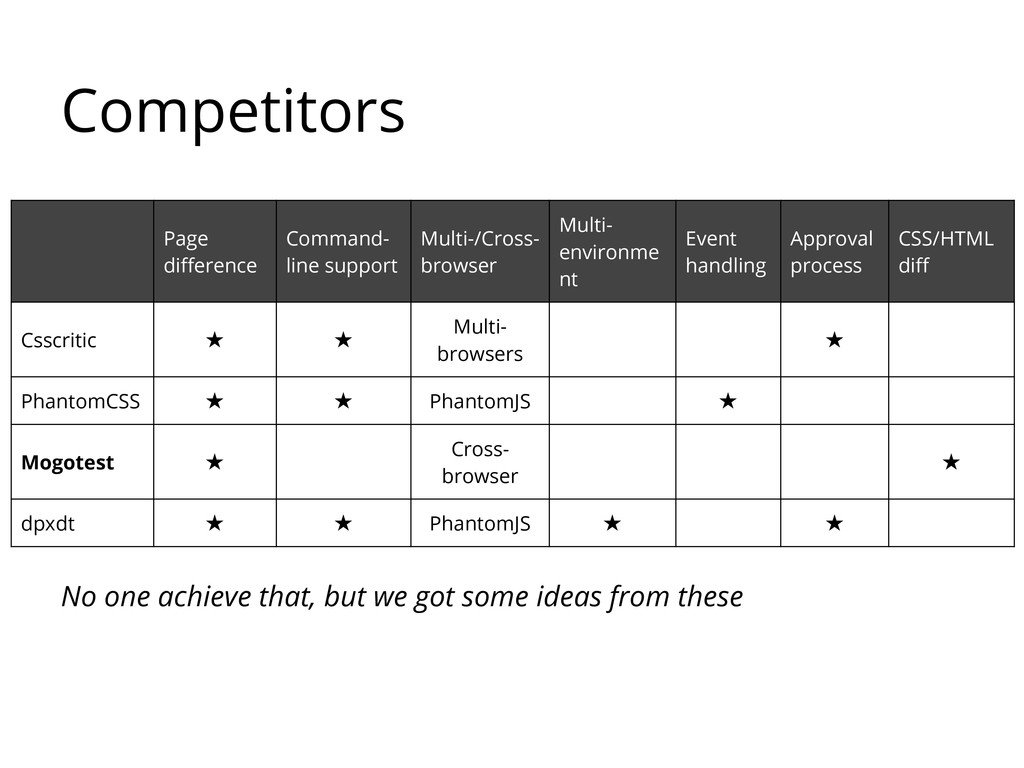
nt Event handling Approval process CSS/HTML diff Csscritic ★ ★ Multi- browsers ★ PhantomCSS ★ ★ PhantomJS ★ Mogotest ★ Cross- browser ★ dpxdt ★ ★ PhantomJS ★ ★ No one achieve that, but we got some ideas from these
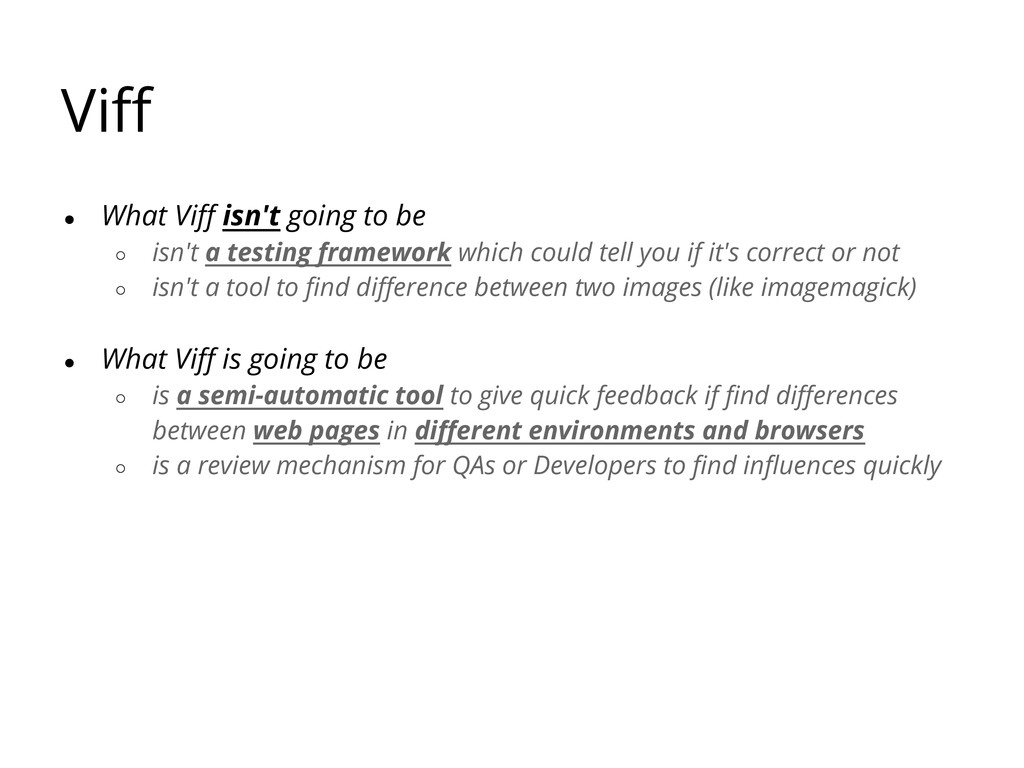
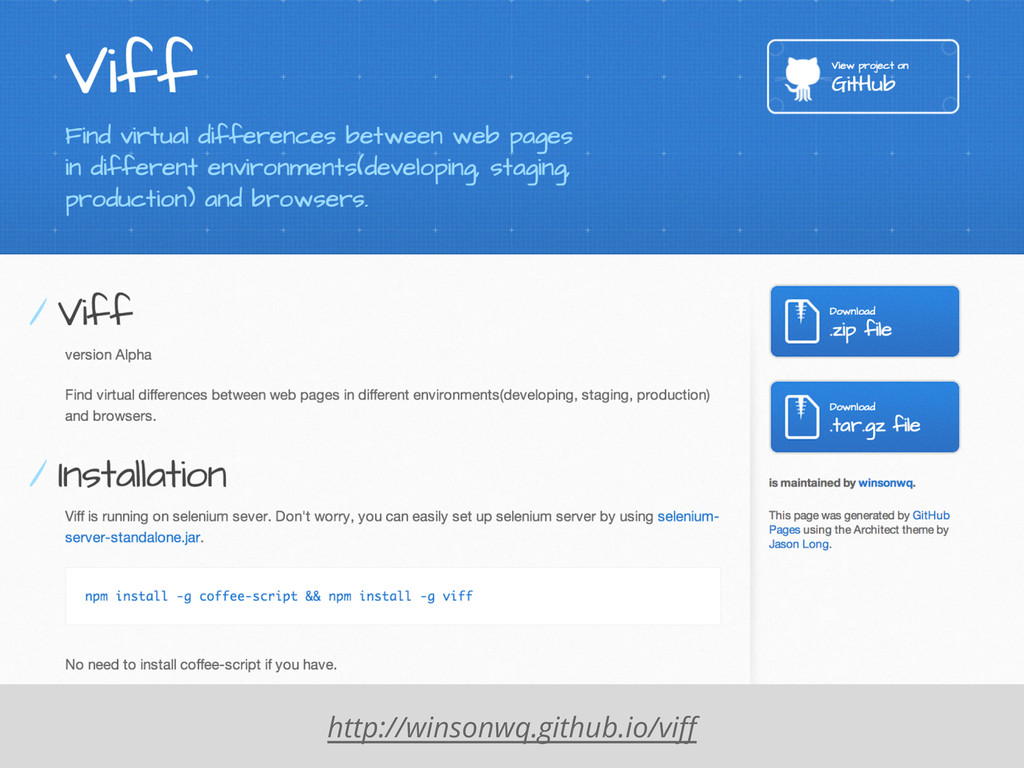
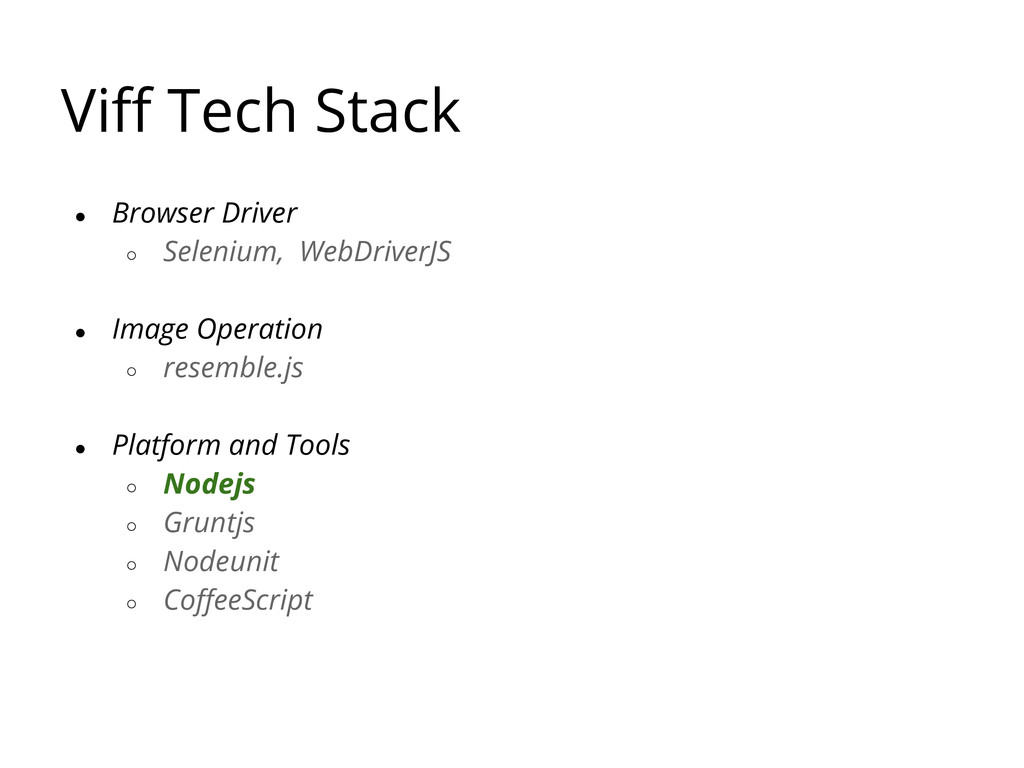
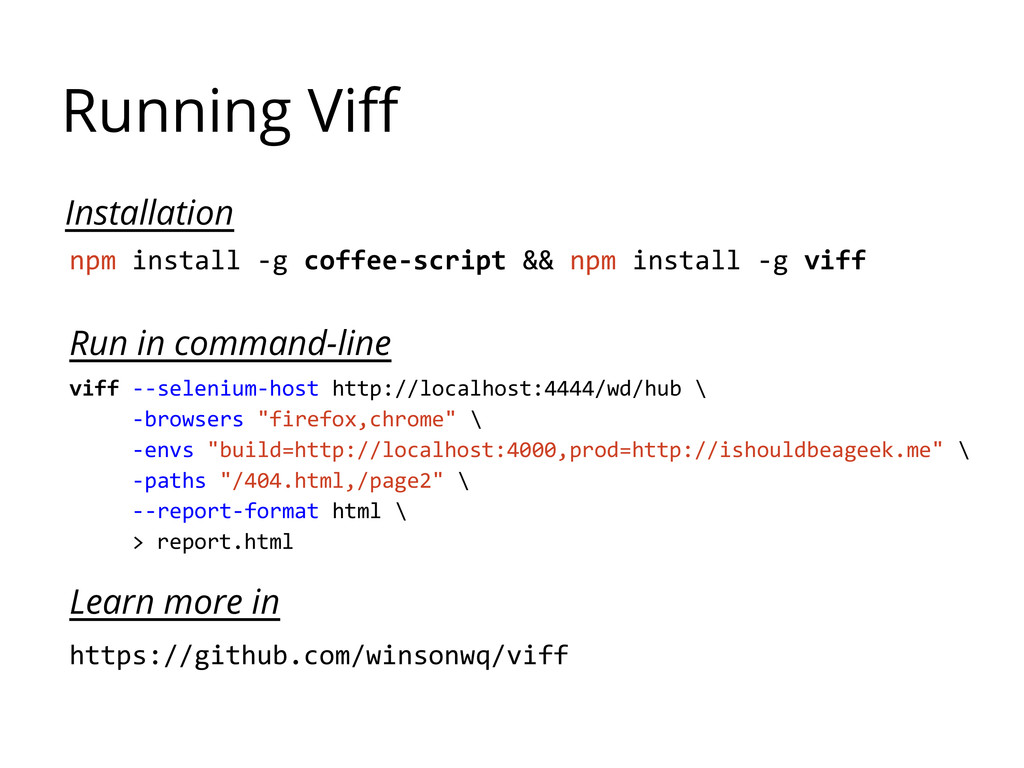
a testing framework which could tell you if it's correct or not ◦ isn't a tool to find difference between two images (like imagemagick) • What Viff is going to be ◦ is a semi-automatic tool to give quick feedback if find differences between web pages in different environments and browsers ◦ is a review mechanism for QAs or Developers to find influences quickly
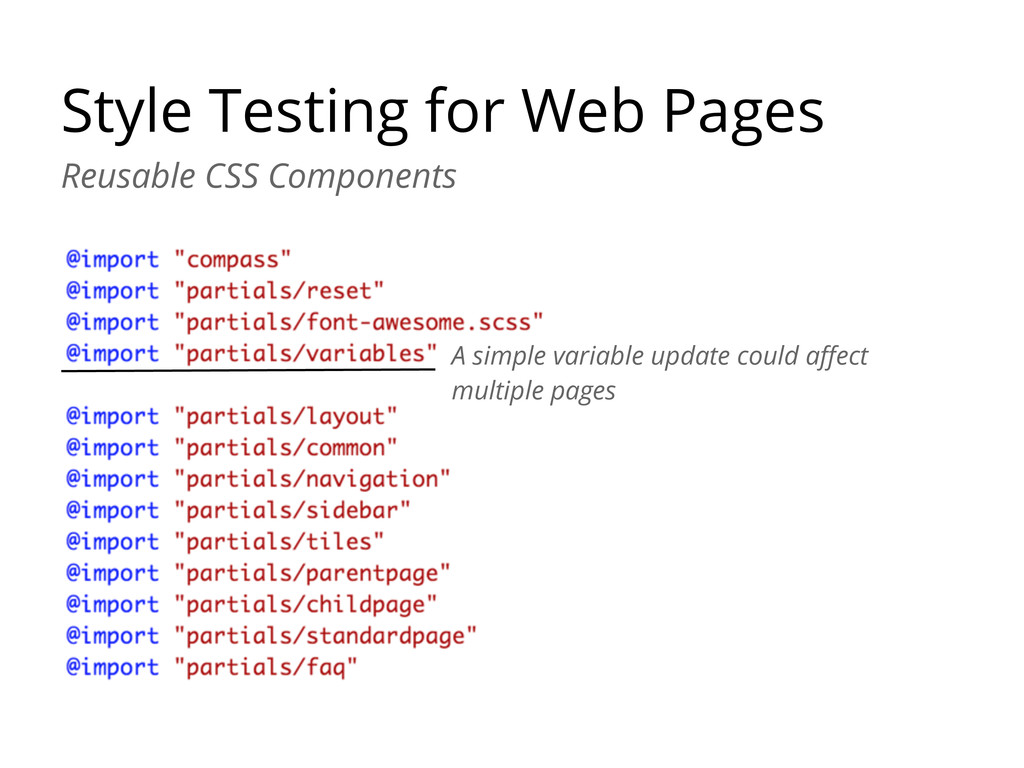
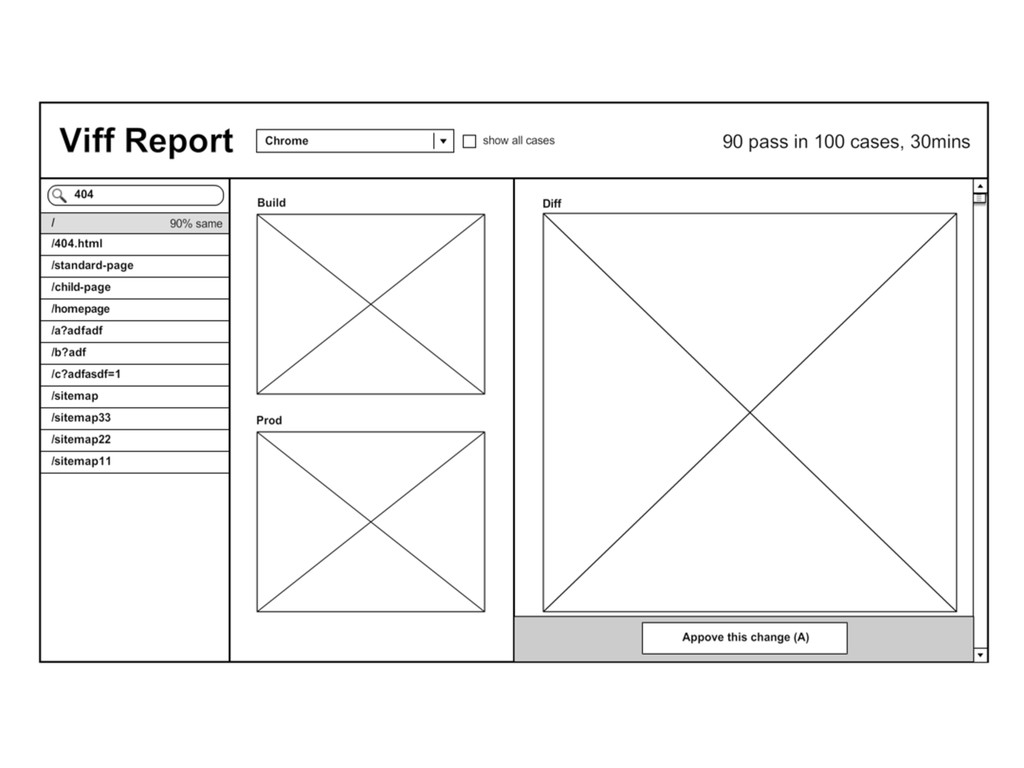
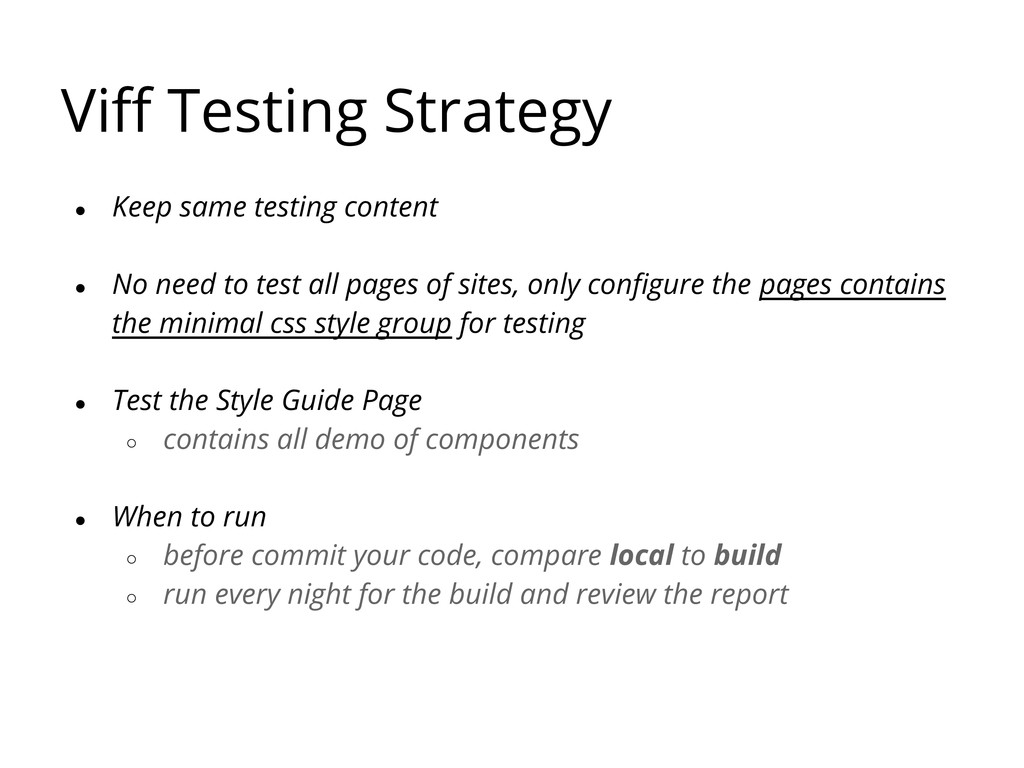
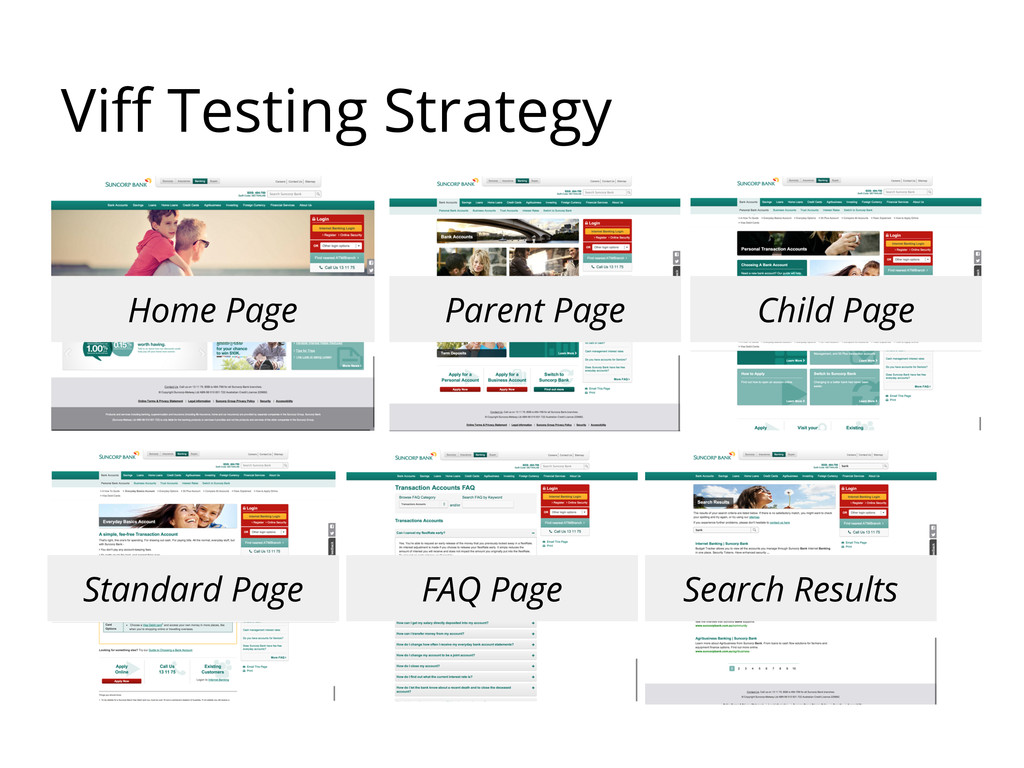
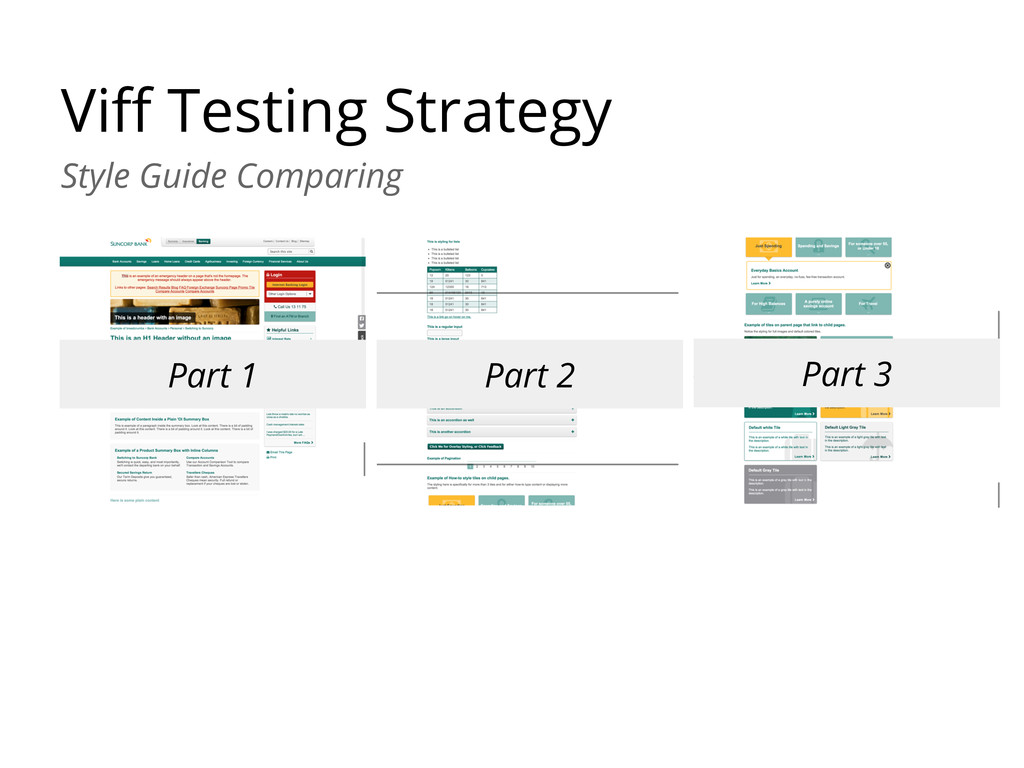
need to test all pages of sites, only configure the pages contains the minimal css style group for testing • Test the Style Guide Page ◦ contains all demo of components • When to run ◦ before commit your code, compare local to build ◦ run every night for the build and review the report


 moznion
 teamlab
 occhi
occhi
 tokuty
 riyaamemiya
 ivry_presentationmaterials
 persolserverworks
 shugo
shugo
 jyouryuusui
 glaforge
 hiracky16
 shogo4131
 rasmusluckow
 cassininazir
 palkan
 inesmontani
 raygrieselhuber
 samlambert
 schlessera
 moore
moore
 letsgokoyo
 deanohume
 geoffreycrofte
 marcduiker