Upgrade to Pro — share decks privately, control downloads, hide ads and more …

Top Tips for an Effective Timeline Guide.pdf

Sponsored · Your Podcast. Everywhere. Effortlessly. Share. Educate. Inspire. Entertain. You do you. We'll handle the rest. →
Avatar for Joaquin Gonzalez Joaquin Gonzalez
May 14, 2012
30

Top Tips for an Effective Timeline Guide.pdf

Avatar for Joaquin Gonzalez

Joaquin Gonzalez

May 14, 2012

Transcript

  1. To speak with a Sales Representative, please call: 888.274.0929 x2

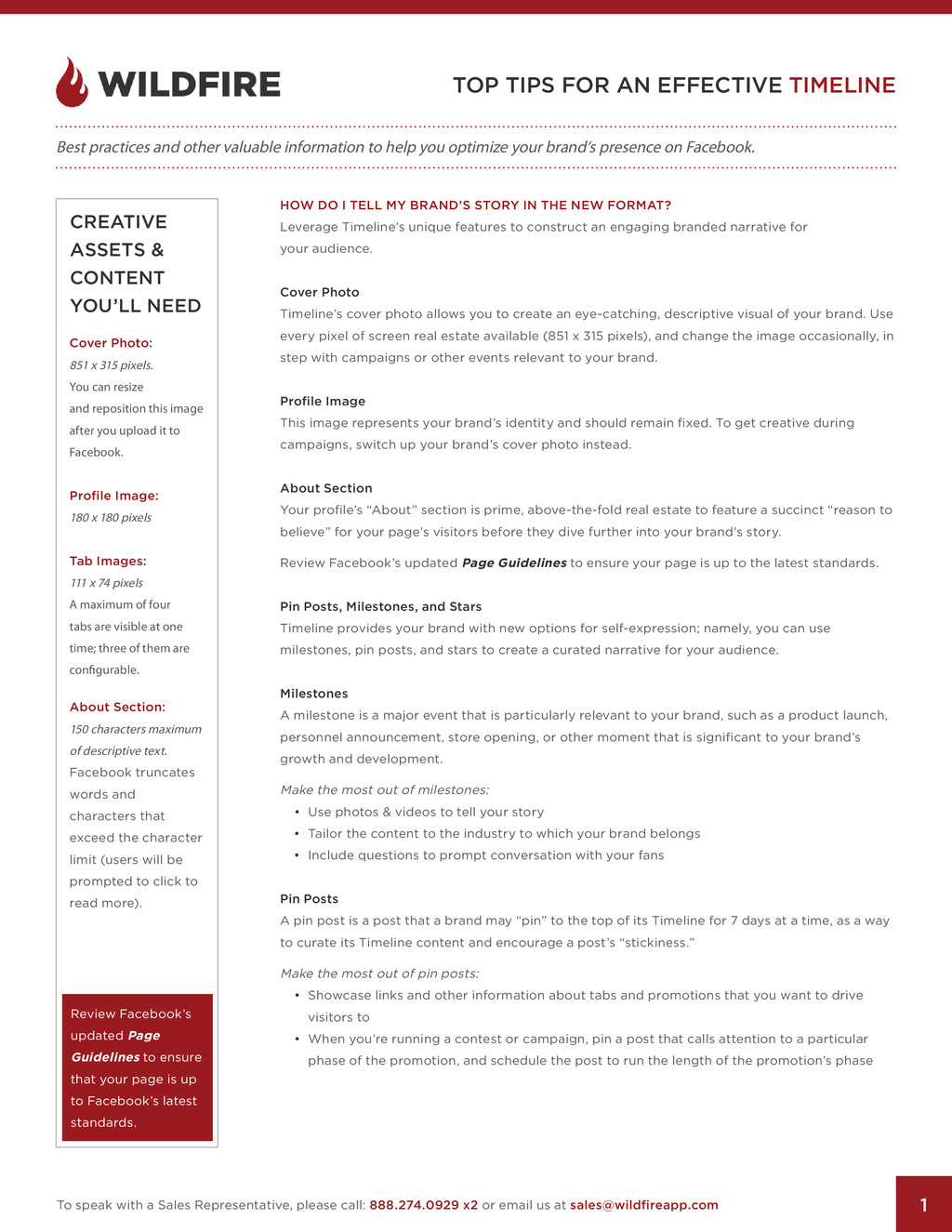
    or email us at [email protected] 1 CREATIVE ASSETS & CONTENT YOU’LL NEED HOW DO I TELL MY BRAND’S STORY IN THE NEW FORMAT? Leverage Timeline’s unique features to construct an engaging branded narrative for your audience. Cover Photo Timeline’s cover photo allows you to create an eye-catching, descriptive visual of your brand. Use every pixel of screen real estate available (851 x 315 pixels), and change the image occasionally, in step with campaigns or other events relevant to your brand. Profile Image This image represents your brand’s identity and should remain fixed. To get creative during campaigns, switch up your brand’s cover photo instead. About Section Your profile’s “About” section is prime, above-the-fold real estate to feature a succinct “reason to believe” for your page’s visitors before they dive further into your brand’s story. Review Facebook’s updated Page Guidelines to ensure your page is up to the latest standards. Pin Posts, Milestones, and Stars Timeline provides your brand with new options for self-expression; namely, you can use milestones, pin posts, and stars to create a curated narrative for your audience. Milestones A milestone is a major event that is particularly relevant to your brand, such as a product launch, personnel announcement, store opening, or other moment that is significant to your brand’s growth and development. Make the most out of milestones: • Use photos & videos to tell your story • Tailor the content to the industry to which your brand belongs • Include questions to prompt conversation with your fans Pin Posts A pin post is a post that a brand may “pin” to the top of its Timeline for 7 days at a time, as a way to curate its Timeline content and encourage a post’s “stickiness.” Make the most out of pin posts: • Showcase links and other information about tabs and promotions that you want to drive visitors to • When you’re running a contest or campaign, pin a post that calls attention to a particular phase of the promotion, and schedule the post to run the length of the promotion’s phase Best practices and other valuable information to help you optimize your brand’s presence on Facebook. TOP TIPS FOR AN EFFECTIVE TIMELINE Cover Photo: 851 x 315 pixels. You can resize and reposition this image after you upload it to Facebook. Profile Image: 180 x 180 pixels Tab Images: 111 x 74 pixels A maximum of four tabs are visible at one time; three of them are configurable. About Section: 150 characters maximum of descriptive text. Facebook truncates words and characters that exceed the character limit (users will be prompted to click to read more). Review Facebook’s updated Page Guidelines to ensure that your page is up to Facebook’s latest standards.
  2. 2 TOP TIPS FOR AN EFFECTIVE TIMELINE To speak with

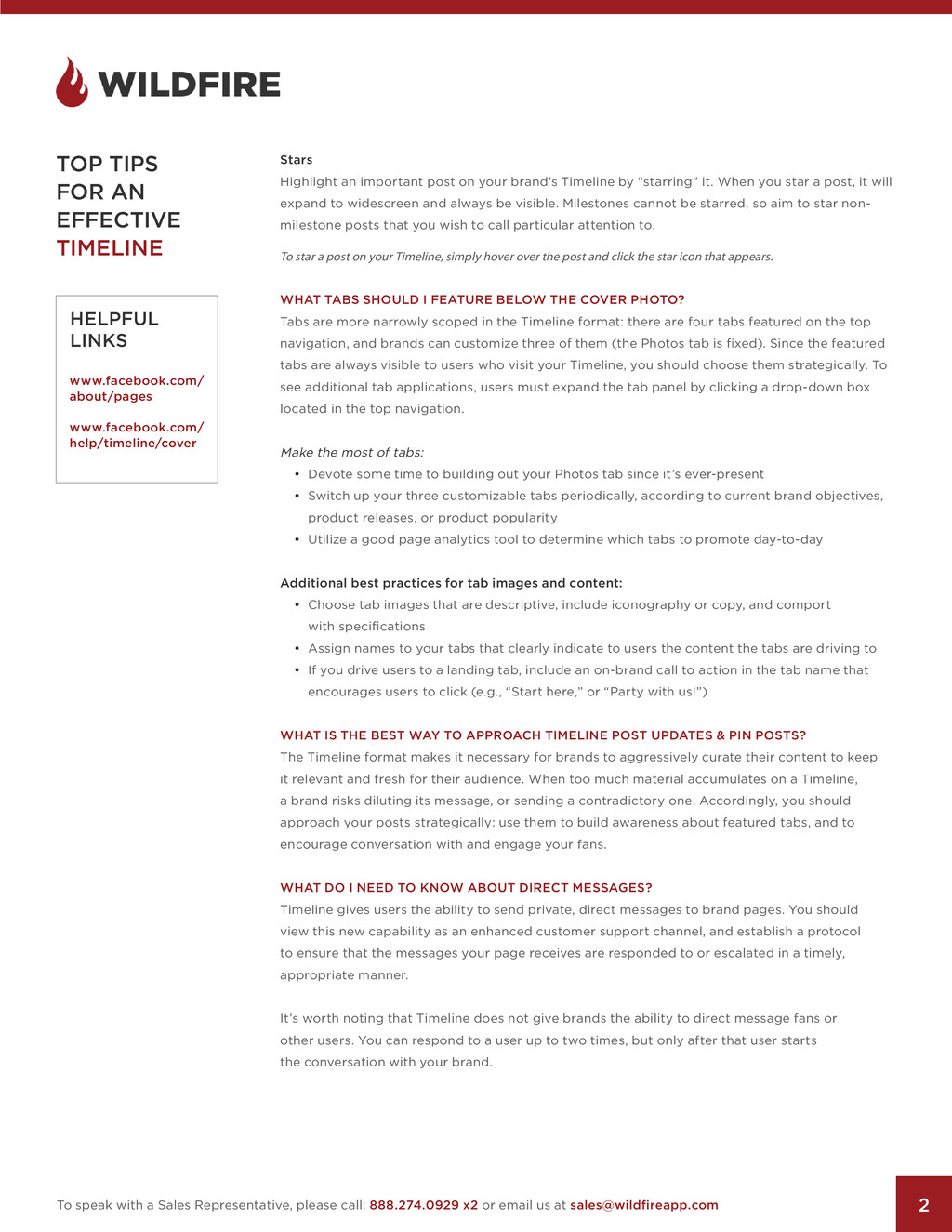
    a Sales Representative, please call: 888.274.0929 x2 or email us at [email protected] Stars Highlight an important post on your brand’s Timeline by “starring” it. When you star a post, it will expand to widescreen and always be visible. Milestones cannot be starred, so aim to star non- milestone posts that you wish to call particular attention to. To star a post on your Timeline, simply hover over the post and click the star icon that appears. WHAT TABS SHOULD I FEATURE BELOW THE COVER PHOTO? Tabs are more narrowly scoped in the Timeline format: there are four tabs featured on the top navigation, and brands can customize three of them (the Photos tab is fixed). Since the featured tabs are always visible to users who visit your Timeline, you should choose them strategically. To see additional tab applications, users must expand the tab panel by clicking a drop-down box located in the top navigation. Make the most of tabs: • Devote some time to building out your Photos tab since it’s ever-present • Switch up your three customizable tabs periodically, according to current brand objectives, product releases, or product popularity • Utilize a good page analytics tool to determine which tabs to promote day-to-day Additional best practices for tab images and content: • Choose tab images that are descriptive, include iconography or copy, and comport with specifications • Assign names to your tabs that clearly indicate to users the content the tabs are driving to • If you drive users to a landing tab, include an on-brand call to action in the tab name that encourages users to click (e.g., “Start here,” or “Party with us!”) WHAT IS THE BEST WAY TO APPROACH TIMELINE POST UPDATES & PIN POSTS? The Timeline format makes it necessary for brands to aggressively curate their content to keep it relevant and fresh for their audience. When too much material accumulates on a Timeline, a brand risks diluting its message, or sending a contradictory one. Accordingly, you should approach your posts strategically: use them to build awareness about featured tabs, and to encourage conversation with and engage your fans. WHAT DO I NEED TO KNOW ABOUT DIRECT MESSAGES? Timeline gives users the ability to send private, direct messages to brand pages. You should view this new capability as an enhanced customer support channel, and establish a protocol to ensure that the messages your page receives are responded to or escalated in a timely, appropriate manner. It’s worth noting that Timeline does not give brands the ability to direct message fans or other users. You can respond to a user up to two times, but only after that user starts the conversation with your brand. HELPFUL LINKS www.facebook.com/ about/pages www.facebook.com/ help/timeline/cover