Upgrade to Pro
— share decks privately, control downloads, hide ads and more …
Speaker Deck
Sign up for free
Menu
Search
Features
All features
Private URLs
Password Protection
Custom URLS
Scheduled publishing
Remove Branding
Restrict embedding
Deck Collections
Notes
Features
All features
Private URLs
Password Protection
Custom URLS
Scheduled publishing
Remove Branding
Restrict embedding
Deck Collections
Notes
Explore
Featured decks
Featured speakers
Programming
Technology
Storyboards
Explore
Featured decks
Featured speakers
Programming
Technology
Storyboards
Pricing
Search
Sign in
Sign up for free
Amazon Neptune Graph Explorerのアプデについて
Search
やくも
July 05, 2025
260
0
Share
Embed
Copy iframe code
Copy JS code
Copy link
Start on current slide
Amazon Neptune Graph Explorerのアプデについて
JAWSミートの翌日LT大会 豊橋スペシャル
やくも
July 05, 2025
More Decks by やくも
See All by やくも
AgentCoreで実践するハーネスエンジニアリング
yakumo
1
330
StepFunctionsとGraphRAGを活用した暗黙知活用のためのRAG基盤
yakumo
1
300
Text-to-SQLをAgentCoreで実現し、生成されるSQLの精度を定量的に評価する
yakumo
2
1.5k
社内RAGの導入で気を付けたポイント
yakumo
3
220
おいらのAWSアップデートの追い方〜Slack×AgentCore〜
yakumo
2
220
AgentCore Managed Harness を使ってみよう
yakumo
2
670
AgentCoreがWindowsで動かなかった原因を調べてみた
yakumo
1
150
AgentCoreとLINEを使った飲食店おすすめアプリを作ってみた
yakumo
2
470
StrandsとNeptuneを使ってナレッジグラフを構築する
yakumo
2
810
Featured
See All Featured
Distributed Sagas: A Protocol for Coordinating Microservices
caitiem20
333
23k
Music & Morning Musume
bryan
48
7.4k
The Curious Case for Waylosing
cassininazir
1
570
The Straight Up "How To Draw Better" Workshop
denniskardys
239
140k
Visualization
eitanlees
153
17k
Information Architects: The Missing Link in Design Systems
soysaucechin
1
1.2k
Bootstrapping a Software Product
garrettdimon
PRO
306
120k
Accessibility Awareness
sabderemane
1
250
No one is an island. Learnings from fostering a developers community.
thoeni
21
3.9k
Testing 201, or: Great Expectations
jmmastey
46
8.3k
More Than Pixels: Becoming A User Experience Designer
marktimemedia
3
560
How to Talk to Developers About Accessibility
jct
2
580
Transcript
Amazon Neptune Graph Explorer
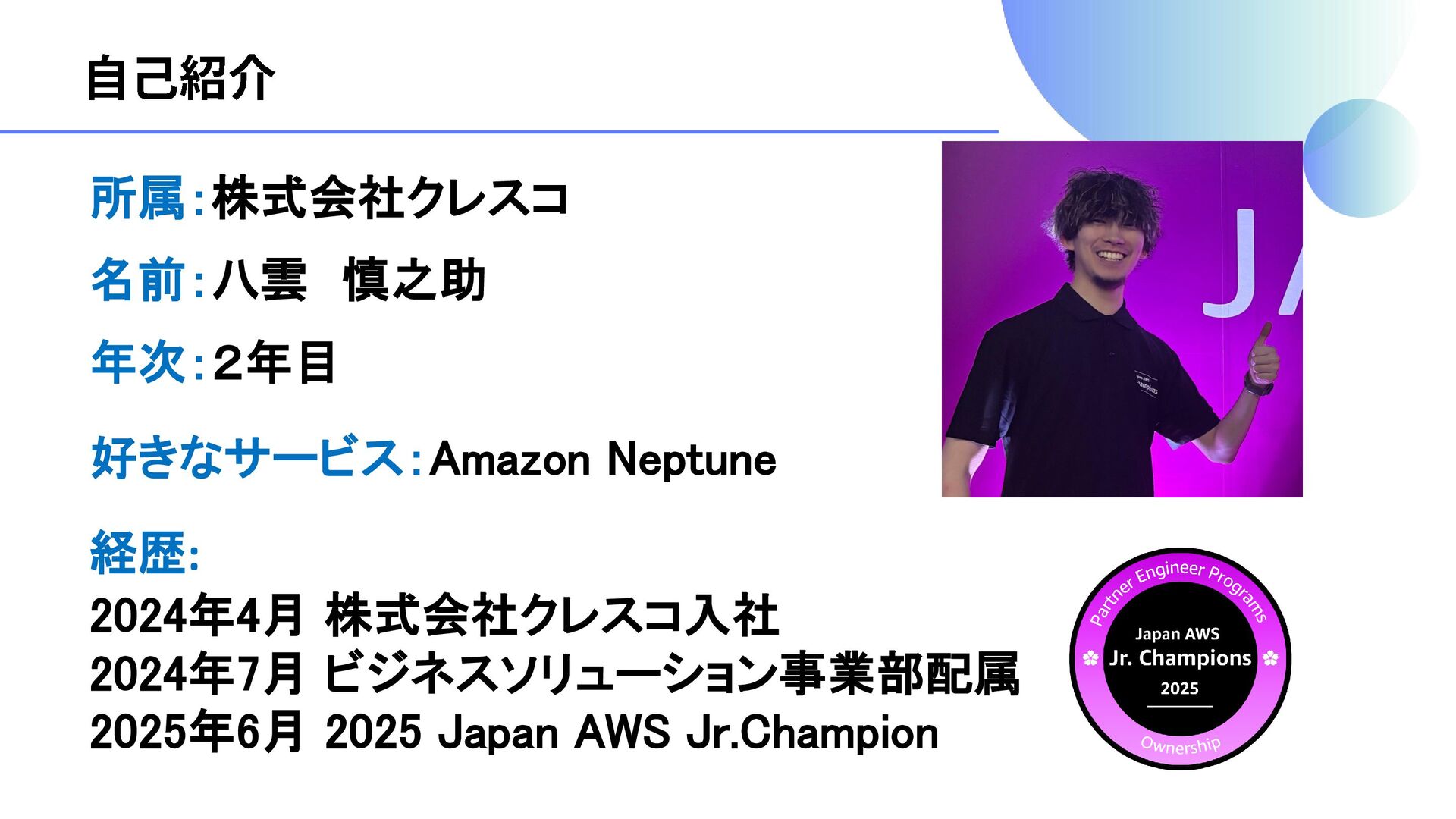
所属:株式会社クレスコ 好きなサービス:Amazon Neptune 年次:2年目 経歴: 2024年4月 株式会社クレスコ入社 2024年7月 ビジネスソリューション事業部配属 2025年6月
2025 Japan AWS Jr.Champion 名前:八雲 慎之助
None
None
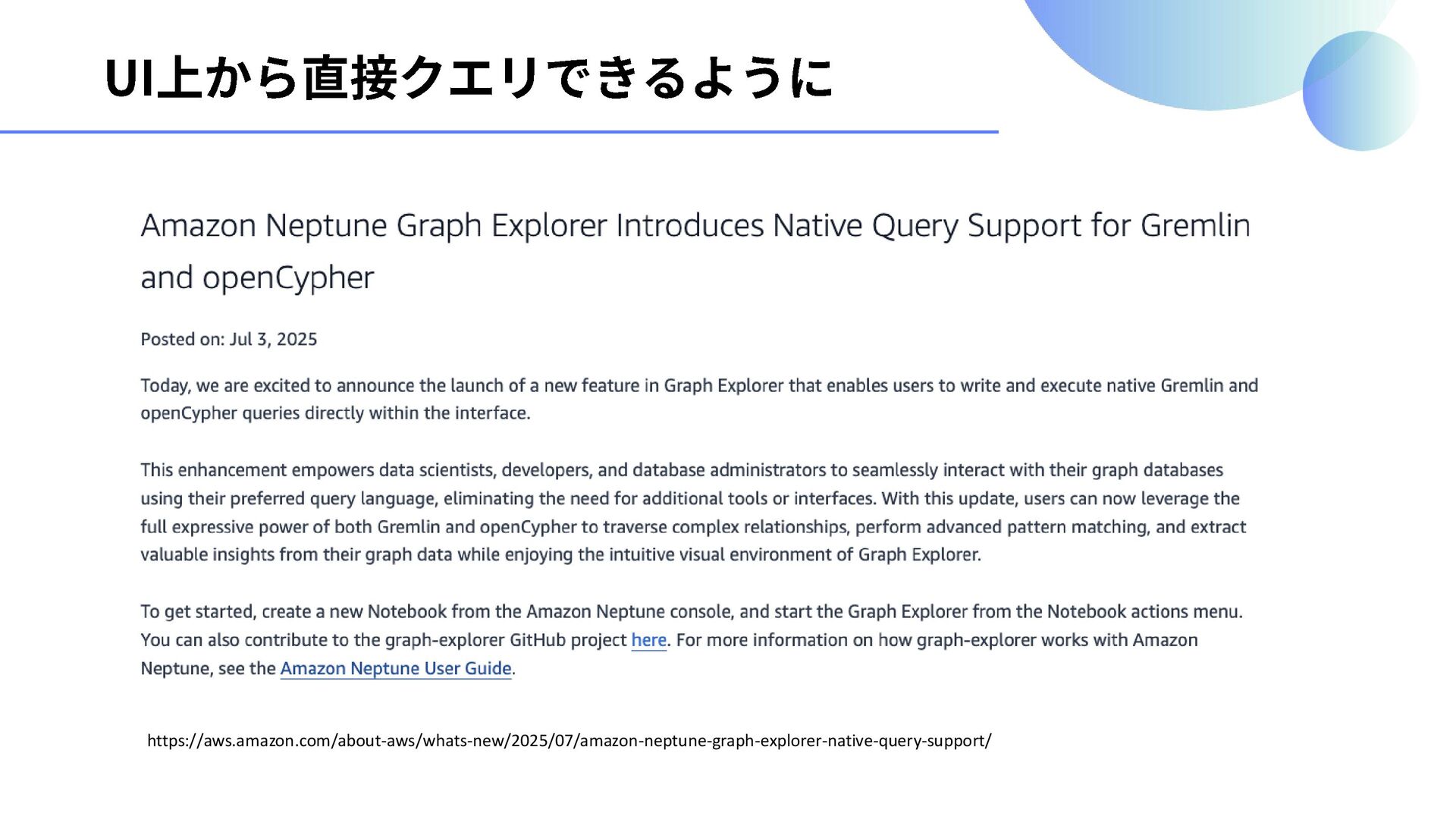
https://aws.amazon.com/about-aws/whats-new/2025/07/amazon-neptune-graph-explorer-native-query-support/
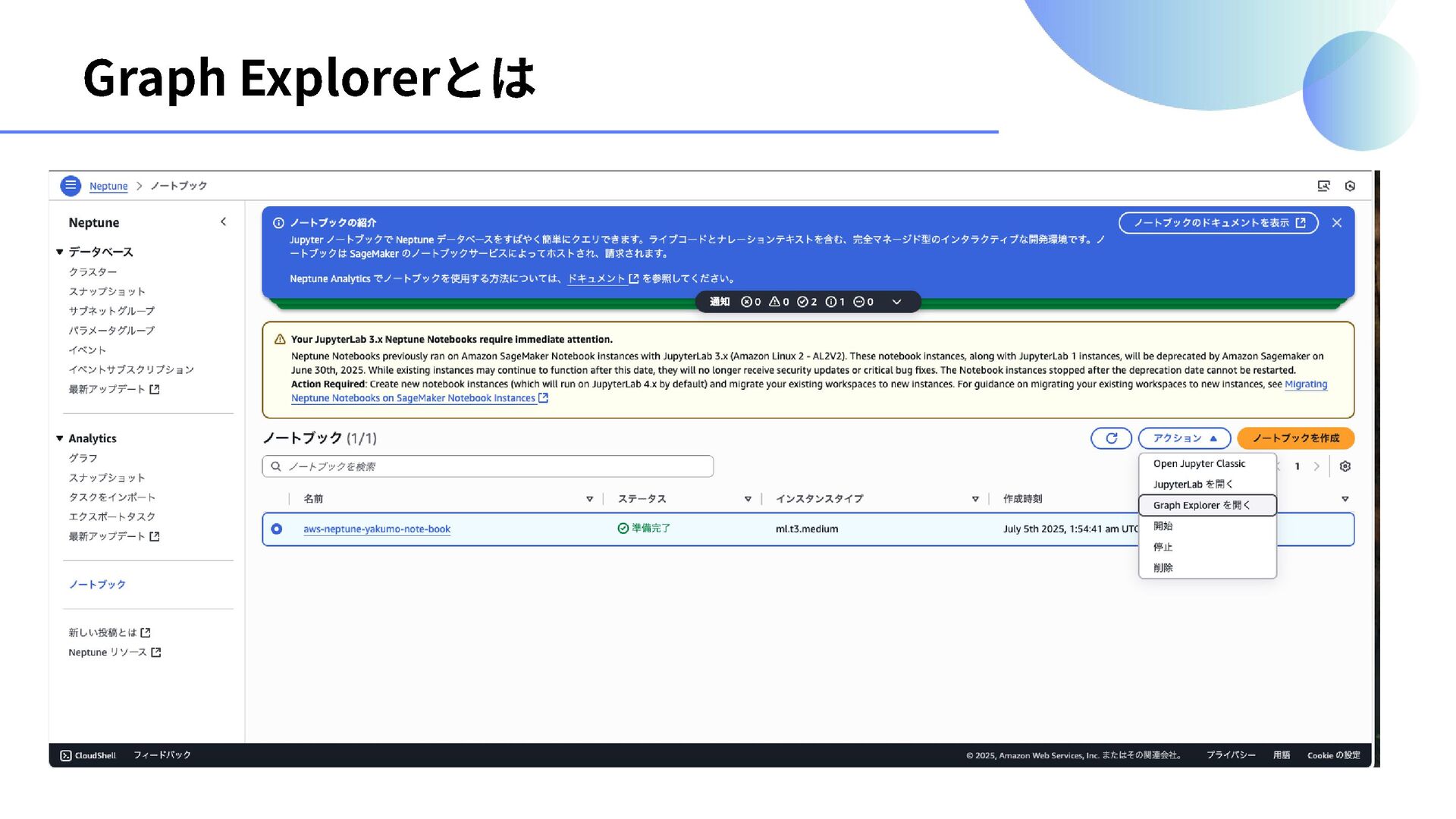
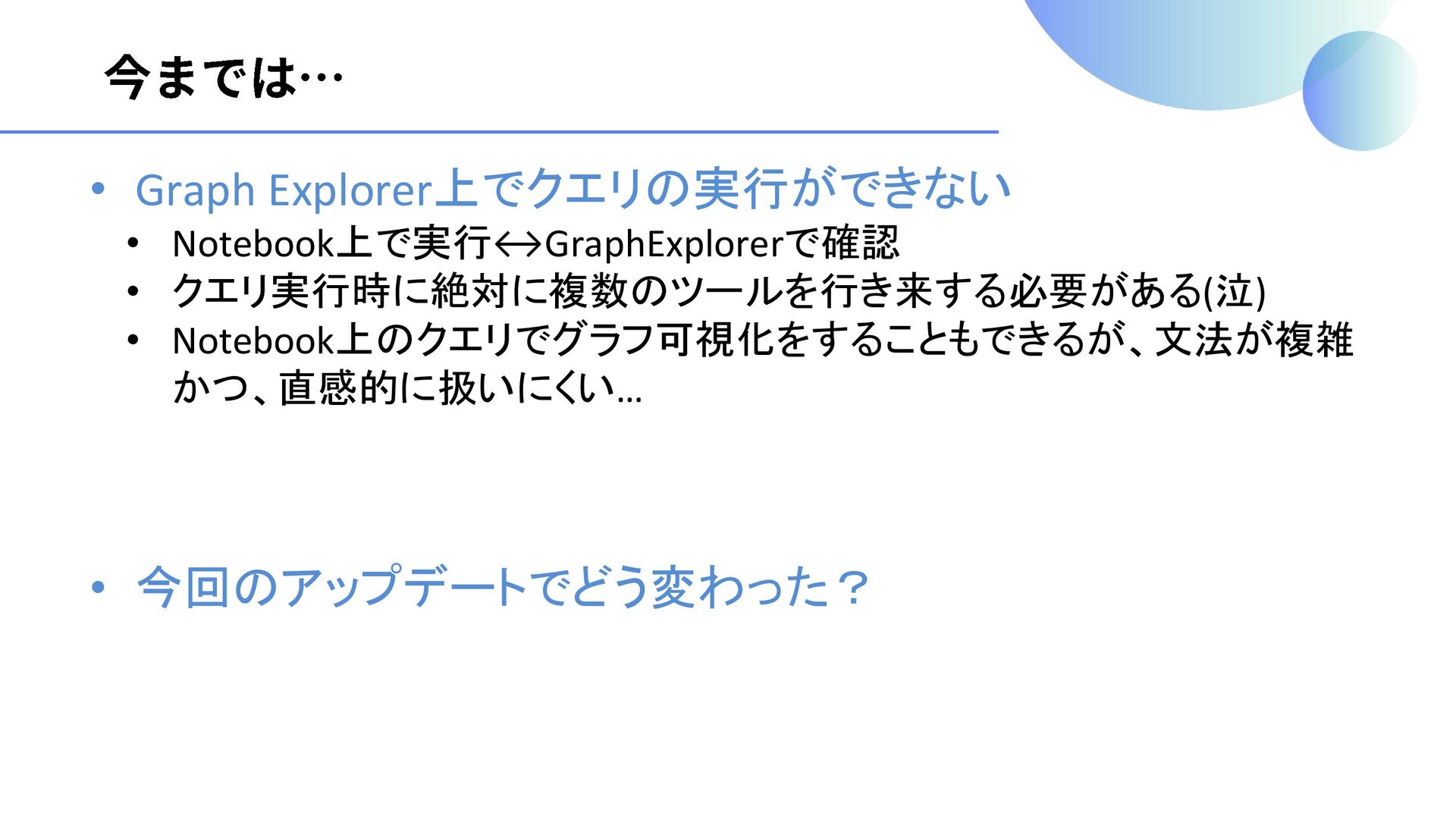
• Graph Explorer上でクエリの実行ができない • Notebook上で実行 GraphExplorerで確認 • クエリ実行時に絶対に複数のツールを行き来する必要がある(泣) • Notebook上のクエリでグラフ可視化をすることもできるが、文法が複雑
かつ、直感的に扱いにくい… • 今回のアップデートでどう変わった?
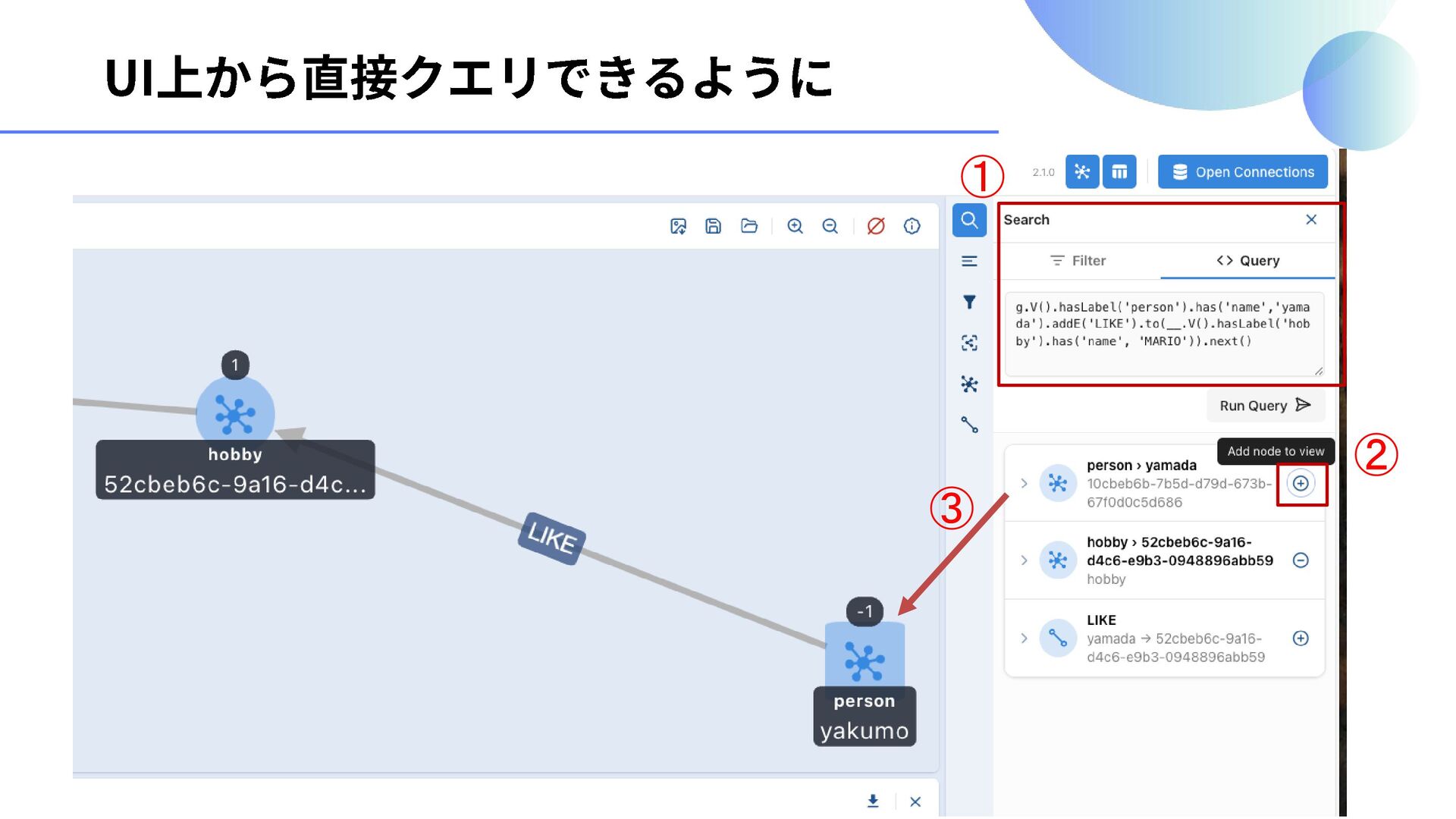
① ② ③
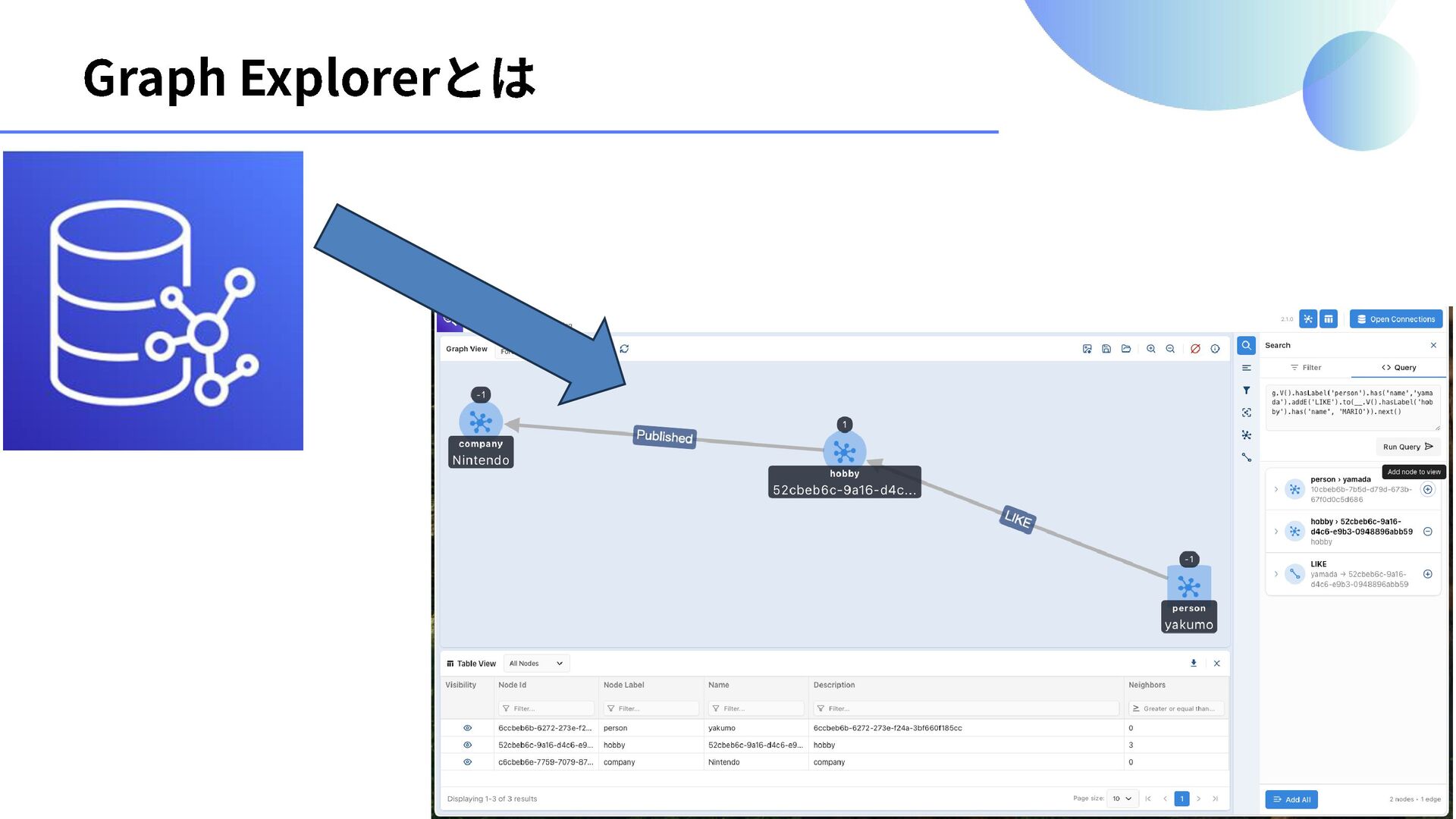
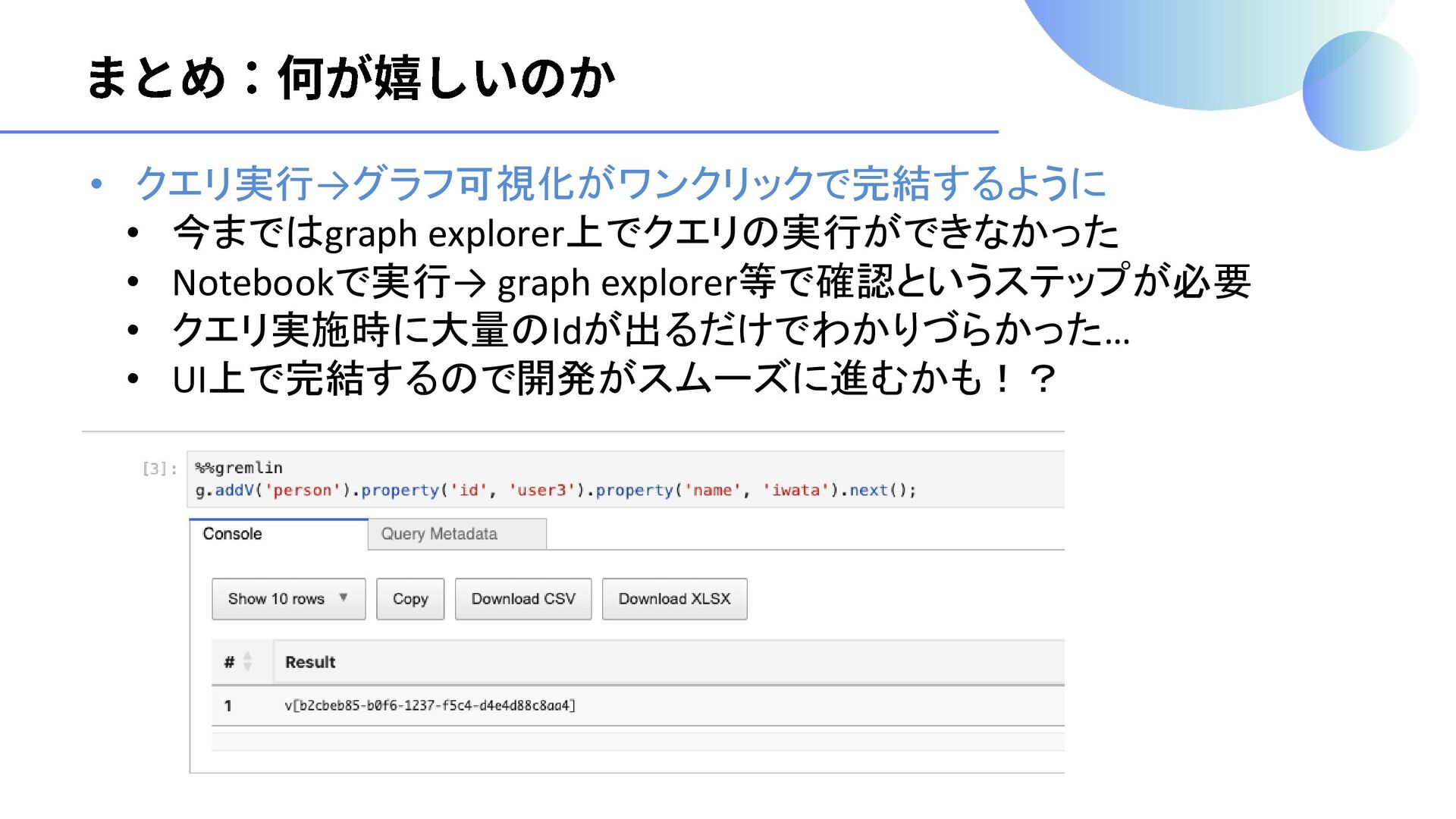
• クエリ実行→グラフ可視化がワンクリックで完結するように • 今まではgraph explorer上でクエリの実行ができなかった • Notebookで実行→ graph explorer等で確認というステップが必要 •
クエリ実施時に大量のIdが出るだけでわかりづらかった… • UI上で完結するので開発がスムーズに進むかも!?


 yakumo
 caitiem20
 bryan
bryan
 cassininazir
 denniskardys
 eitanlees
 soysaucechin
 garrettdimon
 sabderemane
 thoeni
 jmmastey
 marktimemedia
 jct
jct