Upgrade to Pro — share decks privately, control downloads, hide ads and more …

TypeScriptとReactで、WAI-ARIAの属性を正しく利用する / Fixing ...

Sponsored · SiteGround - Reliable hosting with speed, security, and support you can count on. →
ymrl
May 23, 2025

TypeScriptとReactで、WAI-ARIAの属性を正しく利用する / Fixing WAI-ARIA Typing in React with TypeScript

TSKaigi 2025 での登壇資料です。

Google Slides版はこちら

WAI-ARIA 1.2(WAI-ARIA 1.2 日本語訳)

@types/react
AriaAttributes
AriaRole
Add all WAI-ARIA 1.1 attributes to React HTMLAttributes #22582 (@types/reactにAriaAttributesを追加するPull Request)
[react] Added types for ARIA role attribute for v17 #53361 (@types/reactにAriaRoleを追加するPull Request)
TypeScript で string 型の値に自動補完を効かせる
dl/dt/ddのスクリーンリーダーの読み上げをなんとかする

TypeScript Deep Dive 日本語版
TypeScriptコンパイラの内側
microsoft/TypeScript
src/compiler
checker.ts
GitHub.devでmicrosoft/TypeScriptを開く

typescript-go relater.go 737行目あたり
typescript-go relater.go 2777行目あたり

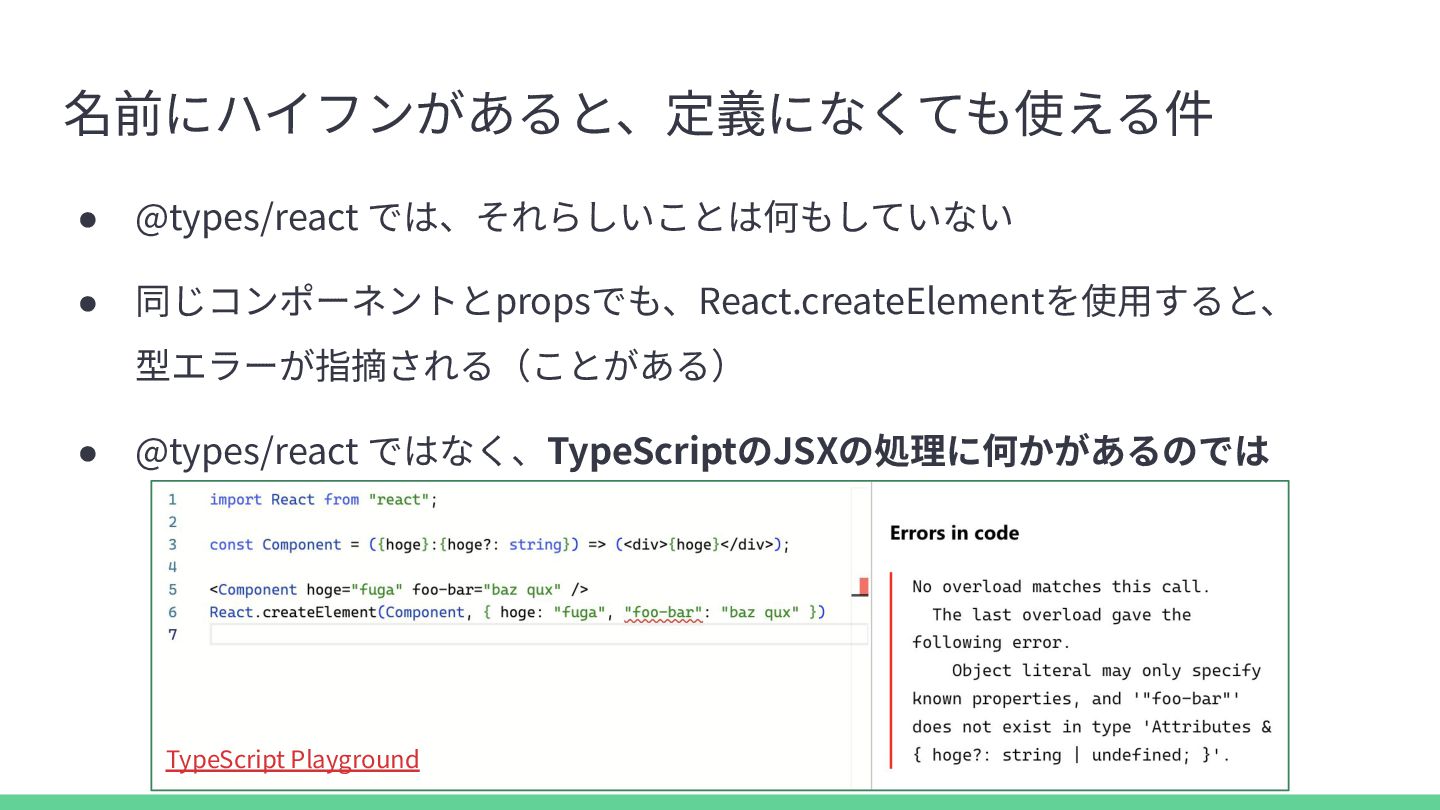
JSX prop with dash is not type checked #32447 (microsoft/TypeScript での、JSXの - をもつpropの型チェックに対するissue)

aria-attribute-types (npmjs.com)
ymrl/aria-attribute-types (GitHub)

TSKaigi 2025 本編で話せなかったこと、話し足りなかったこと

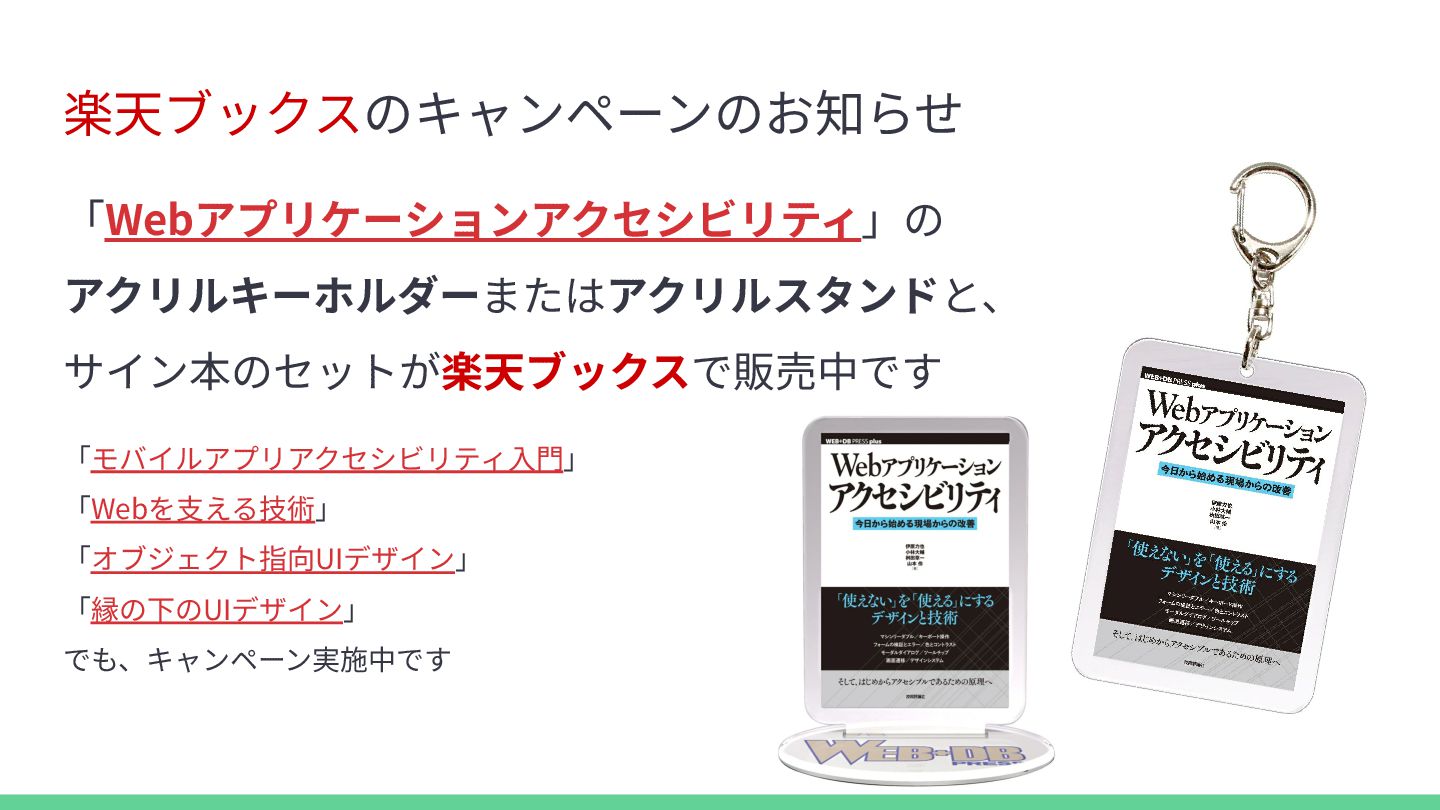
楽天ブックス キャンペーン
Webアプリケーションアクセシビリティ(アクリルスタンド・サイン本)
Webアプリケーションアクセシビリティ(アクリルキーホルダー・サイン本)
モバイルアプリアクセシビリティ入門(アクリルスタンド・サイン本)
モバイルアプリアクセシビリティ入門(アクリルキーホルダー・サイン本)
Webを支える技術(アクリルスタンド・サイン本)
Webを支える技術(アクリルキーホルダー・サイン本)
オブジェクト指向UIデザイン(アクリルスタンド・サイン本)
オブジェクト指向UIデザイン(アクリルキーホルダー・サイン本)
縁の下のUIデザイン(アクリルスタンド・サイン本)
縁の下のUIデザイン(アクリルキーホルダー・サイン本)

ymrl

May 23, 2025

Transcript

49 slides
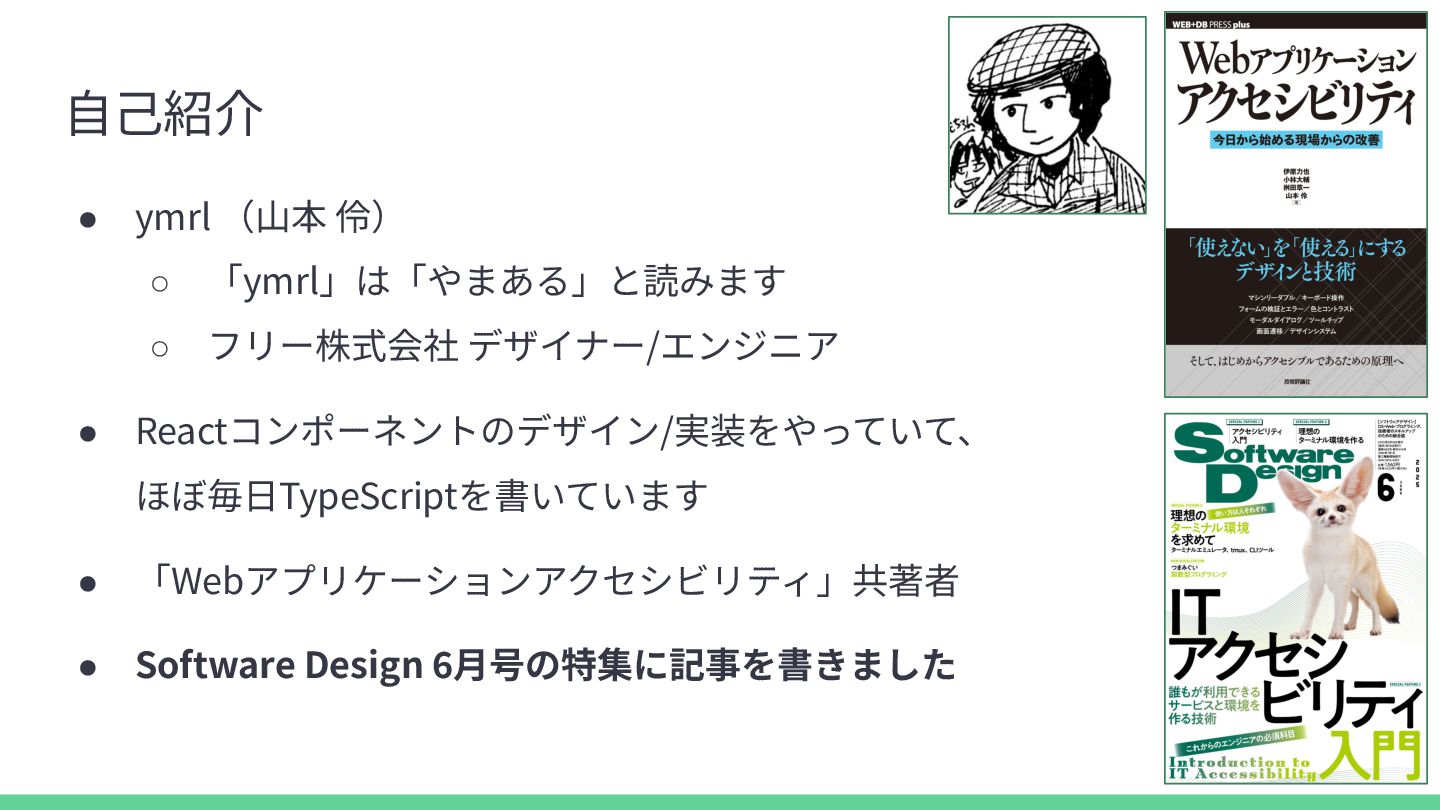
  1. ⾃⼰紹介 • ymrl (⼭本 伶) ◦ 「ymrl」は「やまある」と読みます ◦ フリー株式会社 デザイナー/エンジニア

    • Reactコンポーネントのデザイン/実装をやっていて、 ほぼ毎⽇TypeScriptを書いています • 「Webアプリケーションアクセシビリティ」共著者 • Software Design 6⽉号の特集に記事を書きました
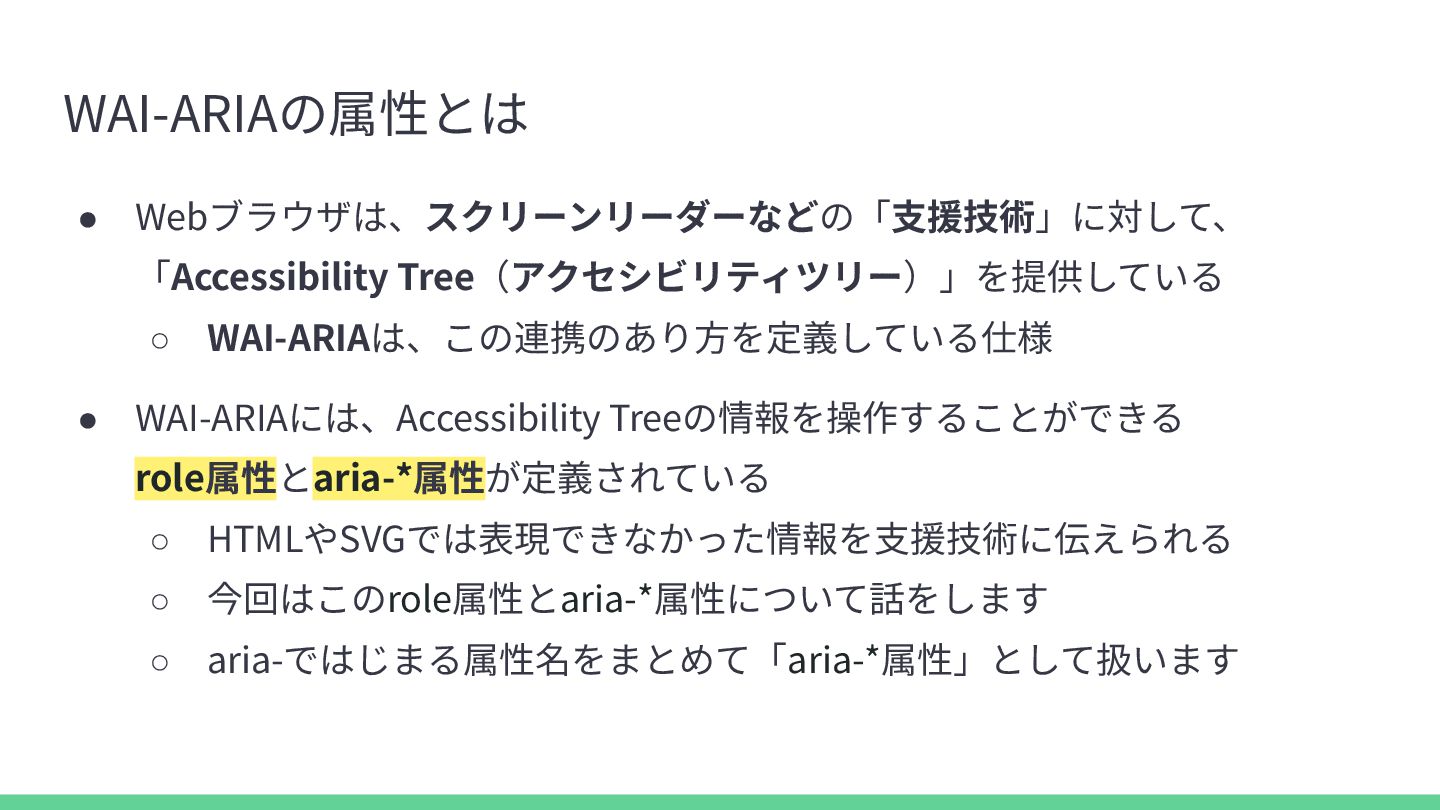
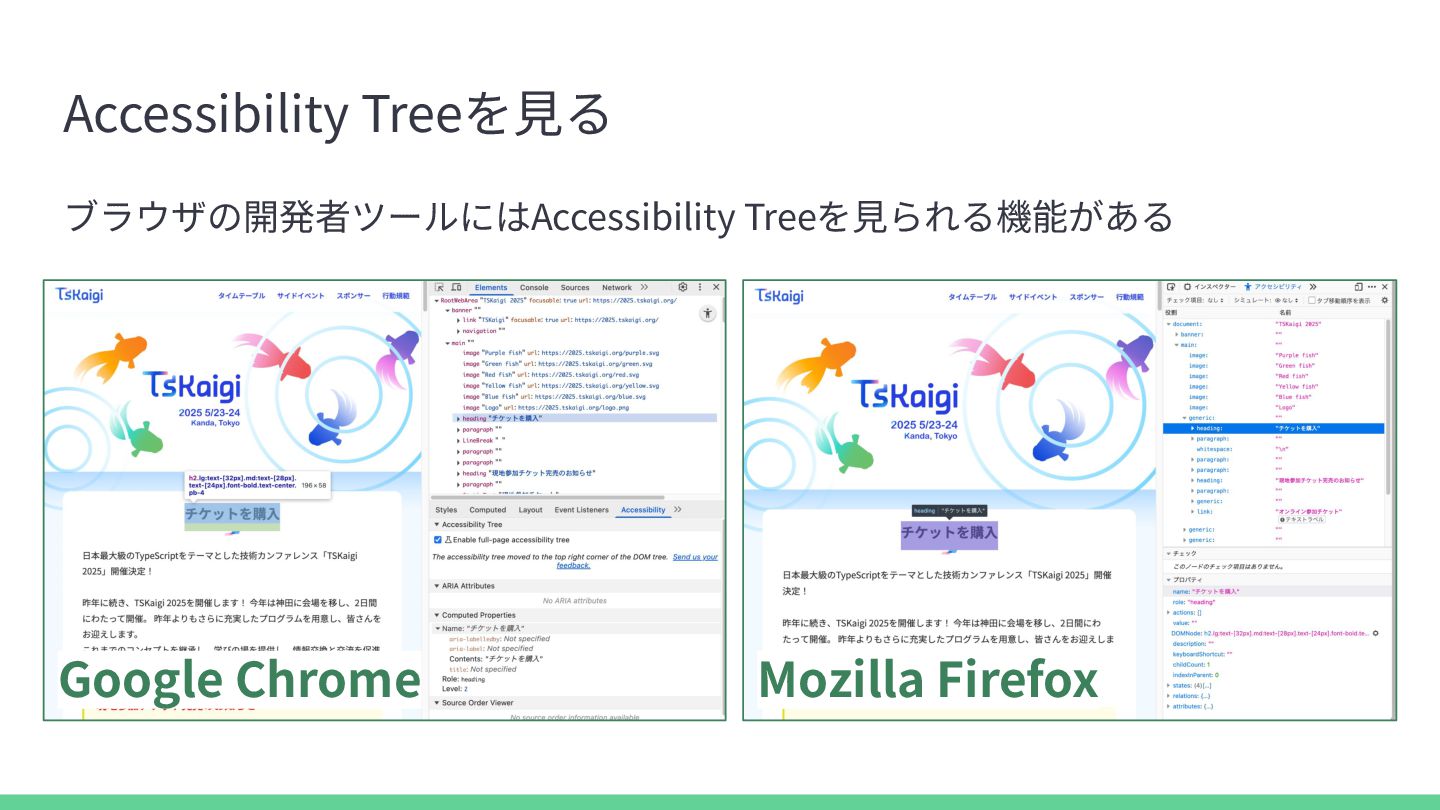
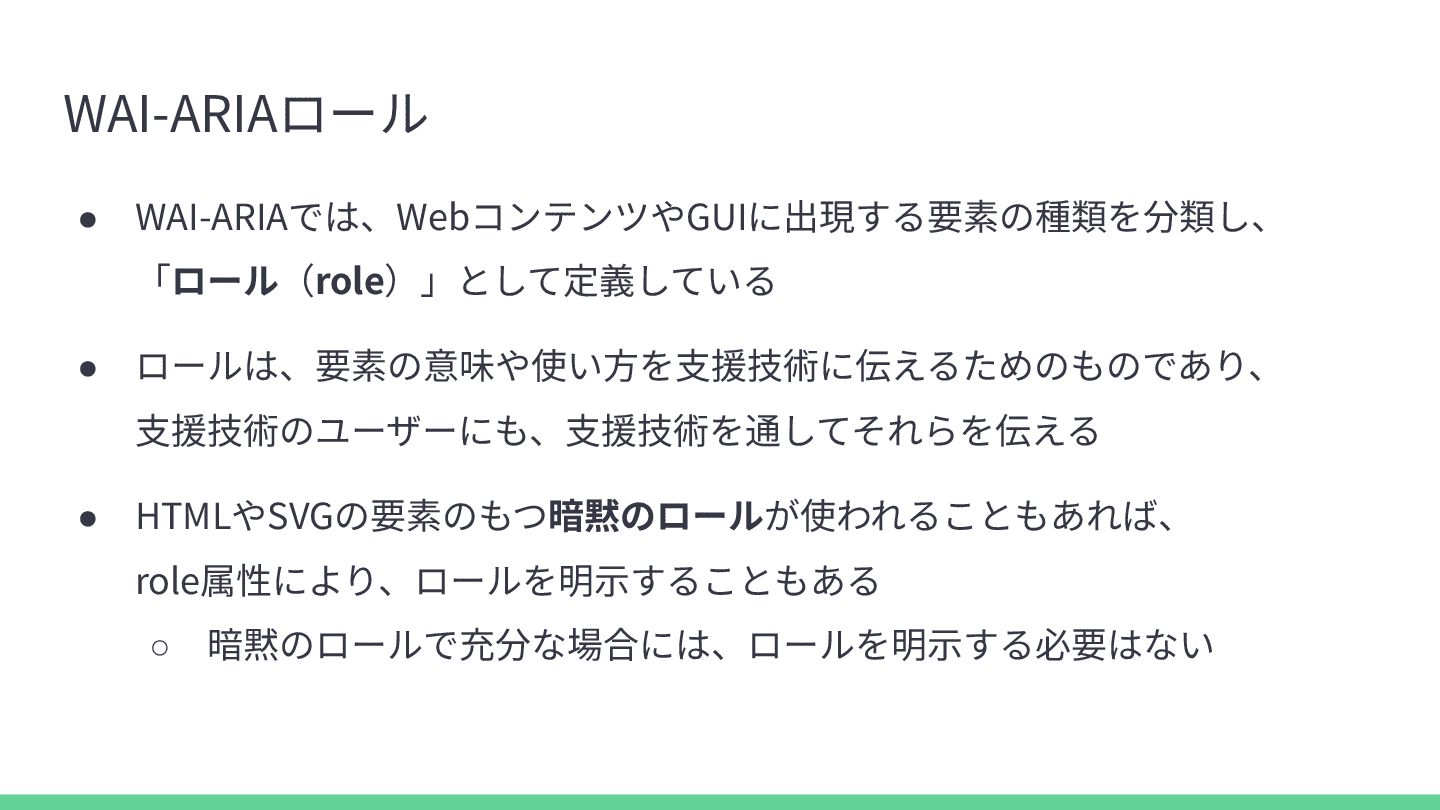
  2. WAI-ARIAの属性とは • Webブラウザは、スクリーンリーダーなどの「⽀援技術」に対して、 「Accessibility Tree(アクセシビリティツリー)」を提供している ◦ WAI-ARIAは、この連携のあり⽅を定義している仕様 • WAI-ARIAには、Accessibility Treeの情報を操作することができる

    role属性とaria-*属性が定義されている ◦ HTMLやSVGでは表現できなかった情報を⽀援技術に伝えられる ◦ 今回はこのrole属性とaria-*属性について話をします ◦ aria-ではじまる属性名をまとめて「aria-*属性」として扱います
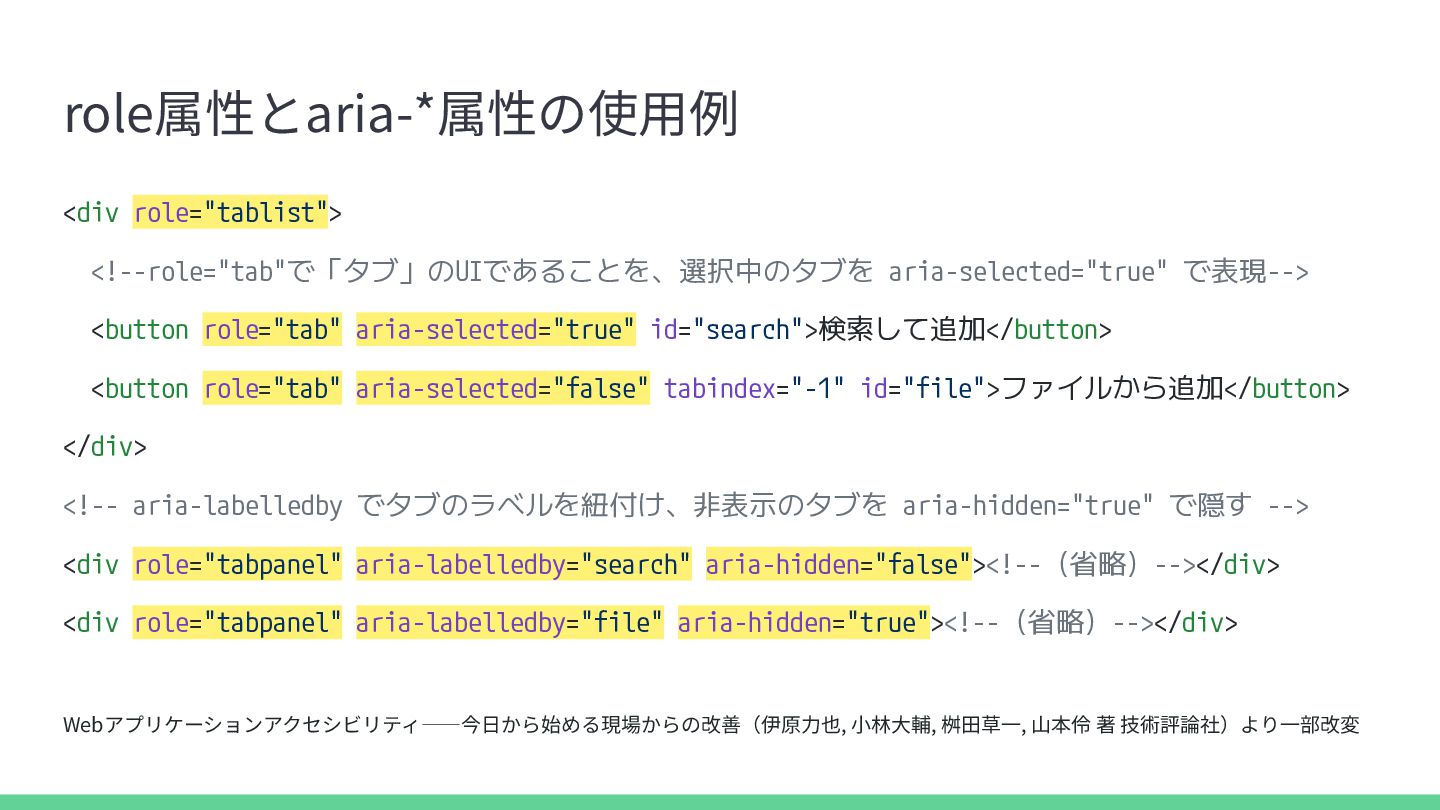
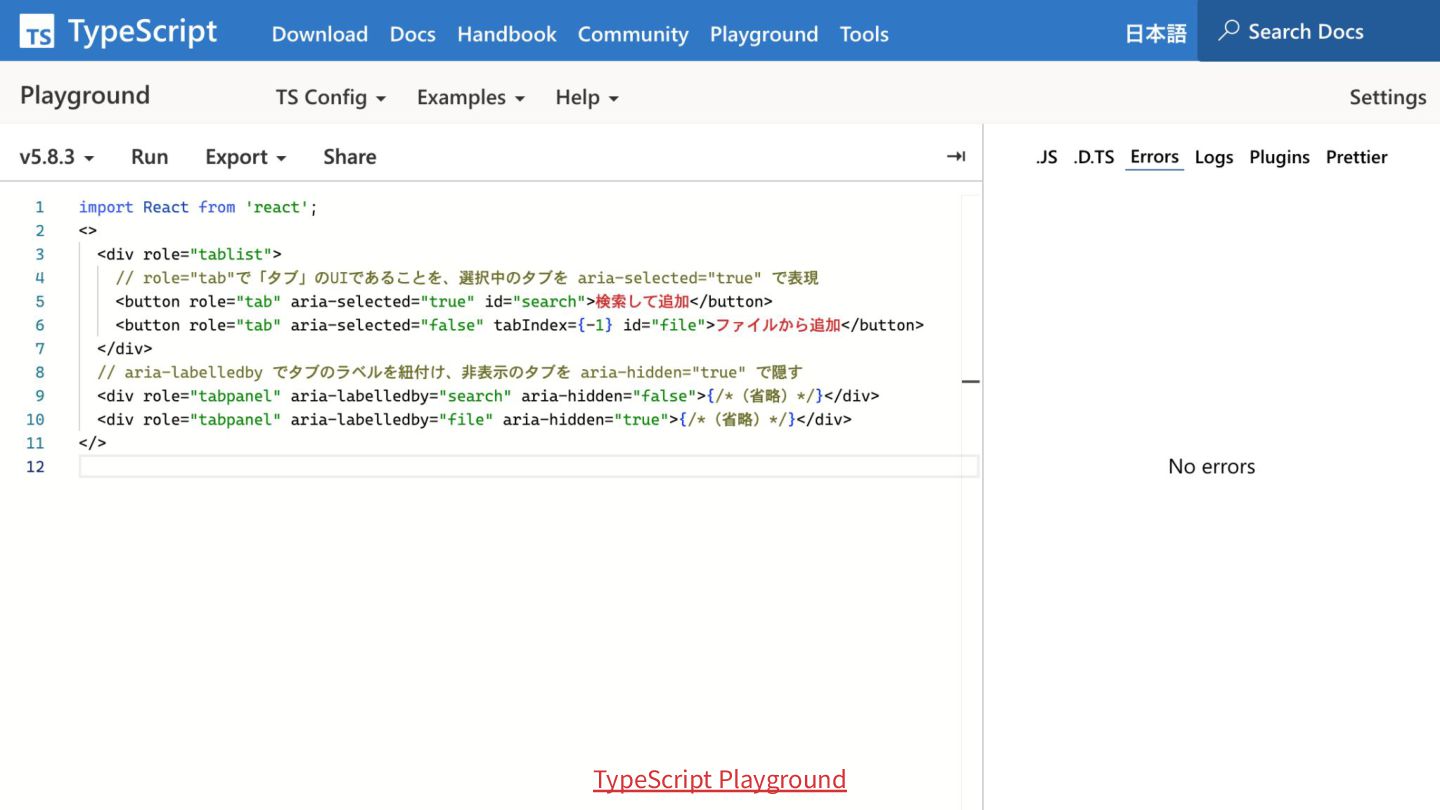
  3. role属性とaria-*属性の使⽤例 <div role="tablist"> <!--role="tab"で「タブ」のUIであることを、選択中のタブを aria-selected="true" で表現--> <button role="tab" aria-selected="true" id="search">検索して追加</button>

    <button role="tab" aria-selected="false" tabindex="-1" id="file">ファイルから追加</button> </div> <!-- aria-labelledby でタブのラベルを紐付け、非表示のタブを aria-hidden="true" で隠す --> <div role="tabpanel" aria-labelledby="search" aria-hidden="false"><!--(省略)--></div> <div role="tabpanel" aria-labelledby="file" aria-hidden="true"><!--(省略)--></div> Webアプリケーションアクセシビリティ――今⽇から始める現場からの改善(伊原⼒也, ⼩林⼤輔, 桝⽥草⼀, ⼭本伶 著 技術評論社)より⼀部改変
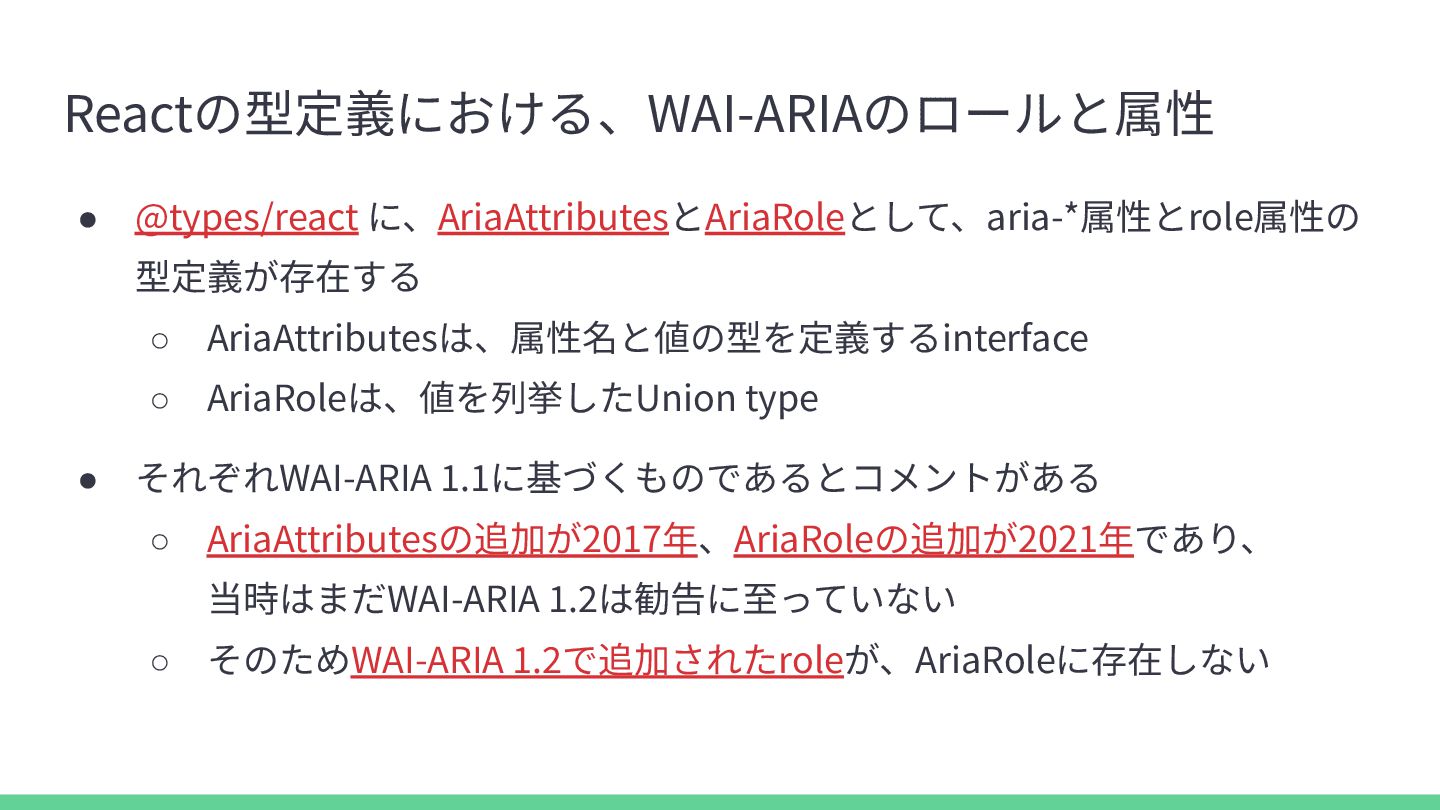
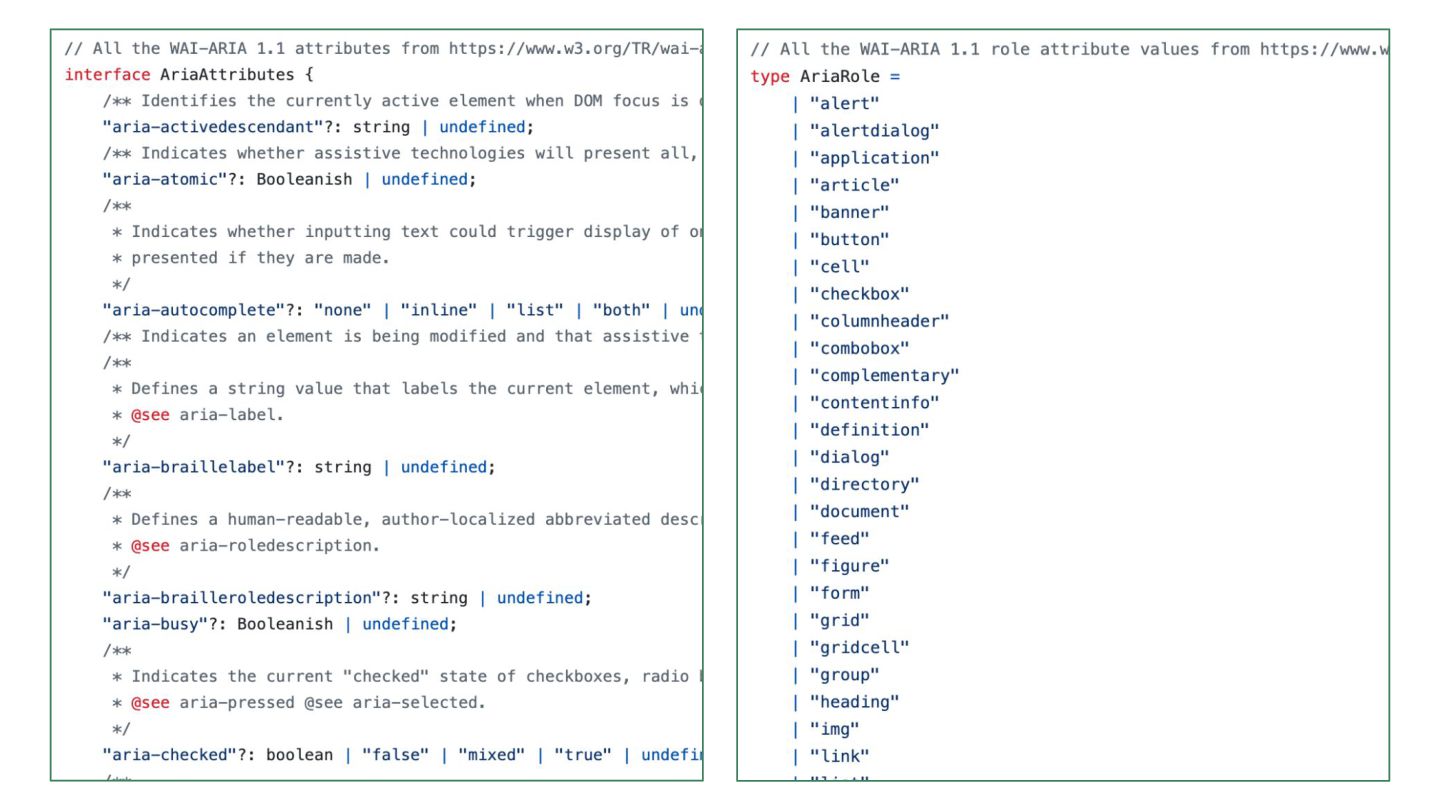
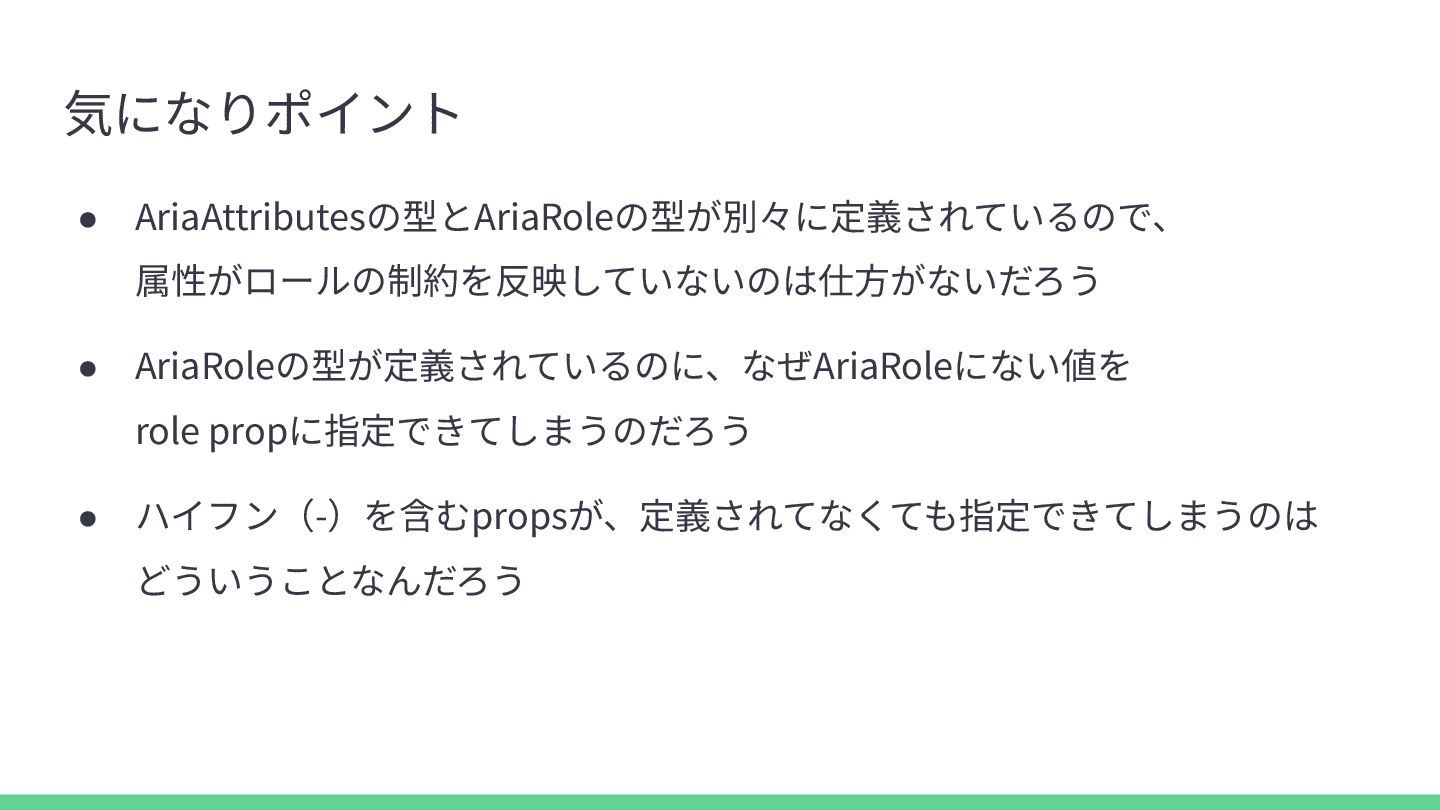
  4. Reactの型定義における、WAI-ARIAのロールと属性 • @types/react に、AriaAttributesとAriaRoleとして、aria-*属性とrole属性の 型定義が存在する ◦ AriaAttributesは、属性名と値の型を定義するinterface ◦ AriaRoleは、値を列挙したUnion type

    • それぞれWAI-ARIA 1.1に基づくものであるとコメントがある ◦ AriaAttributesの追加が2017年、AriaRoleの追加が2021年であり、 当時はまだWAI-ARIA 1.2は勧告に⾄っていない ◦ そのためWAI-ARIA 1.2で追加されたroleが、AriaRoleに存在しない
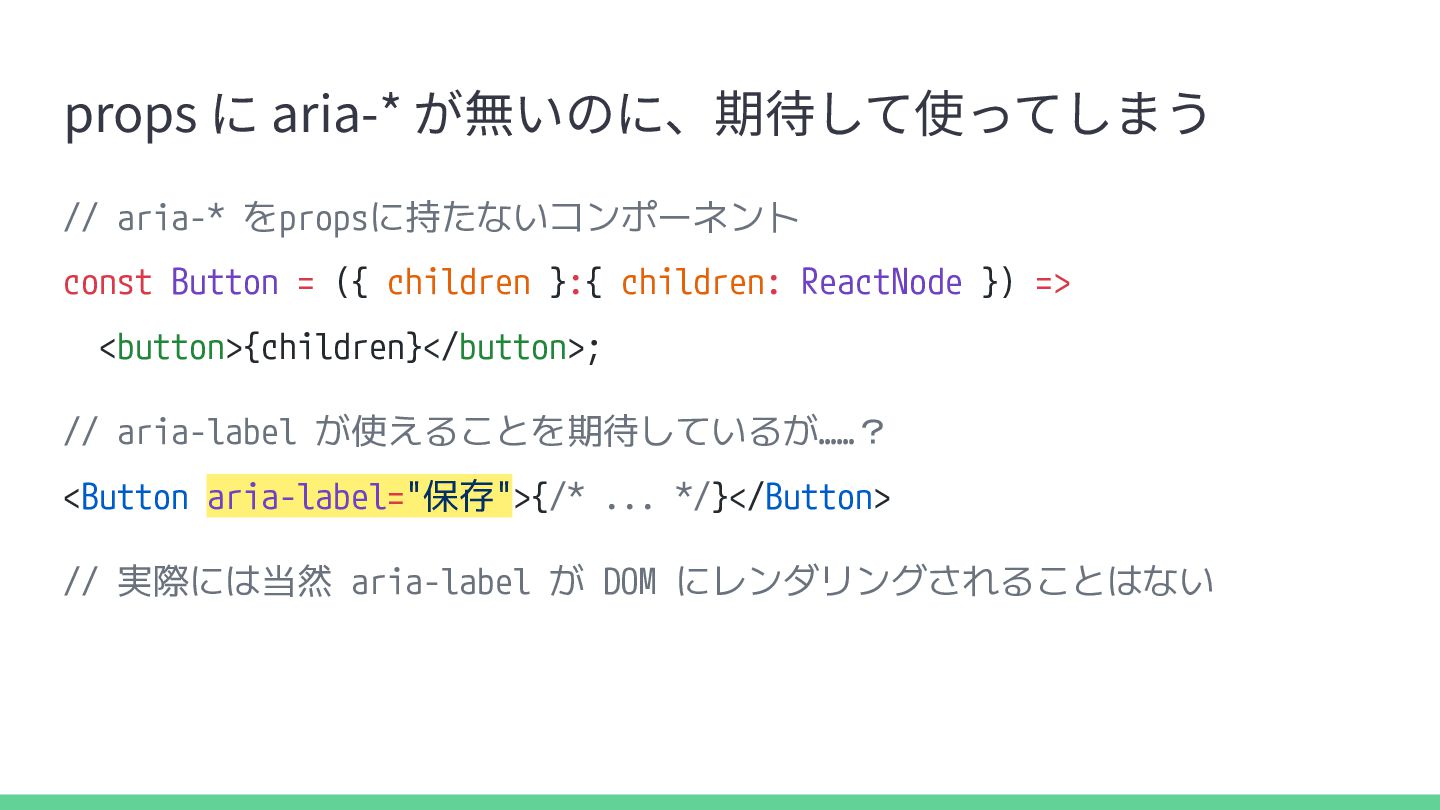
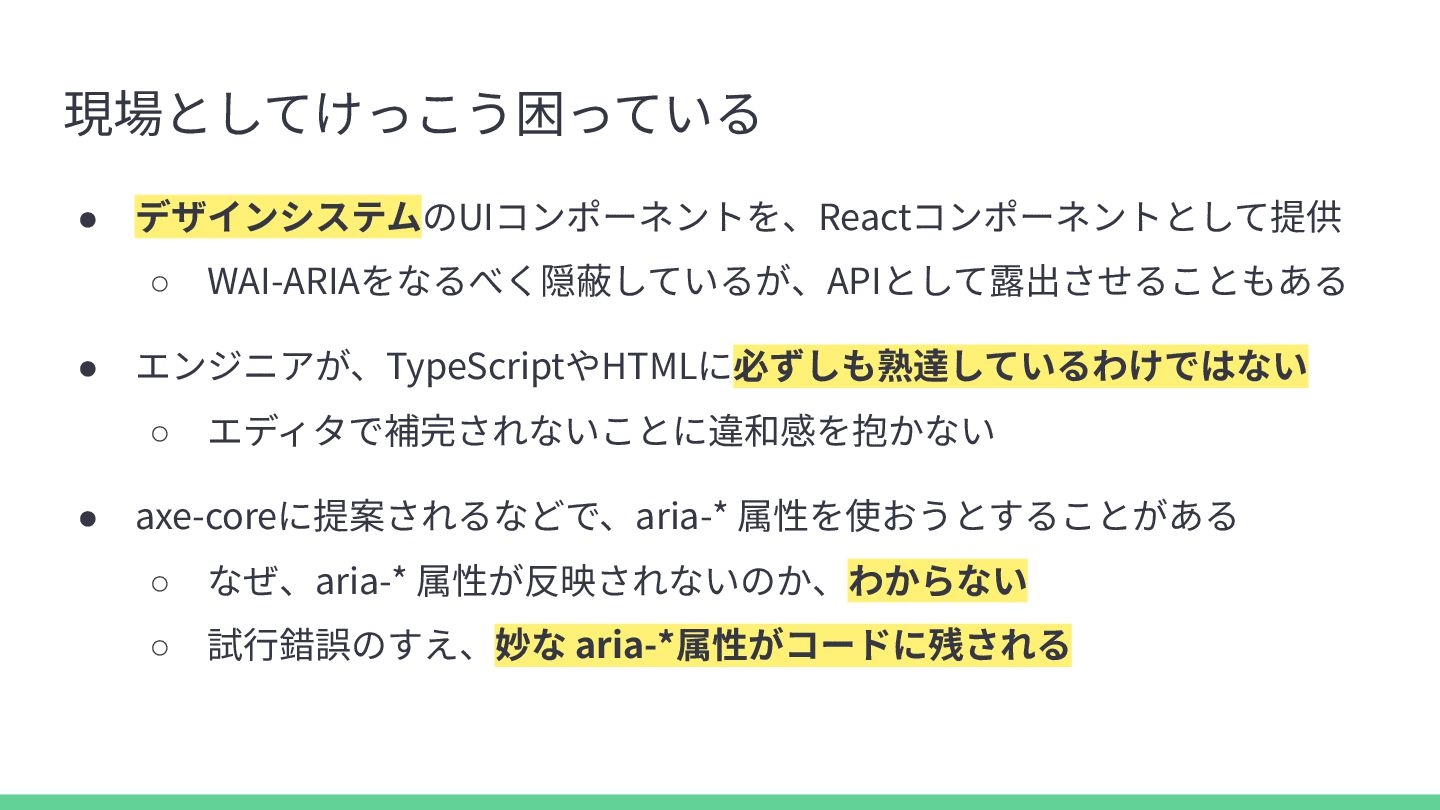
  5. props に aria-* が無いのに、期待して使ってしまう // aria-* をpropsに持たないコンポーネント const Button =

    ({ children }:{ children: ReactNode }) => <button>{children}</button>; // aria-label が使えることを期待しているが……? <Button aria-label="保存">{/* ... */}</Button> // 実際には当然 aria-label が DOM にレンダリングされることはない
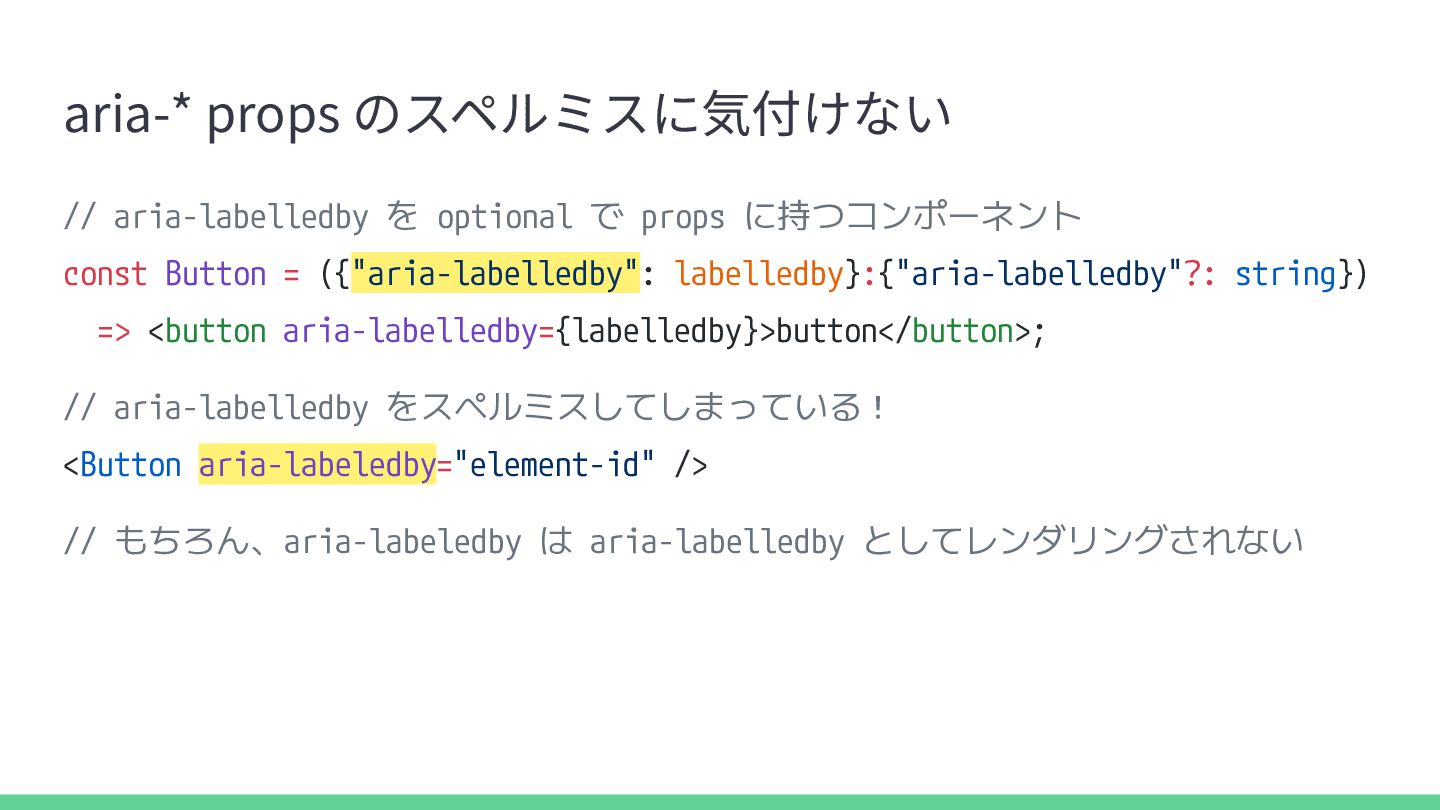
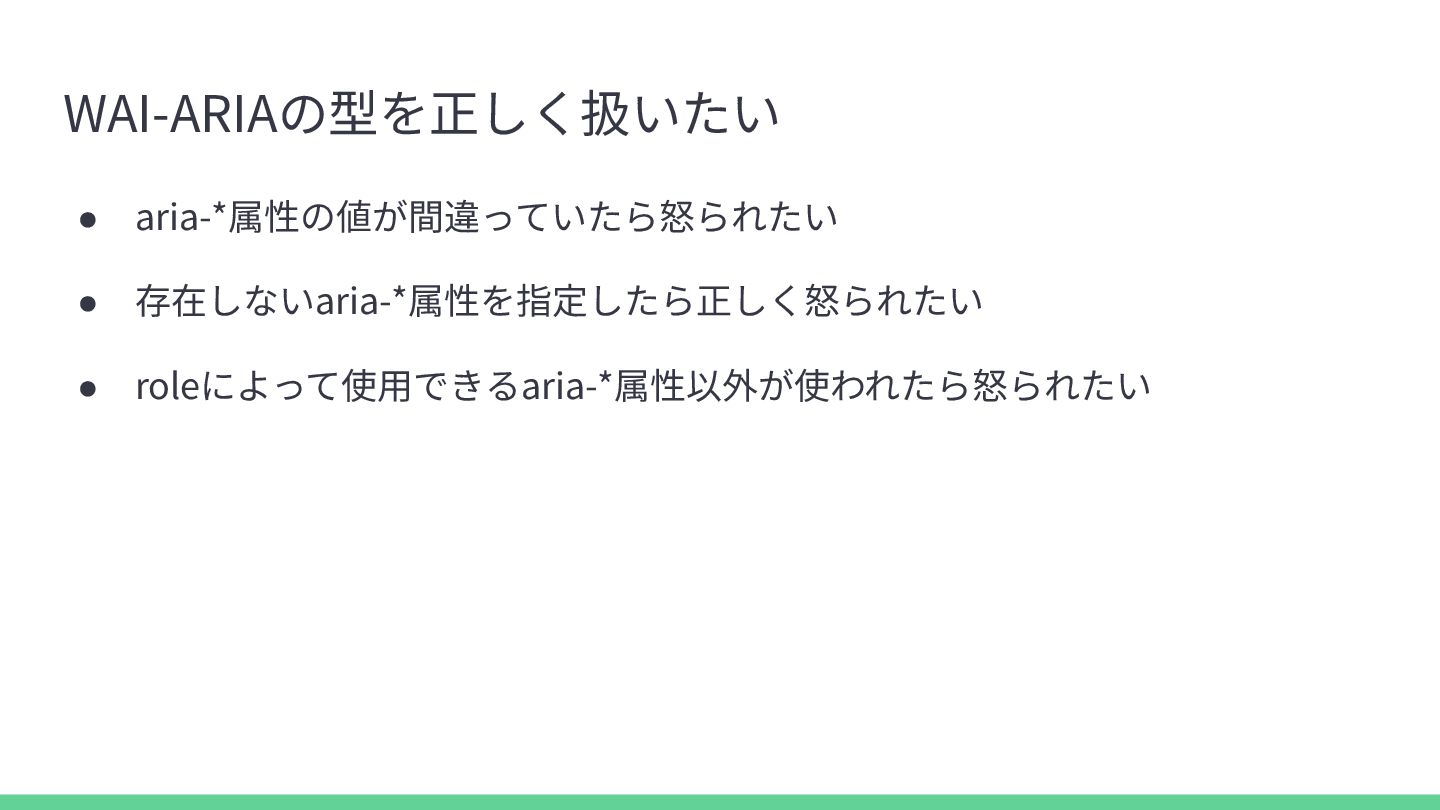
  6. aria-* props のスペルミスに気付けない // aria-labelledby を optional で props に持つコンポーネント

    const Button = ({"aria-labelledby": labelledby}:{"aria-labelledby"?: string}) => <button aria-labelledby={labelledby}>button</button>; // aria-labelledby をスペルミスしてしまっている! <Button aria-labeledby="element-id" /> // もちろん、aria-labeledby は aria-labelledby としてレンダリングされない
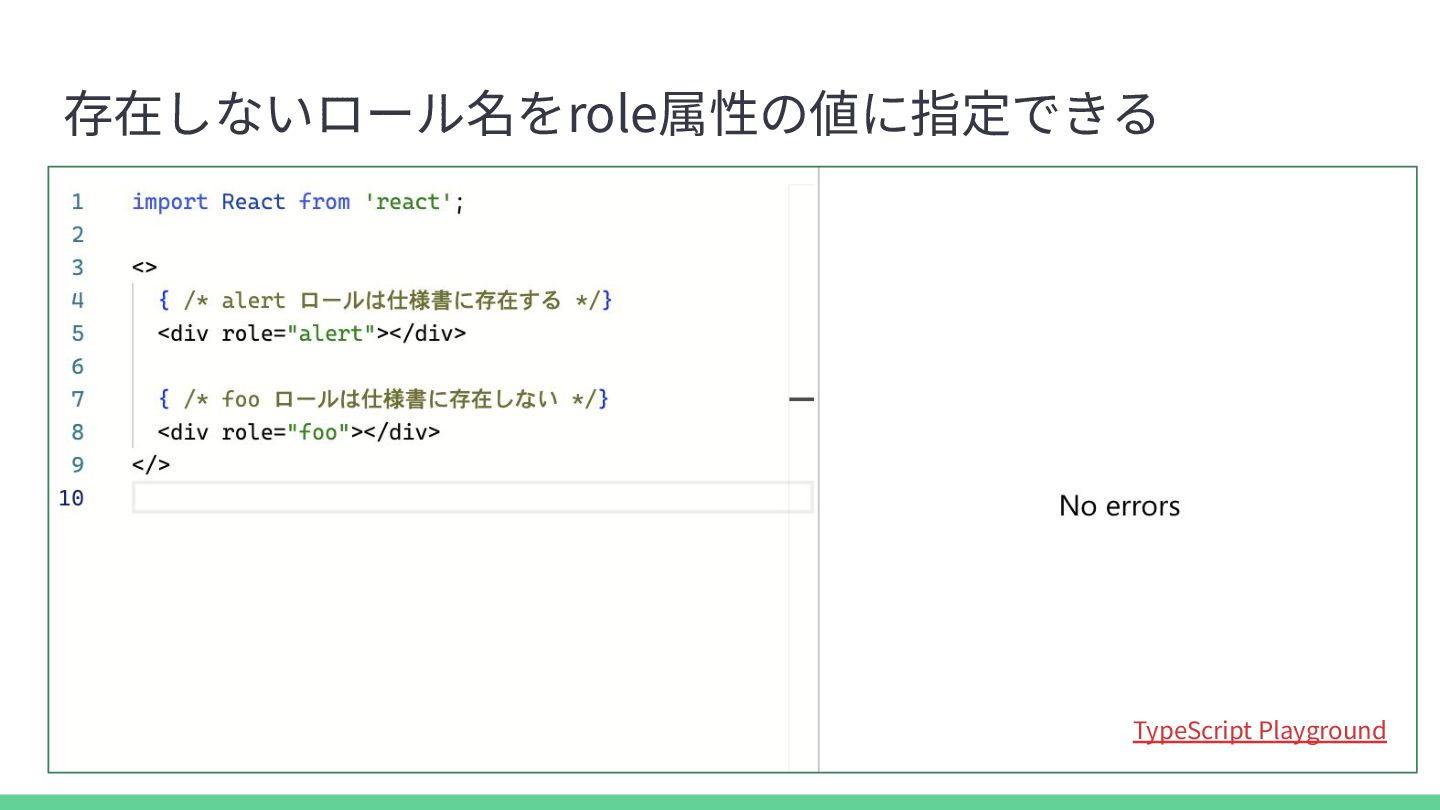
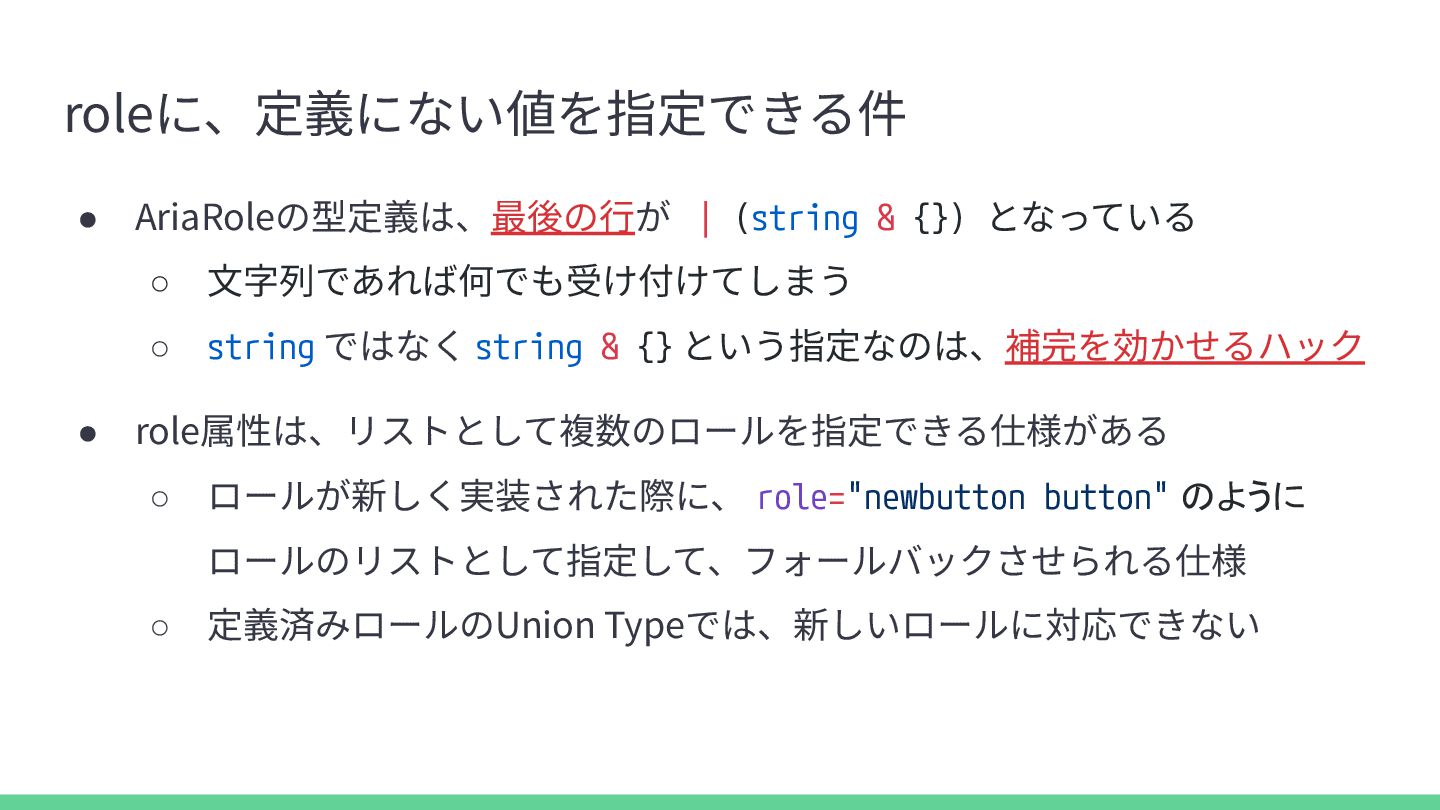
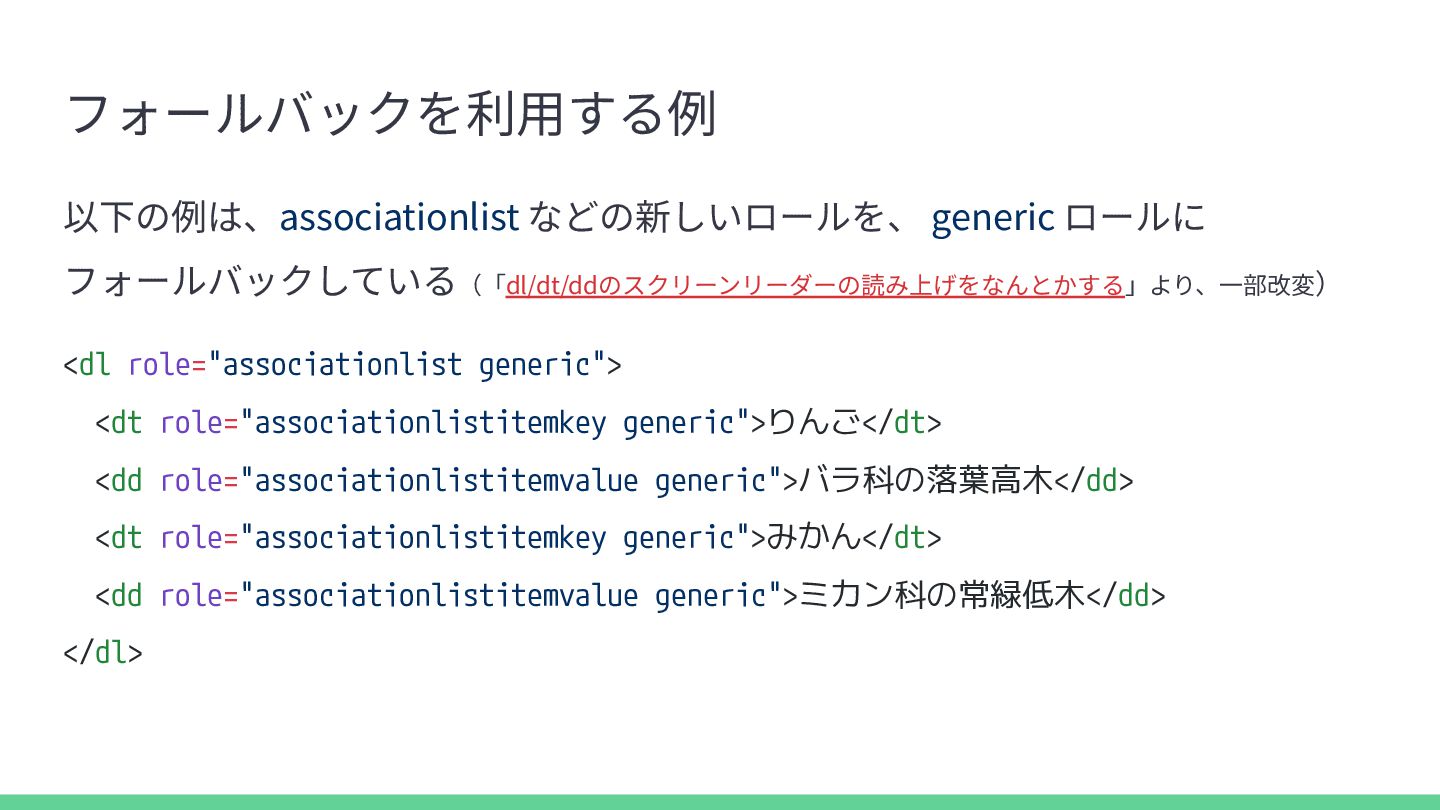
  7. roleに、定義にない値を指定できる件 • AriaRoleの型定義は、最後の⾏が | (string & {}) となっている ◦ ⽂字列であれば何でも受け付けてしまう

    ◦ string ではなく string & {} という指定なのは、補完を効かせるハック • role属性は、リストとして複数のロールを指定できる仕様がある ◦ ロールが新しく実装された際に、 role="newbutton button" のように ロールのリストとして指定して、フォールバックさせられる仕様 ◦ 定義済みロールのUnion Typeでは、新しいロールに対応できない
  8. フォールバックを利⽤する例 以下の例は、associationlist などの新しいロールを、 generic ロールに フォールバックしている(「dl/dt/ddのスクリーンリーダーの読み上げをなんとかする」より、⼀部改変) <dl role="associationlist generic"> <dt

    role="associationlistitemkey generic">りんご</dt> <dd role="associationlistitemvalue generic">バラ科の落葉高木</dd> <dt role="associationlistitemkey generic">みかん</dt> <dd role="associationlistitemvalue generic">ミカン科の常緑低木</dd> </dl>
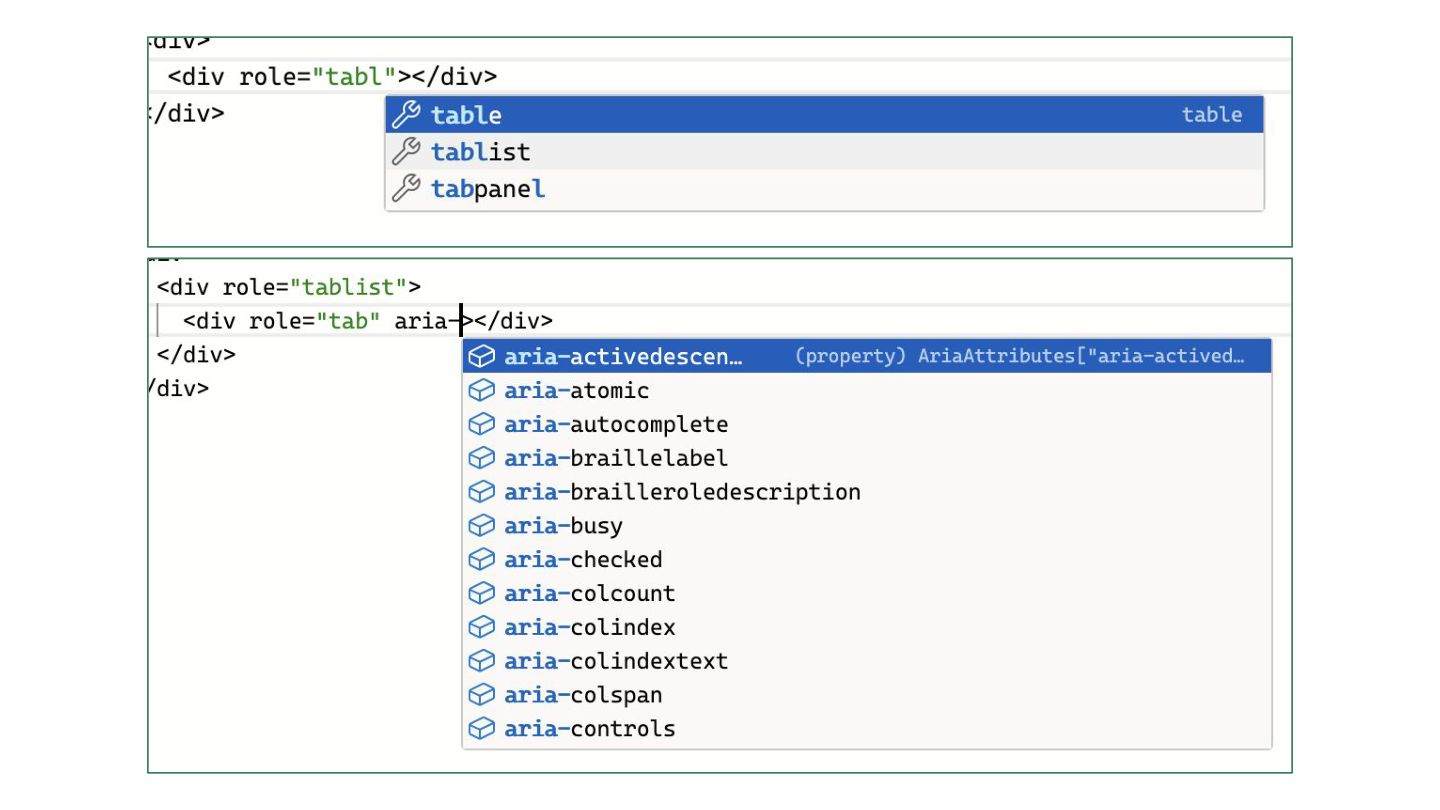
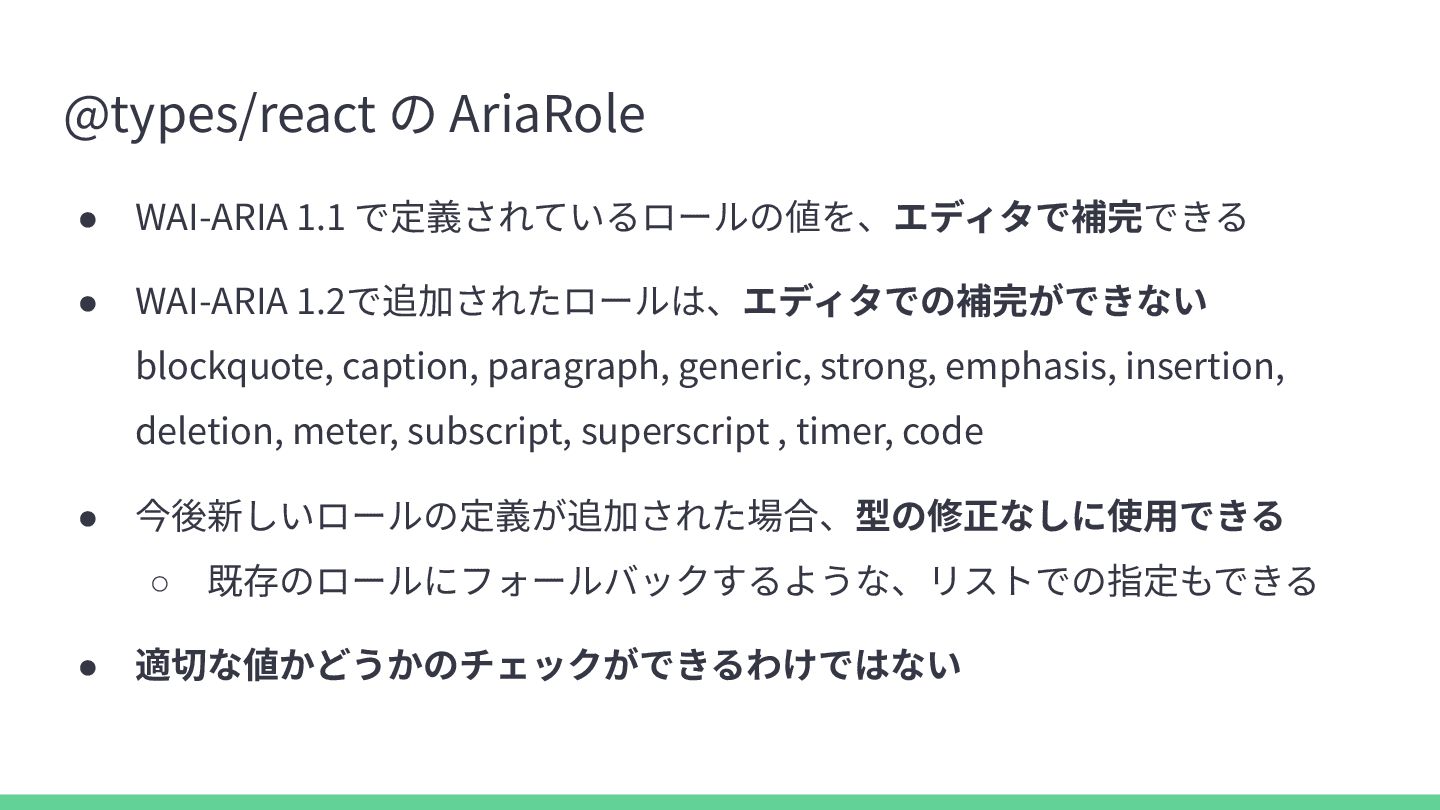
  9. @types/react の AriaRole • WAI-ARIA 1.1 で定義されているロールの値を、エディタで補完できる • WAI-ARIA 1.2で追加されたロールは、エディタでの補完ができない

    blockquote, caption, paragraph, generic, strong, emphasis, insertion, deletion, meter, subscript, superscript , timer, code • 今後新しいロールの定義が追加された場合、型の修正なしに使⽤できる ◦ 既存のロールにフォールバックするような、リストでの指定もできる • 適切な値かどうかのチェックができるわけではない
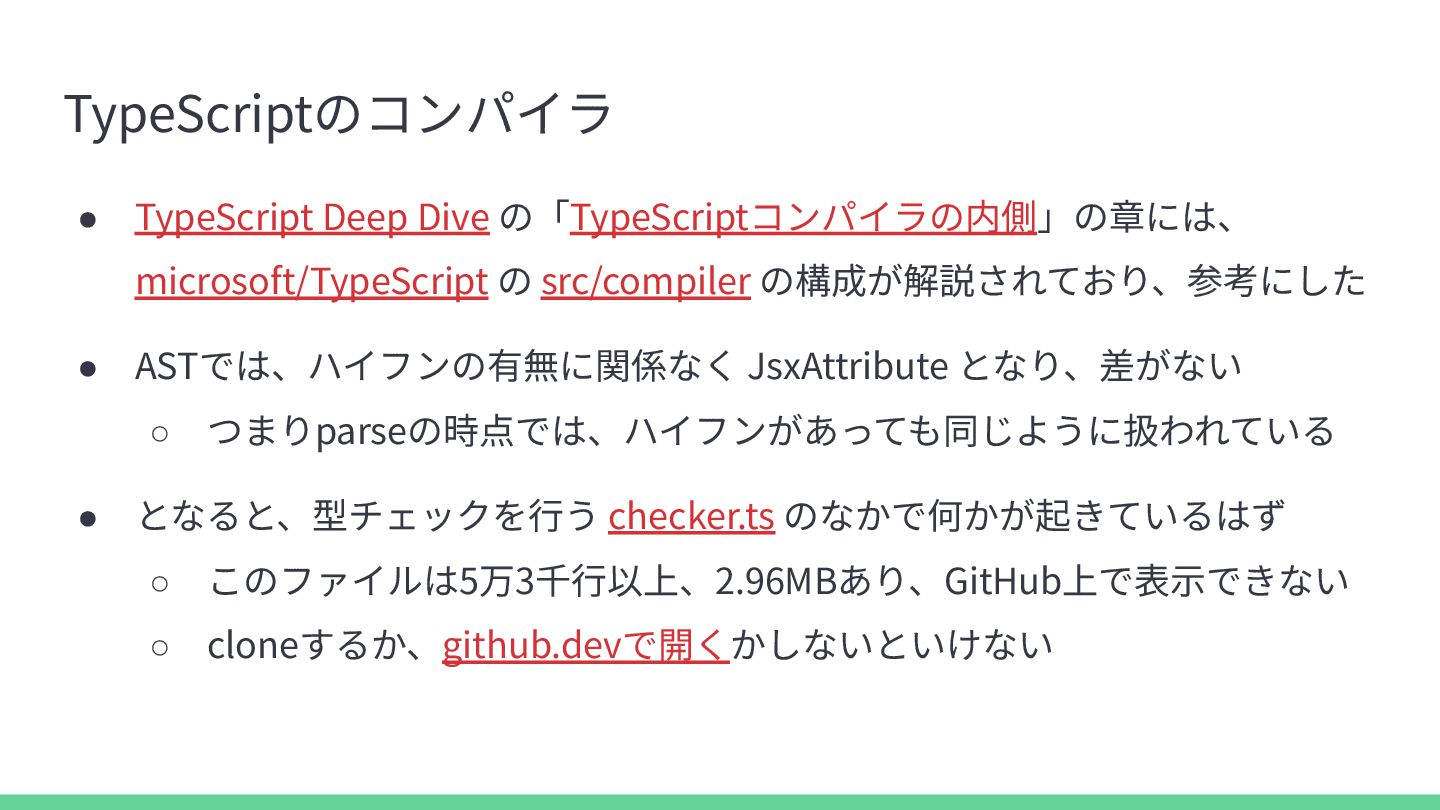
  10. TypeScriptのコンパイラ • TypeScript Deep Dive の「TypeScriptコンパイラの内側」の章には、 microsoft/TypeScript の src/compiler の構成が解説されており、参考にした

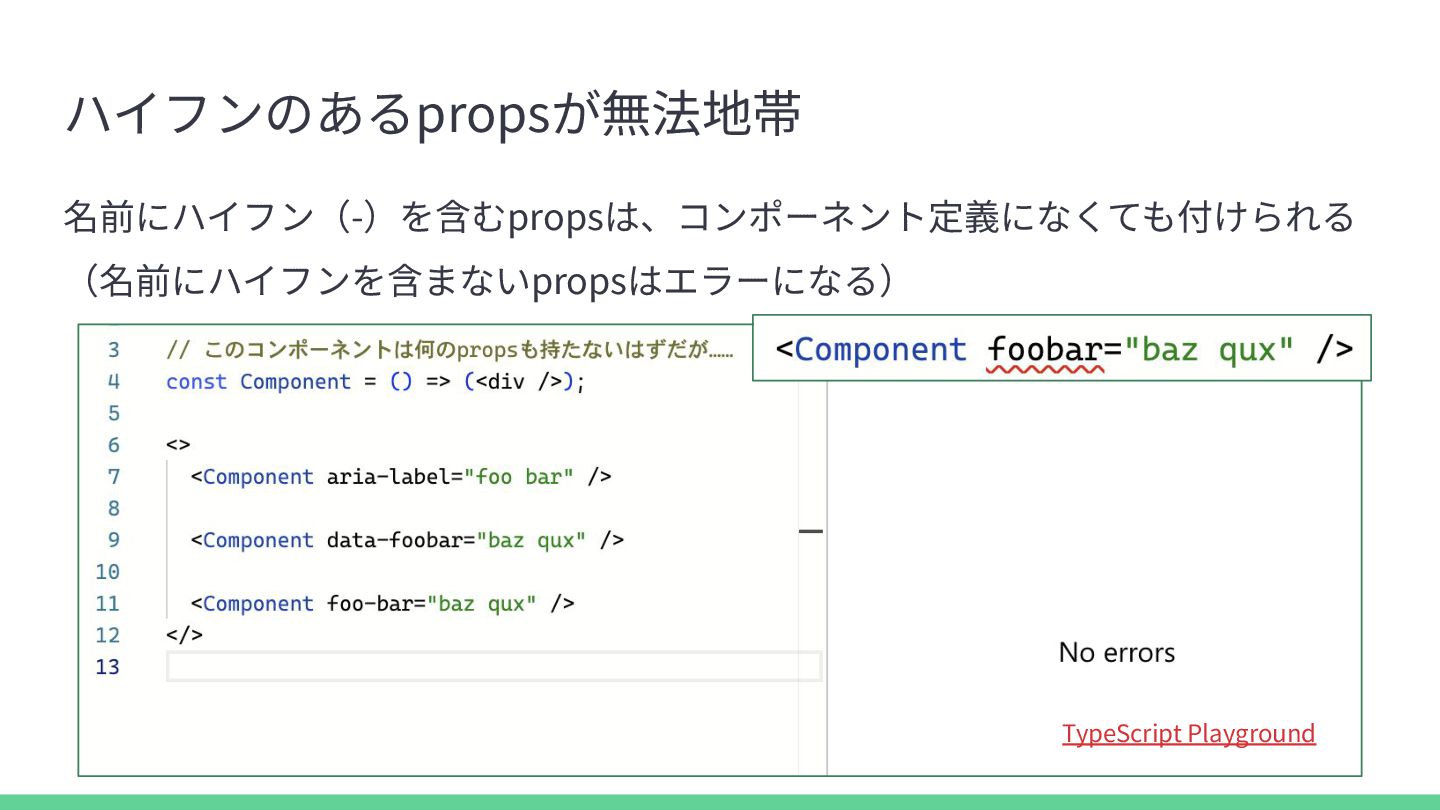
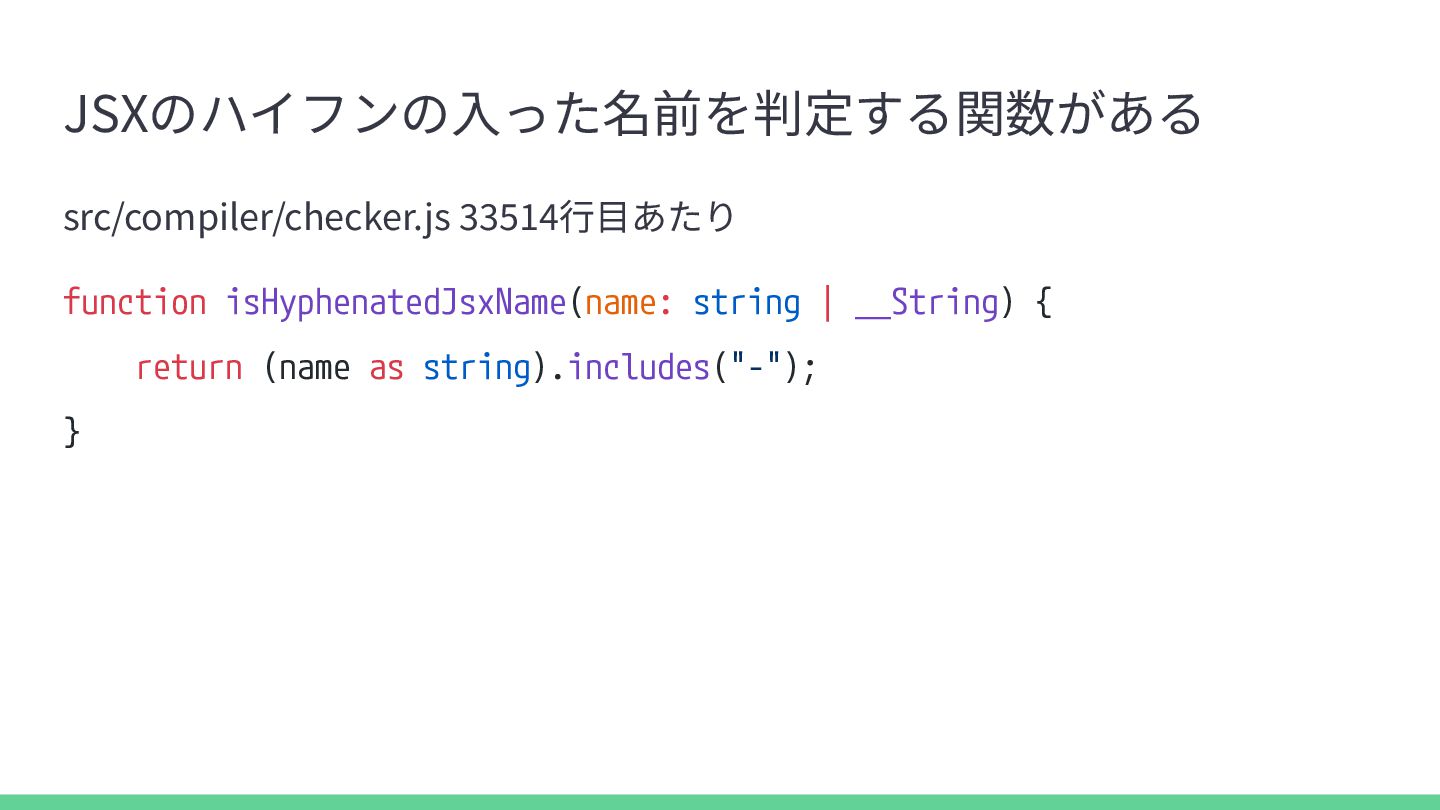
    • ASTでは、ハイフンの有無に関係なく JsxAttribute となり、差がない ◦ つまりparseの時点では、ハイフンがあっても同じように扱われている • となると、型チェックを⾏う checker.ts のなかで何かが起きているはず ◦ このファイルは5万3千⾏以上、2.96MBあり、GitHub上で表⽰できない ◦ cloneするか、github.devで開くかしないといけない
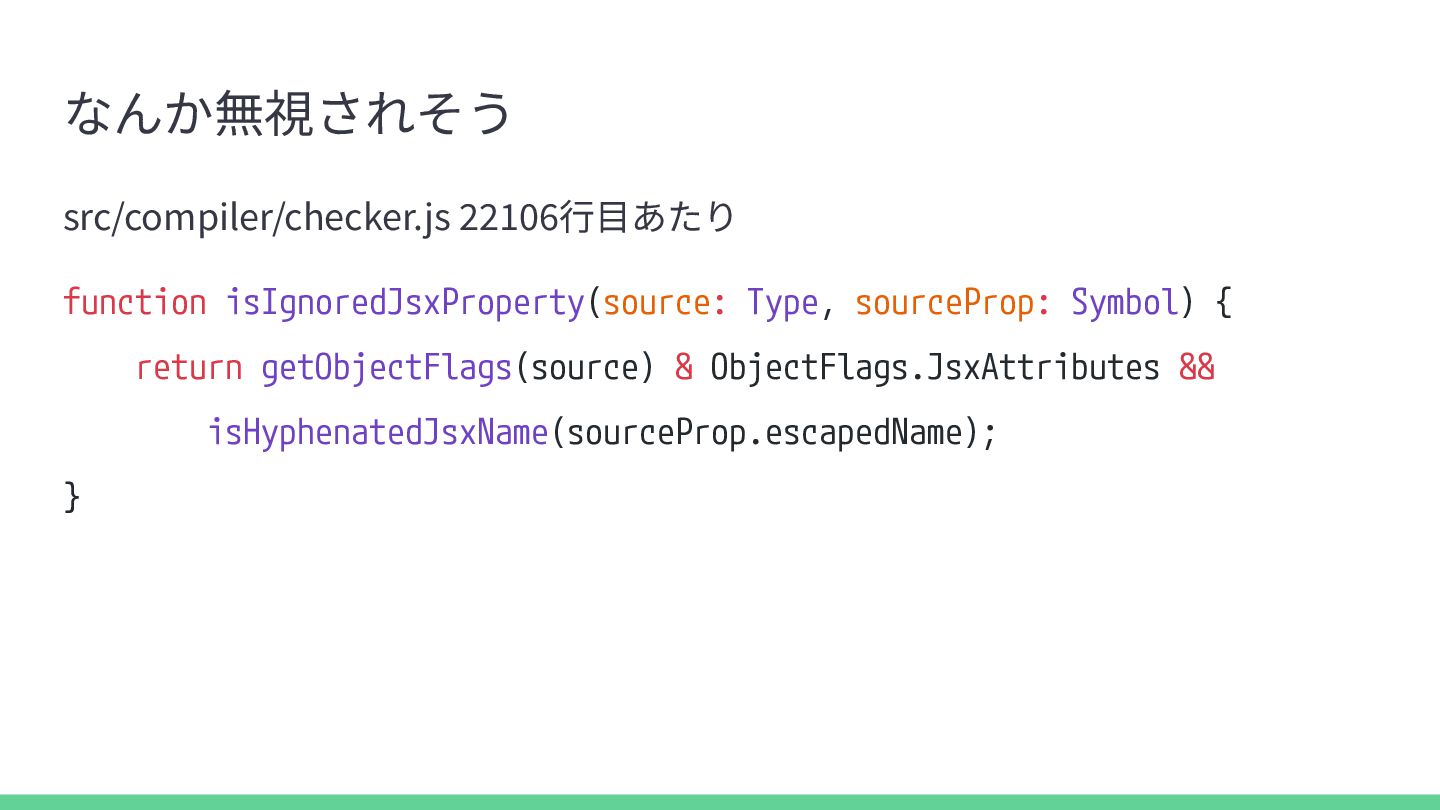
  11. なんか無視されそう src/compiler/checker.js 22106⾏⽬あたり function isIgnoredJsxProperty(source: Type, sourceProp: Symbol) { return

    getObjectFlags(source) & ObjectFlags.JsxAttributes && isHyphenatedJsxName(sourceProp.escapedName); }
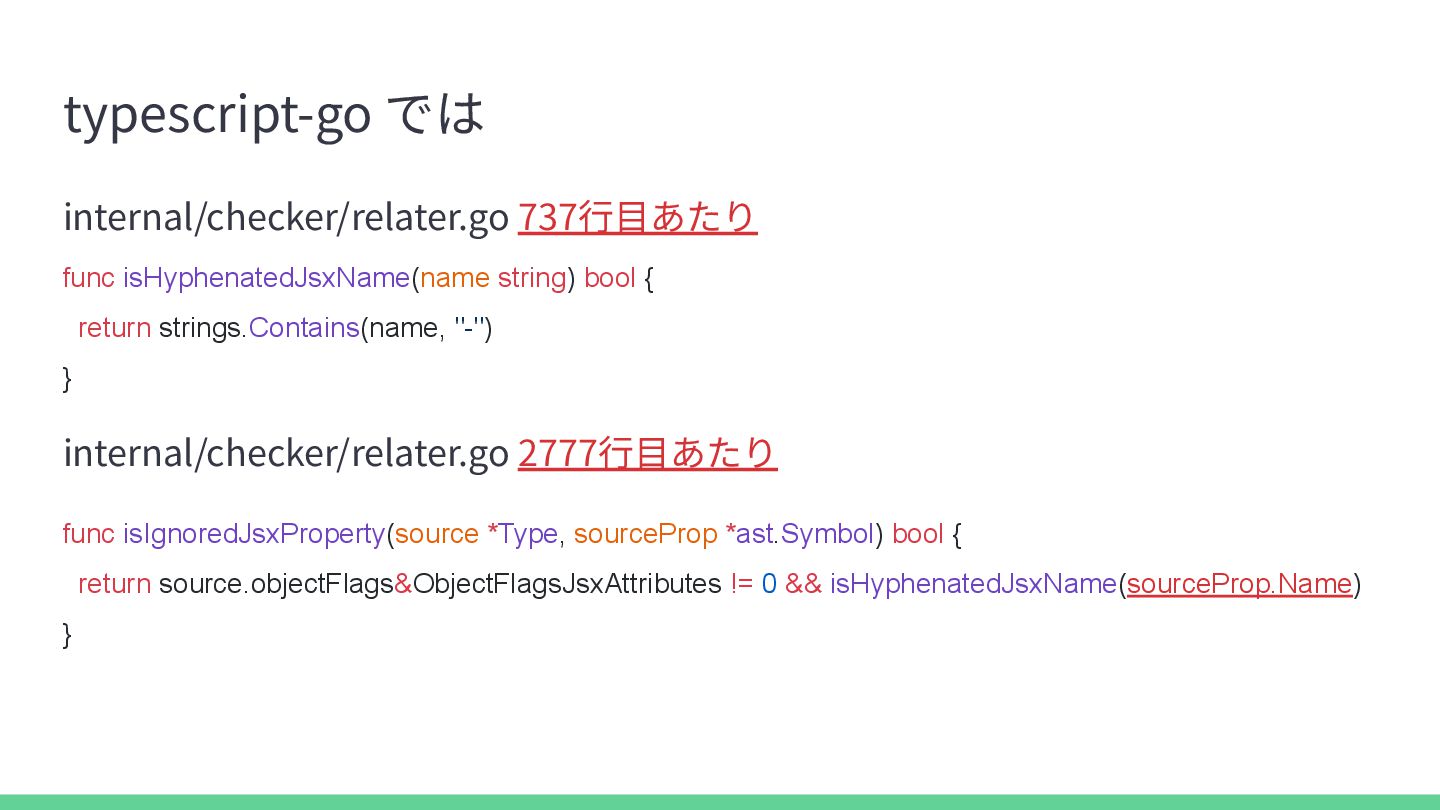
  12. typescript-go では internal/checker/relater.go 737⾏⽬あたり func isHyphenatedJsxName(name string) bool { return

    strings.Contains(name, "-") } internal/checker/relater.go 2777⾏⽬あたり func isIgnoredJsxProperty(source *Type, sourceProp *ast.Symbol) bool { return source.objectFlags&ObjectFlagsJsxAttributes != 0 && isHyphenatedJsxName(sourceProp.Name) }
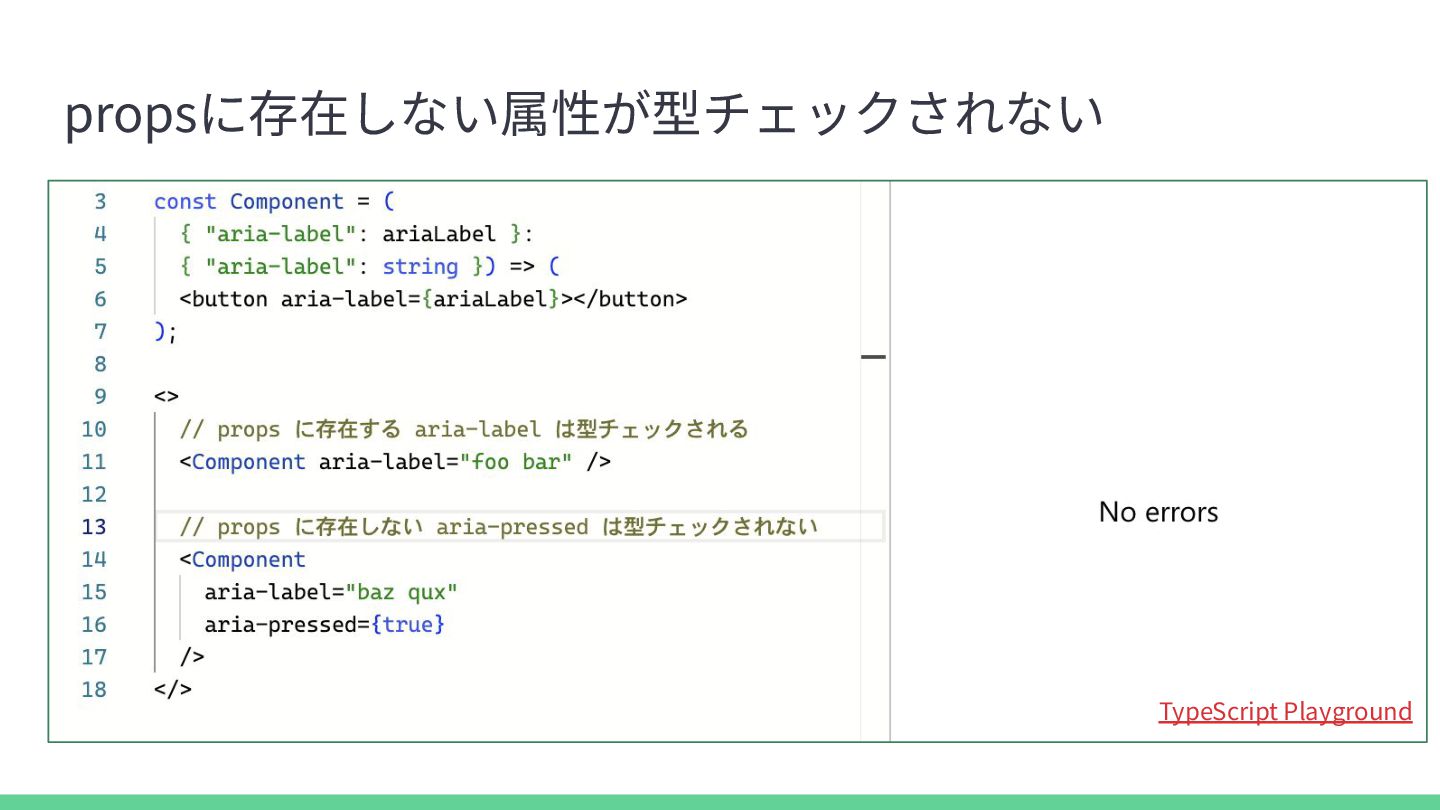
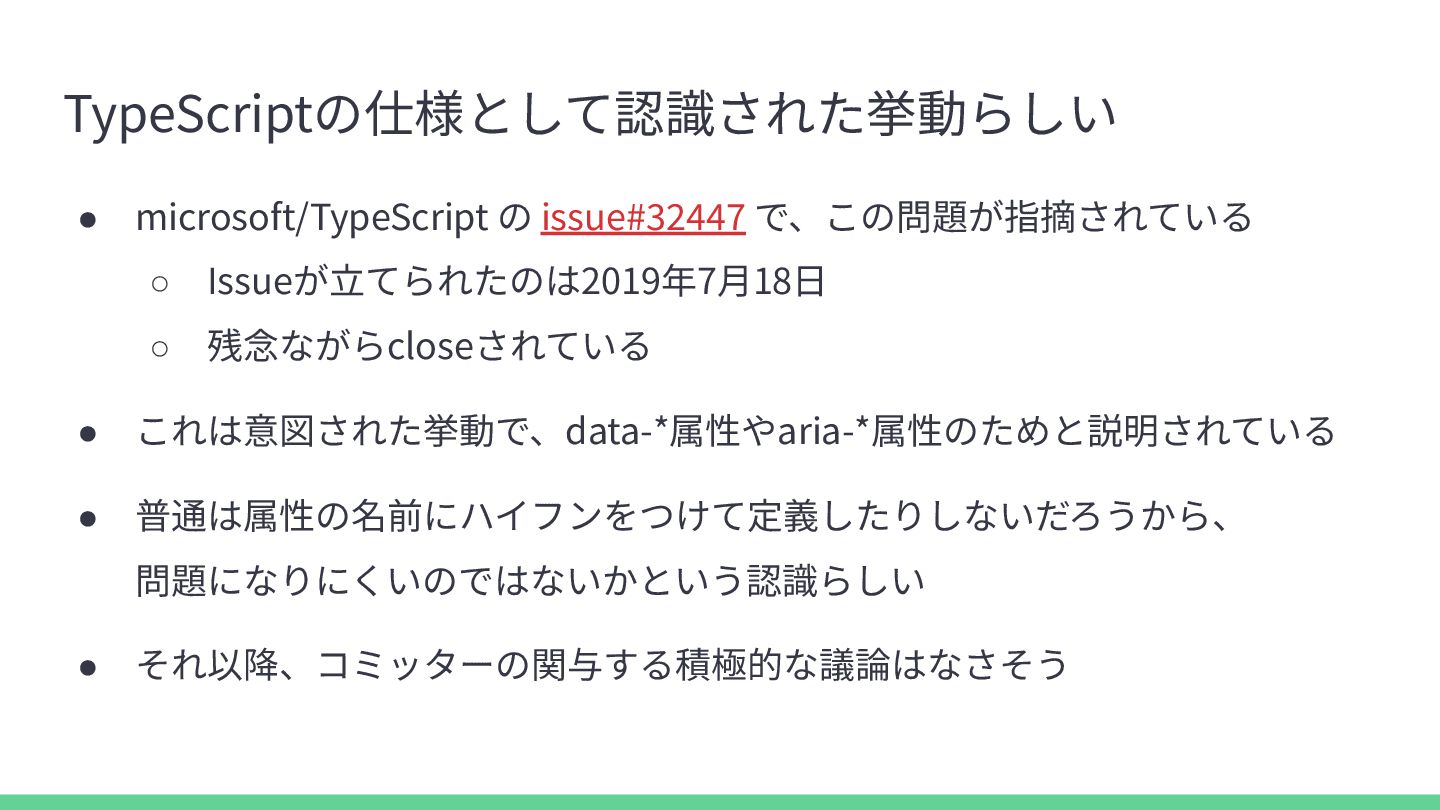
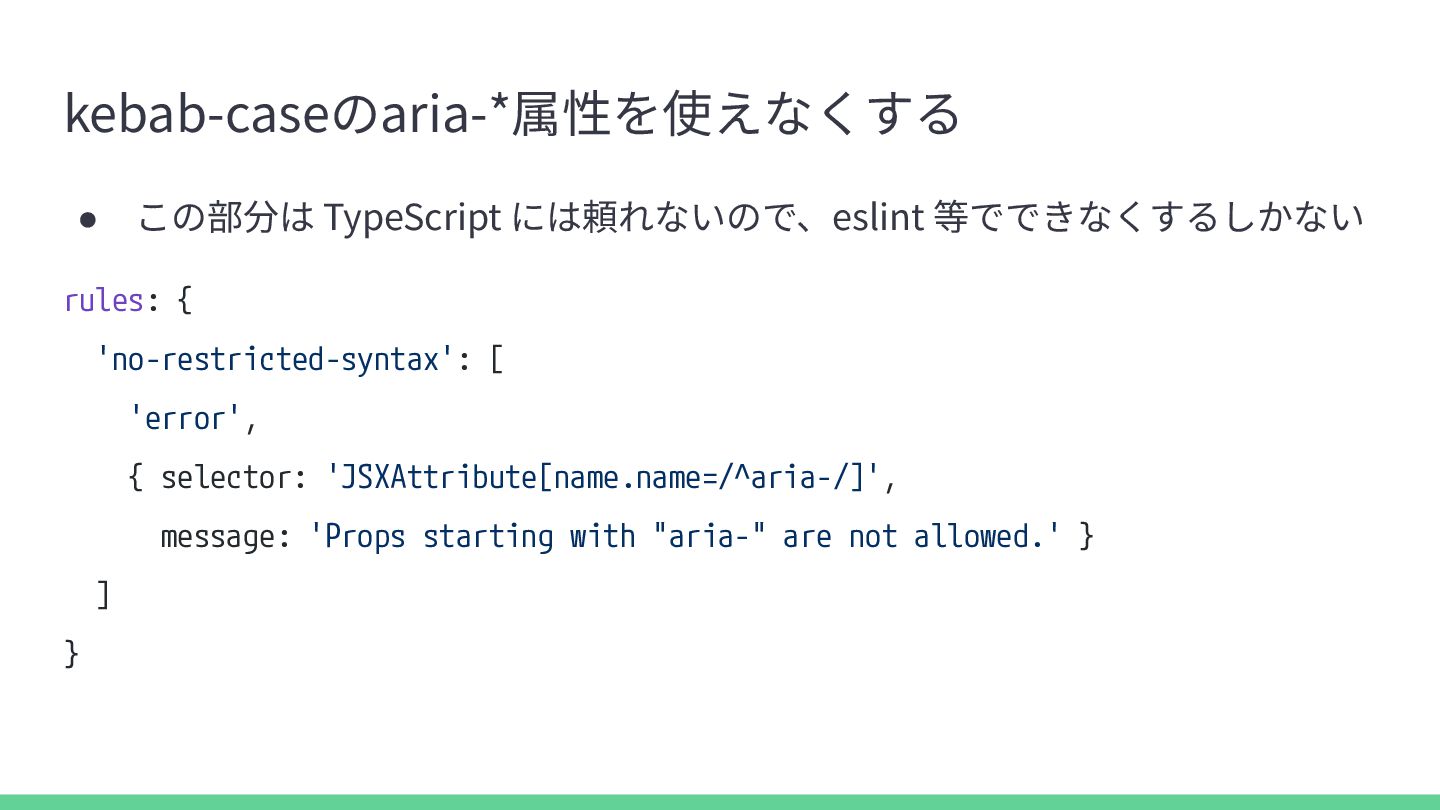
  13. TypeScriptの仕様として認識された挙動らしい • microsoft/TypeScript の issue#32447 で、この問題が指摘されている ◦ Issueが⽴てられたのは2019年7⽉18⽇ ◦ 残念ながらcloseされている

    • これは意図された挙動で、data-*属性やaria-*属性のためと説明されている • 普通は属性の名前にハイフンをつけて定義したりしないだろうから、 問題になりにくいのではないかという認識らしい • それ以降、コミッターの関与する積極的な議論はなさそう
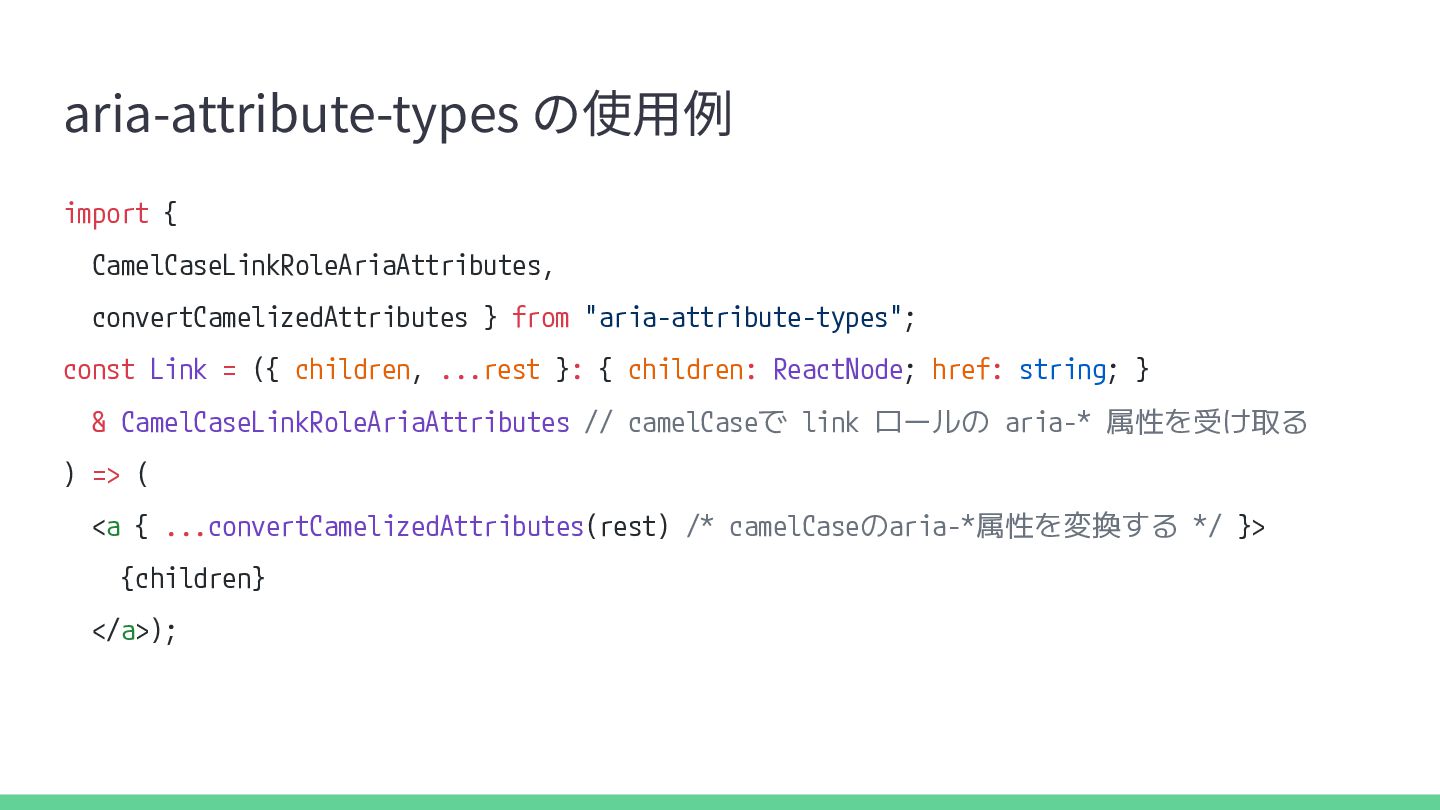
  14. aria-attribute-types の使⽤例 import { CamelCaseLinkRoleAriaAttributes, convertCamelizedAttributes } from "aria-attribute-types"; const

    Link = ({ children, ...rest }: { children: ReactNode; href: string; } & CamelCaseLinkRoleAriaAttributes // camelCaseで link ロールの aria-* 属性を受け取る ) => ( <a { ...convertCamelizedAttributes(rest) /* camelCaseのaria-*属性を変換する */ }> {children} </a>);
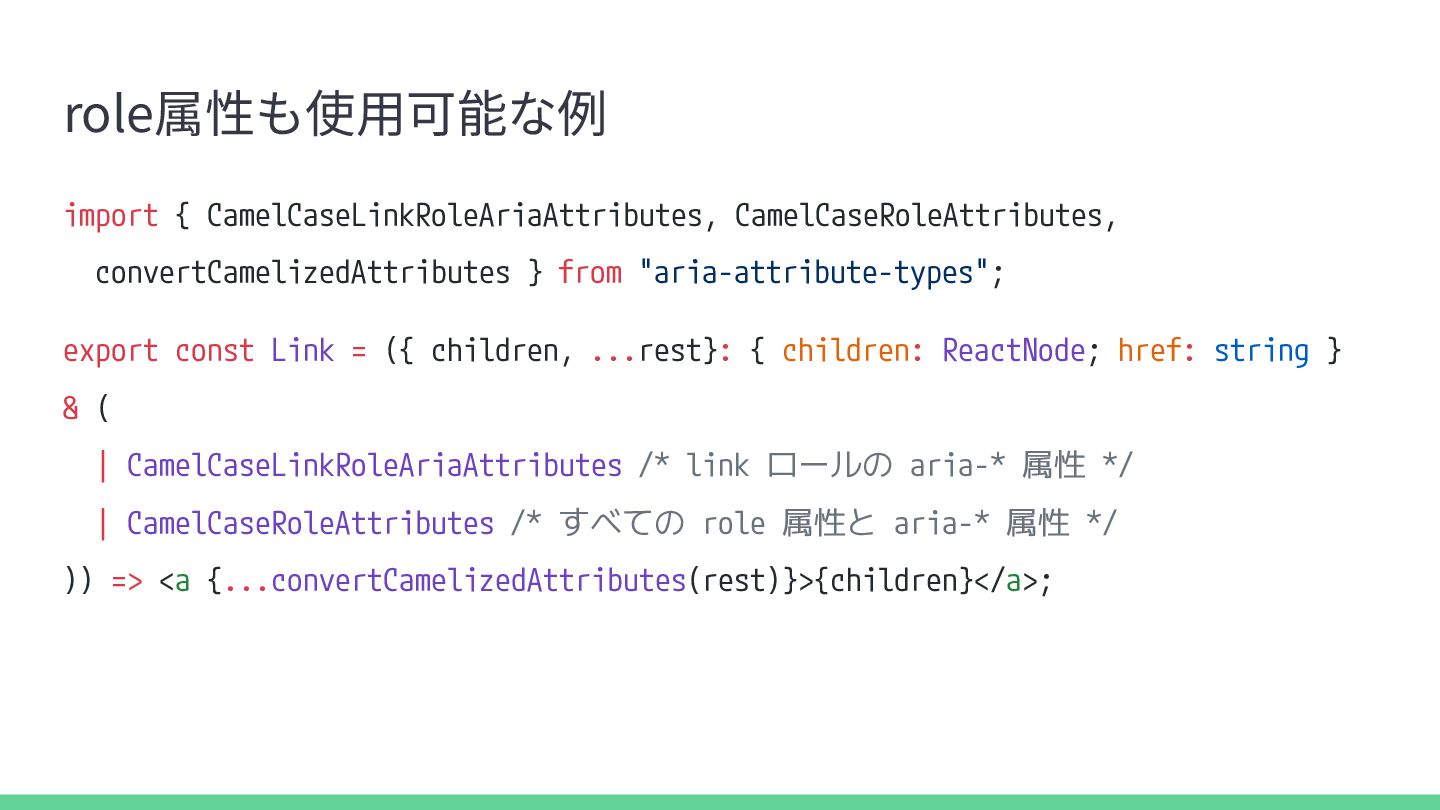
  15. role属性も使⽤可能な例 import { CamelCaseLinkRoleAriaAttributes, CamelCaseRoleAttributes, convertCamelizedAttributes } from "aria-attribute-types"; export

    const Link = ({ children, ...rest}: { children: ReactNode; href: string } & ( | CamelCaseLinkRoleAriaAttributes /* link ロールの aria-* 属性 */ | CamelCaseRoleAttributes /* すべての role 属性と aria-* 属性 */ )) => <a {...convertCamelizedAttributes(rest)}>{children}</a>;
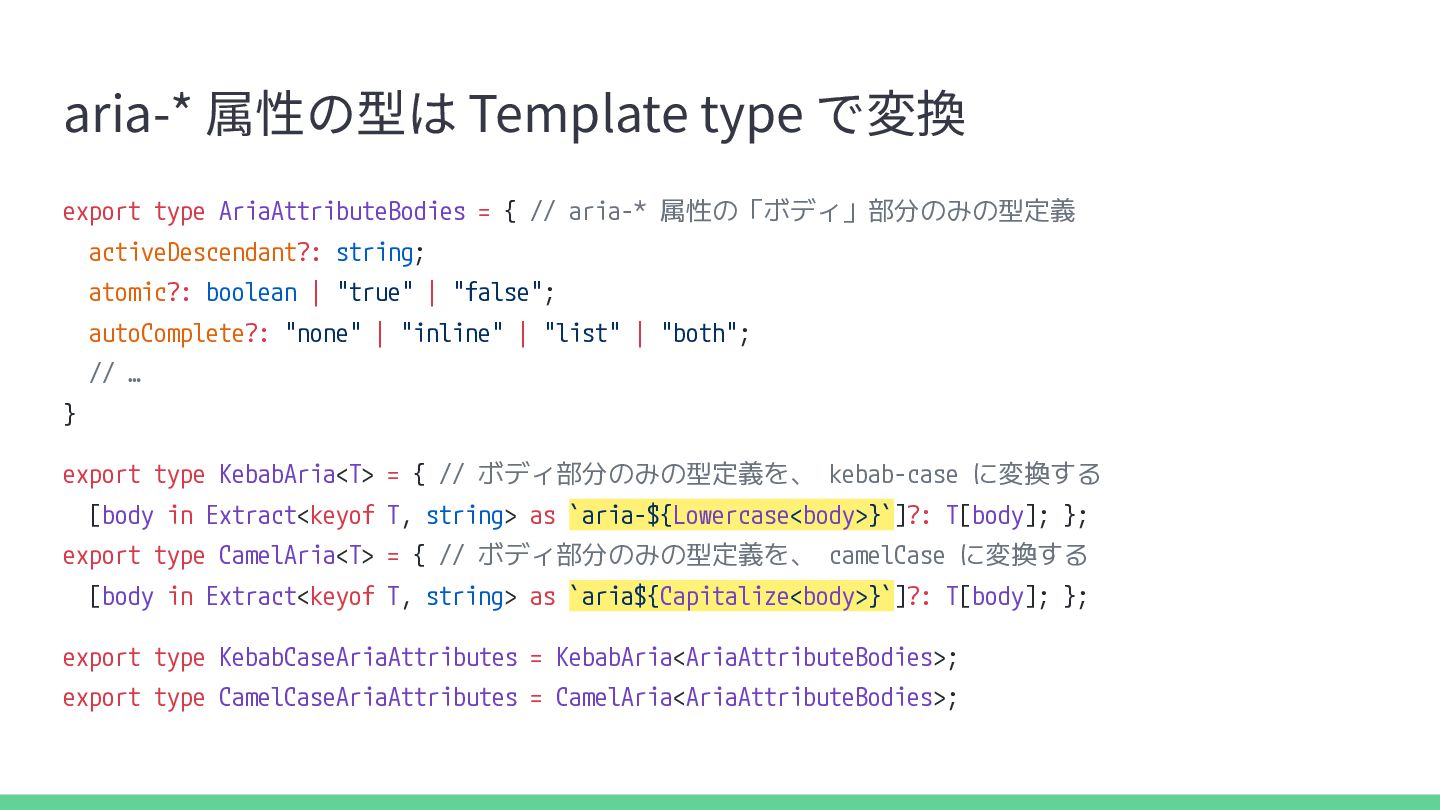
  16. aria-* 属性の型は Template type で変換 export type AriaAttributeBodies = {

    // aria-* 属性の「ボディ」部分のみの型定義 activeDescendant?: string; atomic?: boolean | "true" | "false"; autoComplete?: "none" | "inline" | "list" | "both"; // … } export type KebabAria<T> = { // ボディ部分のみの型定義を、 kebab-case に変換する [body in Extract<keyof T, string> as `aria-${Lowercase<body>}`]?: T[body]; }; export type CamelAria<T> = { // ボディ部分のみの型定義を、 camelCase に変換する [body in Extract<keyof T, string> as `aria${Capitalize<body>}`]?: T[body]; }; export type KebabCaseAriaAttributes = KebabAria<AriaAttributeBodies>; export type CamelCaseAriaAttributes = CamelAria<AriaAttributeBodies>;
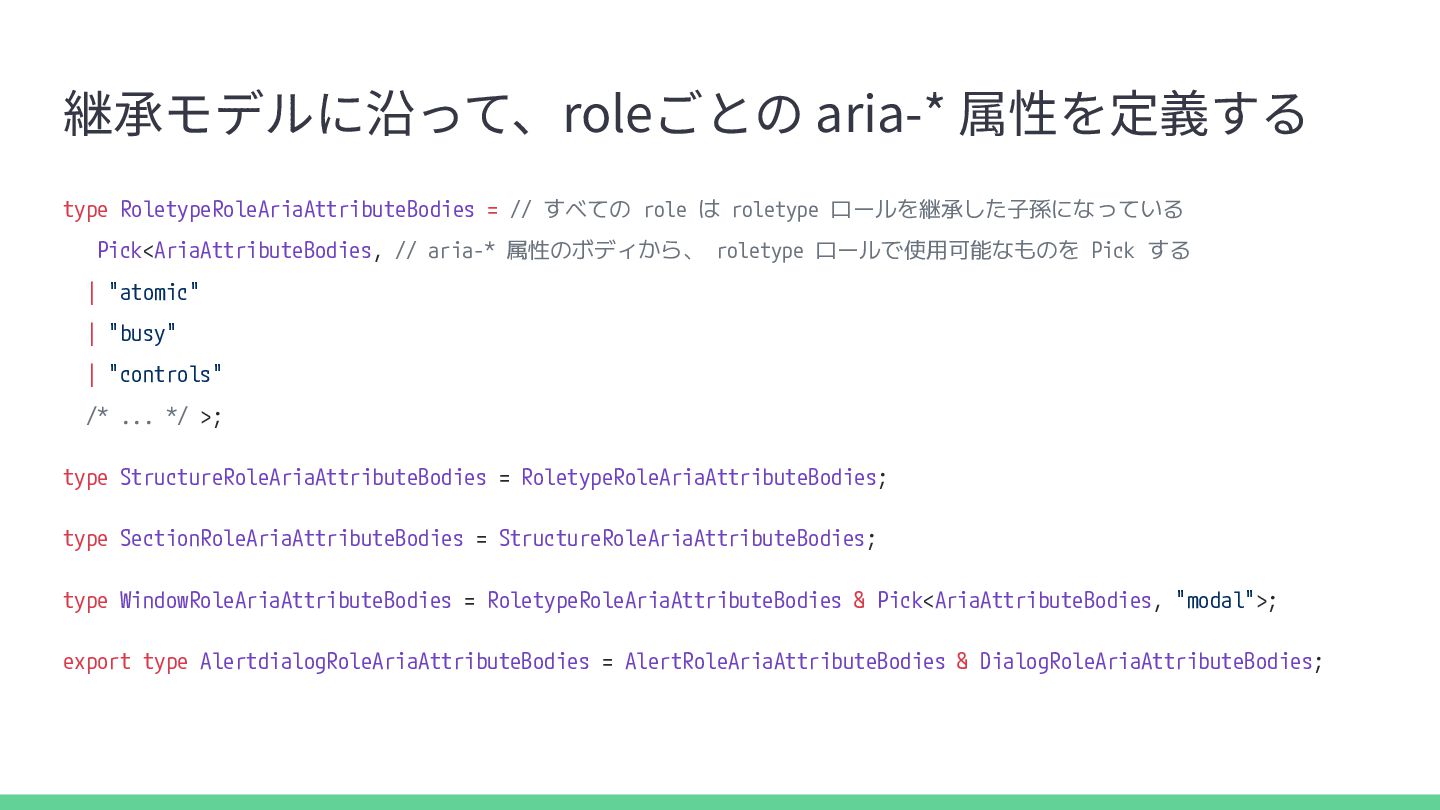
  17. 継承モデルに沿って、roleごとの aria-* 属性を定義する type RoletypeRoleAriaAttributeBodies = // すべての role は

    roletype ロールを継承した子孫になっている Pick<AriaAttributeBodies, // aria-* 属性のボディから、 roletype ロールで使用可能なものを Pick する | "atomic" | "busy" | "controls" /* ... */ >; type StructureRoleAriaAttributeBodies = RoletypeRoleAriaAttributeBodies; type SectionRoleAriaAttributeBodies = StructureRoleAriaAttributeBodies; type WindowRoleAriaAttributeBodies = RoletypeRoleAriaAttributeBodies & Pick<AriaAttributeBodies, "modal">; export type AlertdialogRoleAriaAttributeBodies = AlertRoleAriaAttributeBodies & DialogRoleAriaAttributeBodies;
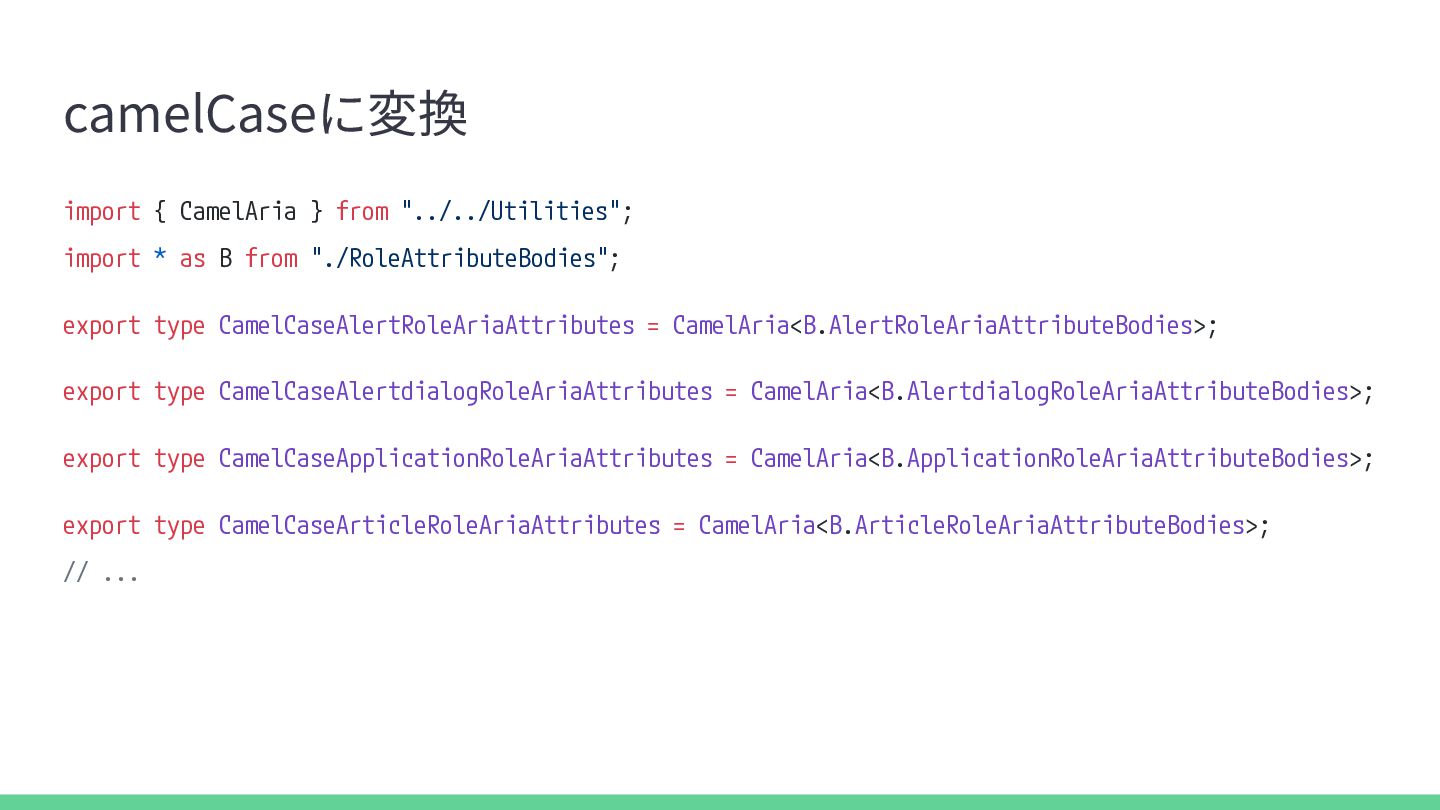
  18. camelCaseに変換 import { CamelAria } from "../../Utilities"; import * as
    B from "./RoleAttributeBodies"; export type CamelCaseAlertRoleAriaAttributes = CamelAria<B.AlertRoleAriaAttributeBodies>; export type CamelCaseAlertdialogRoleAriaAttributes = CamelAria<B.AlertdialogRoleAriaAttributeBodies>; export type CamelCaseApplicationRoleAriaAttributes = CamelAria<B.ApplicationRoleAriaAttributeBodies>; export type CamelCaseArticleRoleAriaAttributes = CamelAria<B.ArticleRoleAriaAttributeBodies>; // ...
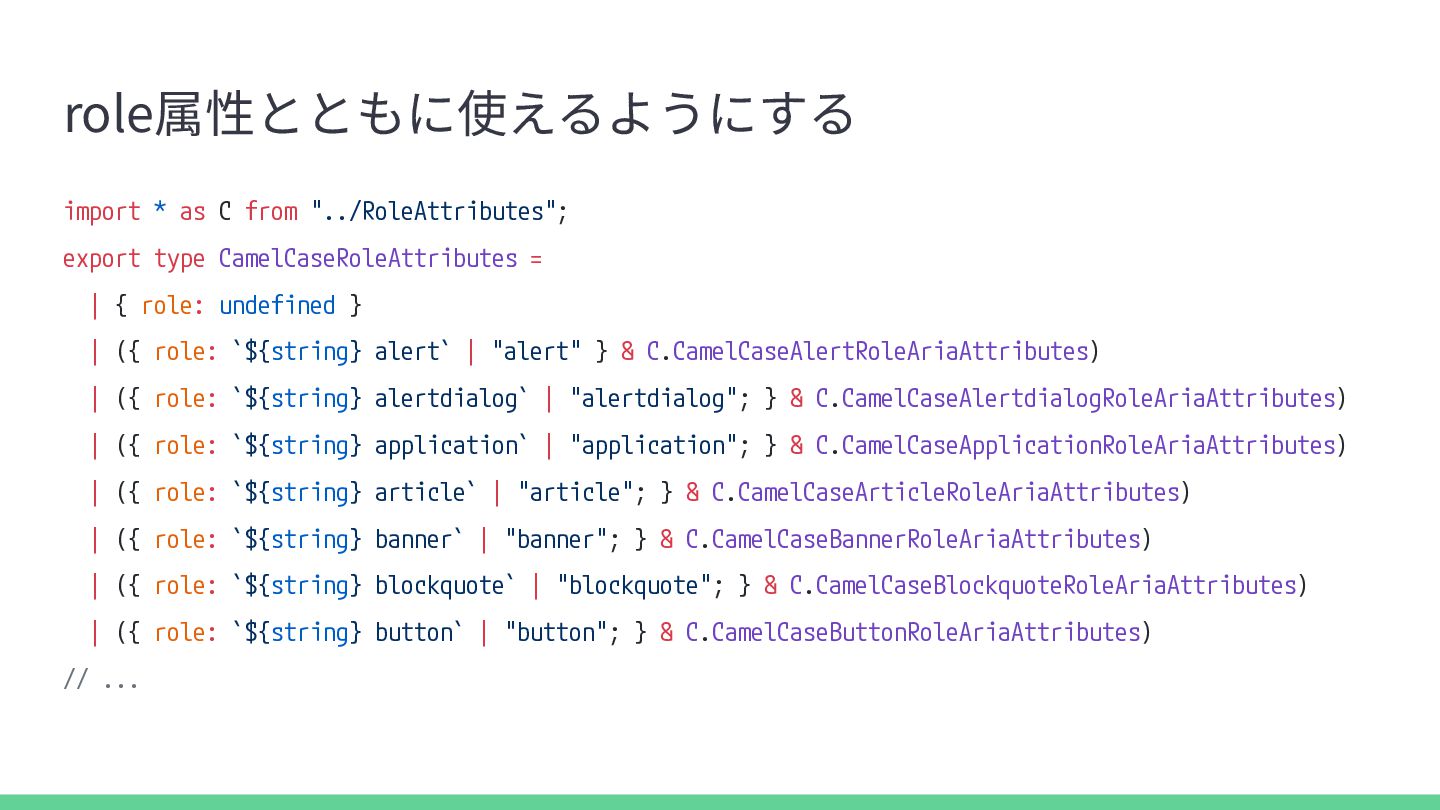
  19. role属性とともに使えるようにする import * as C from "../RoleAttributes"; export type CamelCaseRoleAttributes

    = | { role: undefined } | ({ role: `${string} alert` | "alert" } & C.CamelCaseAlertRoleAriaAttributes) | ({ role: `${string} alertdialog` | "alertdialog"; } & C.CamelCaseAlertdialogRoleAriaAttributes) | ({ role: `${string} application` | "application"; } & C.CamelCaseApplicationRoleAriaAttributes) | ({ role: `${string} article` | "article"; } & C.CamelCaseArticleRoleAriaAttributes) | ({ role: `${string} banner` | "banner"; } & C.CamelCaseBannerRoleAriaAttributes) | ({ role: `${string} blockquote` | "blockquote"; } & C.CamelCaseBlockquoteRoleAriaAttributes) | ({ role: `${string} button` | "button"; } & C.CamelCaseButtonRoleAriaAttributes) // ...
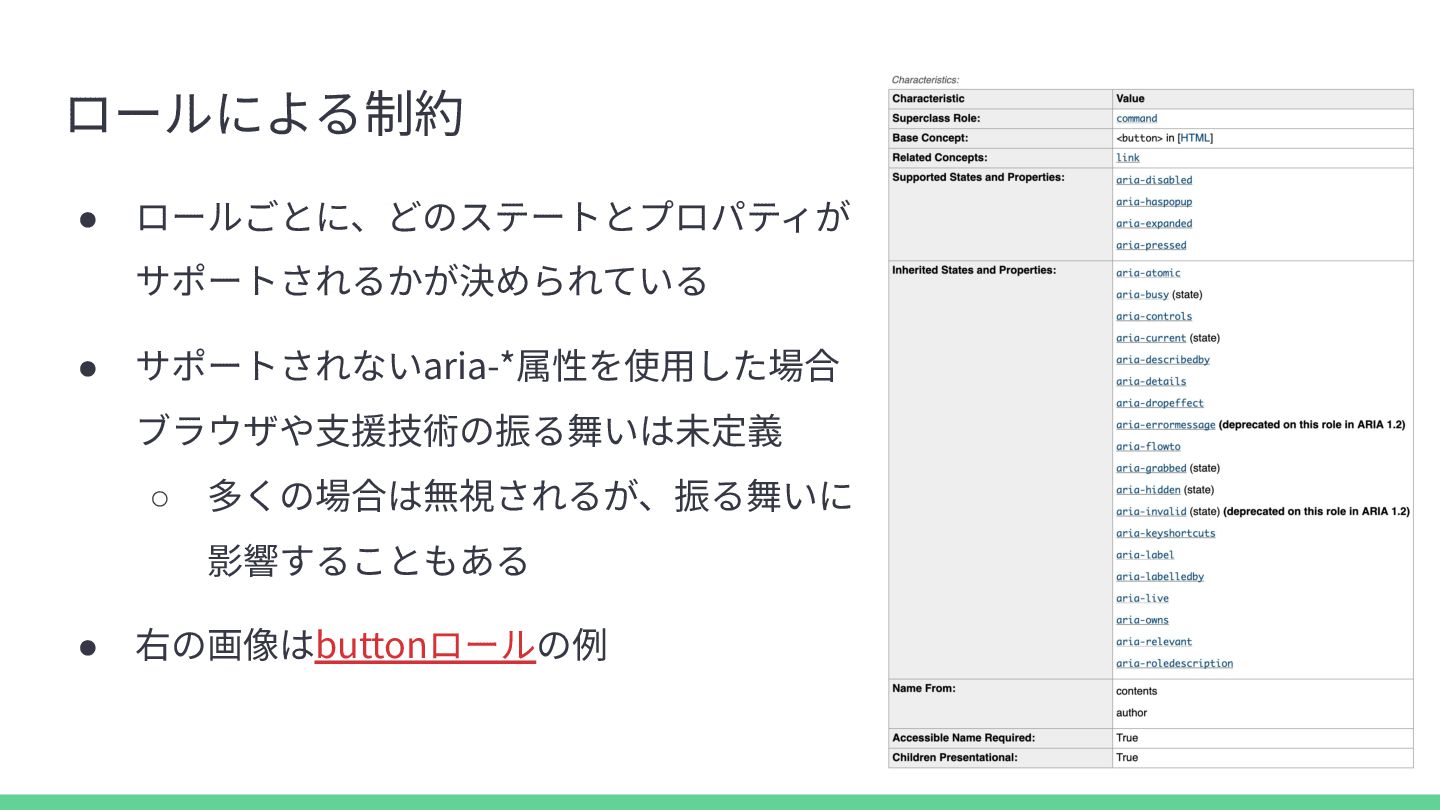
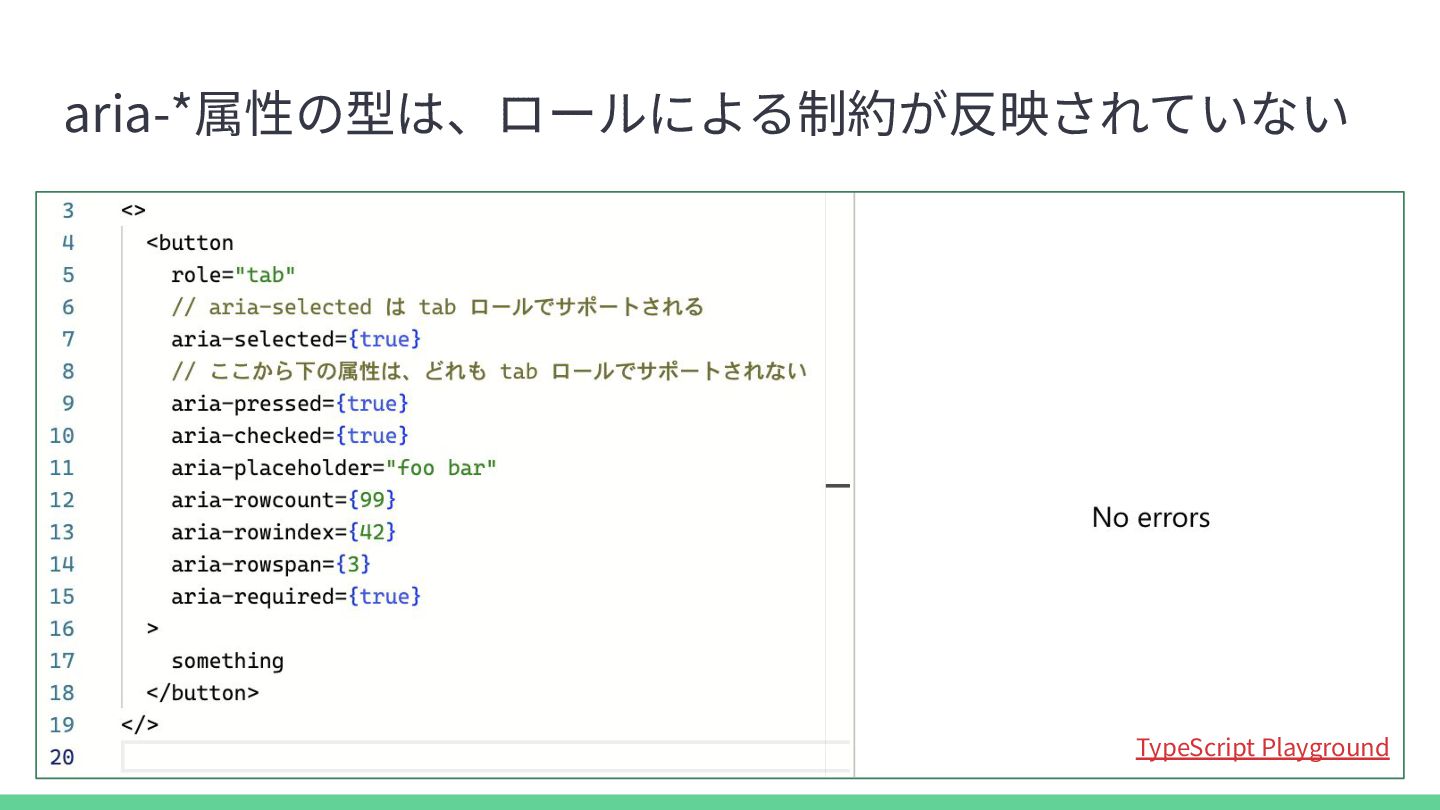
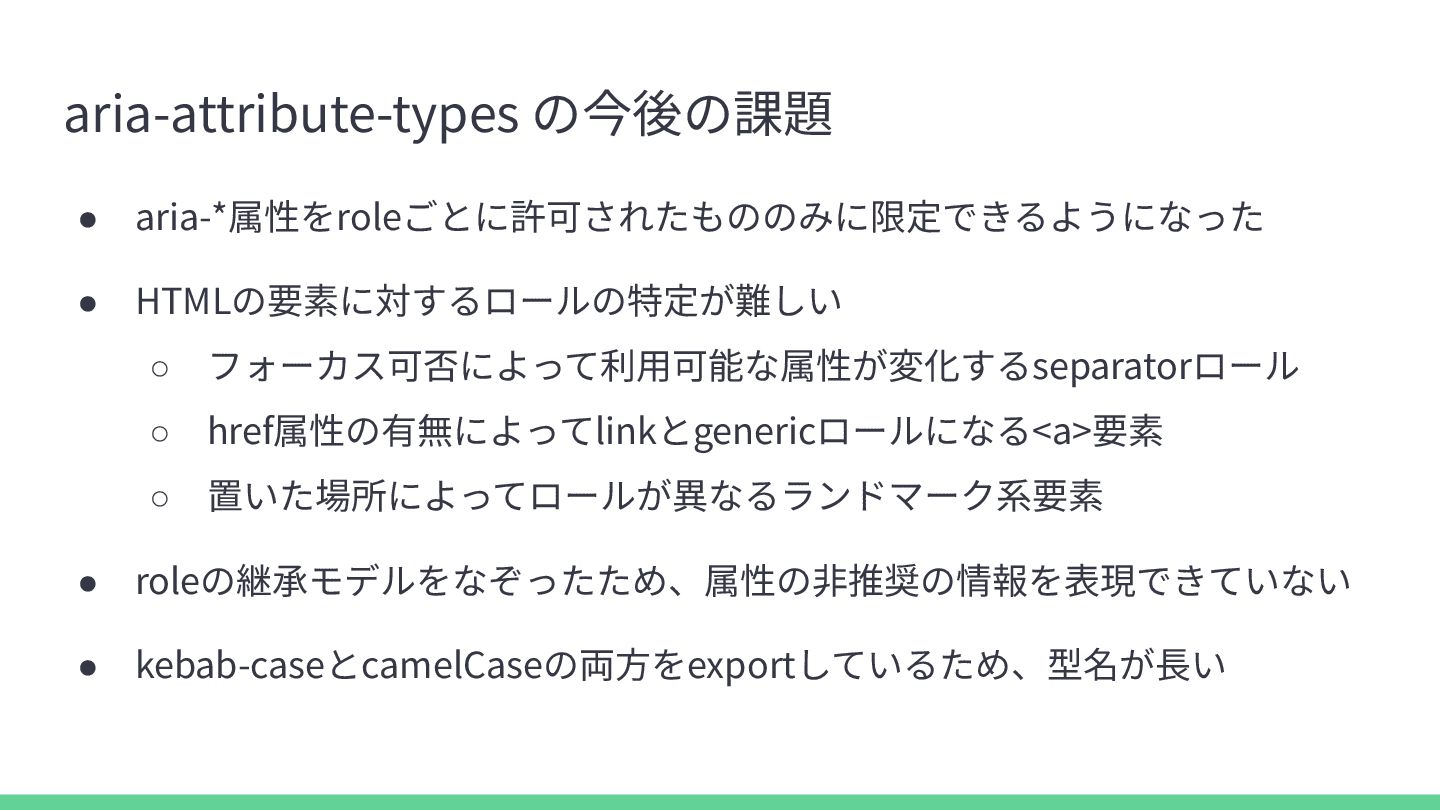
  20. aria-attribute-types の今後の課題 • aria-*属性をroleごとに許可されたもののみに限定できるようになった • HTMLの要素に対するロールの特定が難しい ◦ フォーカス可否によって利⽤可能な属性が変化するseparatorロール ◦ href属性の有無によってlinkとgenericロールになる<a>要素

    ◦ 置いた場所によってロールが異なるランドマーク系要素 • roleの継承モデルをなぞったため、属性の⾮推奨の情報を表現できていない • kebab-caseとcamelCaseの両⽅をexportしているため、型名が⻑い
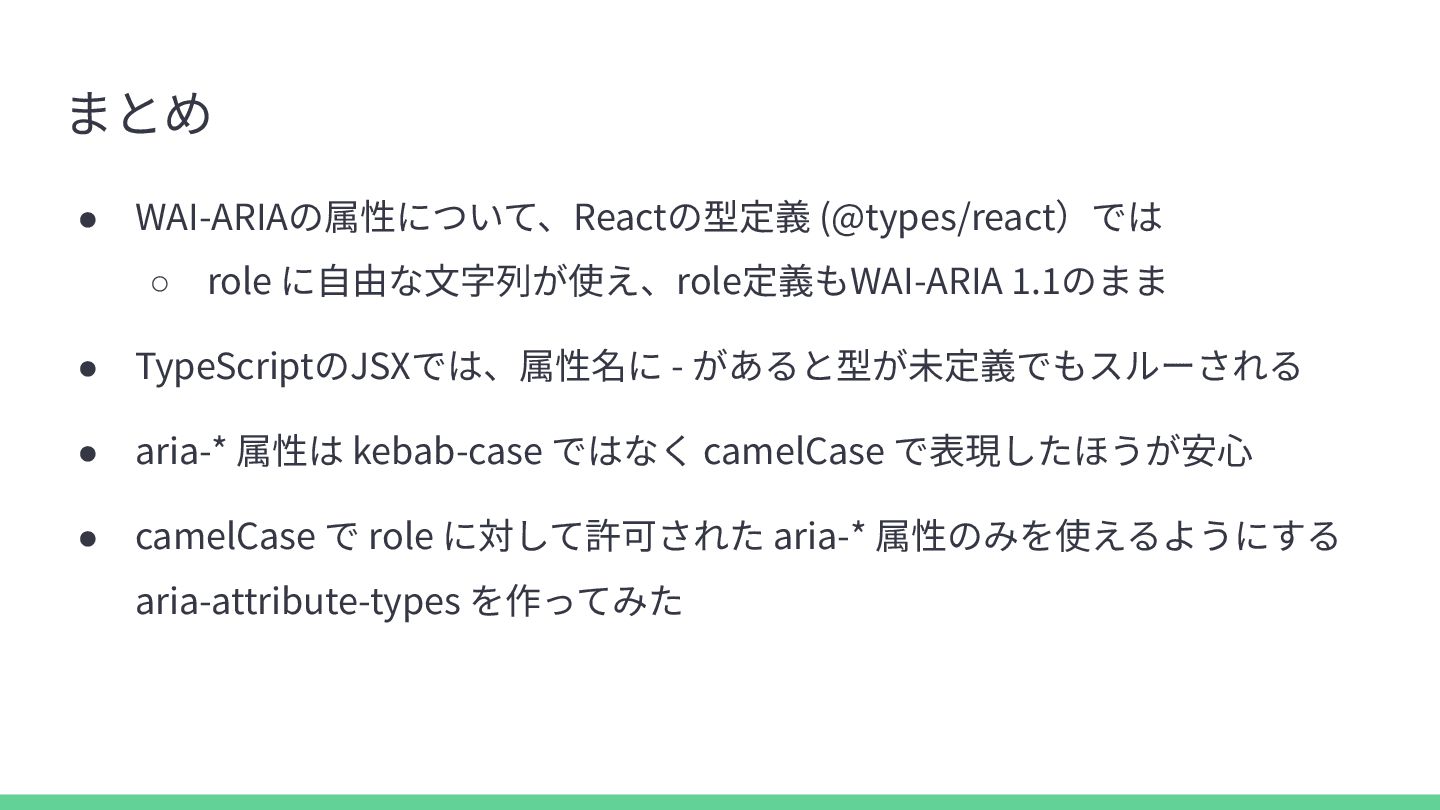
  21. まとめ • WAI-ARIAの属性について、Reactの型定義 (@types/react)では ◦ role に⾃由な⽂字列が使え、role定義もWAI-ARIA 1.1のまま • TypeScriptのJSXでは、属性名に

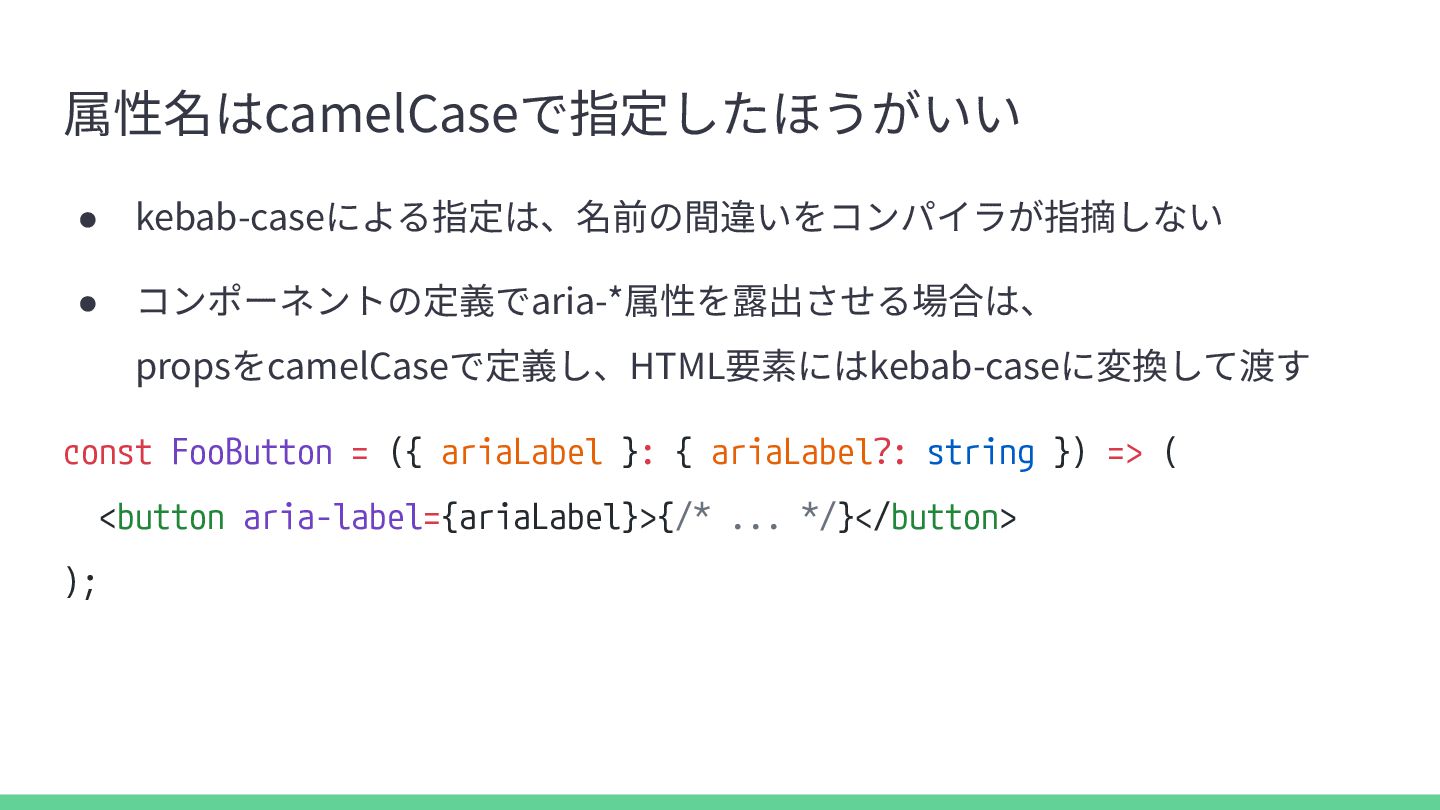
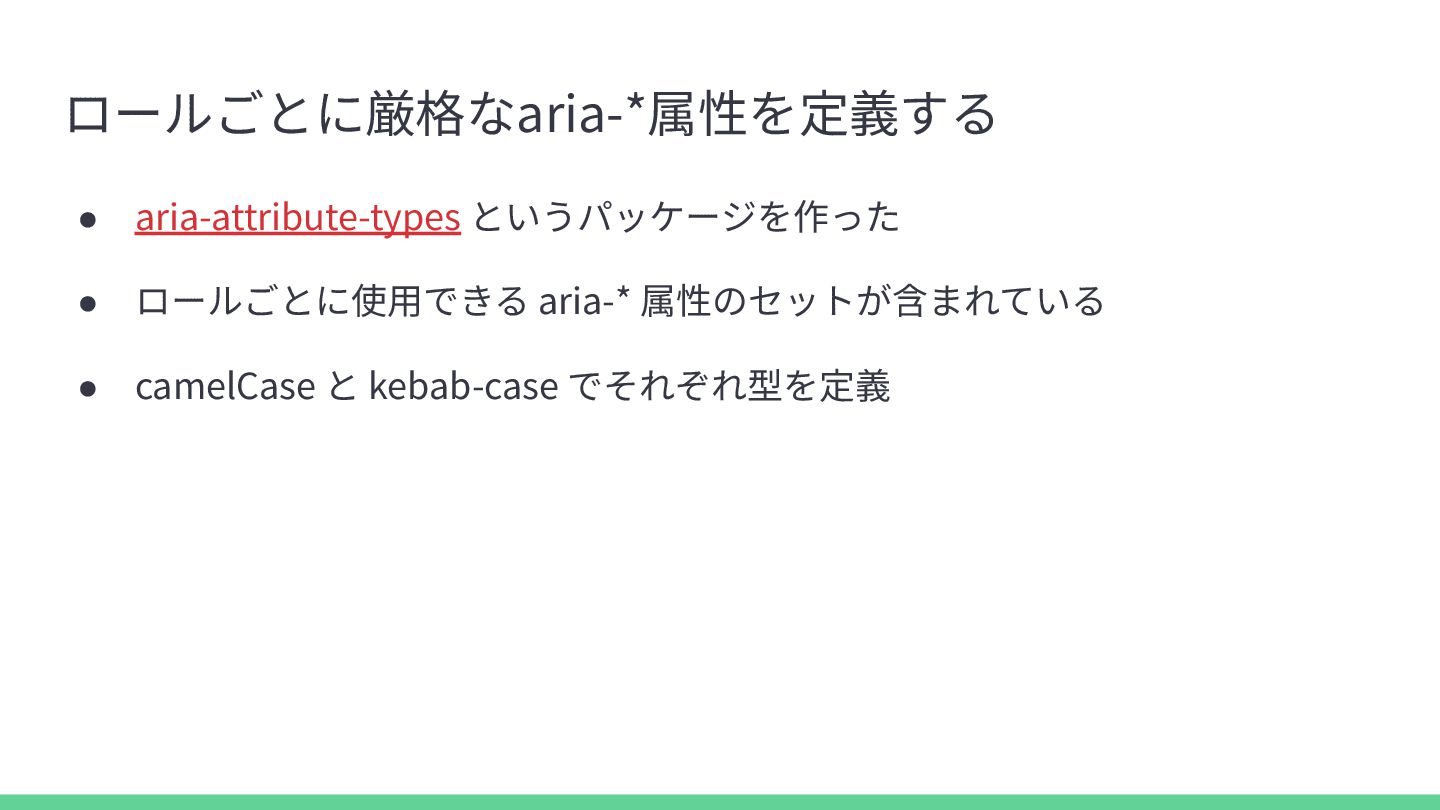
    - があると型が未定義でもスルーされる • aria-* 属性は kebab-case ではなく camelCase で表現したほうが安⼼ • camelCase で role に対して許可された aria-* 属性のみを使えるようにする aria-attribute-types を作ってみた

More Decks by ymrl

Other Decks in Technology