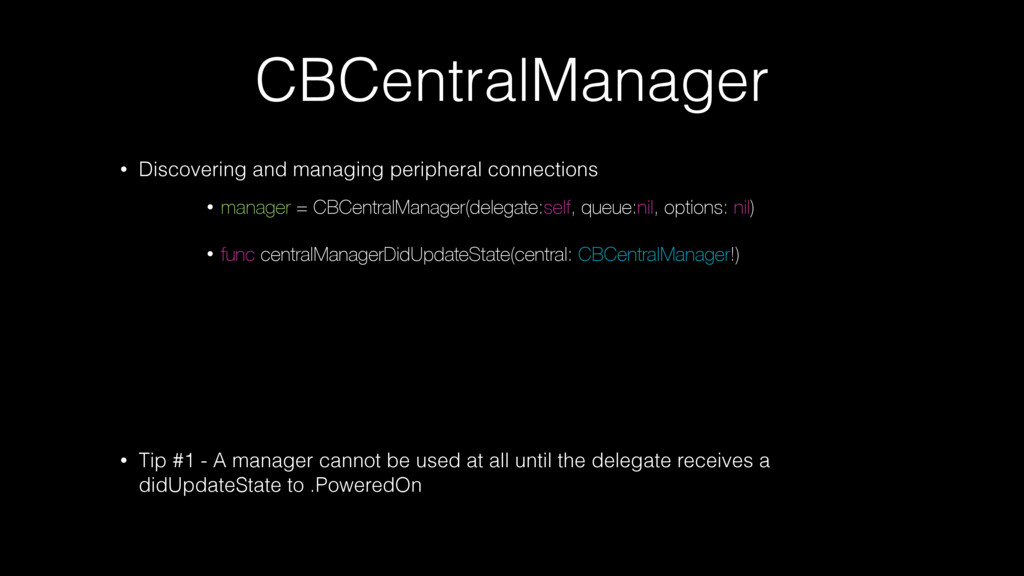
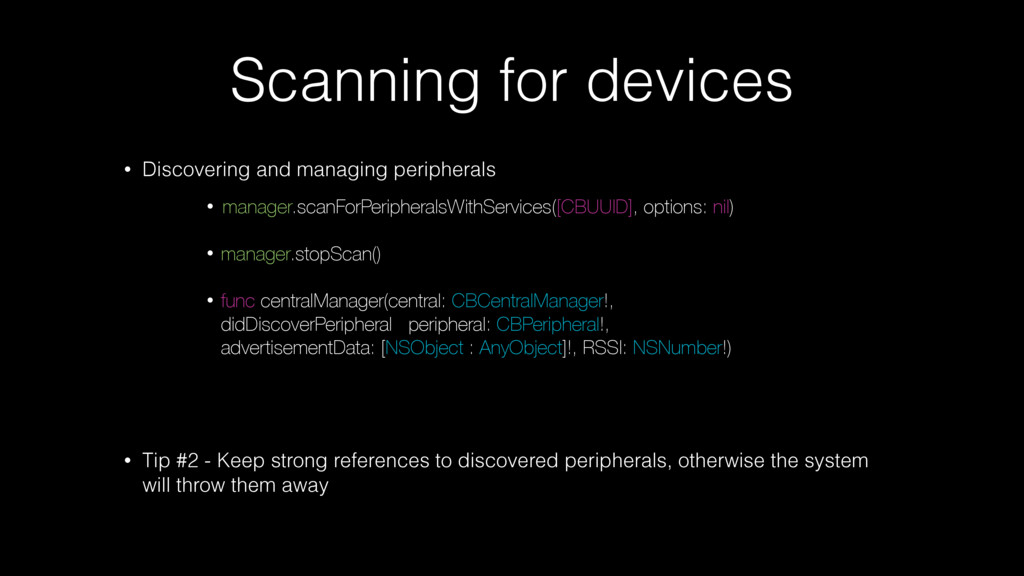
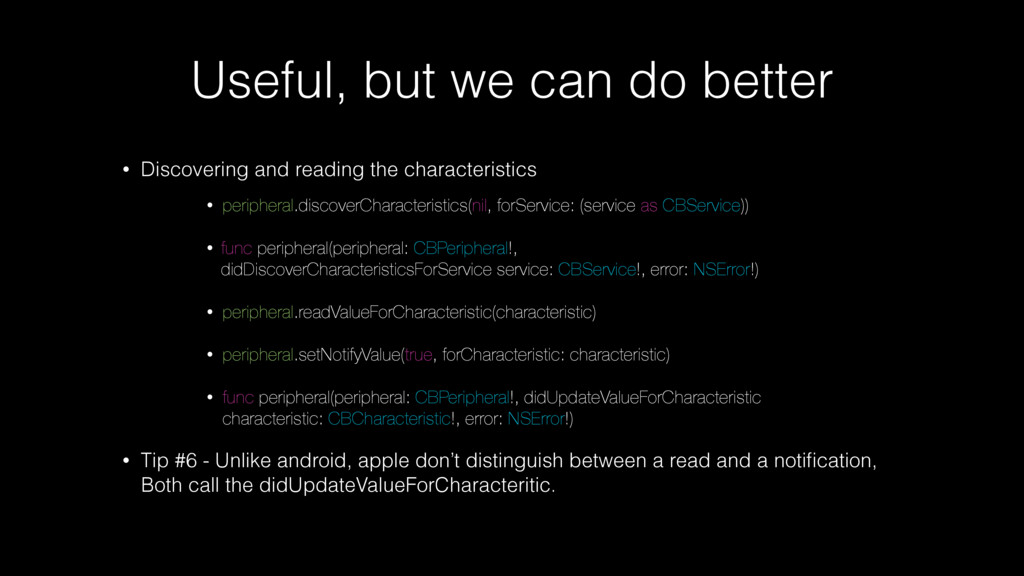
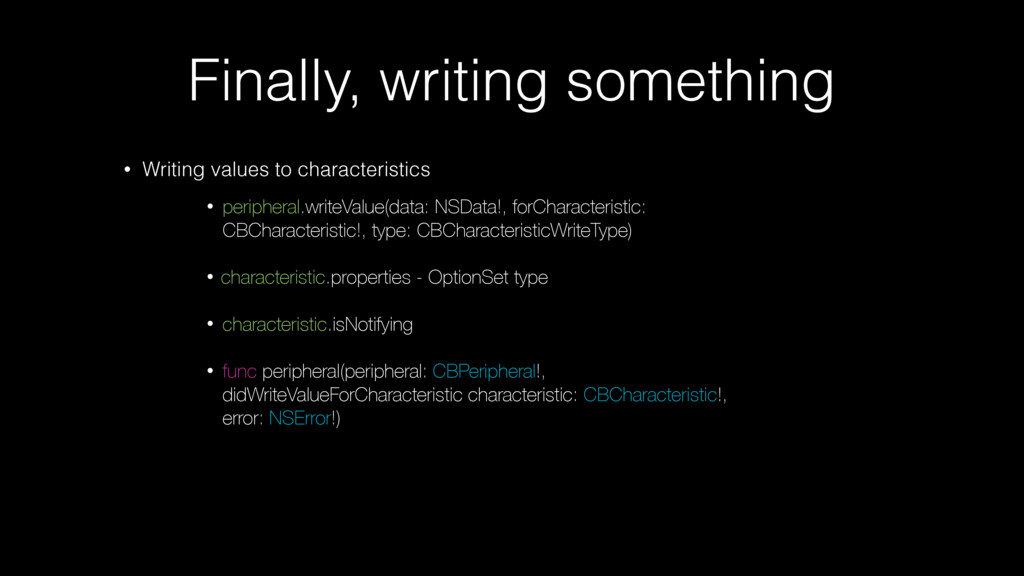
- A manager cannot be used at all until the delegate receives a didUpdateState to .PoweredOn • manager = CBCentralManager(delegate:self, queue:nil, options: nil) • func centralManagerDidUpdateState(central: CBCentralManager!)
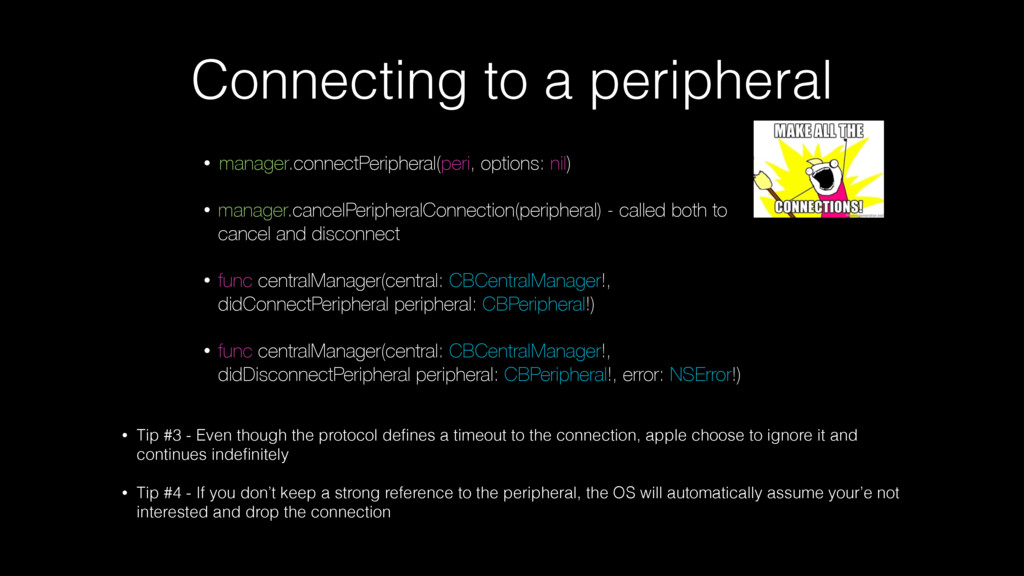
the protocol defines a timeout to the connection, apple choose to ignore it and continues indefinitely • Tip #4 - If you don’t keep a strong reference to the peripheral, the OS will automatically assume your’e not interested and drop the connection • manager.connectPeripheral(peri, options: nil) • manager.cancelPeripheralConnection(peripheral) - called both to cancel and disconnect • func centralManager(central: CBCentralManager!, didConnectPeripheral peripheral: CBPeripheral!) • func centralManager(central: CBCentralManager!, didDisconnectPeripheral peripheral: CBPeripheral!, error: NSError!)
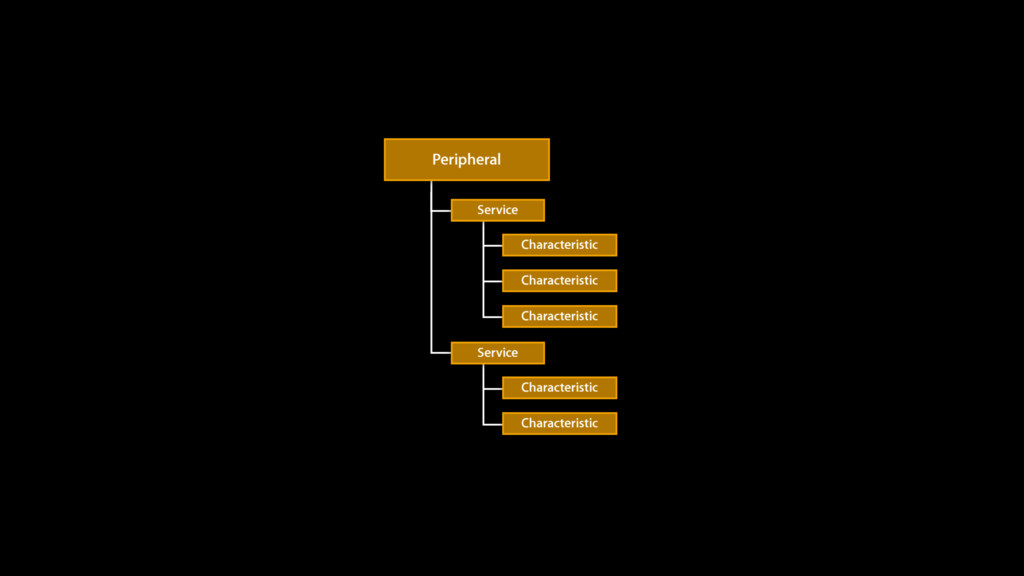
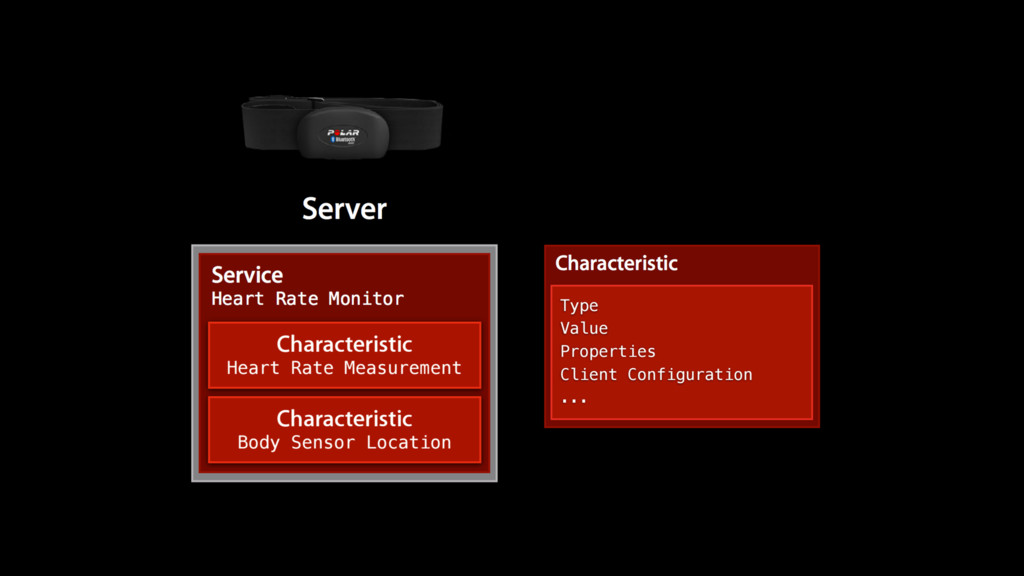
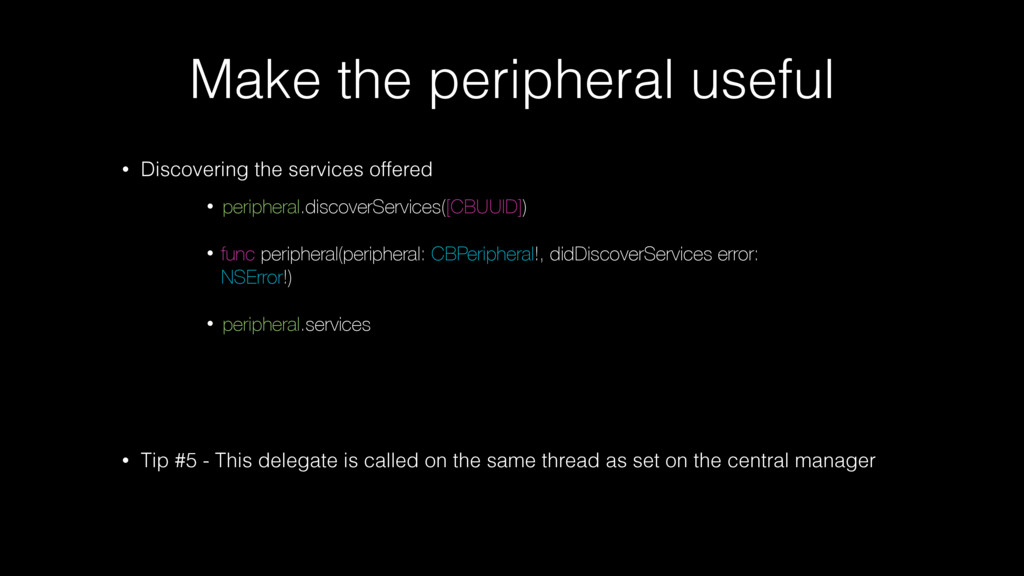
Tip #5 - This delegate is called on the same thread as set on the central manager • peripheral.discoverServices([CBUUID]) • func peripheral(peripheral: CBPeripheral!, didDiscoverServices error: NSError!) • peripheral.services
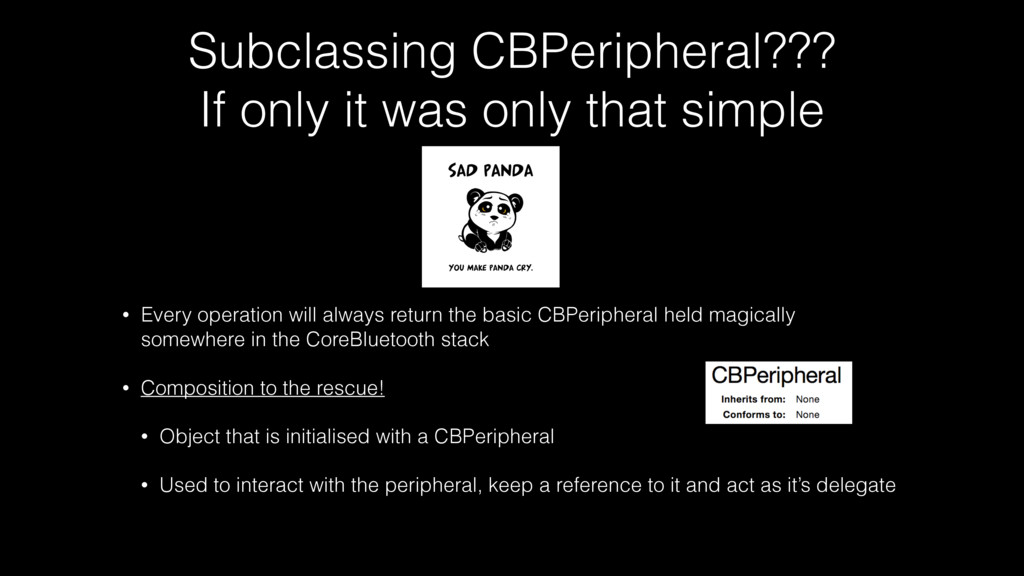
Every operation will always return the basic CBPeripheral held magically somewhere in the CoreBluetooth stack • Composition to the rescue! • Object that is initialised with a CBPeripheral • Used to interact with the peripheral, keep a reference to it and act as it’s delegate
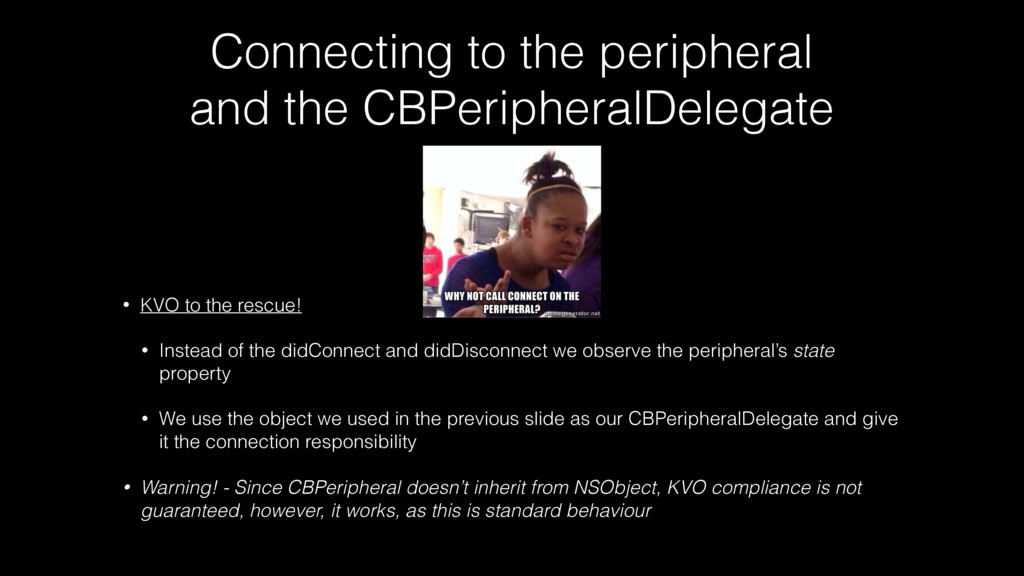
the rescue! • Instead of the didConnect and didDisconnect we observe the peripheral’s state property • We use the object we used in the previous slide as our CBPeripheralDelegate and give it the connection responsibility • Warning! - Since CBPeripheral doesn’t inherit from NSObject, KVO compliance is not guaranteed, however, it works, as this is standard behaviour
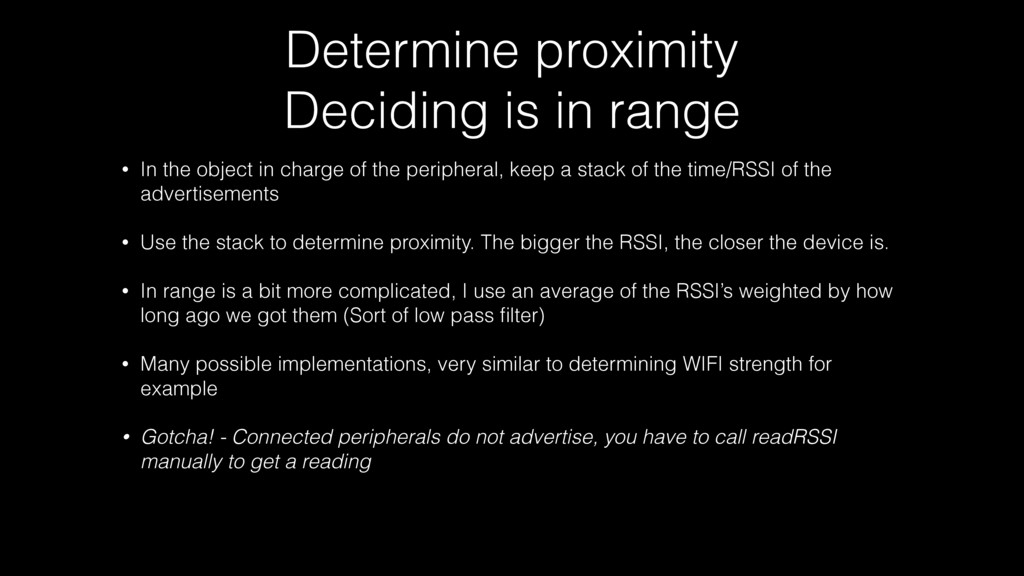
in charge of the peripheral, keep a stack of the time/RSSI of the advertisements • Use the stack to determine proximity. The bigger the RSSI, the closer the device is. • In range is a bit more complicated, I use an average of the RSSI’s weighted by how long ago we got them (Sort of low pass filter) • Many possible implementations, very similar to determining WIFI strength for example • Gotcha! - Connected peripherals do not advertise, you have to call readRSSI manually to get a reading
itself! This is however too much to cover in a single talk • Even if you have no idea how to get/program a bluetooth chip, you can be a “firmware developer”. Implement any mock device using a second iOS device.


 suneo3476
 akit37
 oniak3ibm
 uyuki234
 iwatsukayura
 seike460
.jpg) yumnumm
yumnumm
 andpad
 takai
takai
 artoy
artoy
 oku053
 htkym
htkym
 techseoconnect
 samanthasiow
 aleyda
 jnunemaker
 apolaine
 inesmontani
 skipperchong
 nwiizo
 retrage
 jonoalderson
 codingconduct