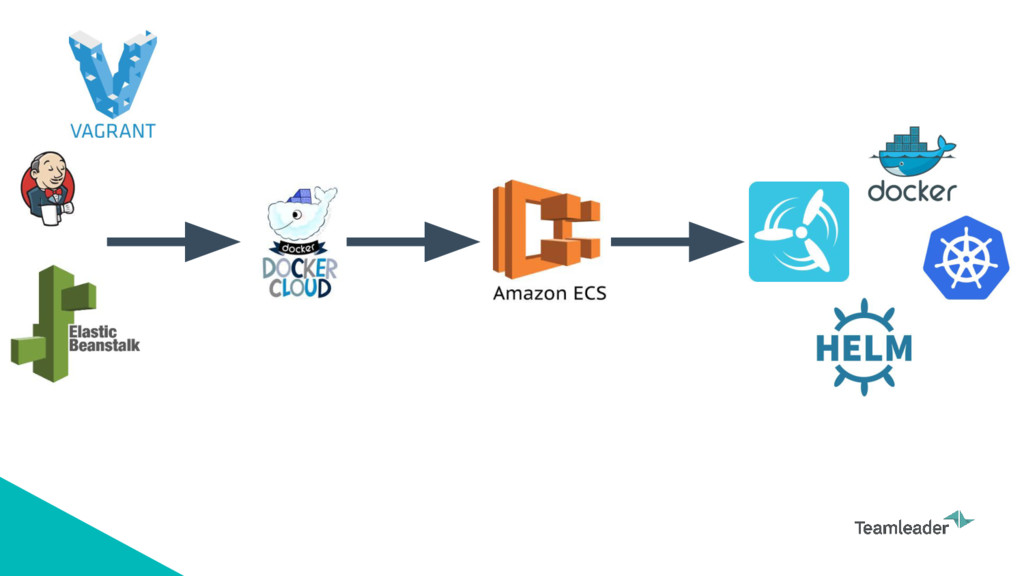
Our story in moving to a containerized Teamleader infrastructure (https://www.teamleader.eu). From the past to the future. Presented at the Ghent Kubernetes Meetup @ our office
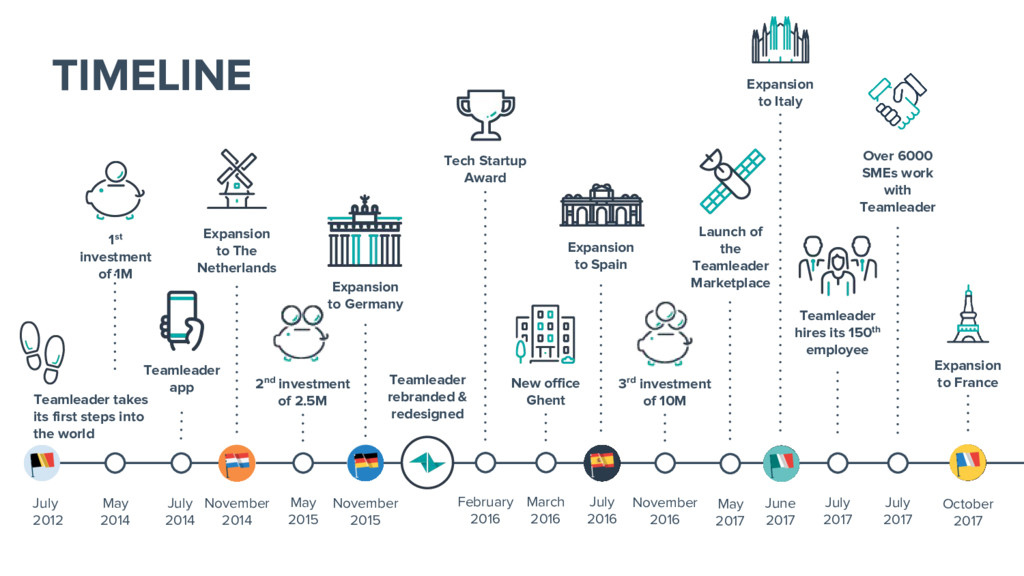
first steps into the world 1st investment of 1M Teamleader app Expansion to The Netherlands November 2014 May 2015 2nd investment of 2.5M November 2015 Expansion to Germany Teamleader rebranded & redesigned February 2016 Tech Startup Award March 2016 New office Ghent Expansion to Spain July 2016 November 2016 3rd investment of 10M May 2017 Launch of the Teamleader Marketplace July 2017 Teamleader hires its 150th employee Expansion to Italy June 2017 October 2017 July 2017 Over 6000 SMEs work with Teamleader Expansion to France
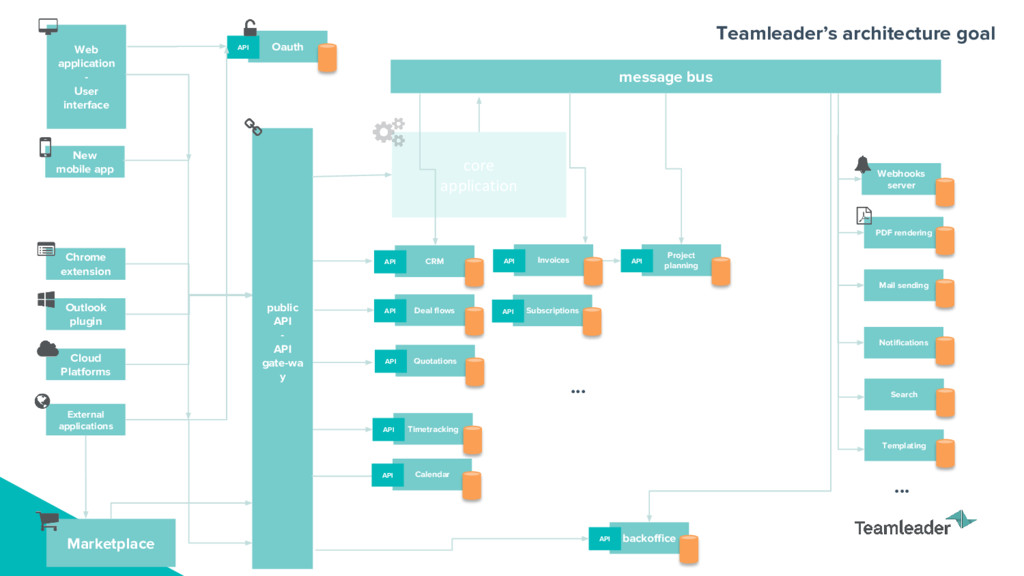
rendering Chrome extension Cloud Platforms External applications public API - API gate-wa y Web application - User interface New mobile app message bus Project planning API Marketplace Oauth API backoffice API Timetracking API Calendar API Mail sending CRM API Deal flows API Quotations API Invoices API Subscriptions API Notifications Search Templating ... ...
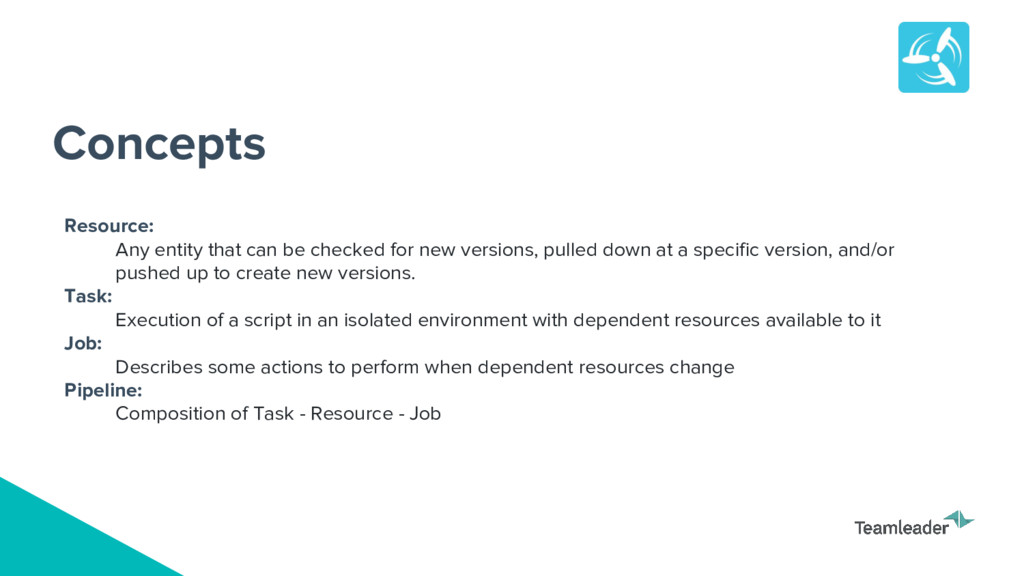
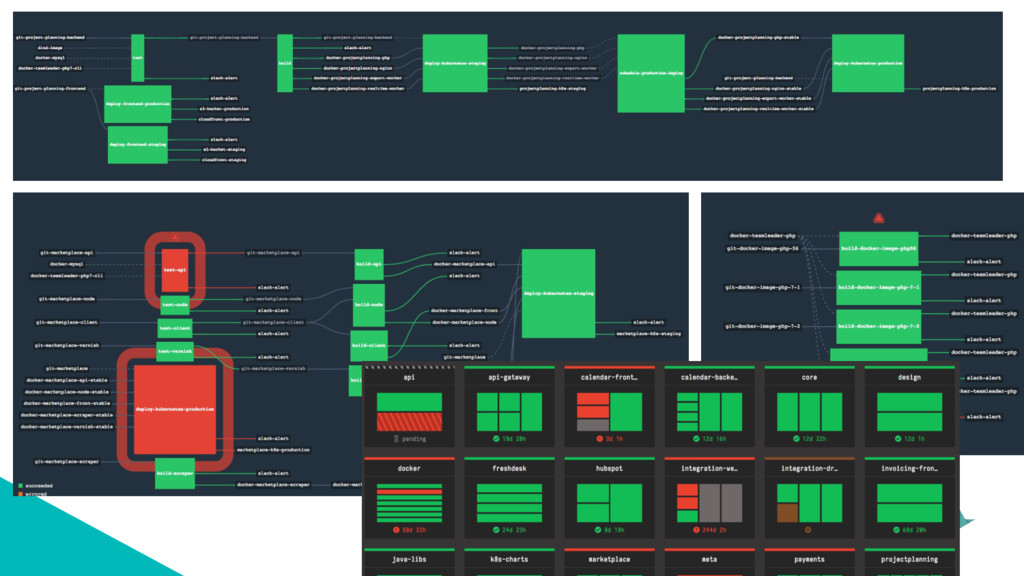
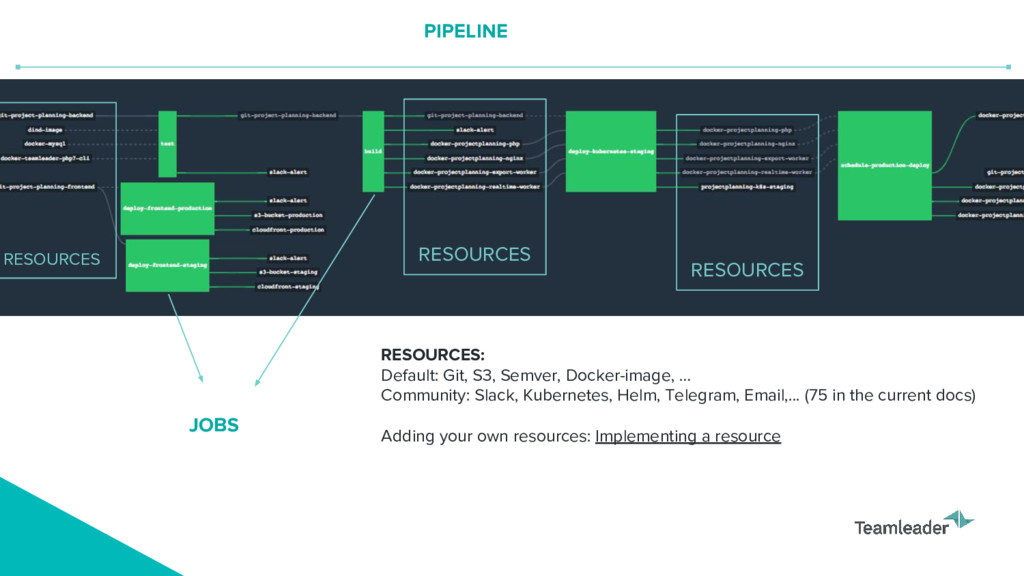
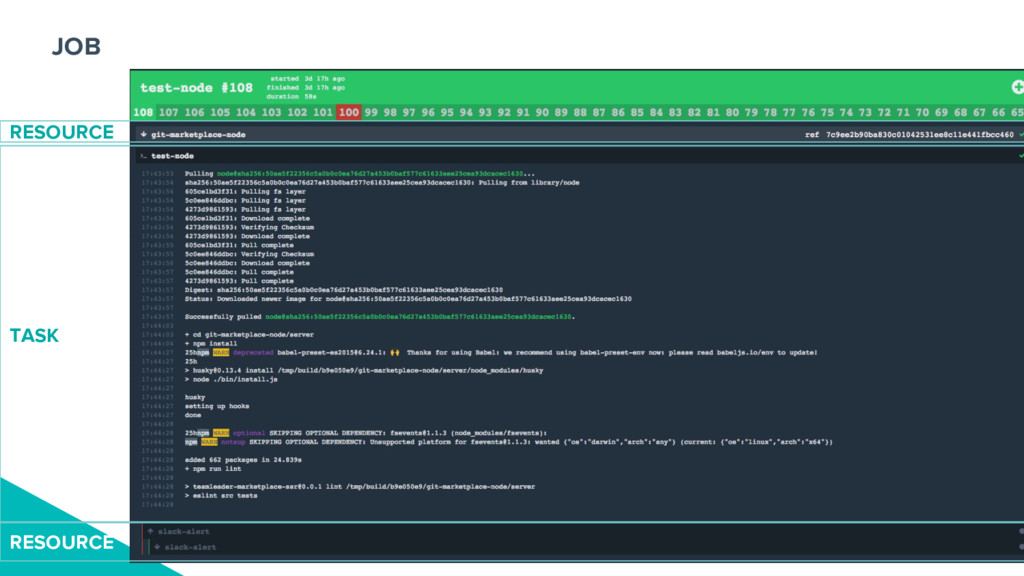
versions, pulled down at a specific version, and/or pushed up to create new versions. Task: Execution of a script in an isolated environment with dependent resources available to it Job: Describes some actions to perform when dependent resources change Pipeline: Composition of Task - Resource - Job
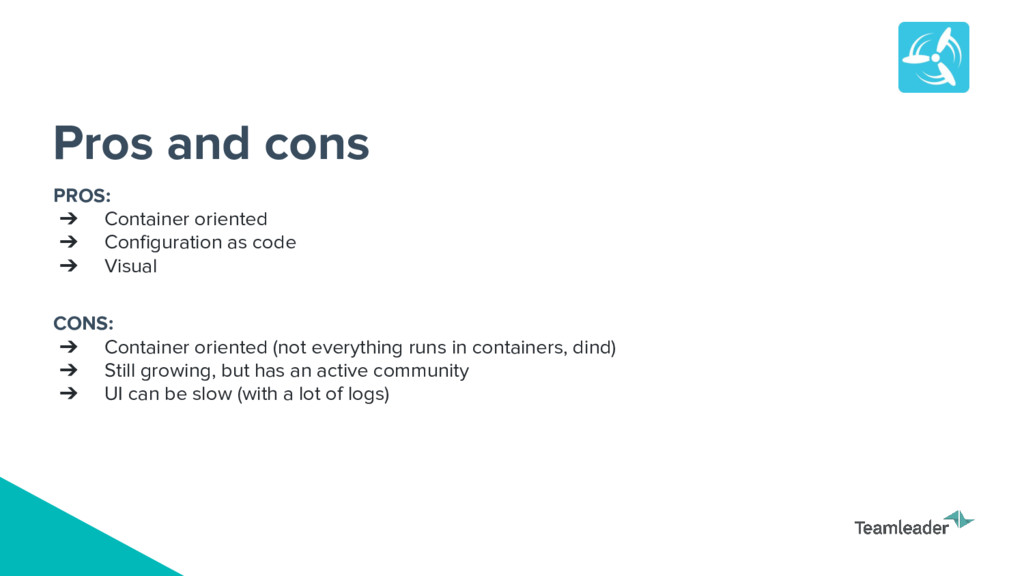
CONS: ➔ Container oriented (not everything runs in containers, dind) ➔ Still growing, but has an active community ➔ UI can be slow (with a lot of logs) Pros and cons
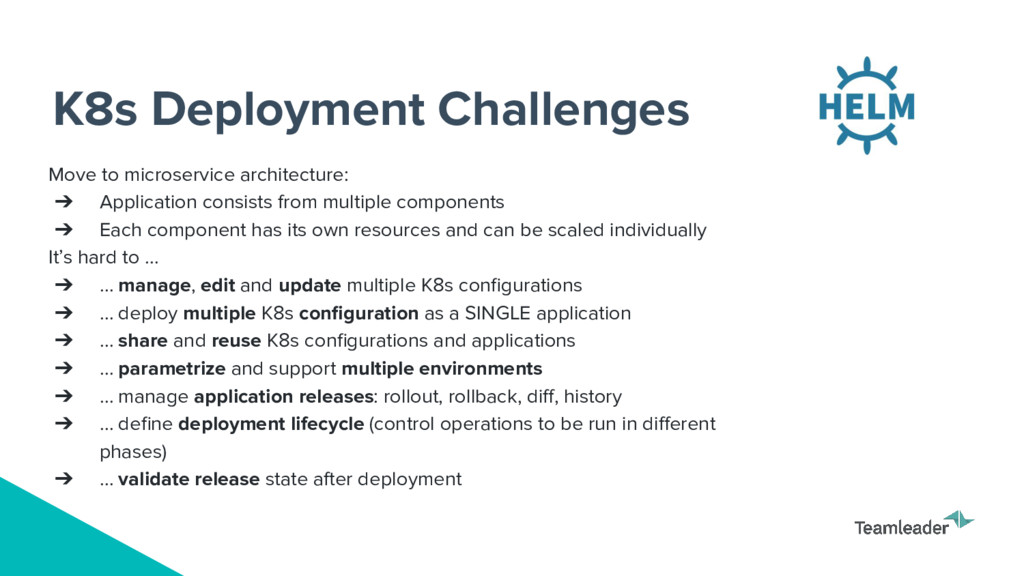
from multiple components ➔ Each component has its own resources and can be scaled individually It’s hard to … ➔ … manage, edit and update multiple K8s configurations ➔ … deploy multiple K8s configuration as a SINGLE application ➔ … share and reuse K8s configurations and applications ➔ … parametrize and support multiple environments ➔ … manage application releases: rollout, rollback, diff, history ➔ … define deployment lifecycle (control operations to be run in different phases) ➔ … validate release state after deployment
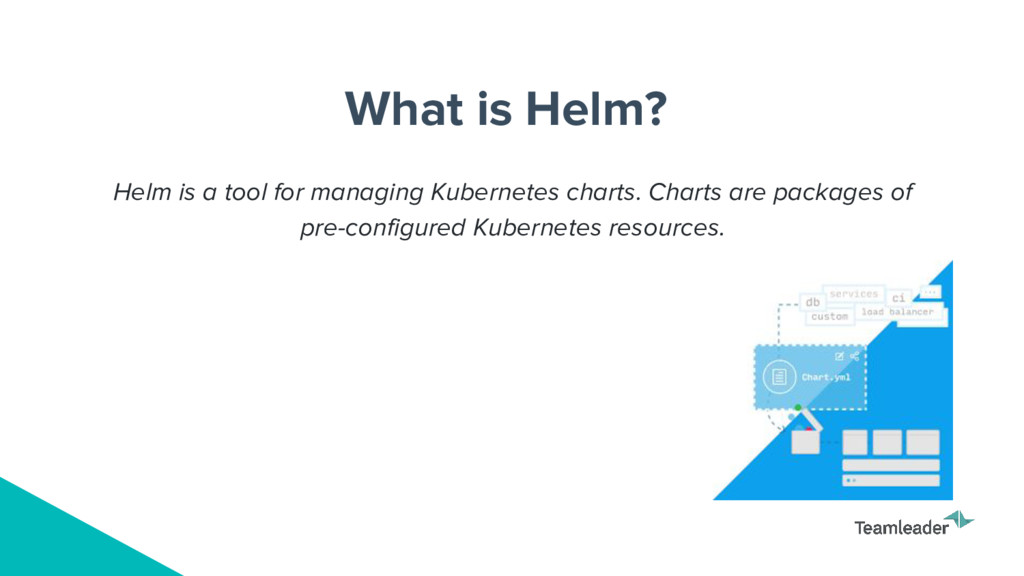
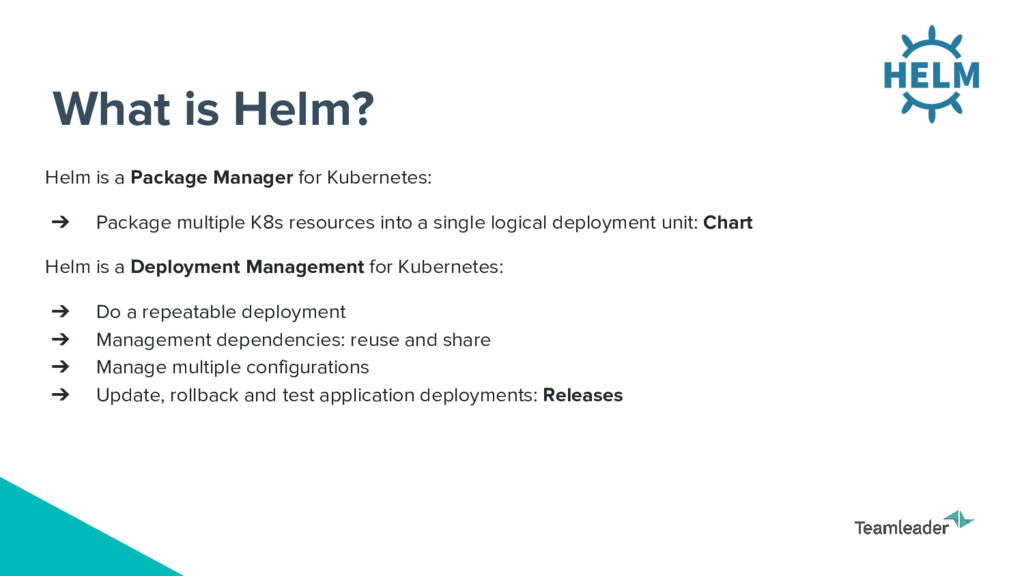
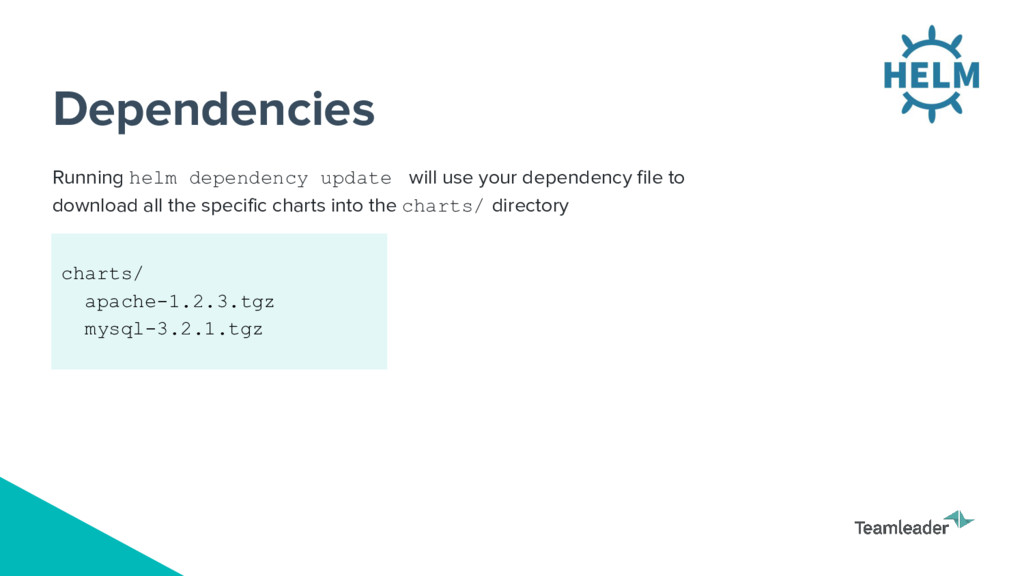
➔ Package multiple K8s resources into a single logical deployment unit: Chart Helm is a Deployment Management for Kubernetes: ➔ Do a repeatable deployment ➔ Management dependencies: reuse and share ➔ Manage multiple configurations ➔ Update, rollback and test application deployments: Releases
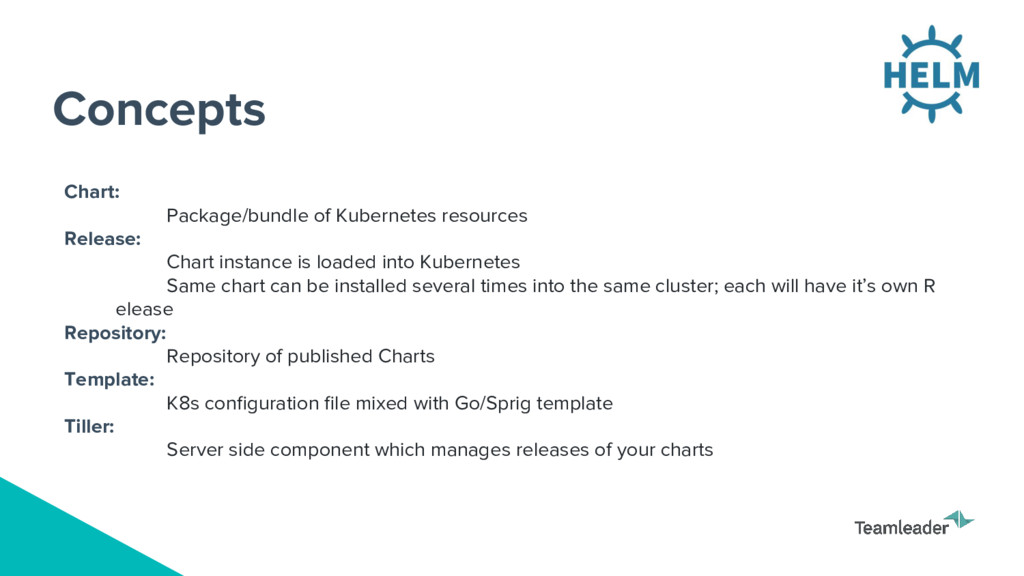
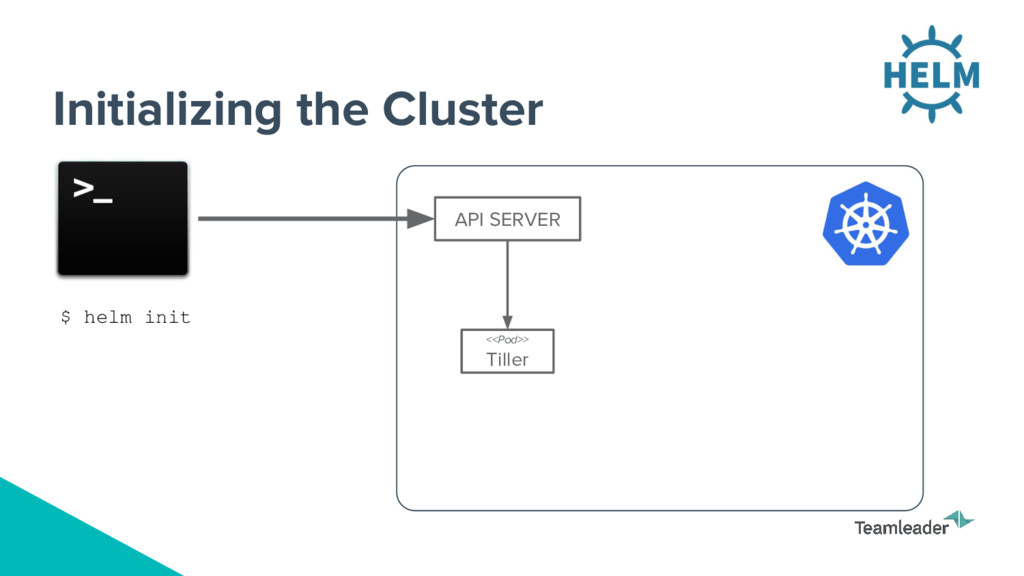
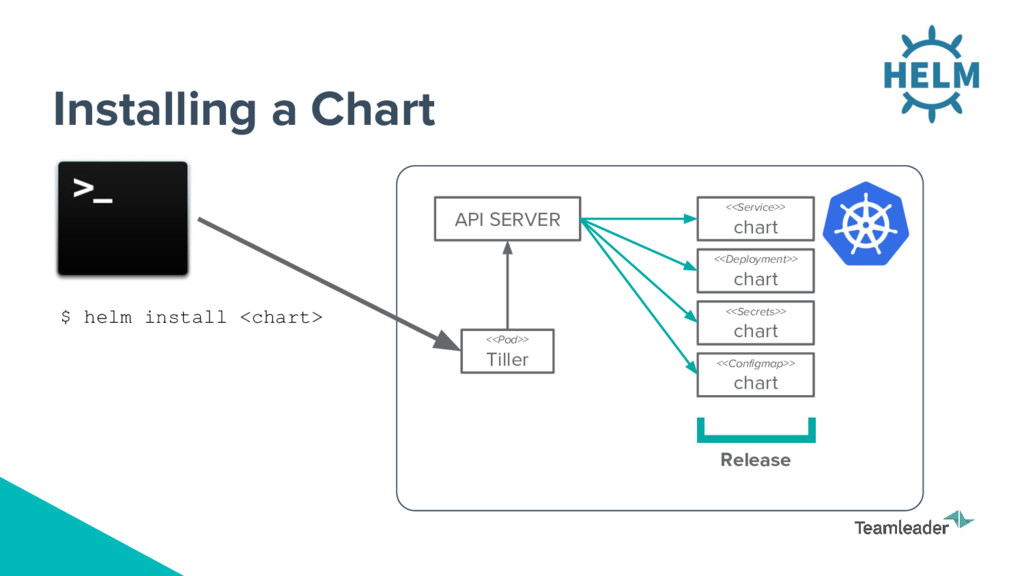
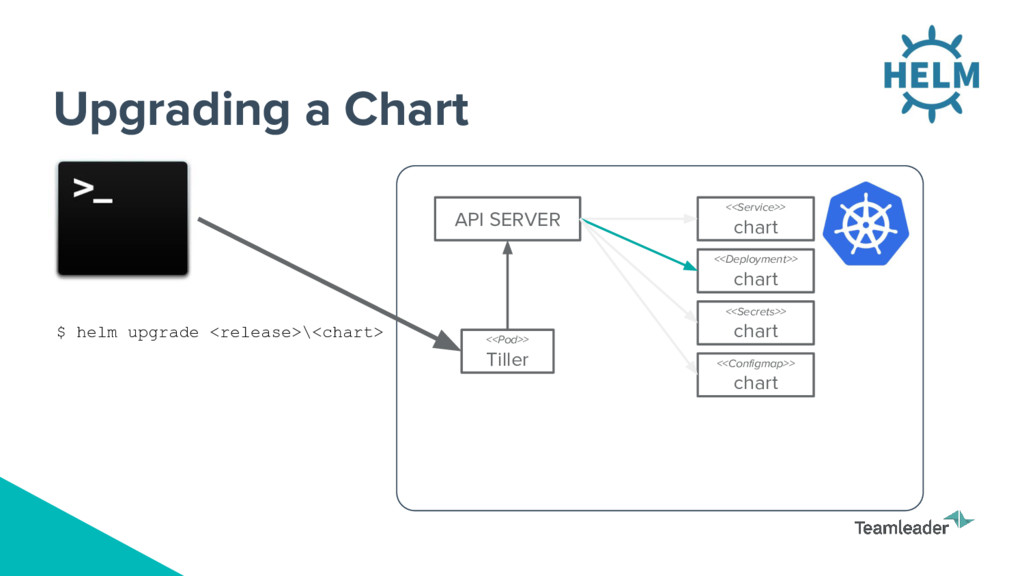
loaded into Kubernetes Same chart can be installed several times into the same cluster; each will have it’s own R elease Repository: Repository of published Charts Template: K8s configuration file mixed with Go/Sprig template Tiller: Server side component which manages releases of your charts
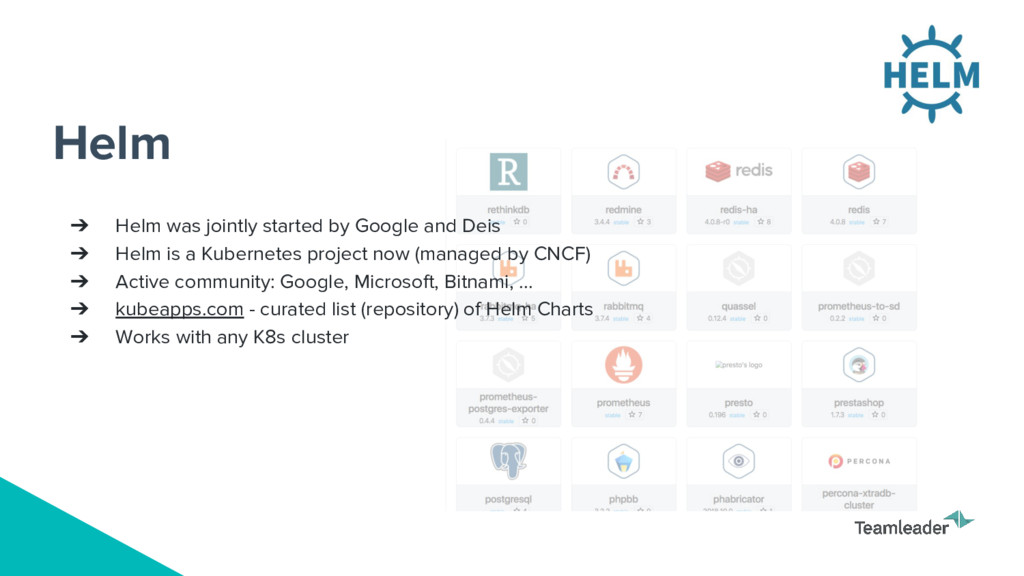
➔ Helm is a Kubernetes project now (managed by CNCF) ➔ Active community: Google, Microsoft, Bitnami, … ➔ kubeapps.com - curated list (repository) of Helm Charts ➔ Works with any K8s cluster
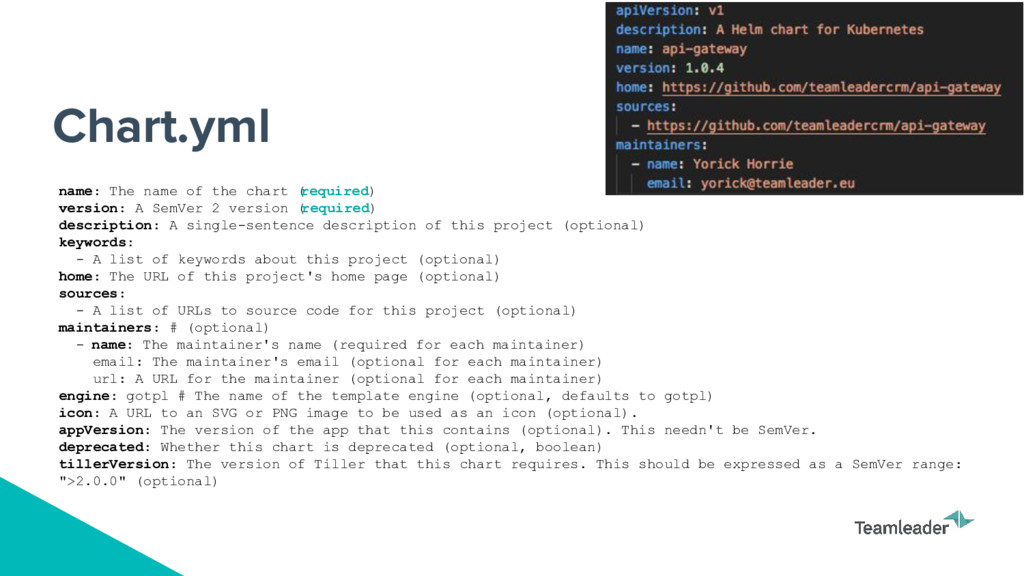
A SemVer 2 version ( required) description: A single-sentence description of this project (optional) keywords: - A list of keywords about this project (optional) home: The URL of this project's home page (optional) sources: - A list of URLs to source code for this project (optional) maintainers: # (optional) - name: The maintainer's name (required for each maintainer) email: The maintainer's email (optional for each maintainer) url: A URL for the maintainer (optional for each maintainer) engine: gotpl # The name of the template engine (optional, defaults to gotpl) icon: A URL to an SVG or PNG image to be used as an icon (optional). appVersion: The version of the app that this contains (optional). This needn't be SemVer. deprecated: Whether this chart is deprecated (optional, boolean) tillerVersion: The version of Tiller that this chart requires. This should be expressed as a SemVer range: ">2.0.0" (optional)
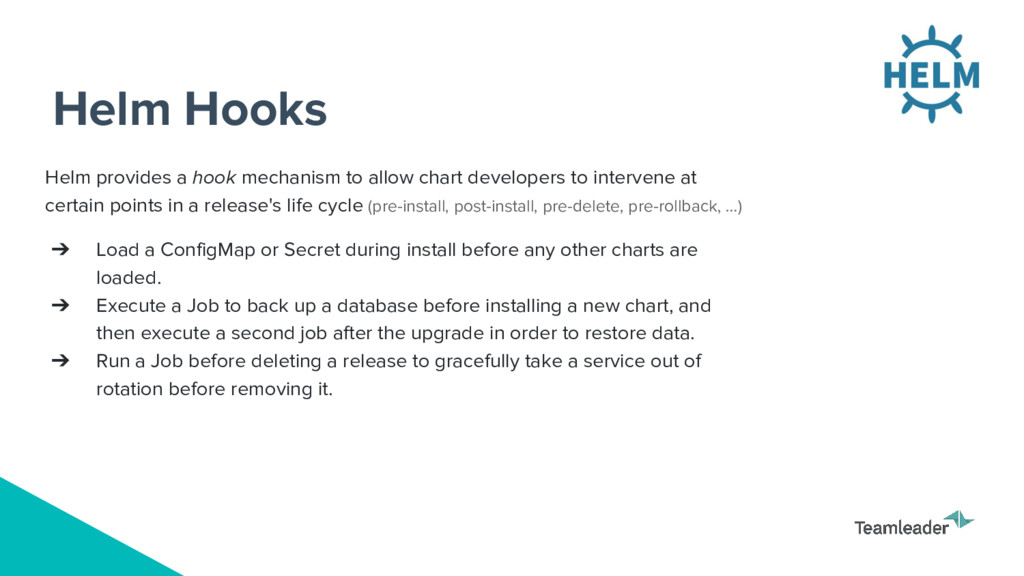
developers to intervene at certain points in a release's life cycle (pre-install, post-install, pre-delete, pre-rollback, …) ➔ Load a ConfigMap or Secret during install before any other charts are loaded. ➔ Execute a Job to back up a database before installing a new chart, and then execute a second job after the upgrade in order to restore data. ➔ Run a Job before deleting a release to gracefully take a service out of rotation before removing it.


 codmoninc
 jyouryuusui
 sudoakiy
 prog893
 4o1sobblue
 oikon48
 takuroabe
 teamlab
 kizawa2020
 kenichiodo
 terapyon
 pfn
pfn
 mayunak
 tomoyanonymous
 thoeni
 brad_frost
 mayatellez
 cassininazir
 aki_iinuma
 stephenakadiri
 marcduiker
 skoyamalab
 baasie
 greggifford