Dompting the Elephant: Making Sense of Gradle for Android Developers
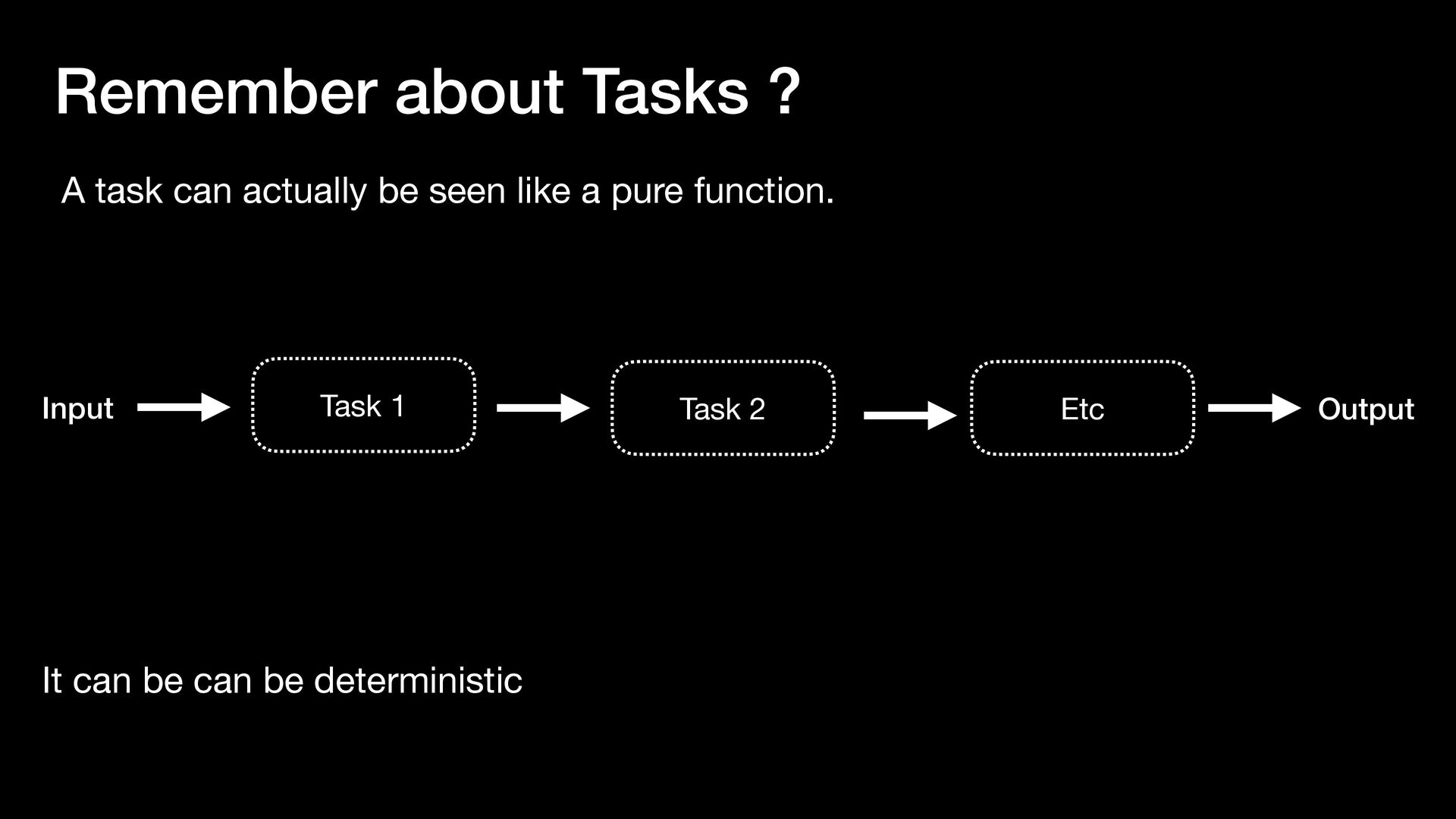
In this talk, we’ll demystify how Gradle works under the hood. You’ll gain a clear mental model of the build lifecycle, understand the difference between configuration and execution phases, and learn how tasks, plugins, and dependencies interact.
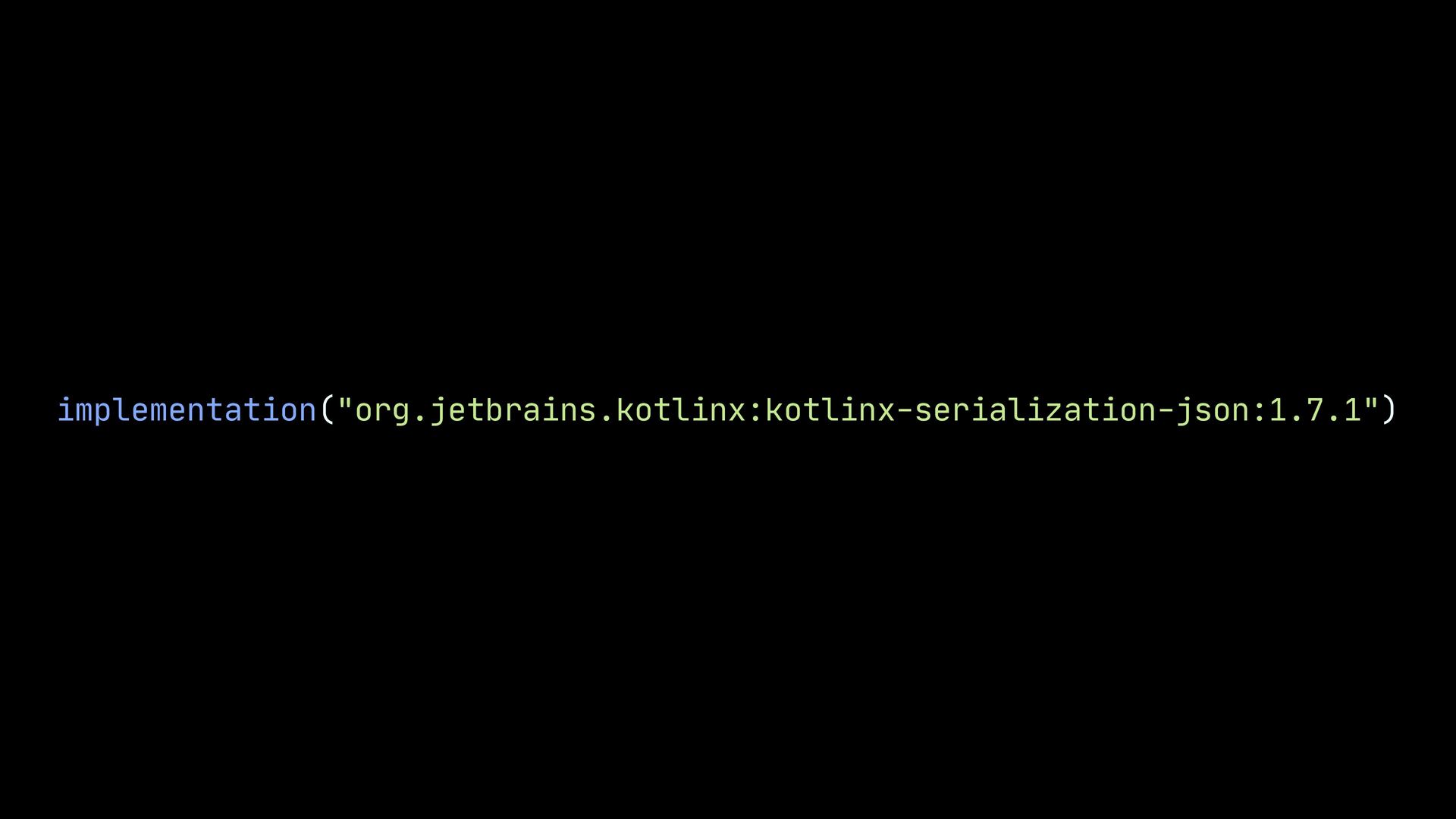
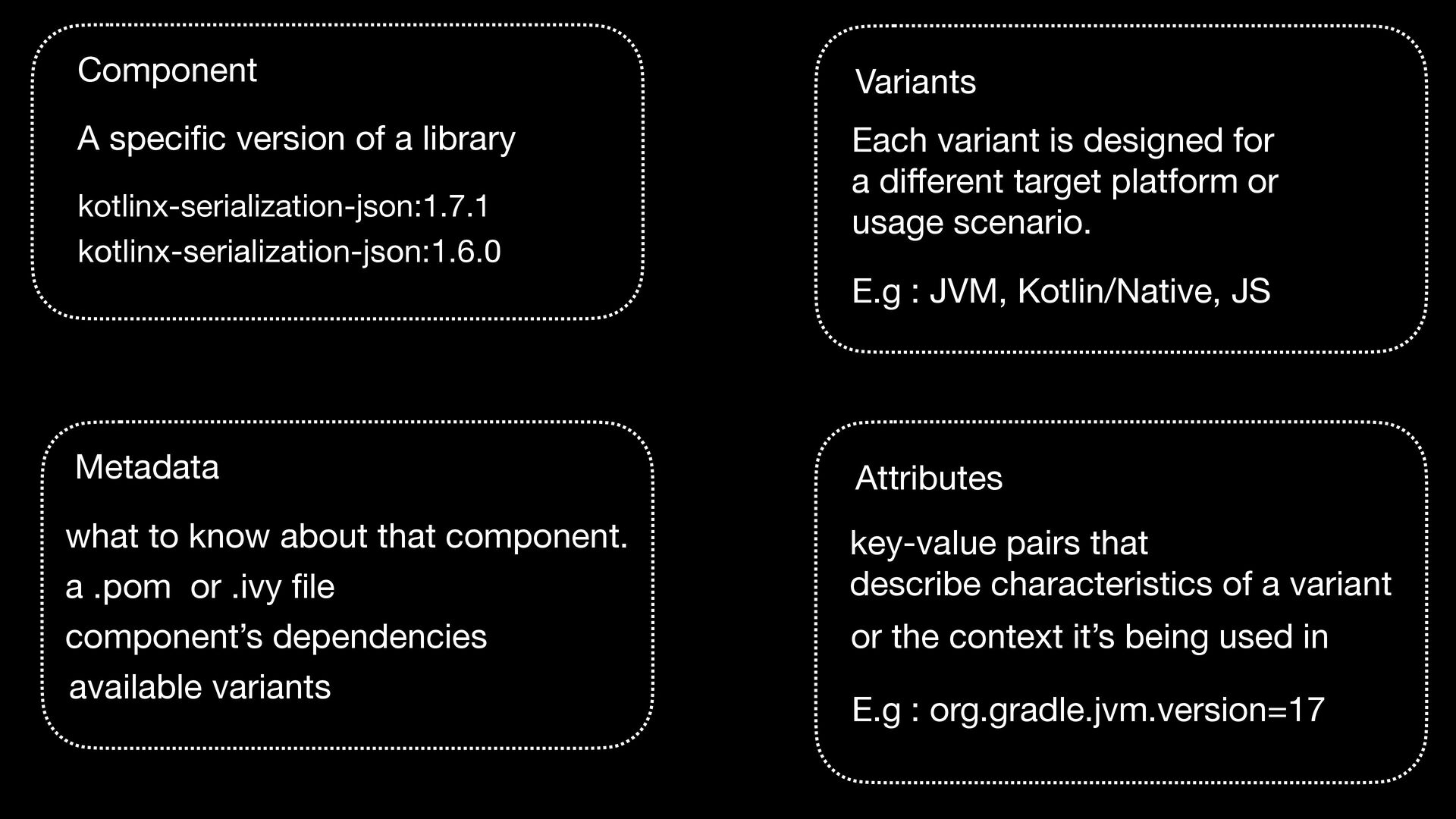
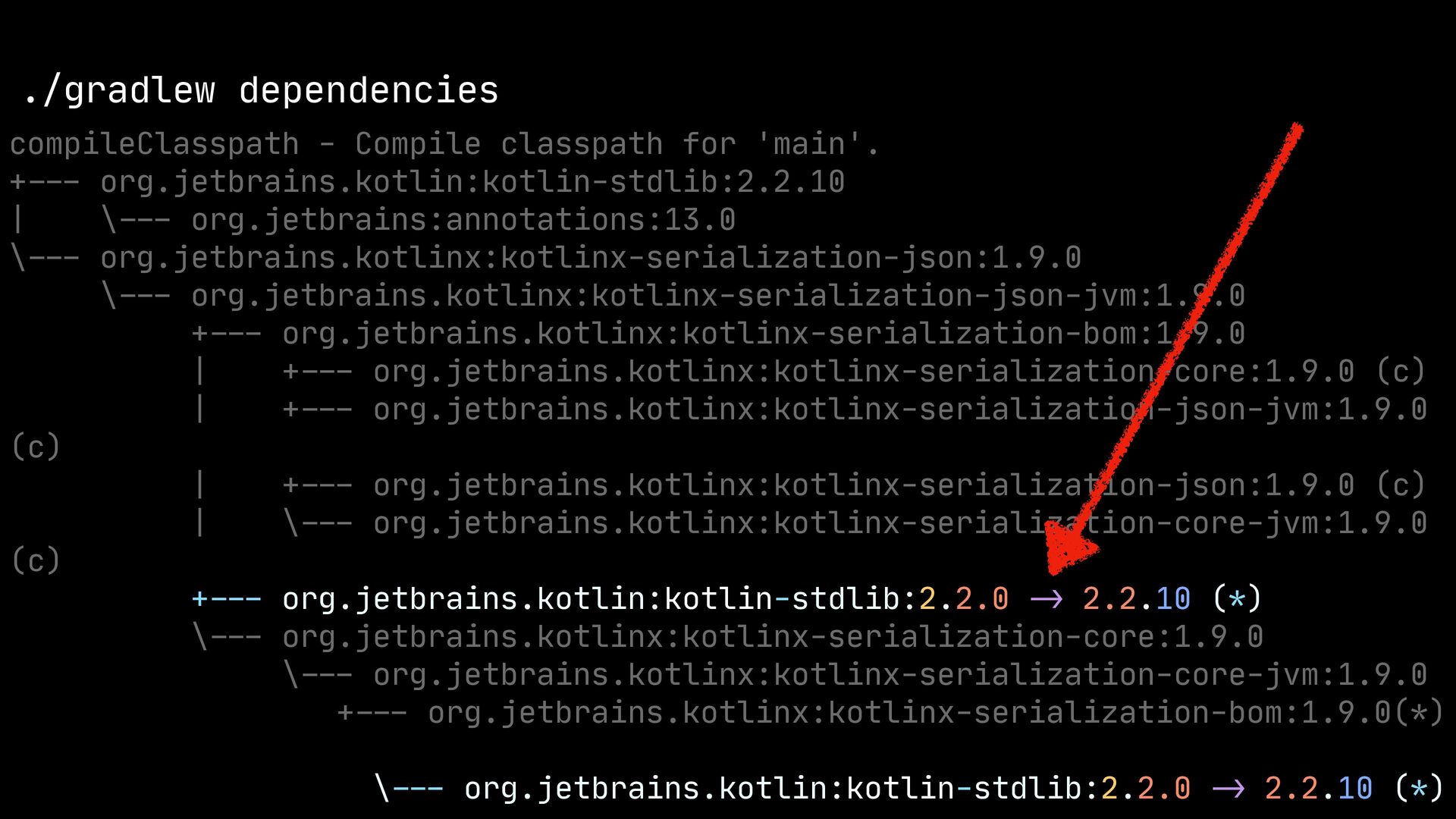
kotlinx-serialization-json:1.6.0 Metadata what to know about that component. a .pom or .ivy fi le component’s dependencies available variants Attributes key-value pairs that describe characteristics of a variant E.g : org.gradle.jvm.version=17 Variants Each variant is designed for a di ff erent target platform or usage scenario. E.g : JVM, Kotlin/Native, JS or the context it’s being used in
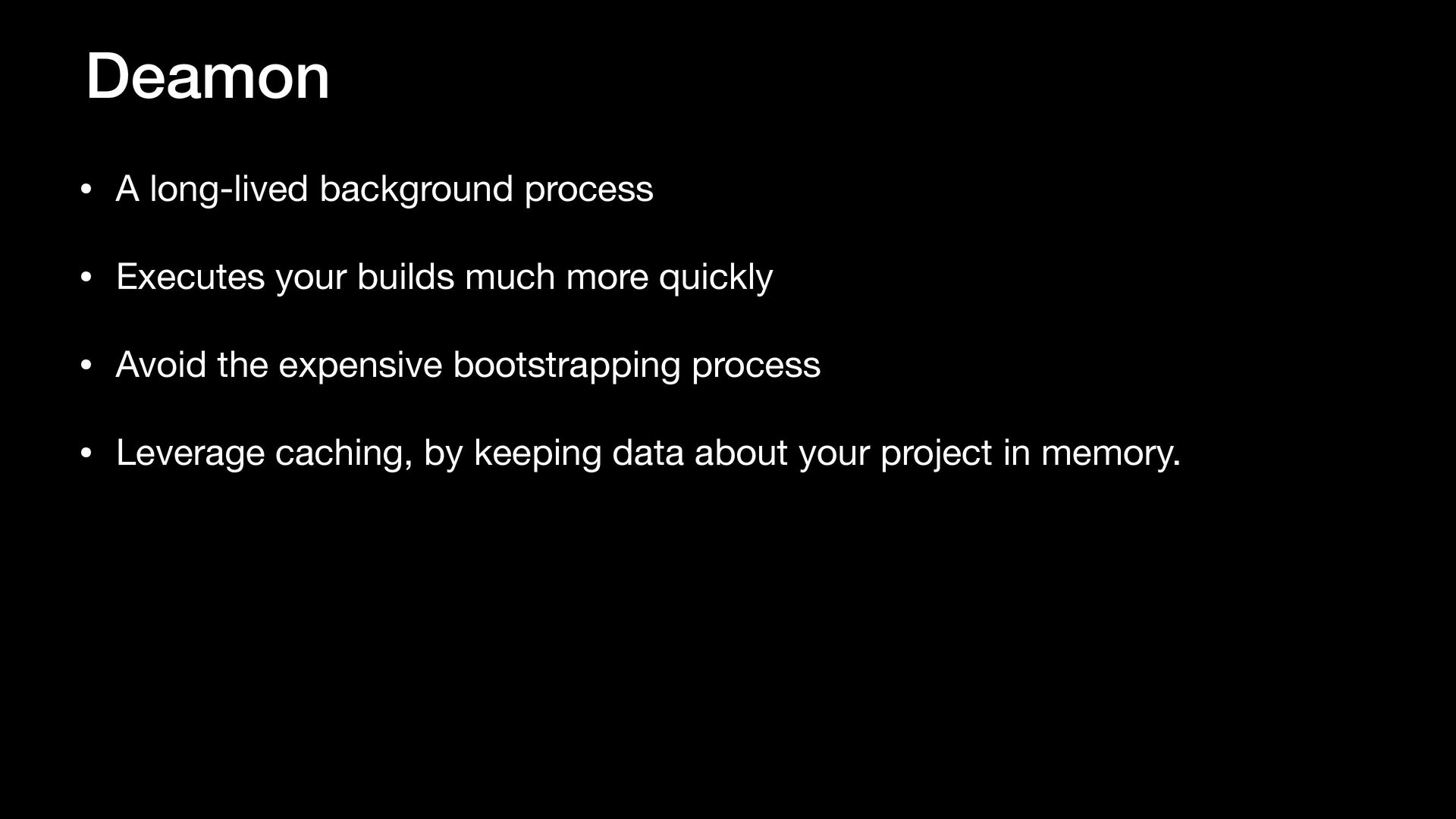
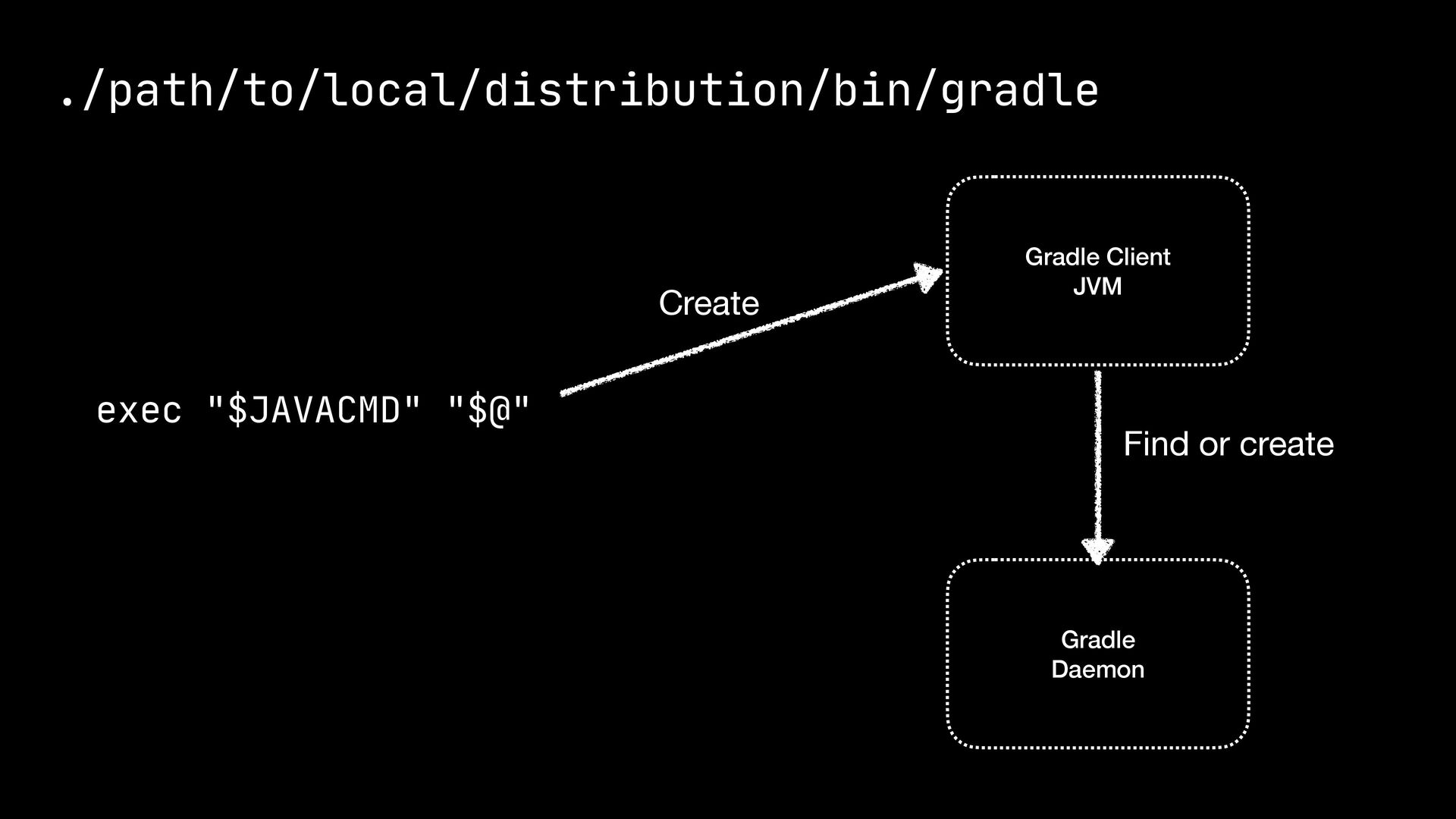
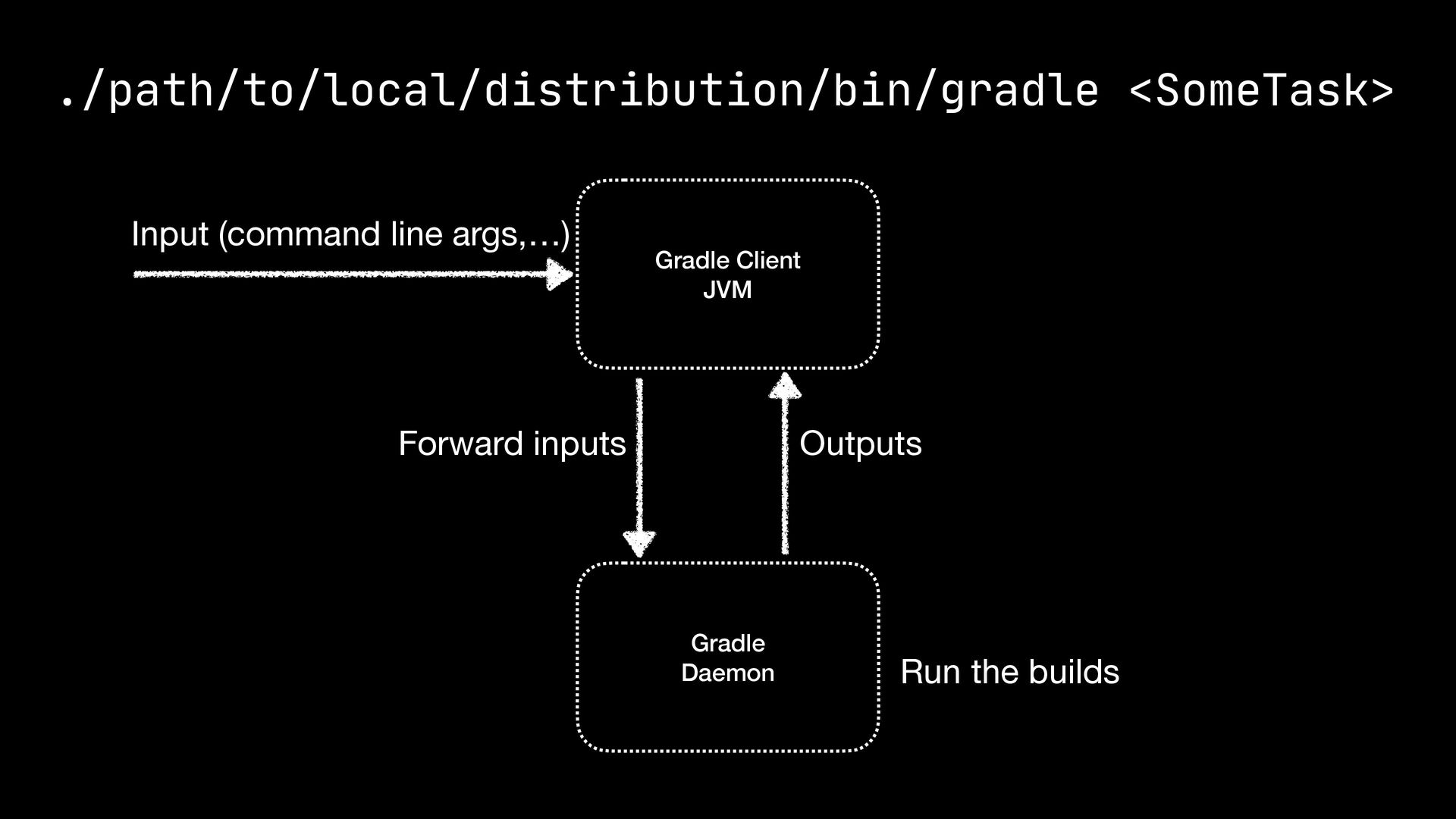
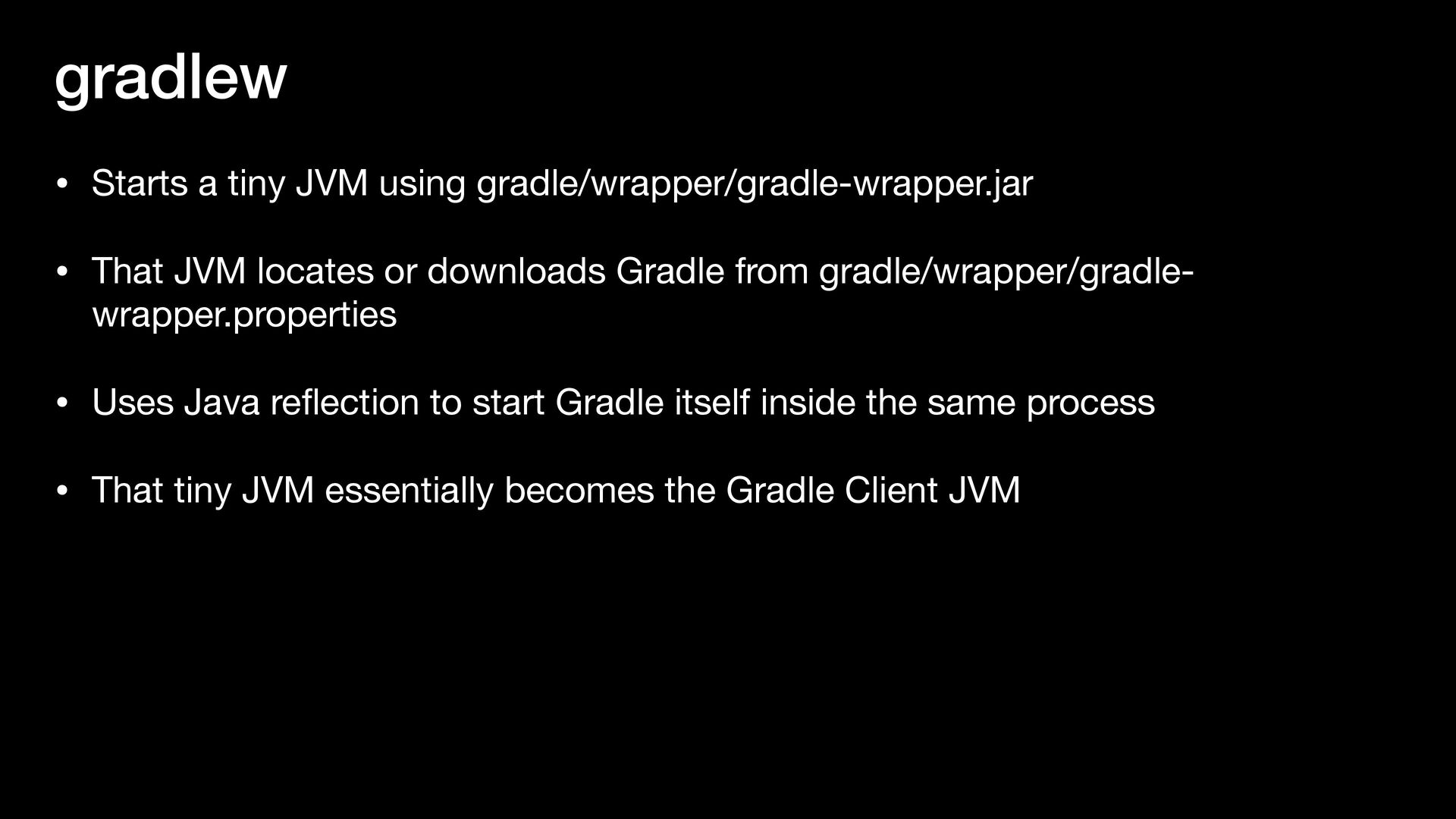
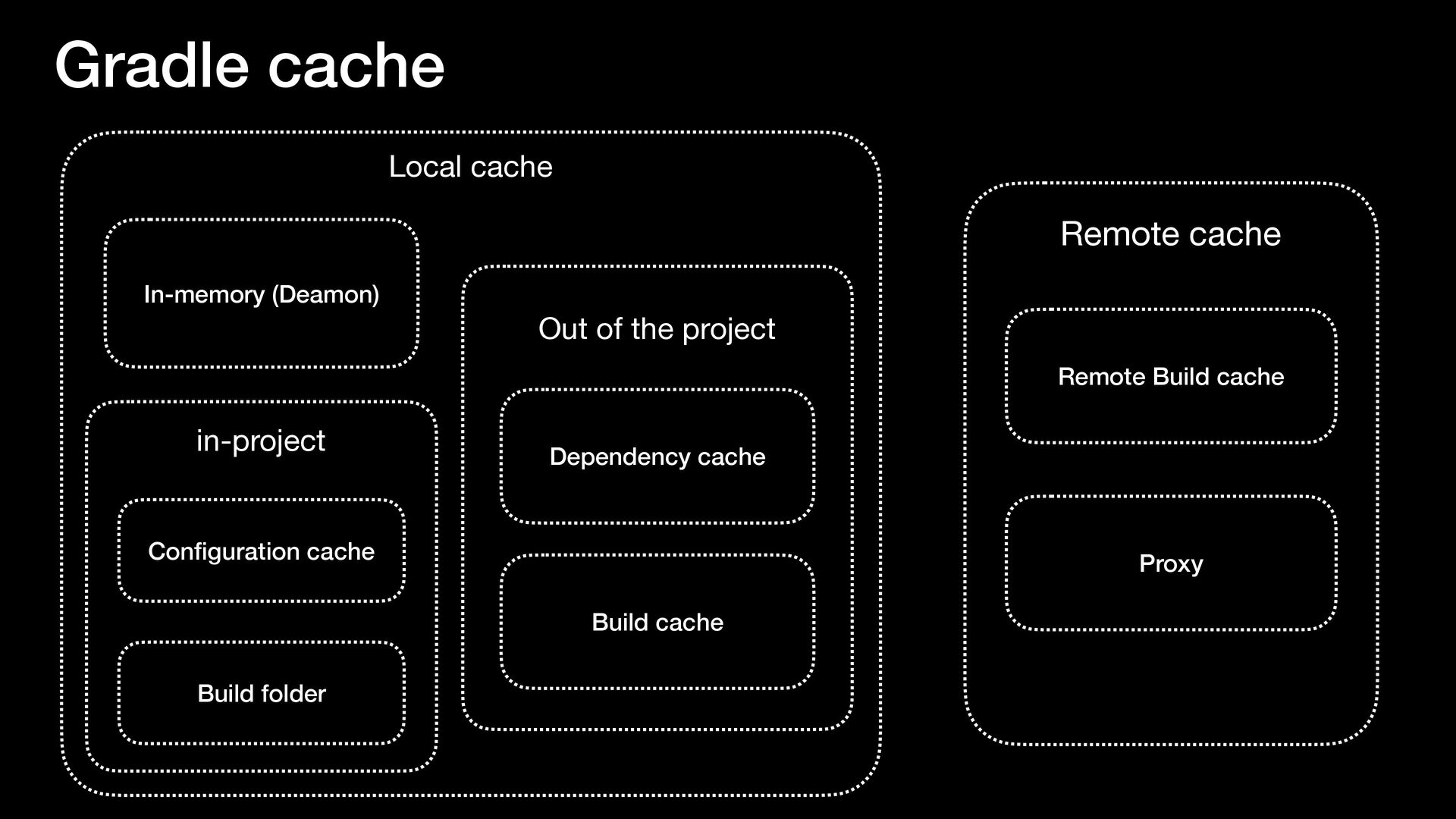
JVM locates or downloads Gradle from gradle/wrapper/gradle- wrapper.properties • Uses Java re fl ection to start Gradle itself inside the same process • That tiny JVM essentially becomes the Gradle Client JVM
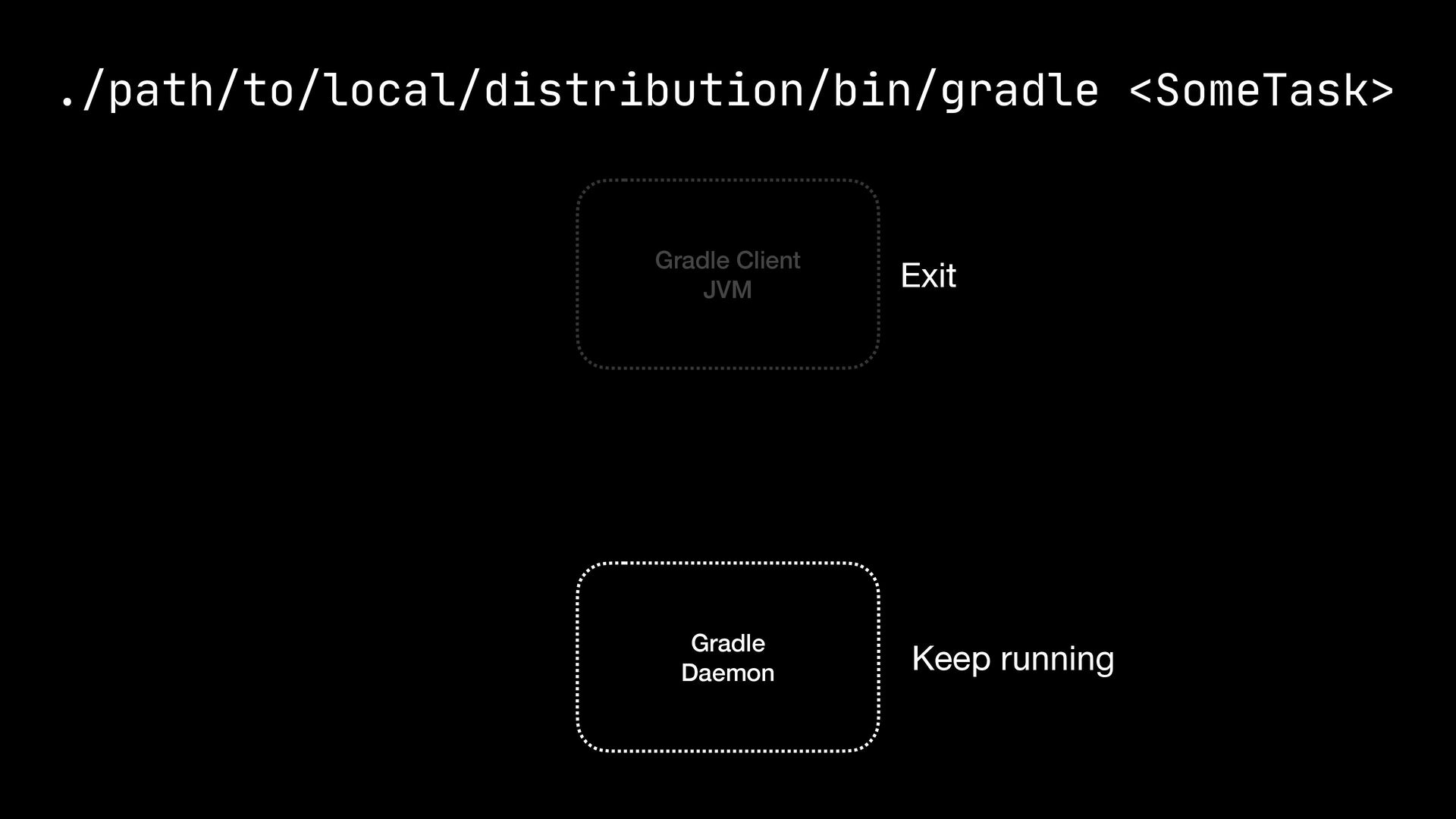
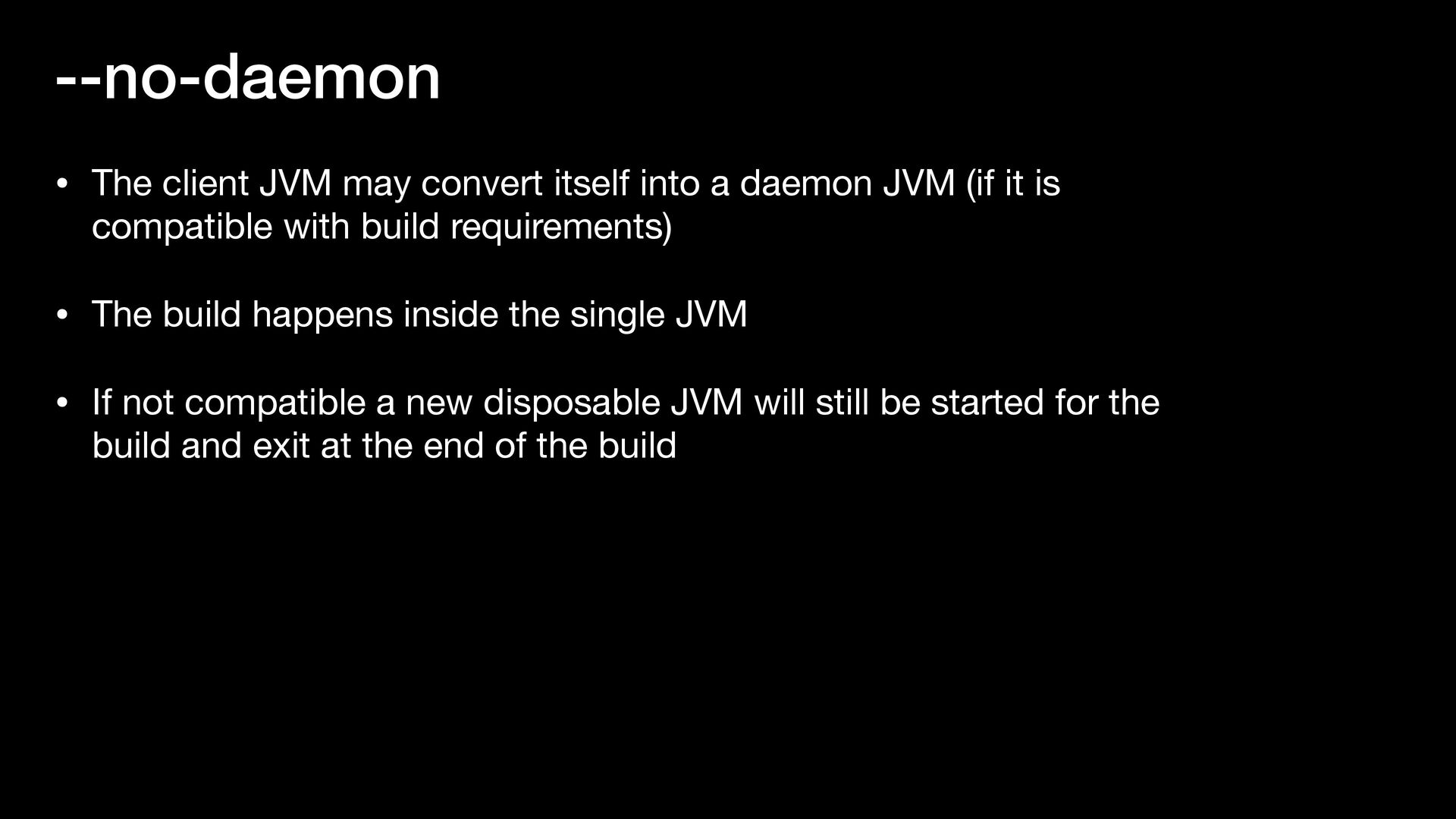
daemon JVM (if it is compatible with build requirements) • The build happens inside the single JVM • If not compatible a new disposable JVM will still be started for the build and exit at the end of the build
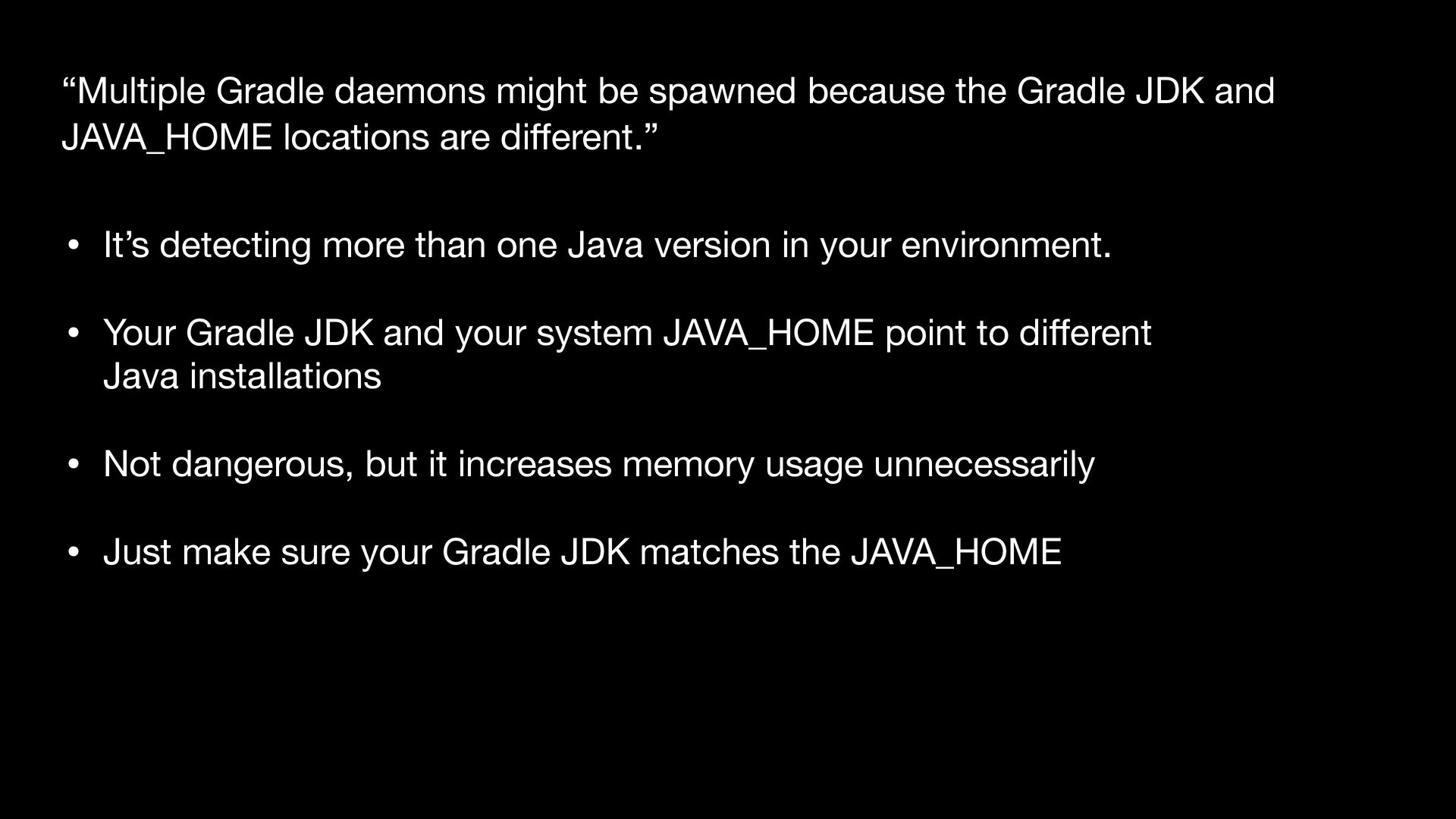
environment. • Your Gradle JDK and your system JAVA_HOME point to di ff erent Java installations • Not dangerous, but it increases memory usage unnecessarily • Just make sure your Gradle JDK matches the JAVA_HOME “Multiple Gradle daemons might be spawned because the Gradle JDK and JAVA_HOME locations are di ff erent.”
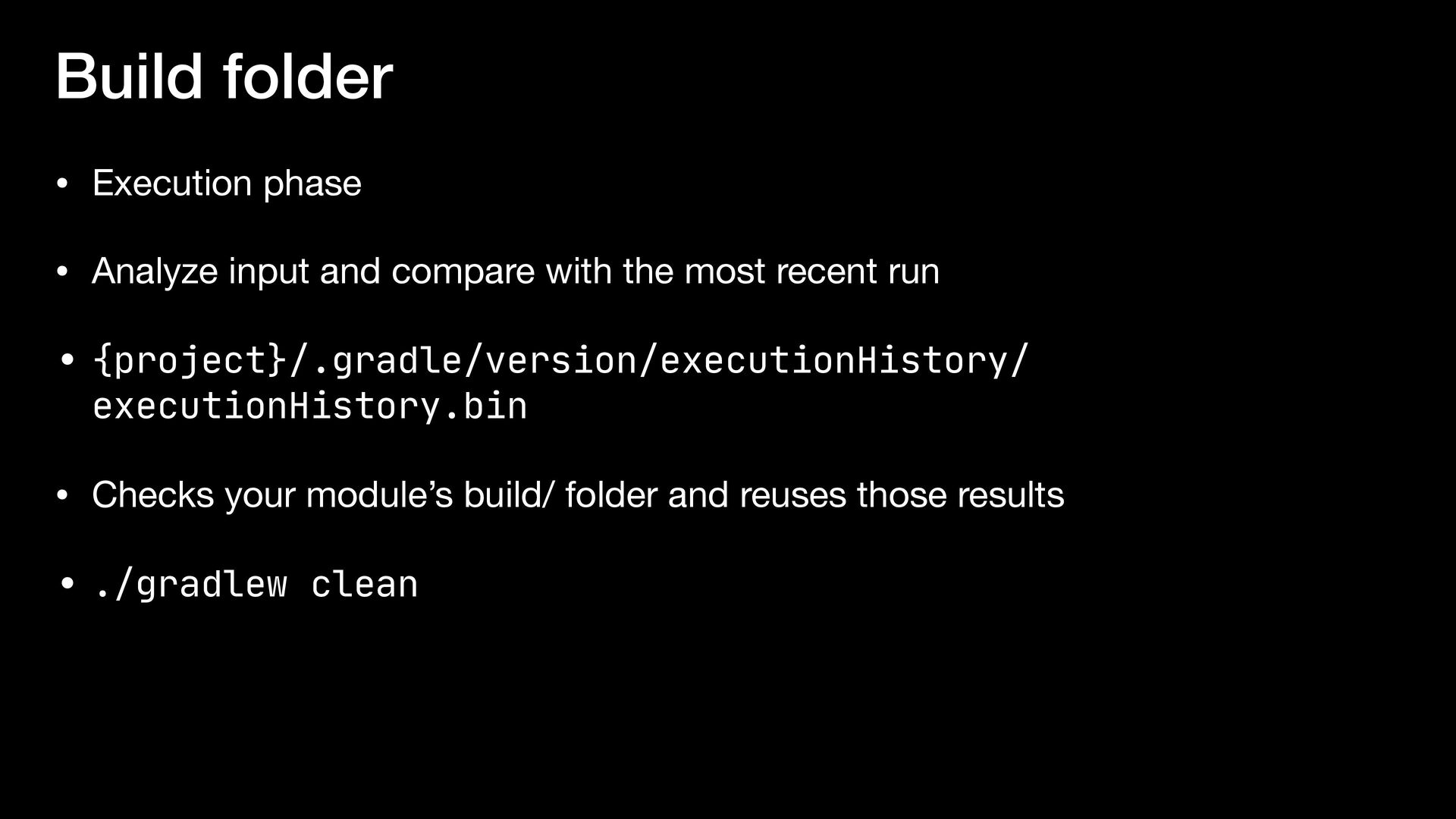
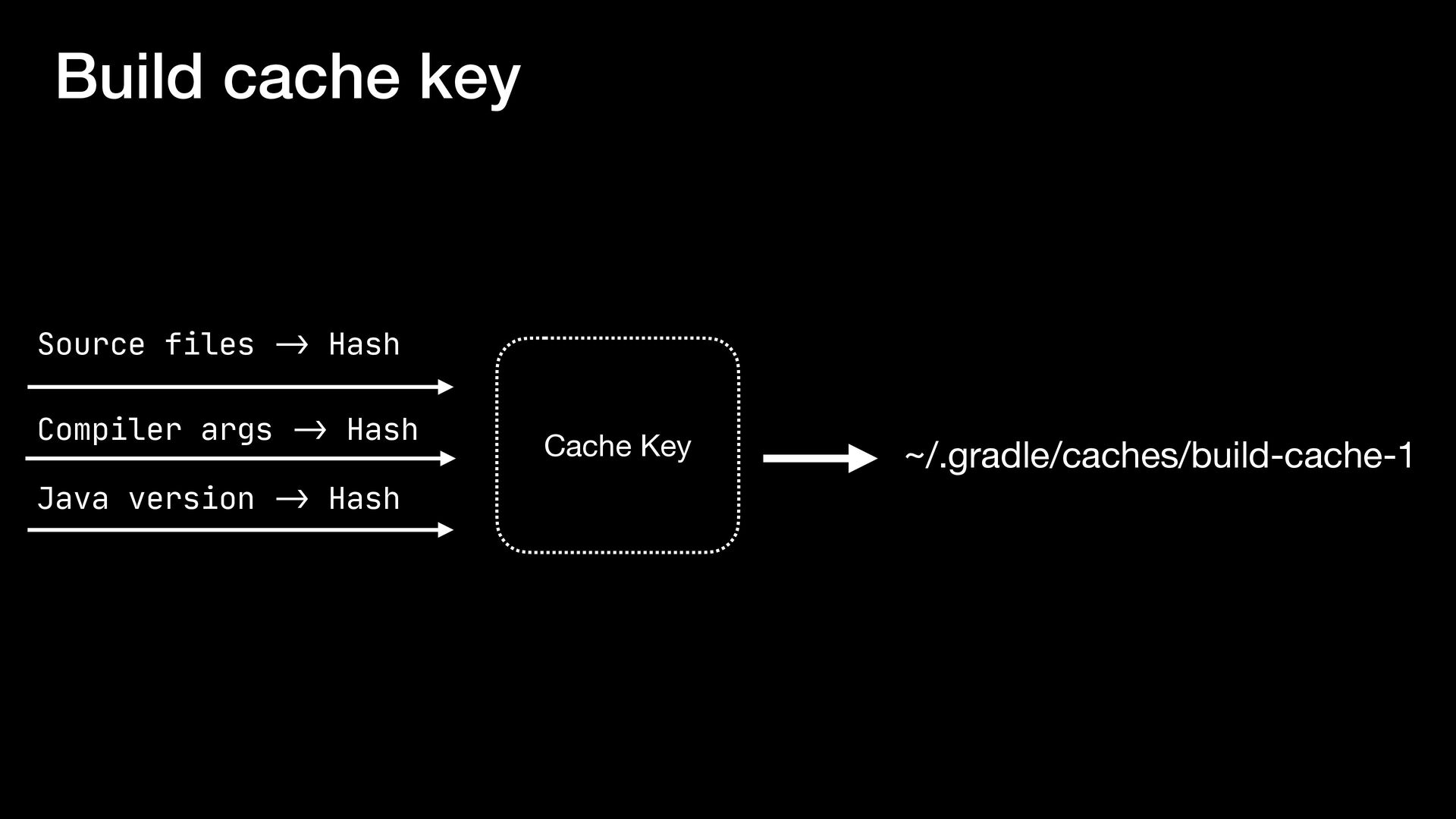
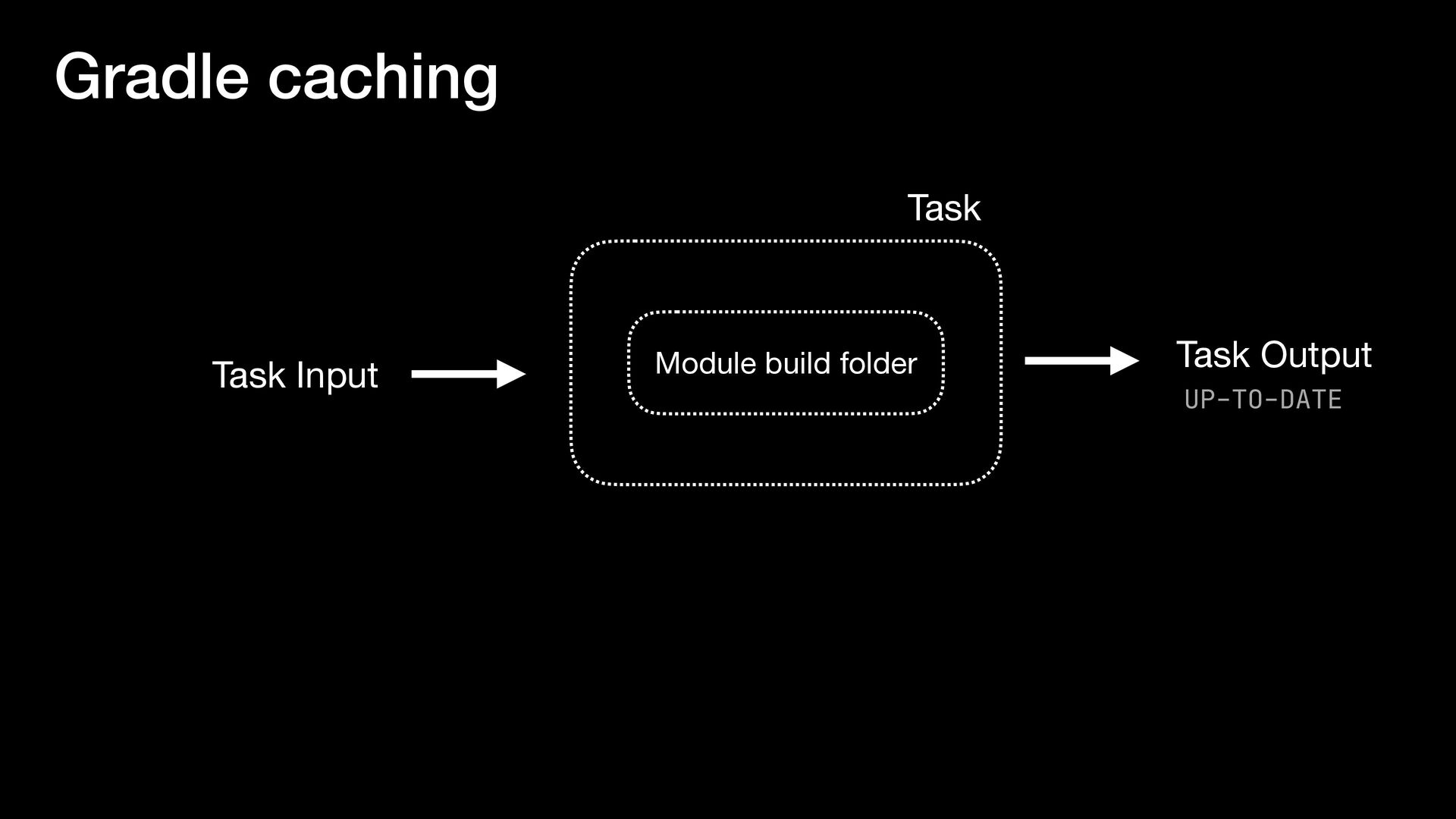
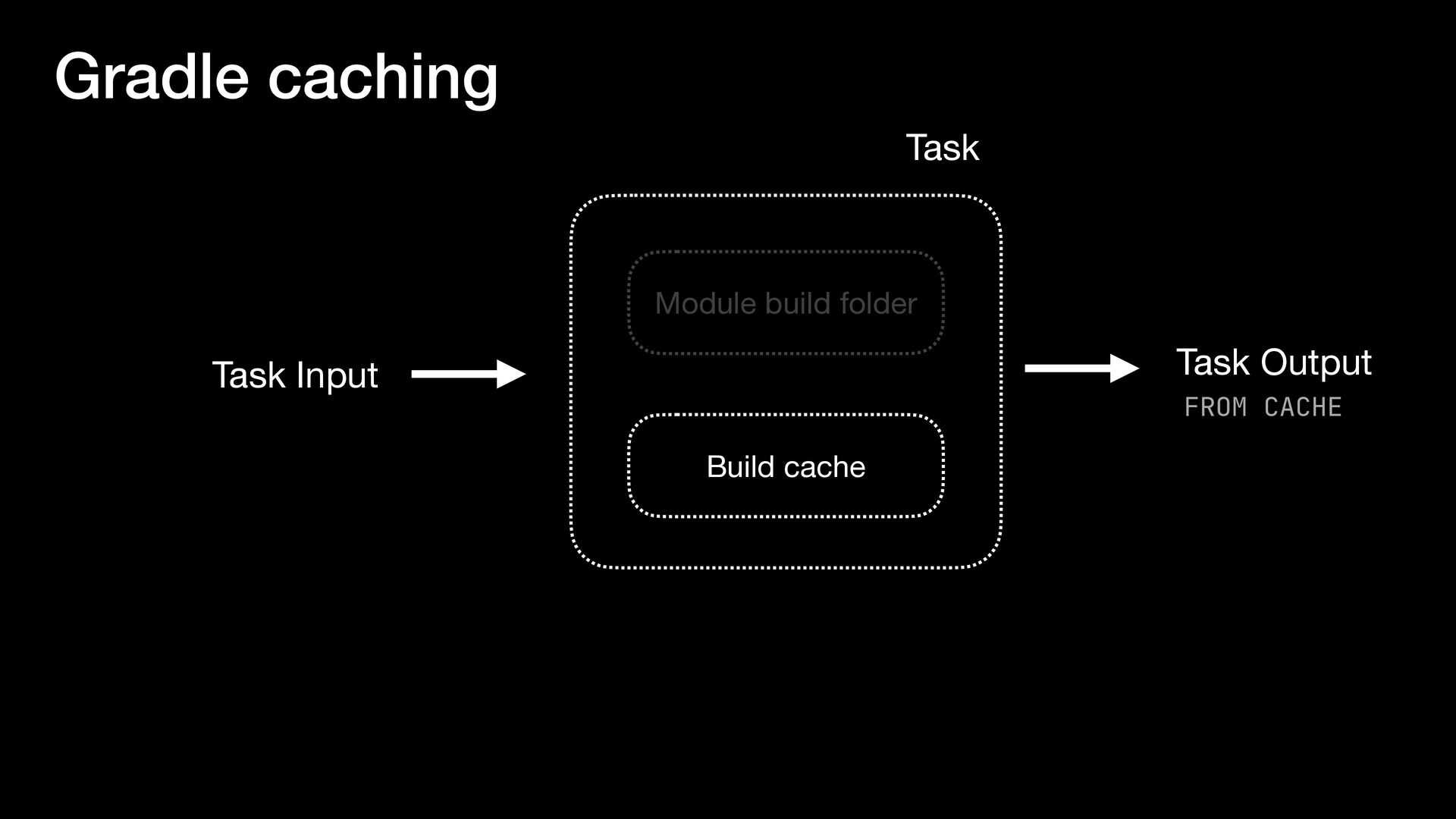
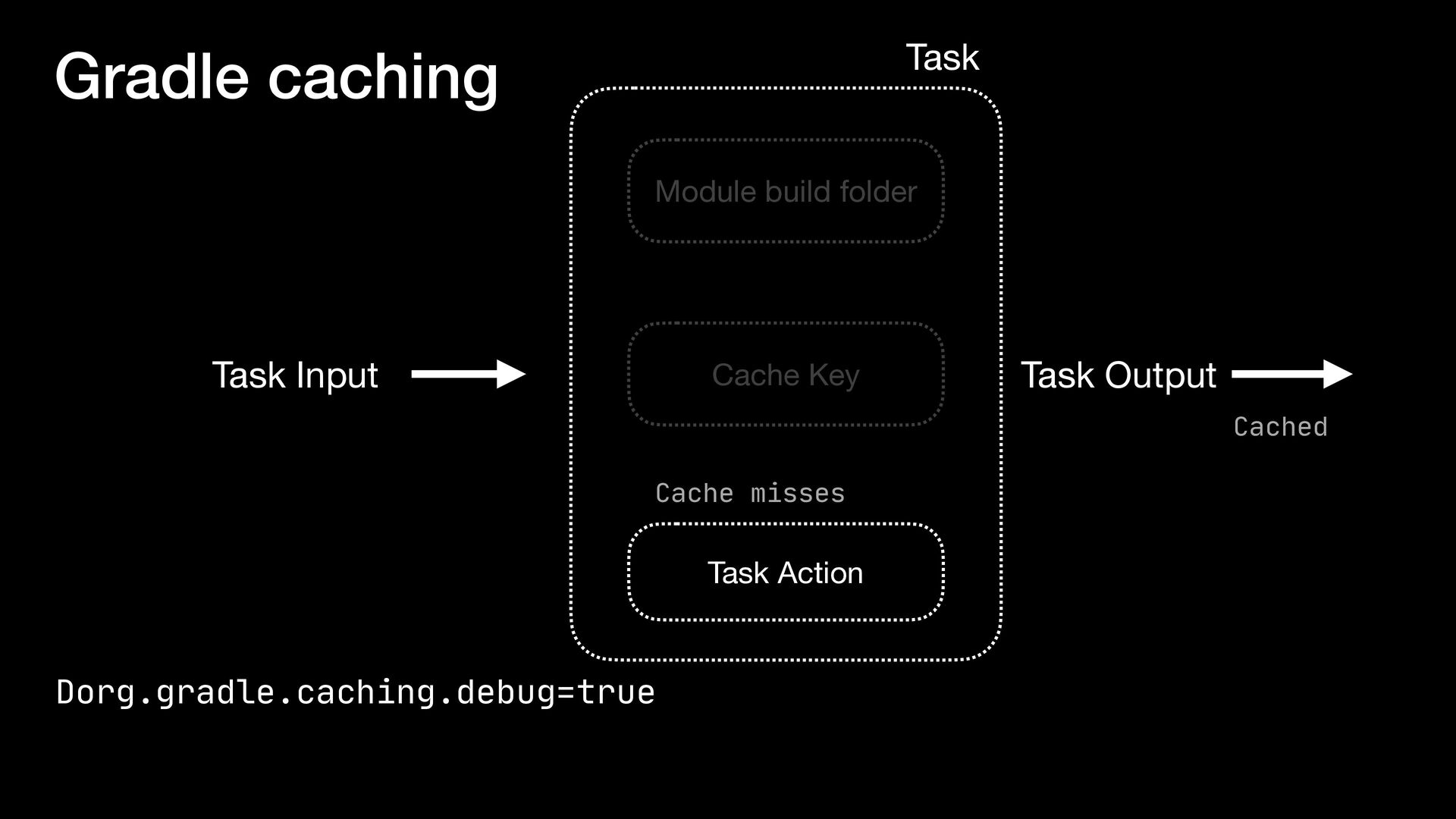
with the most recent run • {project}/.gradle/version/executionHistory/ executionHistory.bin • Checks your module’s build/ folder and reuses those results • ./gradlew clean

.jpg)

.jpg)
.jpg) yveskalume
yveskalume
 dske104
 tosite
 findyinc
 a_matsuda
 siroemk
 andpad
 kmars0605
 optim
optim
 guaca
guaca
 ziobrando
 tonyrice
 tmiket
 jct
jct
 eileencodes
 kevinliebholz
 stephaniewalter
 greggifford
 mkilby
 kristinabergwall1
 morganepeng
 iamctodd