Upgrade to Pro — share decks privately, control downloads, hide ads and more …

Drupal, nginx, Vagrant

Avatar for Yves Laroche Yves Laroche
January 21, 2014
230

Drupal, nginx, Vagrant

Drupal Dundee Meetup - January 2014

Avatar for Yves Laroche

Yves Laroche

January 21, 2014
Tweet

Transcript

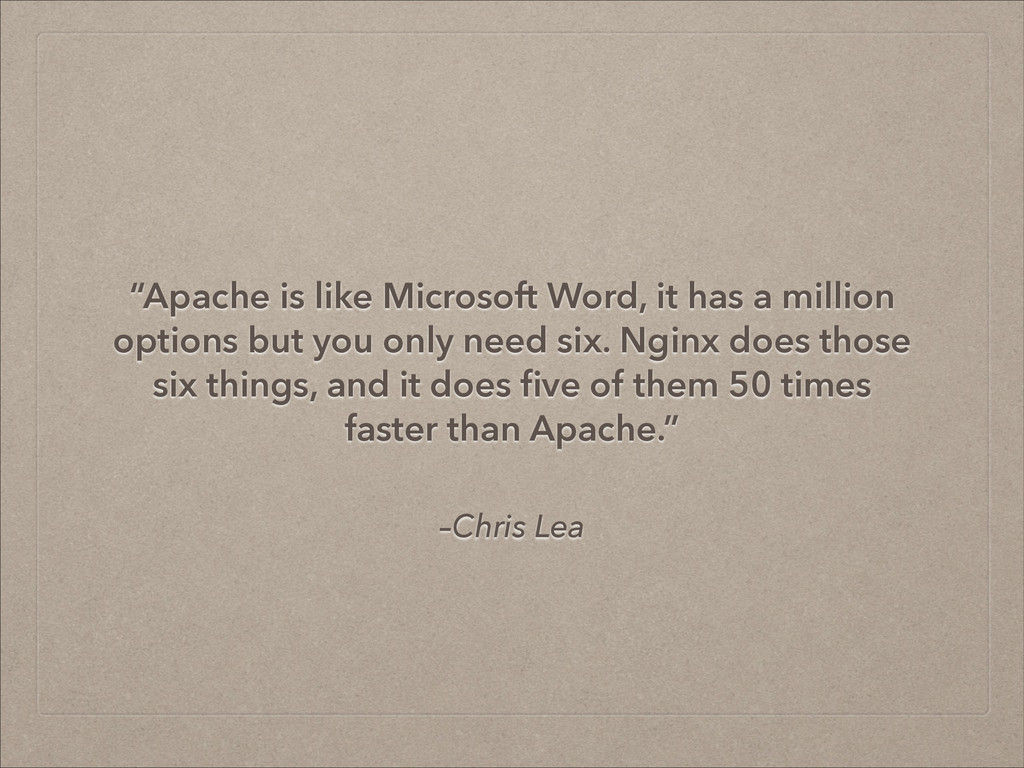
  1. –Chris Lea “Apache is like Microsoft Word, it has a

    million options but you only need six. Nginx does those six things, and it does five of them 50 times faster than Apache.”
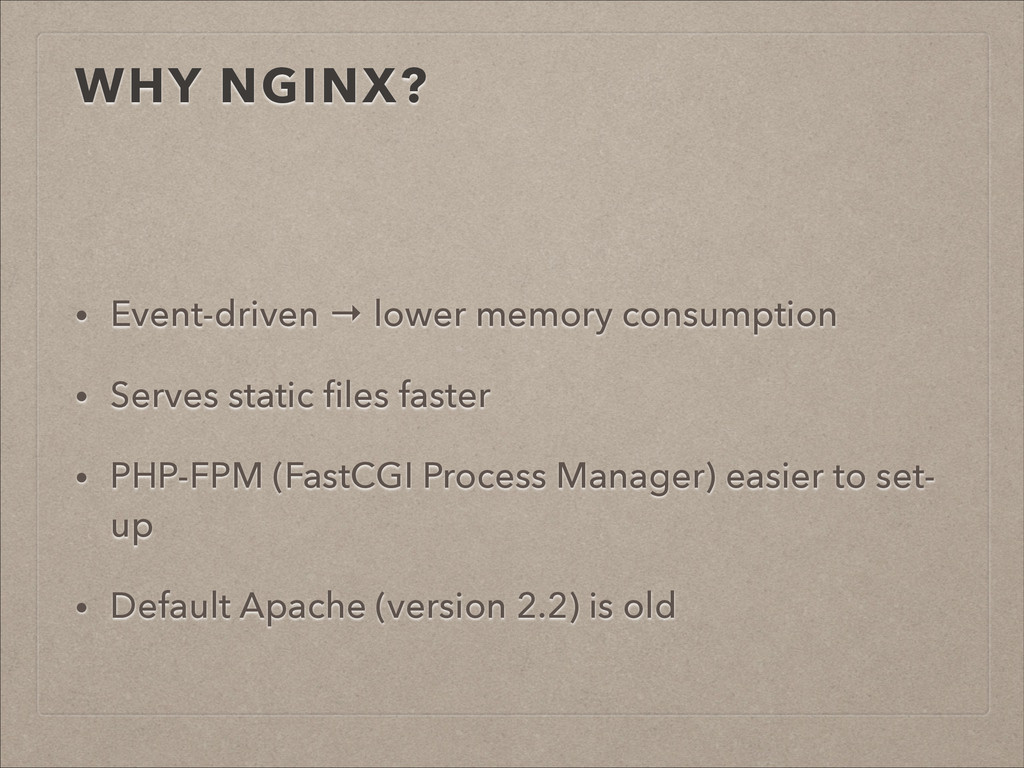
  2. WHY NGINX? ! • Event-driven → lower memory consumption •

    Serves static files faster • PHP-FPM (FastCGI Process Manager) easier to set- up • Default Apache (version 2.2) is old
  3. DRAWBACKS • No .htaccess support • Most web applications come

    with Apache configuration files • Need to compile nginx from source to add modules
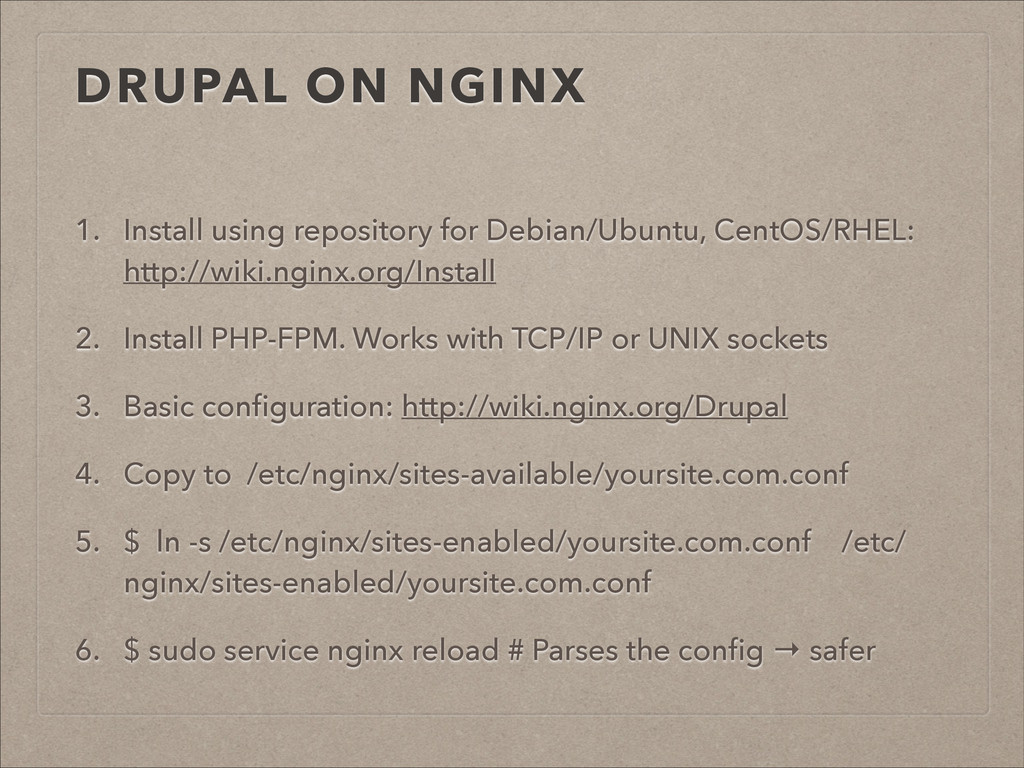
  4. DRUPAL ON NGINX 1. Install using repository for Debian/Ubuntu, CentOS/RHEL:

    http://wiki.nginx.org/Install 2. Install PHP-FPM. Works with TCP/IP or UNIX sockets 3. Basic configuration: http://wiki.nginx.org/Drupal 4. Copy to /etc/nginx/sites-available/yoursite.com.conf 5. $ ln -s /etc/nginx/sites-enabled/yoursite.com.conf /etc/ nginx/sites-enabled/yoursite.com.conf 6. $ sudo service nginx reload # Parses the config → safer
  5. ADVANCED CONFIGURATION • www.github.com/perusio/drupal-with-nginx • Supports Drupal 6, 7 and

    8 • Two options for Drupal Update: drush aware/using update.php via the Webinterface • Different Drupal configs to include in your site config: • Normal • Support for Boost • Support reserved characters in URIs
  6. CONFIG FEATURES • Redirect www to non-www or vice-versa •

    Clean URL support • Access control for cron.php (non Drush config) • Multisite support • Sitemaps & RSS feeds • Upload progress bar using nginx module "Filefield Nginx Progress" • Microcaching
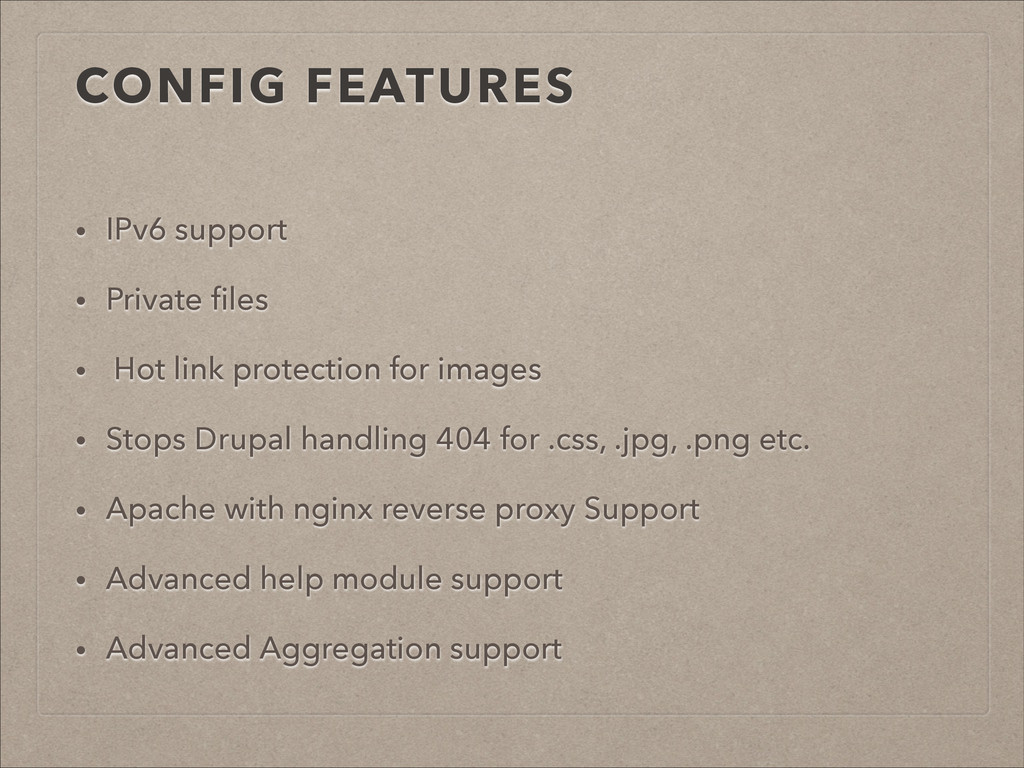
  7. CONFIG FEATURES • IPv6 support • Private files • Hot

    link protection for images • Stops Drupal handling 404 for .css, .jpg, .png etc. • Apache with nginx reverse proxy Support • Advanced help module support • Advanced Aggregation support
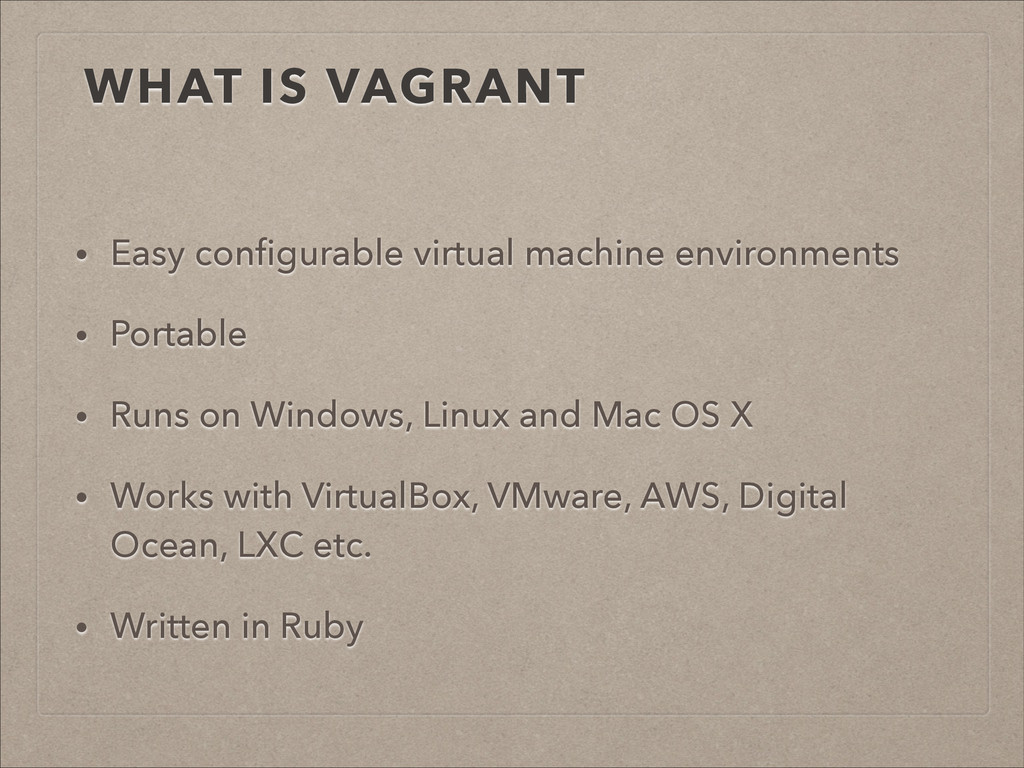
  8. WHAT IS VAGRANT • Easy configurable virtual machine environments •

    Portable • Runs on Windows, Linux and Mac OS X • Works with VirtualBox, VMware, AWS, Digital Ocean, LXC etc. • Written in Ruby
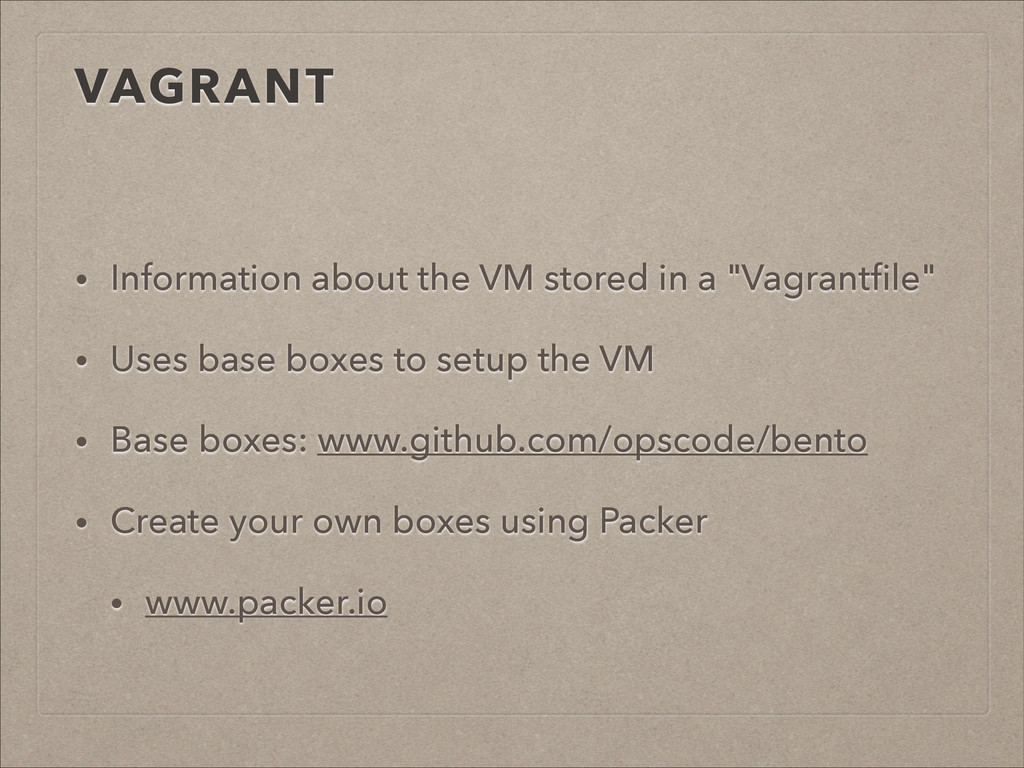
  9. VAGRANT • Information about the VM stored in a "Vagrantfile"

    • Uses base boxes to setup the VM • Base boxes: www.github.com/opscode/bento • Create your own boxes using Packer • www.packer.io
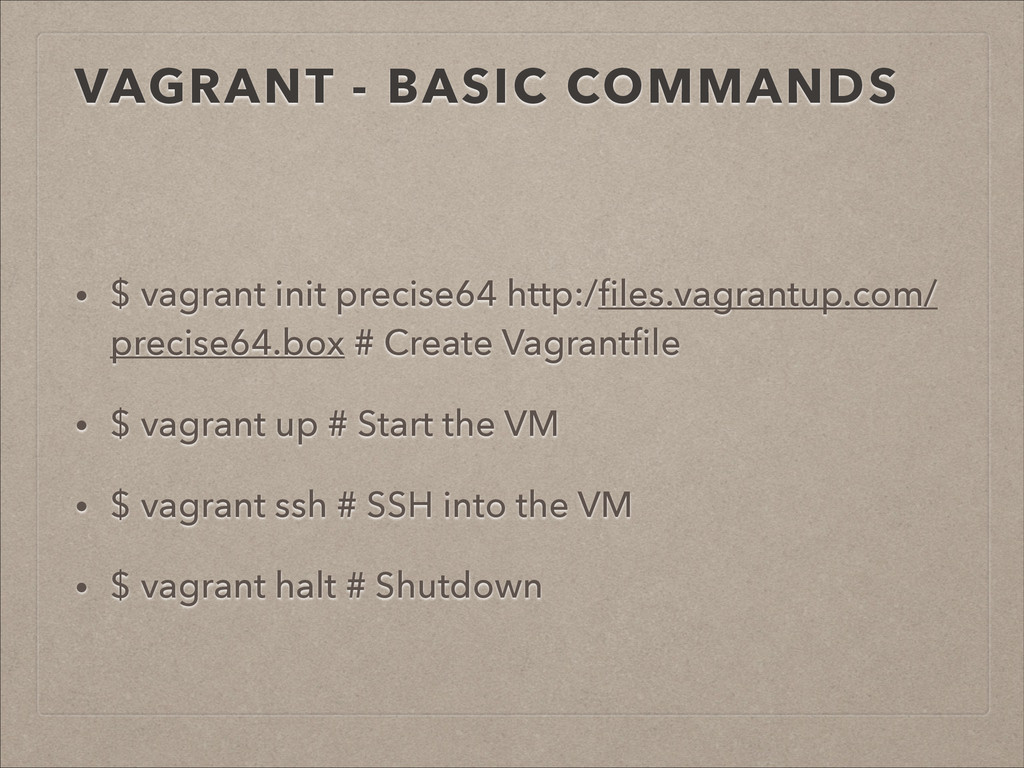
  10. VAGRANT - BASIC COMMANDS • $ vagrant init precise64 http:/files.vagrantup.com/

    precise64.box # Create Vagrantfile • $ vagrant up # Start the VM • $ vagrant ssh # SSH into the VM • $ vagrant halt # Shutdown
  11. I WANT TO START AGAIN $ vagrant destroy The base

    box is kept in the ".vagrant.d" folder in your home directory
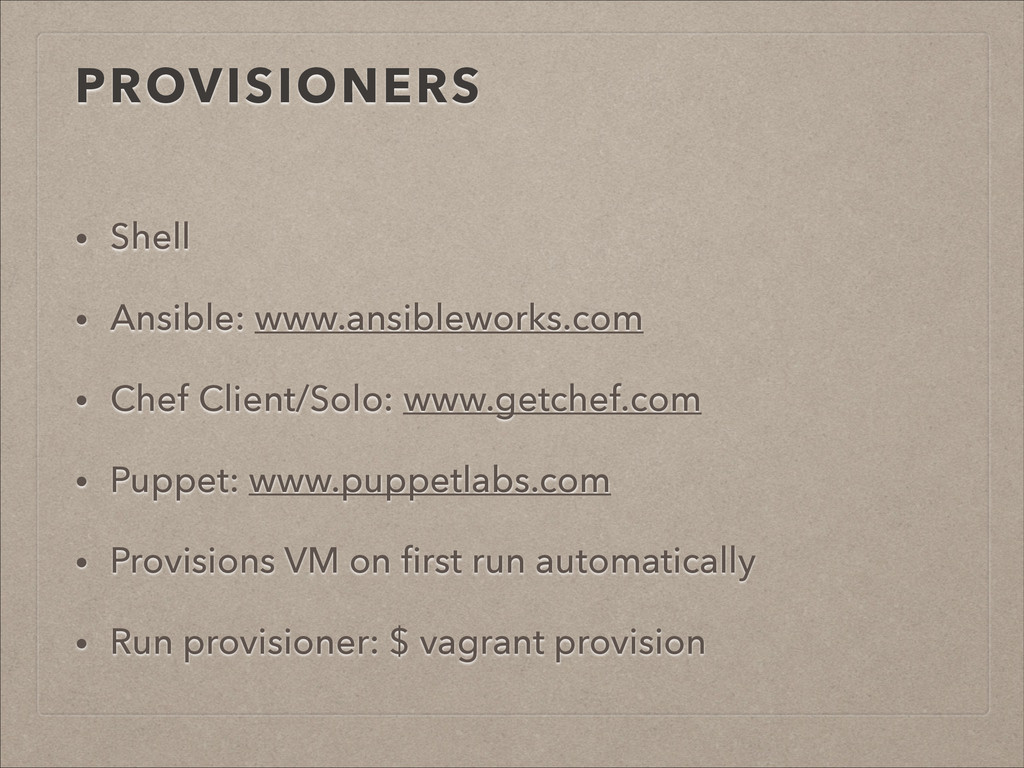
  12. PROVISIONERS • Shell • Ansible: www.ansibleworks.com • Chef Client/Solo: www.getchef.com

    • Puppet: www.puppetlabs.com • Provisions VM on first run automatically • Run provisioner: $ vagrant provision
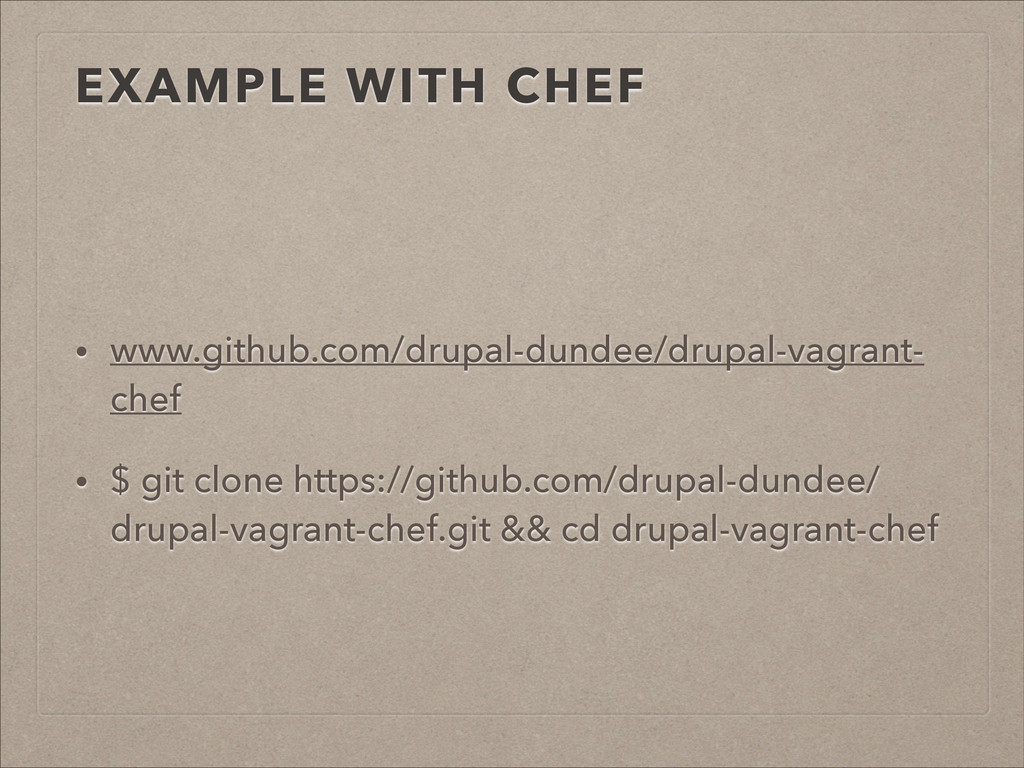
  13. EXAMPLE WITH CHEF • www.github.com/drupal-dundee/drupal-vagrant- chef • $ git clone

    https://github.com/drupal-dundee/ drupal-vagrant-chef.git && cd drupal-vagrant-chef
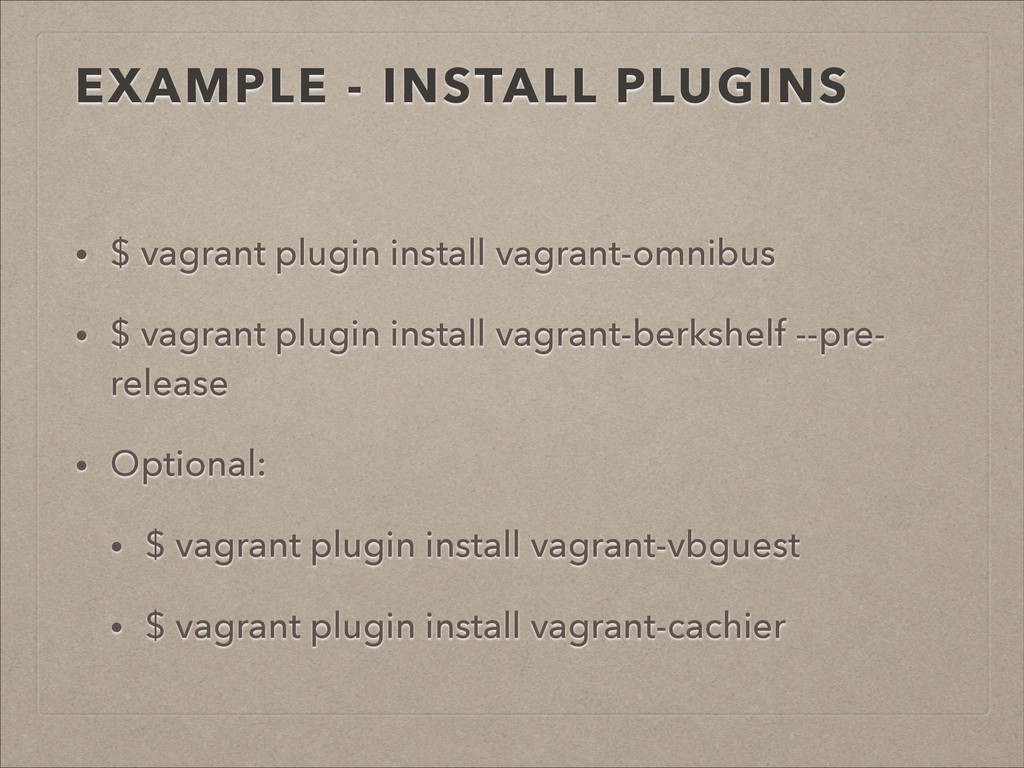
  14. EXAMPLE - INSTALL PLUGINS • $ vagrant plugin install vagrant-omnibus

    • $ vagrant plugin install vagrant-berkshelf --pre- release • Optional: • $ vagrant plugin install vagrant-vbguest • $ vagrant plugin install vagrant-cachier