Upgrade to Pro
— share decks privately, control downloads, hide ads and more …
Speaker Deck
Sign up for free
Menu
Search
Features
All features
Private URLs
Password Protection
Custom URLS
Scheduled publishing
Remove Branding
Restrict embedding
Deck Collections
Notes
Features
All features
Private URLs
Password Protection
Custom URLS
Scheduled publishing
Remove Branding
Restrict embedding
Deck Collections
Notes
Explore
Featured decks
Featured speakers
Programming
Technology
Storyboards
Explore
Featured decks
Featured speakers
Programming
Technology
Storyboards
Pricing
Search
Sign in
Sign up for free
Photoshop影像修饰艺术
Search
周祺
December 11, 2012
430
4
Share
Embed
Copy iframe code
Copy JS code
Copy link
Start on current slide
Photoshop影像修饰艺术
周祺
December 11, 2012
More Decks by 周祺
See All by 周祺
Mobile Web的性能优化与测试
zhouqicf
7
410
Web App
zhouqicf
1
250
Web App开发
zhouqicf
4
340
f2e @ 2012
zhouqicf
6
200
前端和视觉间的故事
zhouqicf
1
240
CSS模块化
zhouqicf
2
270
Chrome Extension
zhouqicf
1
410
Featured
See All Featured
Game over? The fight for quality and originality in the time of robots
wayneb77
1
310
The Hidden Cost of Media on the Web [PixelPalooza 2025]
tammyeverts
2
530
Winning Ecommerce Organic Search in an AI Era - #searchnstuff2025
aleyda
2
2.2k
From π to Pie charts
rasagy
1
400
Designing Experiences People Love
moore
143
24k
Agile that works and the tools we love
rasmusluckow
331
22k
I Don’t Have Time: Getting Over the Fear to Launch Your Podcast
jcasabona
35
2.9k
How to Build an AI Search Optimization Roadmap - Criteria and Steps to Take #SEOIRL
aleyda
1
2.2k
The Pragmatic Product Professional
lauravandoore
37
7.5k
"I'm Feeling Lucky" - Building Great Search Experiences for Today's Users (#IAC19)
danielanewman
230
23k
Intergalactic Javascript Robots from Outer Space
tanoku
273
28k
Technical Leadership for Architectural Decision Making
baasie
3
600
Transcript
PHOTOSHOP影像修饰艺术 做个有情趣的前端⼯工程师 By ZhouQi @2012.12.12 - 2
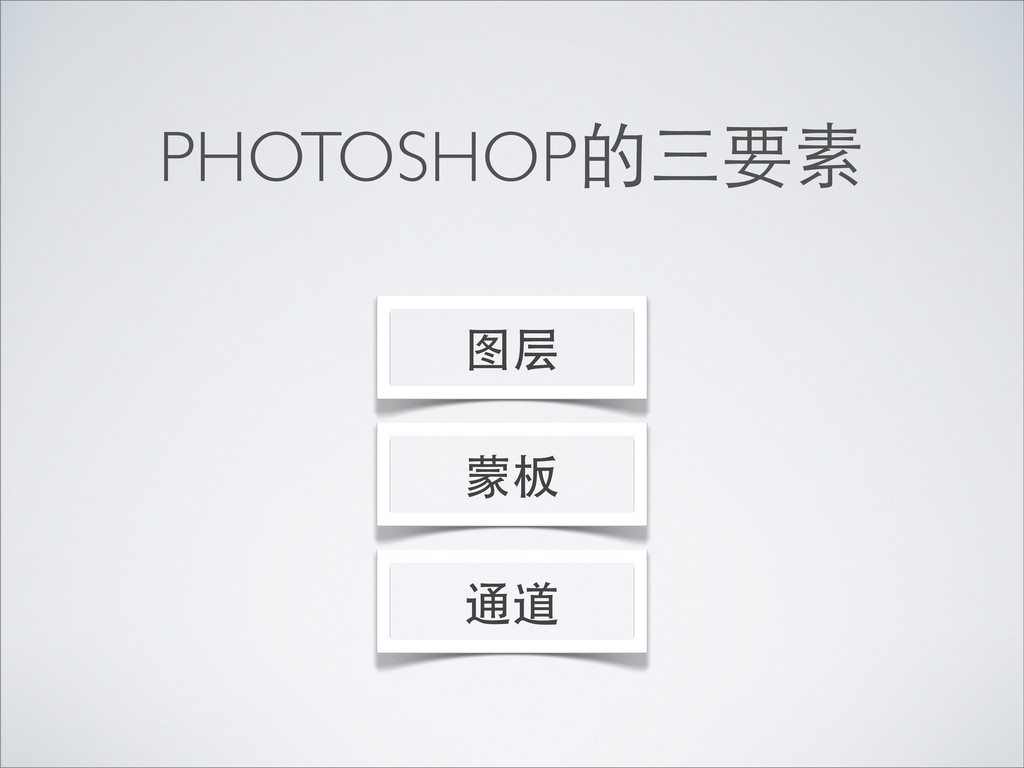
PHOTOSHOP的三要素 图层 蒙板 通道
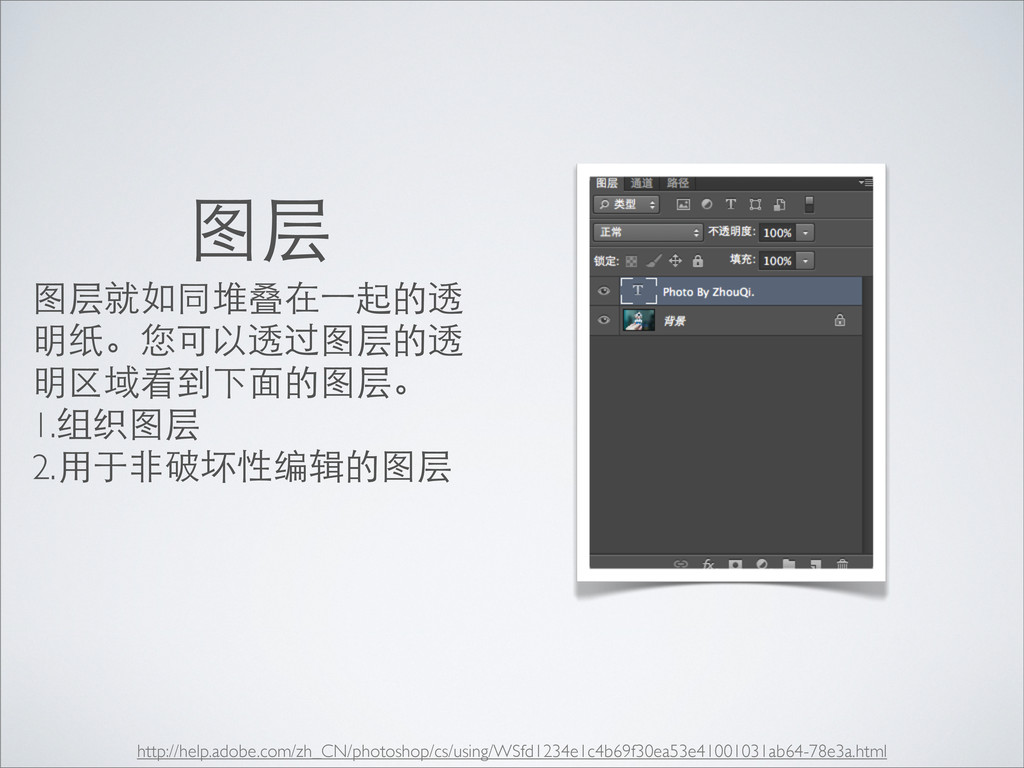
图层 图层就如同堆叠在⼀一起的透 明纸。您可以透过图层的透 明区域看到下⾯面的图层。 1.组织图层 2.⽤用于⾮非破坏性编辑的图层 http://help.adobe.com/zh_CN/photoshop/cs/using/WSfd1234e1c4b69f30ea53e41001031ab64-78e3a.html
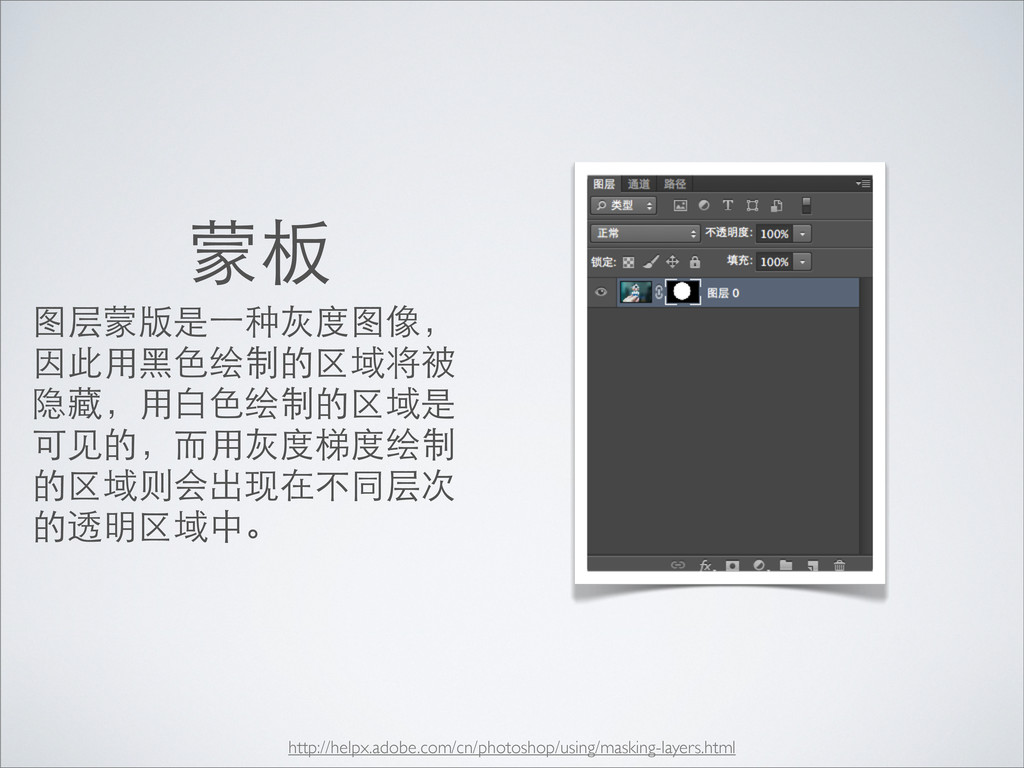
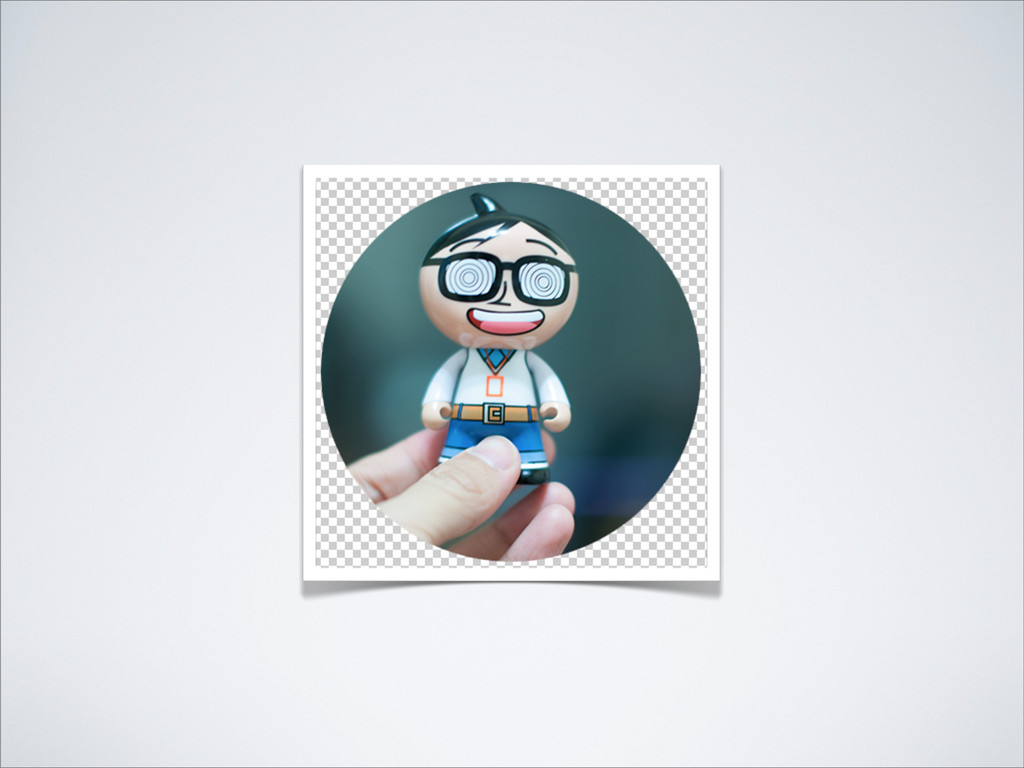
蒙板 图层蒙版是⼀一种灰度图像, 因此⽤用⿊黑⾊色绘制的区域将被 隐藏,⽤用⽩白⾊色绘制的区域是 可⻅见的,⽽而⽤用灰度梯度绘制 的区域则会出现在不同层次 的透明区域中。 http://helpx.adobe.com/cn/photoshop/using/masking-layers.html
None
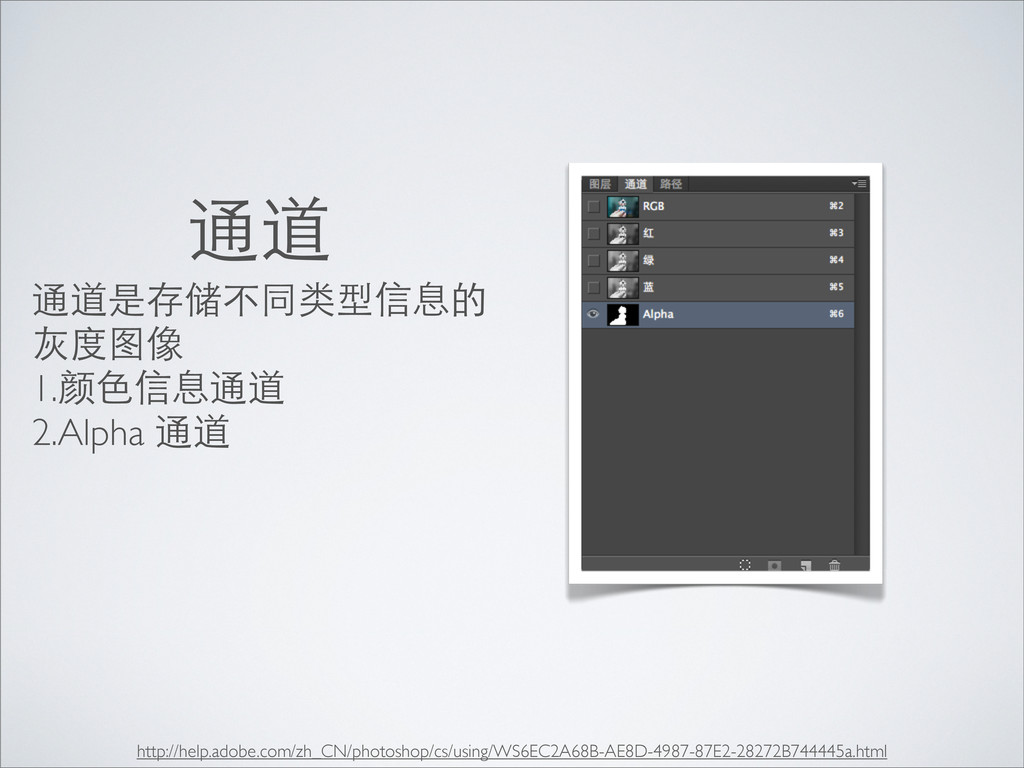
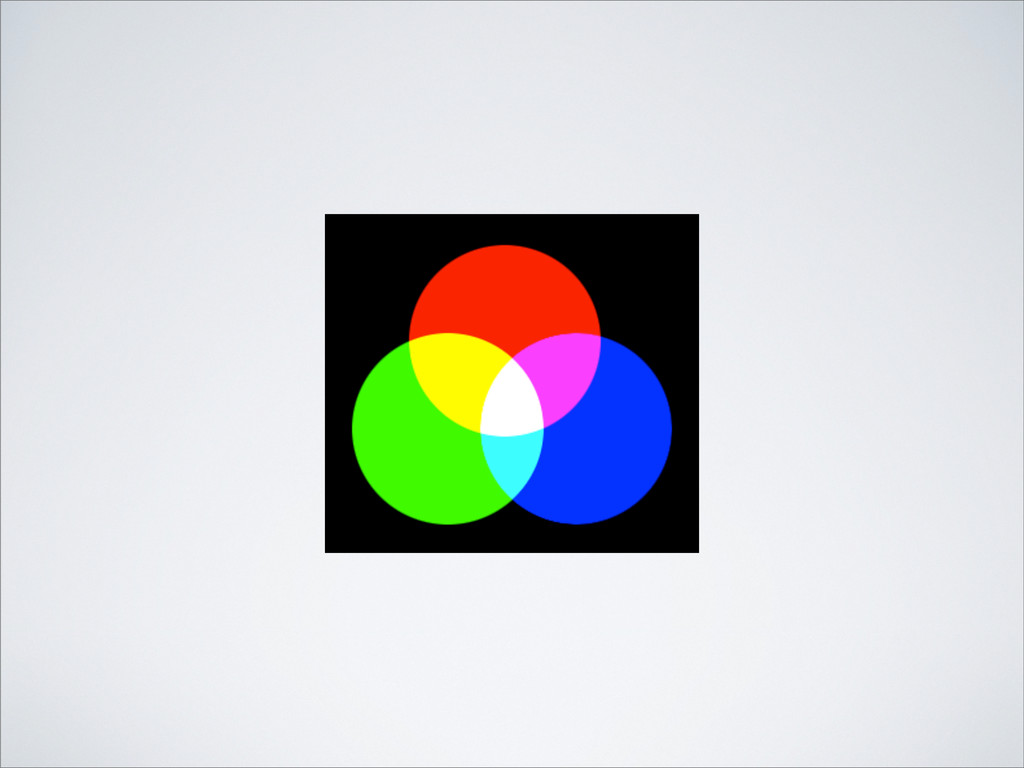
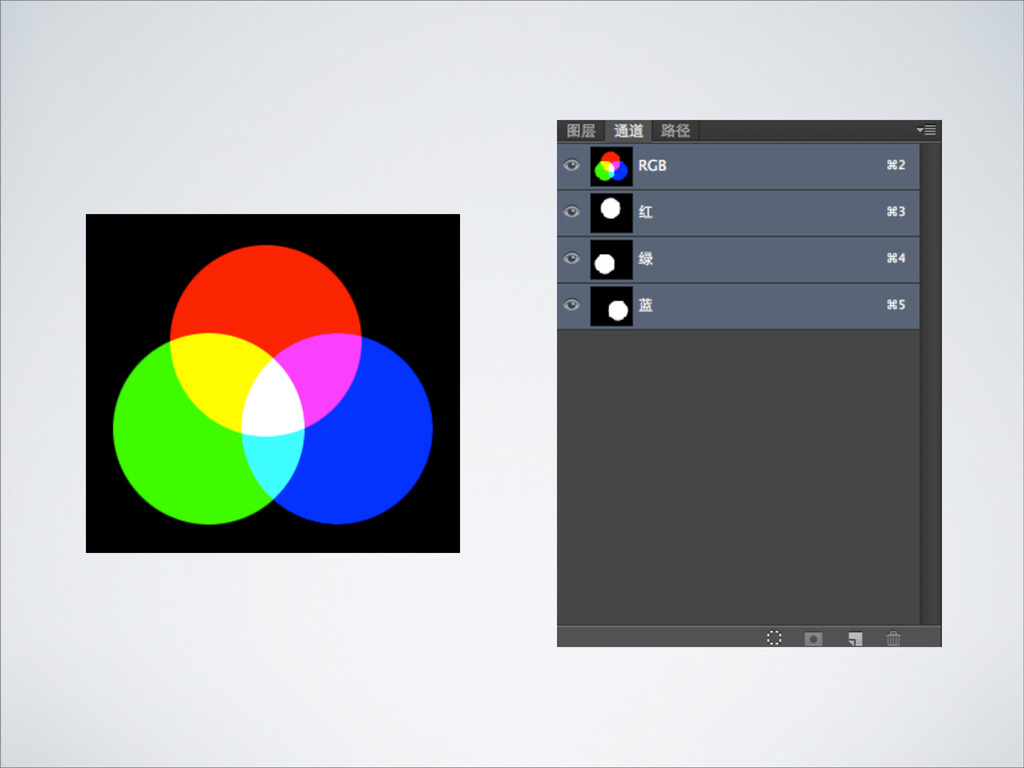
通道 通道是存储不同类型信息的 灰度图像 1.颜⾊色信息通道 2.Alpha 通道 http://help.adobe.com/zh_CN/photoshop/cs/using/WS6EC2A68B-AE8D-4987-87E2-28272B744445a.html
None
None
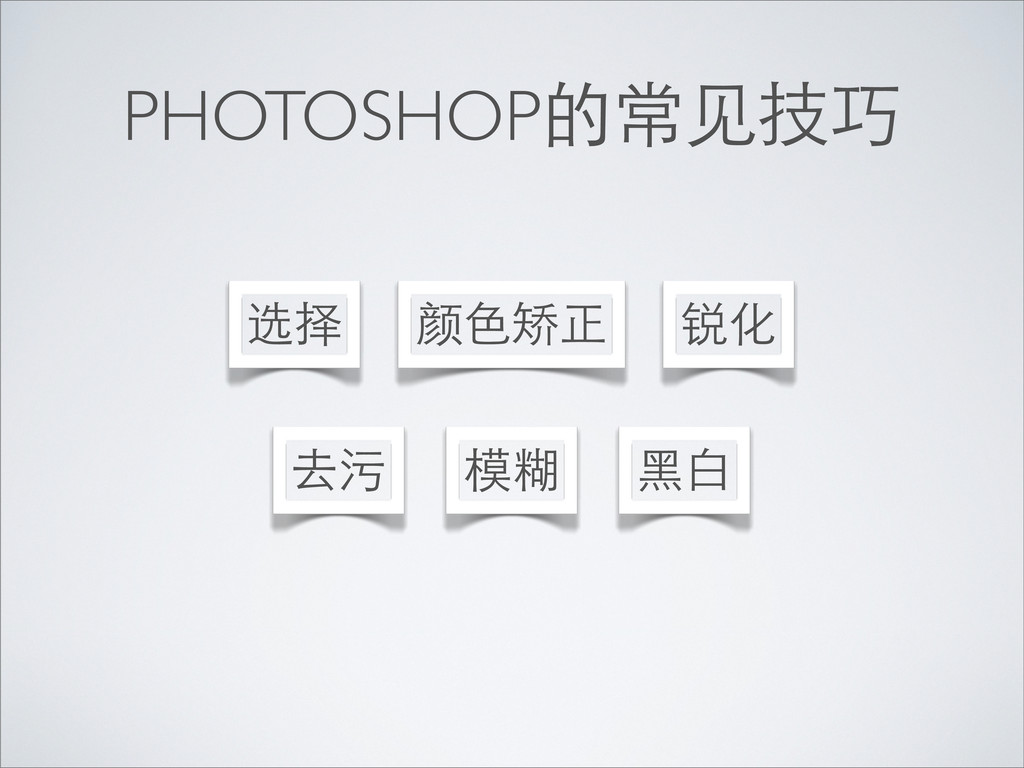
PHOTOSHOP的常⻅见技巧 颜⾊色矫正 模糊 选择 去污 锐化 ⿊黑⽩白
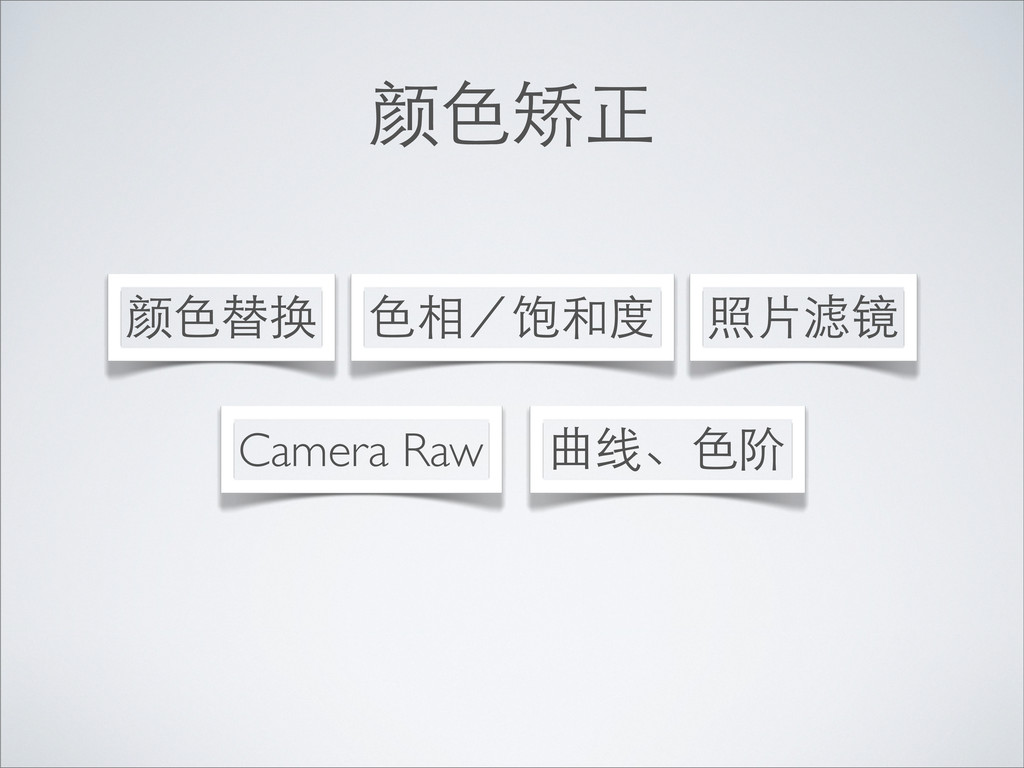
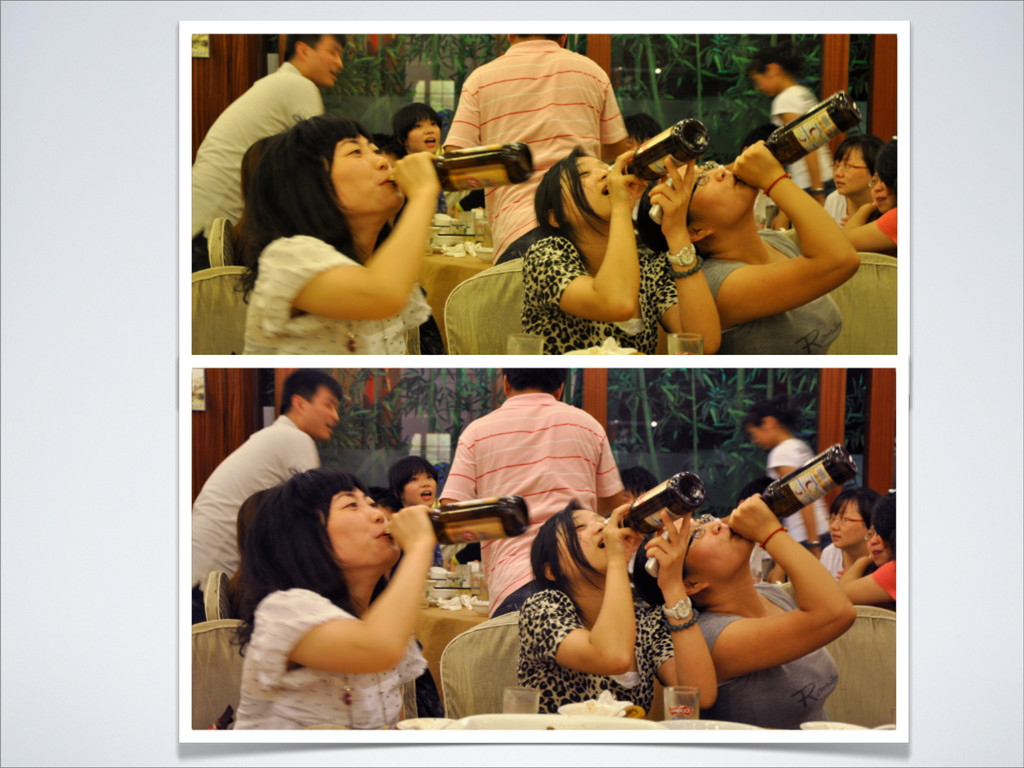
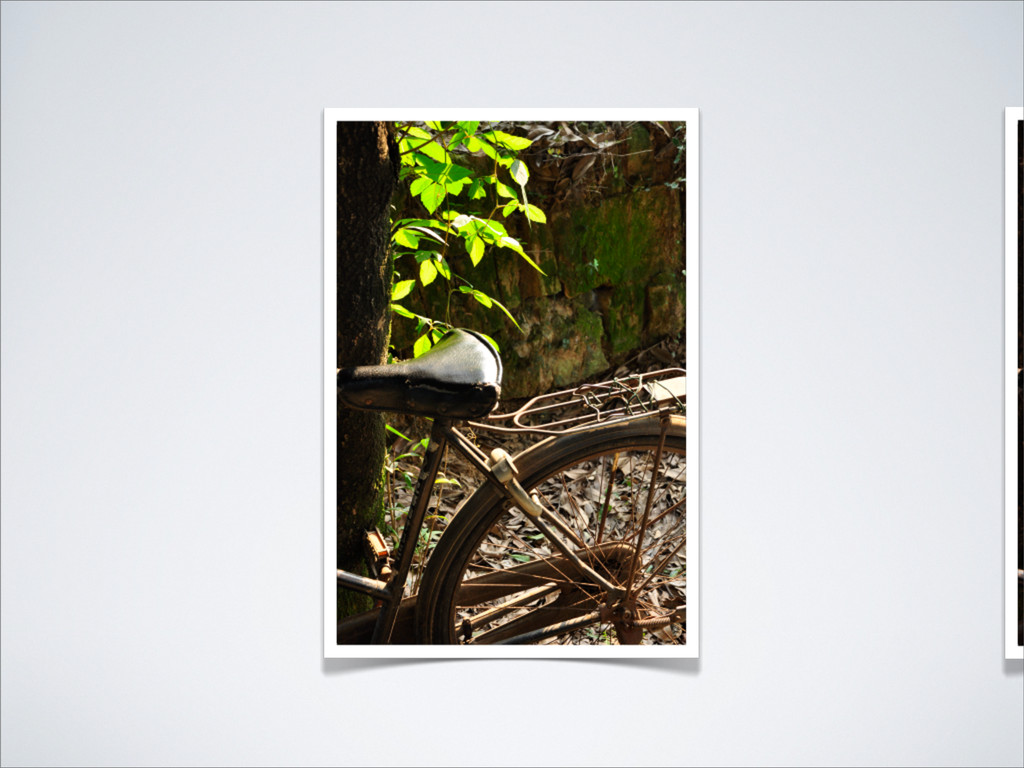
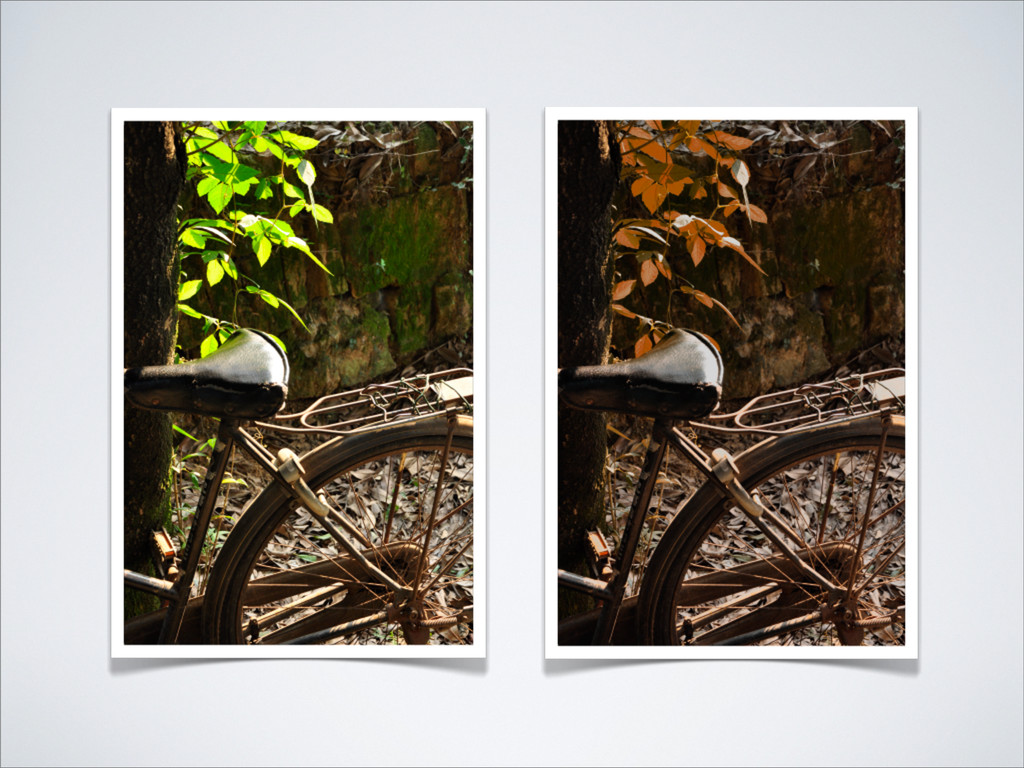
颜⾊色矫正 Camera Raw 曲线、⾊色阶 ⾊色相/饱和度 颜⾊色替换 照⽚片滤镜
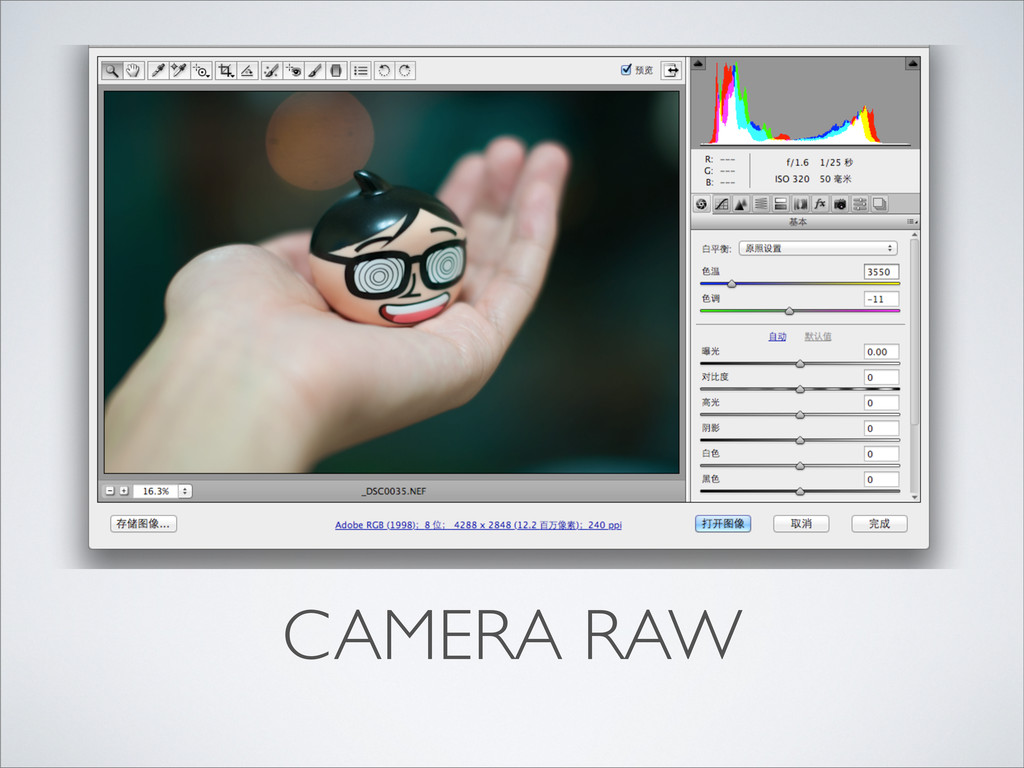
CAMERA RAW
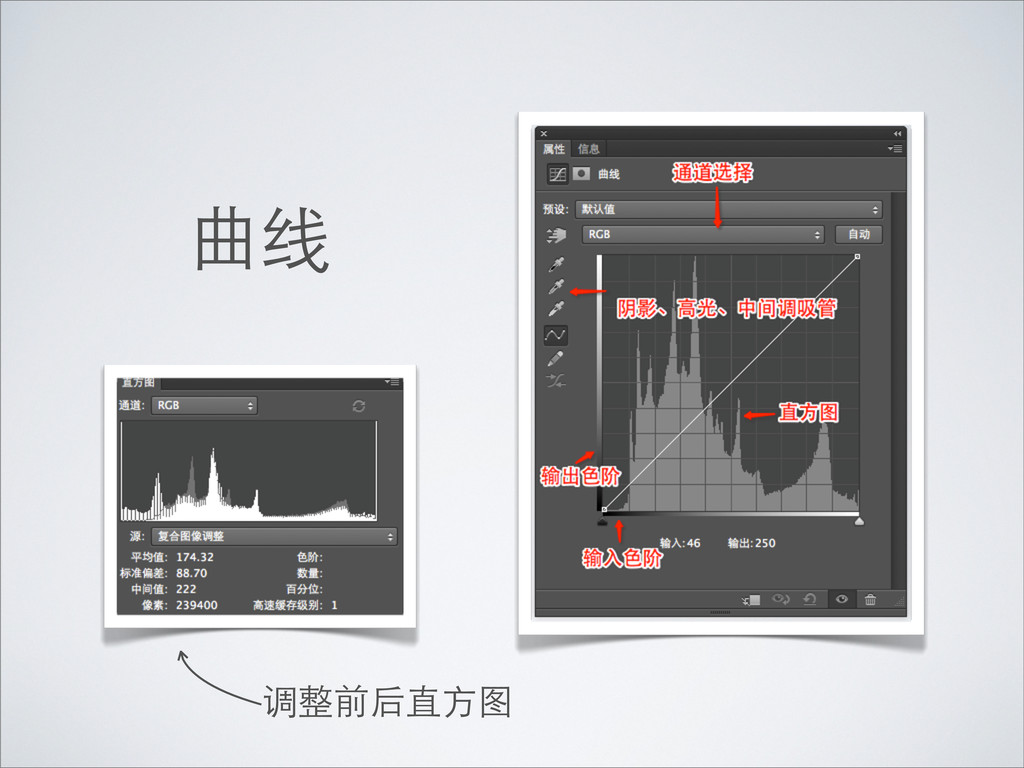
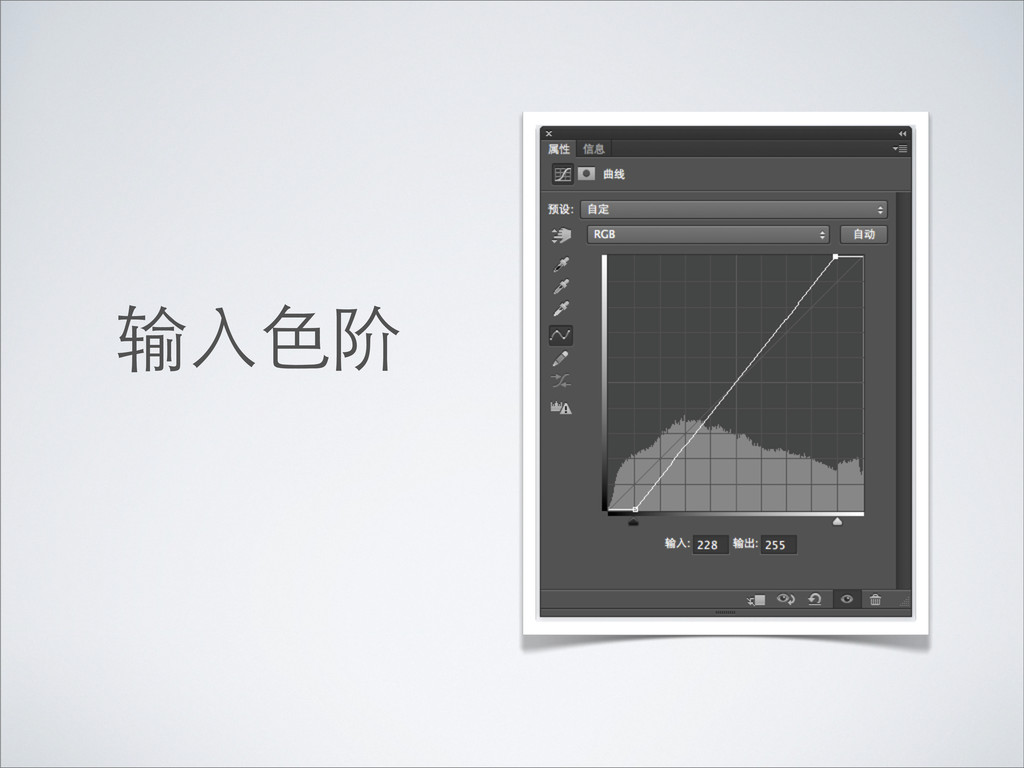
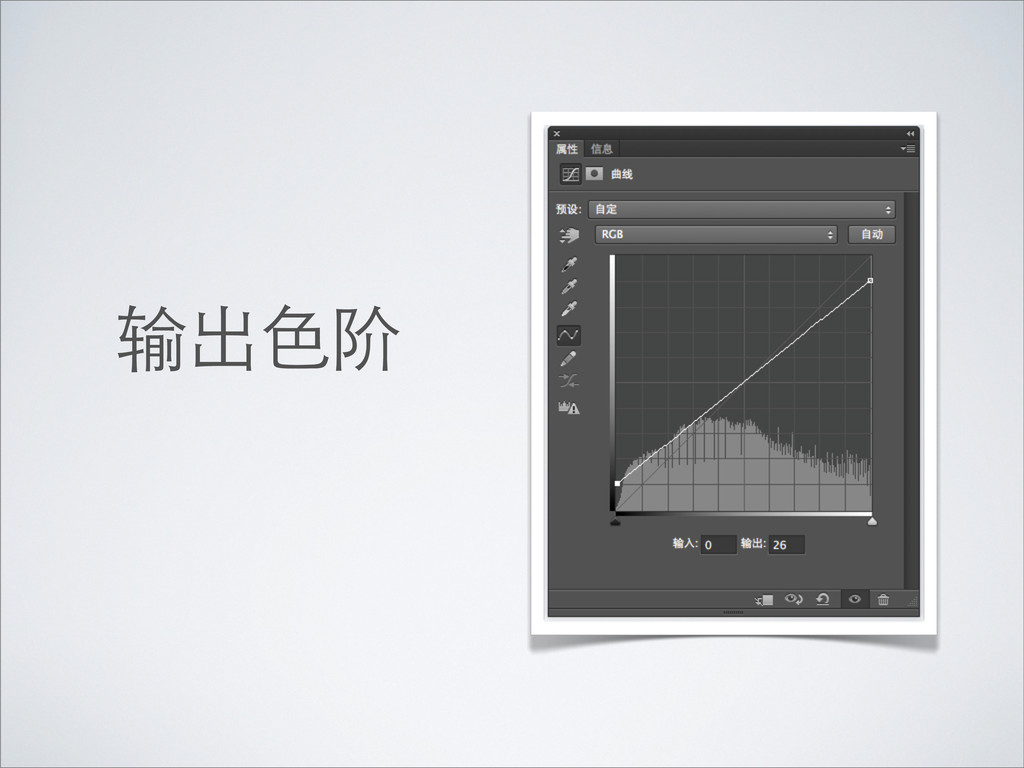
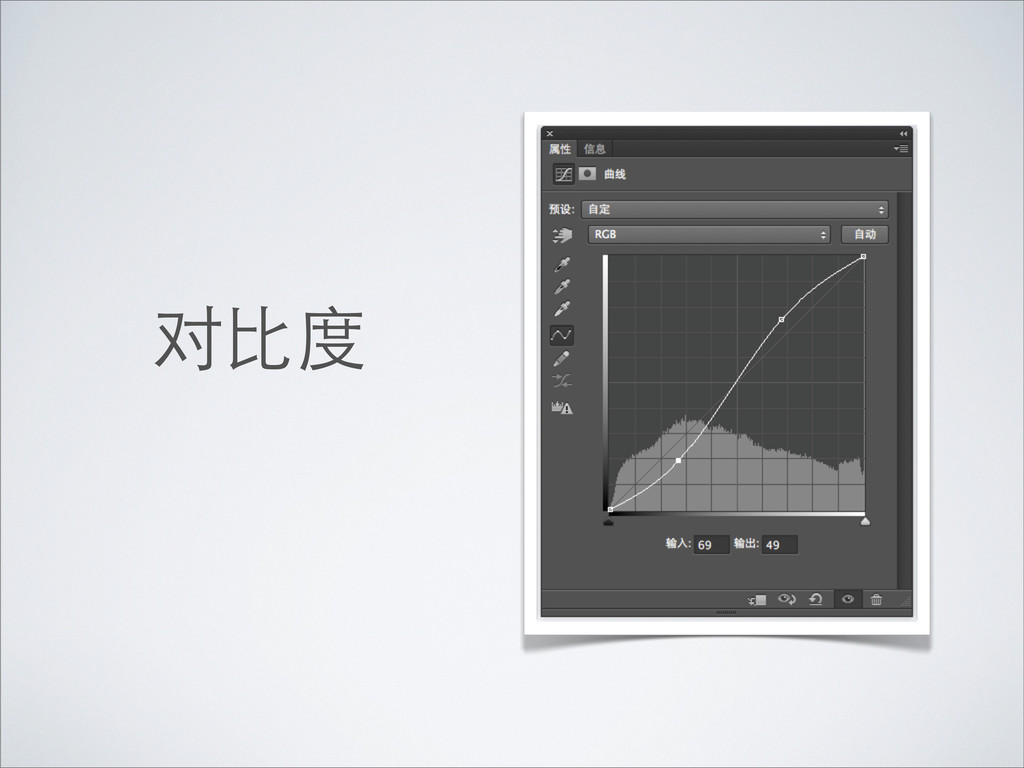
曲线 调整前后直⽅方图
输⼊入⾊色阶
输出⾊色阶
对⽐比度
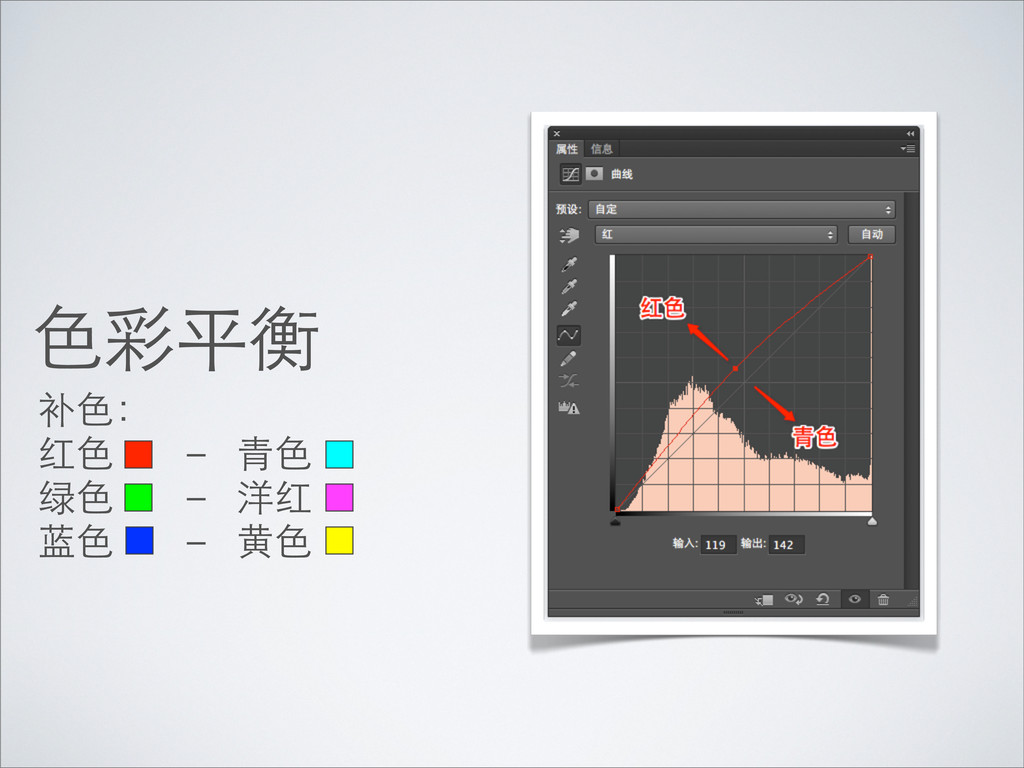
⾊色彩平衡 补⾊色: 红⾊色 - ⻘青⾊色 绿⾊色 - 洋红 蓝⾊色 -
⻩黄⾊色
None
None
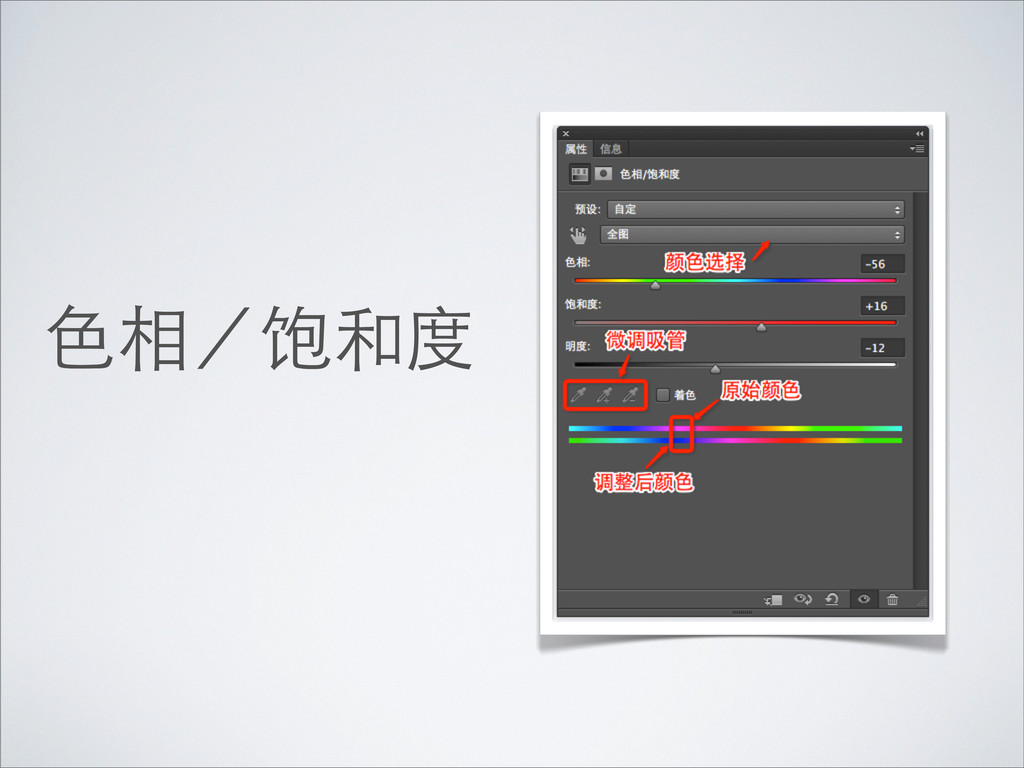
⾊色相/饱和度
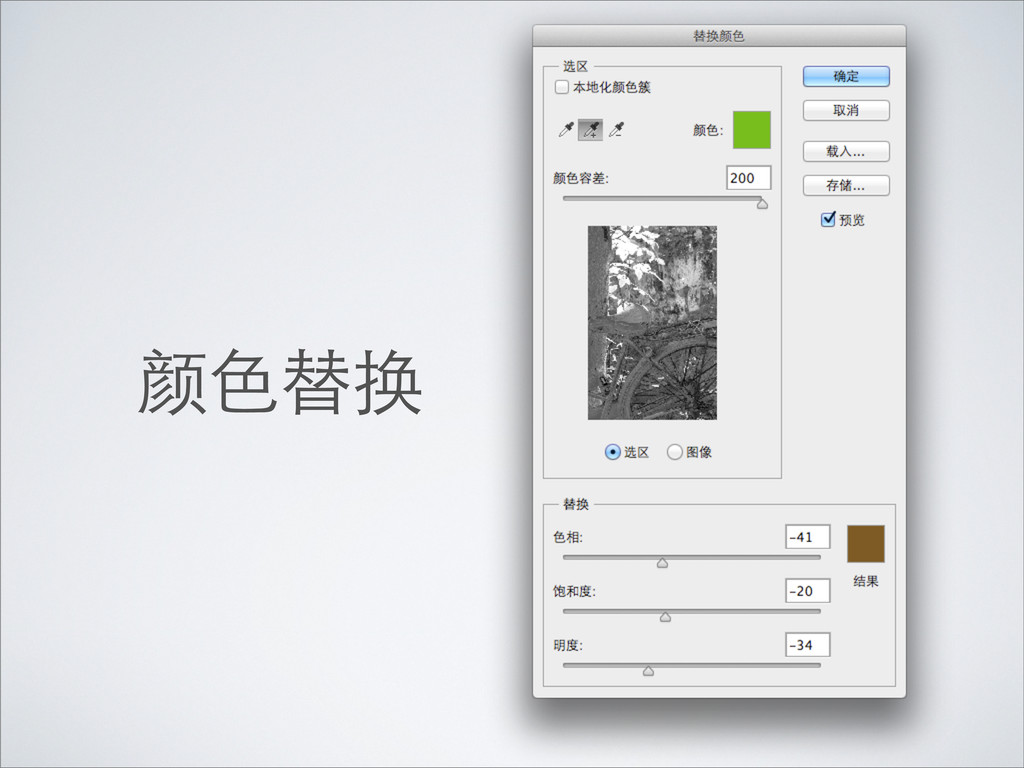
颜⾊色替换
None
None
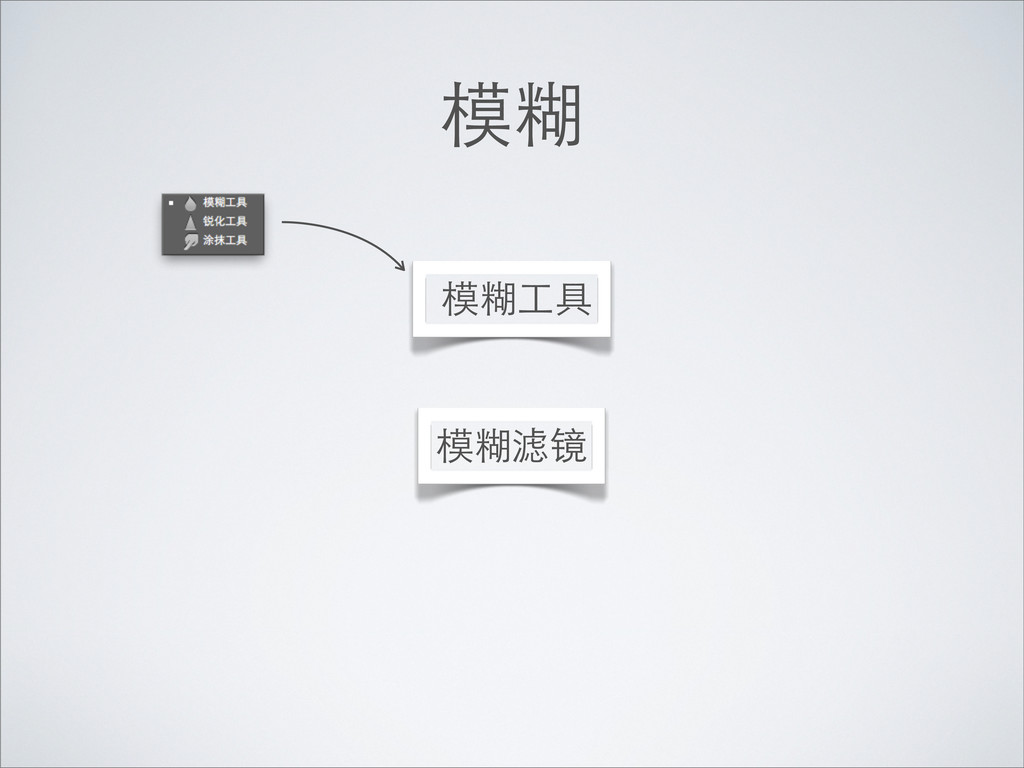
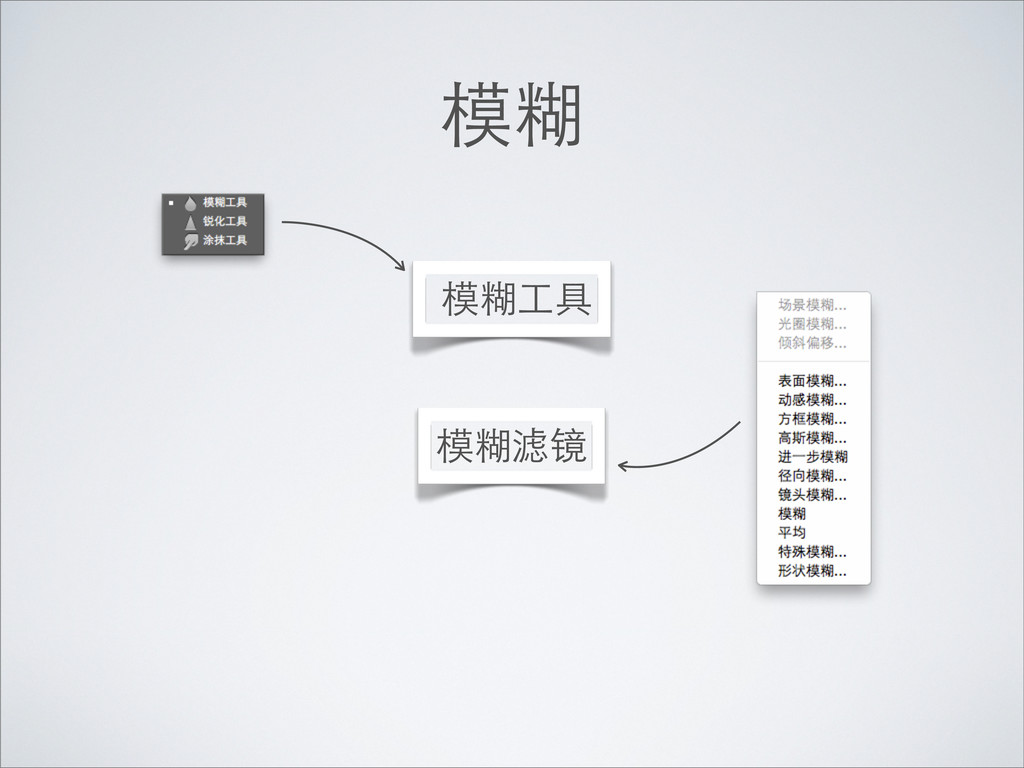
模糊 模糊⼯工具 模糊滤镜
模糊 模糊⼯工具 模糊滤镜
模糊 模糊⼯工具 模糊滤镜
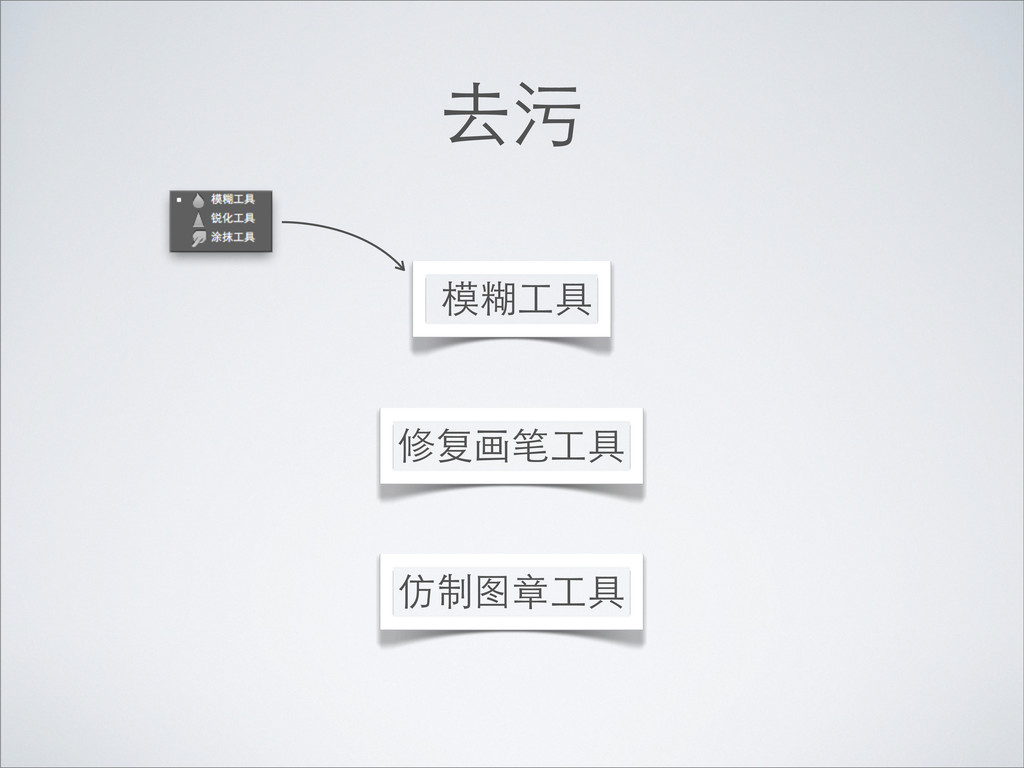
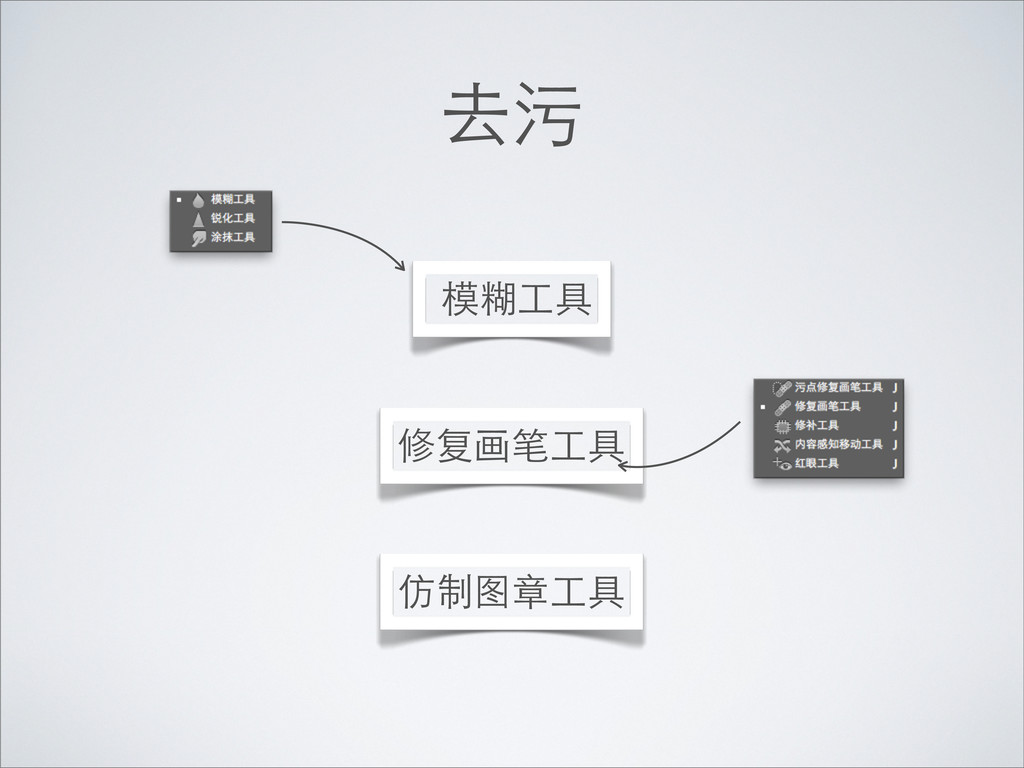
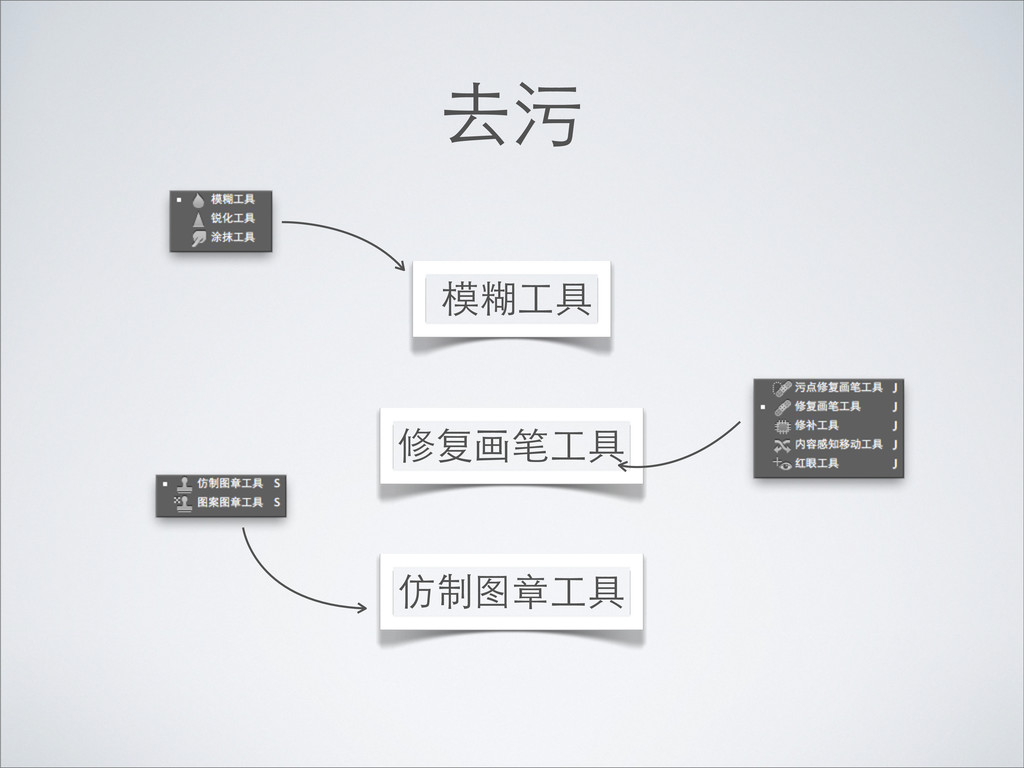
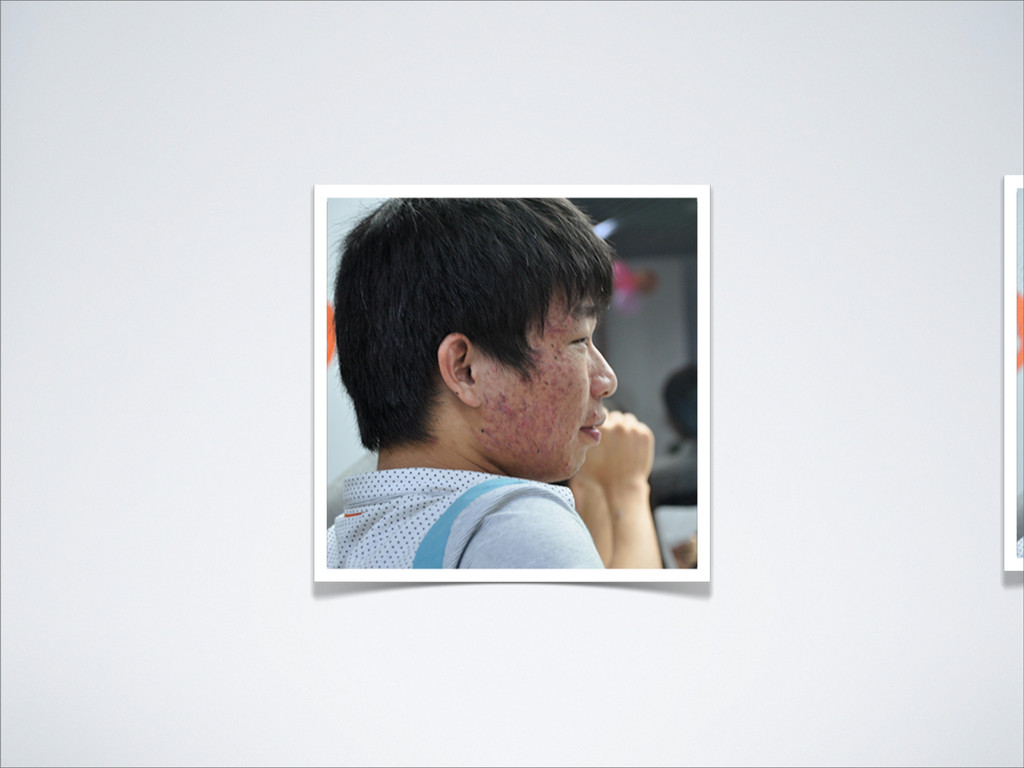
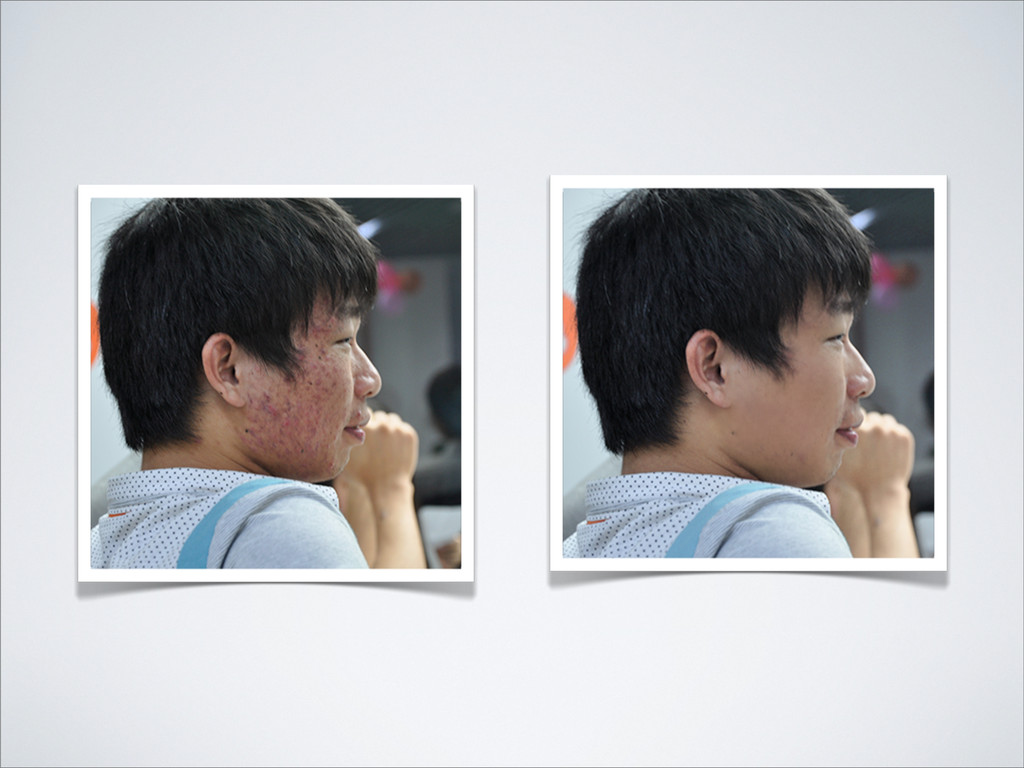
去污 模糊⼯工具 修复画笔⼯工具 仿制图章⼯工具
去污 模糊⼯工具 修复画笔⼯工具 仿制图章⼯工具
去污 模糊⼯工具 修复画笔⼯工具 仿制图章⼯工具
去污 模糊⼯工具 修复画笔⼯工具 仿制图章⼯工具
None
None
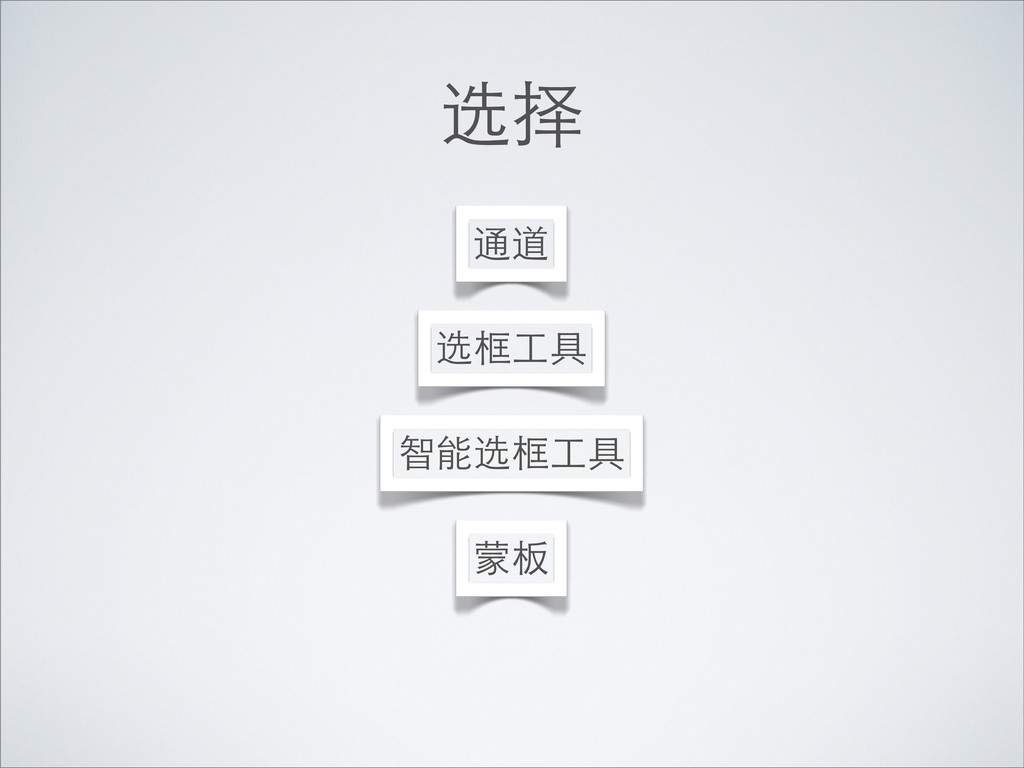
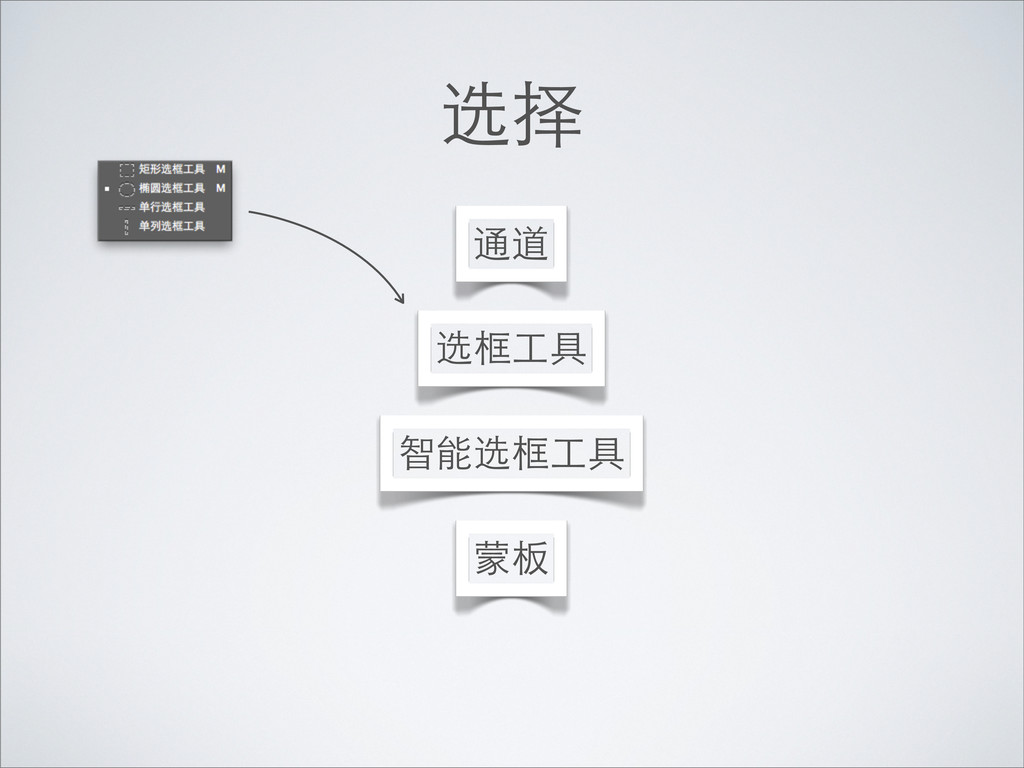
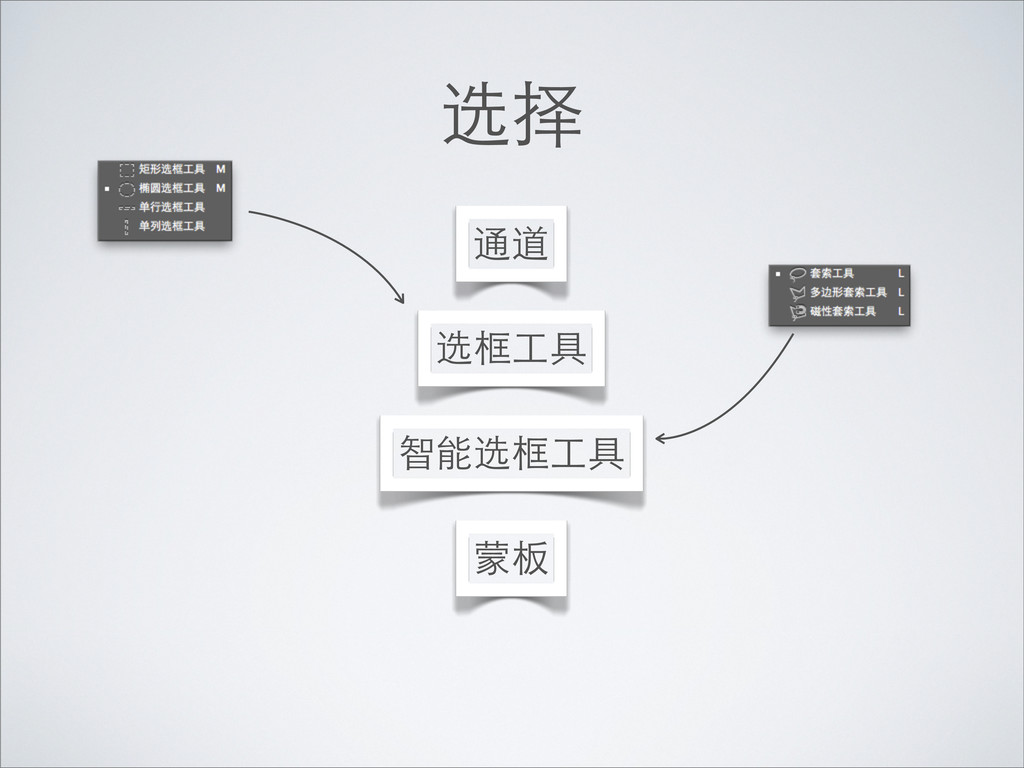
选择 选框⼯工具 智能选框⼯工具 蒙板 通道
选择 选框⼯工具 智能选框⼯工具 蒙板 通道
选择 选框⼯工具 智能选框⼯工具 蒙板 通道
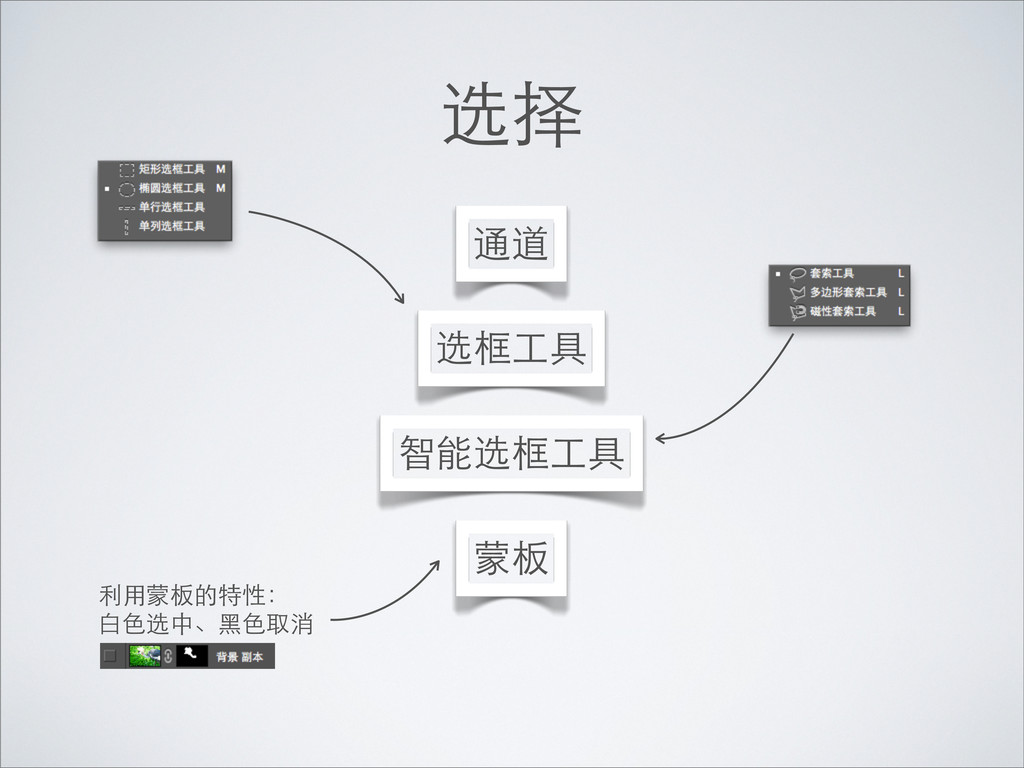
选择 选框⼯工具 智能选框⼯工具 蒙板 通道 利⽤用蒙板的特性: ⽩白⾊色选中、⿊黑⾊色取消
None
None
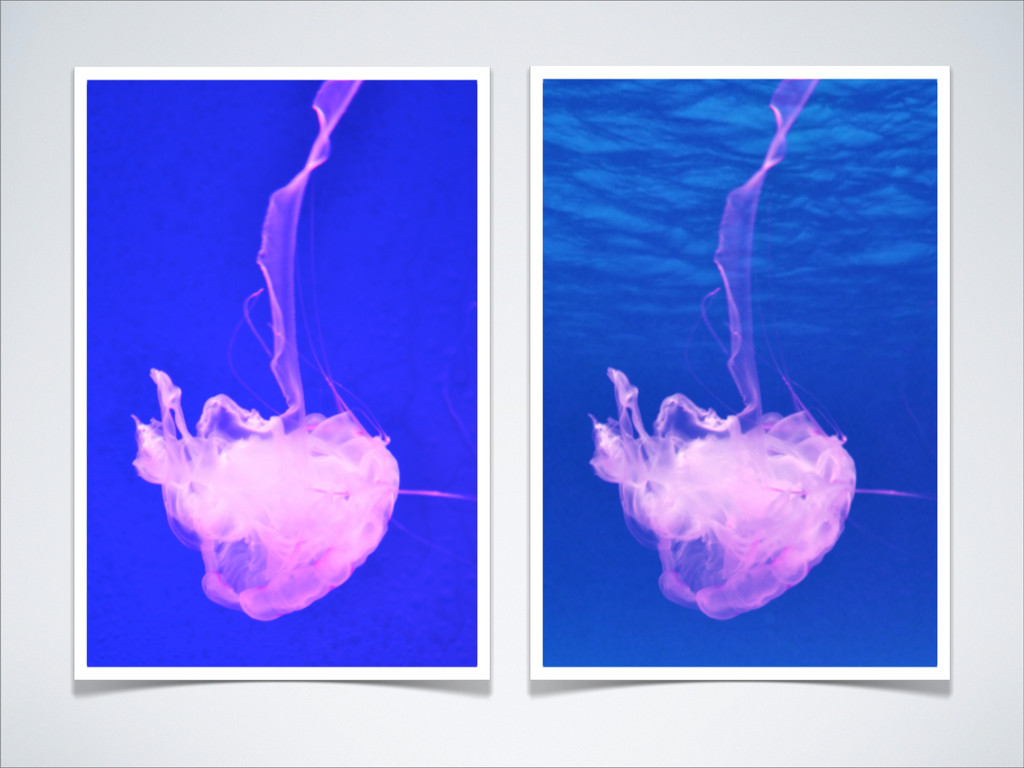
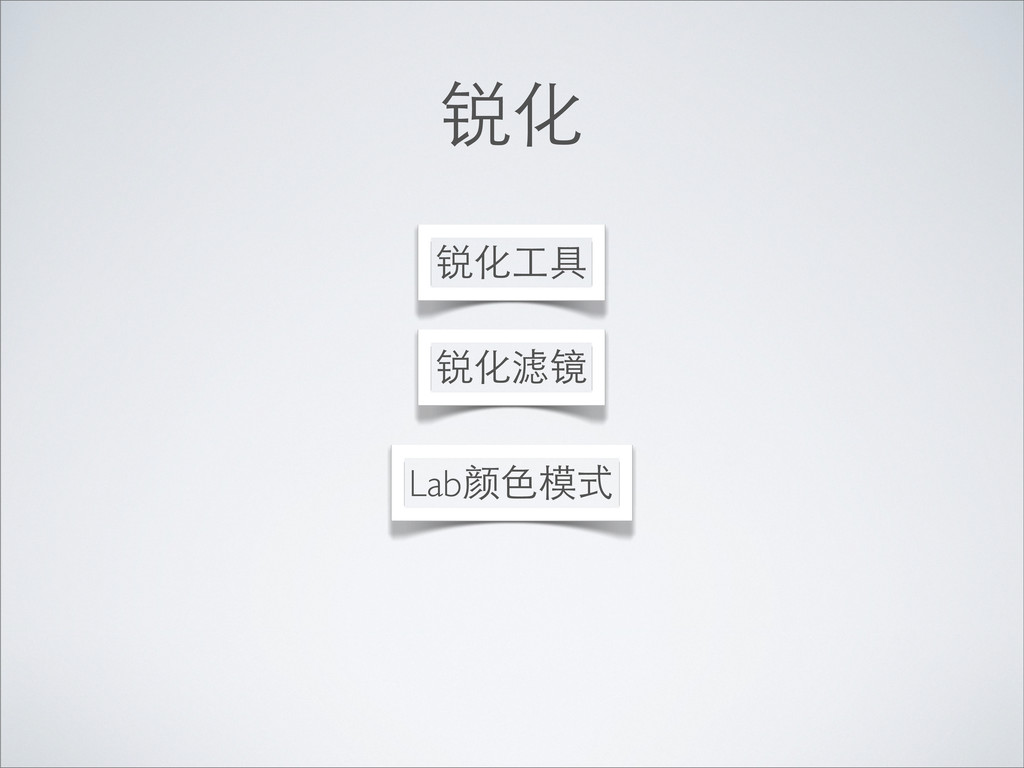
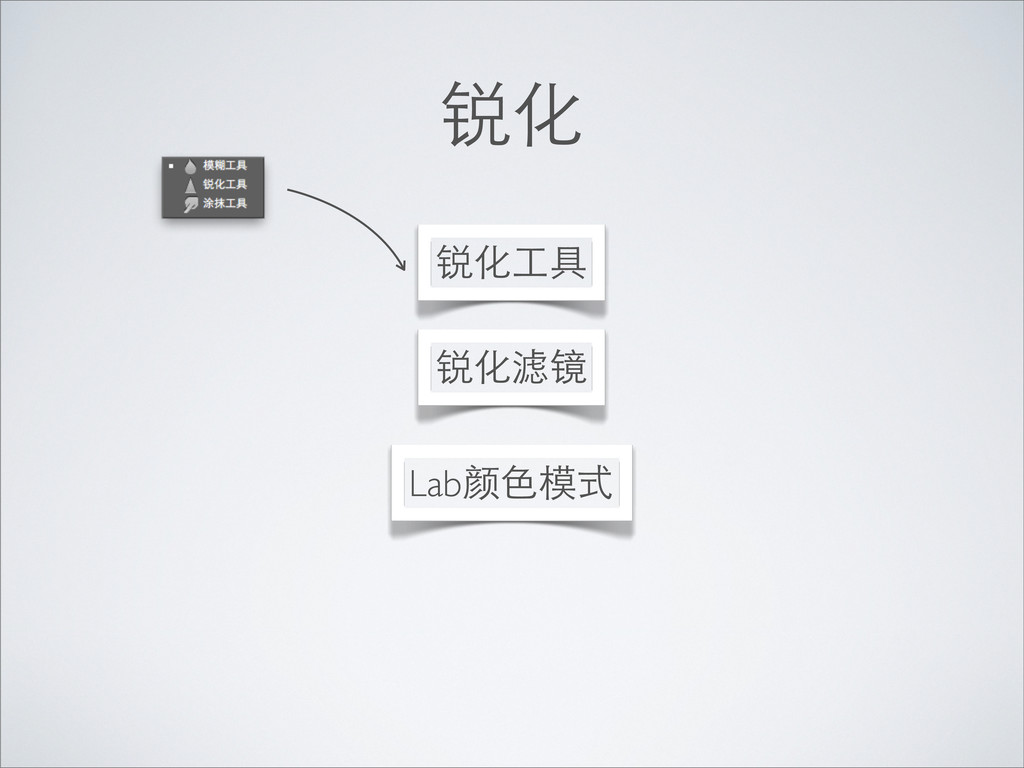
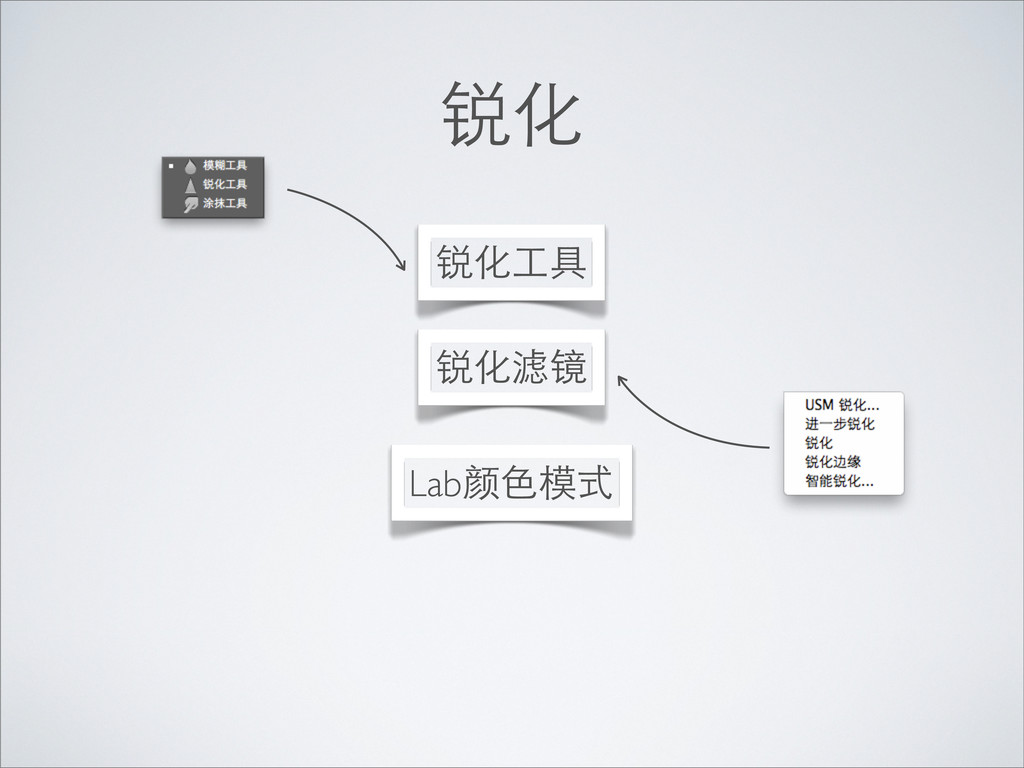
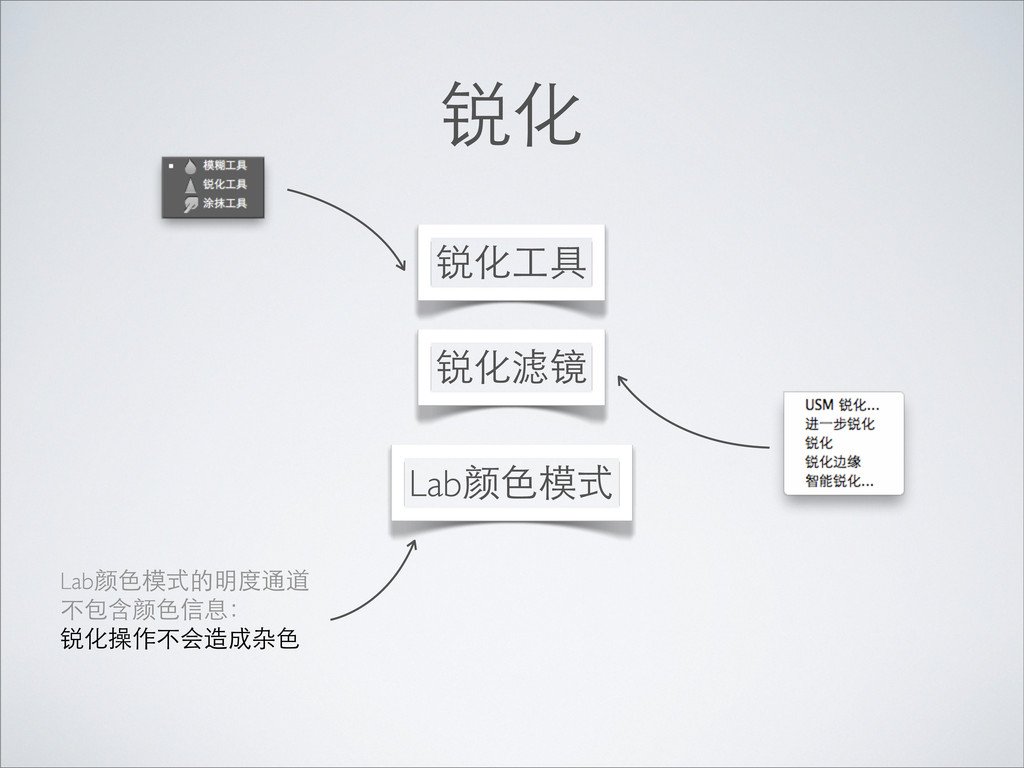
锐化 锐化⼯工具 锐化滤镜 Lab颜⾊色模式
锐化 锐化⼯工具 锐化滤镜 Lab颜⾊色模式
锐化 锐化⼯工具 锐化滤镜 Lab颜⾊色模式
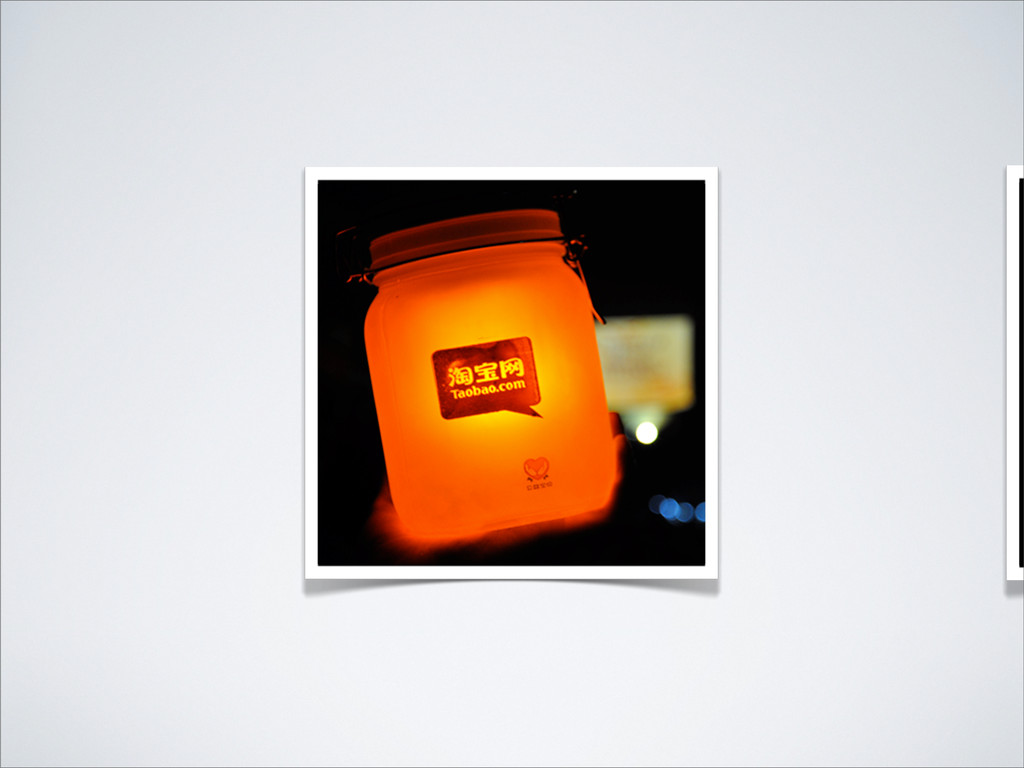
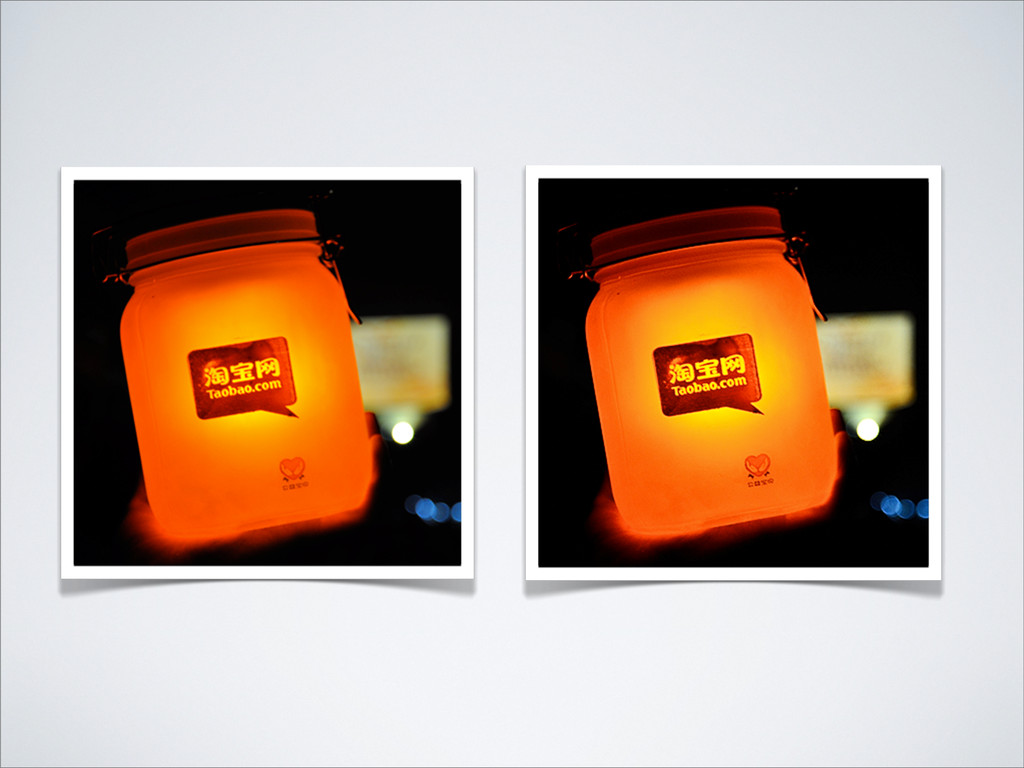
锐化 锐化⼯工具 锐化滤镜 Lab颜⾊色模式 Lab颜⾊色模式的明度通道 不包含颜⾊色信息: 锐化操作不会造成杂⾊色
None
None
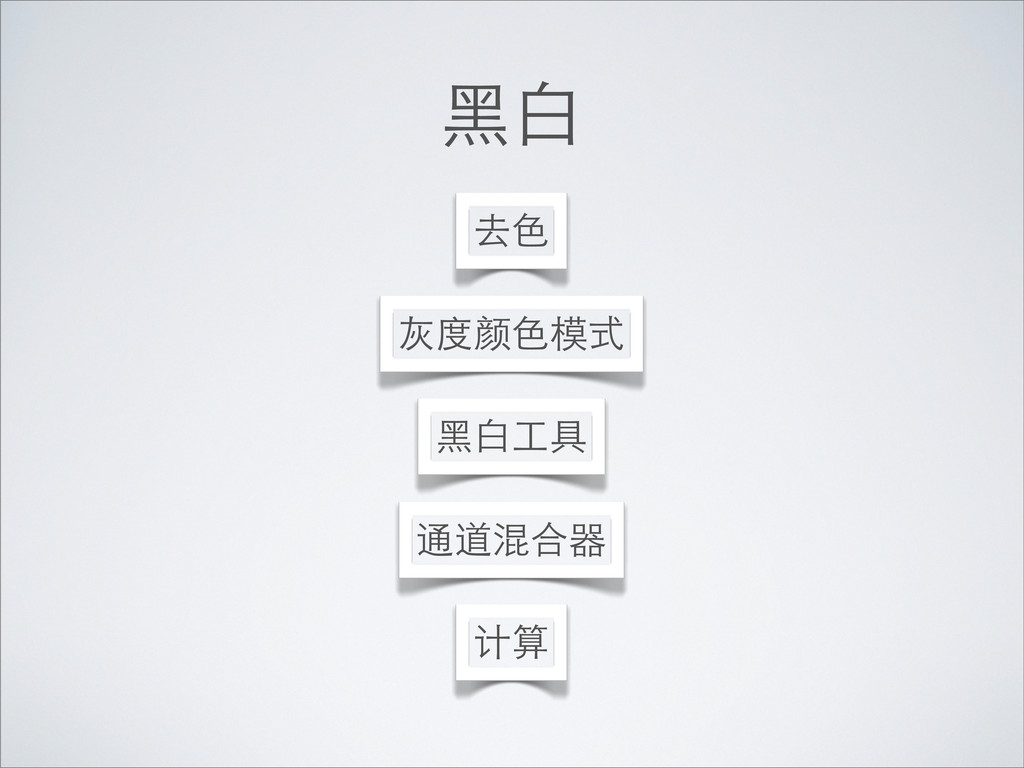
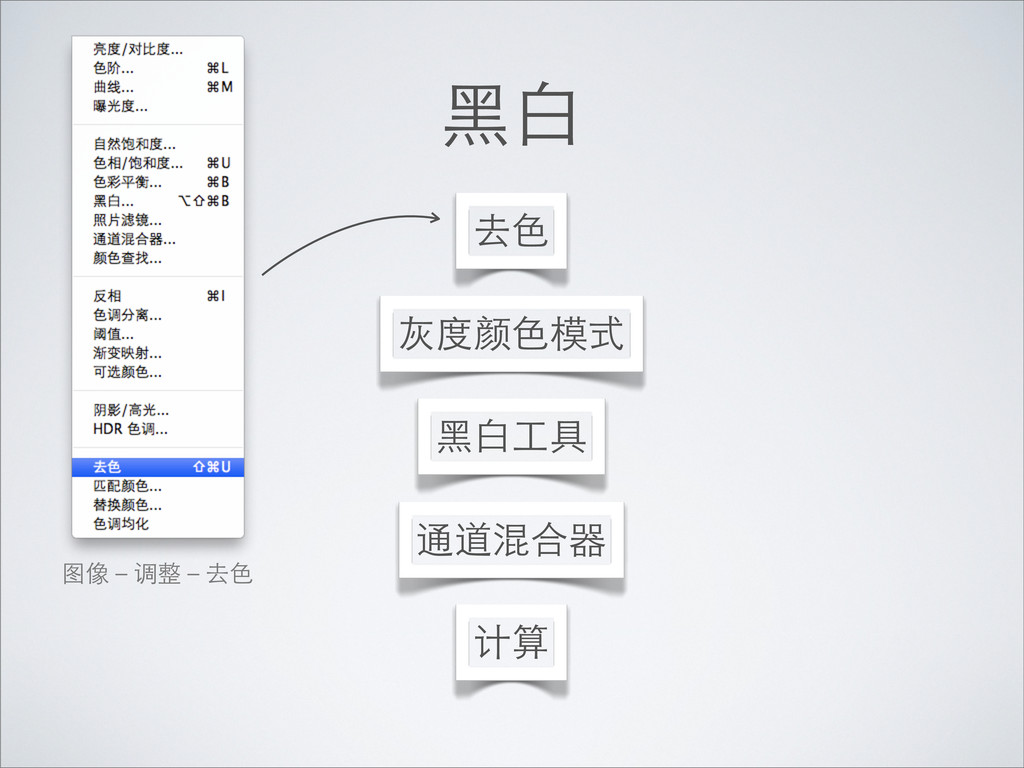
⿊黑⽩白 ⿊黑⽩白⼯工具 计算 去⾊色 灰度颜⾊色模式 通道混合器
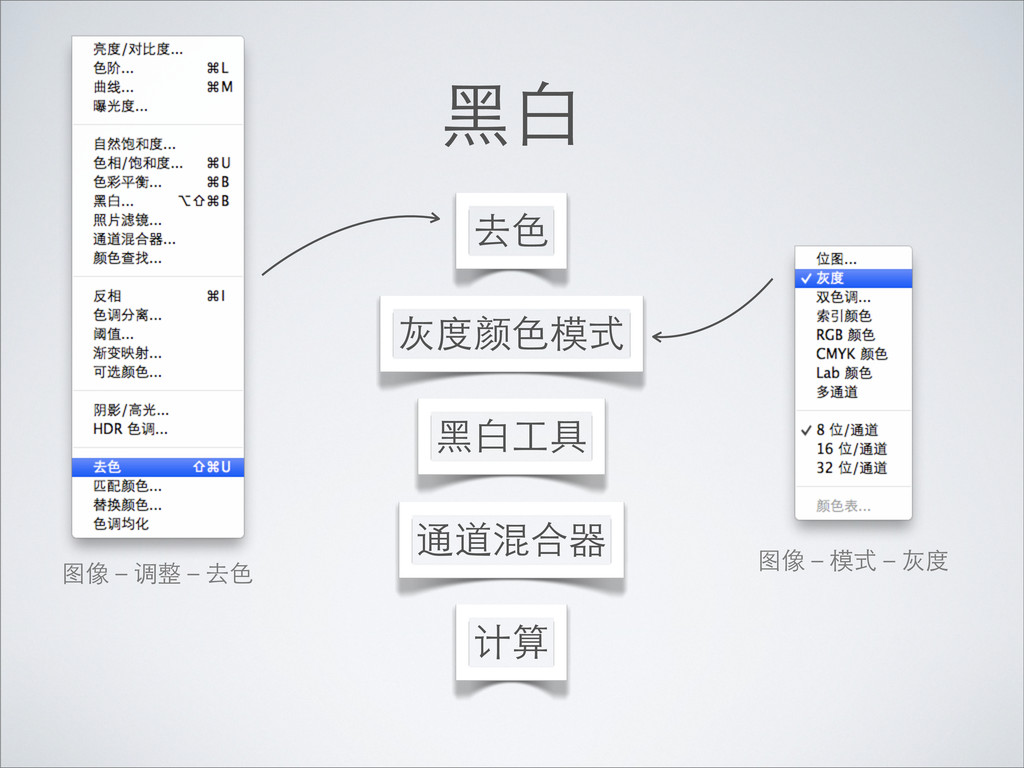
⿊黑⽩白 ⿊黑⽩白⼯工具 计算 去⾊色 灰度颜⾊色模式 通道混合器 图像-调整-去⾊色
⿊黑⽩白 ⿊黑⽩白⼯工具 计算 去⾊色 灰度颜⾊色模式 通道混合器 图像-调整-去⾊色 图像-模式-灰度
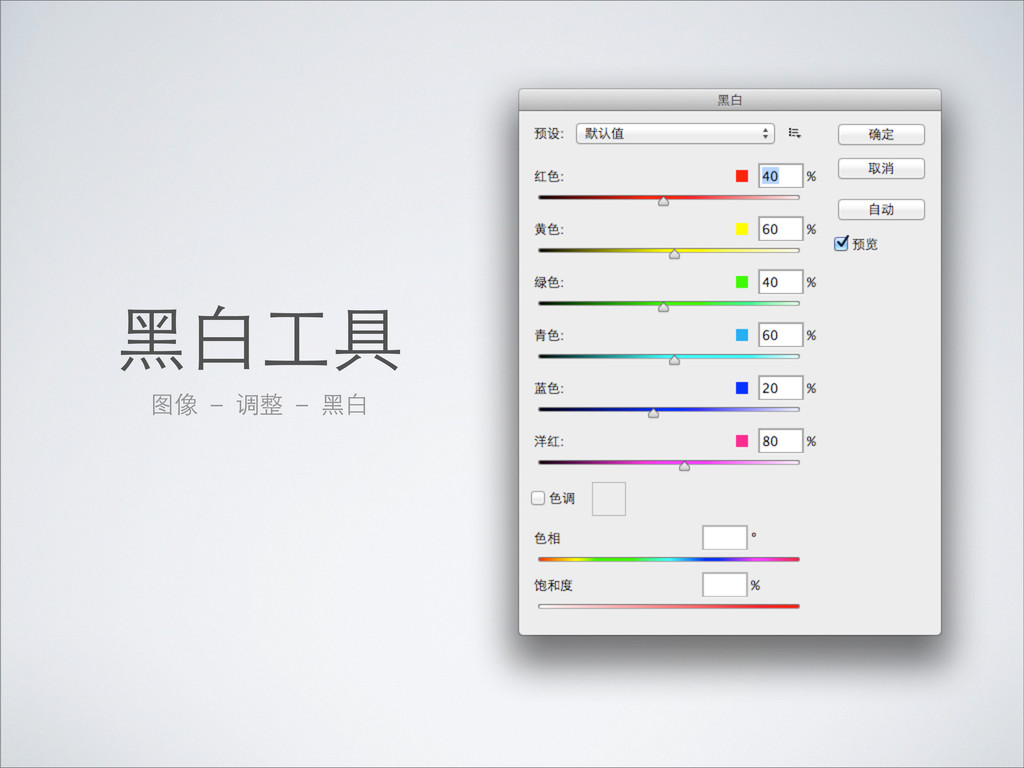
⿊黑⽩白⼯工具 图像 - 调整 - ⿊黑⽩白
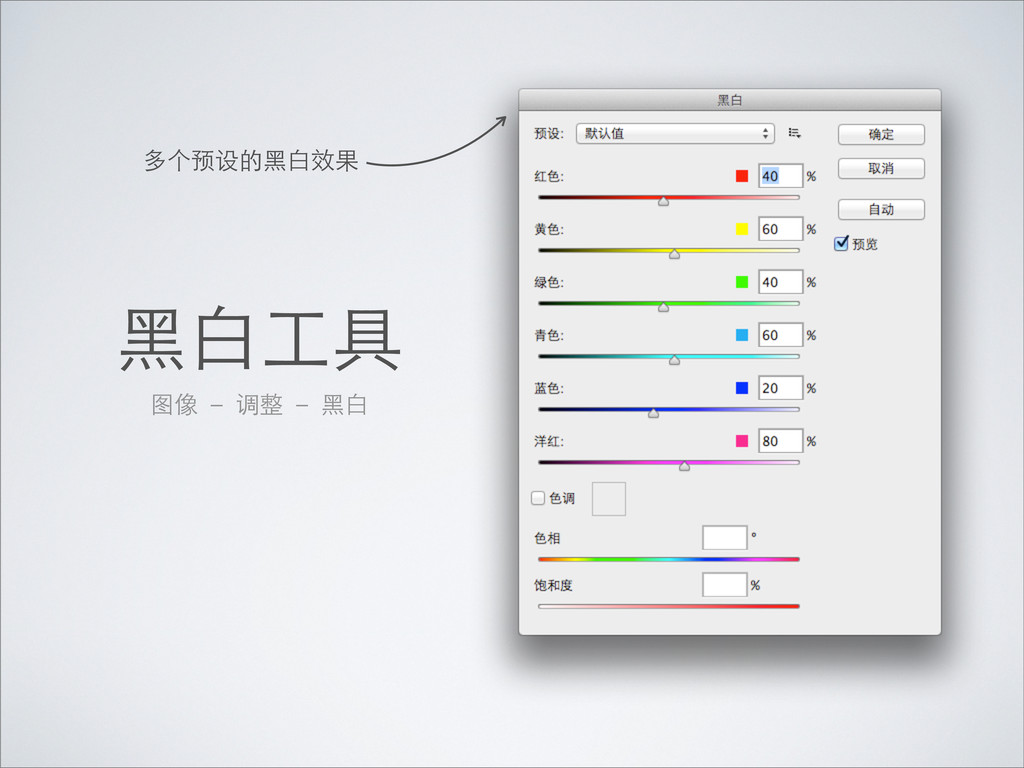
⿊黑⽩白⼯工具 图像 - 调整 - ⿊黑⽩白 多个预设的⿊黑⽩白效果
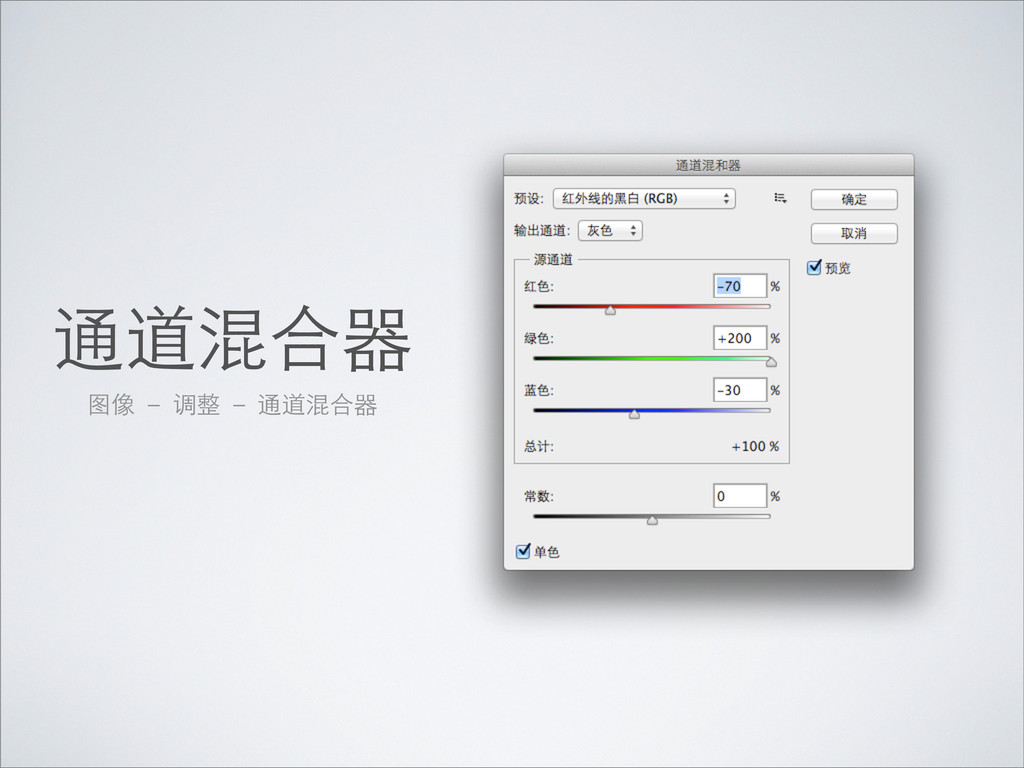
通道混合器 图像 - 调整 - 通道混合器
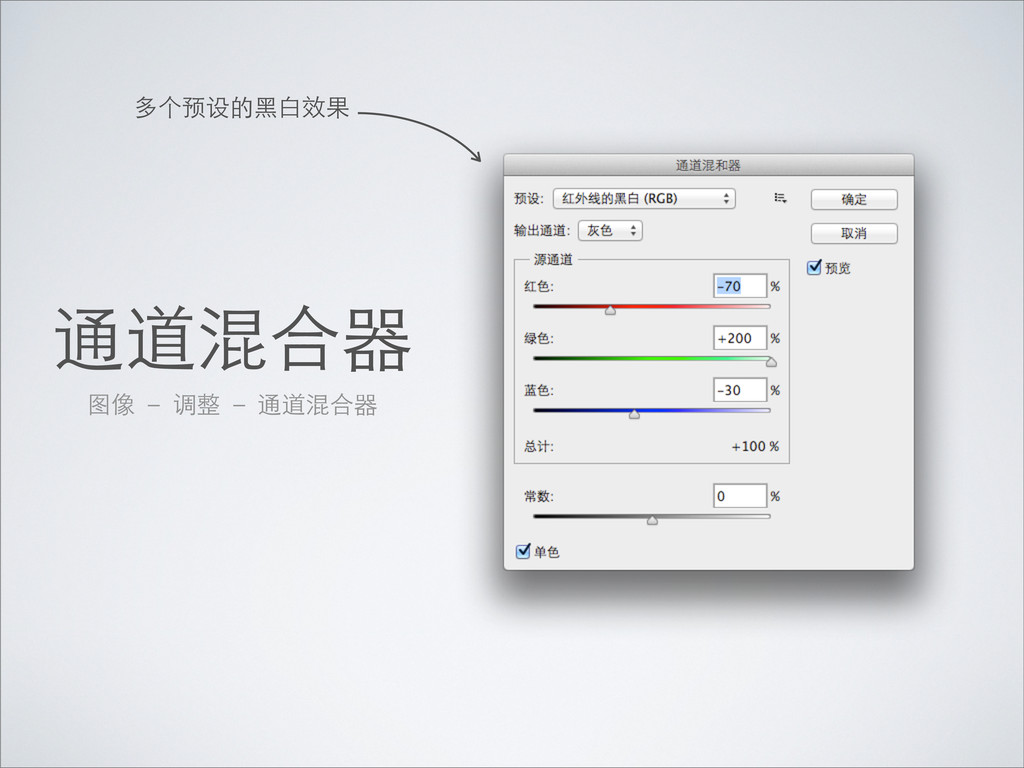
通道混合器 图像 - 调整 - 通道混合器 多个预设的⿊黑⽩白效果
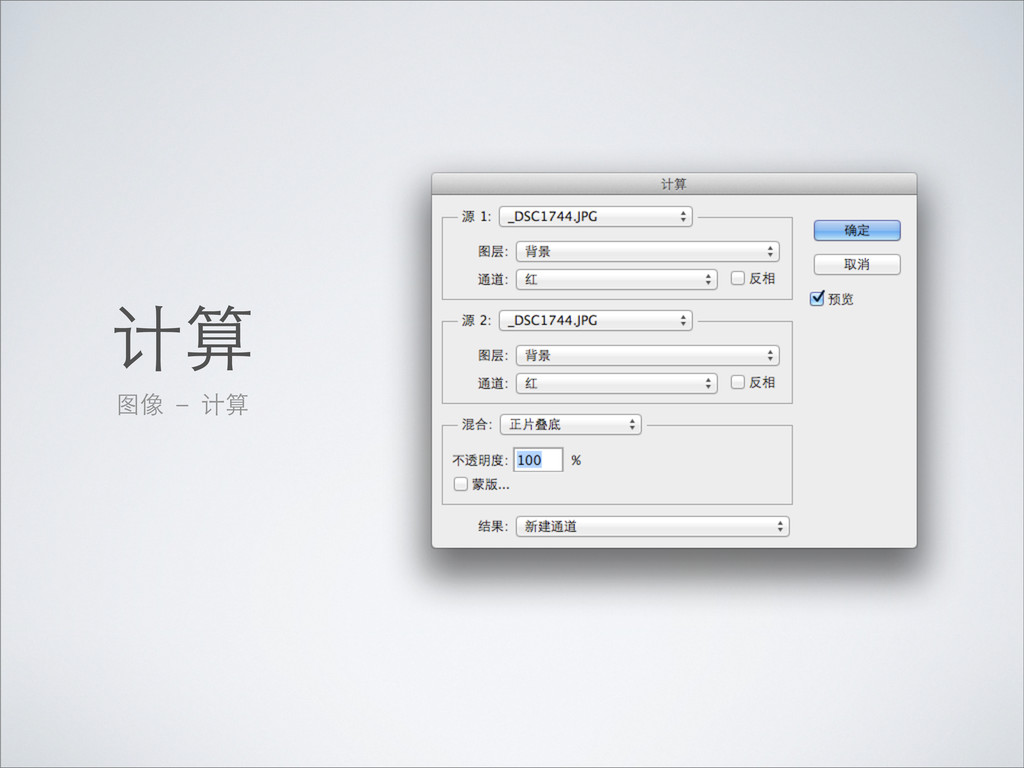
计算 图像 - 计算
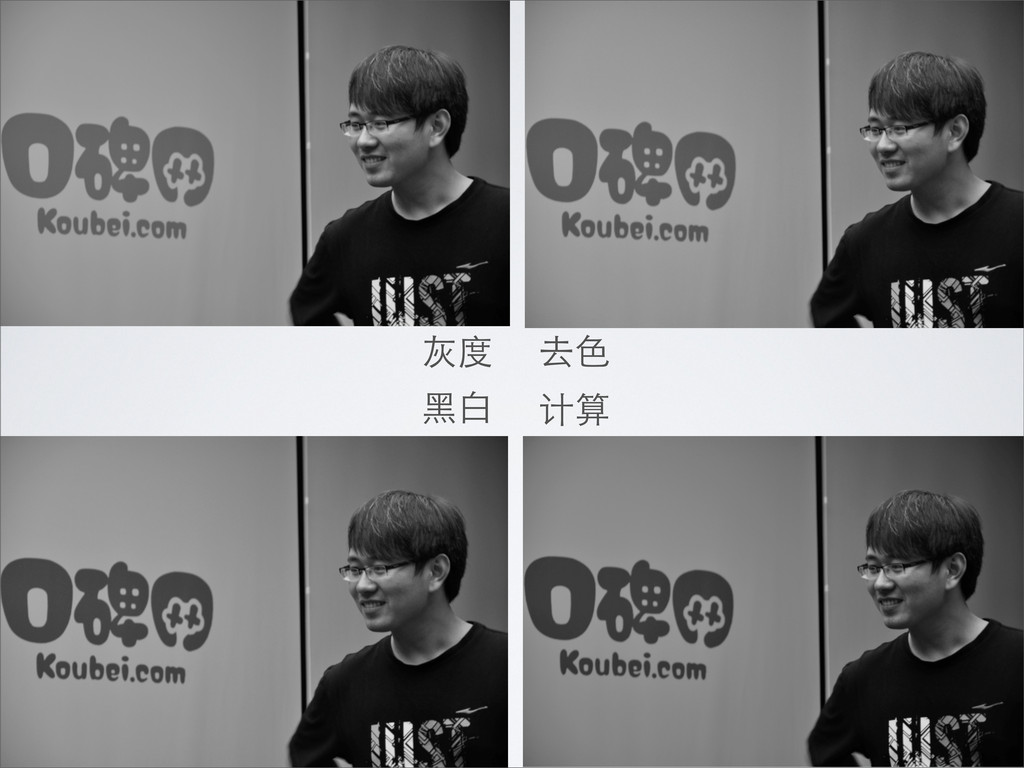
灰度 去⾊色 ⿊黑⽩白 计算
好书推荐
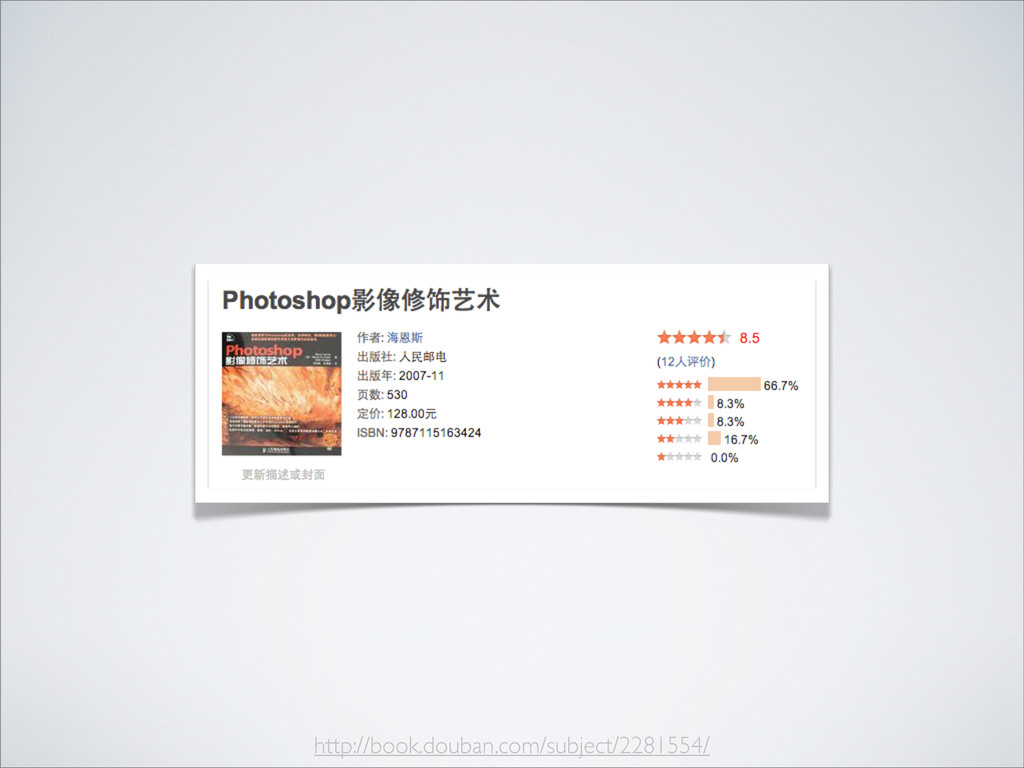
http://book.douban.com/subject/2281554/
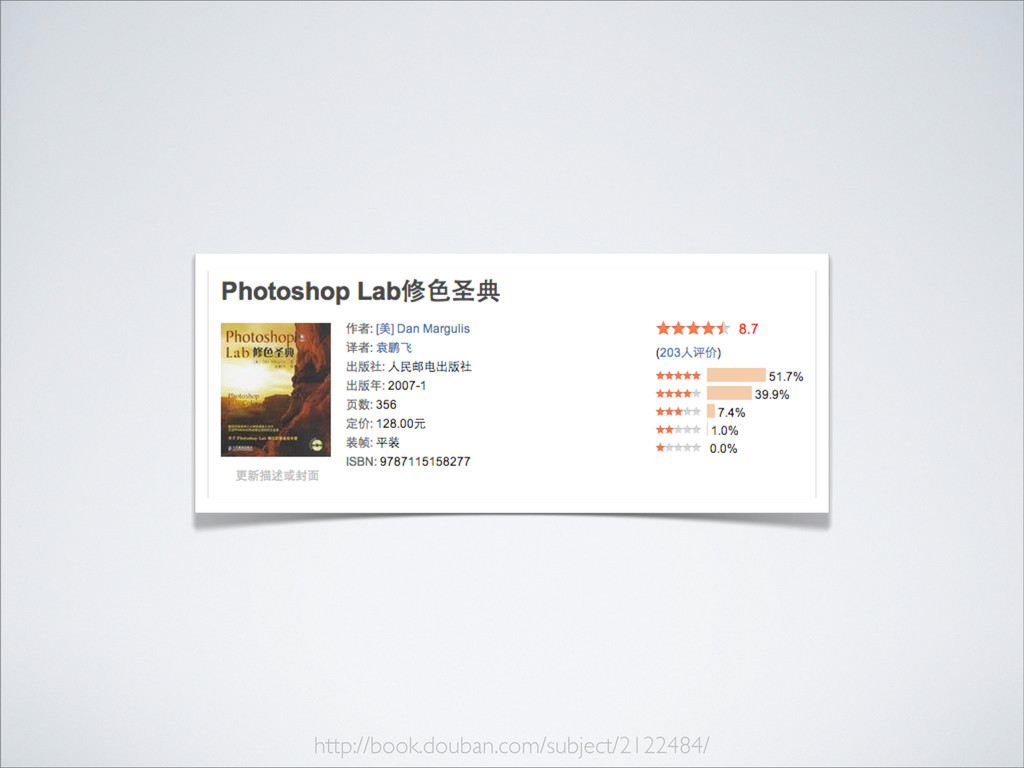
http://book.douban.com/subject/2122484/
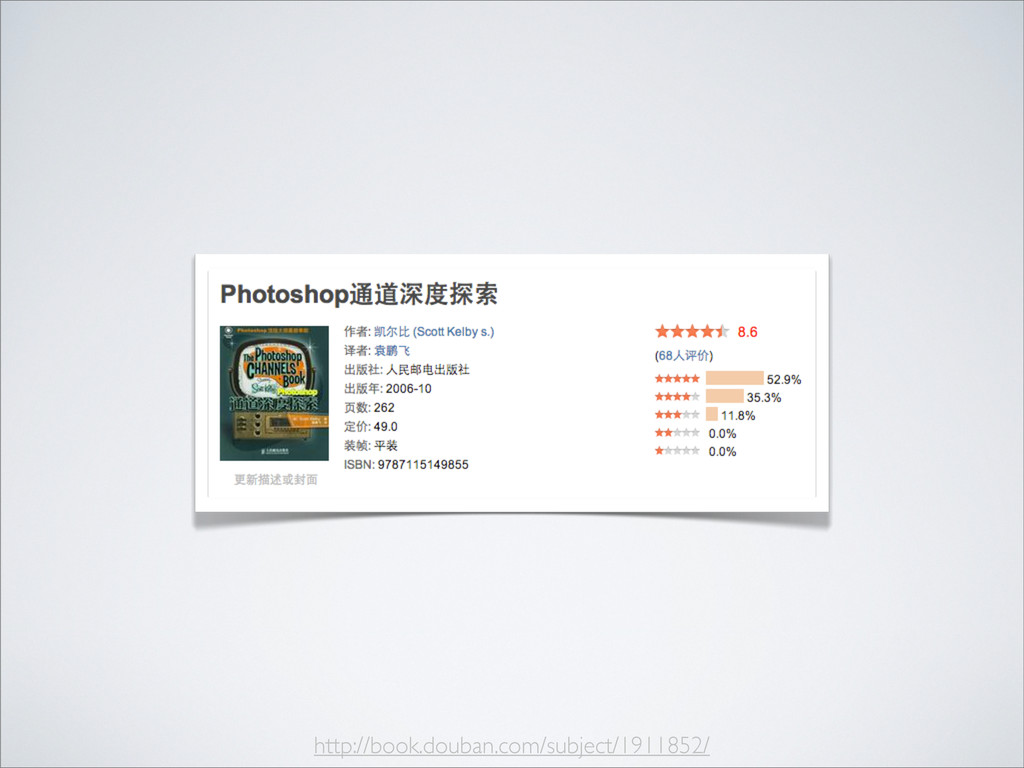
http://book.douban.com/subject/1911852/
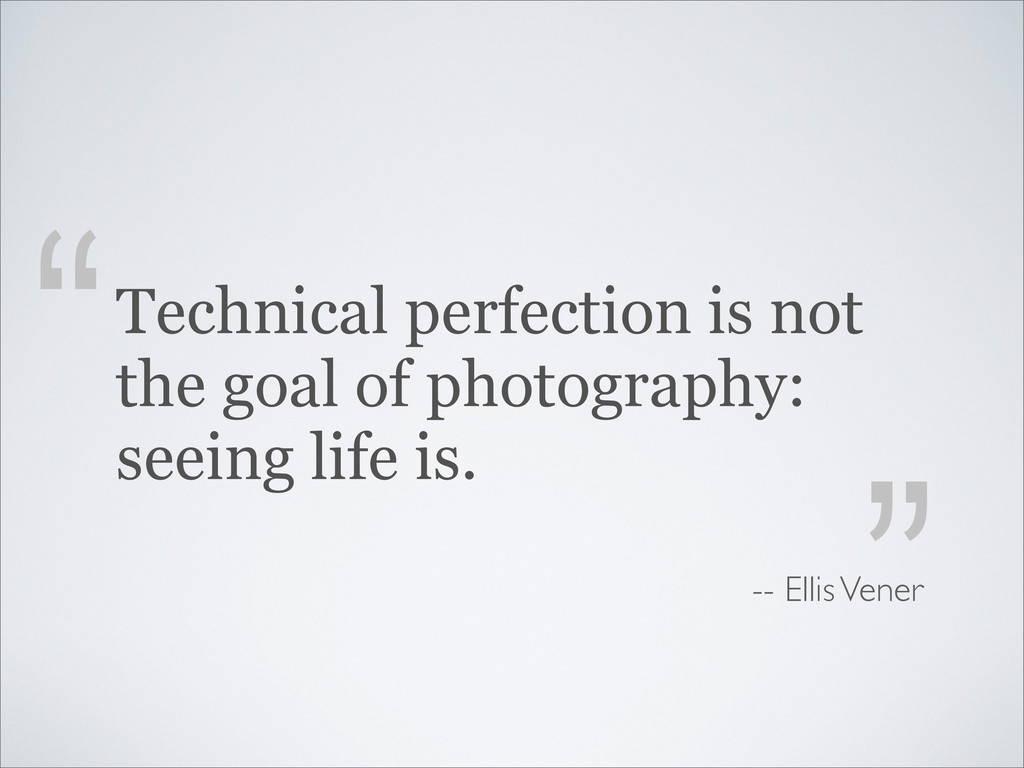
Technical perfection is not the goal of photography: seeing life
is. “ ” -- Ellis Vener
console.log(“ Thanks!”)
[email protected]
blog: http://zhouqicf.com weibo: @zhouqicf github: http://zhouqicf.github.com


 zhouqicf
 wayneb77
 tammyeverts
 aleyda
 rasagy
 moore
moore
 rasmusluckow
 jcasabona
 lauravandoore
 danielanewman
 tanoku
 baasie
![console.log(“ Thanks!”) [email protected] blog: http://zhouqicf.com weibo: @zhouqicf github: http://zhouqicf.github.com](https://files.speakerdeck.com/presentations/f17185e025c70130ce0f12313d181141/slide_57.jpg)