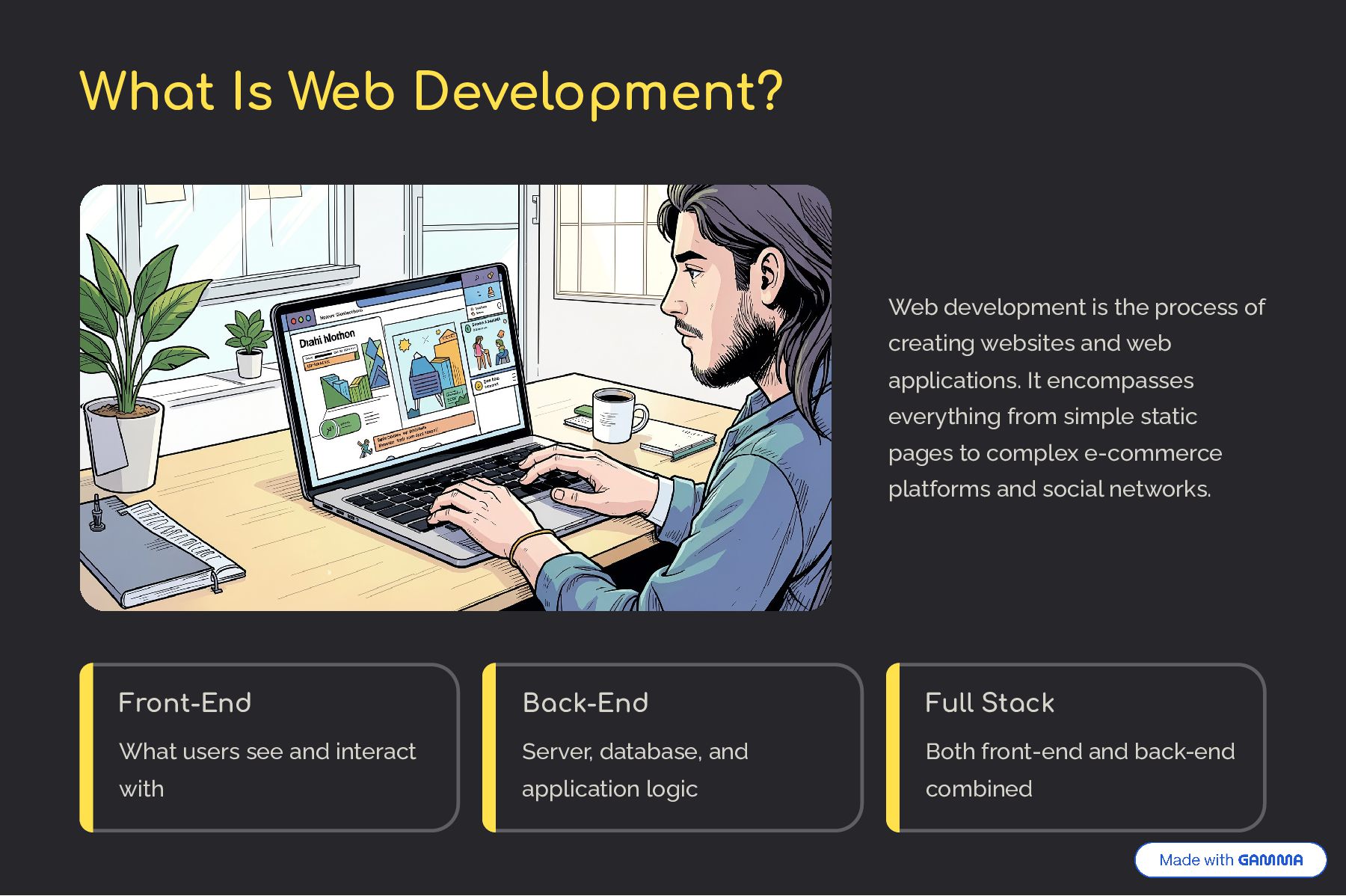
creating websites and web applications. It encompasses everything from simple static pages to complex e-commerce platforms and social networks. Front-End What users see and interact with Back-End Server, database, and application logic Full Stack Both front-end and back-end combined
defines structure and content. CSS Styles and layouts — controls colors, fonts, spacing, and responsiveness. JavaScript Brings pages to life — handles interactivity, animations, and dynamic content.
fast, dynamic user interfaces. Vue.js A progressive framework that's easy to adopt and scales with your project. Angular Google's full-featured framework for building robust enterprise applications.
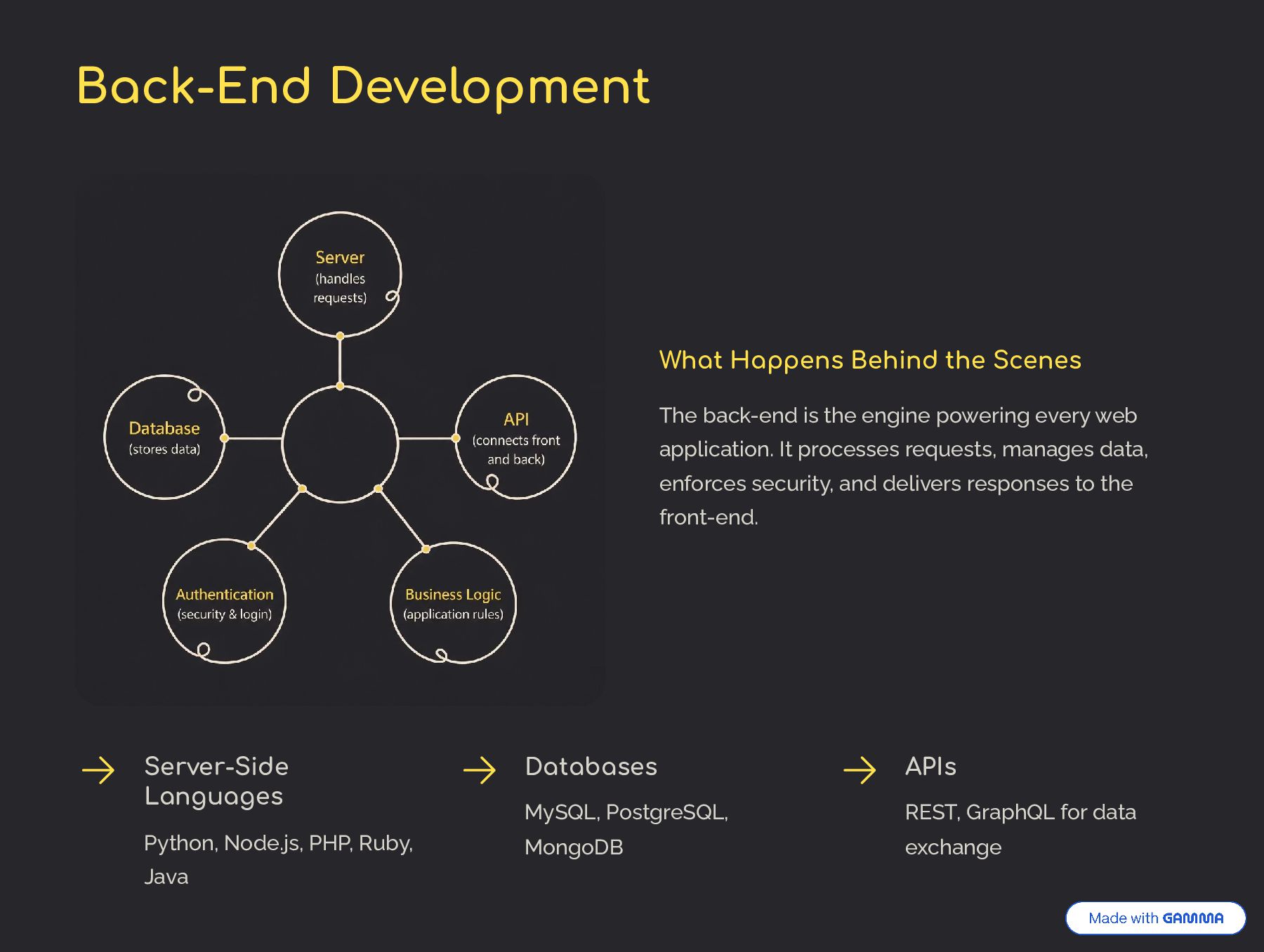
the engine powering every web application. It processes requests, manages data, enforces security, and delivers responses to the front-end. Server-Side Languages Python, Node.js, PHP, Ruby, Java Databases MySQL, PostgreSQL, MongoDB APIs REST, GraphQL for data exchange
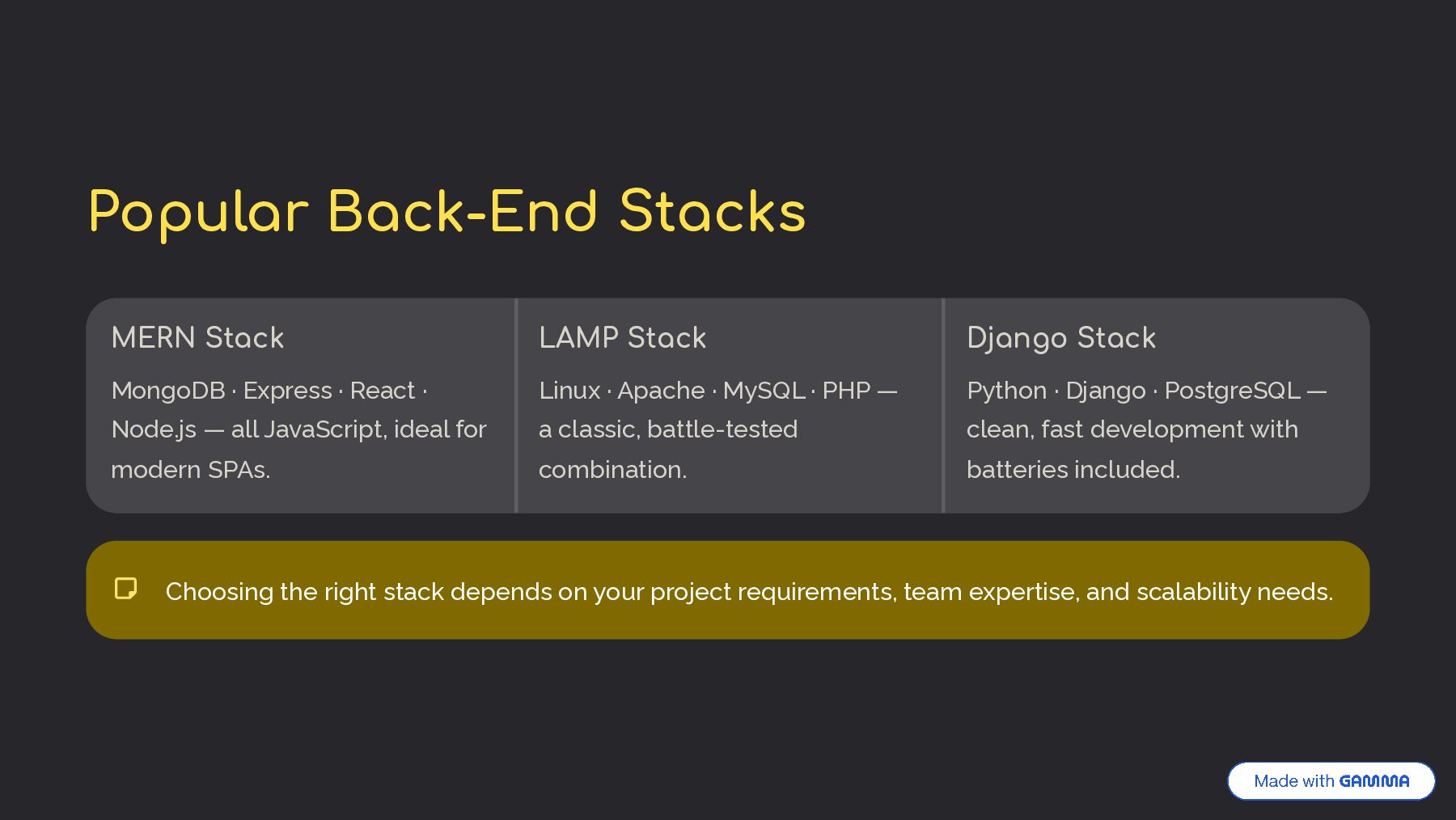
· Node.js — all JavaScript, ideal for modern SPAs. LAMP Stack Linux · Apache · MySQL · PHP — a classic, battle-tested combination. Django Stack Python · Django · PostgreSQL — clean, fast development with batteries included. Choosing the right stack depends on your project requirements, team expertise, and scalability needs.
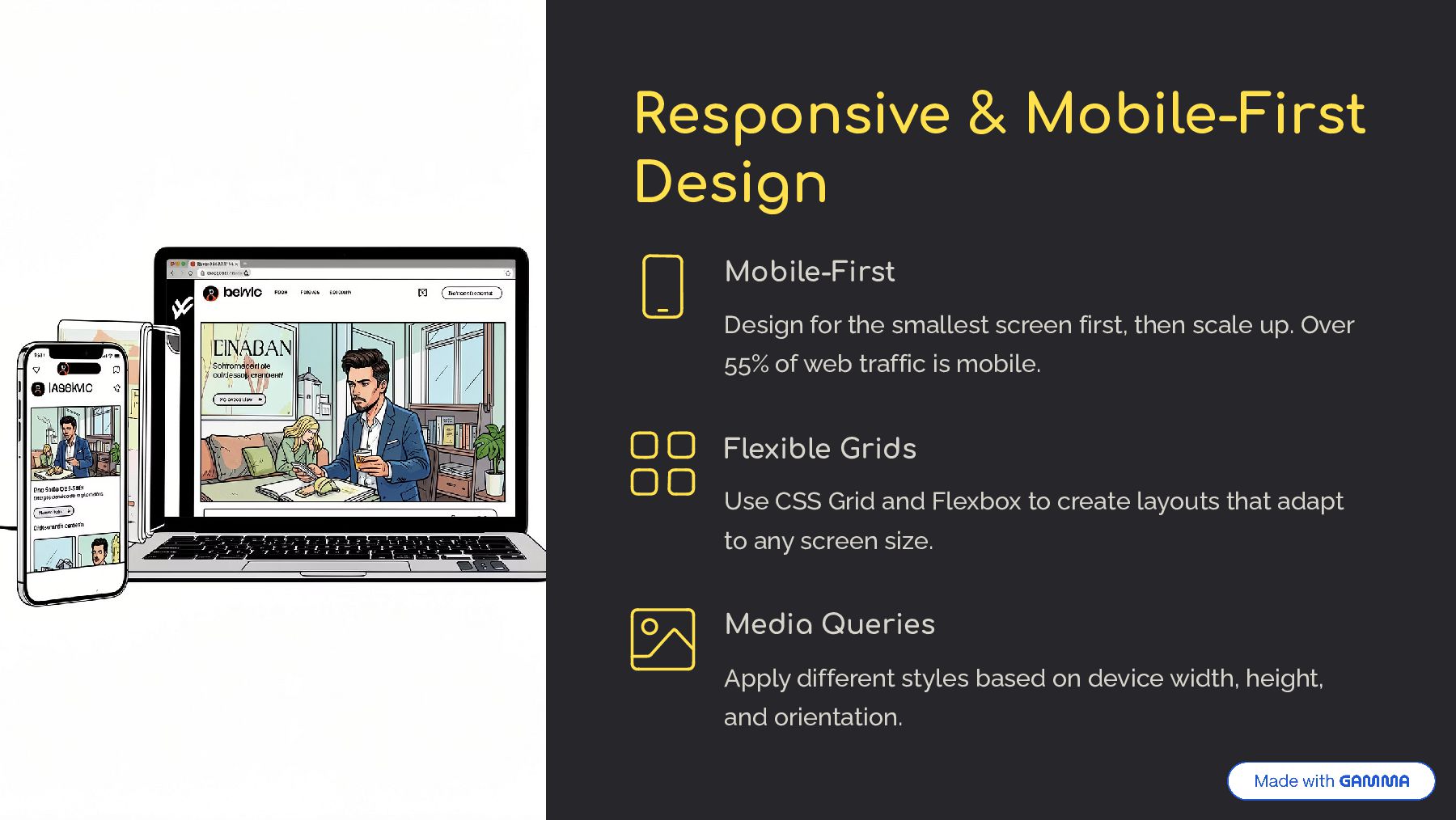
first, then scale up. Over 55% of web traffic is mobile. Flexible Grids Use CSS Grid and Flexbox to create layouts that adapt to any screen size. Media Queries Apply different styles based on device width, height, and orientation.
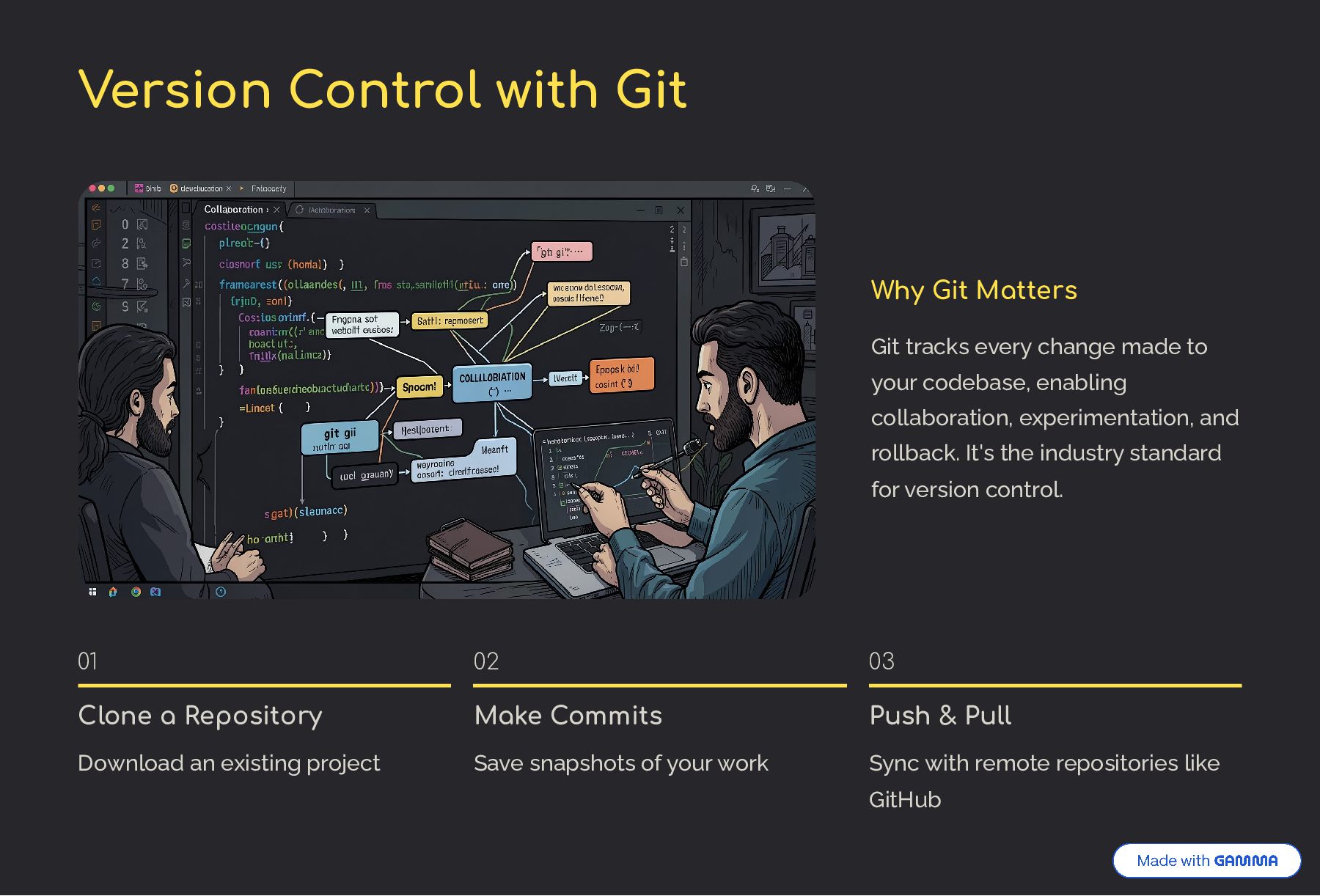
change made to your codebase, enabling collaboration, experimentation, and rollback. It's the industry standard for version control. 01 Clone a Repository Download an existing project 02 Make Commits Save snapshots of your work 03 Push & Pull Sync with remote repositories like GitHub
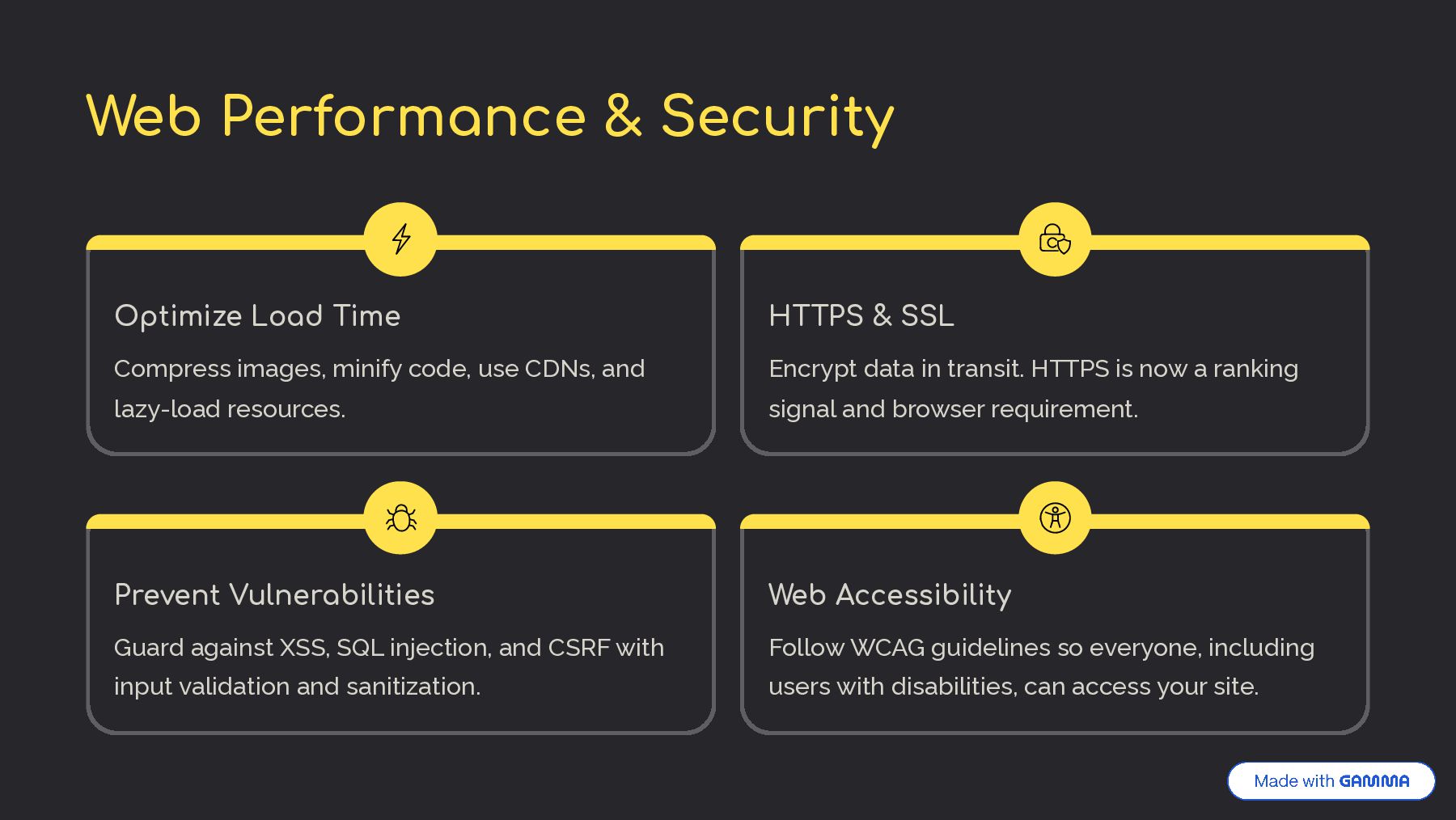
code, use CDNs, and lazy-load resources. HTTPS & SSL Encrypt data in transit. HTTPS is now a ranking signal and browser requirement. Prevent Vulnerabilities Guard against XSS, SQL injection, and CSRF with input validation and sanitization. Web Accessibility Follow WCAG guidelines so everyone, including users with disabilities, can access your site.
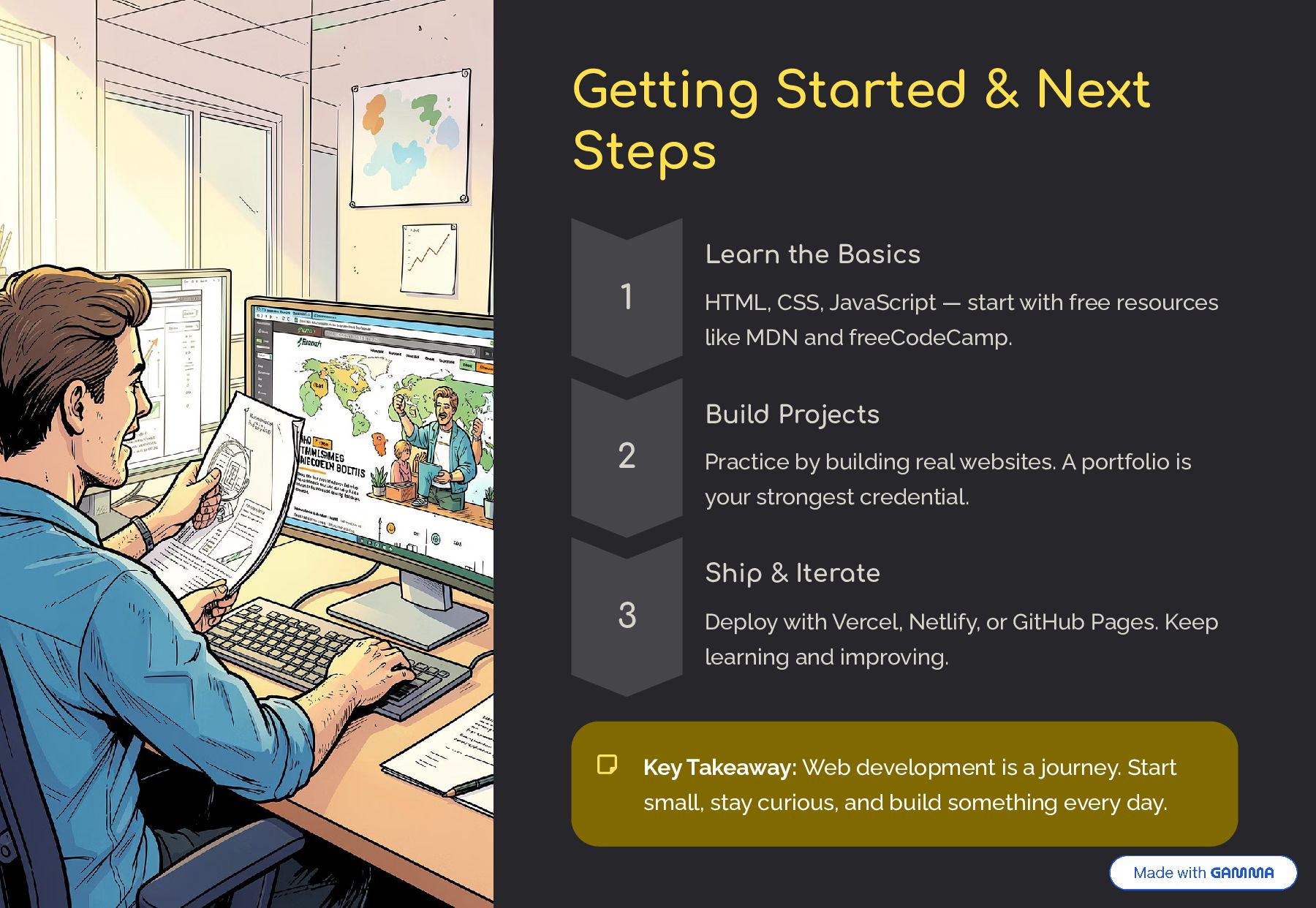
CSS, JavaScript — start with free resources like MDN and freeCodeCamp. 2 Build Projects Practice by building real websites. A portfolio is your strongest credential. 3 Ship & Iterate Deploy with Vercel, Netlify, or GitHub Pages. Keep learning and improving. Key Takeaway: Web development is a journey. Start small, stay curious, and build something every day.


 bkeepers
 rasmusluckow
 frankvandijk
 stuffmc
 aleyda
 varn
varn
 samanthasiow
 codingconduct
 palkan
 ipullrank
 jmmastey
 kimpetersen