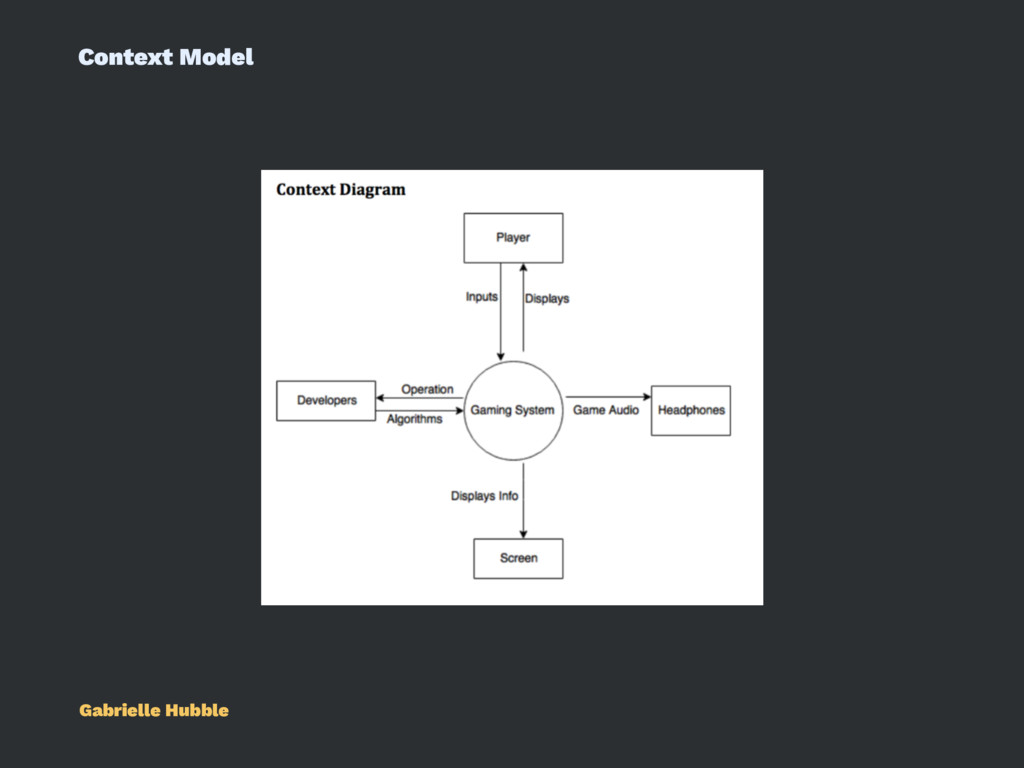
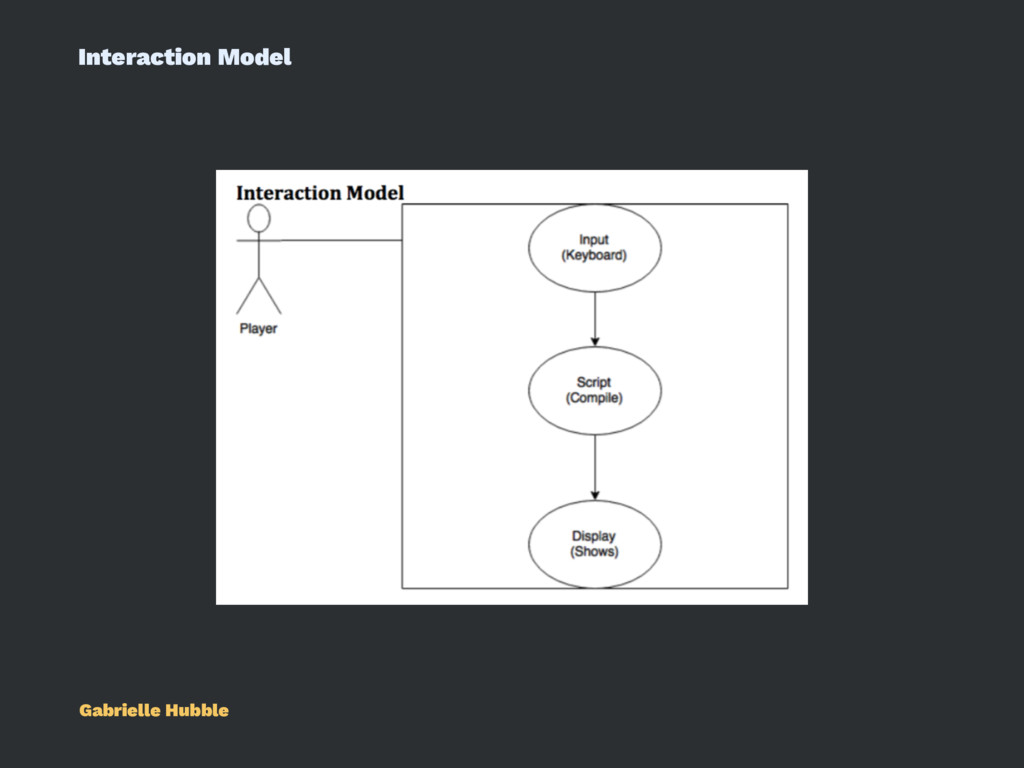
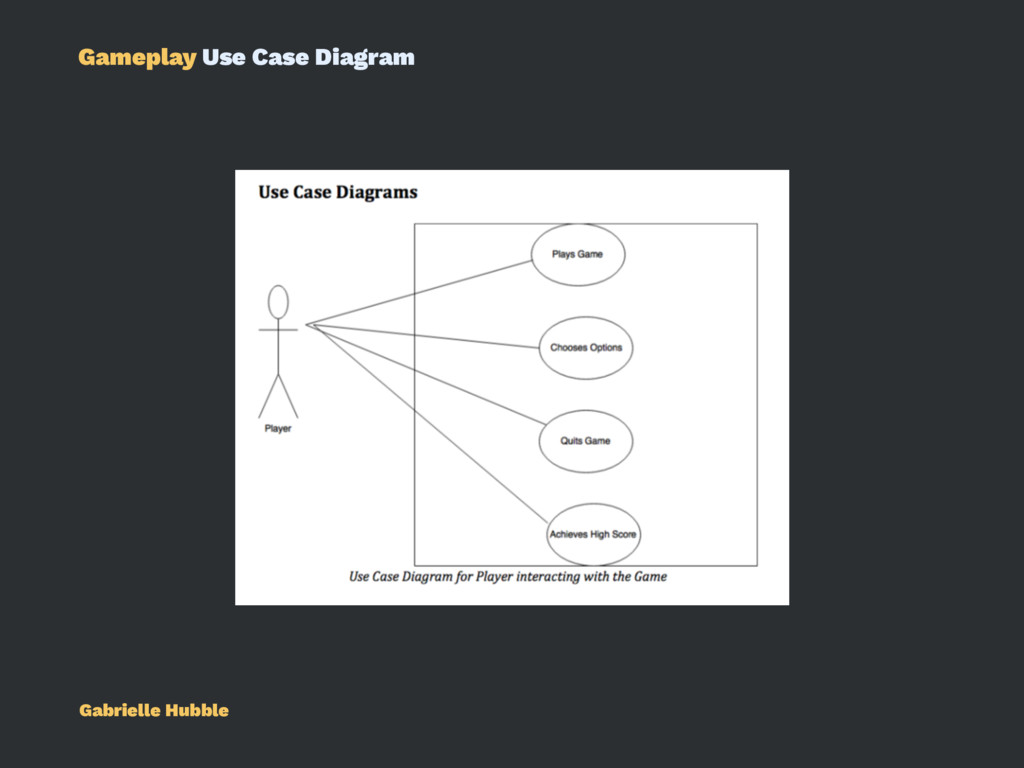
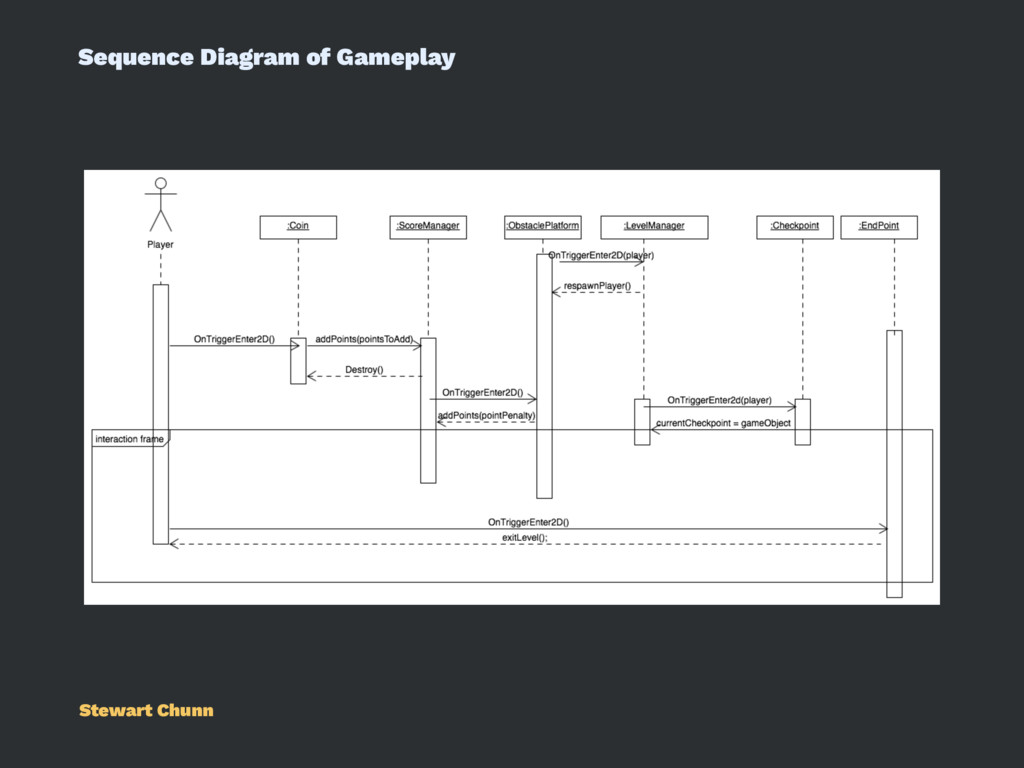
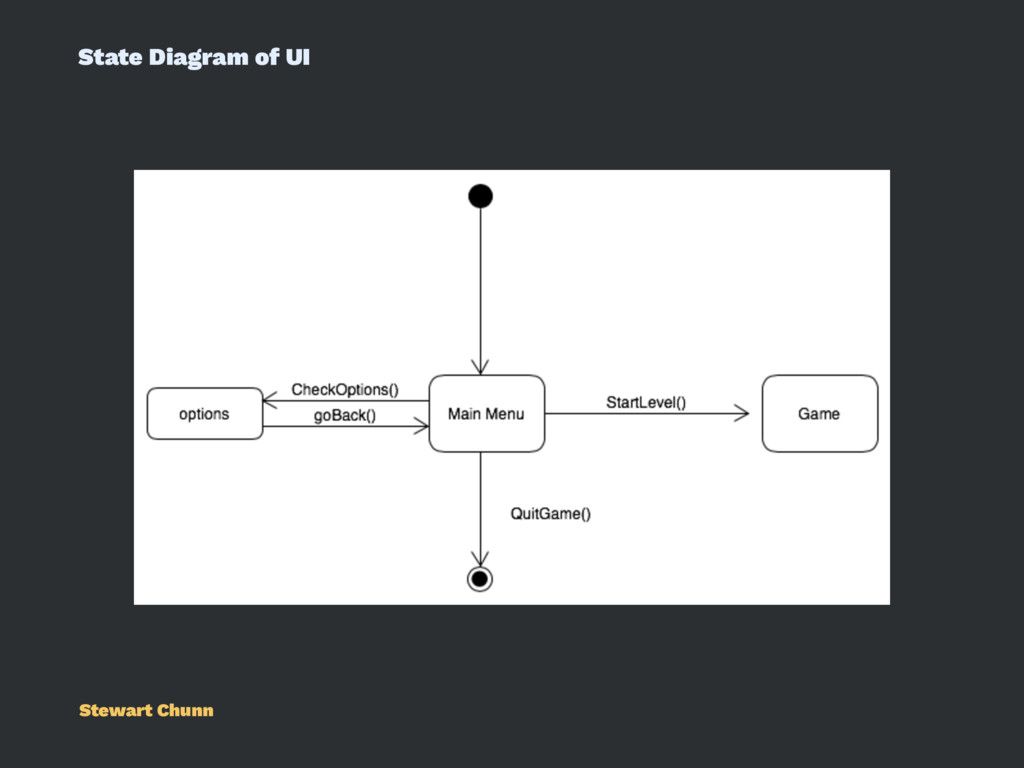
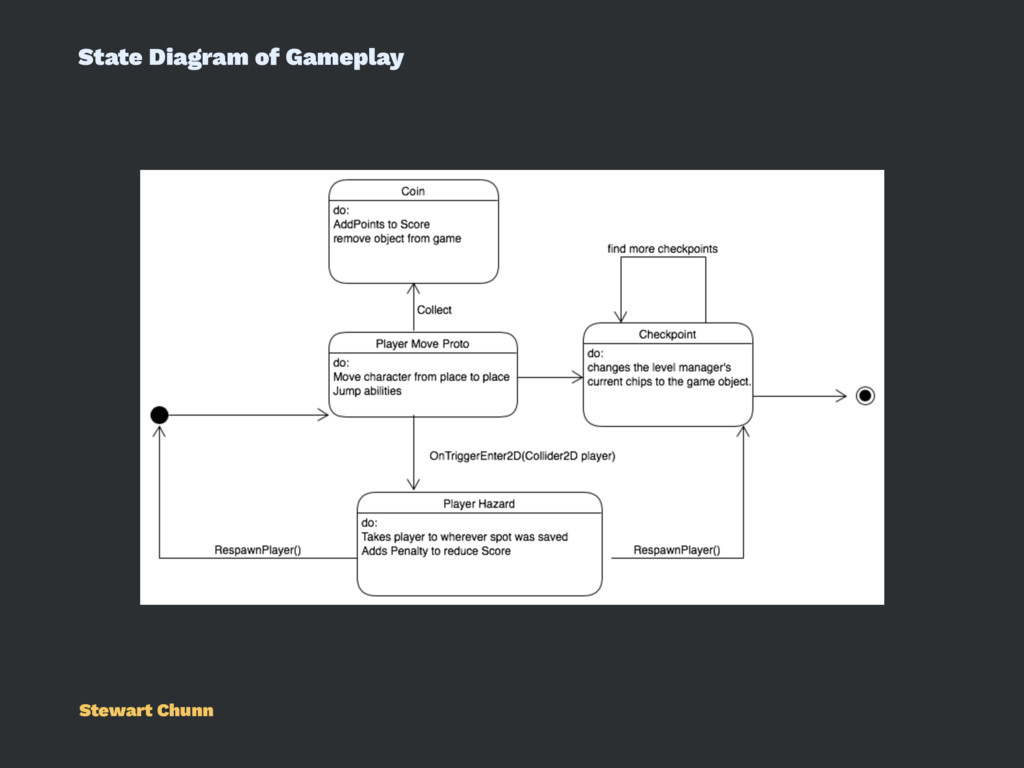
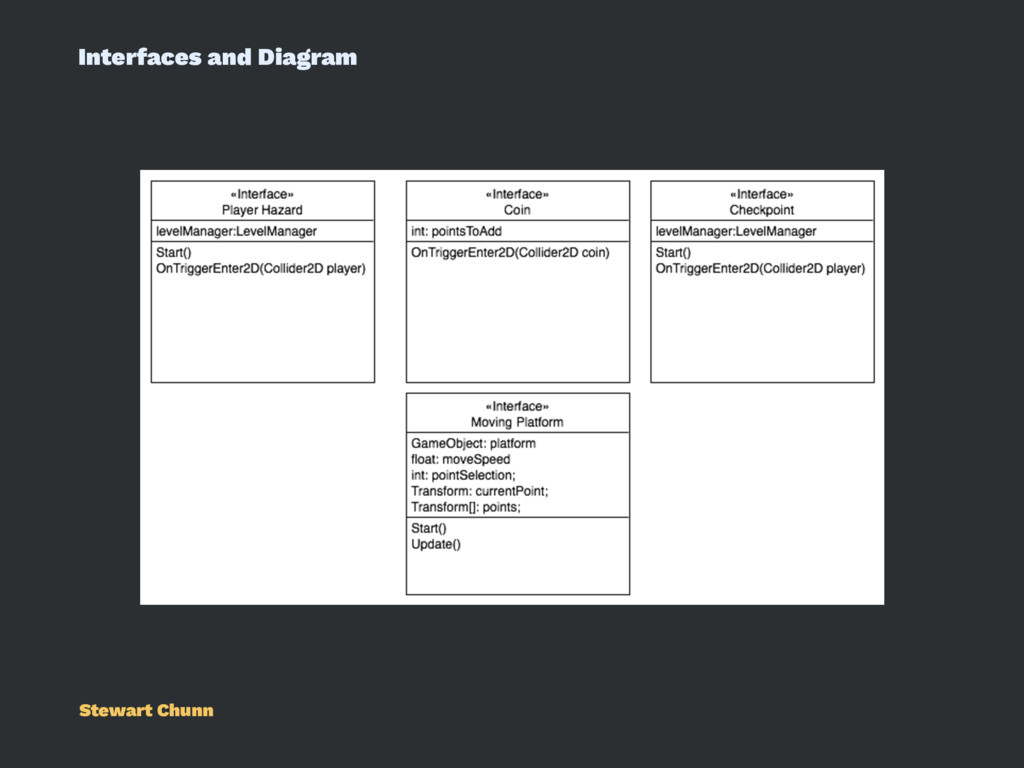
game by input. The player uses the keyboard to provide the input to the system. The system uses the input to determine which script to perform. Then the system compiles the code if necessary. Finally, the system sends the compiled code to the display to show the user the output. Gabrielle Hubble
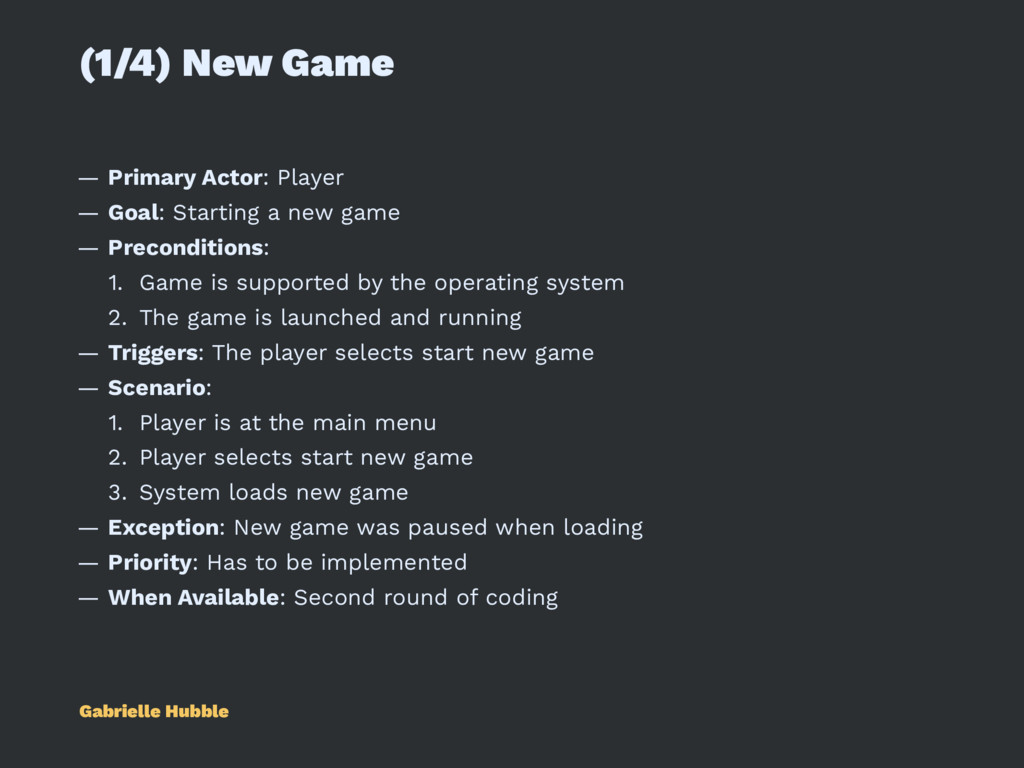
a new game — Preconditions: 1. Game is supported by the operating system 2. The game is launched and running — Triggers: The player selects start new game — Scenario: 1. Player is at the main menu 2. Player selects start new game 3. System loads new game — Exception: New game was paused when loading — Priority: Has to be implemented — When Available: Second round of coding Gabrielle Hubble
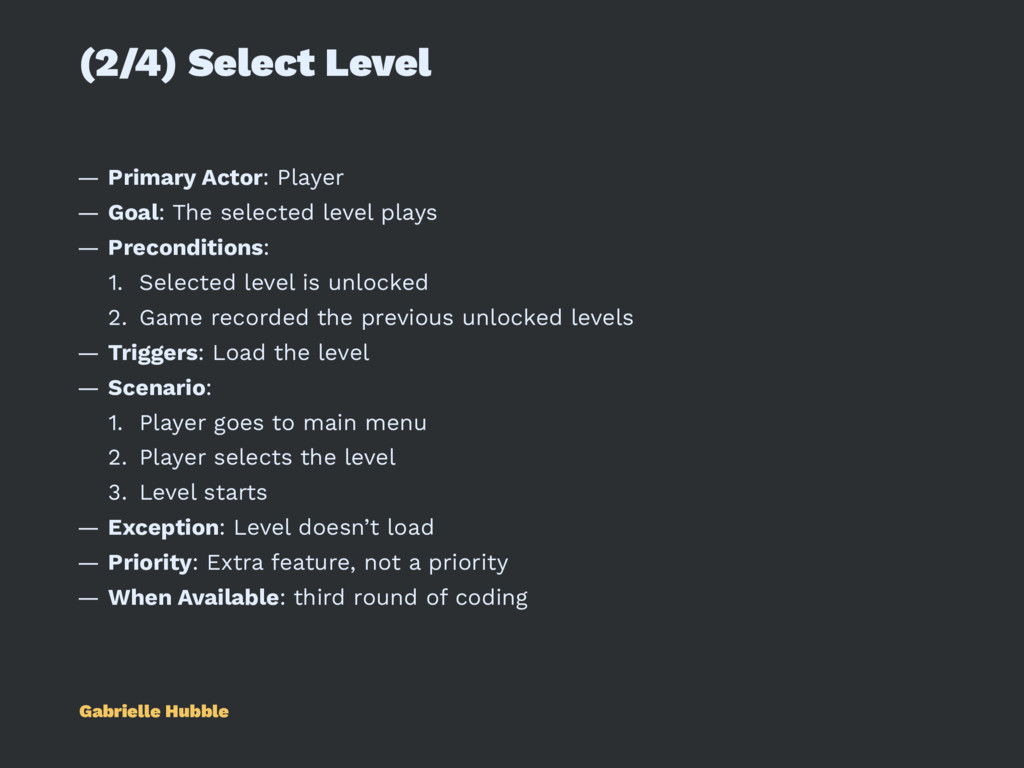
selected level plays — Preconditions: 1. Selected level is unlocked 2. Game recorded the previous unlocked levels — Triggers: Load the level — Scenario: 1. Player goes to main menu 2. Player selects the level 3. Level starts — Exception: Level doesn’t load — Priority: Extra feature, not a priority — When Available: third round of coding Gabrielle Hubble
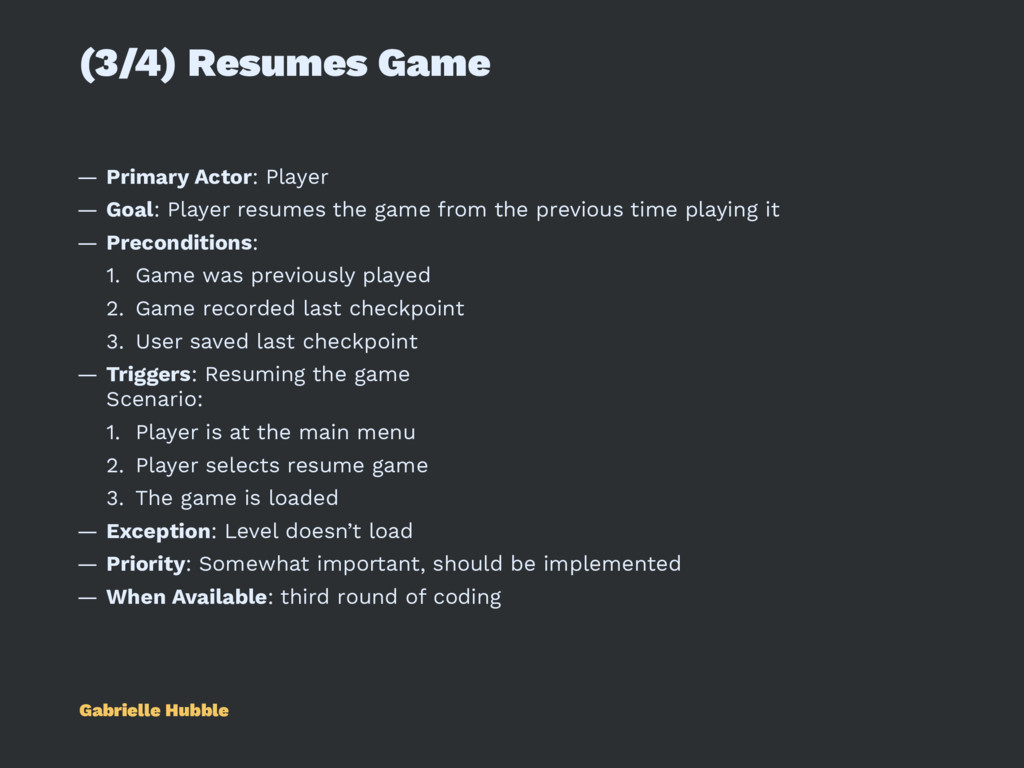
resumes the game from the previous time playing it — Preconditions: 1. Game was previously played 2. Game recorded last checkpoint 3. User saved last checkpoint — Triggers: Resuming the game Scenario: 1. Player is at the main menu 2. Player selects resume game 3. The game is loaded — Exception: Level doesn’t load — Priority: Somewhat important, should be implemented — When Available: third round of coding Gabrielle Hubble
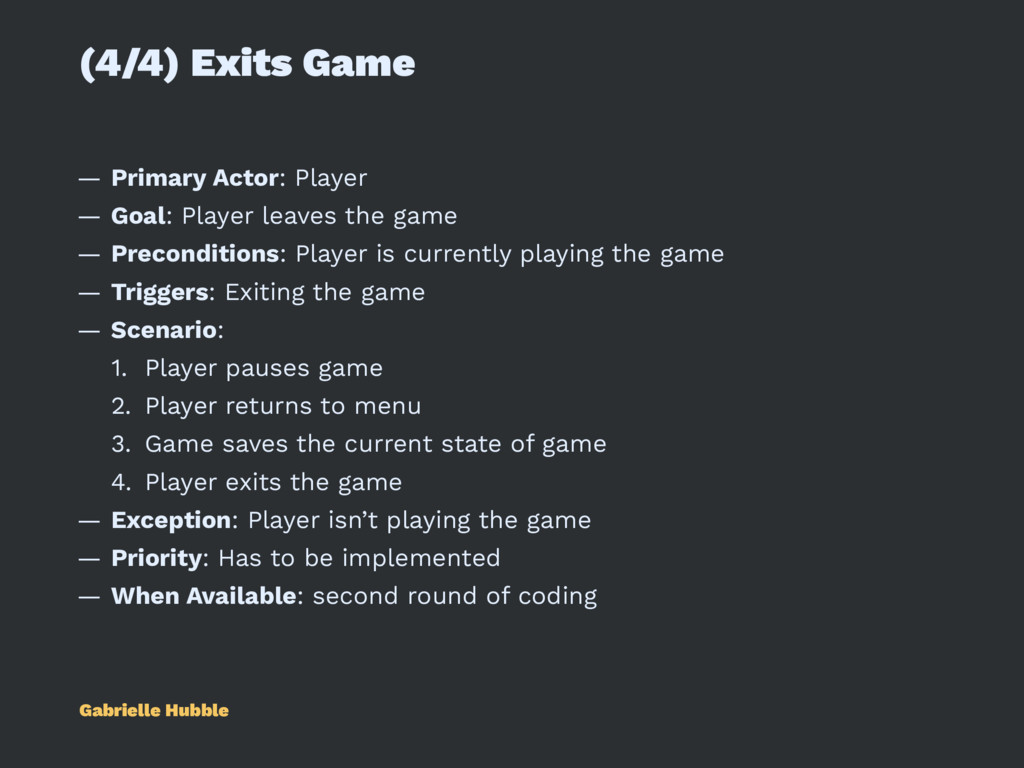
leaves the game — Preconditions: Player is currently playing the game — Triggers: Exiting the game — Scenario: 1. Player pauses game 2. Player returns to menu 3. Game saves the current state of game 4. Player exits the game — Exception: Player isn’t playing the game — Priority: Has to be implemented — When Available: second round of coding Gabrielle Hubble
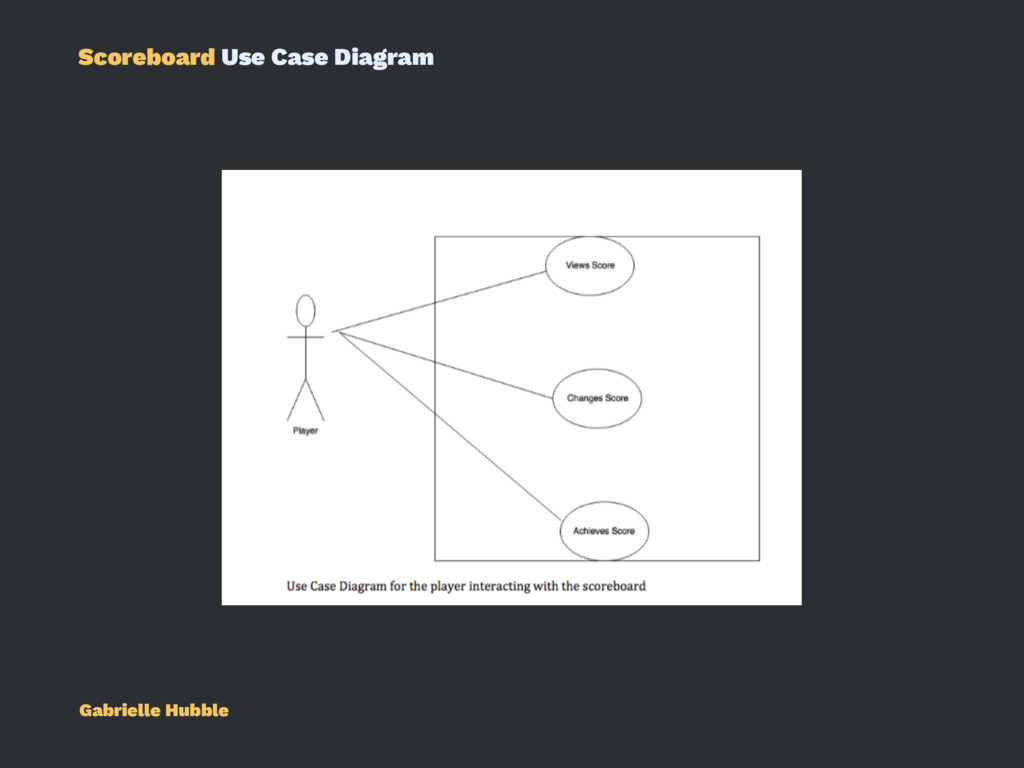
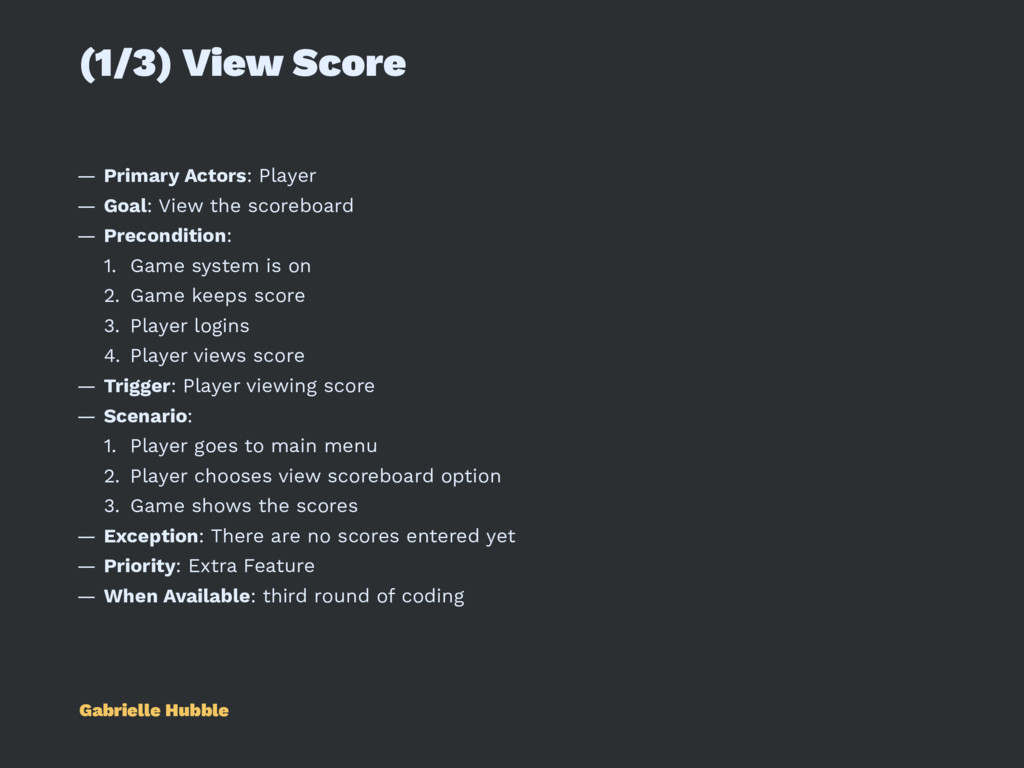
the scoreboard — Precondition: 1. Game system is on 2. Game keeps score 3. Player logins 4. Player views score — Trigger: Player viewing score — Scenario: 1. Player goes to main menu 2. Player chooses view scoreboard option 3. Game shows the scores — Exception: There are no scores entered yet — Priority: Extra Feature — When Available: third round of coding Gabrielle Hubble
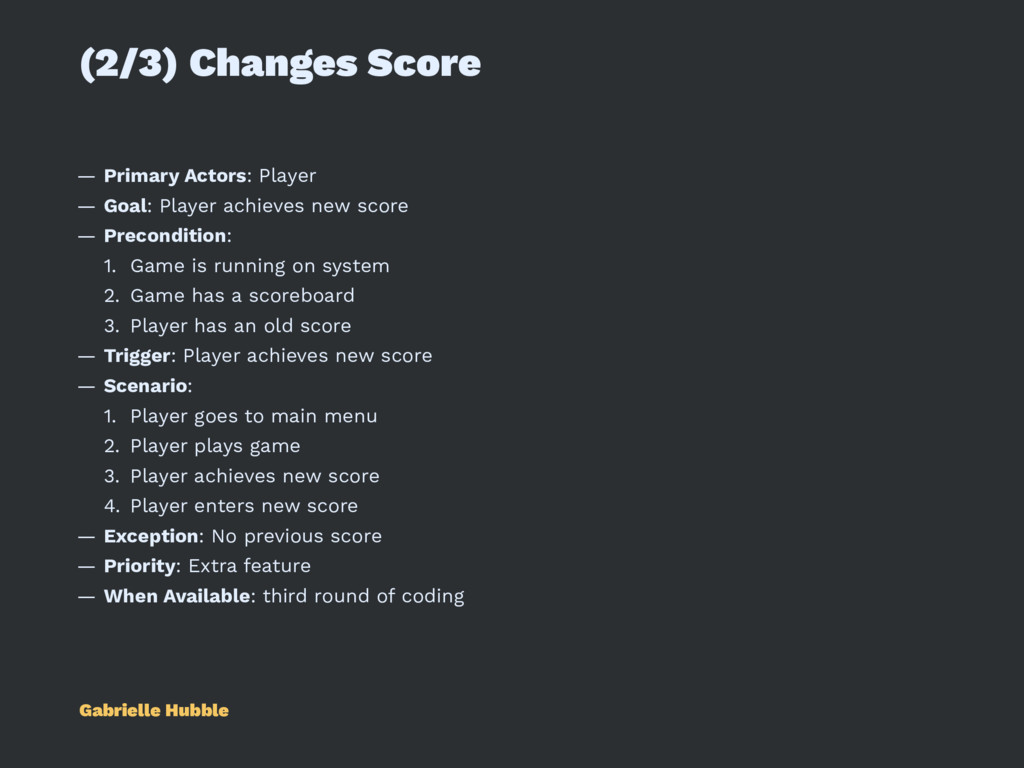
achieves new score — Precondition: 1. Game is running on system 2. Game has a scoreboard 3. Player has an old score — Trigger: Player achieves new score — Scenario: 1. Player goes to main menu 2. Player plays game 3. Player achieves new score 4. Player enters new score — Exception: No previous score — Priority: Extra feature — When Available: third round of coding Gabrielle Hubble
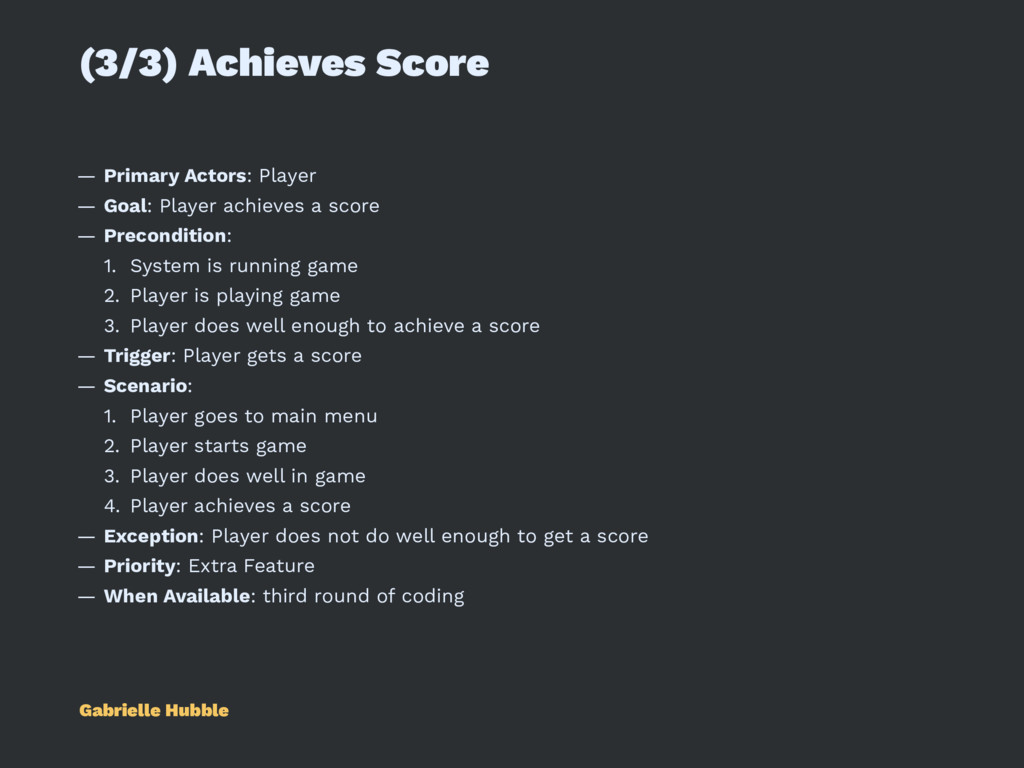
achieves a score — Precondition: 1. System is running game 2. Player is playing game 3. Player does well enough to achieve a score — Trigger: Player gets a score — Scenario: 1. Player goes to main menu 2. Player starts game 3. Player does well in game 4. Player achieves a score — Exception: Player does not do well enough to get a score — Priority: Extra Feature — When Available: third round of coding Gabrielle Hubble
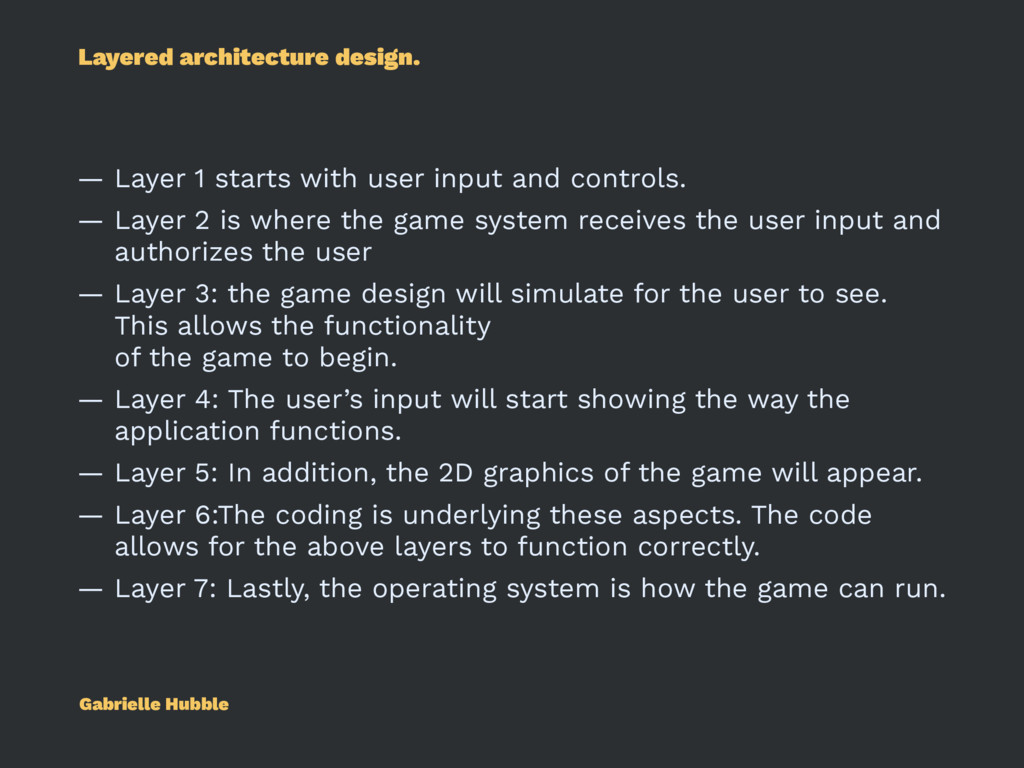
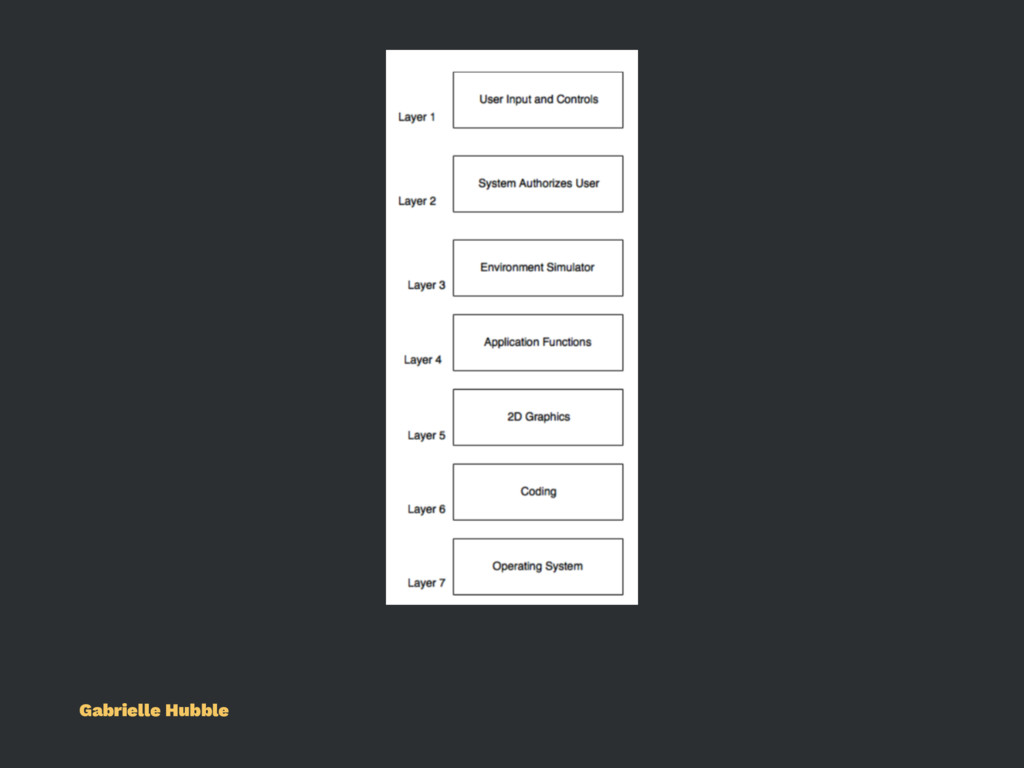
and controls. — Layer 2 is where the game system receives the user input and authorizes the user — Layer 3: the game design will simulate for the user to see. This allows the functionality of the game to begin. — Layer 4: The user’s input will start showing the way the application functions. — Layer 5: In addition, the 2D graphics of the game will appear. — Layer 6:The coding is underlying these aspects. The code allows for the above layers to function correctly. — Layer 7: Lastly, the operating system is how the game can run. Gabrielle Hubble
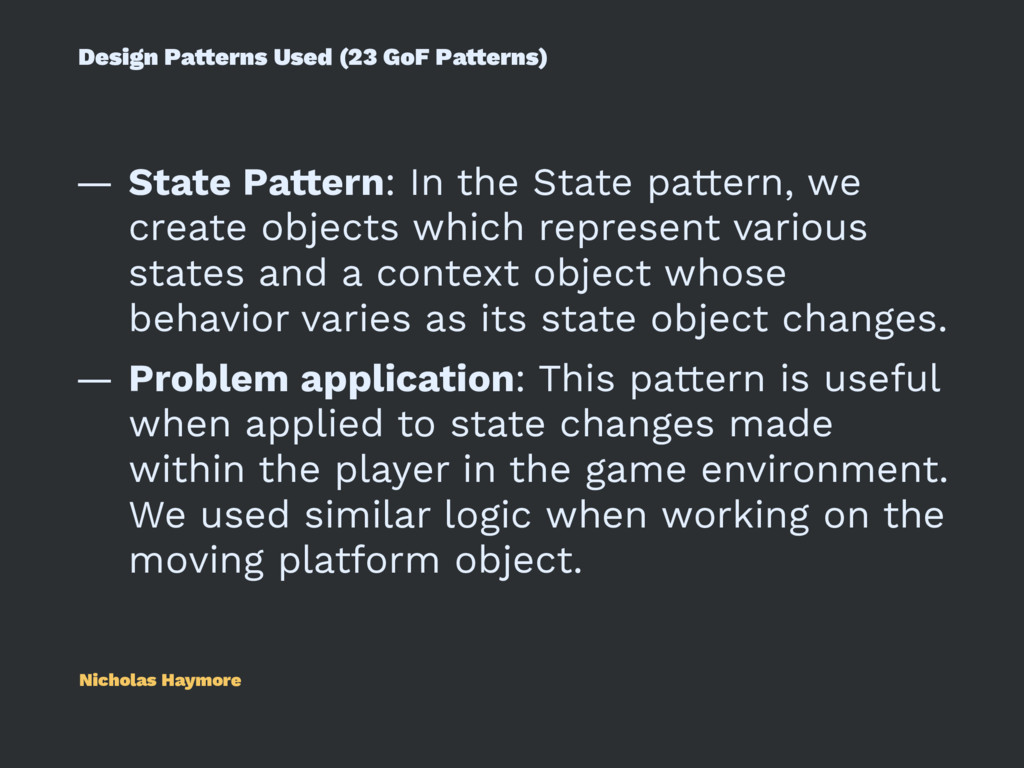
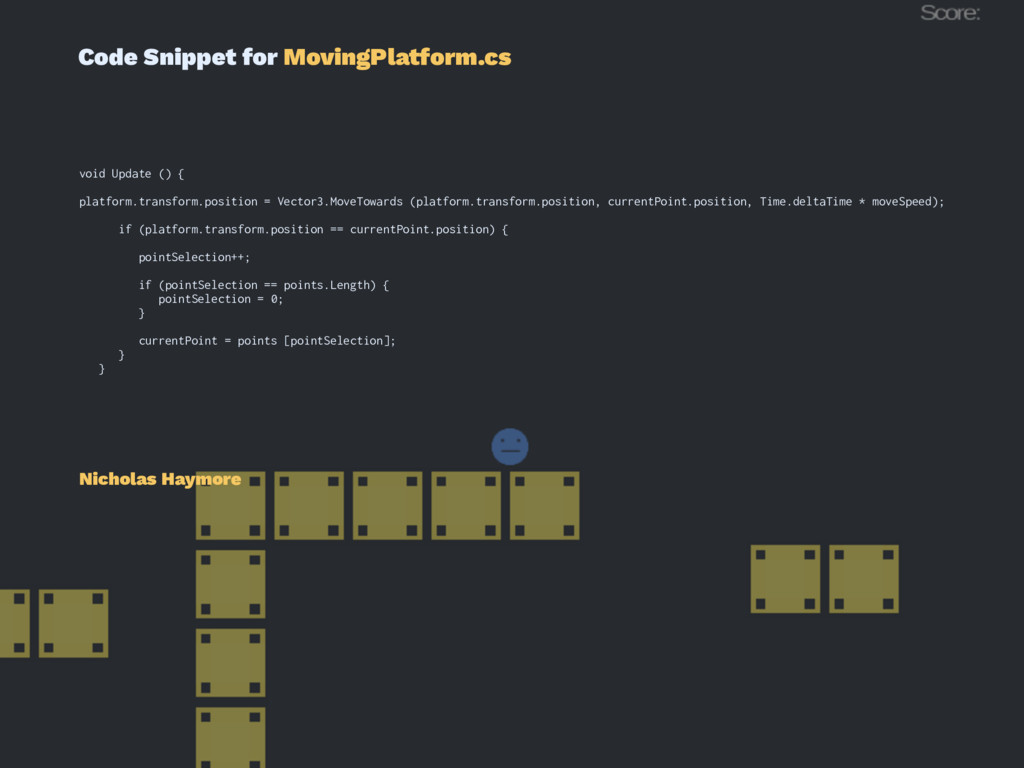
the State pattern, we create objects which represent various states and a context object whose behavior varies as its state object changes. — Problem application: This pattern is useful when applied to state changes made within the player in the game environment. We used similar logic when working on the moving platform object. Nicholas Haymore
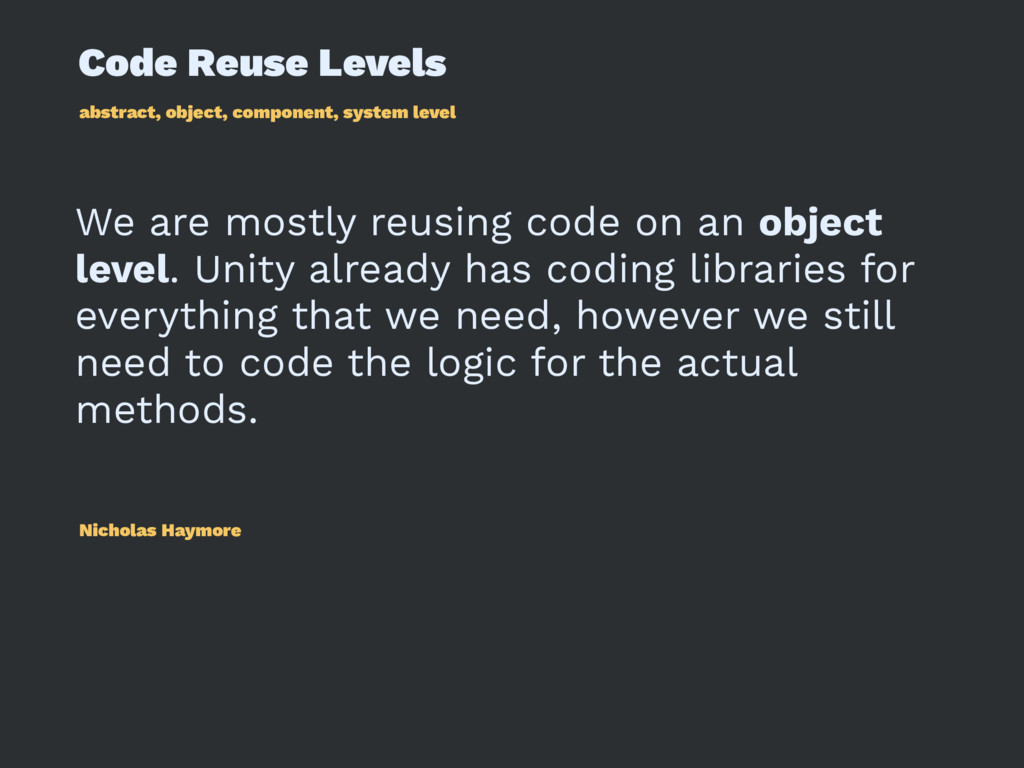
mostly reusing code on an object level. Unity already has coding libraries for everything that we need, however we still need to code the logic for the actual methods. Nicholas Haymore
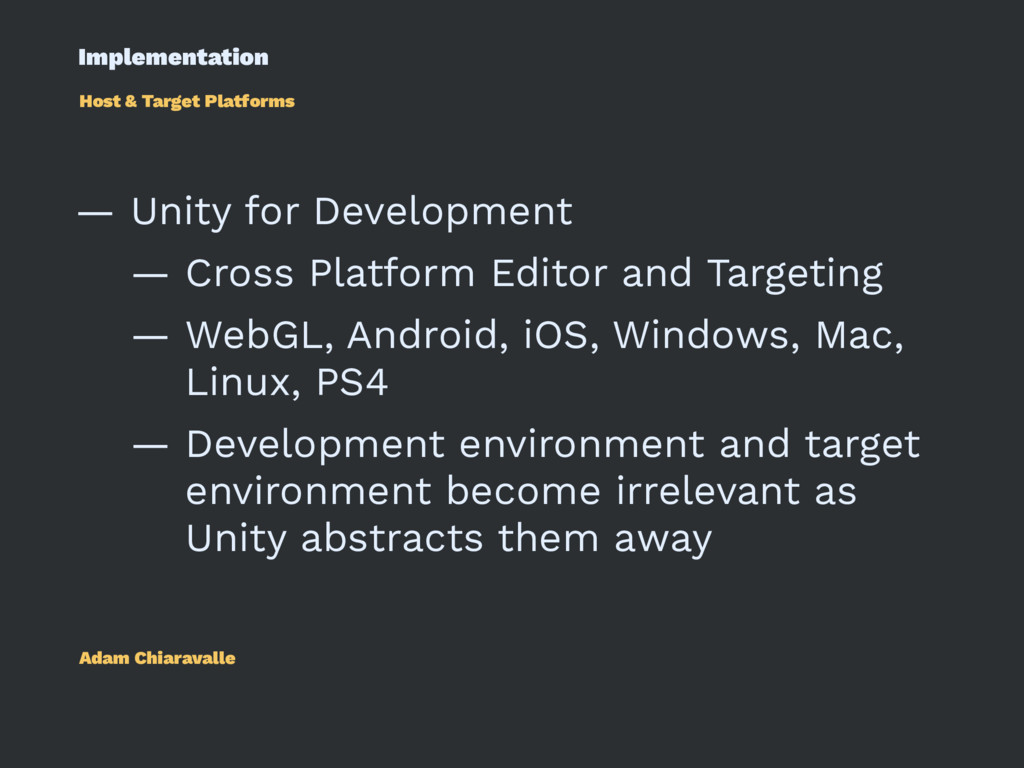
Cross Platform Editor and Targeting — WebGL, Android, iOS, Windows, Mac, Linux, PS4 — Development environment and target environment become irrelevant as Unity abstracts them away Adam Chiaravalle
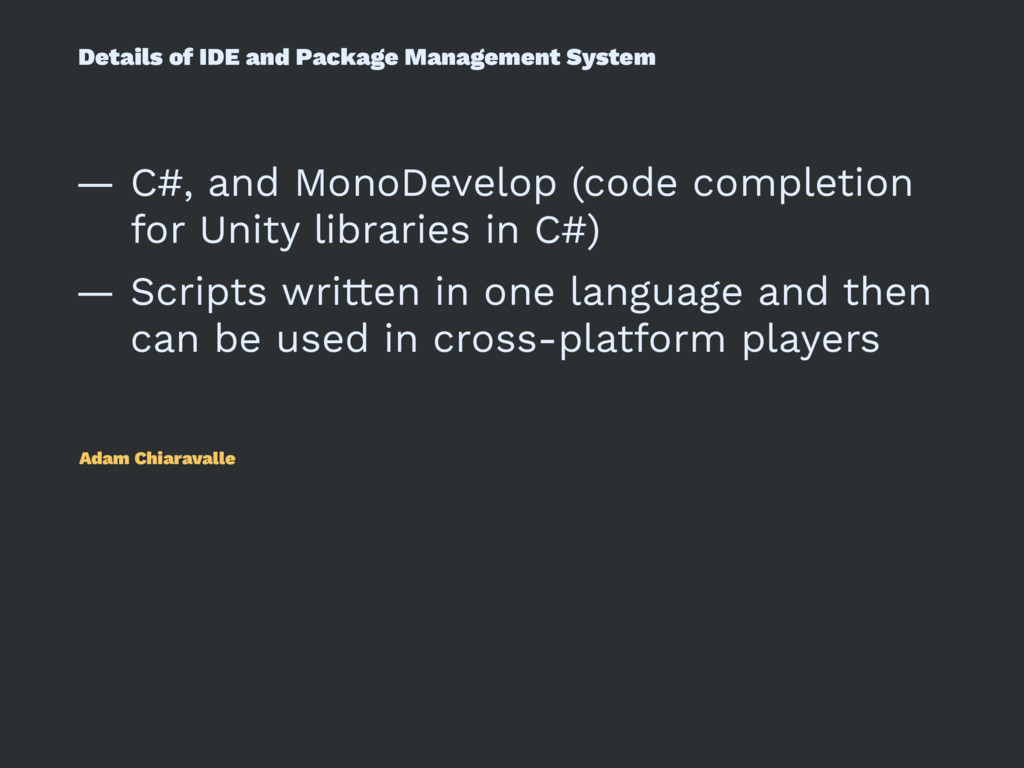
MonoDevelop (code completion for Unity libraries in C#) — Scripts written in one language and then can be used in cross-platform players Adam Chiaravalle
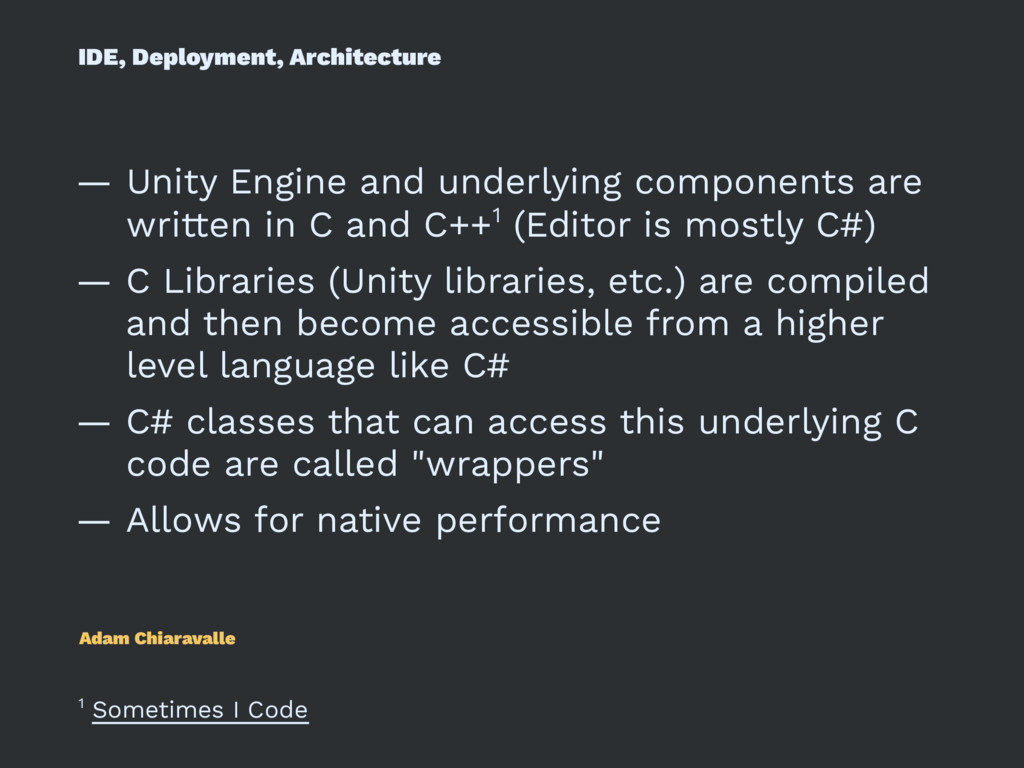
written in C and C++1 (Editor is mostly C#) — C Libraries (Unity libraries, etc.) are compiled and then become accessible from a higher level language like C# — C# classes that can access this underlying C code are called "wrappers" — Allows for native performance Adam Chiaravalle 1 Sometimes I Code
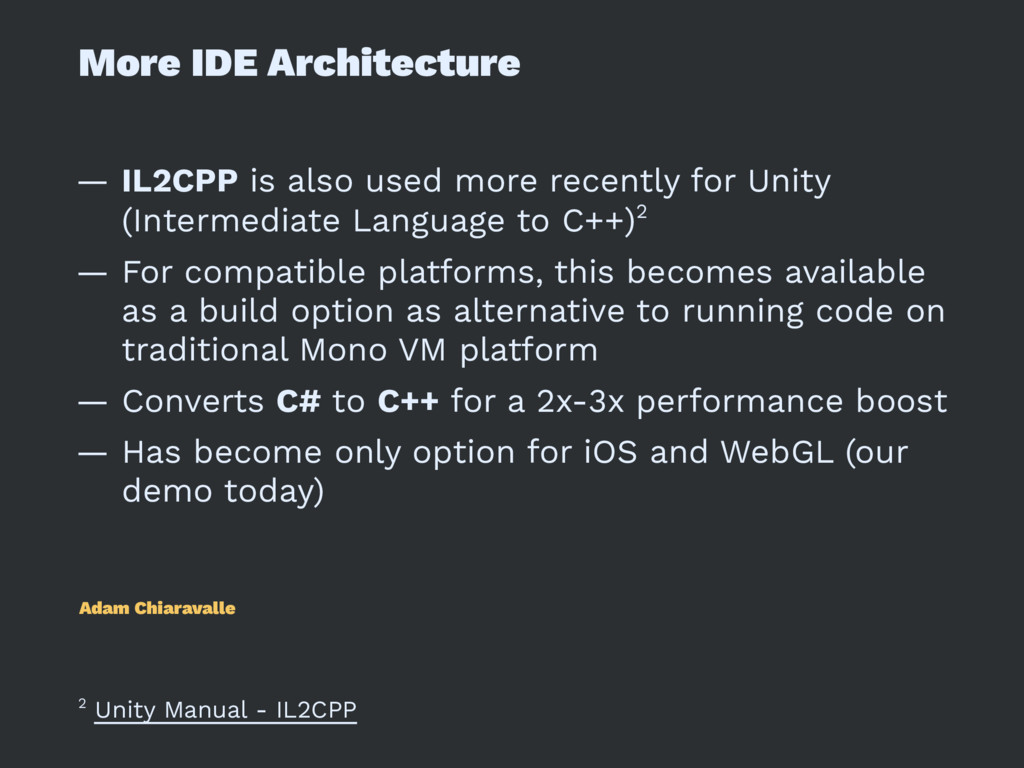
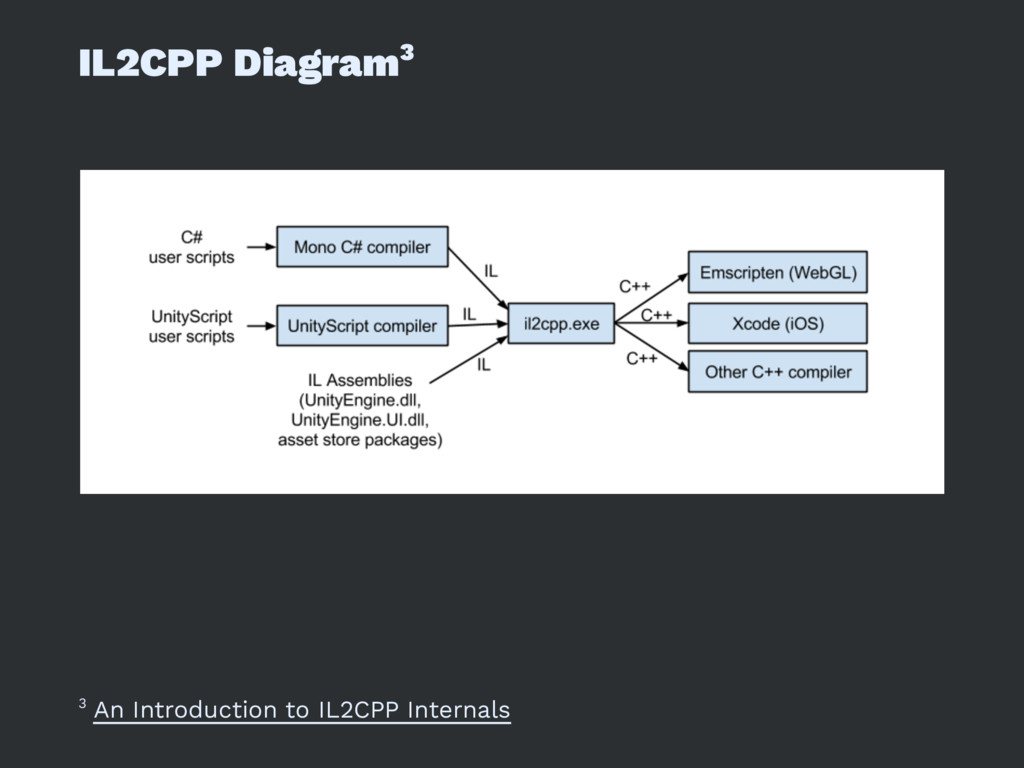
for Unity (Intermediate Language to C++)2 — For compatible platforms, this becomes available as a build option as alternative to running code on traditional Mono VM platform — Converts C# to C++ for a 2x-3x performance boost — Has become only option for iOS and WebGL (our demo today) Adam Chiaravalle 2 Unity Manual - IL2CPP


 greenmidori
 tetsuya28
 syuchimu
 gogutan
 sh_fk2
 kizawa2020
 akitoshiga
 kworkdev
 codmoninc
 raspython3
 teamlab
 camiha
 mkilby
 techseoconnect
 addyosmani
 reverentgeek
 asonas
 marktimemedia
 jakevdp
 swwweet
 khoart
 gr2m
gr2m
 aleyda