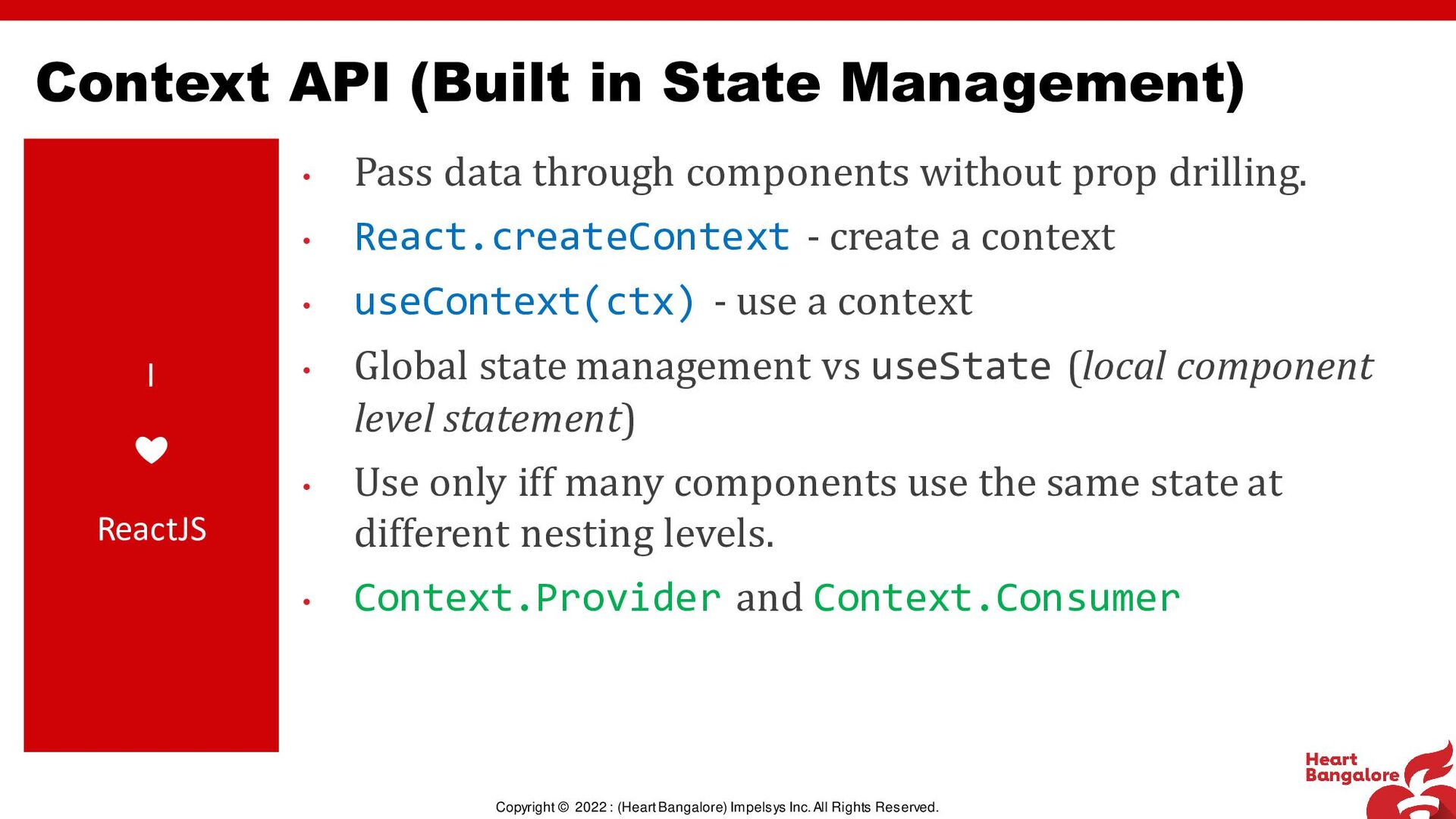
Reserved. I ❤ ReactJS • Pass data through components without prop drilling. • React.createContext - create a context • useContext(ctx) - use a context • Global state management vs useState (local component level statement) • Use only iff many components use the same state at different nesting levels. • Context.Provider and Context.Consumer Context API (Built in State Management)
Reserved. I ❤ ReactJS • Built by Ryan Florence and Michael Jackson • <BrowserRouter/> (createBrowserRouter), <HashRouter/>, <MemoryRouter/> • BrowserRouter– clean url, navigation bar (server backed) • HashRouter- `#` based routes (no control of server) • MemoryRouter– In memory array based (for testing) • <Route/> – A particular route (may/may not have child routes) • <Outlet/> – Where the child route(s) are renders for nested routing • <Routes/> - Within which Routes are rendered (createRoutesFromElements) React Router v6
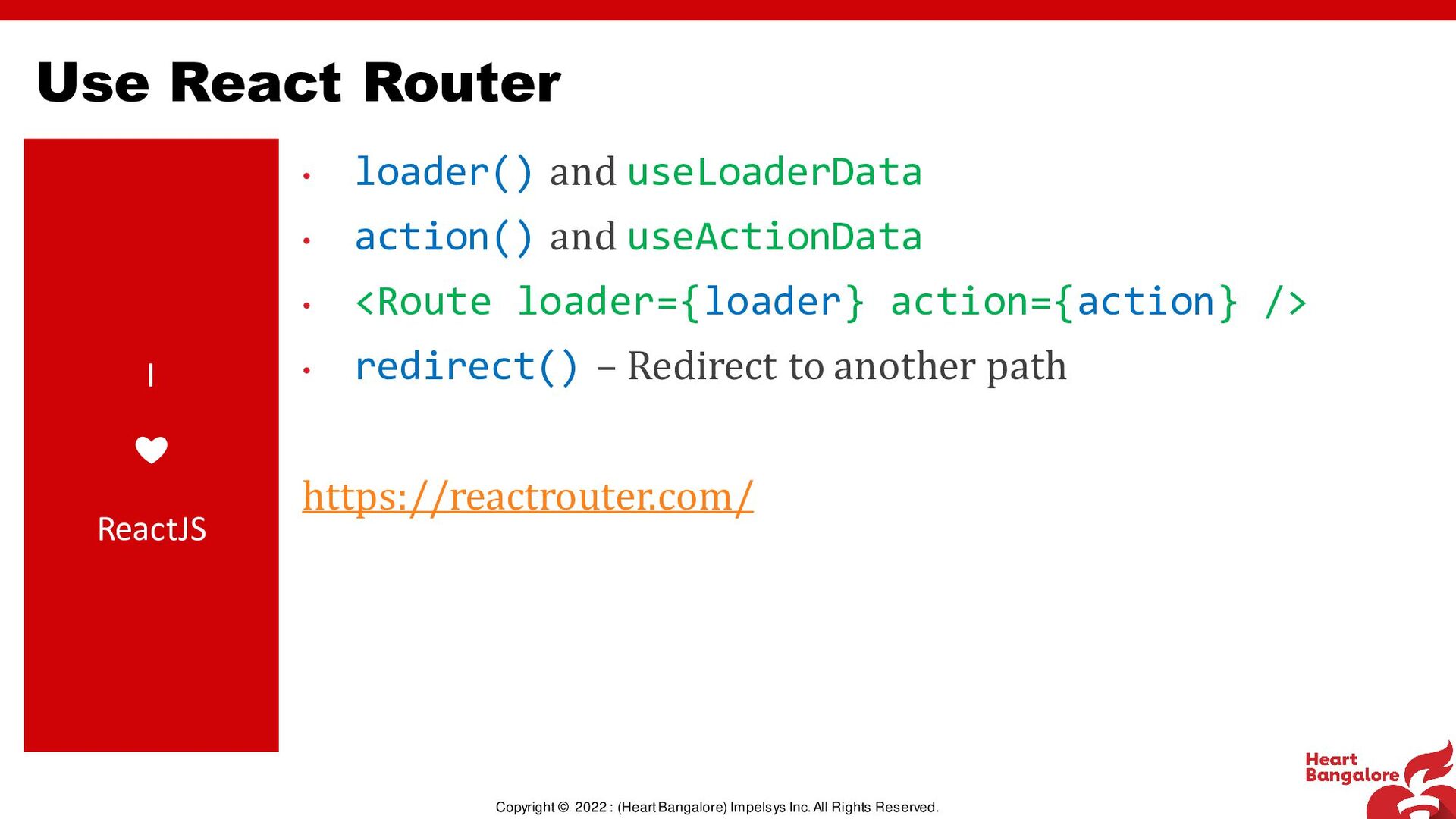
Reserved. I ❤ ReactJS • loader() and useLoaderData • action() and useActionData • <Route loader={loader} action={action} /> • redirect() – Redirect to another path https://reactrouter.com/ Use React Router
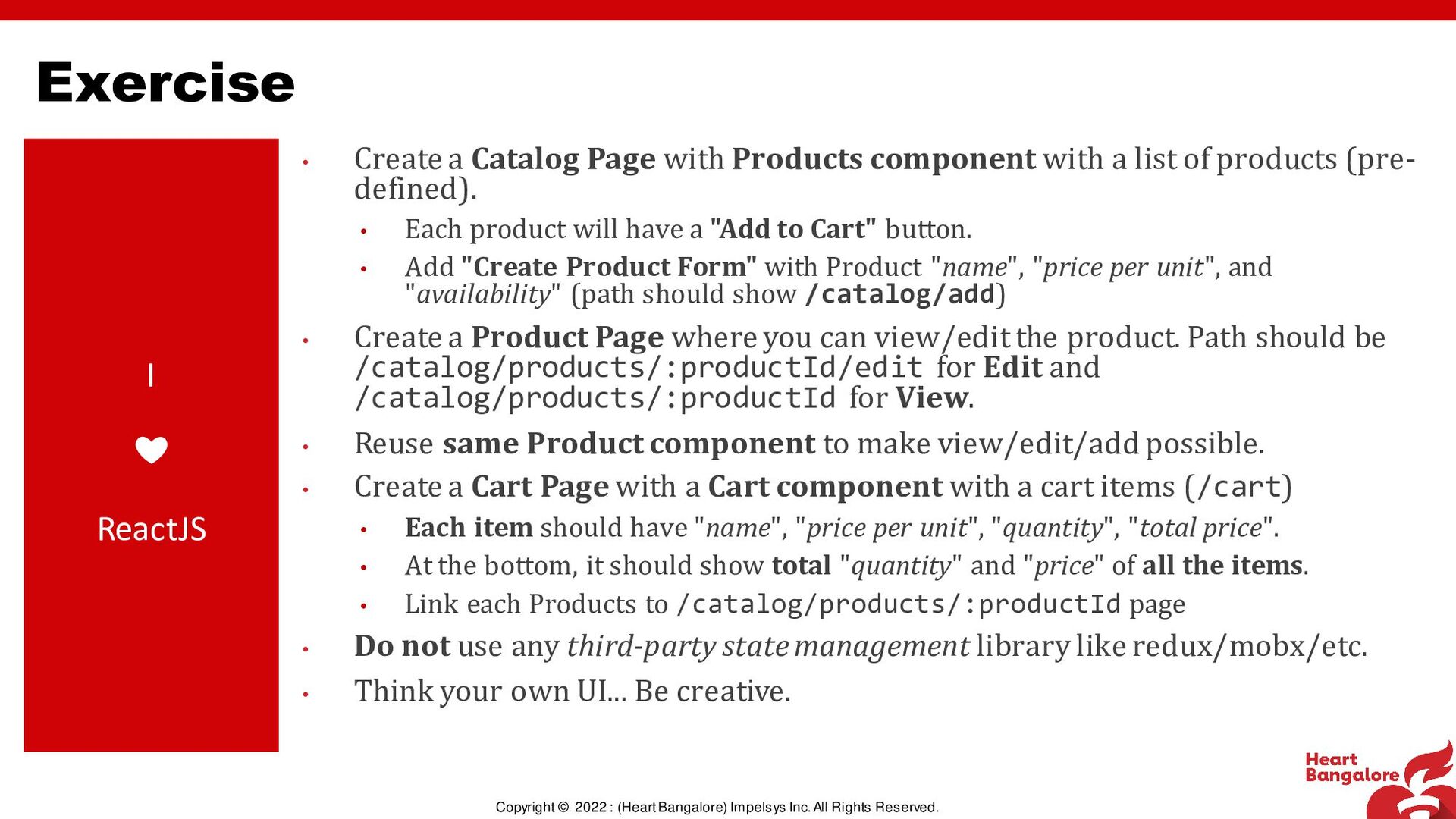
Reserved. I ❤ ReactJS • Create a Catalog Page with Products component with a list of products (pre- defined). • Each product will have a "Add to Cart" button. • Add "Create Product Form" with Product "name", "price per unit", and "availability" (path should show /catalog/add) • Create a Product Page where you can view/edit the product. Path should be /catalog/products/:productId/edit for Edit and /catalog/products/:productId for View. • Reuse same Product component to make view/edit/add possible. • Create a Cart Page with a Cart component with a cart items (/cart) • Each item should have "name", "price per unit", "quantity", "total price". • At the bottom, it should show total "quantity" and "price" of all the items. • Link each Products to /catalog/products/:productId page • Do not use any third-party state management library like redux/mobx/etc. • Think your own UI... Be creative. Exercise

 SiteGround - Reliable hosting with speed, security, and support you can count on.
%20(enhanced).png)

%20(enhanced).png)
 abhisekp
abhisekp
 ichirokano2
 iwiwi
iwiwi
 sylph01
 siroemk
 seike460
 marcoroth
 naokihaba
 hschwentner
 artoy
artoy
 koic
koic
 ryu1013
 akihisaikeda
 vanstee
 honzajavorek
 addyosmani
 eileencodes
 raygrieselhuber
 bluesmoon
 chikuwait
 szymonslowik
 techseoconnect
 skoyamalab
 scottboms
 leimatthew05





![QUESTIONS? React out via [email protected] https://about.me/abhisekp](https://files.speakerdeck.com/presentations/05ea2dc7d696434d9abacf3666c8f99d/slide_11.jpg)