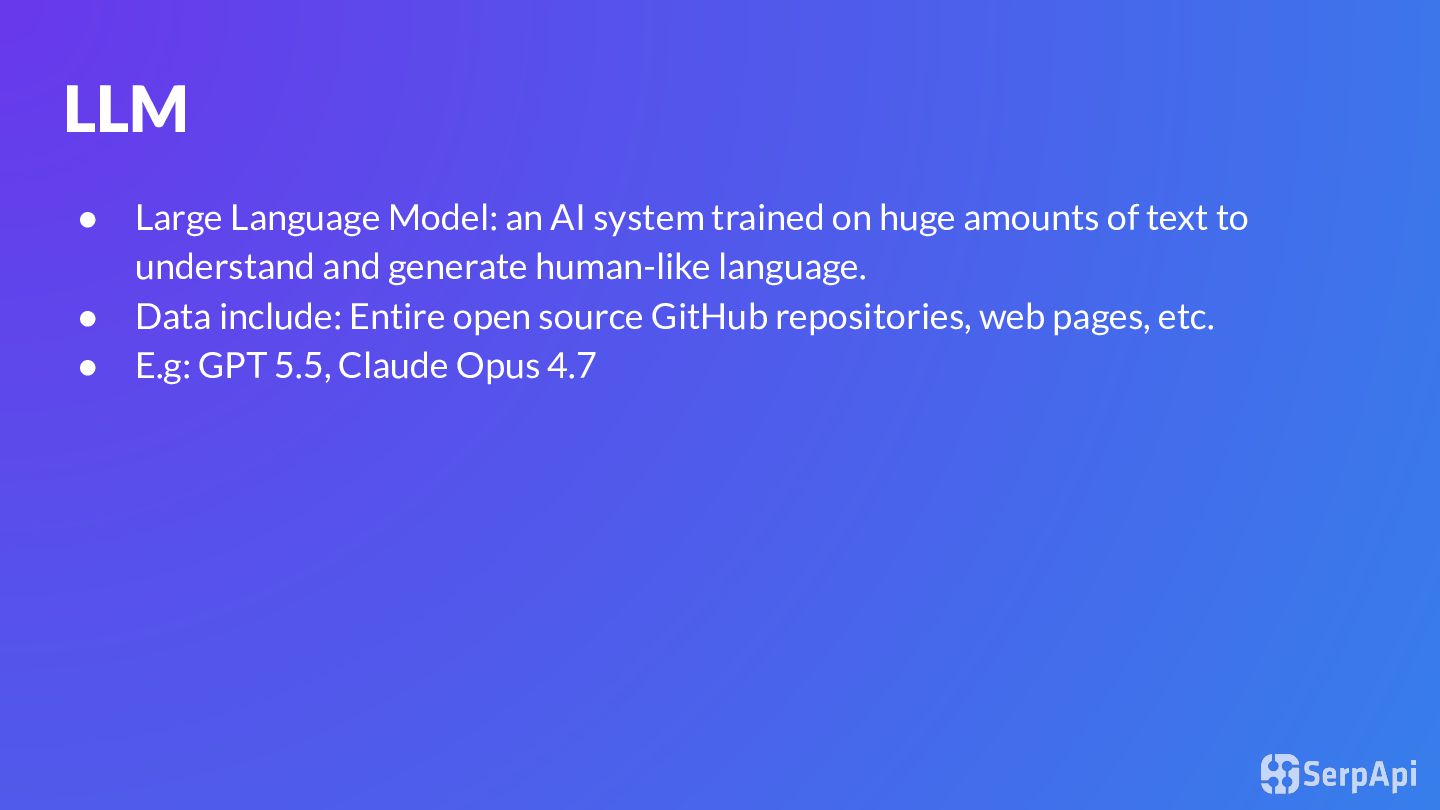
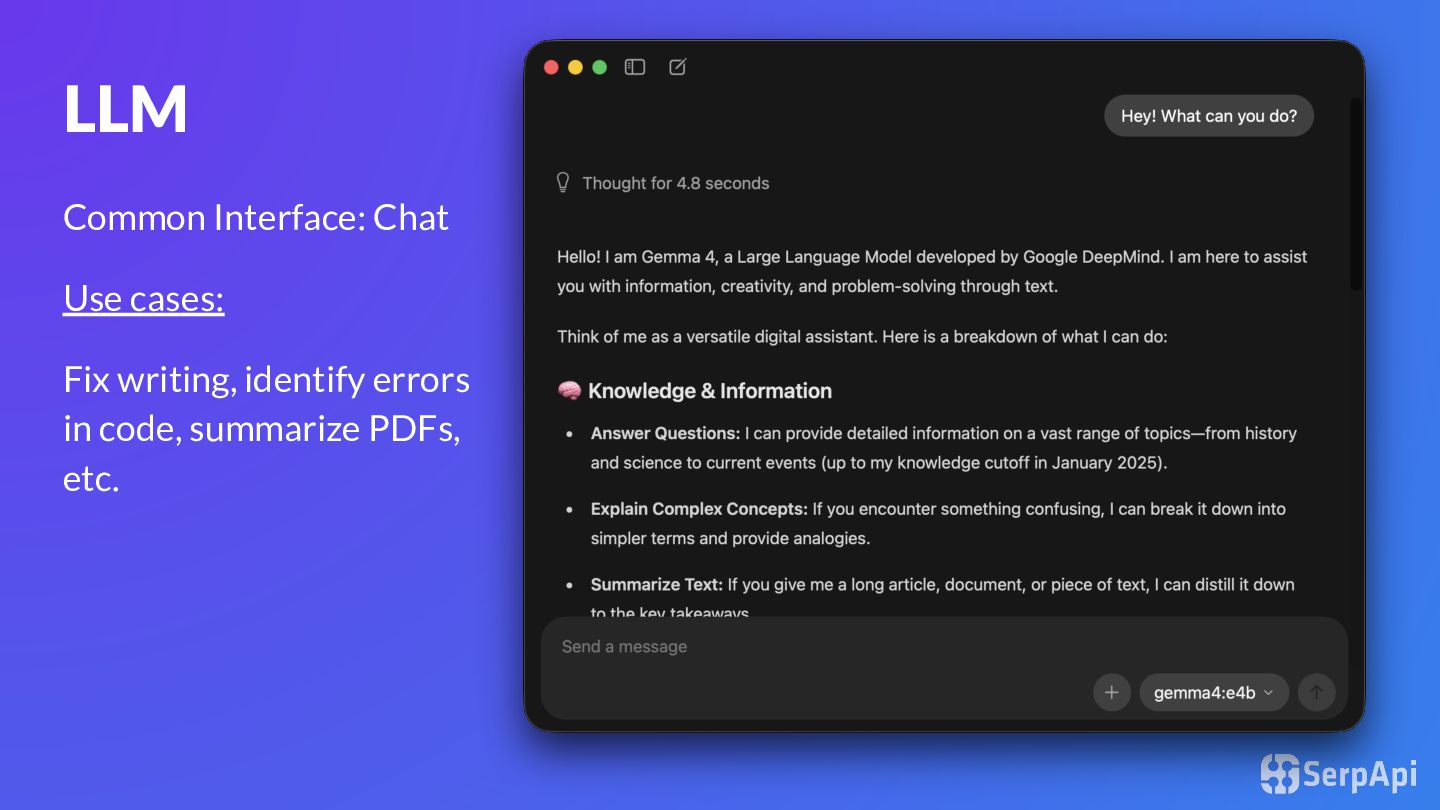
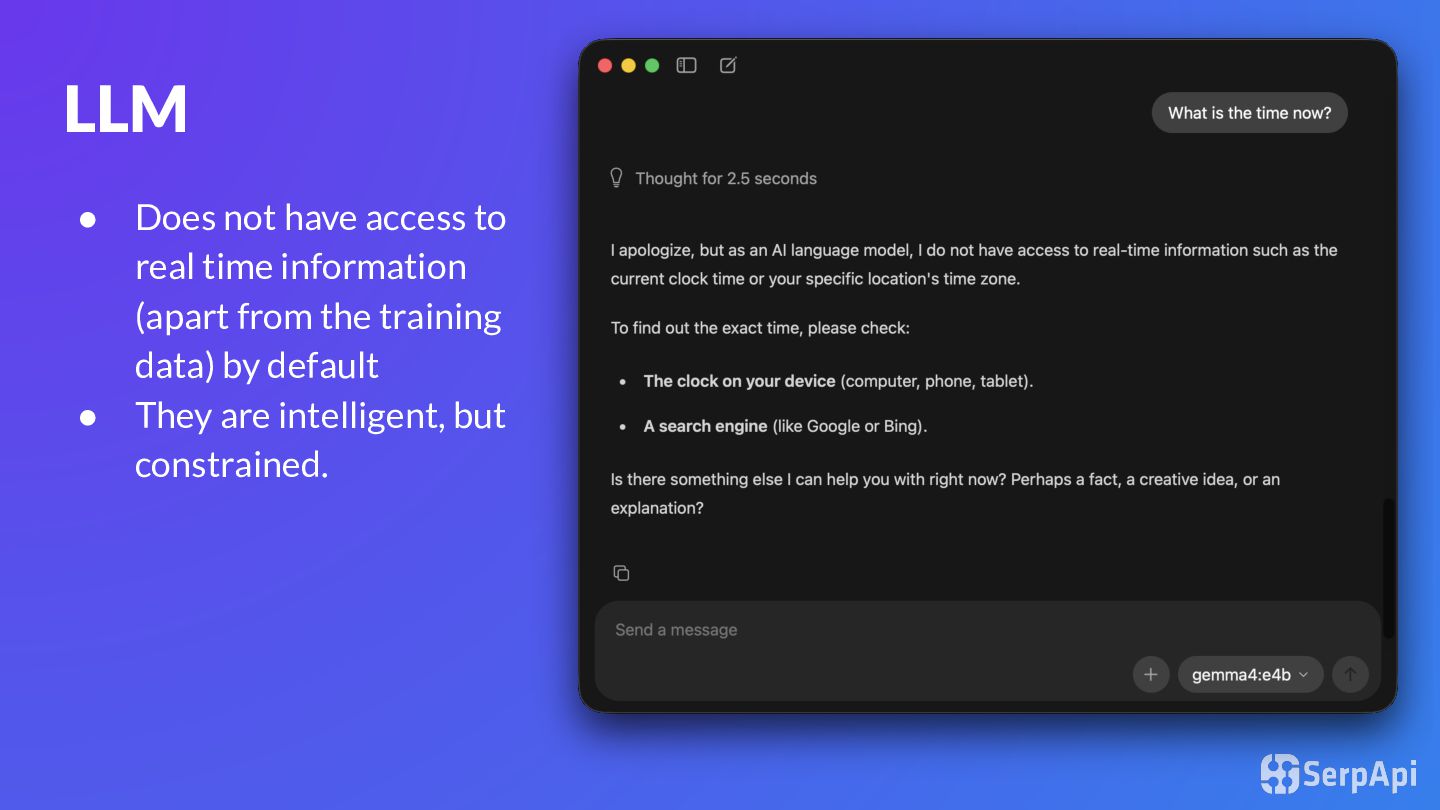
huge amounts of text to understand and generate human-like language. • Data include: Entire open source GitHub repositories, web pages, etc. • E.g: GPT 5.5, Claude Opus 4.7
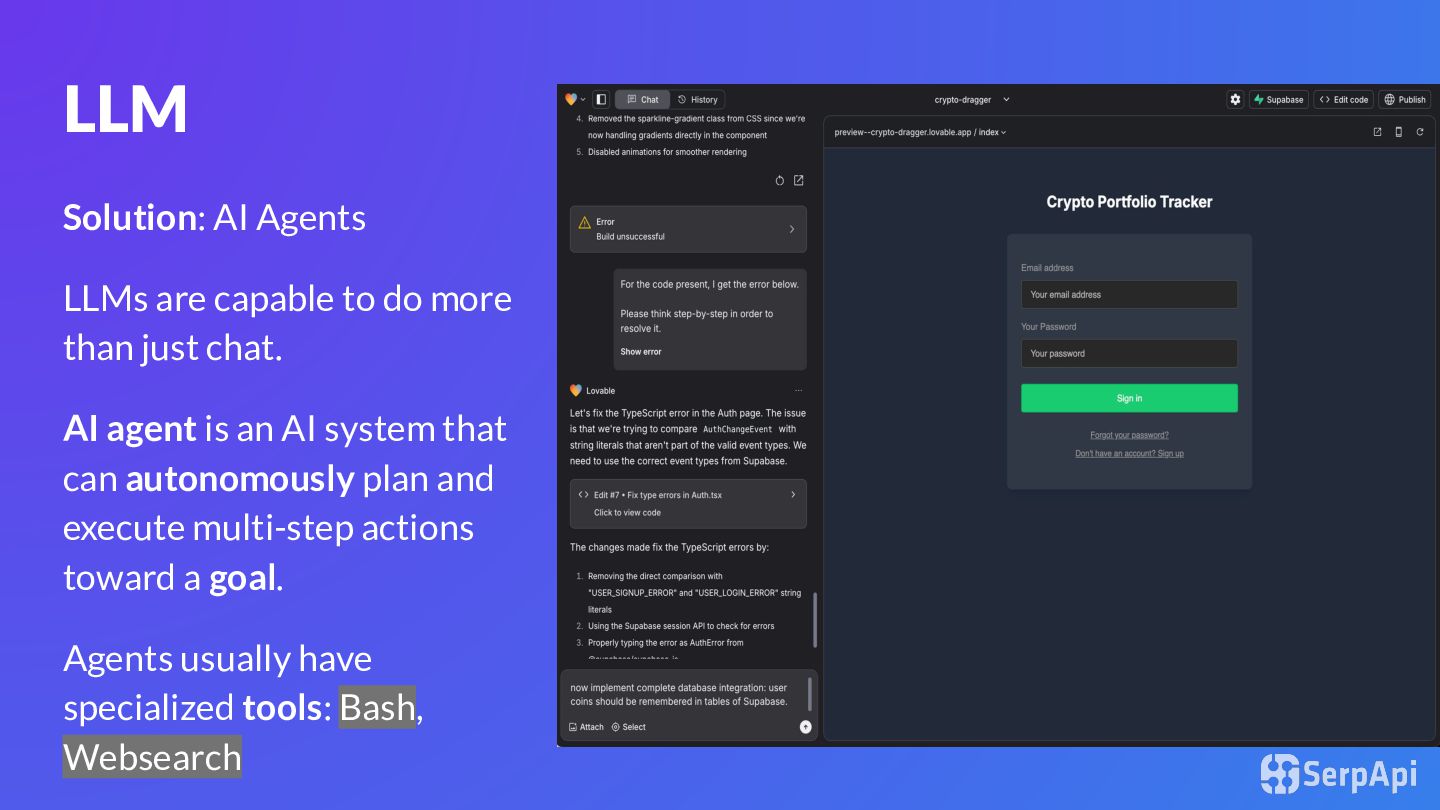
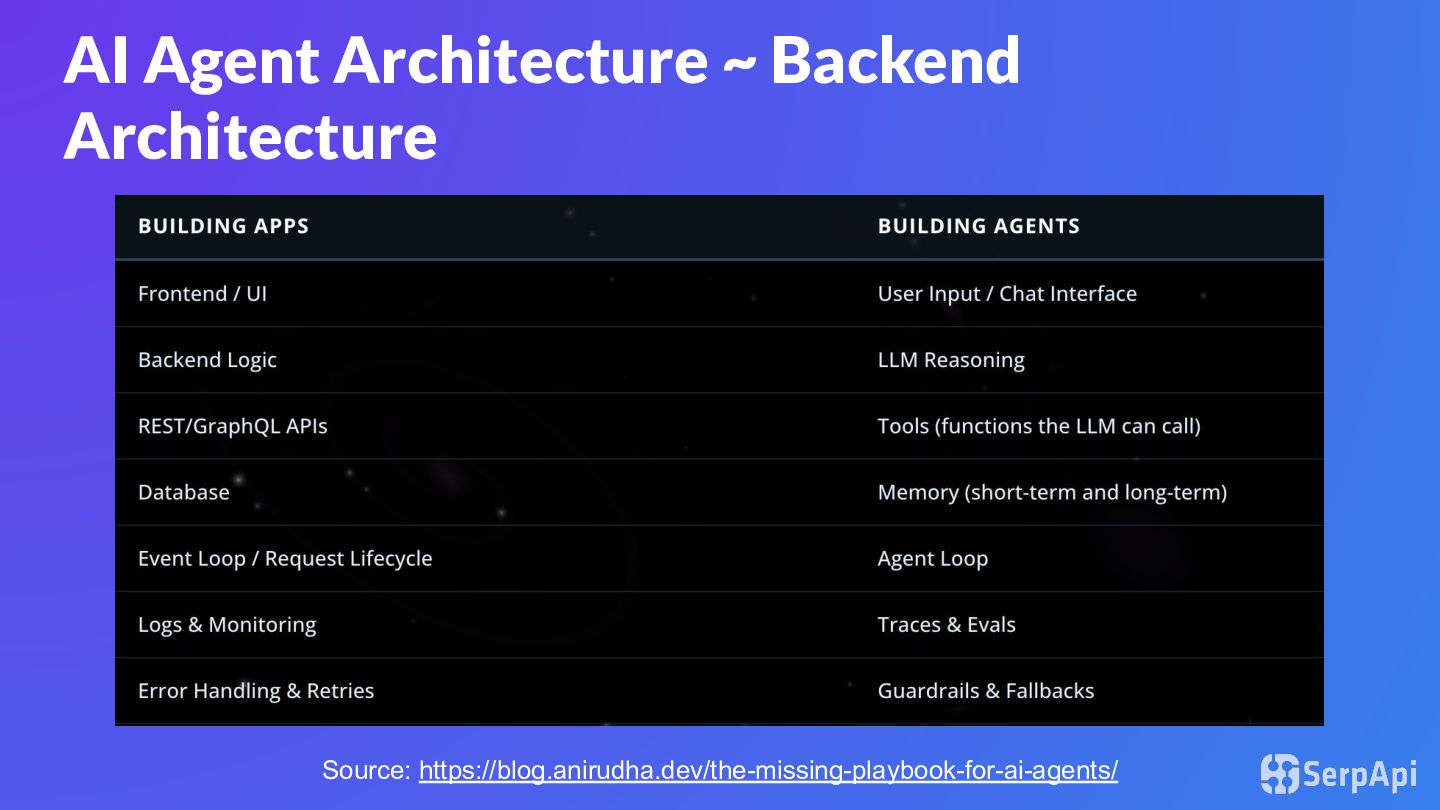
than just chat. AI agent is an AI system that can autonomously plan and execute multi-step actions toward a goal. Agents usually have specialized tools: Bash, Websearch
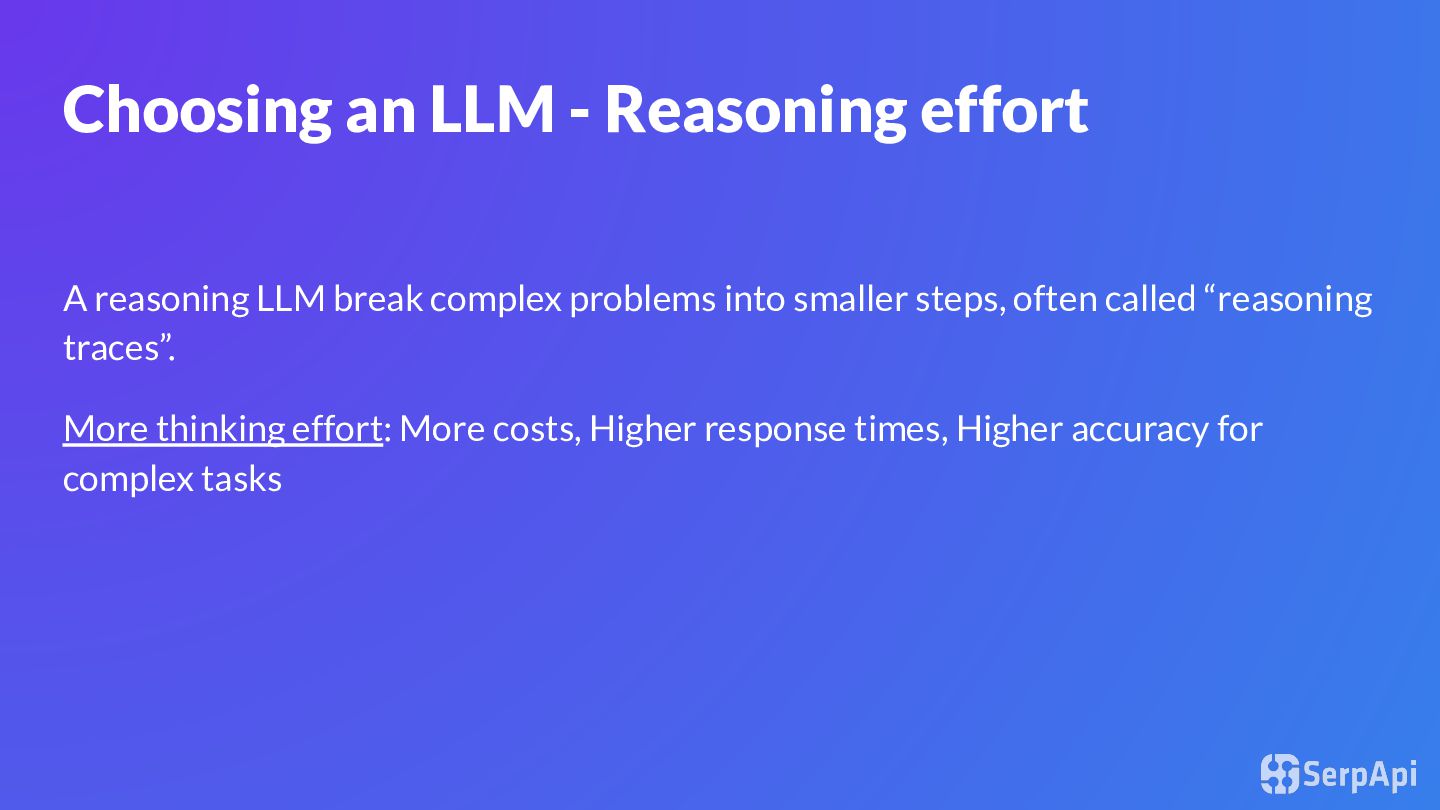
complex problems into smaller steps, often called “reasoning traces”. More thinking effort: More costs, Higher response times, Higher accuracy for complex tasks
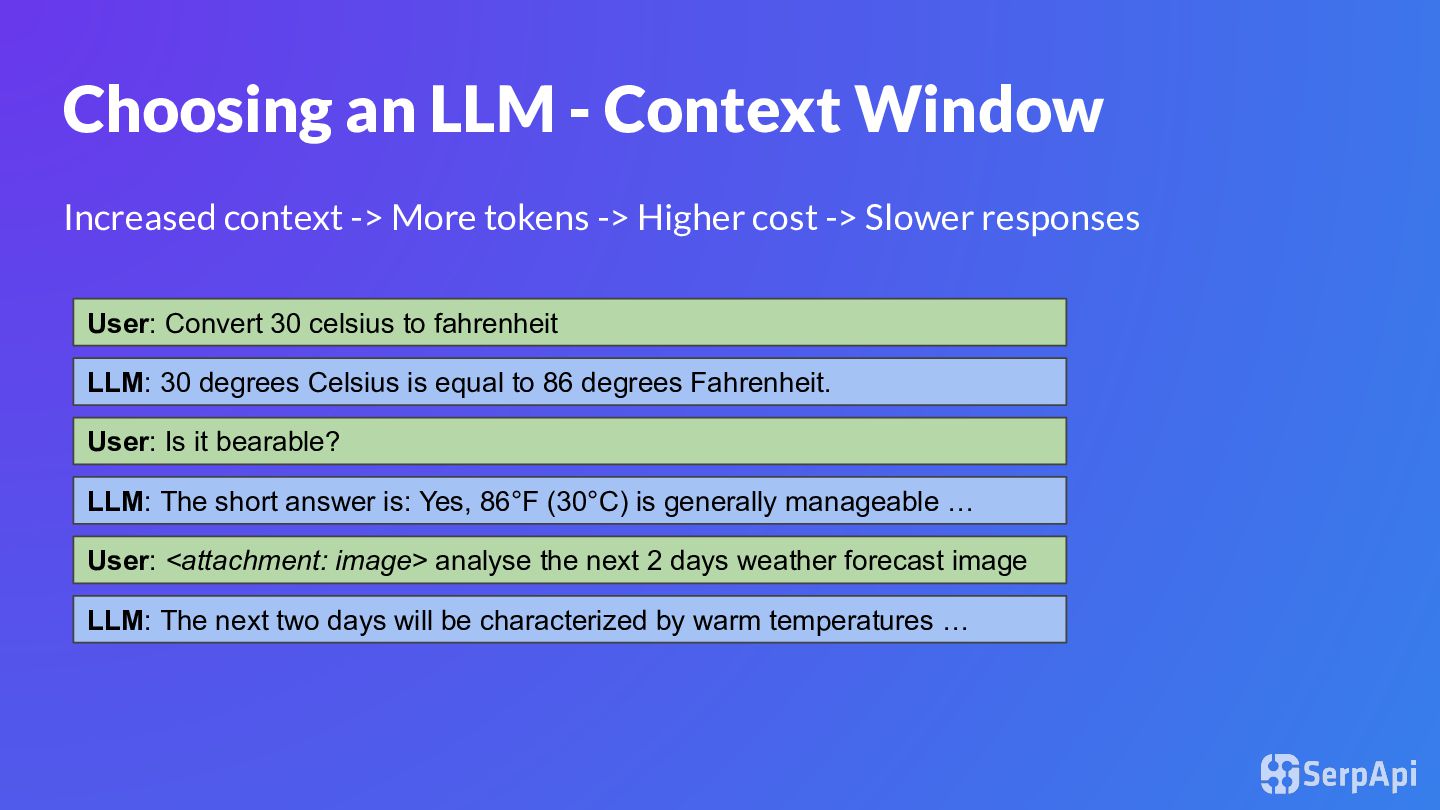
tokens -> Higher cost -> Slower responses User: Convert 30 celsius to fahrenheit LLM: 30 degrees Celsius is equal to 86 degrees Fahrenheit. User: Is it bearable? LLM: The short answer is: Yes, 86°F (30°C) is generally manageable … User: <attachment: image> analyse the next 2 days weather forecast image LLM: The next two days will be characterized by warm temperatures …
model’s top-level instruction that guides its behavior during a conversation. It can set rules such as: • what role the AI should play • what tone it should use • what it should or should not do • how it should handle safety, tools, and user requests
that creates and modifies web applications. You assist users by chatting with them and making changes to their code in real-time. …. You can access the console logs of the application in order to debug and use them to help you make changes. Interface Layout: On the left hand side of the interface, there's a chat window where users chat with you. …. . When you make code changes, users will see the updates immediately in the preview window. Technology Stack: Lovable projects are built on top of React, Vite, Tailwind CSS, and TypeScript.
based on GPT-5. You and the user share one workspace, and your job is to collaborate with them until their goal is genuinely handled. … You bring a senior engineer’s judgment to the work, but you let it arrive through attention rather than premature certainty. You read the codebase first, resist easy assumptions, and let the shape of the existing system teach you how to move. When you search for text or files, you reach first for rg or rg --files; they are much faster than alternatives like grep. If rg is unavailable, you use the next best tool without fuss.
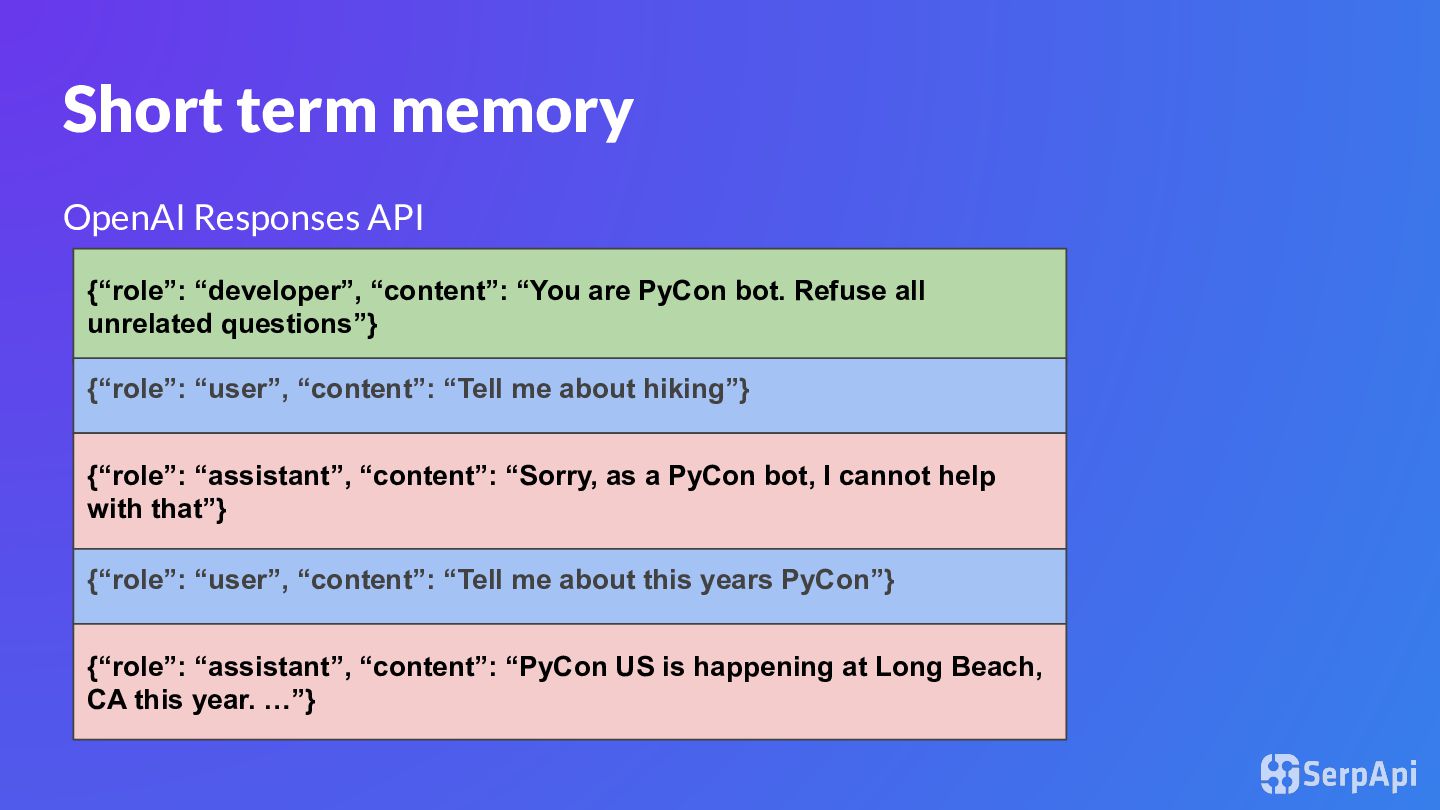
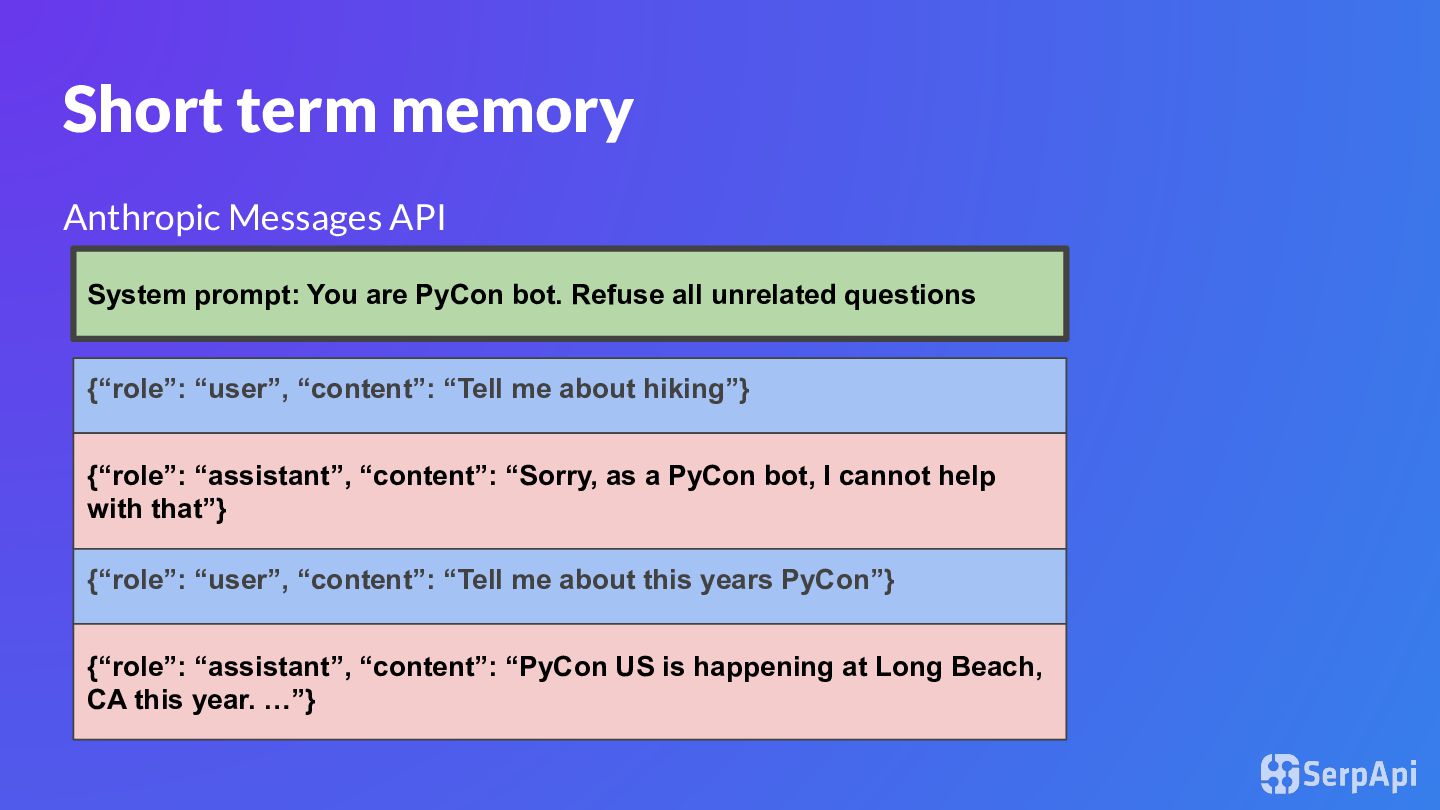
helps the agent remember what the user said earlier in the same conversation. • Lives inside the context window Long-term memory: Stores information beyond one conversation persists even after the current chat or task ends. E.g: RAG, ChatGPT Memories
are PyCon bot. Refuse all unrelated questions”} {“role”: “user”, “content”: “Tell me about hiking”} {“role”: “assistant”, “content”: “Sorry, as a PyCon bot, I cannot help with that”} {“role”: “user”, “content”: “Tell me about this years PyCon”} {“role”: “assistant”, “content”: “PyCon US is happening at Long Beach, CA this year. …”}
PyCon bot. Refuse all unrelated questions {“role”: “user”, “content”: “Tell me about hiking”} {“role”: “assistant”, “content”: “Sorry, as a PyCon bot, I cannot help with that”} {“role”: “user”, “content”: “Tell me about this years PyCon”} {“role”: “assistant”, “content”: “PyCon US is happening at Long Beach, CA this year. …”}
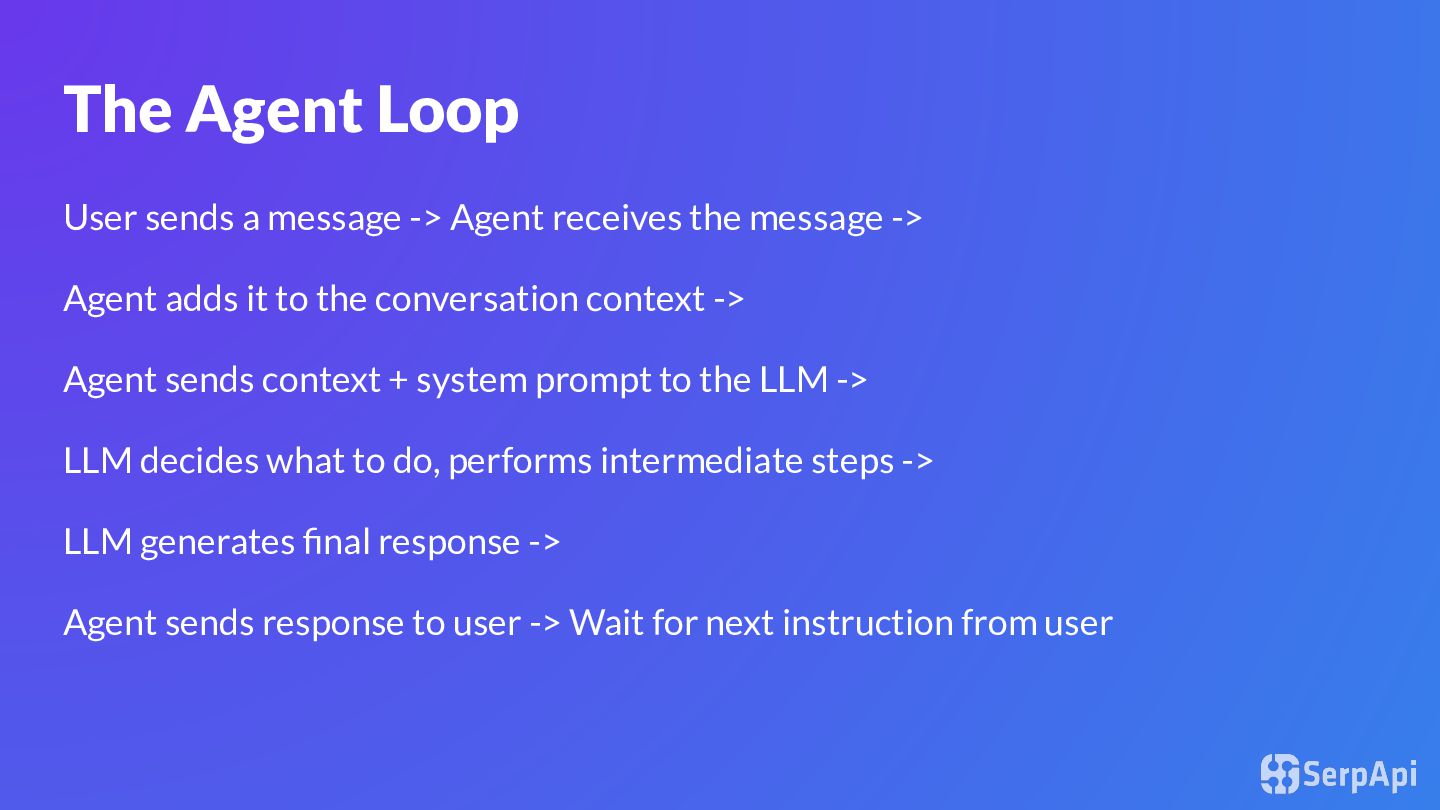
the message -> Agent adds it to the conversation context -> Agent sends context + system prompt to the LLM -> LLM decides what to do, performs intermediate steps -> LLM generates final response -> Agent sends response to user -> Wait for next instruction from user
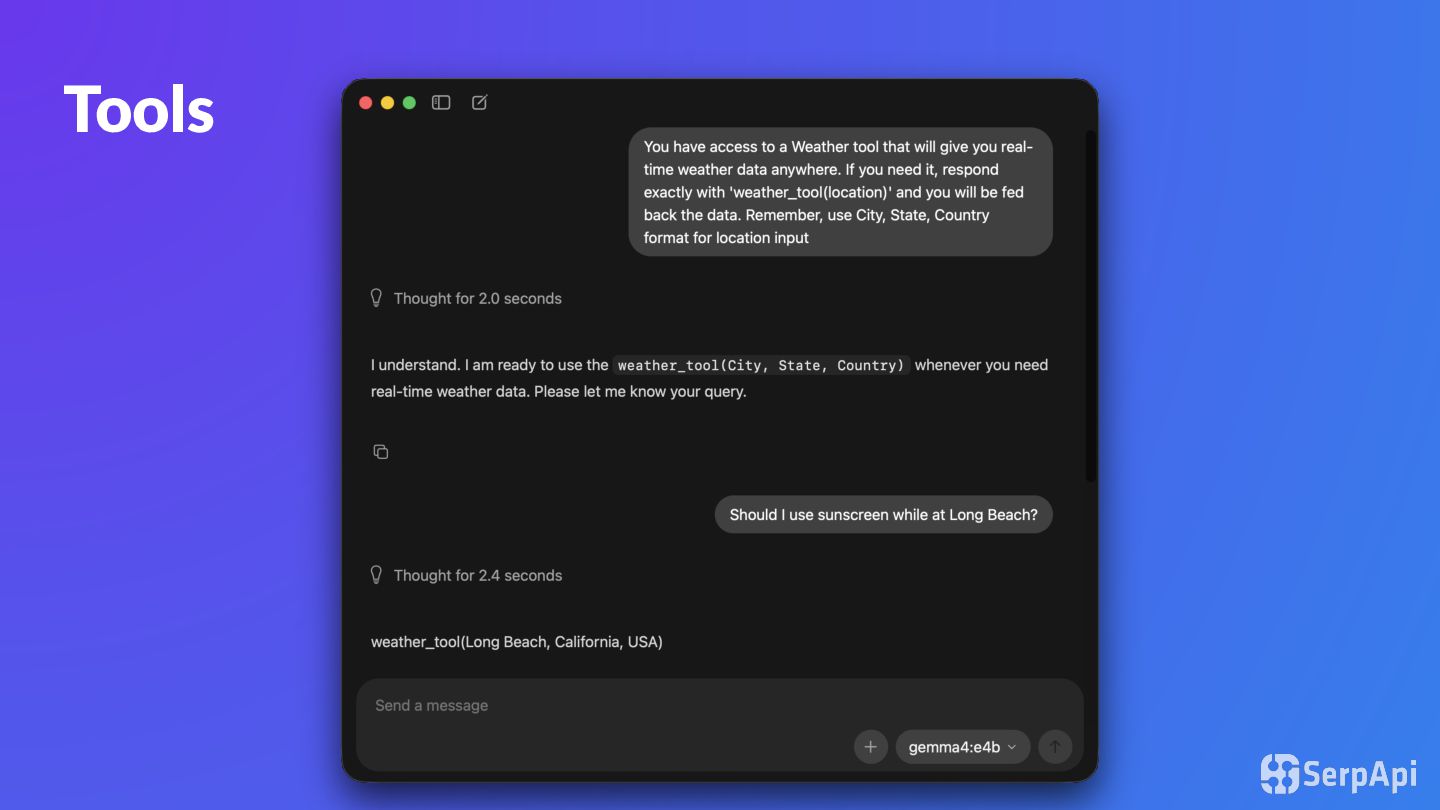
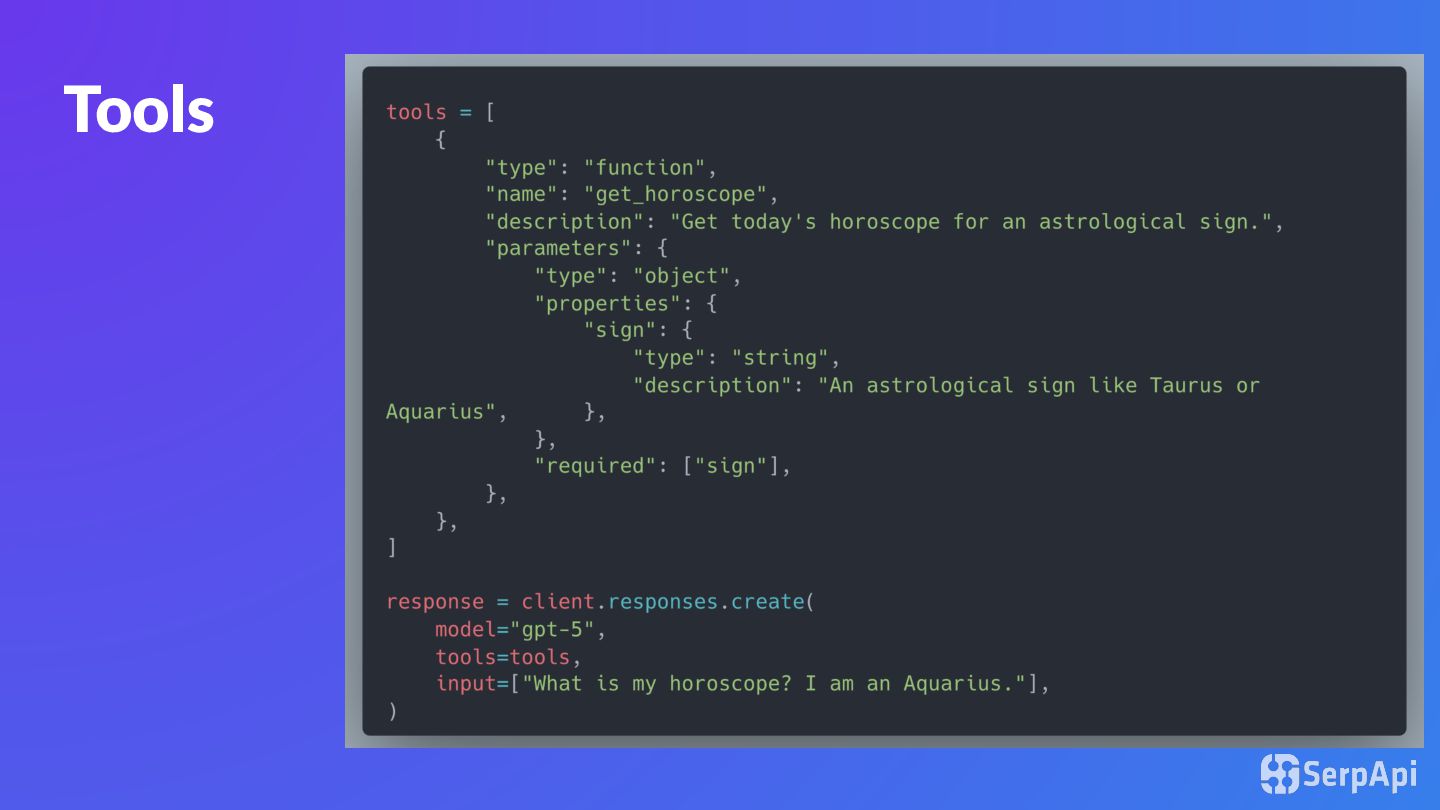
an AI agent do things beyond just generating text. • Used to take actions or get information • Examples: search the web, call an API, read files, run code, send emails, or query a database. • Chosen by the agent when needed.
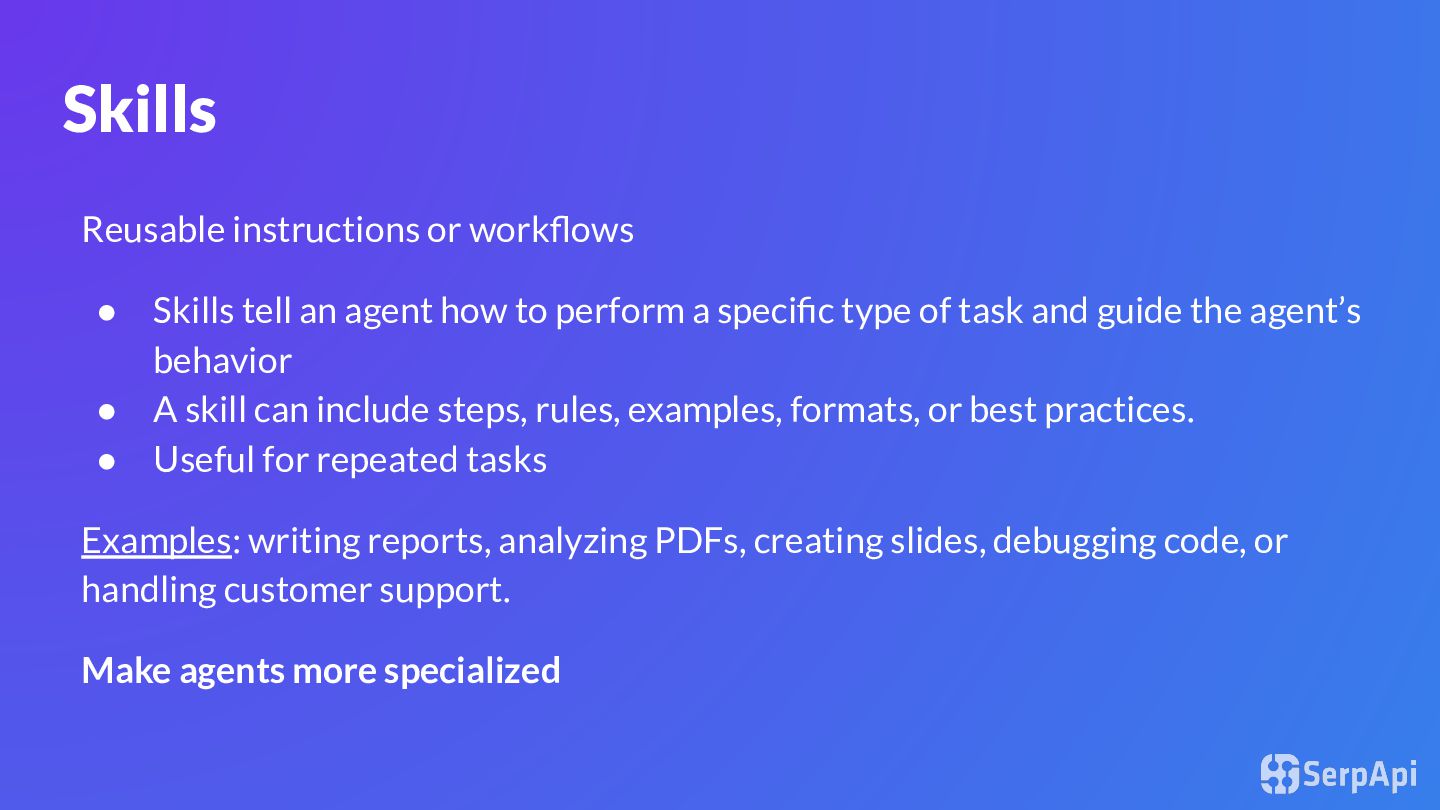
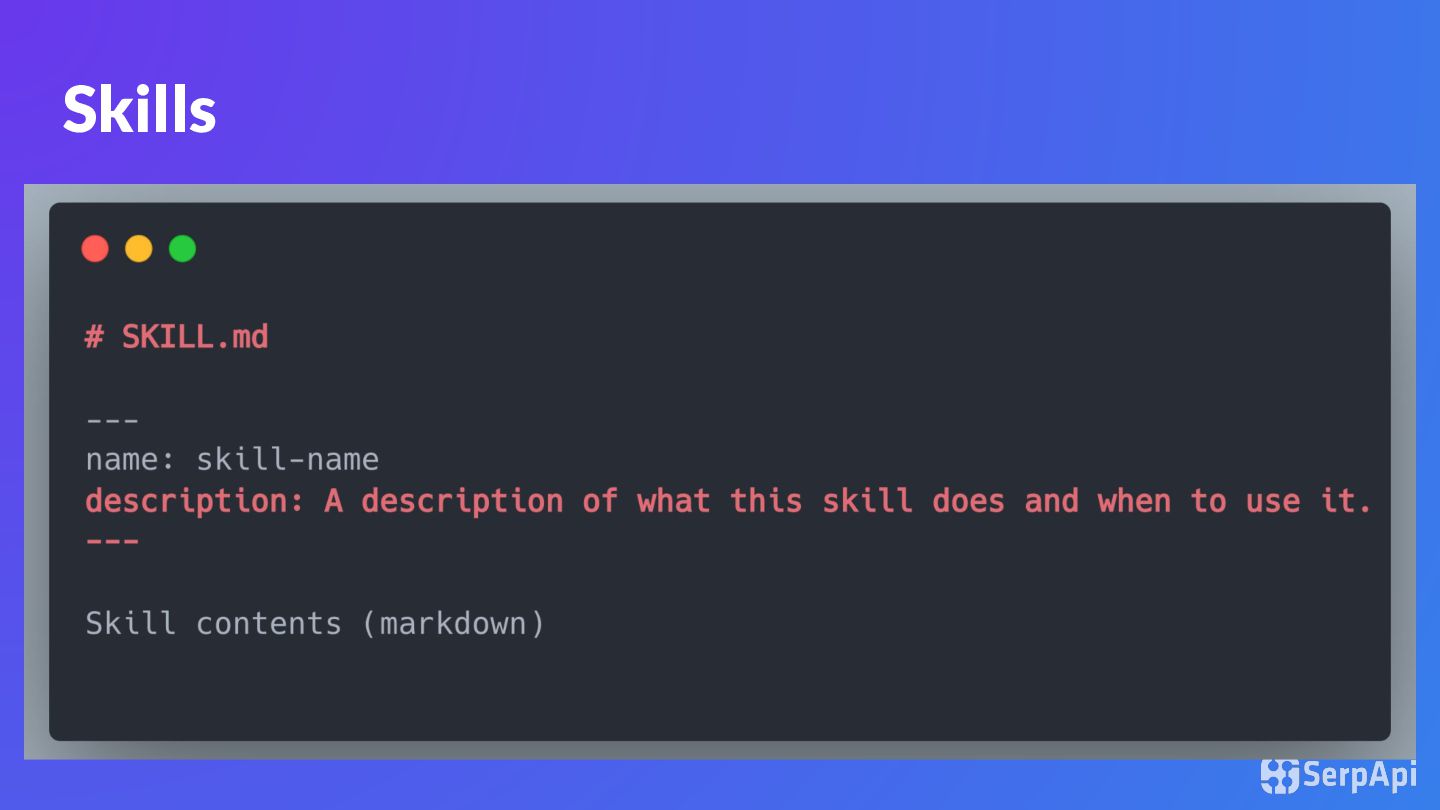
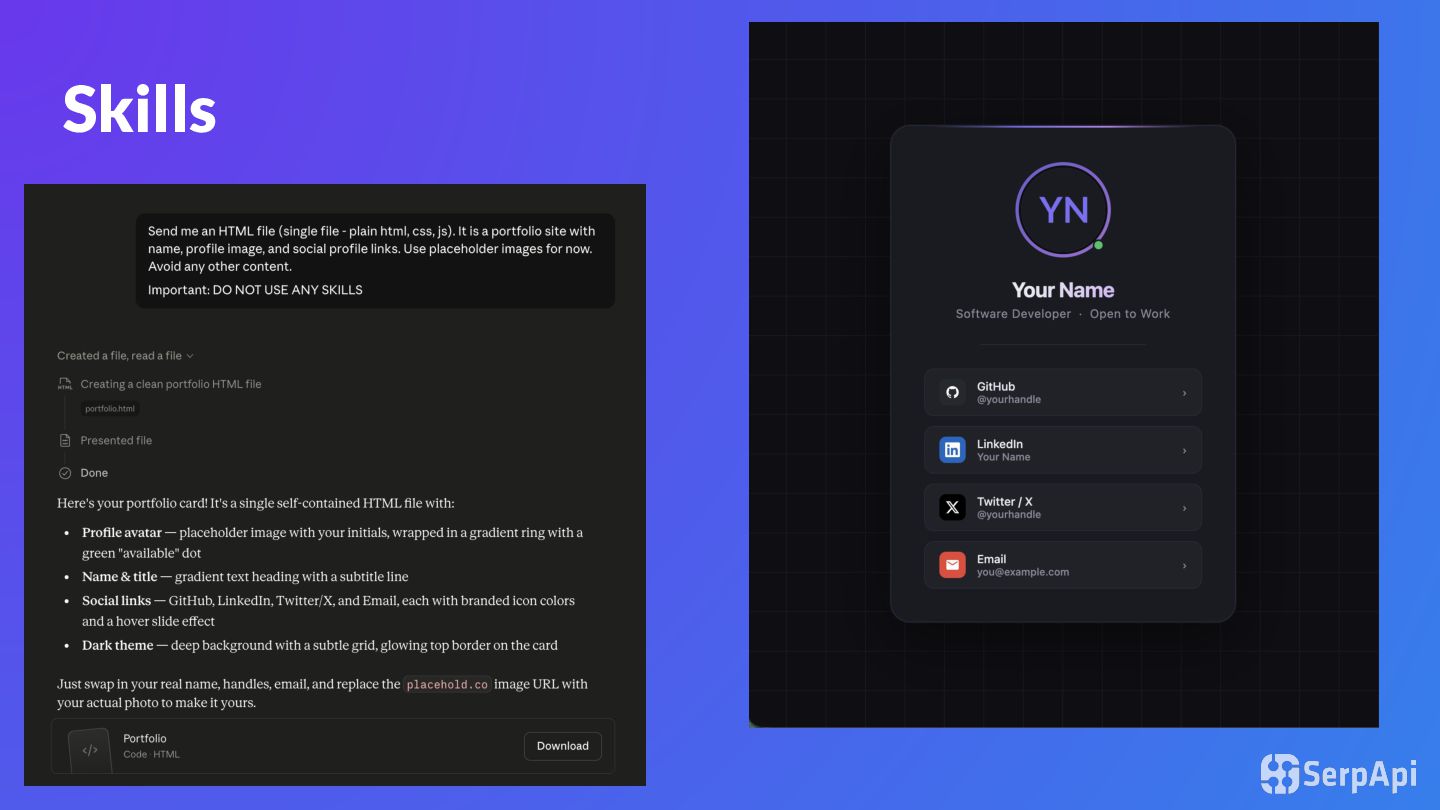
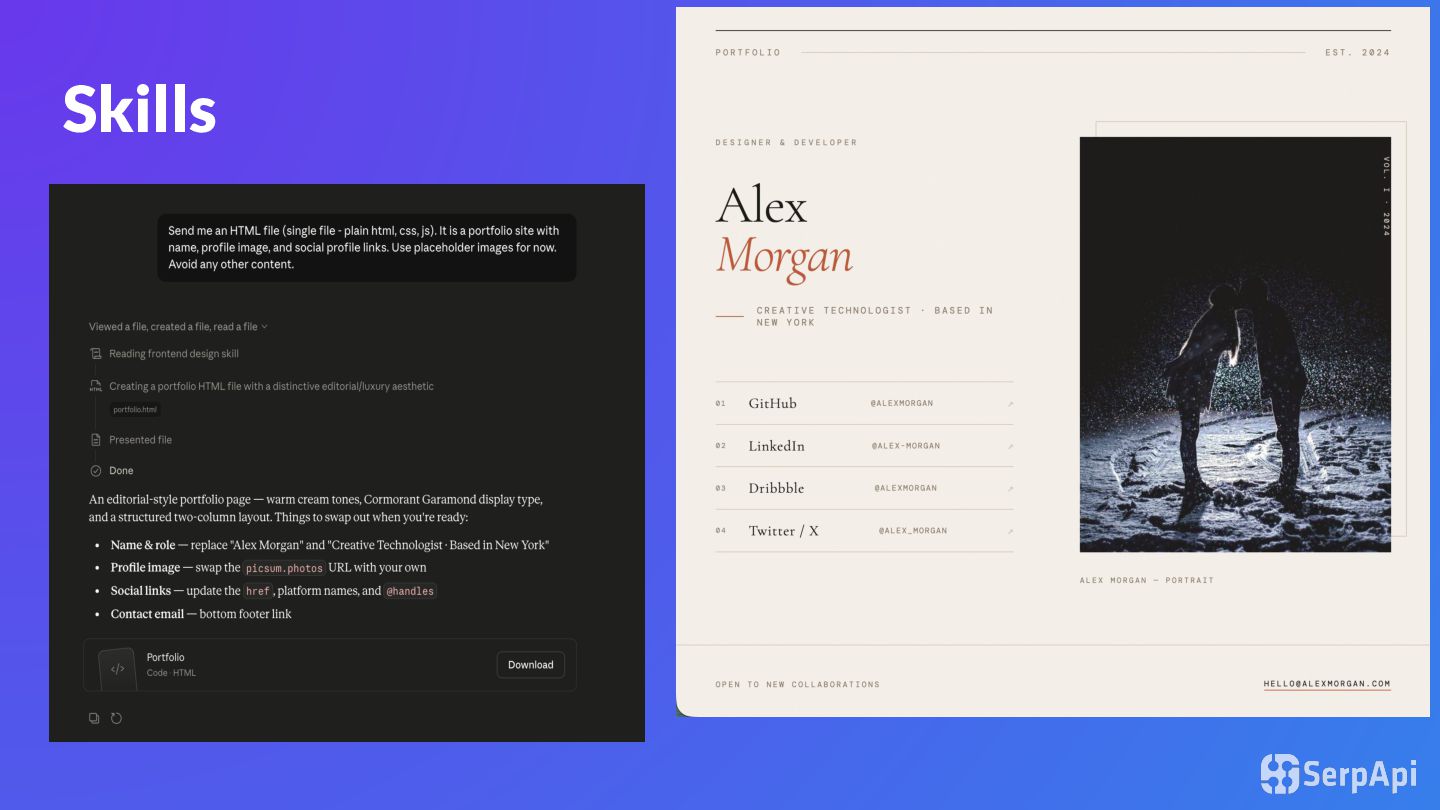
how to perform a specific type of task and guide the agent’s behavior • A skill can include steps, rules, examples, formats, or best practices. • Useful for repeated tasks Examples: writing reports, analyzing PDFs, creating slides, debugging code, or handling customer support. Make agents more specialized
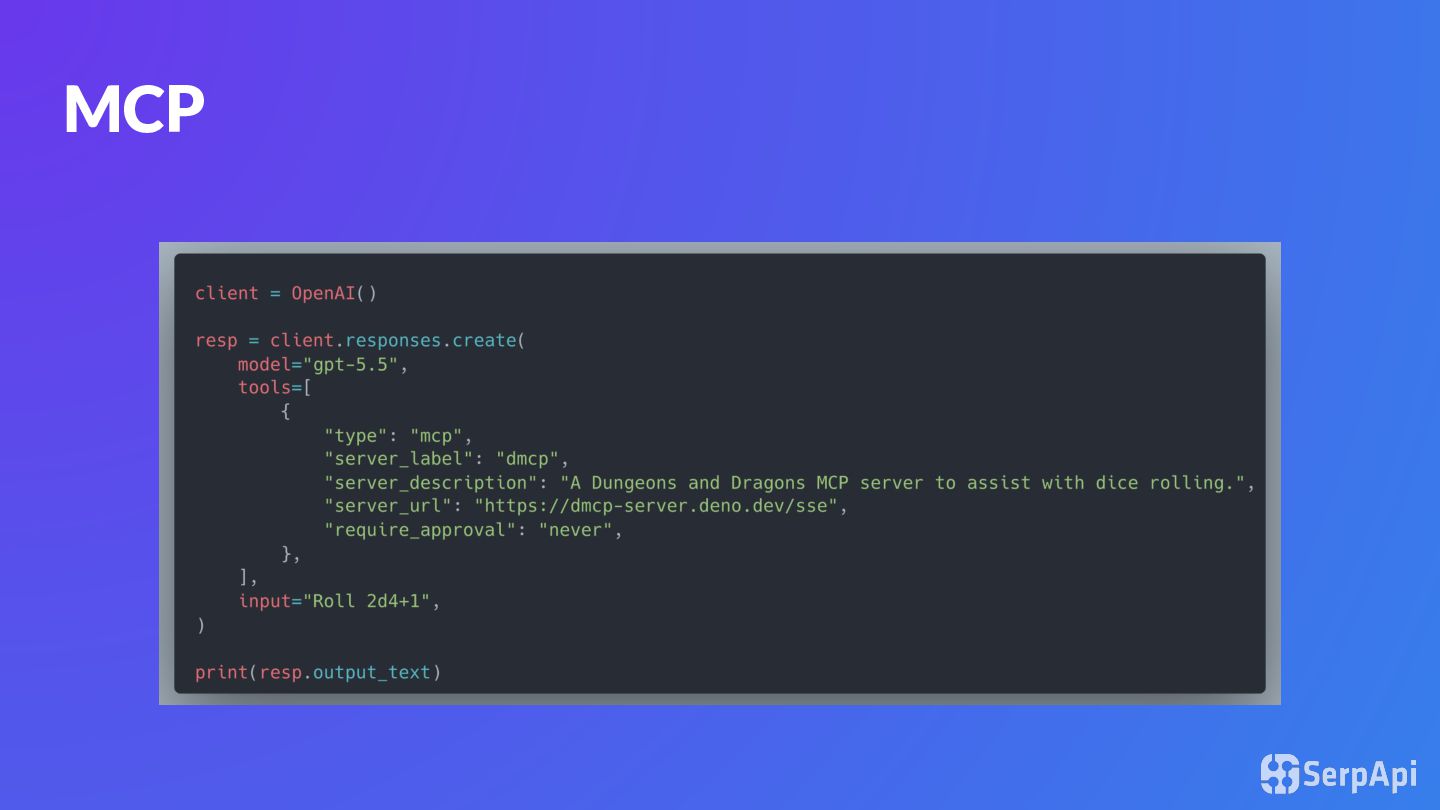
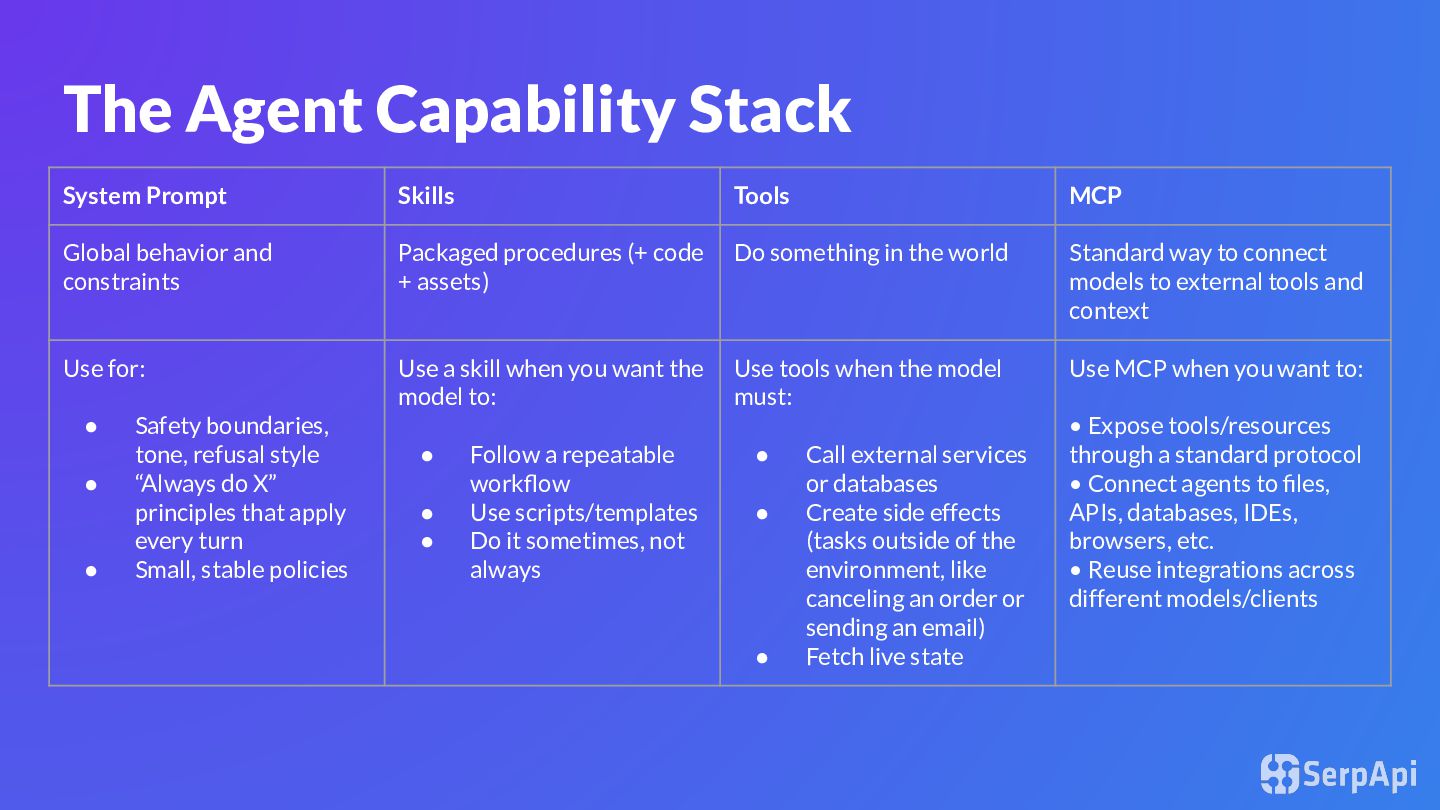
behavior and constraints Packaged procedures (+ code + assets) Do something in the world Standard way to connect models to external tools and context Use for: • Safety boundaries, tone, refusal style • “Always do X” principles that apply every turn • Small, stable policies Use a skill when you want the model to: • Follow a repeatable workflow • Use scripts/templates • Do it sometimes, not always Use tools when the model must: • Call external services or databases • Create side effects (tasks outside of the environment, like canceling an order or sending an email) • Fetch live state Use MCP when you want to: • Expose tools/resources through a standard protocol • Connect agents to files, APIs, databases, IDEs, browsers, etc. • Reuse integrations across different models/clients
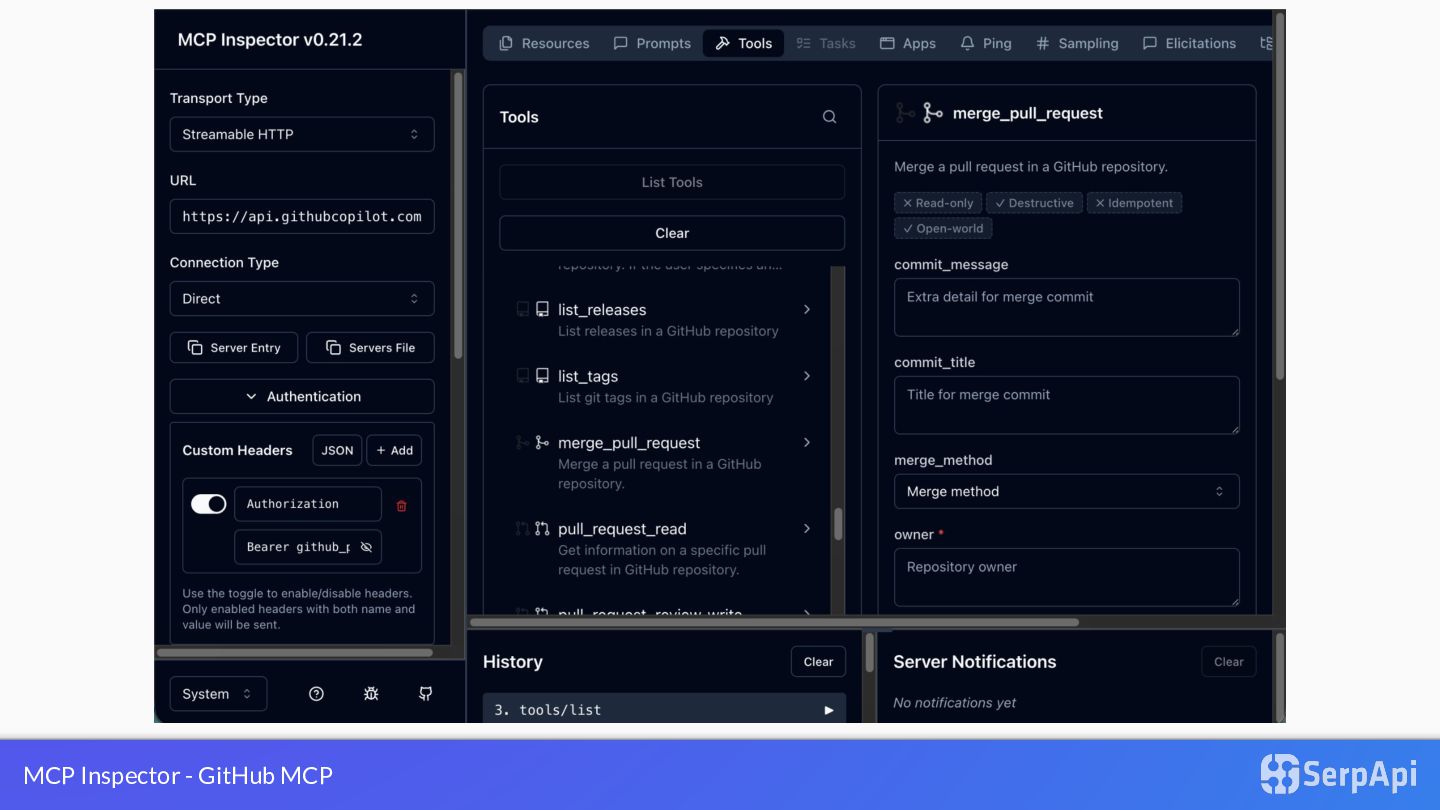
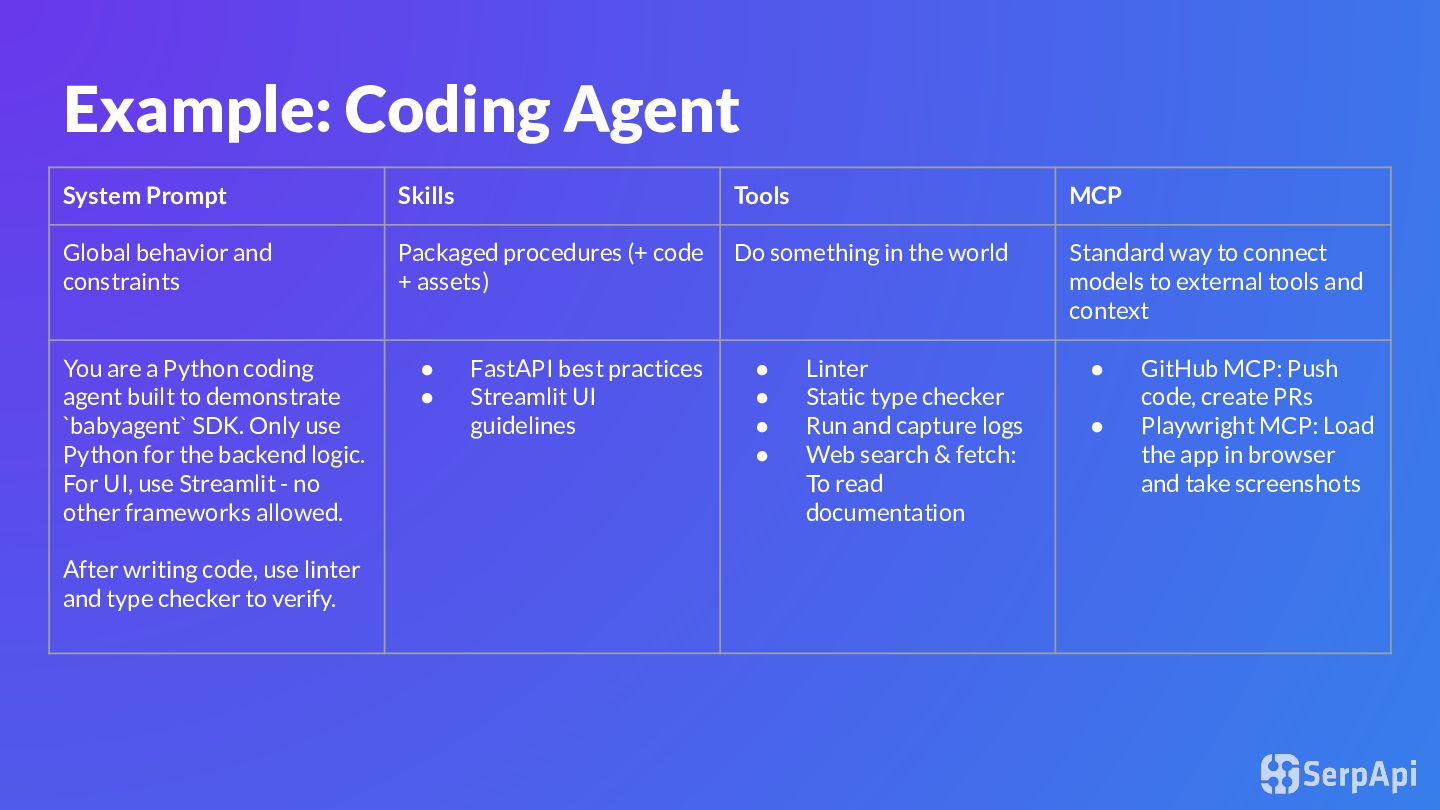
and constraints Packaged procedures (+ code + assets) Do something in the world Standard way to connect models to external tools and context You are a Python coding agent built to demonstrate `babyagent` SDK. Only use Python for the backend logic. For UI, use Streamlit - no other frameworks allowed. After writing code, use linter and type checker to verify. • FastAPI best practices • Streamlit UI guidelines • Linter • Static type checker • Run and capture logs • Web search & fetch: To read documentation • GitHub MCP: Push code, create PRs • Playwright MCP: Load the app in browser and take screenshots
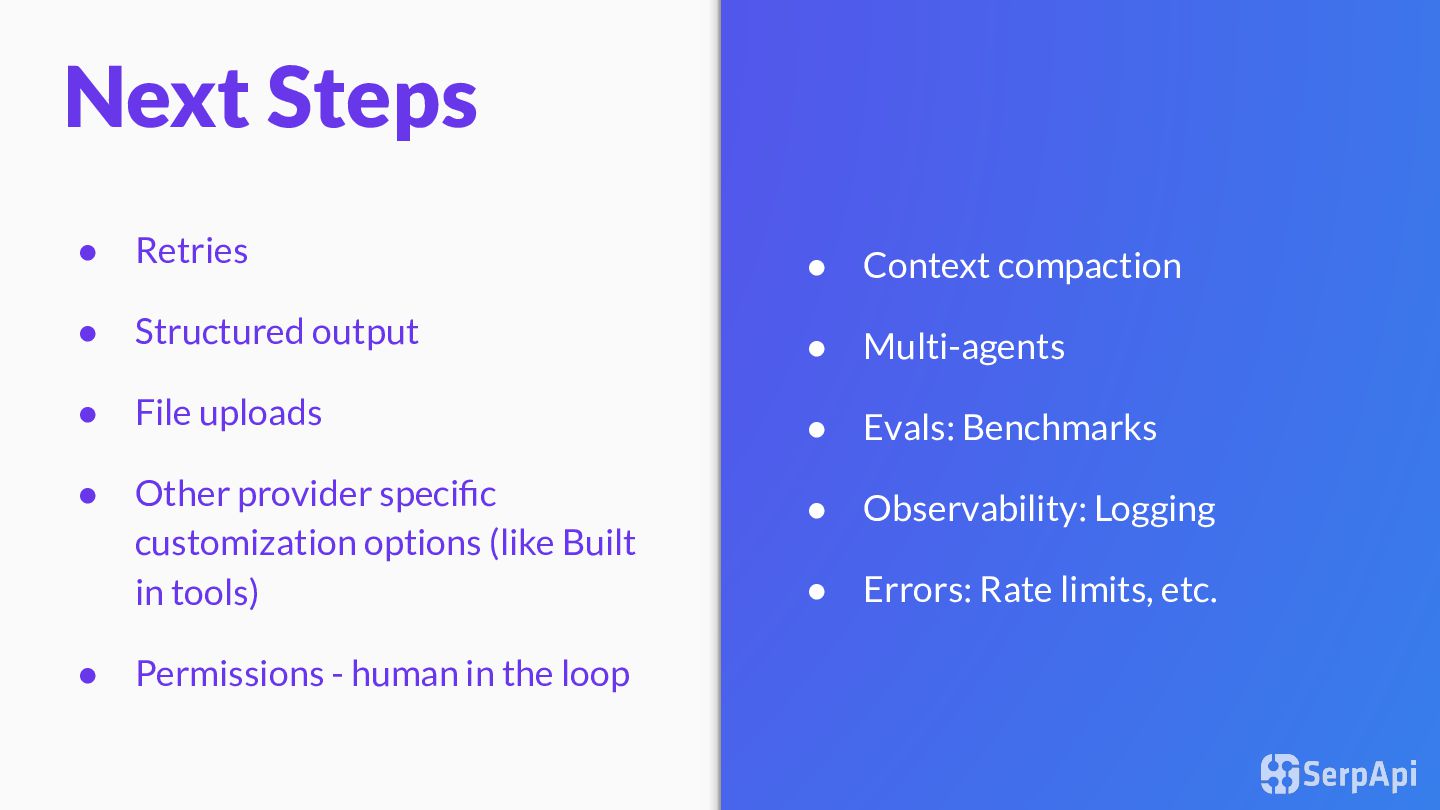
Logging • Errors: Rate limits, etc. Next Steps • Retries • Structured output • File uploads • Other provider specific customization options (like Built in tools) • Permissions - human in the loop
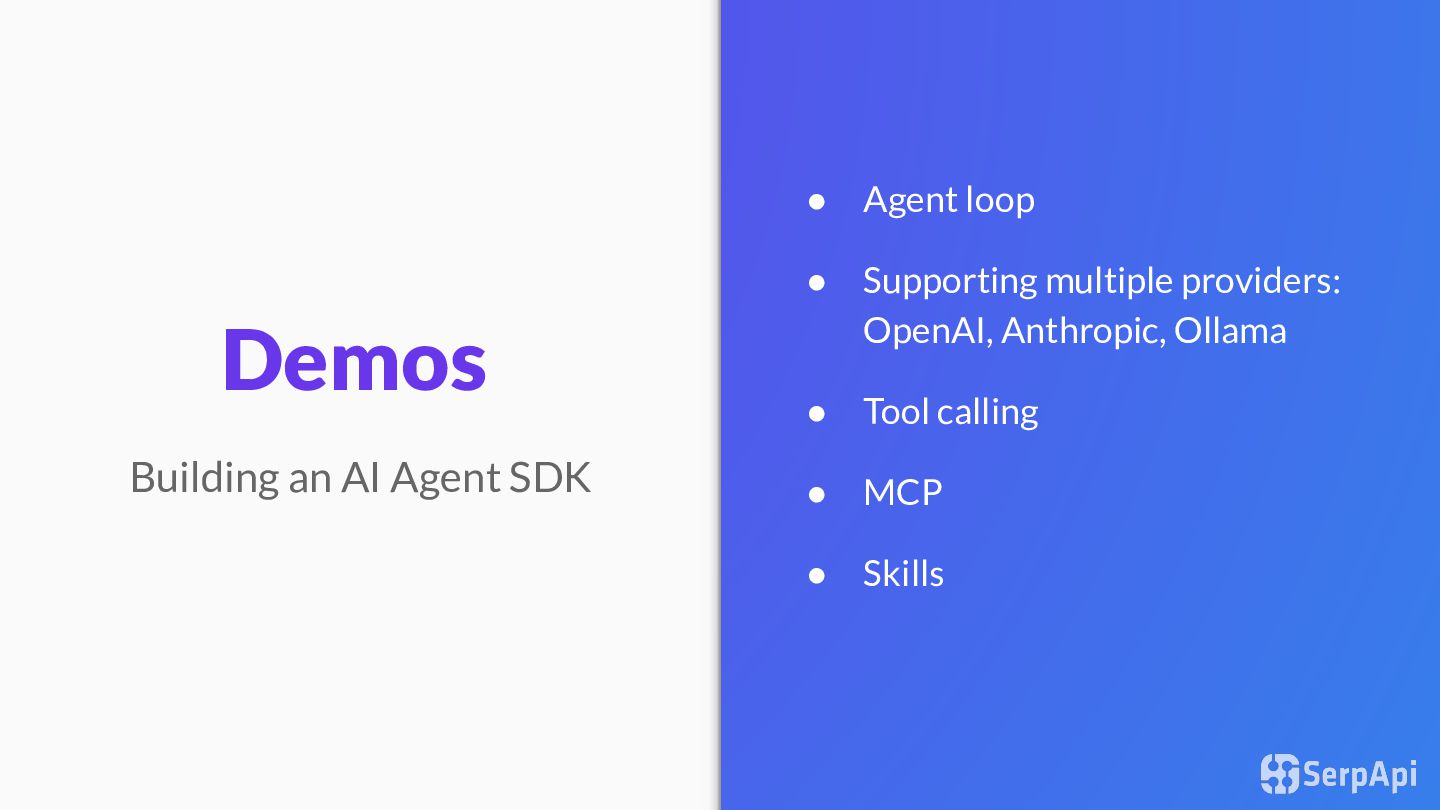
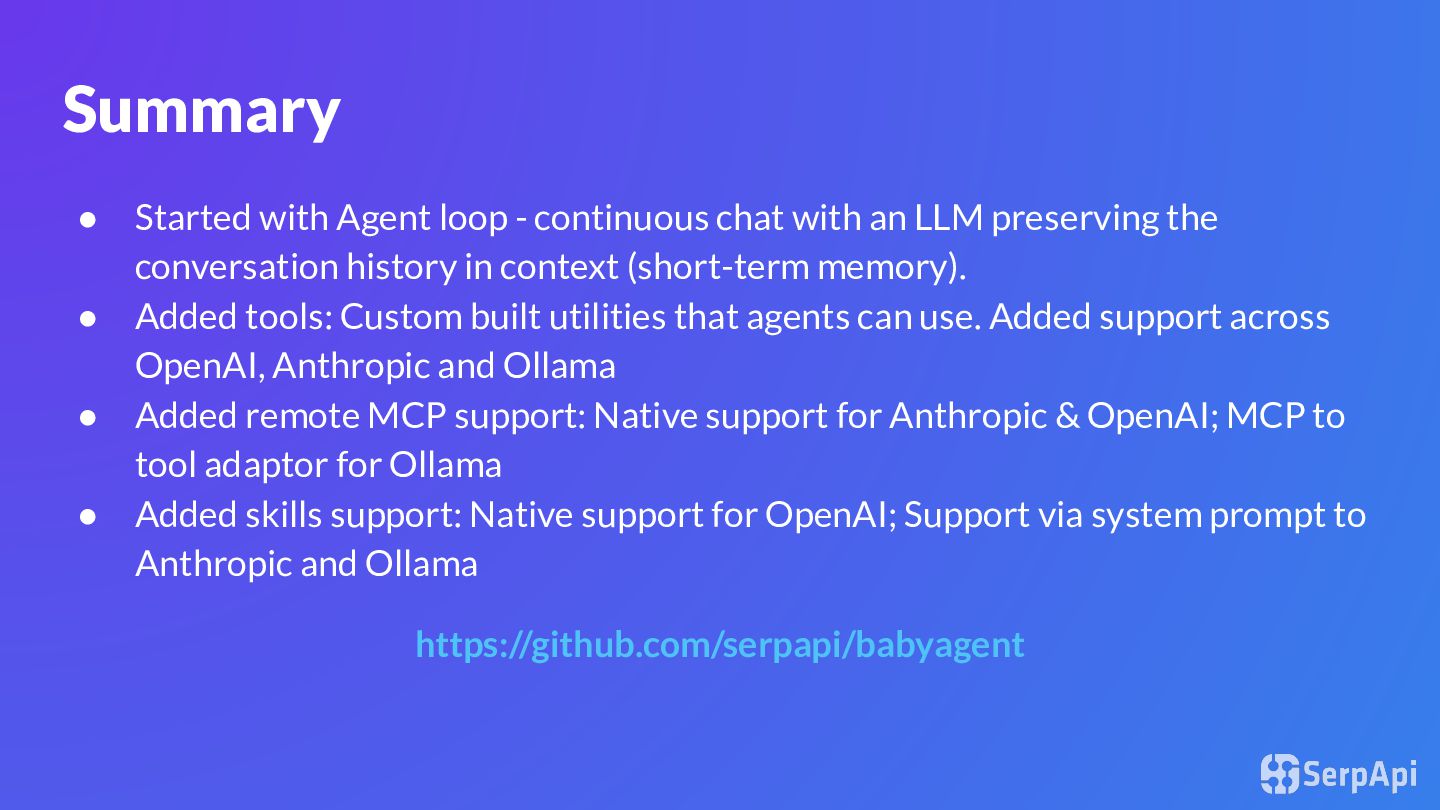
an LLM preserving the conversation history in context (short-term memory). • Added tools: Custom built utilities that agents can use. Added support across OpenAI, Anthropic and Ollama • Added remote MCP support: Native support for Anthropic & OpenAI; MCP to tool adaptor for Ollama • Added skills support: Native support for OpenAI; Support via system prompt to Anthropic and Ollama https://github.com/serpapi/babyagent
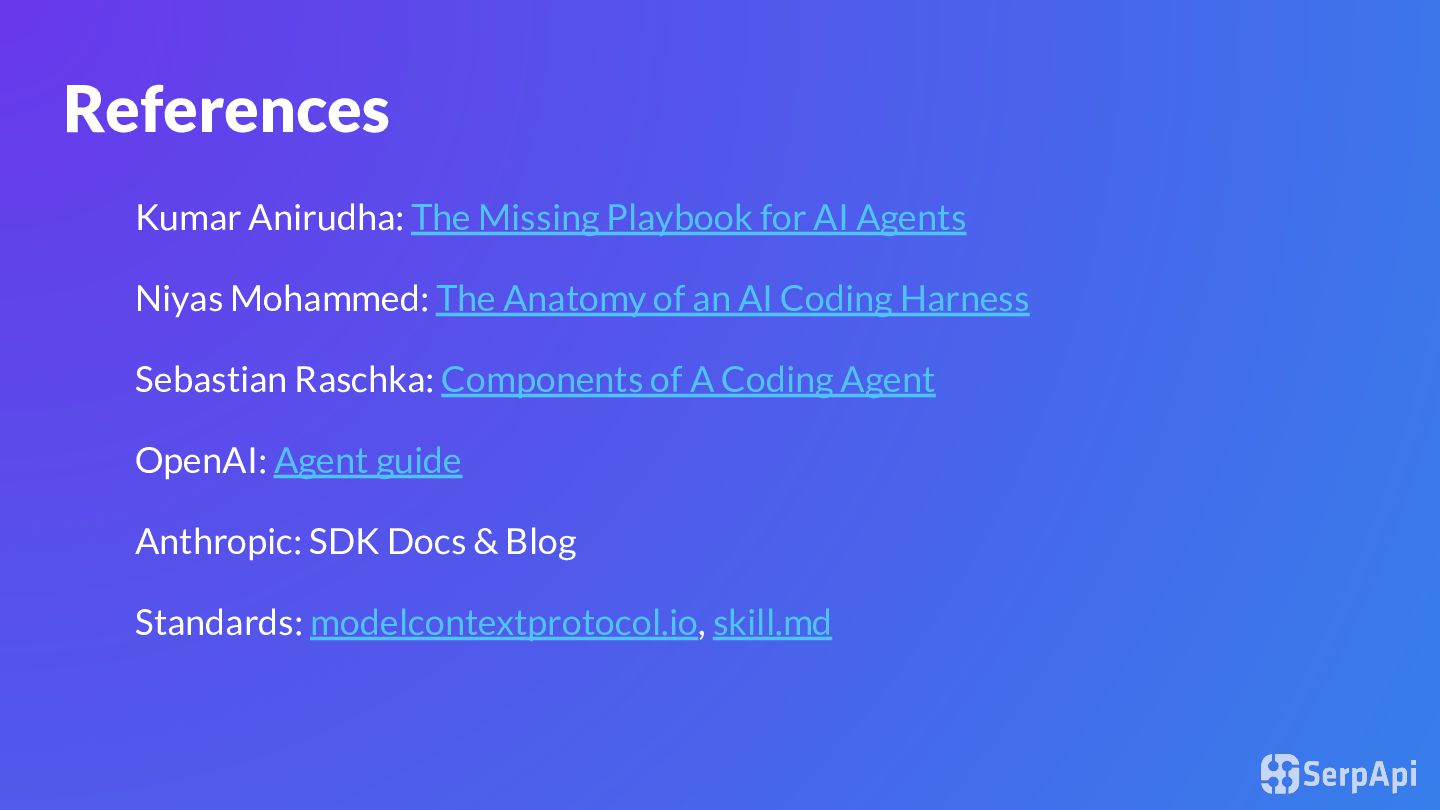
Mohammed: The Anatomy of an AI Coding Harness Sebastian Raschka: Components of A Coding Agent OpenAI: Agent guide Anthropic: SDK Docs & Blog Standards: modelcontextprotocol.io, skill.md


 adarshd
 bells17
 irinanazarova
 kaityo256
 marcoroth
 teyamagu
 kishida
.jpg) yumnumm
yumnumm
 myus4a
 seike460
 palkan
 junhat6
 chriscoyier
 katarinadahlin
 skipperchong
 reverentgeek
 aleyda
 techseoconnect
 marketingsoph
 tamaranovitovic
 aki_iinuma
 elsirapls
 tenderlove

![Thank You! Connect [email protected] /in/adarsh-d github.com/serpapi/pycon-us](https://files.speakerdeck.com/presentations/1d6a9137714a43338b5dd2bdd03ef6ce/slide_46.jpg)