Upgrade to Pro — share decks privately, control downloads, hide ads and more …

Scoping Your Storage

Sponsored · Your Podcast. Everywhere. Effortlessly. Share. Educate. Inspire. Entertain. You do you. We'll handle the rest.

Scoping Your Storage

Slides from my talk for GDGMAD on 25th April about Scoped Storage

Avatar for Adnan A M

Adnan A M

April 25, 2020
Tweet

More Decks by Adnan A M

Other Decks in Programming

Transcript

  1. What is Scoped Storage ? — Restricted Access to system

    wide files — Unlimited Access to own files GDGMAD 2
  2. Why Scoped Storage ? — Limit Access — Reduce File

    Clutter ! — Better User Experience " — Clear separation between Private vs Shared Storage — Protect User Data/Privacy GDGMAD 3
  3. Access To Files Limited access to files you don't own

    Unrestricted Access to create files GDGMAD 5
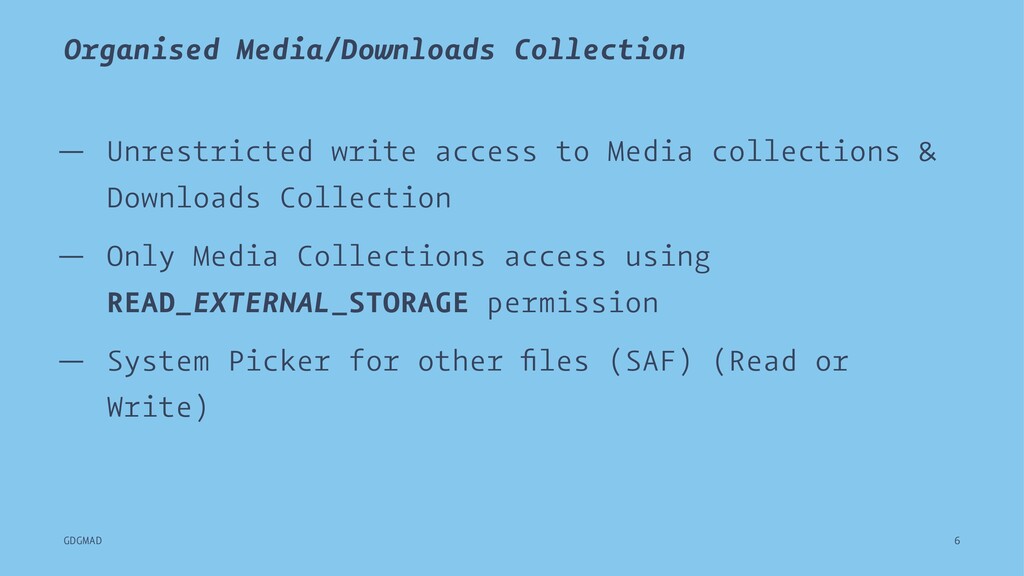
  4. Organised Media/Downloads Collection — Unrestricted write access to Media collections

    & Downloads Collection — Only Media Collections access using READ_EXTERNAL_STORAGE permission — System Picker for other files (SAF) (Read or Write) GDGMAD 6
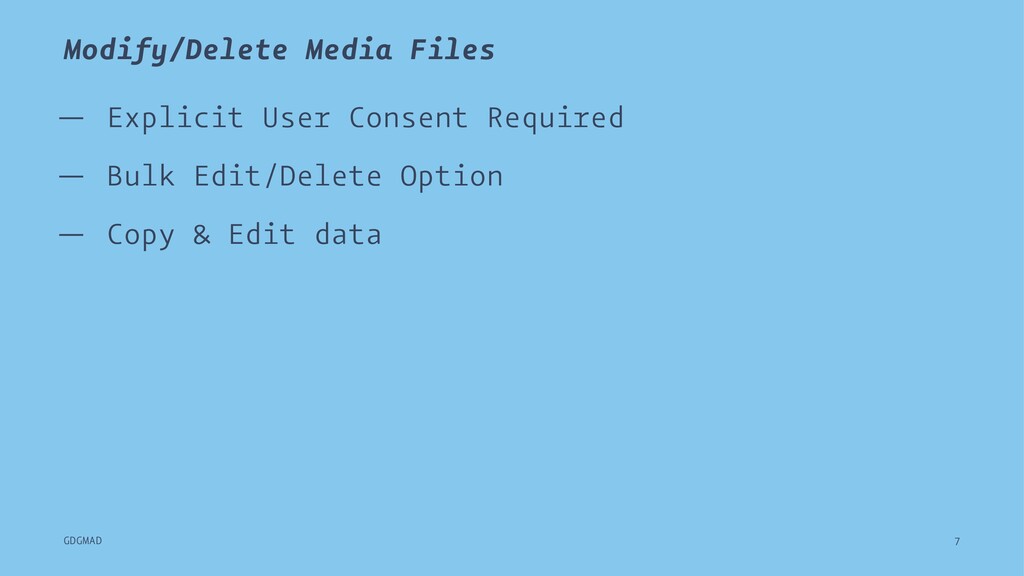
  5. Modify/Delete Media Files — Explicit User Consent Required — Bulk

    Edit/Delete Option — Copy & Edit data GDGMAD 7
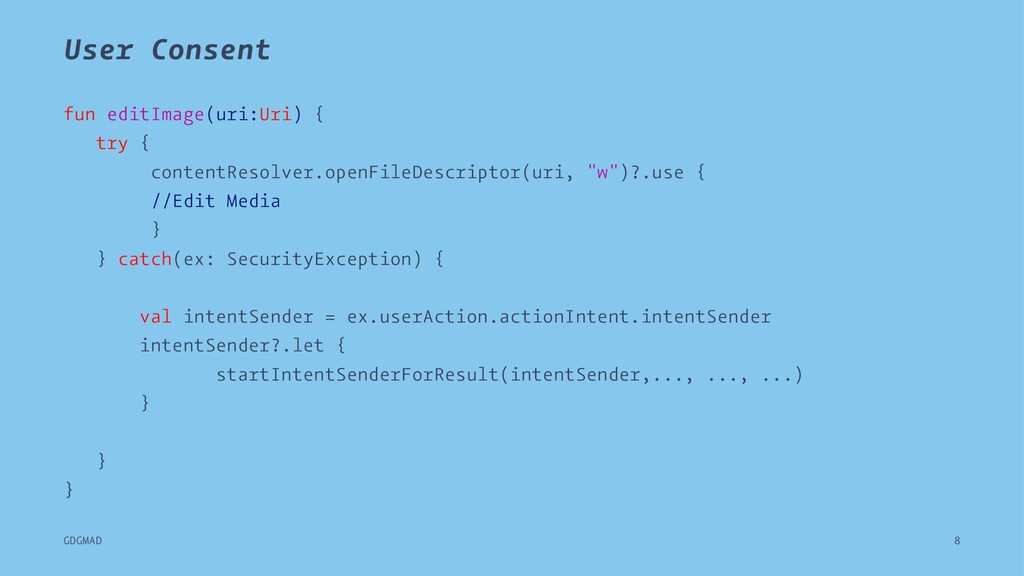
  6. User Consent fun editImage(uri:Uri) { try { contentResolver.openFileDescriptor(uri, "w")?.use {

    //Edit Media } } catch(ex: SecurityException) { val intentSender = ex.userAction.actionIntent.intentSender intentSender?.let { startIntentSenderForResult(intentSender,..., ..., ...) } } } GDGMAD 8
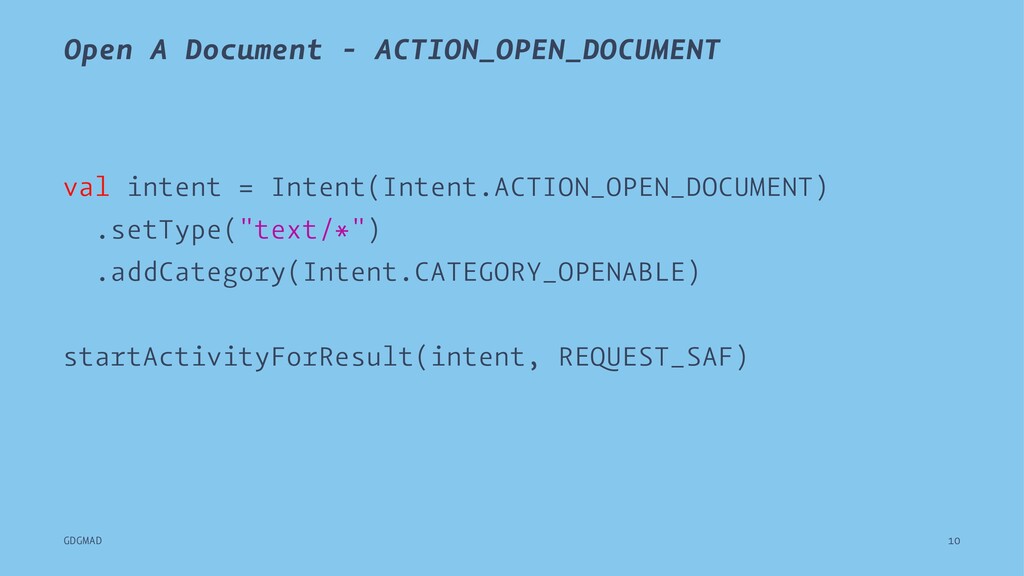
  7. Open A Document - ACTION_OPEN_DOCUMENT val intent = Intent(Intent.ACTION_OPEN_DOCUMENT) .setType("text/*")

    .addCategory(Intent.CATEGORY_OPENABLE) startActivityForResult(intent, REQUEST_SAF) GDGMAD 10
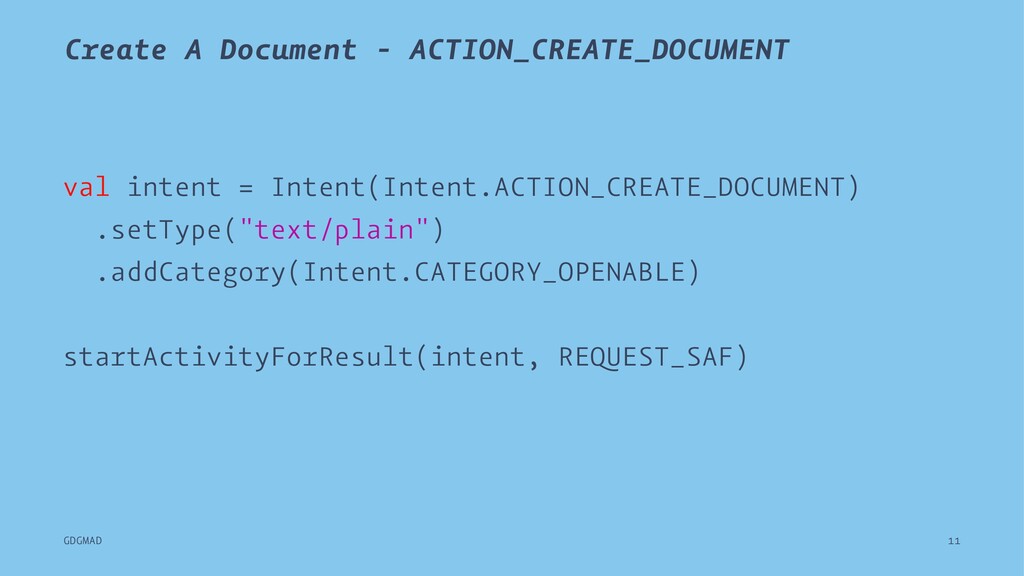
  8. Create A Document - ACTION_CREATE_DOCUMENT val intent = Intent(Intent.ACTION_CREATE_DOCUMENT) .setType("text/plain")

    .addCategory(Intent.CATEGORY_OPENABLE) startActivityForResult(intent, REQUEST_SAF) GDGMAD 11
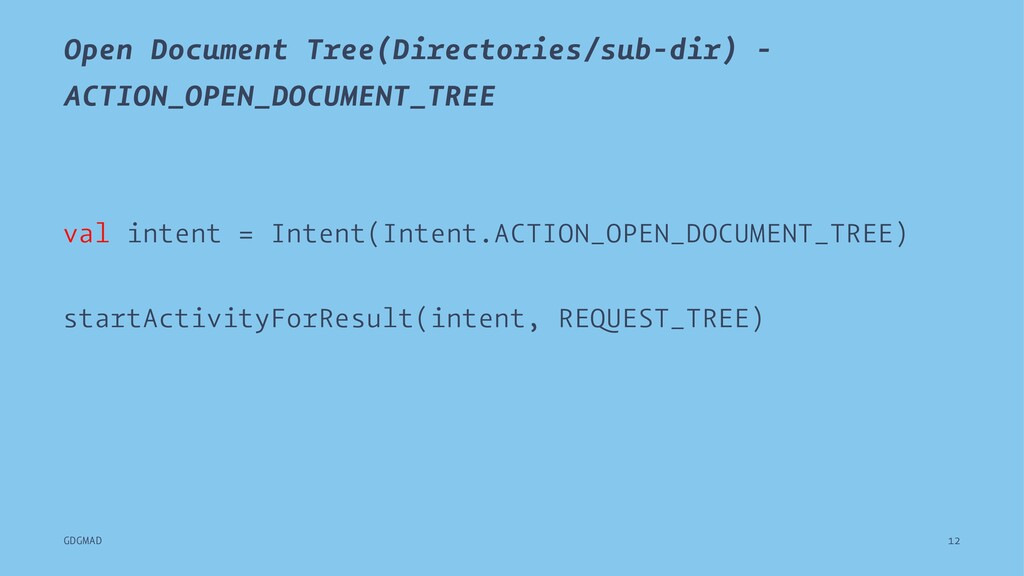
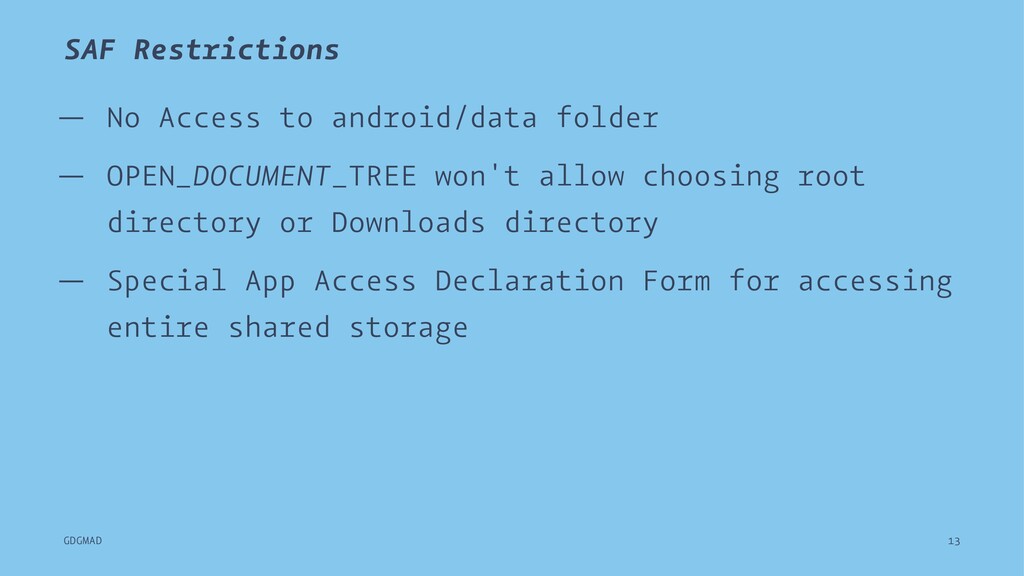
  9. SAF Restrictions — No Access to android/data folder — OPEN_DOCUMENT_TREE

    won't allow choosing root directory or Downloads directory — Special App Access Declaration Form for accessing entire shared storage GDGMAD 13
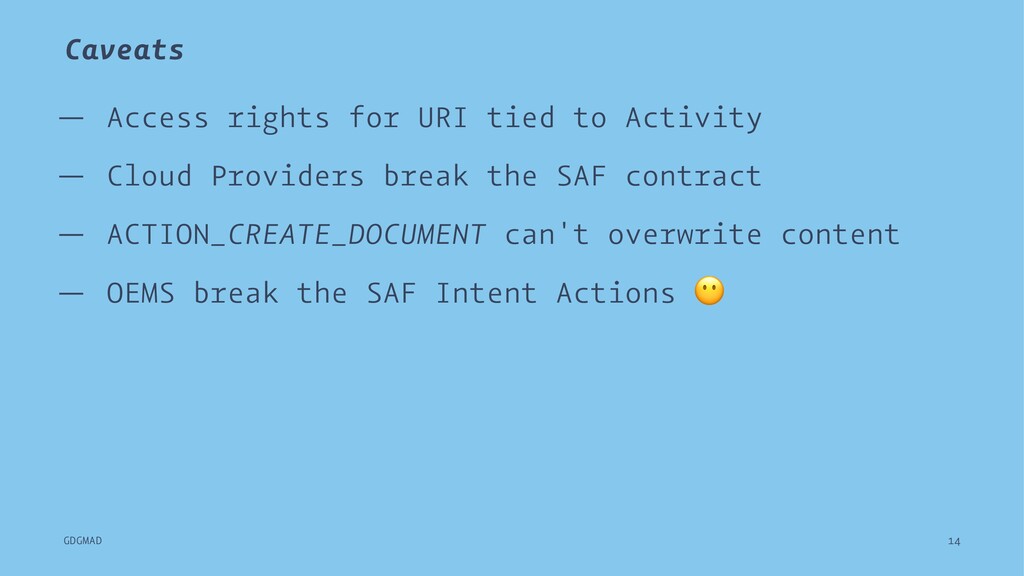
  10. Caveats — Access rights for URI tied to Activity —

    Cloud Providers break the SAF contract — ACTION_CREATE_DOCUMENT can't overwrite content — OEMS break the SAF Intent Actions GDGMAD 14
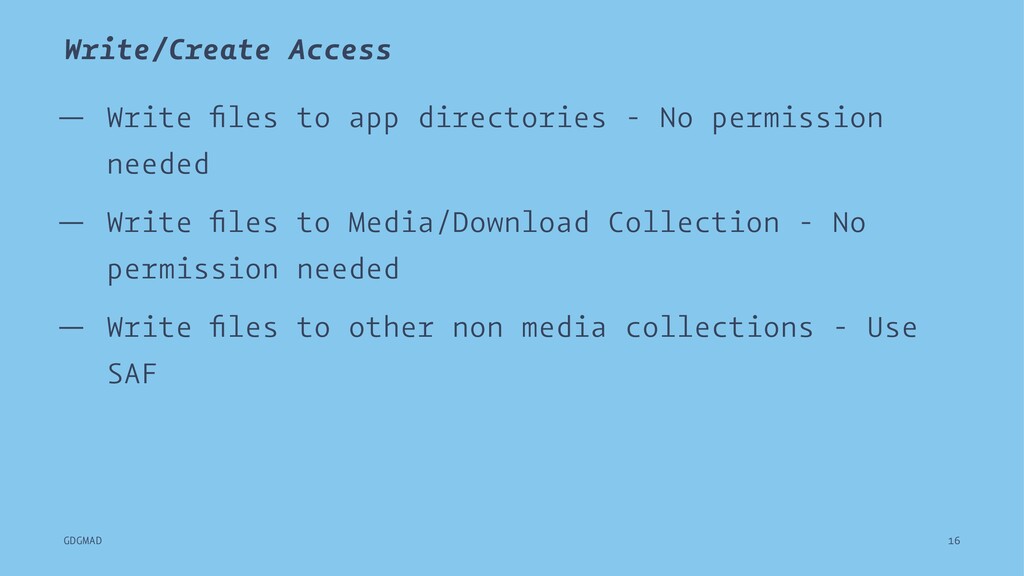
  11. Write/Create Access — Write files to app directories - No

    permission needed — Write files to Media/Download Collection - No permission needed — Write files to other non media collections - Use SAF GDGMAD 16
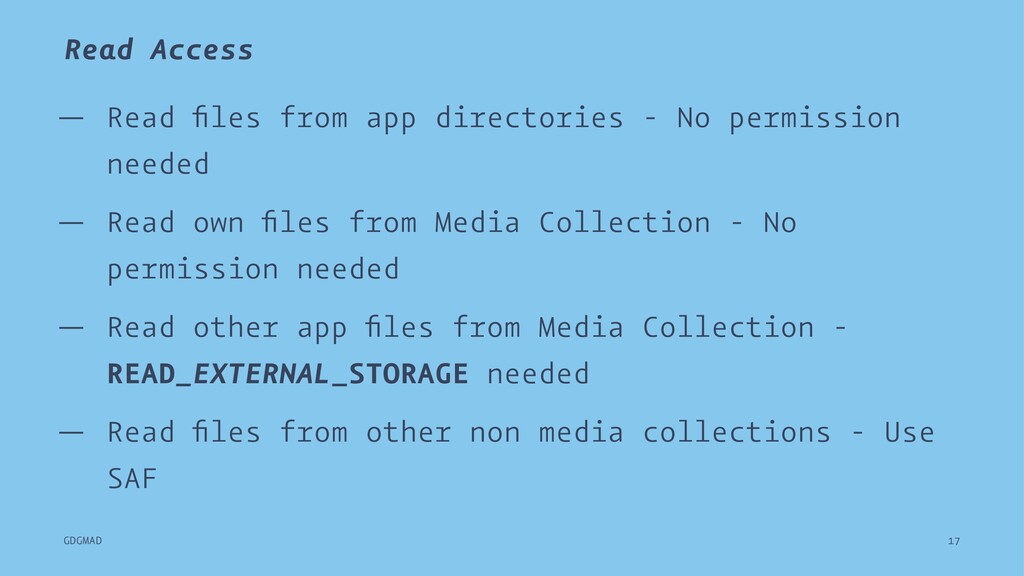
  12. Read Access — Read files from app directories - No

    permission needed — Read own files from Media Collection - No permission needed — Read other app files from Media Collection - READ_EXTERNAL_STORAGE needed — Read files from other non media collections - Use SAF GDGMAD 17
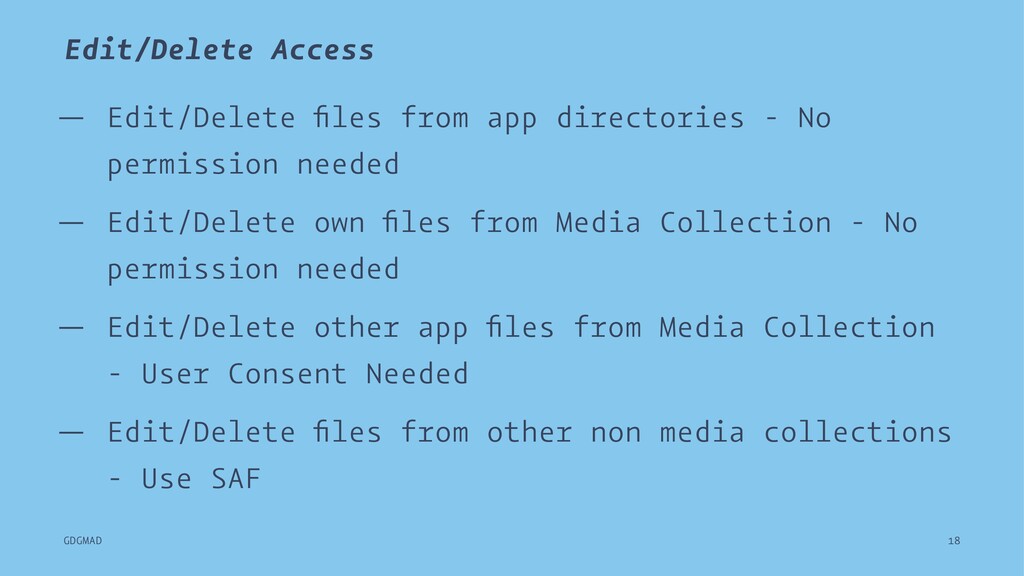
  13. Edit/Delete Access — Edit/Delete files from app directories - No

    permission needed — Edit/Delete own files from Media Collection - No permission needed — Edit/Delete other app files from Media Collection - User Consent Needed — Edit/Delete files from other non media collections - Use SAF GDGMAD 18
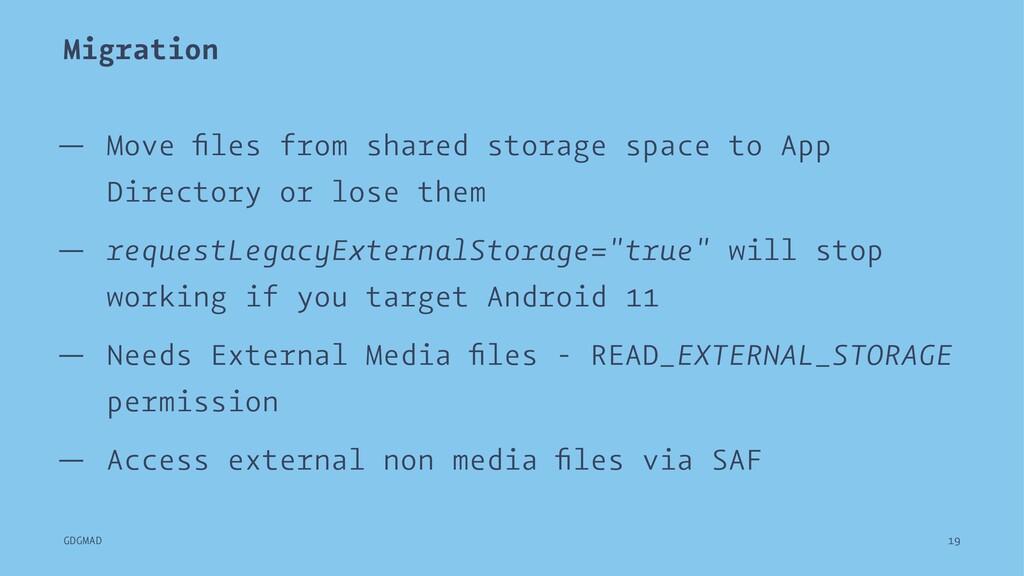
  14. Migration — Move files from shared storage space to App

    Directory or lose them — requestLegacyExternalStorage="true" will stop working if you target Android 11 — Needs External Media files - READ_EXTERNAL_STORAGE permission — Access external non media files via SAF GDGMAD 19
  15. References — Working with Scoped Storage - Fernando García Álvarez

    — Scoped Storage Stories - CommonsWare GDGMAD 20