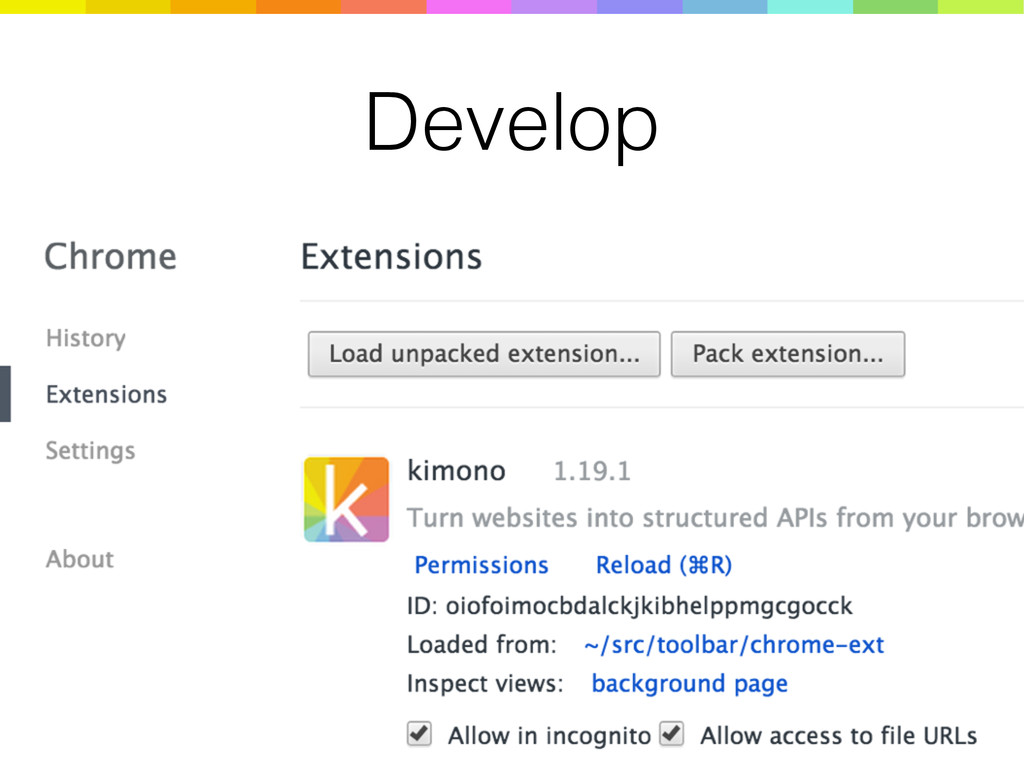
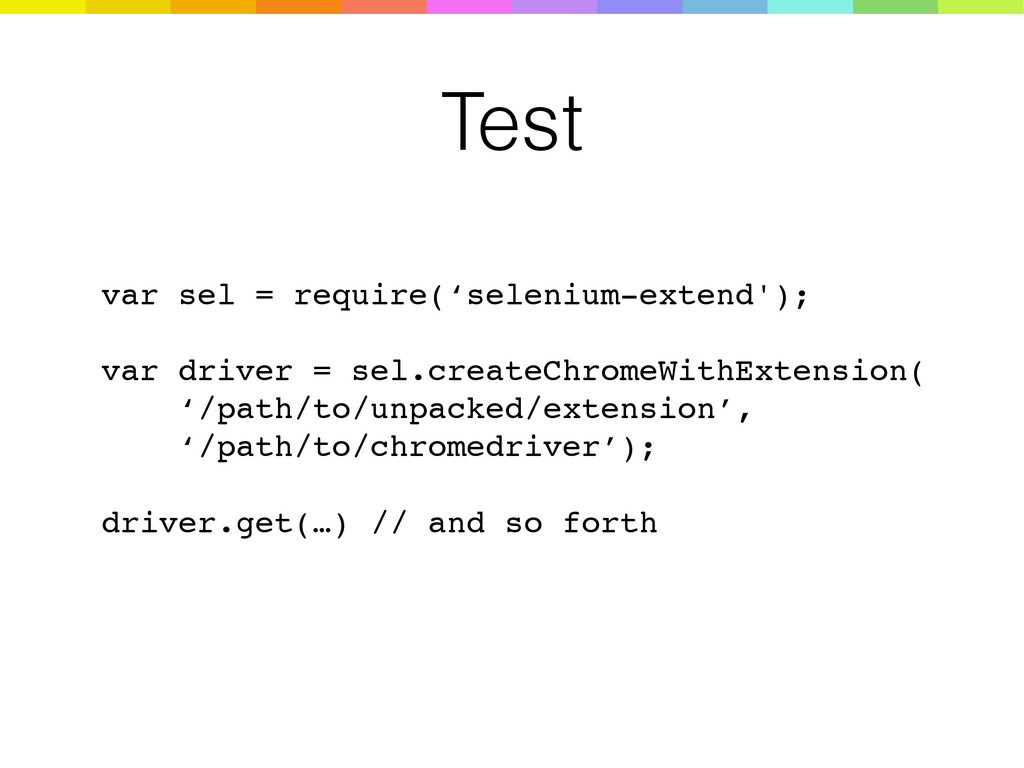
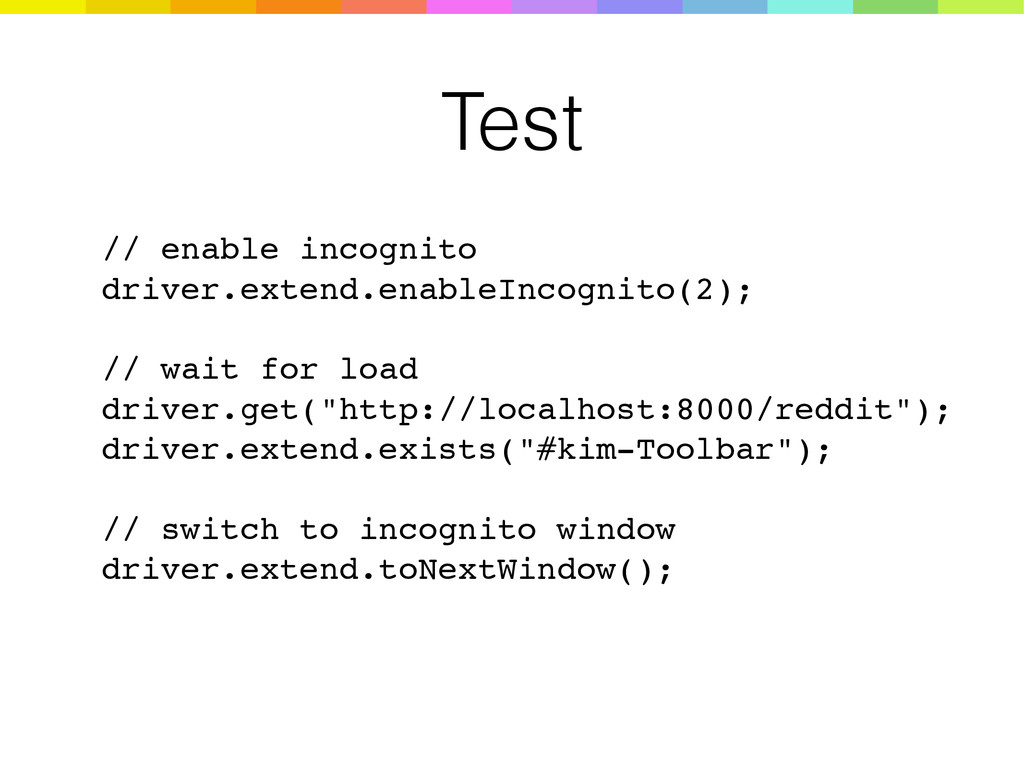
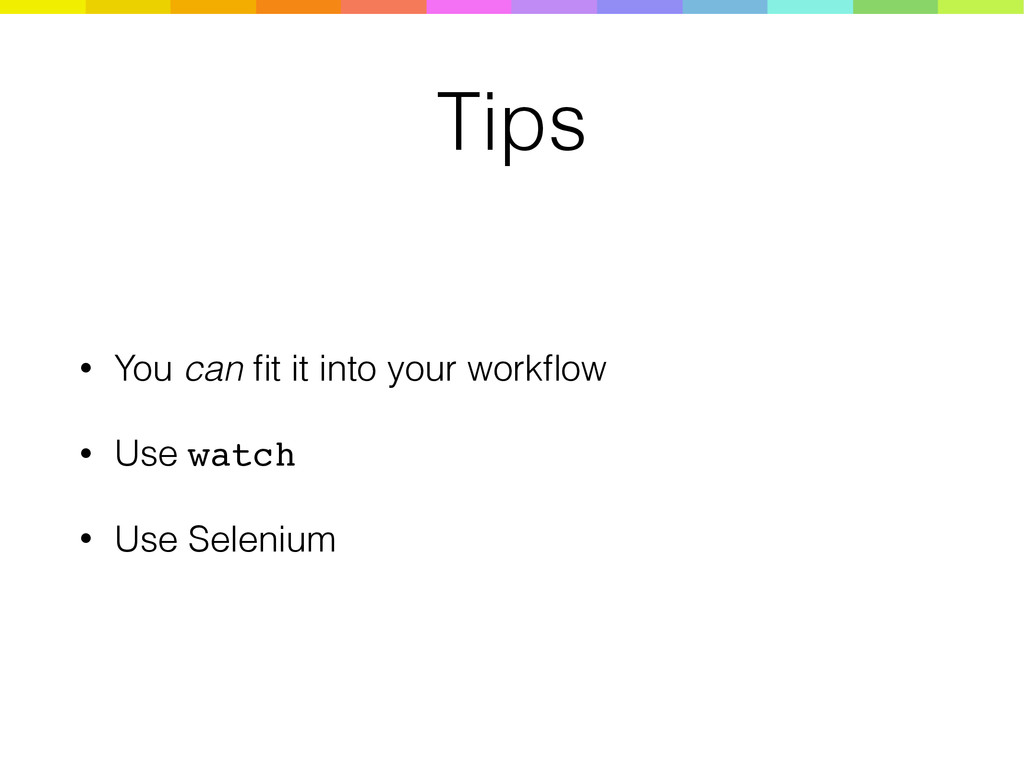
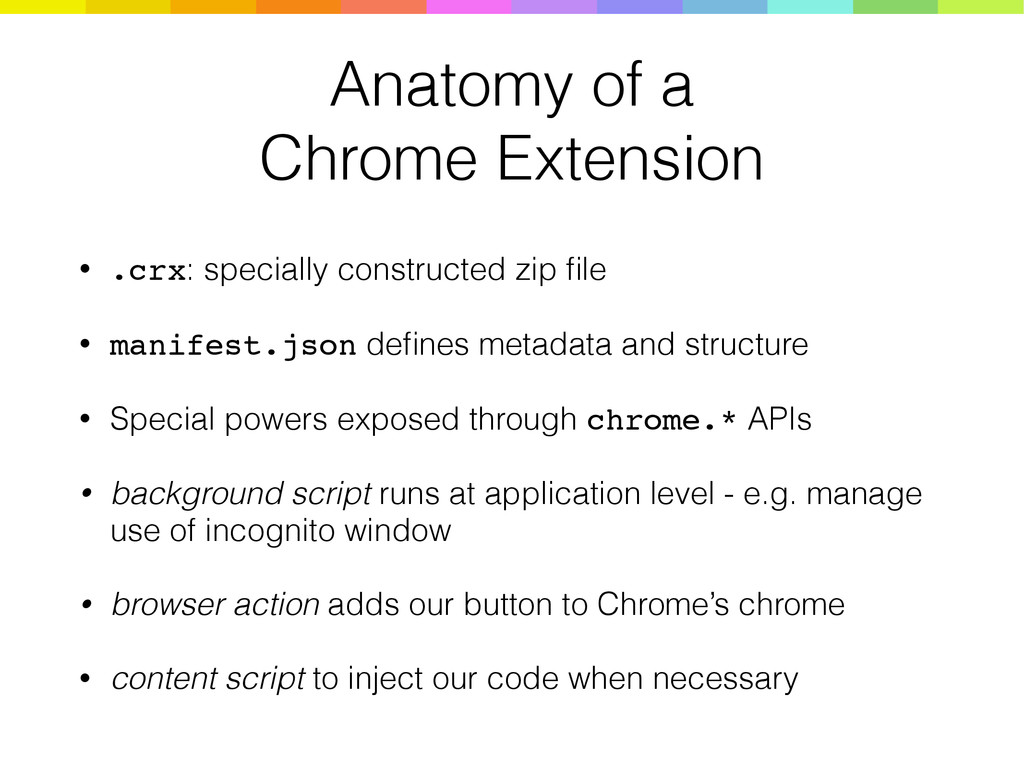
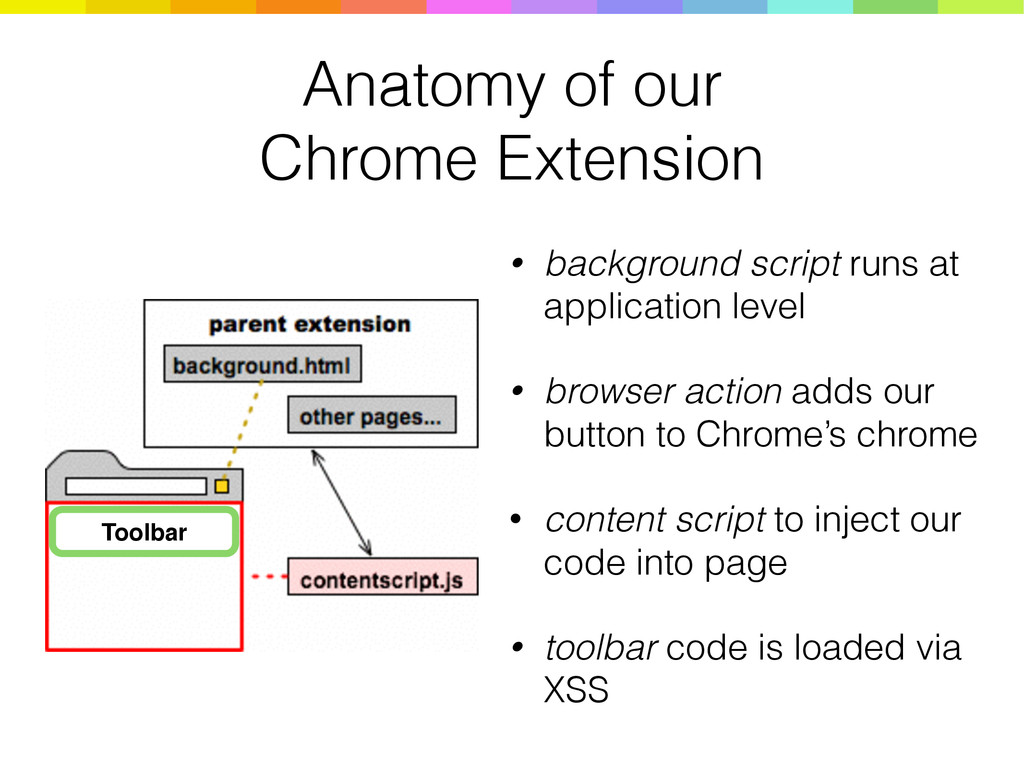
file • manifest.json defines metadata and structure • Special powers exposed through chrome.* APIs • background script runs at application level - e.g. manage use of incognito window • browser action adds our button to Chrome’s chrome • content script to inject our code when necessary


.png) yamad
yamad
 glaforge
 koukihosaka
 riyaamemiya
 persolserverworks
 jozono
 teamlab
 makocchi
 rfdnxbro
 raspython3
 usanchuu
 keeg
keeg
 lcolladotor
 wjessup
 rabernat
 orderedlist
 techseoconnect
 mayatellez
 aleyda
 baasie
 lara
lara
 skoyamalab
 stephaniewalter
 seathinner
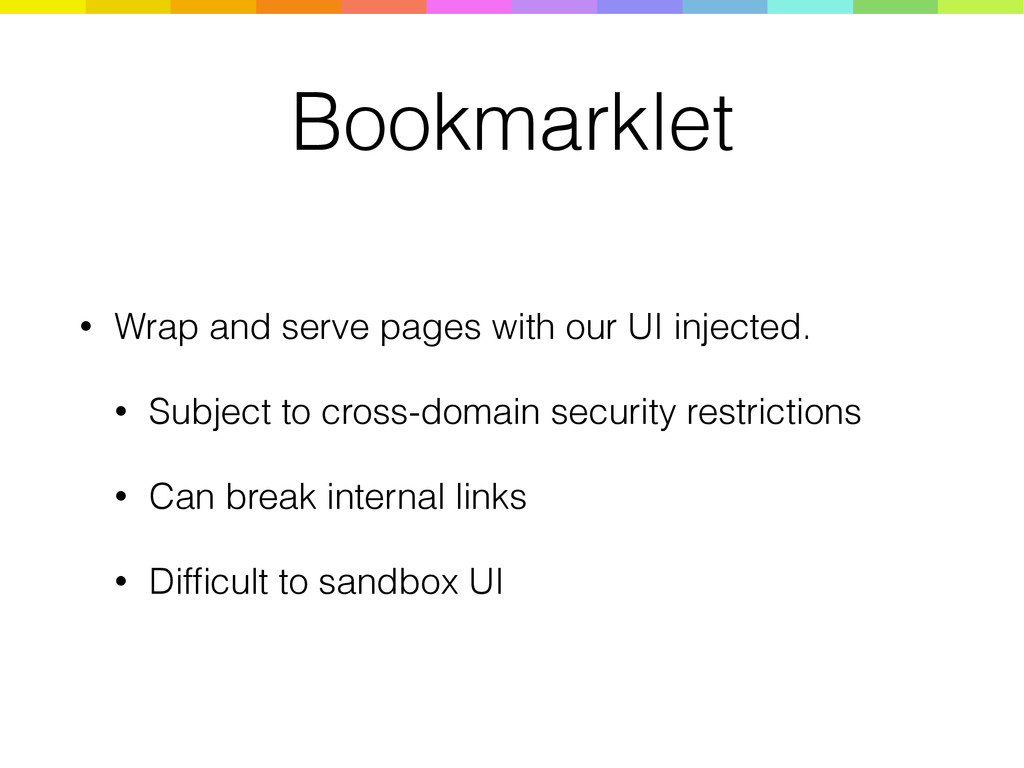
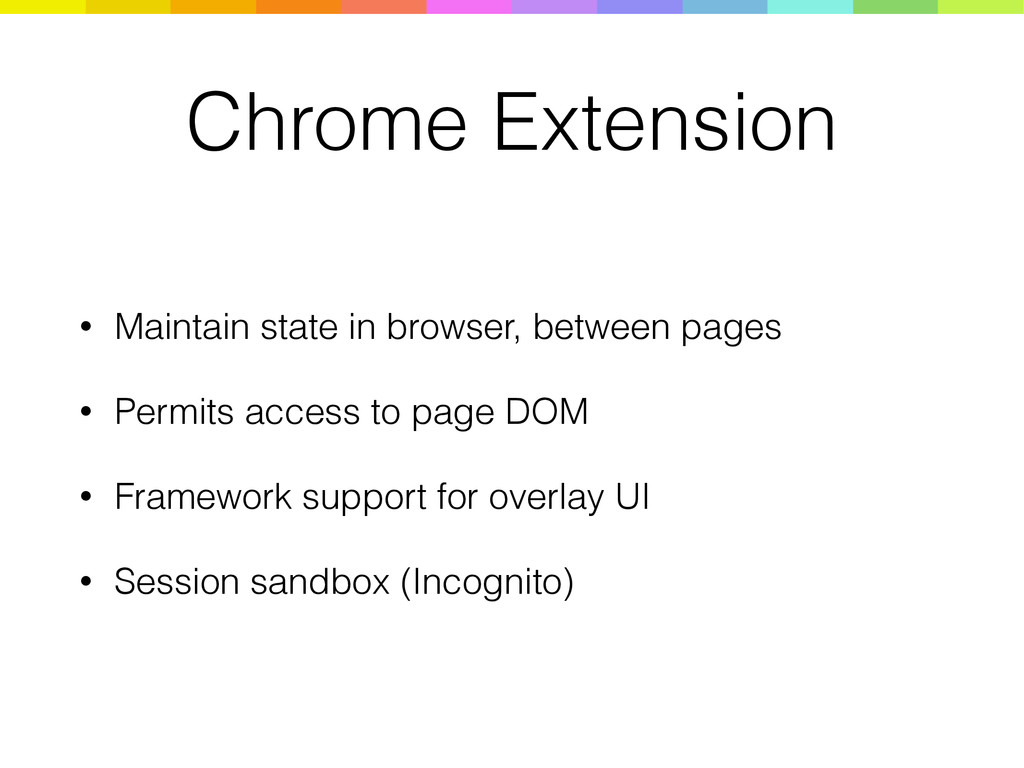
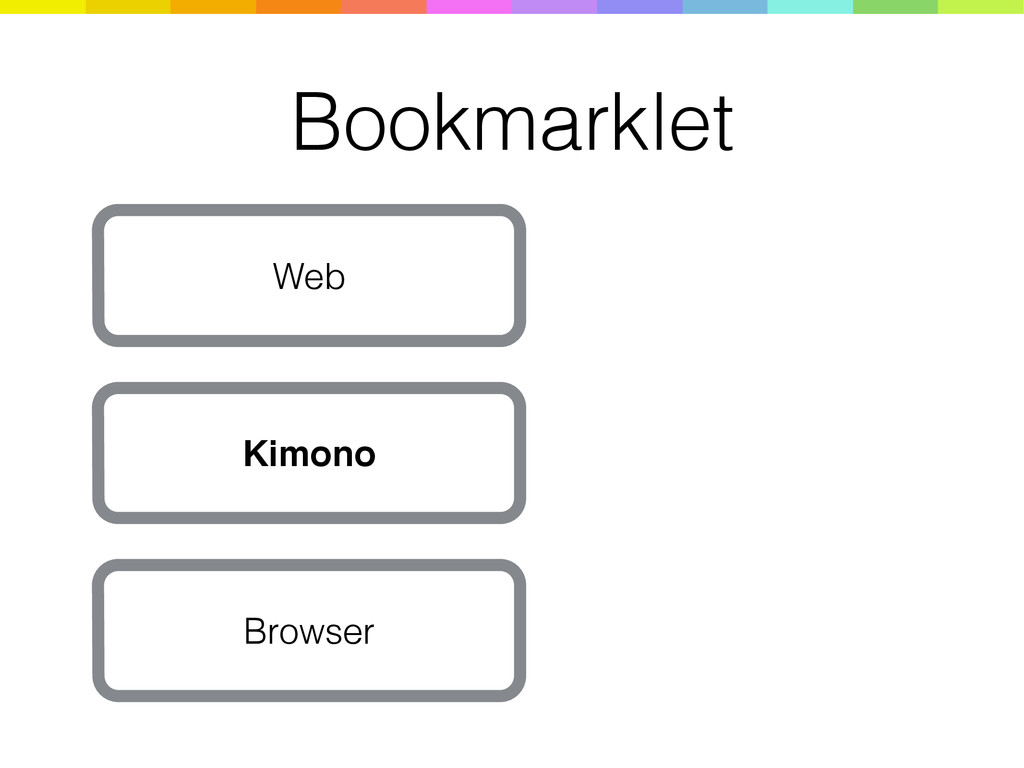
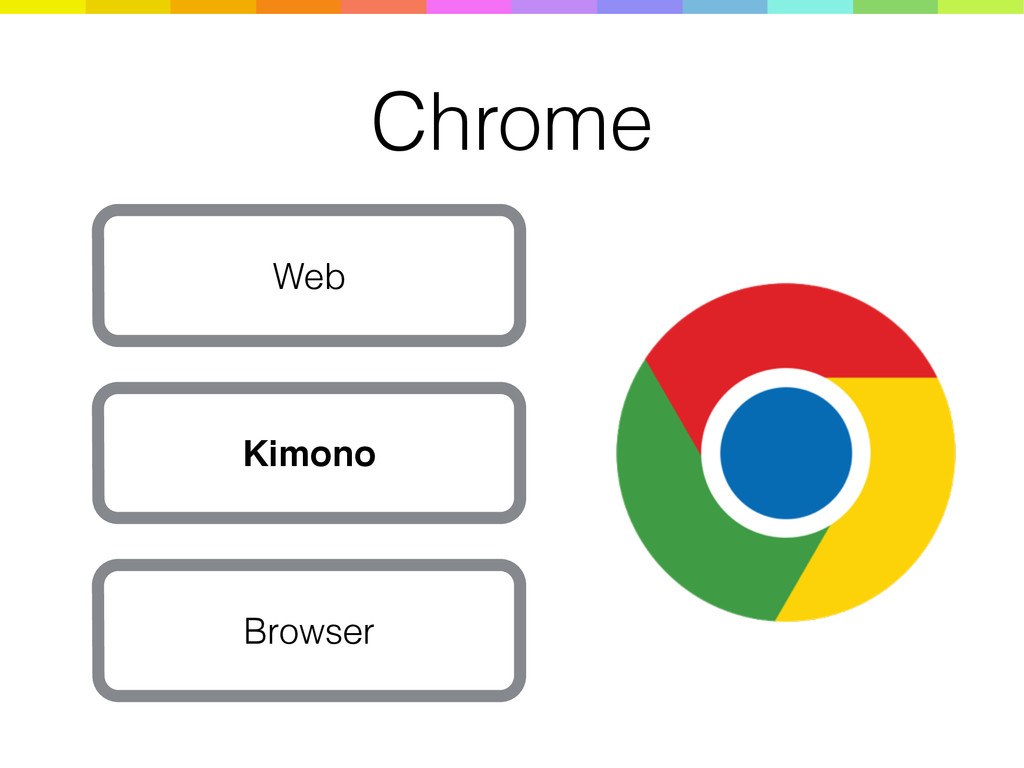
![Build gulp.task(‘release’, [‘build-all’], function() { return gulp.src('./chrome-ext/**/*.*') .pipe($.zip('kimono.zip')) });](https://files.speakerdeck.com/presentations/d654ecc5bcba48608a4f63f6092a9e0b/slide_19.jpg)