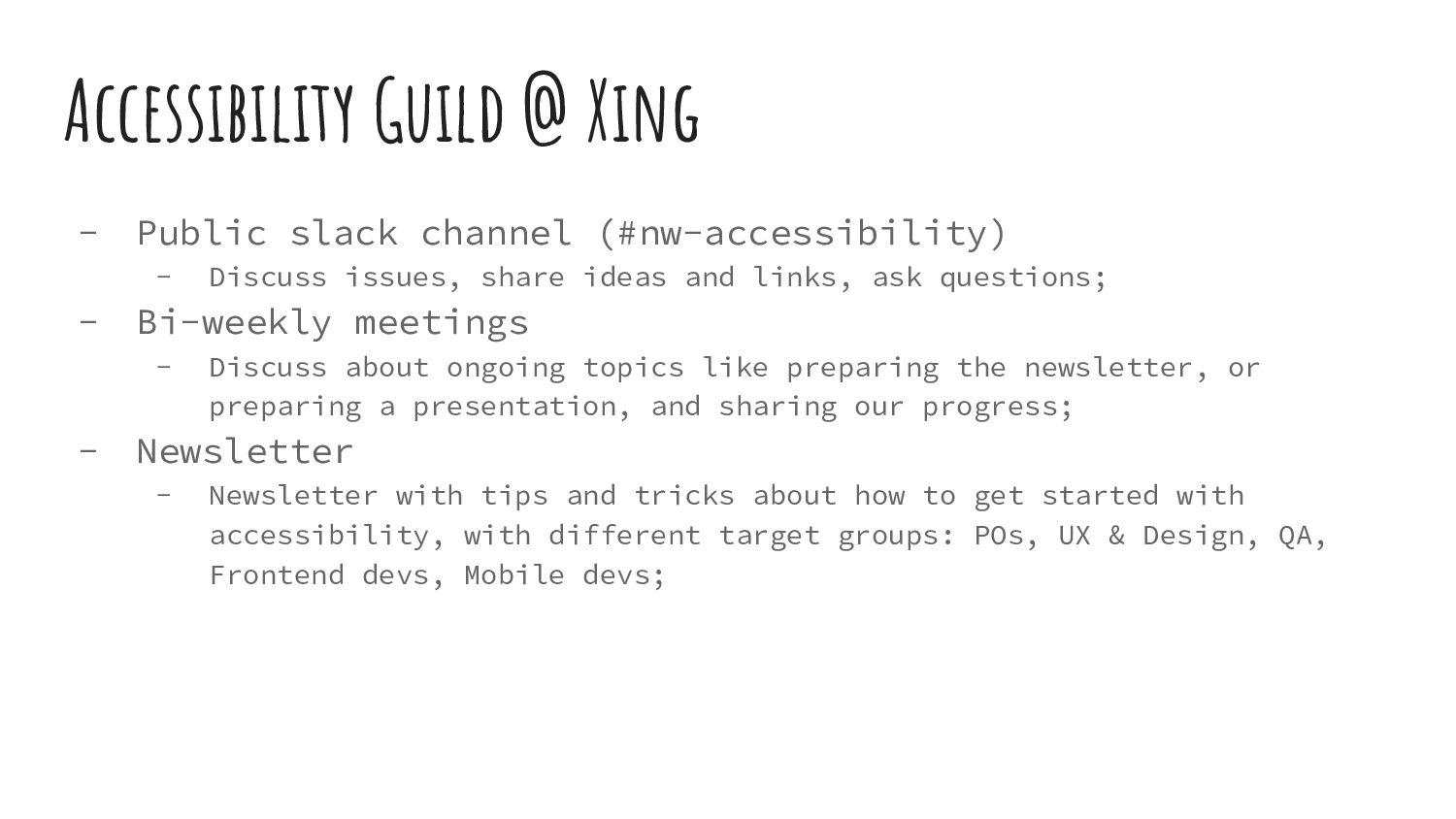
Discuss issues, share ideas and links, ask questions; - Bi-weekly meetings - Discuss about ongoing topics like preparing the newsletter, or preparing a presentation, and sharing our progress; - Newsletter - Newsletter with tips and tricks about how to get started with accessibility, with different target groups: POs, UX & Design, QA, Frontend devs, Mobile devs;
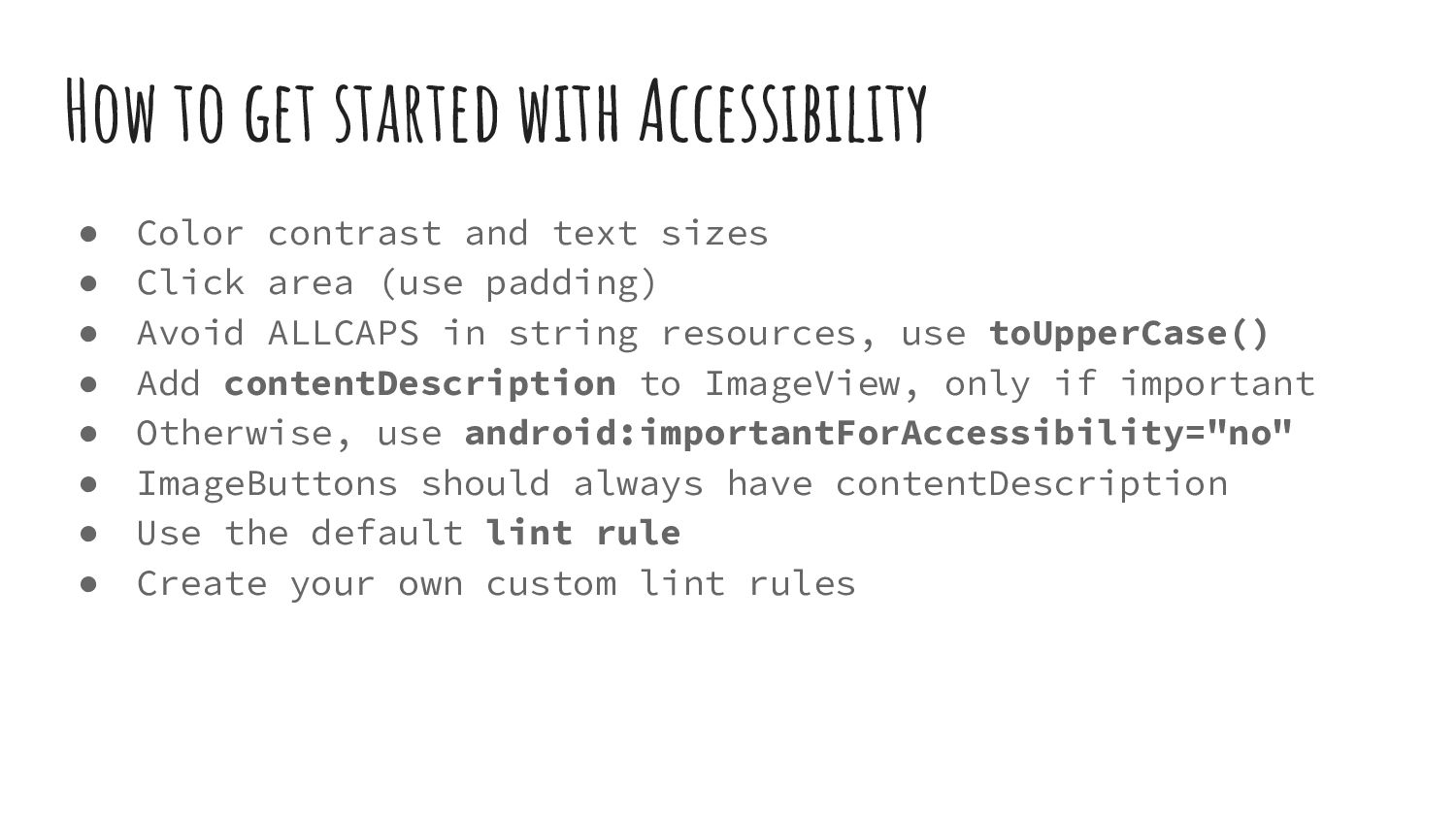
text sizes • Click area (use padding) • Avoid ALLCAPS in string resources, use toUpperCase() • Add contentDescription to ImageView, only if important • Otherwise, use android:importantForAccessibility="no" • ImageButtons should always have contentDescription • Use the default lint rule • Create your own custom lint rules
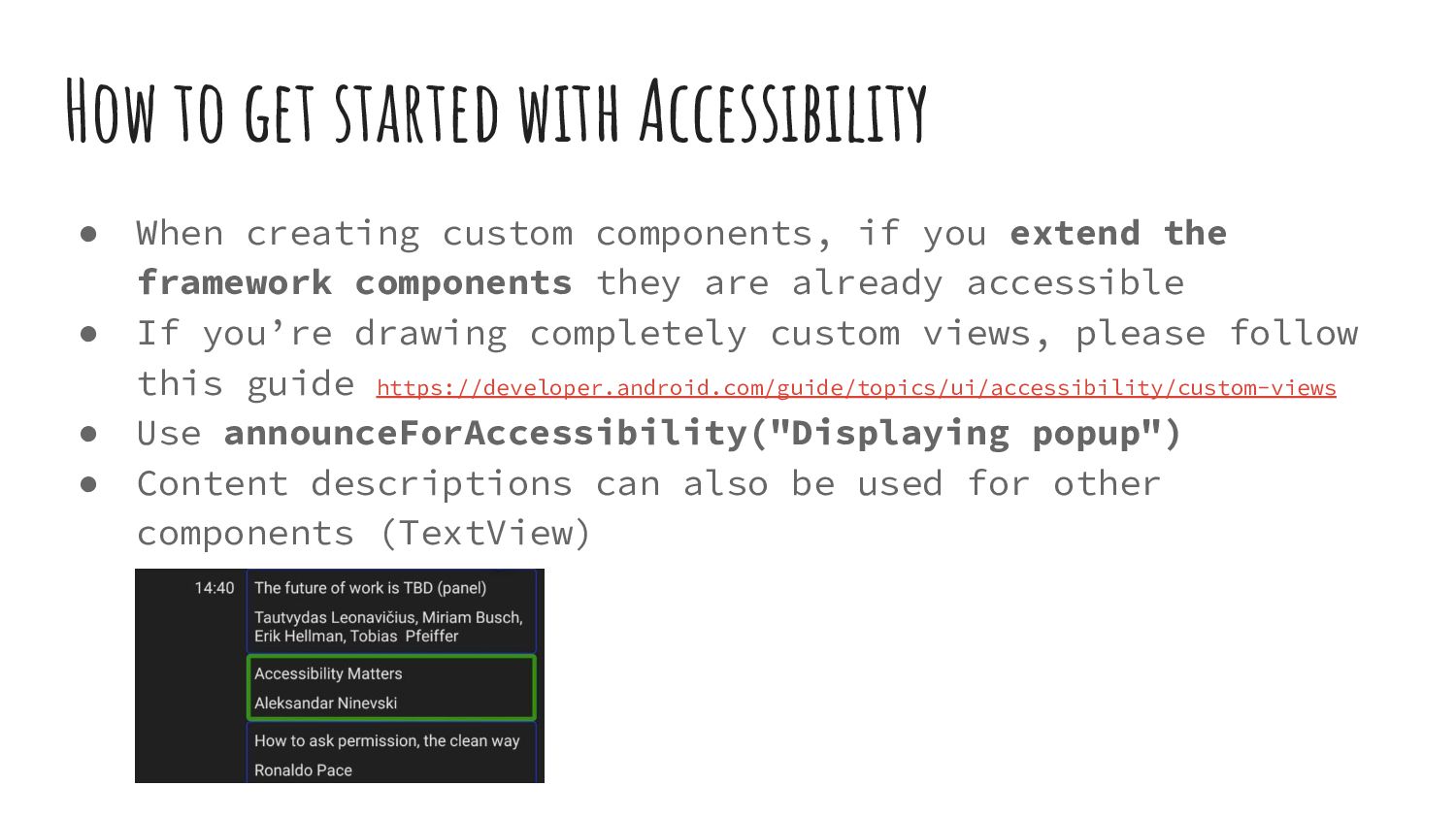
components, if you extend the framework components they are already accessible • If you’re drawing completely custom views, please follow this guide https://developer.android.com/guide/topics/ui/accessibility/custom-views • Use announceForAccessibility("Displaying popup") • Content descriptions can also be used for other components (TextView)
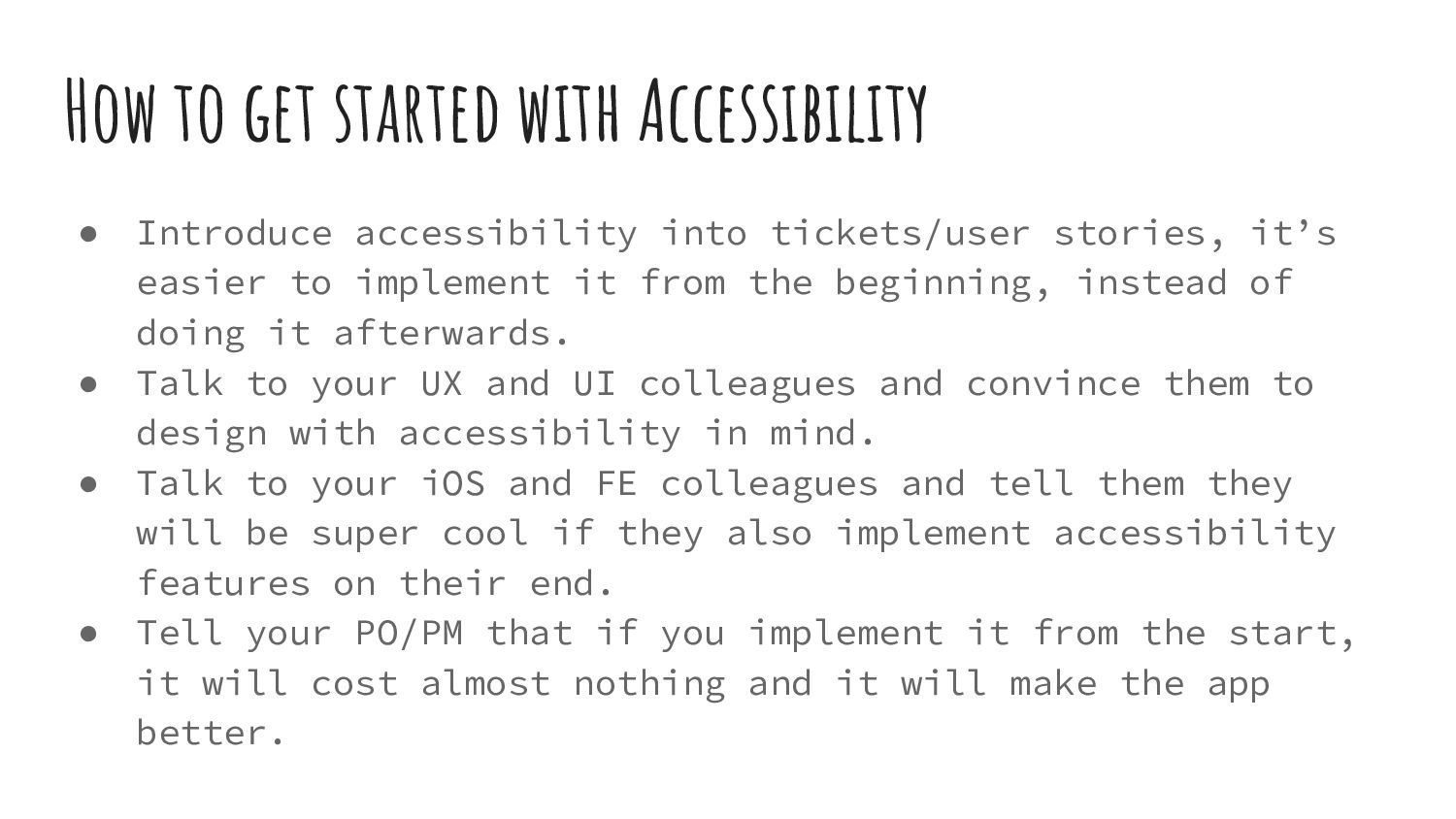
tickets/user stories, it’s easier to implement it from the beginning, instead of doing it afterwards. • Talk to your UX and UI colleagues and convince them to design with accessibility in mind. • Talk to your iOS and FE colleagues and tell them they will be super cool if they also implement accessibility features on their end. • Tell your PO/PM that if you implement it from the start, it will cost almost nothing and it will make the app better.


 aleksandar9
 ___akari11
 nabondance
 htkym
htkym
 kaityo256
 rshindo
 ivargrimstad
 guaca
guaca
 chobishiba
 sylph01
 econanringo
 ryu1013
 yukiny
 jct
jct
 chrisshort
 bermonpainter
.jpg) cargoodrich
cargoodrich
 kimpetersen
 productmarketing
 codingconduct
 davidcarrasco
 emna__ayadi
 ryanjones
 reverentgeek
 sferik