Upgrade to Pro
— share decks privately, control downloads, hide ads and more …
Speaker Deck
Sign up for free
Menu
Search
Features
All features
Private URLs
Password Protection
Custom URLS
Scheduled publishing
Remove Branding
Restrict embedding
Deck Collections
Notes
Features
All features
Private URLs
Password Protection
Custom URLS
Scheduled publishing
Remove Branding
Restrict embedding
Deck Collections
Notes
Explore
Featured decks
Featured speakers
Programming
Technology
Storyboards
Explore
Featured decks
Featured speakers
Programming
Technology
Storyboards
Pricing
Search
Sign in
Sign up for free
Faraday your way into APIs
Search
Alexandre Croteau-Pothier
June 17, 2014
Programming
76
0
Share
Embed
Copy iframe code
Copy JS code
Copy link
Start on current slide
Faraday your way into APIs
An introduction to faraday, a great tool to communicate with external APIs.
Alexandre Croteau-Pothier
June 17, 2014
Other Decks in Programming
See All in Programming
UnityでSystem.Net.WebSocketsなWebSocketサーバが動かないのでUnity Monoのコードを覗いてみた / about implementing websocket server with unity mono
drumath2237
1
610
AIに “答え“を書かせるのを やめてみた
___akari11
0
120
SalesForceを内製化!? ~ HR事業を支える顧客管理基盤のインフラを大公開 ~
oku053
0
180
S3 TablesのIcebergデータに、AIエージェントからアクセスしてみた / 20261016developersio2026joetsu-accessing-iceberg-in-s3tables-via-agent
kasacchiful
PRO
0
150
Simple Storage Service(S3) is not simple
iwatsukayura
0
290
ジョジョの世界をXRで再現する
mofurune
0
160
Next.js: The final boss of Web Performance
guaca
0
260
sbt 2.0: takeoff
eed3si9n
0
160
APNsからLive Activityを開始する話
yumnumm
0
170
Web Framework Benchmark Battle 2026, Any%
a_matsuda
2
2k
作れる、でも消せるか?──安全に「枯らして消す」機能削除術 / Drain, Then Delete
chobishiba
2
640
気持ちぃ〜角丸 Squircle
ryu1013
0
310
Featured
See All Featured
Abbi's Birthday
coloredviolet
4
10k
Understanding Cognitive Biases in Performance Measurement
bluesmoon
32
3.1k
Skip the Path - Find Your Career Trail
mkilby
1
260
Speed Design
sergeychernyshev
33
2.2k
CSS Pre-Processors: Stylus, Less & Sass
bermonpainter
360
31k
Ten Tips & Tricks for a 🌱 transition
stuffmc
1
270
Tell your own story through comics
letsgokoyo
1
1.1k
Let's Do A Bunch of Simple Stuff to Make Websites Faster
chriscoyier
508
140k
Agile that works and the tools we love
rasmusluckow
331
22k
Between Models and Reality
mayunak
4
500
Embracing the Ebb and Flow
colly
88
5.2k
Side Projects
sachag
456
43k
Transcript
Faraday your way into APIs
Alexandre Croteau-Pothier @alexcp
External API
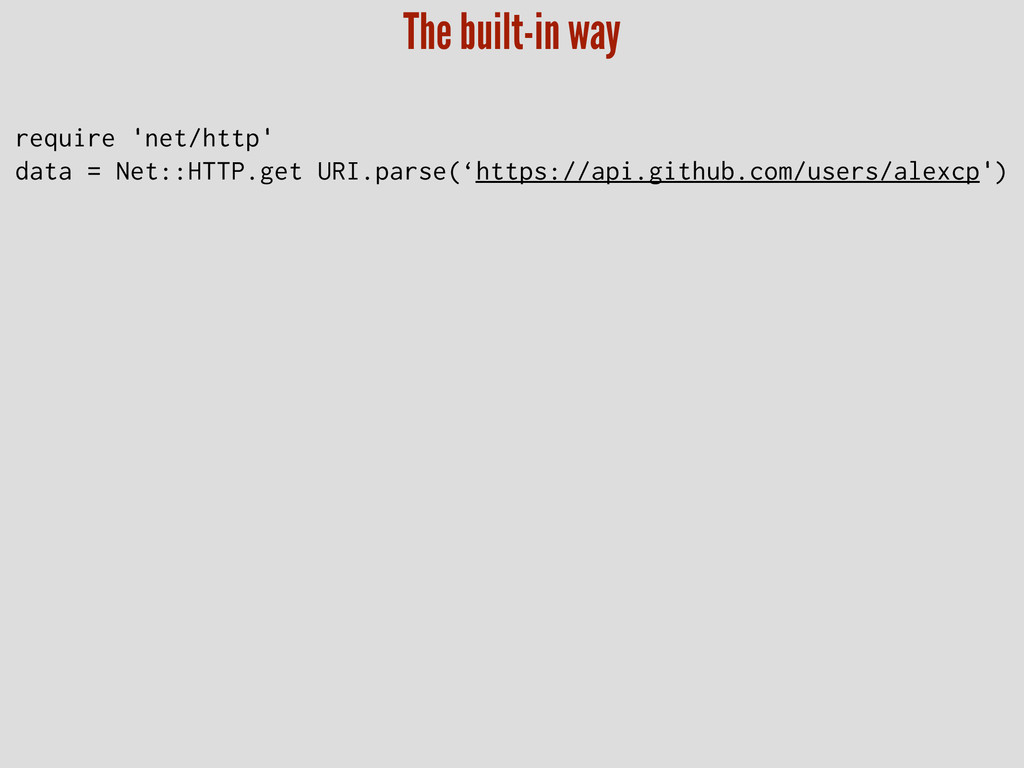
The built-in way require 'net/http' data = Net::HTTP.get URI.parse(‘https://api.github.com/users/alexcp')
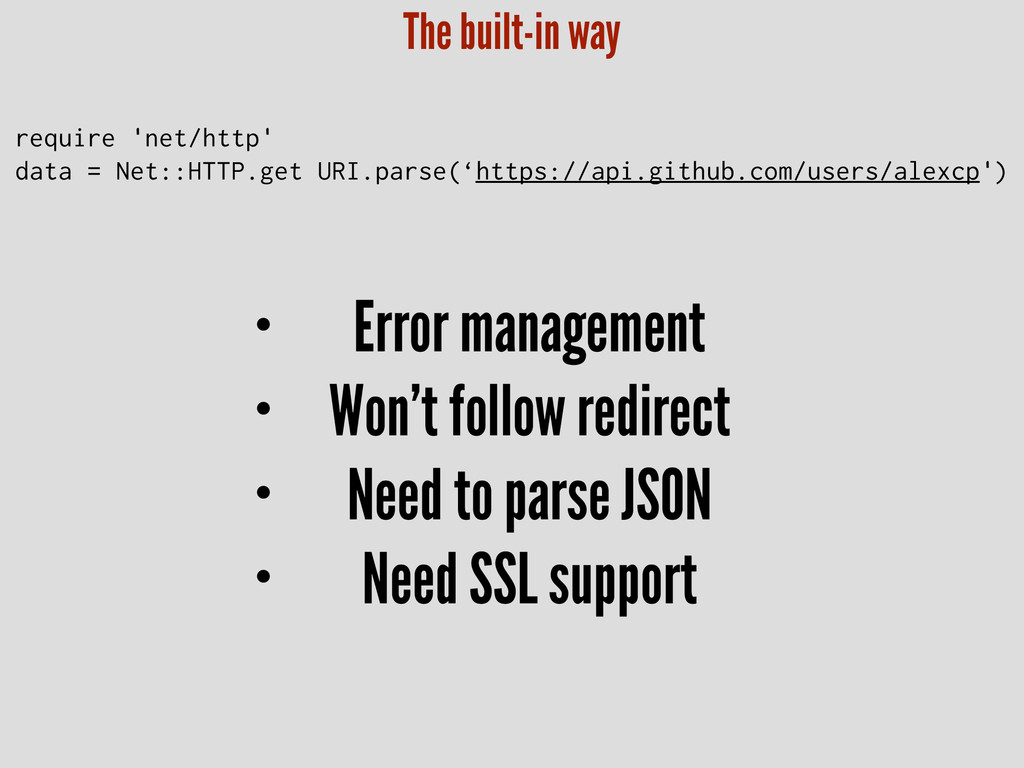
• Error management • Won’t follow redirect • Need to
parse JSON • Need SSL support The built-in way require 'net/http' data = Net::HTTP.get URI.parse(‘https://api.github.com/users/alexcp')
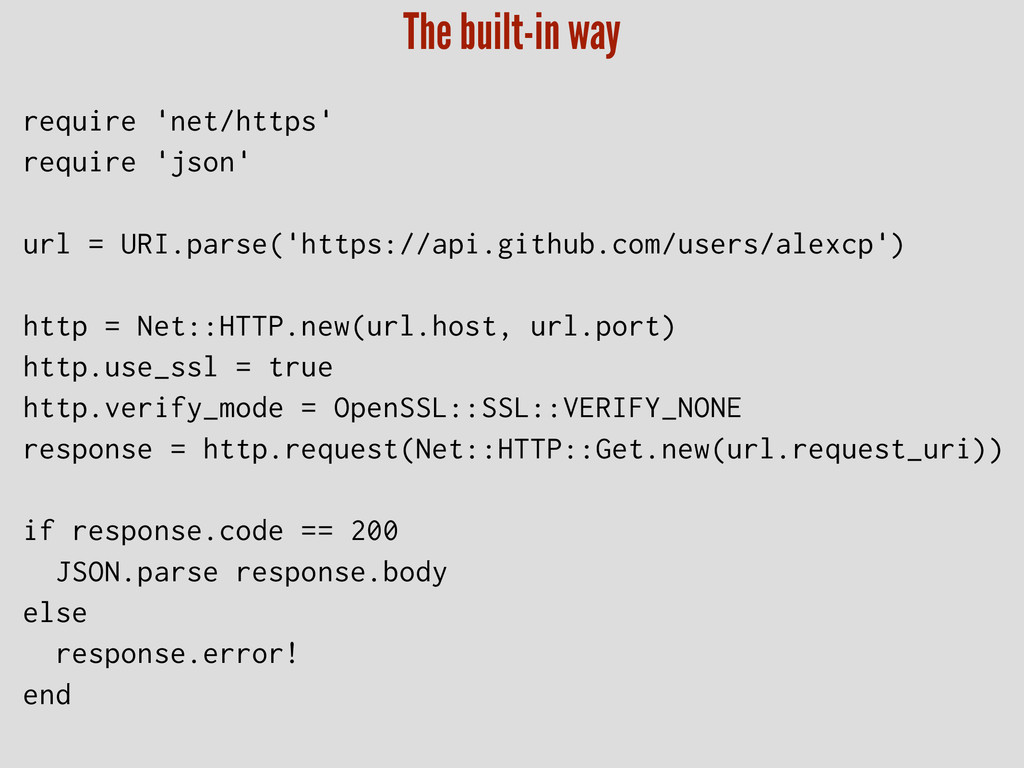
require 'net/https' require 'json' ! url = URI.parse('https://api.github.com/users/alexcp') ! http
= Net::HTTP.new(url.host, url.port) http.use_ssl = true http.verify_mode = OpenSSL::SSL::VERIFY_NONE response = http.request(Net::HTTP::Get.new(url.request_uri)) ! if response.code == 200 JSON.parse response.body else response.error! end The built-in way
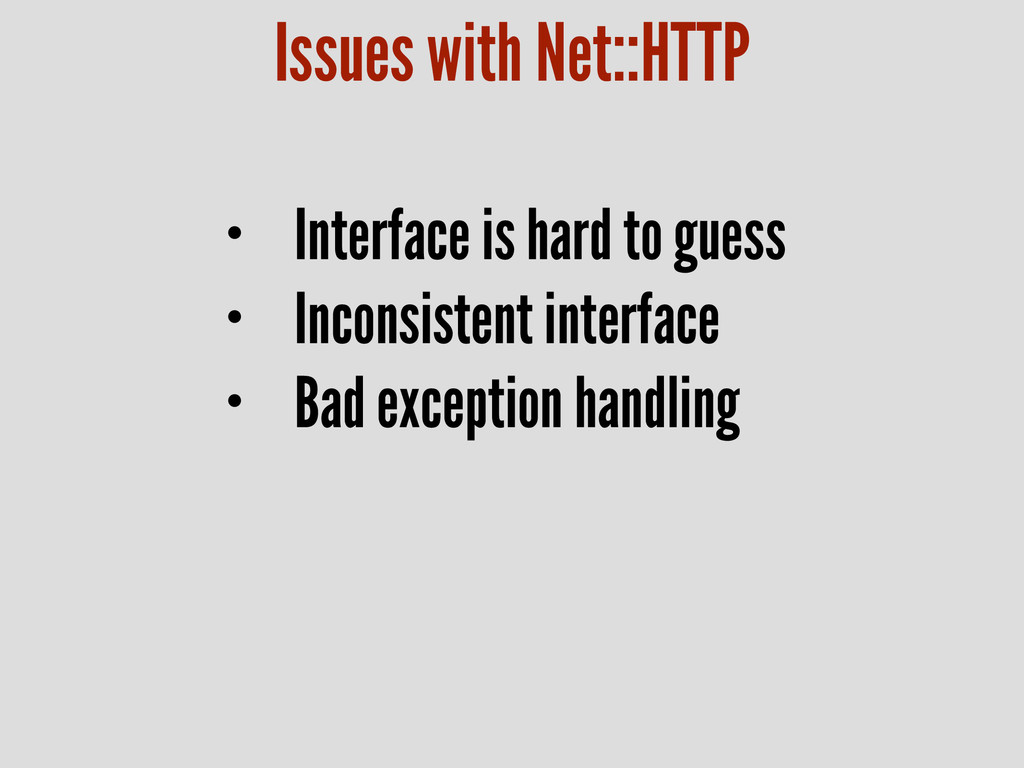
Issues with Net::HTTP • Interface is hard to guess •
Inconsistent interface • Bad exception handling
Faraday https://github.com/lostisland/faraday
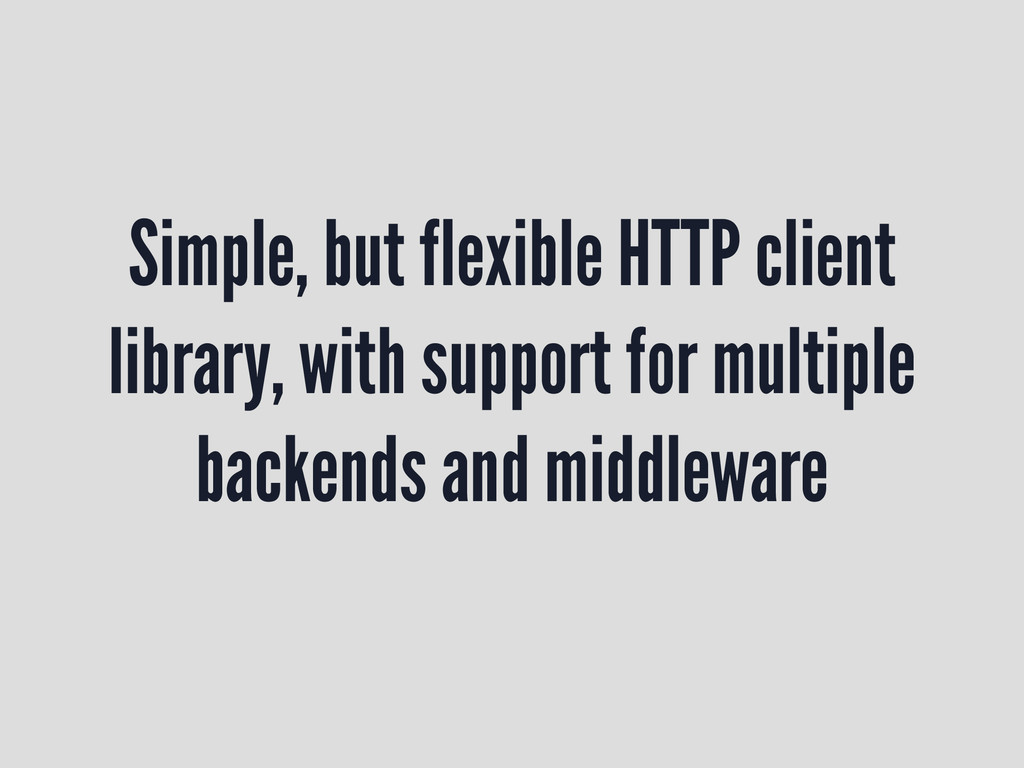
Simple, but flexible HTTP client library, with support for multiple
backends and middleware
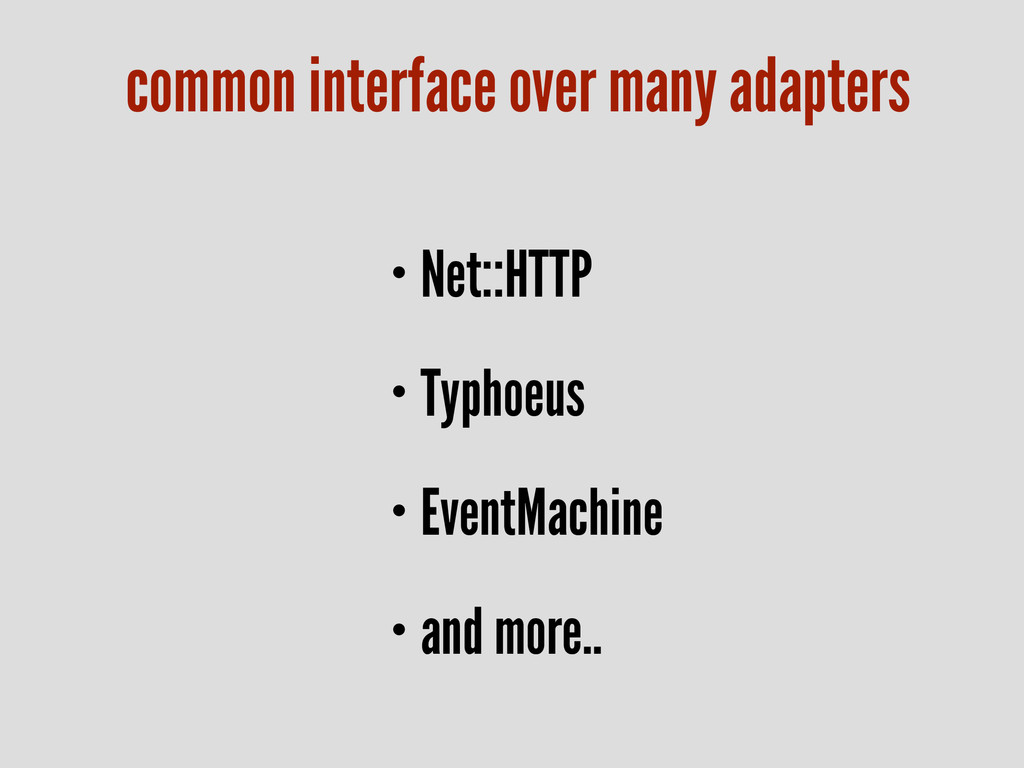
• Net::HTTP • Typhoeus • EventMachine • and more.. common
interface over many adapters
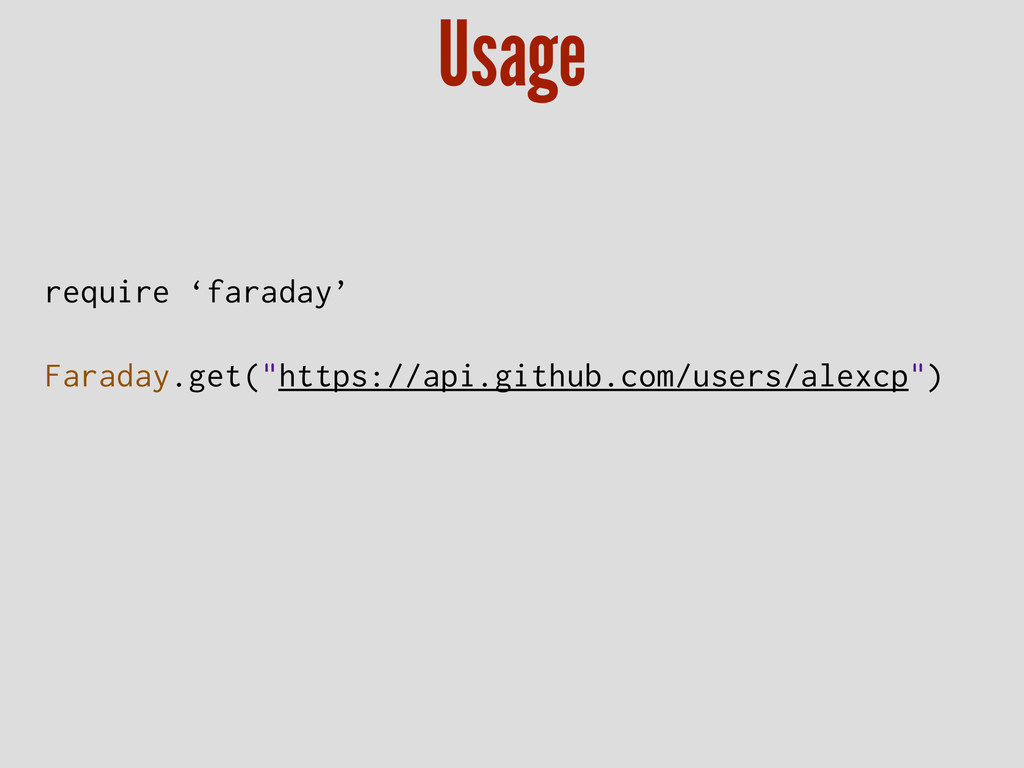
require ‘faraday’ Faraday.get("https://api.github.com/users/alexcp") Usage
Middleware
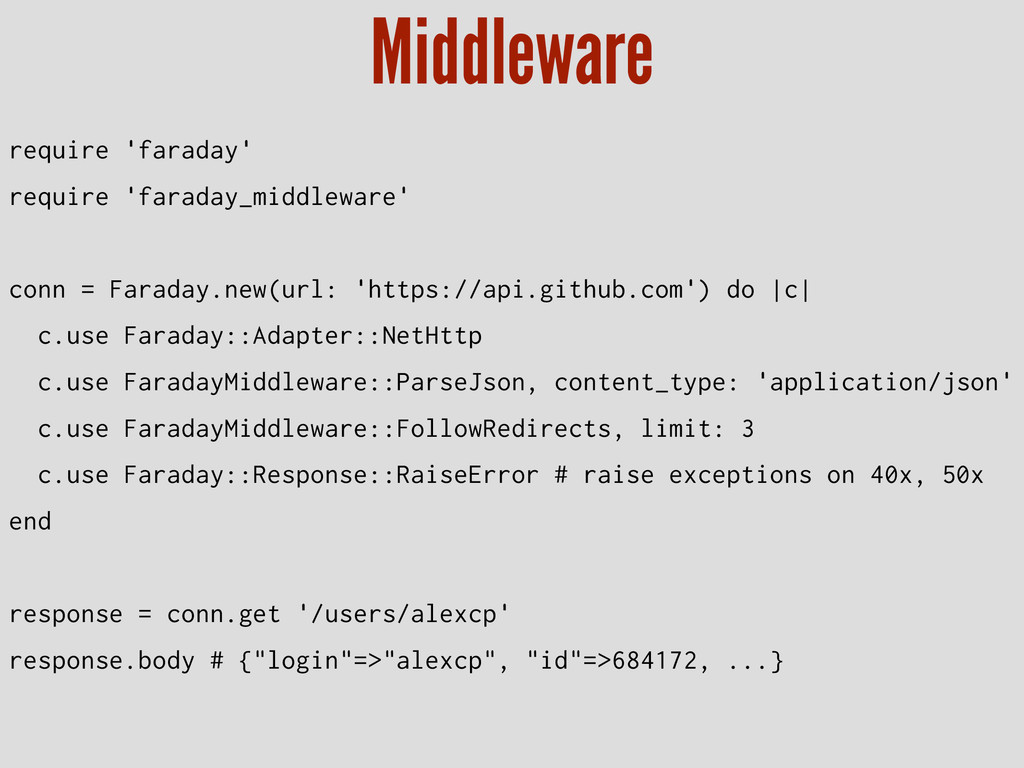
require 'faraday' require 'faraday_middleware' ! conn = Faraday.new(url: 'https://api.github.com') do
|c| c.use Faraday::Adapter::NetHttp c.use FaradayMiddleware::ParseJson, content_type: 'application/json' c.use FaradayMiddleware::FollowRedirects, limit: 3 c.use Faraday::Response::RaiseError # raise exceptions on 40x, 50x end ! response = conn.get '/users/alexcp' response.body # {"login"=>"alexcp", "id"=>684172, ...} Middleware
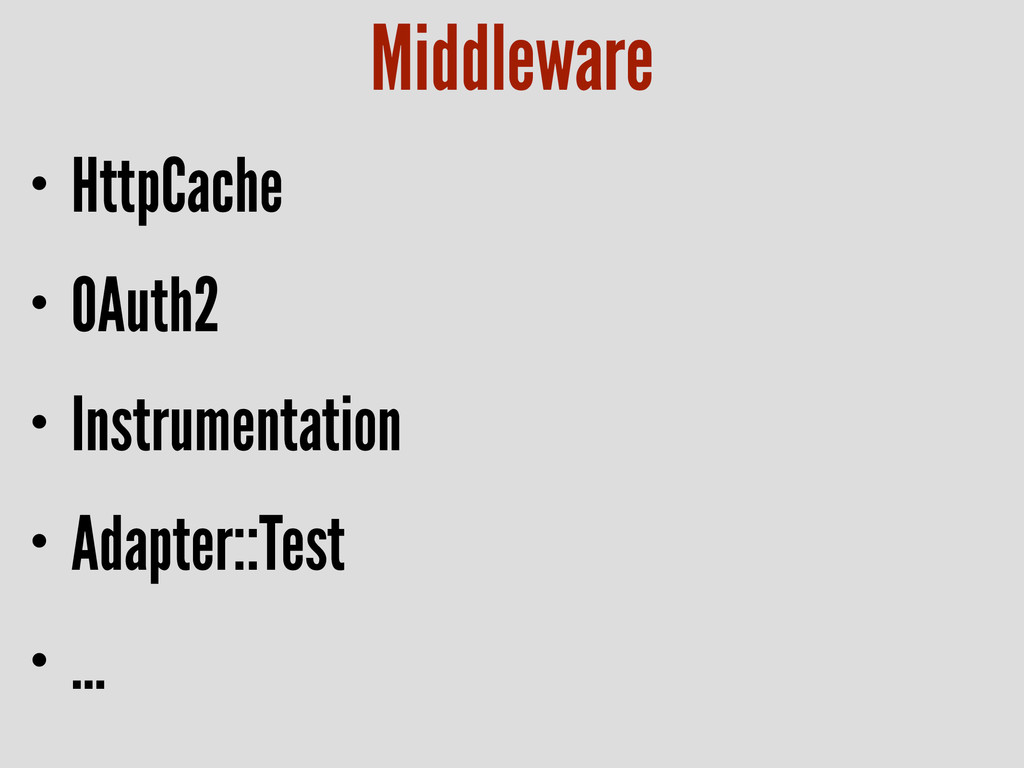
• HttpCache • OAuth2 • Instrumentation • Adapter::Test • …
Middleware
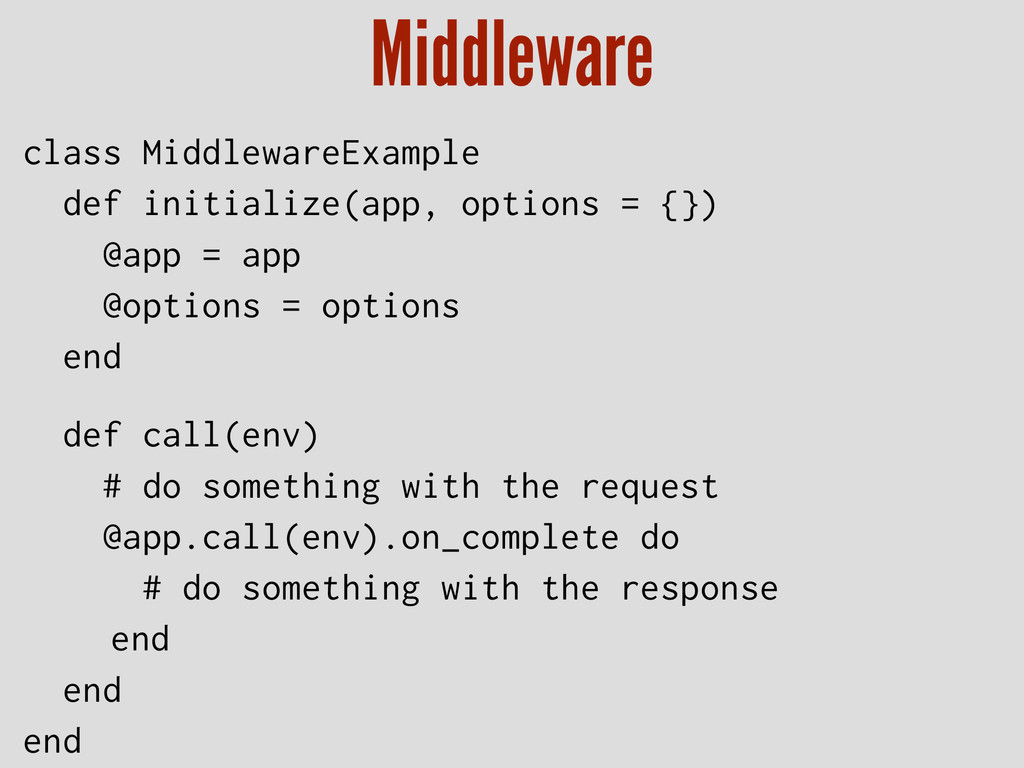
class MiddlewareExample def initialize(app, options = {}) @app = app
@options = options end ! def call(env) # do something with the request @app.call(env).on_complete do # do something with the response end end end Middleware
Faraday https://github.com/lostisland/faraday
Any Question?
Thank you


 drumath2237
 ___akari11
 oku053
 kasacchiful
 iwatsukayura
 mofurune
 guaca
guaca
 eed3si9n
.jpg) yumnumm
yumnumm
 a_matsuda
 chobishiba
 ryu1013
 coloredviolet
 bluesmoon
 mkilby
 sergeychernyshev
 bermonpainter
 stuffmc
 letsgokoyo
 chriscoyier
 rasmusluckow
 mayunak
 colly
colly
 sachag