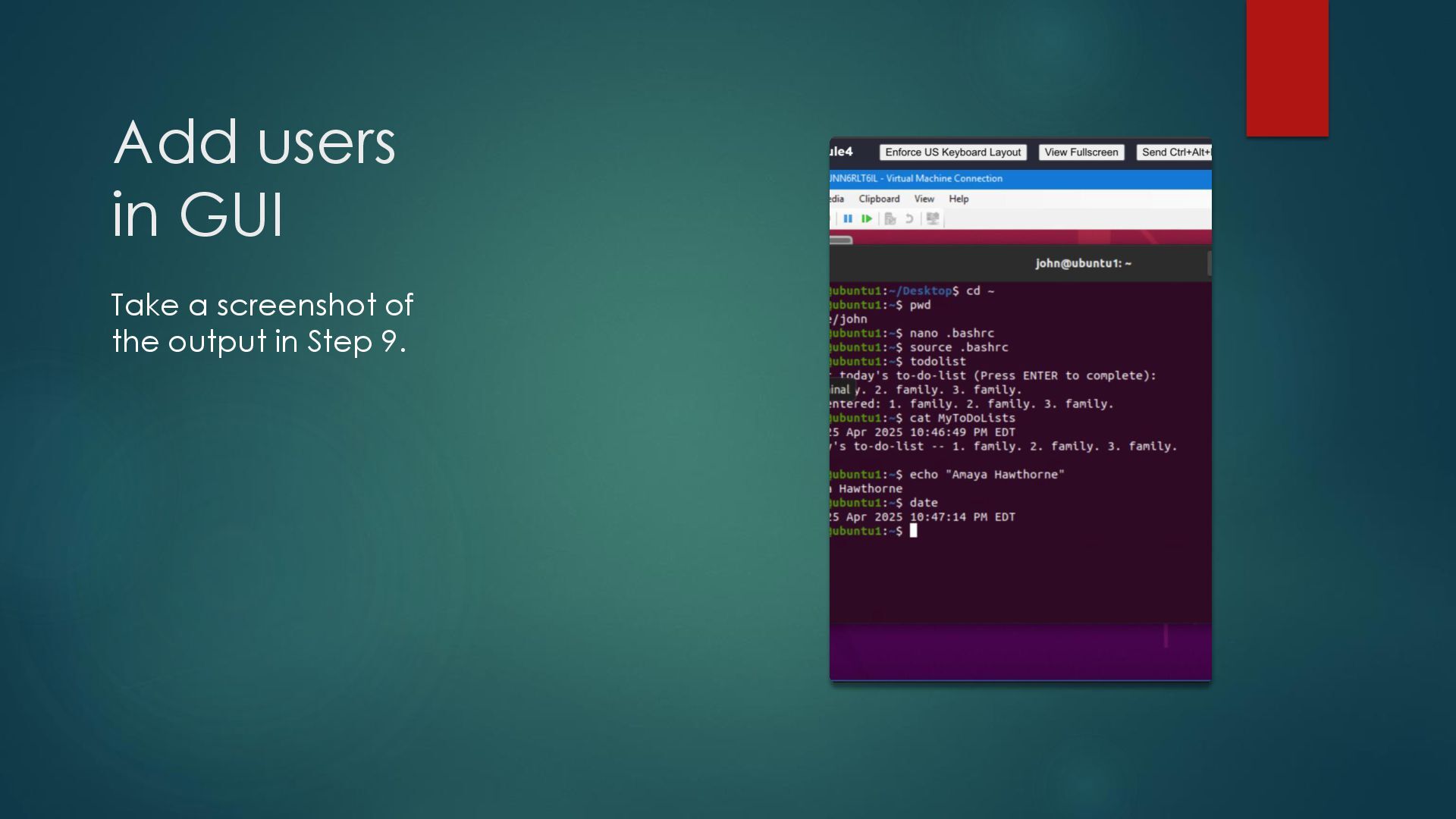
command an acronym for? What about the cd command? Answer here: The pwd command stands for print working directory. It is used to verify the directory. You use the cd command to go to the when you want to go to the /home/student directory. 2. Explain the differences between a relative path and an absolute/full path in Linux. Answer here: According to Google, “a relative path describes a location relative to the current working directory, while an absolute path specifies a location from the root of the file system or a web server.” References: 1. https://www.google.com/search?q=what+does+pwd+stand+for+in+linux&oq=what+does+pwd+s&gs_lcrp=EgZjaHJvbWUqBwgCEAAYgAQyBwgAEAAYg AQyBggBEEUYOTIHCAIQABiABDIHCAMQABiABDIHCAQQABiABDIICAUQABgWGB4yCAgGEAAYFhgeMggIBxAAGBYYHjIICAgQABgWGB4yCAgJEAAYFhge0 gEINDkxN2owajSoAgCwAgE&sourceid=chrome&ie=UTF-8 https://www.google.com/search?q=what+does+cd+stand+for+in+linux&sca_esv=7736002987c1e4d1&sxsrf=AHTn8zpS- OU1t0Cd4V3jt_xaPFwHcAC_Nw%3A1744730781140&ei=nXr- Z9qgCMOVwbkPhPe8kQc&oq=what+does+c&gs_lp=Egxnd3Mtd2l6LXNlcnAiC3doYXQgZG9lcyBjKgIIATIKEAAYgAQYQxiKBTIKEAAYgAQYQxiKBTIKEAAYgAQ YQxiKBTIKEAAYgAQYQxiKBTILEAAYgAQYsQMYgwEyBRAAGIAEMg4QABiABBixAxiDARiKBTIFEAAYgAQyBRAAGIAEMgUQABiABEj4J1CACVirFnADeAGQAQCY AXSgAcwHqgEDOC4zuAEByAEA- AEBmAIOoALGCMICChAAGLADGNYEGEfCAg0QABiABBiwAxhDGIoFwgIKECMYgAQYJxiKBcICBBAjGCeYAwCIBgGQBgmSBwQxMC40oAfBXbIHAzcuNLgHo gg&sclient=gws-wiz-serp 2. https://www.google.com/search?q=relative+path+vs+absolute+path&sca_esv=7736002987c1e4d1&sxsrf=AHTn8zqPs9ampheVD09jP72hptmH6RTqOg%3A 1744731389372&ei=_Xz- Z7C6FsOPwbkPh7uYoAM&oq=relative+path+&gs_lp=Egxnd3Mtd2l6LXNlcnAiDnJlbGF0aXZlIHBhdGggKgIIATIKEAAYgAQYFBiHAjIFEAAYgAQyBRAAGIAEMgU QABiABDIFEAAYgAQyBRAAGIAEMgUQABiABDIFEAAYgAQyBRAAGIAEMgUQABiABEjWKVD1B1iTHnADeAGQAQCYAYQBoAG1C6oBAzcuN7gBAcgBAPgBAZ gCEaACzAzCAgoQABiwAxjWBBhHwgIKECMYgAQYJxiKBcICBBAjGCfCAhEQLhiABBiRAhjRAxjHARiKBcICCBAAGIAEGLEDwgIKEAAYgAQYQxiKBcICDhAuGIAE GLEDGIMBGIoFwgIOEAAYgAQYsQMYgwEYigXCAgsQLhiABBixAxiDAcICCxAAGIAEGLEDGIMBwgINEAAYgAQYsQMYFBiHAsICDRAAGIAEGLEDGEMYigXCAgs QLhiABBjRAxjHAcICCxAAGIAEGJECGIoFwgIQEAAYgAQYsQMYQxiDARiKBcICEBAuGIAEGNEDGEMYxwEYigXCAg4QLhiABBixAxjRAxjHAcICChAuGIAEGEMYi gXCAgsQLhiABBixAxjlBMICDRAAGIAEGLEDGIMBGArCAgoQABiABBiSAxgKwgILEAAYgAQYkgMYigXCAggQLhiABBixA5gDAIgGAZAGCJIHAzguOaAH03iyBw M1Ljm4B68M&sclient=gws-wiz-serp
of the script? Answer here: The file permissions used are execute. 2. What’s the name of the user-defined variable in the script? Answer here: The user-defined variable is “MyToDoLists”. 3. Which redirection meta-character is used in the script? What does it do? Answer here: The redirection meta-character used in this script is >. It allows the output to be placed in file instead of on the monitoring screen. References: 1. 2.
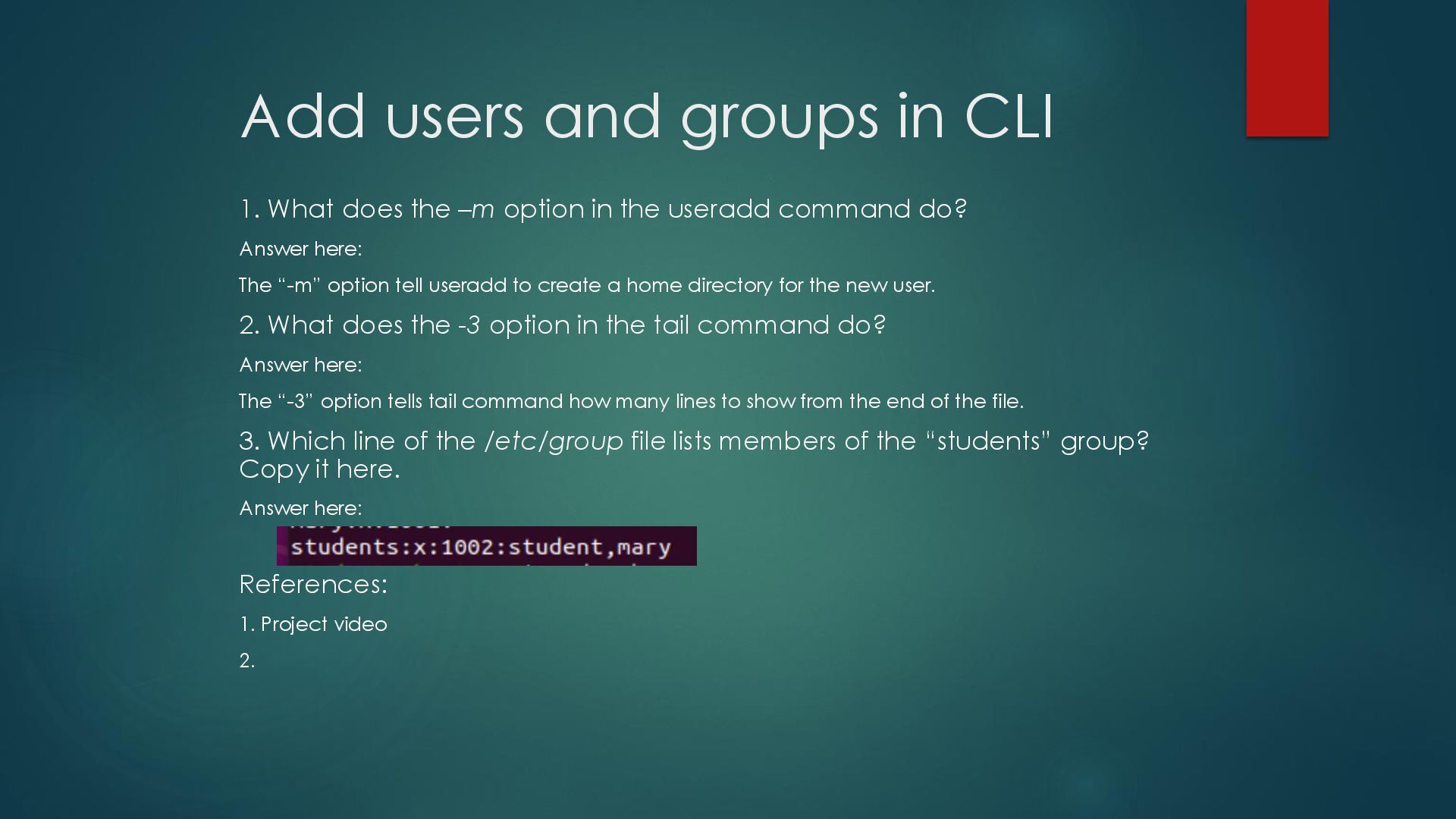
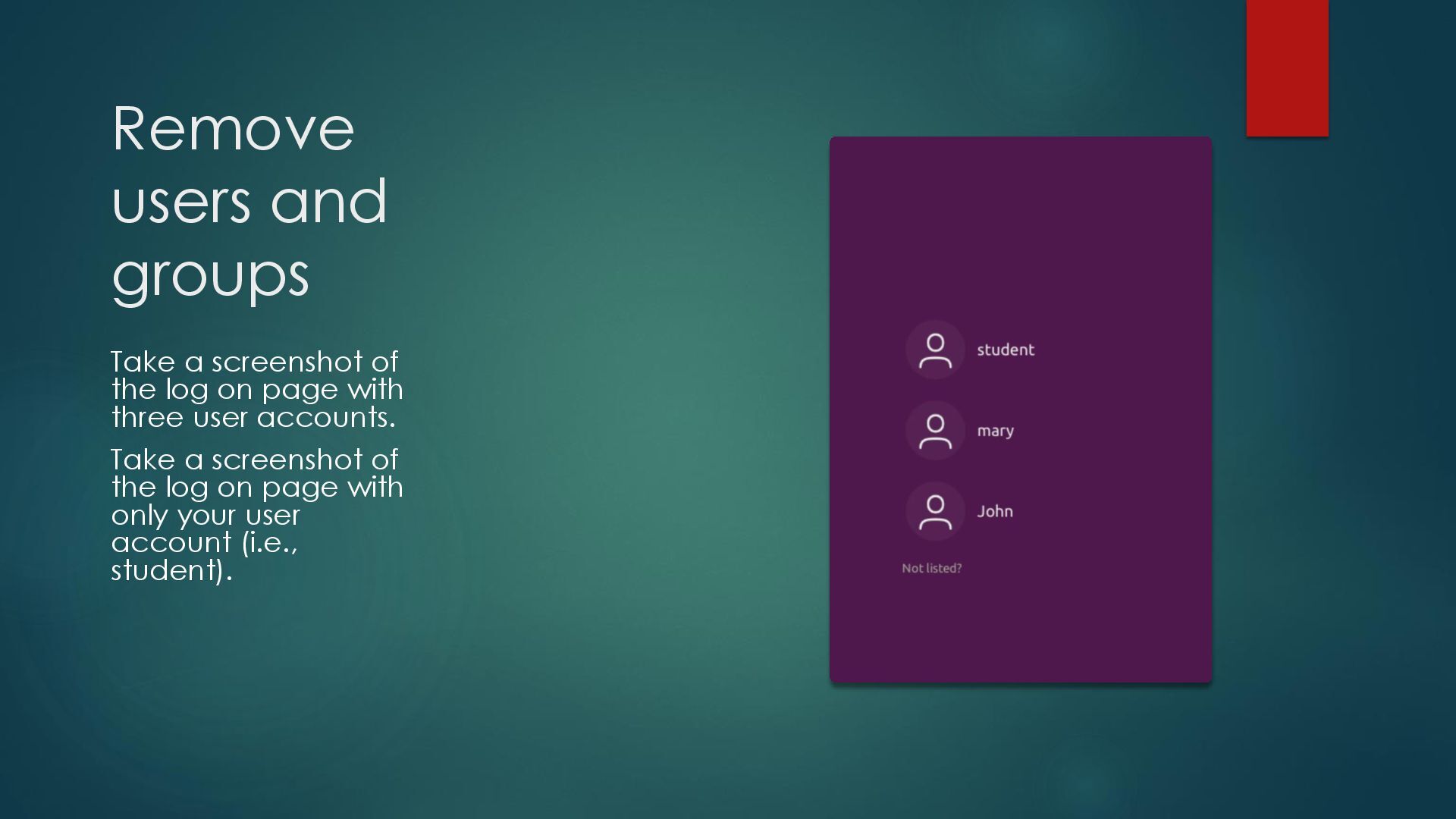
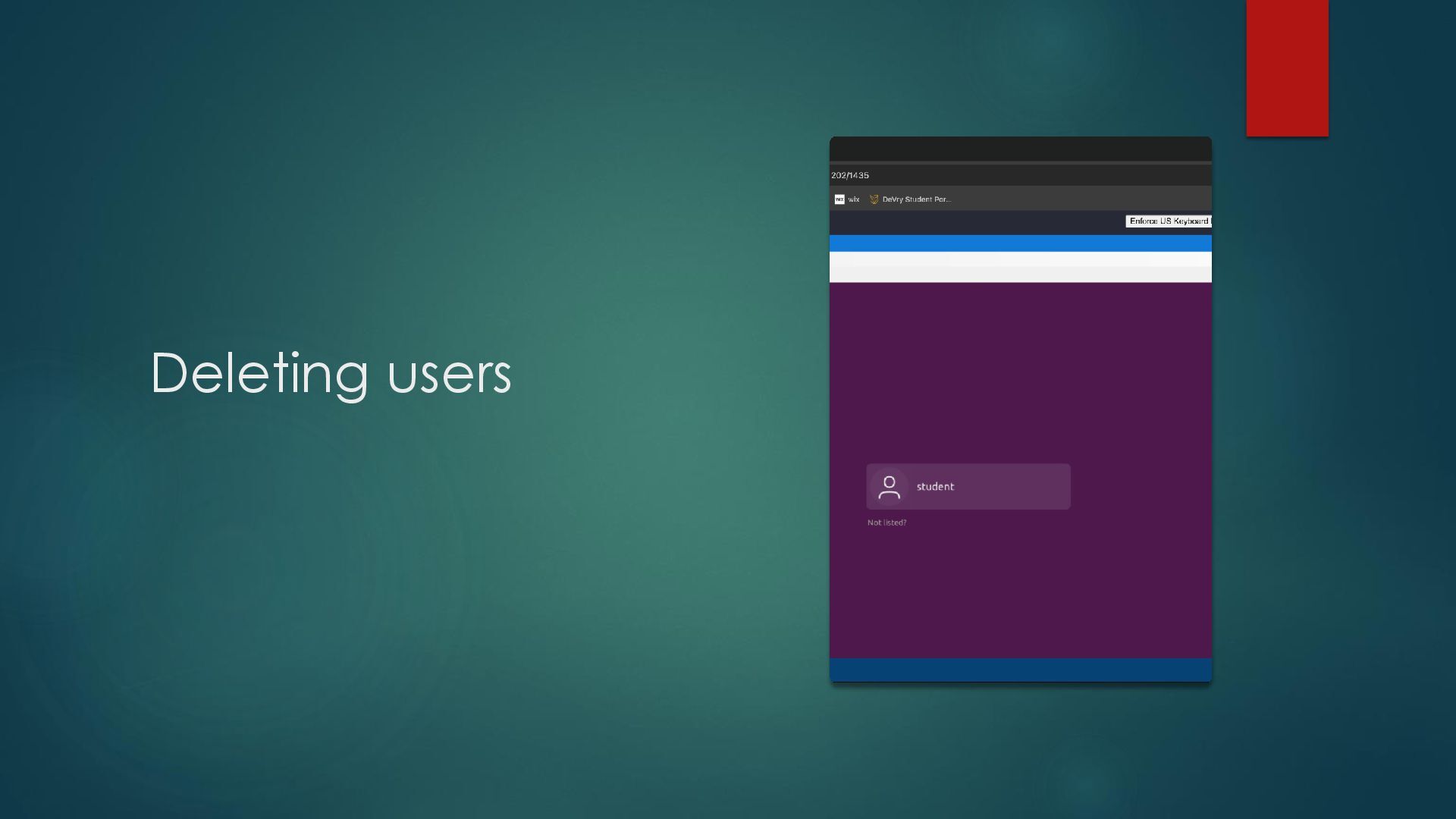
–m option in the useradd command do? Answer here: The “-m” option tell useradd to create a home directory for the new user. 2. What does the -3 option in the tail command do? Answer here: The “-3” option tells tail command how many lines to show from the end of the file. 3. Which line of the /etc/group file lists members of the “students” group? Copy it here. Answer here: References: 1. Project video 2.
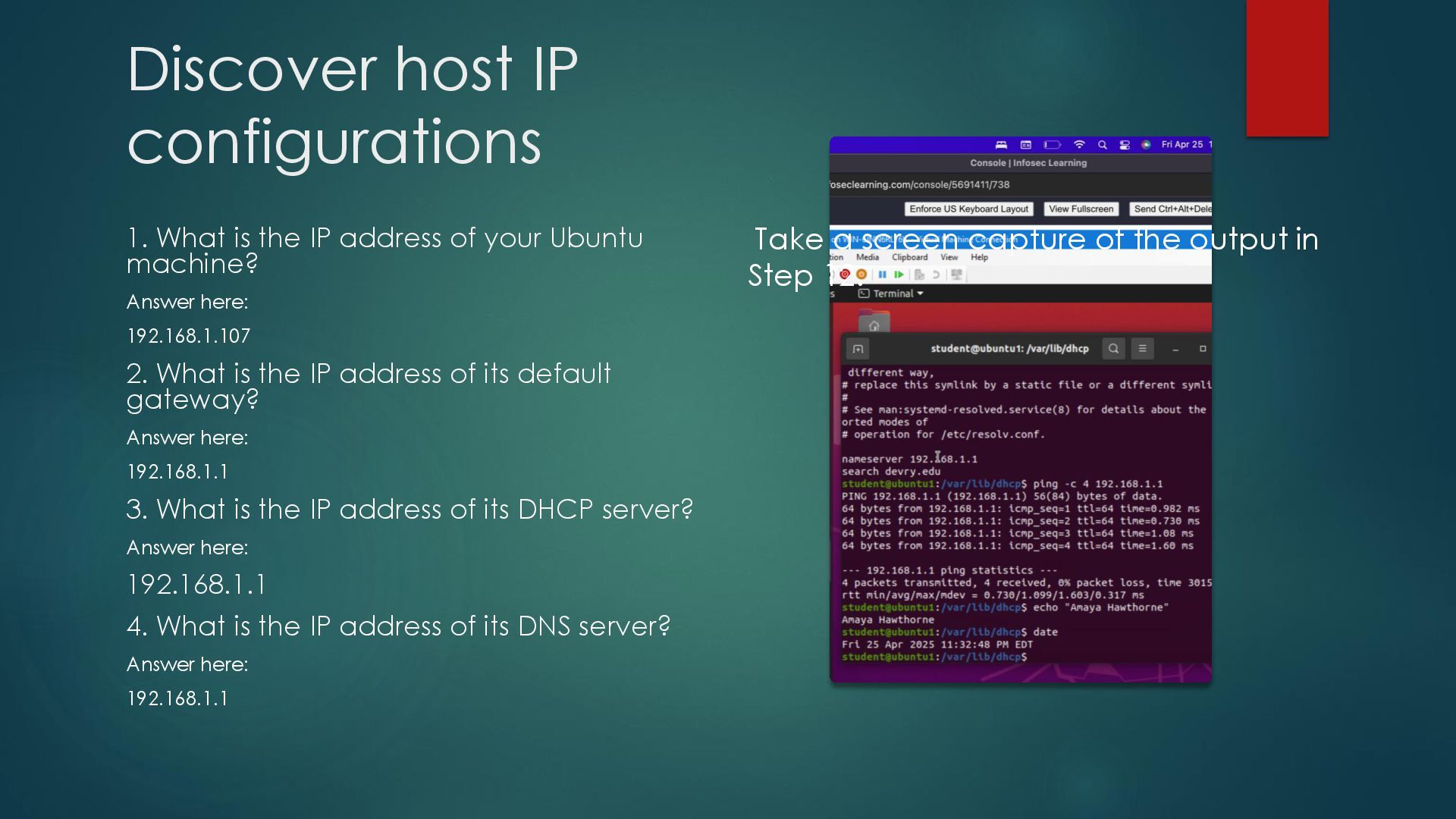
of your Ubuntu machine? Answer here: 192.168.1.107 2. What is the IP address of its default gateway? Answer here: 192.168.1.1 3. What is the IP address of its DHCP server? Answer here: 192.168.1.1 4. What is the IP address of its DNS server? Answer here: 192.168.1.1 Take a screen capture of the output in Step 12.
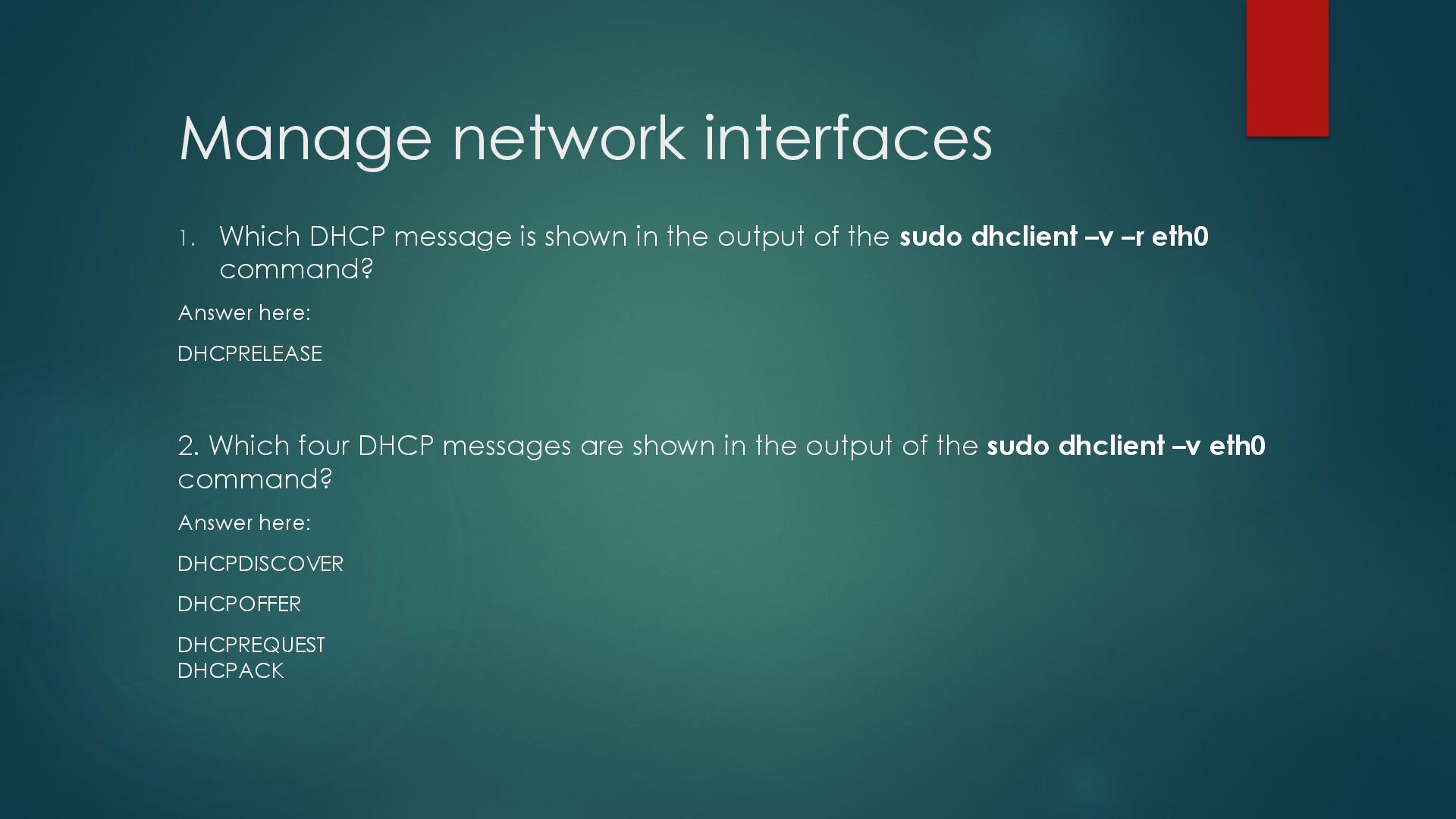
the output of the sudo dhclient –v –r eth0 command? Answer here: DHCPRELEASE 2. Which four DHCP messages are shown in the output of the sudo dhclient –v eth0 command? Answer here: DHCPDISCOVER DHCPOFFER DHCPREQUEST DHCPACK
the 15 SIGTERM kill signal? Answer here: It kills the selected process. 2. In the System Monitor window, click on % CPU to sort the processes by CPU load. Which process shows the highest percentage of CPU usage? Answer here: Gnome-shell (GUI) References: 1. 2.
turn on GNC accounting. Run the sudo updatedb command. Enter lastcomm updatedb to check if the updatedb command was executed before. Remember to turn off GNC accounting (sudo accton off) after answering the questions. 1. What flag value is displayed in the output? Answer here: S - “super user” 2. Why is the name of the user who ran the processes shown as root, not student? Answer here: Superuser -- since we typed sudo in front of the command. References: 1. Project video 2.


 brad_frost
 jonoalderson
 katarinadahlin
 nikkihalliwell
 portentint
 sarafernandez
 inesmontani
 jonrohan
 aleyda
 konakalab
 morganepeng
 ianozsvald