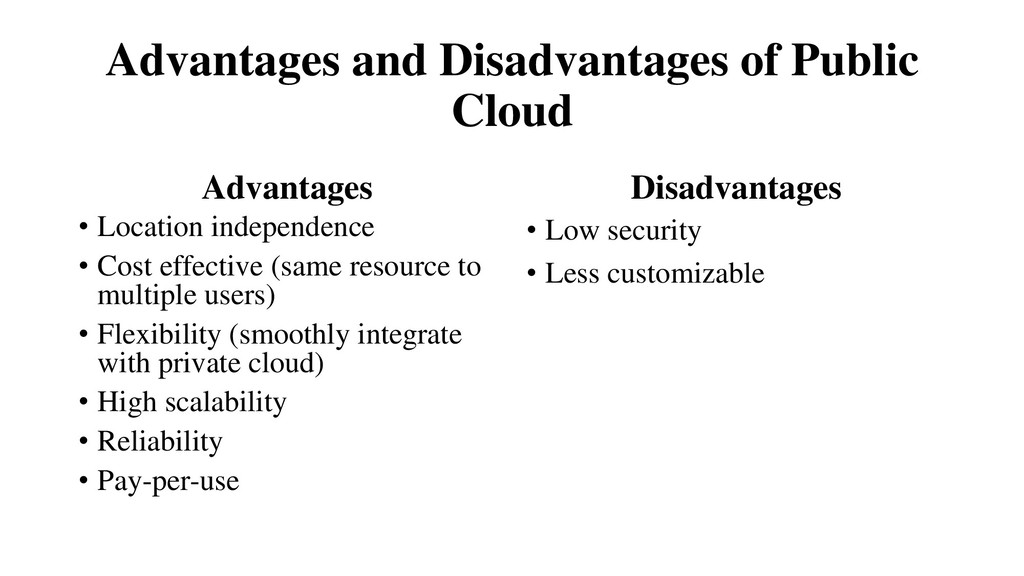
But what does it mean? • Nowadays, business applications are moving to the cloud. Looking ahead, the next decade of cloud computing promises new ways to collaborate everywhere, through mobile devices. • Traditional business applications have always been very complicated and expensive. The amount and variety of hardware and software required to run them are difficult. You need a whole team of experts to install, configure, test, run, secure and update them.
or weeks, and they cost les. With a cloud app, you just open a browser, log in, customize the app and start using it. • Businesses are running all kinds of apps in the cloud, like Customer Relationship Management (CRM), HR, accounting, and much more. Some of the world’s largest companies moved their applications to the cloud with salesforce.com • As cloud computing grows in popularity, thousands of companies are simply rebranding their non-cloud products and services as “cloud computing.”
cloud computing is, you are probably among 99% of people that are already using cloud services, like online banking and social networks, but don’t realize it. • The “cloud computing” is a set of different types of hardware and software that work collectively to deliver many aspects of computing to the end-user as an online services. • The cloud is not a “fad”. There are currently 2.1 billion people using Facebook worldwide. • Cloud computing offers platform independency, as the software is not required to be installed locally on the PC. User just need mobile, tablet and internet to use any software directly from Cloud.
there was Client/Server computing which is basically a centralized storage in which all the software applications, all the data and all the controls are resided on the server side. • If a single user wants to access specific data or run a program, he/she need to connect to the server and then gain appropriate access, and then he/she can do his/her business. • Then after, distributed computing came into picture, where all the computers are networked together and share their resources when needed. • On the basis of above computing, there was emerged of cloud computing concepts that later implemented.
speech at MIT that computing can be sold like a utility, just like a water or electricity. It was a brilliant idea, but like all brilliant ideas, it was ahead of its time, as for the next few decades, despite interest in the model, the technology simply was not ready for it. • But of course time has passed and the technology caught that idea and after few years we mentioned that: • In 1999, salesforce.com started delivering of applications to users using a simple website. The applications were delivered to enterprises over the internet, and this way the dream of computing sold as utility were true.
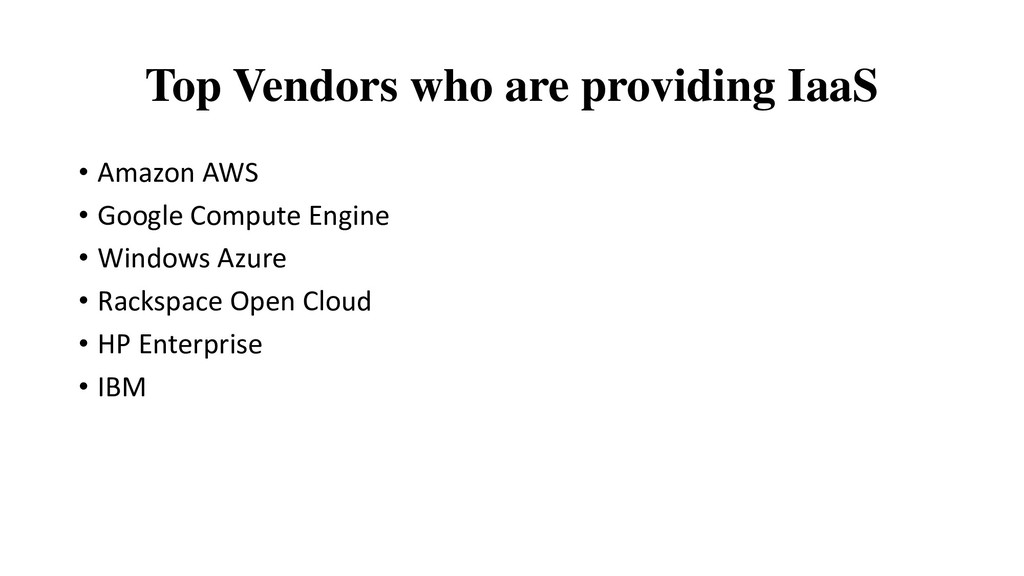
storage, computation and even human intelligence. • In 2009, Google also started to provide cloud computing enterprise applications. • Of course, all the big players are present in the cloud computing evolution, some were earlier, some were later. In 2009, Microsoft launched Windows Azure, and companies like Oracle and HP have all joined the game. This proves that today, cloud computing has become mainstream.
of servers is high and more reliable, because chances of infrastructure failure are minimal. • High Scalability: Means “on-demand” provisioning of resources on a large scale, without having engineers for peak loads. • Multi-Sharing: With the help of cloud computing, multiple users and applications can work more efficiently with cost reductions by sharing infrastructure.
to access systems using a web browser regardless of their location or what device they use e.g. PC, mobile phone etc. As infrastructure provided by a third-party and accessed via the internet, users can connect from anywhere. • Maintenance: Maintenance of cloud computing applications is easier, since they do not need to be installed on each user’s computer and can be accessed from different places. So, it reduces the cost also. • Low Cost: By using cloud computing, the cost will be reduced because to take the services of cloud computing, IT company need not to set its own infrastructure and pay-as-per usage of resources.
In cloud, you don’t require a high-powered (and accordingly high-priced) computer to run cloud computing’s web based applications because applications run on cloud not on desktop PC or laptop. • Lower IT infrastructure cost: By using cloud computing, you need not to invest in larger numbers of more powerful servers, you also need not to require the IT staff handling such powerful servers. • Fewer maintenance cost: The maintenance cost in cloud computing greatly reduces both hardware and software maintenance for organizations of all sizes. • Lower Software cost: It reduces the software cost because you don’t need to purchase separate software packages for each computer in the organization.
is that users don’t need to face with the choice between obsolete software and high upgrade cost. If the app is web-based, updates happen automatically and are available next time when the user logs into the cloud. • Increased computing power: The execution capacity of cloud servers are very high. It processes the application very fast. • Unlimited storage capacity: Cloud offers you a huge amount of storage capacity like 2000 GB or more than that if required.
Cloud computing is impossible without internet connection. To access any application and document, you need a constant internet connection. –Require High Speed internet connection. Similarly, a low-speed internet connection makes cloud computing painful at best and often impossible. Web-based apps often require a lot of bandwidth to download, as need to download large documents. • Stored data might not be secure: With cloud computing, all your data is stored in the cloud. That’s all well and good, but how secure is the cloud? Can’t unauthorized users gain access to your confidential data?
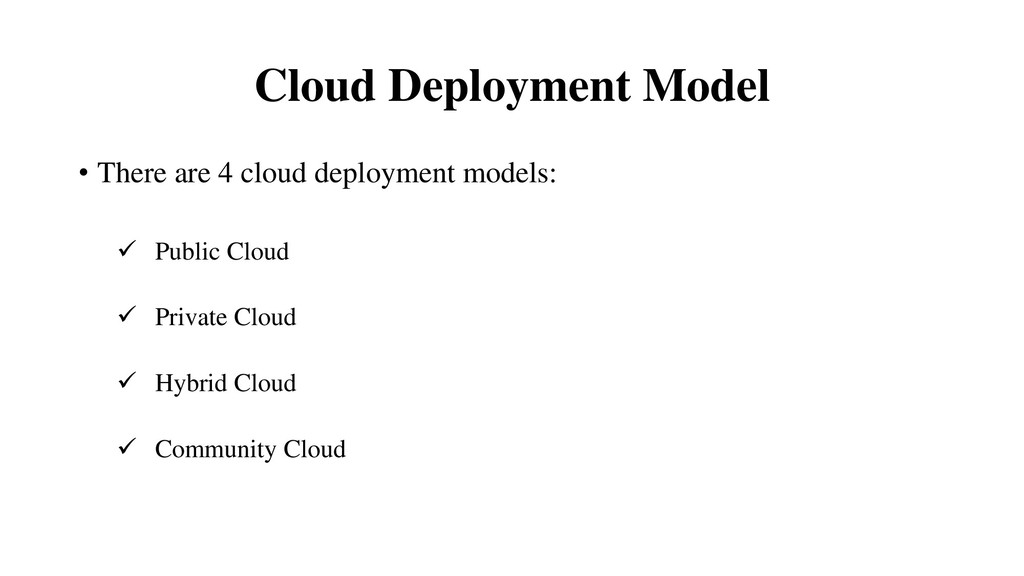
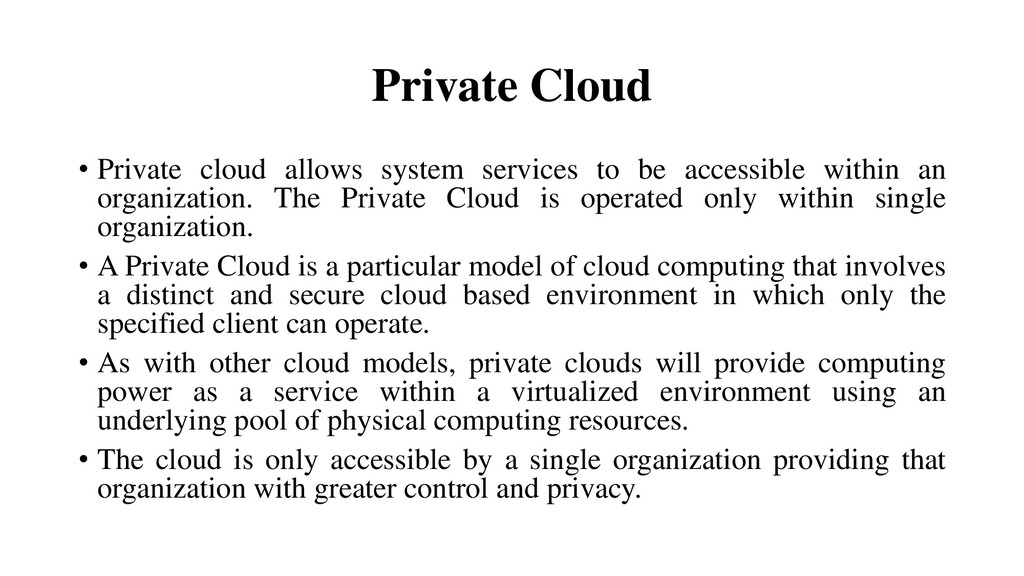
accessible within an organization. The Private Cloud is operated only within single organization. • A Private Cloud is a particular model of cloud computing that involves a distinct and secure cloud based environment in which only the specified client can operate. • As with other cloud models, private clouds will provide computing power as a service within a virtualized environment using an underlying pool of physical computing resources. • The cloud is only accessible by a single organization providing that organization with greater control and privacy.
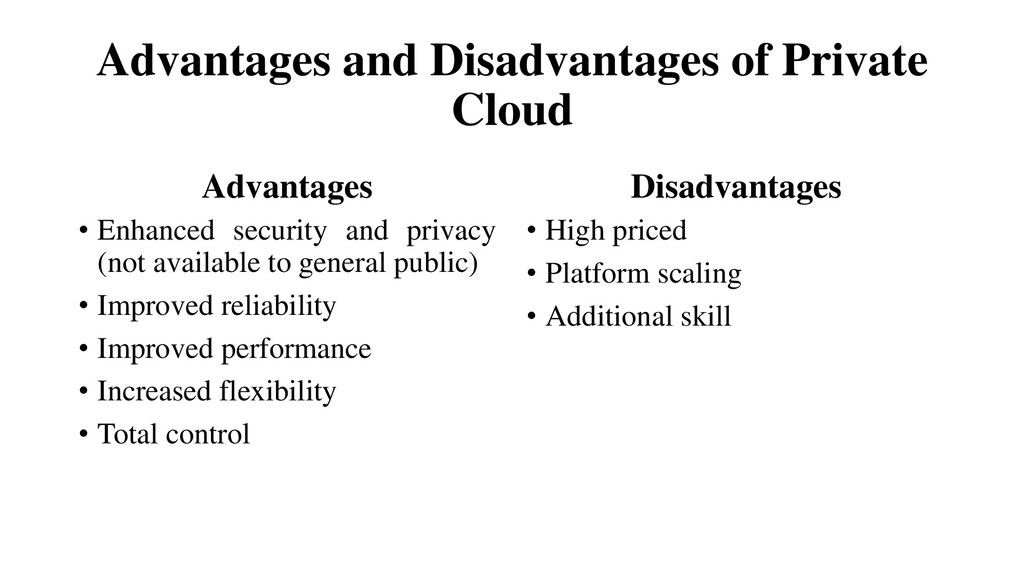
and privacy (not available to general public) • Improved reliability • Improved performance • Increased flexibility • Total control Disadvantages • High priced • Platform scaling • Additional skill
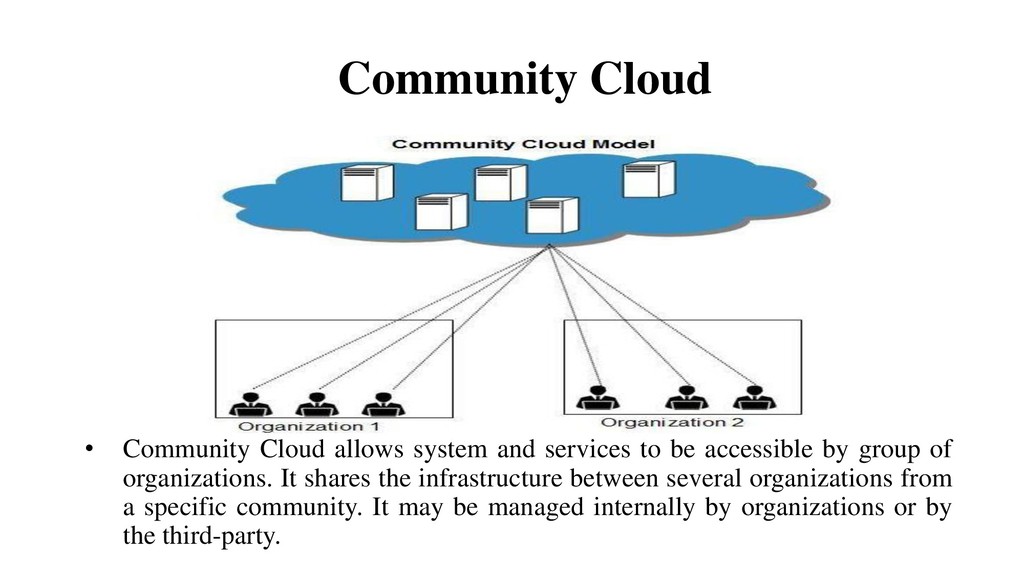
by group of organizations. It shares the infrastructure between several organizations from a specific community. It may be managed internally by organizations or by the third-party. Community Cloud
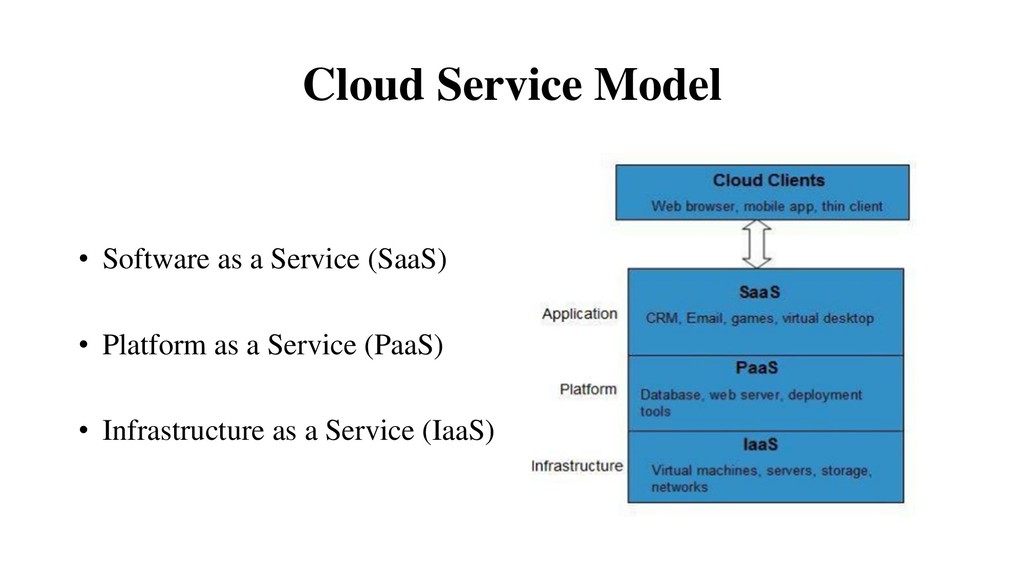
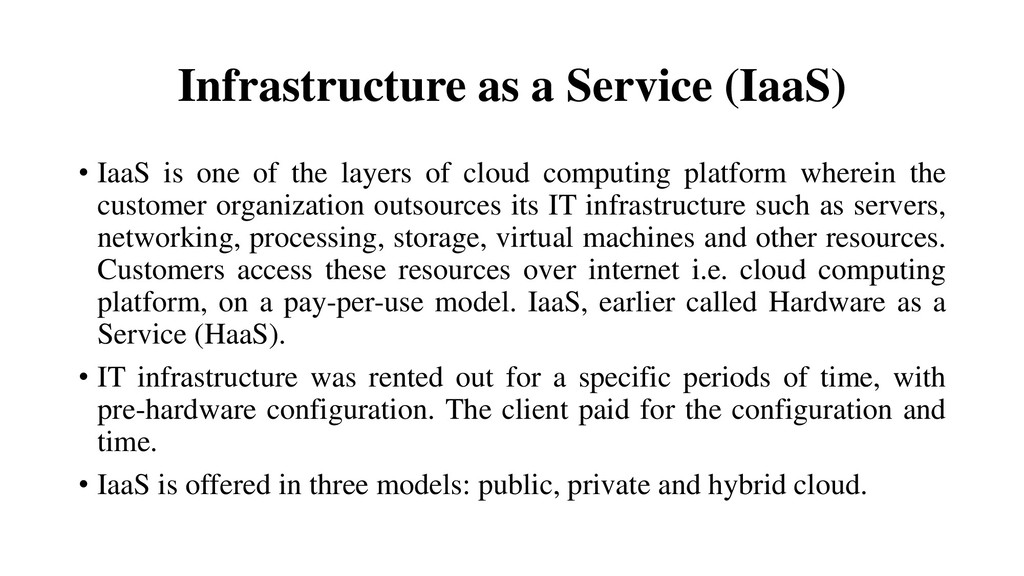
the layers of cloud computing platform wherein the customer organization outsources its IT infrastructure such as servers, networking, processing, storage, virtual machines and other resources. Customers access these resources over internet i.e. cloud computing platform, on a pay-per-use model. IaaS, earlier called Hardware as a Service (HaaS). • IT infrastructure was rented out for a specific periods of time, with pre-hardware configuration. The client paid for the configuration and time. • IaaS is offered in three models: public, private and hybrid cloud.
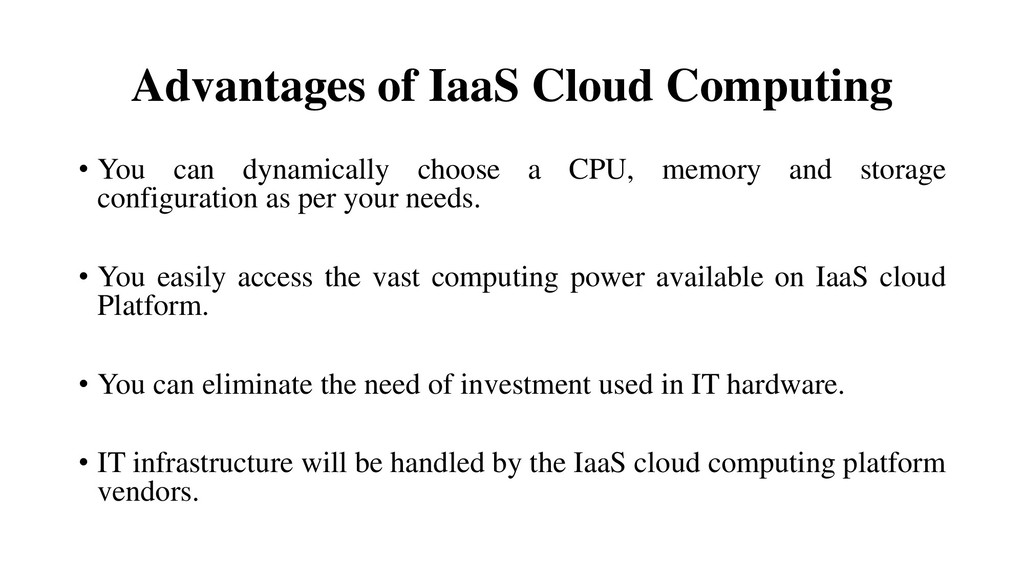
a CPU, memory and storage configuration as per your needs. • You easily access the vast computing power available on IaaS cloud Platform. • You can eliminate the need of investment used in IT hardware. • IT infrastructure will be handled by the IaaS cloud computing platform vendors.
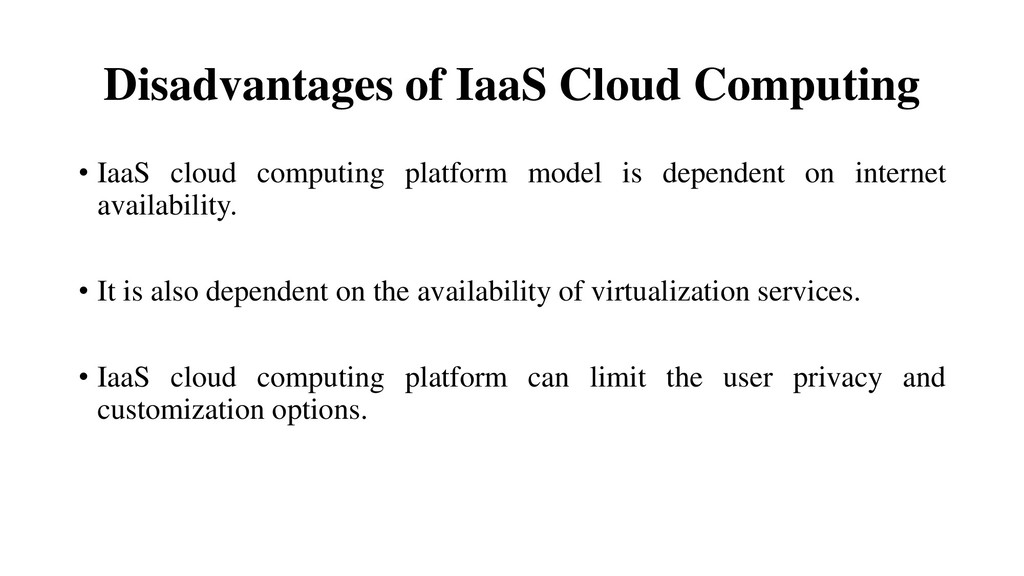
model is dependent on internet availability. • It is also dependent on the availability of virtualization services. • IaaS cloud computing platform can limit the user privacy and customization options.
is a developer programming platform which is created for the programmer to develop, test, run and manage the applications. • Instead of ready-made applications or services, PaaS provides the platform for developing such applications and services. • No need to manage backups. This is handled by the PaaS cloud provider. • A developer is able to write the application as well as deploy it directly into this layer easily. • All the infrastructure to run the applications will be over the internet.
focus on development and innovation without worrying about the infrastructure. • Lower price: No requirements of up-front investment in hardware and software. Developers only need a PC and an internet connection to start building applications. • Instant community: PaaS vendors frequently provides online communities where developer can get ideas, share experiences and seek advice from others. • Scalability: Applications deployed can scale from one to thousands of users without any change to the applications.
to write the applications according to the platform provided by PaaS vendor. So migration of an application to another PaaS vendor would be a problem. • Data privacy: Corporate data, whether it can be critical or not, will be private. So if it is not located within the walls of the company there can be a risk in terms of privacy of data. • Integration with the rest of the systems applications: It may happen that some applications are local and some are in cloud. So there will be chances of increased complexity when we want to use data which is in the cloud with the local data.
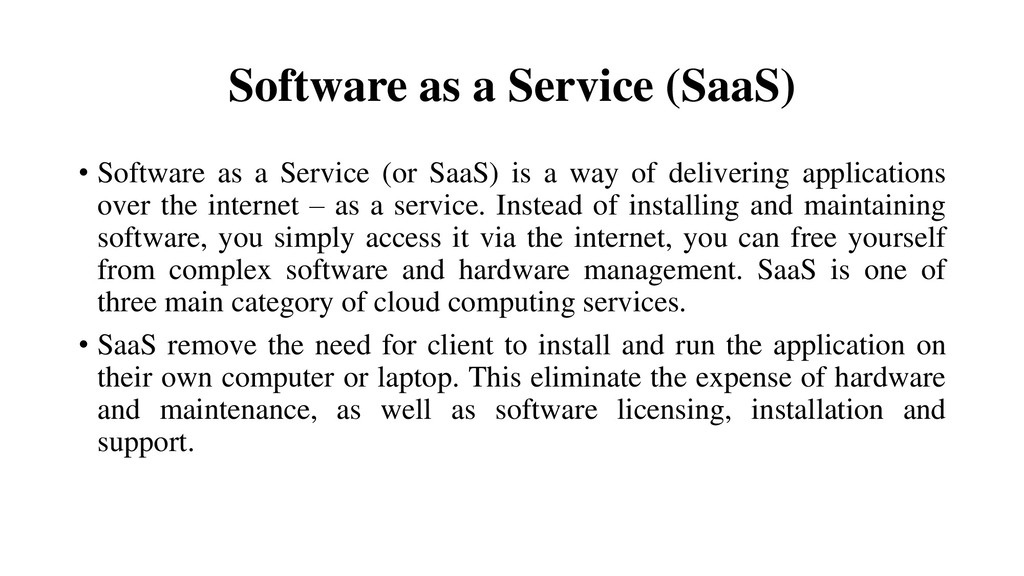
(or SaaS) is a way of delivering applications over the internet – as a service. Instead of installing and maintaining software, you simply access it via the internet, you can free yourself from complex software and hardware management. SaaS is one of three main category of cloud computing services. • SaaS remove the need for client to install and run the application on their own computer or laptop. This eliminate the expense of hardware and maintenance, as well as software licensing, installation and support.
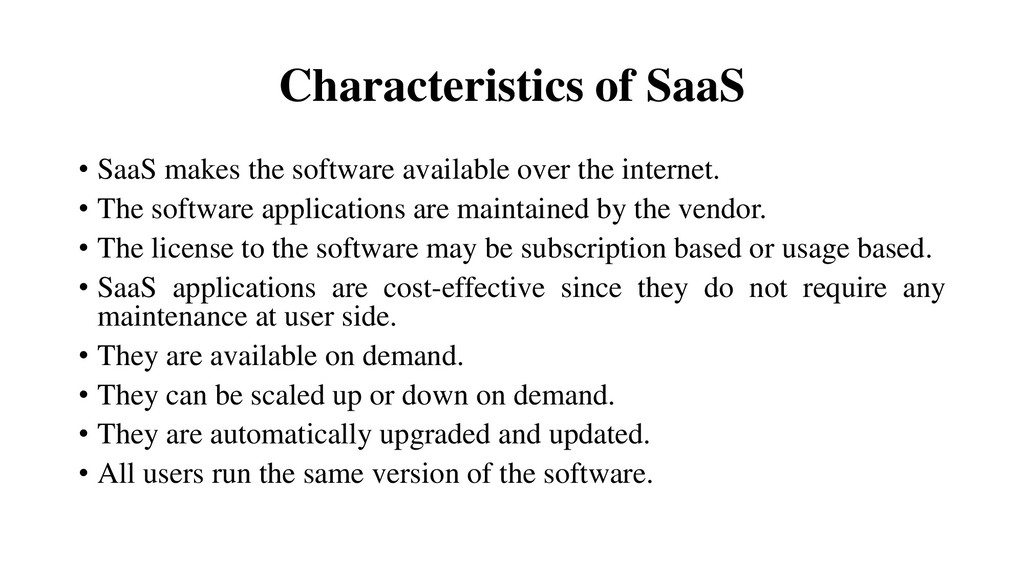
the internet. • The software applications are maintained by the vendor. • The license to the software may be subscription based or usage based. • SaaS applications are cost-effective since they do not require any maintenance at user side. • They are available on demand. • They can be scaled up or down on demand. • They are automatically upgraded and updated. • All users run the same version of the software.
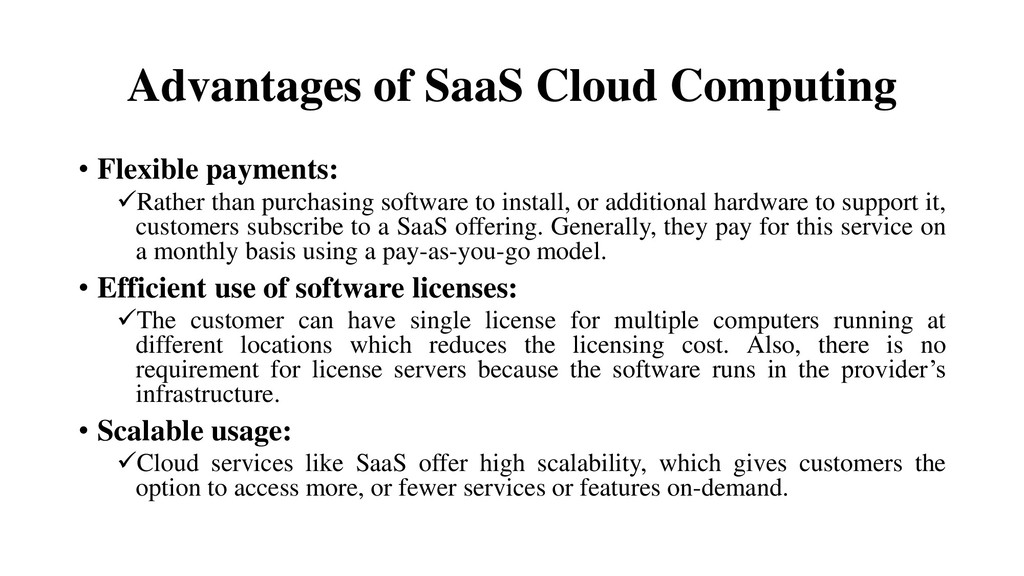
purchasing software to install, or additional hardware to support it, customers subscribe to a SaaS offering. Generally, they pay for this service on a monthly basis using a pay-as-you-go model. • Efficient use of software licenses: The customer can have single license for multiple computers running at different locations which reduces the licensing cost. Also, there is no requirement for license servers because the software runs in the provider’s infrastructure. • Scalable usage: Cloud services like SaaS offer high scalability, which gives customers the option to access more, or fewer services or features on-demand.
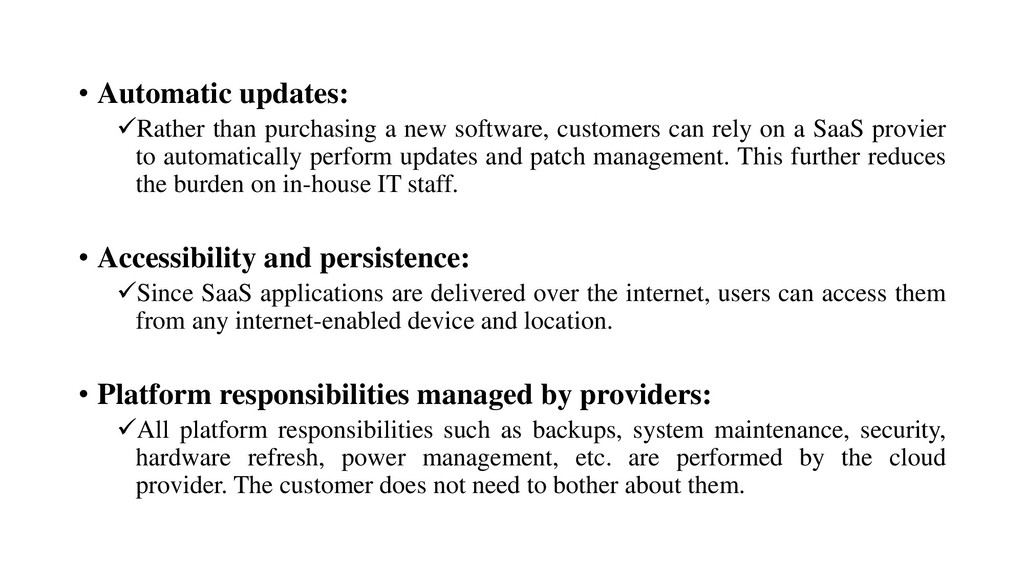
can rely on a SaaS provier to automatically perform updates and patch management. This further reduces the burden on in-house IT staff. • Accessibility and persistence: Since SaaS applications are delivered over the internet, users can access them from any internet-enabled device and location. • Platform responsibilities managed by providers: All platform responsibilities such as backups, system maintenance, security, hardware refresh, power management, etc. are performed by the cloud provider. The customer does not need to bother about them.
the customer visits malicious website so browser becomes infected, and with that it’s chance to lose customer’s data. To avoid such risks, the customer can use multiple browsers and dedicate a specific browser to access SaaS applications or can use virtual desktop while accessing the SaaS applications. • Network dependence: The SaaS application can be delivered only when network is continuously available.
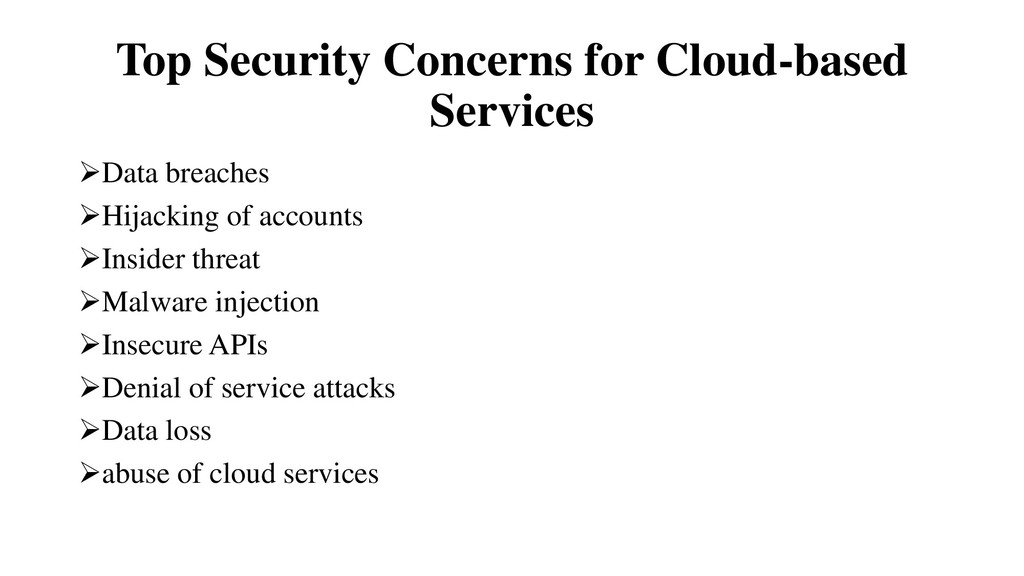
major concern. Data in cloud should be stored in encrypted form. • Cloud computing security or, more simply, cloud security refers to a broad set of policies, technologies, and controls deployed to protect data, applications, and the associated infrastructure of cloud computing. It is a sub-domain of computer security, and more broadly, information security. • In cloud computing, there have a Data Center where clients’ data are stored, and that data have a back up also, so in case if there is any earthquake or natural disasters, client’s data are stored in other data center. • If 1 data center is in India, then another backup data center will be in USA.
cloud computing falls into two broad categories: security issues faced by cloud providers (organizations providing software-, platform-, or infrastructure-as-a-service via the cloud) and security issues faced by their customers (companies or organizations who host applications or store data on the cloud). The responsibility is shared, however. The provider must ensure that their infrastructure is secure and that their client’s data and applications are protected, while the user must take measures to fortify their application and use strong passwords and authentication measures. • Encryption helps to protect data from being compromised. It protects data that is being transferred as well as data stored in the cloud. Although encryption helps to protect data from any unauthorized access, it does not prevent data loss.
is of major concern in the cloud. Here are key mechanisms for protecting data. • Access Control Access control methods ensure that authorized users access the data and the system. • Auditing In cloud computing, auditing is done automatically. • Authentication Cloud computing is changing the way we interact with devices, software, data and processes. Identity management and authentication form the basis for security whether in the cloud or on the local network. • Authorization Authorization is normally used in authentication for user identity verification.


 techtekt
 akhino
 daidaidai
 bitkey
 yazm
yazm
 nttcom
 kash1064
 satomasahiro2005
 occhi
occhi
 raspython3
 grimoh
 teamlab
 yeseniaperezcruz
 inesmontani
 sabderemane
 bkeepers
 chrislema
 eitanlees
 keithpitt
 oripsolob
 lfama
lfama
 trishagee
 axbom
axbom
 akihiro_kokubo