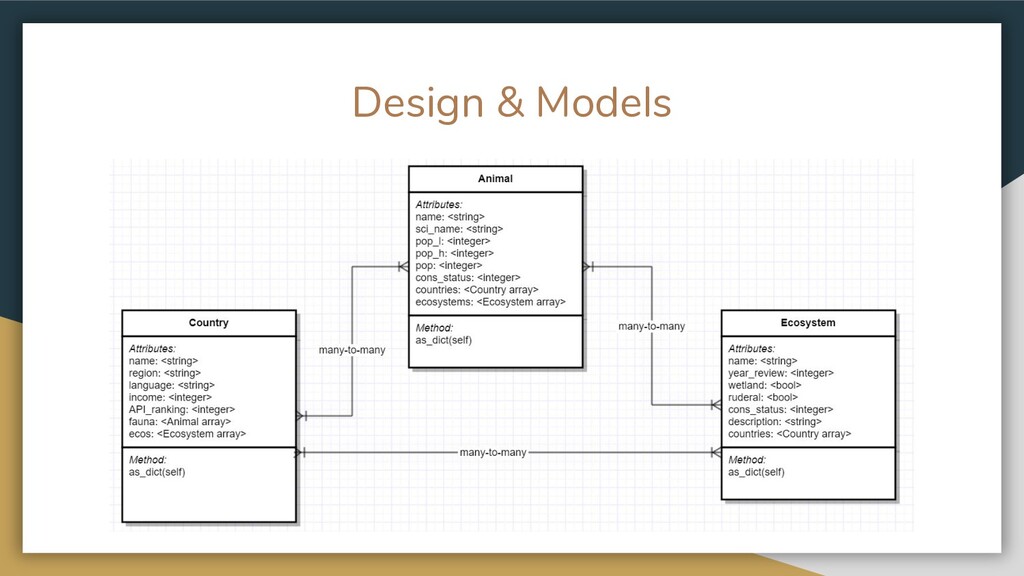
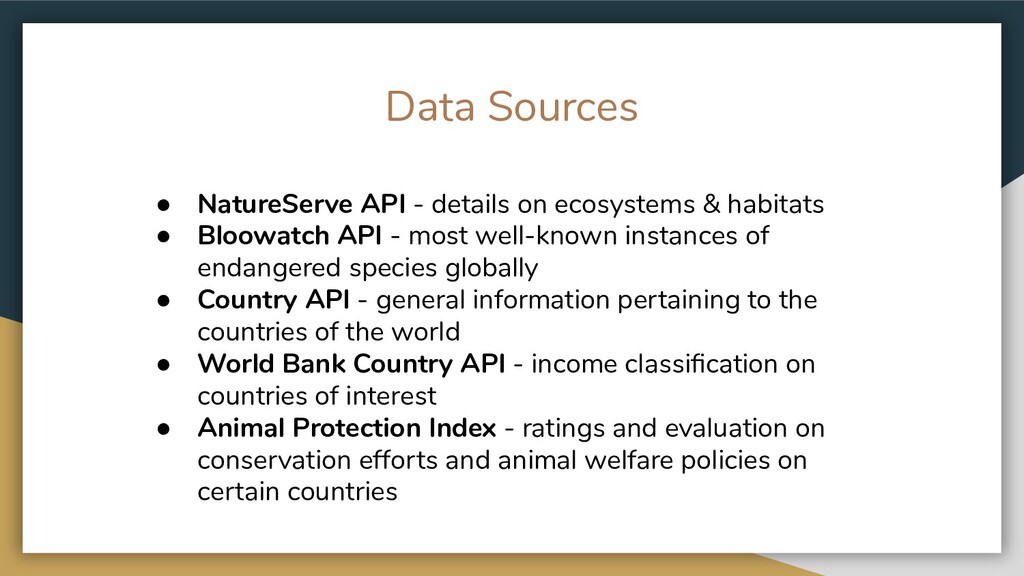
habitats • Bloowatch API - most well-known instances of endangered species globally • Country API - general information pertaining to the countries of the world • World Bank Country API - income classification on countries of interest • Animal Protection Index - ratings and evaluation on conservation efforts and animal welfare policies on certain countries
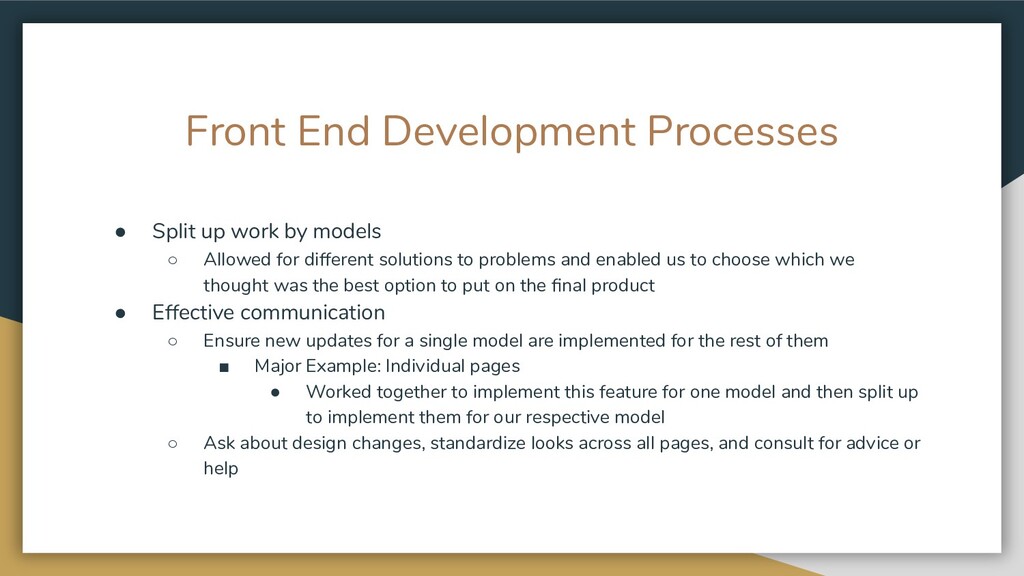
◦ Allowed for different solutions to problems and enabled us to choose which we thought was the best option to put on the final product • Effective communication ◦ Ensure new updates for a single model are implemented for the rest of them ▪ Major Example: Individual pages • Worked together to implement this feature for one model and then split up to implement them for our respective model ◦ Ask about design changes, standardize looks across all pages, and consult for advice or help
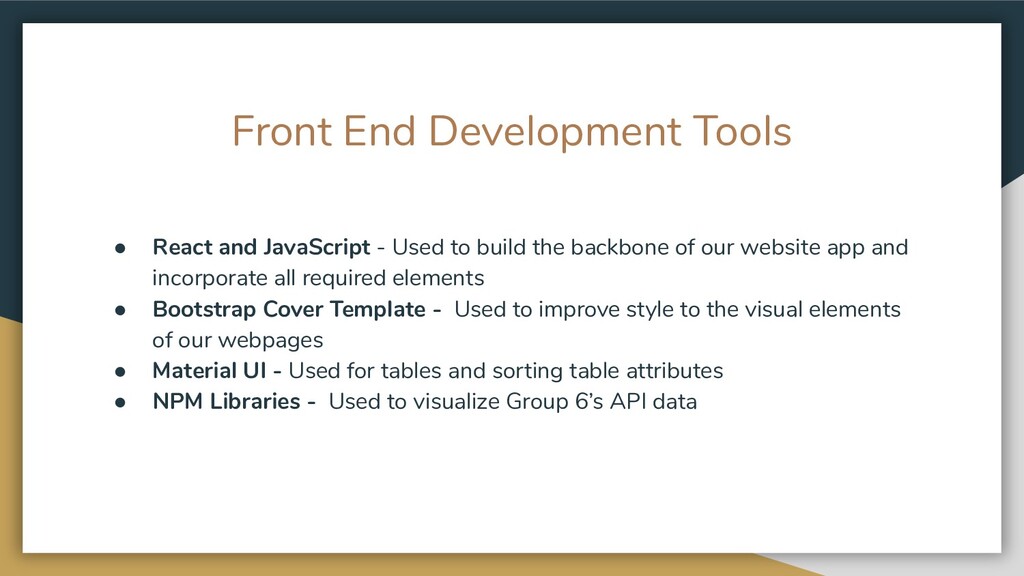
to build the backbone of our website app and incorporate all required elements • Bootstrap Cover Template - Used to improve style to the visual elements of our webpages • Material UI - Used for tables and sorting table attributes • NPM Libraries - Used to visualize Group 6’s API data
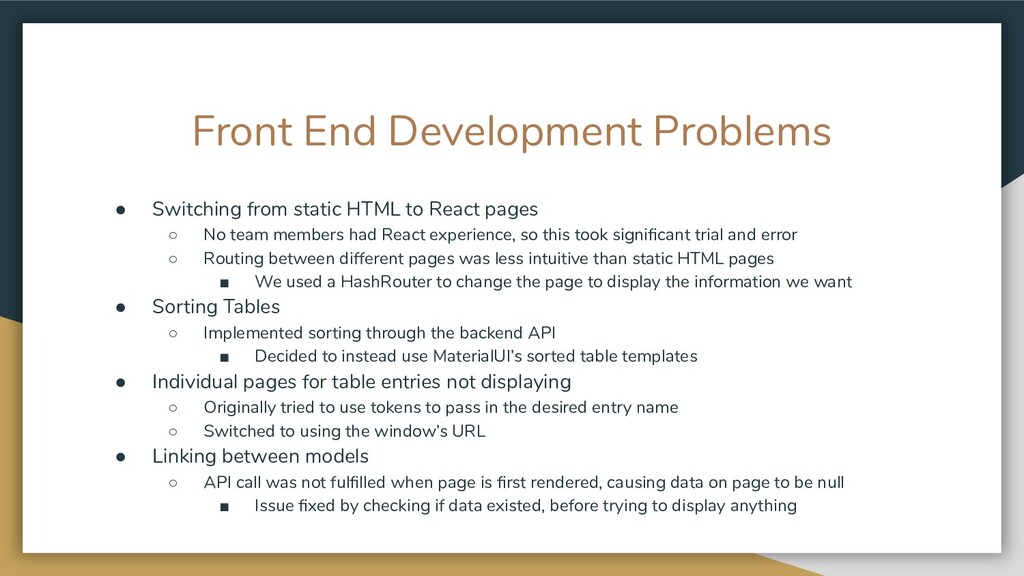
React pages ◦ No team members had React experience, so this took significant trial and error ◦ Routing between different pages was less intuitive than static HTML pages ▪ We used a HashRouter to change the page to display the information we want • Sorting Tables ◦ Implemented sorting through the backend API ▪ Decided to instead use MaterialUI’s sorted table templates • Individual pages for table entries not displaying ◦ Originally tried to use tokens to pass in the desired entry name ◦ Switched to using the window’s URL • Linking between models ◦ API call was not fulfilled when page is first rendered, causing data on page to be null ▪ Issue fixed by checking if data existed, before trying to display anything
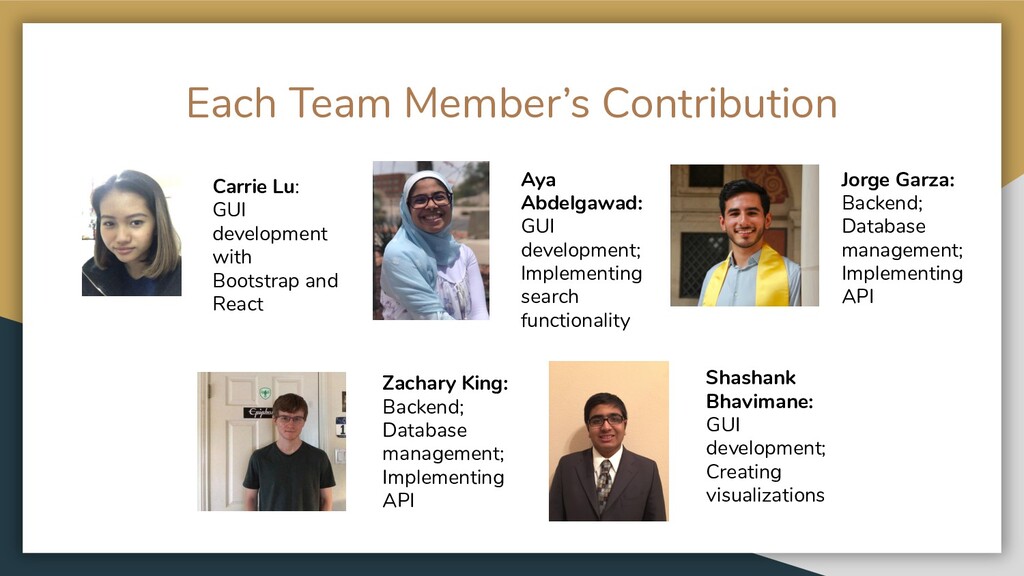
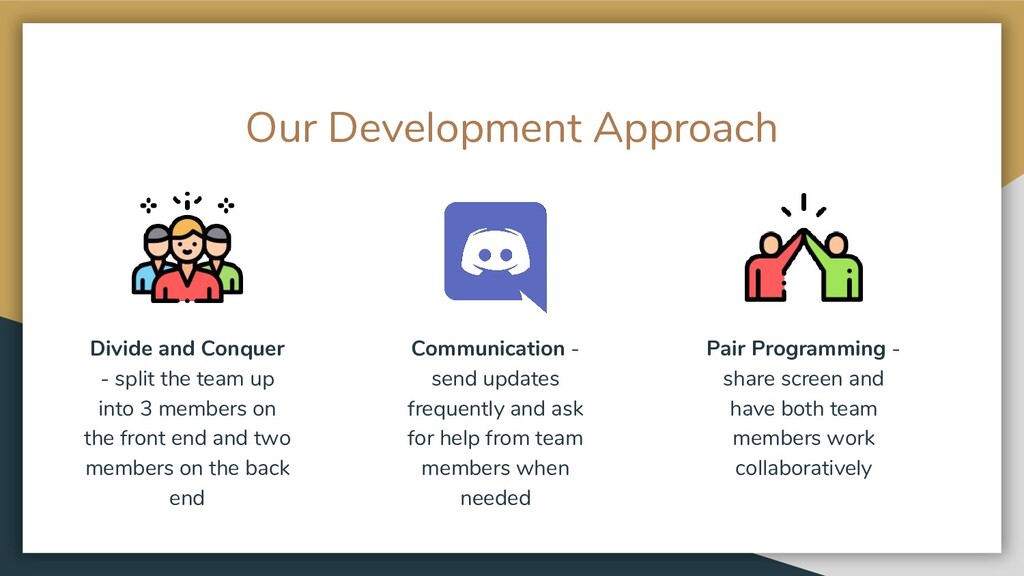
up into 3 members on the front end and two members on the back end Communication - send updates frequently and ask for help from team members when needed Pair Programming - share screen and have both team members work collaboratively
assign tasks - individual member’s used their backgrounds and experiences to volunteer to do tasks they knew how to do well • Asking for help - we used a pair programming approach to brainstorm solutions to the problems we encountered • Designing the API - we used the API to do most of the heavy lifting with the data so the front end received the data in the format it needed • Utilizing React components to render information - by incorporating existing React components, we could display the data in a tabular or visual form beautifully and easily
us? • Switching to Functional React - investigate the difference between class and functional components in React and find out which is best • Improving the Exchange of Data between Flask and React - this was a main pain point during our web development process
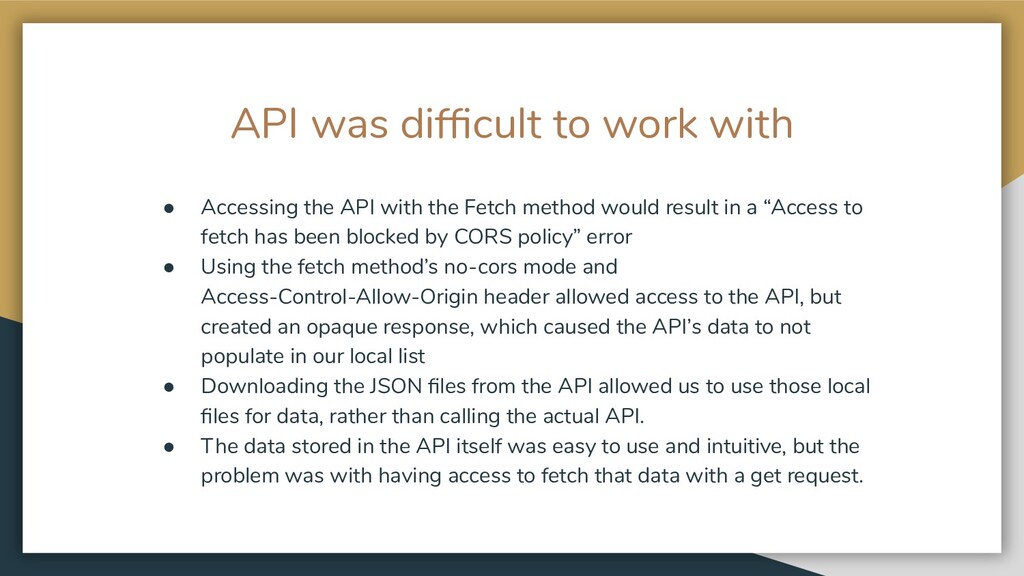
with the Fetch method would result in a “Access to fetch has been blocked by CORS policy” error • Using the fetch method’s no-cors mode and Access-Control-Allow-Origin header allowed access to the API, but created an opaque response, which caused the API’s data to not populate in our local list • Downloading the JSON files from the API allowed us to use those local files for data, rather than calling the actual API. • The data stored in the API itself was easy to use and intuitive, but the problem was with having access to fetch that data with a get request.


 kasacchiful
 findyinc
 kenjiyoneyama
 uyuki234
 koic
koic
 nokomoro3
 mofurune
 takai
takai
 marcoroth
 rollbear
 kaityo256
 jame2408
 portentint
 lauravandoore
 tammyeverts
 lfama
lfama
 axbom
axbom
 sergeychernyshev
 addyosmani
 aemeredith
 lemiorhan
 greggifford
 uxyall
 yeseniaperezcruz