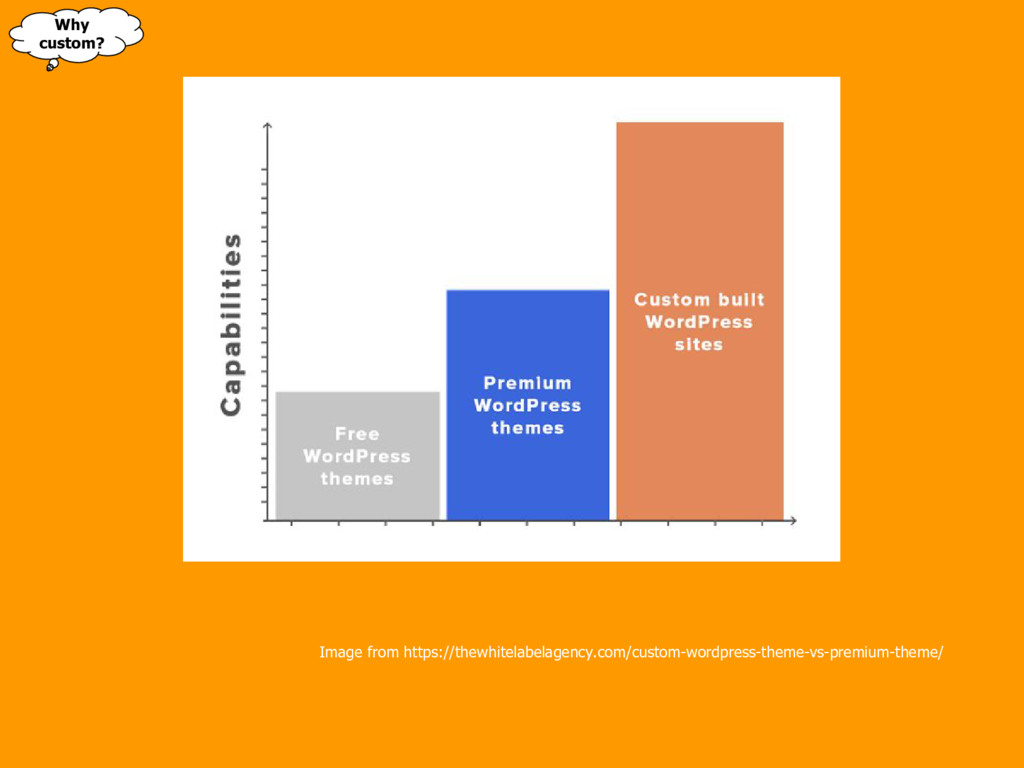
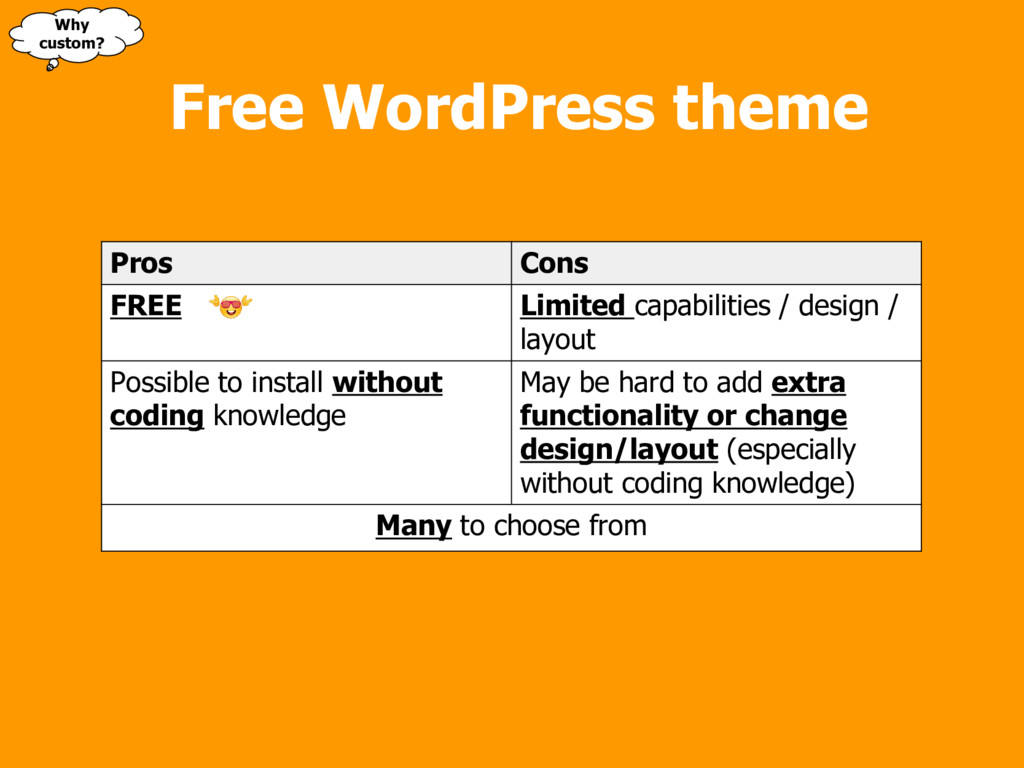
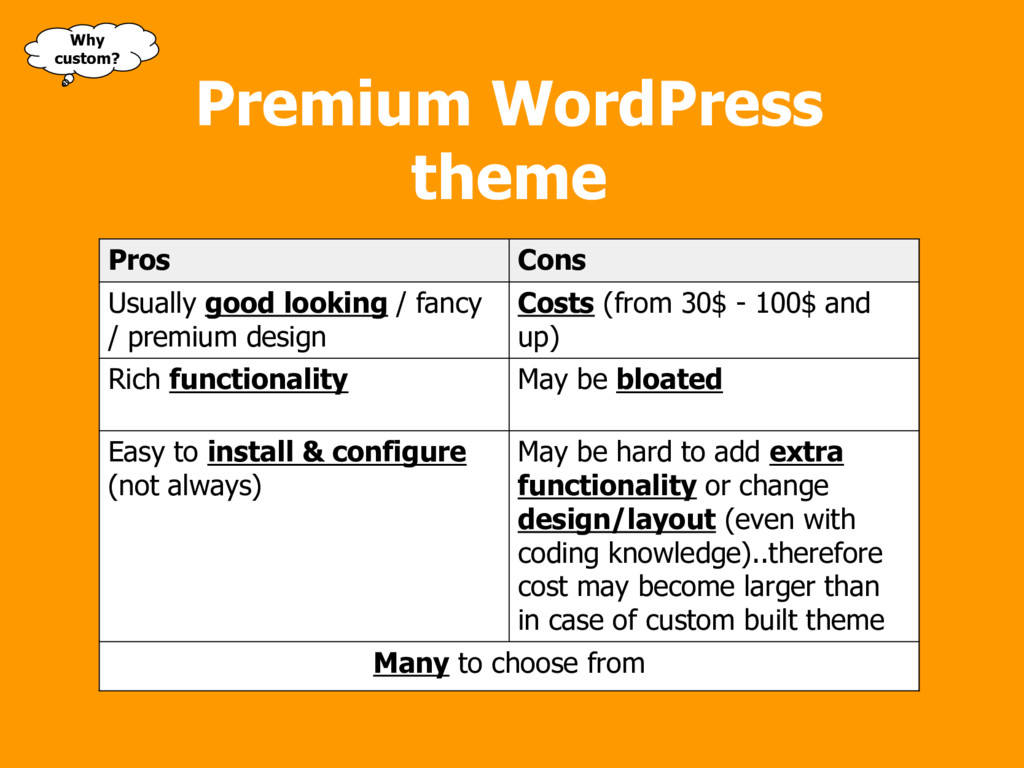
/ layout Possible to install without coding knowledge May be hard to add extra functionality or change design/layout (especially without coding knowledge) Many to choose from Why custom?
Costs (from 30$ - 100$ and up) Rich functionality May be bloated Easy to install & configure (not always) May be hard to add extra functionality or change design/layout (even with coding knowledge)..therefore cost may become larger than in case of custom built theme Many to choose from Premium WordPress theme Why custom?
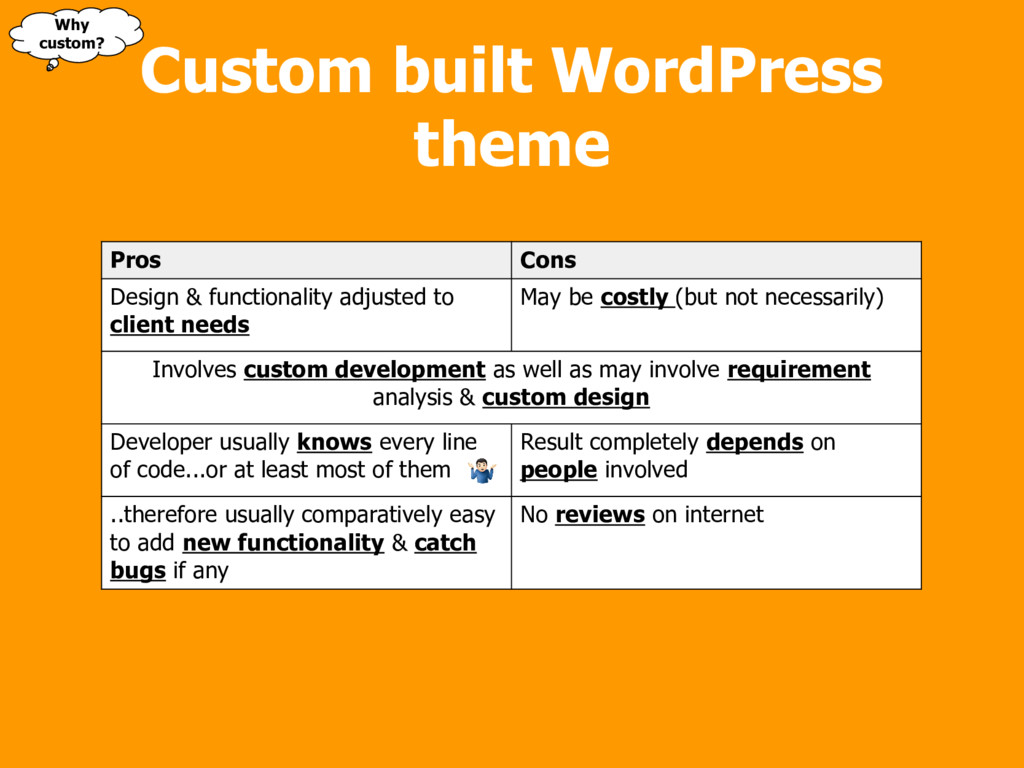
be costly (but not necessarily) Involves custom development as well as may involve requirement analysis & custom design Developer usually knows every line of code...or at least most of them Result completely depends on people involved ..therefore usually comparatively easy to add new functionality & catch bugs if any No reviews on internet Why custom? Custom built WordPress theme
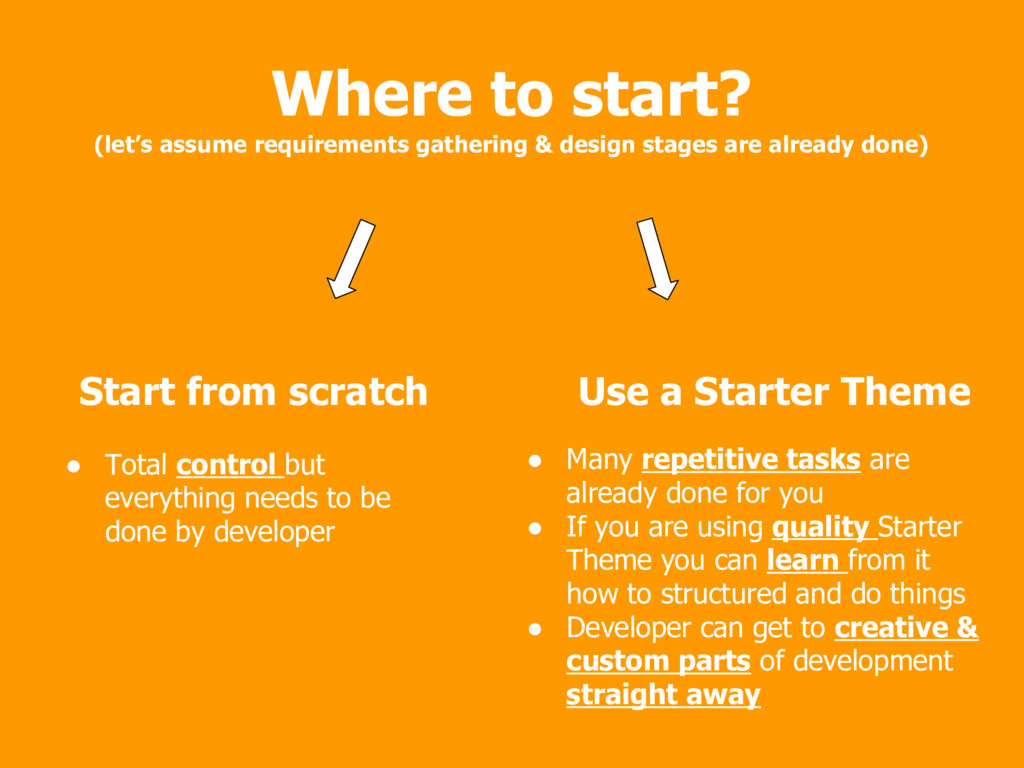
but everything needs to be done by developer • Many repetitive tasks are already done for you • If you are using quality Starter Theme you can learn from it how to structured and do things • Developer can get to creative & custom parts of development straight away Where to start? (let’s assume requirements gathering & design stages are already done)
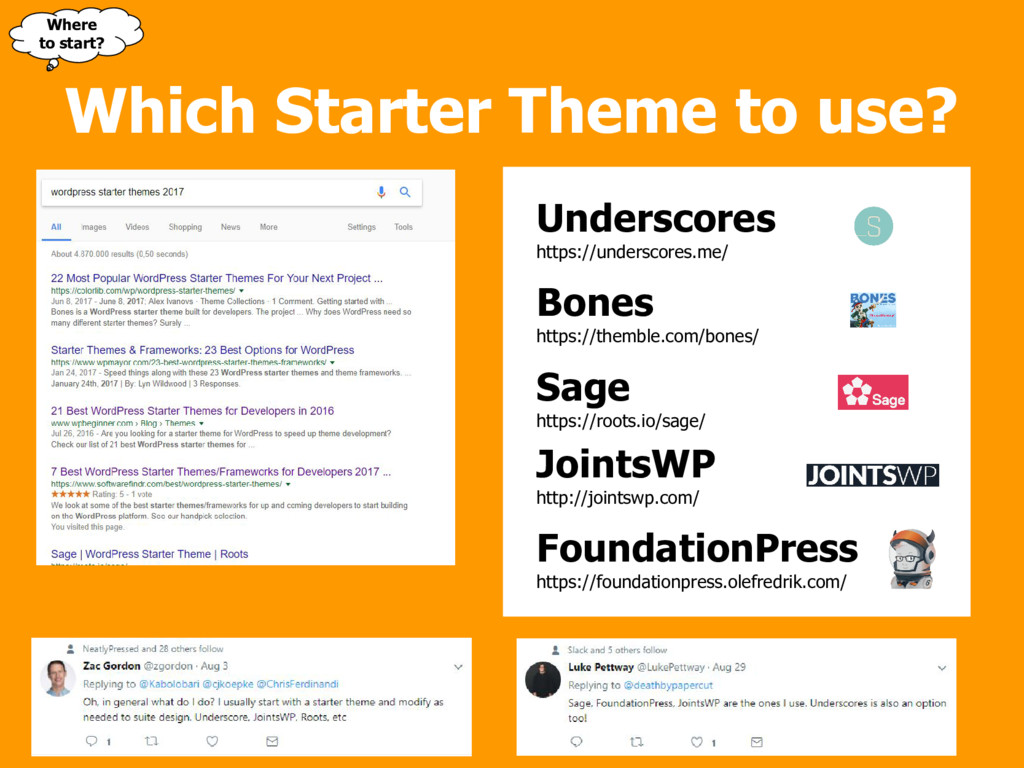
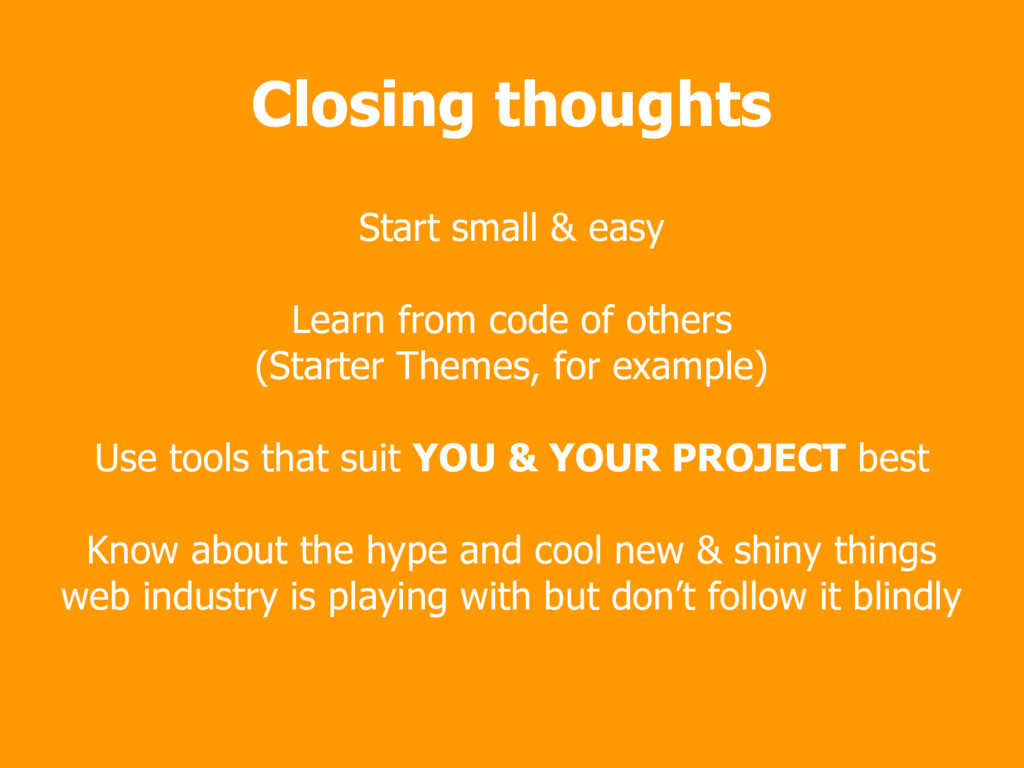
others (Starter Themes, for example) Use tools that suit YOU & YOUR PROJECT best Know about the hype and cool new & shiny things web industry is playing with but don’t follow it blindly

 SiteGround - Reliable hosting with speed, security, and support you can count on.


 gam0022
 kishida
 sorah
sorah
 clockmaker
 siroemk
 yasaichi
 minodriven
 colorful12
 panda728
 tanahiro2010
 florets1
 neuecc
 keithpitt
 destraynor
 inesmontani
 mza
mza
 aleyda
 apolaine
 trallard
 frankvandijk
 csswizardry
 irinanazarova
 swwweet
 techseoconnect
![Custom WordPress Theme development toolset & workflow Armands Dziļums [email protected]](https://files.speakerdeck.com/presentations/b4ade80ead4c4f118b3166574cfabd21/slide_0.jpg)

![Thank you! Questions? @ [email protected] @armandsdz](https://files.speakerdeck.com/presentations/b4ade80ead4c4f118b3166574cfabd21/slide_26.jpg)