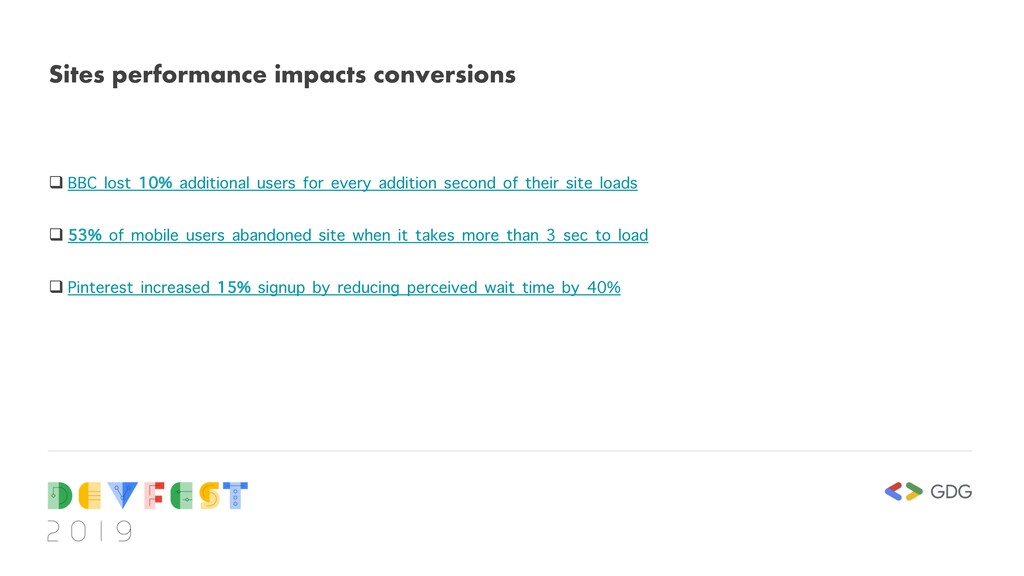
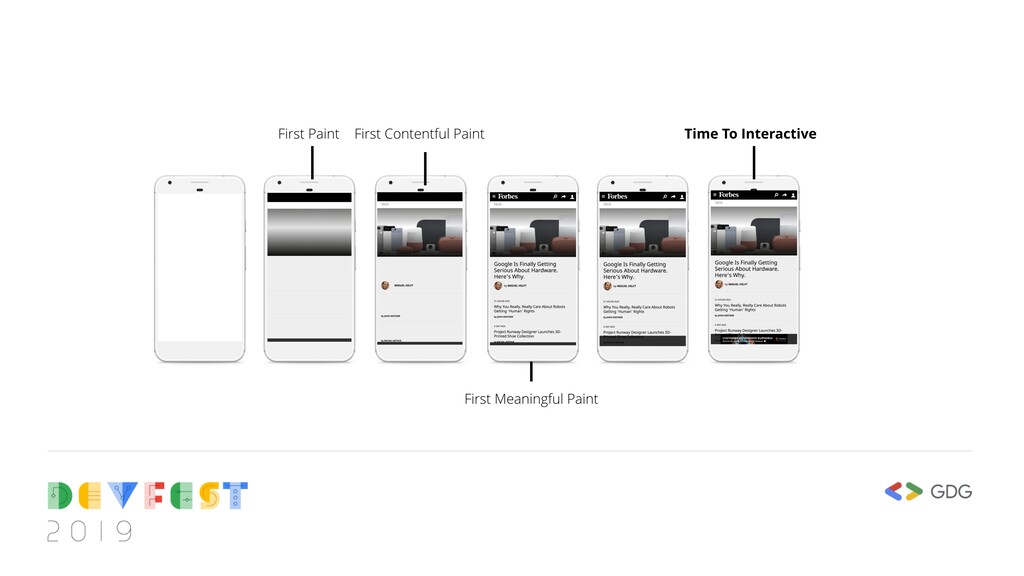
for every addition second of their site loads q 53% of mobile users abandoned site when it takes more than 3 sec to load q Pinterest increased 15% signup by reducing perceived wait time by 40%
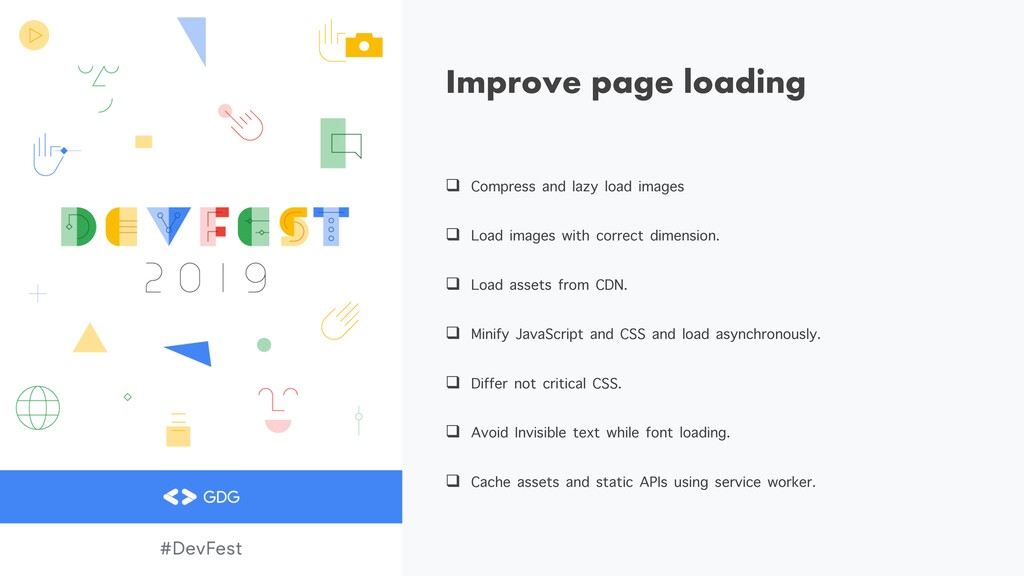
Load images with correct dimension. q Load assets from CDN. q Minify JavaScript and CSS and load asynchronously. q Differ not critical CSS. q Avoid Invisible text while font loading. q Cache assets and static APIs using service worker.
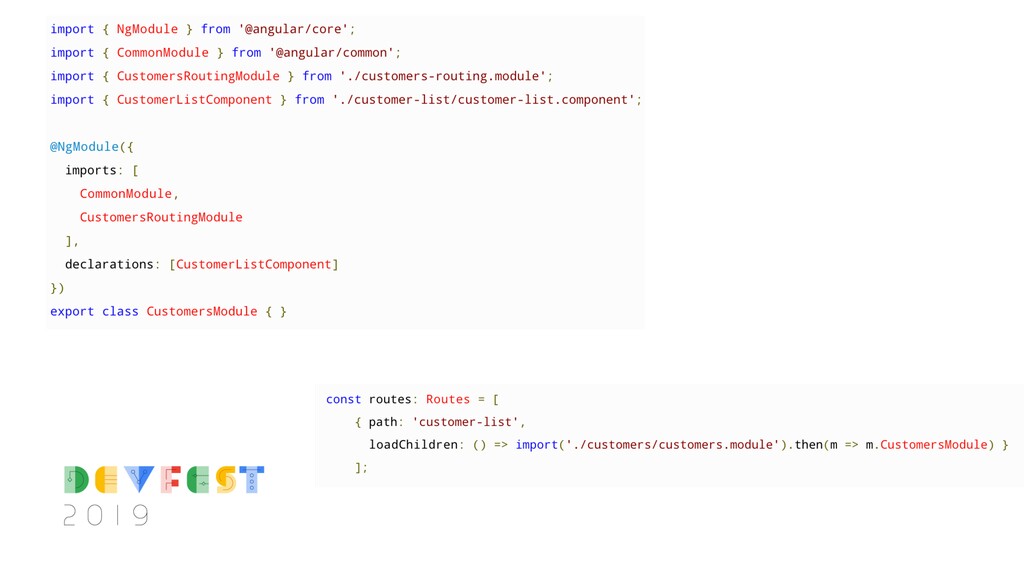
“Lazy Loaded” Feature modules q With route changes lazy load corresponding feature module. q Doesn’t need to load all codes at the time of initial rendering. q Faster initial page load and page rendering.
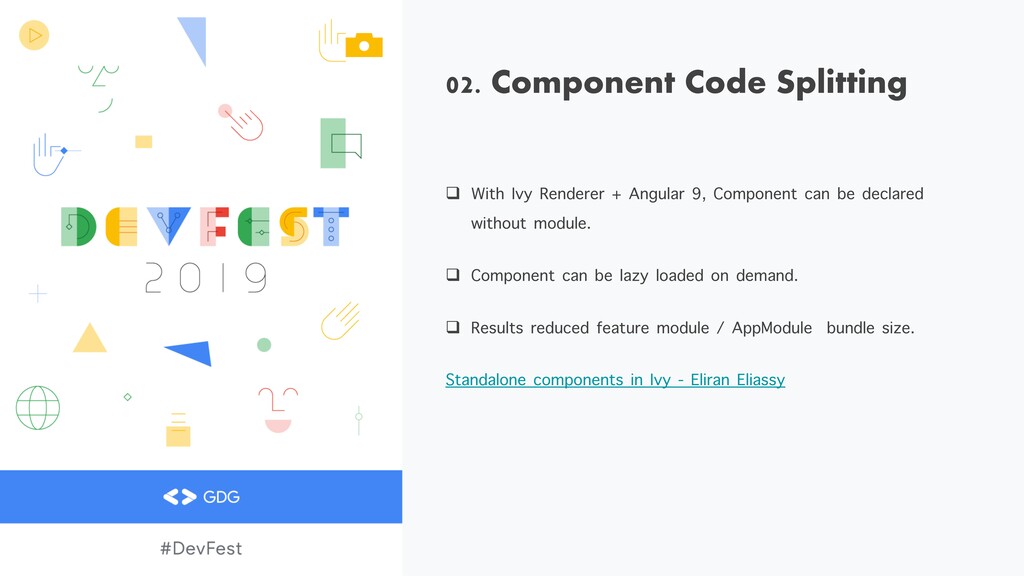
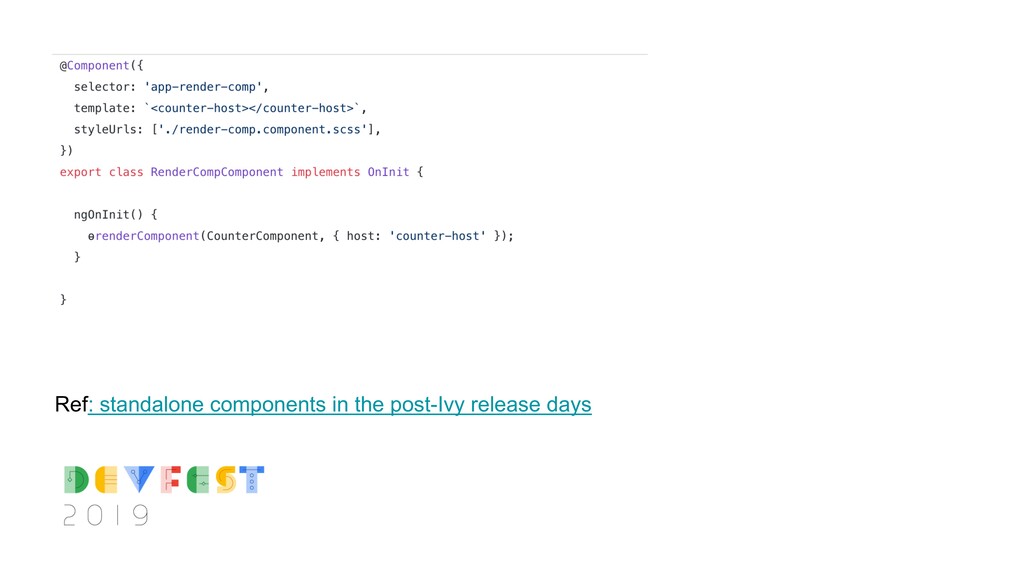
9, Component can be declared without module. q Component can be lazy loaded on demand. q Results reduced feature module / AppModule bundle size. Standalone components in Ivy - Eliran Eliassy
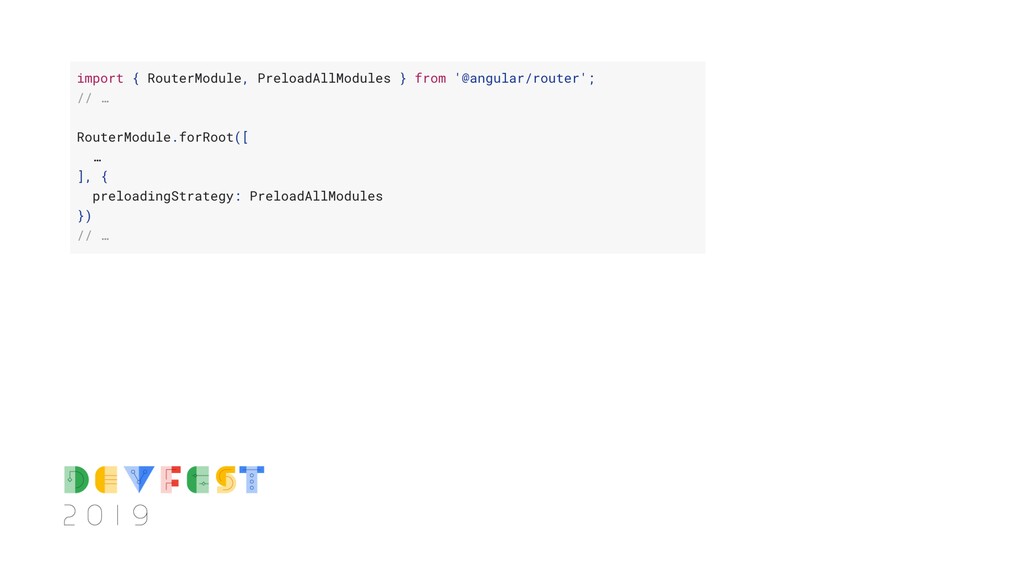
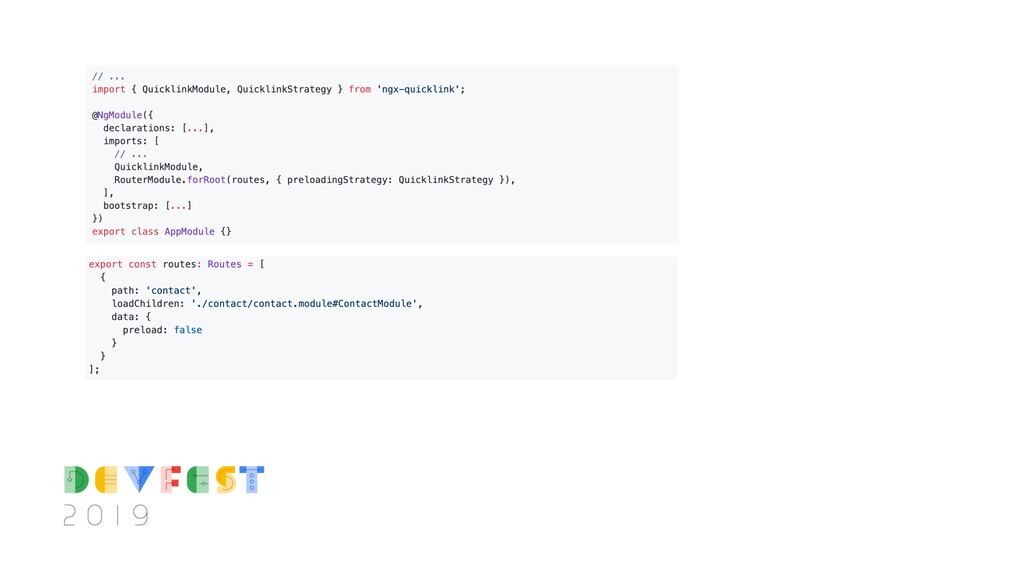
modules loaded on route change. q With custom “PreloadAllModules” strategy, all feature modules can be pre-loaded. q Reduces bundle load & execution time on page transition.
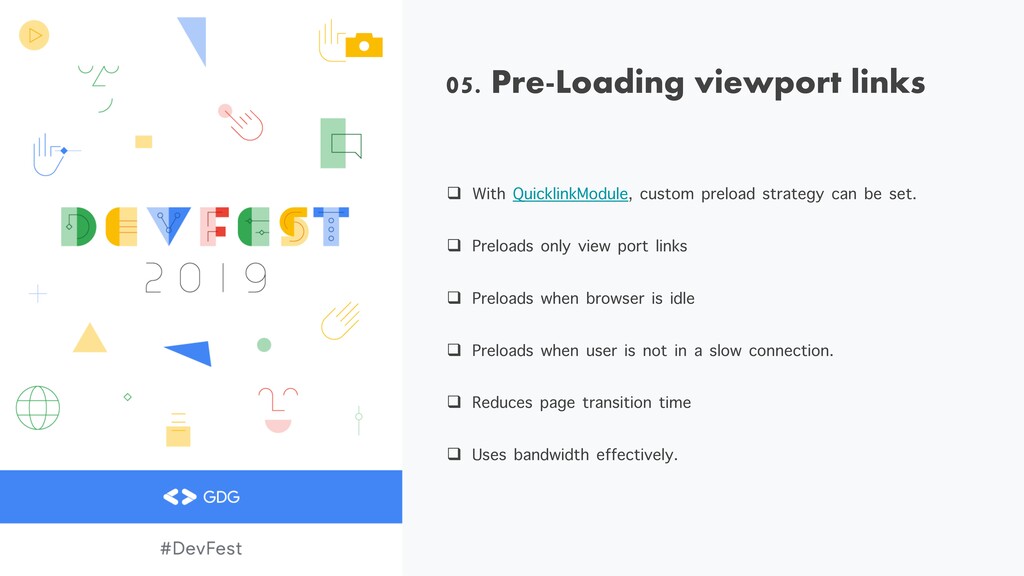
can be set. q Preloads only view port links q Preloads when browser is idle q Preloads when user is not in a slow connection. q Reduces page transition time q Uses bandwidth effectively.
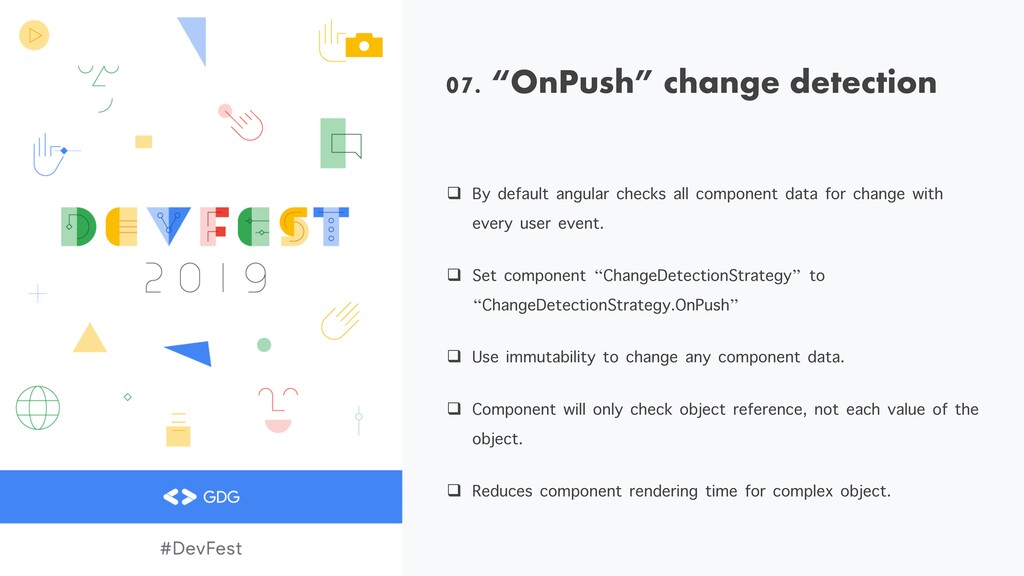
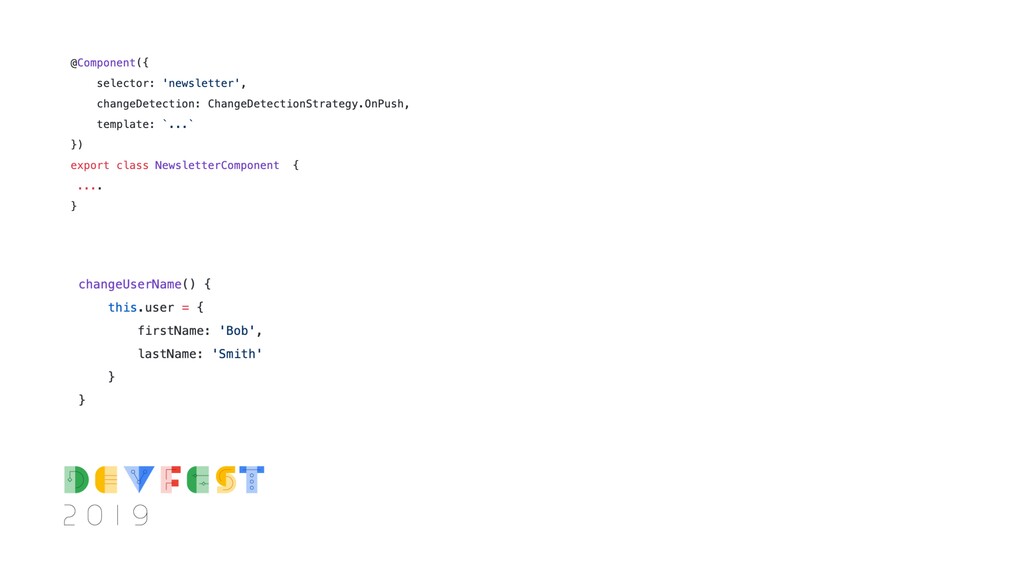
component data for change with every user event. q Set component “ChangeDetectionStrategy” to “ChangeDetectionStrategy.OnPush” q Use immutability to change any component data. q Component will only check object reference, not each value of the object. q Reduces component rendering time for complex object.
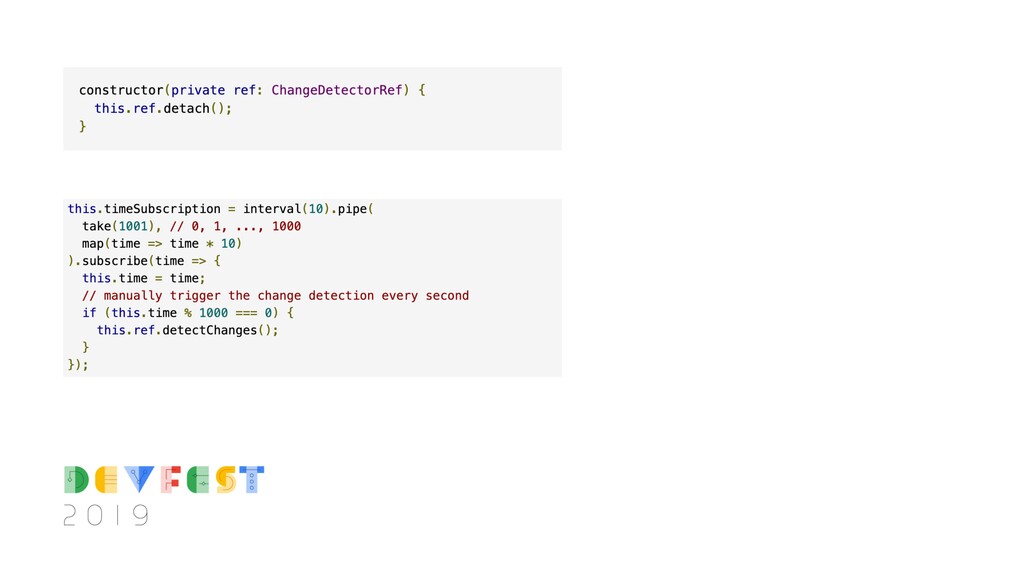
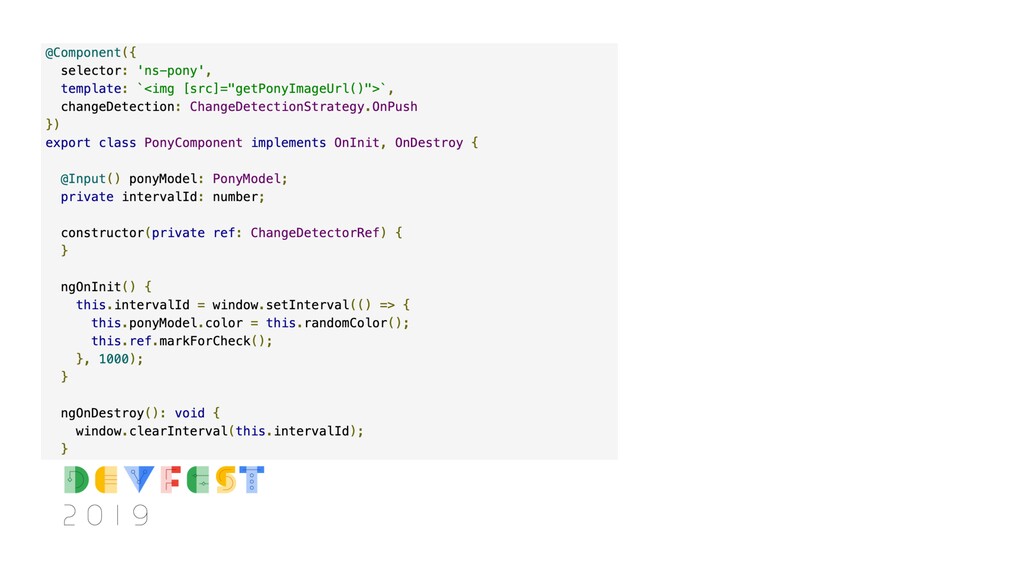
change. q Stop component’s change detection using method detach(). q Programmatically trigger change detection using method detectChanges(). q Use method markForCheck() to trigger change detection in a “OnPush” component.
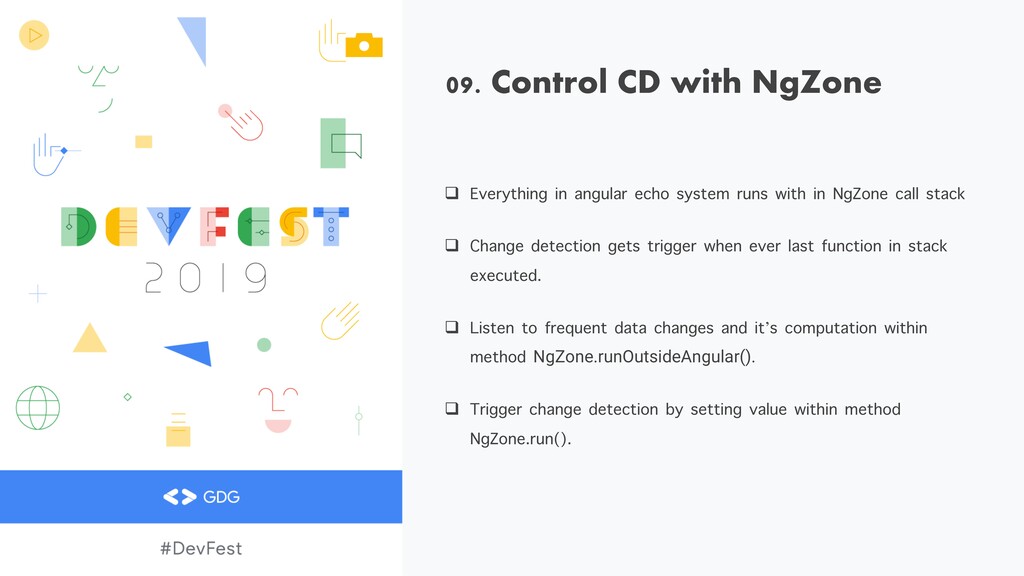
system runs with in NgZone call stack q Change detection gets trigger when ever last function in stack executed. q Listen to frequent data changes and it’s computation within method NgZone.runOutsideAngular(). q Trigger change detection by setting value within method NgZone.run().
data Apis q Use Service worker to cache assets. q Subscribe to one observable per component. q Use concatMap, MergeMap, SwitchMap to merge multiple observable into single


 asadrahman
 eed3si9n
 y0hgi
y0hgi
 drumath2237
 clockmaker
 rollbear
 yub0n
yub0n
 artoy
artoy
 gam0022
 chobishiba
 prota
prota
 guaca
guaca
 nabondance
 morganepeng
 thoeni
 baasie
 aemeredith
 seathinner
 caitiem20
 mayatellez
 cassininazir
 vanstee
 lcolladotor
 tammyeverts