Upgrade to Pro — share decks privately, control downloads, hide ads and more …

View_Render___Motion_Layout.pdf

Sponsored · Your Podcast. Everywhere. Effortlessly. Share. Educate. Inspire. Entertain. You do you. We'll handle the rest. →

 View_Render___Motion_Layout.pdf

Avatar for Avninder Singh

Avninder Singh

February 24, 2019

Other Decks in Programming

Transcript

  1. UI Rendering • generating a frame & drawing on the
    screen • 16 ms to achieve 60 frames per second • what if frame gets dropped?
  2. Reusing Frames • refresh rate and frame rate • vsync

    maintains two buffers: ◦ back buffer ◦ frame buffer • frame is rendered to back buffer first
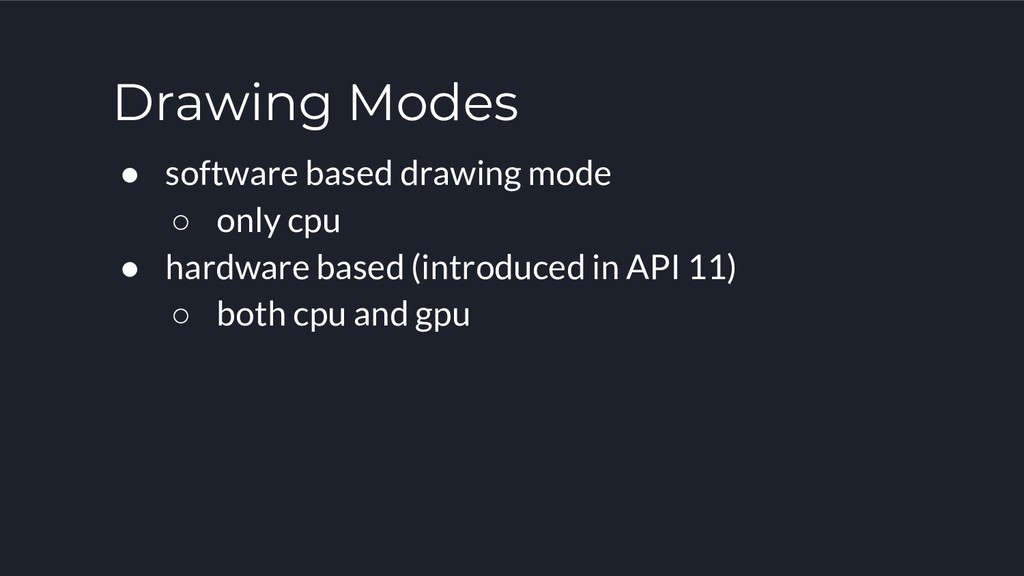
  3. Drawing Modes • software based drawing mode ◦ only cpu

    • hardware based (introduced in API 11) ◦ both cpu and gpu
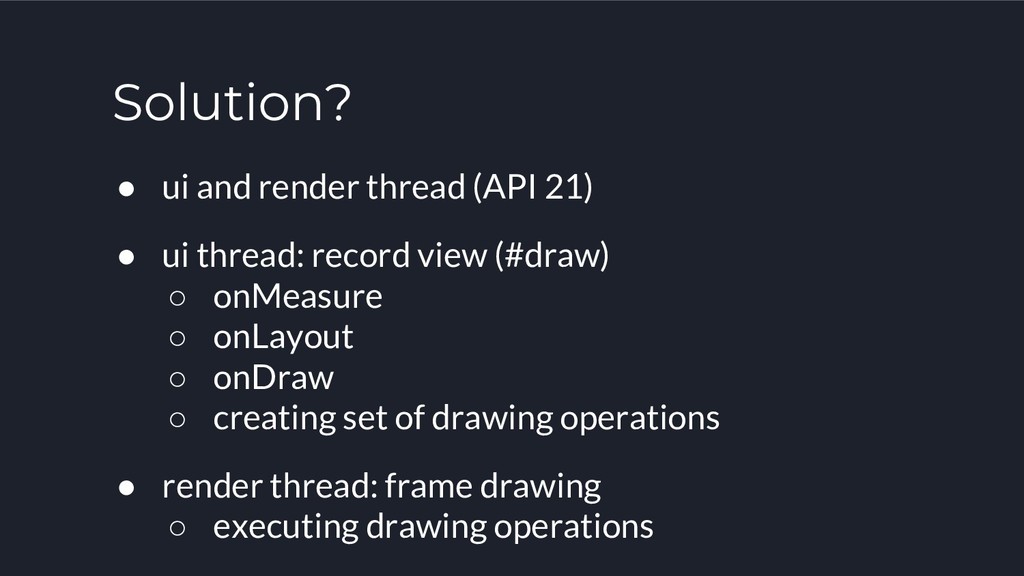
  4. Solution? • ui and render thread (API 21) • ui

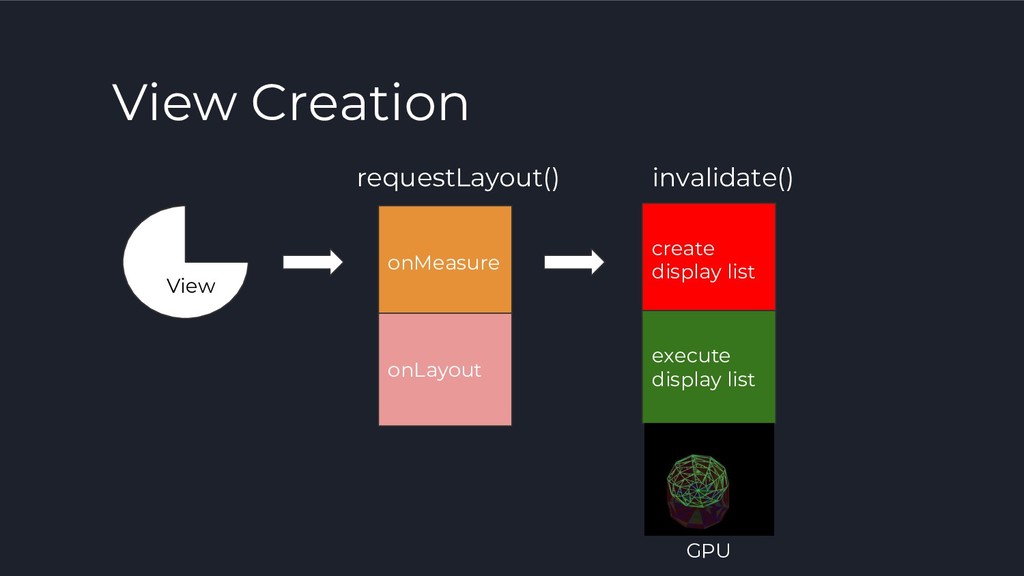
    thread: record view (#draw) ◦ onMeasure ◦ onLayout ◦ onDraw ◦ creating set of drawing operations • render thread: frame drawing ◦ executing drawing operations
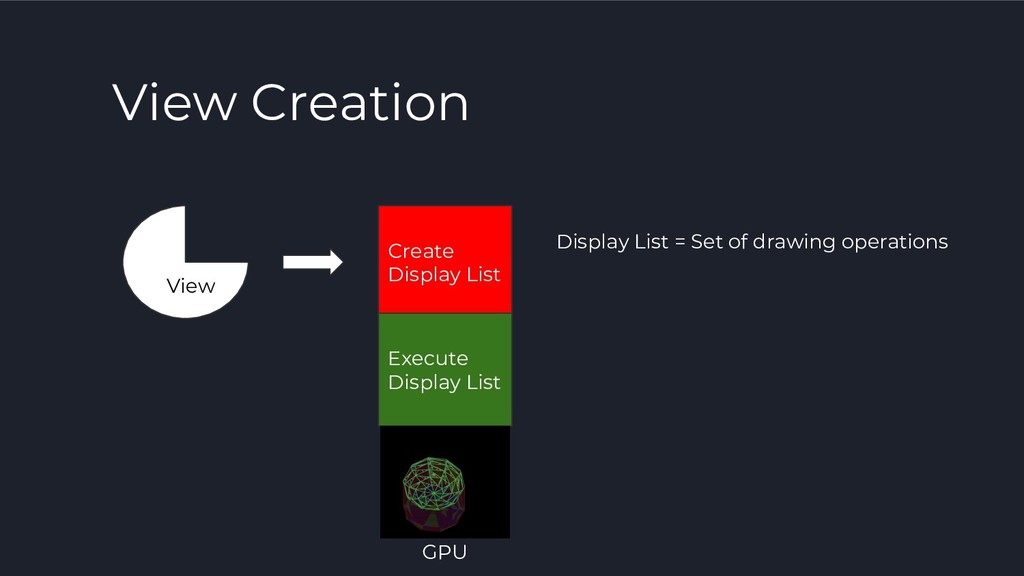
  5. View Creation Create Display List Execute Display List View GPU

    Display List = Set of drawing operations
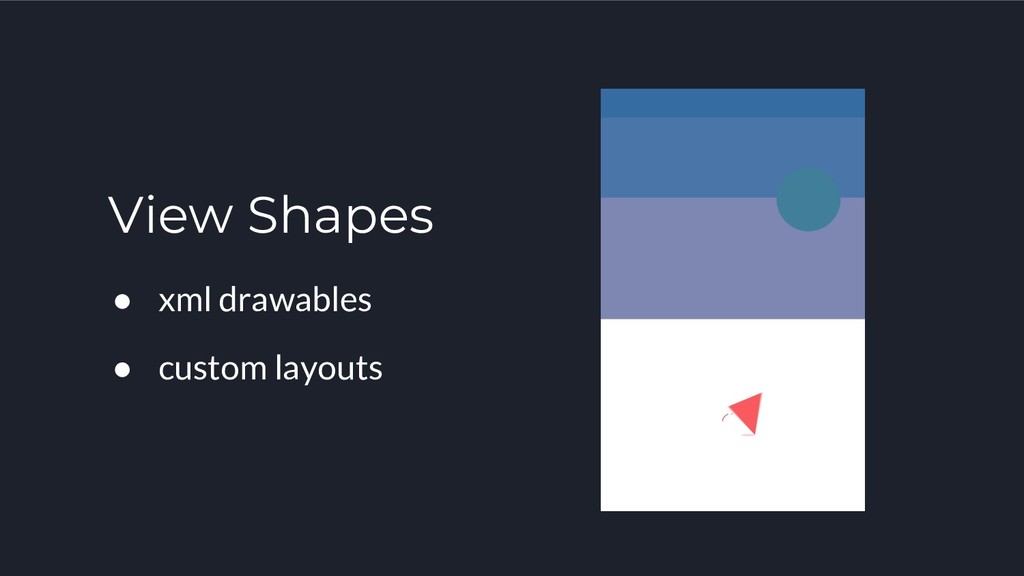
  6. What else about Views? • by default view bounds are

    rectangle • views can have different shapes
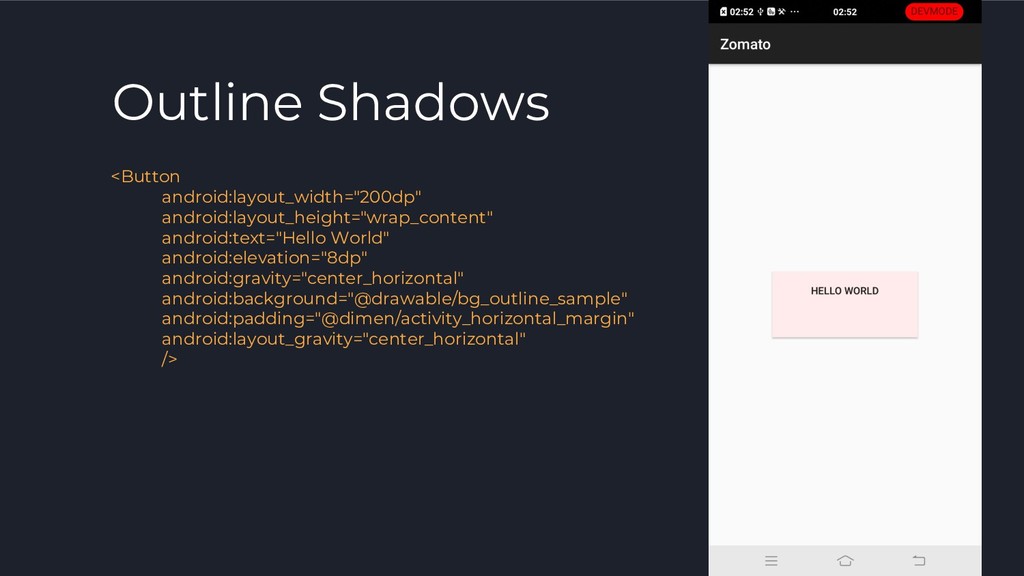
  7. Android Outline API • defines a simple shape, used for

    bounding graphical regions. • can be computed for a View ◦ Provided by drawable ◦ providing a custom outline
  8. Outline Clipping • native way of clipping views • produces

    antialiased outlines • setRect(), setRoundRect(), setOval()
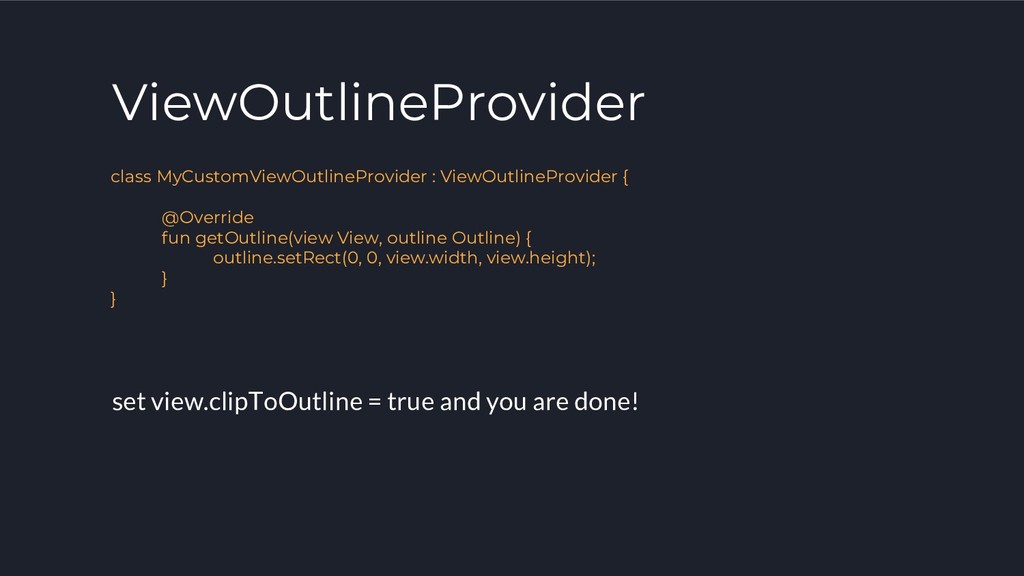
  9. ViewOutlineProvider class MyCustomViewOutlineProvider : ViewOutlineProvider { @Override fun getOutline(view View,

    outline Outline) { outline.setRect(0, 0, view.width, view.height); } } set view.clipToOutline = true and you are done!
  10. Topics to cover 1. What is Motion Layout? 2. Motion

    Scene 3. Key Frames 4. Can we use Motion Layout on an our existing project?
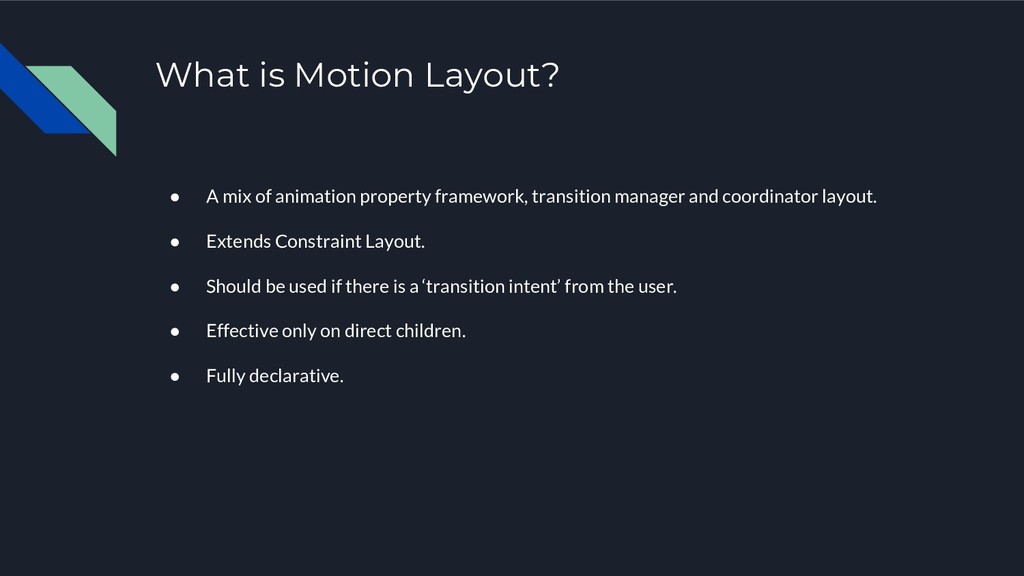
  11. • A mix of animation property framework, transition manager and

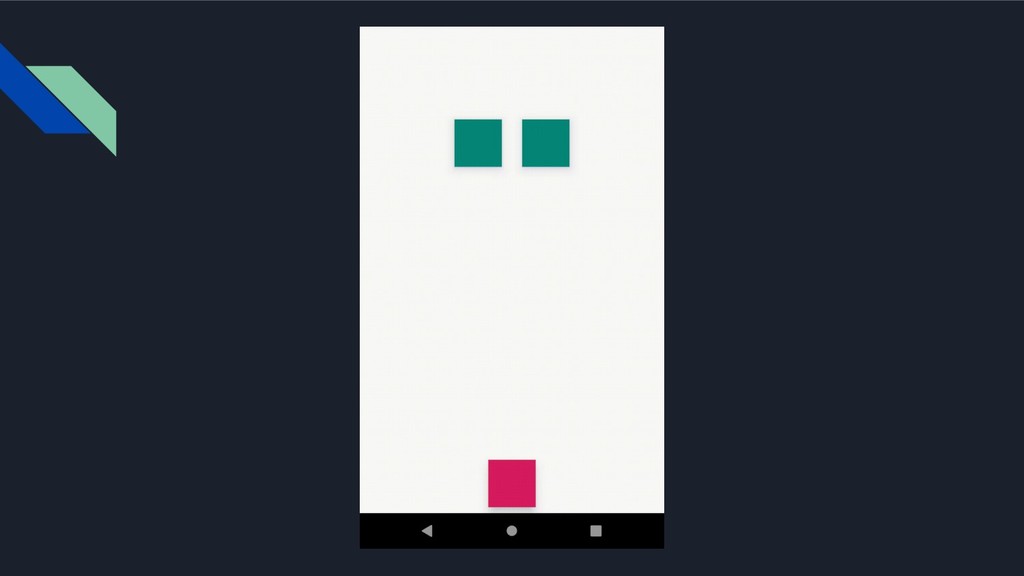
    coordinator layout. • Extends Constraint Layout. • Should be used if there is a ‘transition intent’ from the user. • Effective only on direct children. • Fully declarative. What is Motion Layout?
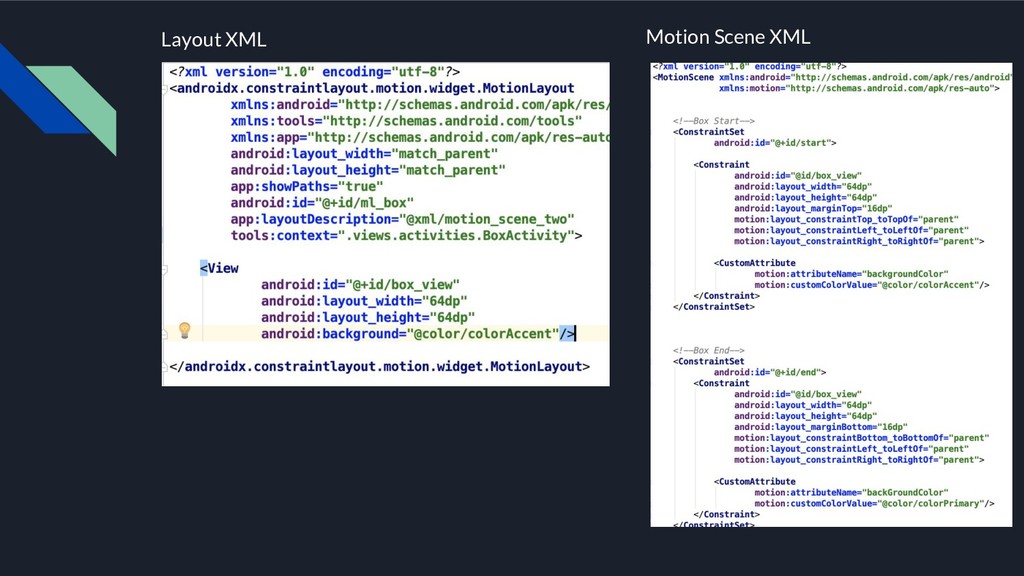
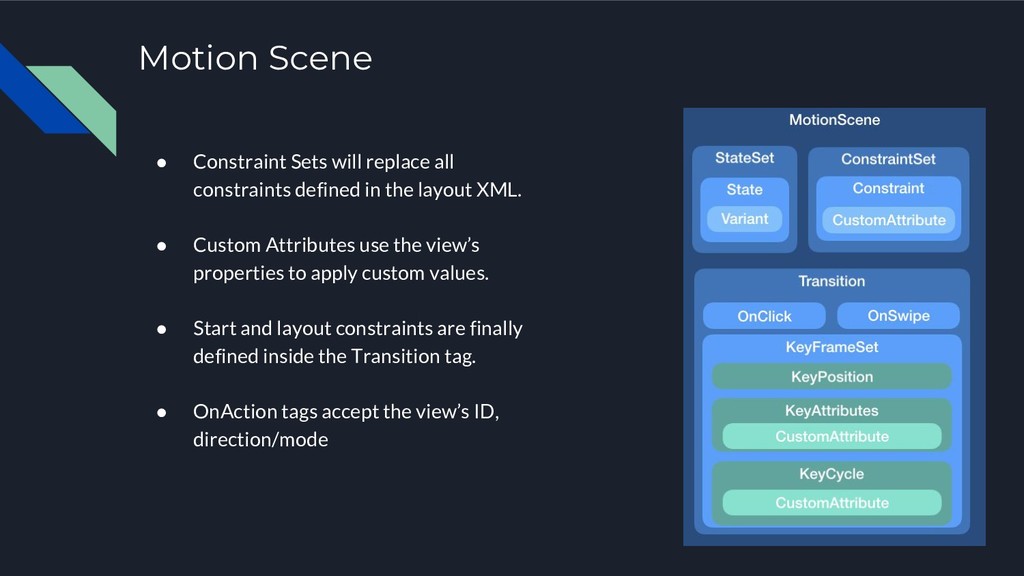
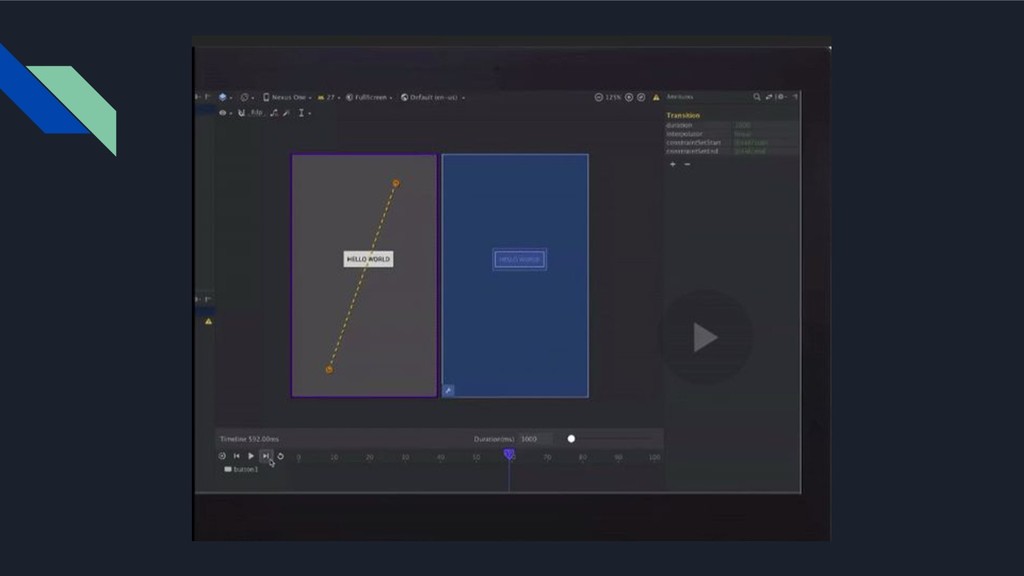
  12. Motion Scene • Constraint Sets will replace all constraints defined

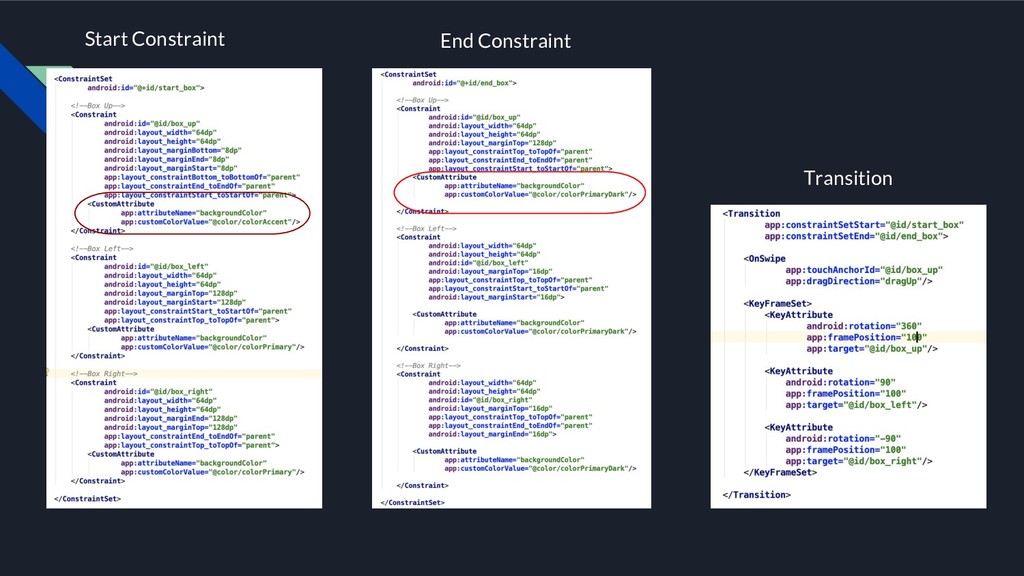
    in the layout XML. • Custom Attributes use the view’s properties to apply custom values. • Start and layout constraints are finally defined inside the Transition tag. • OnAction tags accept the view’s ID, direction/mode
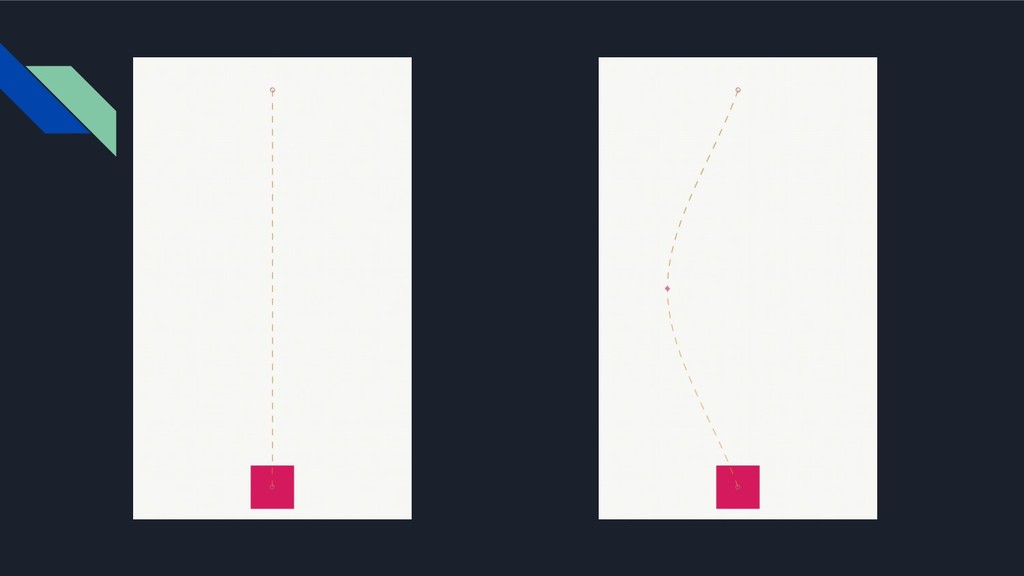
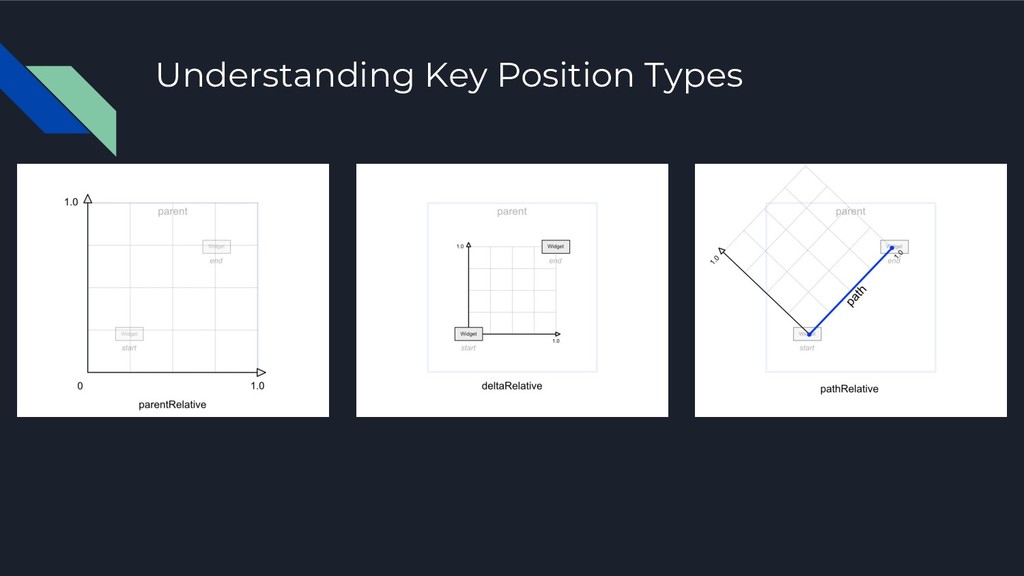
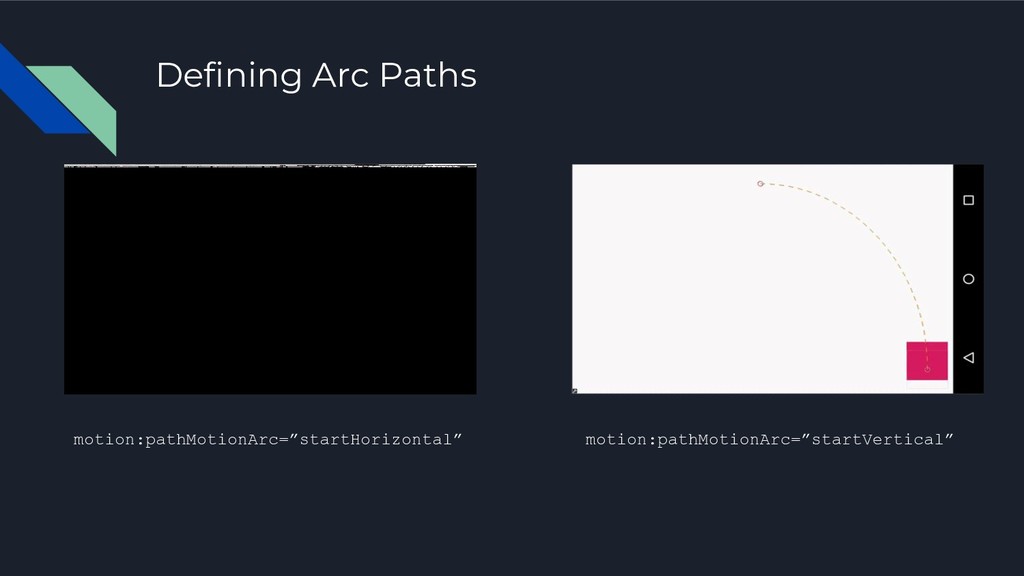
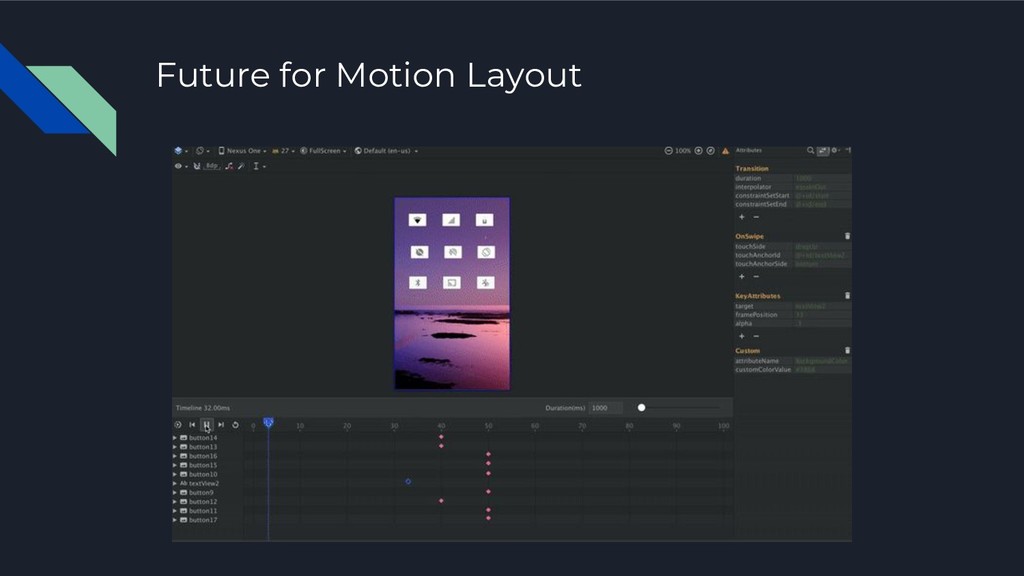
  13. Key Frames • Control your animation on each frame. •

    Translate your animating view with Key Position. • Scale, Rotate, Skew your view with Key Attribute. • Make crazy oscillating animations with Key Cycle. • Define Arc paths in your XML
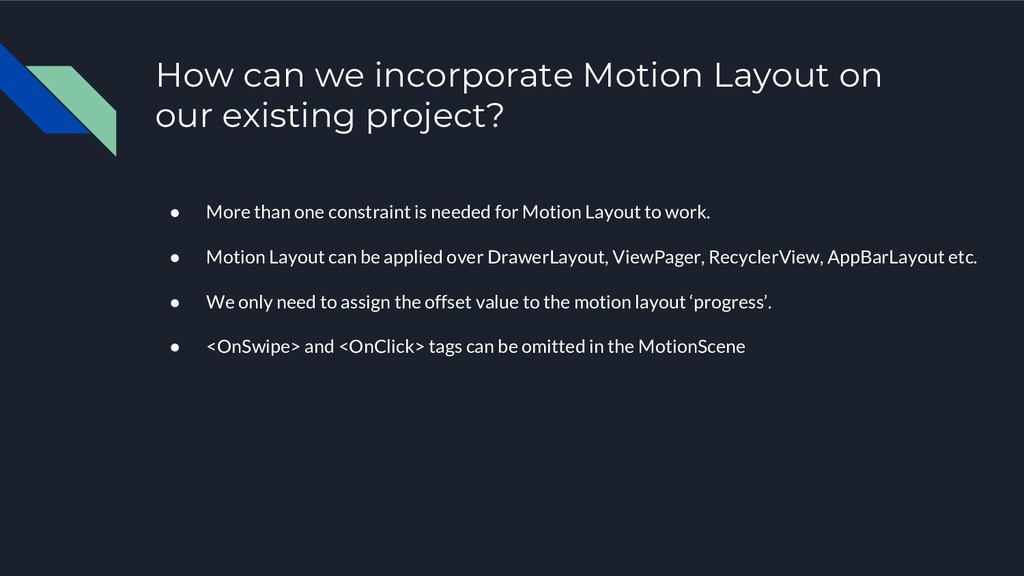
  14. How can we incorporate Motion Layout on our existing project?

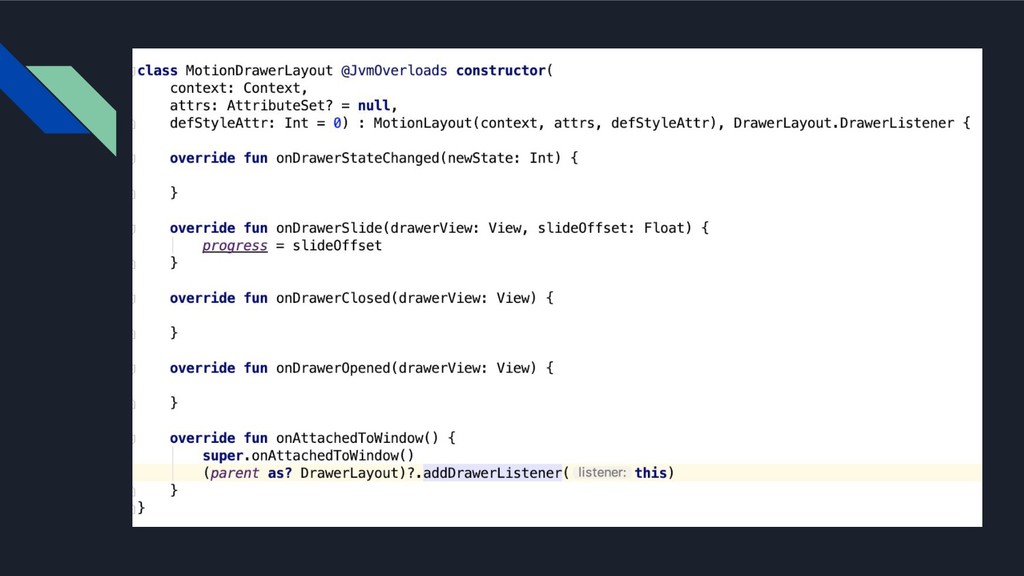
    • More than one constraint is needed for Motion Layout to work. • Motion Layout can be applied over DrawerLayout, ViewPager, RecyclerView, AppBarLayout etc. • We only need to assign the offset value to the motion layout ‘progress’. • <OnSwipe> and <OnClick> tags can be omitted in the MotionScene