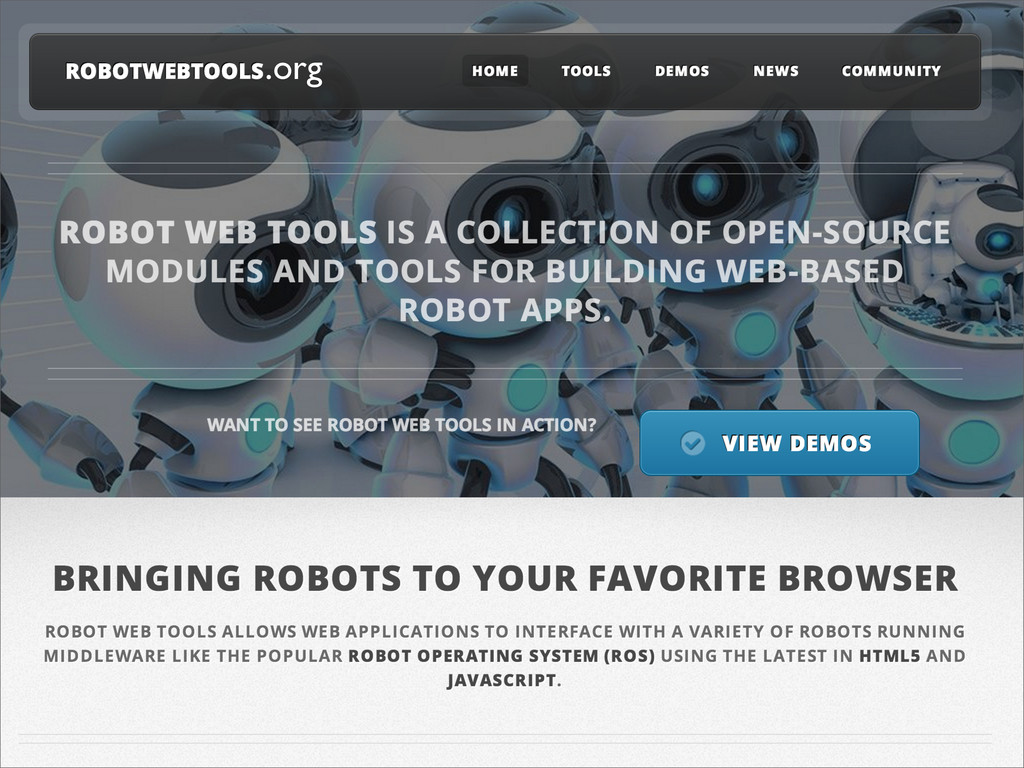
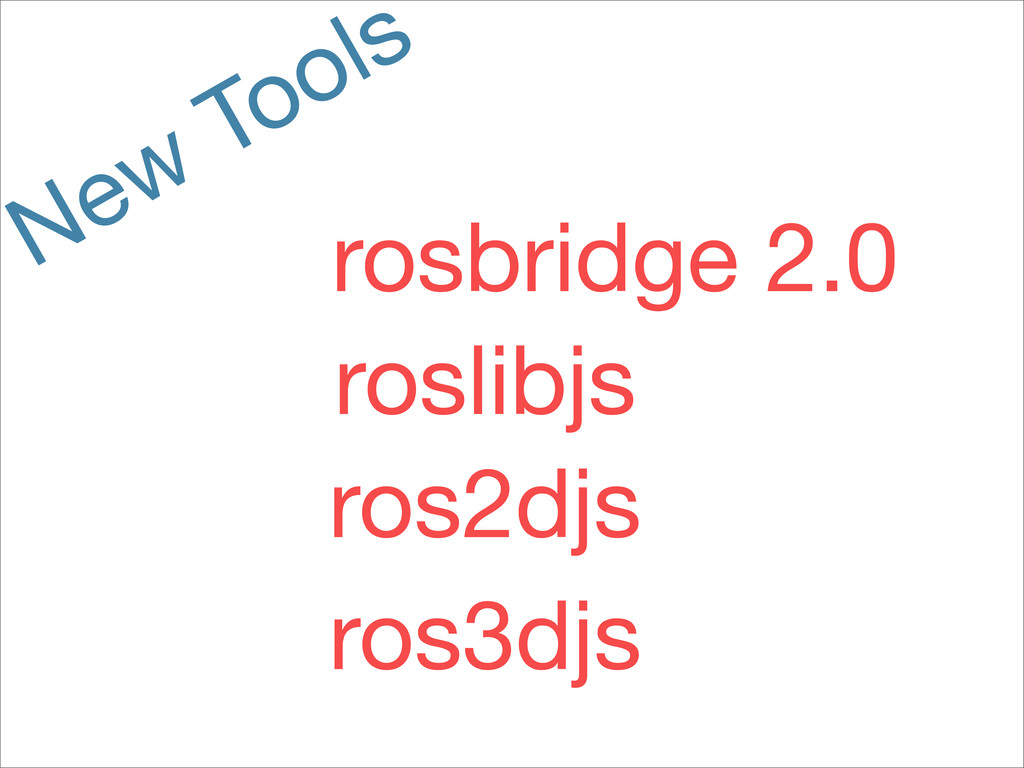
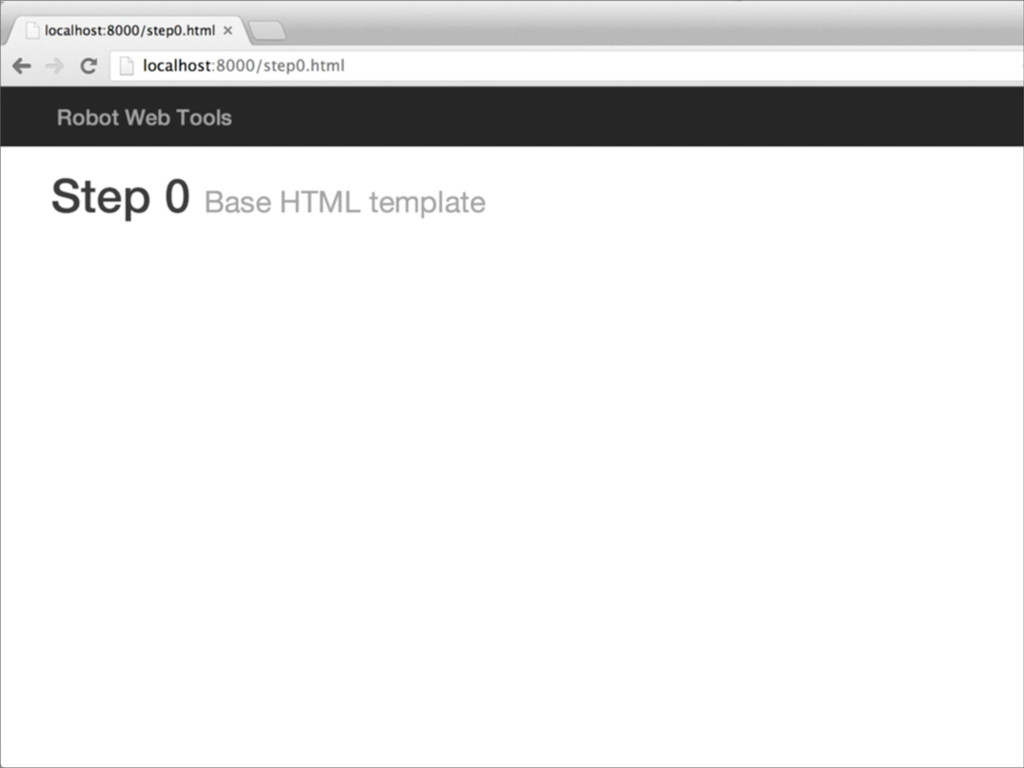
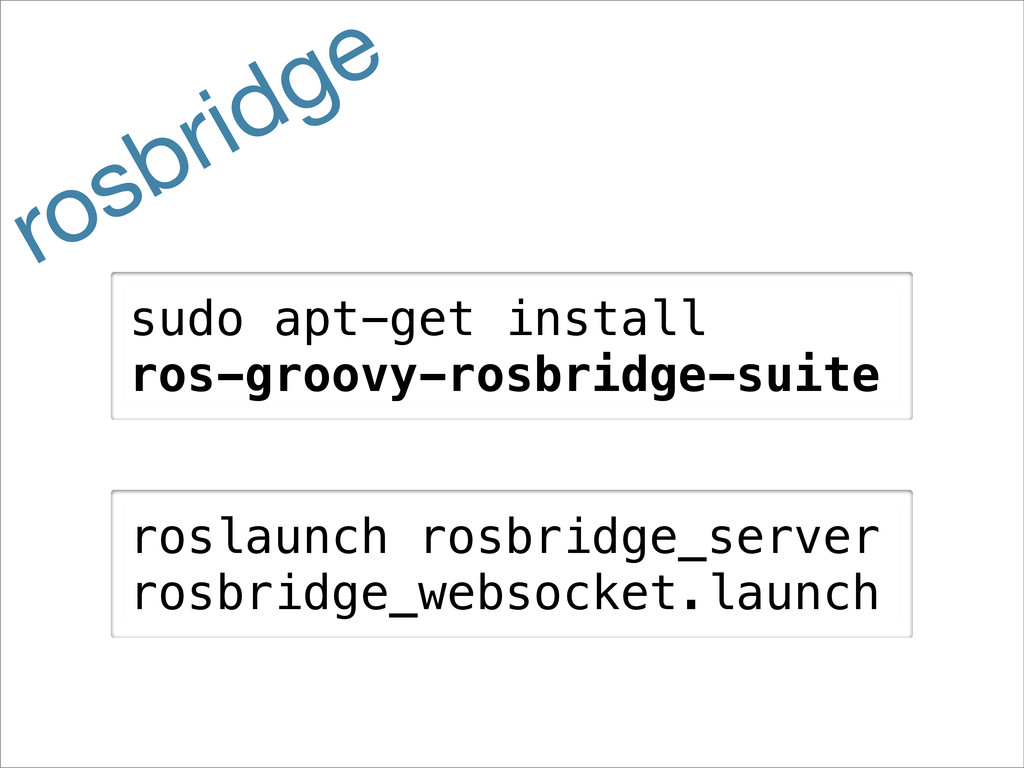
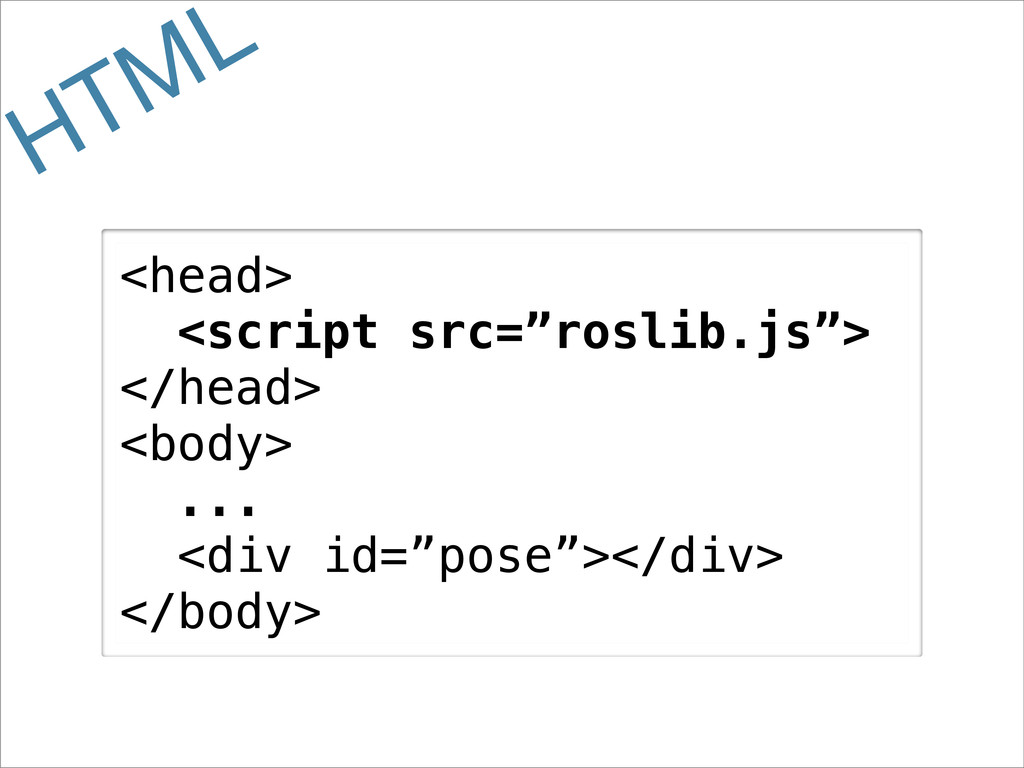
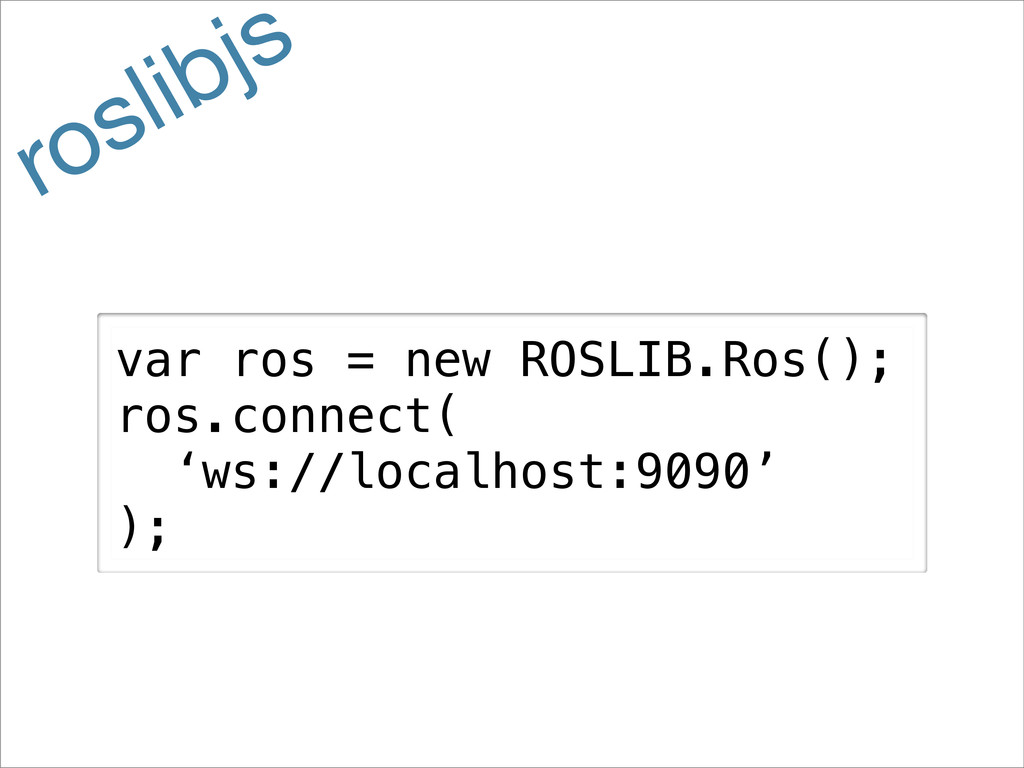
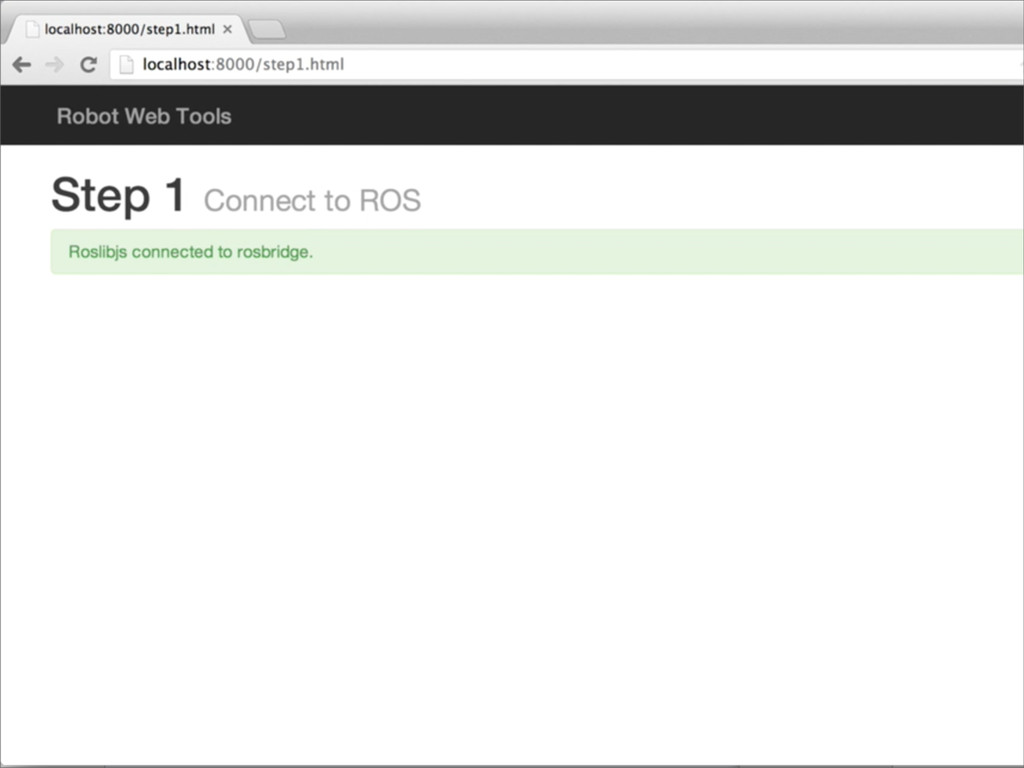
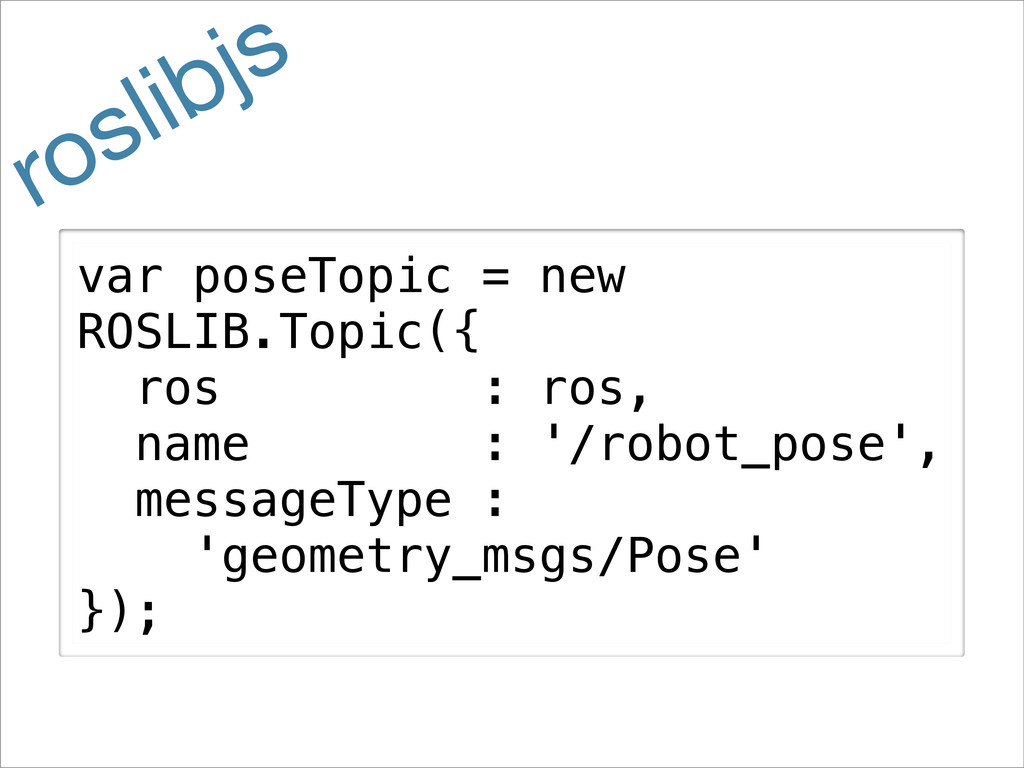
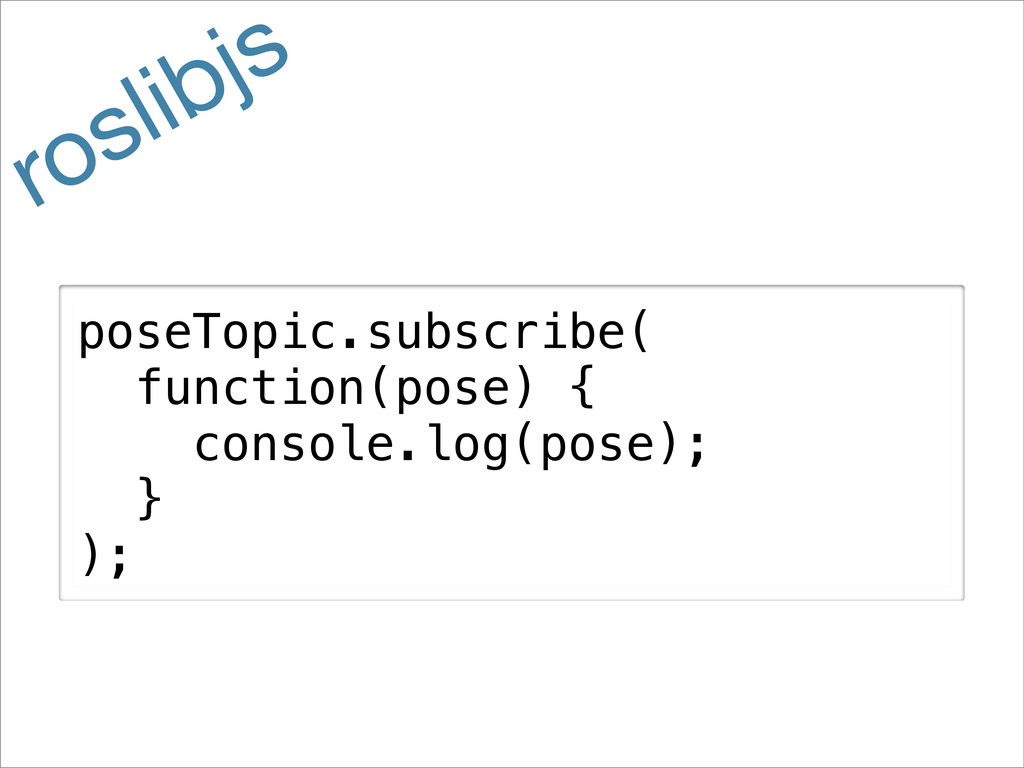
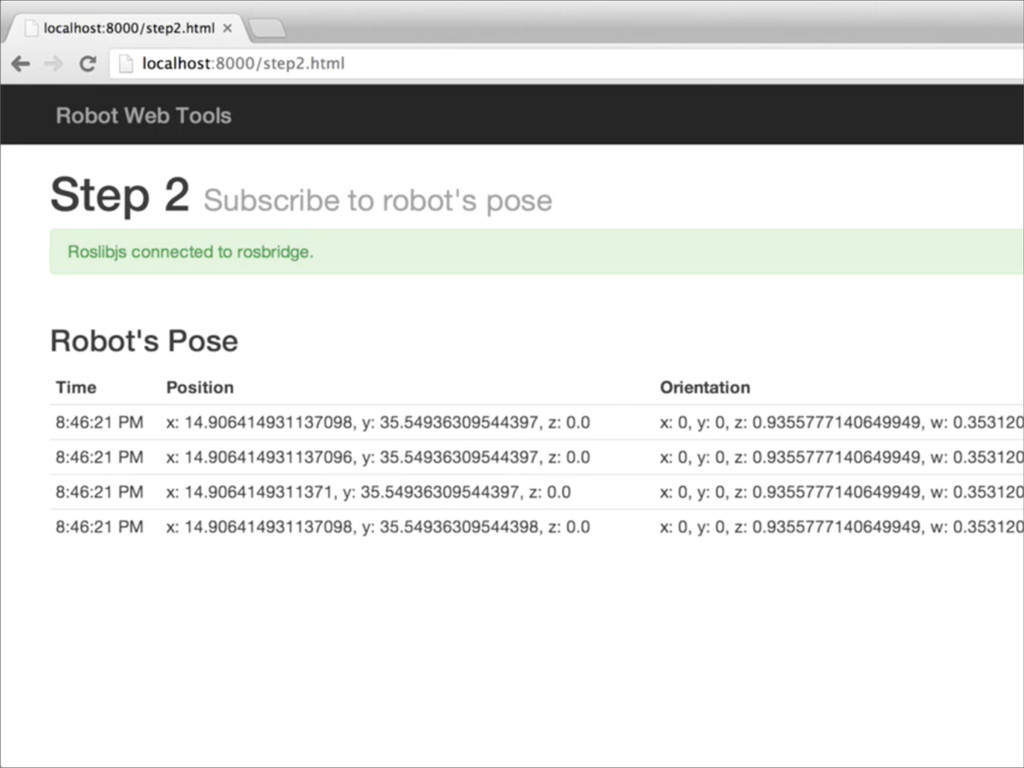
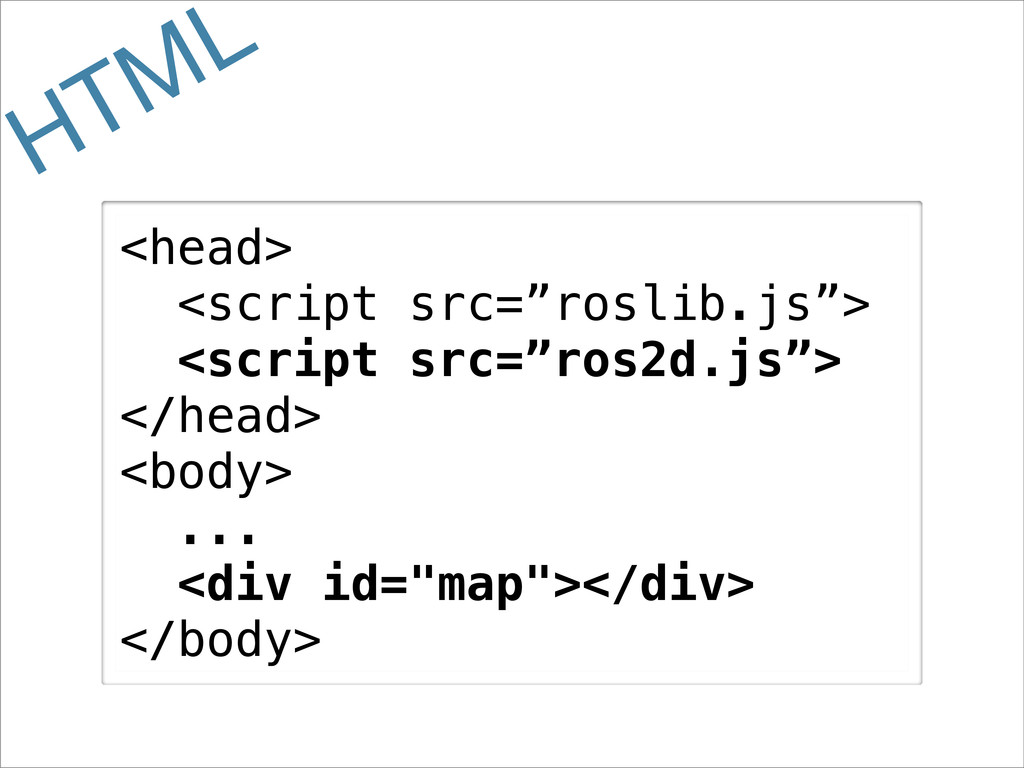
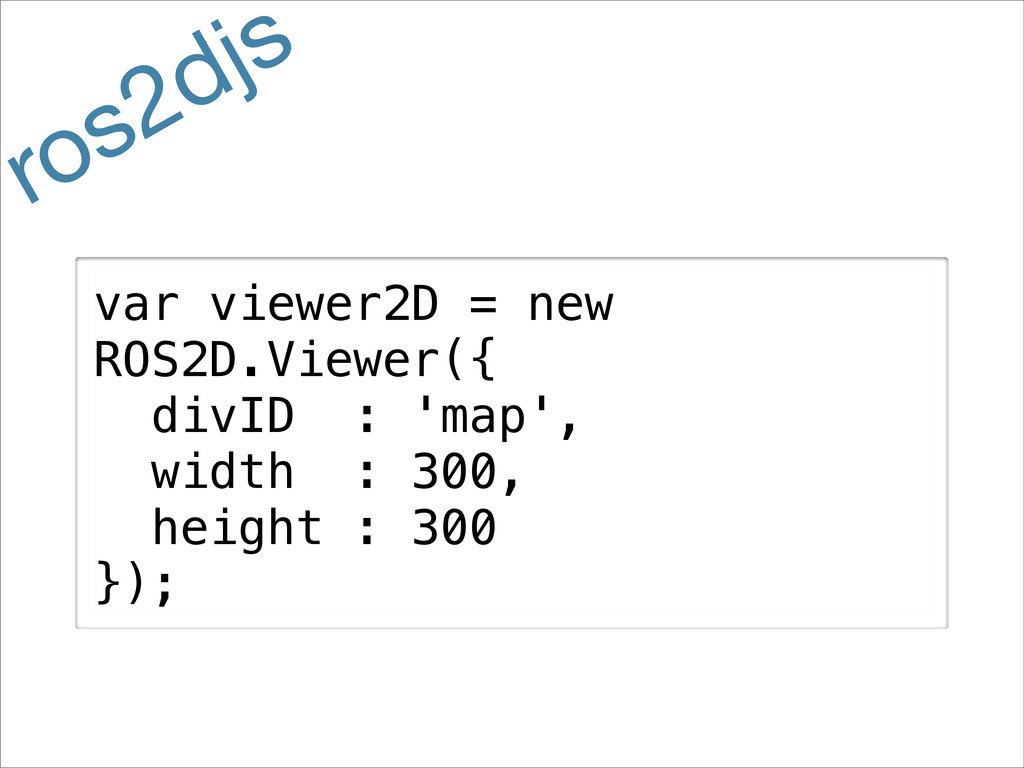
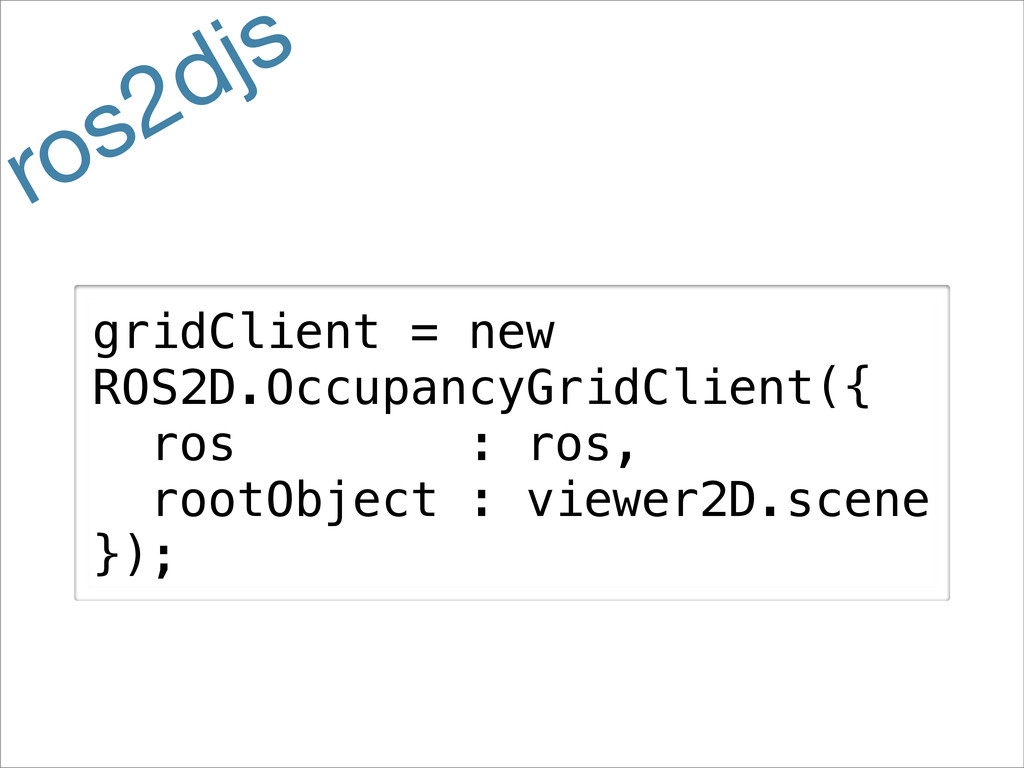
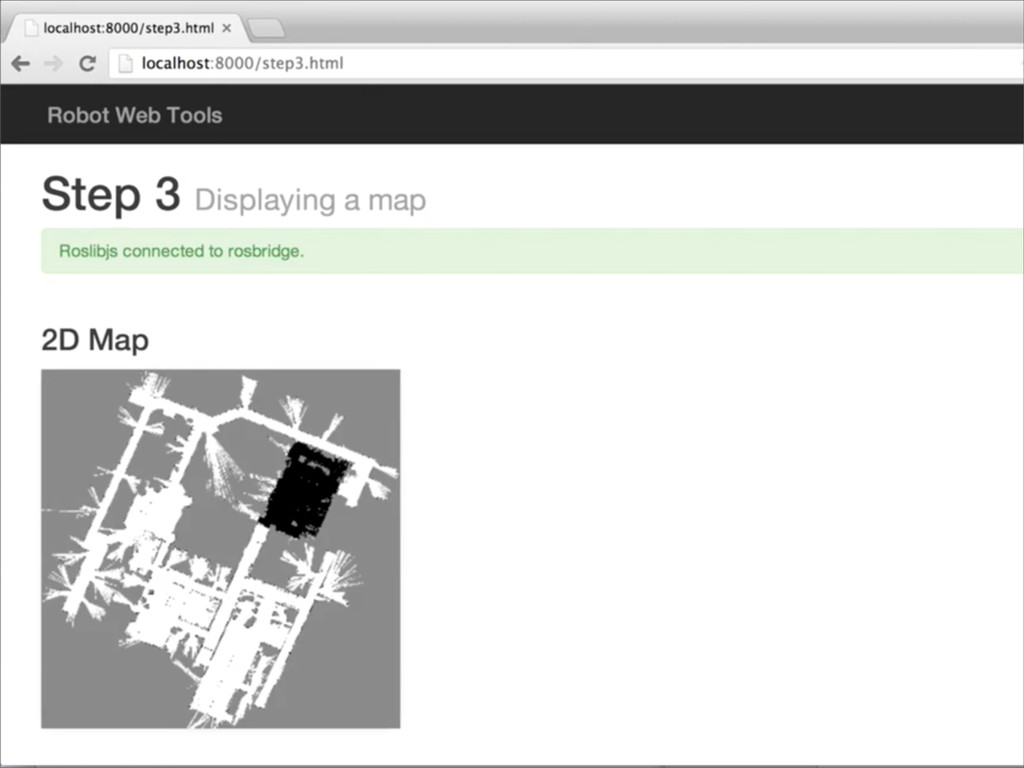
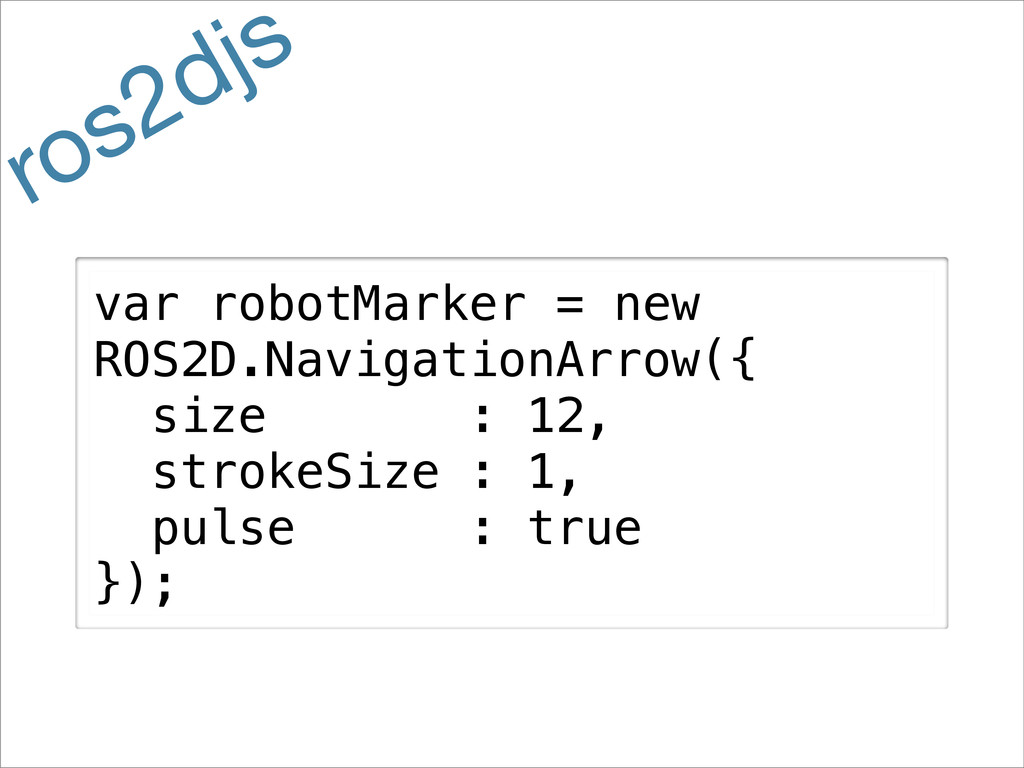
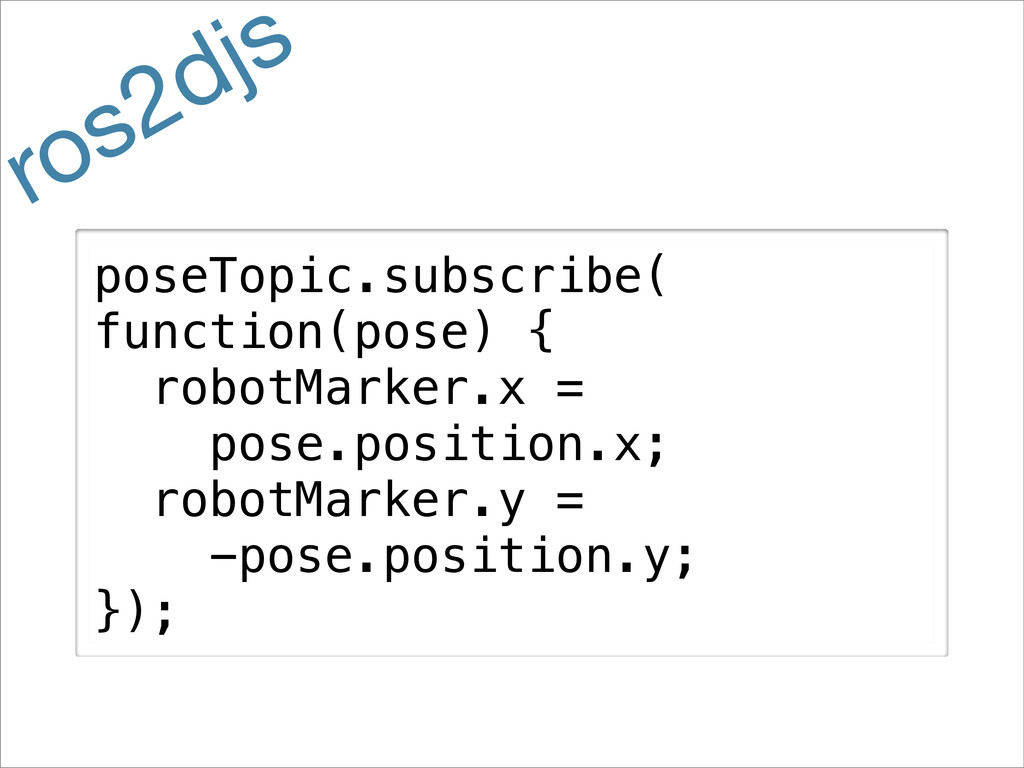
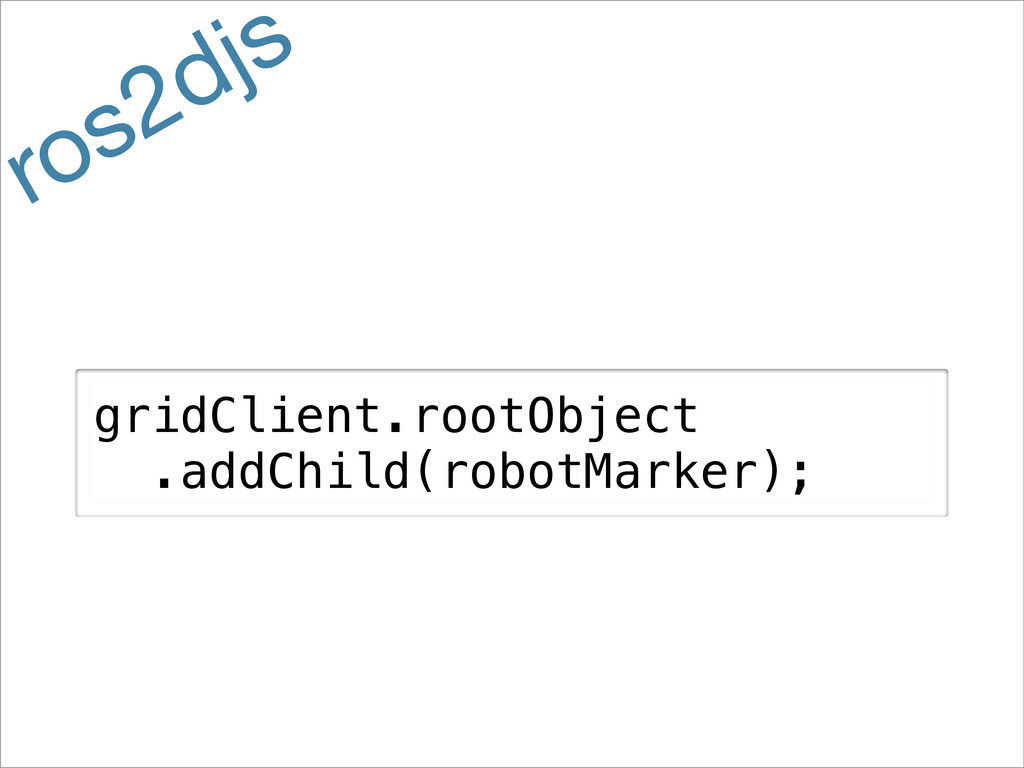
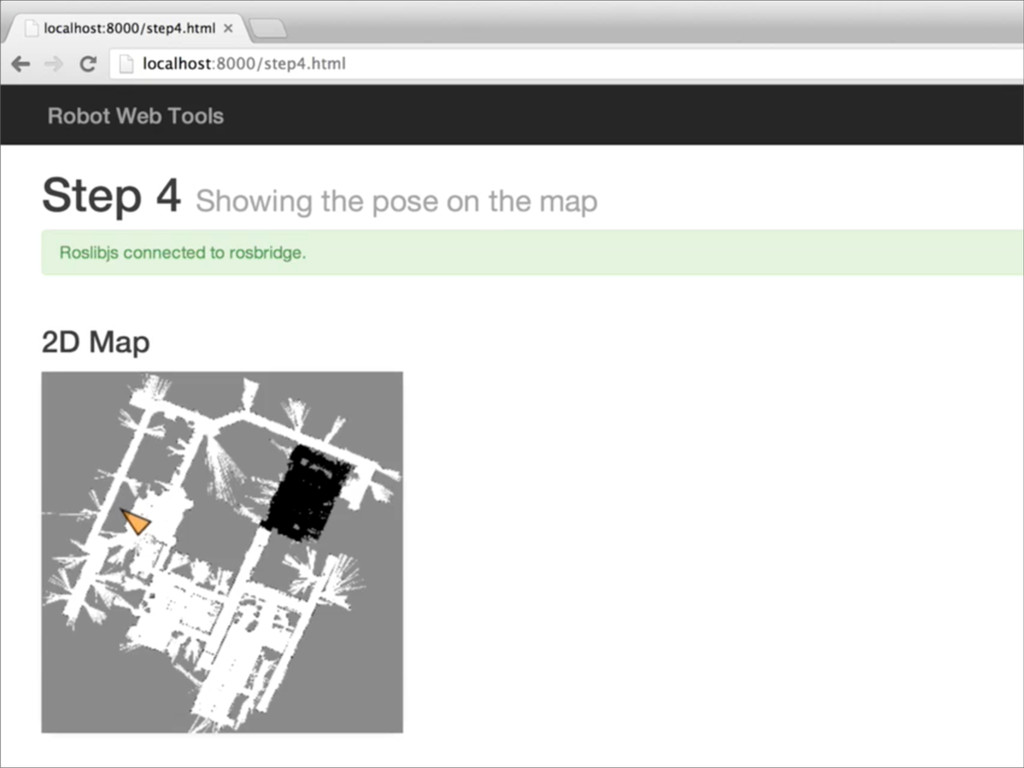
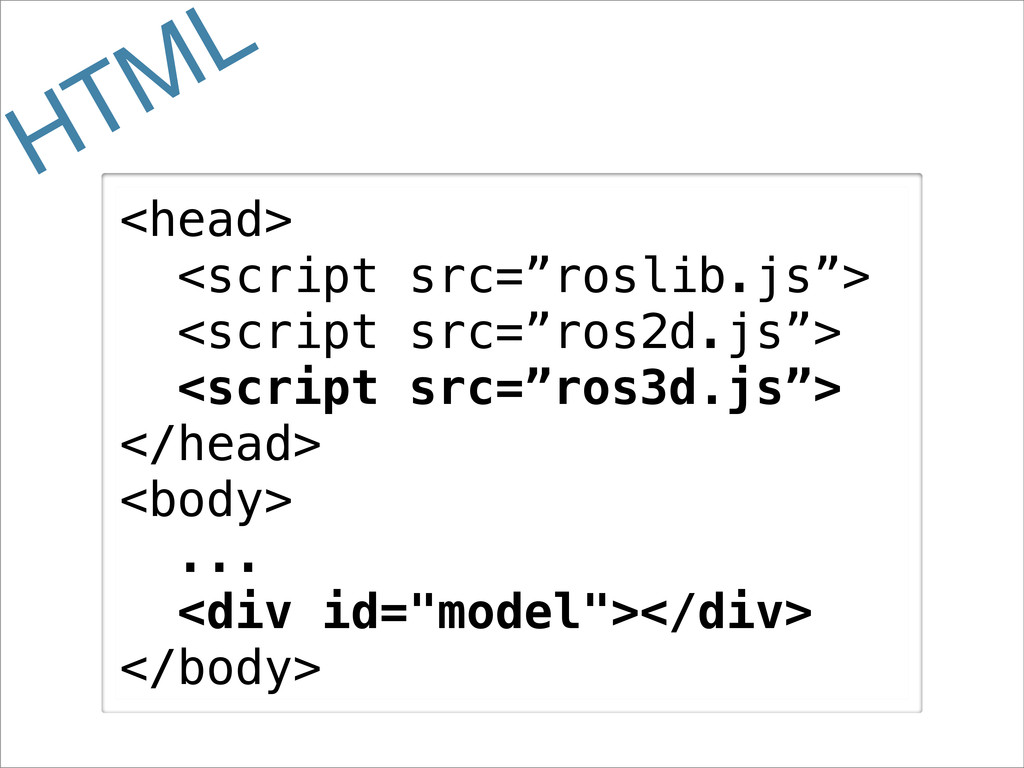
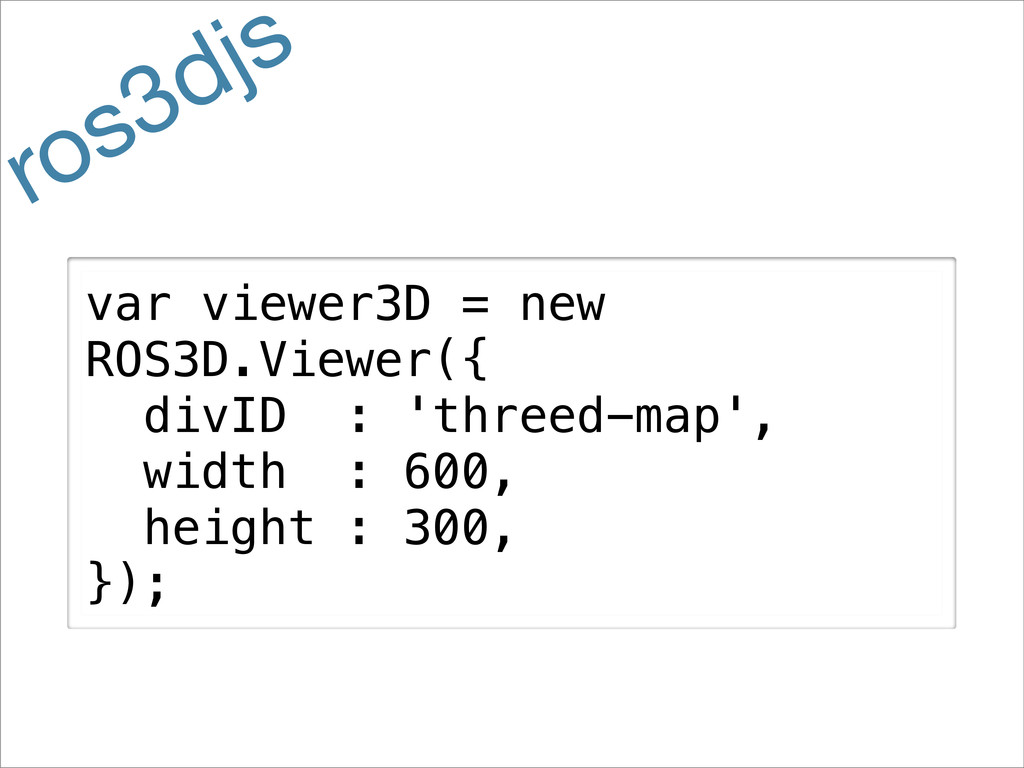
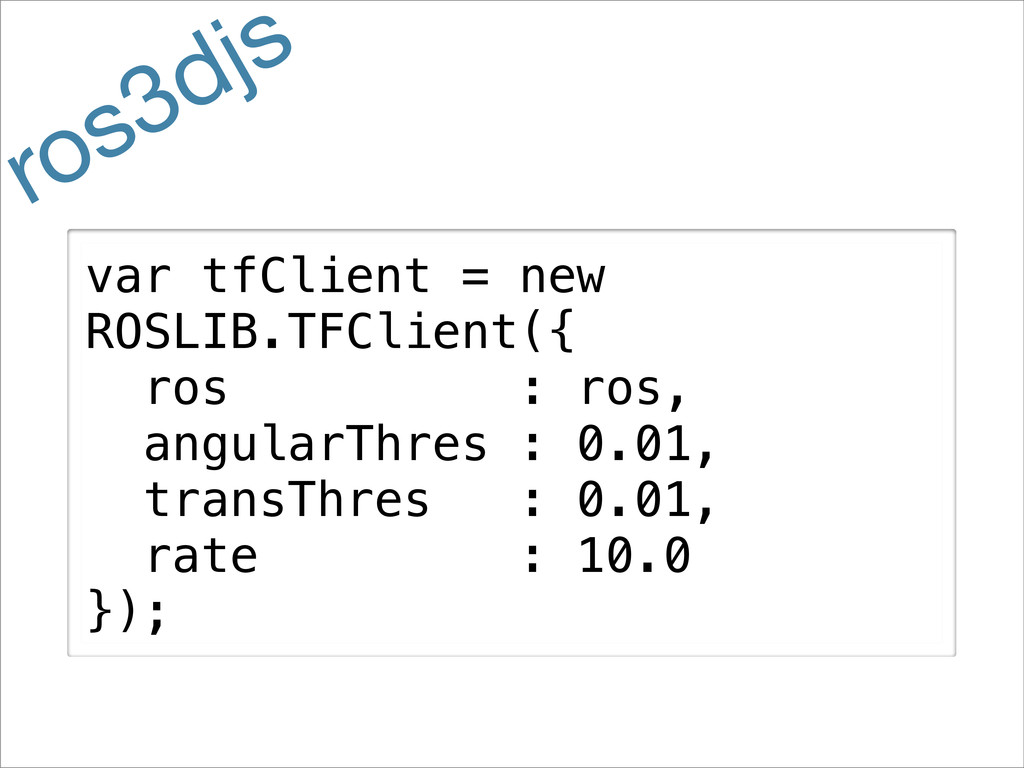
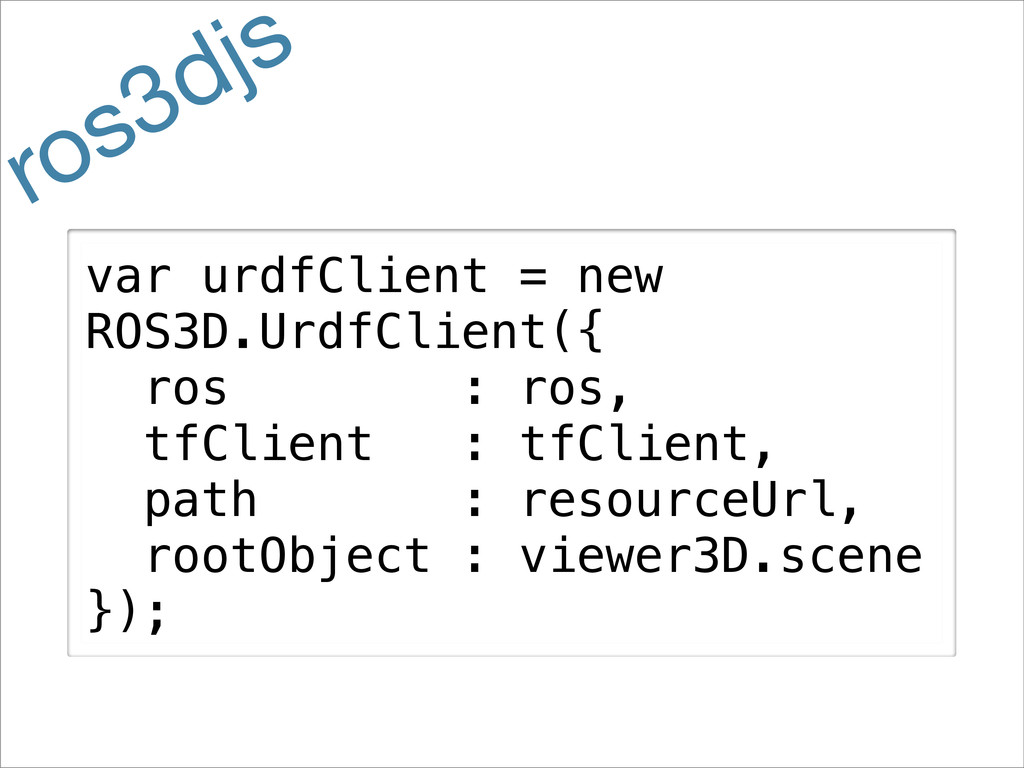
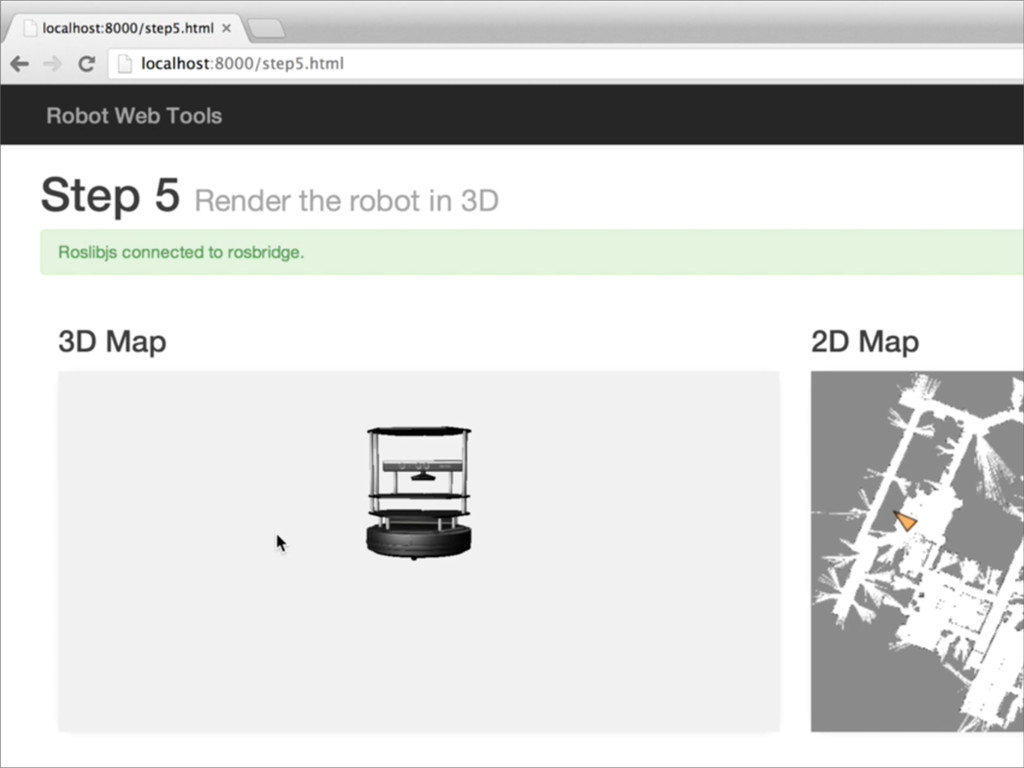
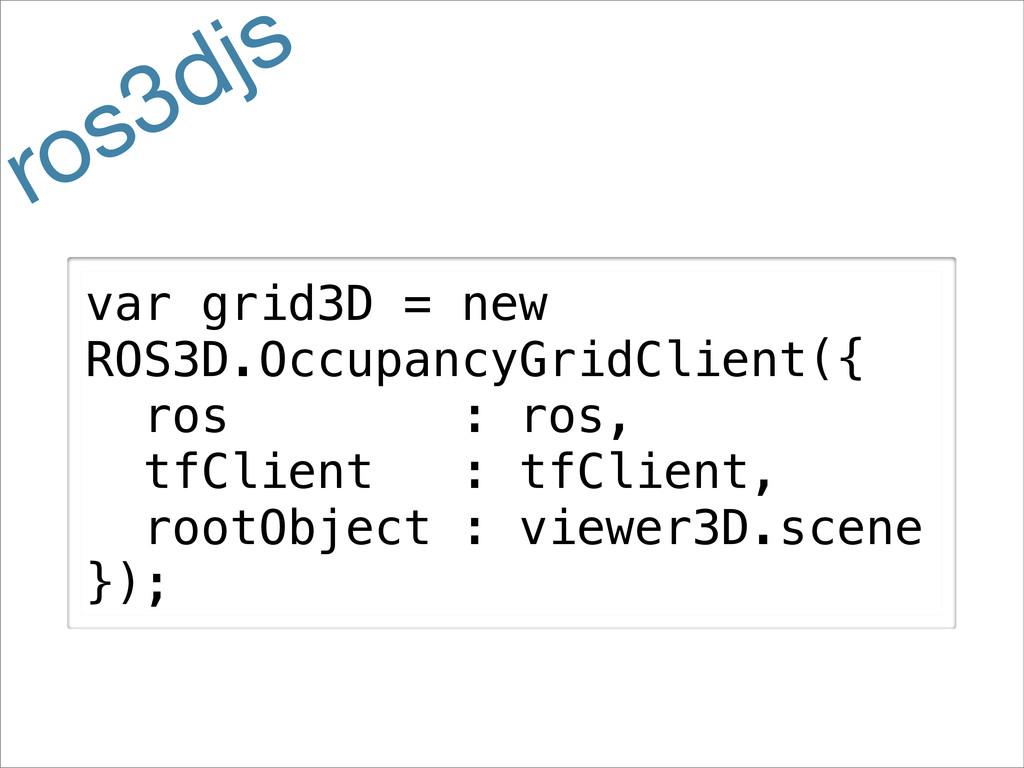
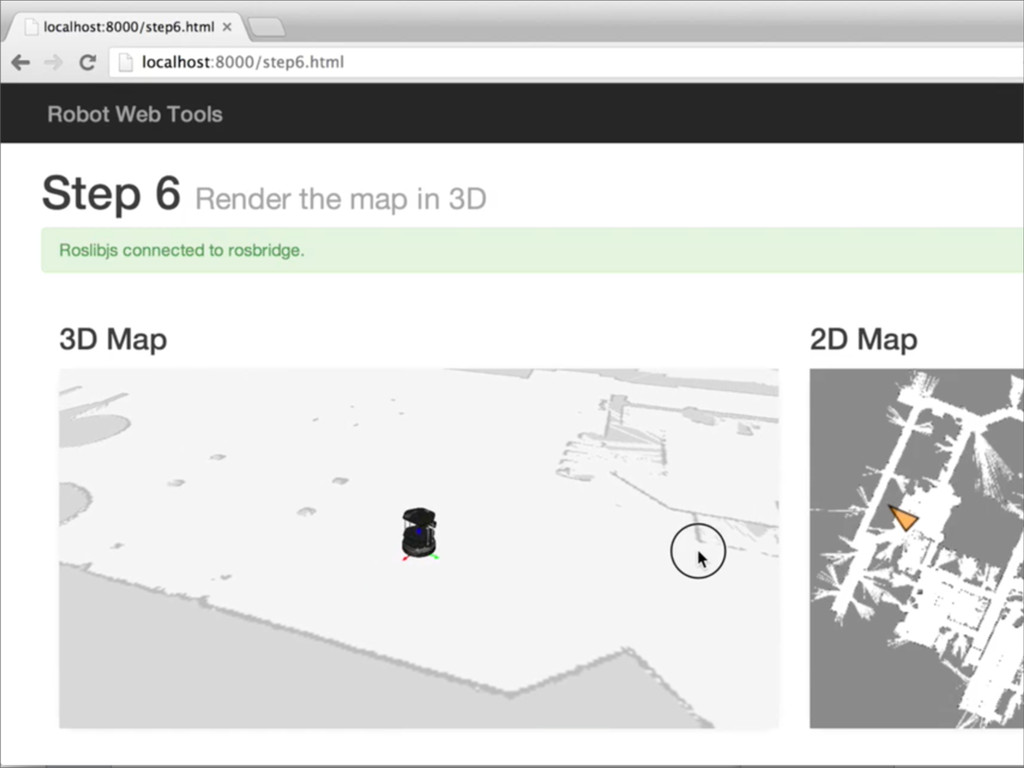
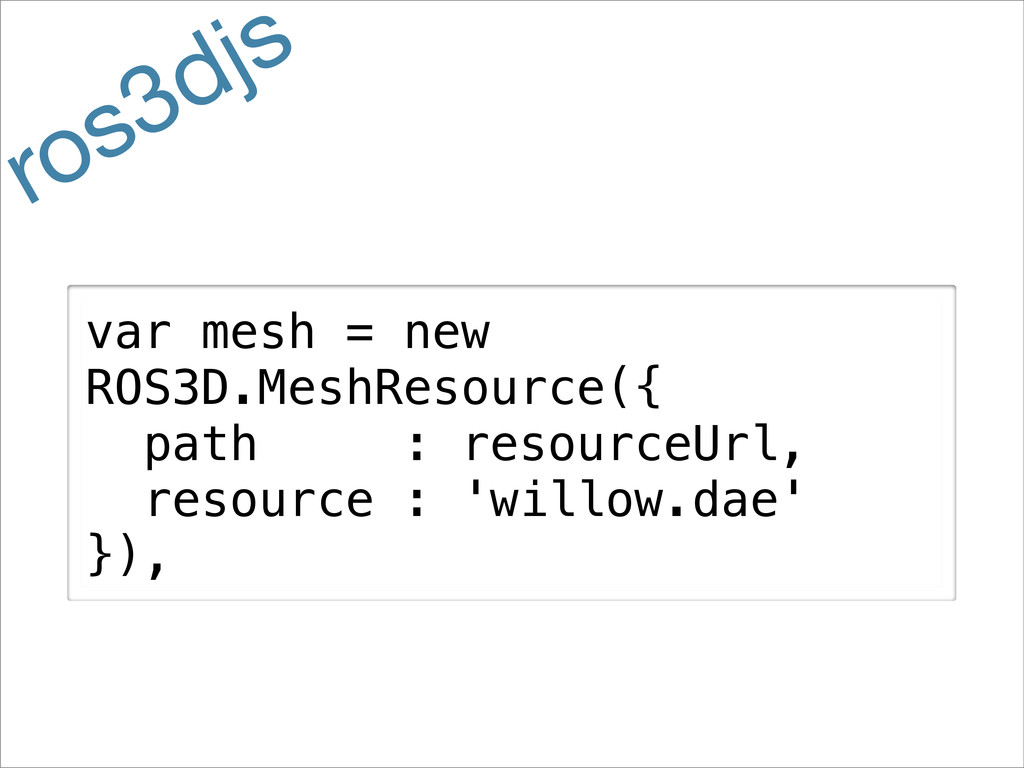
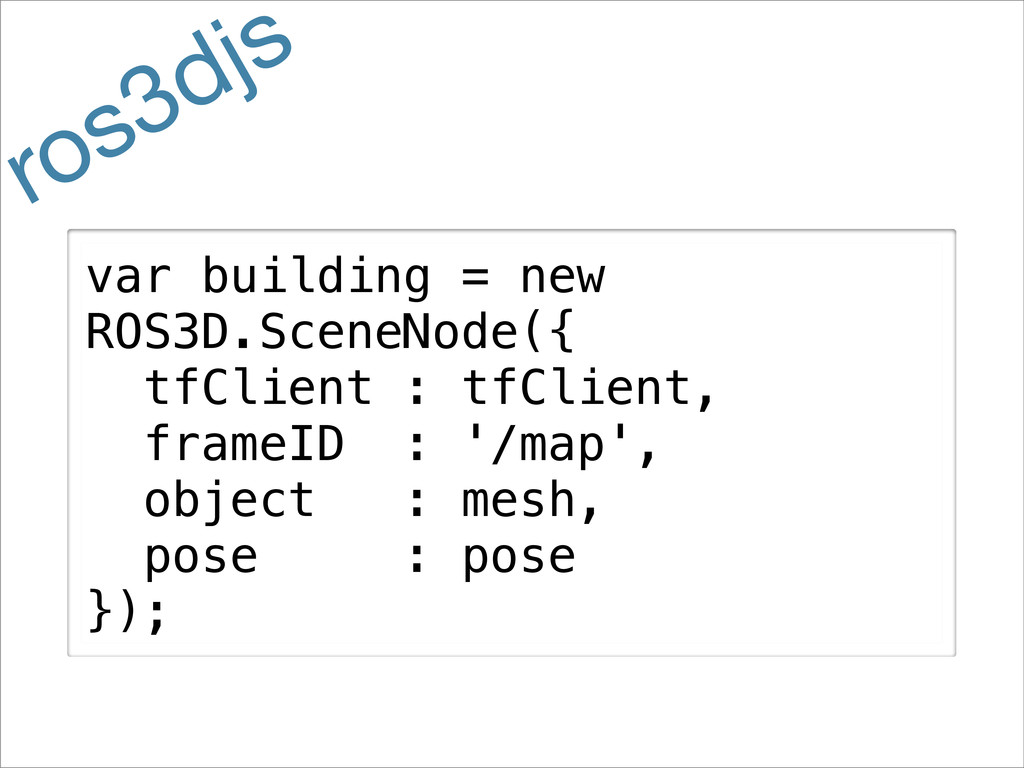
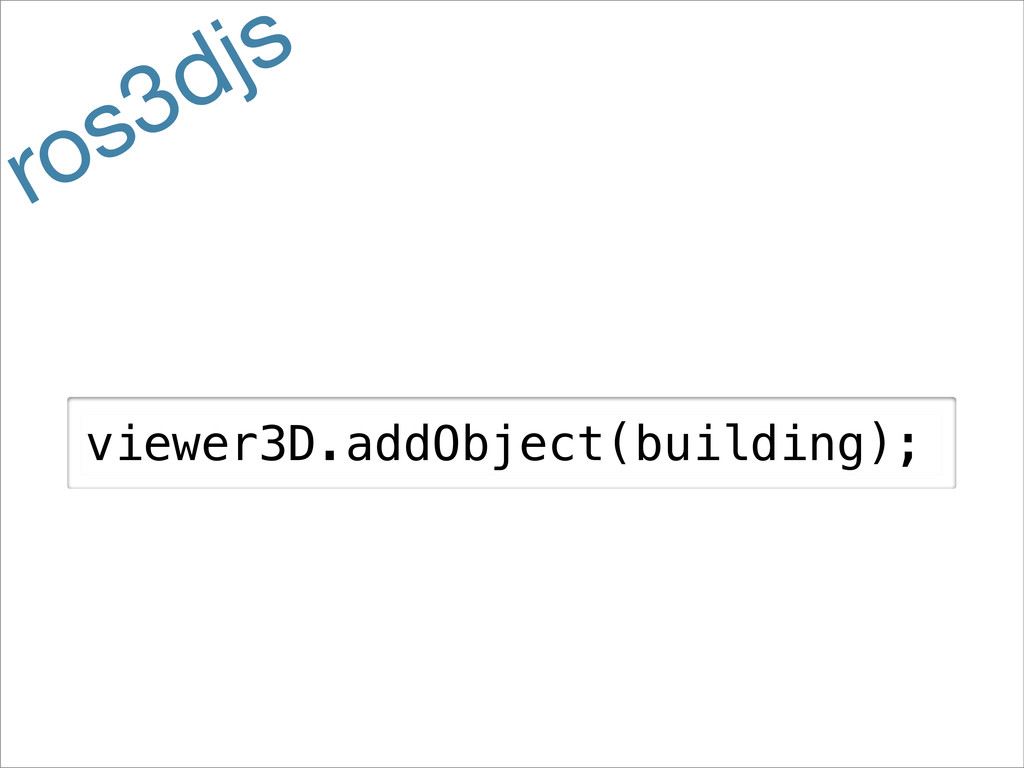
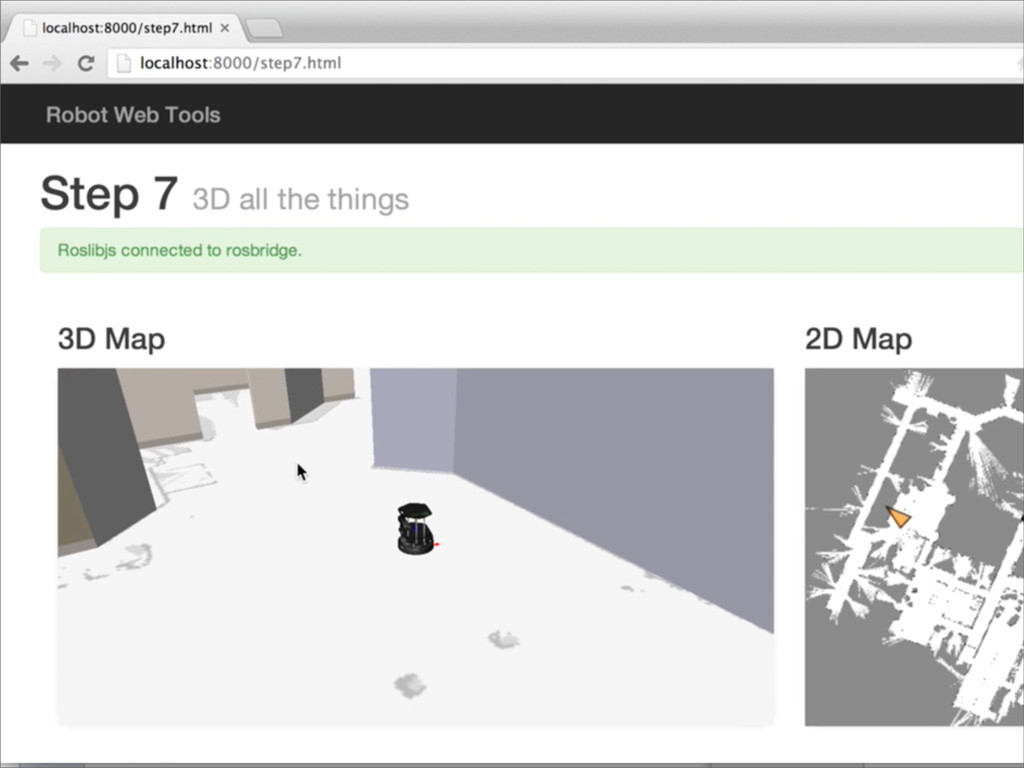
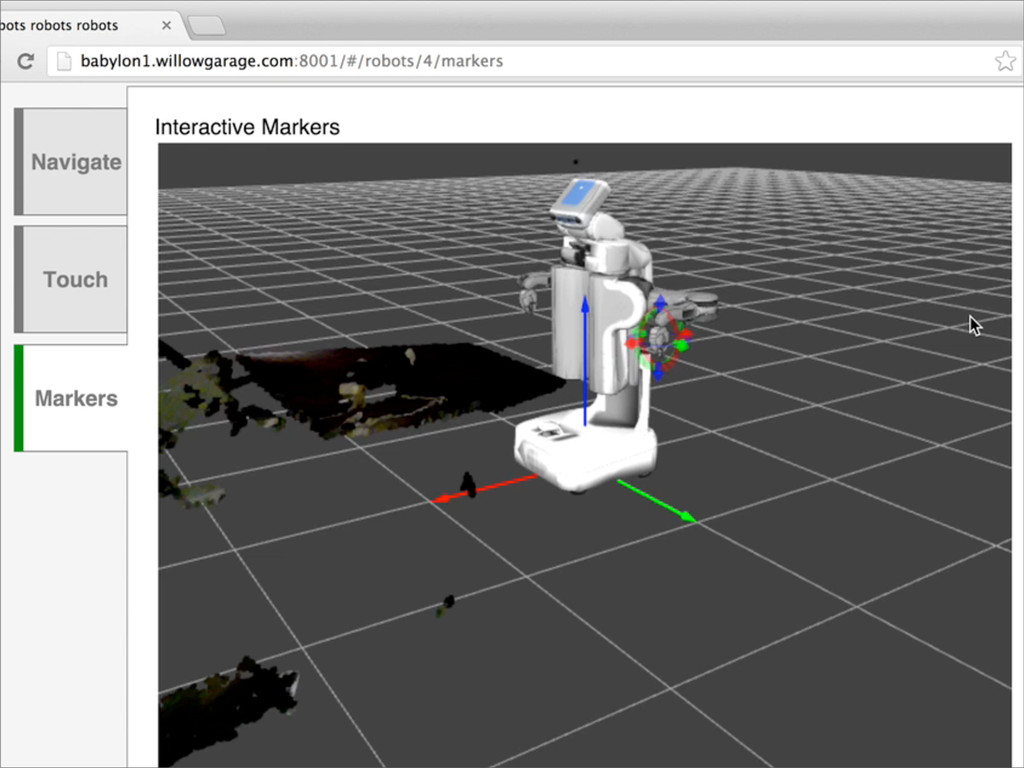
Slides from my presentation at ROSCon 2013. Covers the new Robot Web Tools organization, which is a community-contributed collection of JavaScript and server libraries for getting your robot on the web.
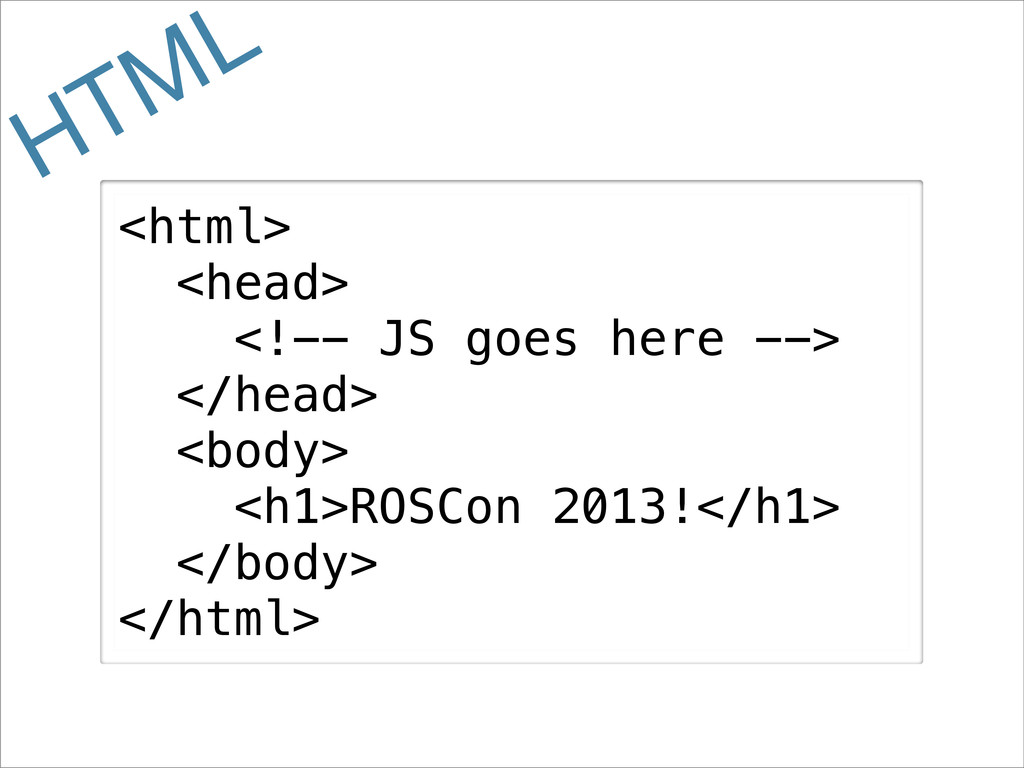
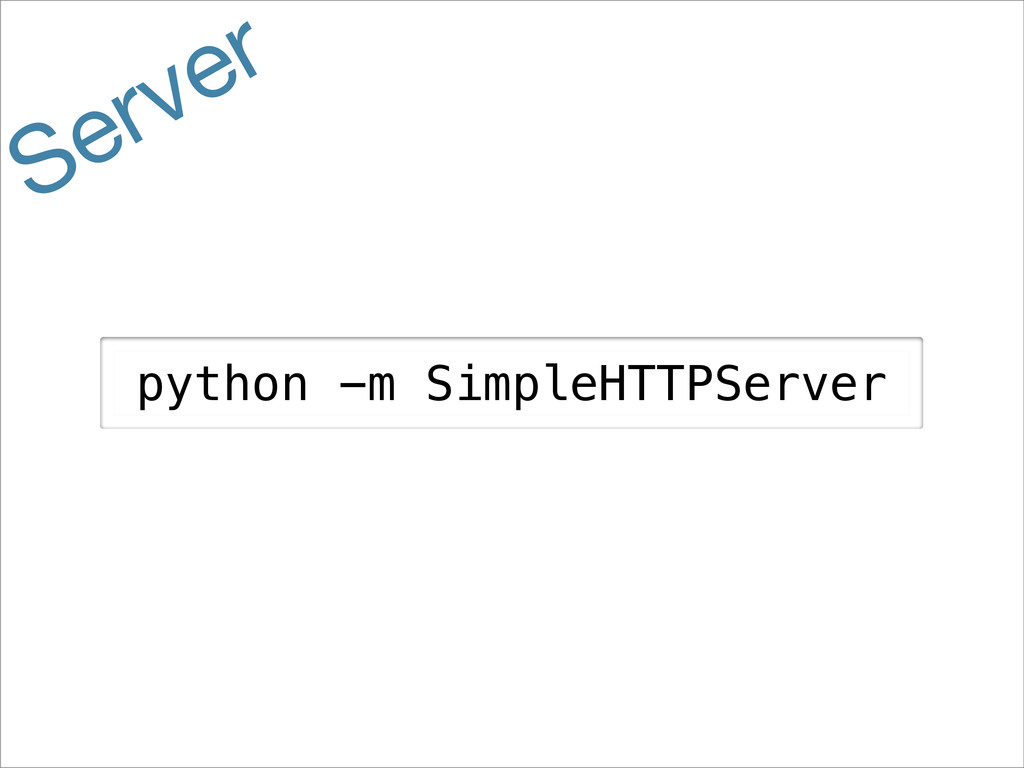
For more information, including demos, examples, and more, check out http://robotwebtools.org/. The example code with instructions on how to run is available on GitHub: https://github.com/baalexander/roscon2013-examples.
The video of the presentation is located at http://vimeo.com/66915129.


 baalexander
 minodriven
 syumai
 gam0022
 texmeijin
 kinopeee
 ___akari11
 y0hgi
y0hgi
 ivargrimstad
 ken_tunc
 tosite
 dske104
 drumath2237
 ianozsvald
 jcasabona
 codingconduct
 tammyeverts
 lara
lara
 brad_frost
 sonatard
 csswizardry
 vanstee
 katarinadahlin
 tapps
tapps
 sabderemane