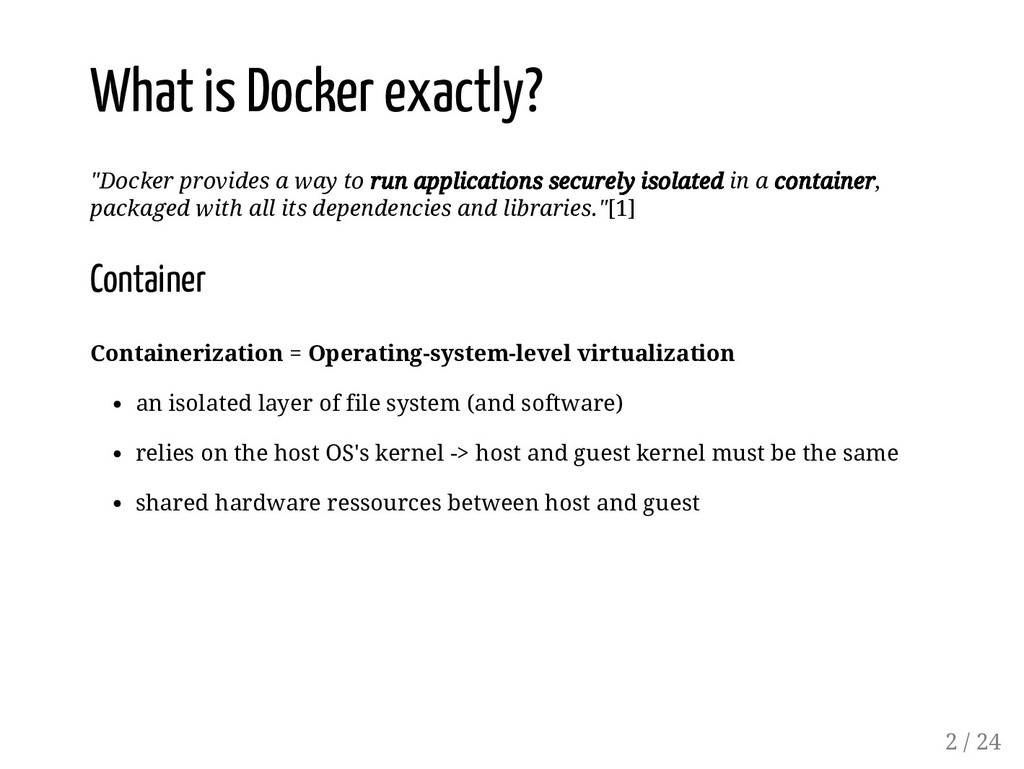
applications securely isolated in a container, packaged with all its dependencies and libraries."[1] Container Containerization = Operating-system-level virtualization an isolated layer of file system (and software) relies on the host OS's kernel -> host and guest kernel must be the same shared hardware ressources between host and guest 2 / 24
it in there communicate with the host via port-binding or SSH [1] https://docs.docker.com/ [2] https://en.wikipedia.org/wiki/Operating-system-level_virtualization 3 / 24
it in there communicate with the host via port-binding or SSH Securely isolated simply running an application in a container doesn't guarantee security per se root user in the container is root on the host -> can possibly access ressources on the host [1] https://docs.docker.com/ [2] https://en.wikipedia.org/wiki/Operating-system-level_virtualization 3 / 24
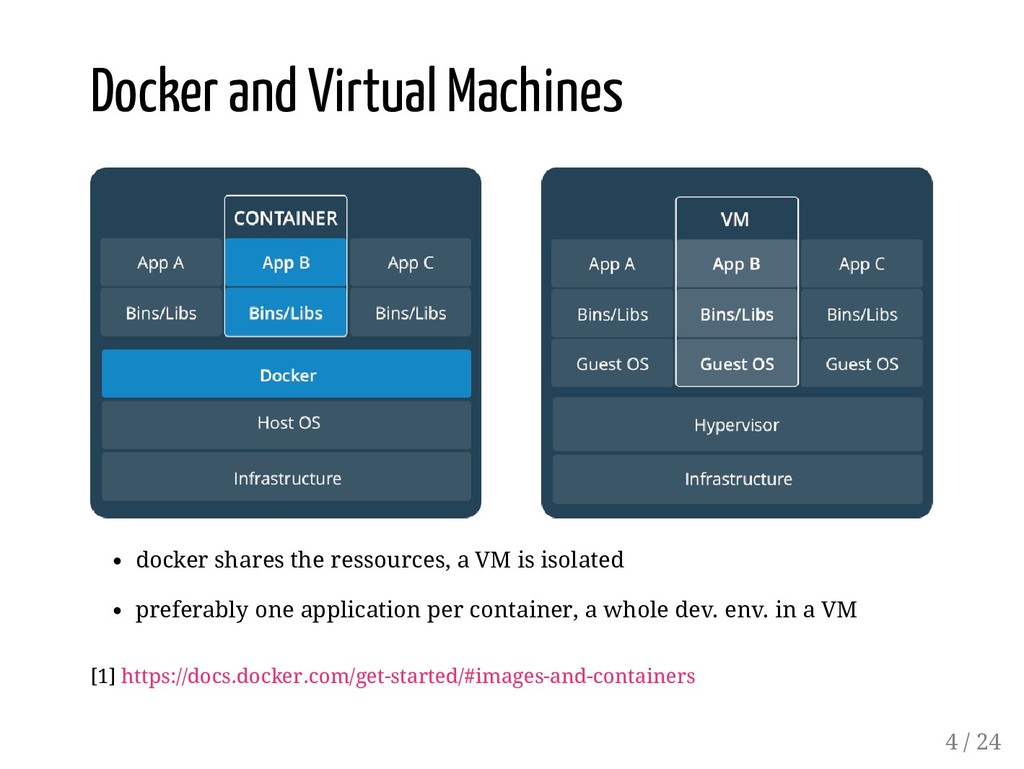
consistently run software as long as a containerization system exists preferably one application per container virtualize the hardware dedicated ressources (eg. 2GB RAM, 2 CPU from the host) a consistent development environment workflow across multiple operation systems So when use Docker and when a VM? In general, both Docker (left) and VMs (right) provide modularity and isolation. With Vagrant VMs are also easily reproducible, just like Docker containers. Both of them guarantee that you can have the same setup running on someone elses computer that you are running on your own. 5 / 24
Mac: read the docs For Windows: read the docs starting with Windows Server 2016 and Windows 10 no integration between containers and the Windows UI -> can't use Docker to run a client app but can use it to build your apps Windows Server: containers are run directly directly on the server, no layer between host and guest Windows 10: each container is run in a ligth VM (Hyper-V), running Windows Server kernel Windows is licensed on the host level, not the container level -> one licence per host with arbitrary many containers (while each VM needs its own licence...) 6 / 24
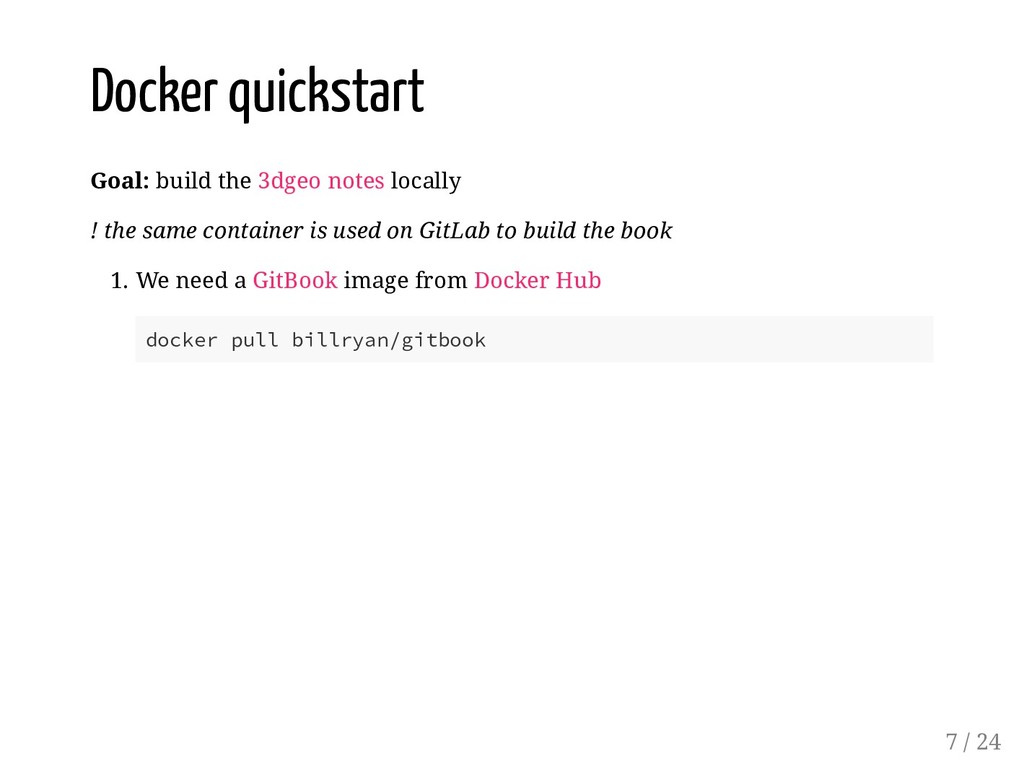
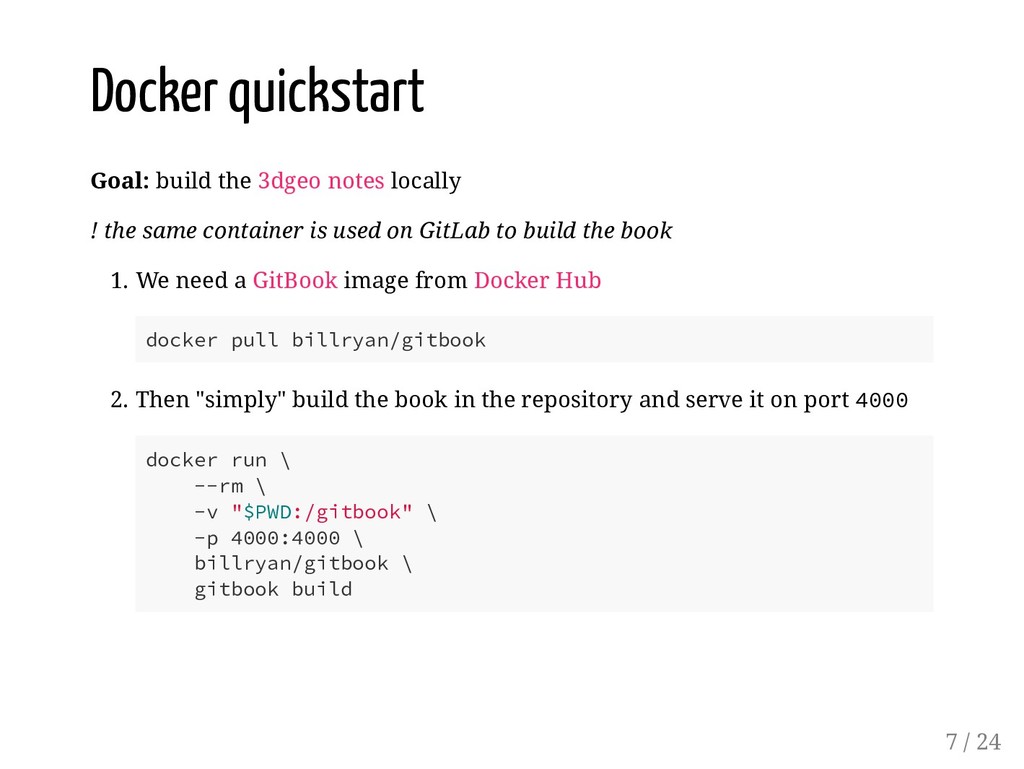
same container is used on GitLab to build the book 1. We need a GitBook image from Docker Hub docker pull billryan/gitbook 2. Then "simply" build the book in the repository and serve it on port 4000 docker run \ --rm \ -v "$PWD:/gitbook" \ -p 4000:4000 \ billryan/gitbook \ gitbook build 7 / 24
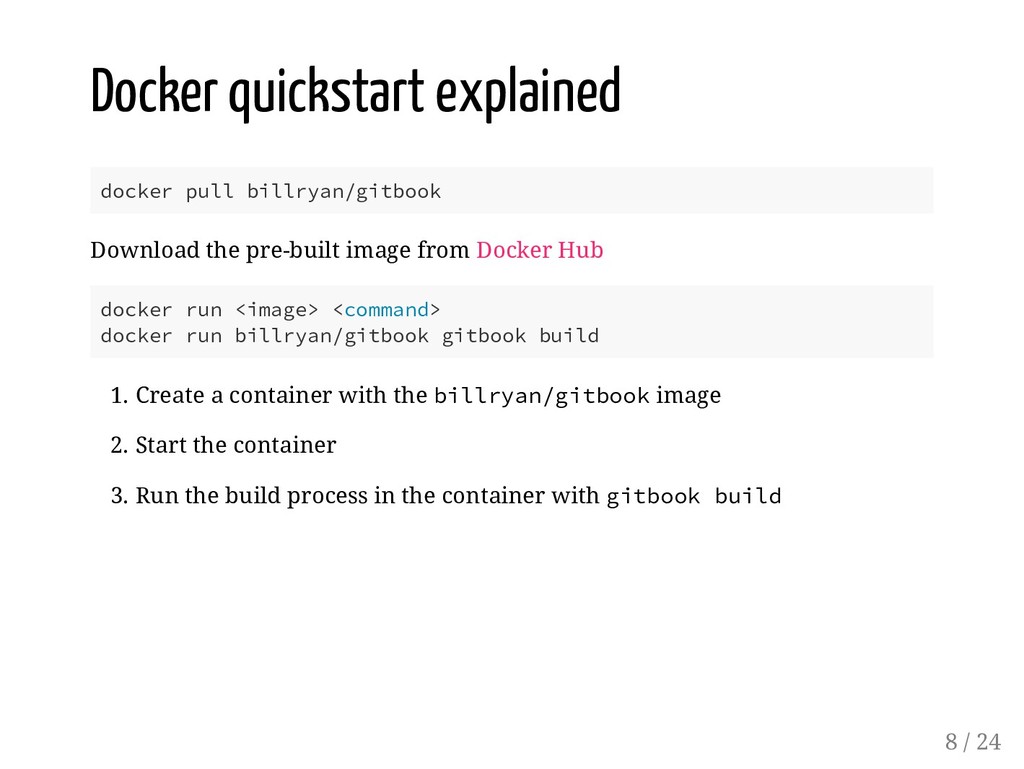
from Docker Hub docker run <image> <command> docker run billryan/gitbook gitbook build 1. Create a container with the billryan/gitbook image 2. Start the container 3. Run the build process in the container with gitbook build 8 / 24
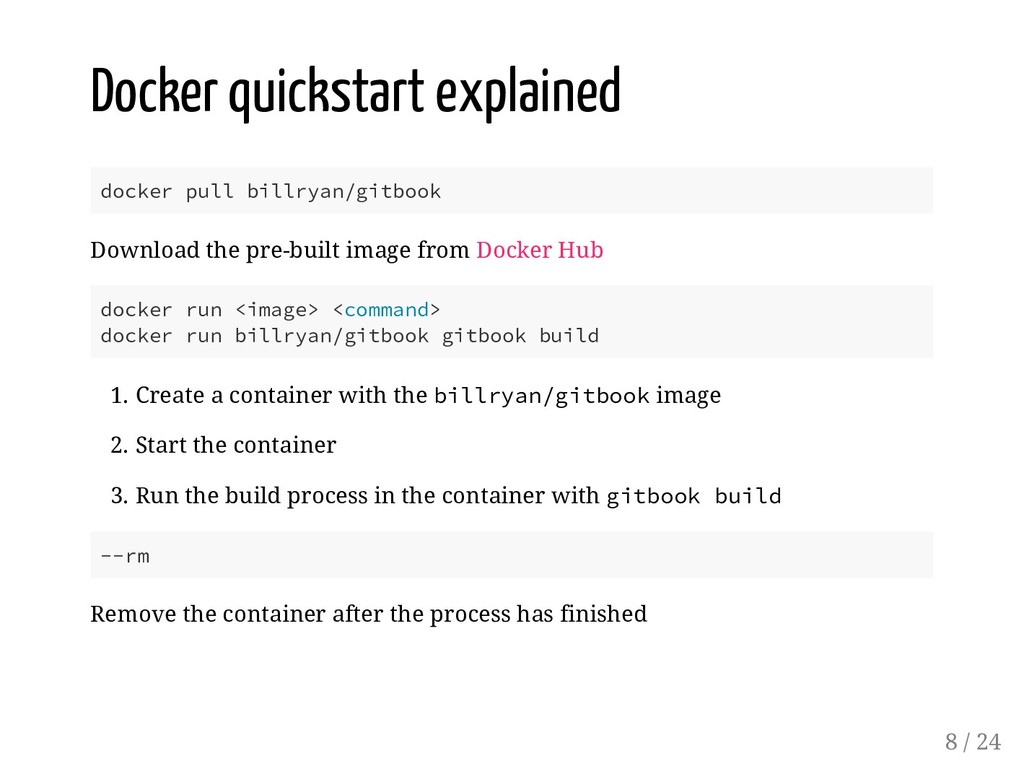
from Docker Hub docker run <image> <command> docker run billryan/gitbook gitbook build 1. Create a container with the billryan/gitbook image 2. Start the container 3. Run the build process in the container with gitbook build --rm Remove the container after the process has finished 8 / 24
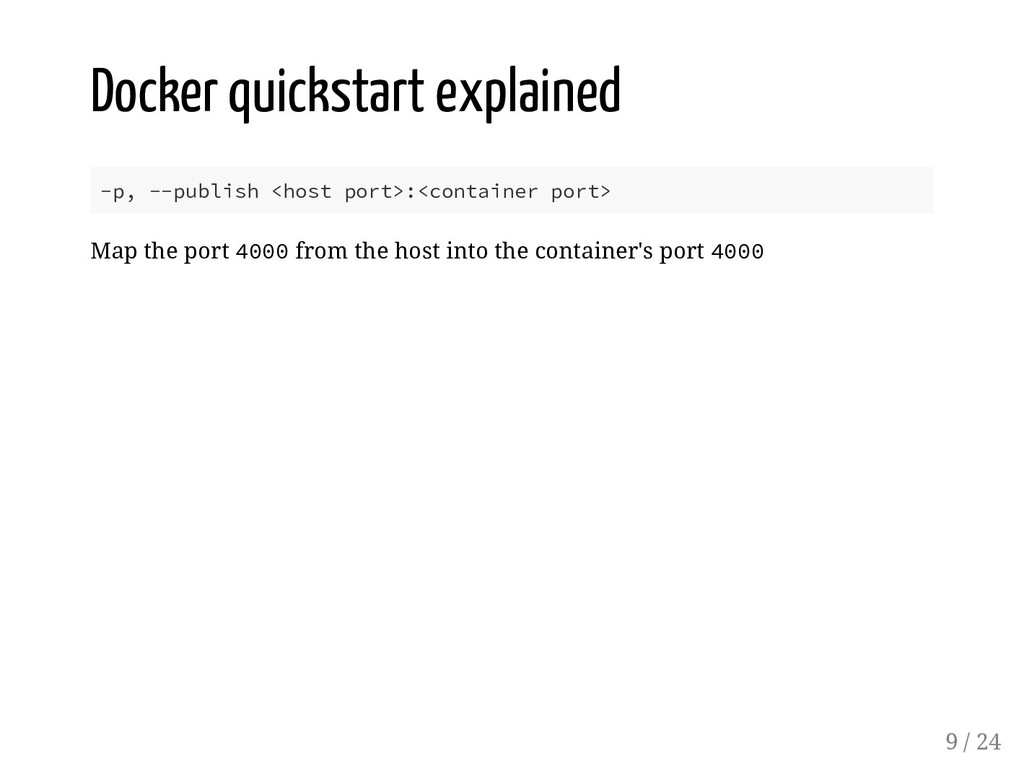
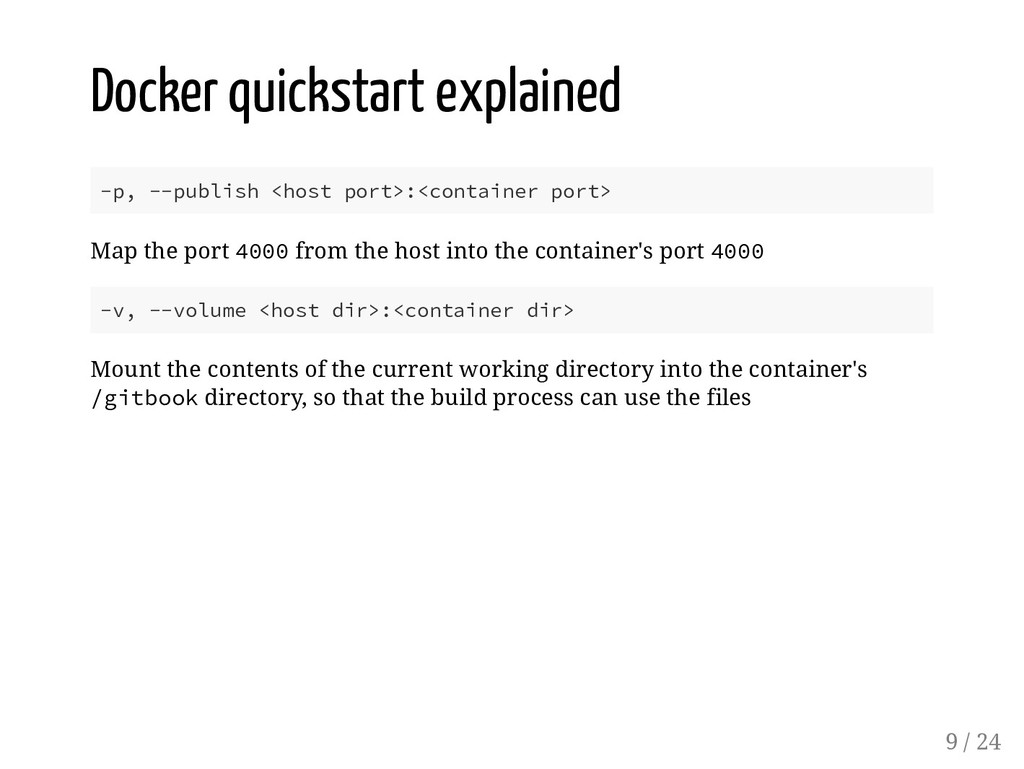
port 4000 from the host into the container's port 4000 -v, --volume <host dir>:<container dir> Mount the contents of the current working directory into the container's /gitbook directory, so that the build process can use the files 9 / 24
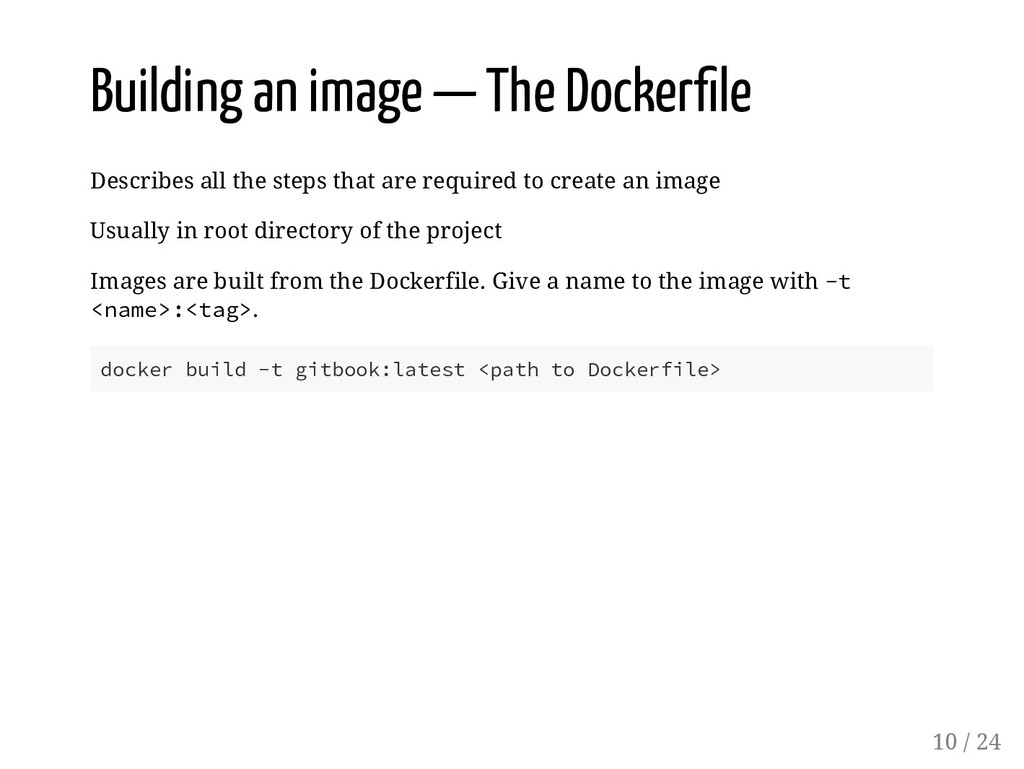
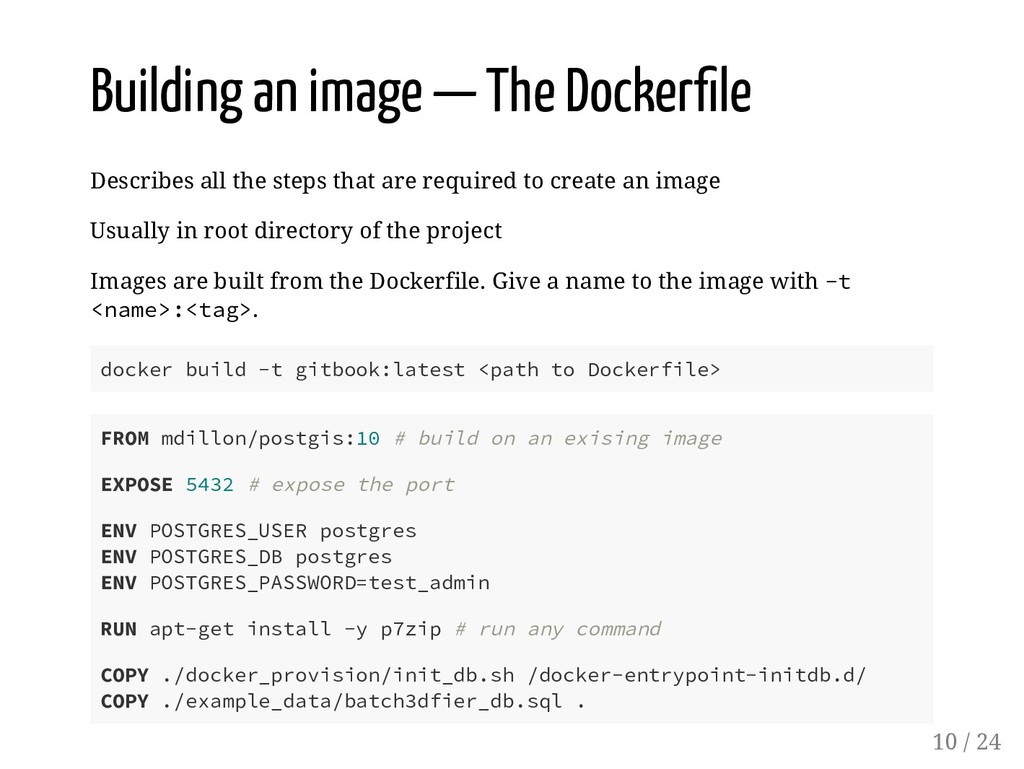
steps that are required to create an image Usually in root directory of the project Images are built from the Dockerfile. Give a name to the image with -t <name>:<tag>. docker build -t gitbook:latest <path to Dockerfile> 10 / 24
steps that are required to create an image Usually in root directory of the project Images are built from the Dockerfile. Give a name to the image with -t <name>:<tag>. docker build -t gitbook:latest <path to Dockerfile> FROM mdillon/postgis:10 # build on an exising image EXPOSE 5432 # expose the port ENV POSTGRES_USER postgres ENV POSTGRES_DB postgres ENV POSTGRES_PASSWORD=test_admin RUN apt-get install -y p7zip # run any command COPY ./docker_provision/init_db.sh /docker-entrypoint-initdb.d/ COPY ./example_data/batch3dfier_db.sql . 10 / 24
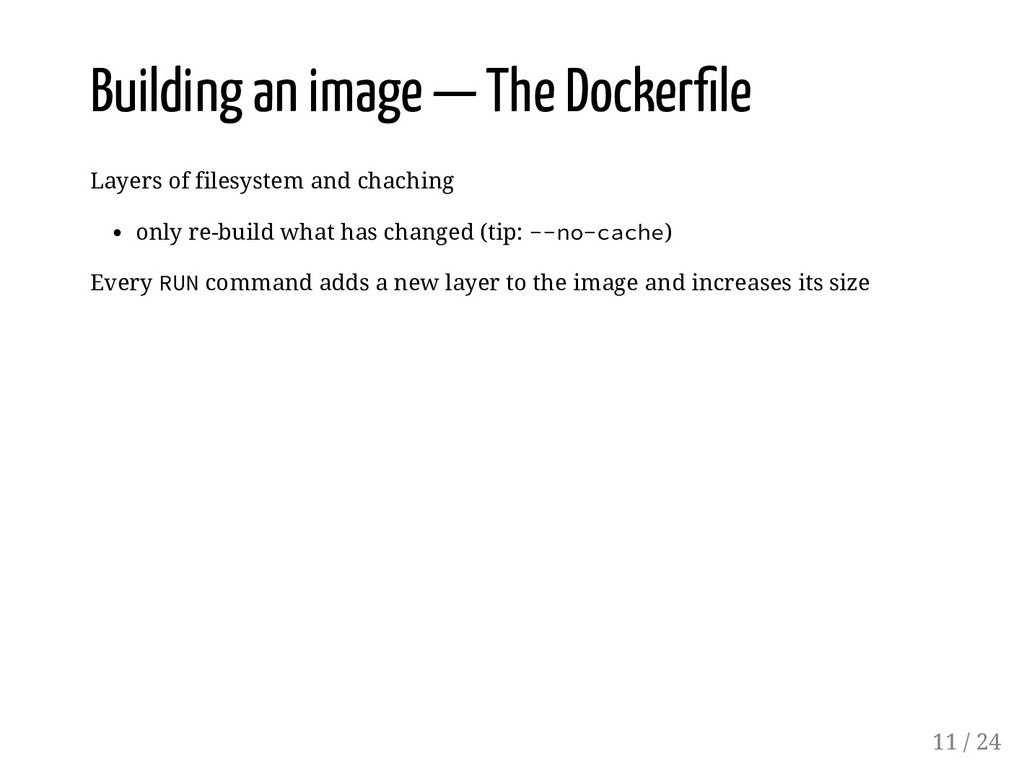
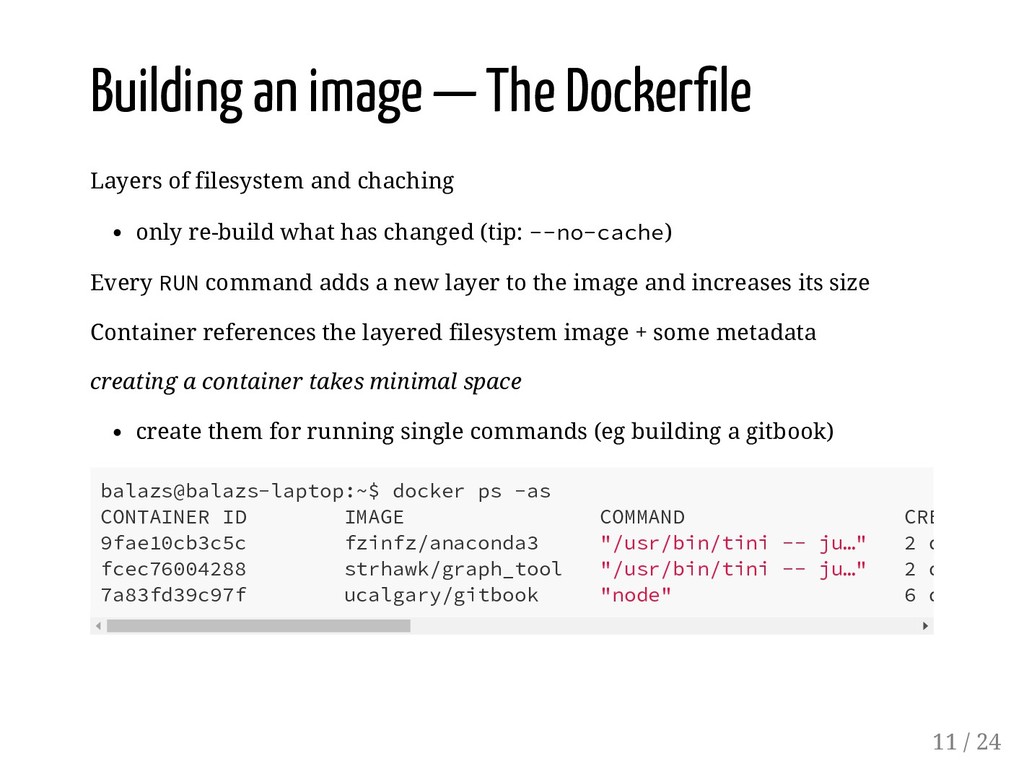
and chaching only re-build what has changed (tip: --no-cache) Every RUN command adds a new layer to the image and increases its size Container references the layered filesystem image + some metadata creating a container takes minimal space create them for running single commands (eg building a gitbook) balazs@balazs-laptop:~$ docker ps -as CONTAINER ID IMAGE COMMAND CRE 9fae10cb3c5c fzinfz/anaconda3 "/usr/bin/tini -- ju…" 2 d fcec76004288 strhawk/graph_tool "/usr/bin/tini -- ju…" 2 d 7a83fd39c97f ucalgary/gitbook "node" 6 d 11 / 24
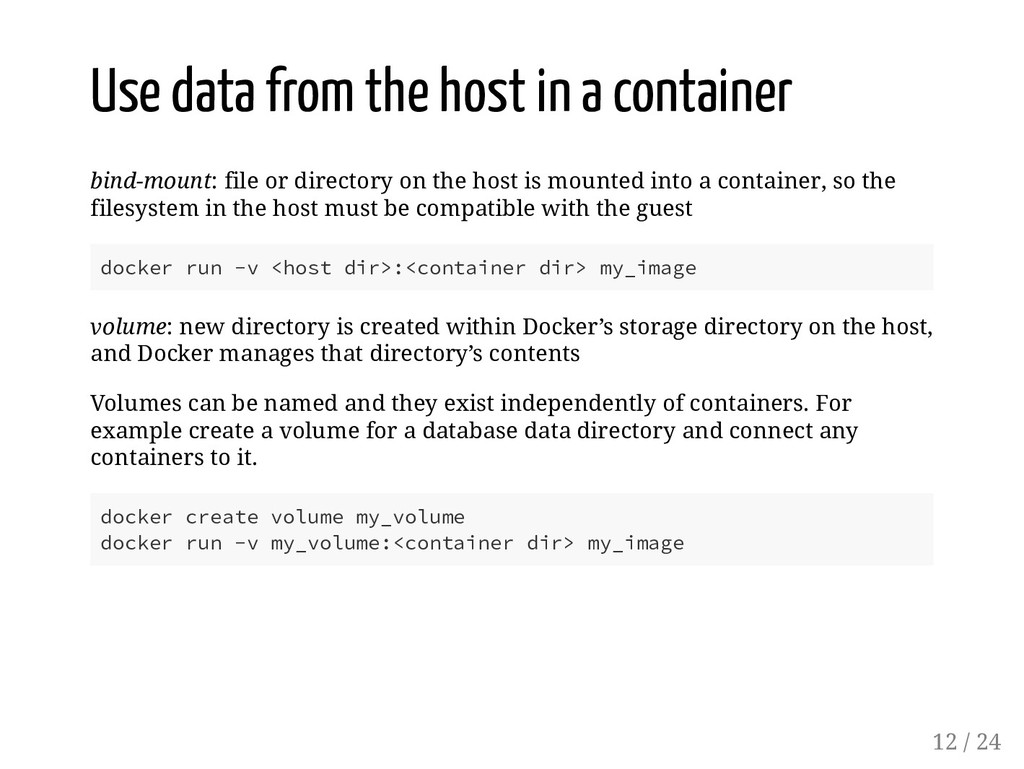
or directory on the host is mounted into a container, so the filesystem in the host must be compatible with the guest docker run -v <host dir>:<container dir> my_image volume: new directory is created within Docker’s storage directory on the host, and Docker manages that directory’s contents Volumes can be named and they exist independently of containers. For example create a volume for a database data directory and connect any containers to it. docker create volume my_volume docker run -v my_volume:<container dir> my_image 12 / 24
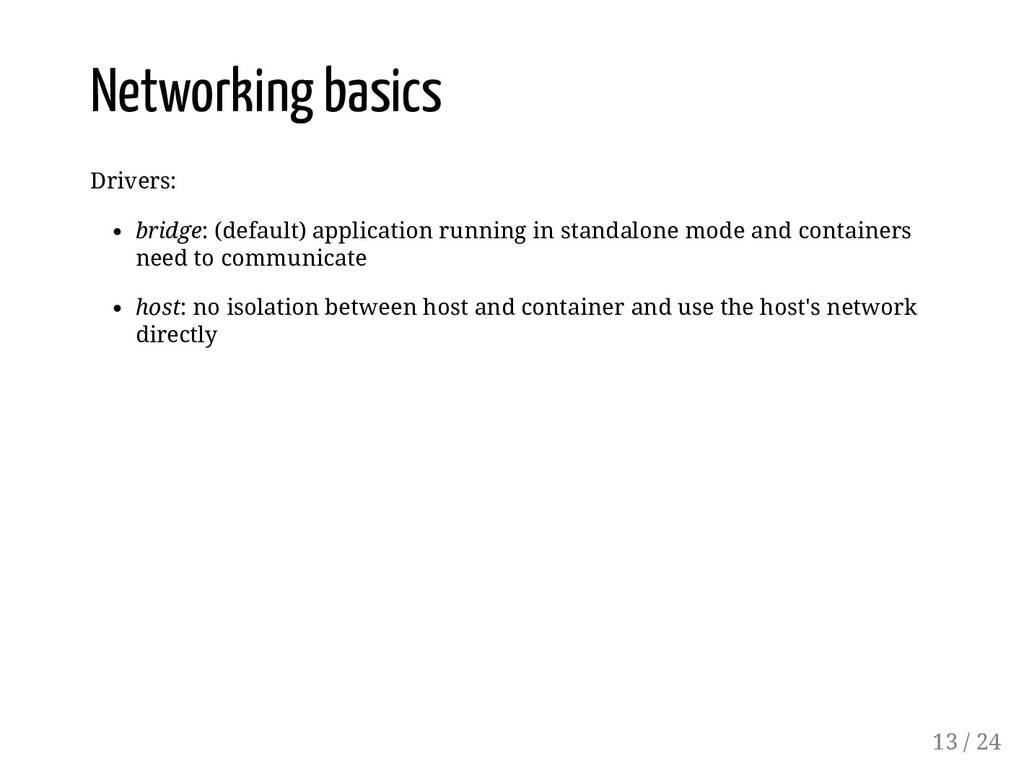
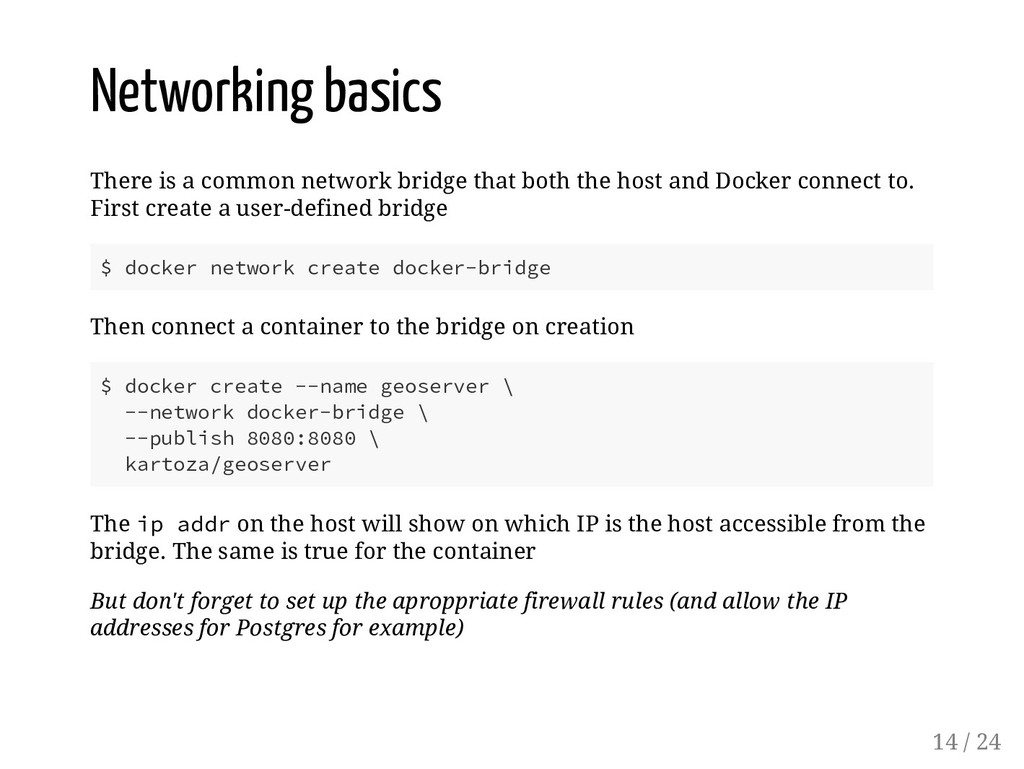
the host and Docker connect to. First create a user-defined bridge $ docker network create docker-bridge Then connect a container to the bridge on creation $ docker create --name geoserver \ --network docker-bridge \ --publish 8080:8080 \ kartoza/geoserver The ip addr on the host will show on which IP is the host accessible from the bridge. The same is true for the container But don't forget to set up the aproppriate firewall rules (and allow the IP addresses for Postgres for example) 14 / 24
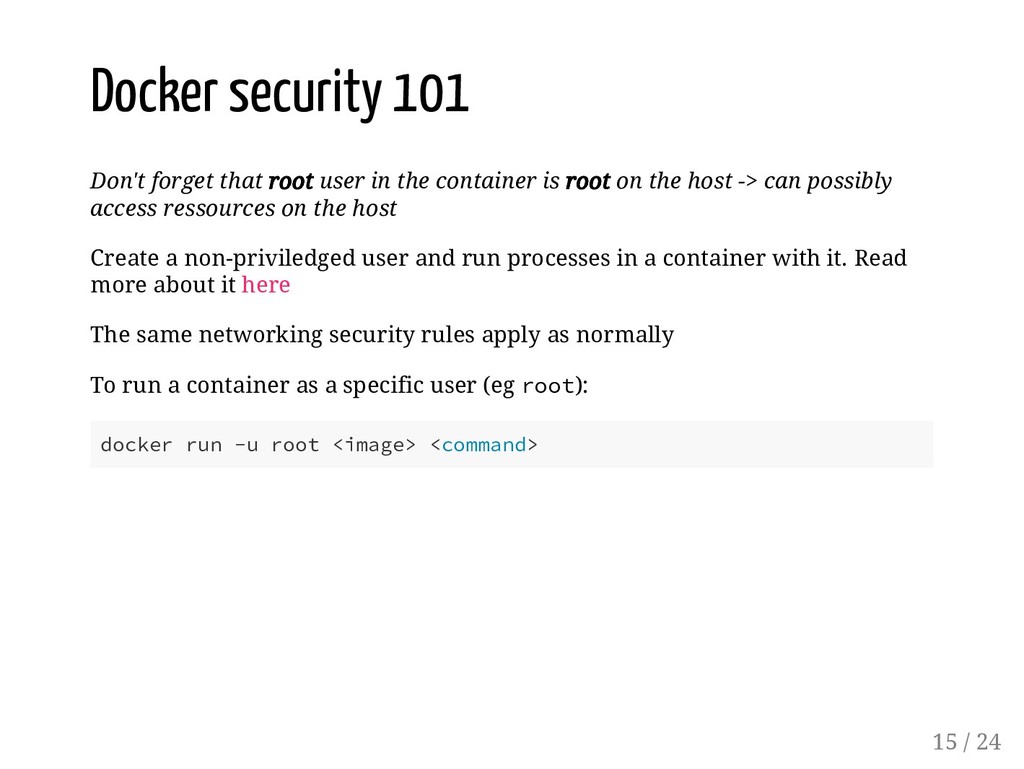
container is root on the host -> can possibly access ressources on the host Create a non-priviledged user and run processes in a container with it. Read more about it here The same networking security rules apply as normally To run a container as a specific user (eg root): docker run -u root <image> <command> 15 / 24
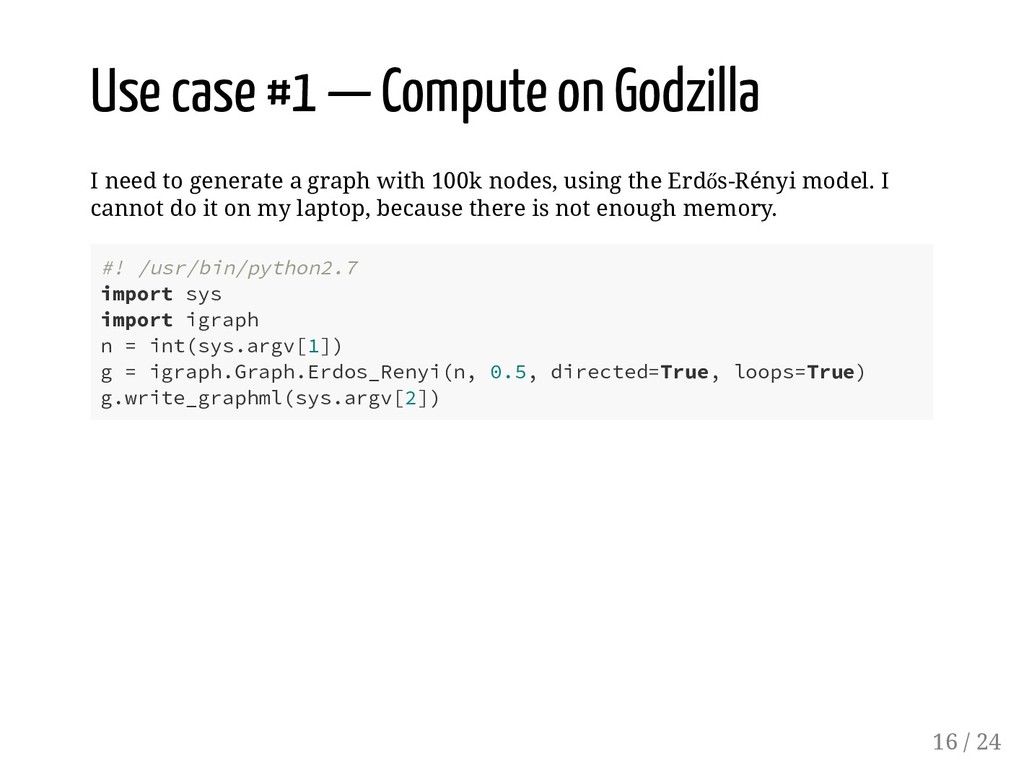
generate a graph with 100k nodes, using the Erdős-Rényi model. I cannot do it on my laptop, because there is not enough memory. #! /usr/bin/python2.7 import sys import igraph n = int(sys.argv[1]) g = igraph.Graph.Erdos_Renyi(n, 0.5, directed=True, loops=True) g.write_graphml(sys.argv[2]) 16 / 24
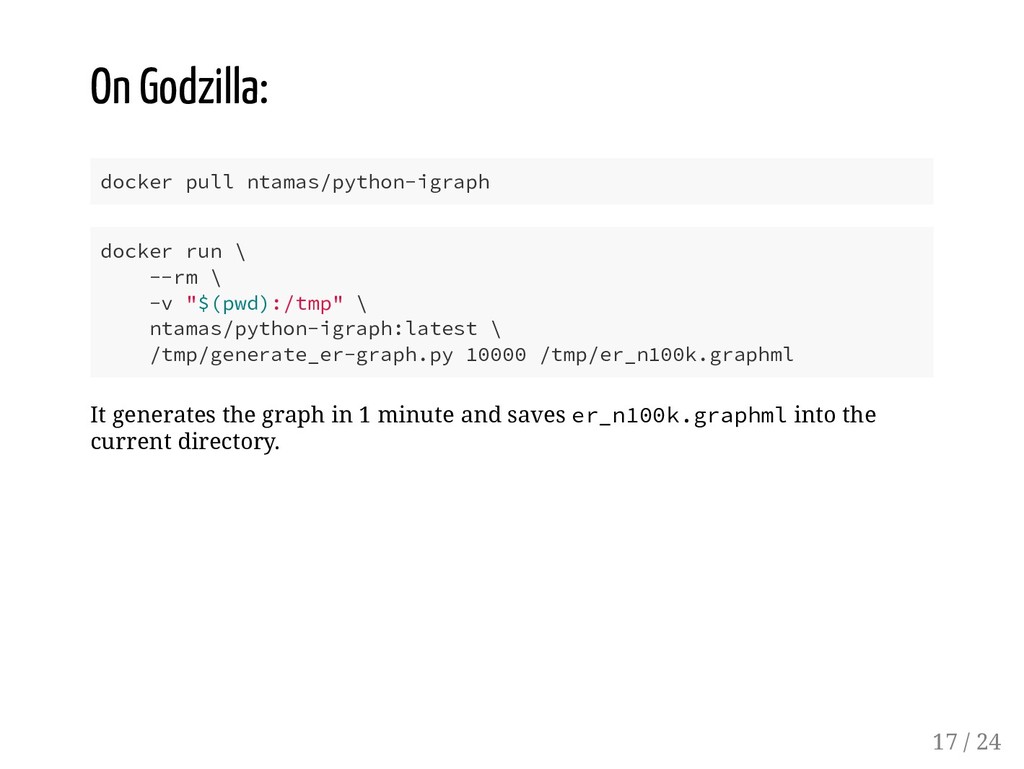
-v "$(pwd):/tmp" \ ntamas/python-igraph:latest \ /tmp/generate_er-graph.py 10000 /tmp/er_n100k.graphml It generates the graph in 1 minute and saves er_n100k.graphml into the current directory. 17 / 24
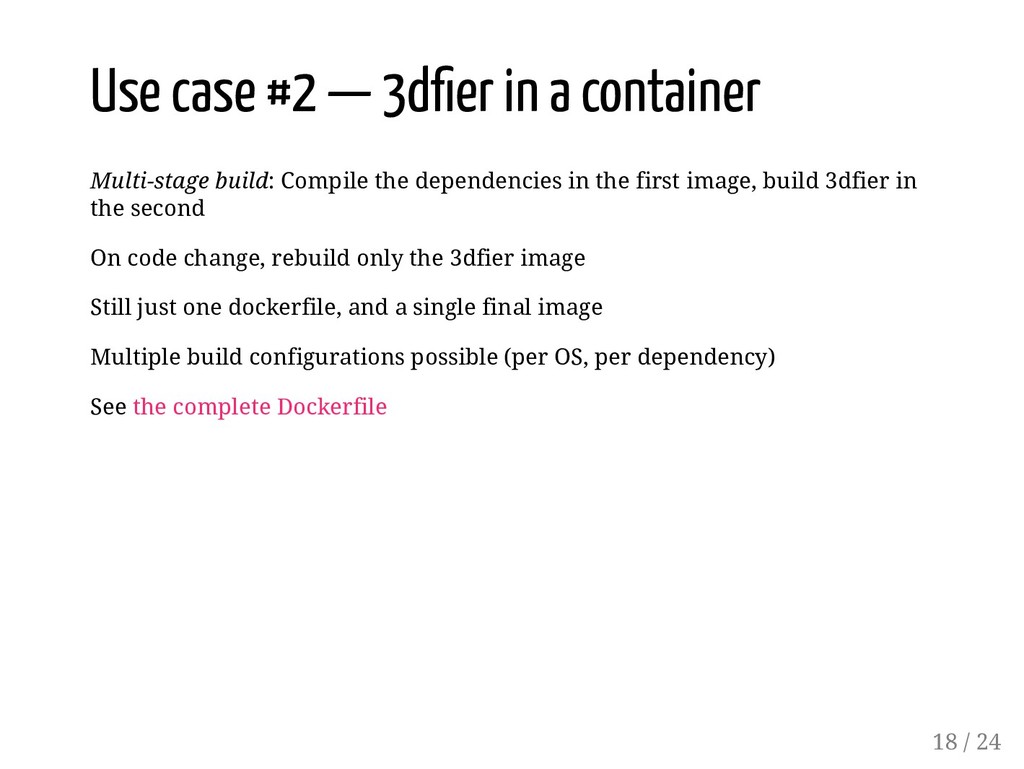
build: Compile the dependencies in the first image, build 3dfier in the second On code change, rebuild only the 3dfier image Still just one dockerfile, and a single final image Multiple build configurations possible (per OS, per dependency) See the complete Dockerfile 18 / 24
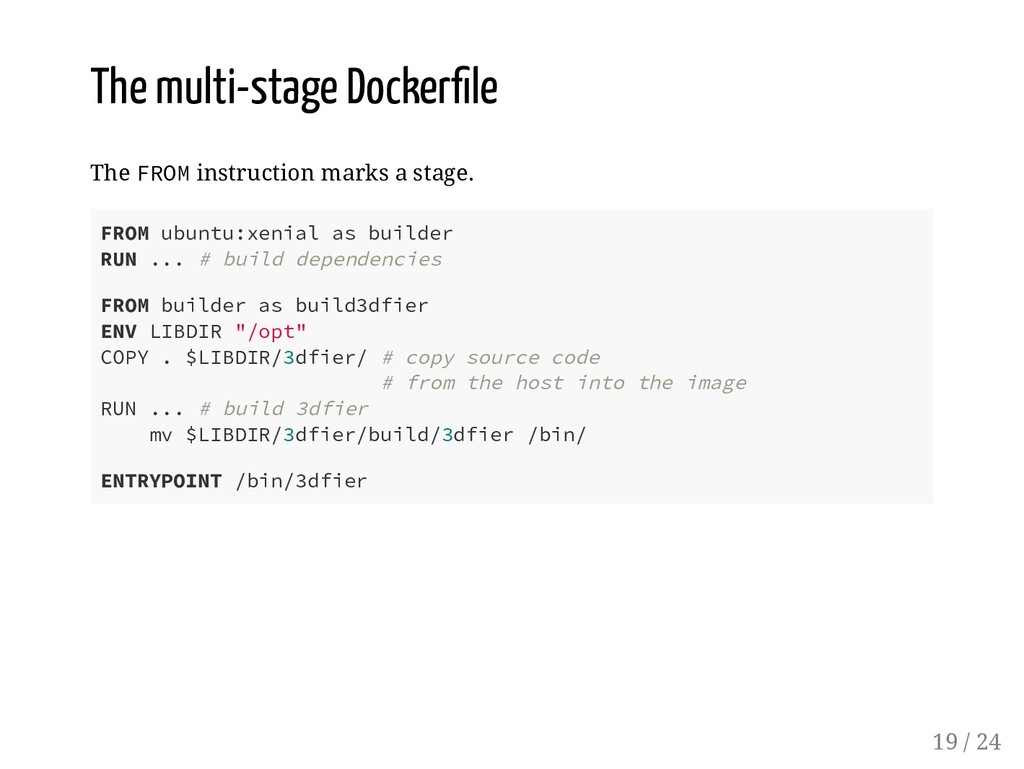
FROM ubuntu:xenial as builder RUN ... # build dependencies FROM builder as build3dfier ENV LIBDIR "/opt" COPY . $LIBDIR/3dfier/ # copy source code # from the host into the image RUN ... # build 3dfier mv $LIBDIR/3dfier/build/3dfier /bin/ ENTRYPOINT /bin/3dfier 19 / 24
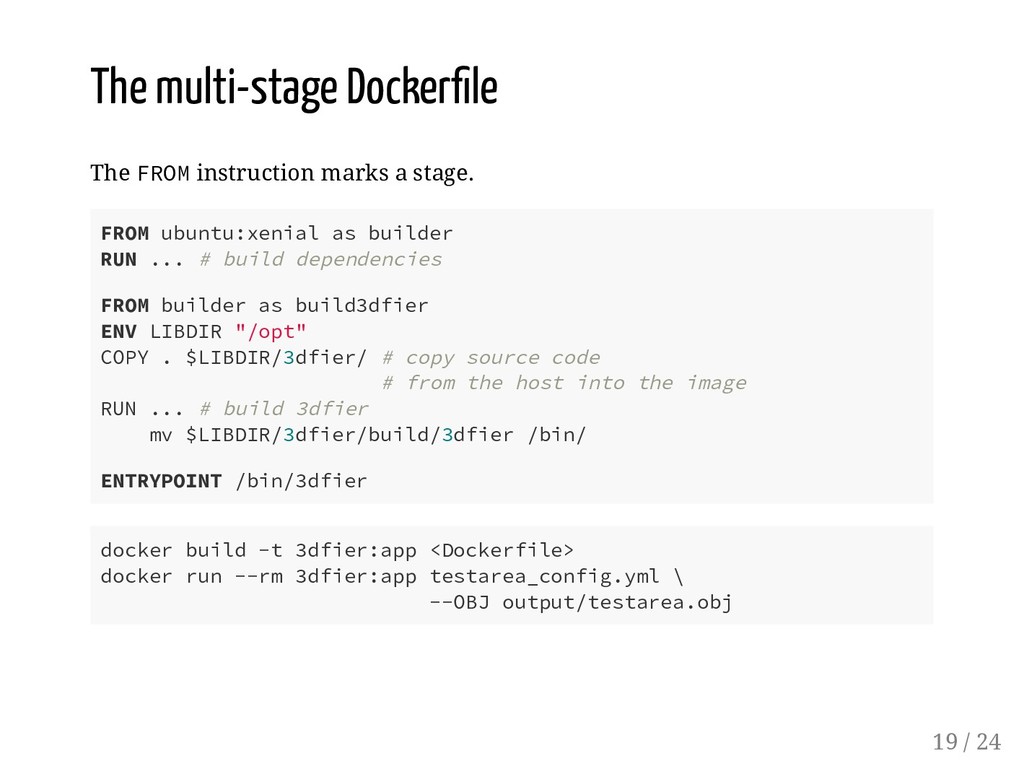
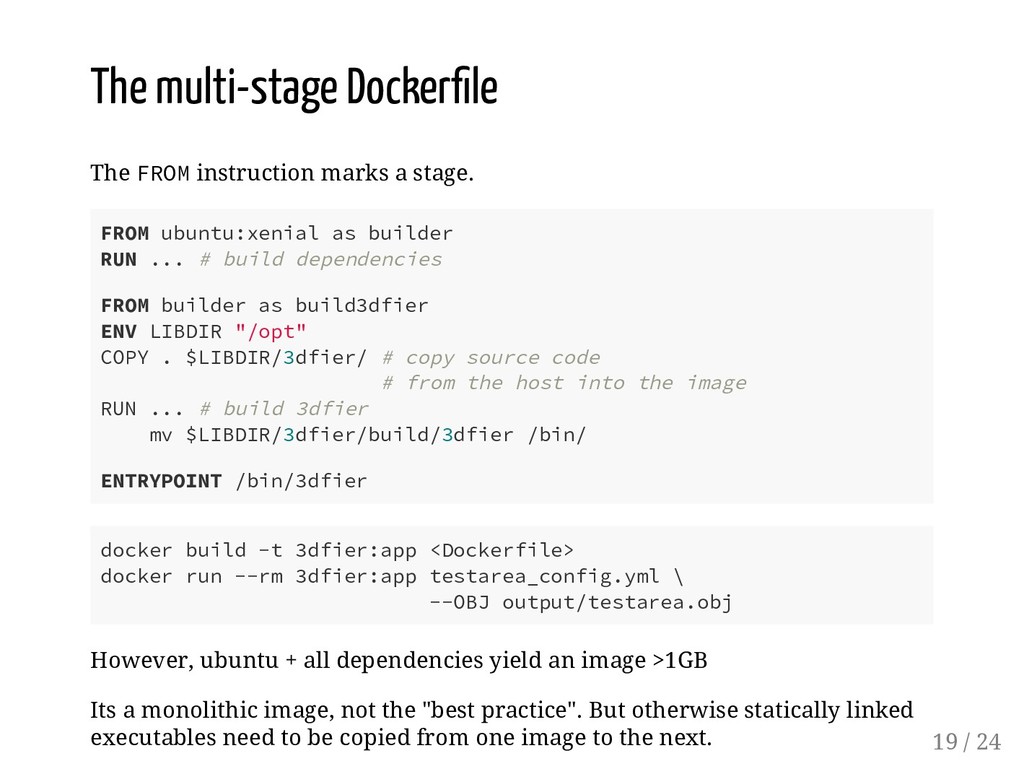
FROM ubuntu:xenial as builder RUN ... # build dependencies FROM builder as build3dfier ENV LIBDIR "/opt" COPY . $LIBDIR/3dfier/ # copy source code # from the host into the image RUN ... # build 3dfier mv $LIBDIR/3dfier/build/3dfier /bin/ ENTRYPOINT /bin/3dfier docker build -t 3dfier:app <Dockerfile> docker run --rm 3dfier:app testarea_config.yml \ --OBJ output/testarea.obj However, ubuntu + all dependencies yield an image >1GB Its a monolithic image, not the "best practice". But otherwise statically linked executables need to be copied from one image to the next. 19 / 24
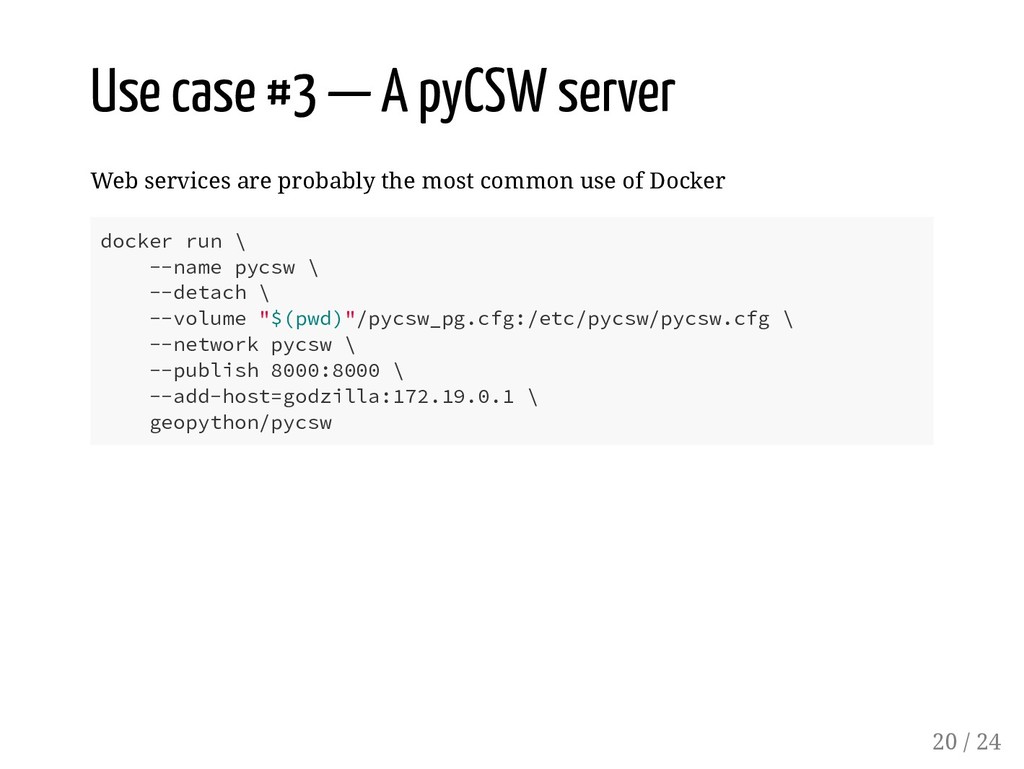
probably the most common use of Docker docker run \ --name pycsw \ --detach \ --volume "$(pwd)"/pycsw_pg.cfg:/etc/pycsw/pycsw.cfg \ --network pycsw \ --publish 8000:8000 \ --add-host=godzilla:172.19.0.1 \ geopython/pycsw 20 / 24
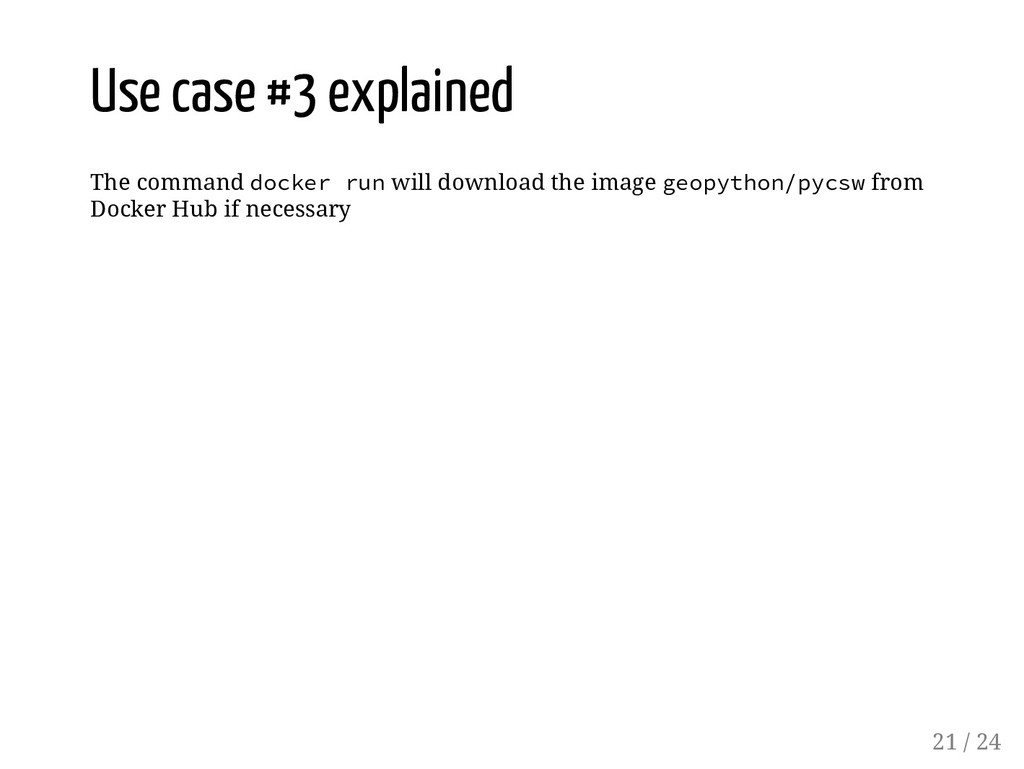
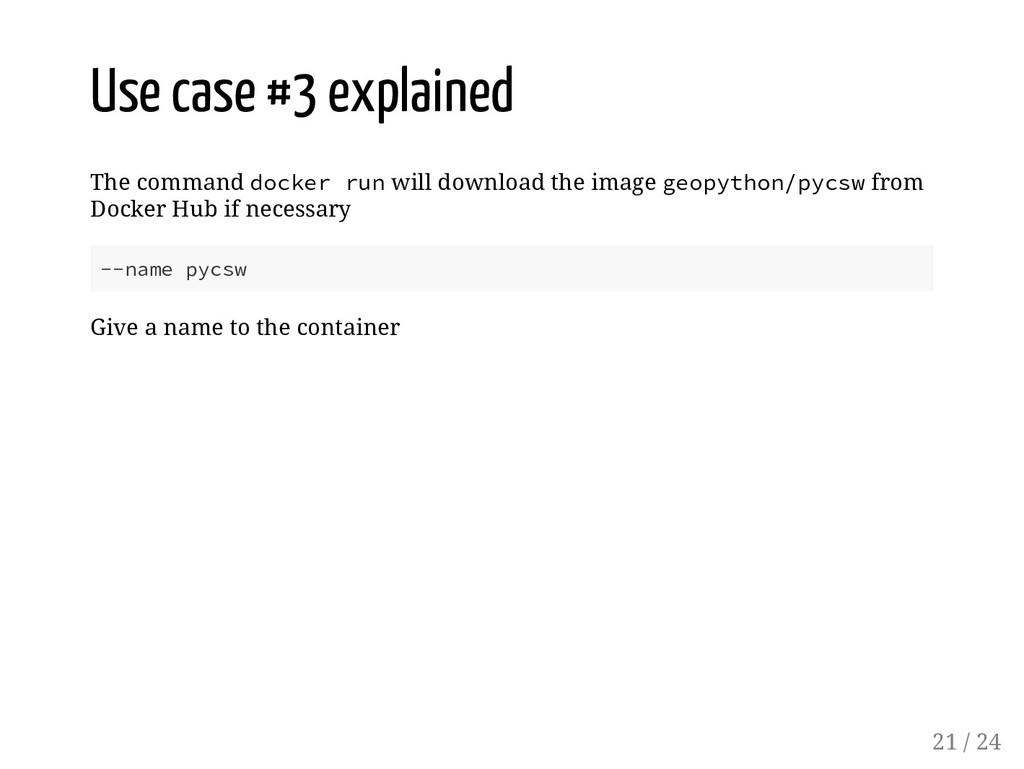
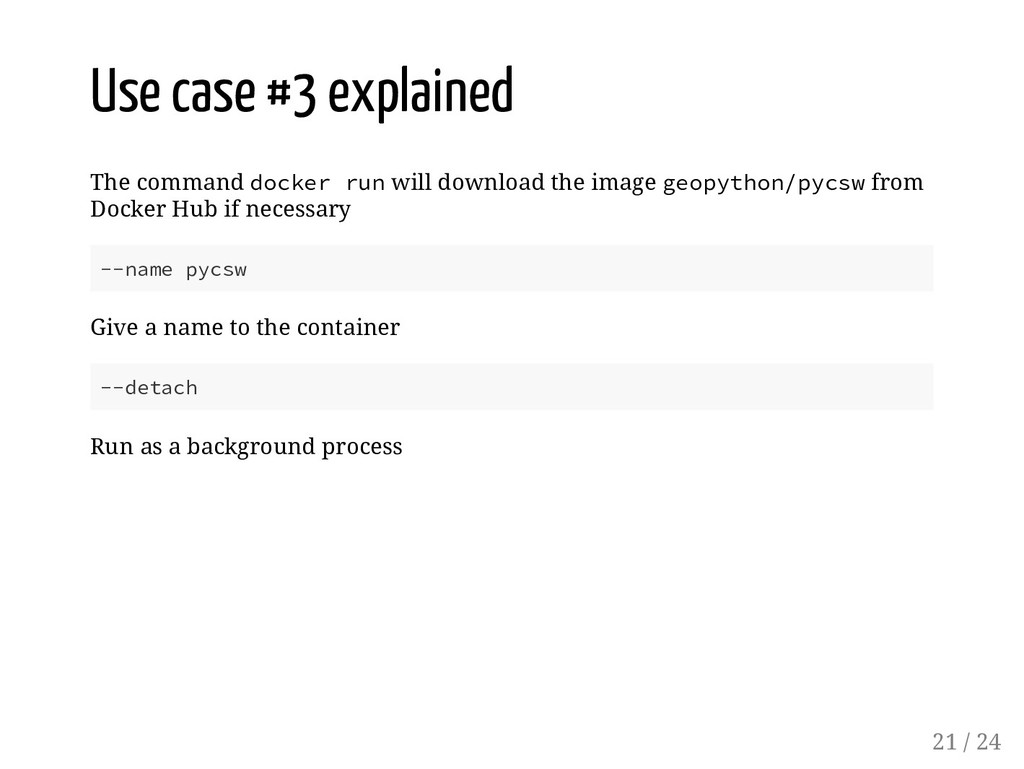
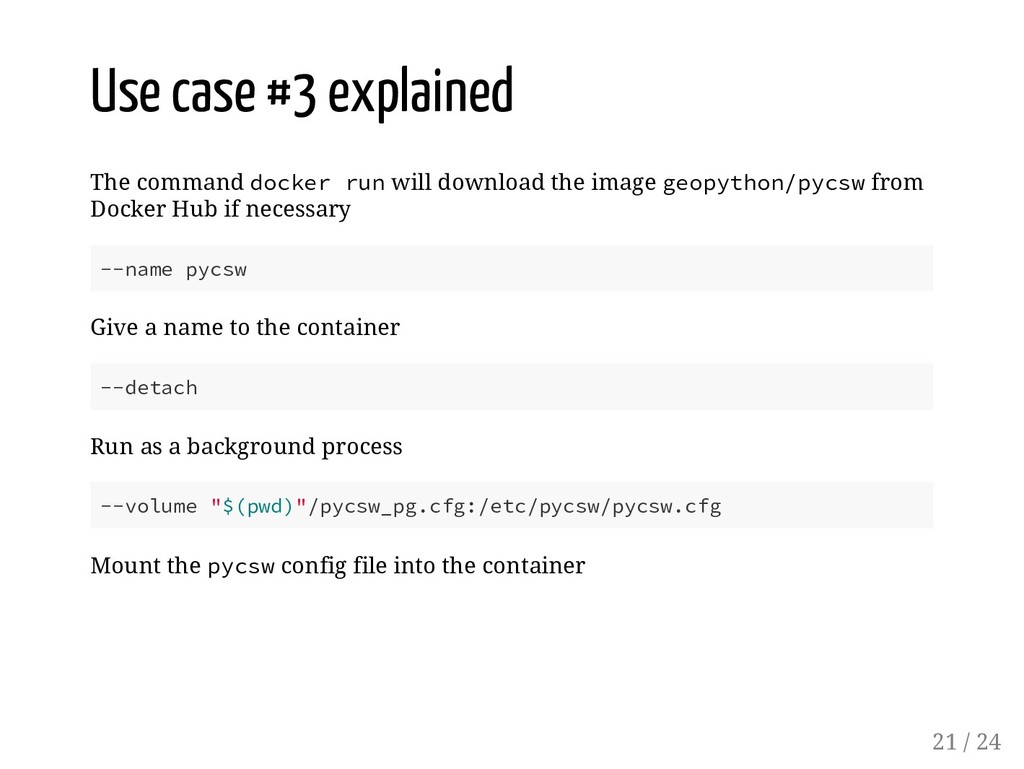
the image geopython/pycsw from Docker Hub if necessary --name pycsw Give a name to the container --detach Run as a background process --volume "$(pwd)"/pycsw_pg.cfg:/etc/pycsw/pycsw.cfg Mount the pycsw config file into the container 21 / 24
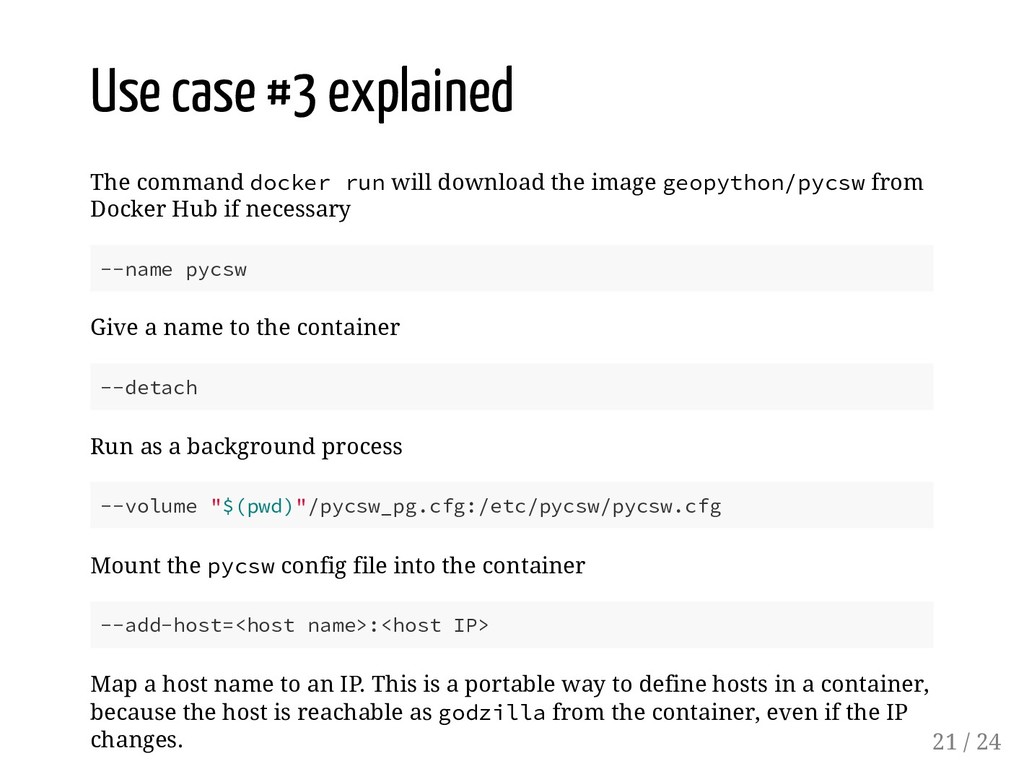
the image geopython/pycsw from Docker Hub if necessary --name pycsw Give a name to the container --detach Run as a background process --volume "$(pwd)"/pycsw_pg.cfg:/etc/pycsw/pycsw.cfg Mount the pycsw config file into the container --add-host=<host name>:<host IP> Map a host name to an IP. This is a portable way to define hosts in a container, because the host is reachable as godzilla from the container, even if the IP changes. 21 / 24
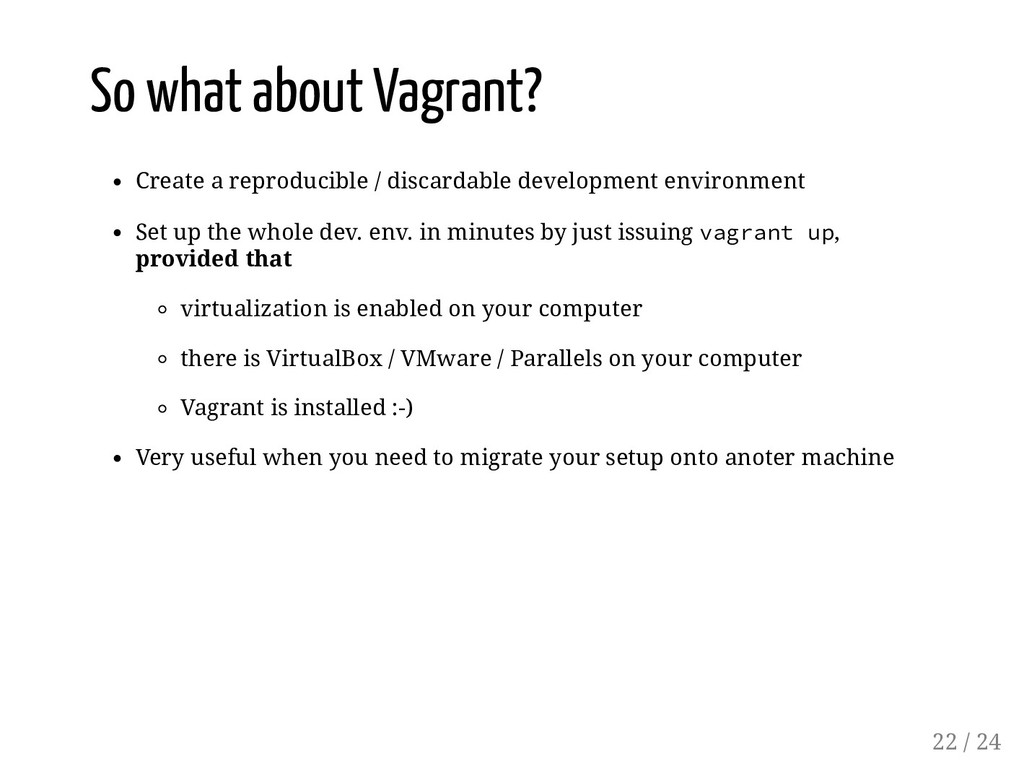
environment Set up the whole dev. env. in minutes by just issuing vagrant up, provided that virtualization is enabled on your computer there is VirtualBox / VMware / Parallels on your computer Vagrant is installed :-) Very useful when you need to migrate your setup onto anoter machine 22 / 24
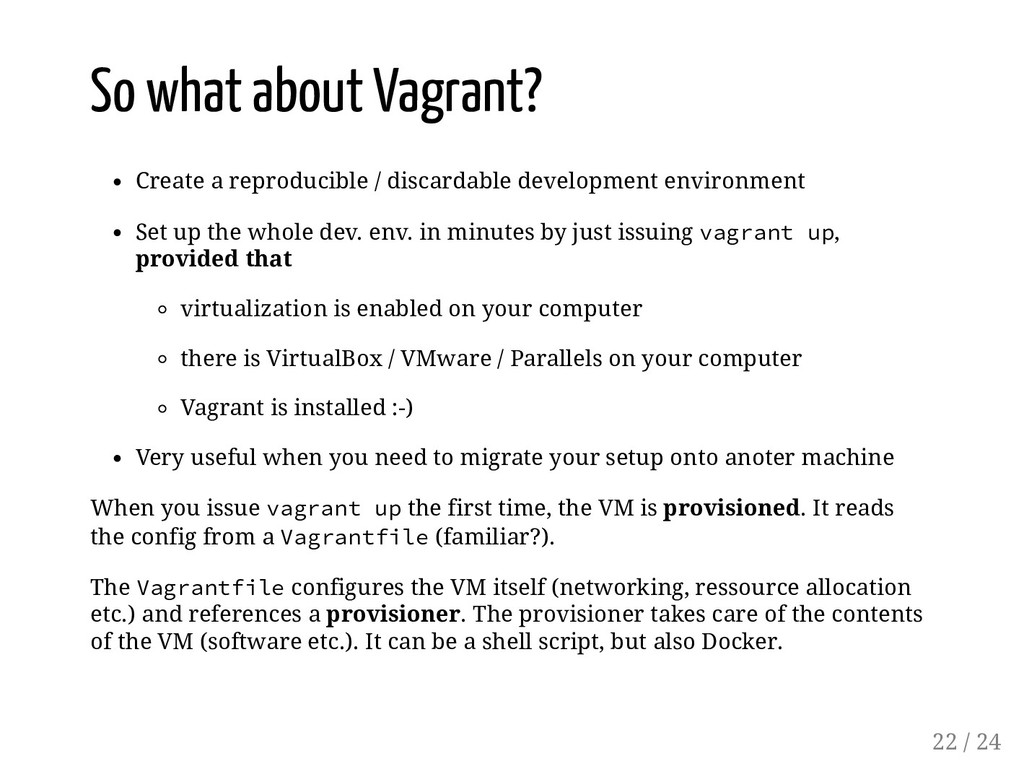
environment Set up the whole dev. env. in minutes by just issuing vagrant up, provided that virtualization is enabled on your computer there is VirtualBox / VMware / Parallels on your computer Vagrant is installed :-) Very useful when you need to migrate your setup onto anoter machine When you issue vagrant up the first time, the VM is provisioned. It reads the config from a Vagrantfile (familiar?). The Vagrantfile configures the VM itself (networking, ressource allocation etc.) and references a provisioner. The provisioner takes care of the contents of the VM (software etc.). It can be a shell script, but also Docker. 22 / 24
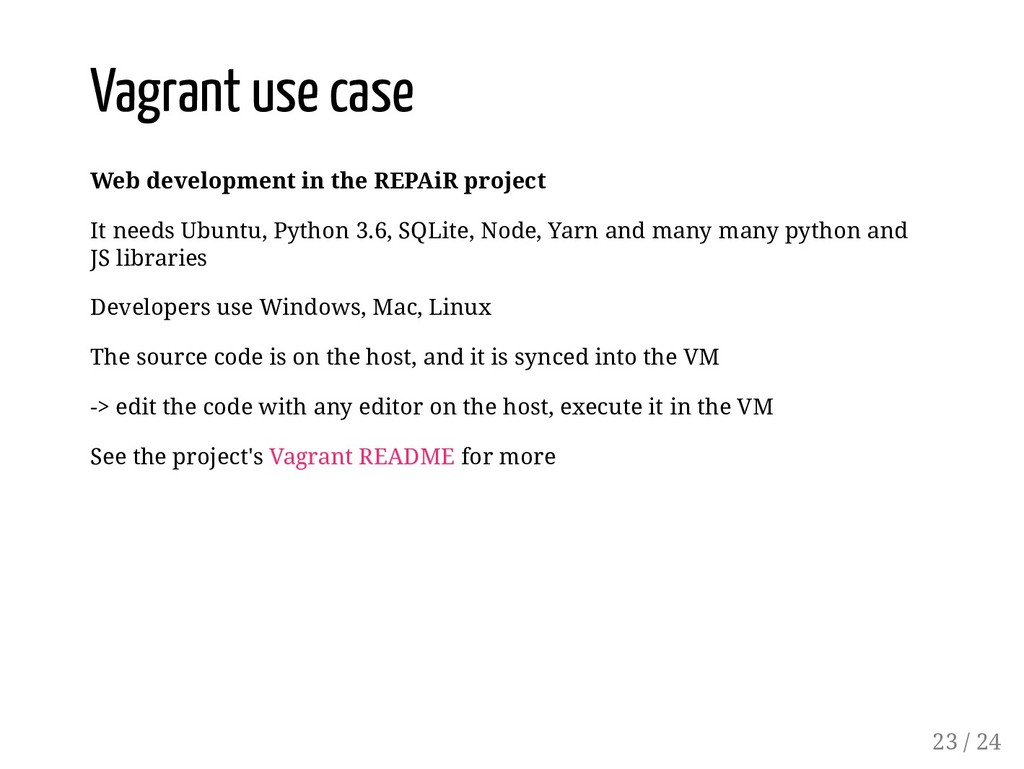
needs Ubuntu, Python 3.6, SQLite, Node, Yarn and many many python and JS libraries Developers use Windows, Mac, Linux The source code is on the host, and it is synced into the VM -> edit the code with any editor on the host, execute it in the VM See the project's Vagrant README for more 23 / 24
Create and Manage Virtualized Development Environments. " O'Reilly Media, Inc.". Matthias, K., & Kane, S. P. (2015). Docker: Up & Running: Shipping Reliable Containers in Production. " O'Reilly Media, Inc.". McKendrick, R., & Gallagher, S. (2017). Mastering Docker. Packt Publishing Ltd. Stoneman, E. (2017). Docker on Windows: From 101 to Production with Docker on Windows. Packt Publishing Ltd. 24 / 24


 balazsdukai
 optim
optim
 tosite
 siroemk
 ryu1013
 dske104
 eed3si9n
 chobishiba
.jpg) yumnumm
yumnumm
 y0hgi
y0hgi
 tomokon
 yasaichi
 aleyda
 tammyeverts
 csswizardry
 uxyall
 rkaga
rkaga
 cassininazir
 codingconduct
 katarinadahlin
 62gerente
 chikuwait
 samtorres
 dugsong