Presented to the Women Who Code meetup group in Santa Clara, CA: http://www.meetup.com/Women-Who-Code-Silicon-Valley/events/227661314/
Feel free to join the Apple Watch meetup group for more presentations like this: http://www.meetup.com/apple-watch/
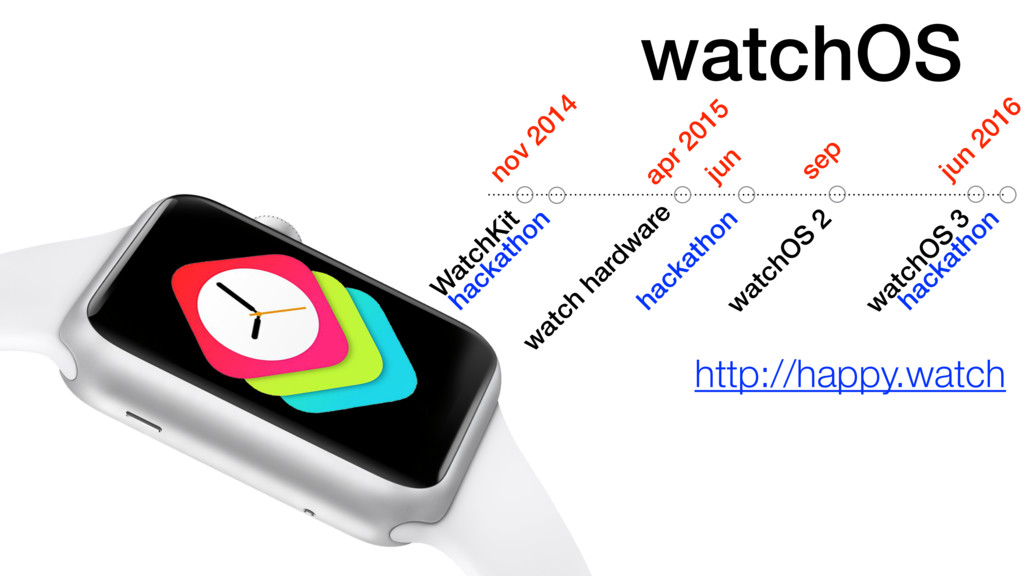
Timeline
April 24 Watch & WatchKit
September 21 watchOS 2
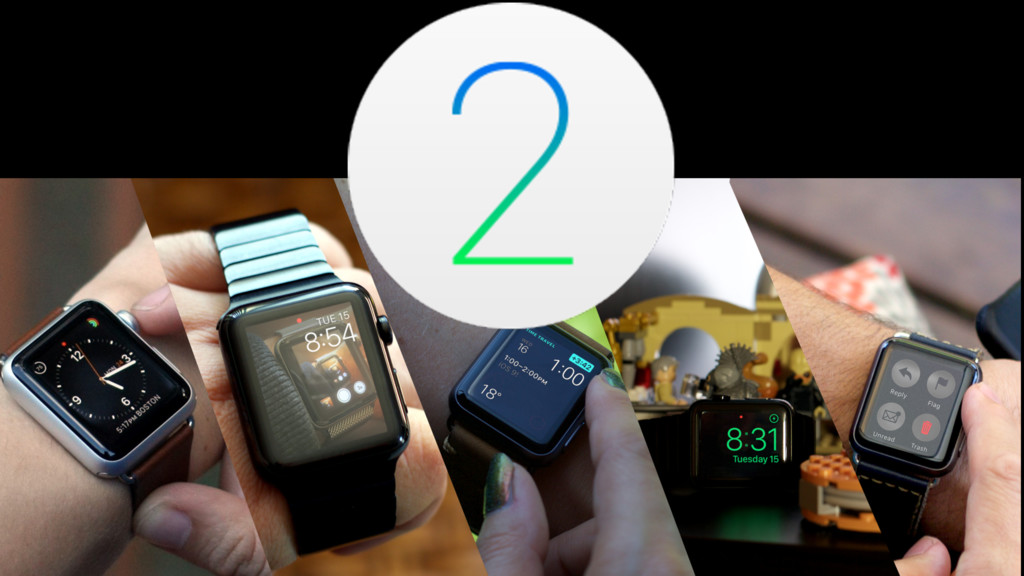
watchOS 2 Features
* New faces: Photos, Photo Albums, Live Photos, and Timelapses
* Custom Complications: upcoming flights or hotels, your next pill dosage, whether it's going to rain in a half-hour, or how long you've been working out
* Time Travel: travel through time while checking this information with the flick of your watch's Digital Crown
* Nightstand mode: Slight movement causes green cock to light up. Set an alarm, and you can use the Digital Crown and Side Button as snooze and off buttons, respectively.
* Mail: reply to emails
* Multiple friend groups
* Multi-color sketches
* Ten new 3D animated emoji
* Transit: Want to get away by bus, train, or automobile? The Maps app in watchOS 2 lets you do all of that, helping calculate estimated times, tapping you on the wrist to get on or off public transportation, and the like.
* Music: shortcuts for starting Beats 1 radio, My Music, Playlists, and viewing the Now Playing screen. Quick Play, which randomly serves up either shuffled music from your library (with no Apple Music subscription) or a randomly selected playlist or artist collection based on your tastes. Siri allows you to ask about top songs from the 1980s
* Native apps: access the heart sensor and Digital Crown; get Wi-Fi without the iPhone present; add custom complications and glances for you to choose from; and use the Taptic Engine to create vibration patterns.
More watchOS 2 Features
Like with iOS 9, there is too much. We must sum up. So, in closing, here are some other cool features that you might spot while out and about with iOS 9:
* The Activity app lets you check your weekly summary at any time.
* Third-party workout apps can request sensor data and write to the Activity app, increasing your ring data.
* The watch now supports FaceTime audio calls and Wi-Fi calling (if supported on your local network).
* Notifications include inline text replies from any app—third-party or otherwise.
* The passcode screen has larger, more square buttons, making for easier touch targets.
* Siri can pull up Glances.
* AirPlay button in Glances allows you to switch between Bluetooth headphones and speakers.
* You can now select to leave the screen on after a wake tap for 15 or 70 seconds.
* You can manage custom complications from the Apple Watch app.
* Workouts save automatically when you end them.
* You no longer have to mirror Airplane mode on the iPhone and watch—there's a setting for that.
* You can create up to twenty pre-written replies in the Apple Watch app, under Messages.
* Activation Lock now exists for the Apple Watch on pairing, preventing it from being operational if it falls into the wrong hands.
Presented to Women Who Code meetup group in Santa Clara, CA on March 1, 2016.
What should a watch be?
You want notifications and health features, but you don’t want it to look like a rubber sweatband. You want a device that makes sense for your life and your wallet. You want to try a smartwatch without a huge investment, one that continues to adapt and evolve to your changing needs.
My favorite moments with my watch are the ones when I don’t need to actually touch it; get a tap, lift my arms, read the notification, lower my arm. Very infrequently do I immediately take action.
I haven’t opened the Mail app on Apple Watch in months, but I get notifications many times a day. If my Apple Watch pinged me every time I received an email (like I have it set on my phone) I would have turned it off ages ago, but the ability to independently distill alerts to just my VIP contacts makes it feel more personalized. It’s more like a service than an app, and the same should be true for all the notifications I receive: Messages, NBA, Dark Sky, etc. This is Apple Watch’s greatest strength, and its evolution needs to embrace control over notifications for all apps, not just Apple’s.
What to expect with second generation Apple Watch in the spring
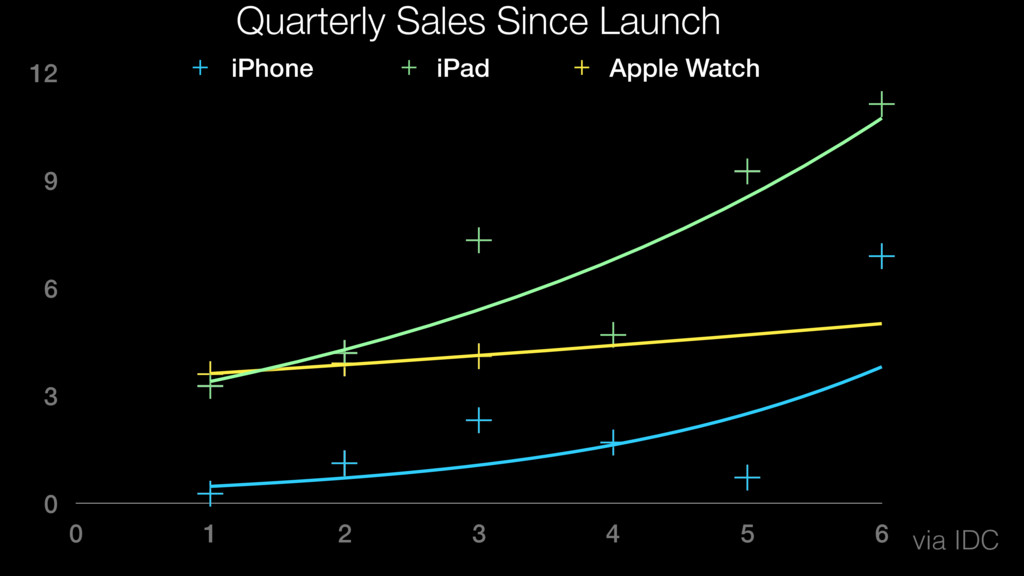
There will be no Apple Watch this spring.
Bands
multiple new colors for the rubberized Sport bands, new Hermès bands
a ‘space black’ version of the Milanese Loop
a ‘space black’ version of the Classic Buckle
“high-quality” NATO-style nylon bands for the Apple Watch
Software
watchOS 2.2 so far has added a totally revamped Apple Maps app and glance. The app includes a new screen of actions and Nearby search powered by Yelp. Previously, Maps launched to a current location view, but with watchOS 2.2, Apple Watch can instantly navigate to work and home addresses and find local business organized by type. iOS 9.3 also includes the ability to use multiple watches with a single iPhone.
Next fall
Hardware
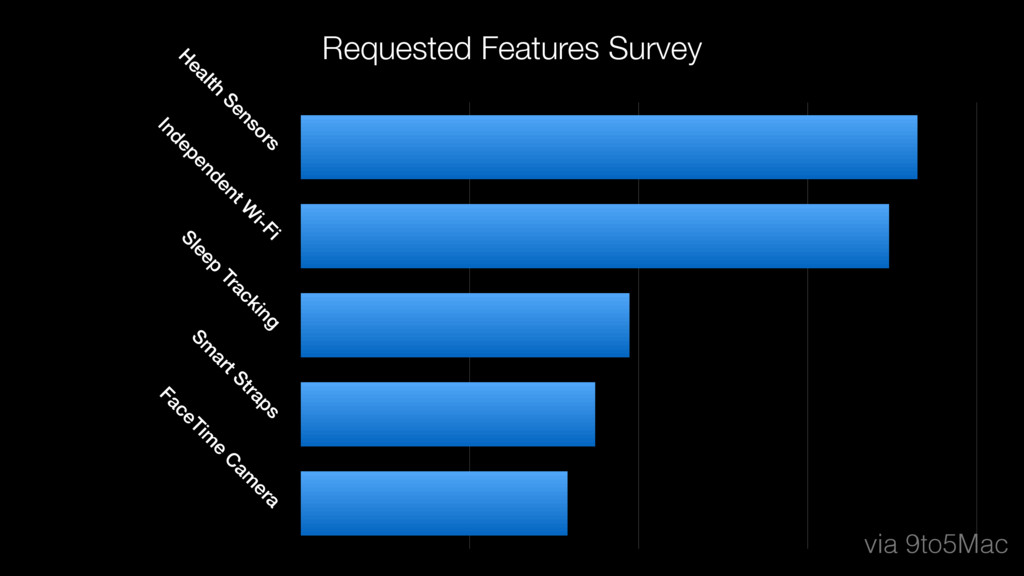
* FaceTime Video Camera
* More iPhone Independence
* Smart strap platform that allows third-party band makers to integrate additional sensors, batteries, or other tech that interfaces with the Apple Watch
* Hope for more health sensor technologies like perspiration, glucose, temperature, bodyfat, sodium, blood oxygen, sleep tracking… however…
* Battery Life shouldn’t change - finish each day with between 30% and 40% charge remaining // annual iPad strategy, new features without shifting away from the 2010 promise of 10 hour battery life // nightstand mode
* new models that will sit between the highest-end stainless steel Apple Watch and the entry-level 18-karat gold Apple Watch Edition. The company is looking at ways to attract customers at price points between $1,000 and $10,000. titanium, tungsten, palladium, platinum
* Apple prototypes several variations of future hardware products before release, so the plans for a camera-equipped model could ultimately be saved for another generation either due to roadmap changes or component availability
* Better processing power, the iWatch has about 1/4 of the processing power of the Samsung variants. Developers have been saying that their hands are tied because the watch simpley can not handle tasks without becoming sluggish.
Software
* More workouts: swim, yoga, weightlifting. Not even to provide instructions, but just to acknowledge them as opposed to the “Other” category you have to use right now
* Workouts should prompt you to end automatically if it detects a difference in the type of activity you’re doing for an extended period.
* Steps should be counted from both iPhone and Apple Watch dynamically and merged automatically. Right now it works as if there is a primary device only.
* Tether less wifi
* Messaging
* Access your 12 favorite apps rather than contacts, but while the shortcuts would at least cut down on the amount of fumbling users need to do to open an app
* Apps to access physical things like an August door lock or my Hyundai should pop up on the screen when I’m going to need them, like how that Starbucks icon appears on my iPhone’s home screen when I’m nearby.
* There’s no interface or app store; you just ask it something and it delivers. Siri on Apple Watch is so good, I should be able to ask Blue Link to start my car or query Dark Sky about rain patterns without wading through a pool of icons. Apps on Apple Watch should be little more than background process and services, always ready to deliver the information at a glance, exactly when we need it.
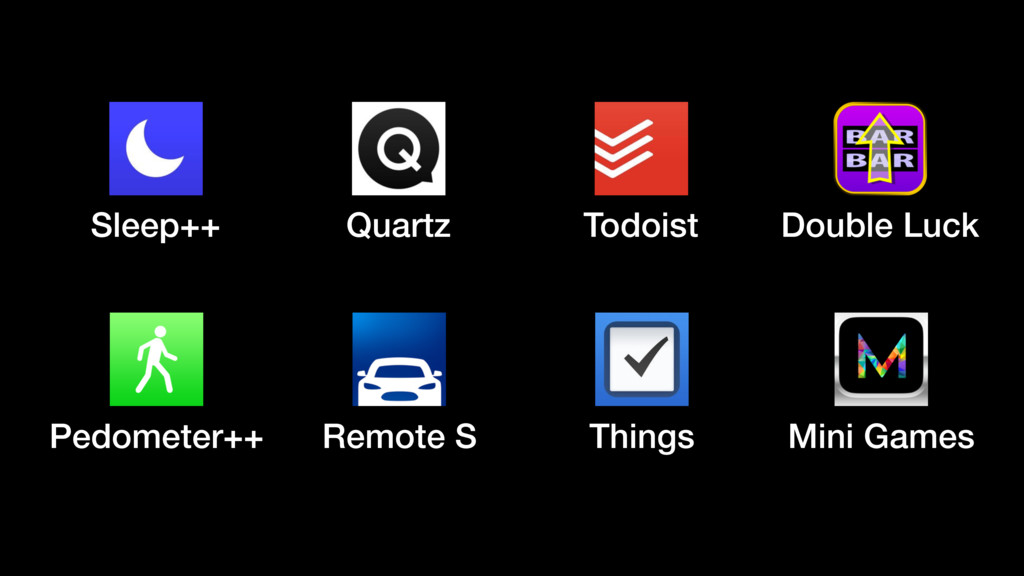
Some of the hits and misses in the App Store for watchOS apps during the first year
* Pedometer++, Sleep++
* Remote S: Summon Tesla, open garage door with homelink
* Quartz news: conversational like text messages and you can ask for clarification or more details
* Todoist & Things: complication that you can choose to display the number of remaining tasks for the day and the name of your next task, among other options.
Problems
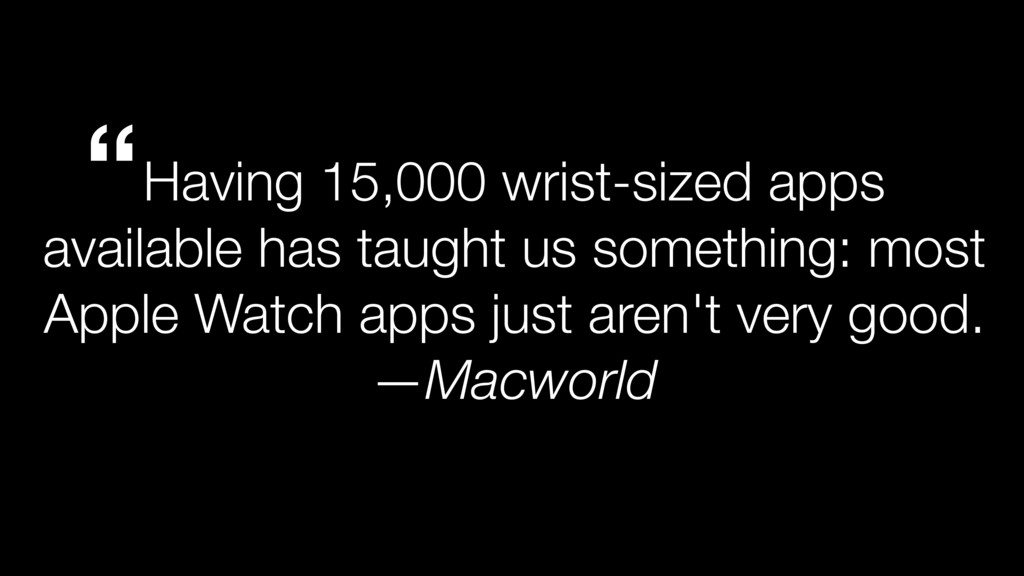
* But where apps are interactive and fluid on iOS, on the Apple Watch they’re little more than snapshots. News apps are reduced to headlines, weather apps are distilled to basic stats, and most of what makes them unique and identifiable is stripped away.
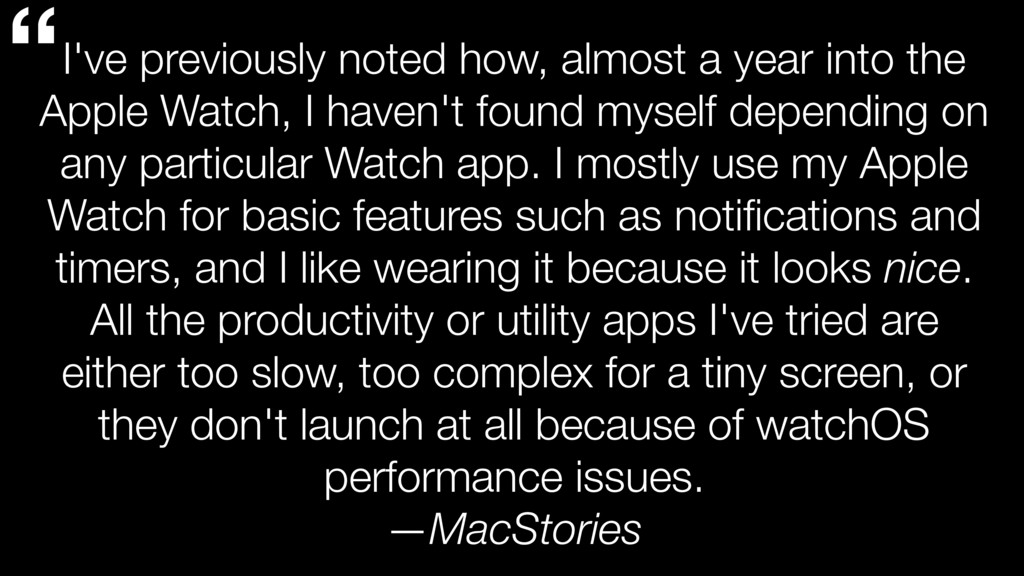
* On my Apple Watch, opening apps is a bit of a chore. If I initiate an interaction at all, I generally stick to Glances, and when I do enter the home screen, I can barely remember where anything is.
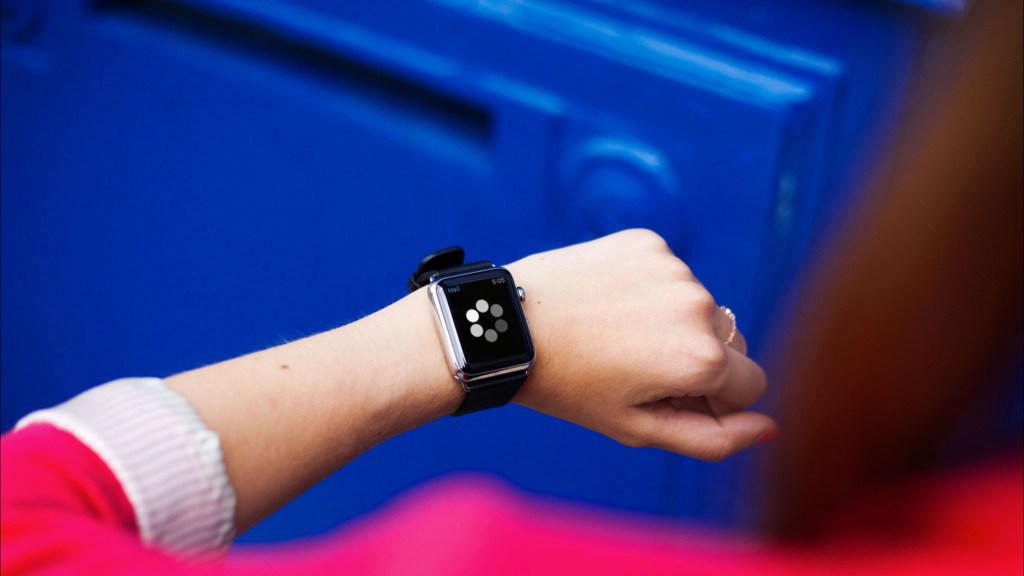
* On average Apple Watch apps take several steps to get to and several seconds to open, and in a world where instant is the norm, that’s just too long, especially when you’re only getting a stripped-down, feature-poor version.
* press the Digital Crown, find the app, wait for it to load, tap “Remote Start,” enter my pin and wait (and that’s if it works on the first try).
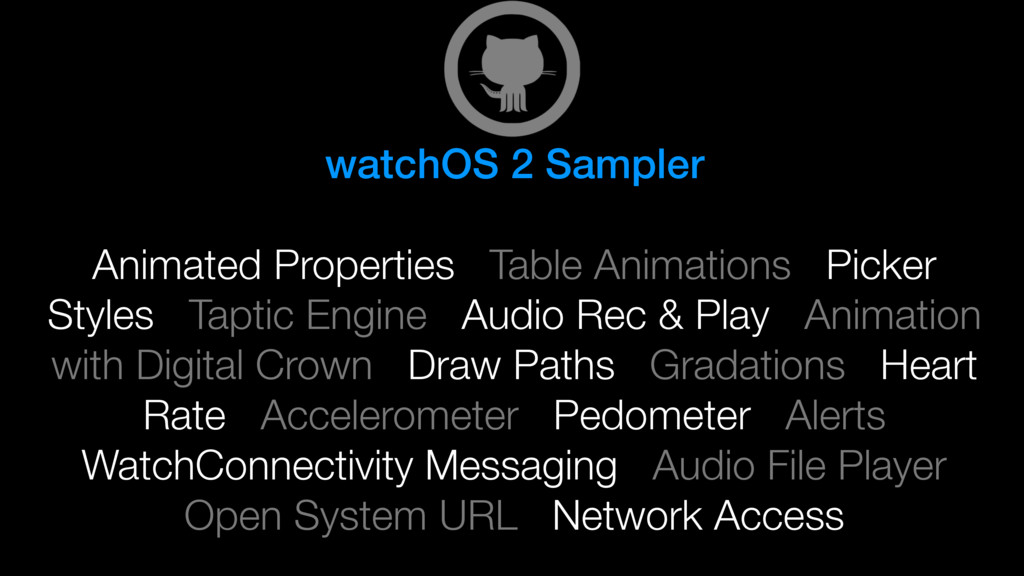
Insights into under-utilized SDK features for watchOS apps


 benmorrow
 kash1064
 bgpat
bgpat
 techtekt
 ezaki
ezaki
 ueponx
 kizawa2020
 namiki64
 teamlab
 nttcom
 usanchuu
 kzkhykw1991
 genda
genda
 danielanewman
 axbom
axbom
 sergeychernyshev
 malarkey
 rasmusluckow
 inesmontani
 codingconduct
 philnash
 chrisshort
 jlugia
 jdejongh
 chriscoyier