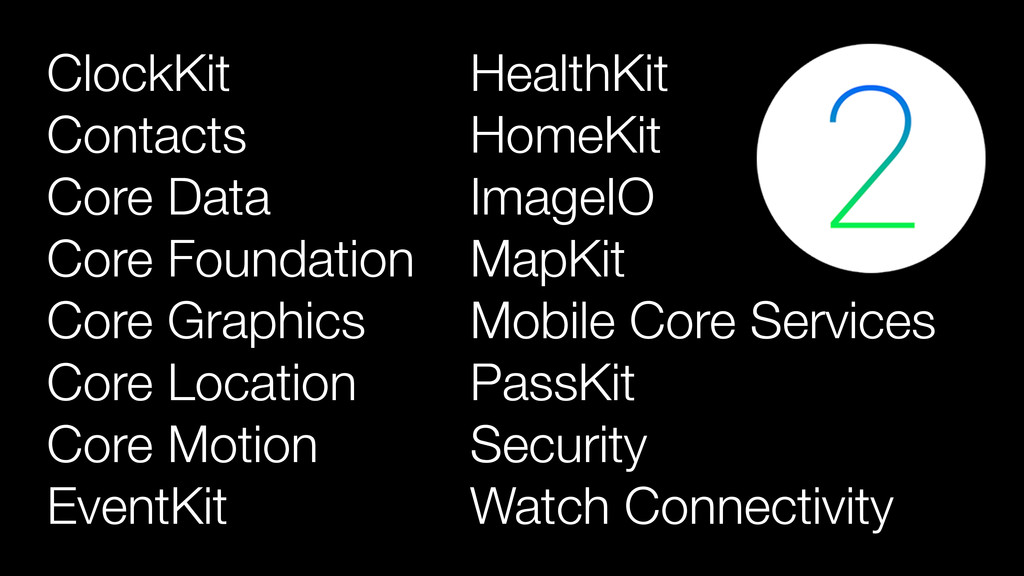
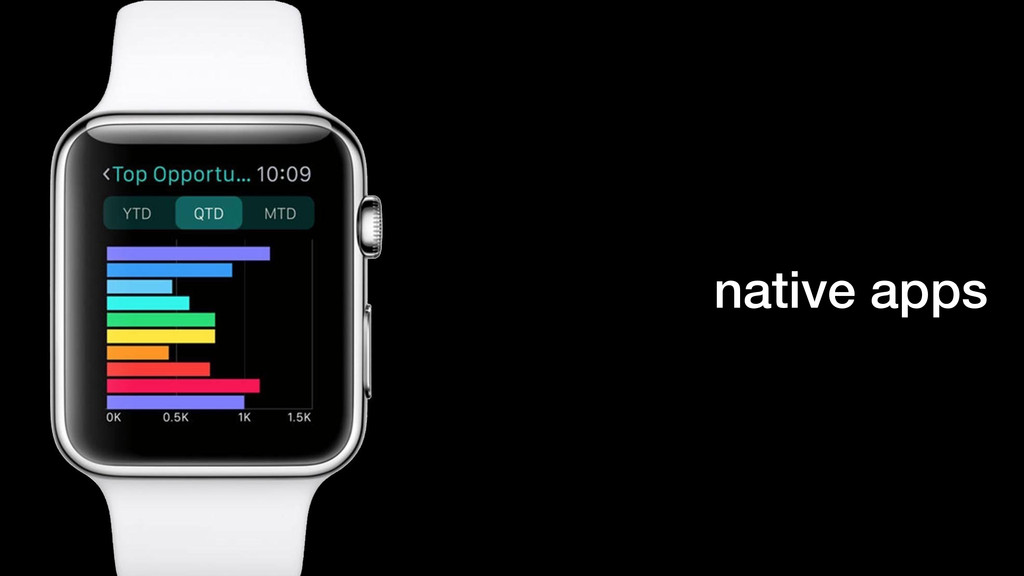
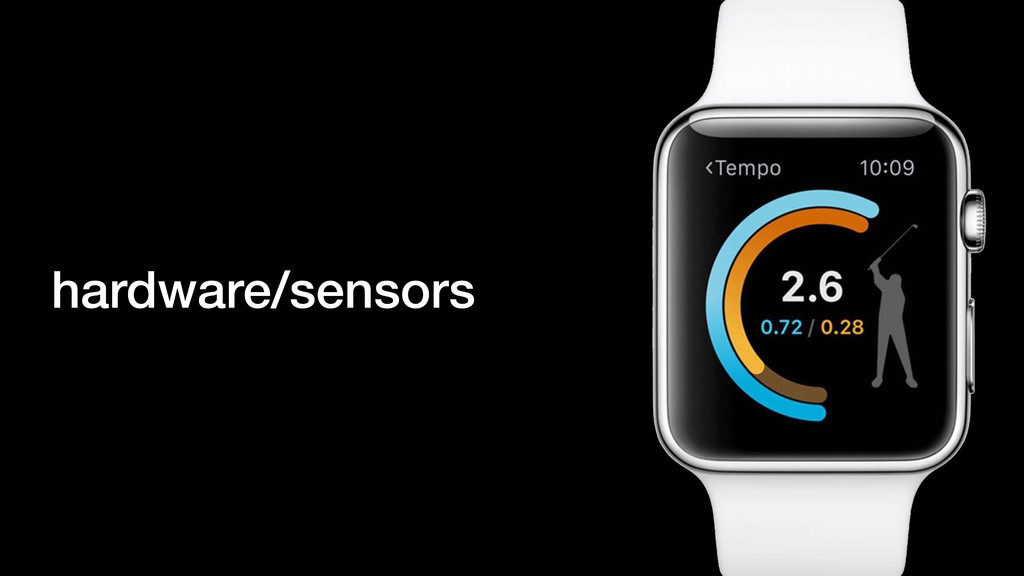
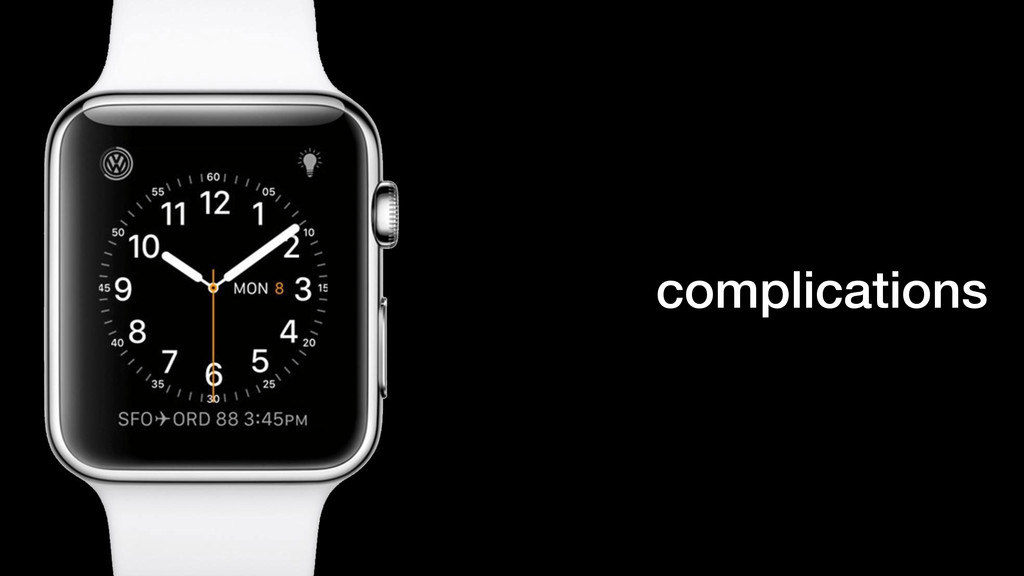
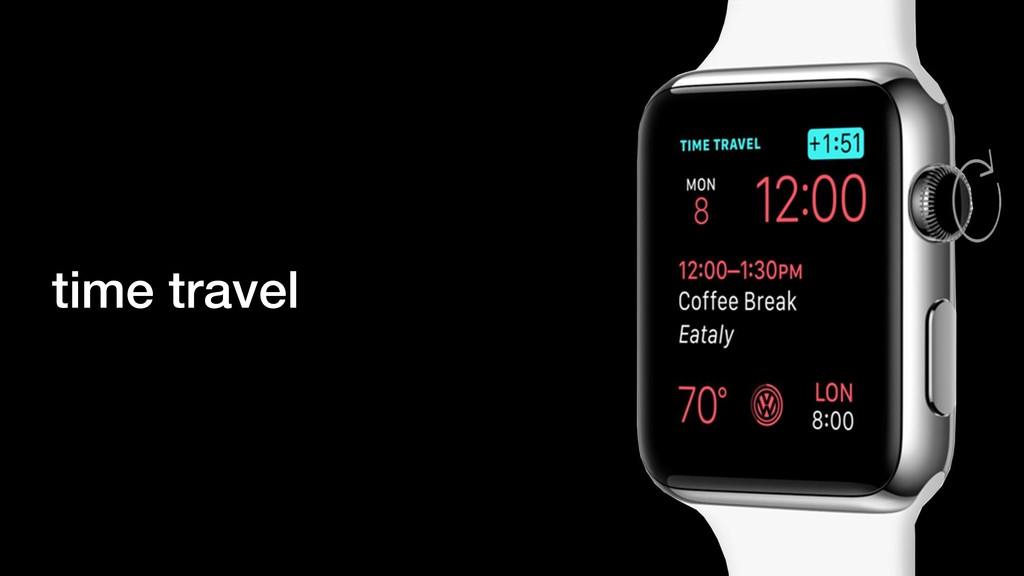
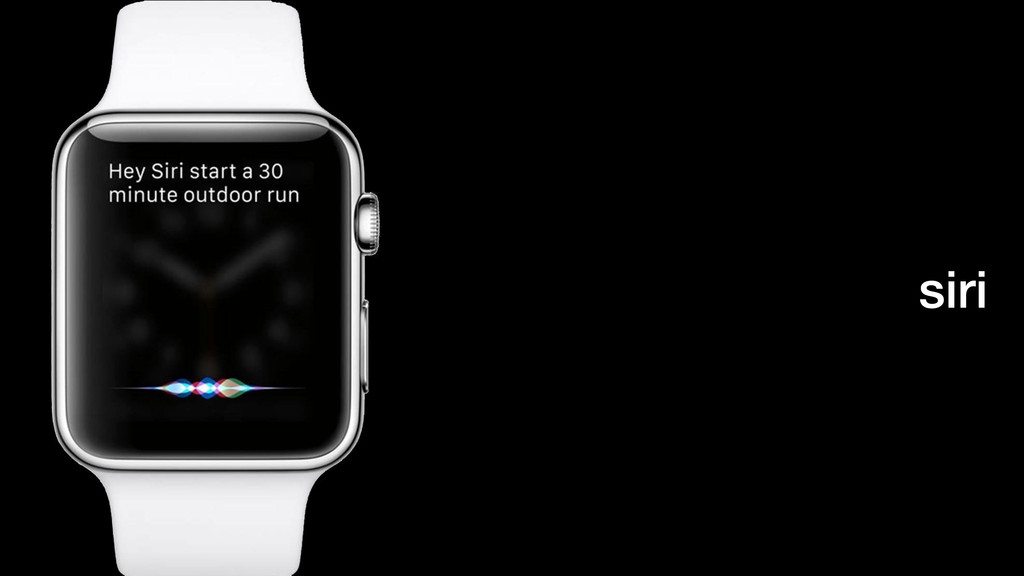
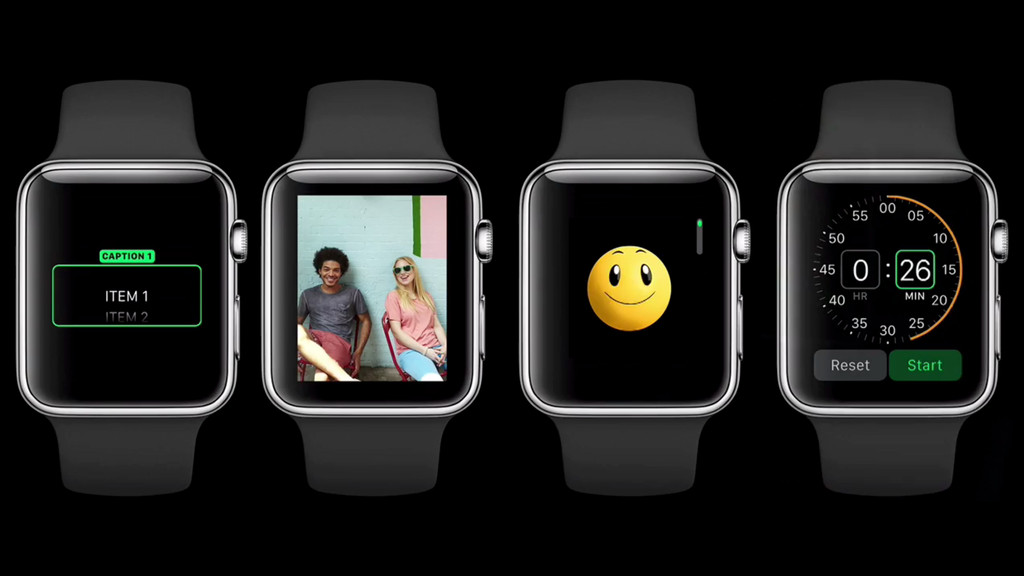
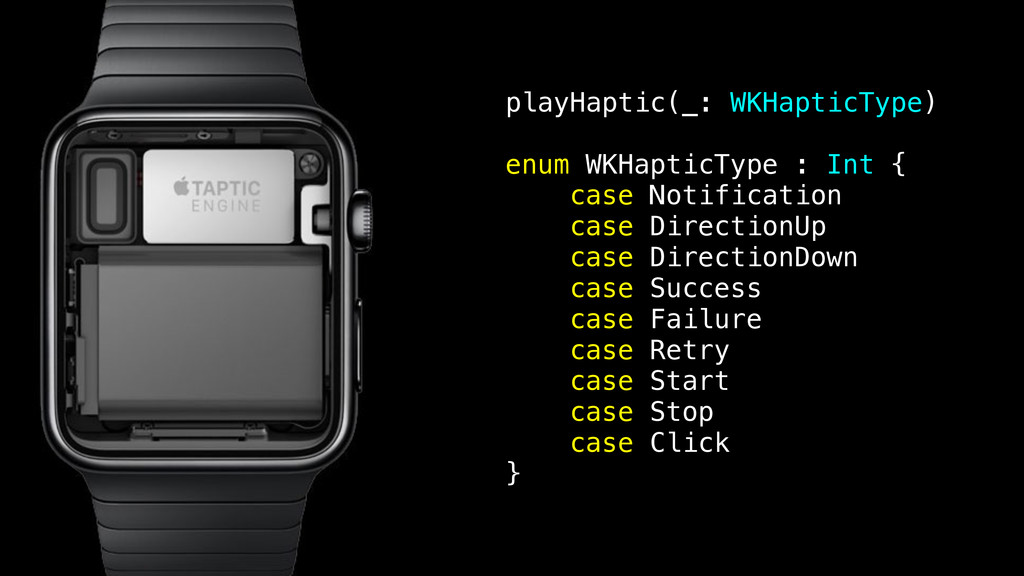
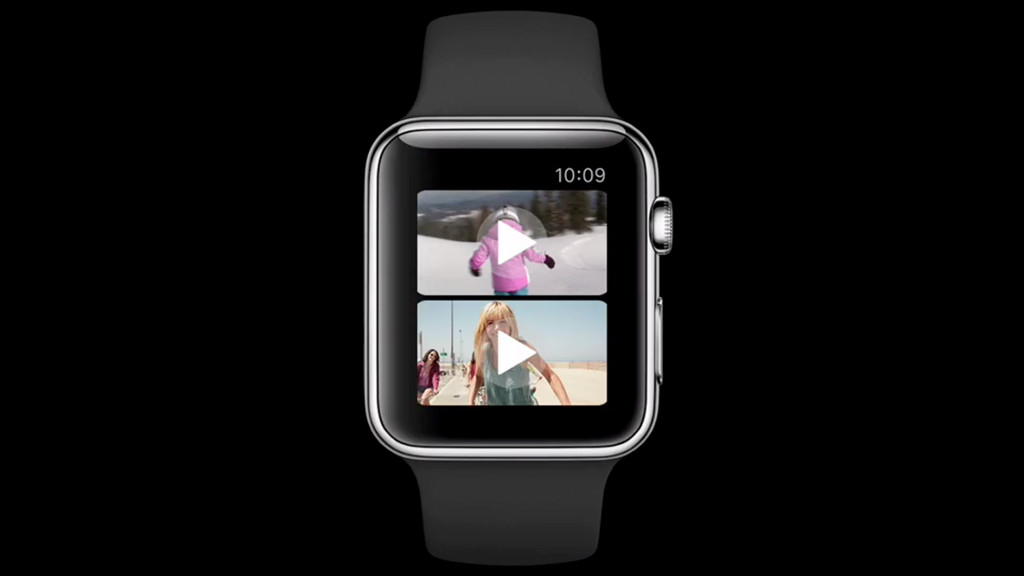
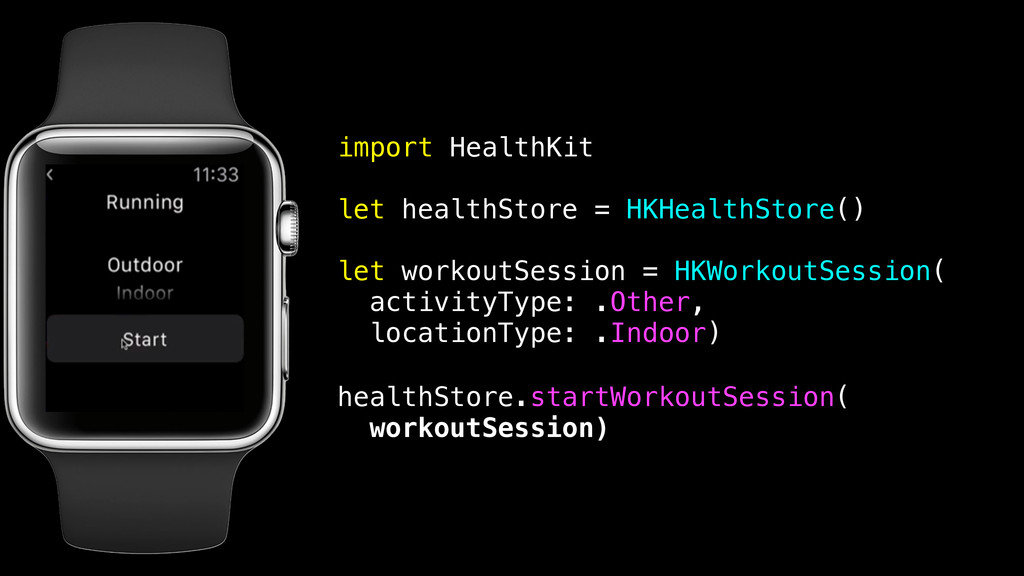
The operating system for Apple Watch now has a proper name and struts some brand new tricks. If you learned how to use WatchKit over the past year, you might find it fun that apps now can run on the Watch hardware and take advantage of the sensors. We’ll step through real world use cases of apps written for watchOS 2 and answer questions about what is possible.
Ben Morrow is a developer, author, and hackathon organizer. With the Apple Watch community, he's been working on apps made for the new device platform. Find more video and code at http://happy.watch


 benmorrow
 shihochan
 akase244
 ryu1013
 eed3si9n
 marcoroth
 texmeijin
 iwiwi
iwiwi
 o0h
o0h
 sylph01
 yutobara
 morizo_1984
 oniak3ibm
 eitanlees
 reverentgeek
 codingconduct
 skipperchong
 eileencodes
 tammyeverts
 inesmontani
 shpigford
 nikkihalliwell
 jmmastey
 sabderemane