Upgrade to Pro — share decks privately, control downloads, hide ads and more …

ARKit for Graphics Beginners

ARKit for Graphics Beginners

A beginners guide to getting acquainted with ARKit and its capabilities.

Sample Code:
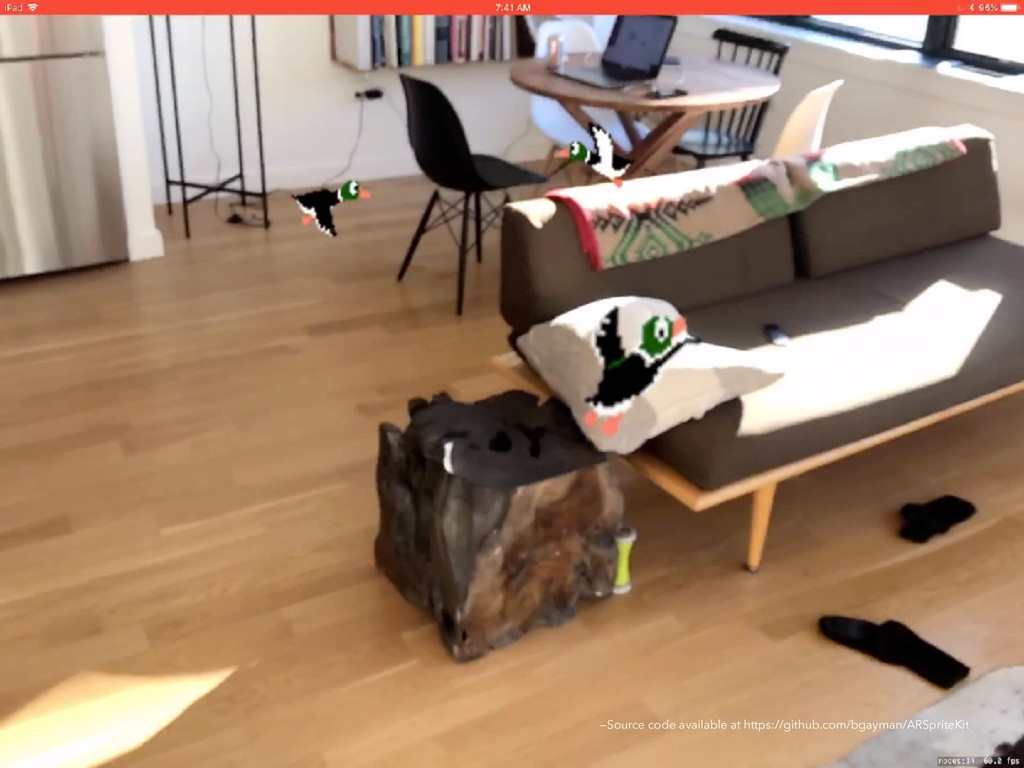
AR with SpriteKit: https://github.com/bgayman/ARSpriteKit
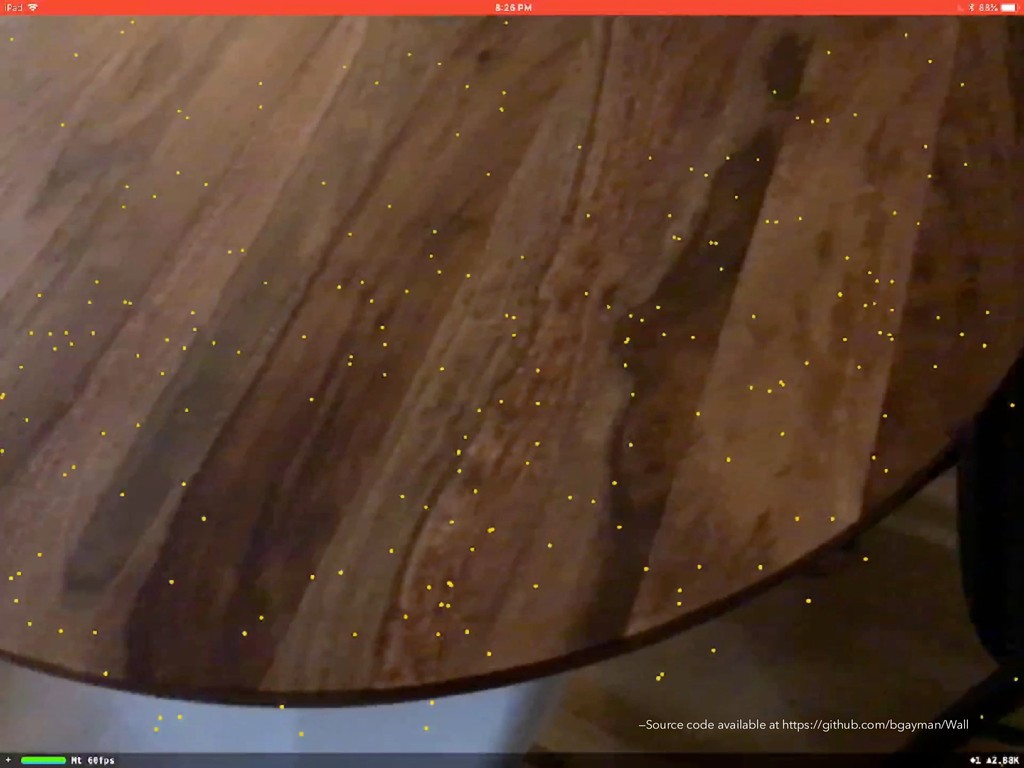
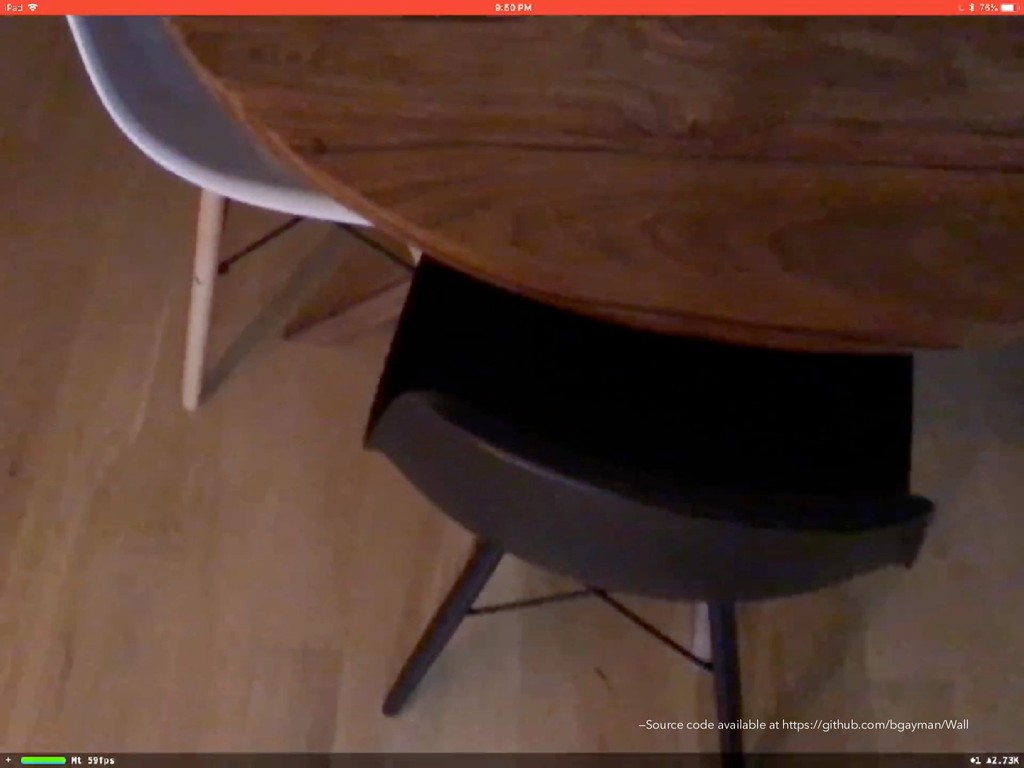
AR with Plane Anchors: https://github.com/bgayman/Wall
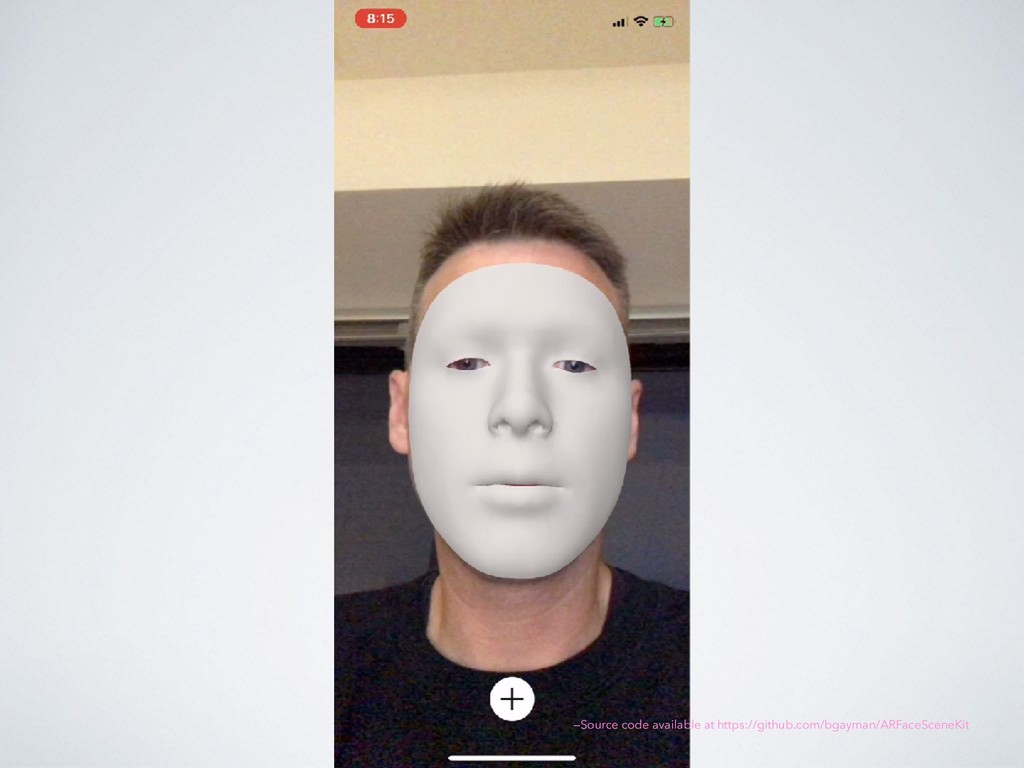
AR with Face Anchors: https://github.com/bgayman/ARFaceSceneKit
AR with Image Anchors: https://github.com/bgayman/ARImageSceneKit

Talk given at Women in iOS Meetup

Avatar for Brad Gayman

Brad Gayman

April 25, 2018

More Decks by Brad Gayman

Other Decks in Technology

Transcript

  1. ARKit F o r G r a p h i

    c s B e g i n n e r s
  2. Augmented Reality Augmented reality (AR) describes user experiences that add

    2D or 3D elements to the live view from a device's camera in a way that makes those elements appear to inhabit the real world. —Apple Developer Documentation
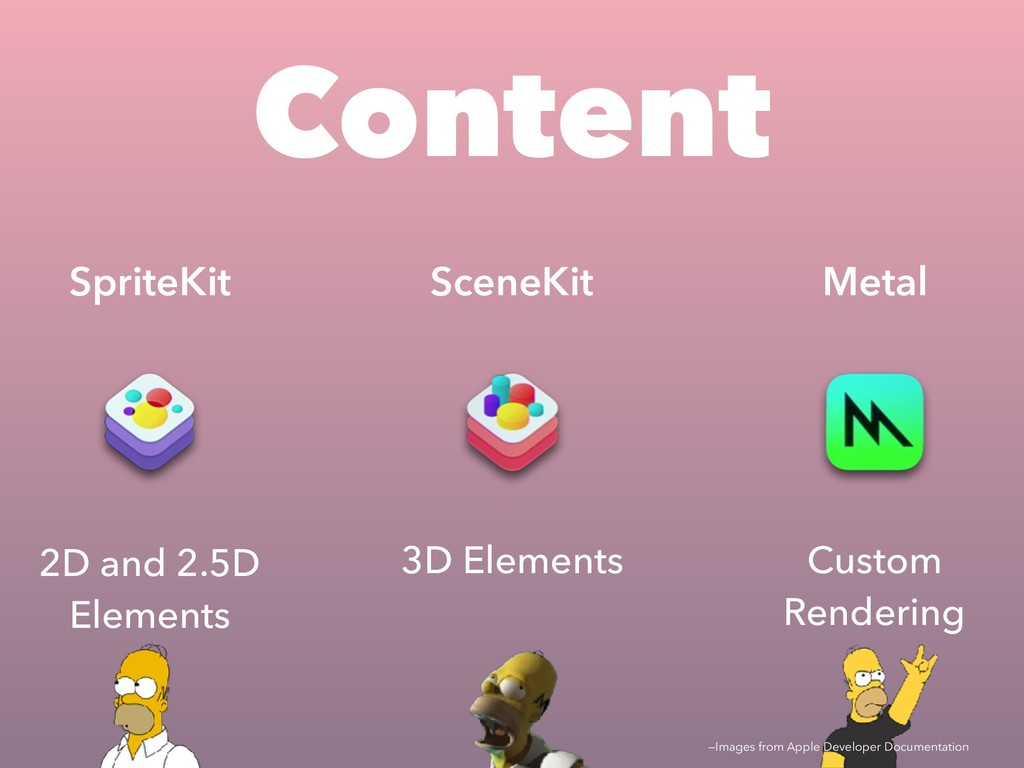
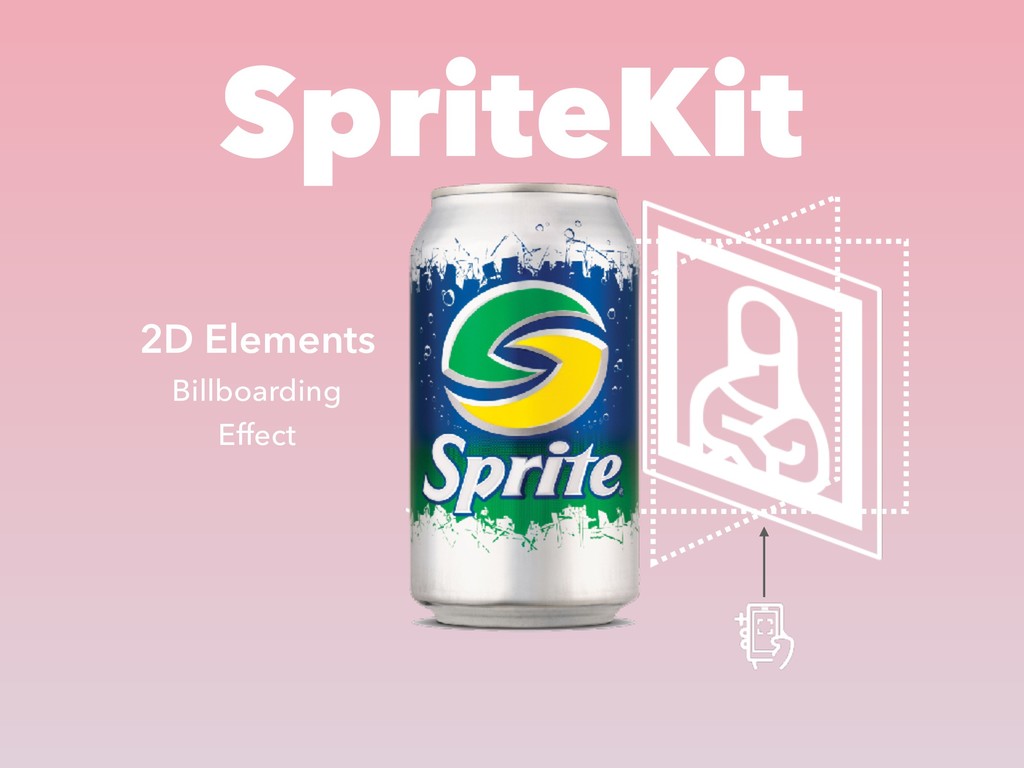
  3. SpriteKit 2D and 2.5D Elements SceneKit 3D Elements Content Metal

    Custom Rendering —Images from Apple Developer Documentation
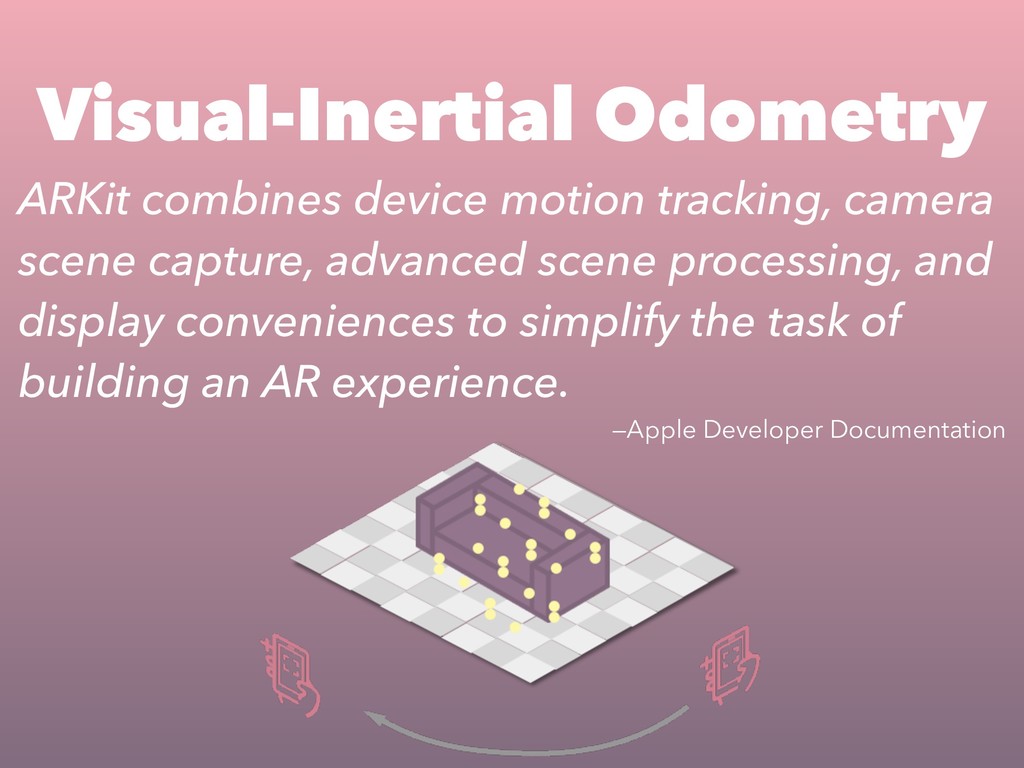
  4. ARKit combines device motion tracking, camera scene capture, advanced scene

    processing, and display conveniences to simplify the task of building an AR experience. —Apple Developer Documentation Visual-Inertial Odometry
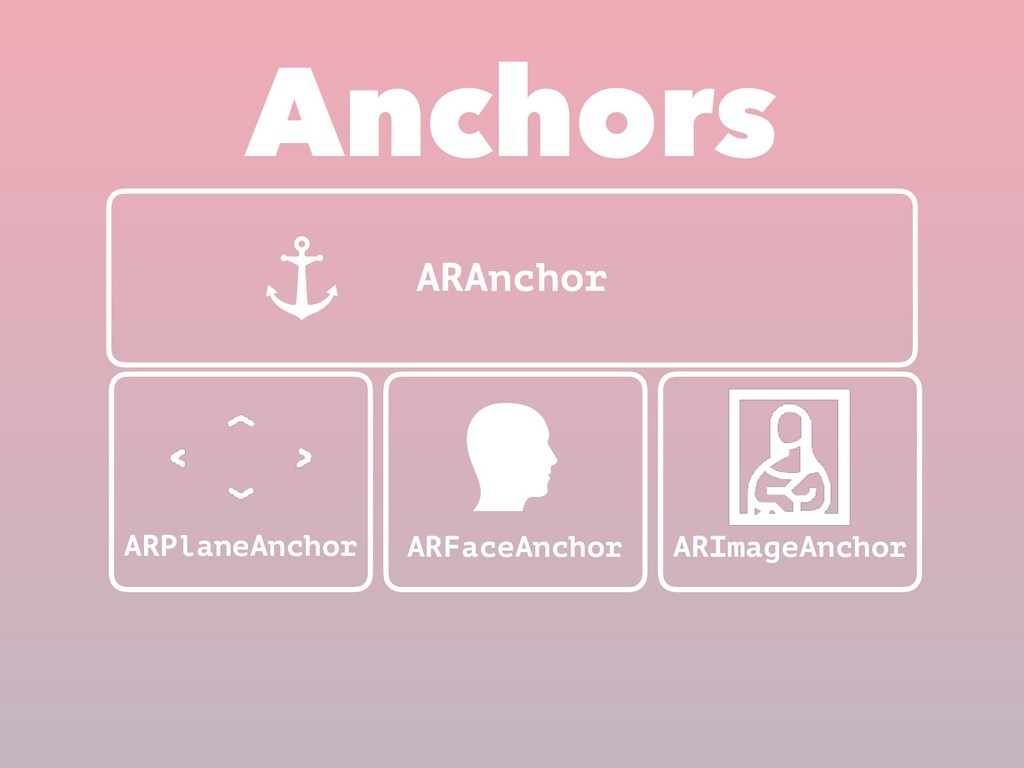
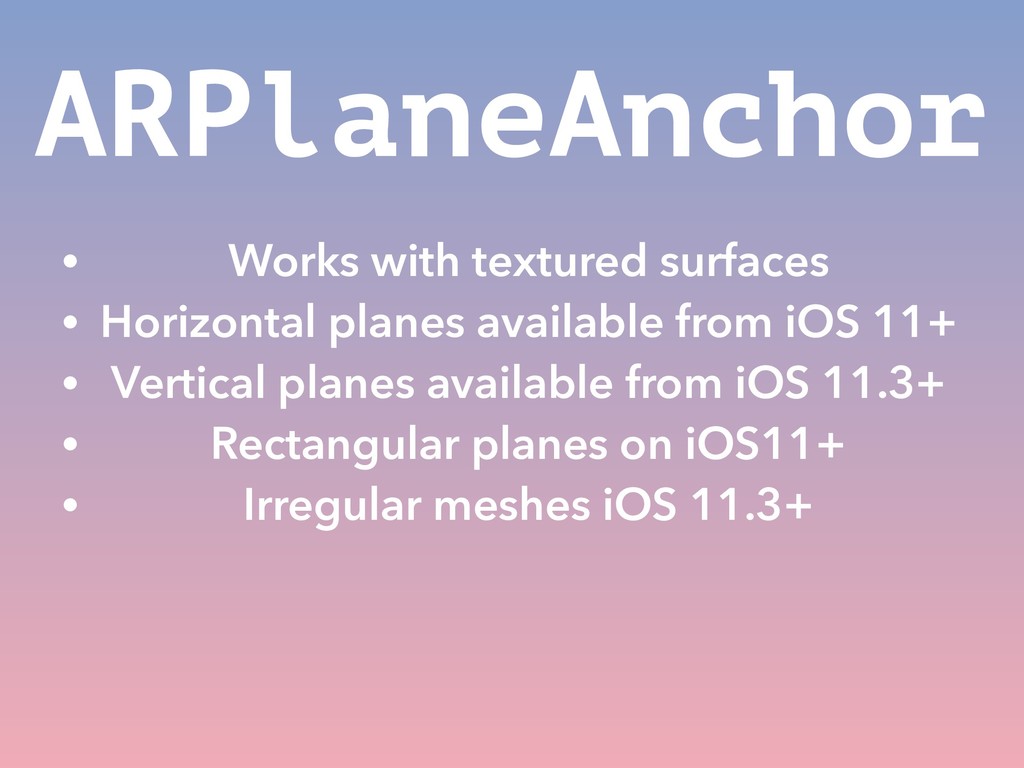
  5. ARPlaneAnchor • Works with textured surfaces • Horizontal planes available

    from iOS 11+ • Vertical planes available from iOS 11.3+ • Rectangular planes on iOS11+ • Irregular meshes iOS 11.3+
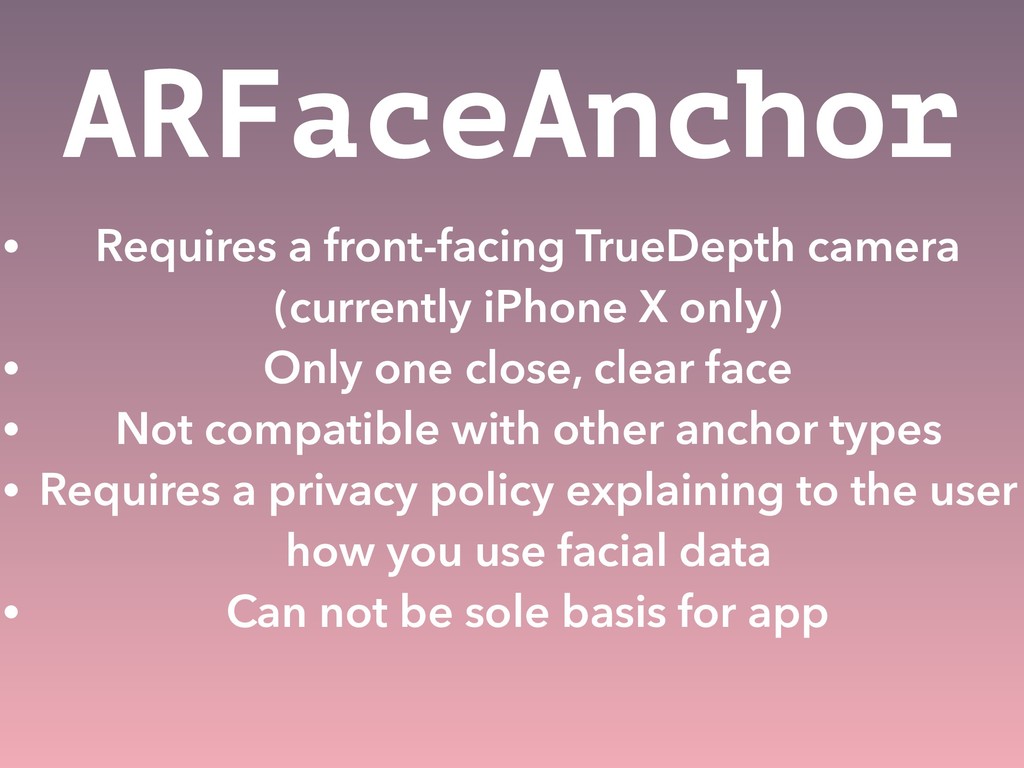
  6. ARFaceAnchor • Requires a front-facing TrueDepth camera (currently iPhone X

    only) • Only one close, clear face • Not compatible with other anchor types • Requires a privacy policy explaining to the user how you use facial data • Can not be sole basis for app
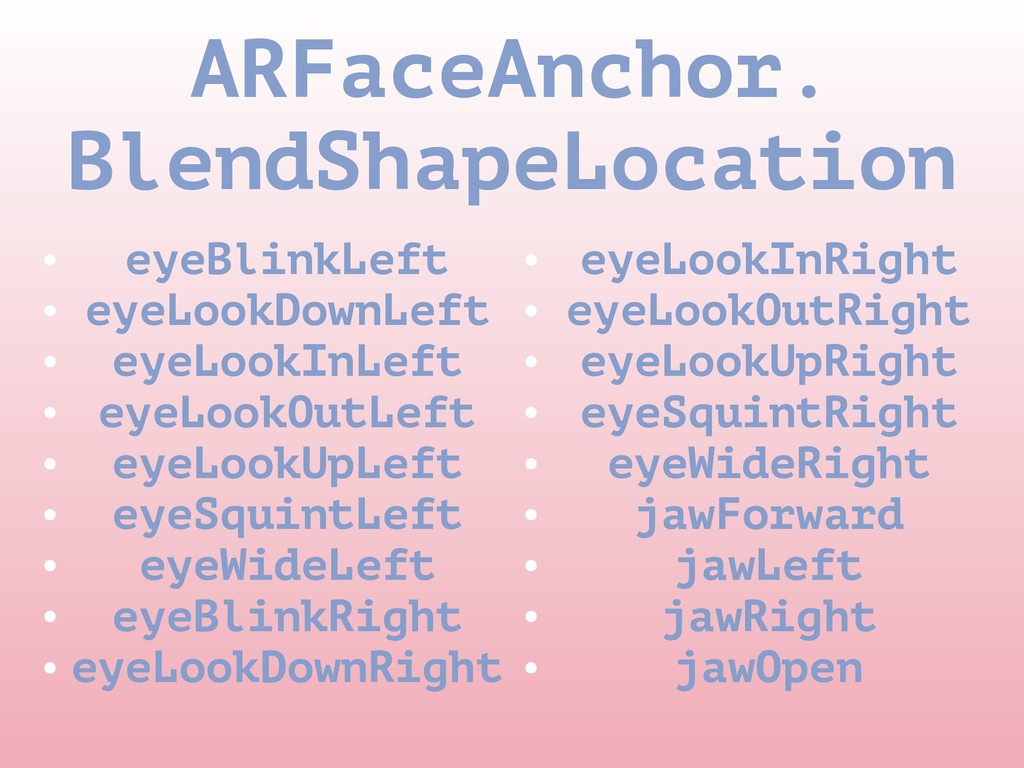
  7. ARFaceAnchor. BlendShapeLocation • eyeBlinkLeft • eyeLookDownLeft • eyeLookInLeft • eyeLookOutLeft

    • eyeLookUpLeft • eyeSquintLeft • eyeWideLeft • eyeBlinkRight • eyeLookDownRight • eyeLookInRight • eyeLookOutRight • eyeLookUpRight • eyeSquintRight • eyeWideRight • jawForward • jawLeft • jawRight • jawOpen
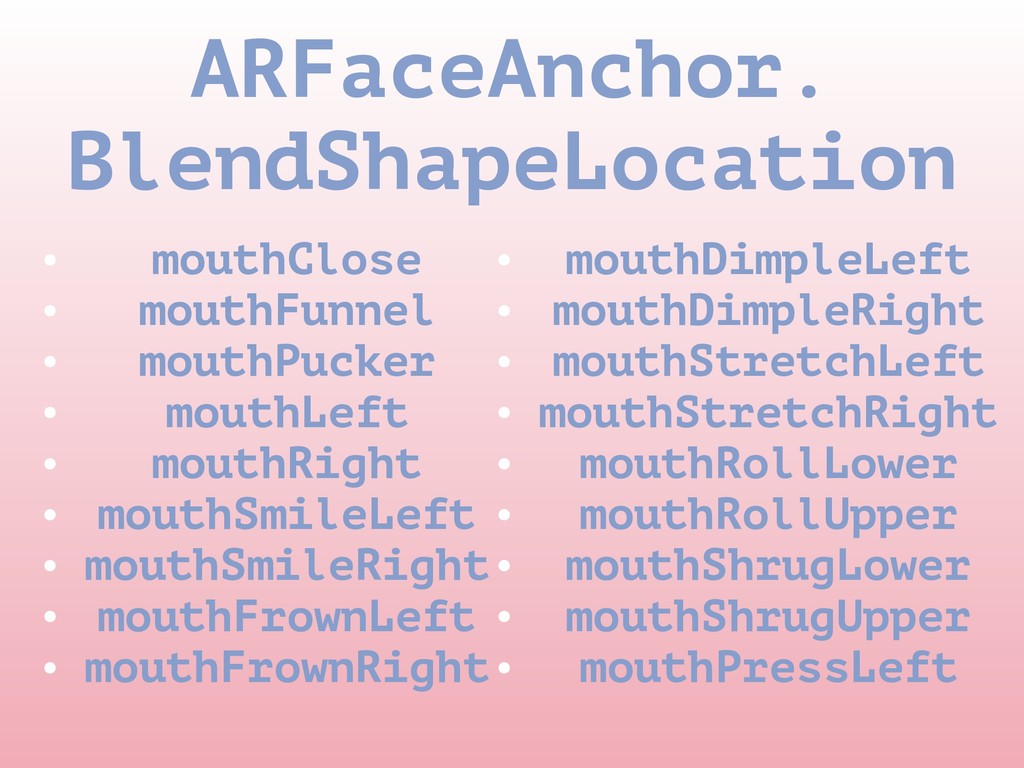
  8. ARFaceAnchor. BlendShapeLocation • mouthClose • mouthFunnel • mouthPucker • mouthLeft

    • mouthRight • mouthSmileLeft • mouthSmileRight • mouthFrownLeft • mouthFrownRight • mouthDimpleLeft • mouthDimpleRight • mouthStretchLeft • mouthStretchRight • mouthRollLower • mouthRollUpper • mouthShrugLower • mouthShrugUpper • mouthPressLeft
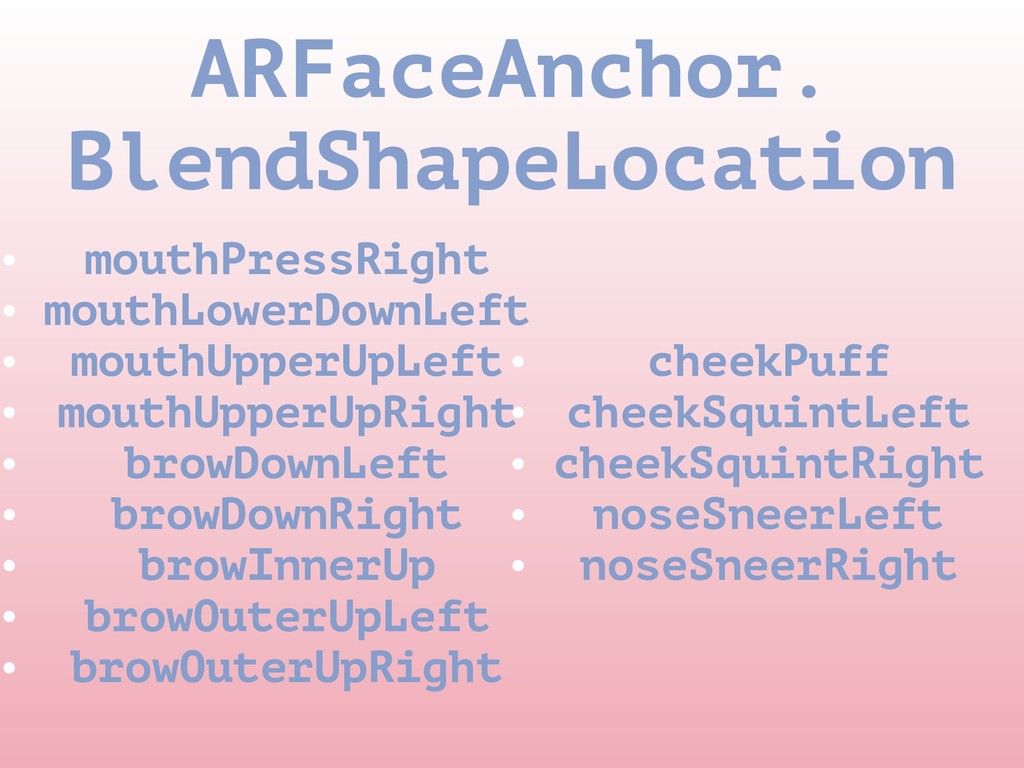
  9. ARFaceAnchor. BlendShapeLocation • mouthPressRight • mouthLowerDownLeft • mouthUpperUpLeft • mouthUpperUpRight

    • browDownLeft • browDownRight • browInnerUp • browOuterUpLeft • browOuterUpRight • cheekPuff • cheekSquintLeft • cheekSquintRight • noseSneerLeft • noseSneerRight
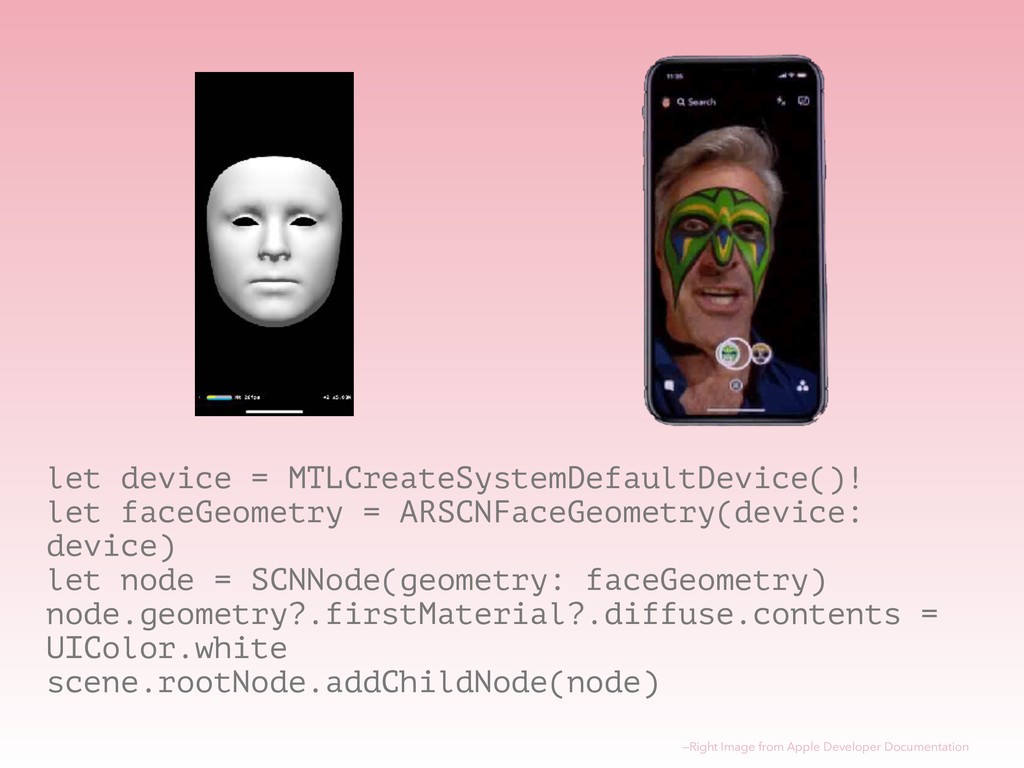
  10. let device = MTLCreateSystemDefaultDevice()! let faceGeometry = ARSCNFaceGeometry(device: device) let

    node = SCNNode(geometry: faceGeometry) node.geometry?.firstMaterial?.diffuse.contents = UIColor.white scene.rootNode.addChildNode(node) —Right Image from Apple Developer Documentation
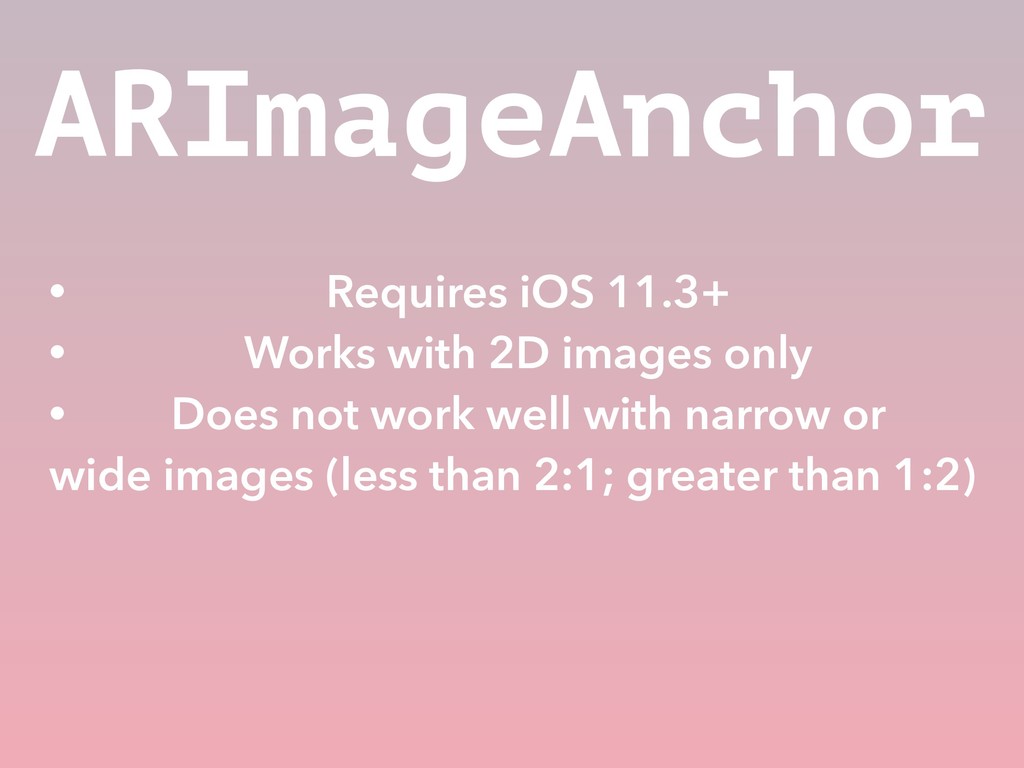
  11. ARImageAnchor • Requires iOS 11.3+ • Works with 2D images

    only • Does not work well with narrow or wide images (less than 2:1; greater than 1:2)