row of major point release • RealityKit - New framework for AR content built from the group up with AR in mind • Reality Composer - New AR content creation and workflow tool • Quicklook and Web - Expanded .usdz and .reality support ≈ 9 Sessions dealing with AR
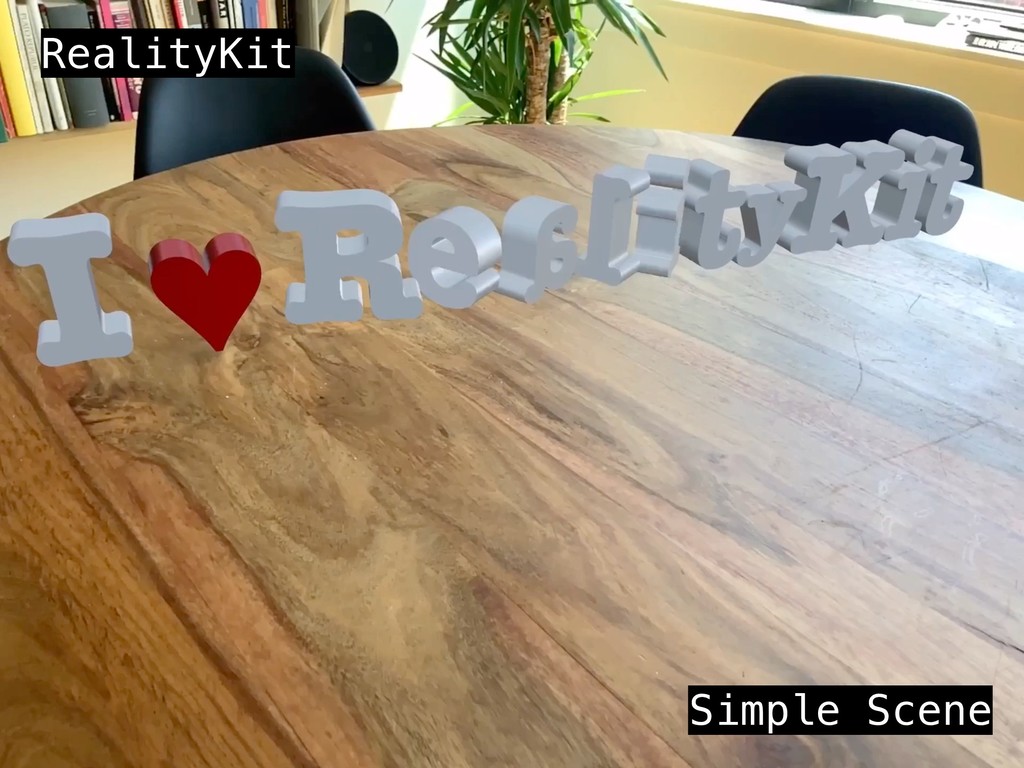
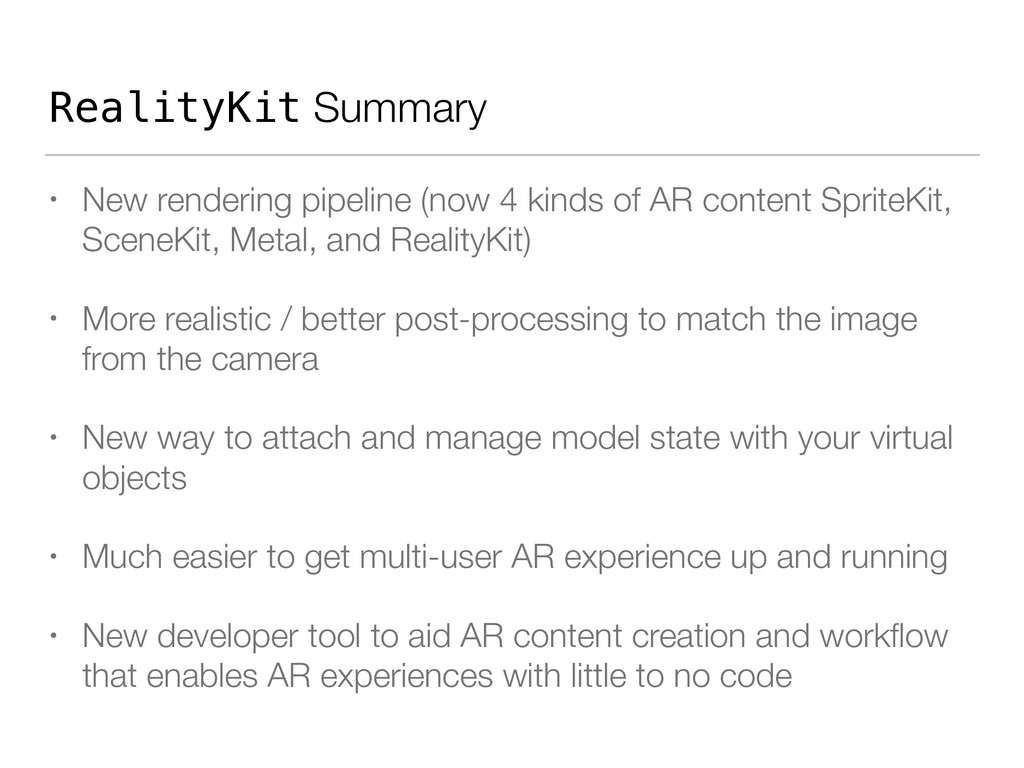
AR content SpriteKit, SceneKit, Metal, and RealityKit) • More realistic / better post-processing to match the image from the camera • New way to attach and manage model state with your virtual objects • Much easier to get multi-user AR experience up and running • New developer tool to aid AR content creation and workflow that enables AR experiences with little to no code
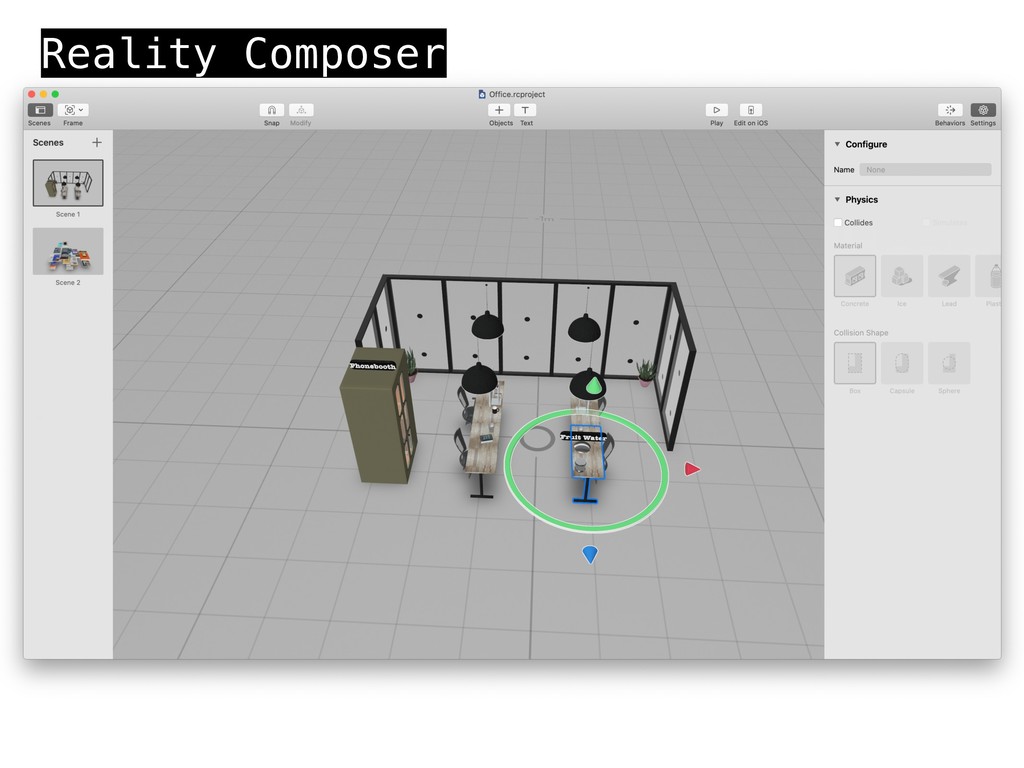
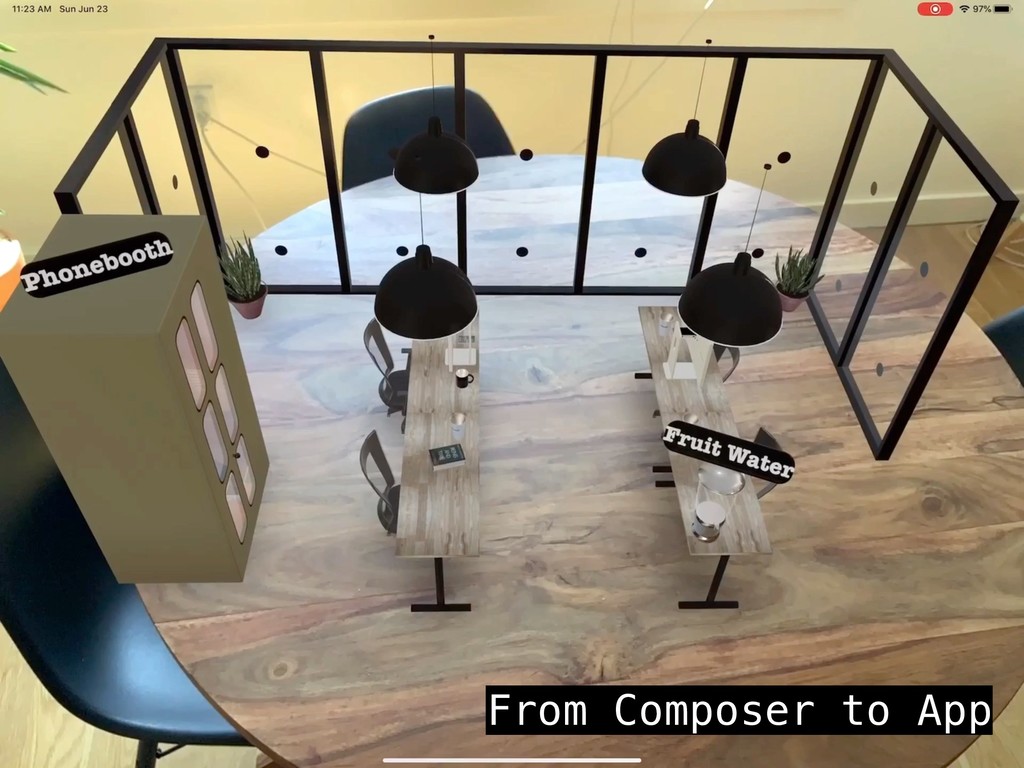
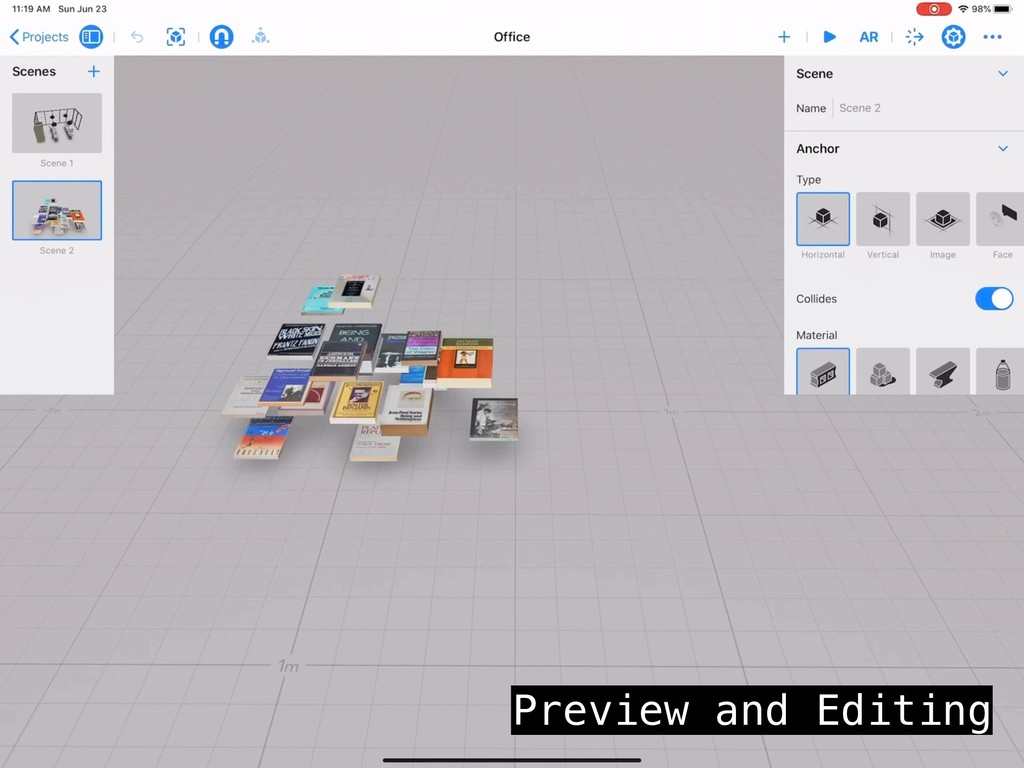
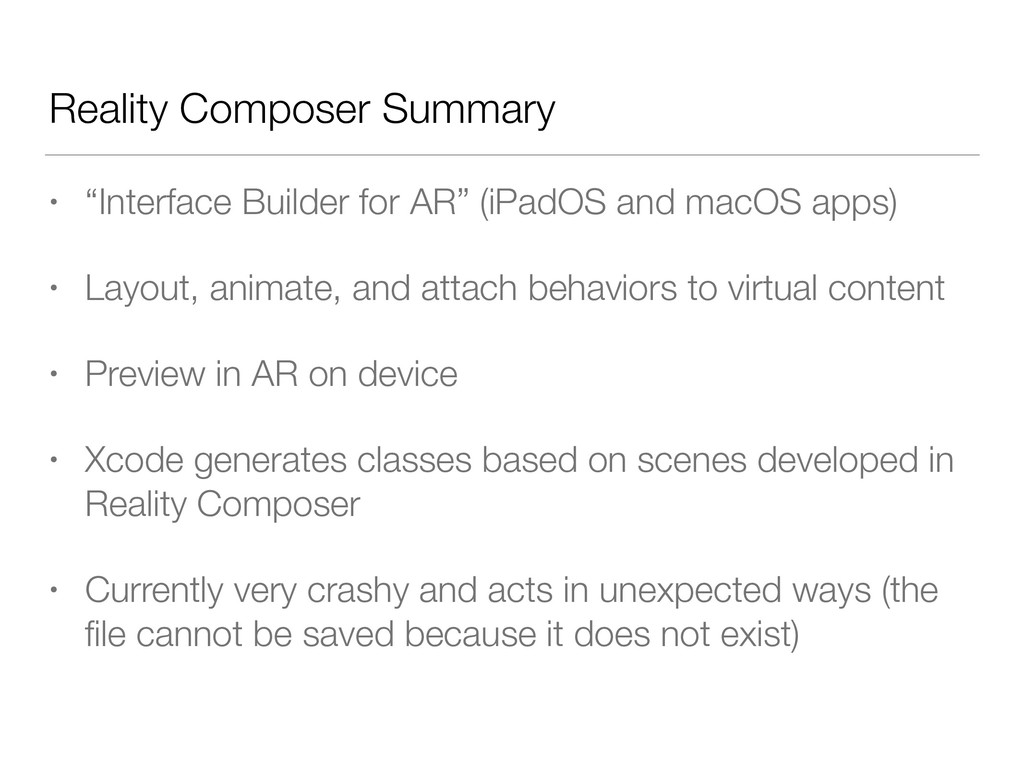
macOS apps) • Layout, animate, and attach behaviors to virtual content • Preview in AR on device • Xcode generates classes based on scenes developed in Reality Composer • Currently very crashy and acts in unexpected ways (the file cannot be saved because it does not exist)
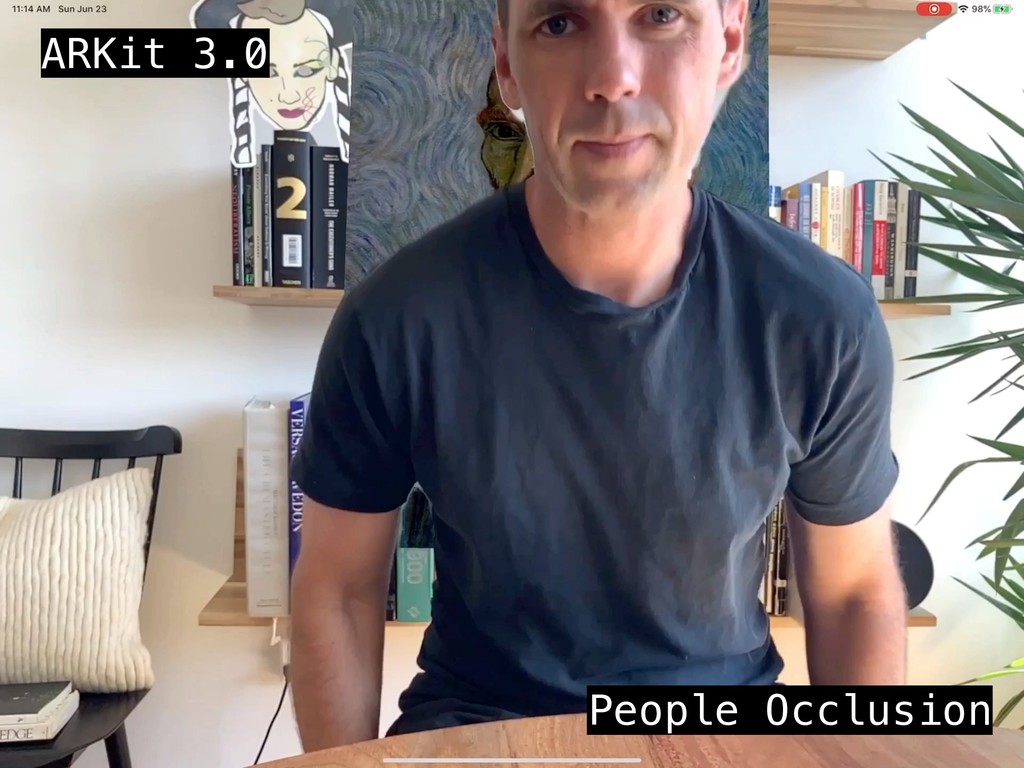
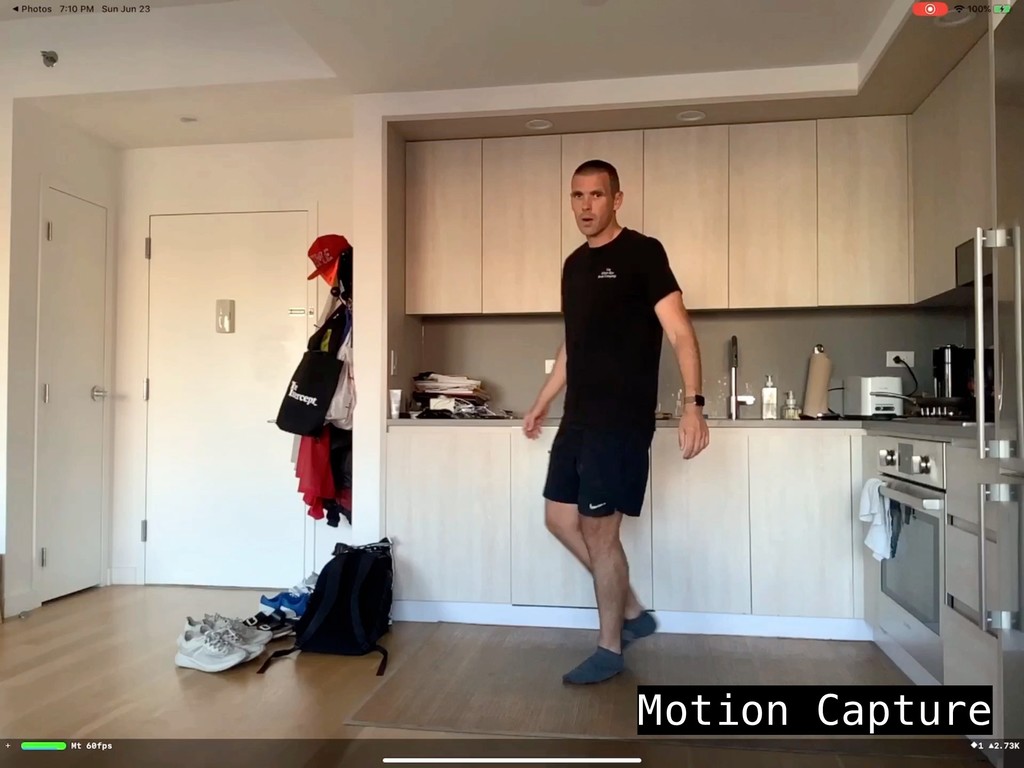
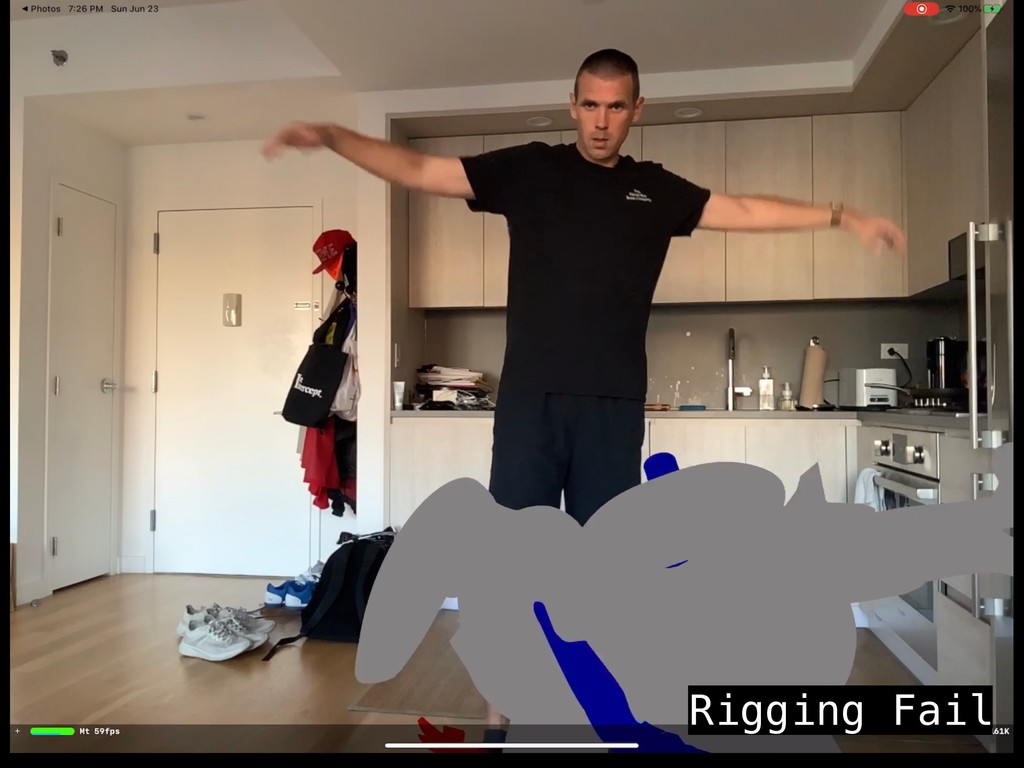
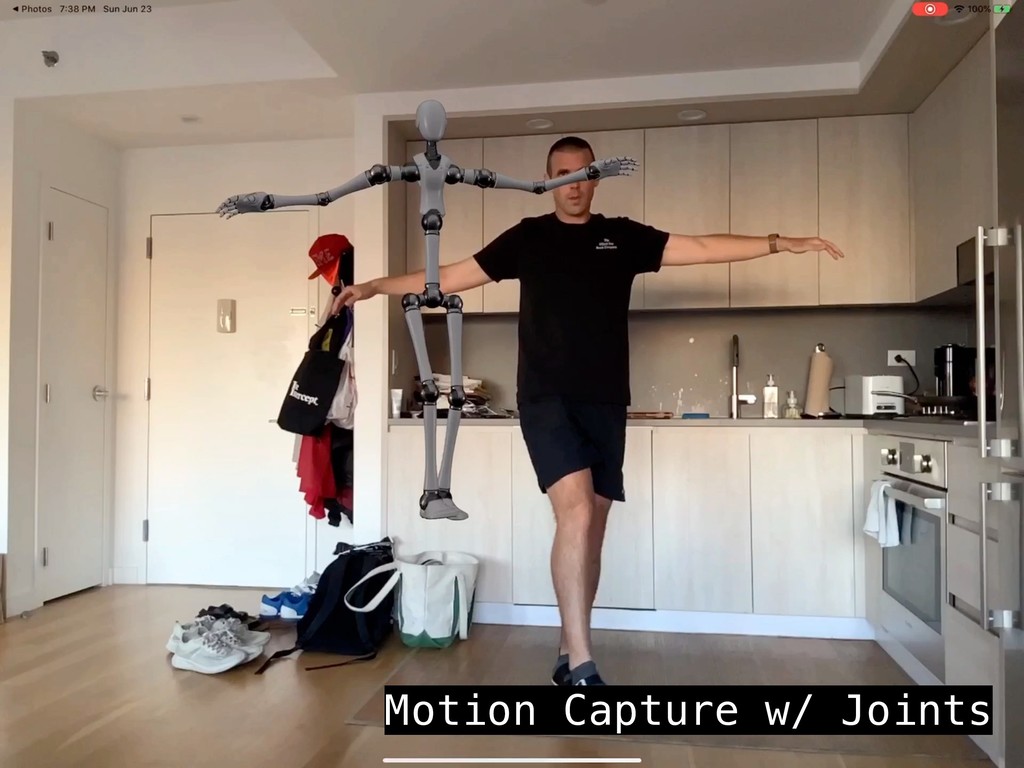
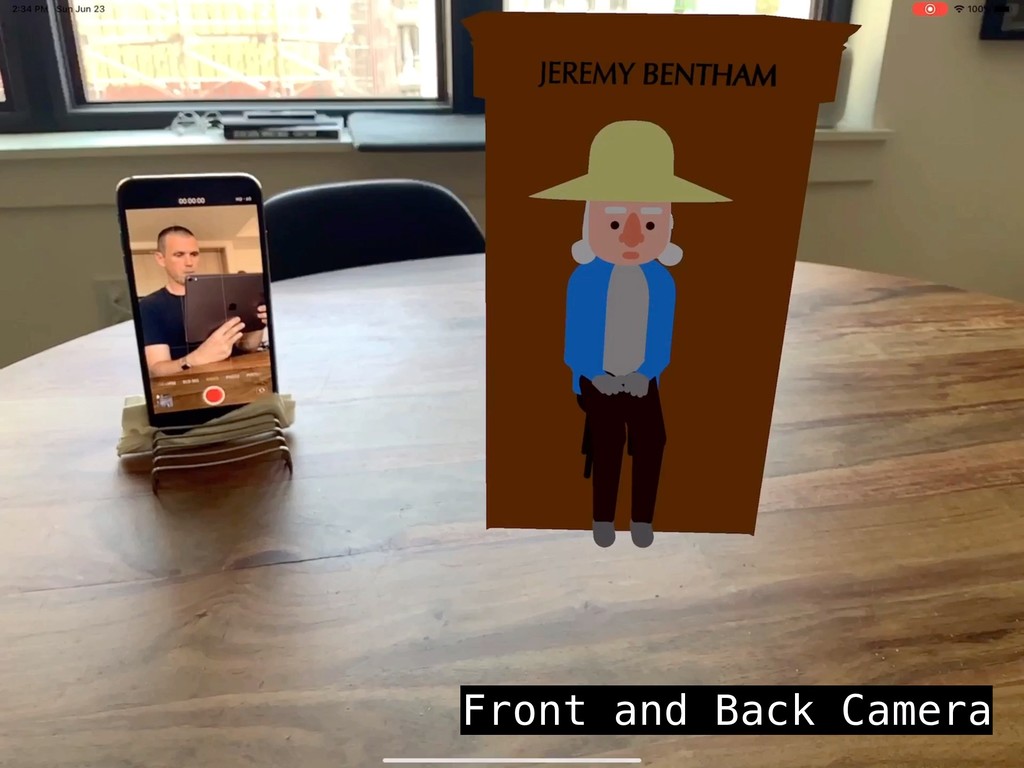
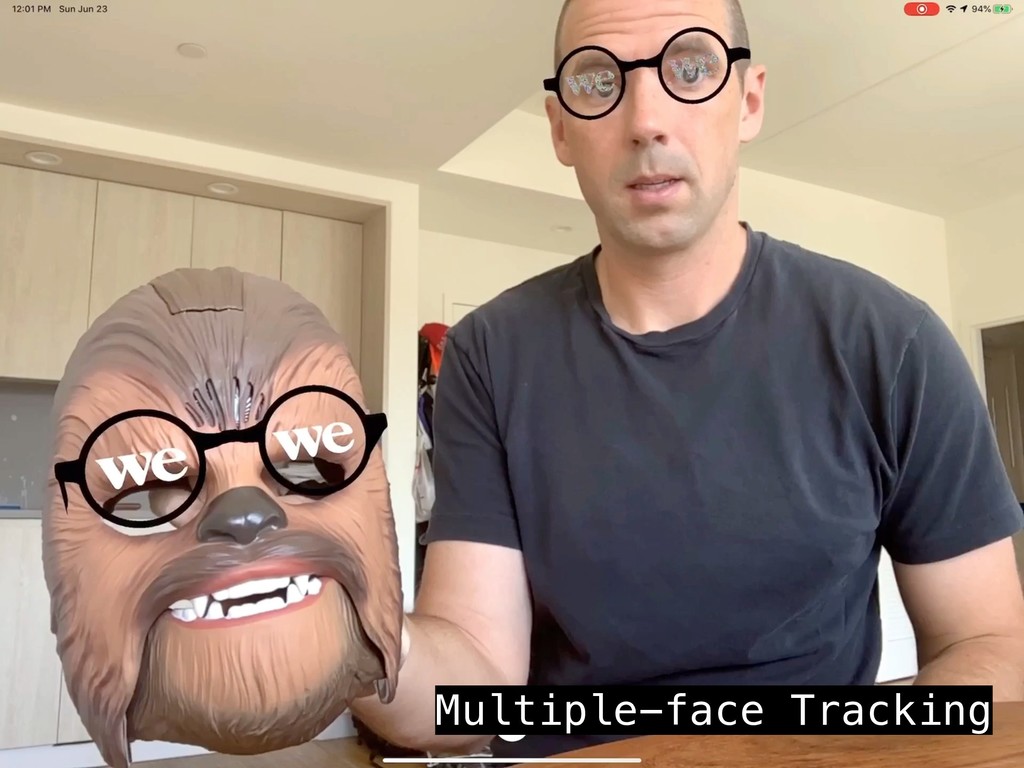
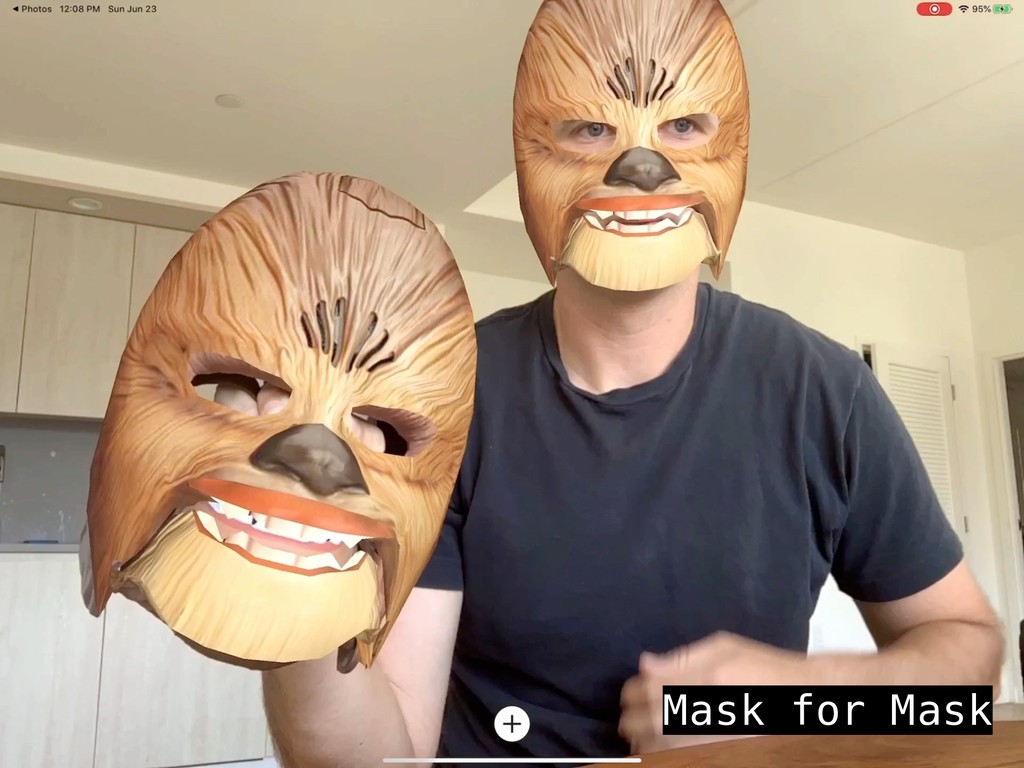
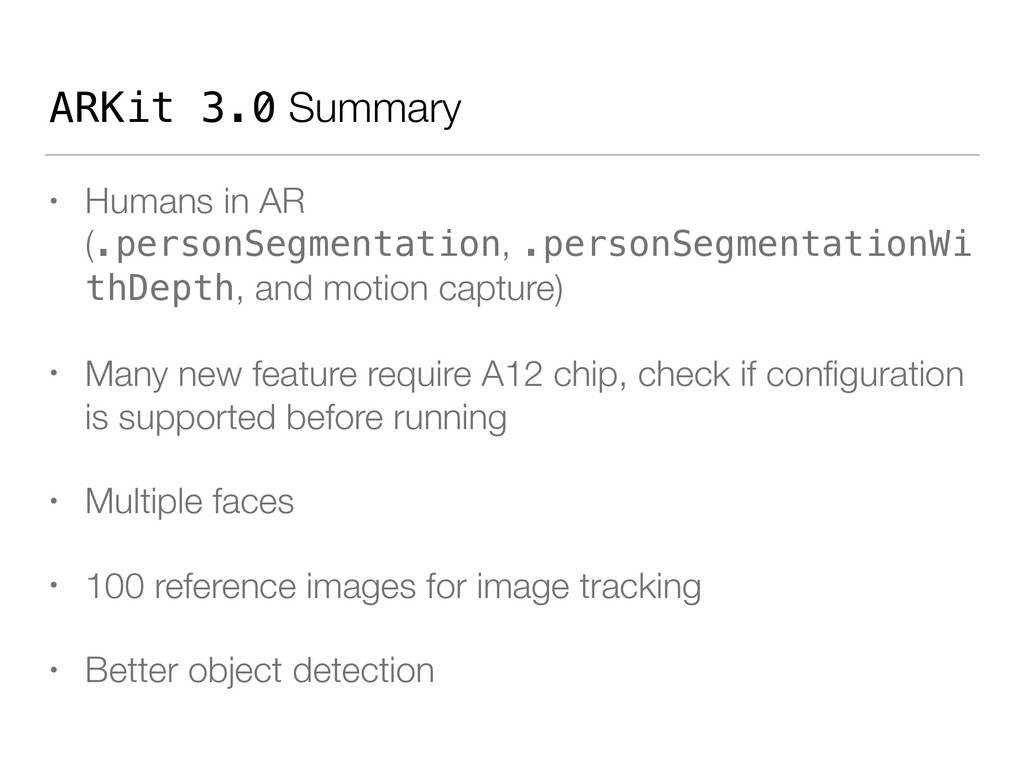
and motion capture) • Many new feature require A12 chip, check if configuration is supported before running • Multiple faces • 100 reference images for image tracking • Better object detection
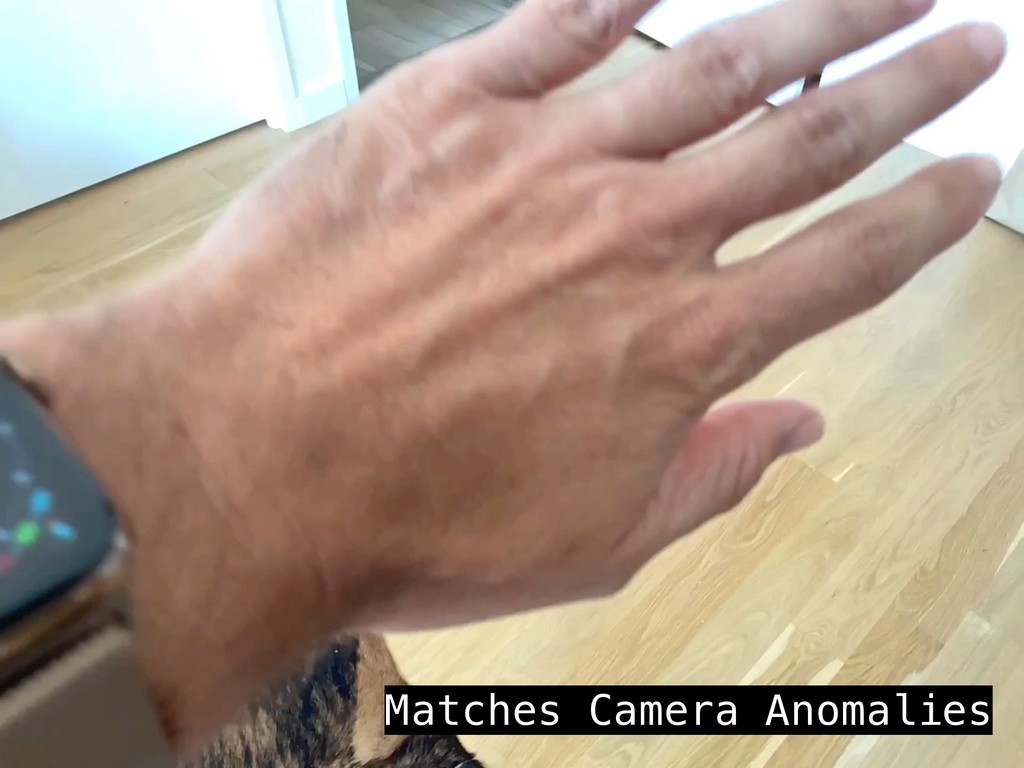
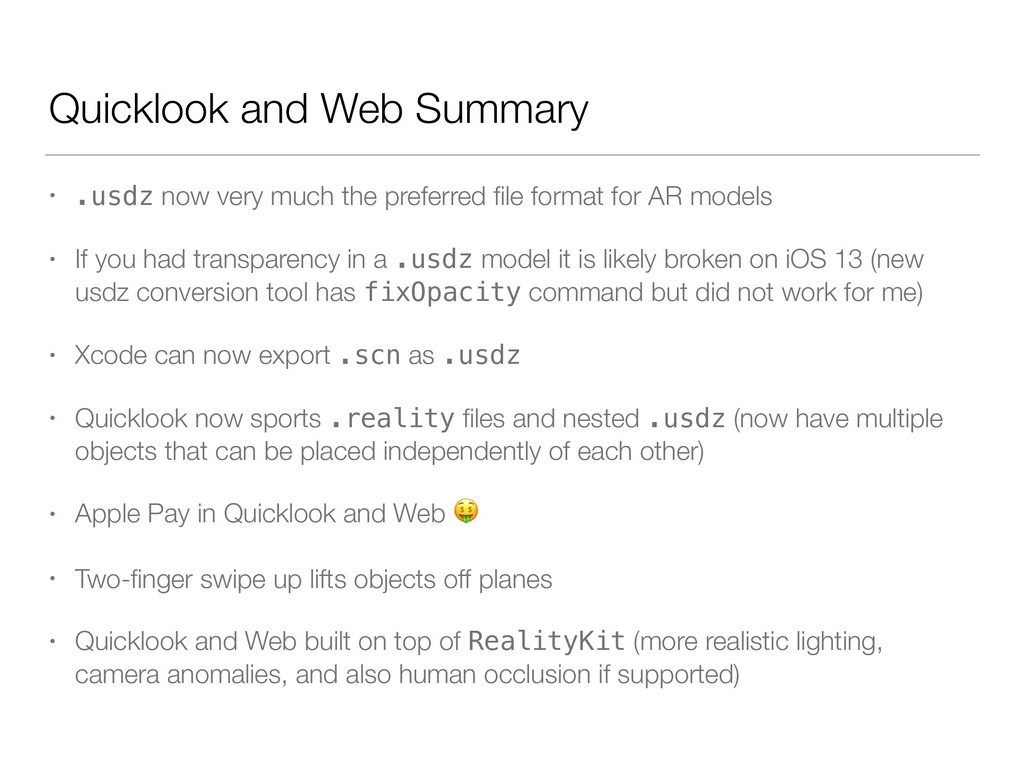
preferred file format for AR models • If you had transparency in a .usdz model it is likely broken on iOS 13 (new usdz conversion tool has fixOpacity command but did not work for me) • Xcode can now export .scn as .usdz • Quicklook now sports .reality files and nested .usdz (now have multiple objects that can be placed independently of each other) • Apple Pay in Quicklook and Web • Two-finger swipe up lifts objects off planes • Quicklook and Web built on top of RealityKit (more realistic lighting, camera anomalies, and also human occlusion if supported)


 bgayman
 koukihosaka
 persolserverworks
 ezaki
ezaki
 masakiokuda
 teamlab
 ishikawa_satoru
 satoshi7
 akhino
 kash1064
 pfn
pfn
 shumei_ito
 addyosmani
.png) helenjbeal
helenjbeal
 reverentgeek
 asonas
 csswizardry
 notwaldorf
 bluesmoon
 watany
 baasie
 skipperchong
 holman
 wayneb77