$30 off During Our Annual Pro Sale. View Details »

When Every Second Matters: Building Live Update...

Avatar for Bhoomi Vaghasiya Gadhiya Bhoomi Vaghasiya Gadhiya
December 15, 2025
11

When Every Second Matters: Building Live Update Notifications for Real-Time Experiences

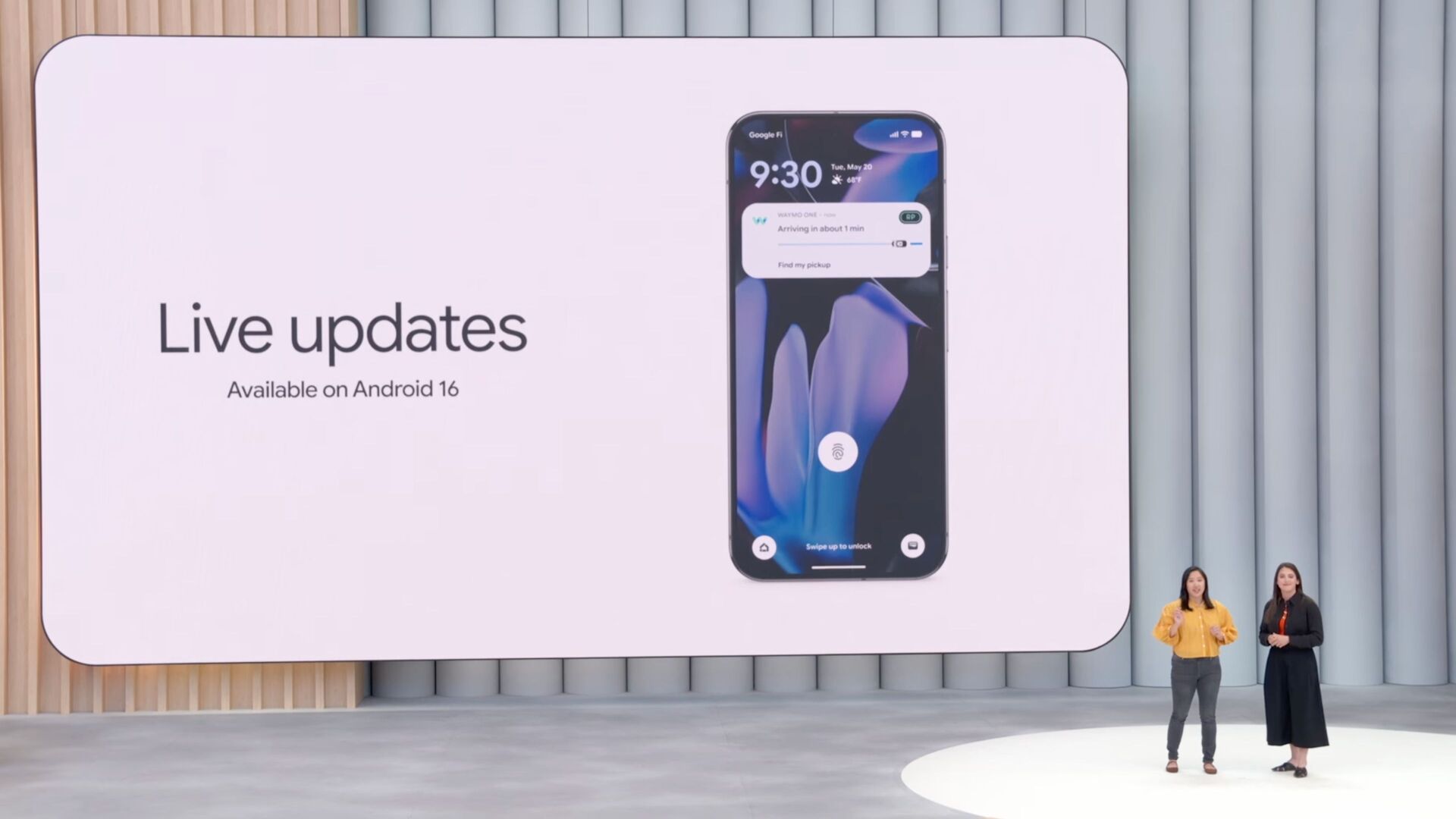
From checking a sports score to tracking a delivery, we often need information the moment it happens. With Android 16, Live Update Notifications became a game-changer! They allow users to see real-time updates directly on their notification panel or lock screen without even opening an app!

This talk includes the following points:
- How Does a Notification Become a Live Update?
- Implementation of Live Update Notification
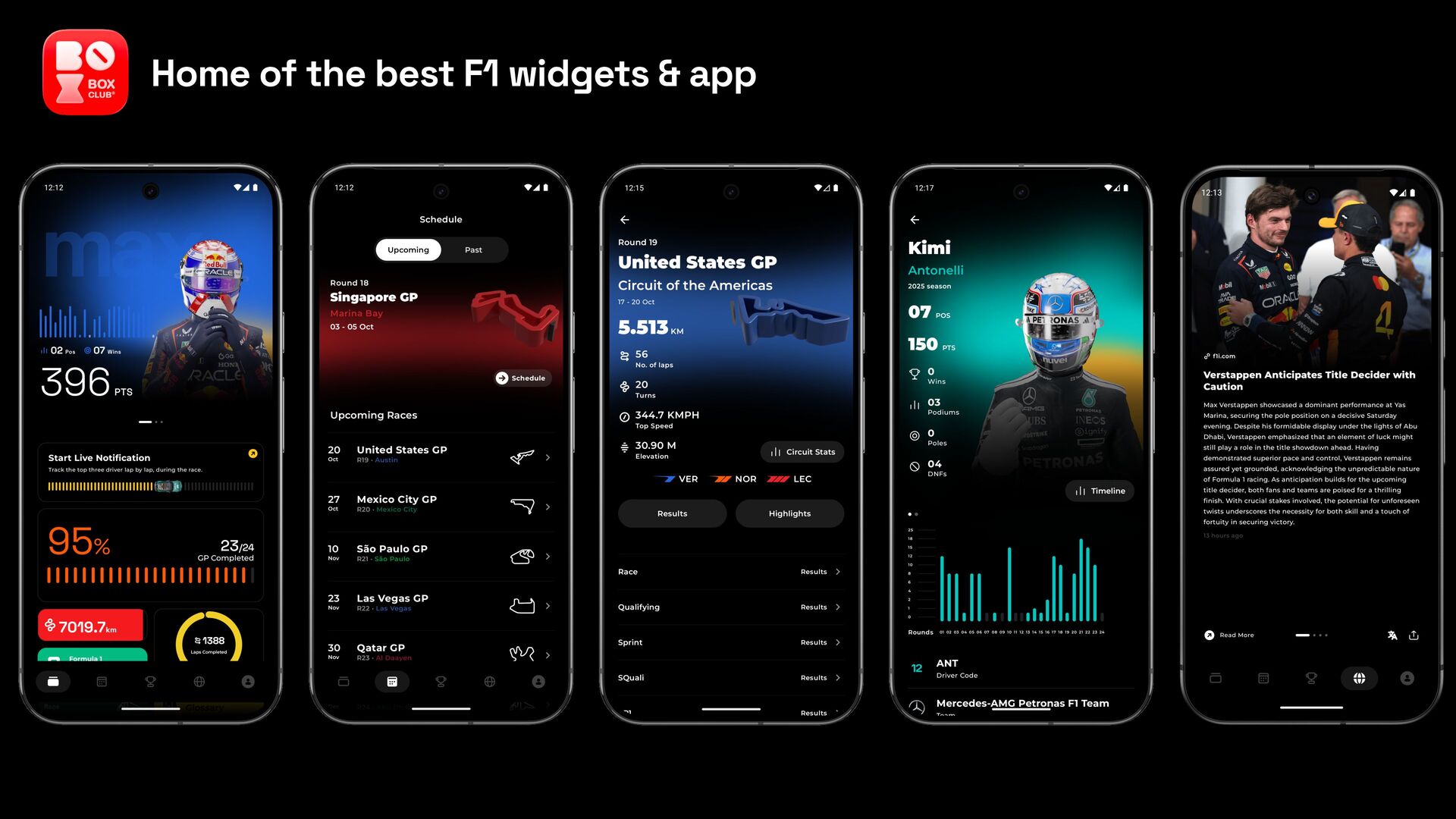
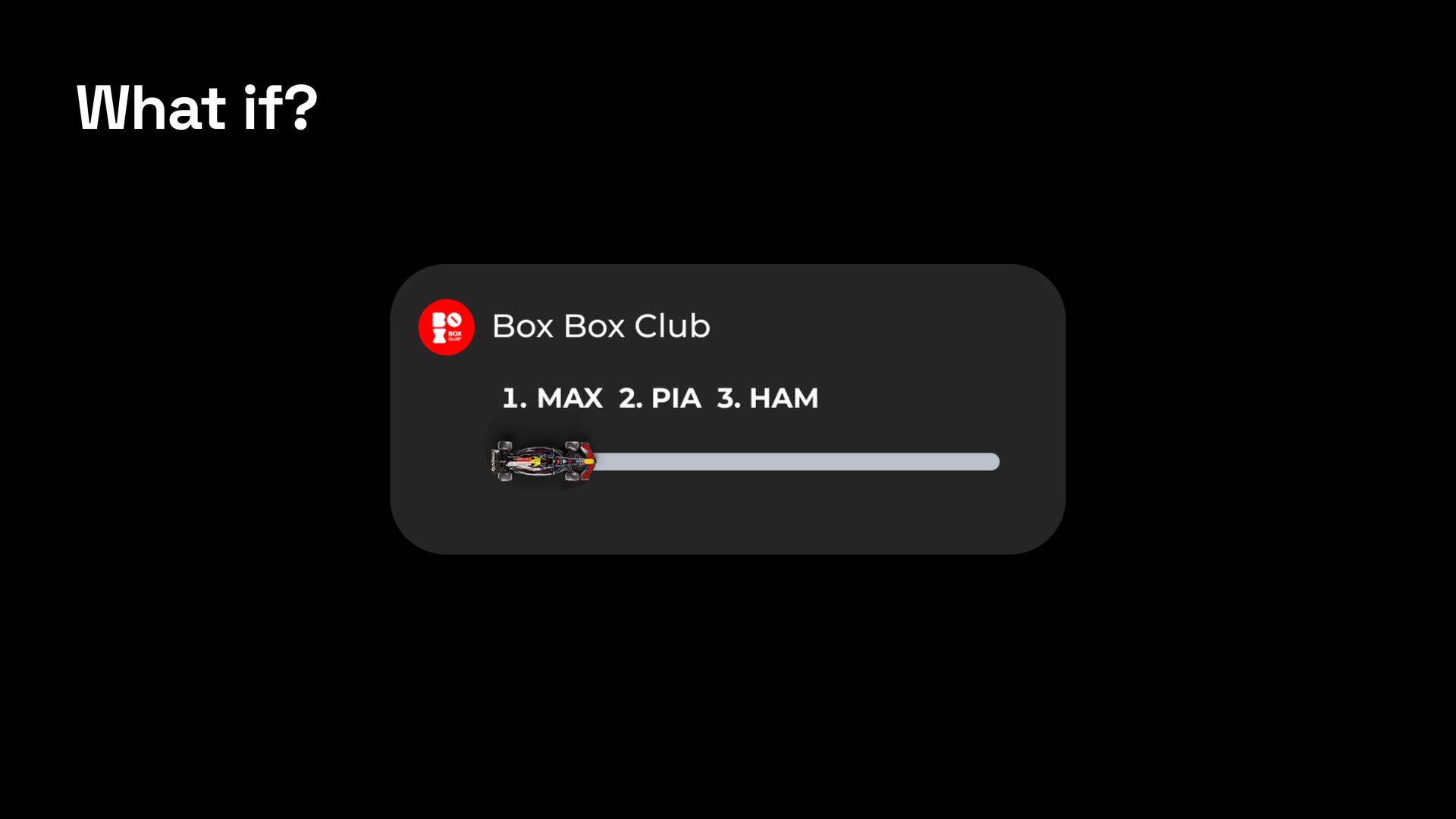
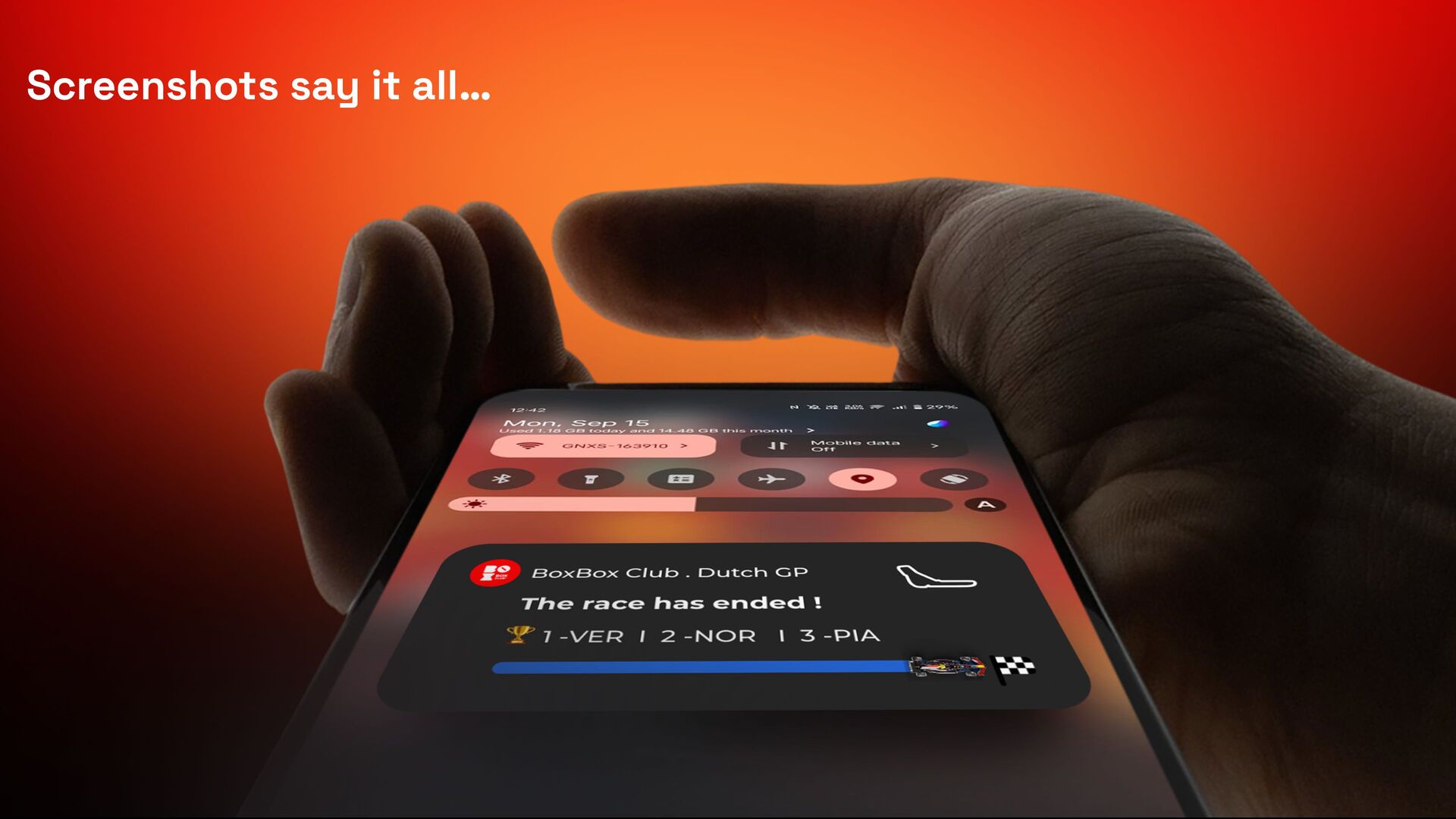
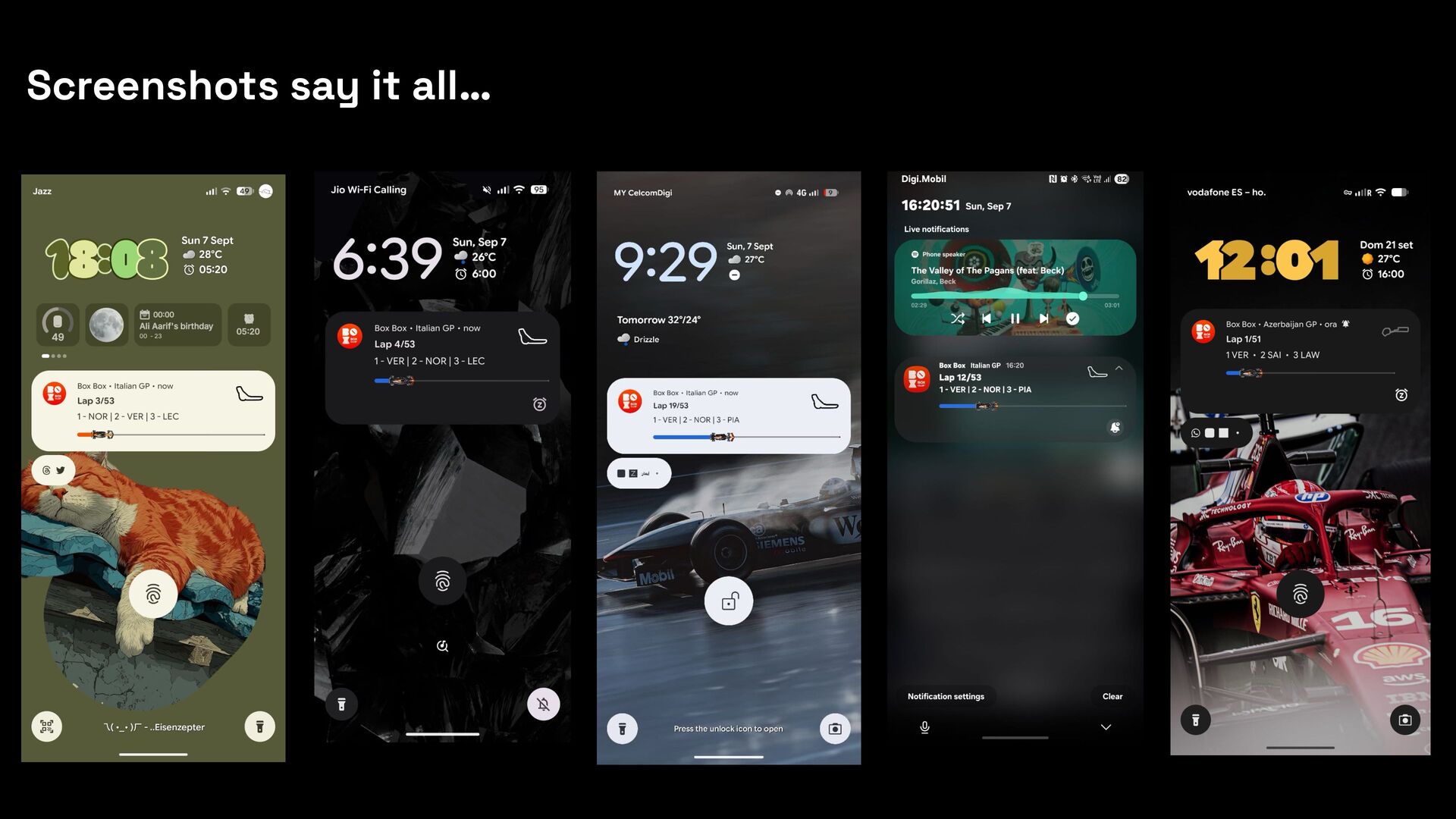
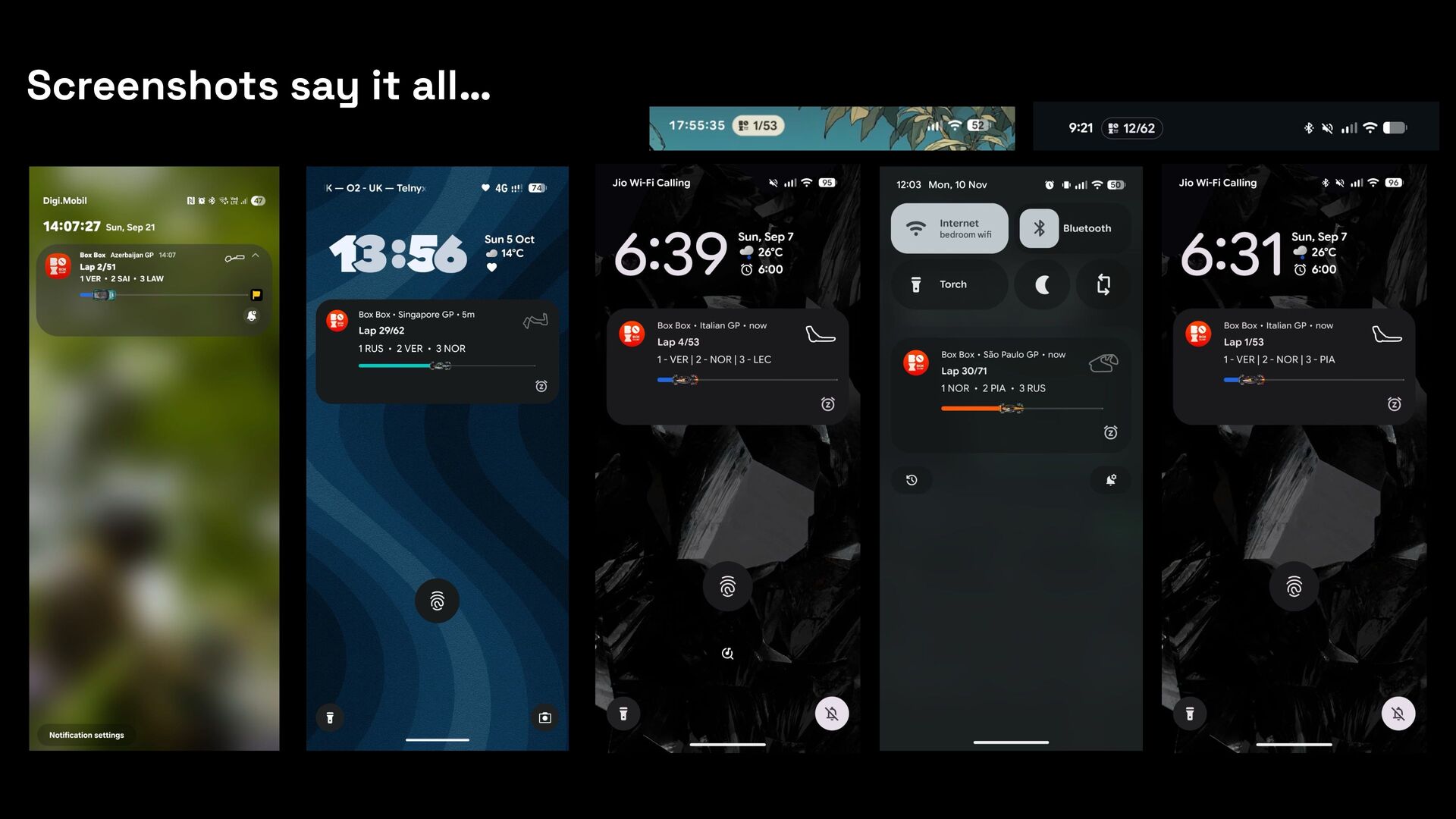
- How we took full advantage of all available functions of Live Update Notifications at Box Box Club and delivered the best experience.

With these insights, you can build a Live Update Notification that keeps the user informed in real-time.

Avatar for Bhoomi Vaghasiya Gadhiya

Bhoomi Vaghasiya Gadhiya

December 15, 2025
Tweet

Transcript

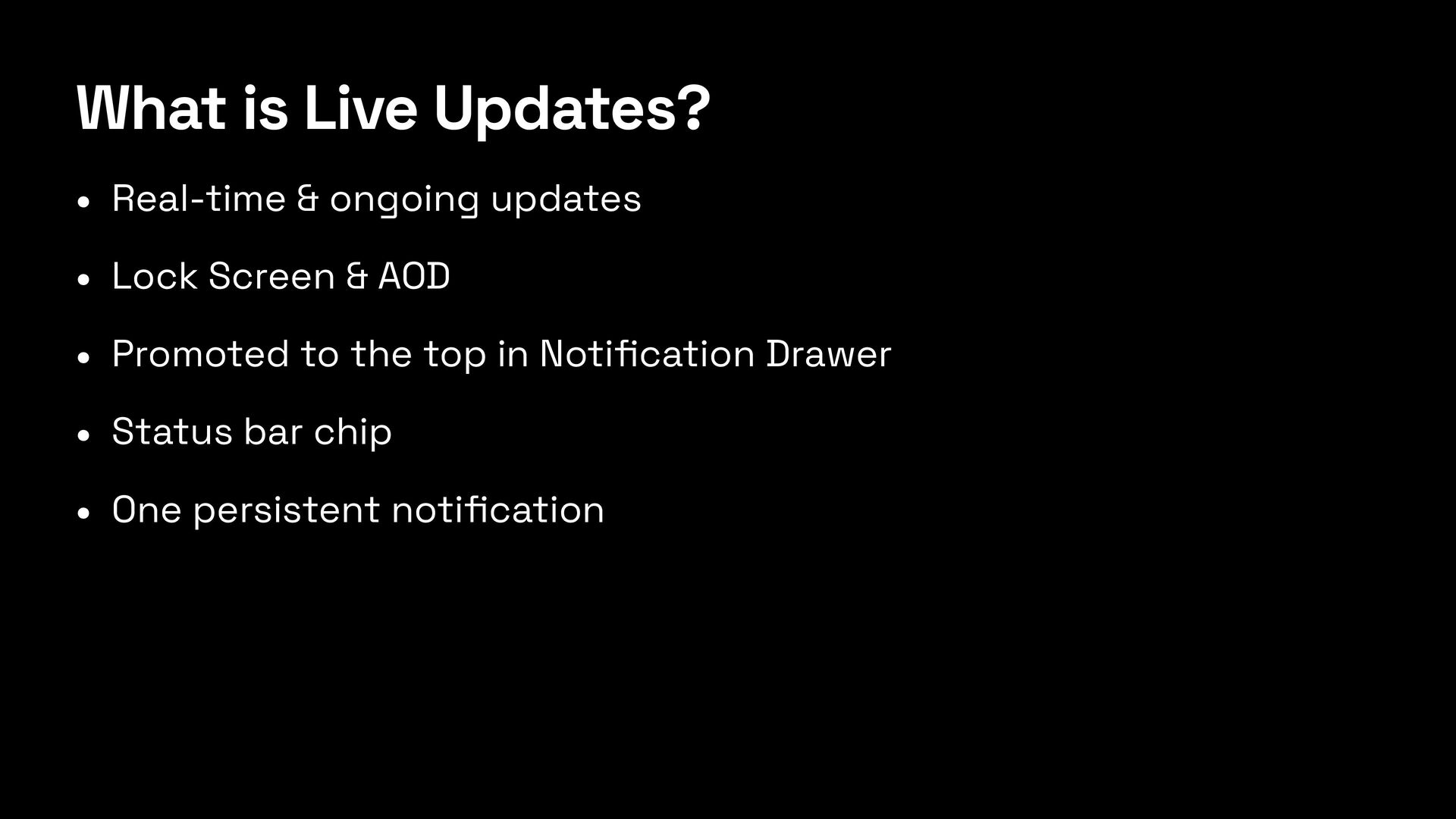
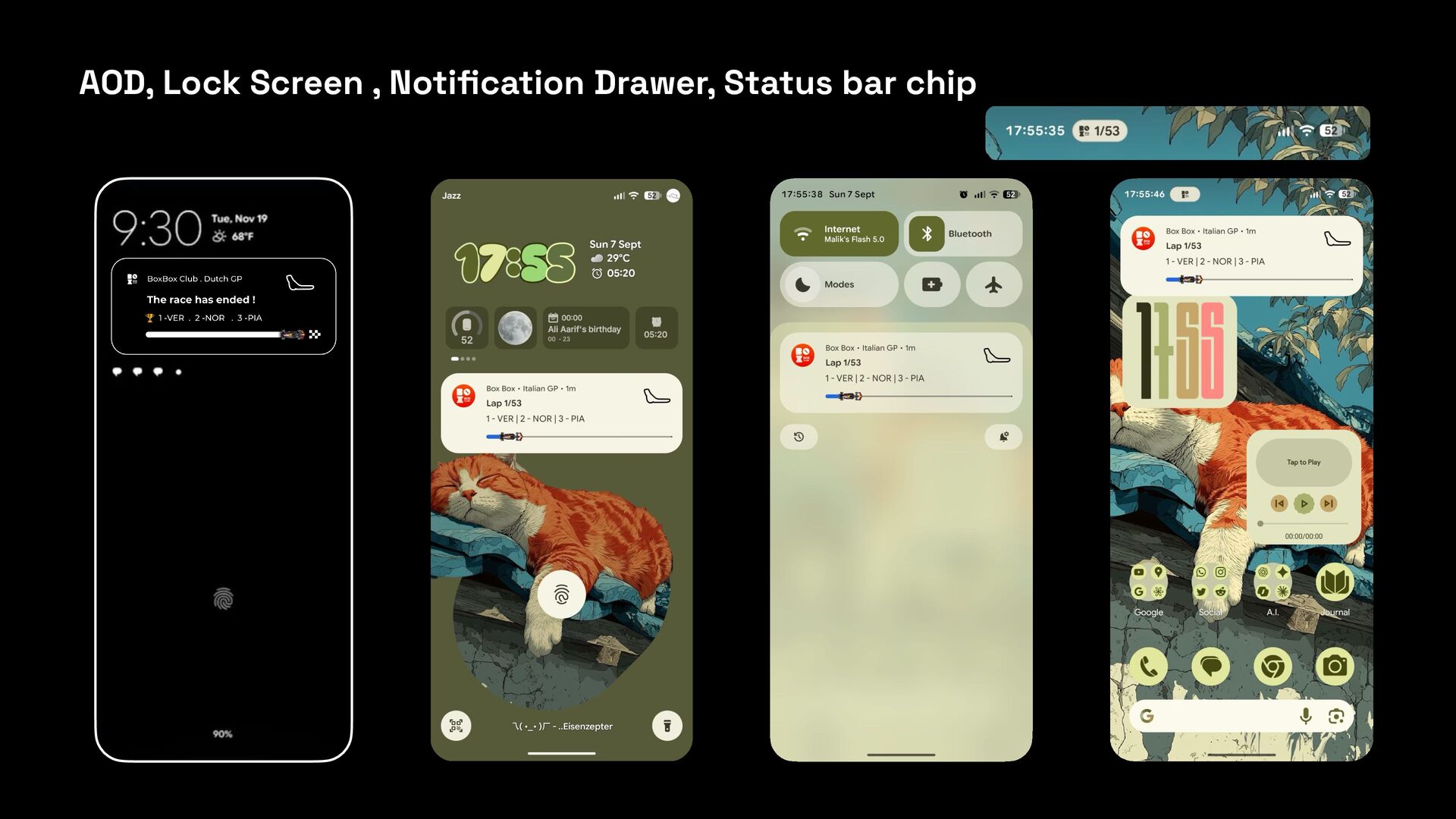
  1. What is Live Updates? • Real-time & ongoing updates •

    Lock Screen & AOD • Promoted to the top in Noti fi cation Drawer • Status bar chip • One persistent noti fi cation
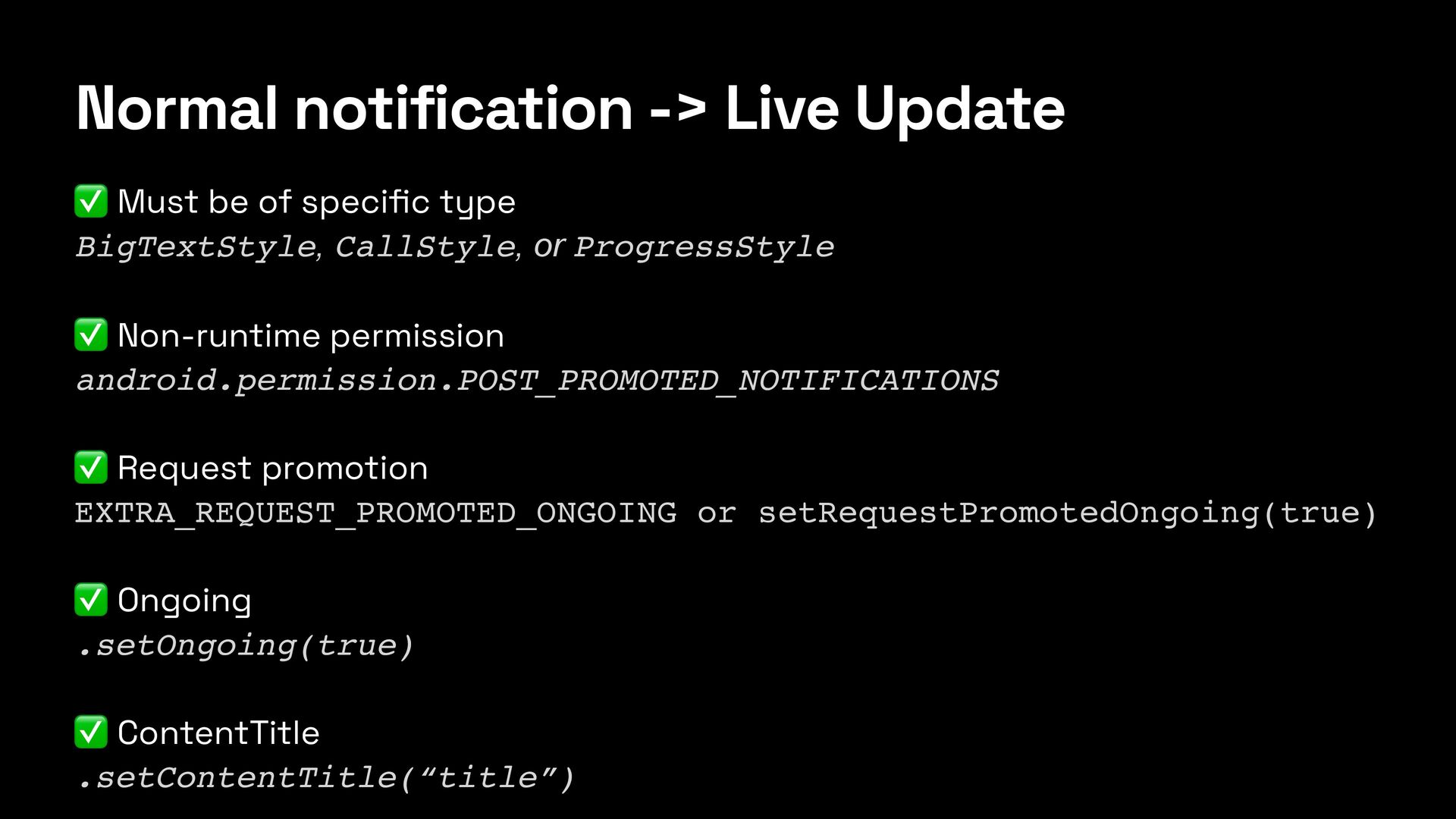
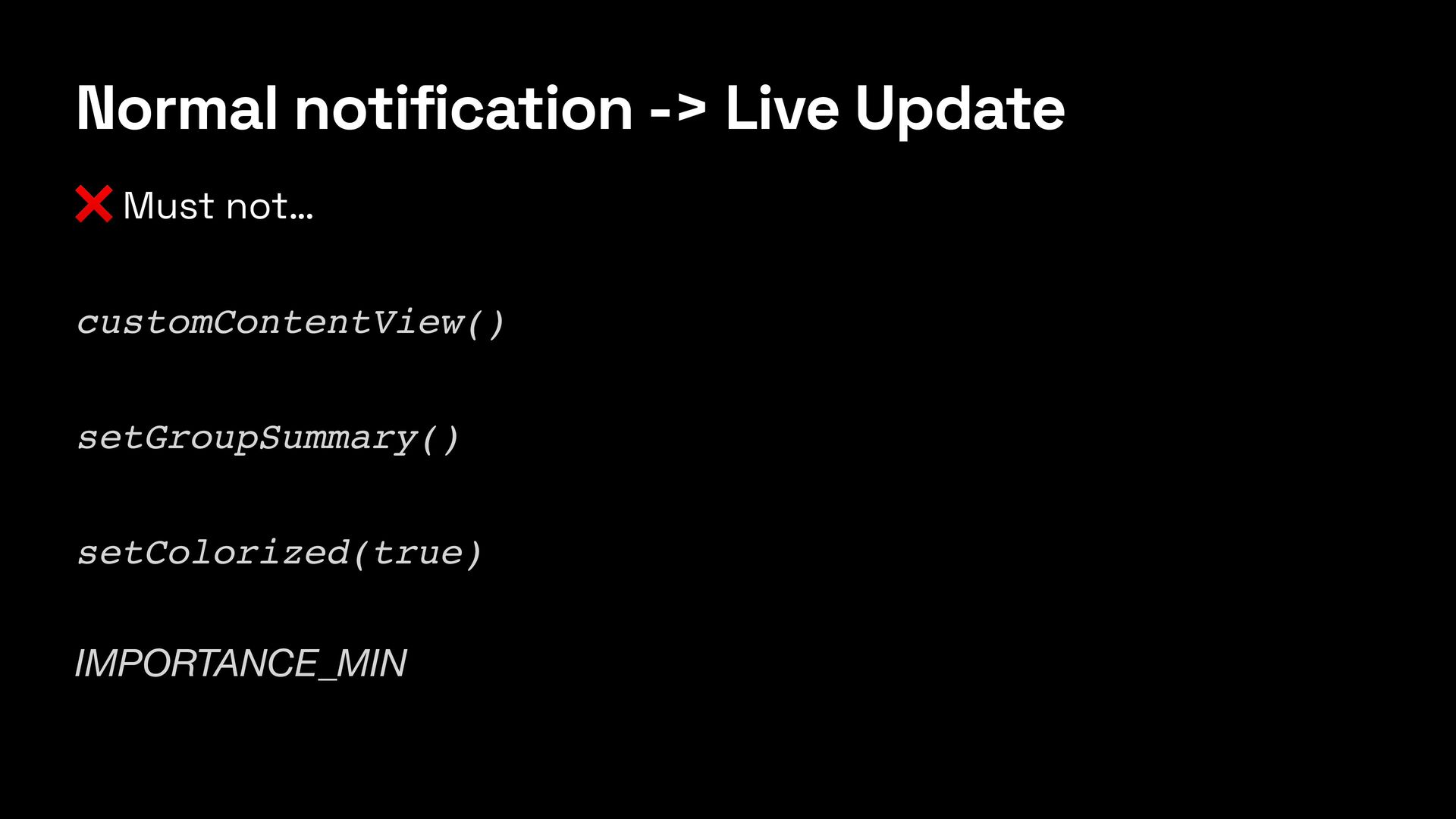
  2. Normal notification -> Live Update ✅ Must be of speci

    fi c type BigTextStyle, CallStyle, or ProgressStyle ✅ Non-runtime permission android.permission.POST_PROMOTED_NOTIFICATIONS ✅ Request promotion EXTRA_REQUEST_PROMOTED_ONGOING or setRequestPromotedOngoing(true) ✅ Ongoing .setOngoing(true) ✅ ContentTitle .setContentTitle(“title”)
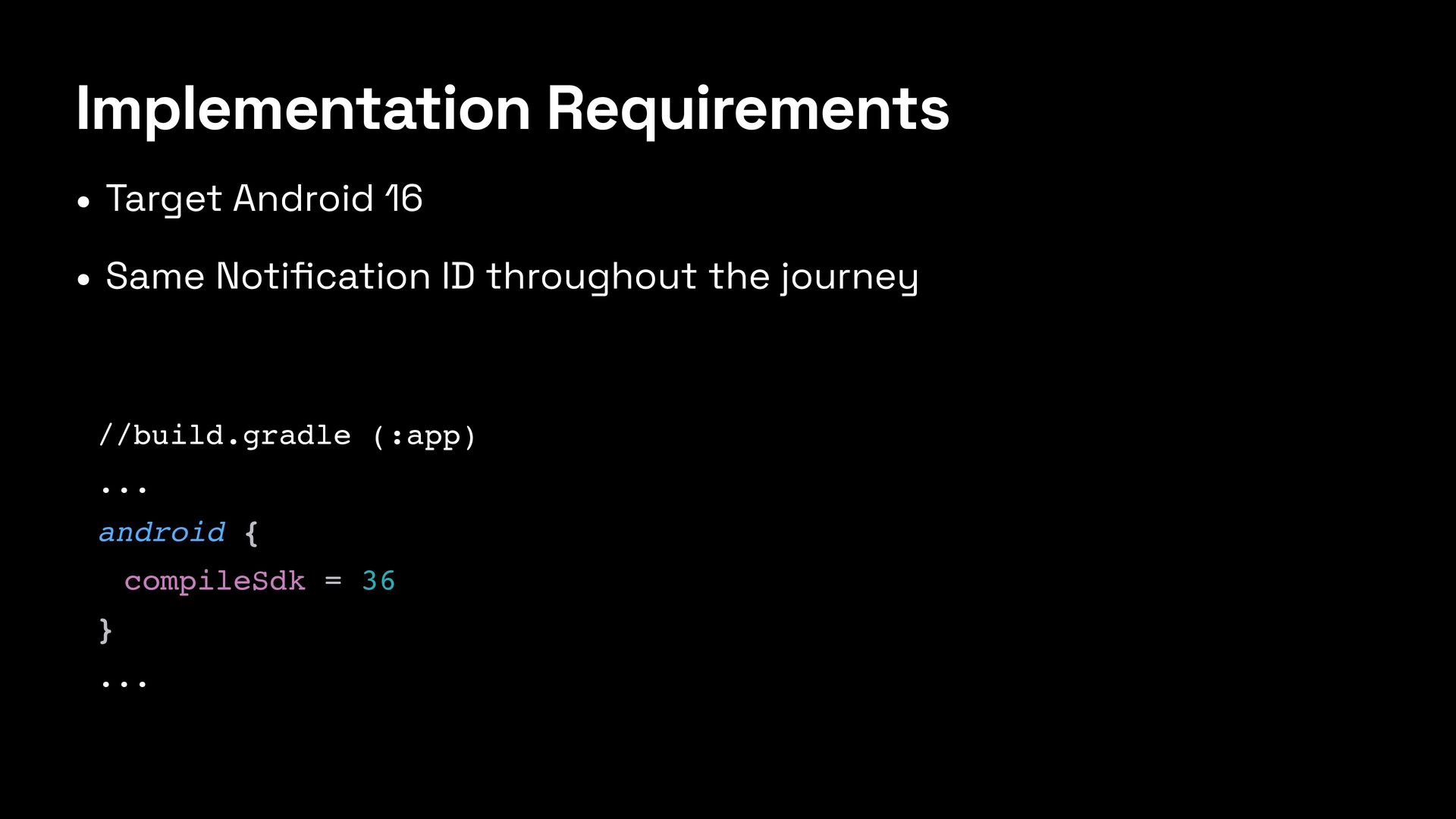
  3. Implementation Requirements • Target Android 16 • Same Noti fi

    cation ID throughout the journey //build.gradle (:app) ... android { compileSdk = 36 } ...
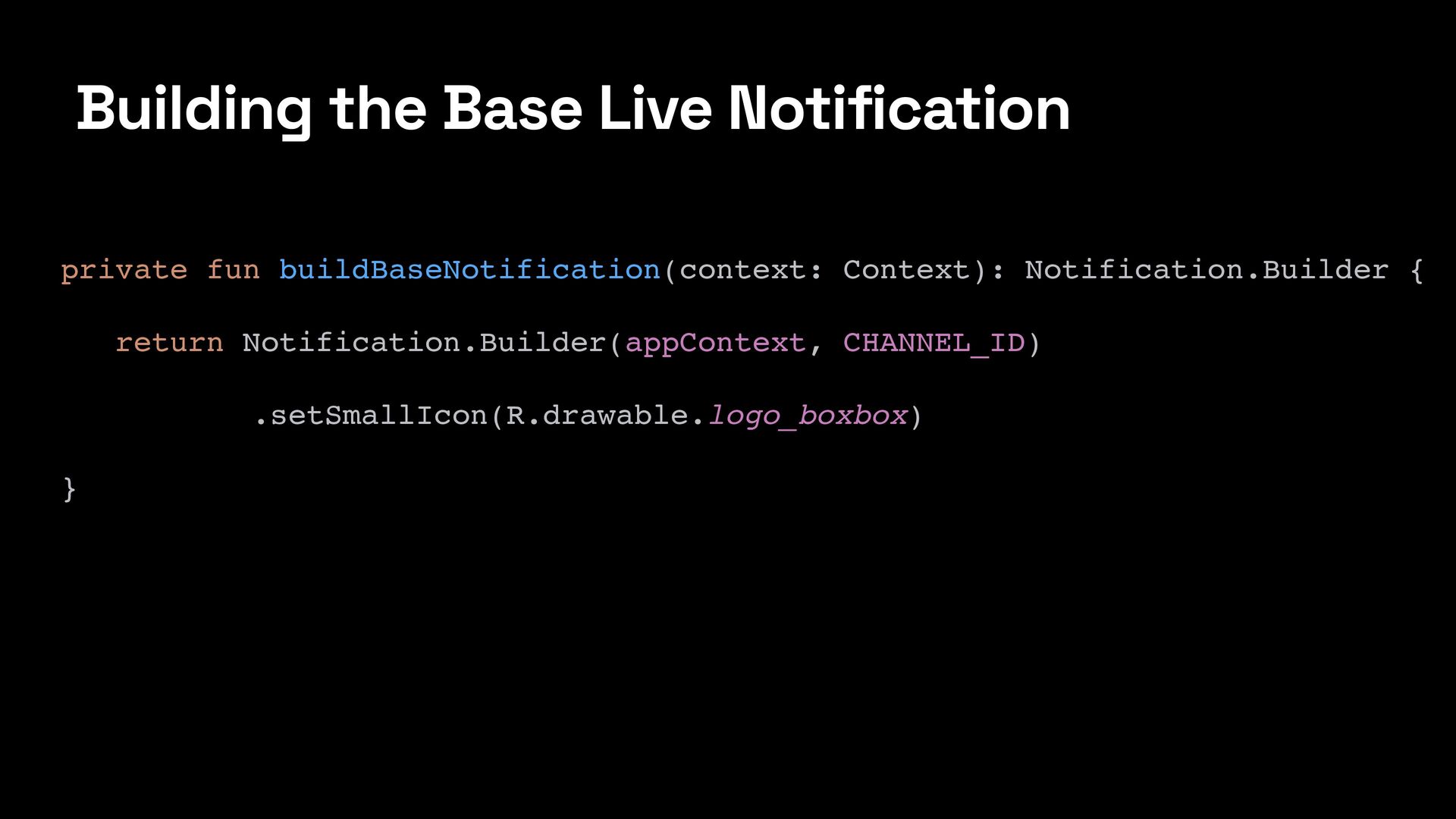
  4. Building the Base Live Notification private fun buildBaseNotification(context: Context): Notification.Builder

    { return Notification.Builder(appContext, CHANNEL_ID) .setSmallIcon(R.drawable.logo_boxbox) }
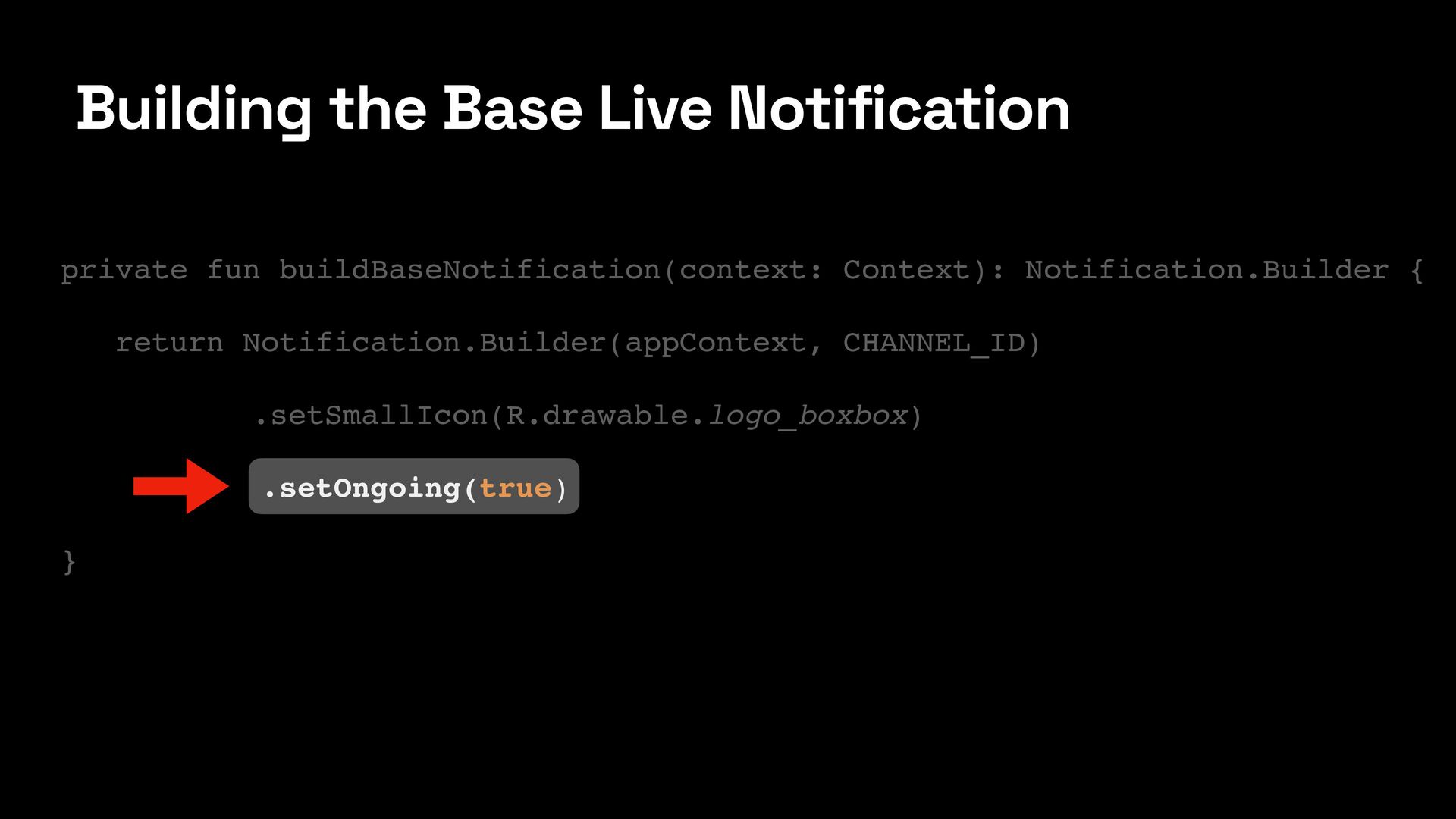
  5. Building the Base Live Notification private fun buildBaseNotification(context: Context): Notification.Builder

    { return Notification.Builder(appContext, CHANNEL_ID) .setSmallIcon(R.drawable.logo_boxbox) .setOngoing(true) }
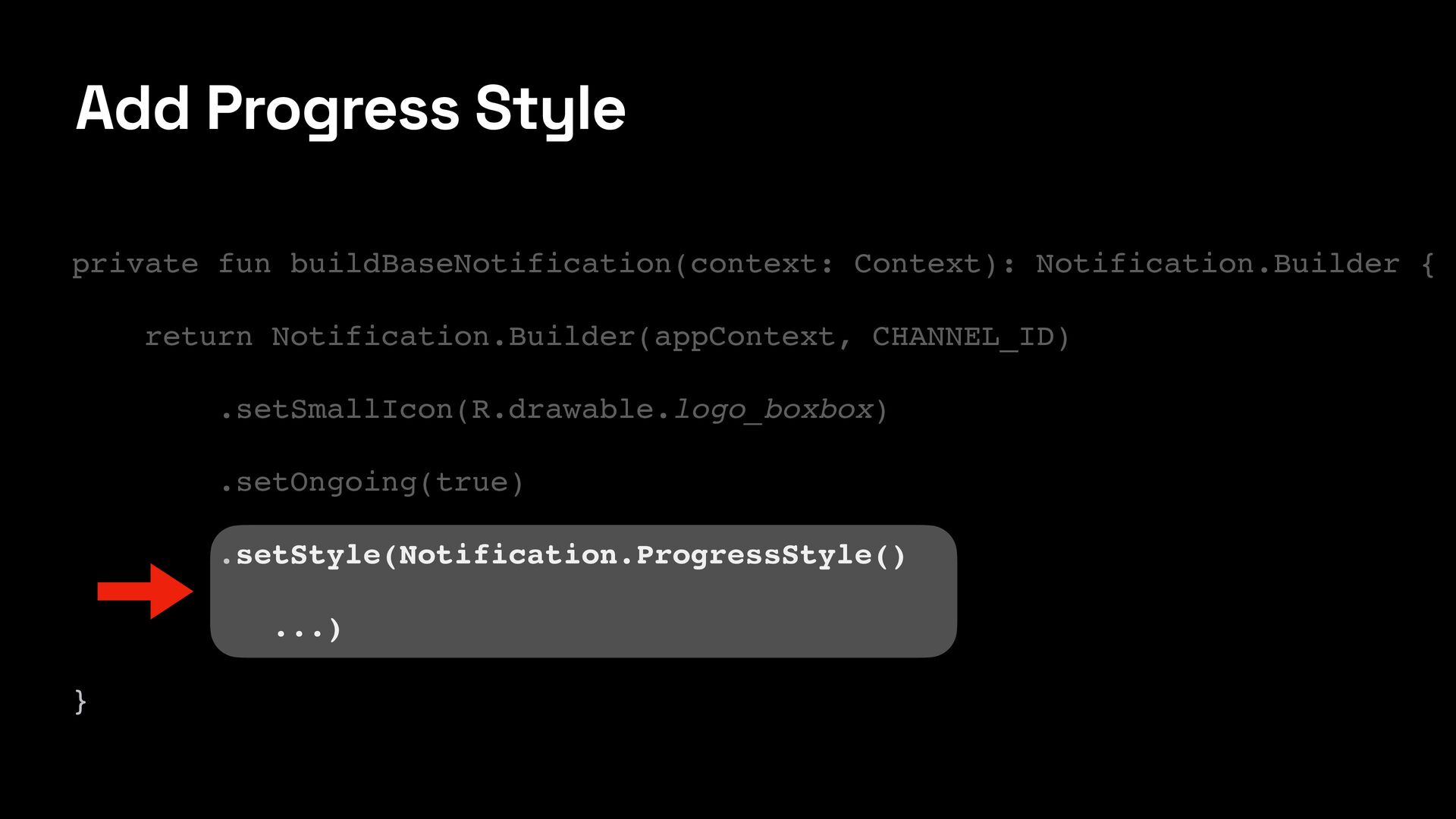
  6. Add Progress Style private fun buildBaseNotification(context: Context): Notification.Builder { return

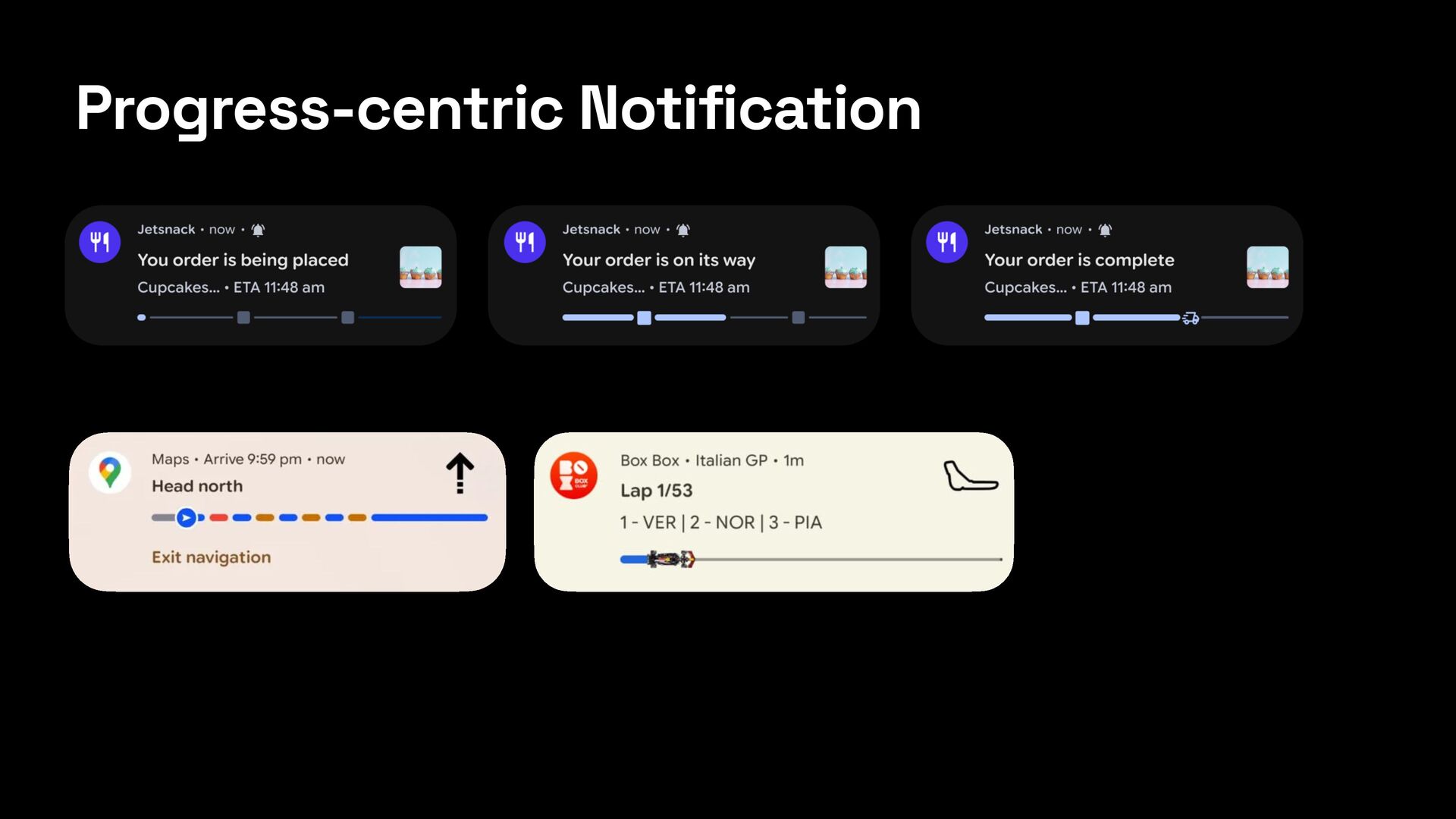
    Notification.Builder(appContext, CHANNEL_ID) .setSmallIcon(R.drawable.logo_boxbox) .setOngoing(true) .setStyle(Notification.ProgressStyle() ...) }
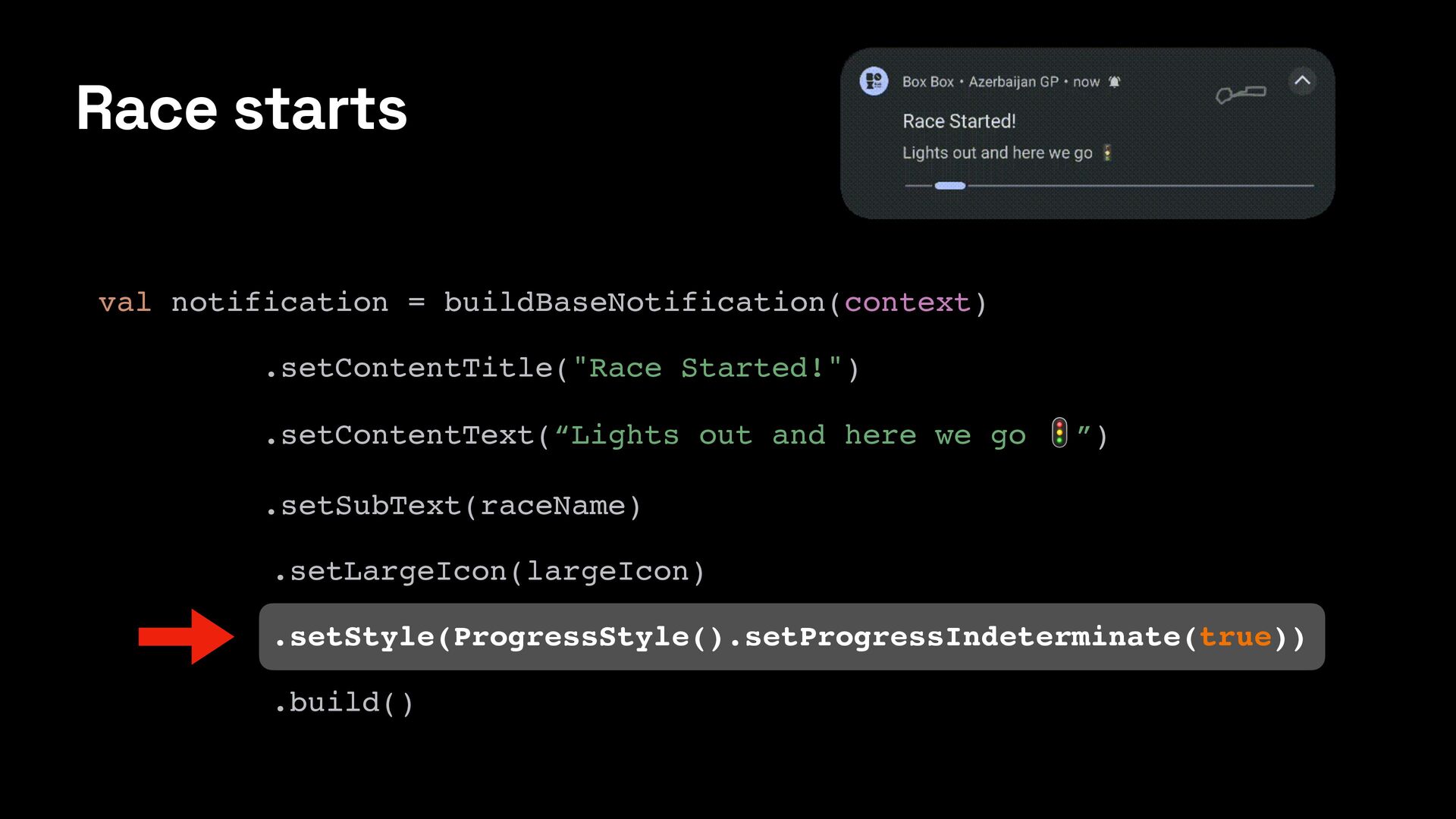
  7. Race starts val notification = buildBaseNotification(context) .setContentTitle("Race Started!") .setContentText(“Lights out

    and here we go 🚦”) .setSubText(raceName) .setLargeIcon(largeIcon) .setStyle(ProgressStyle().setProgressIndeterminate(true)) .build()
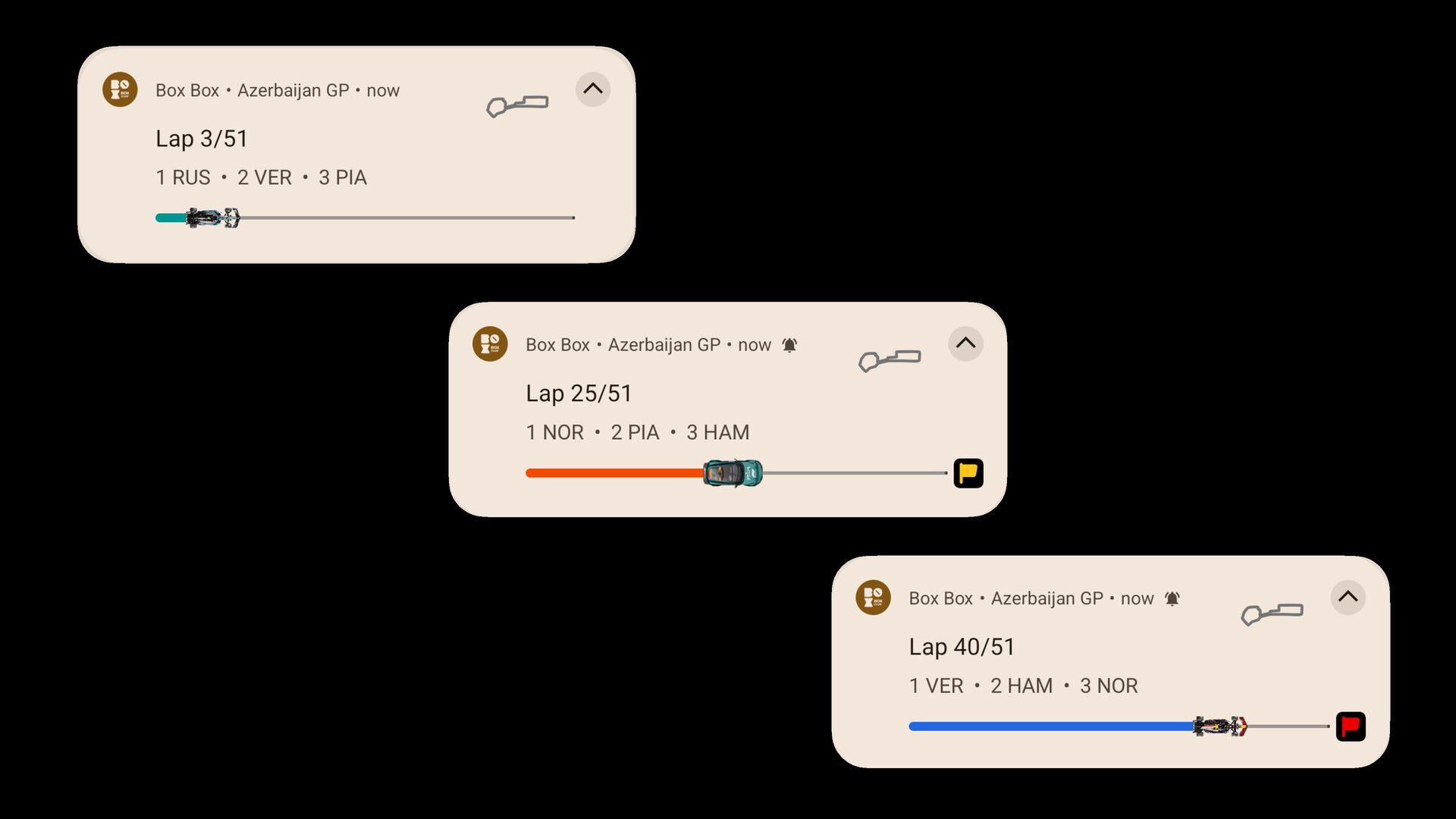
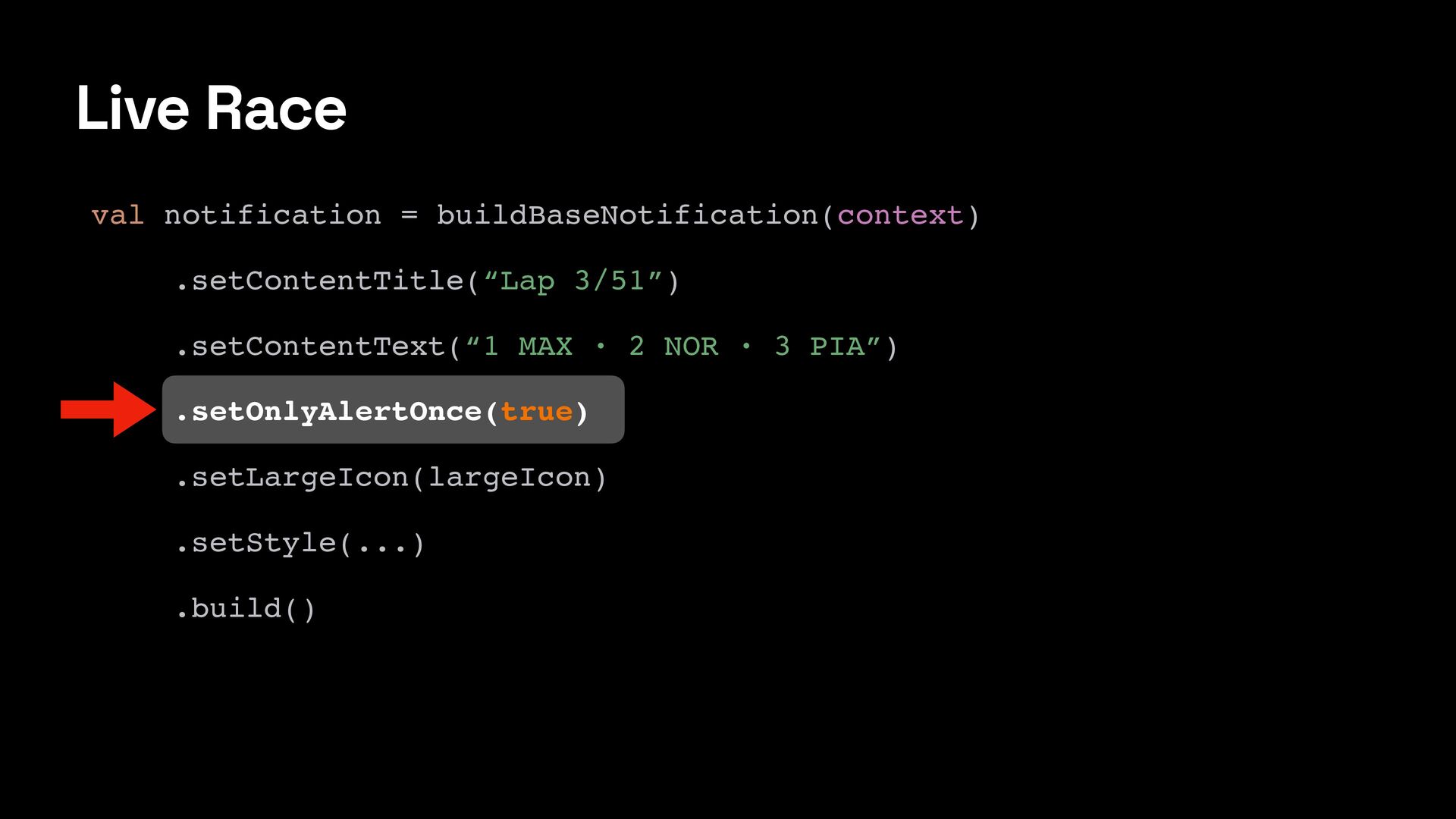
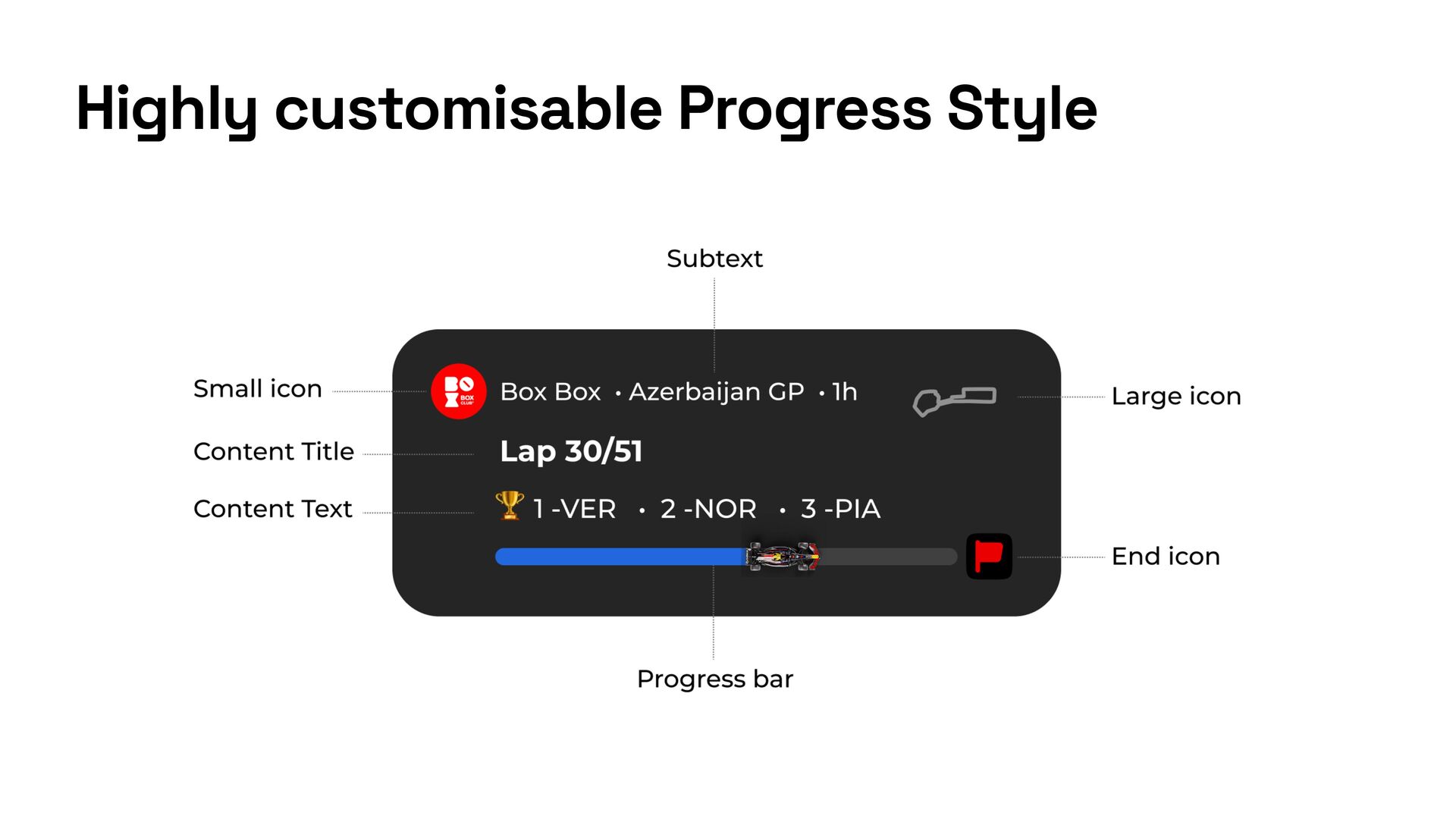
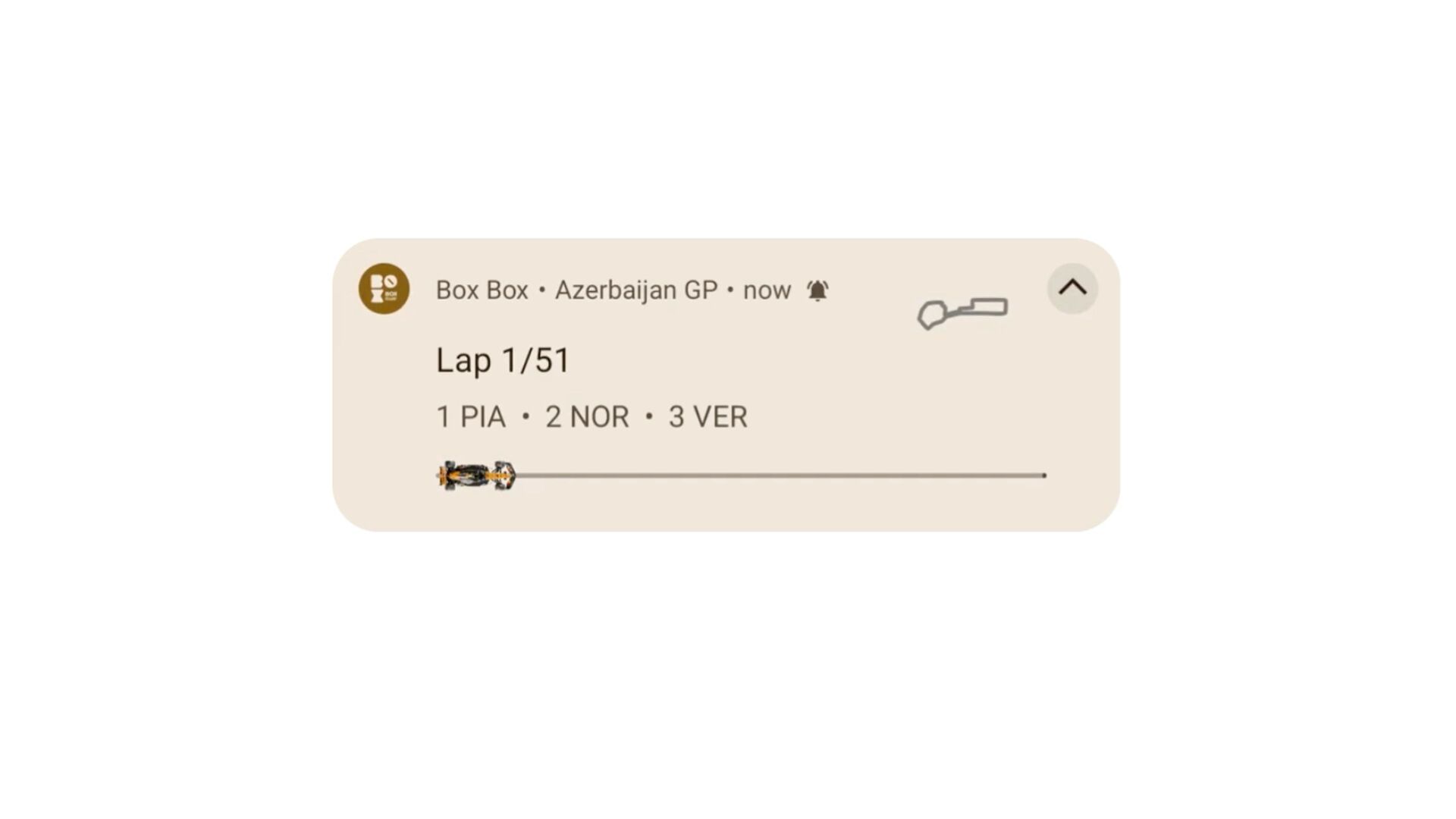
  8. Live Race val notification = buildBaseNotification(context) .setContentTitle(“Lap 3/51”) .setContentText(“1 MAX

    · 2 NOR · 3 PIA”) .setOnlyAlertOnce(true) .setLargeIcon(largeIcon) .setStyle(...) .build()
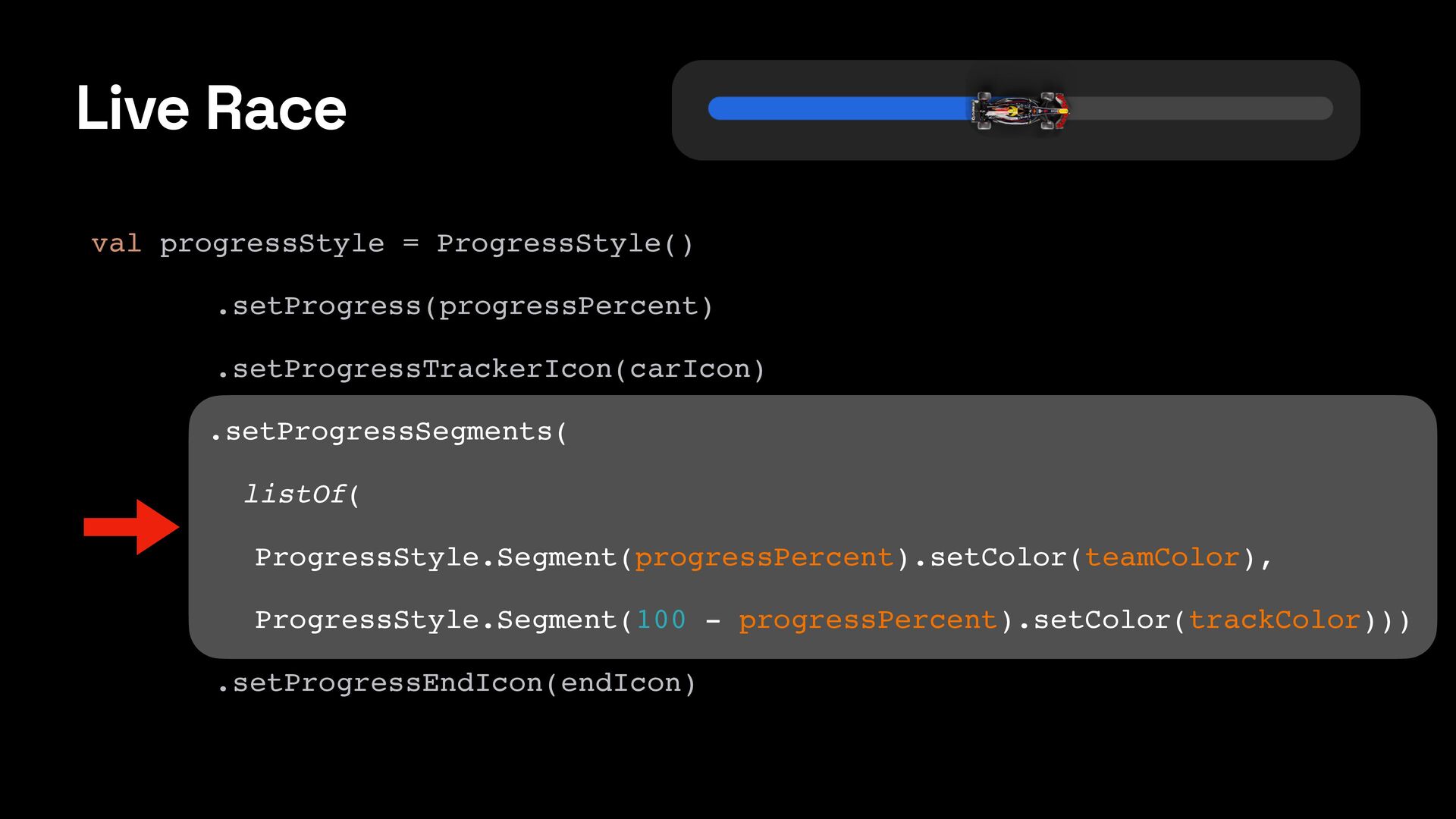
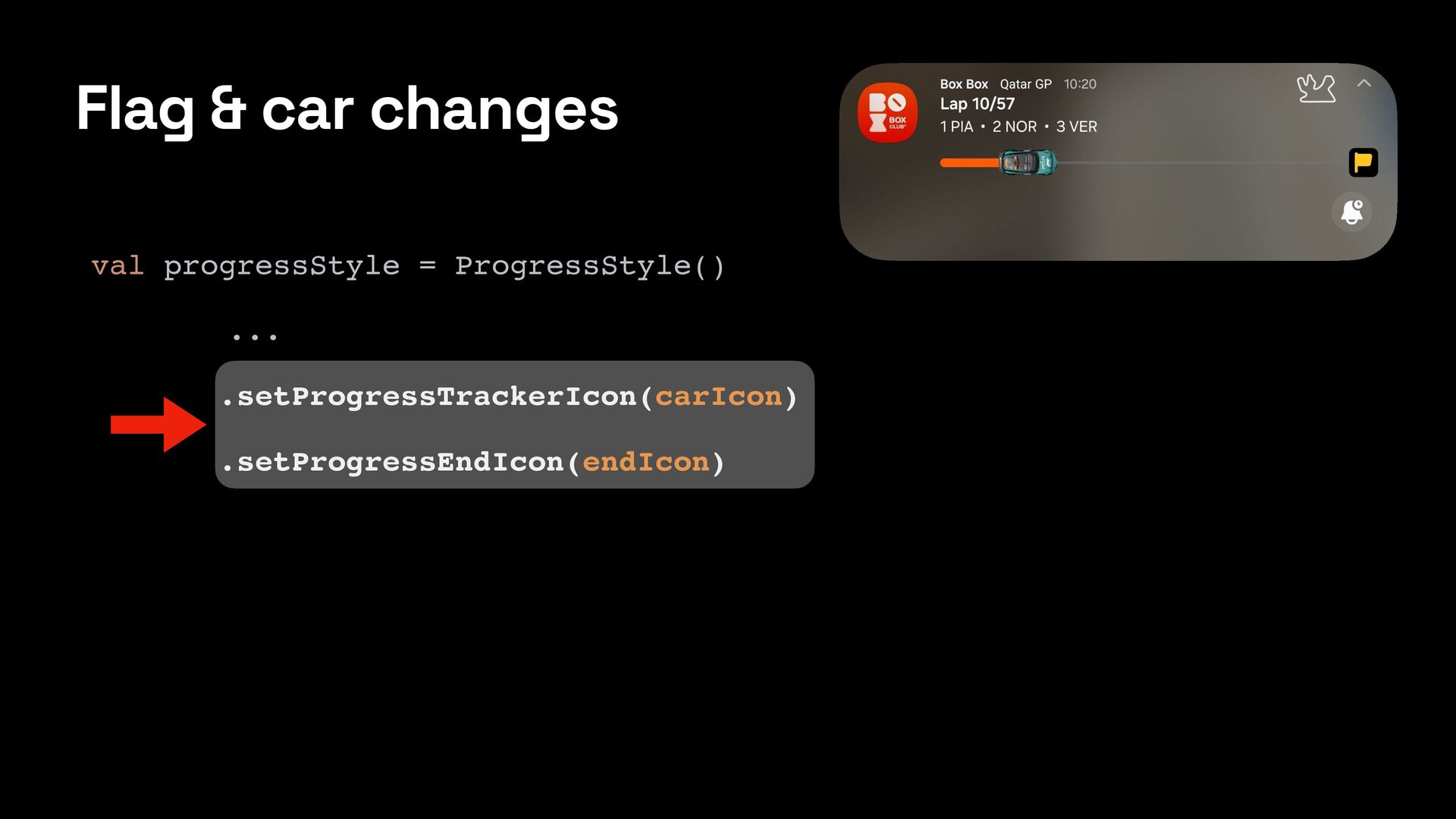
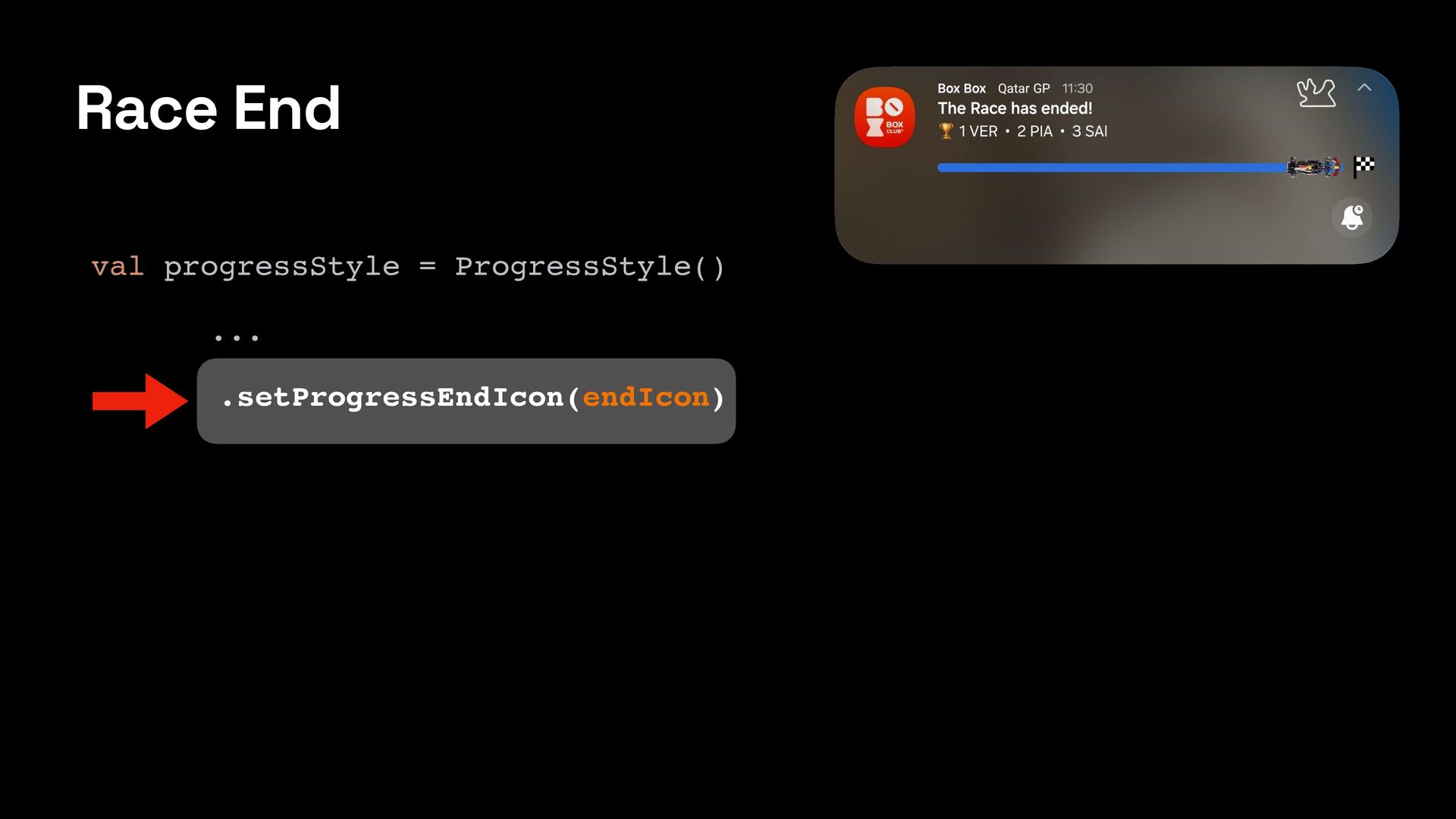
  9. Live Race val progressStyle = ProgressStyle() .setProgress(progressPercent) .setProgressTrackerIcon(carIcon) .setProgressSegments( listOf(

    ProgressStyle.Segment(progressPercent).setColor(teamColor), ProgressStyle.Segment(100 - progressPercent).setColor(trackColor))) .setProgressEndIcon(endIcon)
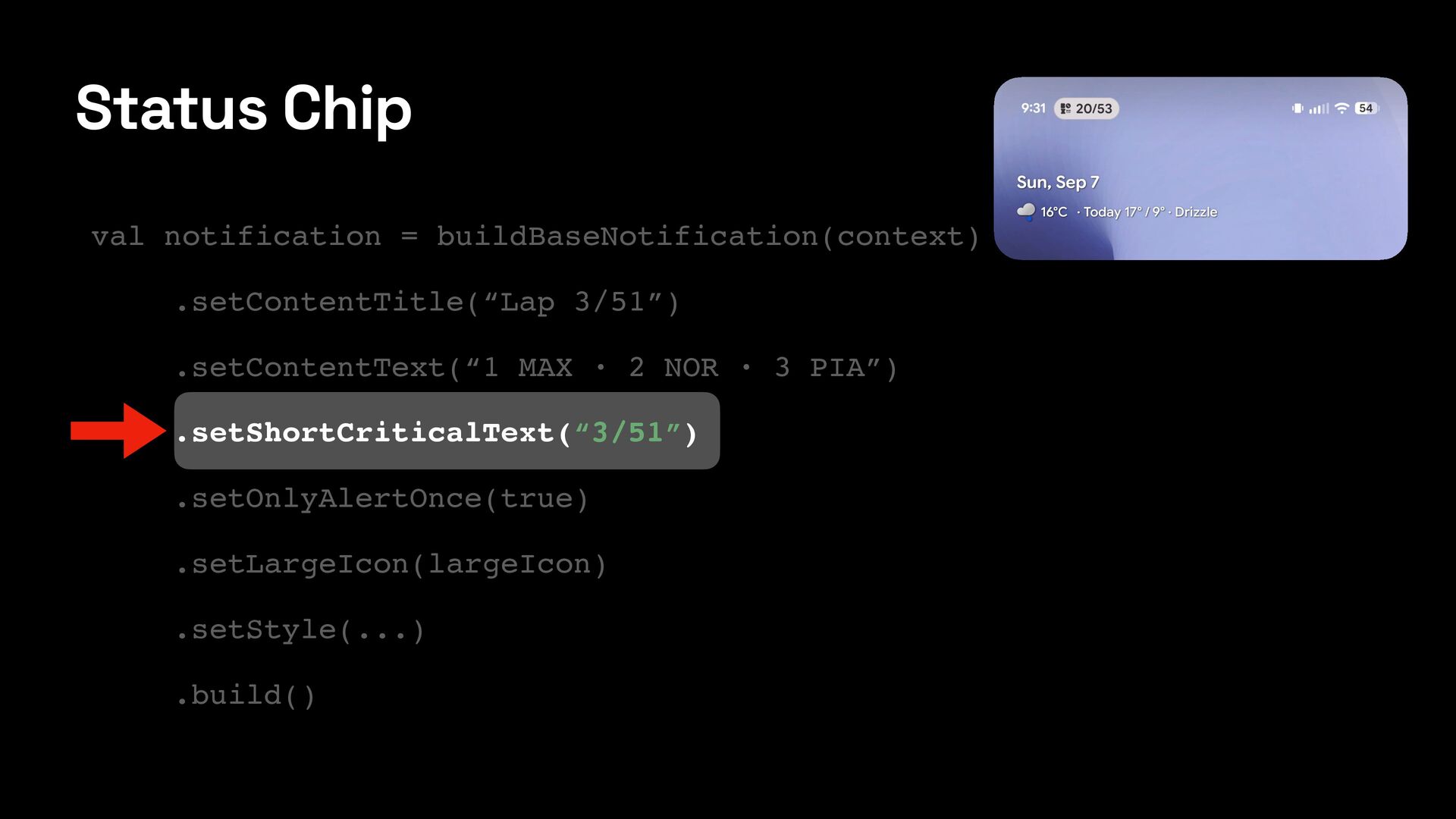
  10. val notification = buildBaseNotification(context) .setContentTitle(“Lap 3/51”) .setContentText(“1 MAX · 2

    NOR · 3 PIA”) .setShortCriticalText(“3/51”) .setOnlyAlertOnce(true) .setLargeIcon(largeIcon) .setStyle(...) .build() Status Chip
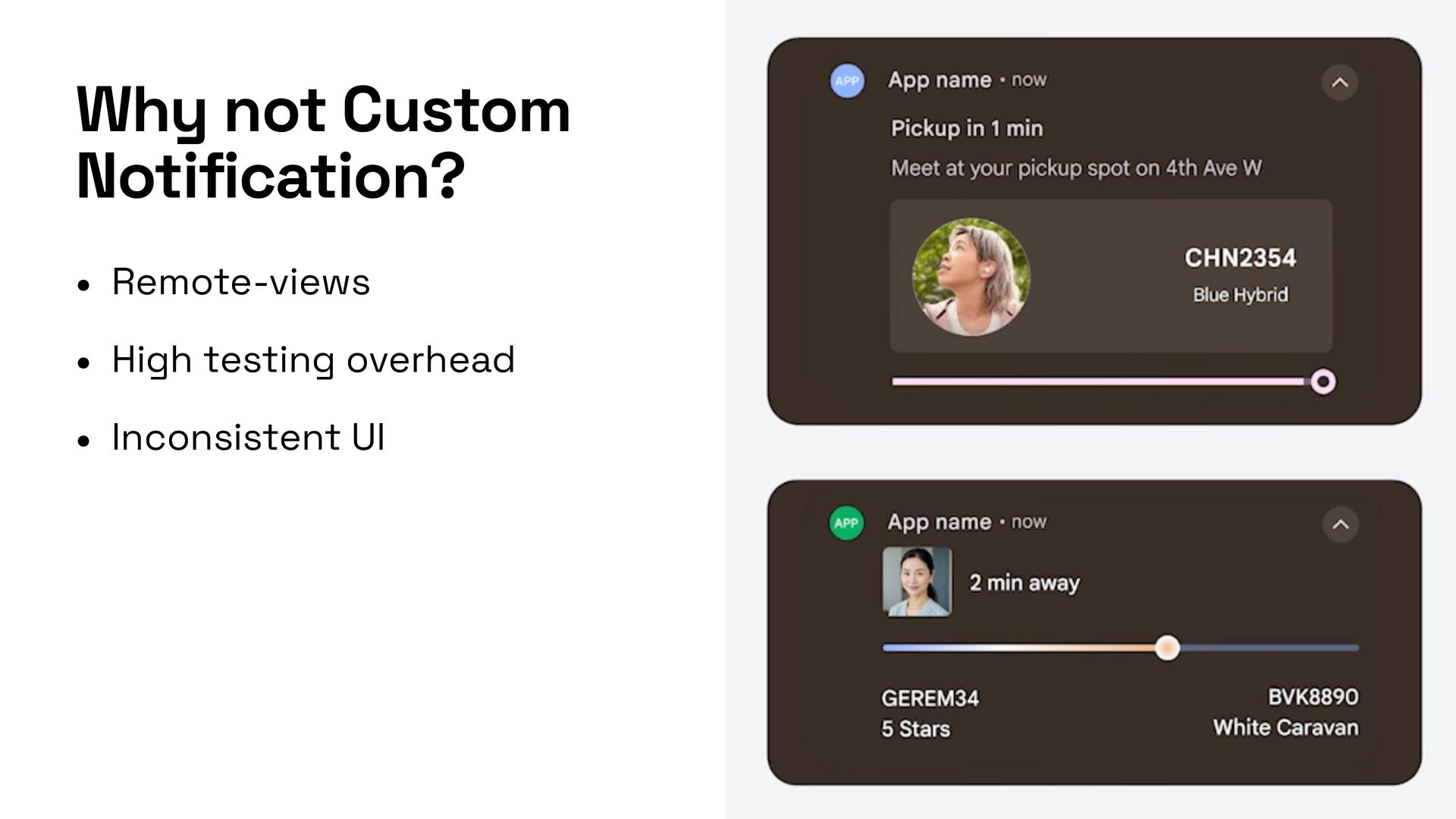
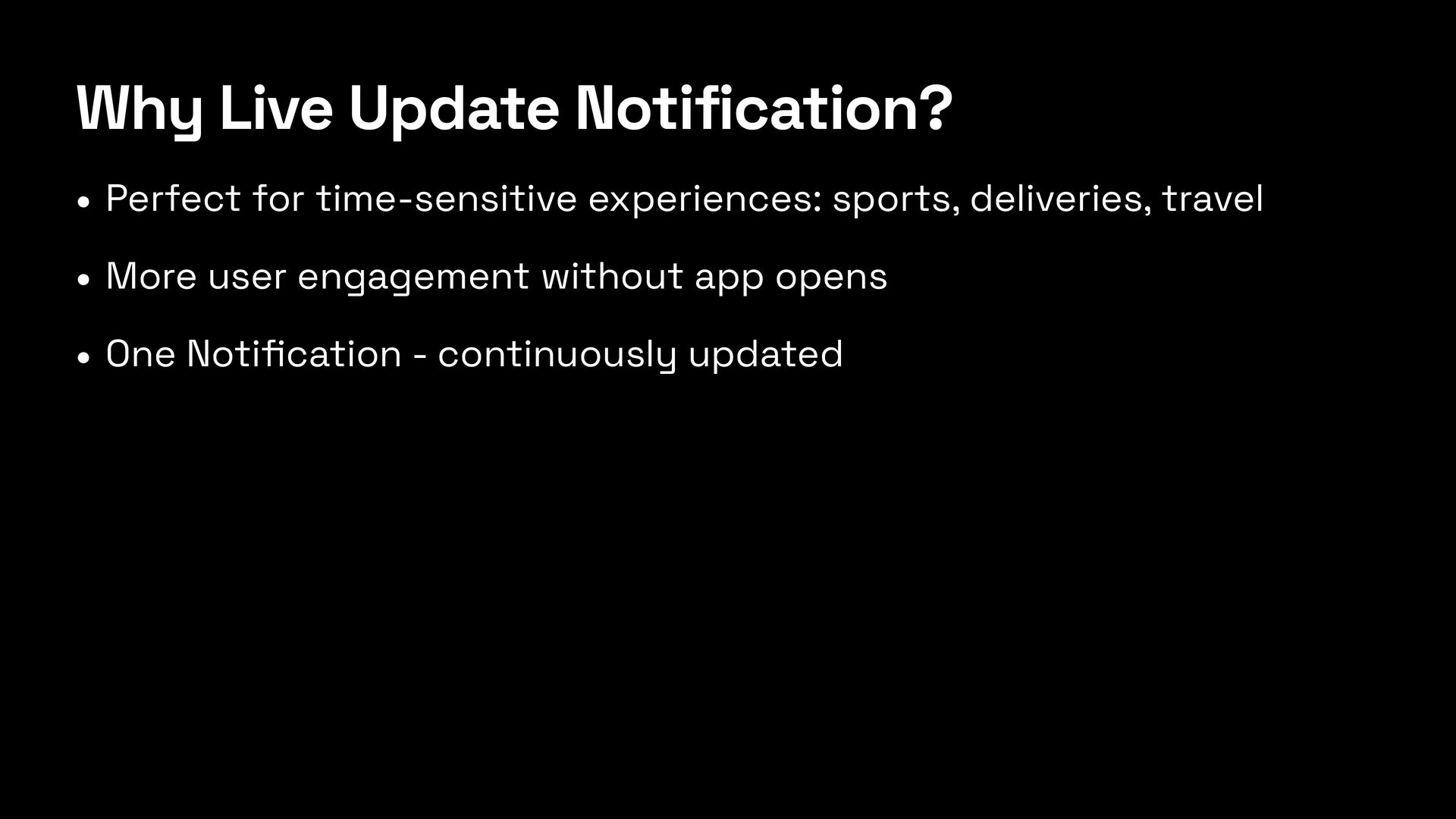
  11. Why Live Update Notification? • Perfect for time-sensitive experiences: sports,

    deliveries, travel • More user engagement without app opens • One Noti fi cation - continuously updated