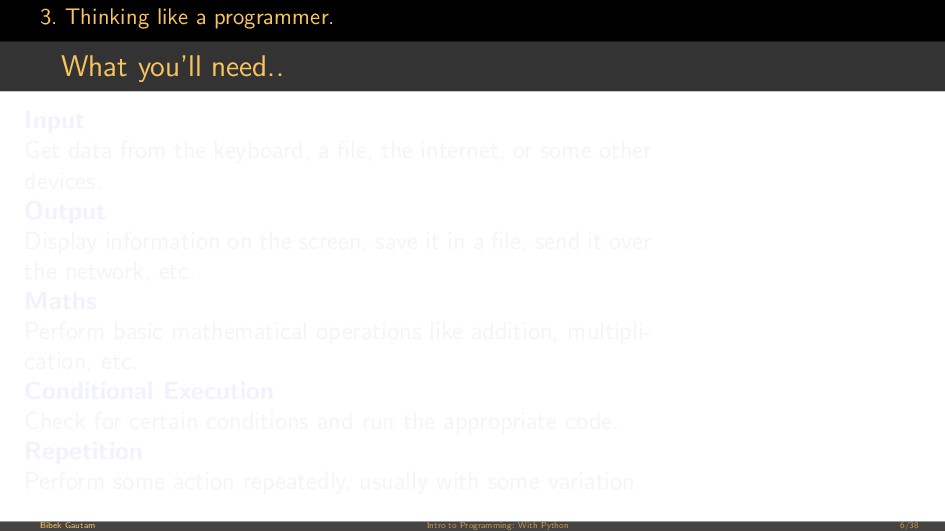
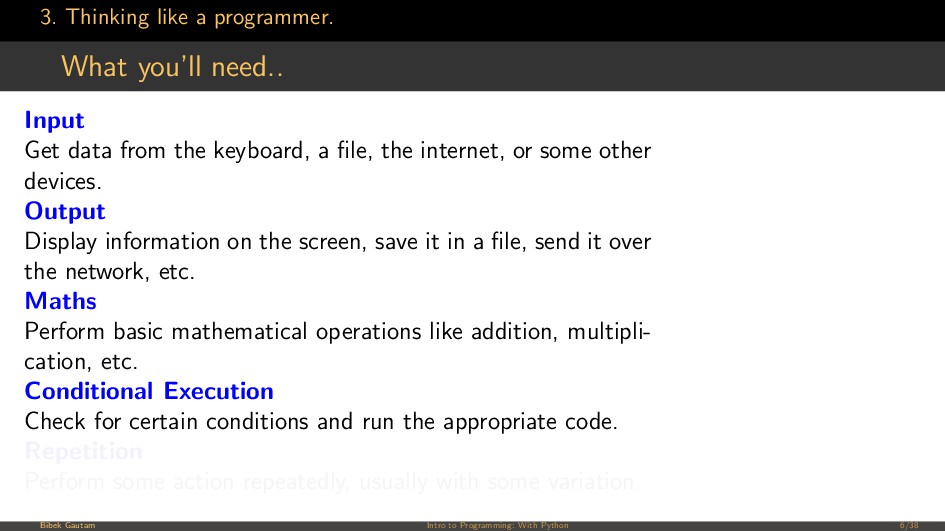
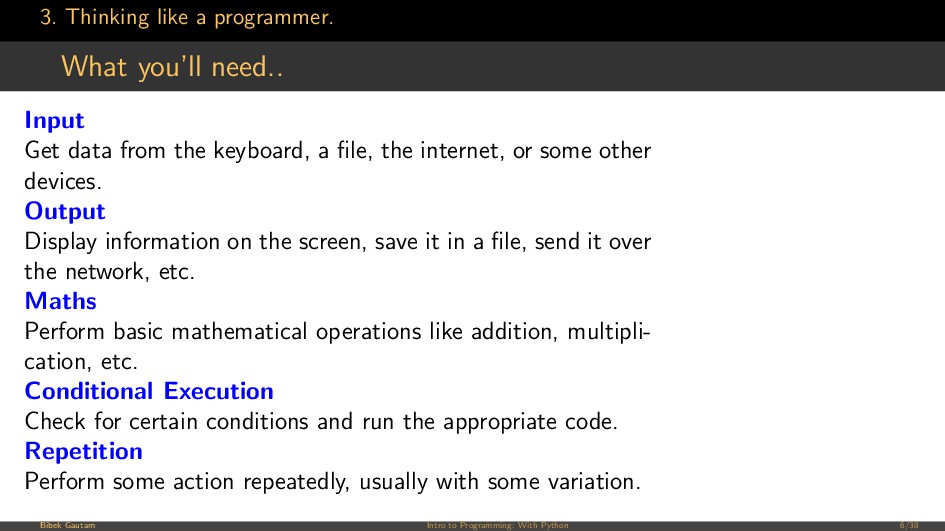
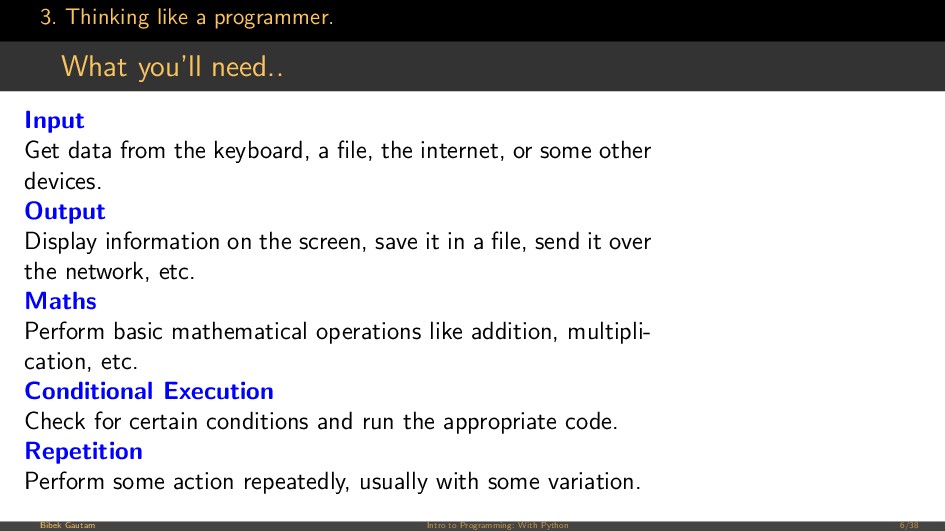
data from the keyboard, a file, the internet, or some other devices. Output Display information on the screen, save it in a file, send it over the network, etc. Maths Perform basic mathematical operations like addition, multipli- cation, etc. Conditional Execution Check for certain conditions and run the appropriate code. Repetition Perform some action repeatedly, usually with some variation. Bibek Gautam Intro to Programming: With Python 6/38
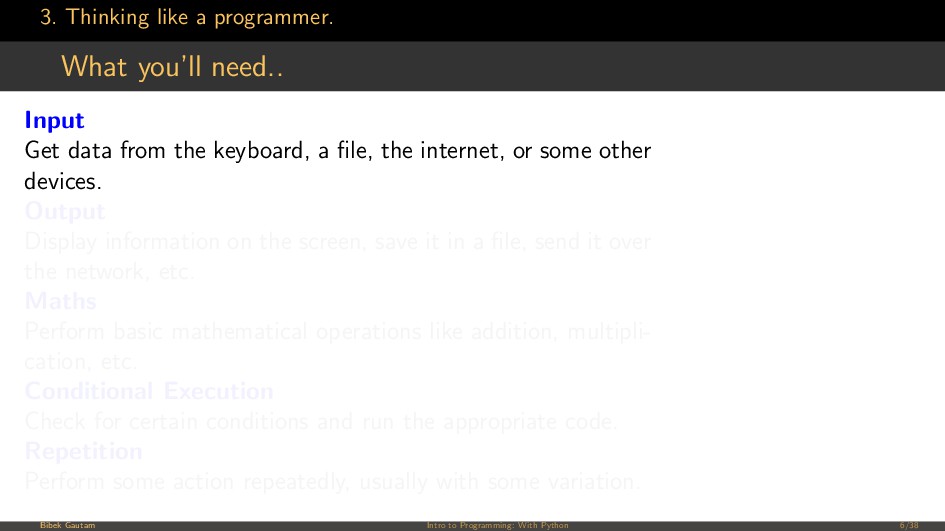
data from the keyboard, a file, the internet, or some other devices. Output Display information on the screen, save it in a file, send it over the network, etc. Maths Perform basic mathematical operations like addition, multipli- cation, etc. Conditional Execution Check for certain conditions and run the appropriate code. Repetition Perform some action repeatedly, usually with some variation. Bibek Gautam Intro to Programming: With Python 6/38
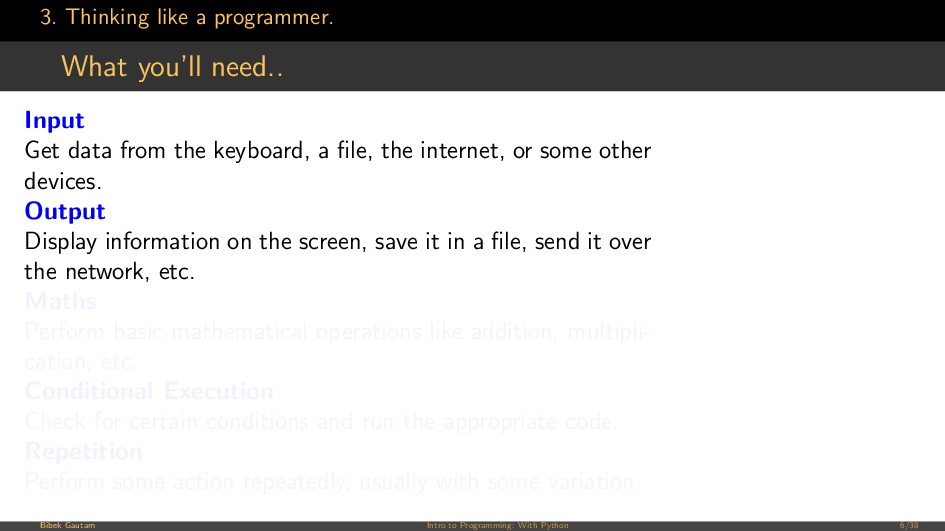
data from the keyboard, a file, the internet, or some other devices. Output Display information on the screen, save it in a file, send it over the network, etc. Maths Perform basic mathematical operations like addition, multipli- cation, etc. Conditional Execution Check for certain conditions and run the appropriate code. Repetition Perform some action repeatedly, usually with some variation. Bibek Gautam Intro to Programming: With Python 6/38
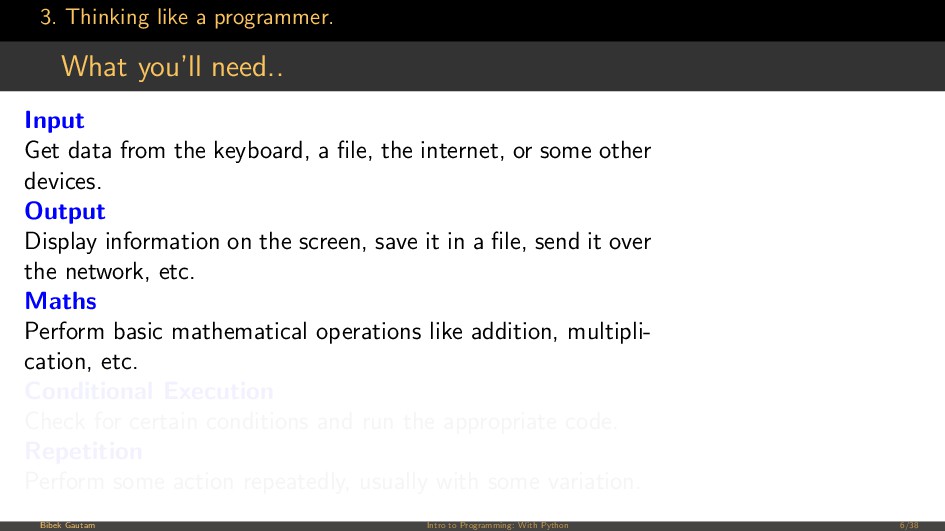
data from the keyboard, a file, the internet, or some other devices. Output Display information on the screen, save it in a file, send it over the network, etc. Maths Perform basic mathematical operations like addition, multipli- cation, etc. Conditional Execution Check for certain conditions and run the appropriate code. Repetition Perform some action repeatedly, usually with some variation. Bibek Gautam Intro to Programming: With Python 6/38
data from the keyboard, a file, the internet, or some other devices. Output Display information on the screen, save it in a file, send it over the network, etc. Maths Perform basic mathematical operations like addition, multipli- cation, etc. Conditional Execution Check for certain conditions and run the appropriate code. Repetition Perform some action repeatedly, usually with some variation. Bibek Gautam Intro to Programming: With Python 6/38
data from the keyboard, a file, the internet, or some other devices. Output Display information on the screen, save it in a file, send it over the network, etc. Maths Perform basic mathematical operations like addition, multipli- cation, etc. Conditional Execution Check for certain conditions and run the appropriate code. Repetition Perform some action repeatedly, usually with some variation. Bibek Gautam Intro to Programming: With Python 6/38
data from the keyboard, a file, the internet, or some other devices. Output Display information on the screen, save it in a file, send it over the network, etc. Maths Perform basic mathematical operations like addition, multipli- cation, etc. Conditional Execution Check for certain conditions and run the appropriate code. Repetition Perform some action repeatedly, usually with some variation. Bibek Gautam Intro to Programming: With Python 6/38
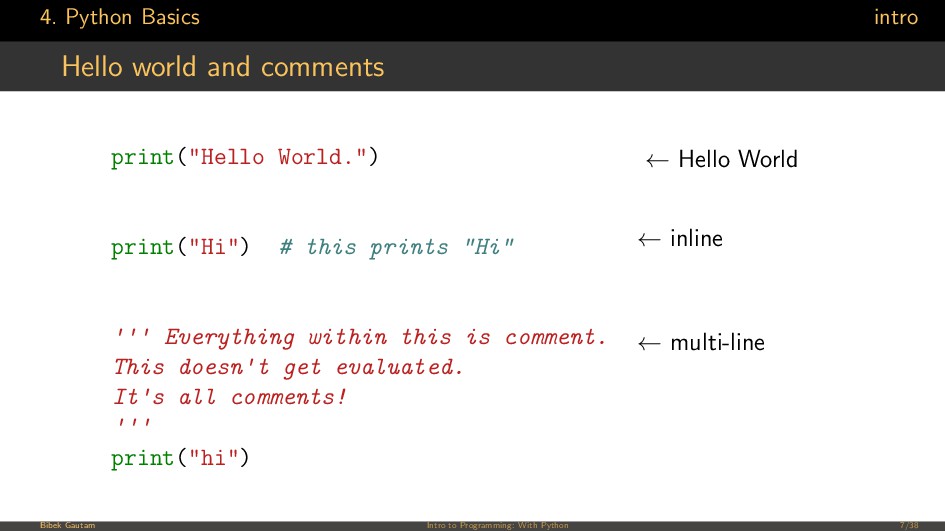
print("Hi") # this prints "Hi" ''' Everything within this is comment. This doesn't get evaluated. It's all comments! ''' print("hi") ← Hello World ← inline ← multi-line Bibek Gautam Intro to Programming: With Python 7/38
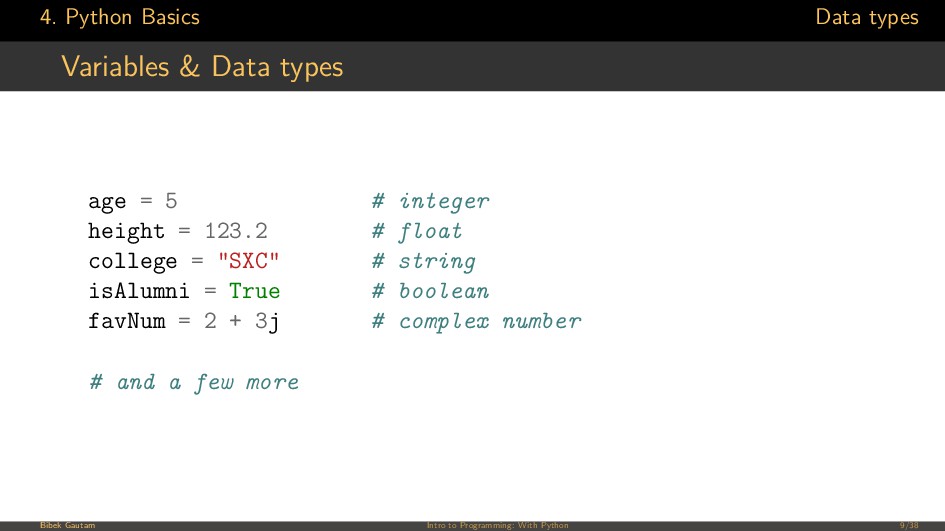
= 5 # integer height = 123.2 # float college = "SXC" # string isAlumni = True # boolean favNum = 2 + 3j # complex number # and a few more Bibek Gautam Intro to Programming: With Python 9/38
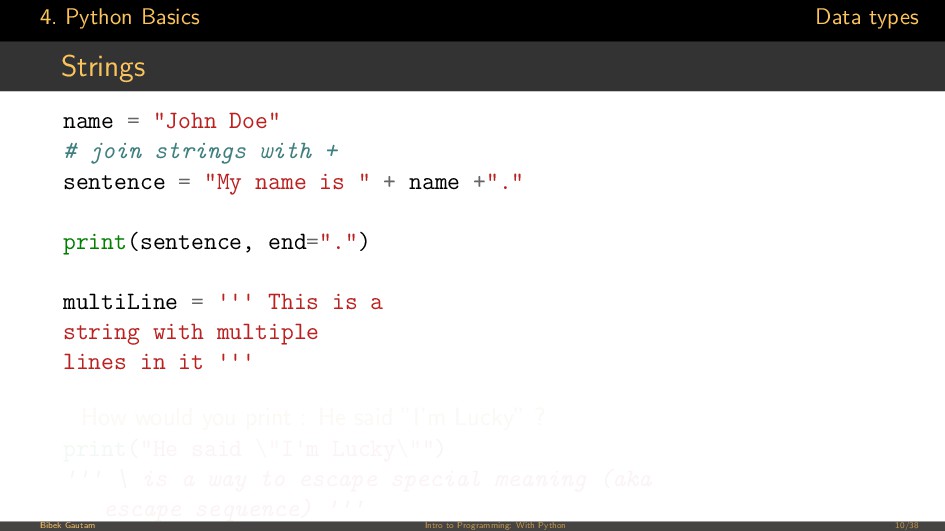
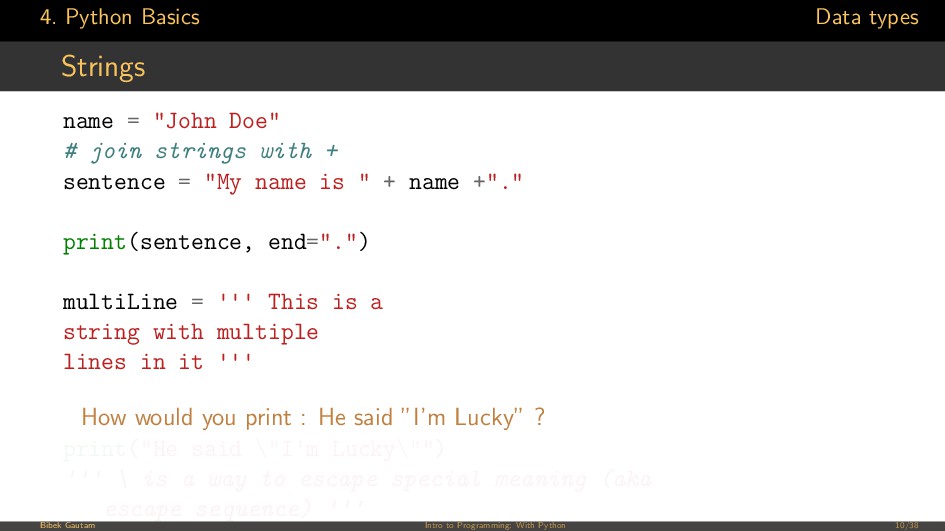
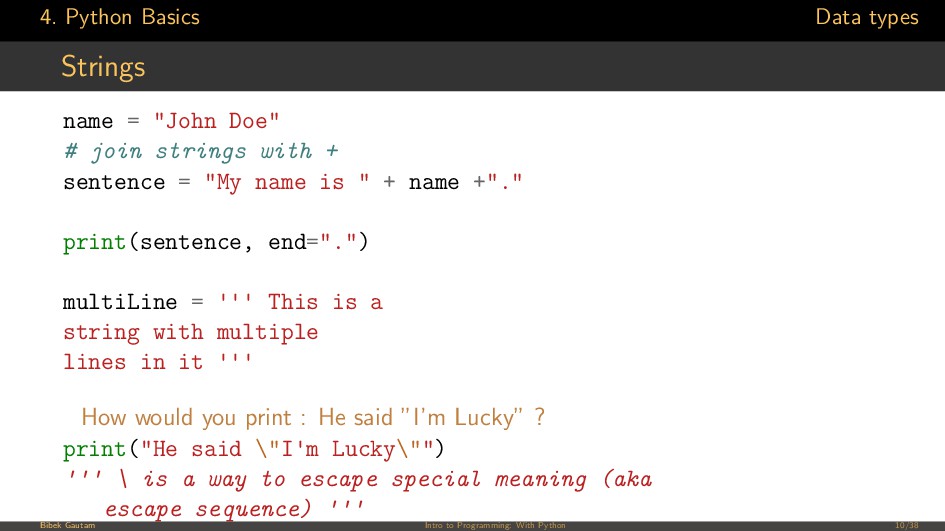
# join strings with + sentence = "My name is " + name +"." print(sentence, end=".") multiLine = ''' This is a string with multiple lines in it ''' How would you print : He said ”I’m Lucky” ? print("He said \"I'm Lucky\"") ''' \ is a way to escape special meaning (aka escape sequence) ''' Bibek Gautam Intro to Programming: With Python 10/38
# join strings with + sentence = "My name is " + name +"." print(sentence, end=".") multiLine = ''' This is a string with multiple lines in it ''' How would you print : He said ”I’m Lucky” ? print("He said \"I'm Lucky\"") ''' \ is a way to escape special meaning (aka escape sequence) ''' Bibek Gautam Intro to Programming: With Python 10/38
# join strings with + sentence = "My name is " + name +"." print(sentence, end=".") multiLine = ''' This is a string with multiple lines in it ''' How would you print : He said ”I’m Lucky” ? print("He said \"I'm Lucky\"") ''' \ is a way to escape special meaning (aka escape sequence) ''' Bibek Gautam Intro to Programming: With Python 10/38
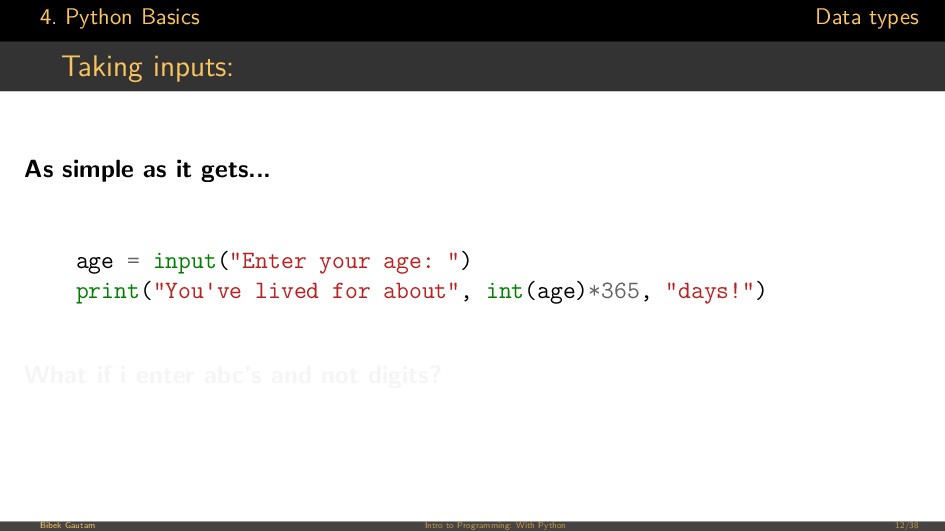
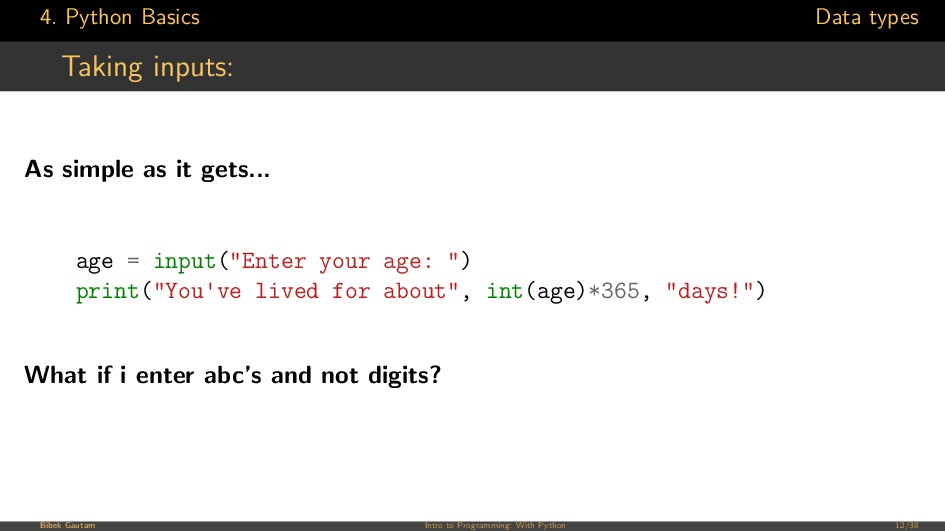
it gets... age = input("Enter your age: ") print("You've lived for about", int(age)*365, "days!") What if i enter abc’s and not digits? Bibek Gautam Intro to Programming: With Python 12/38
it gets... age = input("Enter your age: ") print("You've lived for about", int(age)*365, "days!") What if i enter abc’s and not digits? Bibek Gautam Intro to Programming: With Python 12/38
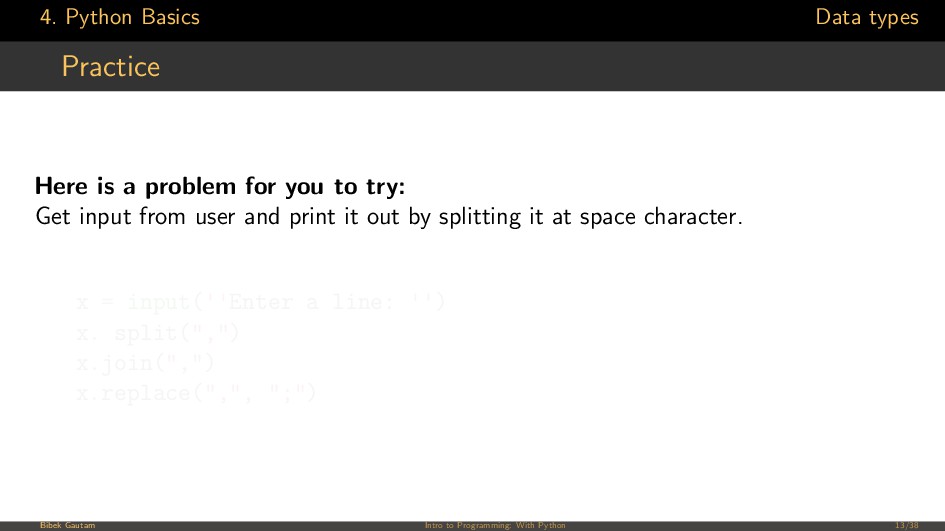
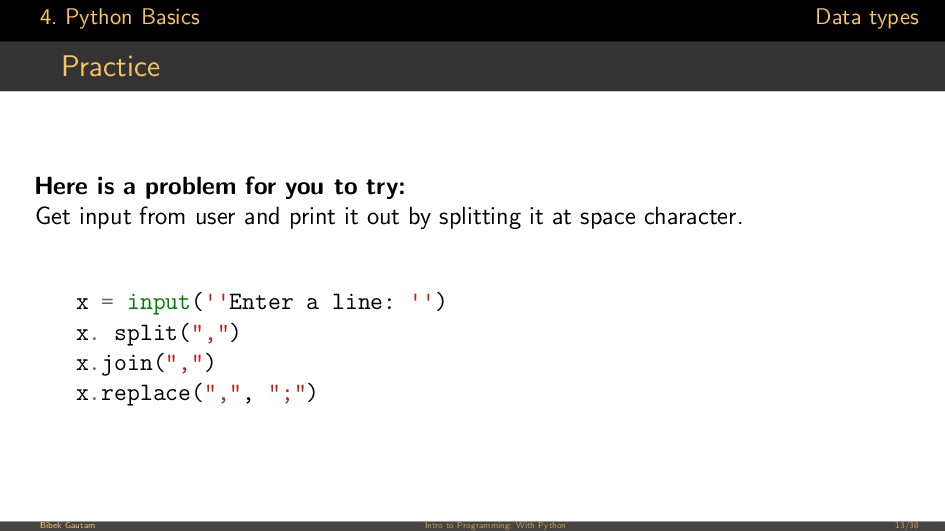
for you to try: Get input from user and print it out by splitting it at space character. x = input(''Enter a line: '') x. split(",") x.join(",") x.replace(",", ";") Bibek Gautam Intro to Programming: With Python 13/38
for you to try: Get input from user and print it out by splitting it at space character. x = input(''Enter a line: '') x. split(",") x.join(",") x.replace(",", ";") Bibek Gautam Intro to Programming: With Python 13/38
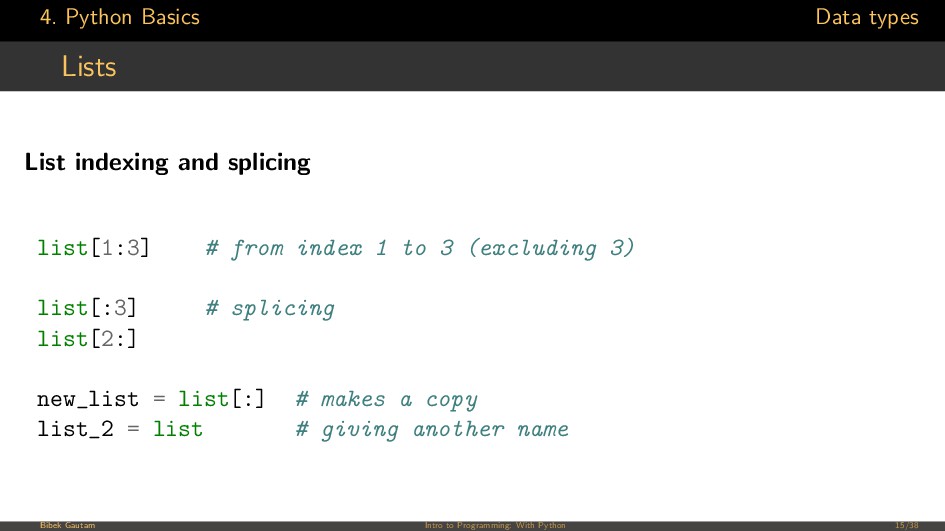
list[1:3] # from index 1 to 3 (excluding 3) list[:3] # splicing list[2:] new_list = list[:] # makes a copy list_2 = list # giving another name Bibek Gautam Intro to Programming: With Python 15/38
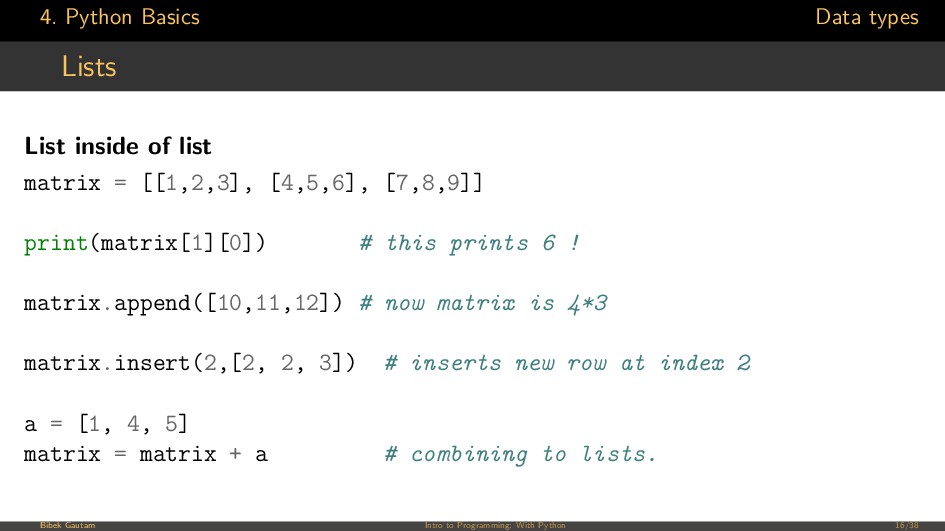
matrix = [[1,2,3], [4,5,6], [7,8,9]] print(matrix[1][0]) # this prints 6 ! matrix.append([10,11,12]) # now matrix is 4*3 matrix.insert(2,[2, 2, 3]) # inserts new row at index 2 a = [1, 4, 5] matrix = matrix + a # combining to lists. Bibek Gautam Intro to Programming: With Python 16/38
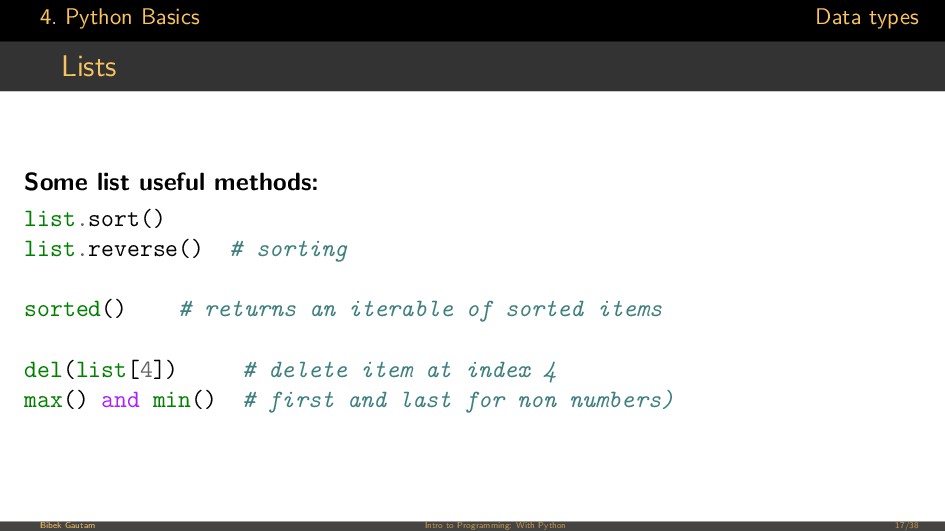
list.sort() list.reverse() # sorting sorted() # returns an iterable of sorted items del(list[4]) # delete item at index 4 max() and min() # first and last for non numbers) Bibek Gautam Intro to Programming: With Python 17/38
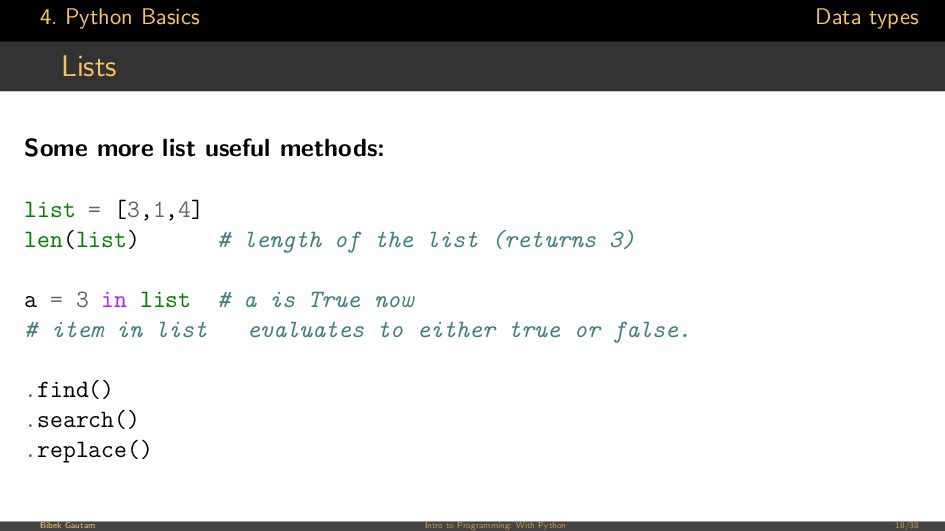
methods: list = [3,1,4] len(list) # length of the list (returns 3) a = 3 in list # a is True now # item in list evaluates to either true or false. .find() .search() .replace() Bibek Gautam Intro to Programming: With Python 18/38
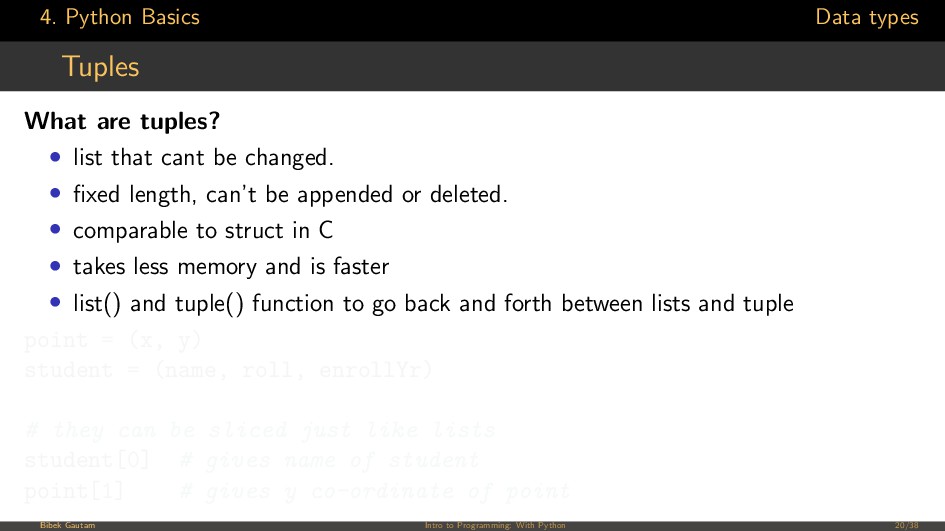
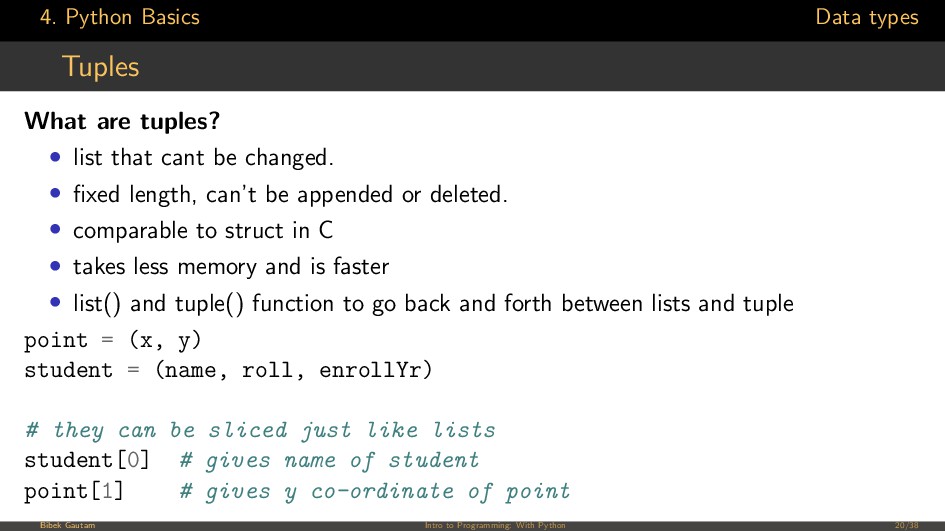
list that cant be changed. • fixed length, can’t be appended or deleted. • comparable to struct in C • takes less memory and is faster • list() and tuple() function to go back and forth between lists and tuple point = (x, y) student = (name, roll, enrollYr) # they can be sliced just like lists student[0] # gives name of student point[1] # gives y co-ordinate of point Bibek Gautam Intro to Programming: With Python 20/38
list that cant be changed. • fixed length, can’t be appended or deleted. • comparable to struct in C • takes less memory and is faster • list() and tuple() function to go back and forth between lists and tuple point = (x, y) student = (name, roll, enrollYr) # they can be sliced just like lists student[0] # gives name of student point[1] # gives y co-ordinate of point Bibek Gautam Intro to Programming: With Python 20/38
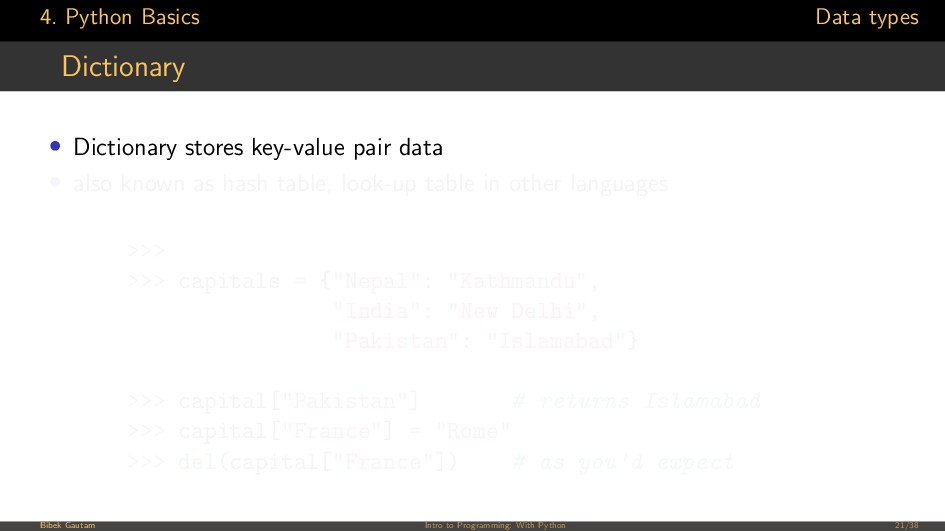
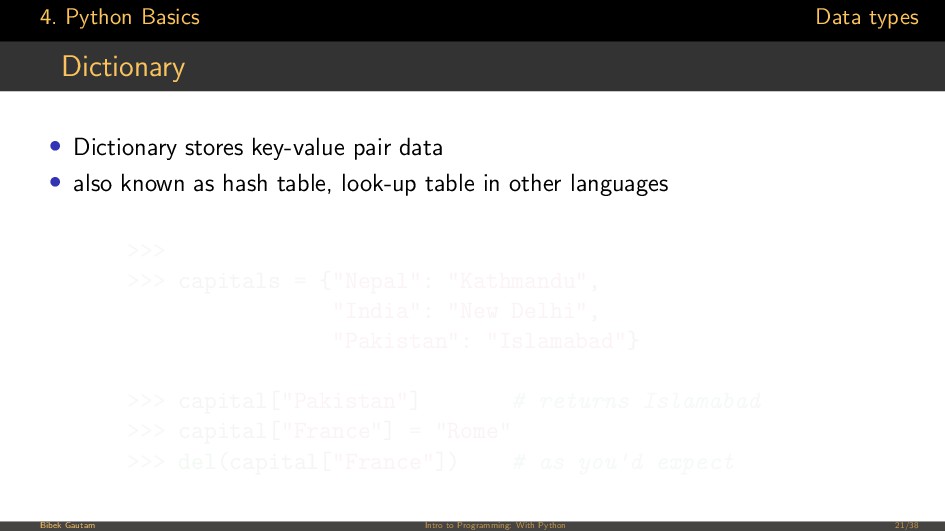
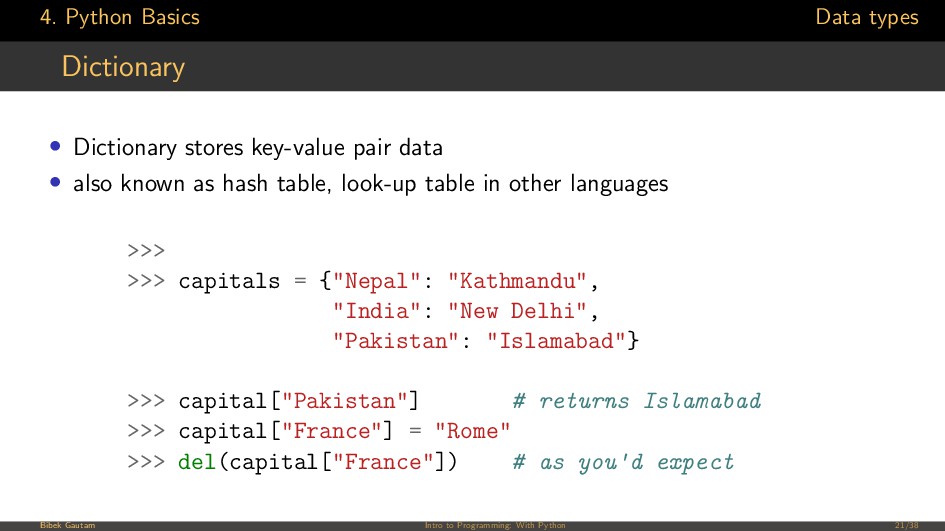
pair data • also known as hash table, look-up table in other languages >>> >>> capitals = {"Nepal": "Kathmandu", "India": "New Delhi", "Pakistan": "Islamabad"} >>> capital["Pakistan"] # returns Islamabad >>> capital["France"] = "Rome" >>> del(capital["France"]) # as you'd expect Bibek Gautam Intro to Programming: With Python 21/38
pair data • also known as hash table, look-up table in other languages >>> >>> capitals = {"Nepal": "Kathmandu", "India": "New Delhi", "Pakistan": "Islamabad"} >>> capital["Pakistan"] # returns Islamabad >>> capital["France"] = "Rome" >>> del(capital["France"]) # as you'd expect Bibek Gautam Intro to Programming: With Python 21/38
pair data • also known as hash table, look-up table in other languages >>> >>> capitals = {"Nepal": "Kathmandu", "India": "New Delhi", "Pakistan": "Islamabad"} >>> capital["Pakistan"] # returns Islamabad >>> capital["France"] = "Rome" >>> del(capital["France"]) # as you'd expect Bibek Gautam Intro to Programming: With Python 21/38
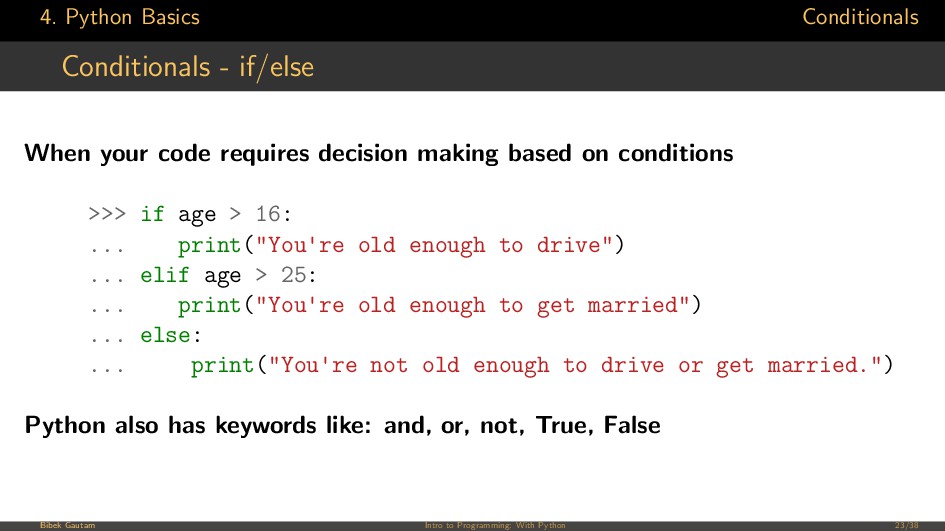
requires decision making based on conditions >>> if age > 16: ... print("You're old enough to drive") ... elif age > 25: ... print("You're old enough to get married") ... else: ... print("You're not old enough to drive or get married.") Python also has keywords like: and, or, not, True, False Bibek Gautam Intro to Programming: With Python 23/38
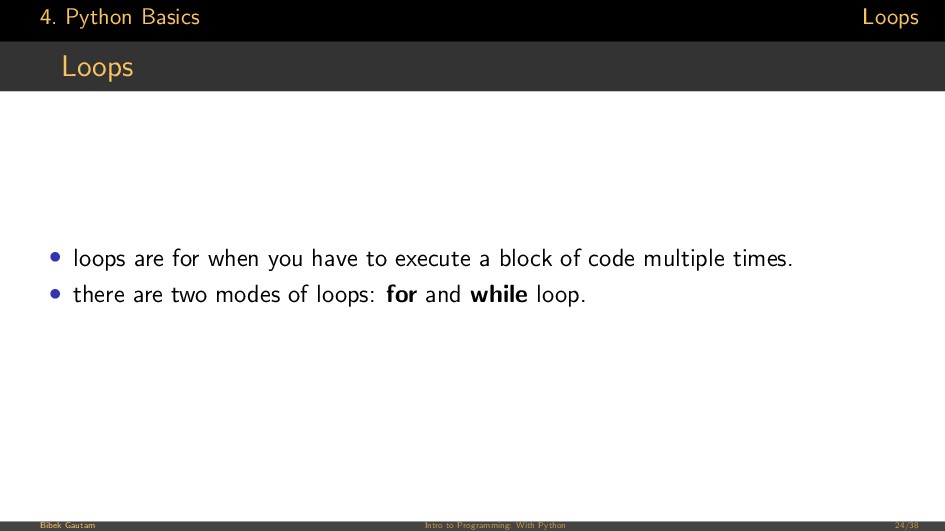
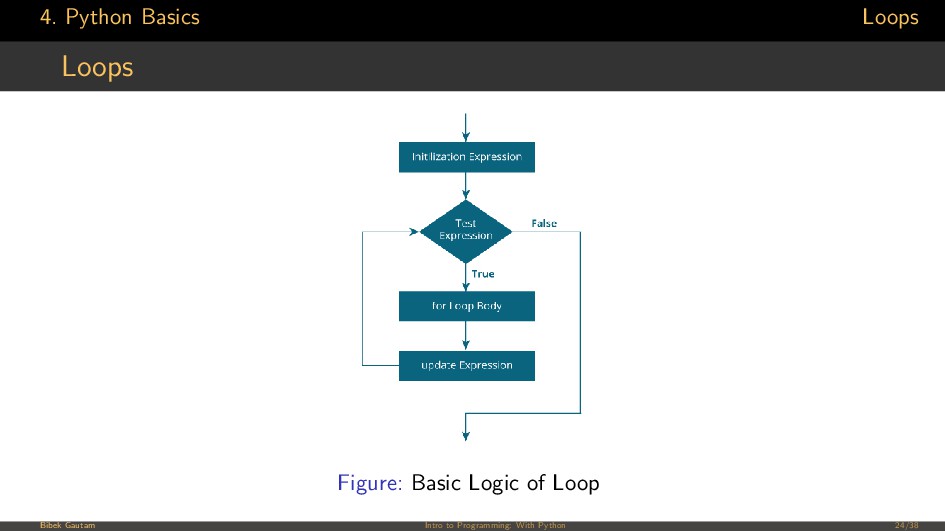
you have to execute a block of code multiple times. • there are two modes of loops: for and while loop. Bibek Gautam Intro to Programming: With Python 24/38
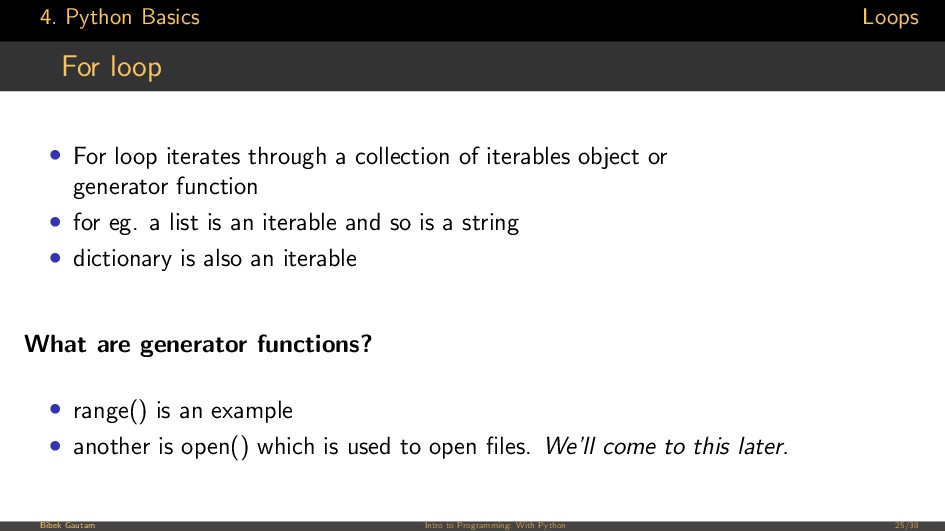
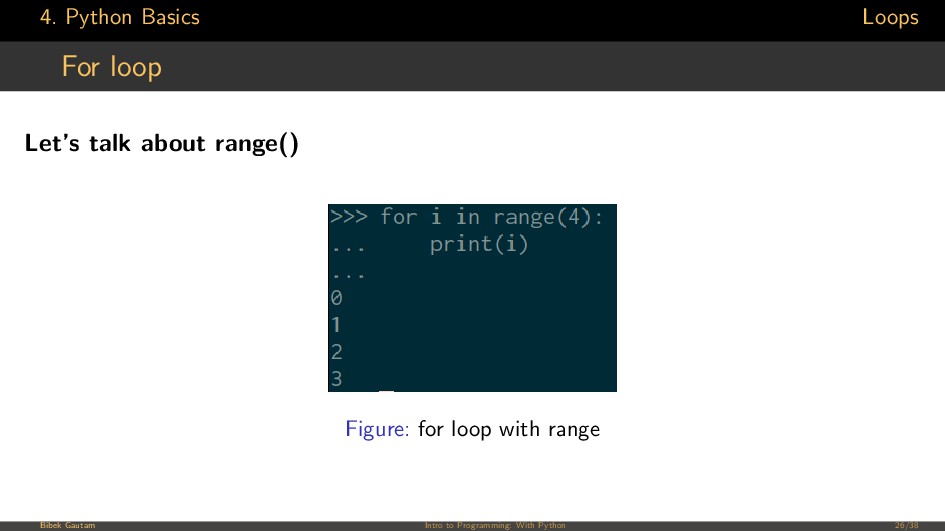
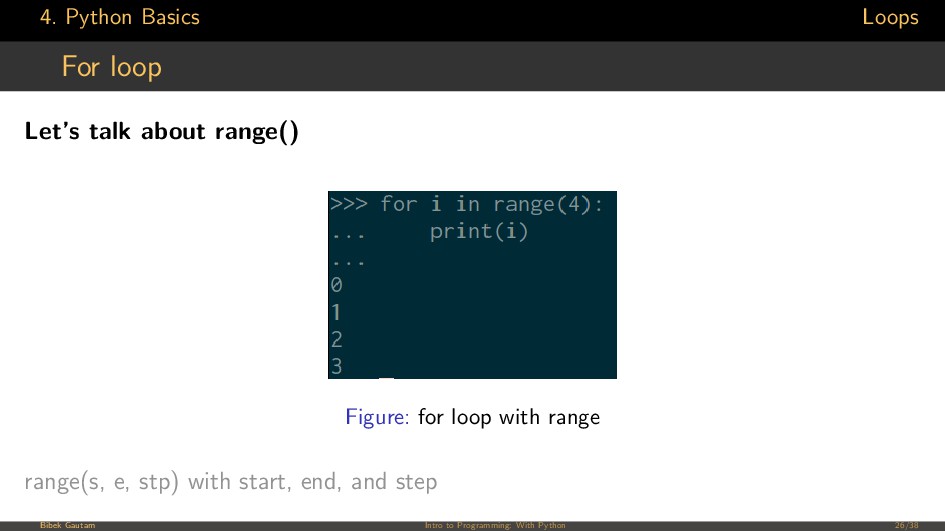
through a collection of iterables object or generator function • for eg. a list is an iterable and so is a string • dictionary is also an iterable What are generator functions? • range() is an example • another is open() which is used to open files. We’ll come to this later. Bibek Gautam Intro to Programming: With Python 25/38
through a collection of iterables object or generator function • for eg. a list is an iterable and so is a string • dictionary is also an iterable What are generator functions? • range() is an example • another is open() which is used to open files. We’ll come to this later. Bibek Gautam Intro to Programming: With Python 25/38
through a collection of iterables object or generator function • for eg. a list is an iterable and so is a string • dictionary is also an iterable What are generator functions? • range() is an example • another is open() which is used to open files. We’ll come to this later. Bibek Gautam Intro to Programming: With Python 25/38
through a collection of iterables object or generator function • for eg. a list is an iterable and so is a string • dictionary is also an iterable What are generator functions? • range() is an example • another is open() which is used to open files. We’ll come to this later. Bibek Gautam Intro to Programming: With Python 25/38
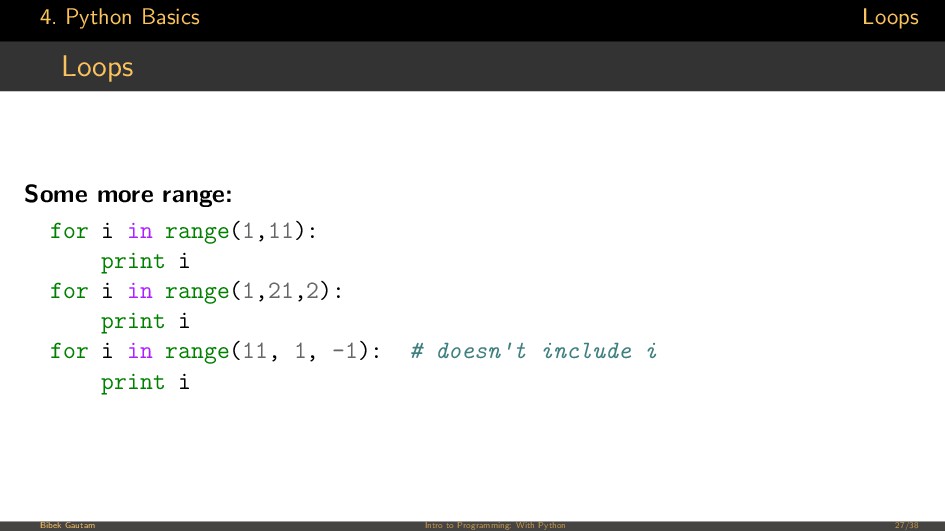
in range(1,11): print i for i in range(1,21,2): print i for i in range(11, 1, -1): # doesn't include i print i Bibek Gautam Intro to Programming: With Python 27/38
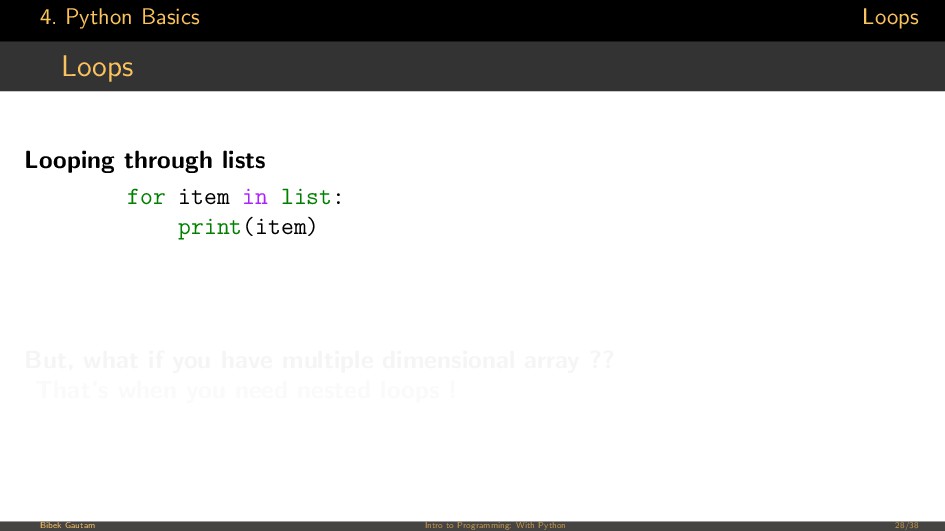
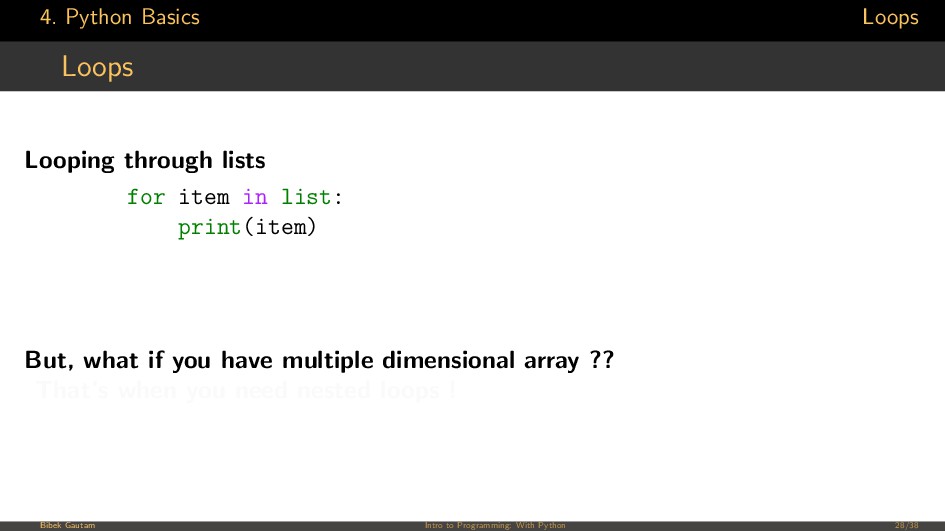
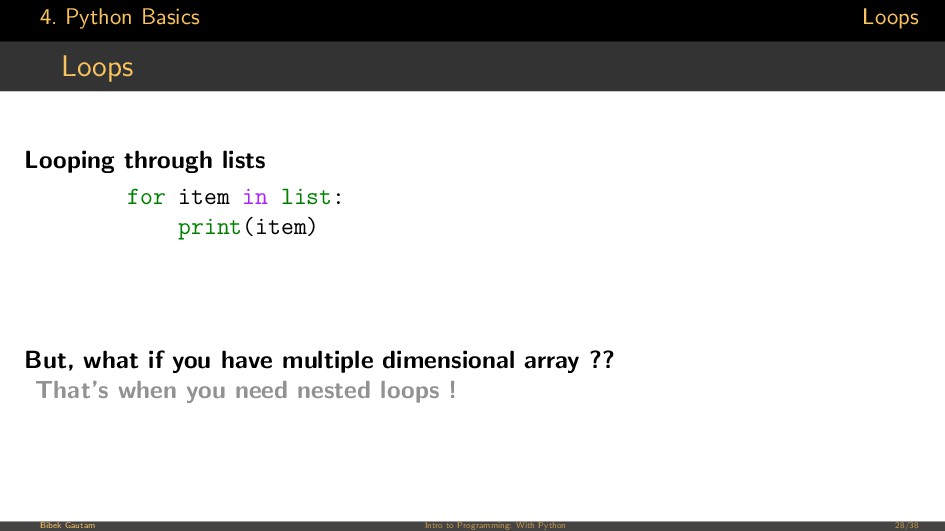
in list: print(item) But, what if you have multiple dimensional array ?? That’s when you need nested loops ! Bibek Gautam Intro to Programming: With Python 28/38
in list: print(item) But, what if you have multiple dimensional array ?? That’s when you need nested loops ! Bibek Gautam Intro to Programming: With Python 28/38
in list: print(item) But, what if you have multiple dimensional array ?? That’s when you need nested loops ! Bibek Gautam Intro to Programming: With Python 28/38
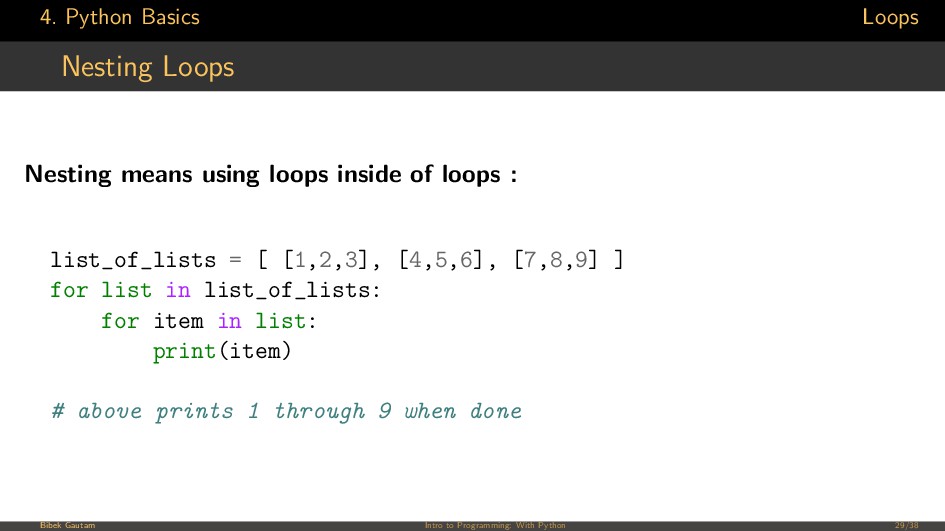
inside of loops : list_of_lists = [ [1,2,3], [4,5,6], [7,8,9] ] for list in list_of_lists: for item in list: print(item) # above prints 1 through 9 when done Bibek Gautam Intro to Programming: With Python 29/38
do something untill a certain condition is true use while loops • Use while loop when you dont have a tidy data structure to iterate through • or don’t have a relevant generator function. • when you want to decide when to stop from within the loop • Let’s see what I mean! Bibek Gautam Intro to Programming: With Python 30/38
do something untill a certain condition is true use while loops • Use while loop when you dont have a tidy data structure to iterate through • or don’t have a relevant generator function. • when you want to decide when to stop from within the loop • Let’s see what I mean! Bibek Gautam Intro to Programming: With Python 30/38
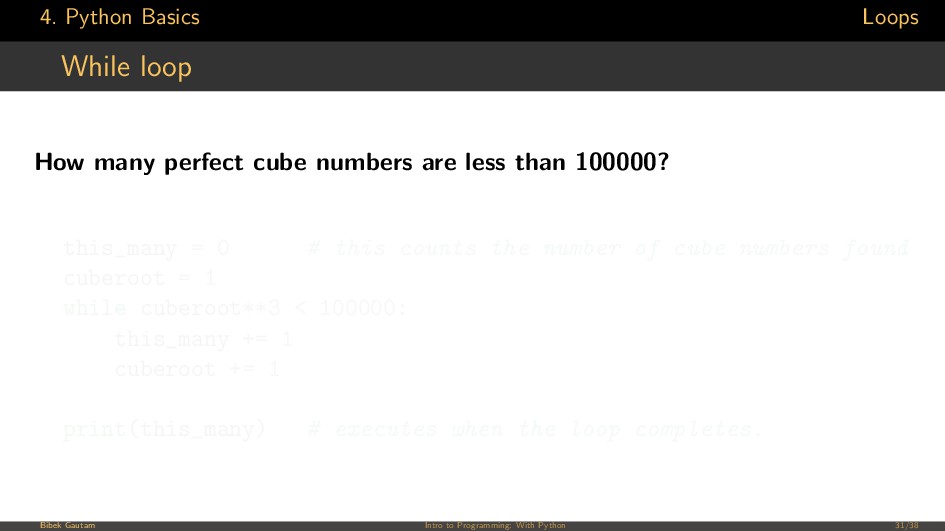
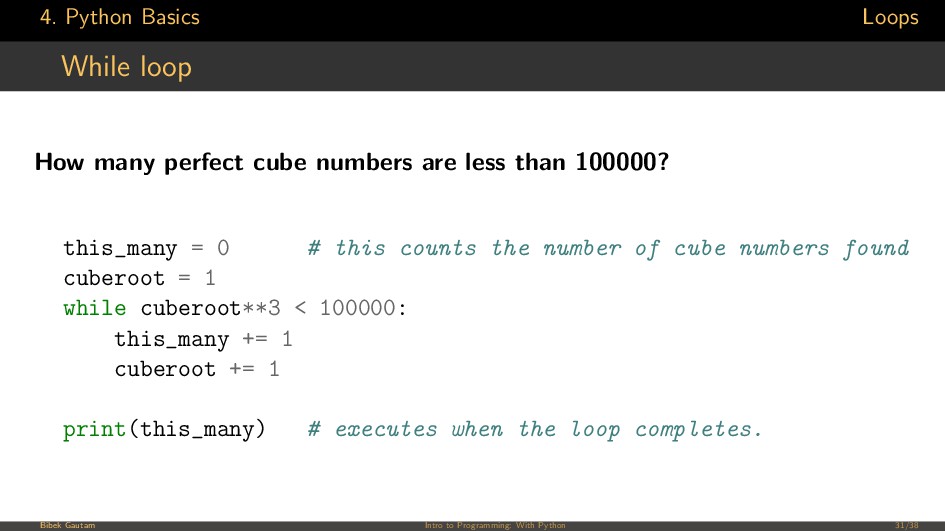
numbers are less than 100000? this_many = 0 # this counts the number of cube numbers found cuberoot = 1 while cuberoot**3 < 100000: this_many += 1 cuberoot += 1 print(this_many) # executes when the loop completes. Bibek Gautam Intro to Programming: With Python 31/38
numbers are less than 100000? this_many = 0 # this counts the number of cube numbers found cuberoot = 1 while cuberoot**3 < 100000: this_many += 1 cuberoot += 1 print(this_many) # executes when the loop completes. Bibek Gautam Intro to Programming: With Python 31/38
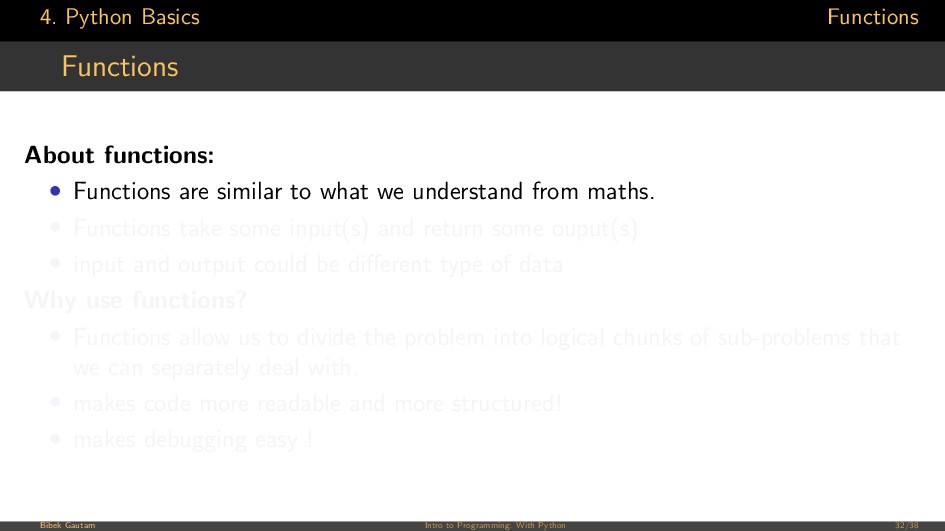
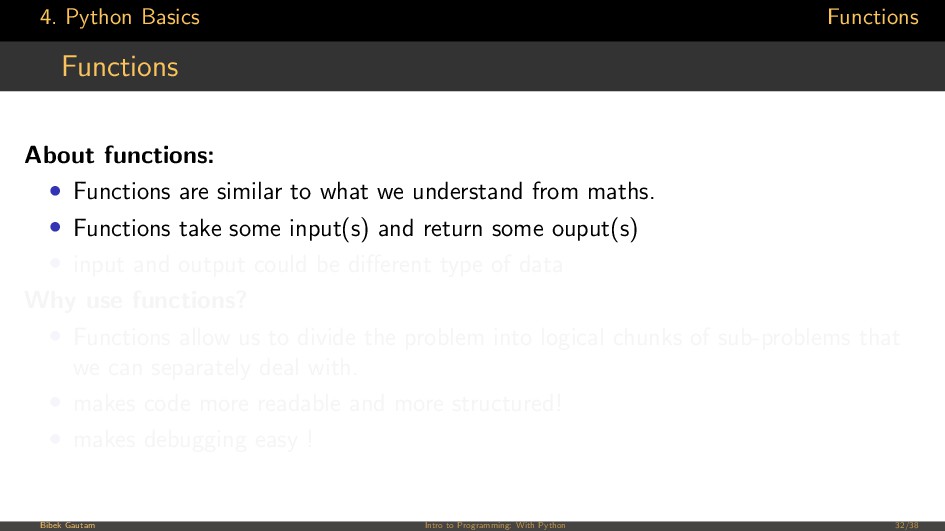
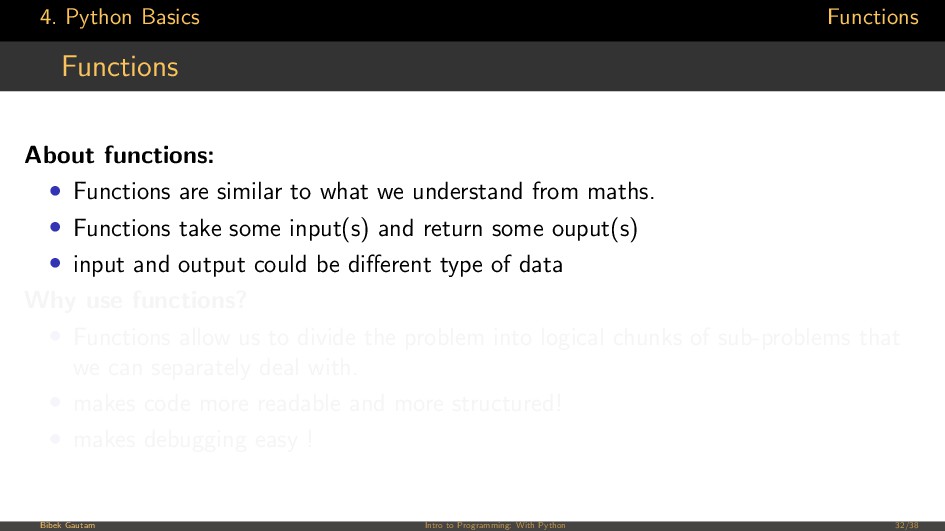
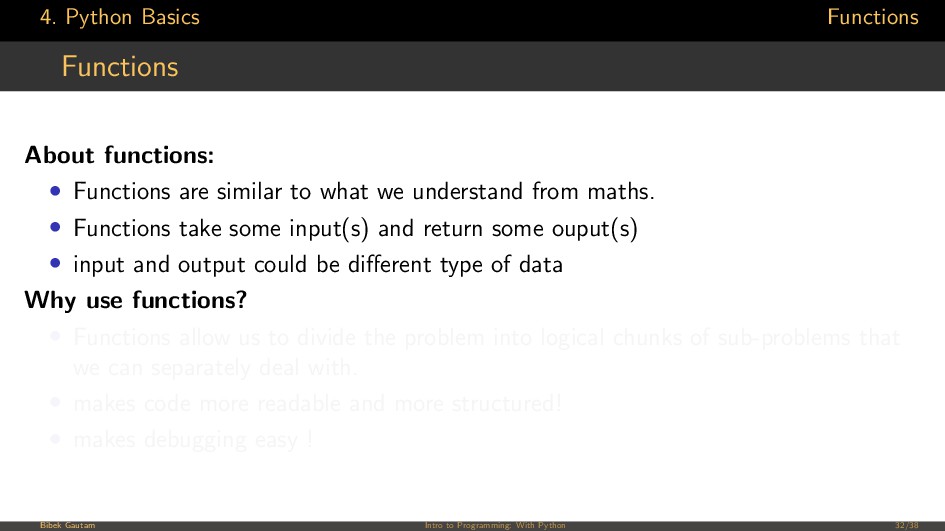
similar to what we understand from maths. • Functions take some input(s) and return some ouput(s) • input and output could be different type of data Why use functions? • Functions allow us to divide the problem into logical chunks of sub-problems that we can separately deal with. • makes code more readable and more structured! • makes debugging easy ! Bibek Gautam Intro to Programming: With Python 32/38
similar to what we understand from maths. • Functions take some input(s) and return some ouput(s) • input and output could be different type of data Why use functions? • Functions allow us to divide the problem into logical chunks of sub-problems that we can separately deal with. • makes code more readable and more structured! • makes debugging easy ! Bibek Gautam Intro to Programming: With Python 32/38
similar to what we understand from maths. • Functions take some input(s) and return some ouput(s) • input and output could be different type of data Why use functions? • Functions allow us to divide the problem into logical chunks of sub-problems that we can separately deal with. • makes code more readable and more structured! • makes debugging easy ! Bibek Gautam Intro to Programming: With Python 32/38
similar to what we understand from maths. • Functions take some input(s) and return some ouput(s) • input and output could be different type of data Why use functions? • Functions allow us to divide the problem into logical chunks of sub-problems that we can separately deal with. • makes code more readable and more structured! • makes debugging easy ! Bibek Gautam Intro to Programming: With Python 32/38
similar to what we understand from maths. • Functions take some input(s) and return some ouput(s) • input and output could be different type of data Why use functions? • Functions allow us to divide the problem into logical chunks of sub-problems that we can separately deal with. • makes code more readable and more structured! • makes debugging easy ! Bibek Gautam Intro to Programming: With Python 32/38
similar to what we understand from maths. • Functions take some input(s) and return some ouput(s) • input and output could be different type of data Why use functions? • Functions allow us to divide the problem into logical chunks of sub-problems that we can separately deal with. • makes code more readable and more structured! • makes debugging easy ! Bibek Gautam Intro to Programming: With Python 32/38
similar to what we understand from maths. • Functions take some input(s) and return some ouput(s) • input and output could be different type of data Why use functions? • Functions allow us to divide the problem into logical chunks of sub-problems that we can separately deal with. • makes code more readable and more structured! • makes debugging easy ! Bibek Gautam Intro to Programming: With Python 32/38
dictionary that maps variable names to their values • Every function has its own namespace. • which means variable declared in one function can’t be accessed from another. Bibek Gautam Intro to Programming: With Python 34/38
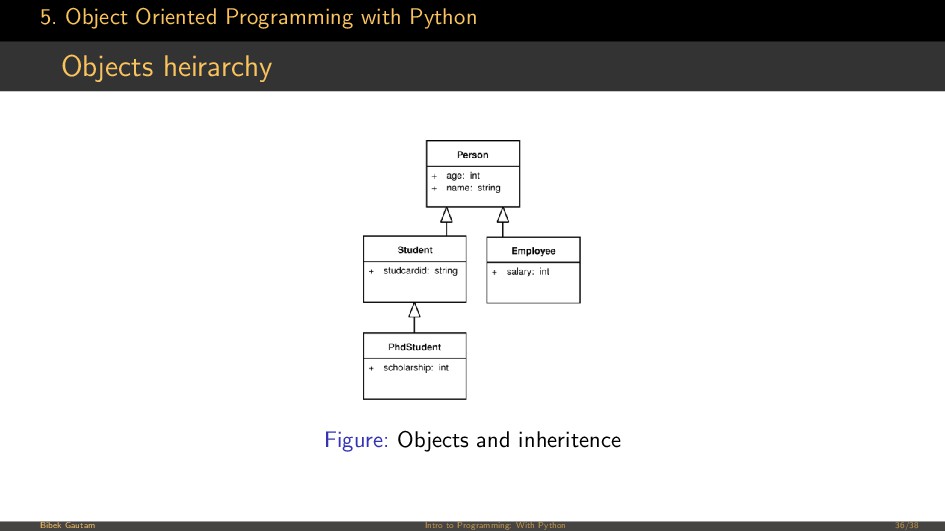
methods Variables encapculated inside a class are its attributes. And functions encapculated within a class are called its methods. Parent Class The class above a class in class heirarchy is called its parent. Child class The classes that derive from a class are its children. Inheritence Child class retains all the methods and attributes from the parents. This is known as inheritence. Bibek Gautam Intro to Programming: With Python 37/38

 SiteGround - Reliable hosting with speed, security, and support you can count on.


 yub0n
yub0n
 y0hgi
y0hgi
 moro
moro
 palkan
 falcon8823
 guaca
guaca
 skydoves
 yukiny
 uyuki234
 kmars0605
.jpg) yumnumm
yumnumm
 nao_randd
 gr2m
gr2m
 rocio
rocio
 katarinadahlin
 skipperchong
 aleyda
 bluesmoon
 schlessera
 inesmontani
 maggiecrowley
 twada
twada
 erikaheidi
 minecr