the classes as you write the classes • This is done by simply writing a main() method that tests all of the constructors and methods of a class • See main() method in LinkedList.java for a driver (test program) for class LinkedList
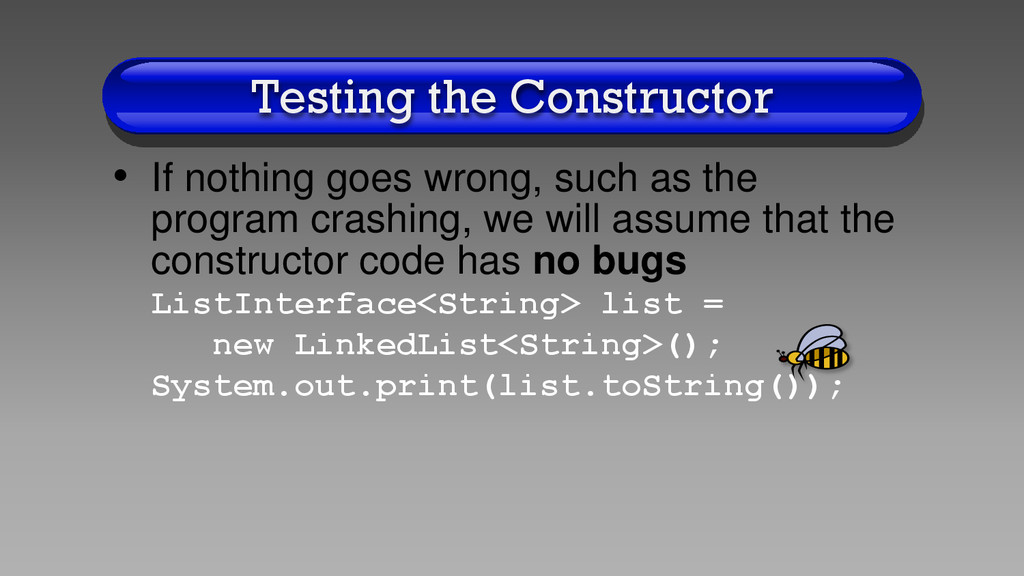
to test the constructor for the LinkedList class? • The constructor code is quite simple, so we can only instantiate a LinkedList object and print the empty list
the program crashing, we will assume that the constructor code has no bugs ListInterface<String> list = new LinkedList<String>(); System.out.print(list.toString());
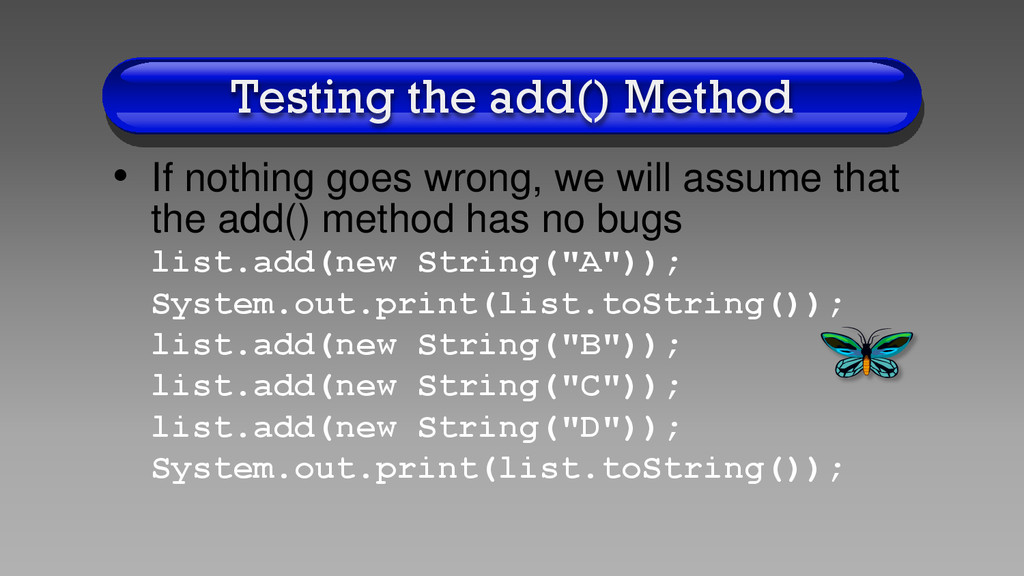
will assume that the add() method has no bugs list.add(new String("A")); System.out.print(list.toString()); list.add(new String("B")); list.add(new String("C")); list.add(new String("D")); System.out.print(list.toString());
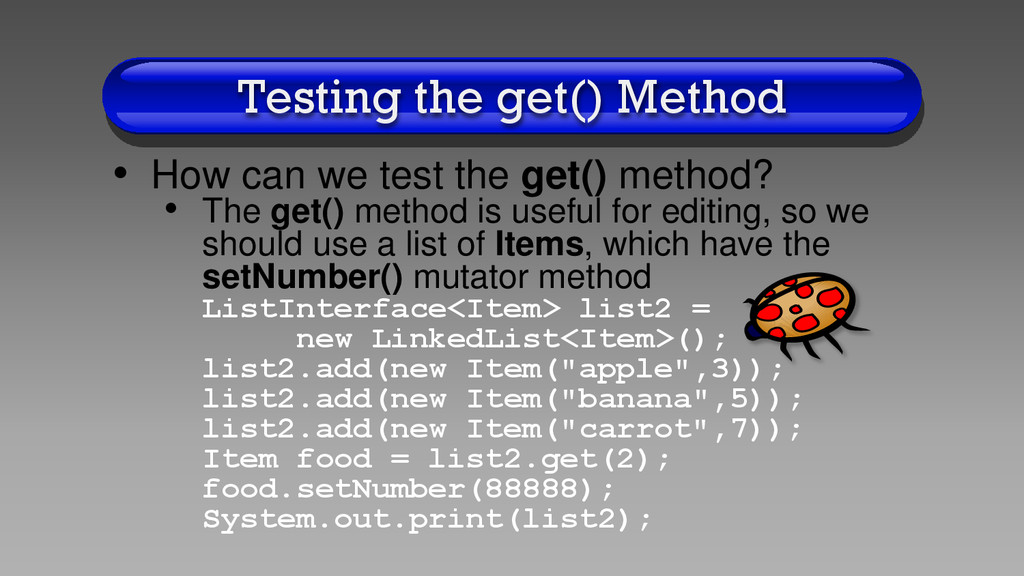
get() method? • The get() method is useful for editing, so we should use a list of Items, which have the setNumber() mutator method ListInterface<Item> list2 = new LinkedList<Item>(); list2.add(new Item("apple",3)); list2.add(new Item("banana",5)); list2.add(new Item("carrot",7)); Item food = list2.get(2); food.setNumber(88888); System.out.print(list2);
to test for all possible code combinations, at a minimum, we want to test for any boundary conditions for each method • For example, since it is easy to be off by 1, the main() method of program LinkedList.java has code that tests for n=0, 1, size, and size+1 for the get(n) method
the other methods, the main() method calls the remove() method several times and then prints the list to check for any bugs in the program • For example, we want to make sure that remove(2) removes the 2nd item in the list • We also want to check for boundary conditions, such as trying to remove an item in the size+1 position
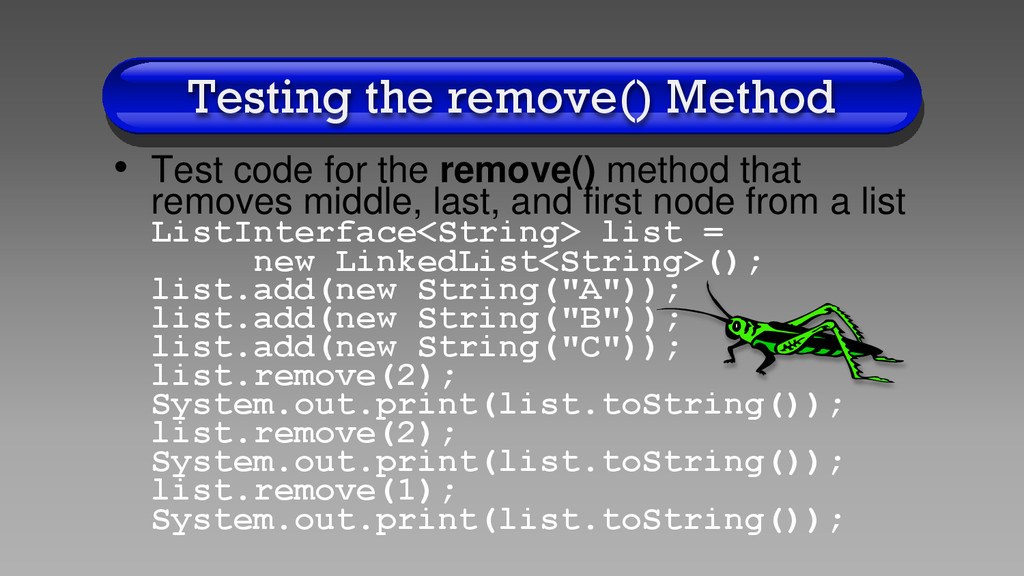
method that removes middle, last, and first node from a list ListInterface<String> list = new LinkedList<String>(); list.add(new String("A")); list.add(new String("B")); list.add(new String("C")); list.remove(2); System.out.print(list.toString()); list.remove(2); System.out.print(list.toString()); list.remove(1); System.out.print(list.toString());
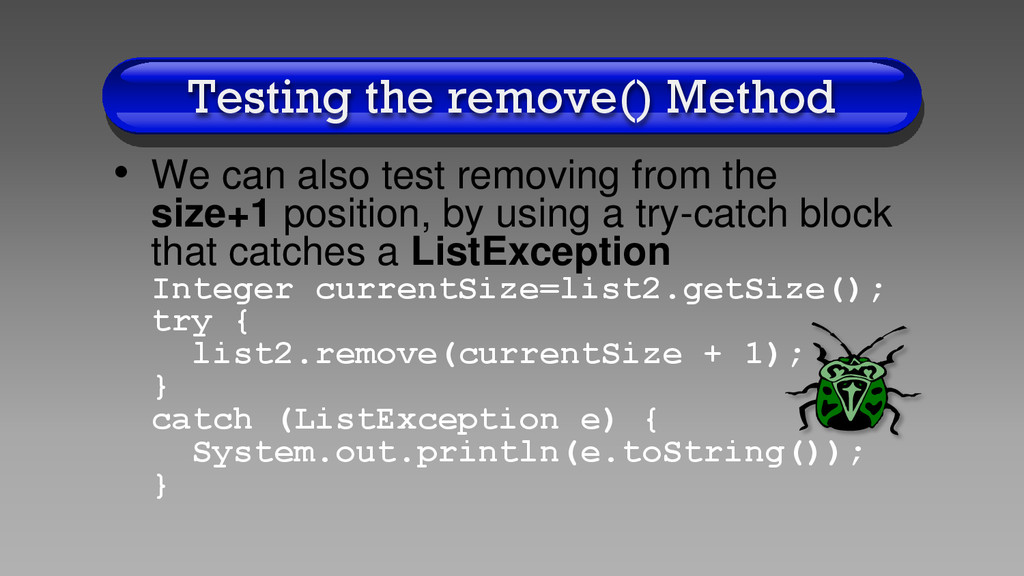
from the size+1 position, by using a try-catch block that catches a ListException Integer currentSize=list2.getSize(); try { list2.remove(currentSize + 1); } catch (ListException e) { System.out.println(e.toString()); }
code is not necessary if we are careful in writing our code • However, no matter how careful you are, it is easy to create bugs • Since our code is broken into several interdependent classes, testing the classes as we make them will reduce the number of bugs in our final program
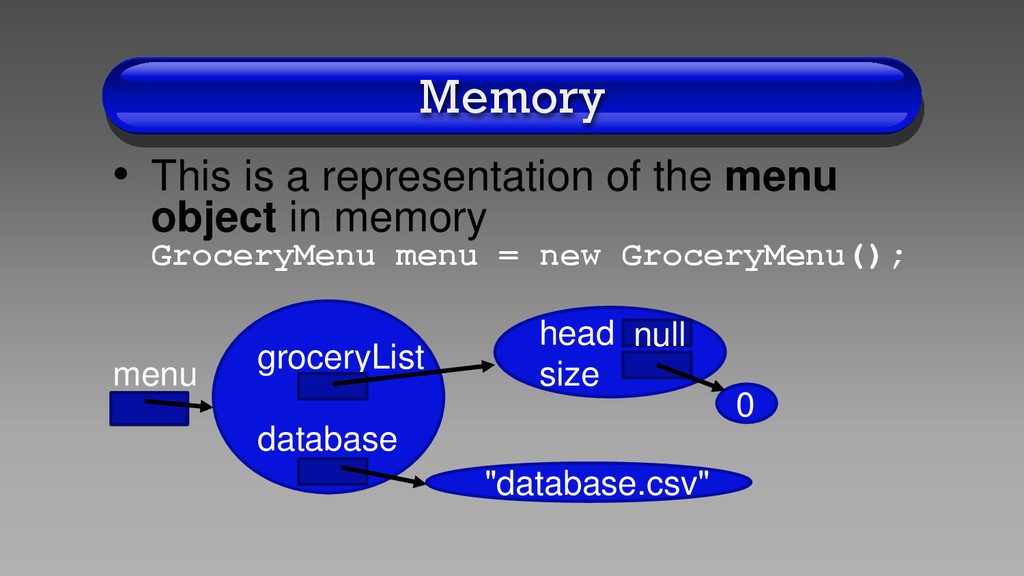
for our GroceryMenu class • A linked list to store grocery items private LinkedList<Item> groceryList = new LinkedList<Item>(); • The name of our database which stores the grocery list data on the hard disk private String database = new String("database.csv");
initialized, the constructor does not have any code • This is my style of programming, as most textbook code initializes the data fields in the constructor public GroceryMenu(){ }
GroceryMenu is quite short • We simply initialize a GroceryMenu object, and call method displayLoop() • The main() method does have to be the longest method in your program public static void main(String[] args) { GroceryMenu menu = new GroceryMenu(); menu.displayLoop();}
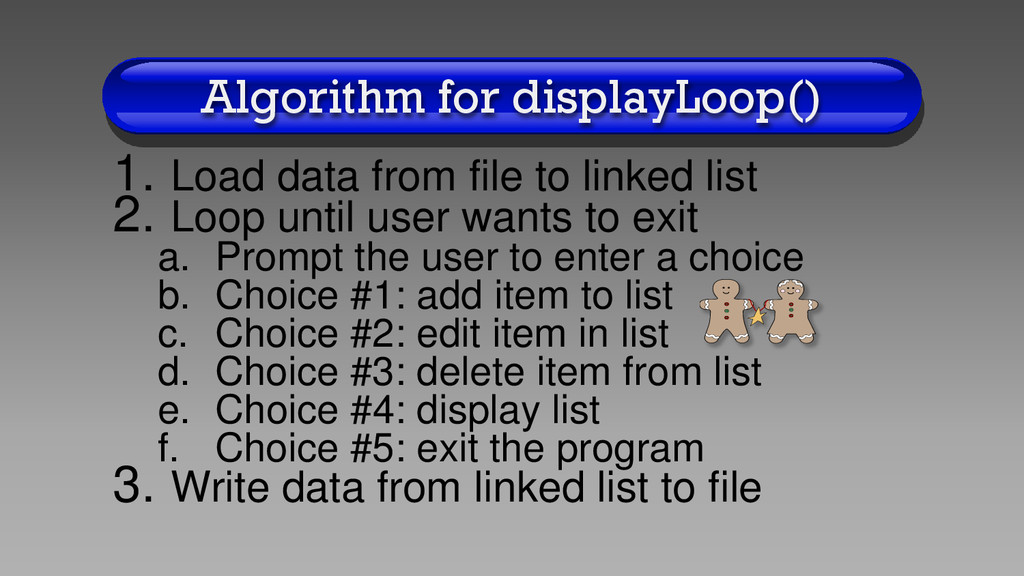
list 2. Loop until user wants to exit a. Prompt the user to enter a choice b. Choice #1: add item to list c. Choice #2: edit item in list d. Choice #3: delete item from list e. Choice #4: display list f. Choice #5: exit the program 3. Write data from linked list to file
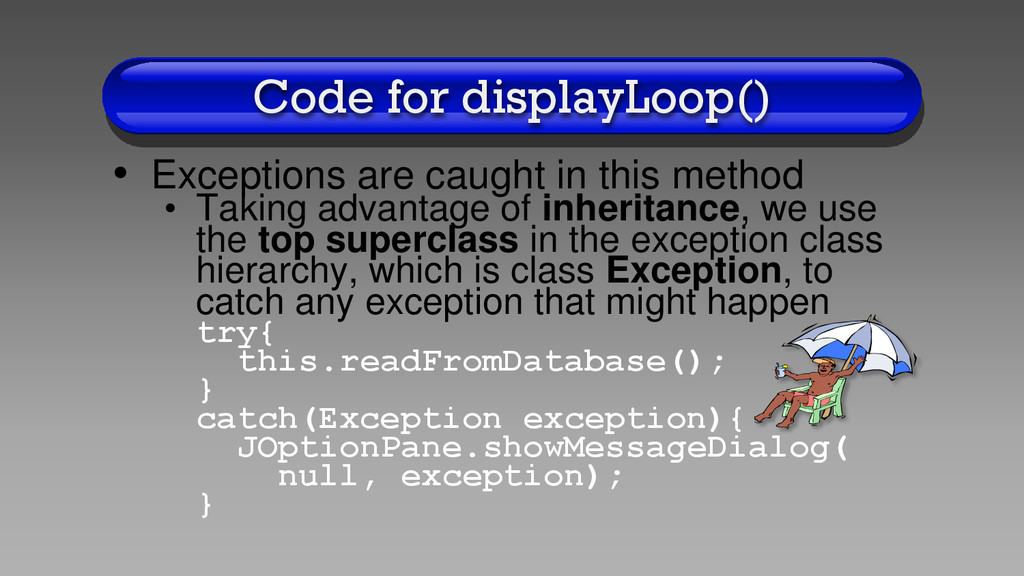
• Taking advantage of inheritance, we use the top superclass in the exception class hierarchy, which is class Exception, to catch any exception that might happen try{ this.readFromDatabase(); } catch(Exception exception){ JOptionPane.showMessageDialog( null, exception); }
is somewhat complicated, because it has many parameters • Please read my comments in my code as well as the Java API explanation to see what parameters are required • The method allows the user to press a button and returns the button’s number
several if statements that call the appropriate method depending on the user’s choice • Most methods are surrounded by try-catch blocks just in case an exception might occur
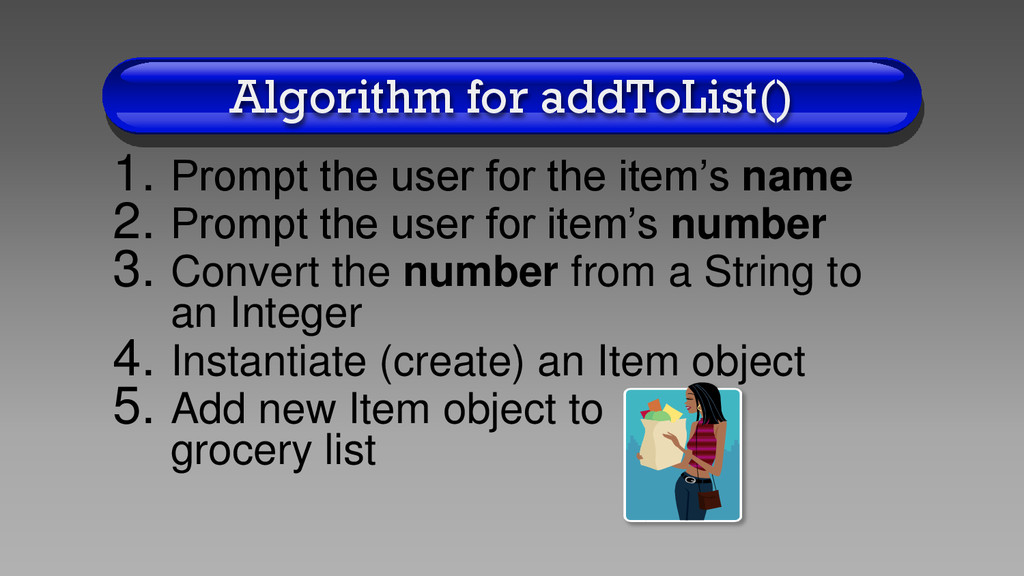
name 2. Prompt the user for item’s number 3. Convert the number from a String to an Integer 4. Instantiate (create) an Item object 5. Add new Item object to grocery list
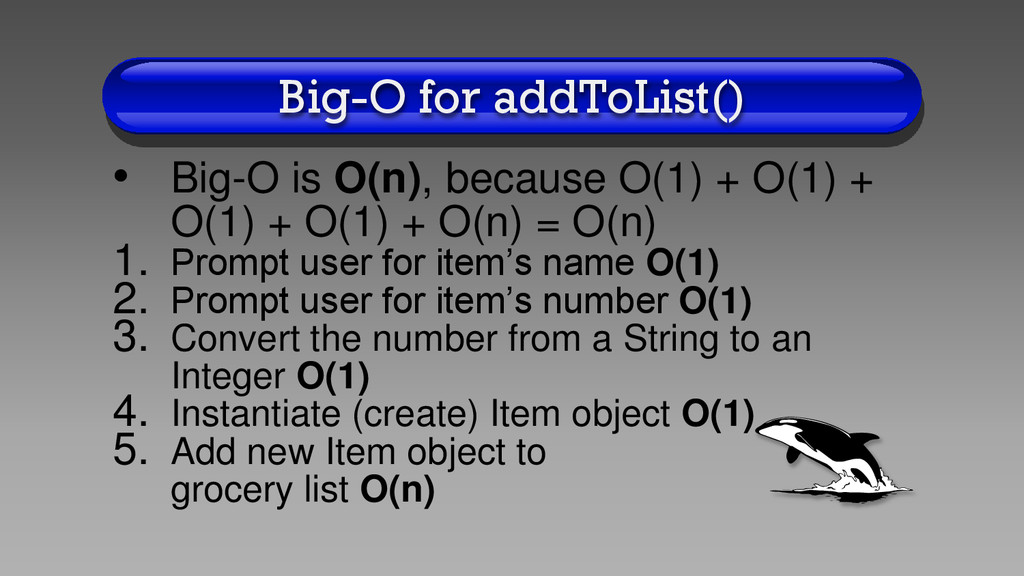
O(1) + O(1) + O(1) + O(n) = O(n) 1. Prompt user for item’s name O(1) 2. Prompt user for item’s number O(1) 3. Convert the number from a String to an Integer O(1) 4. Instantiate (create) Item object O(1) 5. Add new Item object to grocery list O(n)
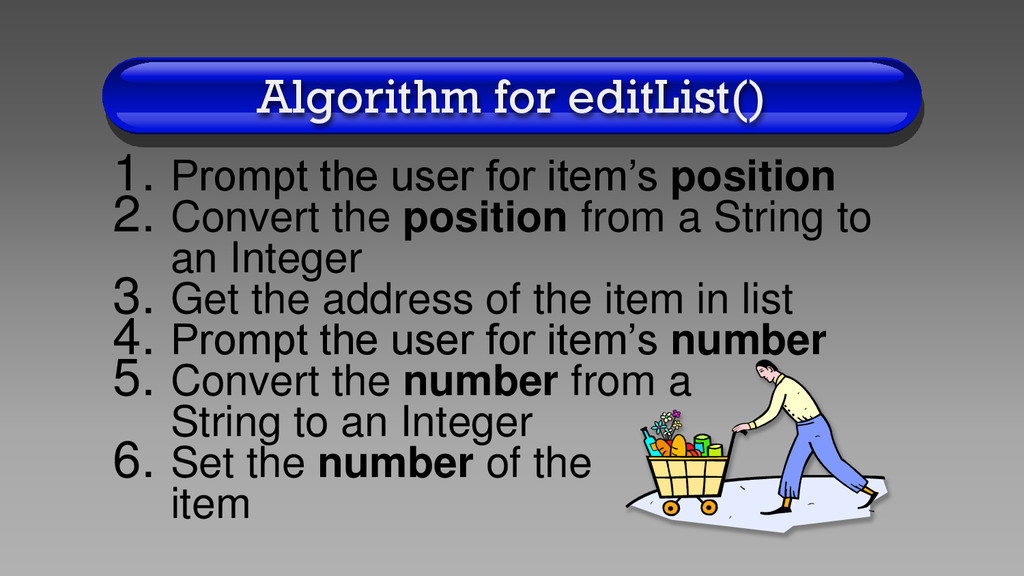
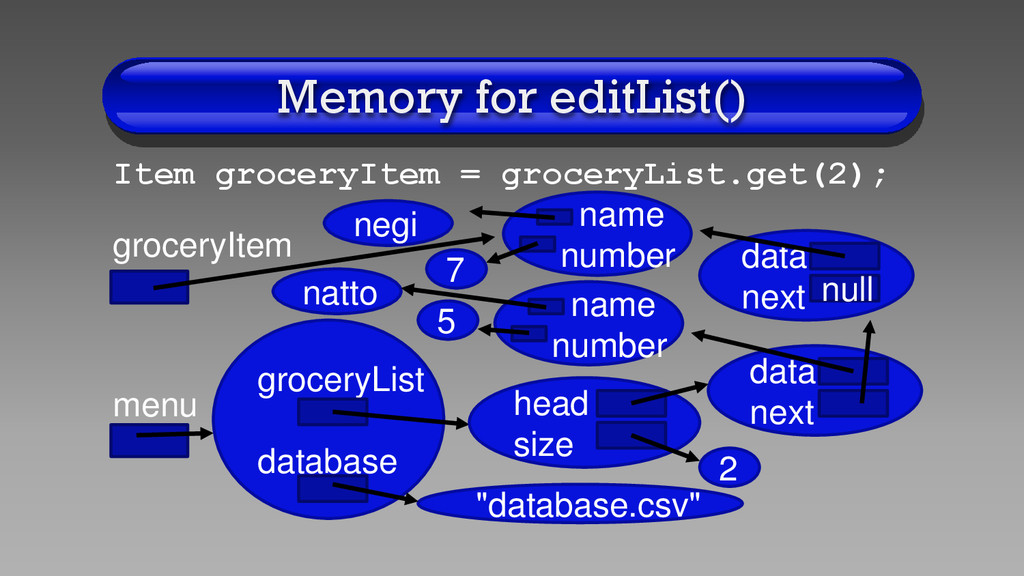
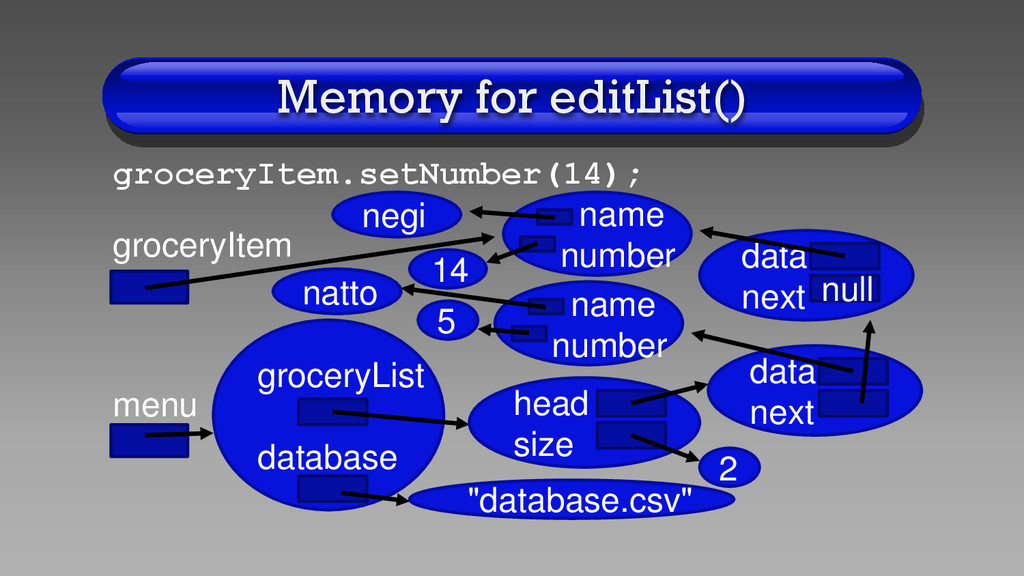
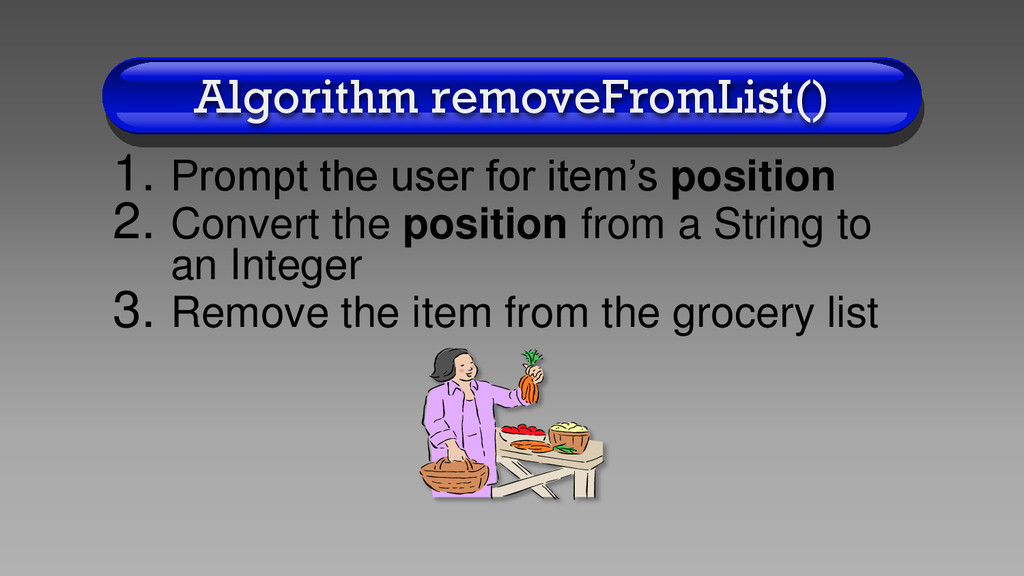
2. Convert the position from a String to an Integer 3. Get the address of the item in list 4. Prompt the user for item’s number 5. Convert the number from a String to an Integer 6. Set the number of the item
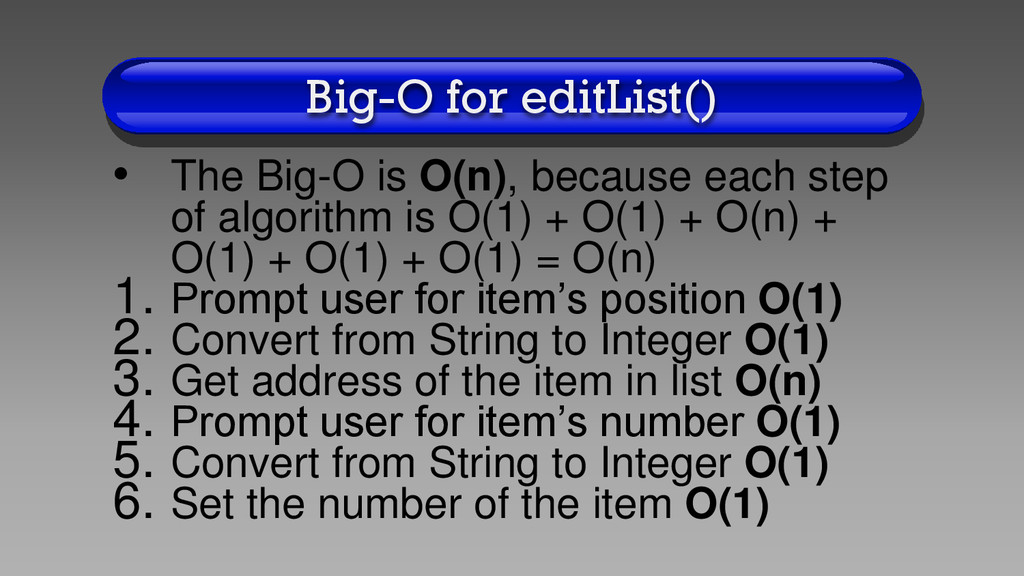
step of algorithm is O(1) + O(1) + O(n) + O(1) + O(1) + O(1) = O(n) 1. Prompt user for item’s position O(1) 2. Convert from String to Integer O(1) 3. Get address of the item in list O(n) 4. Prompt user for item’s number O(1) 5. Convert from String to Integer O(1) 6. Set the number of the item O(1)
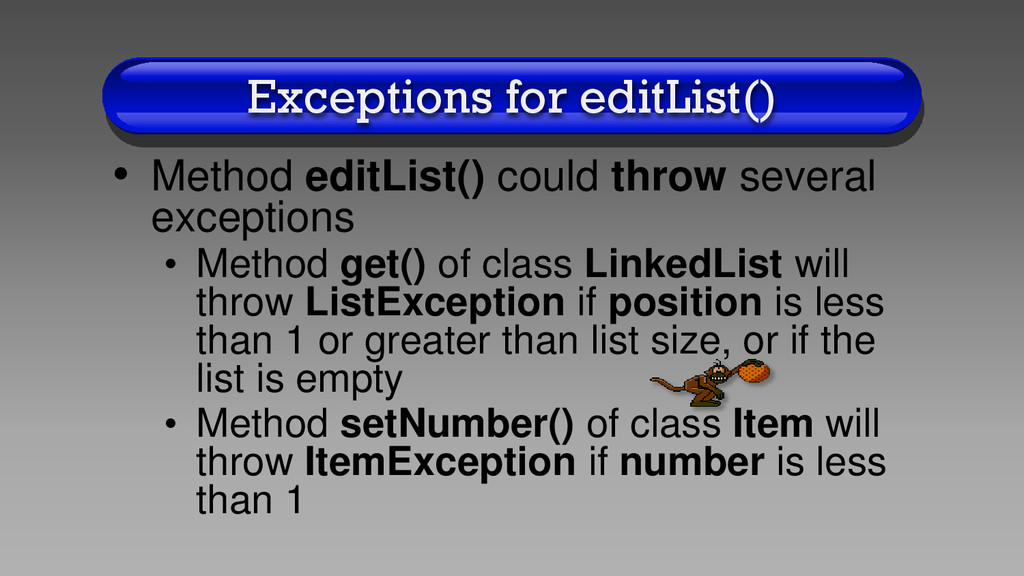
• Method get() of class LinkedList will throw ListException if position is less than 1 or greater than list size, or if the list is empty • Method setNumber() of class Item will throw ItemException if number is less than 1
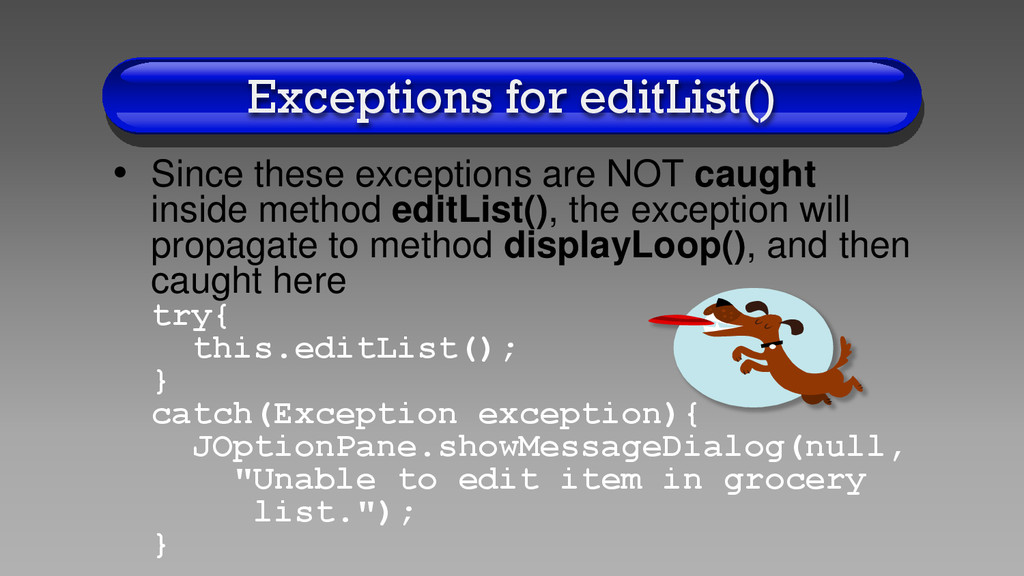
inside method editList(), the exception will propagate to method displayLoop(), and then caught here try{ this.editList(); } catch(Exception exception){ JOptionPane.showMessageDialog(null, "Unable to edit item in grocery list."); }
add up the Big-O for each step of the algorithm, we get: O(1) + O(1) + O(n) = O(n) 1.Prompt user for item’s position O(1) 2.Convert the position from a String to an Integer O(1) 3.Remove the item from the grocery list O(n)
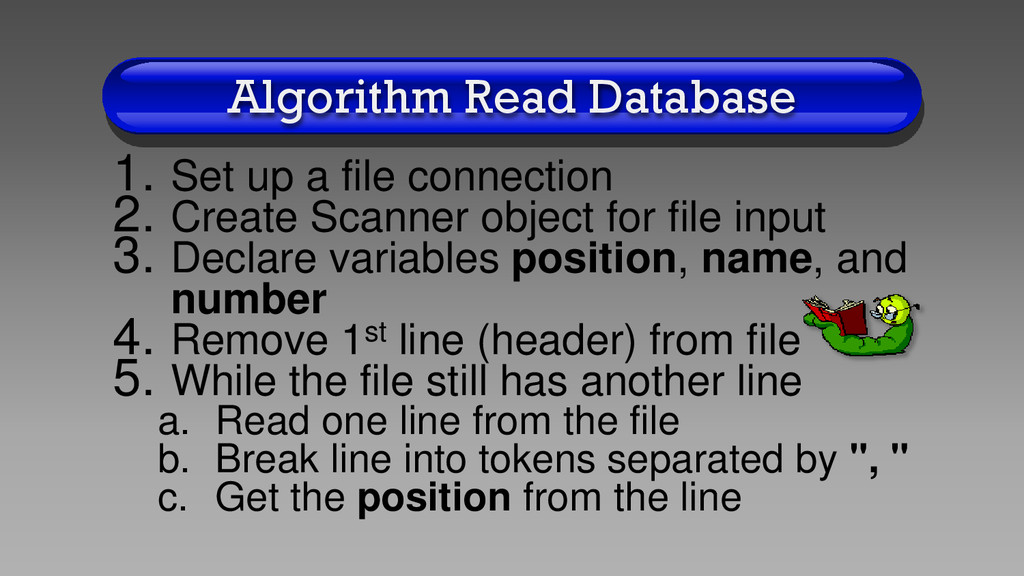
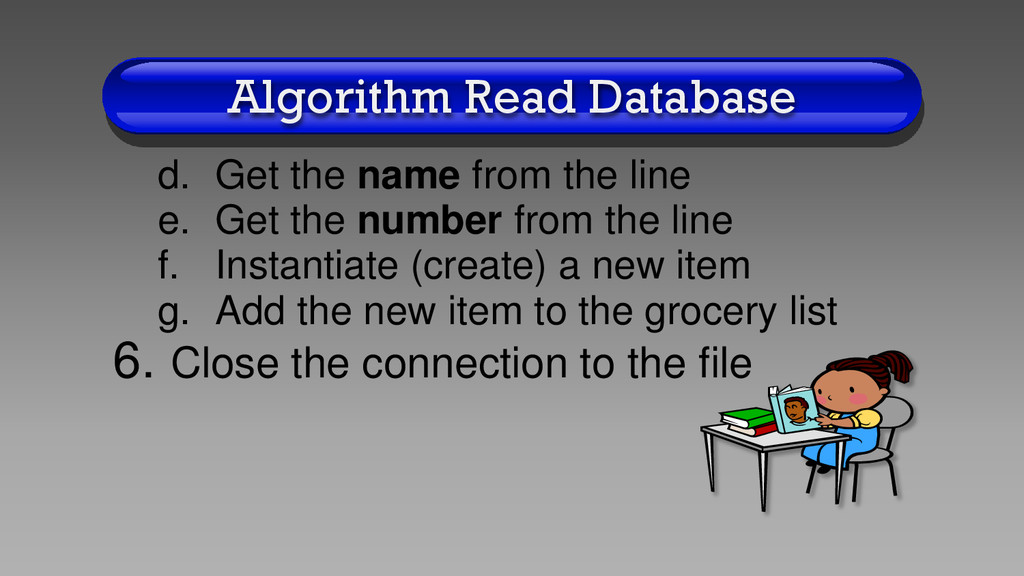
Create Scanner object for file input 3. Declare variables position, name, and number 4. Remove 1st line (header) from file 5. While the file still has another line a. Read one line from the file b. Break line into tokens separated by ", " c. Get the position from the line
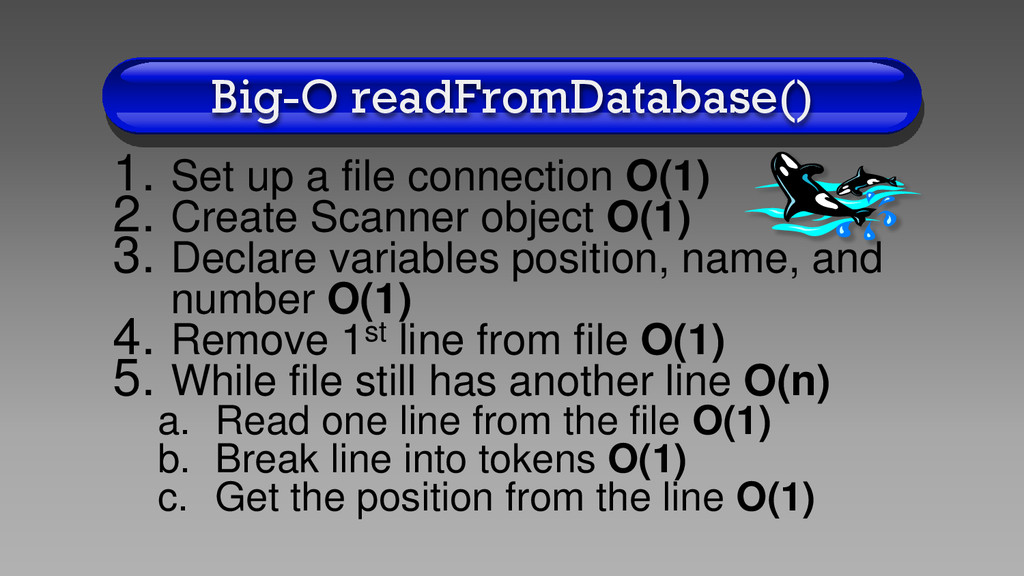
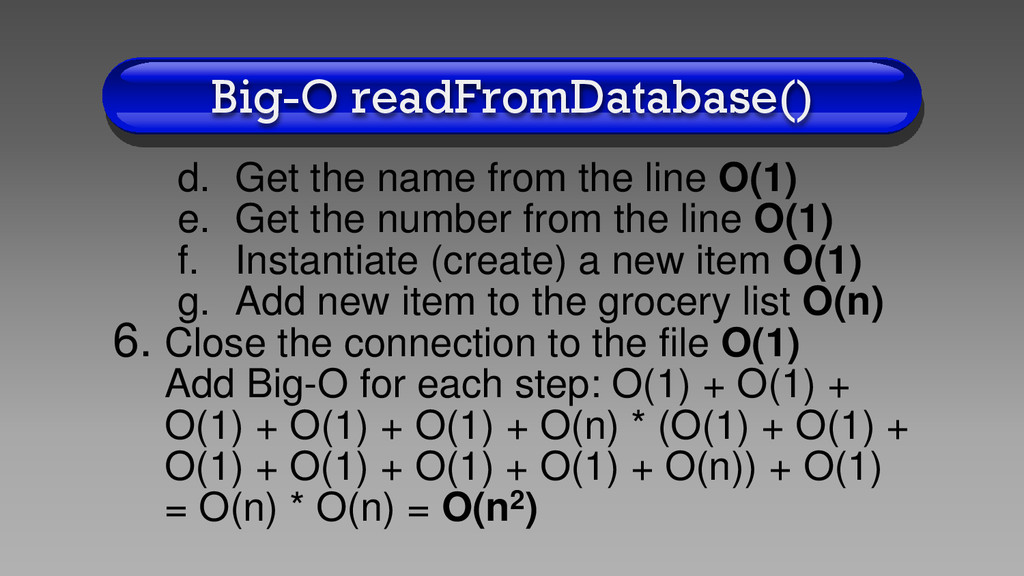
Create Scanner object O(1) 3. Declare variables position, name, and number O(1) 4. Remove 1st line from file O(1) 5. While file still has another line O(n) a. Read one line from the file O(1) b. Break line into tokens O(1) c. Get the position from the line O(1)
e. Get the number from the line O(1) f. Instantiate (create) a new item O(1) g. Add new item to the grocery list O(n) 6. Close the connection to the file O(1) Add Big-O for each step: O(1) + O(1) + O(1) + O(1) + O(1) + O(n) * (O(1) + O(1) + O(1) + O(1) + O(1) + O(1) + O(n)) + O(1) = O(n) * O(n) = O(n2)
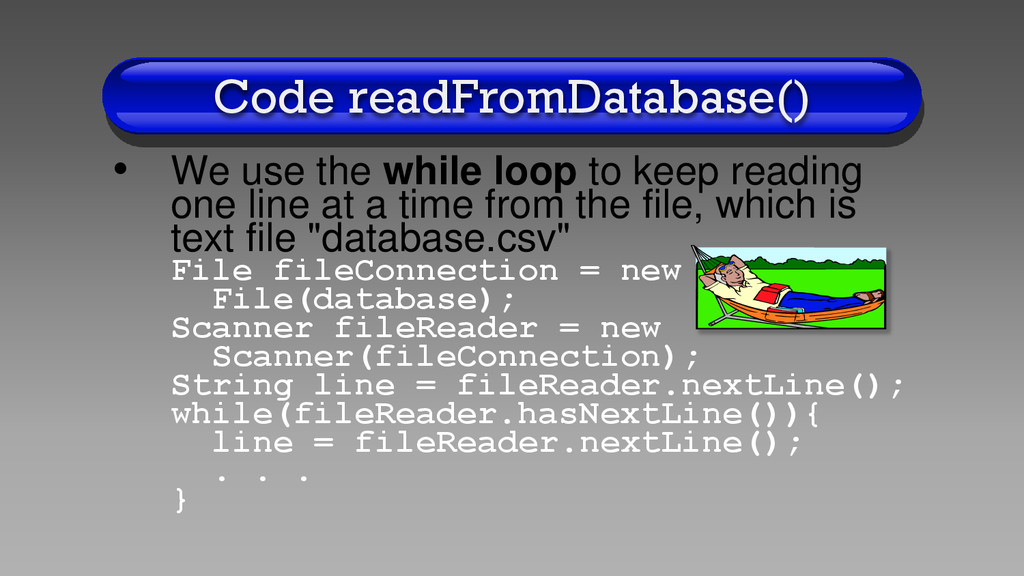
reading one line at a time from the file, which is text file "database.csv" File fileConnection = new File(database); Scanner fileReader = new Scanner(fileConnection); String line = fileReader.nextLine(); while(fileReader.hasNextLine()){ line = fileReader.nextLine(); . . . }
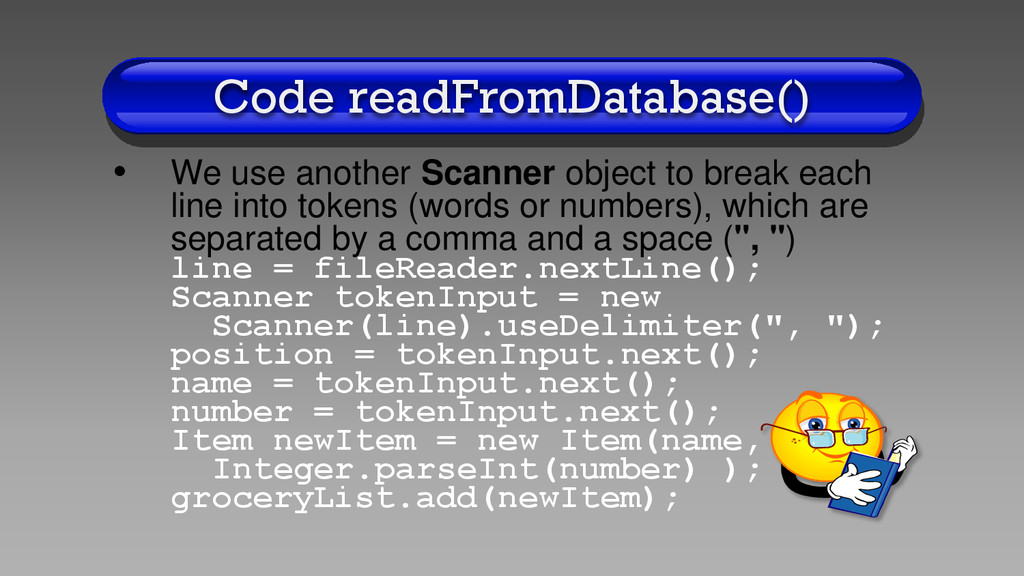
each line into tokens (words or numbers), which are separated by a comma and a space (", ") line = fileReader.nextLine(); Scanner tokenInput = new Scanner(line).useDelimiter(", "); position = tokenInput.next(); name = tokenInput.next(); number = tokenInput.next(); Item newItem = new Item(name, Integer.parseInt(number) ); groceryList.add(newItem);
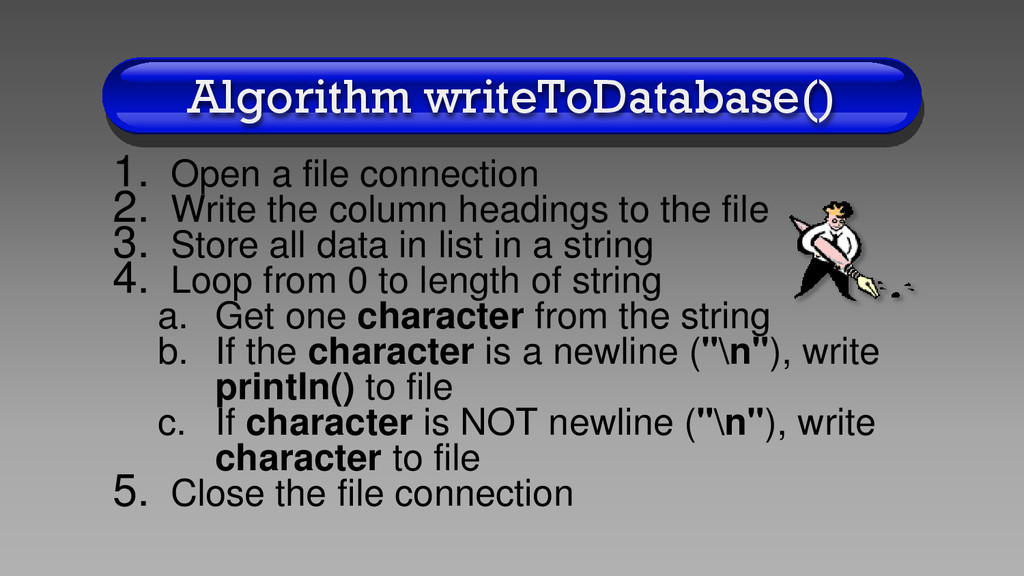
column headings to the file 3. Store all data in list in a string 4. Loop from 0 to length of string a. Get one character from the string b. If the character is a newline ("\n"), write println() to file c. If character is NOT newline ("\n"), write character to file 5. Close the file connection
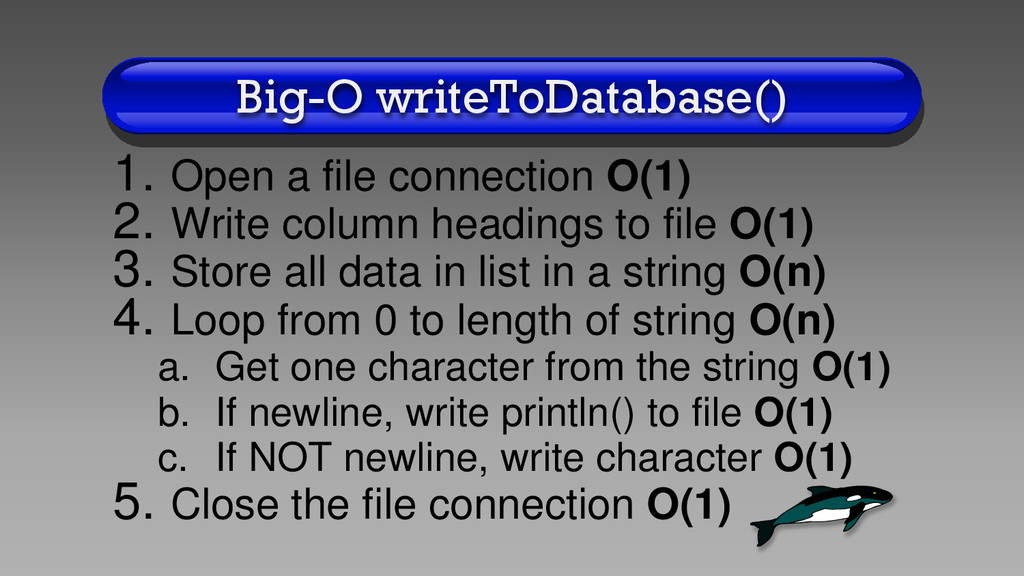
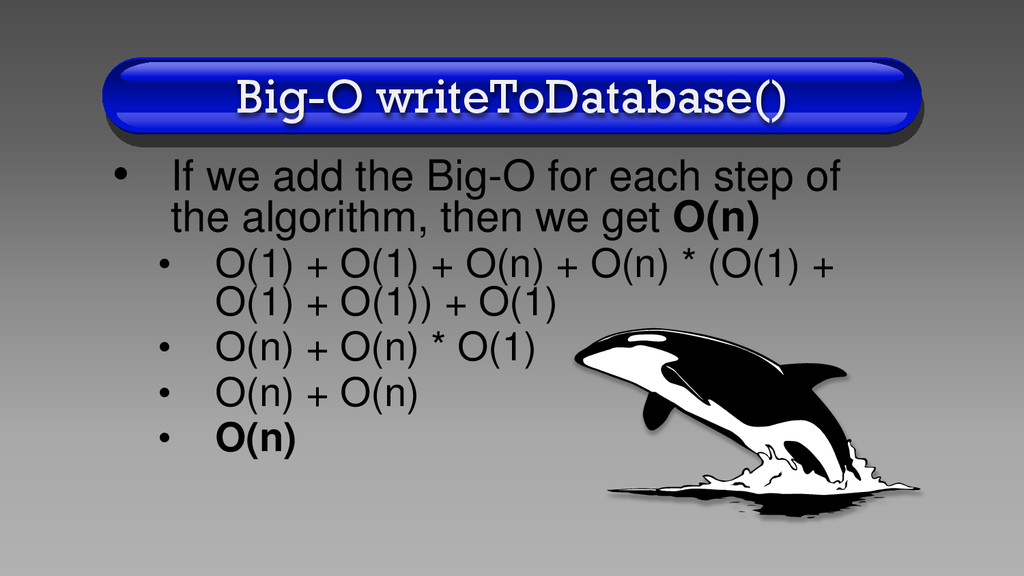
column headings to file O(1) 3. Store all data in list in a string O(n) 4. Loop from 0 to length of string O(n) a. Get one character from the string O(1) b. If newline, write println() to file O(1) c. If NOT newline, write character O(1) 5. Close the file connection O(1)
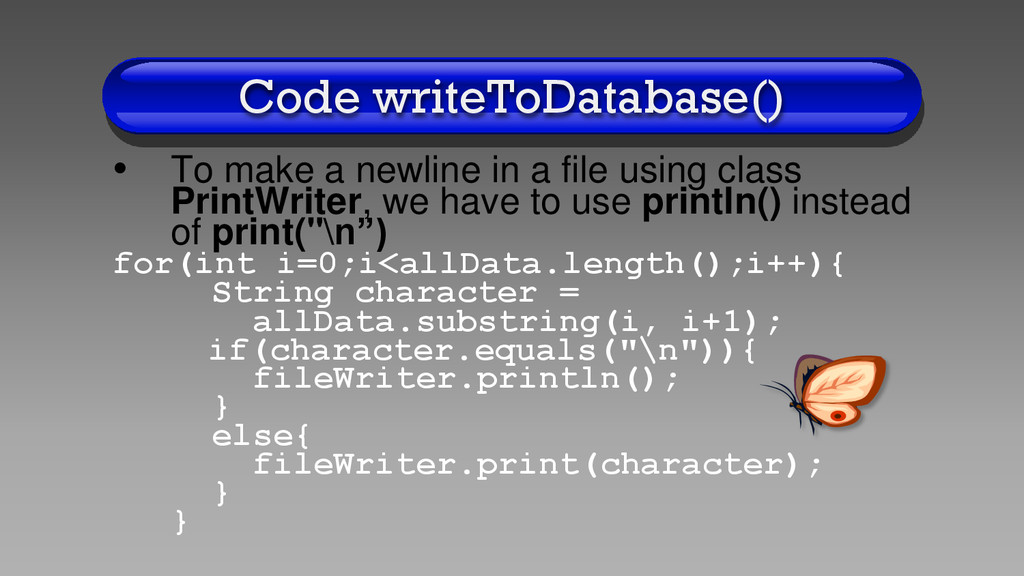
using class PrintWriter, we have to use println() instead of print("\n”) for(int i=0;i<allData.length();i++){ String character = allData.substring(i, i+1); if(character.equals("\n")){ fileWriter.println(); } else{ fileWriter.print(character); } }
so you understand what the program does • Also, look through the code of classes GroceryMenu, LinkedList, Item, and Node to make sure you understand how each line of code of each method works
1.Do the assignment corresponding to this lecture 2.Email me any questions you may have about the material 3.Turn in the assignment before the next lecture


 billlymacc
 tomoyanonymous
 wjessup
 mongodb
 lfama
lfama
 michielstock
 maggiecrowley
 speakerdeck
 stuffmc
 inesmontani
 rakko
rakko
 kastner
 uxyall