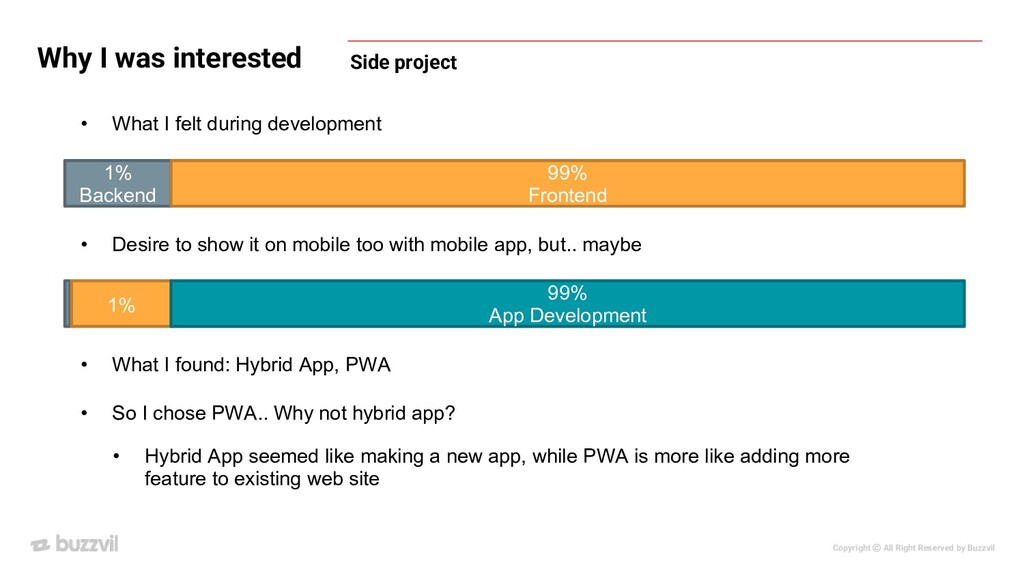
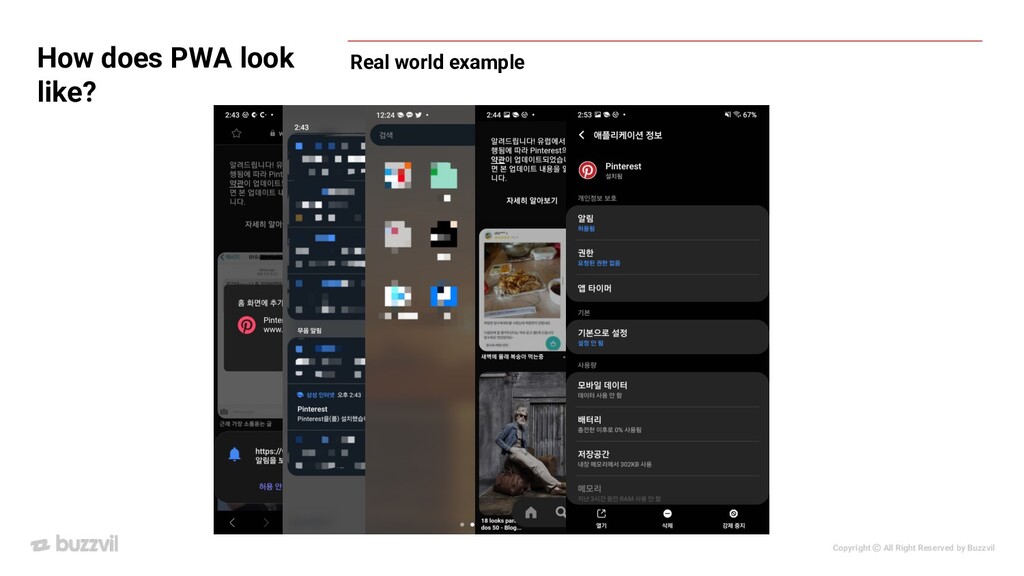
I was interested 1% Backend 99% Frontend • What I felt during development • Desire to show it on mobile too with mobile app, but.. maybe 1% 99% App Development • What I found: Hybrid App, PWA • So I chose PWA.. Why not hybrid app? • Hybrid App seemed like making a new app, while PWA is more like adding more feature to existing web site
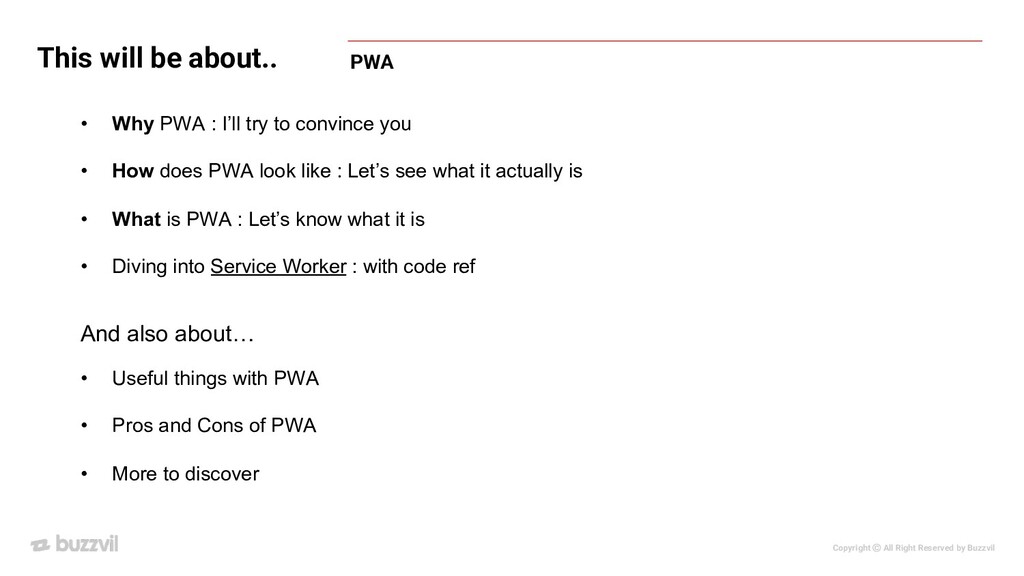
be about.. • Why PWA : I’ll try to convince you • How does PWA look like : Let’s see what it actually is • What is PWA : Let’s know what it is • Diving into Service Worker : with code ref • Useful things with PWA • Pros and Cons of PWA • More to discover And also about…
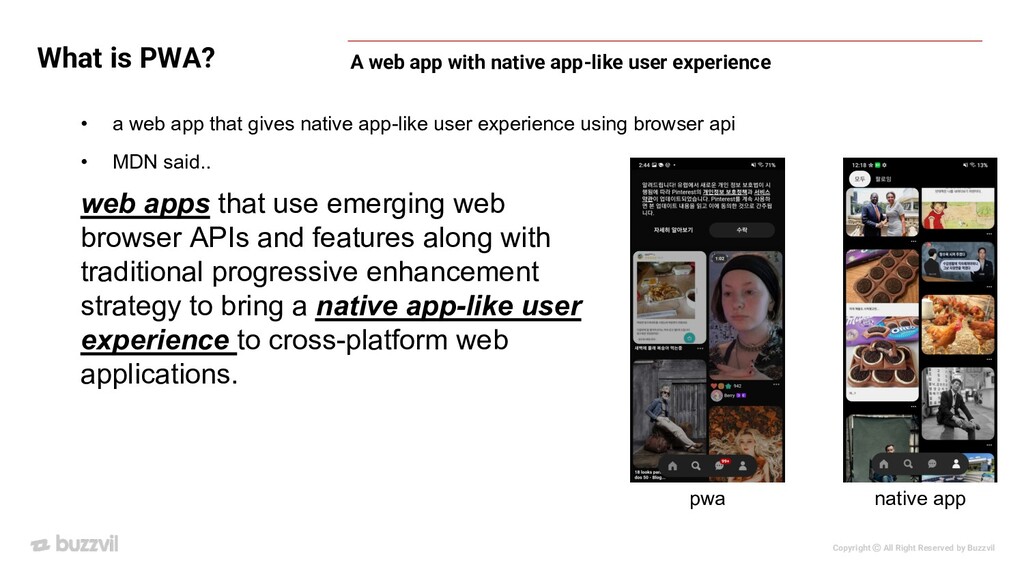
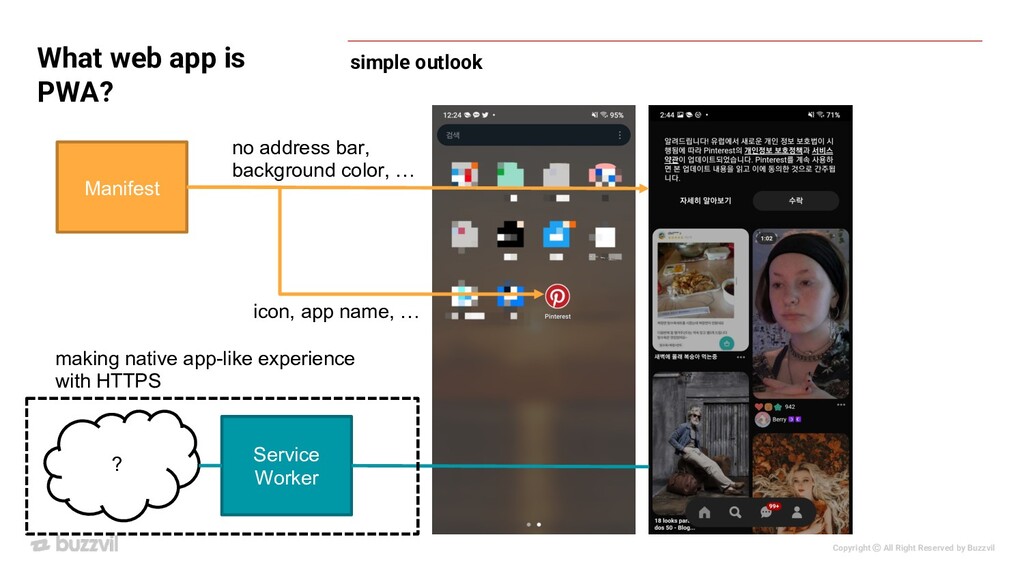
web apps that use emerging web browser APIs and features along with traditional progressive enhancement strategy to bring a native app-like user experience to cross-platform web applications. • a web app that gives native app-like user experience using browser api • MDN said.. A web app with native app-like user experience pwa native app
• Show cached resources on offline status • Re-engageable: Push notifications, sense specific time • installable: Add to Home screen • Something else that simple web site cannot do native app-like user experience.. like what?
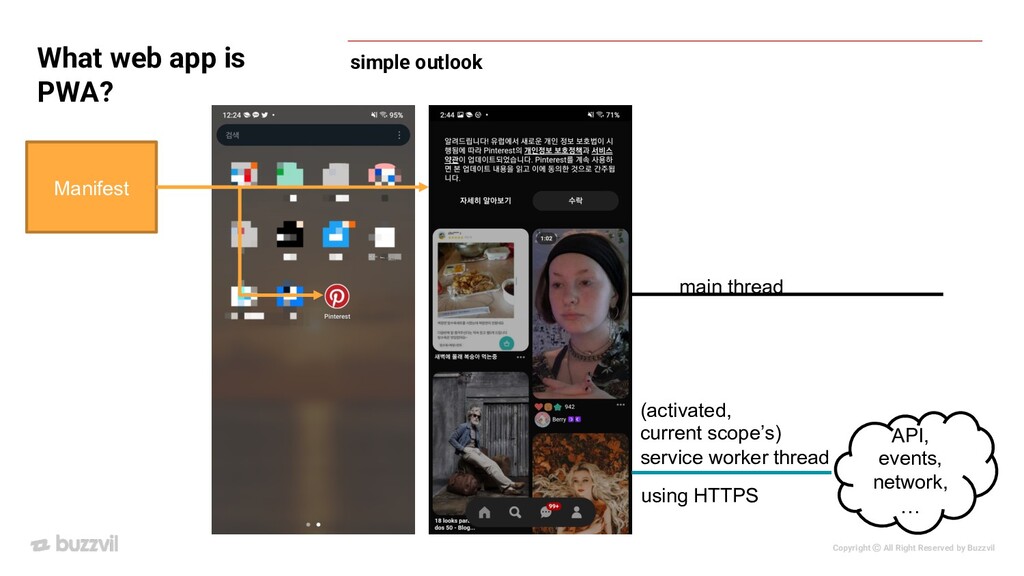
is PWA? A set of technology, more like design pattern In order to call a Web App a PWA, technically speaking it should have the following features: Secure contexts (HTTPS), one or more Service Workers, and a manifest file.
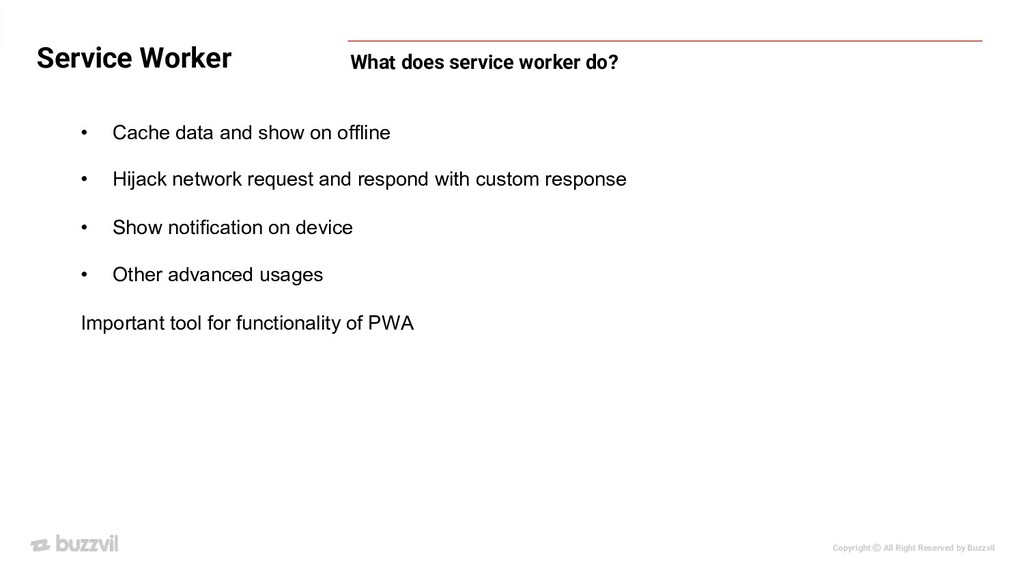
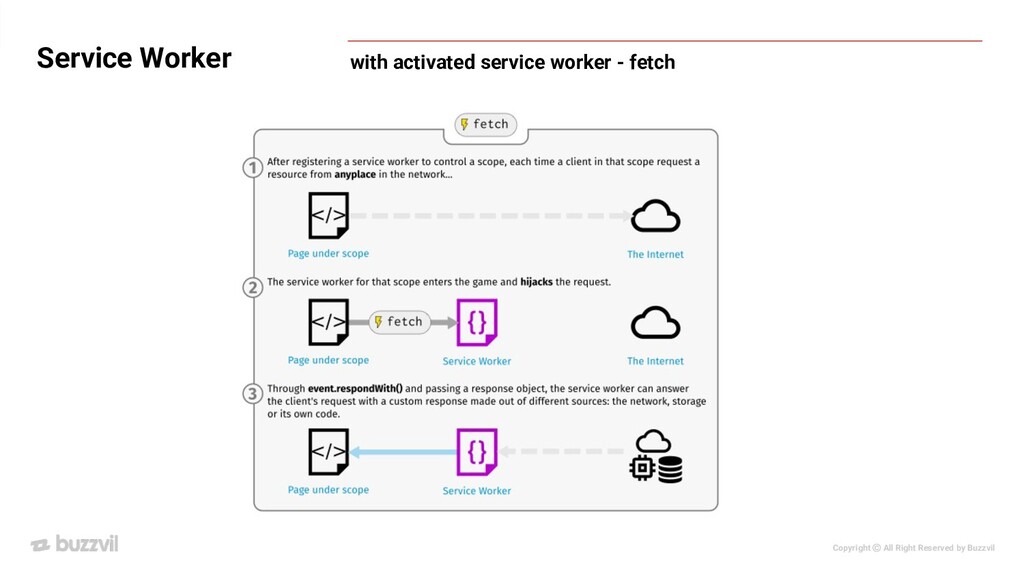
does service worker do? • Cache data and show on offline • Hijack network request and respond with custom response • Show notification on device • Other advanced usages Important tool for functionality of PWA
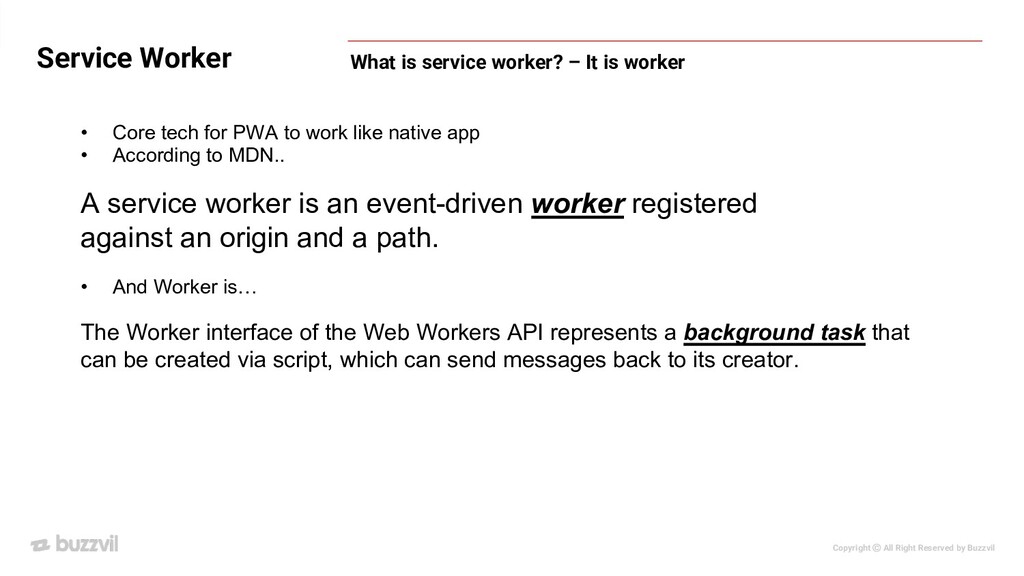
is service worker? – It is worker • Core tech for PWA to work like native app • According to MDN.. A service worker is an event-driven worker registered against an origin and a path. • And Worker is… The Worker interface of the Web Workers API represents a background task that can be created via script, which can send messages back to its creator.
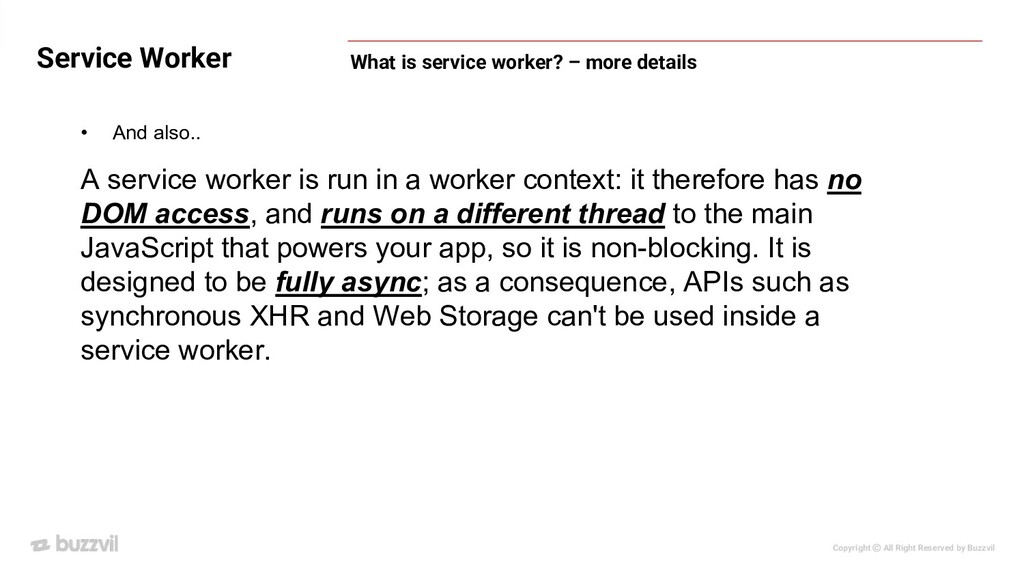
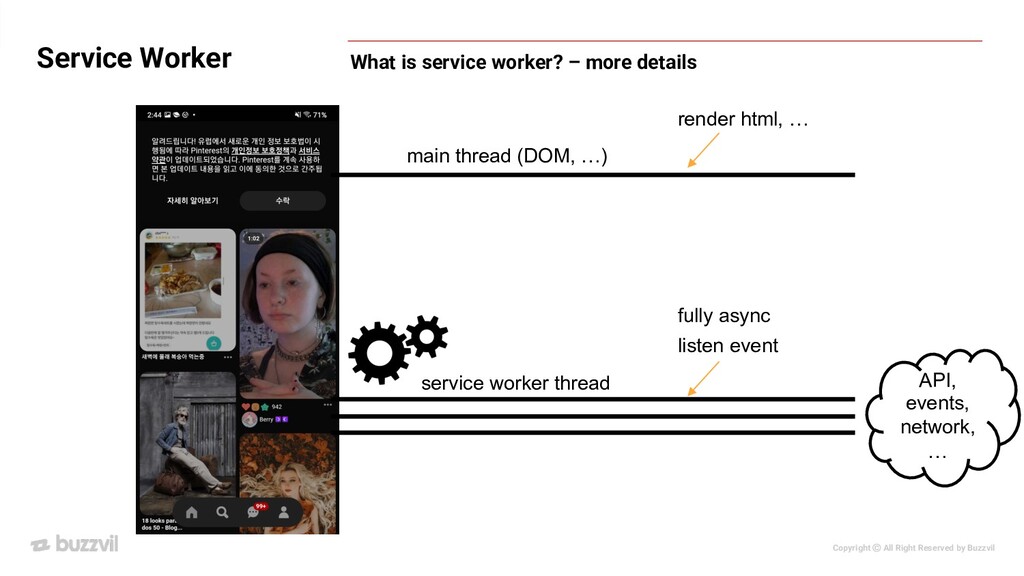
is service worker? – more details • And also.. A service worker is run in a worker context: it therefore has no DOM access, and runs on a different thread to the main JavaScript that powers your app, so it is non-blocking. It is designed to be fully async; as a consequence, APIs such as synchronous XHR and Web Storage can't be used inside a service worker.
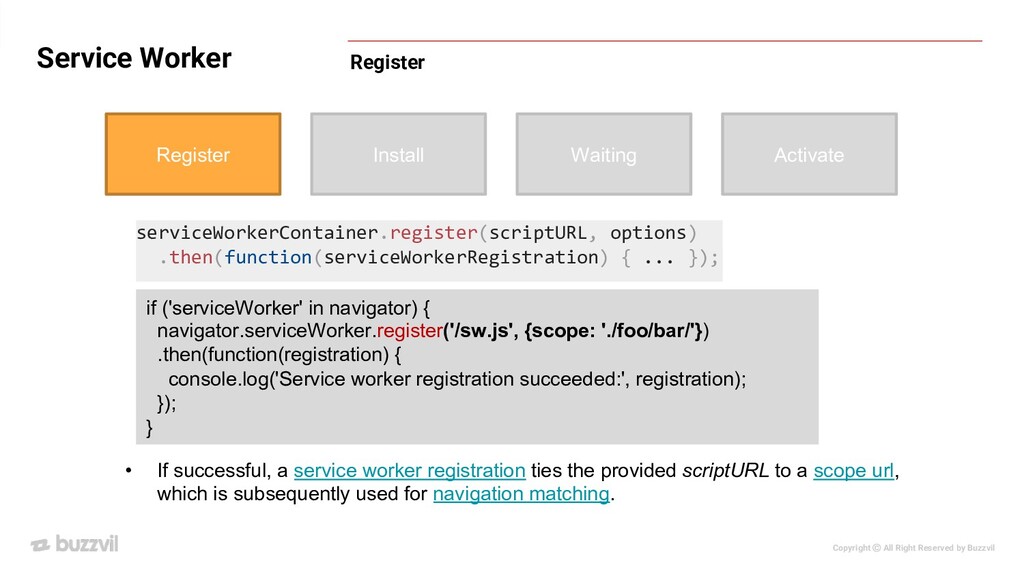
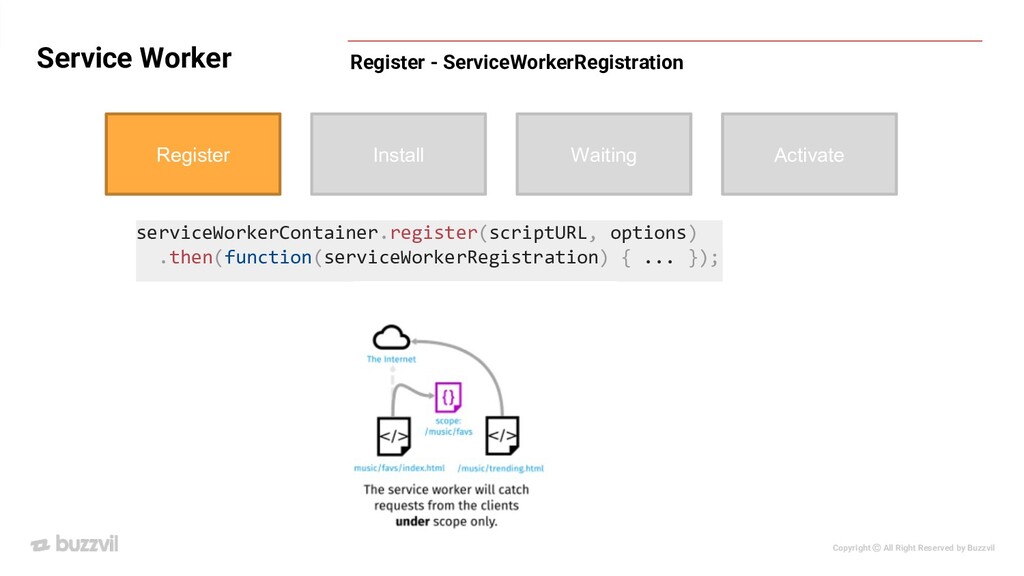
Register Install Waiting Activate serviceWorkerContainer.register(scriptURL, options) .then(function(serviceWorkerRegistration) { ... }); • If successful, a service worker registration ties the provided scriptURL to a scope url, which is subsequently used for navigation matching. if ('serviceWorker' in navigator) { navigator.serviceWorker.register('/sw.js', {scope: './foo/bar/'}) .then(function(registration) { console.log('Service worker registration succeeded:', registration); }); }
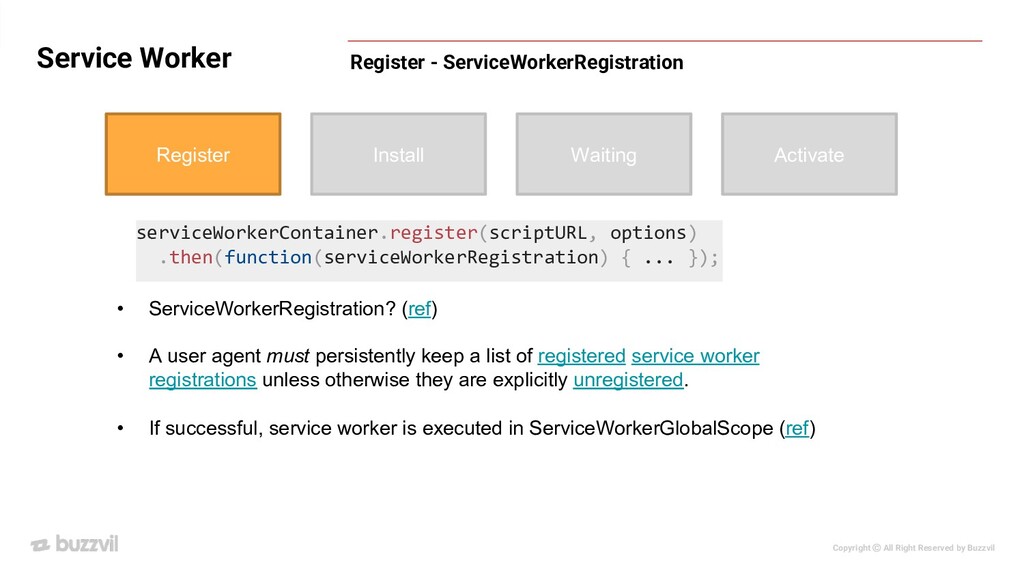
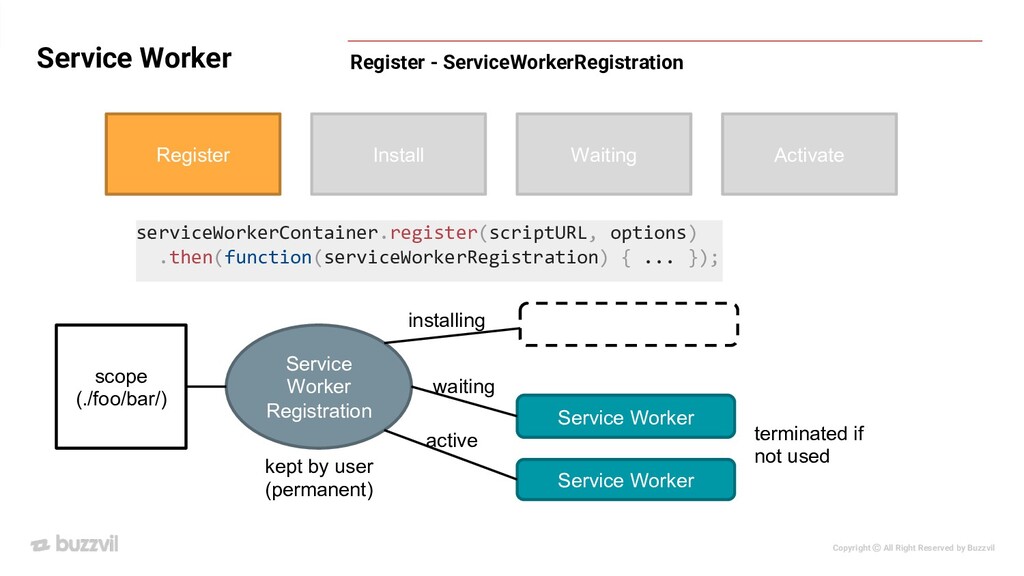
- ServiceWorkerRegistration Register Install Waiting Activate serviceWorkerContainer.register(scriptURL, options) .then(function(serviceWorkerRegistration) { ... }); • ServiceWorkerRegistration? (ref) • A user agent must persistently keep a list of registered service worker registrations unless otherwise they are explicitly unregistered. • If successful, service worker is executed in ServiceWorkerGlobalScope (ref)
- ServiceWorkerRegistration Register Install Waiting Activate serviceWorkerContainer.register(scriptURL, options) .then(function(serviceWorkerRegistration) { ... }); Service Worker Registration scope (./foo/bar/) Service Worker Service Worker waiting active installing terminated if not used kept by user (permanent)
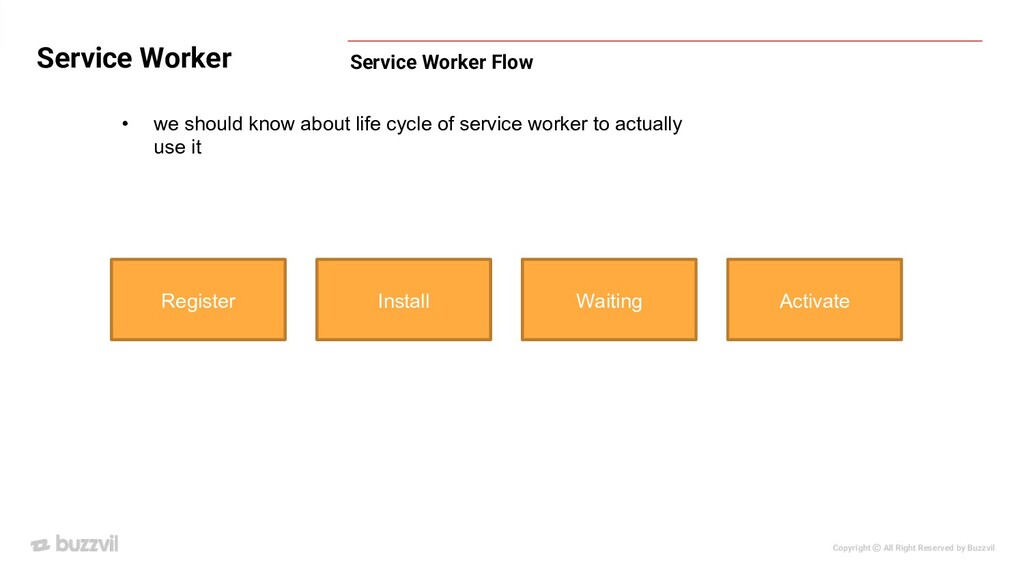
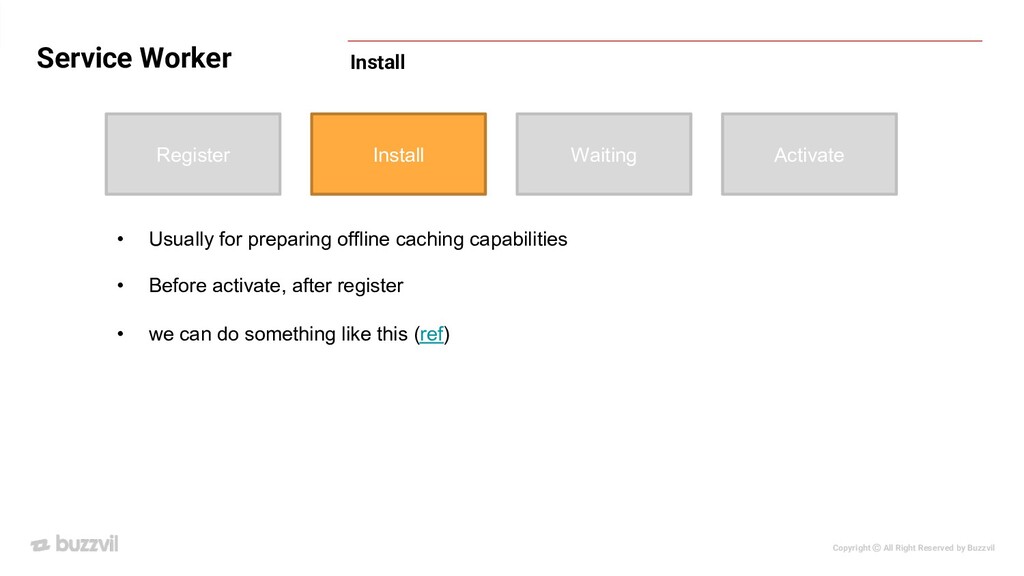
Register Install Waiting Activate • Usually for preparing offline caching capabilities • Before activate, after register • we can do something like this (ref)
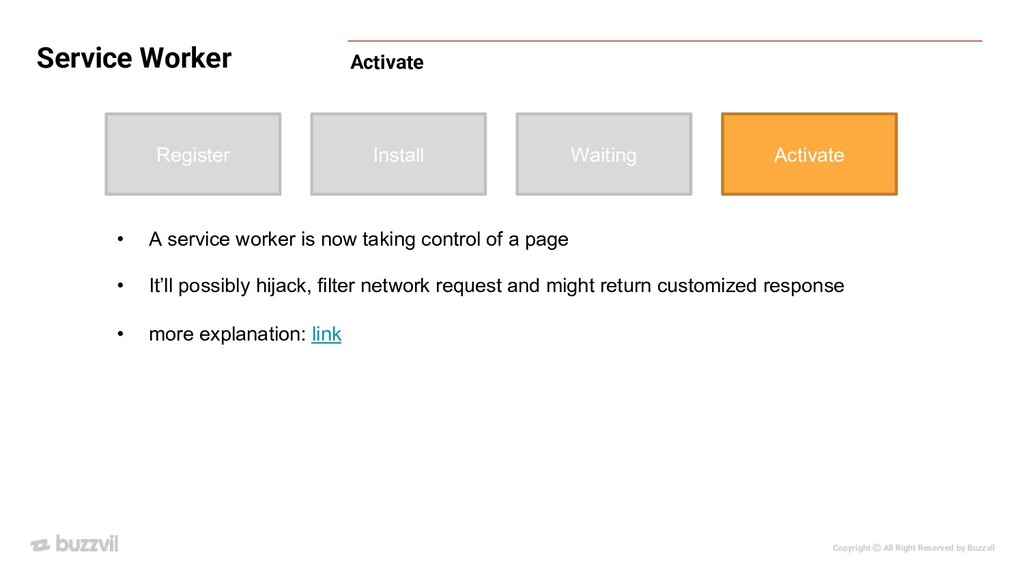
Register Install Waiting Activate • A service worker is now taking control of a page • It’ll possibly hijack, filter network request and might return customized response • more explanation: link
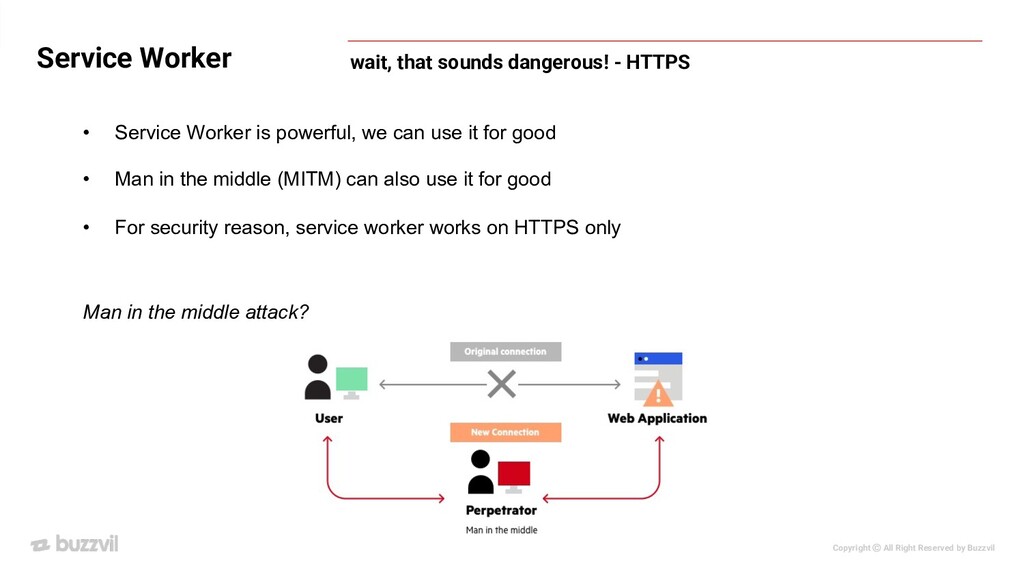
that sounds dangerous! - HTTPS • Service Worker is powerful, we can use it for good • Man in the middle (MITM) can also use it for good • For security reason, service worker works on HTTPS only Man in the middle attack?
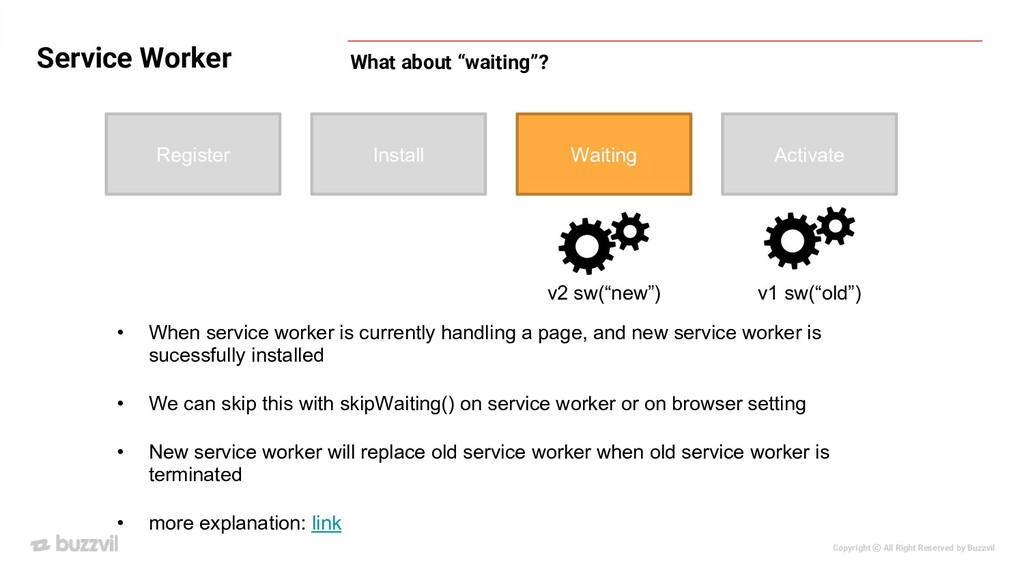
about “waiting”? Register Install Waiting Activate • When service worker is currently handling a page, and new service worker is sucessfully installed • We can skip this with skipWaiting() on service worker or on browser setting • New service worker will replace old service worker when old service worker is terminated • more explanation: link v1 sw(“old”) v2 sw(“new”)
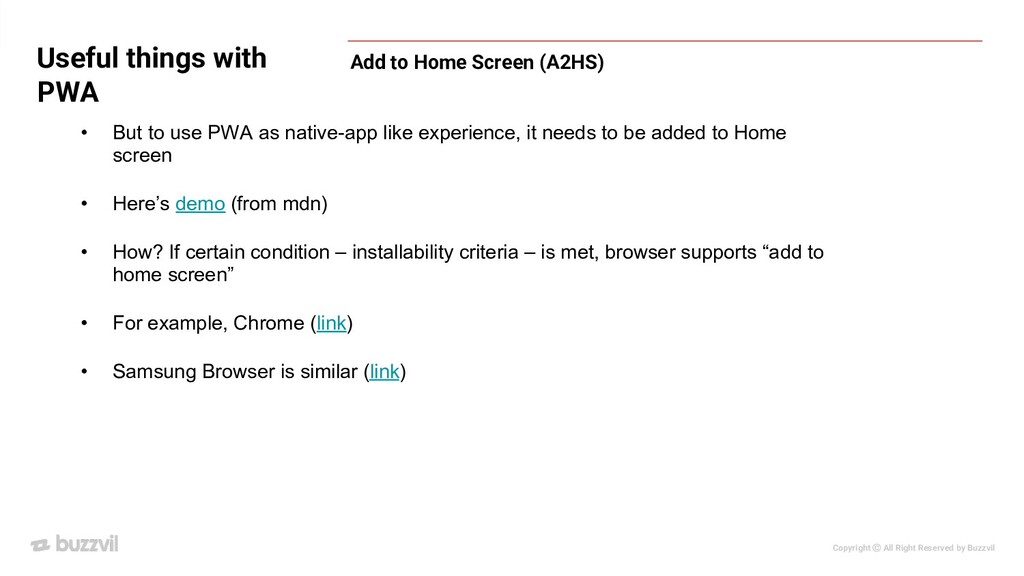
PWA Add to Home Screen (A2HS) • But to use PWA as native-app like experience, it needs to be added to Home screen • Here’s demo (from mdn) • How? If certain condition – installability criteria – is met, browser supports “add to home screen” • For example, Chrome (link) • Samsung Browser is similar (link)
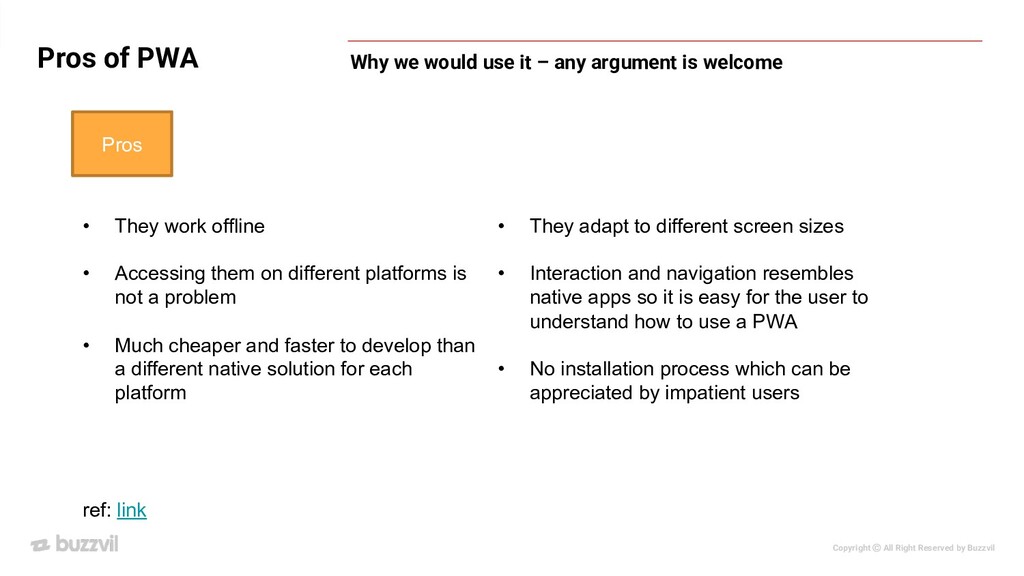
Why we would use it – any argument is welcome Pros • They work offline • Accessing them on different platforms is not a problem • Much cheaper and faster to develop than a different native solution for each platform ref: link • They adapt to different screen sizes • Interaction and navigation resembles native apps so it is easy for the user to understand how to use a PWA • No installation process which can be appreciated by impatient users
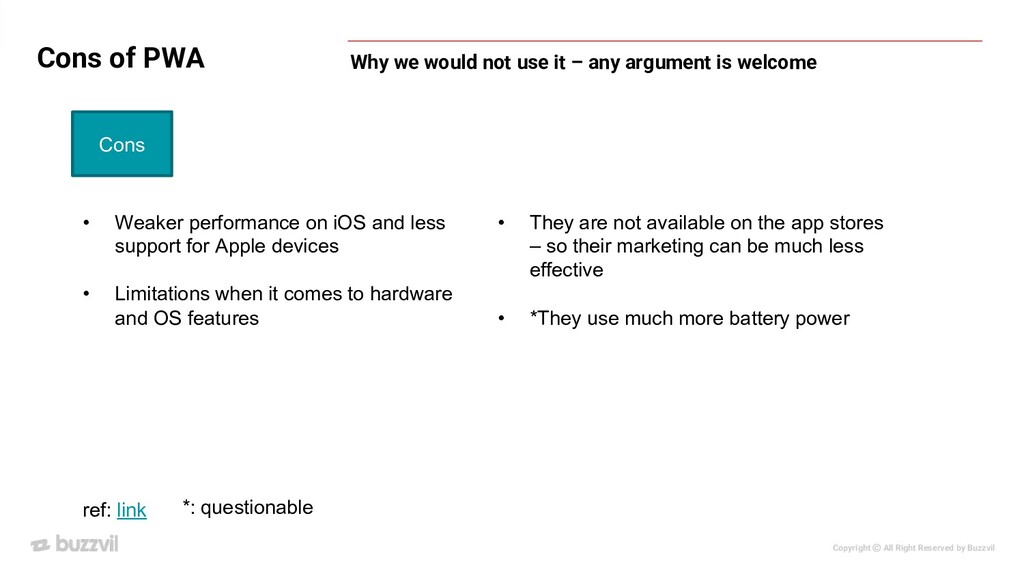
Why we would not use it – any argument is welcome ref: link • They are not available on the app stores – so their marketing can be much less effective • *They use much more battery power *: questionable • Weaker performance on iOS and less support for Apple devices • Limitations when it comes to hardware and OS features Cons


 buzzvil
 teyamagu
 ichirokano2
 kmars0605
 rshindo
 sylph01
 ivargrimstad
 tanahiro2010
 colorful12
 kenjiyoneyama
 econanringo
 steliosf
 morizo_1984
 sarafernandez
 jlugia
 joshbly
 wayneb77
 eileencodes
 dugsong
 irinanazarova
 rasagy
 mayatellez
 stuffmc
 mayunak
 mfonobong